Running a production pipeline that moves client work through multiple cloud tools every day has taught me that security and speed aren’t actually in tension the way people assume — the tension only shows up when security gets bolted on as an afterthought instead of built into how the work already moves.
A design studio that treats security as something separate from the creative process usually ends up choosing between “fast and exposed” or “locked down and slow.” Neither is necessary. The studios that get this right build protection into the same folder structures, permissions, and review steps the work was already passing through.
This isn’t an IT consulting sales pitch. It’s a practical security playbook for distributed creative teams — how to protect client files, unreleased campaign assets, and design work moving through Figma, Adobe, CAD, and cloud folders, without adding friction that makes designers route around the protections you’ve put in place.
Why Distributed Creative Teams Need a Different Security Mindset
Generic corporate cybersecurity advice doesn’t map cleanly onto creative work, and treating it as if it does is part of why so much security guidance for design studios falls flat. A creative team’s most valuable assets aren’t spreadsheets or internal memos — they’re unreleased campaign concepts, client brand assets, CAD files, and design work that’s genuinely damaging if it leaks before a client’s own announcement.
The security mindset needs to account for that specific value, and for the specific collaboration patterns (shared review links, plugin-heavy design tools, large asset transfers) that don’t look like a typical office’s network traffic.
What Remote Work Security Means for Designers
Client Files, Unreleased Campaigns, Brand Assets, and Intellectual Property
For a creative team specifically, remote work security means protecting a fairly distinct category of assets: client files still under NDA, campaign concepts that haven’t launched yet, proprietary brand assets, and the studio’s own intellectual property built up across projects.
A leaked design concept or an early look at an unreleased campaign can genuinely undermine a client’s competitive position, which raises the stakes in a way that’s specific to creative work rather than generic office data. I’ve covered foundational security practices that apply broadly in my guide to boosting your online security, which is worth pairing with the more creative-specific practices covered here.
Why Creative Speed Often Creates Security Gaps
Designers, reasonably, prioritize collaboration speed — a quick shareable link, a fast plugin install, an easy way to get client feedback on a render. Every one of those speed-focused habits is also a potential security gap if it’s not paired with some baseline discipline: a shareable link with no expiration, a plugin installed without any vetting, feedback collected through an unsecured channel. The goal isn’t eliminating that speed. It’s building security into the fast path so designers don’t have to choose between moving quickly and staying protected.
Map the Creative Attack Surface First
Laptops, Home Networks, Shared Drives, Cloud Links, Plugins, and Contractors
Before implementing any specific security measure, it’s worth mapping out where your studio’s actual attack surface sits. For a distributed creative team, that typically includes personal laptops that may lack enterprise-grade protection, home networks with inconsistent security configurations, shared drives with permissions that have quietly expanded over time, cloud sharing links that were created for one project and never revoked, design plugins installed with broad, often unreviewed permissions, and contractors or freelancers who need project access without full studio-wide visibility.
Each of these is a genuine access point, and most studios have never actually inventoried them together in one place. The right collaboration tooling can meaningfully reduce this surface if chosen deliberately — I go into a working set of options in my remote work software tools guide.
Secure Access Without Killing Collaboration
MFA, SSO, Password Managers, Role-Based Permissions, and Guest Access
A handful of access controls do most of the real security work without meaningfully slowing anyone down: multi-factor authentication on every account touching client work, single sign-on where your tools support it (which reduces password fatigue rather than adding friction), a password manager so nobody’s reusing credentials across a dozen different design tools, role-based permissions that match actual project involvement rather than blanket studio-wide access, and a genuine guest-access tier for clients and contractors that doesn’t require handing out full internal credentials.
Getting access architecture right often connects directly to how your broader tools and integrations are secured — a topic I cover more technically in my guide to securing API integrations.
How to Review Folder Permissions Before a Project Goes Live
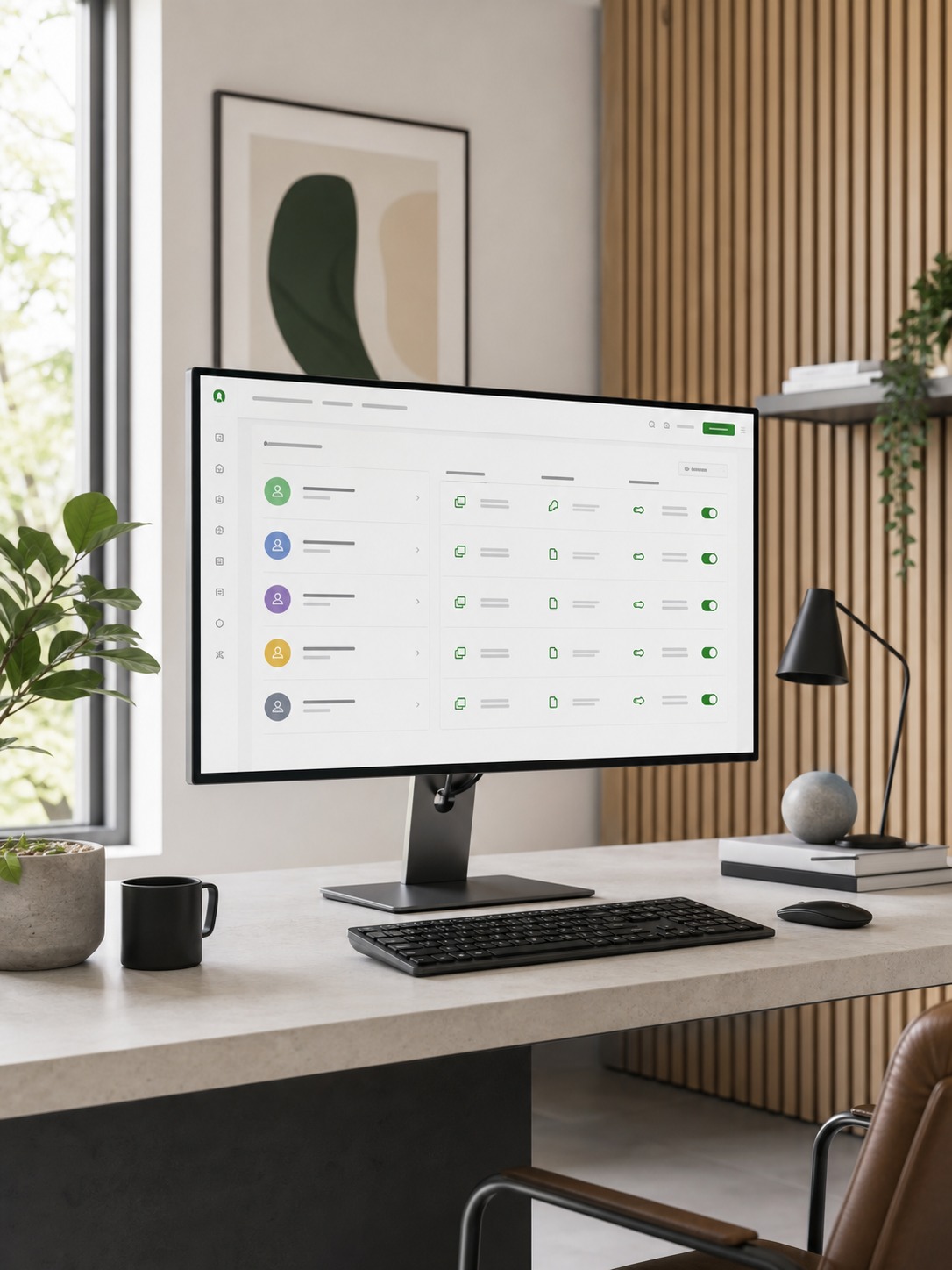
Before any project’s shared folder structure goes live, a quick permissions review catches most of the common mistakes: former team members or contractors who still have access from a previous project, permissions that were set to “anyone with the link” for convenience and never tightened, and folders nested in a way that accidentally grants broader access than intended. This review takes minutes when it’s a standing habit before project kickoff, and takes considerably longer to untangle after the fact once access has sprawled across a live project.
Secure File Sharing for Heavy Design Assets
Figma Files, Adobe Libraries, CAD Files, Video Edits, 3D Renders, and Client Proofs
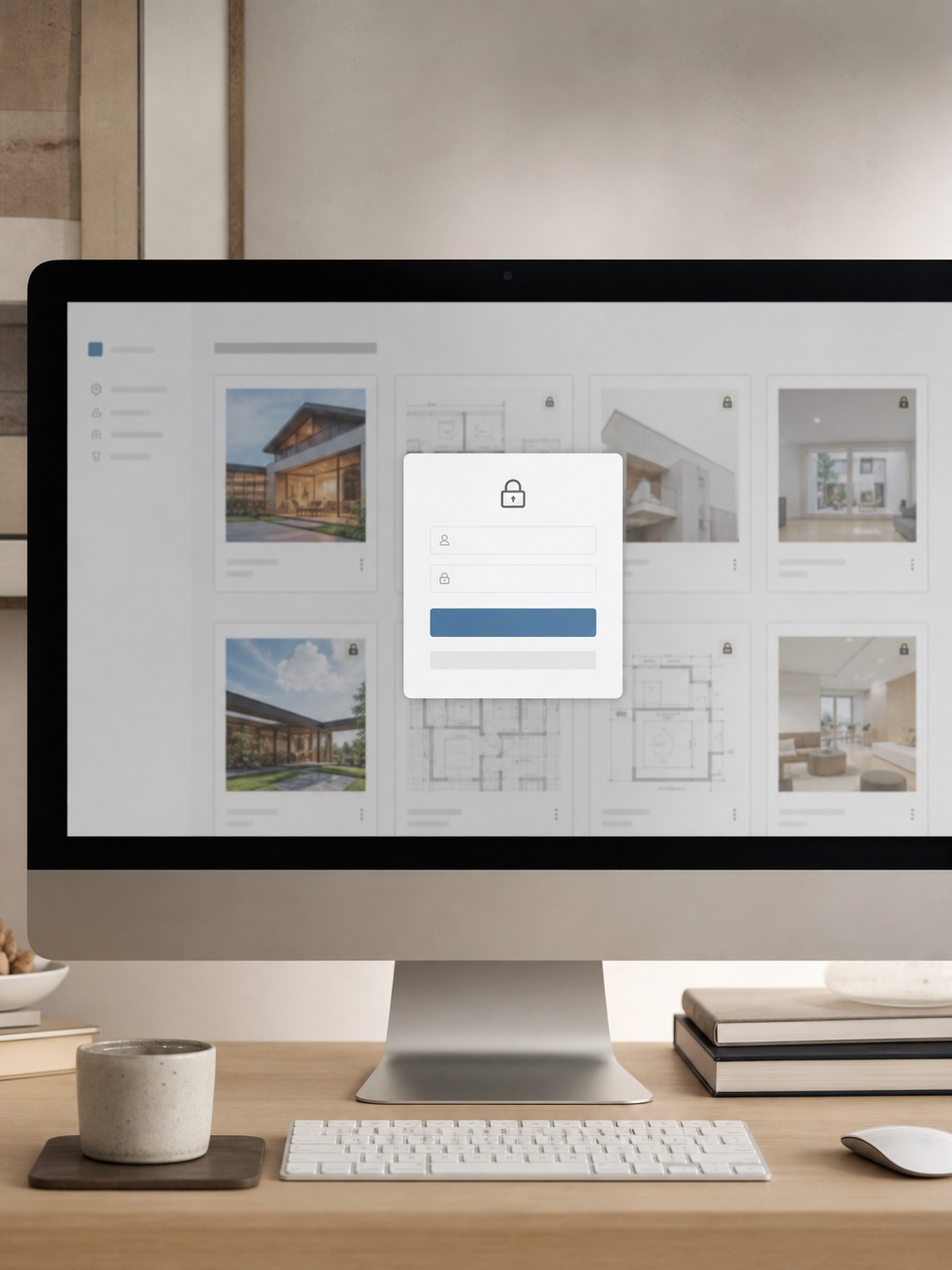
Different asset types carry different security considerations alongside their technical handling needs. Figma files and Adobe libraries typically live in their platforms’ native sharing systems, which is usually fine as long as link permissions are actually reviewed rather than left at default settings.
Heavier CAD files, video edits, and 3D renders often move through separate cloud storage or rendering infrastructure, which needs its own access review since it’s frequently treated as a purely technical concern rather than a security one — I cover the infrastructure side of heavy rendering work in my cloud rendering guide. Client proofs deserve particular attention, since they’re often the first external-facing share of unreleased work.
When to Use Portals, Expiring Links, Watermarks, and Restricted Downloads
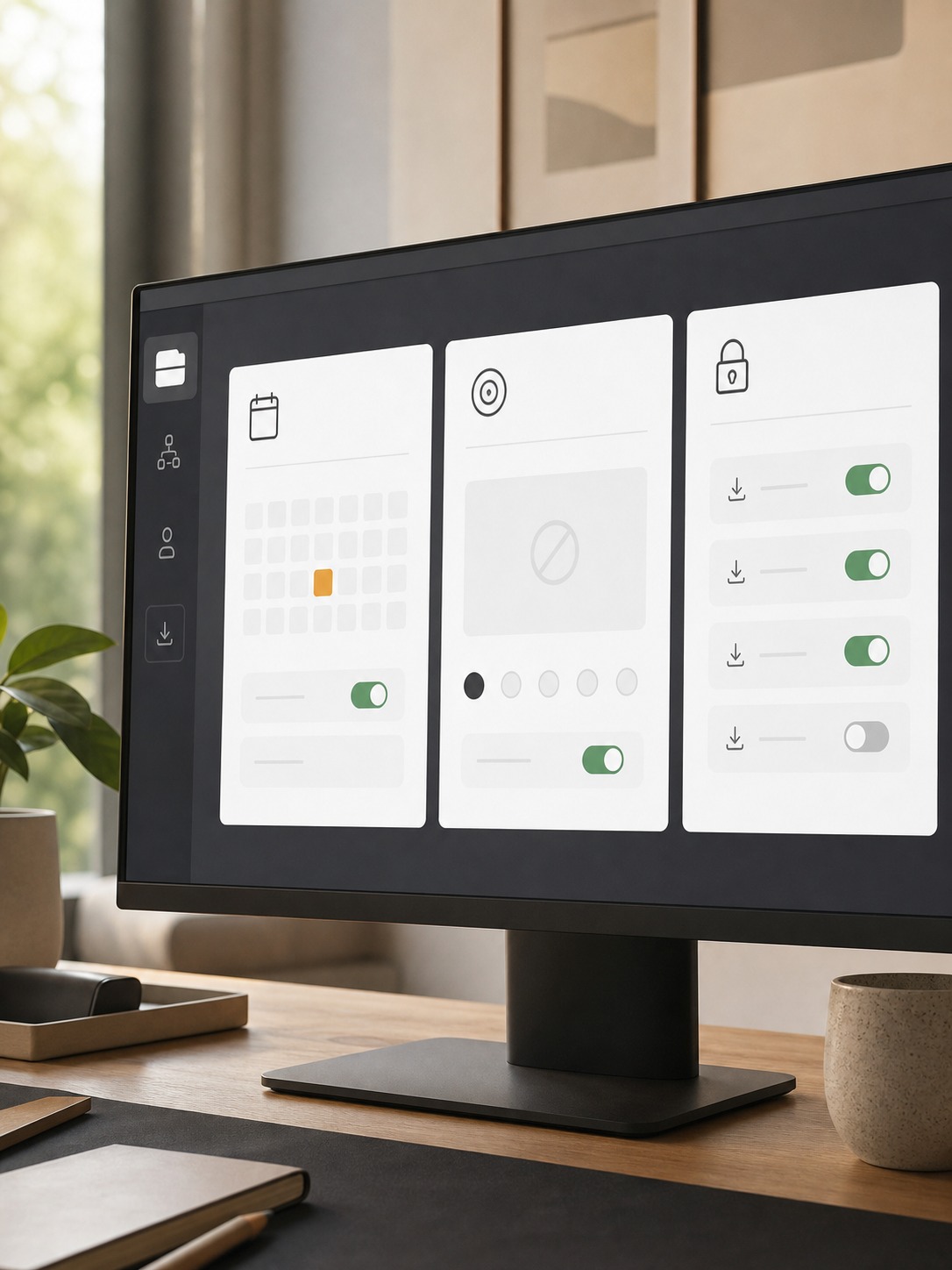
Not every file share needs the same level of protection, but knowing when to escalate matters. A dedicated secure client portal makes sense for ongoing, sensitive client relationships rather than one-off shares. Expiring links are worth defaulting to for any external share of unreleased work, rather than links that stay live indefinitely.
Watermarks on client proofs deter casual leaking without meaningfully slowing down the review process. Restricted, view-only downloads suit early concept work specifically, where a client needs to see and comment but the studio isn’t ready to hand over final production files.
Endpoint Security for Remote Creative Work
Personal Devices, Lost Laptops, MDM, Patching, and Remote Wipe
Every device that touches client work is a genuine endpoint worth securing, personal or studio-issued. A reasonable baseline includes mobile device management (MDM) tooling that can enforce basic security policies and remotely wipe a lost or stolen device, consistent software patching rather than devices running months behind on updates, and a clear, documented process for what happens the moment someone reports a lost laptop — not figuring it out reactively in the moment.
This kind of device-level oversight pairs naturally with broader visibility into how work actually happens across a distributed team, a topic adjacent to what I cover in my remote employee monitoring software guide, though the framing there leans more toward productivity than security specifically.
Data Loss Prevention for Creative Studios
Preventing Leaks From Shared Folders, Email Attachments, and Public Links
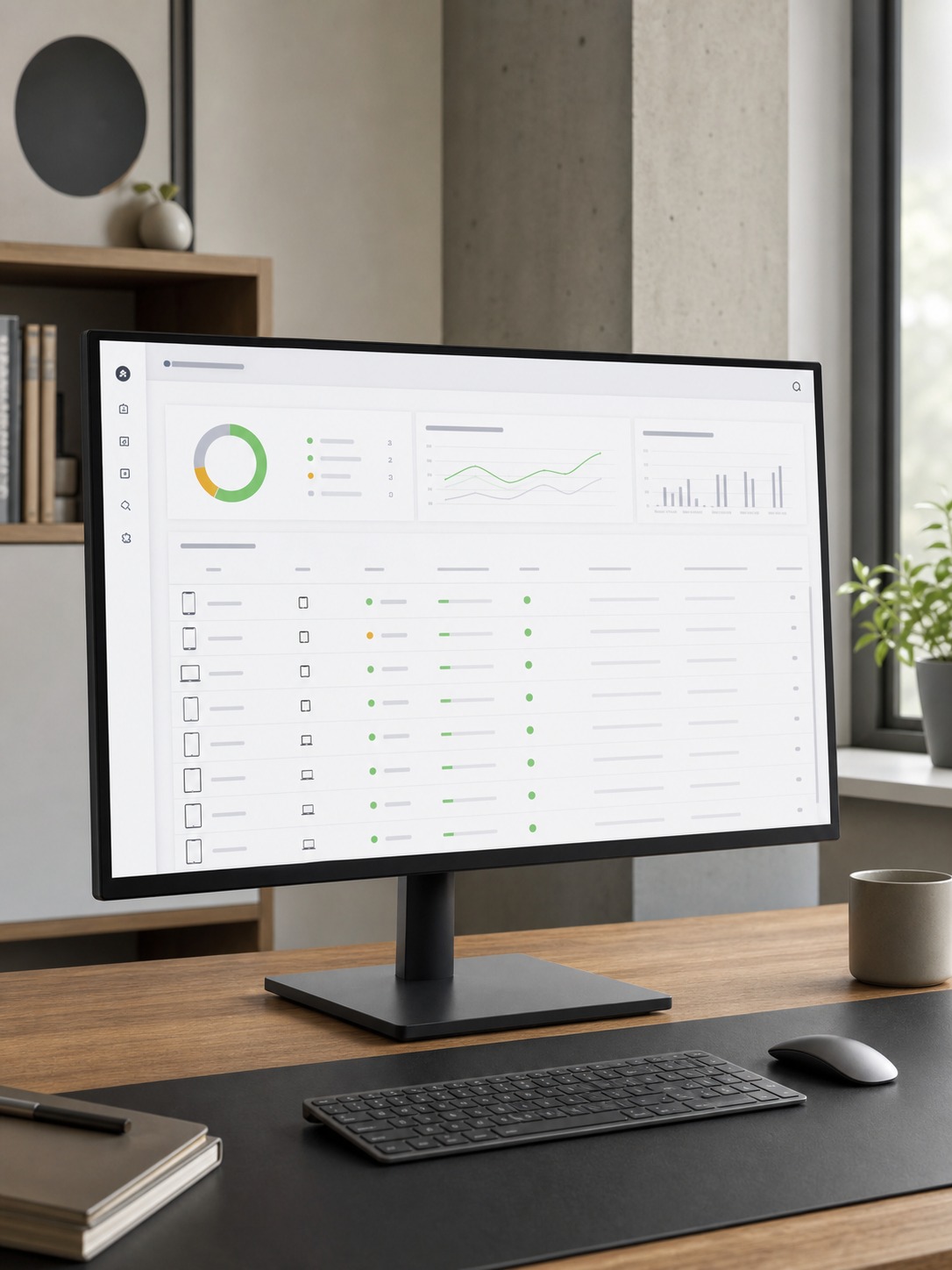
Data loss prevention for a creative studio mostly comes down to closing the same handful of leak points repeatedly: shared folders with permissions that quietly expanded past their original scope, email attachments sent instead of secure links (which lose all access control the moment they’re sent), and public sharing links created for convenience that were never meant to stay public indefinitely.
None of these require sophisticated tooling to prevent — they require a habit of defaulting to secure sharing methods and periodically auditing what’s actually publicly accessible. Data handling discipline connects to broader digital privacy practices worth understanding as a set, which I explore in my piece on AI and privacy.
Phishing and Social Engineering in Creative Workflows
Fake Client Requests, Invoice Scams, Asset Download Traps, and Plugin Risks
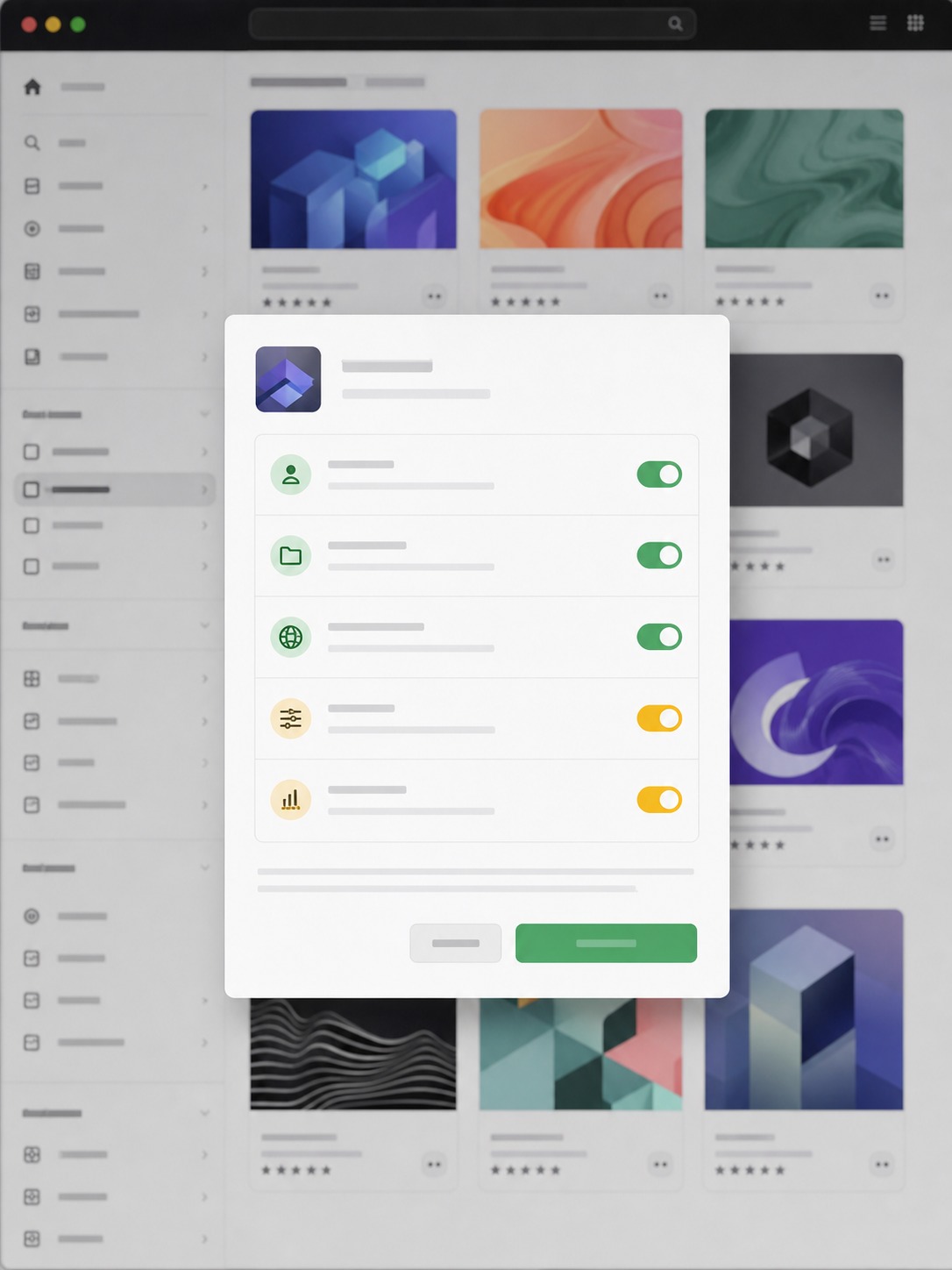
Creative workflows attract a specific flavor of social engineering that generic phishing training doesn’t always cover: fake “client” requests asking for an urgent file transfer outside normal channels, invoice scams targeting studios that handle a lot of freelance and contractor payments, malicious “asset download” links disguised as reference material or stock resources, and design plugins that request far broader permissions than their actual function requires.
This last risk has grown alongside the rapid adoption of new AI-powered design tools specifically, where the pace of new plugin releases can outstrip a team’s habit of actually reviewing what they’re installing — a dynamic I’ve written about in the context of agentic AI workflows in design.
Where IT Consulting Actually Helps
Security Audits, Cloud Architecture, Backup Strategy, Incident Response, and Training
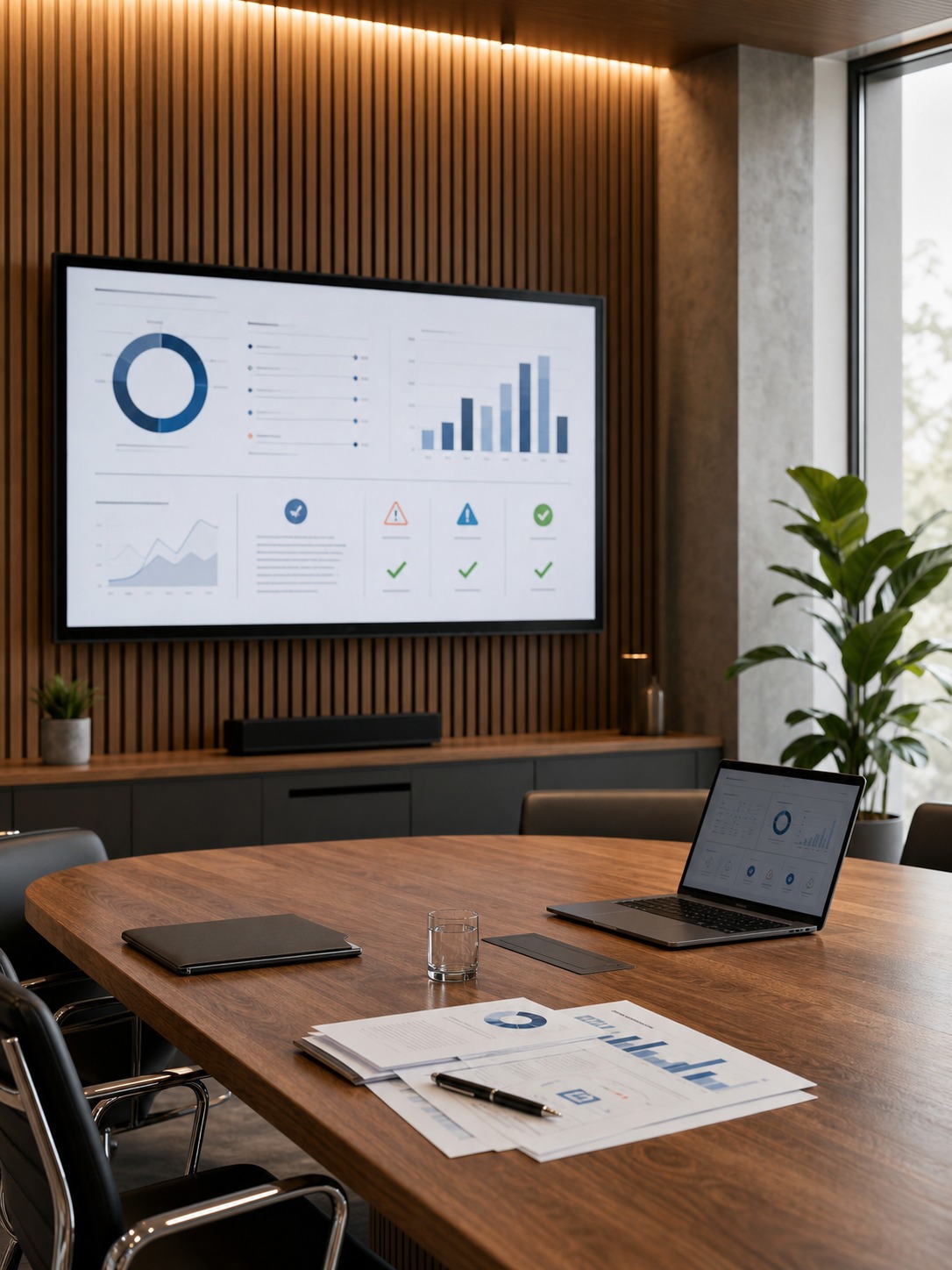
There’s a genuine, specific role for outside IT consulting in a creative studio’s security posture — not as a blanket solution, but for particular gaps that are hard to close with internal resources alone: a proper security audit that maps the attack surface objectively rather than relying on internal assumptions, cloud architecture designed specifically for large creative asset workloads, a backup strategy that’s actually been tested rather than assumed to work, a documented incident response plan for when something does go wrong, and structured security training that goes beyond a single onboarding session.
Consulting relationships like AdRem Systems’ technology consulting exist for exactly this kind of specialized need, where a studio wants expert-level security architecture without building that expertise internally. For smaller teams, reviewing All In IT’s readiness around monitoring, response planning, and practical cybersecurity support can also turn that need into a concrete checklist before client files are at risk. This distributed-team shift shows no sign of slowing down either, which makes investing in this kind of expertise increasingly worthwhile rather than optional — a broader trend I cover in my piece on how tech is transforming remote work.
A Remote Work Security Checklist for Creative Teams
Access, Files, Devices, Backups, Training, and Emergency Contacts
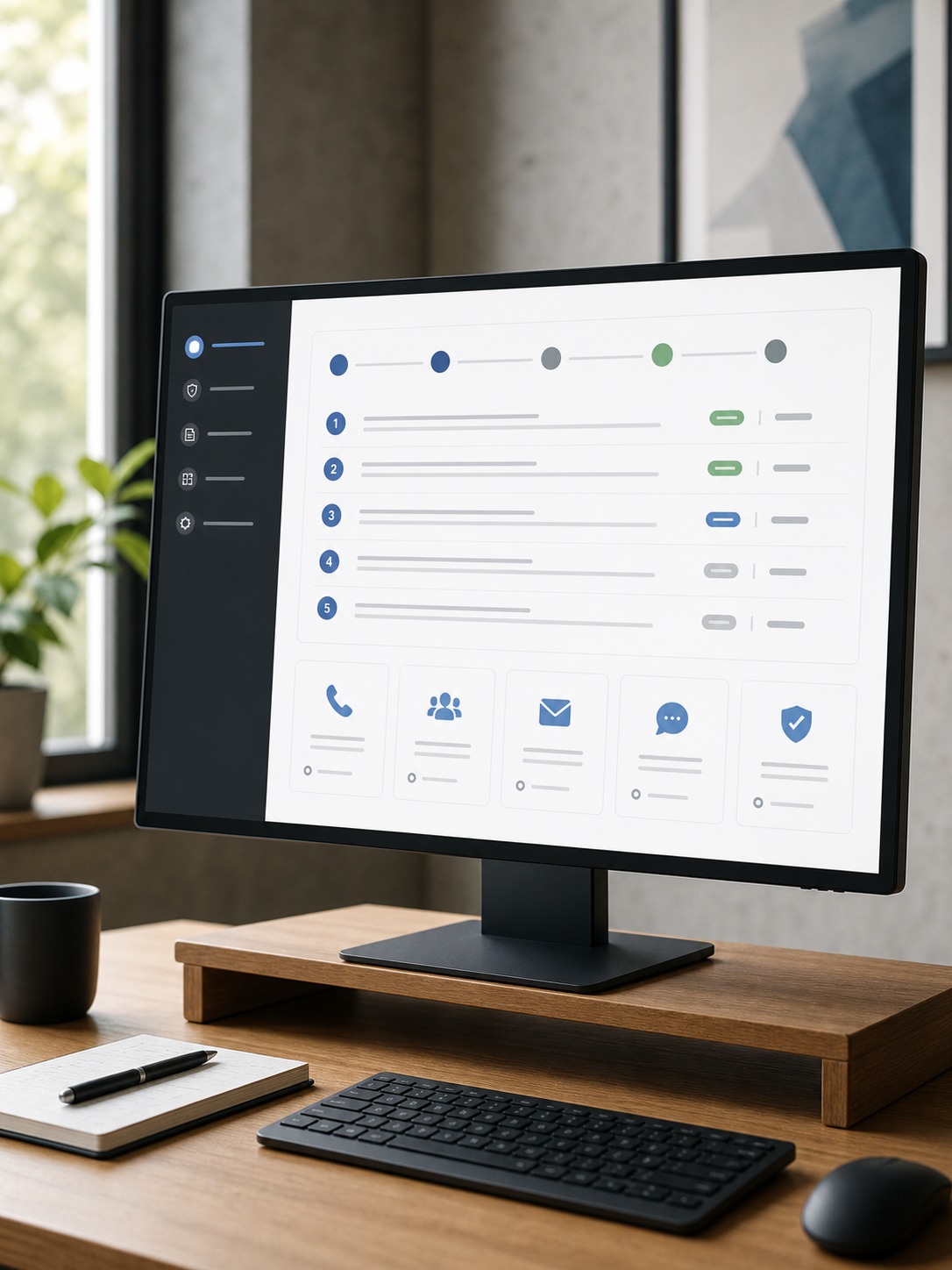
A reasonably complete security checklist for a distributed creative team covers six areas: access (MFA, role-based permissions, regular access reviews), files (secure sharing defaults, expiring links, watermarking for sensitive proofs), devices (MDM, patching, a documented lost-device process), backups (tested, not just scheduled), training (ongoing, not a one-time onboarding session), and emergency contacts (a clear, accessible list of who to notify immediately if something goes wrong).
Building and maintaining this checklist alongside your broader project management process, rather than as a separate afterthought, keeps it from quietly going stale — I cover the tooling side of that broader process in my project scheduling software guide and my project management software guide.
Final Thoughts
Security and creative speed aren’t actually opposing forces — that tension only shows up when protection gets added on top of an existing workflow instead of built into it from the start. Map your studio’s actual attack surface, default to secure sharing rather than convenient sharing, and bring in specialized outside help for the specific gaps that are genuinely hard to close alone. Done well, none of this slows creative work down. It just means the work moving through your studio stays yours until you decide it’s ready to be seen.
Frequently Asked Questions
What is remote work security?
Remote work security refers to the practices, tools, and policies that protect data, devices, and access across a distributed team — multi-factor authentication, secure file sharing, endpoint protection, and data loss prevention specifically adapted to work happening outside a single controlled office network.
How can designers share files securely with clients?
Default to expiring, permission-controlled links rather than public share links or email attachments, use watermarks on sensitive proofs to deter casual leaking, and reserve dedicated secure client portals for ongoing sensitive relationships. Review who has access before and after a project wraps, rather than letting permissions accumulate indefinitely.
What cybersecurity risks affect distributed creative teams?
Distributed creative teams face an expanded attack surface across personal devices, home networks, and cloud sharing links, along with creative-specific social engineering risks like fake client requests, invoice scams, and malicious asset download traps. Design plugins with broad, unreviewed permissions are an increasingly common risk as new AI-powered tools proliferate.
Do creative agencies need IT consulting?
It depends on the gap. Studios without the internal expertise to run a proper security audit, design cloud architecture for heavy creative asset loads, or build a tested backup and incident response plan often benefit genuinely from specialized outside consulting, rather than trying to build that expertise from scratch internally.
How do you protect intellectual property in remote design work?
Role-based access permissions that match actual project involvement, secure and expiring file-sharing links for anything unreleased, watermarking on early client proofs, and a documented process for revoking access when a contractor or team member’s involvement ends all work together to protect intellectual property without meaningfully slowing down day-to-day collaboration.
- 43shares
- Facebook0
- Pinterest43
- Twitter0
- Reddit0