A client brief lands in my inbox, gets sketched over on a tablet, turns into a CAD file or a layered comp, gets reviewed by a contractor two time zones away, and eventually ships back to the client as a finished deliverable. Every single handoff in that chain is a moment where the file could go to the wrong person, sit exposed on a public link, or get overwritten by an outdated version nobody flagged.
Most advice on this topic reads like it was written for a law firm protecting contracts, not a design studio protecting an unreleased brand identity or a client’s pre-launch product renders. Creative files carry a different kind of risk, and they deserve a security approach built around how design work actually moves.
- Why creative files need a different security approach
- What secure file sharing means for designers, studios, and remote collaborators
- The biggest file-sharing risks in remote creative workflows
- Secure cloud storage vs encrypted file sharing vs client portals
- How managed IT supports safer creative collaboration
- A secure file-sharing workflow for design studios
- FAQ
- What is secure file sharing for creative professionals?
- How can designers share large files securely?
- What's the difference between secure cloud storage and a client portal?
- How often should a studio review file access permissions?
- Do small design studios really need managed IT for file security?
- What should a studio do if a client folder is compromised?
I’ve run this chain across genuinely different disciplines — automotive surfacing files that couldn’t leak six months ahead of a reveal, jewelry CAD files where a single stone-setting detail was the whole design, enterprise dashboard mockups carrying a client’s actual product roadmap in the background layers. The software changes. The underlying problem, protecting a file’s journey from first sketch to final handoff, stays exactly the same.

Why creative files need a different security approach
A leaked spreadsheet is bad. A leaked concept render, six weeks before a client’s product reveal, is a different category of bad, because the damage isn’t just informational, it’s competitive and reputational at once.
Design files also move constantly between people who aren’t full-time employees: freelancers, contractors, print vendors, photographers, clients themselves reviewing drafts. Every one of those relationships needs file access without needing full trust in every direction, which is a harder problem than securing a static internal document library.
The volume compounds the risk. A single branding project can generate hundreds of source files, exports, and revision rounds before anyone signs off, and each one is a potential leak point if it’s shared carelessly. Treating creative files with the same access model as a company’s internal HR documents misses the actual shape of the problem.
I think about this the same way I think about proportion in a drawing: the risk isn’t evenly distributed across every file. A rough thumbnail sketch and a final client-approved brand mark carry wildly different consequences if they leak, but most generic security advice treats every file in a project folder as equally sensitive, which either overprotects the harmless sketches or underprotects the file that actually matters.
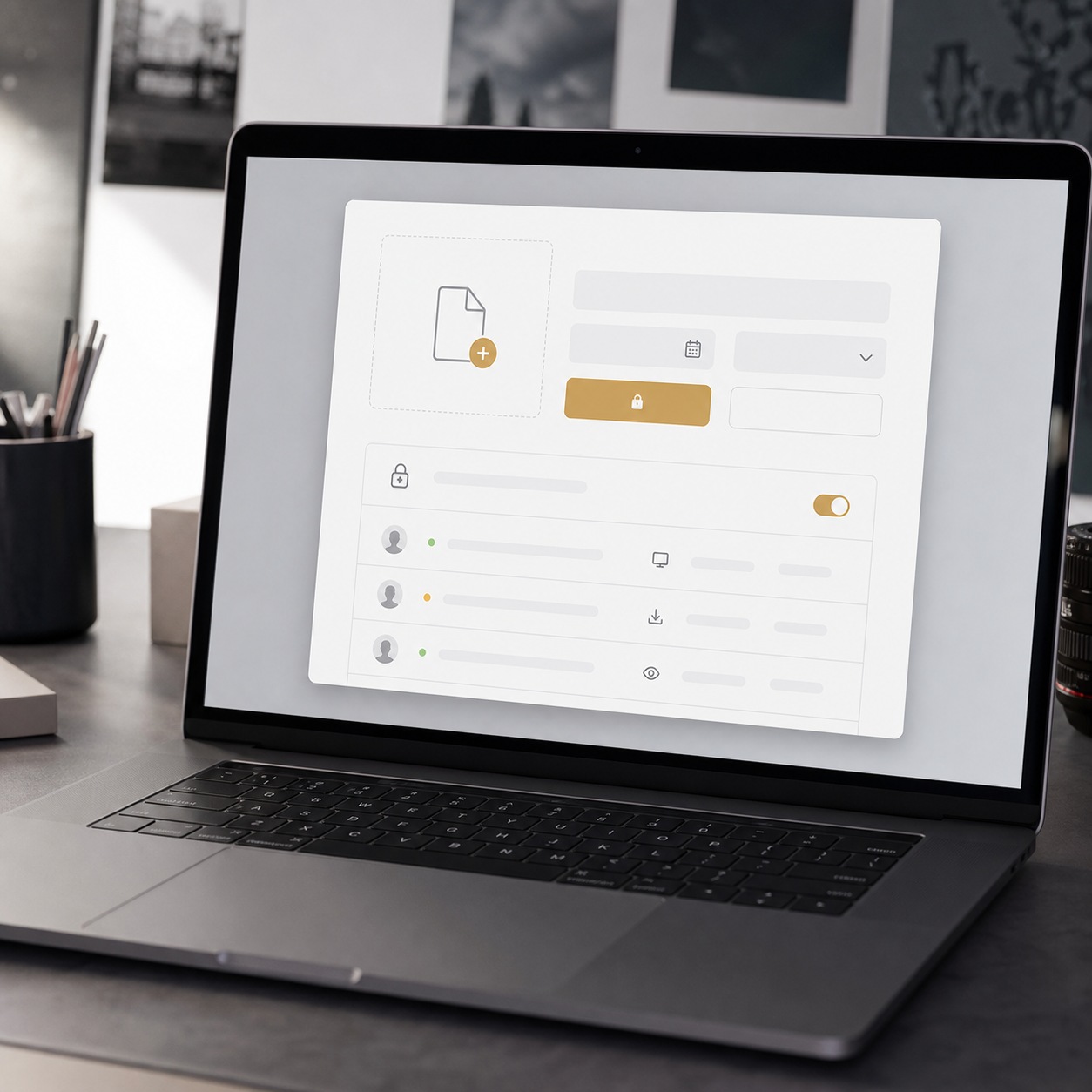
What secure file sharing means for designers, studios, and remote collaborators
Client briefs, brand assets, raw footage, 3D files, and source files
A studio’s file traffic covers wildly different content types, each with its own sensitivity. Client briefs often contain confidential business context before anyone’s even started designing. Brand assets and unreleased logos carry direct competitive value.
Raw footage and 3D source files are usually the largest and least protected, simply because their size makes them awkward to handle through anything but a direct link. Secure file sharing has to cover all of it, not just the polished final deliverables that eventually reach a client’s inbox.
3D and CAD source files deserve particular attention here, because the file itself often contains more information than the rendered output ever shows. A finished automotive render hides the surface construction underneath it. The native CAD file exposes that construction completely, which means a leaked source file can hand a competitor far more than a leaked image ever would.
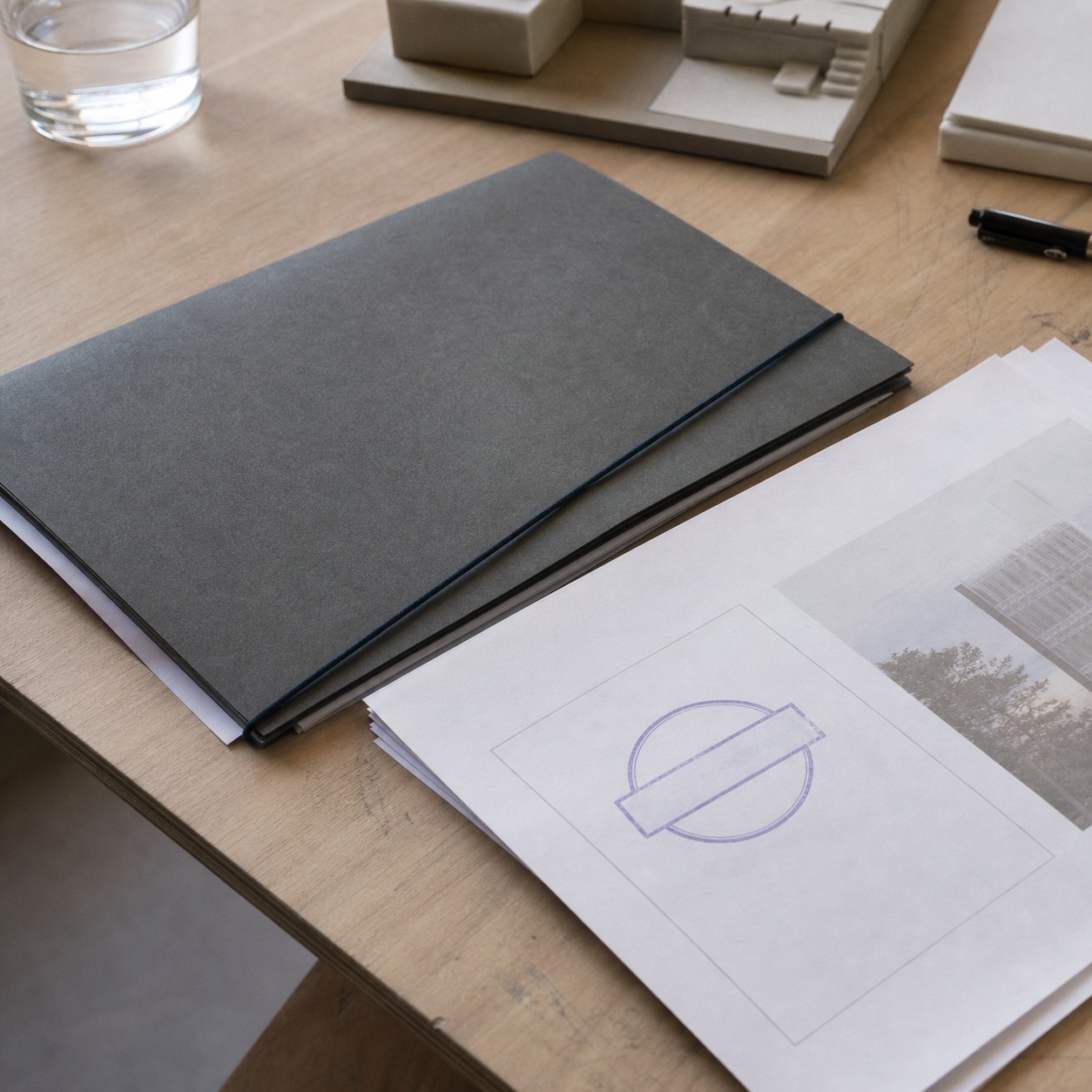
Permissions, version control, and approval trails
Permissions answer who can see a file. Version control answers which file is actually current. Approval trails answer who signed off on what, and when. Miss any one of the three and a studio ends up with a familiar mess: a contractor still has access to a folder from a wrapped project, three people are editing slightly different copies of the same comp, and nobody can say for certain which round a client actually approved.
I’ve watched an approved final get reopened and lightly “improved” by someone who didn’t realize sign-off had already happened, and untangling that after the fact costs far more time than getting the trail right from the start.
A clean approval trail also protects the studio, not just the client. When a client comes back months later questioning a decision, being able to point to the exact file version and the exact date they signed off on it turns a potential dispute into a two-minute conversation.
This matters more on longer engagements than anyone expects going in. A project that runs six months accumulates dozens of small approvals along the way, and without a trail connecting each decision to a specific file version, the studio ends up relying entirely on memory to defend choices that were made and agreed to a long time before anyone thought to question them again.
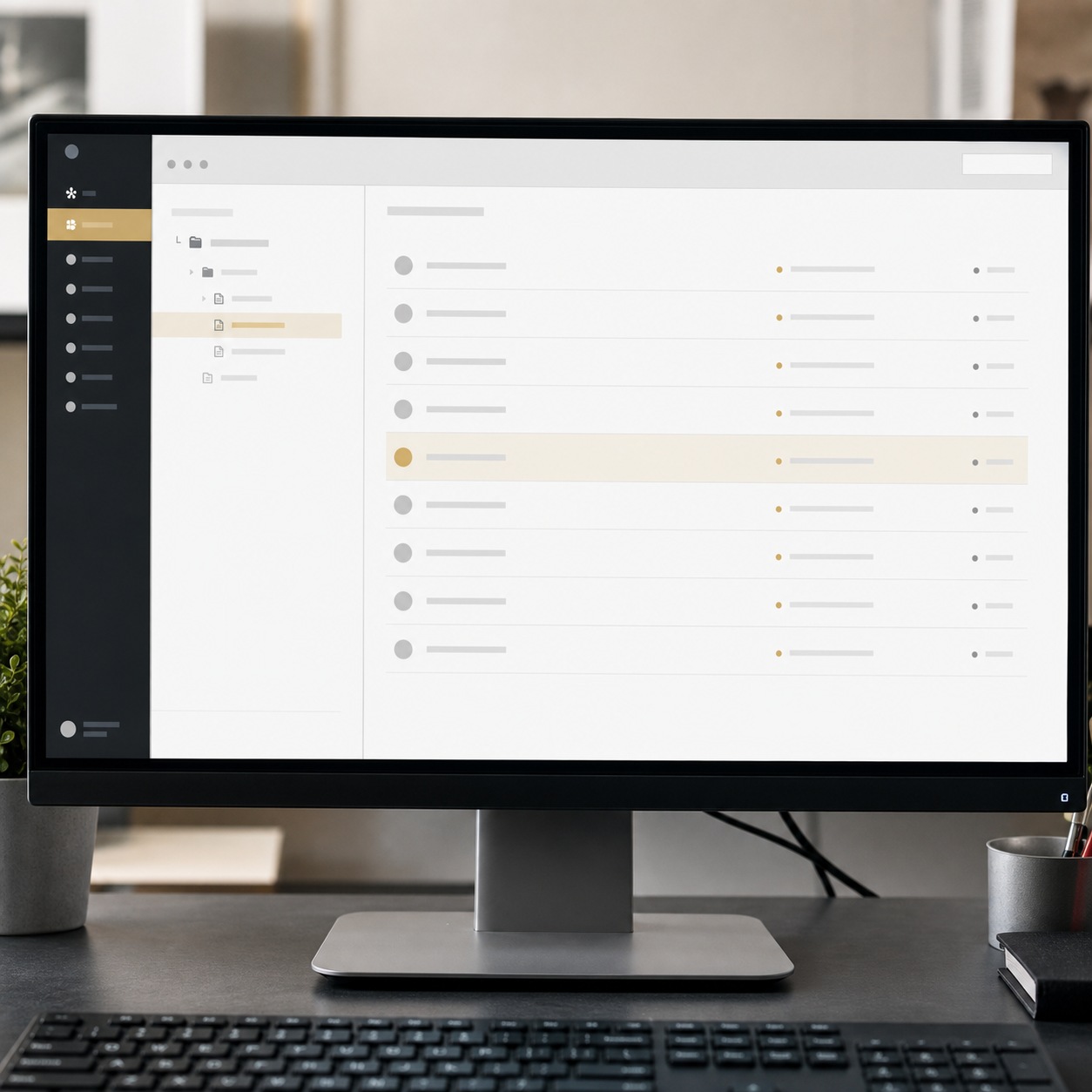
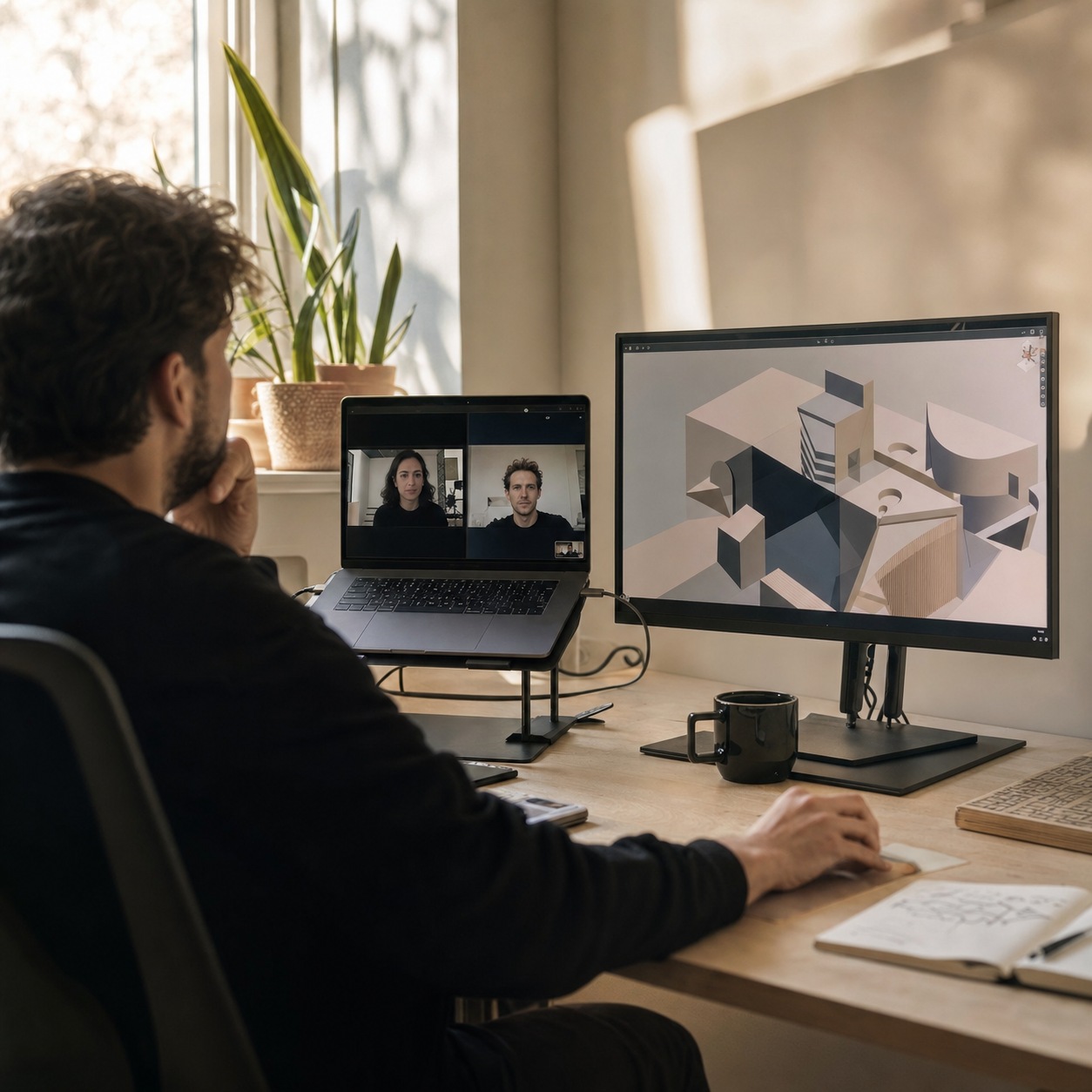
The biggest file-sharing risks in remote creative workflows
Most of the failures below share a common root: they were reasonable shortcuts the day someone took them, and nobody circled back to close the gap once the shortcut had served its purpose. That pattern matters more than any individual mistake, because it means the fix isn’t a single policy. It’s a habit of closing loops that convenience naturally leaves open.
Public links, expired access, duplicate folders, and personal devices
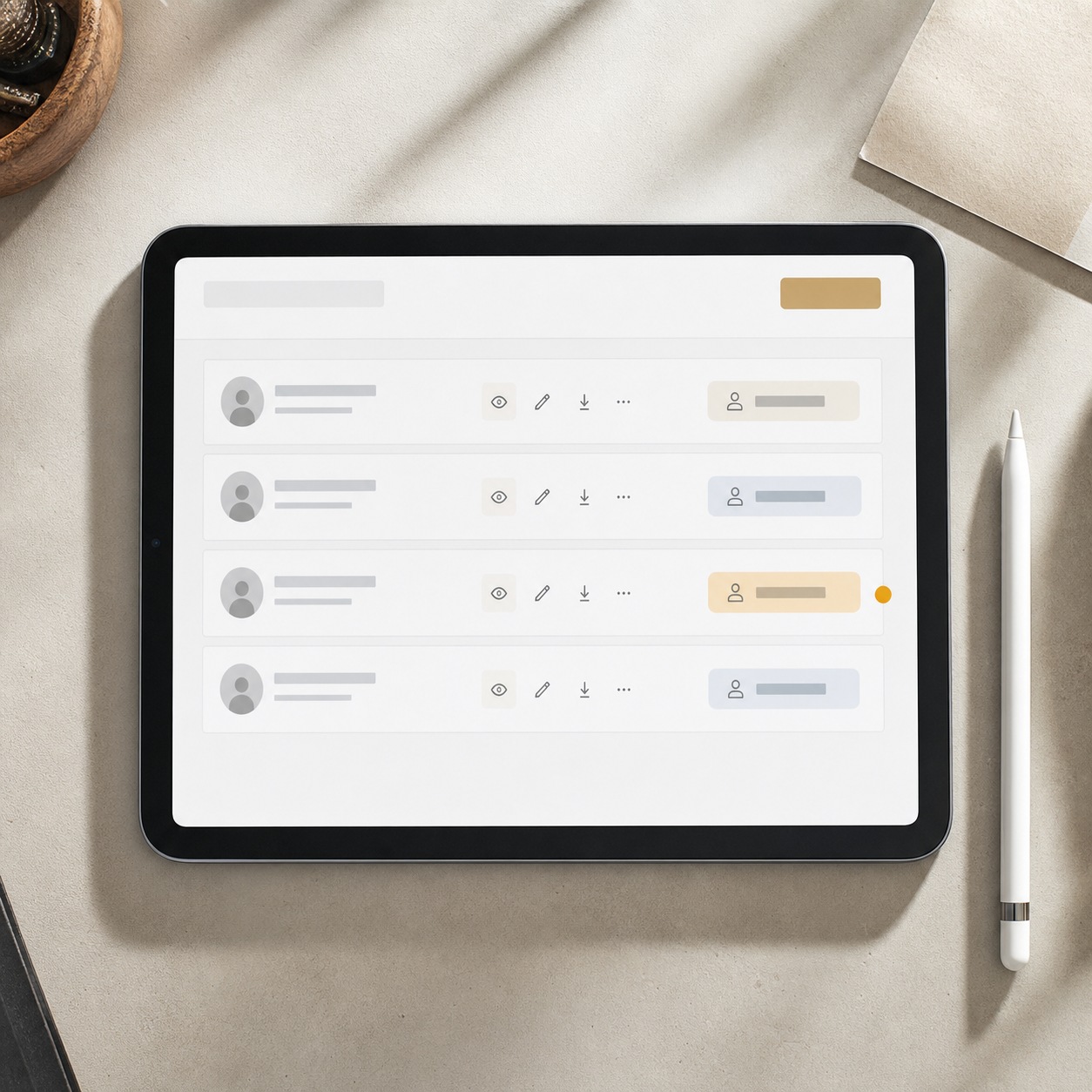
A public share link feels convenient right up until it gets forwarded past its intended audience, indexed somewhere it shouldn’t be, or left live long after the project that needed it wrapped. Expired access that never actually expires is its quieter cousin: a freelancer’s edit rights outlive the freelancer’s involvement by months, sometimes longer.
Duplicate folders spring up when two people organize the same project differently, and personal devices holding client files without any real security policy turn a lost laptop into a genuine incident instead of an inconvenience.
I’ve seen every one of these show up on projects I’ve been close to. A public review link for a jewelry collection stayed active for nearly a year after the client presentation, discovered only by accident during an unrelated file cleanup. Nothing leaked in that particular case, but the exposure window was real the entire time, and nobody had any idea it was open.
Duplicate folders are the mistake that looks the most harmless and causes the most confusion in practice. Two well-meaning collaborators each build their own “organized” version of the same project, and within a few weeks nobody’s entirely sure which folder holds the current files versus an abandoned parallel copy. The fix isn’t more folders or better labeling. It’s a single agreed structure everyone actually uses, decided once at project kickoff rather than negotiated informally as the project grows.
Lost files, leaked concepts, and intellectual property exposure
The cost of a file-sharing mistake in creative work rarely looks like a headline data breach. It looks like a concept surfacing online before a launch, a competitor’s mood board looking suspiciously familiar, or a client asking uncomfortable questions about who else has seen their unreleased materials. Intellectual property in design work lives in the files themselves, not in some separate legal document, which means a sloppy sharing habit is a direct IP exposure, not an adjacent risk.
This is where design work differs most sharply from other creative fields facing similar remote-collaboration pressures. A writer’s leaked draft is embarrassing. A designer’s leaked concept can be visually copied, adapted, and in circulation before anyone even confirms where the leak came from, because the whole point of the file is that it’s immediately usable by whoever has it.
The same logic applies with even more force to CAD and 3D files, since those aren’t just visually referenceable, they’re directly manufacturable or reproducible by anyone with the right software. A leaked automotive surface file or a leaked jewelry CAD model isn’t inspiration for a competitor. It’s a finished starting point they didn’t earn.
Secure cloud storage vs encrypted file sharing vs client portals
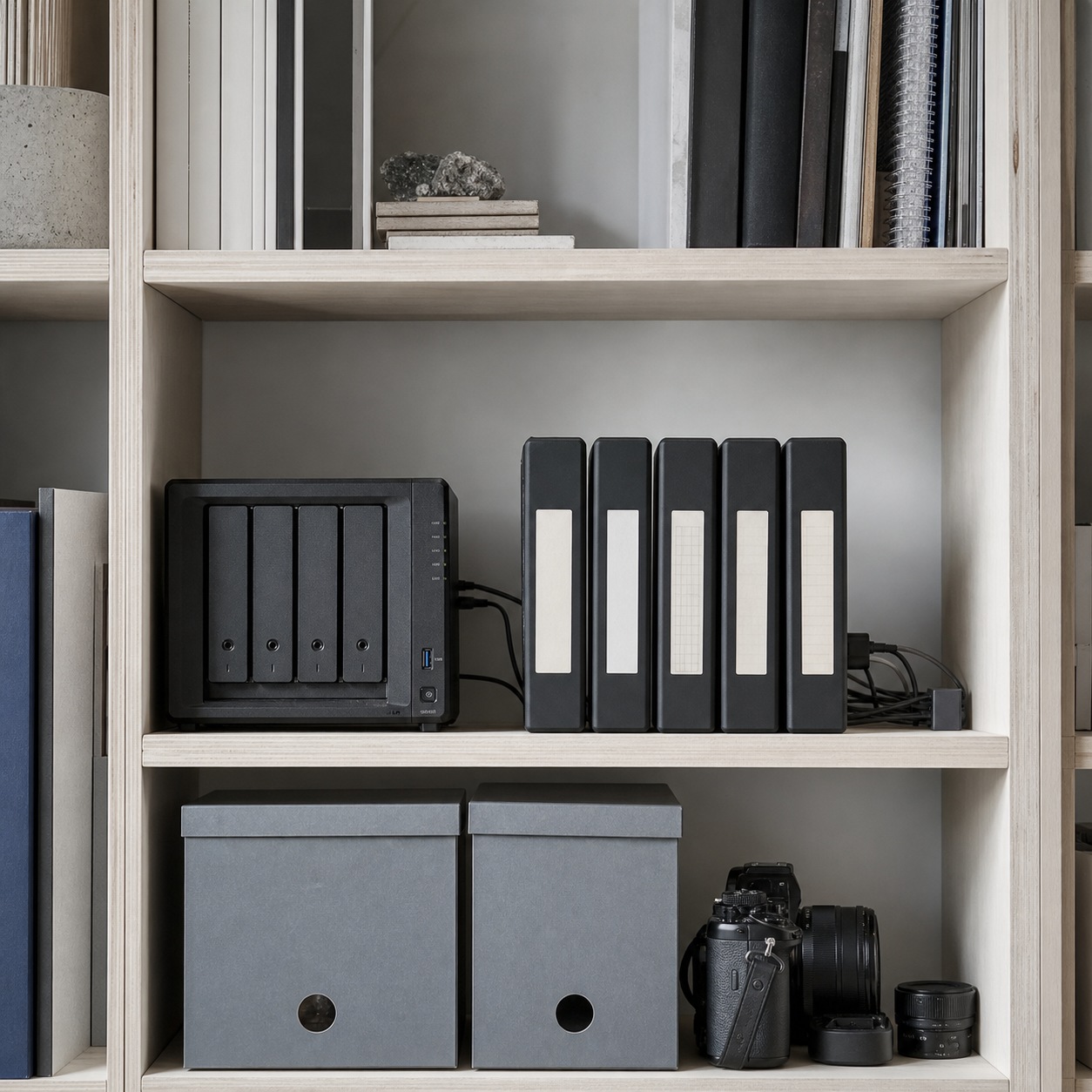
These three get used interchangeably and they shouldn’t be. Secure cloud storage is where files live day to day, with access controls and audit logs built in, but it’s not necessarily built for handing a single file to an outside party. Encrypted file sharing focuses specifically on the transfer itself, protecting a file in transit even if the recipient’s own setup is less secure than yours.
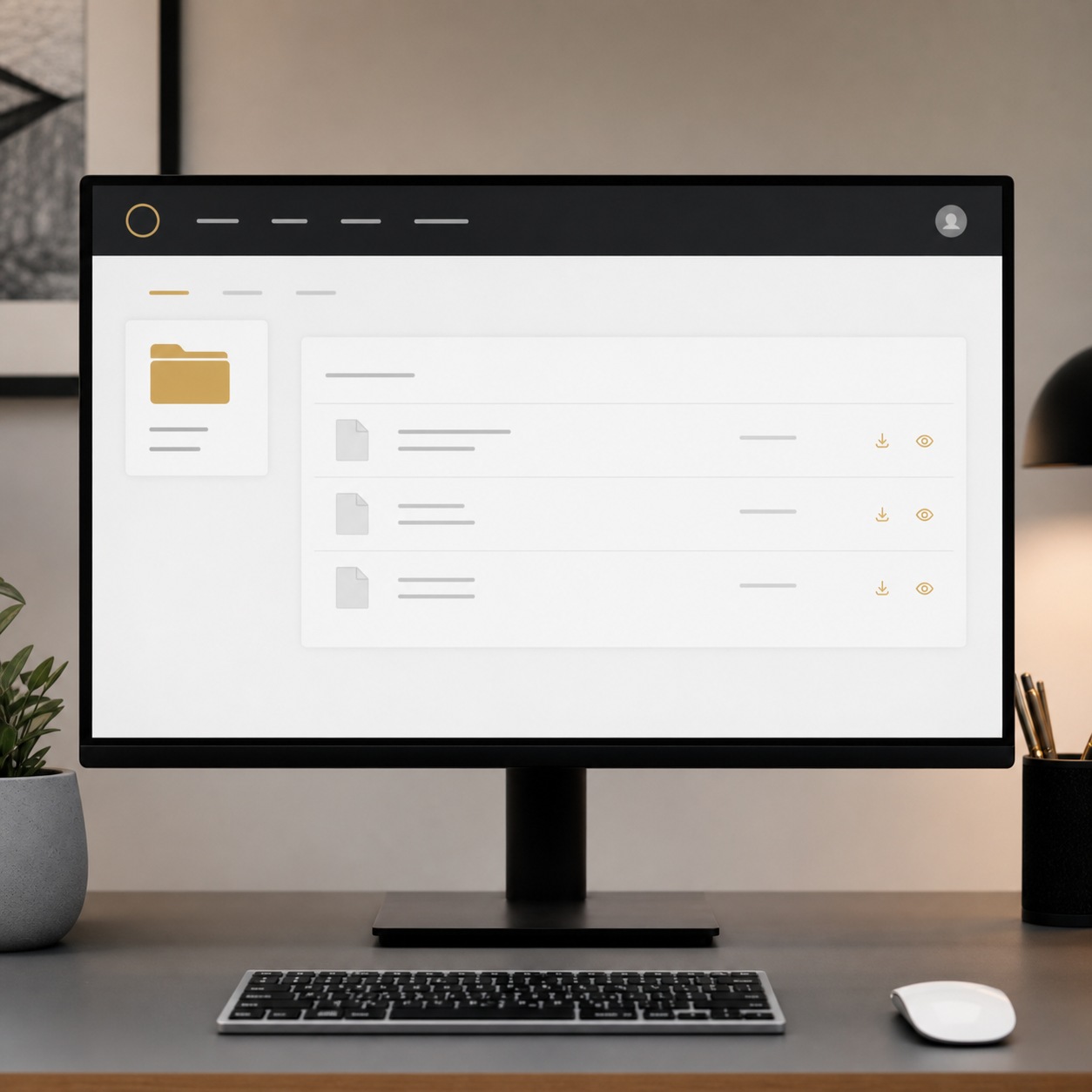
A client portal sits on top of both, giving an outside party a controlled window into exactly the files relevant to them, with none of the internal folder structure visible. A small studio might run entirely on well-configured cloud storage. A studio managing multiple concurrent clients usually needs the portal layer too, specifically to keep one client from ever seeing so much as a folder name belonging to another.
Picking between them comes down to how many outside parties actually touch a project. A solo designer working directly with one client at a time can get by on cloud storage and careful link discipline. A studio juggling six active clients, each with their own contractors and stakeholders, needs the portal layer to keep those six worlds from ever accidentally overlapping.
I switched a small collaborative setup over to a portal-based structure after a near miss involving two clients in adjacent industries, where a shared folder link almost surfaced one client’s concept work in the other’s review session. Nothing was actually seen that shouldn’t have been, but the near miss was close enough that the portal layer went from a nice-to-have to a requirement within the week.
How managed IT supports safer creative collaboration
Most of what follows isn’t glamorous, and that’s precisely the point. The studios that stay clean over years, not just for one lucky project, are the ones that treated these basics as permanent infrastructure rather than a one-time setup task to check off and forget.
MFA, endpoint protection, backups, remote access security
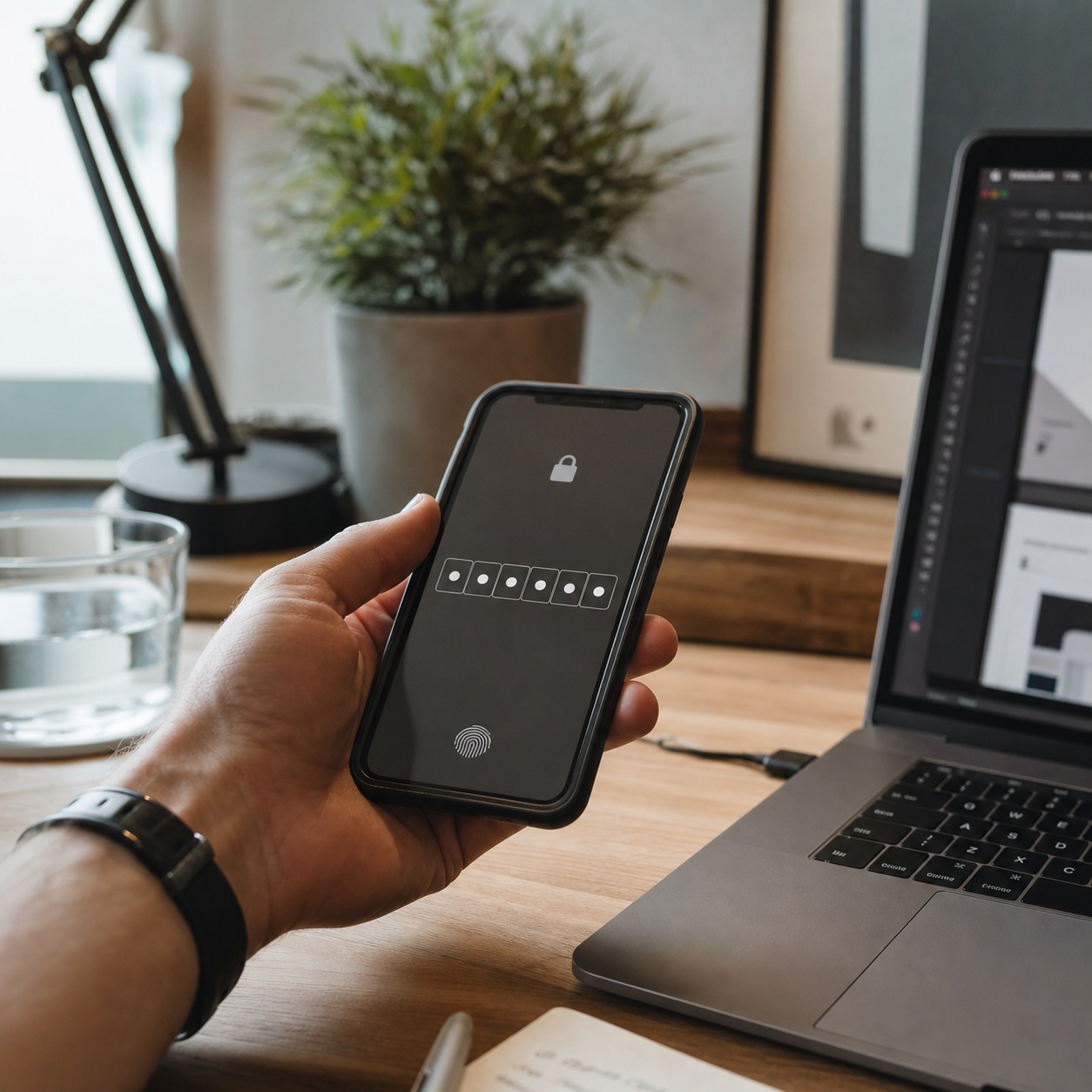
The baseline is unglamorous and non-negotiable: multi-factor authentication on every account touching client files, endpoint protection on every device that opens them, backups that actually get tested rather than assumed to work, and remote access secured well enough that a designer working from a co-working space isn’t a weaker link than one working from a locked office. None of this requires deep technical expertise to understand. It requires someone actually implementing and maintaining it, which is where most small studios fall behind, not from a lack of awareness but from a lack of dedicated time.
I’ve watched studios delay MFA rollout for months, not because anyone disagreed it mattered, but because nobody owned the task of actually turning it on across every account. The gap between knowing a security measure matters and having it actually implemented is where most real exposure lives.
Remote access security deserves a specific mention here, since it’s the piece that changed most with distributed teams. A designer connecting from a co-working space’s shared Wi-Fi is on a fundamentally different risk footing than one on a locked-down office network, and the security layer needs to account for that difference rather than assume every connection is equally trustworthy. A properly configured VPN or zero-trust setup closes most of that gap without adding meaningful friction to a designer’s actual workday.
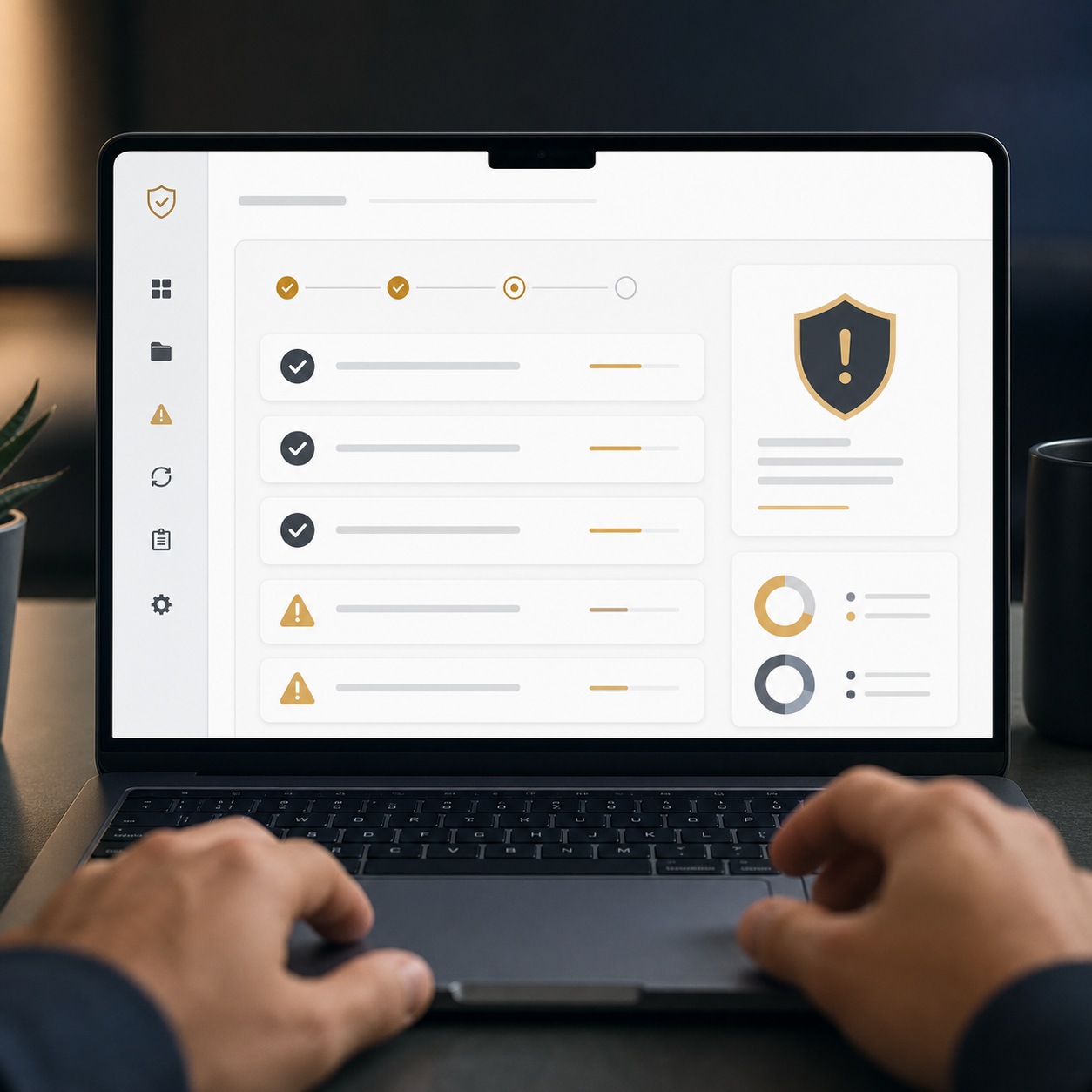
Incident response when a device, account, or client folder is compromised
A plan matters more than most studios expect until they need one. Knowing immediately who to notify, which access to revoke first, and how to communicate with an affected client turns a bad day into a manageable one instead of a scramble. I’ve seen studios bring in FTI Services’ IT security expertise specifically to build that response plan before anything goes wrong, rather than improvising one during an actual incident. Other studios I’ve talked with rely on GitsTel for the same kind of groundwork: getting MFA, backups, and endpoint protection actually configured correctly across a small, distributed creative team instead of left as a checklist nobody quite finished. Either way, the value isn’t a product. It’s a second set of eyes that’s done this setup dozens of times and knows exactly where creative workflows tend to break their own security without meaning to.
The studios that handle an incident well almost always share one trait: they’d already written down who calls whom, long before anything actually happened. The studios that struggle are the ones improvising that decision tree in real time, usually with a worried client on the phone at the same moment, trying to sound composed while also figuring out for the first time who actually has the authority to revoke a compromised account.
A secure file-sharing workflow for design studios
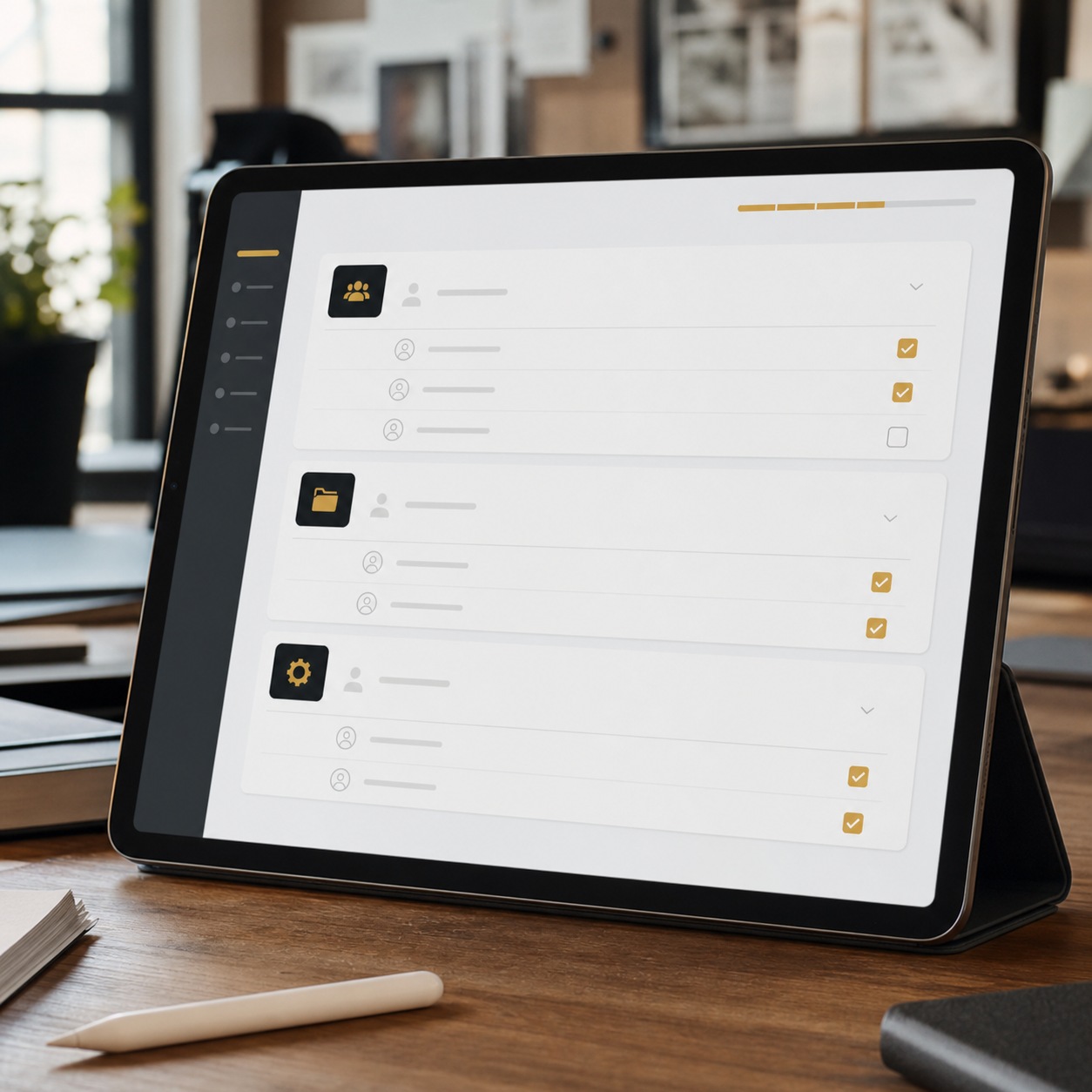
Start every project with a single source of truth for files, not a folder that gets copied “just in case.” Grant access scoped to the current project and revoke it the moment that project closes, rather than leaving it to expire on its own schedule. Use expiring, logged links for anything leaving the studio’s own systems, so a client review link doesn’t quietly become a permanent public door.
Keep a lightweight approval record tied to the actual file version a client saw, not just a verbal or email confirmation that’s easy to lose track of later. Review the full access list at least once a quarter, since stale permissions accumulate fastest during a studio’s busiest stretches, exactly when nobody has time to notice them.
None of this needs to slow creative work down. A designer shouldn’t feel the security layer while they’re actually designing. They should only notice it exists on the rare day something goes wrong, and it turns out the studio was ready for that day instead of caught off guard by it.
I run a simplified version of this workflow on my own projects, and the habit that’s paid off the most consistently is the quarterly access review. It takes maybe twenty minutes, and it’s caught stale permissions on projects I’d genuinely forgotten were finished months earlier.

FAQ
What is secure file sharing for creative professionals?
Secure file sharing is the practice of moving design files, client materials, and project assets between designers, contractors, and clients in a way that limits access to exactly who needs it, tracks what version is current, and protects the transfer itself from interception or accidental exposure. For creative work specifically, it has to account for large media files and constantly shifting collaborator lists that most generic file-security advice doesn’t anticipate.
How can designers share large files securely?
Use a platform built for large media transfer with access controls and expiration built in, rather than emailing a public link or relying on a consumer file-sharing tool with no audit trail. Encrypted transfer matters most for anything moving outside the studio’s own systems, since that’s the point where a file is most exposed to interception or misdirection. Pair the transfer method with a naming convention that makes the current version obvious at a glance, so encryption alone doesn’t paper over a version-control problem underneath it.
What’s the difference between secure cloud storage and a client portal?
Secure cloud storage is where a studio’s files live day to day, with internal access controls and logging. A client portal is a narrower, outward-facing window that shows an outside party only the files relevant to their specific project, without exposing the studio’s broader folder structure or other clients’ work. Studios with just one or two active clients at a time often don’t need the portal layer. Studios juggling several concurrently almost always benefit from it.
How often should a studio review file access permissions?
At minimum, at the end of every project and again on a quarterly basis overall. Contractor and freelancer access is the fastest thing to go stale, since project-based work naturally ends without anyone remembering to formally revoke the access that came with it. Tying the review to a fixed calendar date, rather than “whenever things feel cluttered,” is what actually makes the habit stick.
Do small design studios really need managed IT for file security?
Most small studios don’t have anyone on staff whose job is security, which makes managed IT support a practical way to get MFA, backups, endpoint protection, and an incident response plan actually implemented rather than left as good intentions. The alternative usually isn’t stronger security. It’s no formal security at all until something forces the issue, and by then the studio is reacting instead of prepared.
What should a studio do if a client folder is compromised?
Revoke access immediately, identify exactly what was exposed, and notify the affected client directly rather than waiting to have every detail confirmed first. A studio with a plan already in place handles this in hours. A studio without one often takes days just to figure out who should be making these decisions, and that delay is usually more damaging to the client relationship than the incident itself.
Creative work has always depended on trust: a client trusting a studio with an idea before it’s ready for the world, a studio trusting a contractor with source files mid-project, a designer trusting that the version they’re looking at is actually the current one. Secure file sharing is what makes that trust something more than hope. Get the access controls, version tracking, and transfer methods right once, build them into how the studio already works, and the whole system holds up quietly in the background, exactly where good infrastructure belongs.
I’ve come to see this the same way I see any other craft discipline I picked up early: the habits that feel like overhead in the first few projects become invisible once they’re built into how the studio actually operates. Nobody remembers learning to check a scale reference before adding one to a drawing. It’s just part of drawing now. Secure file handling gets there the same way, through repetition, not through remembering a rulebook on every project.
- 18shares
- Facebook0
- Pinterest18
- Twitter0
- Reddit0