A studio I worked alongside once merged with a smaller satellite team in another city, and the first real casualty wasn’t a missed deadline, it was brand consistency. Two teams had spent years building slightly different asset libraries, slightly different naming habits, slightly different versions of what “final” meant for a logo file. Nobody had done anything wrong. Two informal systems just don’t merge cleanly, and it took months of quiet cleanup before client work stopped occasionally shipping with the wrong shade of a brand color.
Workflow software should be judged by how well it connects projects, finance, people and reporting in daily use. This honest Unit4 review examines the platform from that practical operational perspective.
That’s the kind of failure creative workflow management actually exists to prevent, and it rarely gets discussed in those terms. Most content aimed at growing design studios talks about winning clients or building a portfolio. Almost none of it addresses the unglamorous layer underneath, where files live, who can touch what, how a piece of feedback gets tracked from comment to final approval, and what happens to all of that the moment a studio adds people, locations, or client complexity faster than its habits can absorb.
- Why scaling design studios outgrow ad hoc workflows
- What creative workflow management means in a design studio
- The IT backbone behind a stable design workflow
- Where outsourced IT fits into creative operations
- Collaboration tools without file chaos
- Security for client assets and intellectual property
- A practical creative workflow management checklist
- When to revisit the workflow as the studio grows
- FAQ
This piece stays in that layer specifically. Not creative direction, not client strategy, but the files, tools, permissions, and technical backbone that either disappear quietly and let creative work flow, or become the actual bottleneck limiting how fast and how well a studio can grow.
None of this needs to happen all at once. Most studios find more relief from fixing one weak link at a time, in order of what’s actually causing the most friction today, than from treating the whole system as a single project that has to be finished before any client work can move forward.
Why scaling design studios outgrow ad hoc workflows
A small studio runs on memory. Everyone knows where a file lives because there’s effectively one place it could be. Everyone knows a project’s status because there’s no one else it could be waiting on. None of that is a system, exactly, it’s just proximity standing in for one, and it works fine right up until it doesn’t.
The breaking point rarely arrives gradually. It shows up all at once, usually tied to a specific trigger, a new hire, a second office, a client whose approval chain runs through four people instead of one. Whatever held the studio together before that point was never actually designed to survive it, and studios that don’t notice the shift in time spend months paying down the resulting disorganization instead of building the system that would have prevented it.
There’s also a psychological cost worth naming, separate from the operational one. A team that spends weeks tripping over disorganized files starts to lose confidence in the studio’s ability to handle bigger, more demanding work, right at the exact moment that confidence matters most for actually landing it. The workflow problem and the growth problem end up feeding each other.

What creative workflow management means in a design studio
Creative workflow management is the structure work moves through, kept deliberately separate from the creative judgment applied within that work. Confusing the two is common and costly: a studio with a real quality or consistency problem often tries to fix it with more creative oversight, when the actual fault sits in an unreliable file system or an approval process nobody wrote down.
Files, tools, access, approvals, feedback, and delivery
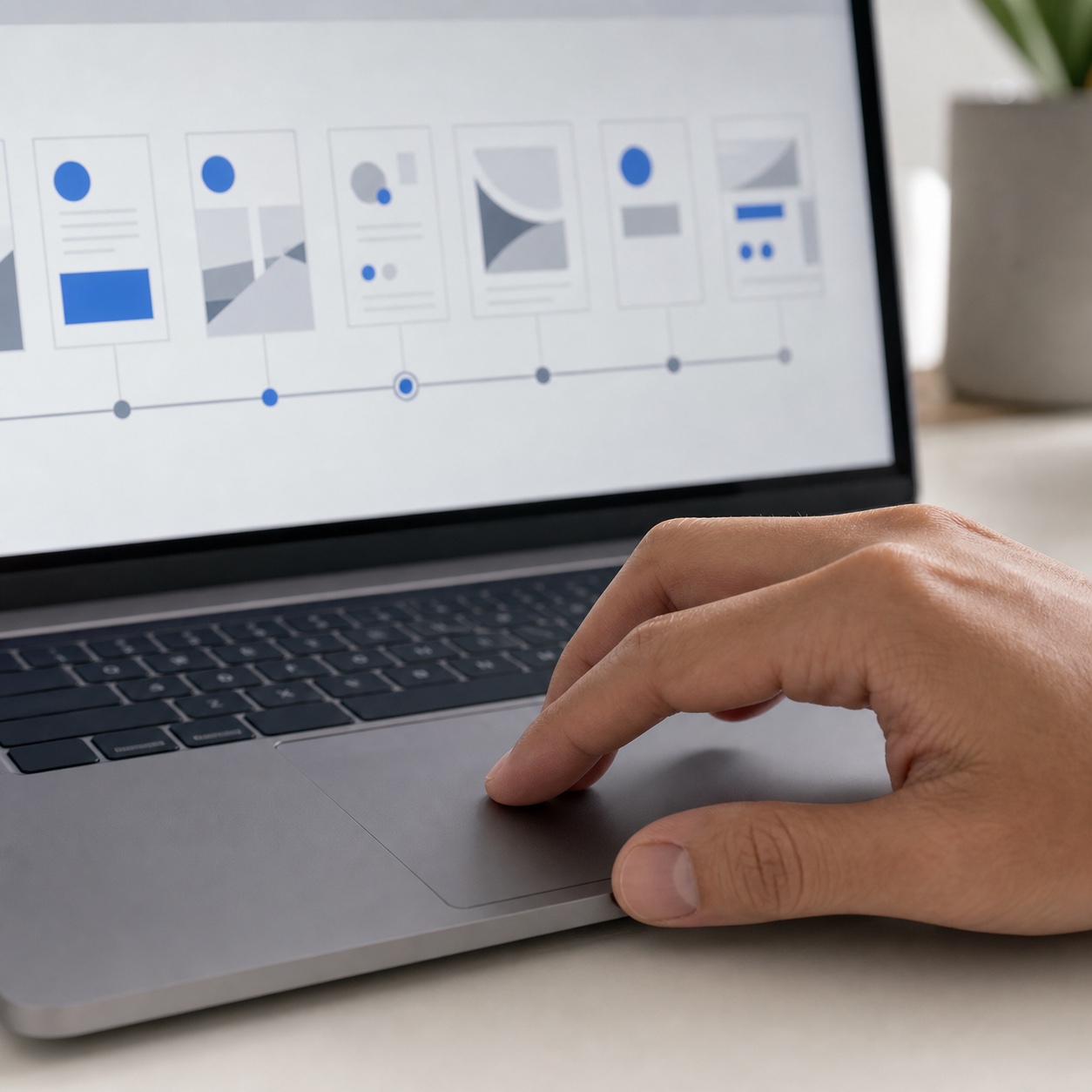
Break the whole process into six honest stages, and most studio friction traces to exactly one of them: where files actually live and how versions get tracked, which tools the team consistently uses versus which ones exist but get ignored, who has access to what, how a design gets formally approved rather than informally “okay’d,” how feedback attaches to the specific point in the work it’s about, and how a finished asset actually reaches the client’s hands in an organized state.
Most studios can name a clear answer for two or three of these stages and a shrug for the rest. That gap, not any single dramatic failure, is usually where the recurring friction actually comes from.
Mapping all six on paper, even informally, tends to be more revealing than expected. A studio that thought its process was mostly solid frequently discovers that the answer to “who approves this” or “where does the final file actually live” changes depending on which team member you ask, which is precisely the kind of quiet inconsistency that becomes an expensive problem the moment the studio adds enough people that not everyone can just ask each other directly anymore.
Why technical friction becomes creative delay
A slow file sync or a permissions error doesn’t just cost the minutes it visibly wastes. It costs the concentration a designer had built up before the interruption, and rebuilding that state of focus takes considerably longer than the technical fix itself. Multiply that across a team and a week, and “small” technical friction turns out to be one of the largest hidden costs in a growing studio’s schedule.
The IT backbone behind a stable design workflow
Every stage described above depends on infrastructure that should be invisible when it’s working and impossible to ignore when it isn’t.
Cloud storage, backups, permissions, device setup, and software updates
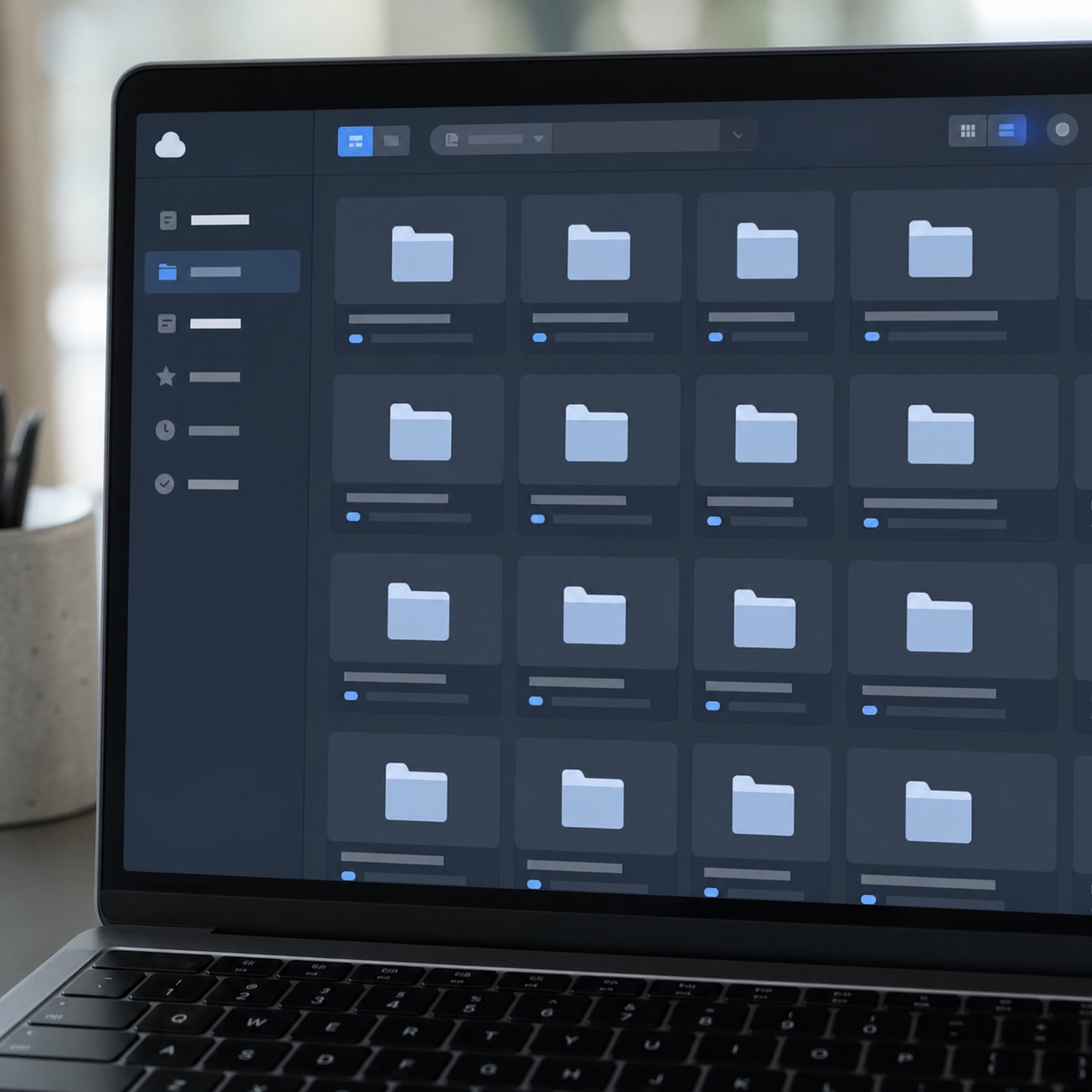
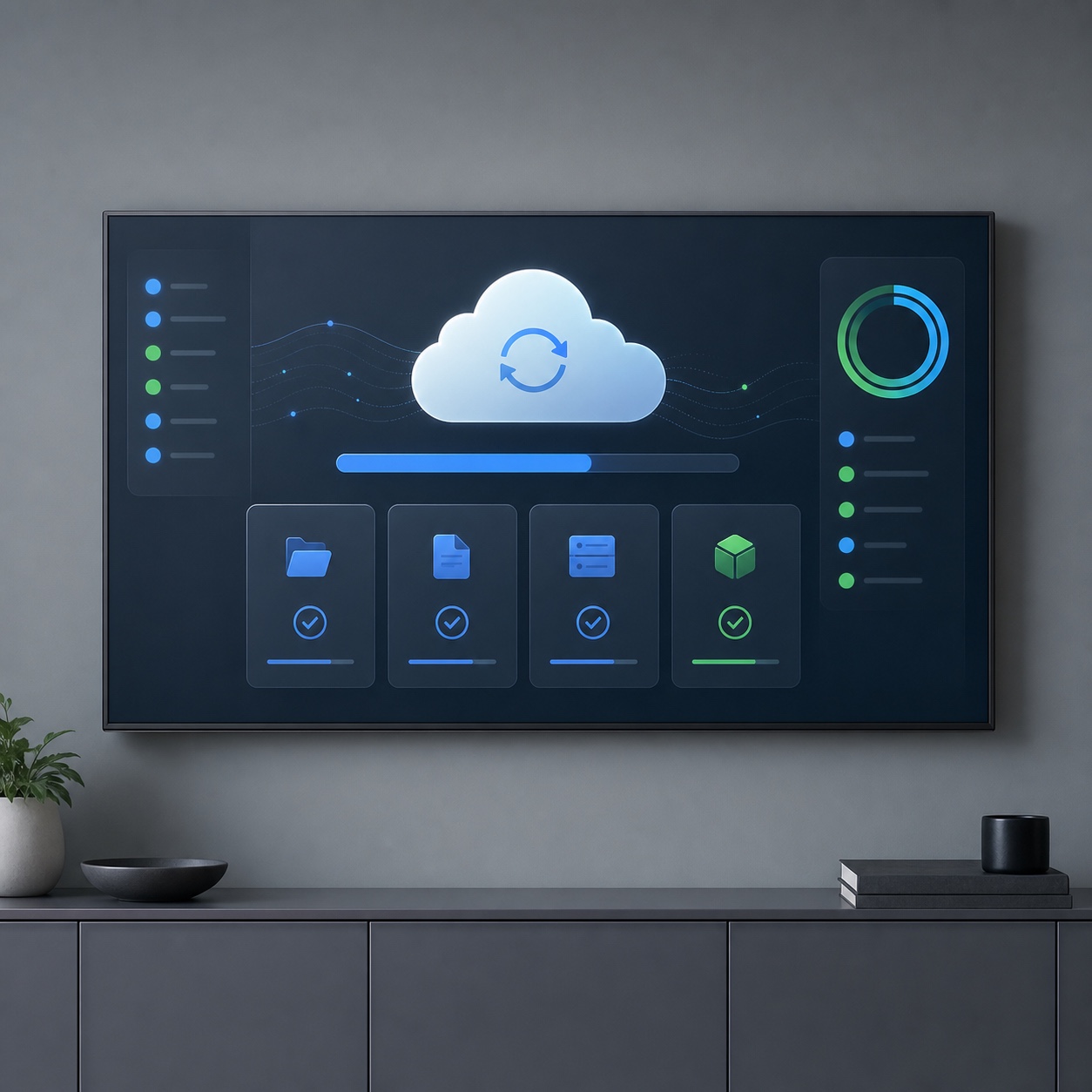
Cloud storage with backups that have actually been tested, not just assumed to be running, permissions matched to who genuinely needs access to which client’s work, consistent setup across every team device, and software updates managed rather than left to chance mid-project, none of this is exciting, and all of it determines whether a studio’s growth phase goes smoothly or turns into a season of firefighting.
Backup verification deserves particular emphasis, since it’s the single item on this list studios most commonly assume is handled without ever confirming it. A backup that’s never been used to actually restore a file isn’t a proven system, it’s an untested assumption, and the gap between the two only becomes visible during an actual loss, which is the worst possible moment to discover it.
Adobe, Figma, CAD, 3D, rendering, and large-file workflows
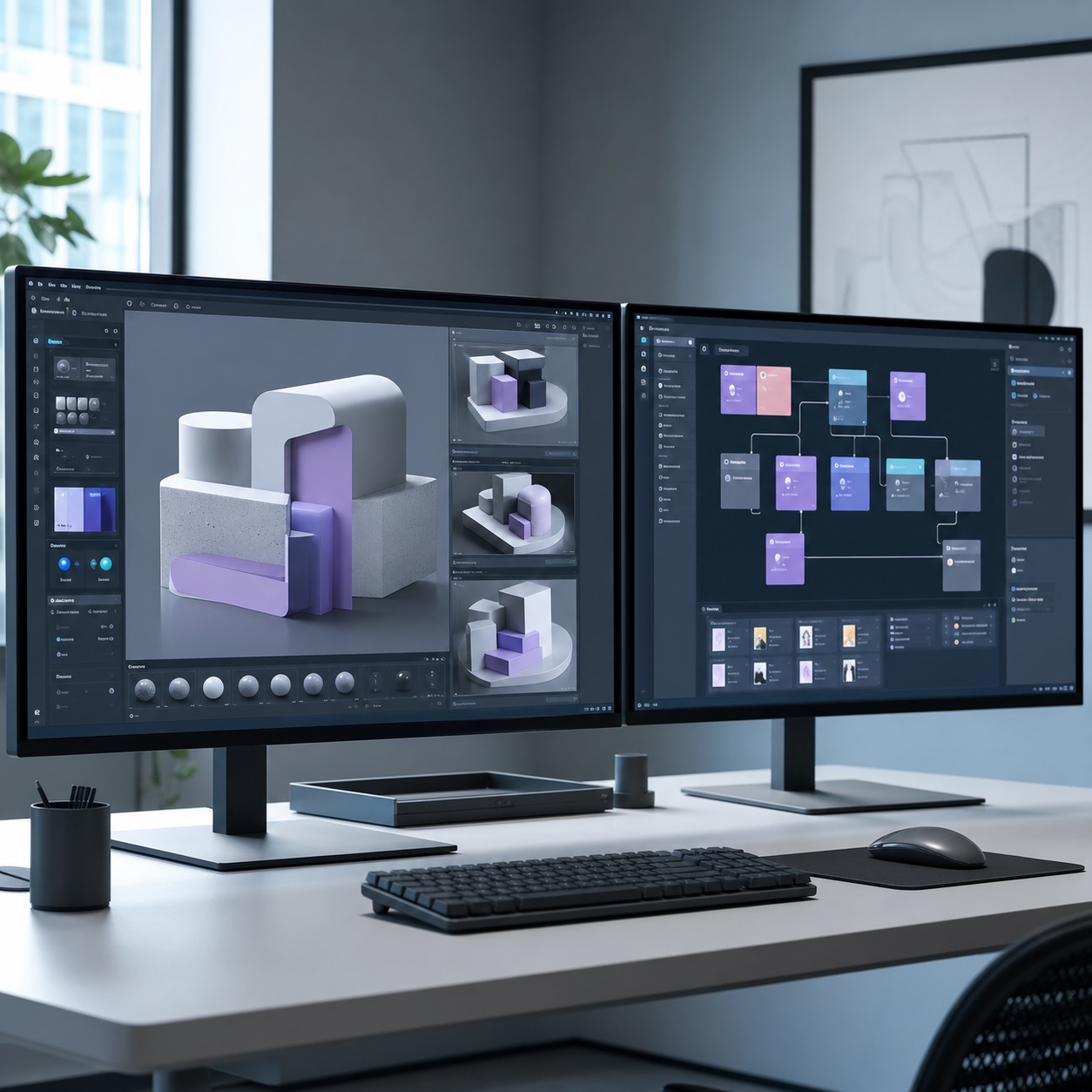
Design software brings demands that generic IT support consistently underestimates: license counts that need active management as a team grows, compatibility testing before an update rolls out mid-project rather than after something breaks, and large-file handling for CAD, 3D, and rendering work that overwhelms a standard consumer-grade cloud sync setup fast. How cloud rendering helps you work from anywhere and our Vectorworks tutorials for 2D and 3D workflows both cover specific pieces of this, cloud rendering infrastructure and CAD-specific 2D/3D workflow respectively, both worth reading as a studio’s project complexity increases.
Trace one real, recent project from kickoff to delivery and write down every tool, folder, and handoff it actually touched. Most studios find the map in their heads doesn’t match what actually happened, and the mismatch is usually exactly where the friction lives.
Where outsourced IT fits into creative operations
None of the infrastructure above has to be built and maintained in-house, and for most growing studios, it genuinely shouldn’t be.
What an external IT partner can own without touching creative direction
Infrastructure, backups, device management, and software compatibility are all cleanly separable from creative judgment, which is exactly why they suit an outside partner. A studio doesn’t need an IT provider weighing in on design decisions, it needs the ground those decisions stand on to stay stable without anyone in the studio having to think about it day to day.
The clearest sign of a well-scoped relationship: creative staff stop thinking about infrastructure at all in a normal week, interacting with the support relationship only during scheduled check-ins or a genuine emergency. If designers are still regularly troubleshooting their own systems despite having outside support in place, the scope probably needs adjusting rather than the provider being replaced outright.
Managed IT support, local IT help, and studio infrastructure
The most common mistake studios make here is trying to find one provider to cover everything at once, when specialized support and generalist infrastructure support are genuinely different skill sets. Technology outsourcing to KPInterface is a useful example of the specialized end of that spectrum, an outsourcing partner built to scale infrastructure and monitoring alongside a growing creative team, rather than treating a design studio’s needs as identical to any other small business client.
Collaboration tools without file chaos
Which specific tools a studio picks matters far less than whether those tools are actually connected into one workflow instead of running as four separate apps everyone happens to use differently.
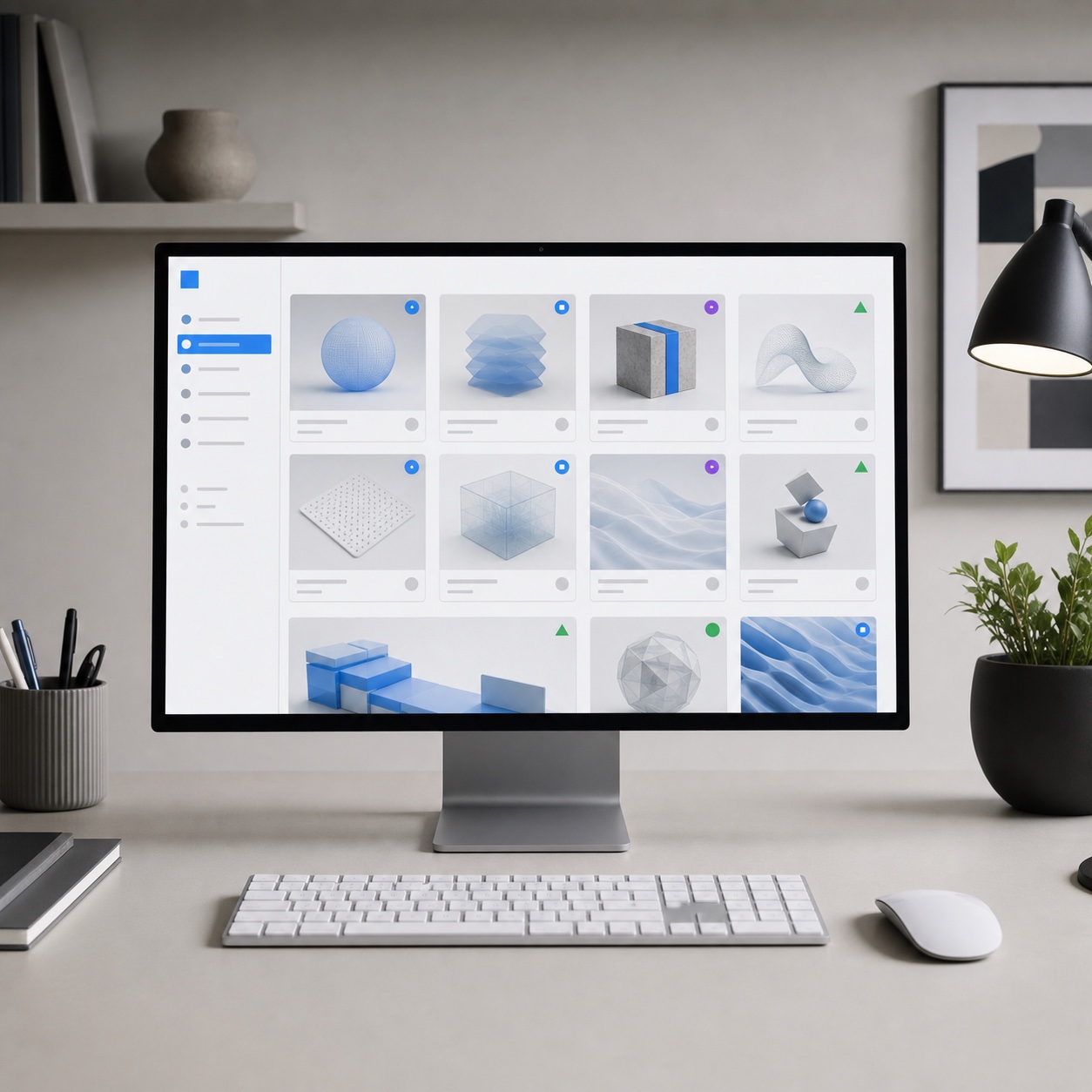
Project boards, visual review, client portals, asset libraries, and version control
A real-time project board, a review tool that lets feedback attach directly to a specific point in the work, a client portal scoped to exactly the right level of access, and an asset library with genuine version history together cover most of what a growing studio actually needs from this layer. Our guide to choosing the right project management software and our roundup of remote work software tools for distributed teams both go further into choosing the specific tools that fit this structure, beyond the general categories covered here.
Naming, archiving, handoff, and approval rules
A consistent naming convention, a clear rule for when and how a closed project gets archived, a standard handoff checklist for finished deliverables, and a documented answer to who can actually approve work moving to the next stage, these rules matter more than the software wrapped around them. Good tools without these rules just make disorganization faster and more expensive.
Archiving specifically tends to get neglected until storage costs or clutter force the issue. A closed project doesn’t need to sit in the same actively synced, fully accessible storage as current work, but it does need to stay retrievable and intact indefinitely, since a former client returning years later for a rebrand or an asset refresh is a common enough scenario that a studio should be genuinely ready for it, not scrambling to reconstruct a project from scattered backups.

Security for client assets and intellectual property
A studio’s ability to actually protect the unreleased, sensitive work clients hand over is a real competitive asset, not just a defensive box to check, and it deserves the same deliberate design attention as any other part of the workflow.
MFA, role-based access, endpoint protection, ransomware prevention, and recovery
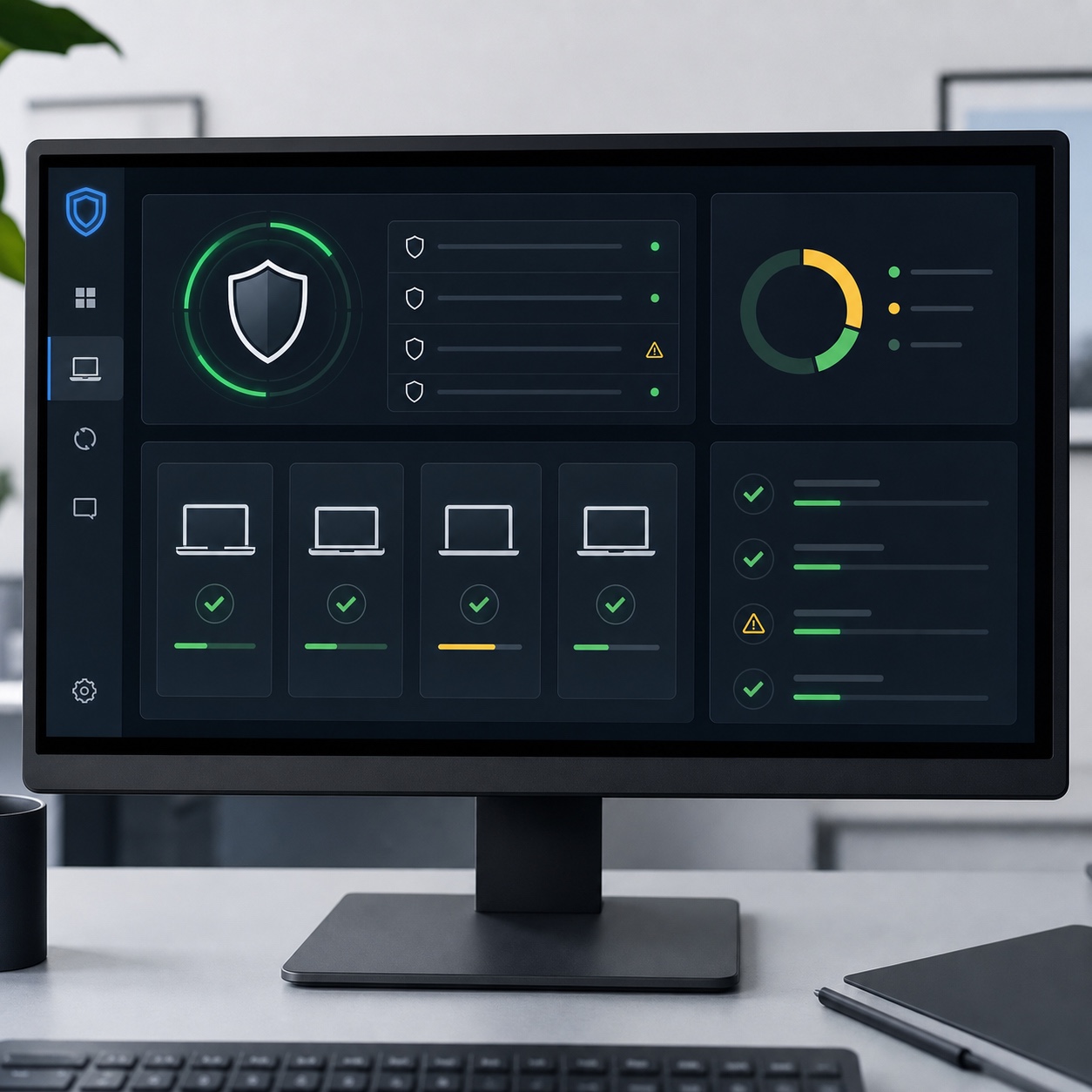
Multi-factor authentication across every account touching client work, access scoped by role rather than granted broadly by default, endpoint protection on every device in the studio’s ecosystem, and a ransomware recovery plan that’s actually been tested, not just assumed to exist, form the real baseline for a growing studio, not an advanced tier reserved for later.
Creative agencies have become a more attractive target than they used to be, precisely because unreleased client work carries value clients themselves would pay to keep confidential. Studios weighing how seriously to take this layer, and unsure whether their current setup actually holds up, can Waukesha IT services provider for a specific assessment focused on exactly this kind of intellectual-property and client-data exposure, rather than a generic small-business security review that doesn’t account for what a creative studio is actually protecting.
It’s worth running a tabletop exercise at least once, walking through what would actually happen if a ransomware attack hit tomorrow, who gets notified, what the recovery sequence looks like, how long client work would realistically be inaccessible, rather than discovering the gaps in that plan for the first time during a real incident. Most studios that do this exercise honestly find at least one assumption in their plan that doesn’t actually hold up.

How to protect files without slowing designers down
Security that feels like friction gets quietly routed around, which defeats the entire purpose of having it. The goal is protection that operates in the background, single sign-on instead of five separate logins, backups that run automatically instead of depending on someone remembering, permissions configured correctly once rather than re-negotiated for every new hire. Security a creative team barely notices is doing its job better than security everyone learns to work around.
A practical creative workflow management checklist
Answer these honestly, not aspirationally, to find where a studio’s real gaps sit.
Does everyone know exactly which tool covers which stage of a project, without needing to ask? Is access assigned by role rather than negotiated individually for each new hire? Is there one authoritative home for active files, with backup running underneath it and actually verified? Is there a defined IT relationship, in-house, outsourced, or a mix, with someone accountable for keeping the infrastructure stable? Does the core workflow exist in writing anywhere, or only in one person’s memory? And is there a fixed, recurring point on the calendar for revisiting whether the current system still fits the studio’s actual size?
Treat this less as a one-time pass-fail test and more as a habit worth repeating on a set schedule. A studio scoring well today can drift within a year as headcount, client complexity, and file demands all shift, and catching that drift early is far cheaper than rebuilding the system after it’s already caused a visible client-facing problem.
When to revisit the workflow as the studio grows
A system that fit a five-person studio comfortably can start straining at fifteen, and the strain rarely announces itself clearly until it’s already causing visible problems.
New locations, freelancers, larger clients, bigger file types, and tighter deadlines
Treat these as automatic triggers to revisit the whole system rather than waiting for a crisis: opening a second location or bringing on remote team members in new regions, adding freelancers who need scoped, temporary access instead of full team permissions, landing a client with a more complex approval chain than anything handled before, taking on project types with substantially larger files than the current setup was built around, or facing deadlines consistently tighter than the workflow was originally designed to support.
Our guide to agentic AI workflow in digital design and our guide to outsourcing CAD services both cover specific ways to expand capacity at this stage, AI-assisted workflow tools and outsourced CAD capacity respectively, worth considering once growth is outpacing what the current team can absorb on its own. Our guide to design operations for remote agencies and our piece on project scheduling software for managing multiple design projects round out the broader operational planning worth revisiting alongside each of these triggers.
FAQ
What is creative workflow management?
A: Creative workflow management is the deliberate system governing how design work moves through a studio: where files live, which tools the team uses, who has access to what, how approvals get tracked, how feedback gets captured, and how final work reaches a client. It’s distinct from creative decision-making itself, it’s the structure that creative process runs on top of.
How can design studios improve creative workflows?
A: Start by tracing one real project from kickoff to delivery and documenting every tool, folder, and handoff it actually touched, since the informal system most studios assume is in place rarely matches what’s really happening. Fix the weakest single link first, usually file organization, feedback tracking, or access permissions, rather than trying to redesign everything simultaneously.
What IT support does a growing design studio need?
A: At minimum, reliable cloud storage with genuinely tested backups, consistent device setup and update management, active license management for design software, and a real security baseline covering multi-factor authentication and role-based access. Whether that’s handled in-house, outsourced, or through a mix of both depends on studio size and how fast it’s growing.
Which collaboration tools are useful for design studios?
A: A visible project board, a dedicated visual feedback and review tool, a client portal with appropriately scoped access, and an asset library with real version control cover the core needs. Which specific software a studio picks matters less than whether those tools are actually connected into one workflow rather than used as separate, overlapping apps.
How can a design studio keep client files secure?
A: Multi-factor authentication on every account, access scoped by role, endpoint protection on every connected device, and a tested ransomware recovery plan form the baseline. The strongest security setups run quietly in the background rather than adding friction designers have to work around, since friction people notice tends to get quietly bypassed over time.
When should a design studio outsource IT support?
A: Once informal habits start visibly slowing creative work down, missed backups, inconsistent device setup, security gaps nobody’s actively watching, it’s generally time to bring in dedicated support, whether a specialized outsourcing partner, local IT help, or some combination of both. Waiting for a serious incident to force the decision is the most expensive way to make it.
- 17shares
- Facebook0
- Pinterest17
- Twitter0
- Reddit0