I run part of my work with a small rotating team scattered across three time zones, and the thing that breaks first isn’t creativity. It’s the boring stuff: someone can’t open the shared Figma library, a freelancer’s laptop is still on last year’s Adobe license, a client review link points to a file three versions old. None of that shows up on a mood board. All of it decides whether a studio hits its deadlines.
Design operations is the name for the system that keeps those boring parts from becoming the whole job. It’s not IT bolted onto a creative team — it’s the operating layer that makes remote creative delivery actually reliable, from onboarding a new freelancer to knowing who to call when a cloud folder won’t sync at 11pm before a client presentation.
- Why remote design agencies need design operations
- What design operations means in a remote agency
- Build a reliable creative tool stack
- Make IT support part of creative delivery
- Cloud collaboration without operational drift
- Onboarding and training for distributed design teams
- Security and backup as design-ops responsibilities
- When IT consulting helps a remote design agency
- Design operations checklist for remote agencies
- FAQ
I learned to care about this the slow way, on projects where the design work itself was never the bottleneck. What slowed things down was always something operational: a license nobody renewed, a folder structure two people organized differently, a review comment that lived in someone’s inbox instead of the project file. None of that gets fixed by hiring a better designer. It gets fixed by building the system underneath the design work.

Why remote design agencies need design operations
Creative quality depends on tools, access, support, and repeatable process
Good design work doesn’t happen in a vacuum. It happens on a machine that boots reliably, in a file library everyone can actually reach, with a review process that doesn’t lose a round of feedback in an email thread. I’ve watched strong designers turn out mediocre work simply because the tool chain around them was unreliable — not because the ideas were weak, but because half their week went to workaround instead of craft.
Repeatable process matters as much as any single tool. A studio that reinvents its onboarding, its file naming, and its approval chain for every new project is spending creative energy on logistics it should never have to think about twice. On an automotive surfacing project years back, the studio that ran smoothest wasn’t the one with the most talented modelers — it was the one where every file handoff between design and engineering followed the same checklist every single time, so nobody spent Monday morning figuring out what state a file was actually in.

Where remote work breaks: onboarding, files, approvals, licenses, and device issues
The failure points are almost always the same five things. A new freelancer starts a project without the right software license and loses a day waiting on IT. A shared drive grows a second, slightly different folder structure because two people organized it differently.
A client approval gets buried in a Slack thread instead of logged somewhere findable. A seat license expires mid-project because nobody owned the renewal. A designer’s laptop needs an update that nobody scheduled, so it happens mid-deadline instead of on a Friday afternoon.
None of these are dramatic failures. They’re small frictions that compound, project after project, until a studio’s actual creative capacity is quietly smaller than its headcount suggests.
I’ve sat down and counted this once, out of curiosity, on a two-week sprint — roughly a full day of team time went to exactly these kinds of avoidable snags, spread thin enough across five people that nobody noticed it happening until the total got added up.
What design operations means in a remote agency
People, process, tools, governance, and technical support
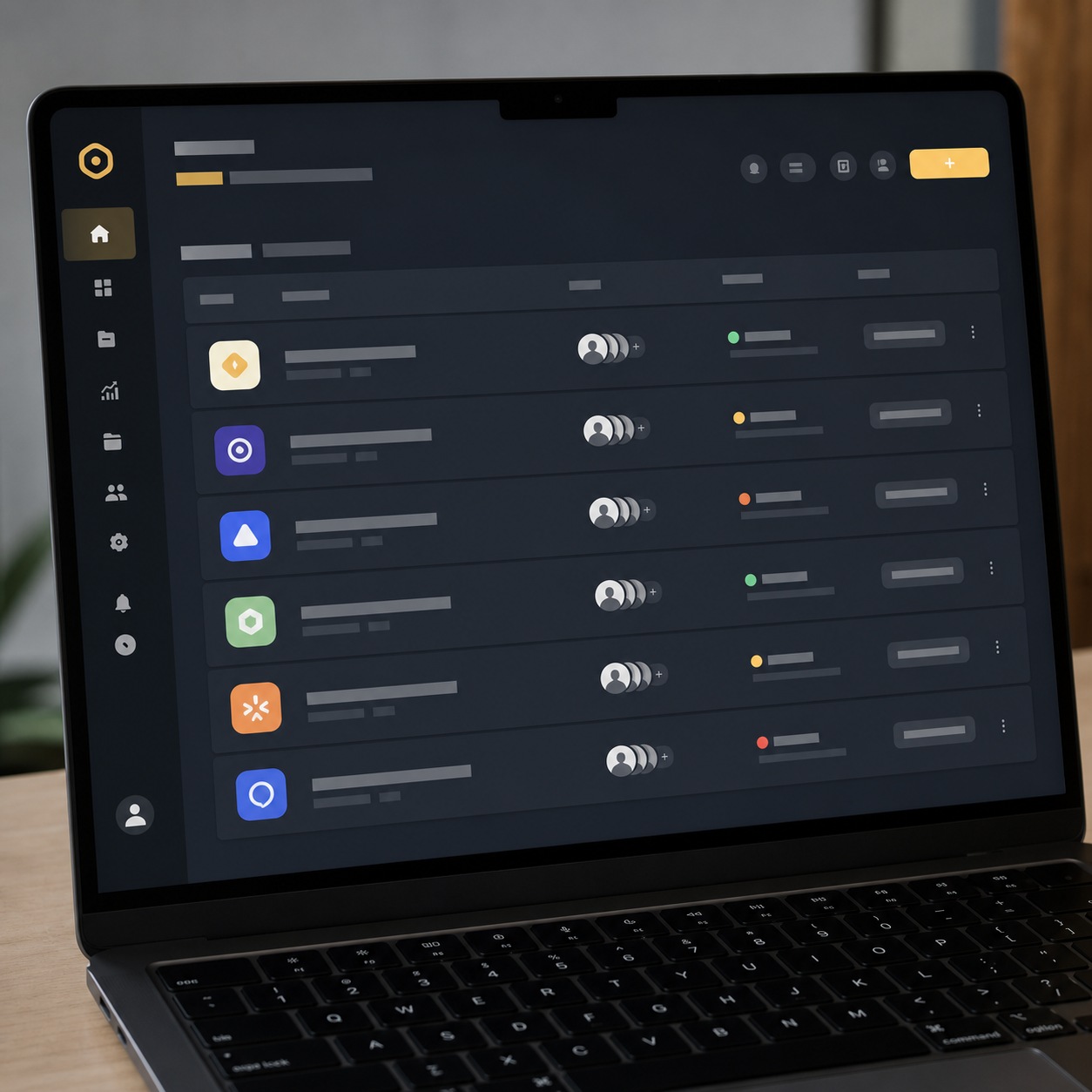
Design operations covers five layers, and most agencies only think about one or two of them. People: who owns onboarding, who owns the tool stack, who’s the point of contact when something breaks. Process: the repeatable steps for kicking off a project, reviewing it, and archiving it. Tools: the actual software stack, standardized rather than accumulated ad hoc.
Governance: who has access to what, and for how long. Technical support: the layer that keeps all of the above running day to day. Skip any one of the five and the others start compensating for it badly — a great tool stack with no governance just means faster, more organized chaos.
I think of it the way I’d think about a production pipeline on an automotive project — the design intent matters, but so does the release process that gets a surface model from concept sketch to something engineering can actually build from.
Design ops is that release process for a creative agency. Jewelry design taught me a version of the same lesson from the opposite end of the scale: a single CAD file for a small collection still needs the same governance as a much larger project, because the cost of a version mix-up doesn’t scale down just because the file is small.
The difference between design workflow and design operations
Workflow is what happens inside a single project: brief, concept, review, revision, delivery. Operations is the system underneath every project that makes the workflow possible to repeat without friction — the tool licenses, the support desk, the onboarding checklist, the backup policy. A studio can have a beautiful workflow diagram and still fall apart the moment a freelancer’s laptop dies, because nobody built the operational layer that catches that kind of thing.
The stack needs one clear owner for tasks, dates, workload, and approvals. Use this creative-team project management software checklist to compare candidates before standardizing the rest of the studio tools.
Build a reliable creative tool stack
Figma, Adobe, project management, cloud storage, review tools, and communication channels
Most remote studios run on a similar core stack: Figma or Adobe Creative Cloud for design work, a project management tool for tracking status, cloud storage for files, a dedicated review tool for client feedback, and a communication channel that isn’t email.
The mistake I see most often isn’t picking the wrong tools — it’s letting each team member pick their own, so the studio ends up running three project management tools at once because nobody standardized early.
Pick one tool per function, document why, and make switching a deliberate decision rather than something that happens by attrition. I keep a one-page reference of our stack, updated whenever something changes, mostly so a new collaborator can get oriented in ten minutes instead of a week of Slack questions.
Enterprise dashboard work made this habit stick for me — a UI kit with three different naming conventions across three contributors is a genuinely painful thing to hand off, and the fix is always the same boring discipline: write the standard down once, point everyone at the same document.
License ownership, renewals, permissions, and contractor access
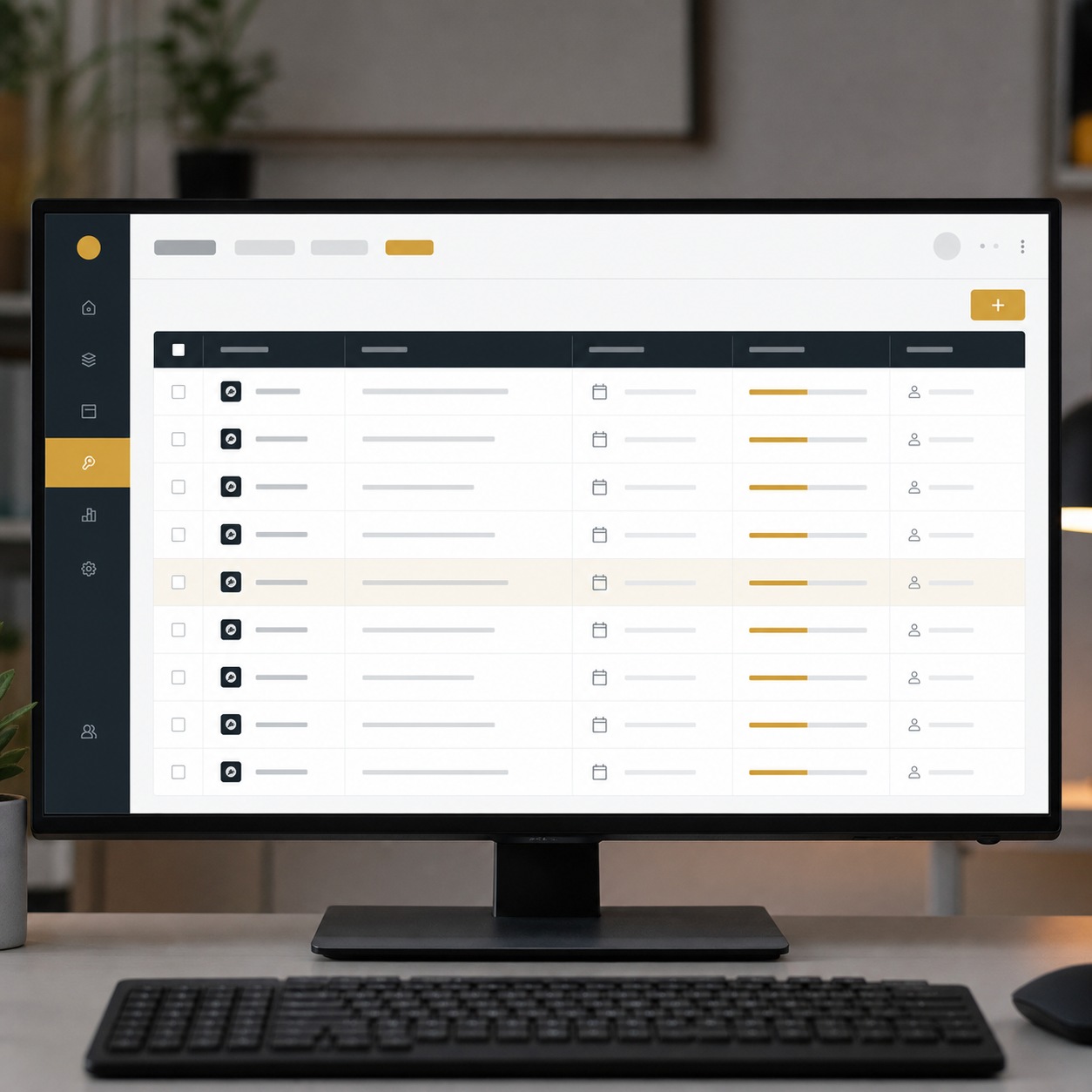
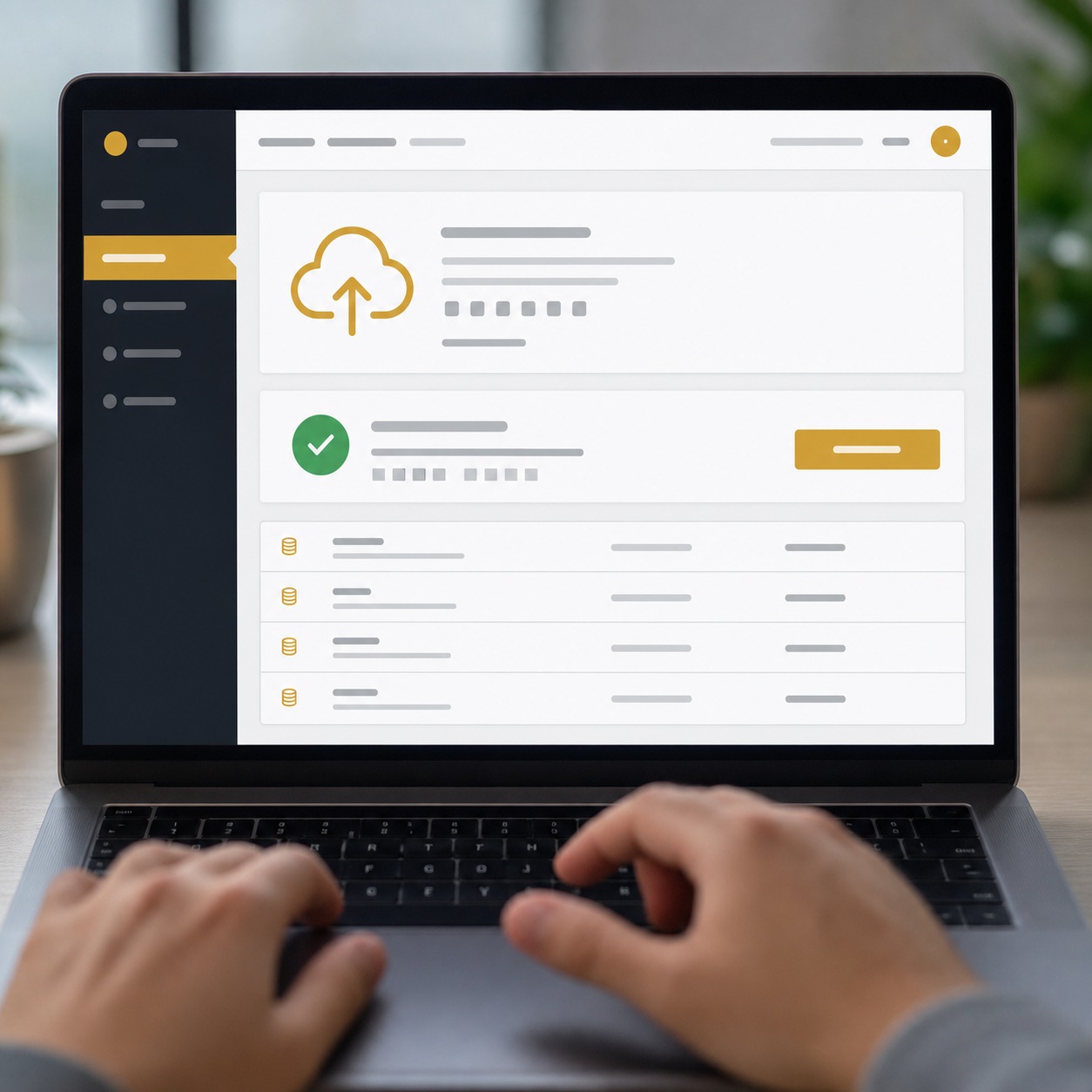
Every license needs an owner — a specific person responsible for renewals, not “the team” in general, which in practice means nobody. Contractor access should default to project-scoped and time-limited, the same way file access should. I’ve seen studios keep paying for seats freelancers stopped using a year earlier, simply because nobody owned the review.
Build a short license log: what tool, who owns it, when it renews, who currently has a seat. It takes an afternoon to set up and saves a recurring headache every renewal cycle after that. I run this as a single spreadsheet tab, nothing fancier, and it’s caught more than one seat still active for a collaborator who wrapped up a project months earlier.
Make IT support part of creative delivery
Helpdesk rules, escalation paths, uptime, updates, and device setup
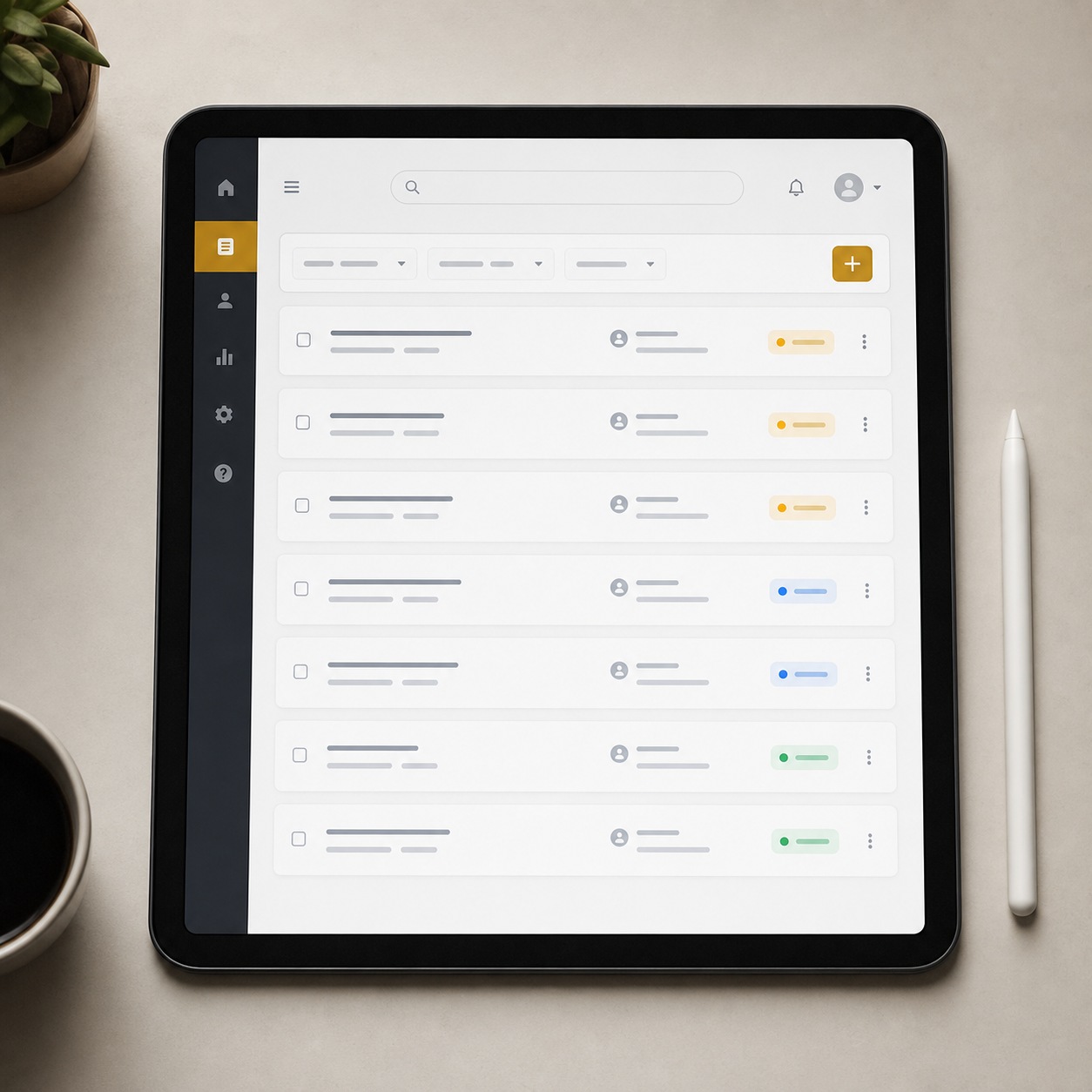
A remote studio needs a clear answer to “what do I do when something breaks,” and that answer shouldn’t be “message whoever’s online.” Even a lightweight helpdesk setup (a single channel, a documented escalation path, a known response window) turns a scramble into a routine.
Device setup deserves the same treatment: a new laptop should arrive with the right software, the right permissions, and the right updates already handled, not assembled ad hoc by the new hire on day one.
Scheduled updates matter more than people expect. An OS update that lands mid-deadline because nobody planned around it costs far more time than the same update handled on a quiet Friday.
I set a standing rule after losing an afternoon to exactly this once: no forced updates in the three days before a client deadline unless it’s a genuine security patch, and everything else waits for the calendar slot built for it.

What remote designers should be able to fix without waiting
Not everything needs a ticket. A short list of self-serve fixes (clearing a cache, restarting a sync client, reinstalling a font) saves real time if it’s written down somewhere designers can find it fast. I keep a short internal doc for exactly this, built entirely from problems that came up more than once. The goal isn’t turning designers into IT people. It’s removing the ten-minute problems so support time goes toward the ones that actually need it.
The list grows slowly and that’s fine. Every entry started as a real ticket that turned out to have a five-minute fix, and writing it down once means the next person who hits the same wall doesn’t have to wait on someone else’s availability to solve it.
Cloud collaboration without operational drift
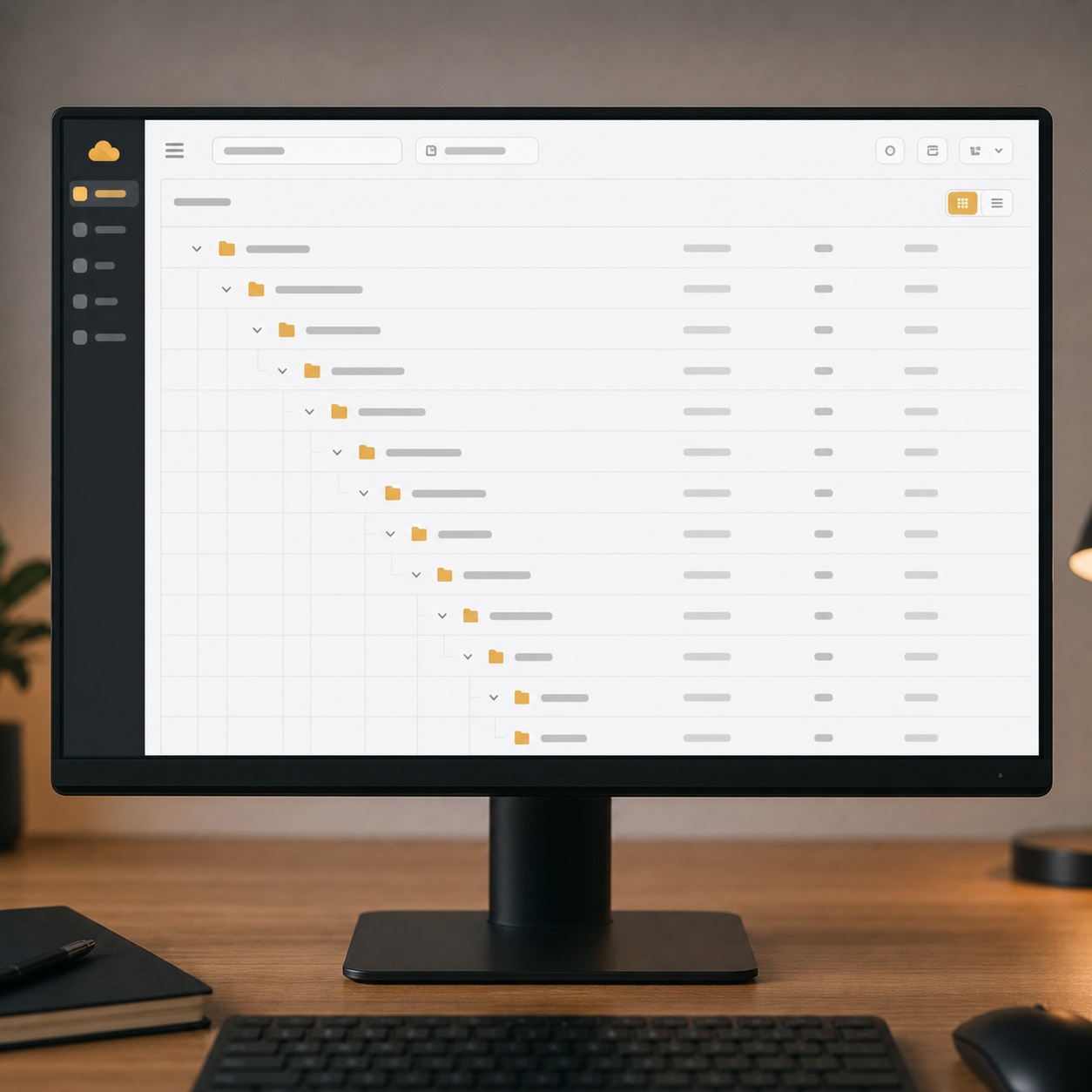
Folder structure, naming rules, version control, handoffs, and archive policy
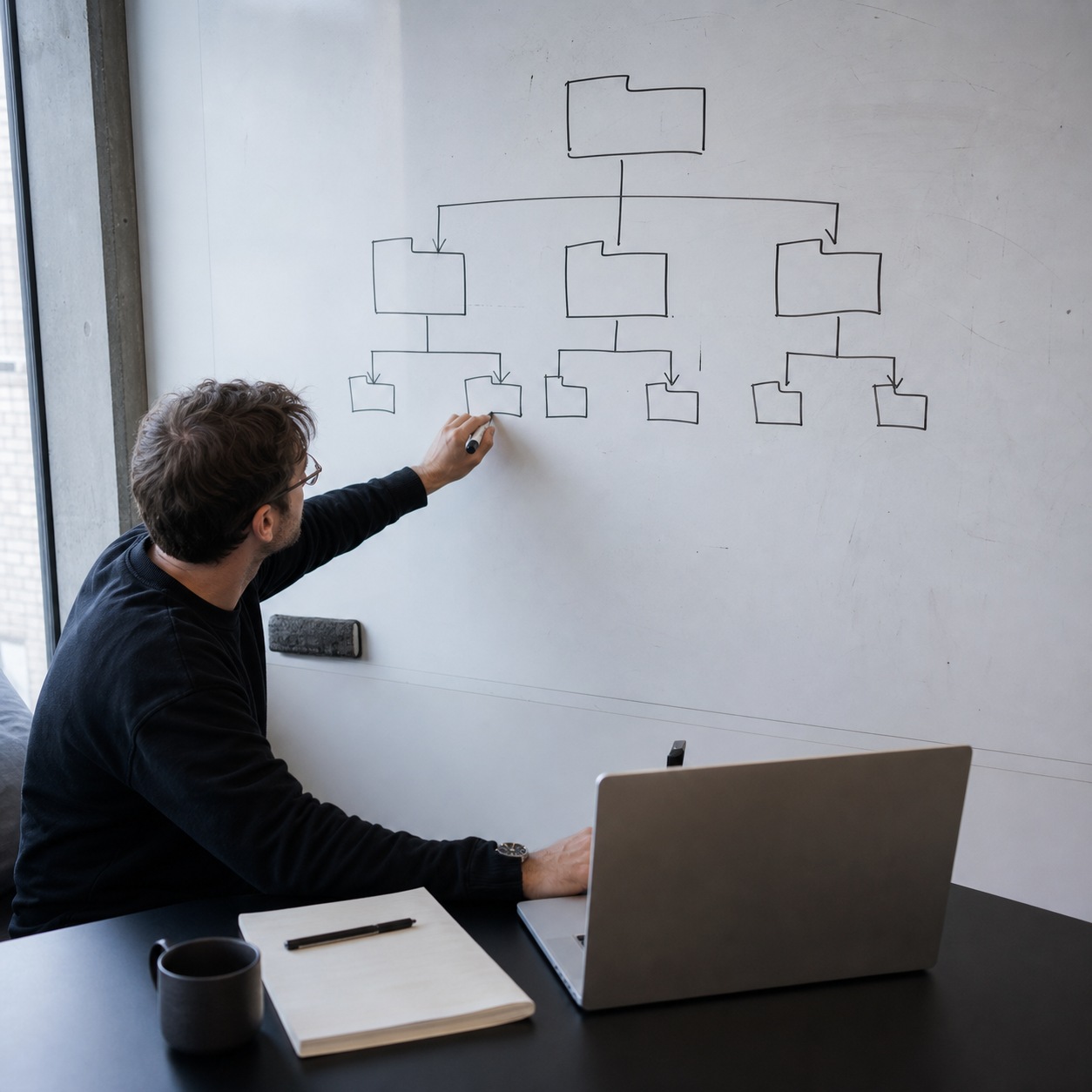
Cloud storage solves the access problem and creates a new one: drift. Without a shared naming convention, “final,” “final_v2,” and “final_ACTUAL” all end up in the same folder within a month. A simple, enforced structure: one root folder per client, one subfolder per project phase, one naming pattern for files. That alone prevents most of this before it starts.
Archive policy is the part studios skip most often. Decide up front how long a completed project’s working files live in active storage before moving to archive, and who’s responsible for making that move. Nobody notices archive policy until a drive is nearly full and nobody remembers what’s safe to remove.
I set a simple rule for my own setup: anything untouched for six months after project close moves to cold storage, reviewed once a year to see if it should stay there or go entirely.
How to keep client reviews and approvals traceable
A client’s “yes, approved” needs to live somewhere findable six months later, not buried in a Slack scroll. A dedicated review tool with a visible approval trail solves this cleanly. If a studio isn’t ready for a dedicated tool, even a simple rule (approvals get logged in the project file, not just verbally or in chat) closes most of the gap.
Onboarding and training for distributed design teams
New freelancer checklist, tool access, security basics, file standards, and support contacts
A new freelancer’s first day should follow a checklist, not a memory. Tool access granted before day one, not scrambled together after. A short walkthrough of file naming and folder structure. Basic security habits (password manager, MFA) covered in five minutes rather than assumed. And one clear name to contact when something doesn’t work, so the freelancer isn’t guessing who to message.
I’ve cut onboarding time roughly in half on recent projects just by writing this checklist once and reusing it, instead of rebuilding the mental list from scratch for every new collaborator. The first version took an hour to write and has been edited maybe a dozen times since, each time because something went wrong once and got added so it wouldn’t happen twice.
Change management when the agency adopts new tools
Switching tools disrupts a team even when the new tool is better. Roll changes out in phases rather than all at once, keep a short guide for the new tool, and expect a transition period where questions come up faster than usual. Resistance to a new tool is usually resistance to unclear instructions, not resistance to change itself.
I switched a small team over to a new review tool last year and gave it two full weeks running in parallel with the old process before turning the old one off — the overlap felt slow at the time, but it meant nobody lost a client comment in the gap between systems.
Security and backup as design-ops responsibilities
MFA on every account that touches client work, permissions reviewed at project close rather than left standing indefinitely, backups that are actually tested rather than assumed to work, and endpoint updates that happen on schedule rather than whenever someone remembers. These aren’t separate from design operations — they’re part of it, the same way a locked studio door was part of running a physical office. A recovery plan doesn’t need to be elaborate. It needs to answer three questions clearly: what gets restored first, who makes that call, and how long clients wait to hear what happened.
I test our backup restore once a quarter, on a random file rather than a convenient one, specifically because a backup that only gets tested on files you already know are fine tells you almost nothing about whether the system actually works when it matters.

When IT consulting helps a remote design agency
Auditing the stack, reducing friction, choosing cloud tools, and documenting support standards
Most creative agencies don’t have anyone whose job is IT, and building that expertise in-house rarely makes sense for a small studio. That’s where outside consulting earns its place — not to run the studio’s technology, but to audit the current stack, point out where friction is actually coming from, and help choose cloud tools that fit how a design team actually works rather than a generic corporate template.
I’ve seen studios bring in IT consultants at CentraLink specifically for this kind of audit — someone who can look at a scattered stack of licenses, folder structures, and support habits built up over a few years, and turn it into a documented set of standards the whole team can actually follow. For agencies that need local IT support to keep production moving, it can also make sense to go to chacetech.com as a practical reference for fast support, flat-rate planning, and security basics that protect day-to-day delivery. That documentation is worth more than it sounds like on paper: it’s the difference between a studio that survives a key person leaving and one that quietly loses its institutional knowledge with them.
The value shows up most clearly during growth. A three-person studio can run on shared understanding and good habits. A twelve-person studio running on the same undocumented habits usually has three or four different versions of “how we do things” depending on who you ask, and an outside audit is often what finally forces everyone onto the same page.
What should stay inside the creative team
Consulting should strengthen the operational layer, not replace creative decision-making. Tool selection for actual design work (which review process fits the team’s rhythm, how feedback gets structured) stays with the people doing the work. Bring in outside expertise for the infrastructure underneath it, not for decisions about how the studio creates.
Design operations checklist for remote agencies
Run through this at least once a quarter, not just when something breaks:
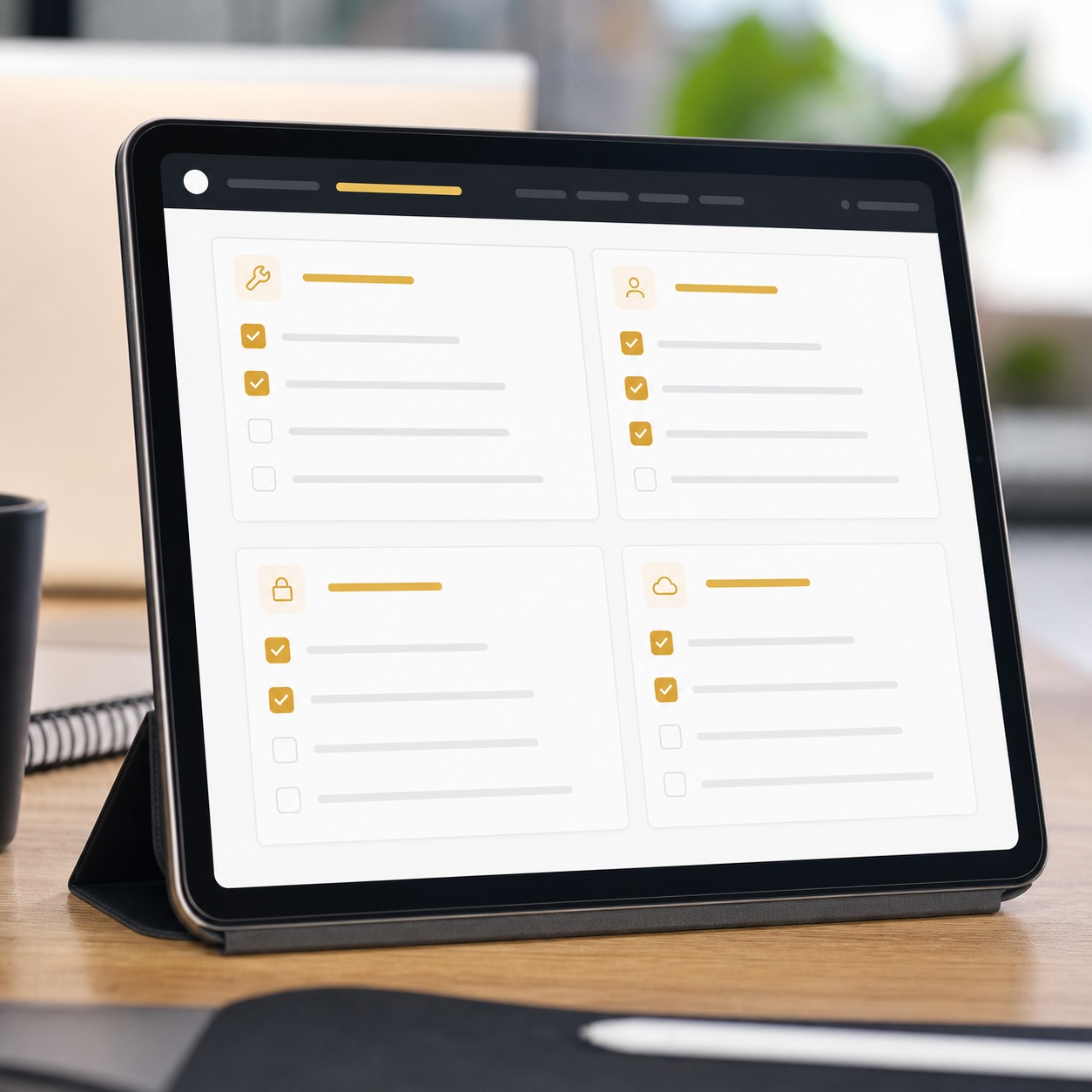
- Tools: Every function has one standardized tool, documented, with an owner.
- Access: Contractor and freelancer access is scoped to current projects and reviewed at project close.
- Files: Folder structure and naming rules are written down somewhere new team members can find them.
- Support: A helpdesk channel and escalation path exist and everyone knows where they are.
- Training: New freelancers get a written onboarding checklist before their first day, not during it.
- Security: MFA is on everywhere, and permissions get reviewed on a schedule.
- Backups: Backups are tested, not just running in the background unverified.
- Measurement: Someone tracks how often the same problem repeats, since a recurring fix usually points to a process gap, not a one-off.
I run this list at the start of every quarter for my own small team setup, and it consistently catches one or two things that quietly drifted since the last check.

FAQ
What is design operations?
Design operations is the system of people, tools, processes, and technical support that lets a creative team deliver consistent work without reinventing its logistics on every project. For a remote agency, that means tool stack governance, onboarding, support, file organization, and security, all working together rather than handled ad hoc. Think of it as the infrastructure a studio stands on, distinct from the creative decisions made on top of it.
How is design ops different from design workflow?
Workflow is what happens inside a single project, from brief to delivery. Operations is the underlying system that makes any workflow repeatable across projects, including the tool licenses, support structure, and onboarding process that don’t change from project to project. A studio can redesign its workflow every quarter and still rely on the same operational backbone underneath it.
What IT support does a remote design agency need?
At minimum, a clear helpdesk path, scheduled device and software updates, license management, and basic cybersecurity practices like MFA and tested backups. Studios that skip this usually notice it first as recurring small delays that never quite get traced to a root cause, until someone finally sits down and maps where the time is actually going.
Which tools should remote design teams standardize first?
Start with whichever tool touches every project: design software, project management, and cloud storage. A studio running duplicate tools for the same function usually finds that standardizing just these three cuts the most day-to-day friction, often before touching anything else on the stack.
How can design agencies onboard remote freelancers smoothly?
Build a written checklist covering tool access, file standards, security basics, and a named support contact, and grant access before the freelancer’s first day rather than after. A documented checklist used consistently beats even a well-intentioned verbal walkthrough every time, mostly because it doesn’t depend on whoever’s onboarding them remembering every step.
Design operations isn’t the exciting part of running a creative agency, and it’s not supposed to be. It’s the layer that makes the exciting part possible to sustain, project after project, without losing a week to a license nobody renewed or a folder nobody organized. Start small: pick one tool per function, write down your onboarding checklist, and give someone clear ownership of licenses and access. The agencies that handle this well aren’t the ones with the fanciest stack — they’re the ones where nobody has to think about the stack at all, because it just works.
I still spend part of most weeks on exactly this kind of unglamorous upkeep, and I’ve stopped thinking of it as separate from the creative work. It’s the thing that lets the creative work actually happen on schedule, week after week, without the same avoidable snags eating into it every time.
- 134shares
- Facebook0
- Pinterest134
- Twitter0
- Reddit0