I still remember the moment a client made us watermark every layer of a surfacing file before it left the server — this was years back, working on early concept sketches that fed into a production SUV silhouette.
Sensitive footage should be protected through a repeatable workflow instead of relying on frame-by-frame manual edits. These automated video redaction show how automated redaction can strengthen digital asset security while saving production time.
At the time it felt excessive. Looking back, it was the smartest habit that studio ever built into its workflow. Hybrid creative studios, the mix of in-house designers, remote freelancers, and outside partners most agencies run on now, inherit the exact same stakes minus the badge readers and locked server rooms that used to keep everything contained.
- Why hybrid creative studios need digital asset security
- Why creative speed creates permission, device, and sharing gaps
- Map where creative assets live before you secure them
- Freelancers, partners, contractors, and temporary access
- Build secure file sharing into the creative workflow
- When a client portal is safer than email attachments
- Secure remote access without slowing designers down
- Separating admin access from everyday creative work
- Use consulting as a design-ops safety layer
- Policies for freelancers, client data, backups, incident response, and compliance
- Digital asset security checklist for creative teams
- FAQ
Your CAD files, your Figma component libraries, a client’s unreleased campaign concepts: all of it sits on someone’s laptop right now, possibly on a coffee-shop network. This isn’t a scare piece. It’s a working map of what to lock down first, why creative teams keep putting it off, and where a second set of expert eyes actually earns its place.
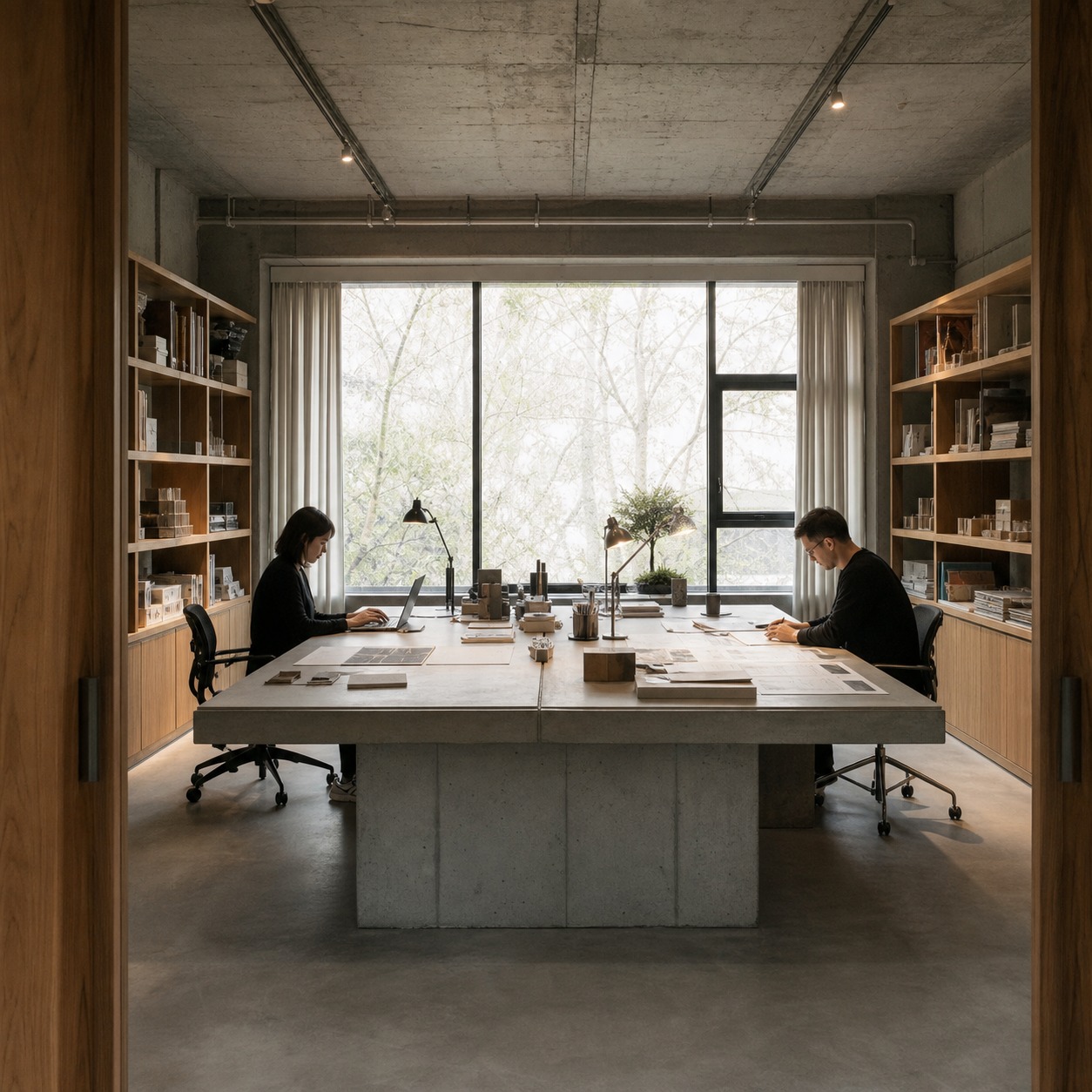
None of what follows requires a security background to understand or implement — it’s the same kind of workflow discipline you’d apply to color management or file naming, just aimed at the parts of the studio that can genuinely hurt a client if they get out early.
Why hybrid creative studios need digital asset security
Client files, campaign concepts, source files, renders, and intellectual property
A studio’s real inventory isn’t the furniture or the software seats. It’s the files. Client campaign concepts before launch day. Unreleased product renders. Layered source files carrying a brand’s entire visual system, the kind a competitor would love to see six weeks early.
On one automotive surfacing project, interior trim renders got the same handling as the engineering team’s crash-test data, because a leak that far ahead of a reveal can flatten a launch before it starts.
That’s the automotive end of things. The same logic holds if you’re producing packaging concepts for a beverage brand or dashboard UI for a fintech client under NDA. Every project folder is a pile of intellectual property that isn’t technically yours.
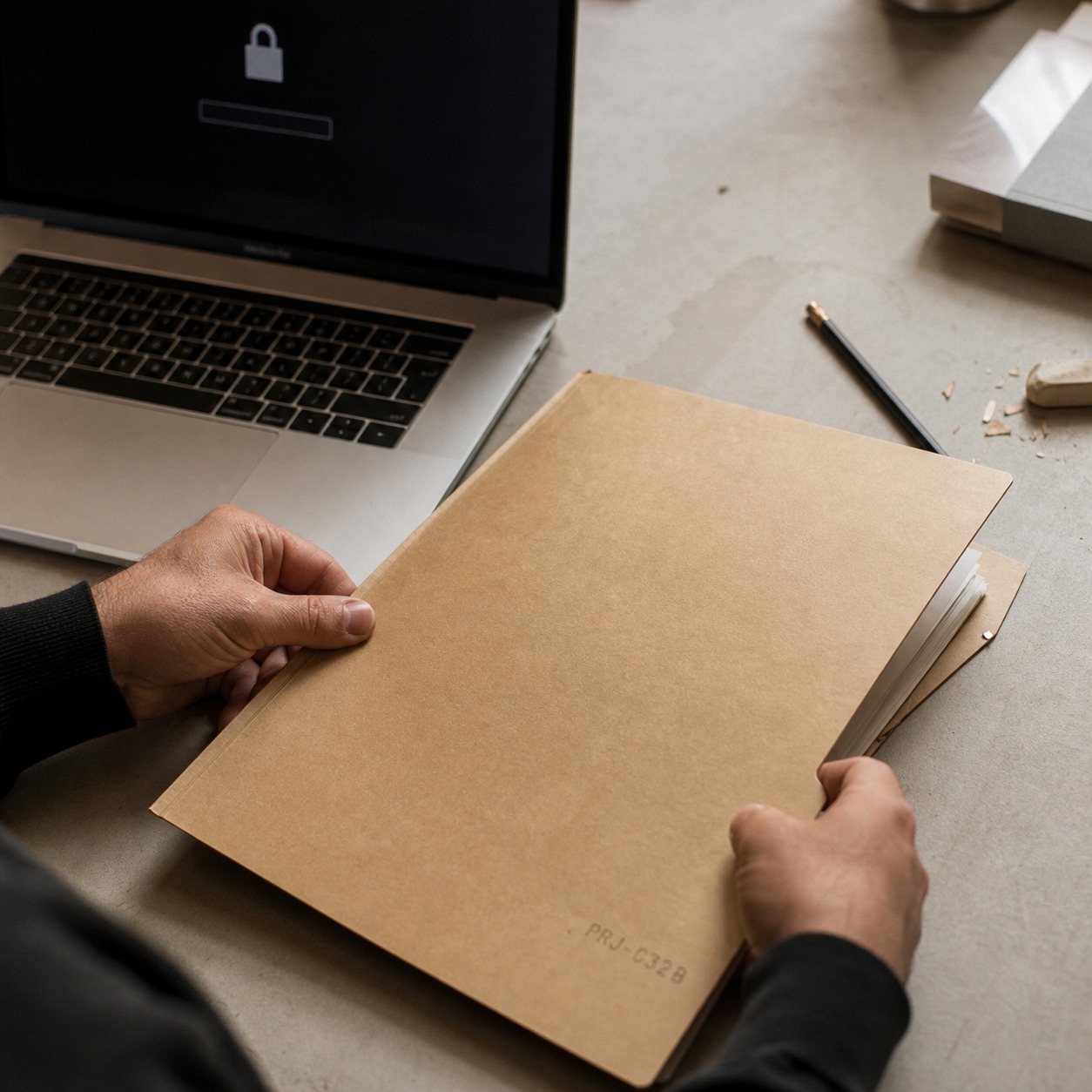
It’s licensed to your studio for the duration of the work, and you’re responsible for it the whole time, not just at delivery.
I’ve also watched jewelry clients get nervous about something less obvious than renders: the CAD files behind a limited collection. A stone setting or a bezel profile can be reverse-engineered from a single well-lit render if the source file leaks alongside it. The design itself is the asset, not just the finished photo.
Enterprise dashboard work carries a quieter version of the same risk. A UI kit built for a fintech client often includes real data structures, naming conventions, and business logic baked into the component library, even when the screens themselves show placeholder numbers.
Hand that Figma file to the wrong person and you’ve handed over more than pixels — you’ve handed over how the product actually works.
Why creative speed creates permission, device, and sharing gaps
Here’s the tension nobody likes to name out loud: the habits that make a hybrid studio fast are the same ones that make it leaky. A freelancer gets added to a shared drive folder for one deliverable and never gets removed three projects later. Someone AirDrops a hero image to a personal phone because the studio Wi-Fi is crawling. A junior designer exports a client style guide to a personal cloud account “just to work on it during the train ride home.”
None of that is malicious. It’s speed winning over process, and it happens in every studio that’s ever hit a hard deadline — so, all of them. The fix isn’t slowing the team down. It’s building access habits that hold up even when everyone’s moving fast, so security stops depending on people remembering to do the right thing under pressure.
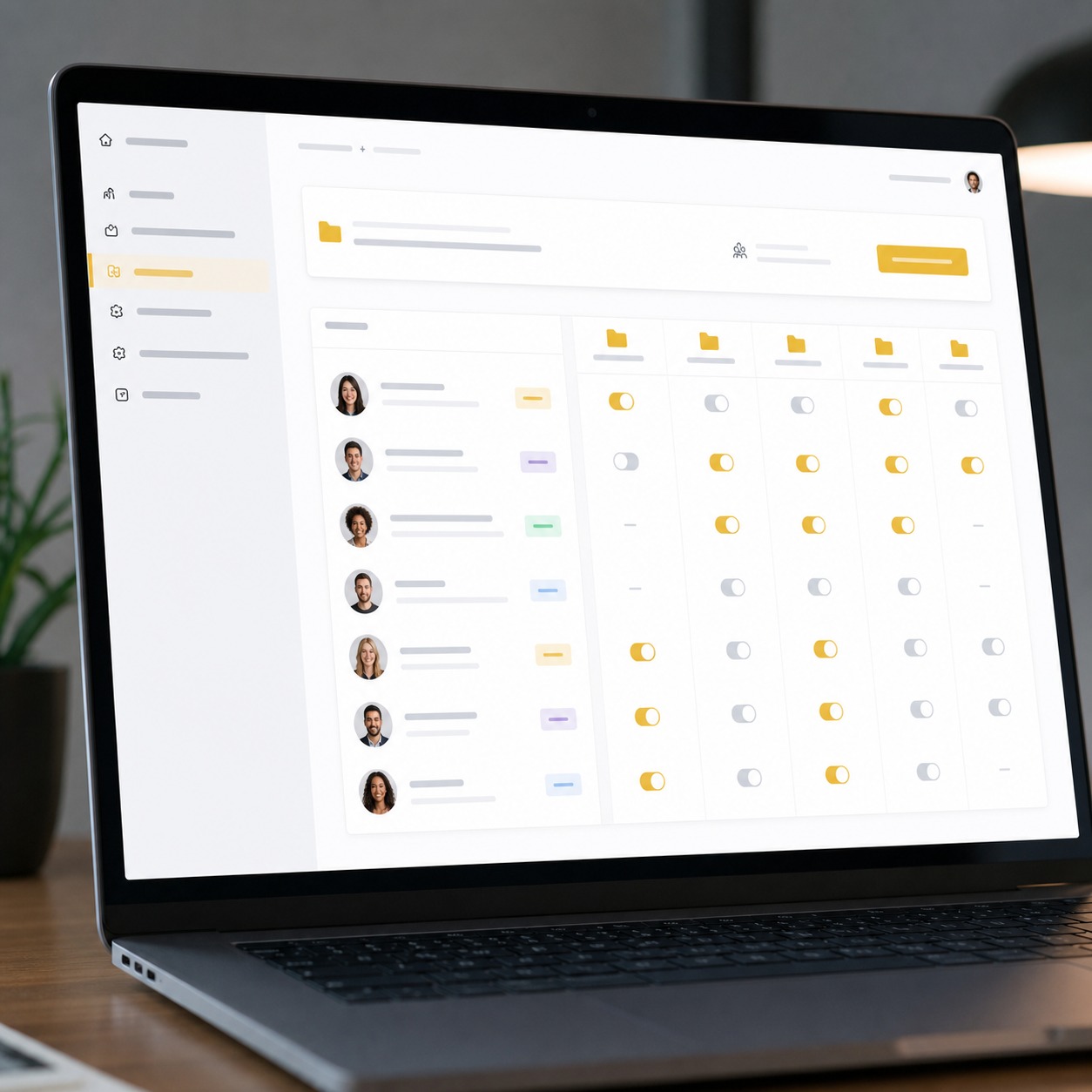
I’ve noticed the gap widens fastest right after a studio grows. A five-person team can track who has what in their heads. Add three freelancers, a client portal, and a second cloud drive for overflow, and that mental map stops working within a month or two. Nobody decided to get sloppy. The system just outgrew informal tracking, and nobody replaced it with anything formal.
Map where creative assets live before you secure them
Figma, Adobe libraries, CAD files, 3D assets, cloud folders, drives, and client portals
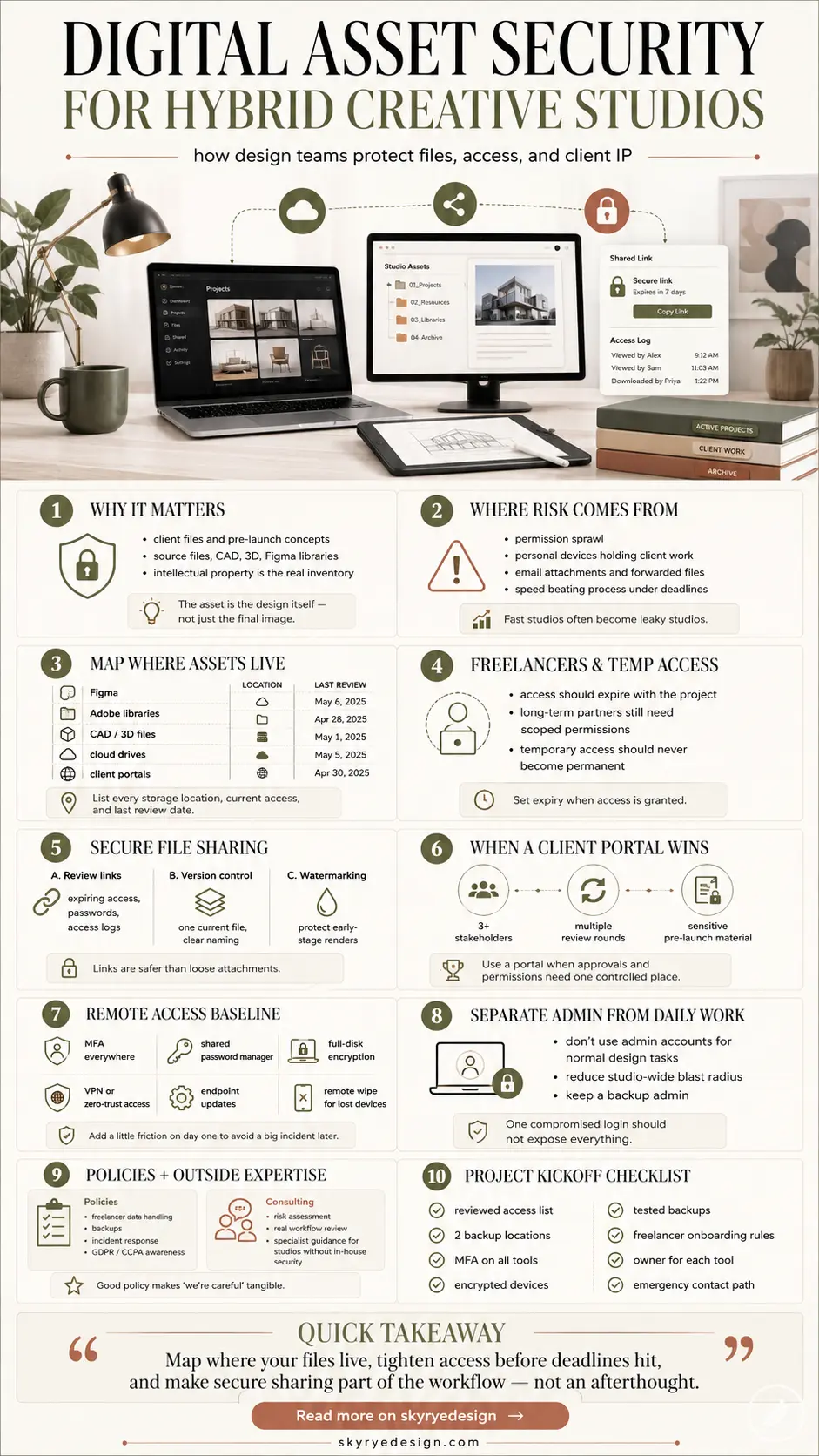
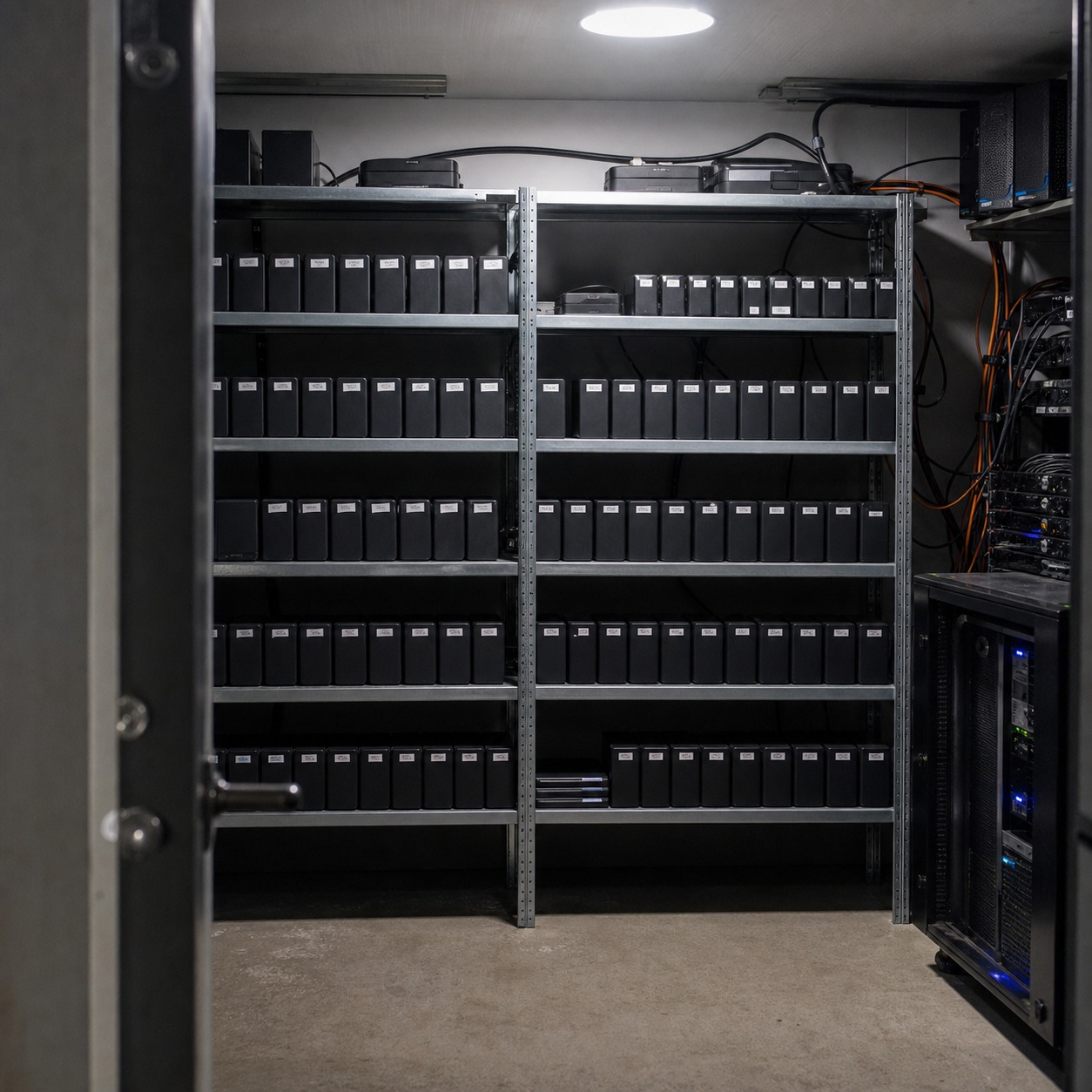
You can’t protect what you haven’t mapped. Most studios I’ve worked with have assets scattered across a Figma team library, an Adobe Creative Cloud library, a Google Drive or Dropbox folder tree that’s grown organically for years, plus whatever CAD or 3D software the industrial or product team runs — Rhino, SolidWorks, Blender, Cinema 4D. Add a client portal or two, and you’ve got five or six systems, each with its own permission model, each drifting out of sync with the others.
I map this the same way I’d map surface continuity on a car body: walk the whole thing end to end before deciding where the panel gaps are. List every place a design file can live, who has access today, and who had access a year ago but shouldn’t anymore. That list alone usually surfaces the first three problems worth fixing.
Do this mapping on paper or in a simple spreadsheet, not from memory. One column for the tool, one for what it holds, one for who currently has access, one for the last time that access was reviewed. It looks basic. It’s also the single most useful hour a studio lead can spend, because it turns a vague sense of “we should probably tighten things up” into a specific, ranked list of what to fix first.
Freelancers, partners, contractors, and temporary access
Hybrid studios run on freelancers, and that’s not a weakness — it’s how you scale a creative team without carrying full-time overhead on every discipline. But temporary access has a bad habit of becoming permanent access. A 3D artist finishes a two-week render job in March and still has edit rights to the shared library in October.
Set an expiration date the moment access is granted, not when someone remembers to revoke it. A simple rule helps here: access tied to a project should end when the project does, automatically, not manually. I’ve started doing this even for my own smaller collaborations — a calendar reminder isn’t security, it’s a hope.
Partners and long-term contractors need a slightly different approach than one-off freelancers. Someone who’s worked with the studio across a dozen projects over two years earns a standing relationship, but that still shouldn’t mean standing access to everything.
Scope their permissions to the current project’s folder, even after two years of good work together. It’s not a trust issue. It’s just how the folder structure should work regardless of who’s touching it.
Build secure file sharing into the creative workflow
Review links, expiring access, version control, approvals, and watermarking
Email attachments are still how a lot of creative work moves between studio and client, and it’s the weakest link in the whole chain. A PDF attachment has no expiration, no access log, and no way to pull it back once it’s sent to the wrong thread.
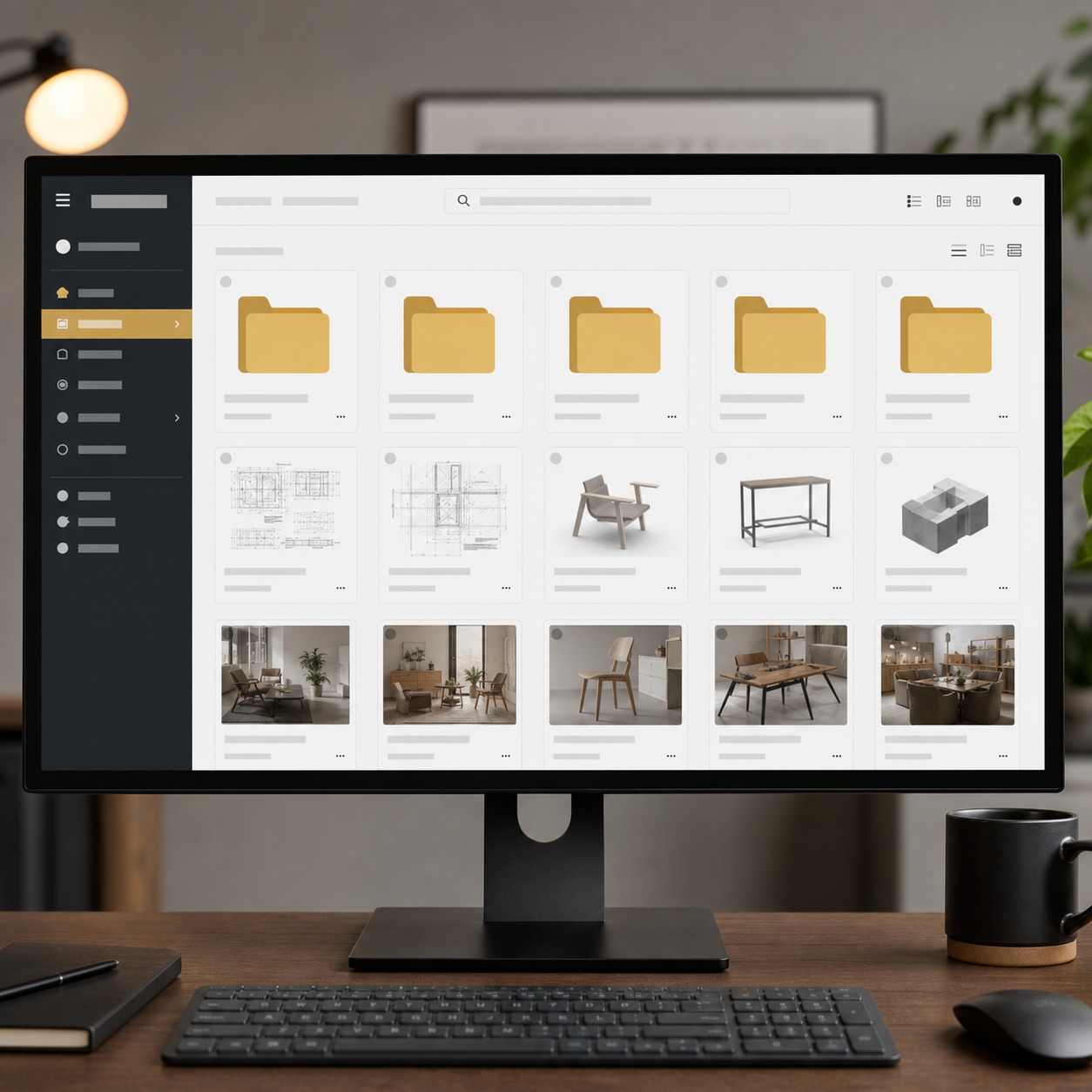
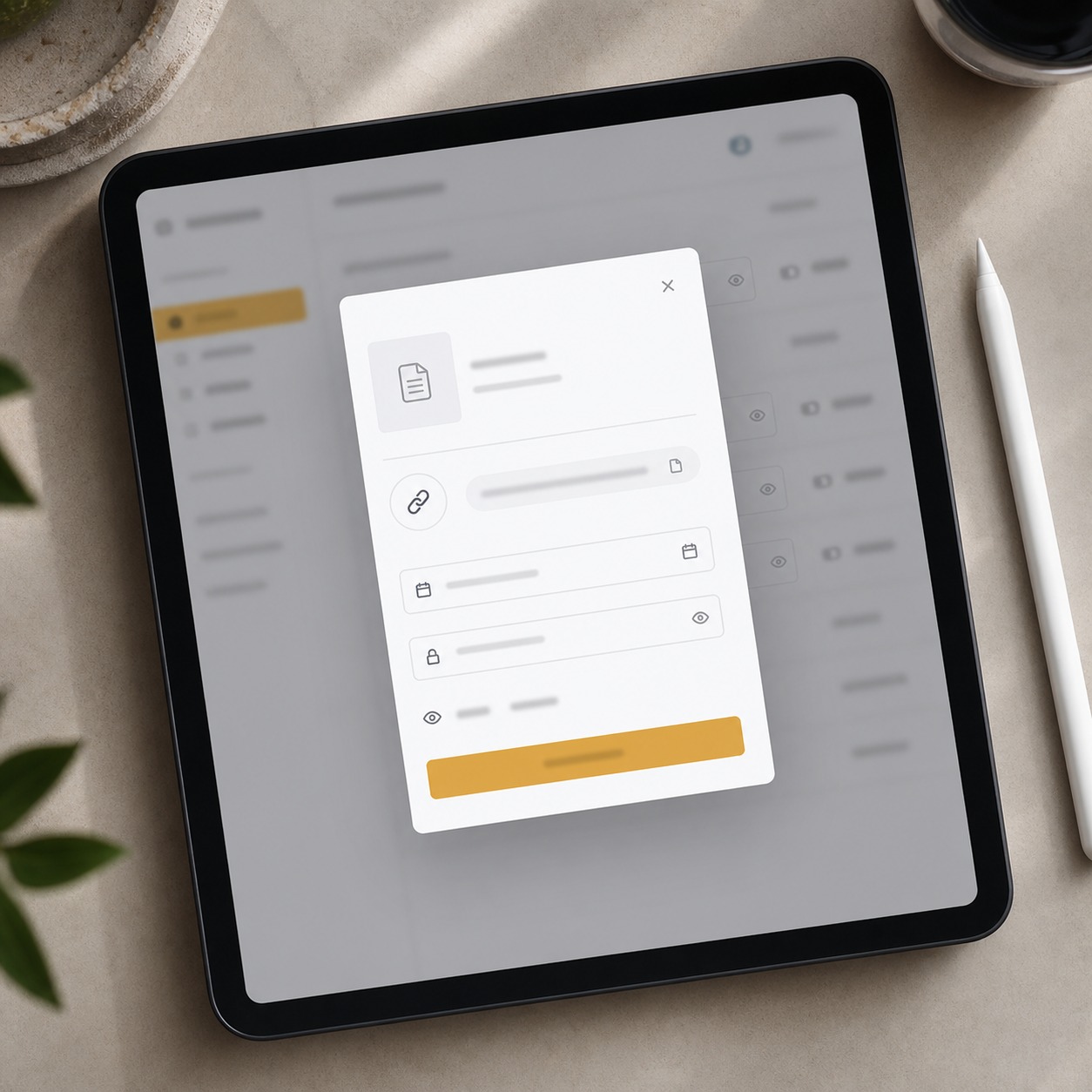
Review links solve most of this. A link that expires after a set window, that requires a password or a client login, and that logs who opened it and when gives you something an attachment never will: a record. Add version control so nobody’s approving “final_v3_ACTUAL_final.psd” by accident, and light watermarking on early-stage renders so an unreleased concept doesn’t circulate cleanly if it does leak. I add a soft diagonal watermark to any automotive or product render before first client review — it’s barely visible on screen, obvious the moment someone tries to repost it.
Version control matters more than most junior designers assume. I’ve sat in reviews where a client approved a color pass on a file that wasn’t the current one, because two versions with nearly identical names were sitting in the same folder. Nobody caught it until proofs came back wrong. A clean naming convention plus a single source of truth for “current” fixes this before it becomes an expensive reprint.
When a client portal is safer than email attachments
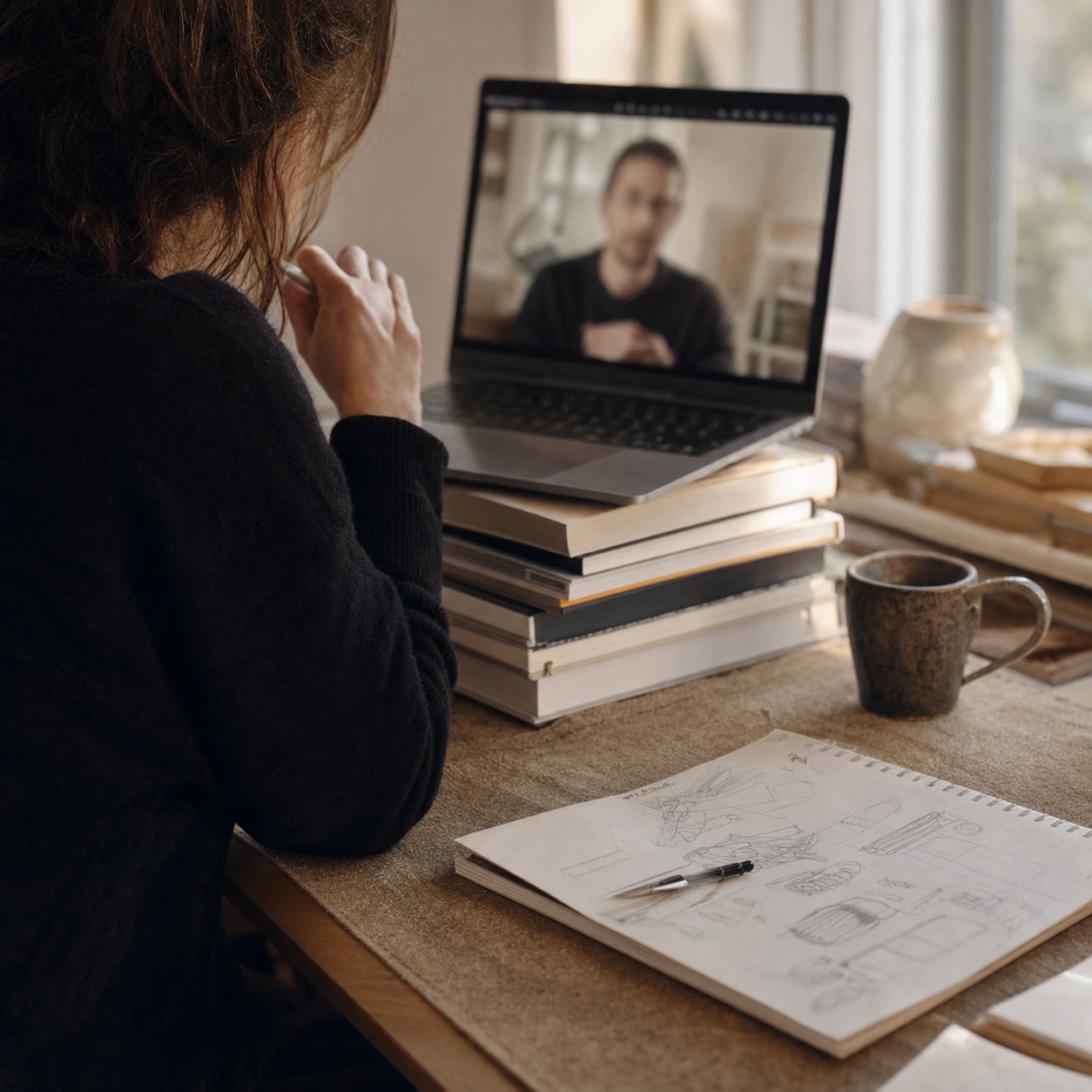
A dedicated client portal earns its keep the moment a project involves more than two or three rounds of review, or more than one stakeholder on the client side. Portals centralize permissions in one place instead of scattering them across a dozen email threads, and most support role-based access, so a client’s marketing intern sees the current round while their legal team sees the contract-relevant files only.
For a single-round freelance job, a portal is overkill. For an ongoing retainer with a brand team, it’s the difference between knowing exactly who has what and hoping nobody forwarded the wrong attachment. Think of the portal as a threshold decision, not a default: three or more stakeholders, multiple review rounds, or sensitive pre-launch material tips the scale toward setting one up.
Secure remote access without slowing designers down
MFA, password managers, device policies, VPN or ZTNA, endpoint updates, and remote wipe
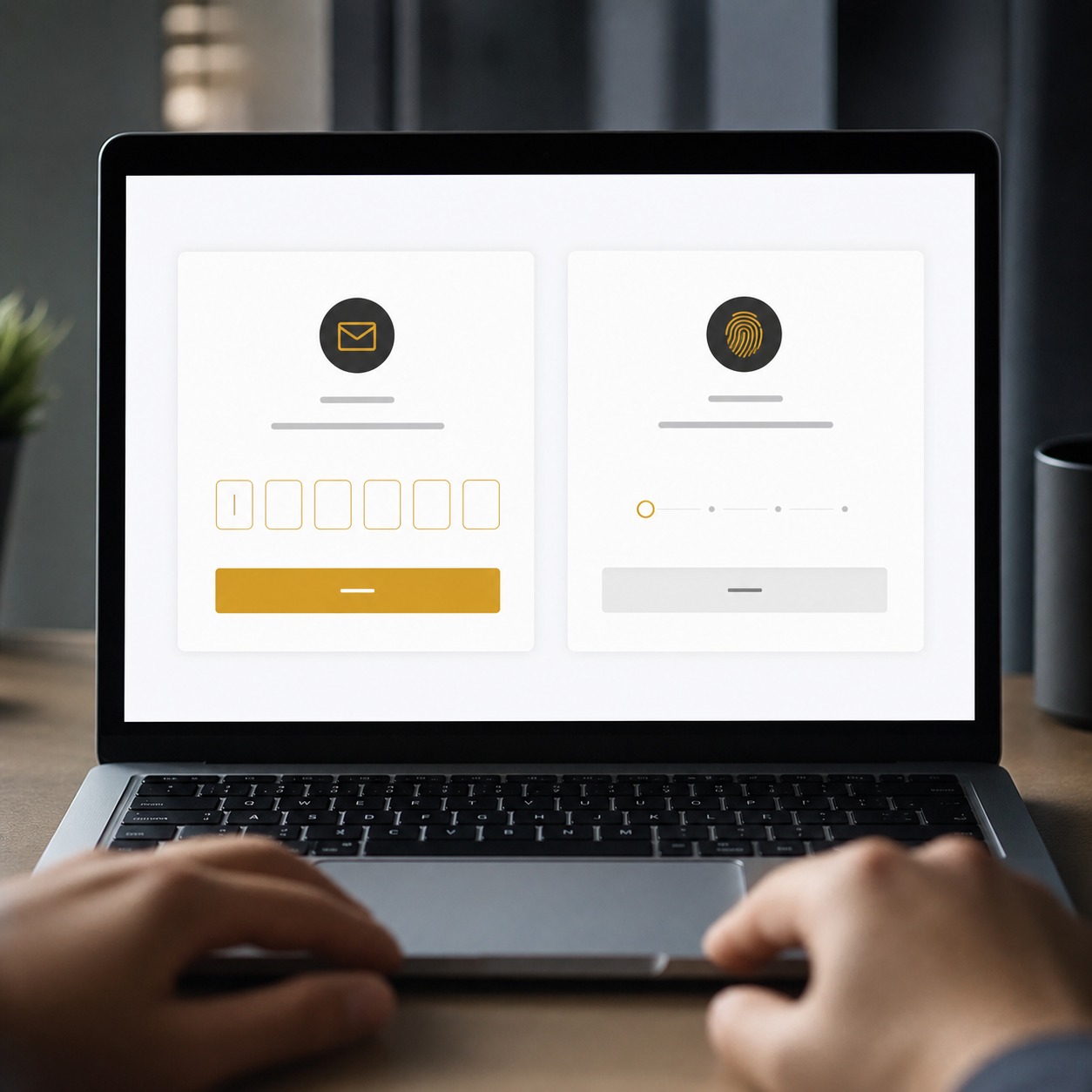
Multi-factor authentication is the single most effective habit a hybrid studio can adopt, and it’s also the one most designers grumble about because it adds a step between them and Figma. Turn it on anyway, on every system that touches client files, not just the “important” ones. A shared password manager removes a second common failure point: sticky notes, browser autofill on a shared laptop, or the same password reused across four tools.
Device policy matters just as much as software. If a freelancer’s personal laptop holds client renders and that laptop gets stolen from a coffee shop, you want full-disk encryption and a way to remote-wipe it, not a hope that the thief only wants the hardware. A lightweight VPN or a zero-trust access setup keeps remote connections verified rather than trusted by default just because someone’s on the right Wi-Fi network.
None of this needs to be heavy-handed. Most password managers and MFA apps take a freelancer five minutes to set up on their first day, and the friction disappears after the first login. I’d rather a new collaborator spend those five minutes on day one than have the studio spend a week untangling what happened after a shared login gets phished mid-project.
Separating admin access from everyday creative work
Admin rights and daily design work should never share a login. A designer who can rename folders and adjust layer styles doesn’t also need the ability to change permissions across the entire shared drive.
I learned this the hard way on an enterprise dashboard project years ago, where one over-permissioned account meant a single compromised password could touch systems it had no business touching.
Separate the roles, even in a small studio. It costs almost nothing to set up and it closes off the scenario where one phished inbox becomes a studio-wide incident. If you’re the studio owner and you’re also the only admin on every system, that’s worth fixing too — build in a backup admin so access doesn’t bottleneck through one person’s inbox during a launch week.
Use consulting as a design-ops safety layer
Cybersecurity risk assessment for studios without an internal security team
Most creative studios don’t have anyone on staff whose job is security, and that’s normal — you hired designers, not network engineers. That’s exactly where outside consulting earns its place. A proper risk assessment looks at your actual workflow (not a generic checklist) and tells you where the real gaps sit: which shared folder has too many editors, which freelancer contract never mentioned data handling, which device policy doesn’t exist yet.
I’ve seen studios bring in Attentus’ cybersecurity team specifically because they needed someone to translate “we’re a hybrid creative studio juggling Figma, client portals, and a rotating freelancer roster” into an actual protection plan, rather than a one-size-fits-all corporate security policy that doesn’t account for how design work actually moves through a team.
That’s the real value of bringing in outside expertise: it’s not about buying more software, it’s about someone who’s done this across dozens of small businesses pointing at the three things that actually matter for your setup instead of the twenty things a generic checklist lists out. For teams comparing local consulting partners, the reason businesses trust Bryley maps neatly to this point: proactive support, compliance expertise, and a custom plan matter more than another generic security document.
An outside assessment also carries weight a studio’s own self-review can’t. When a client’s legal team asks how you protect their pre-launch materials, “we had a specialist review our setup” answers the question in a way “we’re pretty careful” never quite does.
Policies for freelancers, client data, backups, incident response, and compliance
A written policy sounds like the least creative document a studio can produce, and maybe it is, but it’s the thing that turns “we’re pretty careful” into something you can point to when a client’s legal team asks. Freelancer onboarding should include a short, plain-language data handling agreement, not a twelve-page contract nobody reads past page two.
Backups need testing, not just existence. A backup nobody has restored from is a backup you don’t actually have. And an incident response plan doesn’t need to be elaborate. It needs three things: who gets called first, what gets locked down immediately, and how the client gets told. Studios handling EU or California client data also need to keep GDPR and CCPA obligations in view, since a design studio holding personal data in a campaign database is still holding regulated data, not just creative files.
Write these policies once, keep them to a page or two, and revisit them twice a year. A policy that lives in someone’s memory disappears the moment that person leaves the studio. A policy on paper survives the turnover.
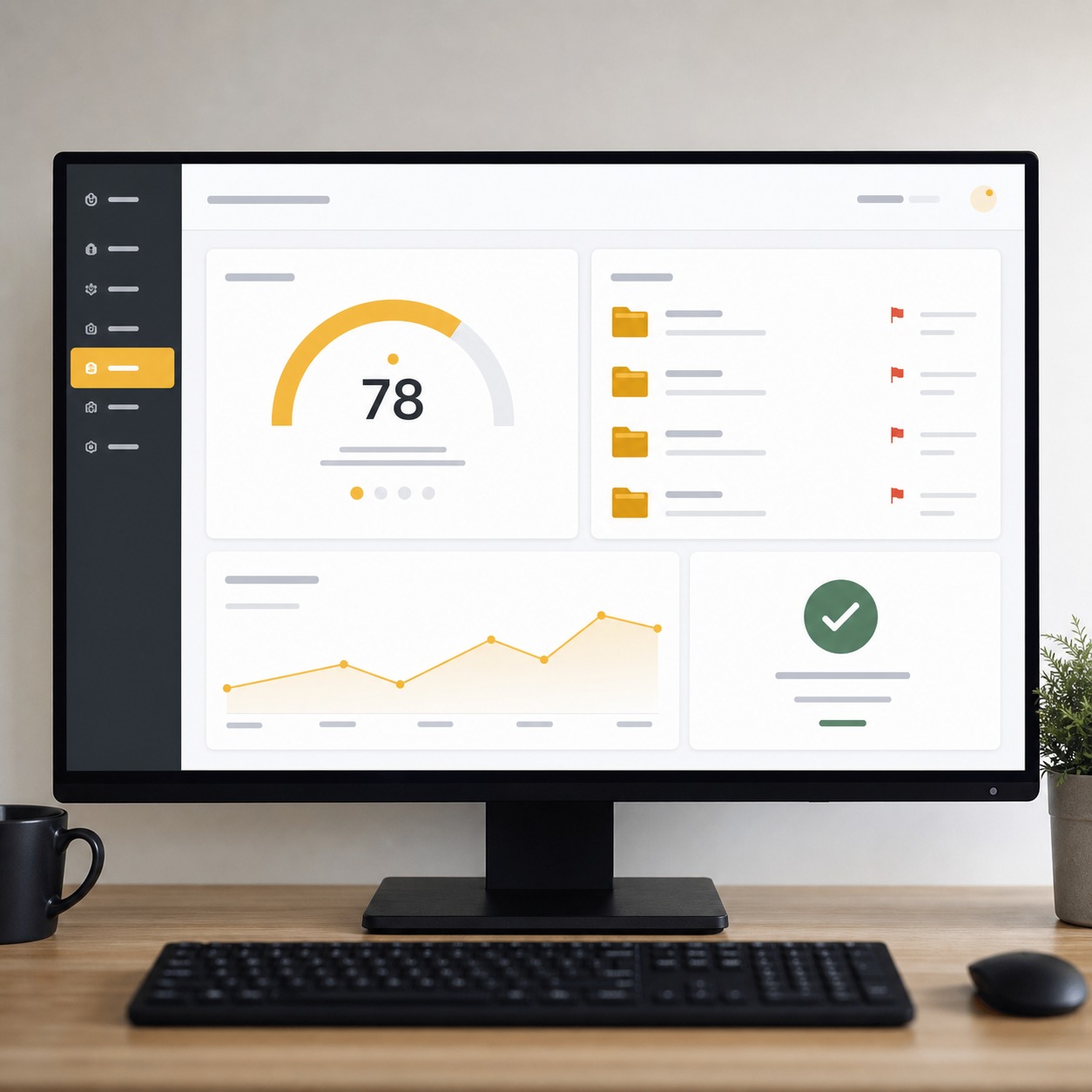
Digital asset security checklist for creative teams
Run through this before your next project kickoff, not after an incident makes you wish you had:
- Access: Every shared folder has a current, reviewed list of editors. No standing access left over from a finished project.
- Files: Source files, renders, and CAD assets are backed up in at least two locations, one of them off the main working drive.
- Devices: MFA is on everywhere client files live. Laptops carrying client work use full-disk encryption.
- Backups: Backups are tested on a schedule, not assumed to work because nobody’s needed them yet.
- Training: New freelancers get a short walkthrough of file handling rules before, not after, they’re added to a shared folder.
- Vendors: Every client portal, cloud storage tool, and shared library has one owner responsible for reviewing its permissions.
- Emergency contacts: Someone on the team knows exactly who to call first if a device is lost or an account looks compromised.
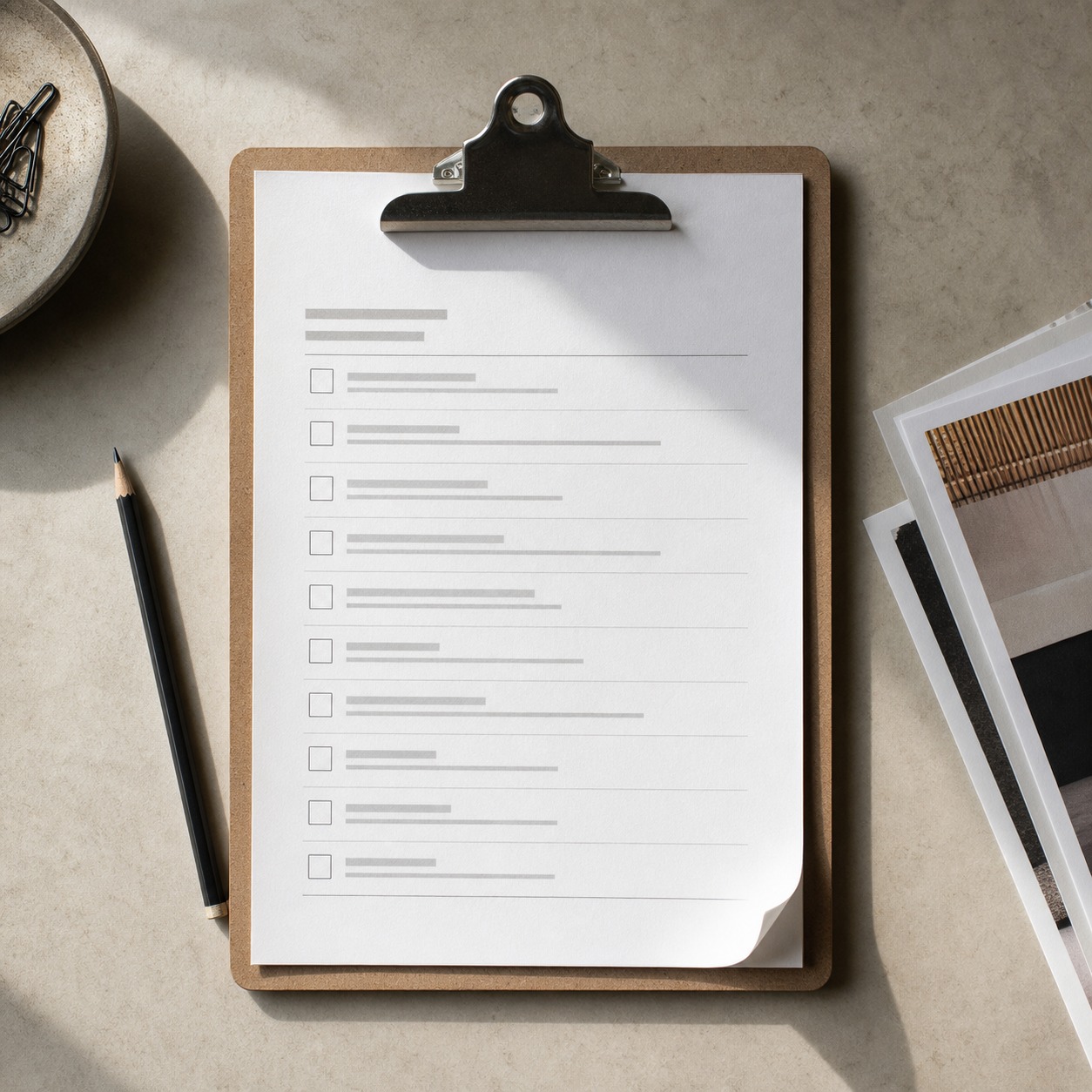
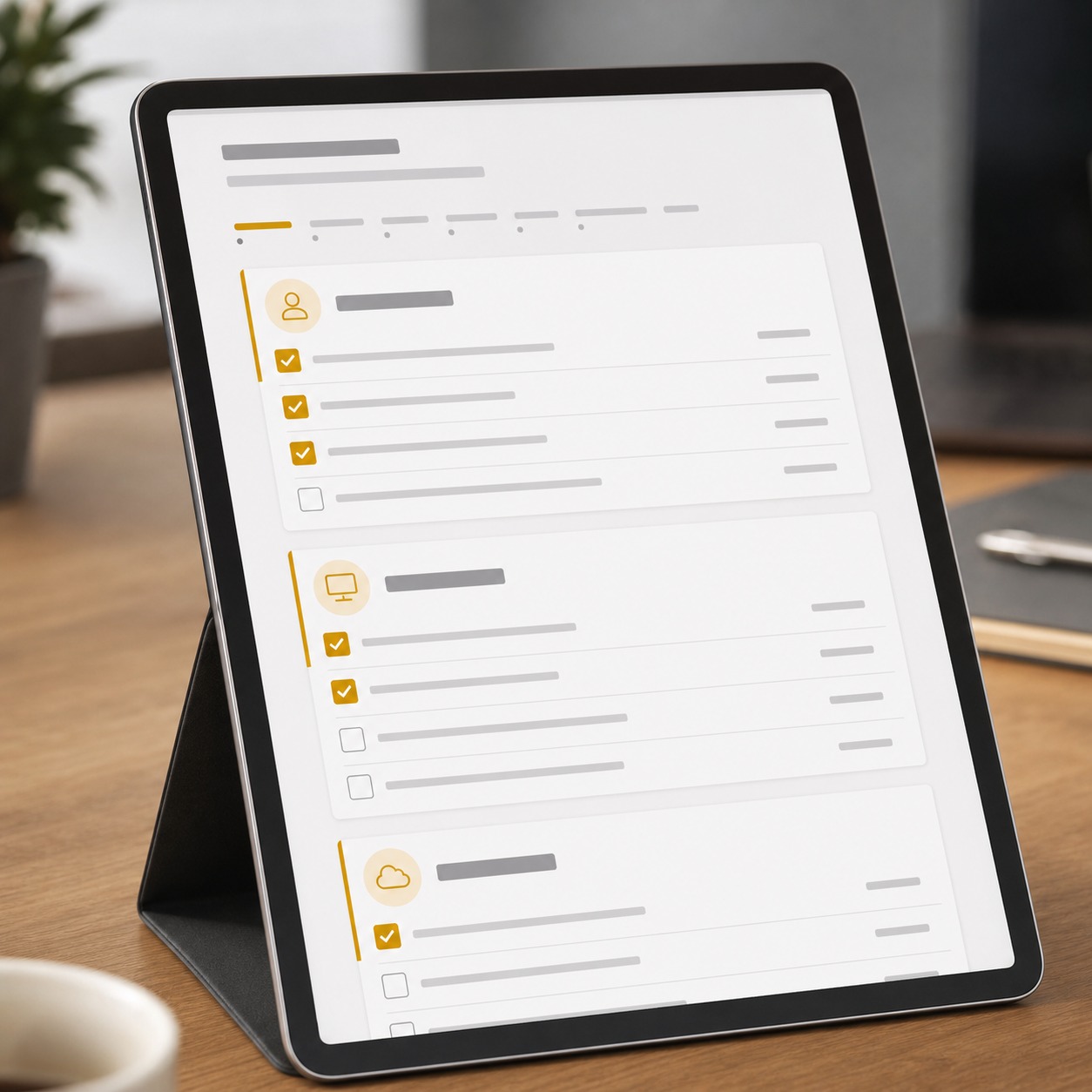
I run a version of this list before kicking off any project that touches unreleased client concepts, whether it’s an automotive surfacing job or a brand identity refresh. It takes fifteen minutes and it’s saved a studio I worked with from a genuinely bad afternoon at least twice.
FAQ
What is digital asset security?
Digital asset security is the practice of protecting a creative studio’s design files, client materials, and intellectual property across every place they’re stored, shared, or accessed. For a hybrid studio, that means covering cloud drives, Figma or Adobe libraries, CAD and 3D files, client portals, and every laptop that touches them, not just the main office server. It’s less about any single tool and more about knowing where everything lives and who’s allowed to touch it at any given moment.
How can designers share files securely with clients?
Use review links with expiration dates and access logs instead of email attachments whenever a project involves more than one review round. Pair that with version control so everyone’s looking at the same file, and light watermarking on early-stage renders. For ongoing client relationships, a dedicated portal with role-based permissions beats a growing pile of forwarded emails, and it gives you a record of exactly who saw what and when.
What cybersecurity risks affect hybrid creative studios?
The biggest risks are permission sprawl (freelancers keeping access after a project ends), unmanaged personal devices holding client files, and email as the default sharing method. Studios also face the same phishing and credential-theft attempts any small business does, but usually with less internal security expertise around to catch them early, which is exactly the gap outside consulting is built to close.
How do creative teams protect intellectual property when working remotely?
Start by mapping where source files actually live, then lock down access with MFA, device encryption, and clear freelancer agreements about data handling. Watermark early concepts before client review, keep admin access separate from daily creative accounts, and bring in outside security consulting for the parts that fall outside a design team’s expertise. Treat it the way you’d treat any other specialist skill you don’t have in-house.
How often should a studio review file access permissions?
At minimum, at the end of every project and once a quarter overall. Freelancer access is the fastest thing to go stale, so tying permission review to project close-out, rather than a calendar reminder someone might skip, keeps the list honest. A quick pass through the mapping spreadsheet from earlier is usually enough to catch what’s slipped.
Hybrid creative studios aren’t going away. The model works too well, giving smaller teams access to specialist talent without carrying it full-time, and giving freelancers flexibility they’d never get in-house. But the model only holds up if the security around it grows with it. Map where your files actually live, build sharing habits that don’t depend on everyone remembering the right steps under deadline pressure, and treat outside security expertise the same way you’d treat any other specialist you’d bring in for a job outside your core discipline.
I think about it the same way I think about structural engineering on a build I’m designing the surfaces for — I’m not the engineer, and I don’t need to be, but I need to know enough to ask the right questions and bring one in before the design gets locked. Digital asset security works the same way for a creative studio. Start with the checklist above at your next project kickoff. It’s a short list, and it’s the one that keeps a good studio from having a very bad week.
- 84shares
- Facebook0
- Pinterest84
- Twitter0
- Reddit0