Most creative studios only think about security incidents after one has already happened. A freelancer’s laptop gets compromised, a client-proofing link ends up in the wrong inbox, or a shared Figma file suddenly shows edits nobody on the team made. By then you’re improvising — and improvising under pressure is how a small mess turns into a lost client.
I’ve worked across enterprise dashboard projects where a dozen contributors touched the same file library across time zones, and the thing that actually saved us more than once wasn’t fancier software. It was having a plan for the first hour after something looked wrong, written down before anyone needed it.
- Why Remote Design Teams Need an Incident Response Plan
- What Counts as a Security Incident in a Creative Workflow
- The First-Hour Response Plan for a Design Studio
- How IT Support Fits Without Taking Over the Creative Workflow
- Preventing the Same Incident From Repeating
- FAQ
- What's the difference between a security incident and a security threat?
- Do freelancers need to be included in the incident response plan?
- How fast should a design studio respond to a suspected incident?
- Should clients be told about every security incident?
- Can a small studio realistically maintain its own incident response plan without outside help?
- What's the most common mistake studios make during an actual incident?
- How often should an incident response plan be reviewed?
- Closing thought
Why Remote Design Teams Need an Incident Response Plan
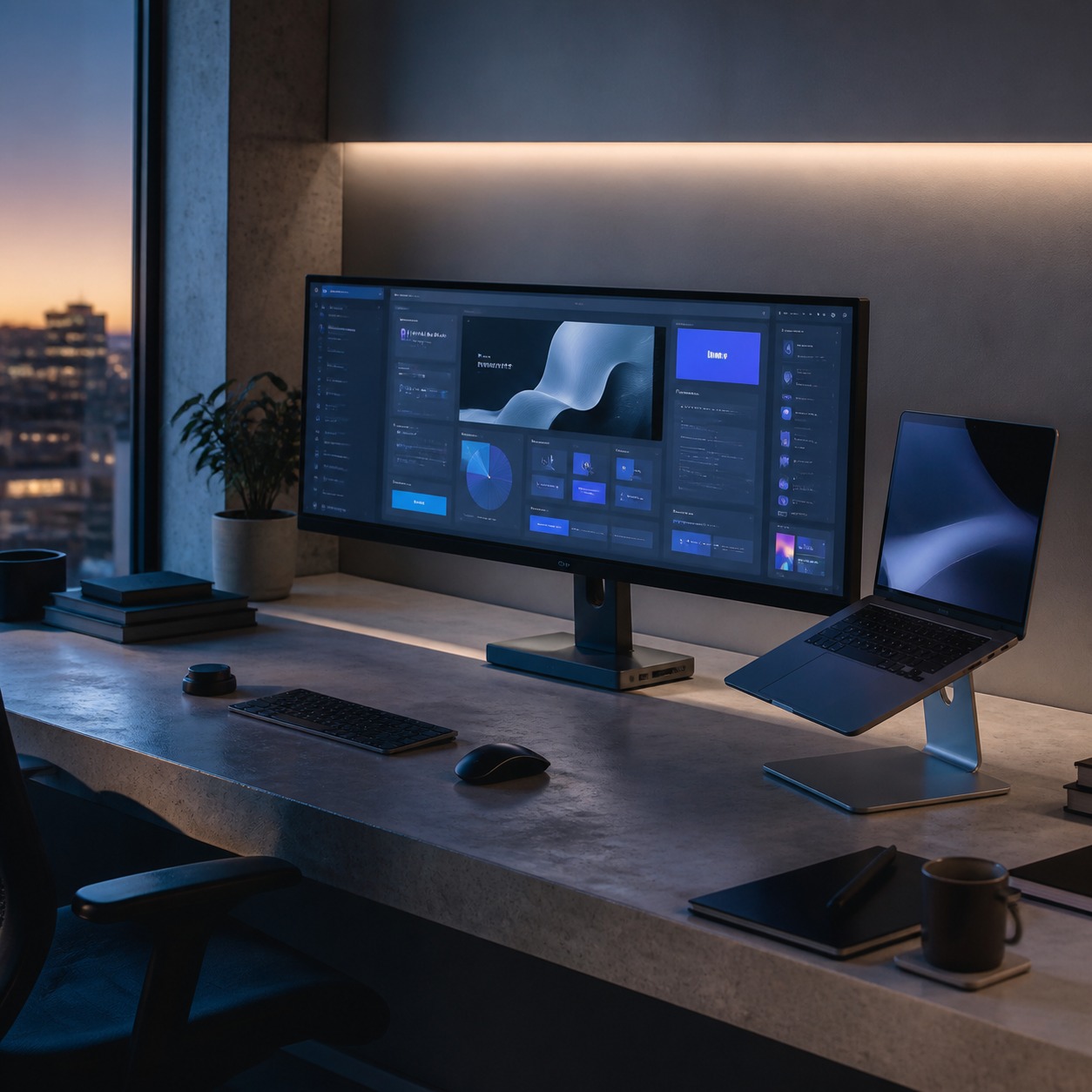
A design studio’s real assets aren’t hardware — they’re the files. Unreleased campaign concepts, client brand guidelines, source PSDs, render libraries, proprietary CAD data. None of that lives on a server room floor anymore. It lives across Figma, Adobe Creative Cloud, cloud storage, and whatever tool a freelancer happened to be using on a given project.
That spread is exactly why an incident response plan matters more for a distributed studio than a centralized one. When everyone works from one office, a security problem is usually visible fast — someone notices a strange login, IT walks over, it gets handled. Remote teams don’t get that visibility for free. A compromised account can sit quietly for days before anyone connects the dots, because nobody’s watching the same shared screen.
An incident response plan isn’t a security product you buy. It’s a short, specific document that answers three questions before you need the answers: what counts as an incident, who does what in the first hour, and how you stop it from happening the same way twice. We’ve covered the broader groundwork for that kind of planning in our remote work security guide for creative teams — this piece goes narrower, into what to actually do once something’s already gone wrong.
What Counts as a Security Incident in a Creative Workflow
Design teams tend to under-report incidents because they don’t look like the movie version of a hack. There’s no ransom note on a monitor. Usually it’s smaller and easier to explain away — until you can’t.
Lost access to Figma, Adobe, cloud storage, or render files
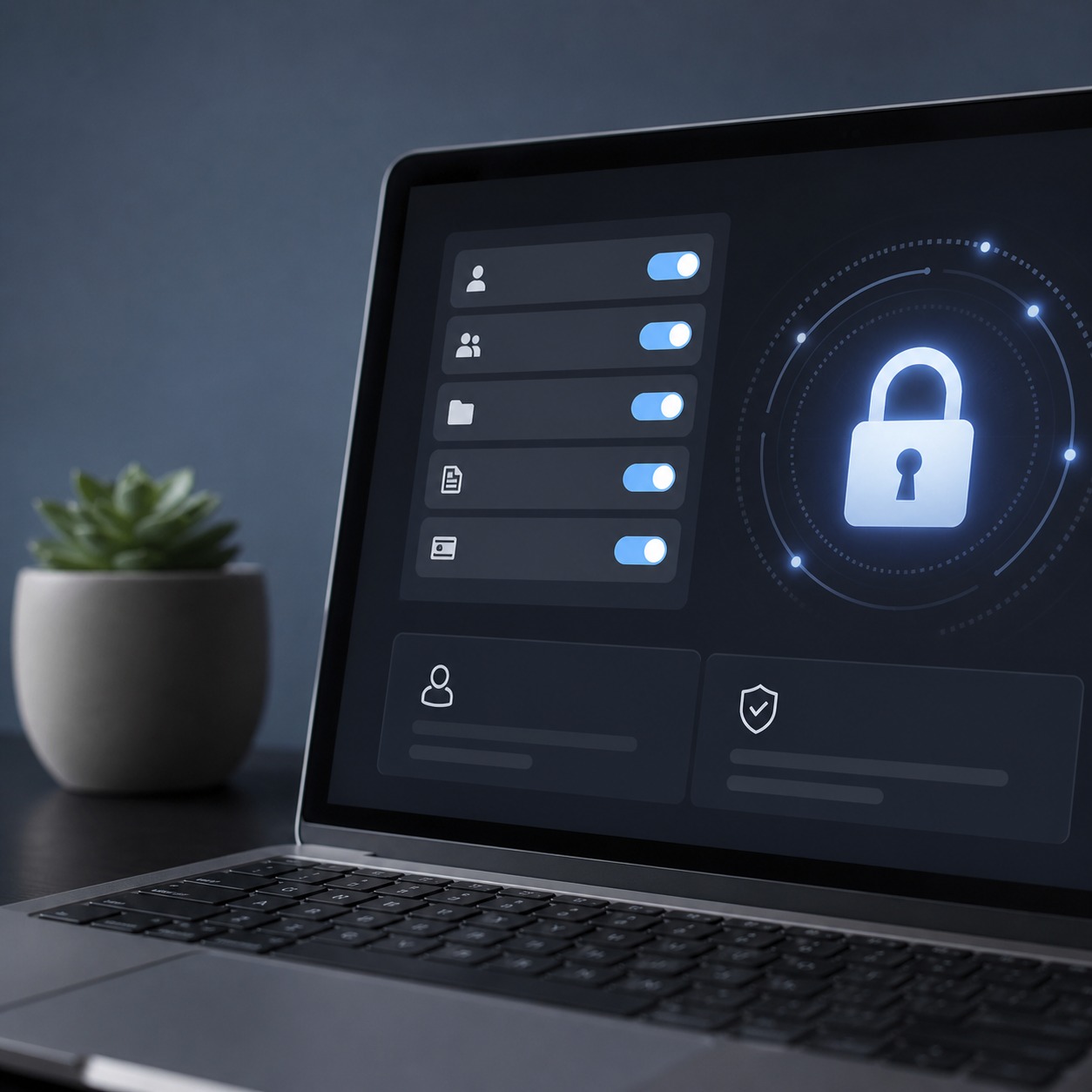
If a team member suddenly can’t reach a file library they had access to yesterday, don’t assume it’s a billing glitch or an expired seat. Check whether the account was locked out by the platform (a real security response) or whether someone changed permissions without telling you. I’ve seen a studio lose two days chasing a “software bug” that turned out to be a departed contractor’s still-active admin access getting revoked mid-project — the loss of access was actually the fix working, just undocumented.
Suspicious client-proofing links, shared folders, and freelancer accounts
Proofing links are one of the quietest risk points in a creative workflow, because they’re built to be shared. A link meant for one client contact gets forwarded, then forwarded again, and eventually you have no idea who’s actually viewing unreleased work. Treat an unexpected view count spike, an access request from an unfamiliar domain, or a freelancer account logging in from a new country as worth a five-minute check — even if it turns out to be nothing.
Ransomware, leaked source files, and stolen intellectual property
This is the one everyone pictures, and it’s the least common but most damaging. Source files encrypted overnight, a competitor’s concept work looking suspiciously close to something still in your client’s private review, or a public link to a file library that was never supposed to be public. The pattern that connects all three: something that should be private is now reachable by someone it shouldn’t be.

The First-Hour Response Plan for a Design Studio
Speed matters here, but speed without order makes things worse — people panic-delete things that turn out to be evidence, or fix the surface problem while the actual access point stays open. This is the sequence I’d want any studio to follow, in order.
Freeze access without destroying evidence
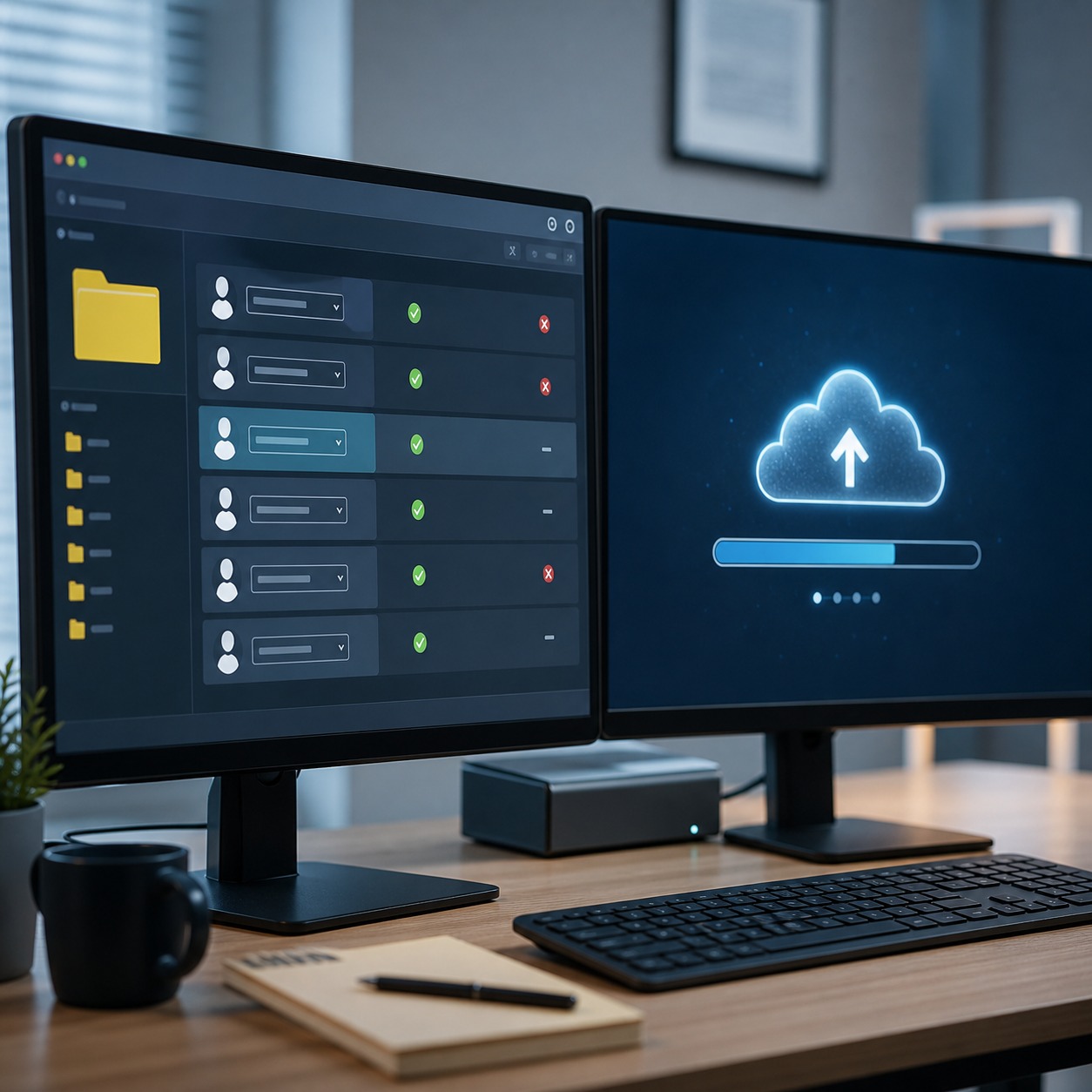
Revoke or suspend the specific account or link involved before doing anything else. Don’t wipe files, don’t reformat a device, don’t delete the suspicious folder — just cut off further access. If you’re not sure whether something is malicious or just a mistake, freezing access costs you almost nothing and buys time to figure out which one it is.
Identify affected files, clients, tools, and users
Write down exactly what was touched: which project, which client’s work, which platform, which team members had access during the window in question. This step feels slow when you want to act fast, but it’s what turns “we think something happened” into “here’s what happened and to what.” It’s also the difference between a client conversation that sounds controlled and one that sounds like guessing.
Assign owner, escalation path, and communication channel
One person owns the incident — not a group chat where everyone assumes someone else is handling it. Decide in advance who that person is for your team, who they escalate to if it’s bigger than they can handle alone, and what channel you use to communicate about it (not the same platform that might be compromised). A studio of three people still needs this decided ahead of time, because “figuring out who’s in charge” during an actual incident wastes the exact minutes you don’t have.

How IT Support Fits Without Taking Over the Creative Workflow
Design teams are sometimes wary of bringing in IT support because it sounds like it means locking down every tool that makes the creative process fast. It doesn’t have to. The right support sits underneath the workflow, not on top of it.
Monitoring, patching, backups, and account recovery
This is the unglamorous layer that prevents most incidents from becoming serious ones: devices getting security patches on schedule, backups that actually get tested (not just scheduled and forgotten), and a documented way to recover a locked-out account without waiting three days on a support ticket. Studios that outsource this piece — secure IT with PC LAN Services is one option built specifically around ongoing monitoring rather than one-off fixes — tend to catch smaller issues before they turn into the kind of incident that needs a formal response at all.
When to escalate to cybersecurity specialists
Not every incident needs a specialist. A single locked-out account with no other red flags is usually an internal fix. Ransomware, confirmed data exposure, or anything touching a client’s confidential material is not something to handle with in-house guesswork — that’s when you choose PCS or a comparable specialist who deals with breach response as their actual job, not as a side task. Knowing that line in advance, instead of debating it mid-incident, is part of what a real plan gives you.

For a broader look at where day-to-day IT support fits into a creative studio’s operations rather than just incident handling, our remote IT support guide for creative studios covers the ongoing side of this relationship.
Preventing the Same Incident From Repeating
An incident that gets fixed but never analyzed just waits to happen again in a slightly different form. The fix isn’t more tools — it’s closing the specific gap that let this one in.
MFA, role-based access, offboarding, secure file sharing, and asset logs
Multi-factor authentication on every account that touches client work, not just the obvious ones. Role-based access so a freelancer brought on for one project doesn’t retain access to five others once it wraps. A real offboarding checklist — when someone leaves the project, their access leaves with them the same day, not “eventually.” Proofing and file-sharing tools that log who viewed what and when, so a suspicious link isn’t a mystery the next time. And a running asset log of who has access to what, reviewed periodically instead of accumulating forever. We go deeper on the file-sharing side specifically in our secure file sharing guide for creative professionals, and on asset protection more broadly in our digital asset security guide for hybrid studios.
None of this needs to slow the creative process down once it’s set up. The studios that handle this well treat it the way they’d treat version control — a habit built into the workflow, not a separate security project bolted on top of it. If you’re weighing whether to build this in-house or bring in outside support, our cybersecurity outsourcing guide for remote creative agencies walks through that decision in more detail, and our cybersecurity checklist for remote design teams is a good next stop for the day-to-day prevention side.
FAQ
What’s the difference between a security incident and a security threat?
A threat is a possibility — a phishing email that got caught, a vulnerability that hasn’t been exploited. An incident is something that actually happened: access was gained, a file was exposed, a system was affected. Your response plan is for incidents; your prevention checklist is for threats.
Do freelancers need to be included in the incident response plan?
Yes, and specifically — not as an afterthought. Freelancer accounts are often the least monitored access points in a studio’s workflow, precisely because they’re temporary. Include them in offboarding, MFA requirements, and the escalation path from day one of a project.
How fast should a design studio respond to a suspected incident?
The freeze-access step should happen within minutes of noticing something’s wrong, even before you know whether it’s serious. Full investigation and client communication can reasonably take longer, but cutting off further access shouldn’t wait for certainty.
Should clients be told about every security incident?
Any incident that touches their files or confidential work, yes — transparency here protects the relationship more than silence does. Internal issues that never reached client data (like a brief access lockout that was resolved in minutes) don’t always warrant a client notification, but use judgment based on what was actually exposed.
Can a small studio realistically maintain its own incident response plan without outside help?
The plan itself, yes — it’s mostly documentation and decisions made in advance, not infrastructure. Where small studios usually need outside support is in the technical response itself: forensics, patching, and recovery work that goes beyond what a two- or three-person creative team has time to specialize in.
What’s the most common mistake studios make during an actual incident?
Fixing the visible symptom without identifying the actual access point that caused it. Restoring a locked file without figuring out how it got locked in the first place just means the same issue resurfaces later, often worse.
How often should an incident response plan be reviewed?
At minimum, once a year, and any time your tool stack changes significantly — a new file-sharing platform, a new project management tool, or a shift in how freelancers are brought onto projects. A plan built around last year’s tools has gaps around this year’s workflow.
Closing thought
A remote design studio doesn’t need to operate like a bank’s security department. It needs a short plan that says who does what in the first hour, a clear line for when to bring in outside expertise, and enough structure around access that one departed freelancer or one forwarded link doesn’t turn into a lost client relationship. The studios that handle incidents well aren’t the ones with the most tools — they’re the ones who decided what to do before they needed to.
- 15shares
- Facebook0
- Pinterest15
- Twitter0
- Reddit0