I have seen beautiful brand systems fall apart in the least dramatic way possible: one wrong logo file in a shared folder, one outdated deck used by a freelancer, one export preset that quietly changes the color of a campaign.
That kind of mess rarely starts as a design taste problem. It starts as a system problem.
Brand asset management is the practical side of keeping a studio’s visual work clean when the team is no longer sitting around the same table. It is the way you store, name, protect, approve, update, retire, and share the files that make a brand feel like itself: logos, marks, typefaces, color palettes, product renders, templates, motion files, UI kits, brand photos, mockups, client decks, social formats, packaging files, and final handoff folders.
- Why distributed studios lose brand control so easily
- What brand asset management actually covers
- Brand asset management is different from digital asset management
- Design authority lives in the details
- Build permissions around creative roles
- Version control is a creative quality issue
- The managed IT layer behind a clean asset system
- A practical brand asset management model
- What to audit before you buy software
- A lightweight checklist for distributed design studios
- FAQ
- Final takeaway
I care about this because design quality is fragile. In industrial design training, you learn quickly that a tiny proportion error can make a form look cheap. The same thing happens with brand assets. A logo stretched by 3 percent, a wrong shade of blue, a compressed render, or an old product photo can make a good studio look careless.
Distributed design studios need security, yes. But the more useful angle is not “buy more IT.” It is this: protect the creative system so the right people can use the right assets at the right moment, without slowing the work to a crawl.
Why distributed studios lose brand control so easily
The same operational pressure shows up in design operations for remote agencies, where files, approvals, people, and tools start pulling against each other.
Remote and hybrid work did not create file chaos. It exposed it.
When everyone works in one room, some problems get solved informally. Someone looks over a shoulder and says, “That is the old icon set.” An art director spots the wrong image crop before the deck goes out. A designer asks where the approved Figma library lives and gets an answer in ten seconds.
Spread that team across Kyiv, Berlin, Dallas, and two freelance time zones, and the quiet corrections vanish.
Now the brand system has to carry more weight. It has to answer basic questions without a meeting:
- Which logo is approved for light backgrounds?
- Which font license covers client-facing use?
- Which campaign image is final, and which one was only a test?
- Who can download source files?
- Who can share assets with a printer, developer, photographer, or client?
- Where do retired files go so they stop coming back?
If those answers live in someone’s memory, the studio is already in trouble. I have worked across automotive concepts, jewelry, architecture, web products, dashboards, and visual communication. Different fields, same pattern: the more hands touch the work, the more the system needs clear ownership.
Distributed teams break brand consistency in small steps. First, a designer copies a logo folder to a local drive because the shared folder is slow. Then a motion designer exports from an older After Effects file because it has the right animation timing. Then a client sends an old PDF back to a new contractor. Nobody meant to create a mess. But the system allowed it.
That is why brand asset management belongs on the design side of the conversation.
What brand asset management actually covers
A good brand asset system is not just a neat folder tree. It is a working map of the brand’s visual memory.
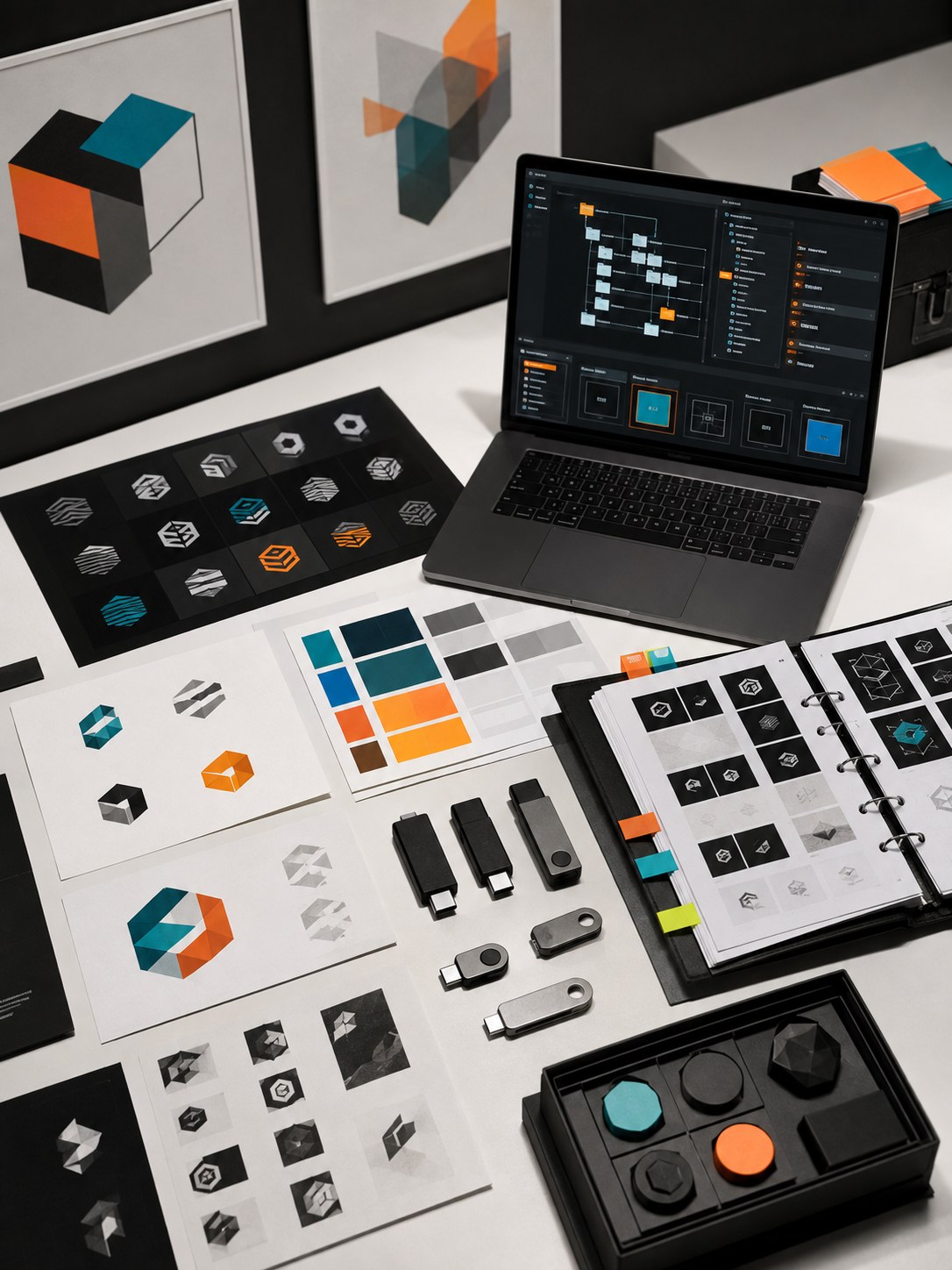
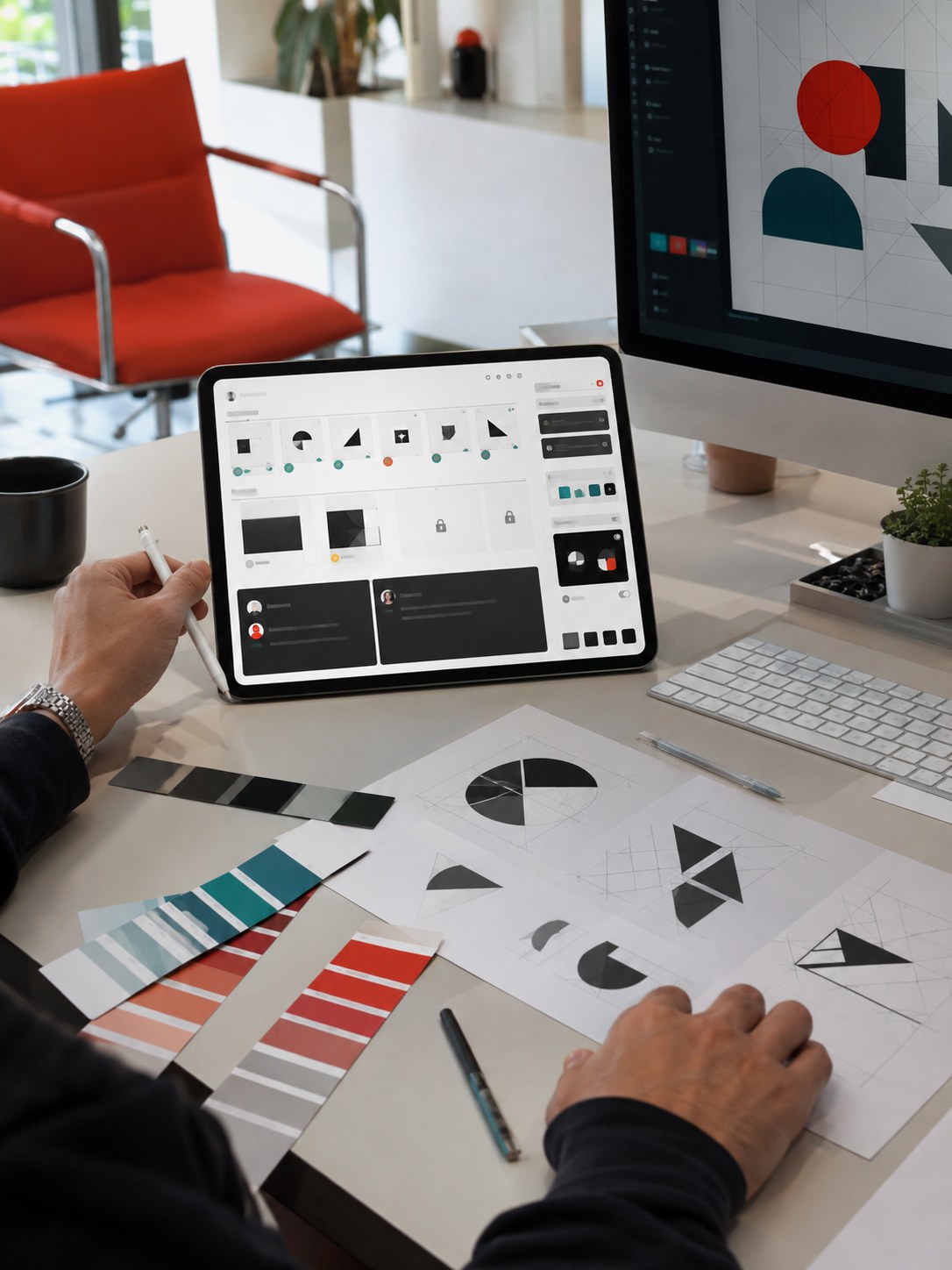
At minimum, it should separate five kinds of files: approved masters, working files, client-ready exports, usage-rights records, and retired assets. Masters are the files people should trust without asking. Working files need room to be messy, but they should never be mistaken for approved files. Client-ready exports should be flattened, labeled, dated, and packaged so a non-designer can use them without opening the source file. Usage-rights records cover font licenses, image rights, AI-tool notes, model releases, and expiration dates. Retired assets need their own locked space, because old files often look more official than experimental ones.
The mistake I see often is treating every file as either “shared” or “private.” That is too crude. Brand work has states. Draft. Review. Approved. Client-ready. Retired. Archived. Each state needs different permissions and different visual cues.
Designers understand this instinctively on a board. In a portfolio layout, you would never mix sketches, rejected directions, and final hero images without labels. But many studios do exactly that in their file systems.
A brand asset system should make the correct path easier than the wrong one.
Brand asset management is different from digital asset management
Studios that already maintain an effective design system usually have an easier time turning asset rules into daily habits.
Digital asset management is the wider category. It can cover every image, video, PDF, product render, sales sheet, ad file, training document, and archive across a company. Brand asset management is narrower. It focuses on assets that shape how the brand appears.
That difference matters.
A generic DAM can help you find files. A brand asset system helps you avoid using the wrong file. It adds rules around identity, permission, quality, and use.
For example, a normal asset library might store 3,000 photos from a campaign. A brand asset system decides which 80 photos match the current visual direction, which crops are approved for homepage use, which images are licensed only for paid ads, and which ones should never appear beside a premium product.
This is where design judgment enters. Search is not enough.
When I review a visual system, I look for the same kind of consistency I would check in a drawing: edges, hierarchy, rhythm, proportion, and value. If one product render has a soft warm shadow and another has a cold grey floor reflection, they may both be technically correct. Together, they feel like two brands.
Brand asset management also sits close to design system governance. If your studio builds UI work, the asset system should connect to tokens, components, icon libraries, product screenshots, and marketing templates. A button style in Figma, a product UI image in a sales deck, and a homepage graphic should not drift in three different directions.
That does not mean everything needs enterprise software. A small studio can start with a disciplined folder structure, a clean naming system, and a weekly owner. The tool matters less than the habit: one trusted source for approved brand assets.
Design authority lives in the details

After 15 years across industrial design, automotive concepts, jewelry, architecture, web apps, and enterprise dashboards, I trust a studio less when its asset system looks casual. Not because folders are glamorous. Because visual consistency is built from tiny decisions, and tiny decisions disappear first when the team is distributed.
A stretched logo, a product render with the old material finish, a brand photo used after licensing expired, or a client deck built from a template that predates the rebrand can all damage the same thing: trust. None of these mistakes look dramatic on their own. Together, they make the studio feel less careful than it actually is.
Working between Kyiv and Germany made this obvious to me. Cross-border work does not forgive vague folder names or “ask me tomorrow” asset ownership. You cannot rely on someone being awake to explain which folder is safe. The system has to speak clearly while the team sleeps.
Build permissions around creative roles

For the sharing layer, the companion guide on secure file sharing for creative professionals goes deeper into access paths, review links, and client folders.
Permissions often get designed like an org chart. That is a poor fit for creative work.
A distributed design studio may have art directors, motion designers, 3D artists, UI designers, retouchers, account managers, developers, photographers, printers, freelance illustrators, and clients touching the same project. Their needs overlap, but they are not the same.
The useful question is not “Which department are they in?” It is “What should this person be able to change?”
An art director may need access to master files, review boards, and final export folders. A freelance illustrator may need only reference files, a brief, and one upload folder. A developer may need SVG icons, design tokens, final UI specs, and no access to RAW brand photography. A client may need review links and downloadable final files, but not the messy working folder.
This is where brand asset management meets cybersecurity without becoming a dry security article.
For studios with sensitive client work, local compliance needs, or high-value intellectual property, outside help can make sense. Regional specialists, including Utah cybersecurity companies, often work with businesses that need practical controls around MFA, endpoint protection, cloud access, and incident response. Creative assets are business assets, even when they look like “just files” to someone outside the studio.
CISA’s small-business guidance is also plain about one thing: passwords alone are not enough. MFA belongs on email, file storage, remote access, admin accounts, and systems holding sensitive files. For a design studio, that includes brand libraries, client folders, Figma admin settings, Adobe accounts, cloud storage, DAM software, and any shared portal where final assets are approved.
Start with four permission tiers: view only, download approved exports, edit working files, and admin ownership. That is enough for most studios to stop treating every collaborator as either fully trusted or fully blocked.
Then add time limits. Freelancers do not need permanent access. Vendors do not need old client folders.
Access is part of the design system now.
Version control is a creative quality issue
Design version control sounds boring until the wrong file leaves the studio.
Every designer knows the pain of final files with names like homepage_final_v8_reallyfinal_NEW_export2.psd. It is funny until a client approves the wrong one. Then it is expensive.
Brand asset management should reduce that risk with visible states and naming rules.
I like naming systems that are plain enough to survive a tired Friday:
client_project_asset_state_date_owner
For example:
mira_skin_logo_primary_approved_2026-09_vlad
or
urbanforge_homepage_render_review_2026-09-05_anna
Do not make the naming system so clever that people avoid it. Short, consistent, readable. That wins.
For Figma and design systems, use published libraries instead of loose duplicate files. For Adobe and print work, keep master files separate from exports. For 3D, motion, and photography, separate source files, previews, final outputs, crops, and licensed campaign exports.
The big rule: nobody should have to guess which file is approved.
Approval trails also matter. The history should answer: who approved it, when, for what use, and what changed after that.
AI-generated content makes this trickier. If a team uses AI image tools for moodboards, concept art, variations, or presentation roughs, label those assets clearly. The future problem will not be a lack of visuals. It will be too many almost-right visuals.
The managed IT layer behind a clean asset system

This is also why IT infrastructure management for hybrid design firms belongs near the brand conversation, not in a separate silo.
Good brand asset management does not require designers to become IT administrators. It does require the studio to take infrastructure seriously.
The system has to answer a few technical questions. Where is the source of truth? Who owns user access? How are admin accounts protected? Are backups tested, or only assumed? Which apps are allowed for sharing, reviewing, and storing assets?
This is where managed IT becomes useful, but it should remain a support layer.
A provider such as Prototype IT, Dallas’ reliable MSP can support the less visible side of this work: cloud migration, backup checks, help desk support, endpoint management, and remote access for creative teams. A clean asset system needs reliable storage, sane permissions, and support when a team member is locked out five minutes before a client review.
For studios with heavy design files, the IT layer also needs to respect creative tools. Figma, Adobe Creative Cloud, Blender, Rhino, AutoCAD, KeyShot, Cinema 4D, Miro, Dropbox, Google Drive, Frame.io, and DAM platforms all create different access and sync patterns.
Do not let security kill the workflow.
But do not let speed excuse sloppy access either.
The best setup usually blends SSO for core tools, MFA on email and storage, role-based access, locked master libraries, clear review links, device rules, backup tests, and a simple offboarding checklist.
IBM’s 2026 Cost of a Data Breach reporting puts the global average breach cost near $5 million. That number is enterprise-scale, and most studios will not think in those terms. Still, the lesson travels down: breaches are not just technical events. They burn time, trust, client confidence, and creative momentum.
For a design studio, one exposed brand folder can be enough to damage a relationship.
A practical brand asset management model

If you want to connect this model to weekly production habits, map it against a clear remote design workflow and the studio’s broader creative operations for remote design teams.
Keep the model simple enough that people use it.
I would split a distributed studio’s asset system into four zones.
The library is the trusted space. It contains approved assets and current guidance: master logo files, icon sets, type rules, color tokens, templates, product renders, image crops, motion specs, brand photo selects, design-system links, and usage notes. Lock it down. Most people can view or download. Only a few people can edit.
The workbench is where active design happens. It can be messy, but it still needs boundaries. Keep project drafts, WIP Figma files, PSDs, mockups, 3D scenes, sketches, review boards, and experiments here. Label status clearly.
The approval path is where assets become real. Use a clear review stage for anything that will face a client, audience, manufacturer, printer, developer, or public channel. That could be a DAM workflow, a project-management column, a Frame.io review, a Figma branch, or a simple folder named ready_for_review.
The archive is not a trash folder. It is where the studio keeps past assets for history, legal reference, reuse, or case studies. Retired assets should be clearly marked so they do not creep back into new work.
The same audit-first rule applies beyond asset management. This project management software evaluation scorecard turns a live creative project into a structured fourteen-day vendor test.
What to audit before you buy software
Many teams shop for digital asset management software before they understand their own mess. That is backwards.
Before you choose a DAM, run a one-week asset audit. Pick three recent projects. Track where the core assets lived, who touched them, which files were final, how approvals happened, and where the final handoff ended up. Then ask painful questions:
- How many duplicated logo files did you find?
- How many folders had unclear names?
- Could a new contractor find the right files without asking?
- Were old assets mixed with current ones?
- Were client approvals easy to prove?
- Did anyone use personal storage?
- Were AI-generated or stock assets labeled?
- Could you restore the project if the main folder disappeared?
Do this with a designer, an account person, and whoever manages IT or tools. Different people notice different failures.
I like this audit because it makes the problem visible. Designers feel file chaos as irritation, but managers need to see the cost: wasted time, repeated exports, inconsistent visuals, licensing risk, delayed approvals, and nervous client handoffs.
Only then should you decide whether you need a DAM platform, a better shared drive structure, a stricter Figma library, a client portal, a naming cleanup, or managed support for access and backups.
Small studios can start with Google Drive, Dropbox, Figma libraries, Notion documentation, and disciplined ownership. Mid-size teams may need Brandfolder, Bynder, Frontify, Canto, Adobe Experience Manager Assets, or another DAM. I would choose based on adoption, not feature count.
If the system feels like a punishment, people will work around it.
A lightweight checklist for distributed design studios
Keep this checklist close to your policies for digital asset security for hybrid studios so brand quality and client protection improve together.
Use this as a practical starting point.
Create one source of truth for approved brand assets. Separate approved assets from working files. Write naming rules that normal humans can follow: client, project, asset, state, date, and owner. Define visible states such as draft, review, approved, client-ready, retired, and archived.
Limit who can edit master files. Review permissions monthly. Use MFA for storage, email, design tools, DAM software, and admin accounts. Keep licensing records beside the assets. Test backups. Make offboarding boring: close accounts, remove folders, transfer ownership, archive local files, and confirm final delivery.
Run a quarterly brand asset review. Delete duplicates, retire old files, update templates, and check whether people are using the system.
One more tip: add a small read_me_first document to each client or brand folder. Keep it short. Five rules are enough. Tell people where approved assets live, what not to touch, who owns the folder, how to request new exports, and where old files go.
That one page can save ten messages.
FAQ
What is brand asset management?
Brand asset management is the system for storing, organizing, approving, protecting, and sharing the files that shape a brand’s visual identity. It covers logos, fonts, colors, templates, photography, renders, icons, motion assets, design-system files, client decks, and final exports. For distributed studios, it also includes permissions, version control, review paths, and archive rules.
How is brand asset management different from digital asset management?
Digital asset management covers a broad set of files across a company. Brand asset management focuses on the assets that affect brand consistency. A DAM might store thousands of files. A brand asset system decides which files are approved, current, licensed, safe to share, and right for each channel.
Do small design studios need DAM software?
Not always. A small studio can start with a clean shared drive, Figma libraries, simple naming rules, locked master folders, and a clear owner. DAM software becomes more useful when the team has many clients, many contractors, frequent approvals, large media files, or licensing records that are hard to track manually.
What security controls matter most for brand assets?
Start with MFA, role-based permissions, locked master folders, access reviews, device rules, backup tests, and a fast offboarding process. Sensitive client assets should not live in personal drives or open shared folders. Admin accounts need stronger protection than normal viewer access.
How should remote teams manage file versions?
Use clear asset states and dates. Keep source files separate from exports. Publish approved design libraries instead of copying local files. Retire old assets visibly. If a file can face a client, it should have an approval trail showing who signed off and when.
What is the biggest mistake in brand asset management?
The biggest mistake is assuming people will “just know” which file is correct. They will not. A distributed team needs a system that makes the approved choice obvious and the risky choice harder. If a new contractor cannot find the current files in five minutes, the system needs work.
Final takeaway
Brand asset management is not glamorous, but it protects the part of design clients actually see.
A distributed studio can have talented people, good tools, and strong ideas, then still look scattered because the wrong asset escaped into the work. Fix that before it becomes normal. Keep approved files visible. Keep drafts away from client-ready exports. Give every asset a state, an owner, and a path.
That is how a remote studio keeps its visual voice intact.
- 11shares
- Facebook0
- Pinterest11
- Twitter0
- Reddit0