A hybrid design firm I once worked with had a strange, specific problem: their office network handled a 4GB rendering file without complaint, but the same file brought a designer’s home connection to a crawl every time she tried to sync it after a day working remotely. Nobody had built the network around what the firm’s actual work required, dense, layered, enormous design files moving constantly between people who weren’t all sitting in the same building. The infrastructure had been sized for email and browsing, then asked to carry something entirely different.
That mismatch is common, and it’s the real subject behind most “managed IT for design firms” content, even when the content itself never quite says so directly. IT infrastructure management for a hybrid design firm isn’t really about picking a support vendor. It’s about building the actual technical stack, storage, network, access, security, recovery, around what design work specifically requires: enormous files, specialized software, and people working from wherever they happen to be that day.
This is a structural guide to that stack: what belongs in it, how the pieces connect, where a managed IT partner earns its place, and what to actually measure to know whether the infrastructure is doing its job rather than just existing.
None of this requires building everything from scratch or replacing a working setup overnight. Most firms already own a version of this stack, just not one that was deliberately sized for the actual files and workflows running through it. The fix is usually rebalancing what’s already there rather than starting over.
Why hybrid design teams need infrastructure, not just IT support
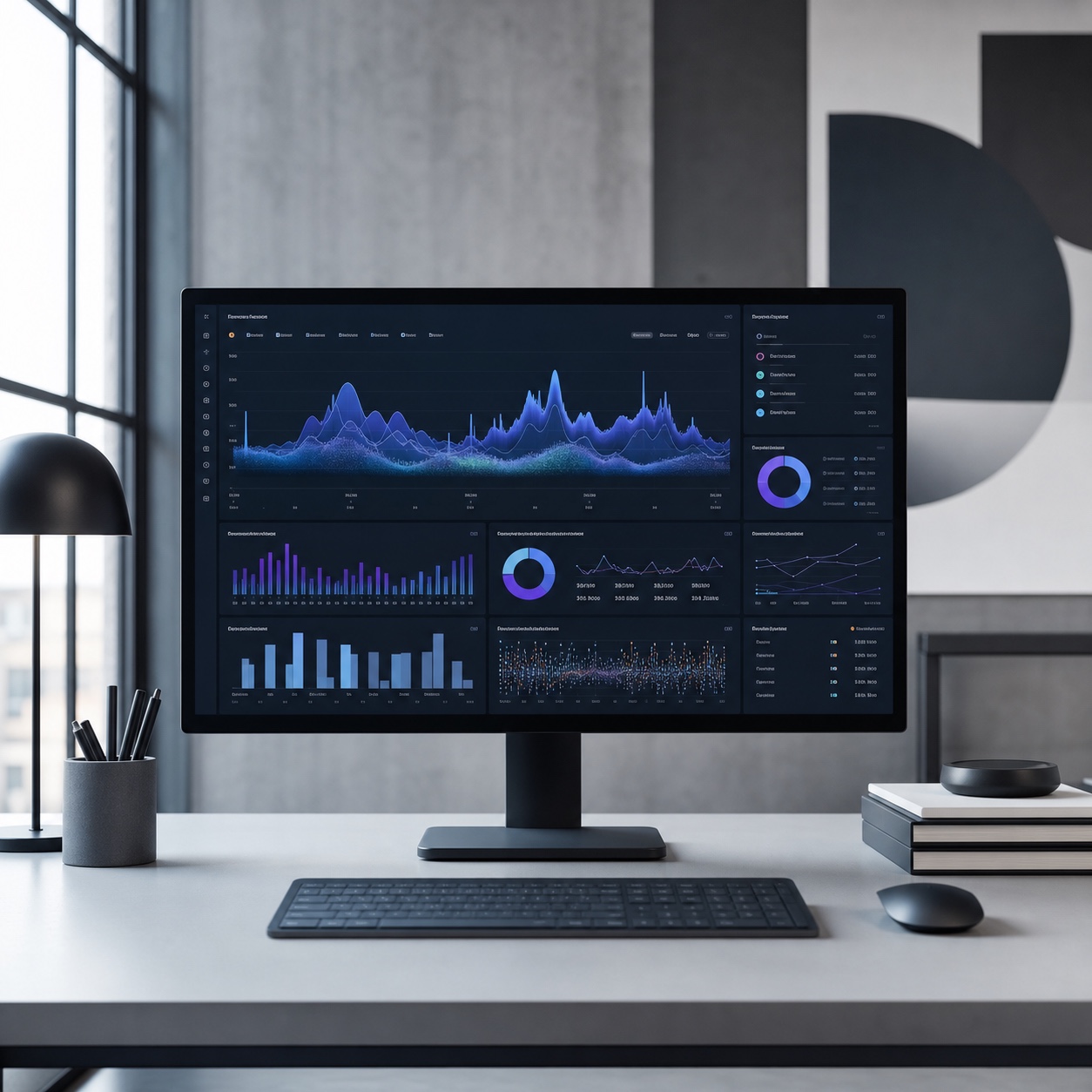
“IT support” implies something reactive, a person to call when something breaks. Infrastructure is the thing that determines how often something breaks in the first place, and whether the whole system was ever actually built to carry the load a design firm puts on it. These are related but genuinely different problems, and conflating them is why so many hybrid studios end up with responsive help desk support sitting on top of infrastructure that was never sized correctly to begin with.
A design firm’s technical demands are specific enough to deserve their own category of planning, not a generic small-business template. Layered Photoshop files, CAD assemblies, 3D scenes, and rendering output routinely run into gigabytes, moving constantly between a home office, a studio, and a client’s review platform. Software licensing spans Adobe Creative Cloud, Figma, CAD suites, and rendering tools, each with its own access and update requirements. None of this resembles the document-and-email traffic most generic office IT infrastructure was originally built to handle.
Complexity compounds fast once a firm actually maps this out. A recent survey found that companies with hybrid workforces report a sharp rise in IT complexity specifically because they’re managing multiple devices, cloud services, remote access points, and security layers simultaneously, not any single one of those in isolation. A design firm layering large creative files and specialized software on top of that same hybrid complexity is dealing with a harder version of a problem most infrastructure planning wasn’t built to solve.
The core IT stack behind remote creative work
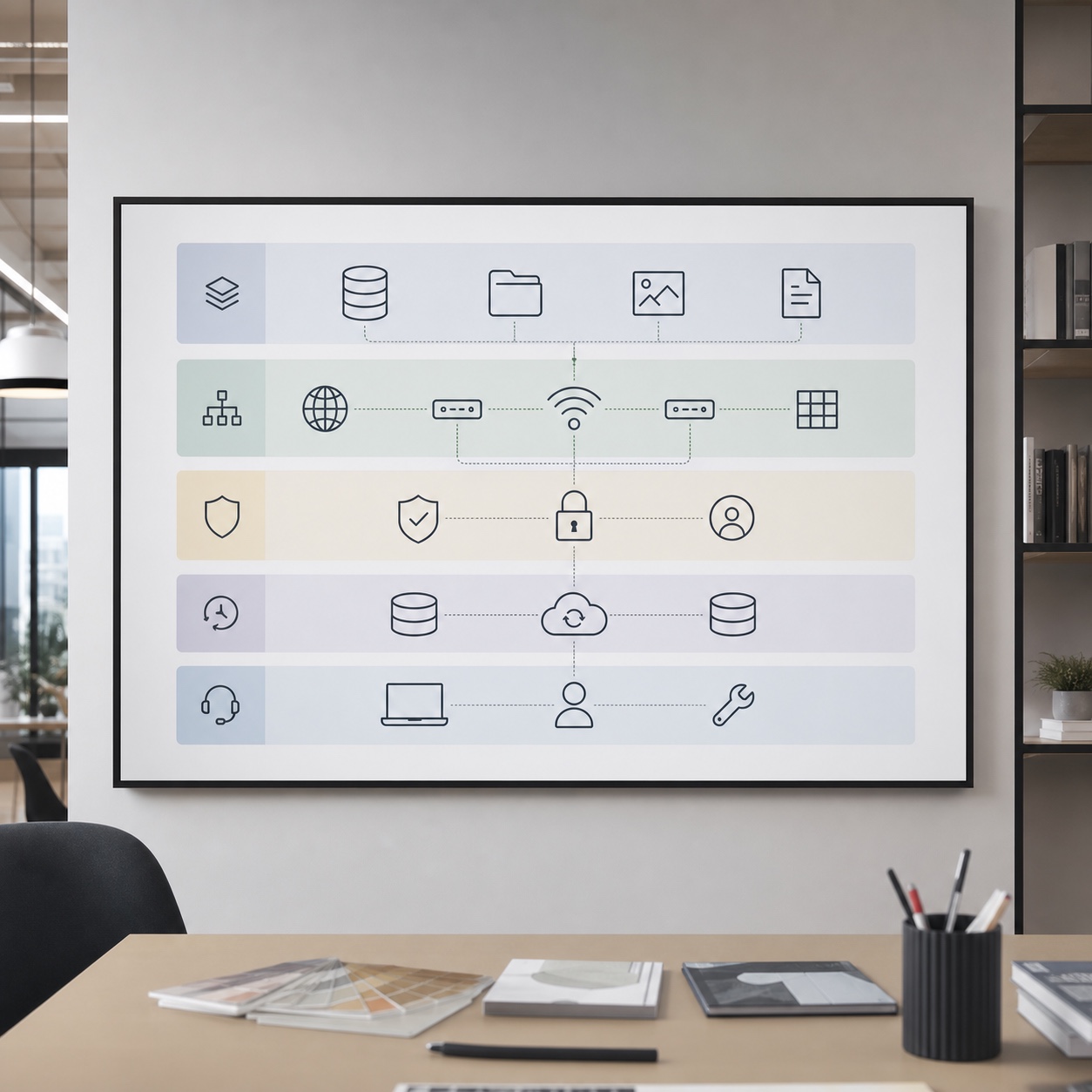
Four layers make up the technical foundation underneath any hybrid design firm’s daily work, and each one has specific requirements that generic small-business IT often misses.

Cloud storage, version control, and large design files
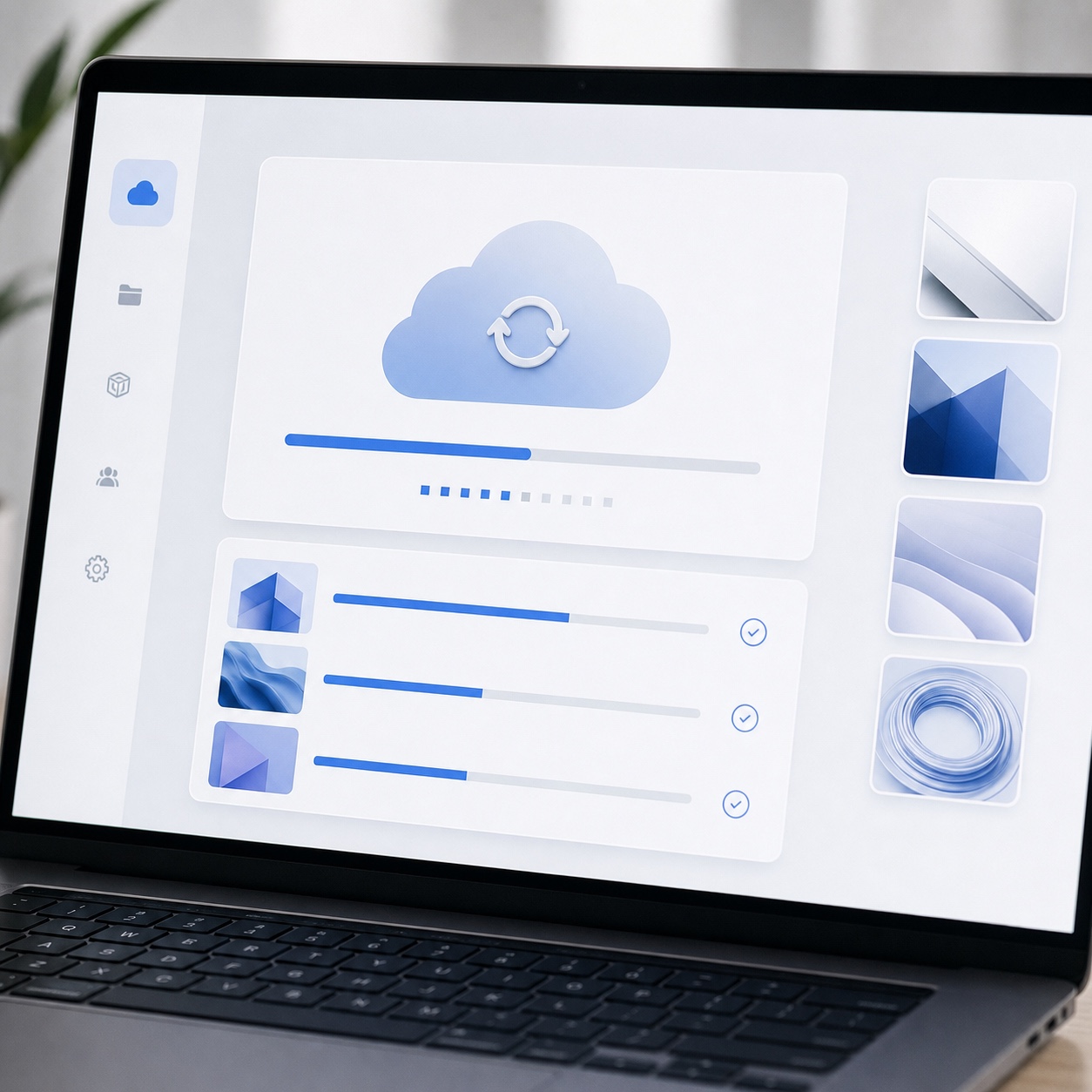
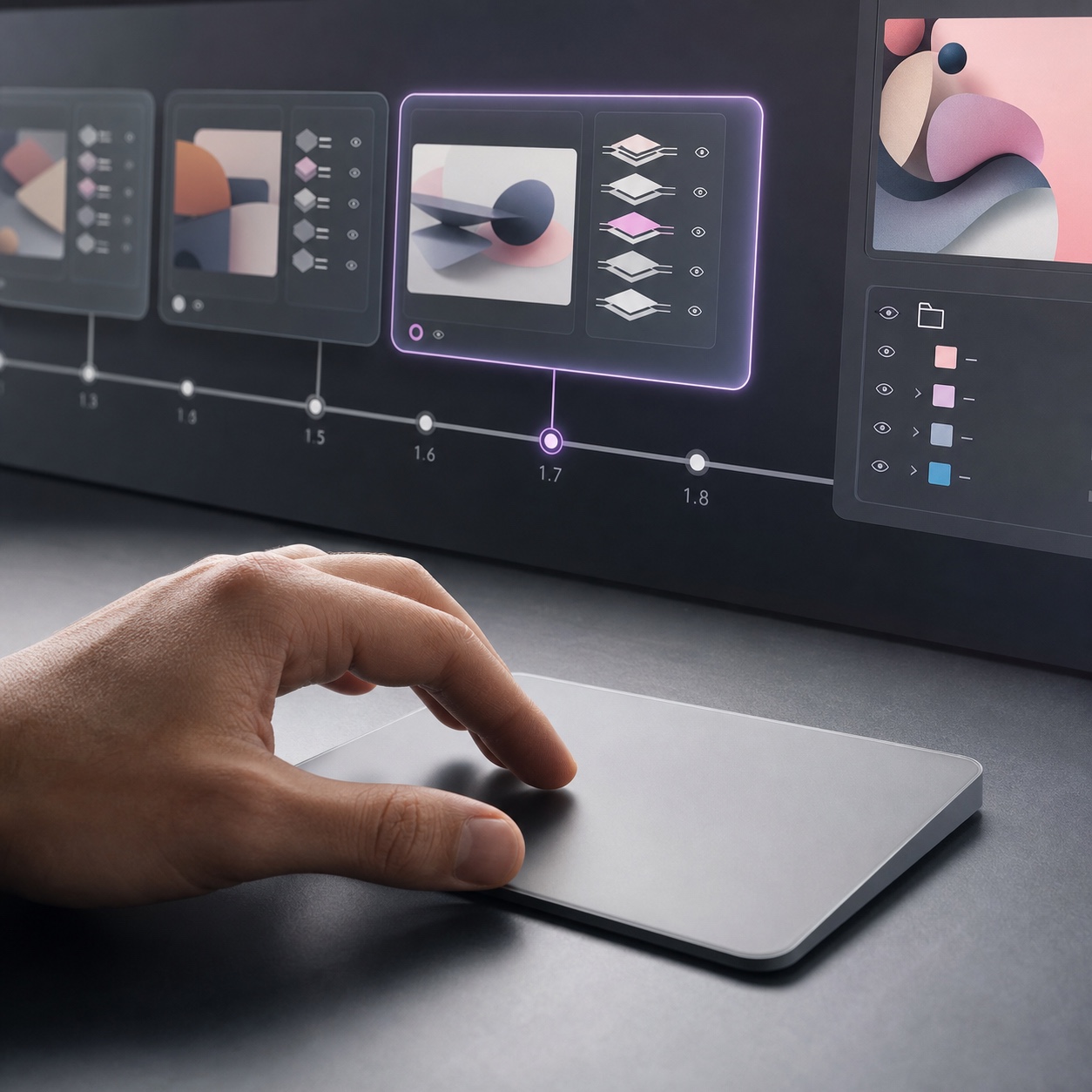
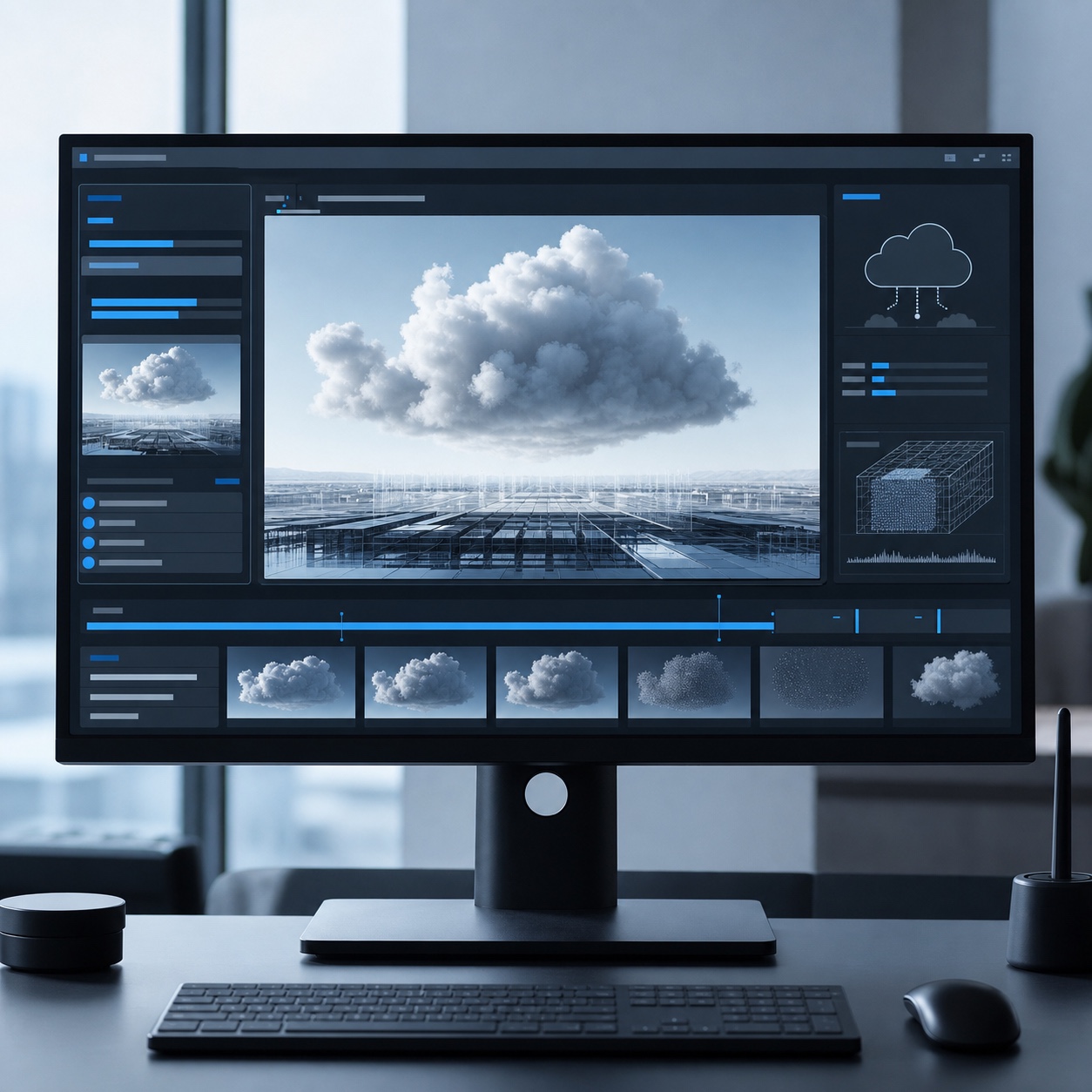
Cloud storage built for design work needs to handle files an order of magnitude larger than typical office documents, with sync performance that doesn’t grind to a halt on a residential connection. Genuine version control, not just file naming discipline, matters enormously once multiple people touch the same layered file across different sessions and locations, since resolving a version conflict on a 2GB design file is a fundamentally worse problem than resolving one on a text document.
Selective sync, where only the files someone’s actively working on download fully to a local device, is worth specifying explicitly rather than assuming standard consumer cloud storage handles it well by default. Without it, a designer’s laptop can end up attempting to fully sync an entire studio’s project archive, which is exactly the kind of avoidable technical friction that turns a five-minute task into an hour of waiting.
Remote access for CAD, Adobe, Figma, and rendering workflows
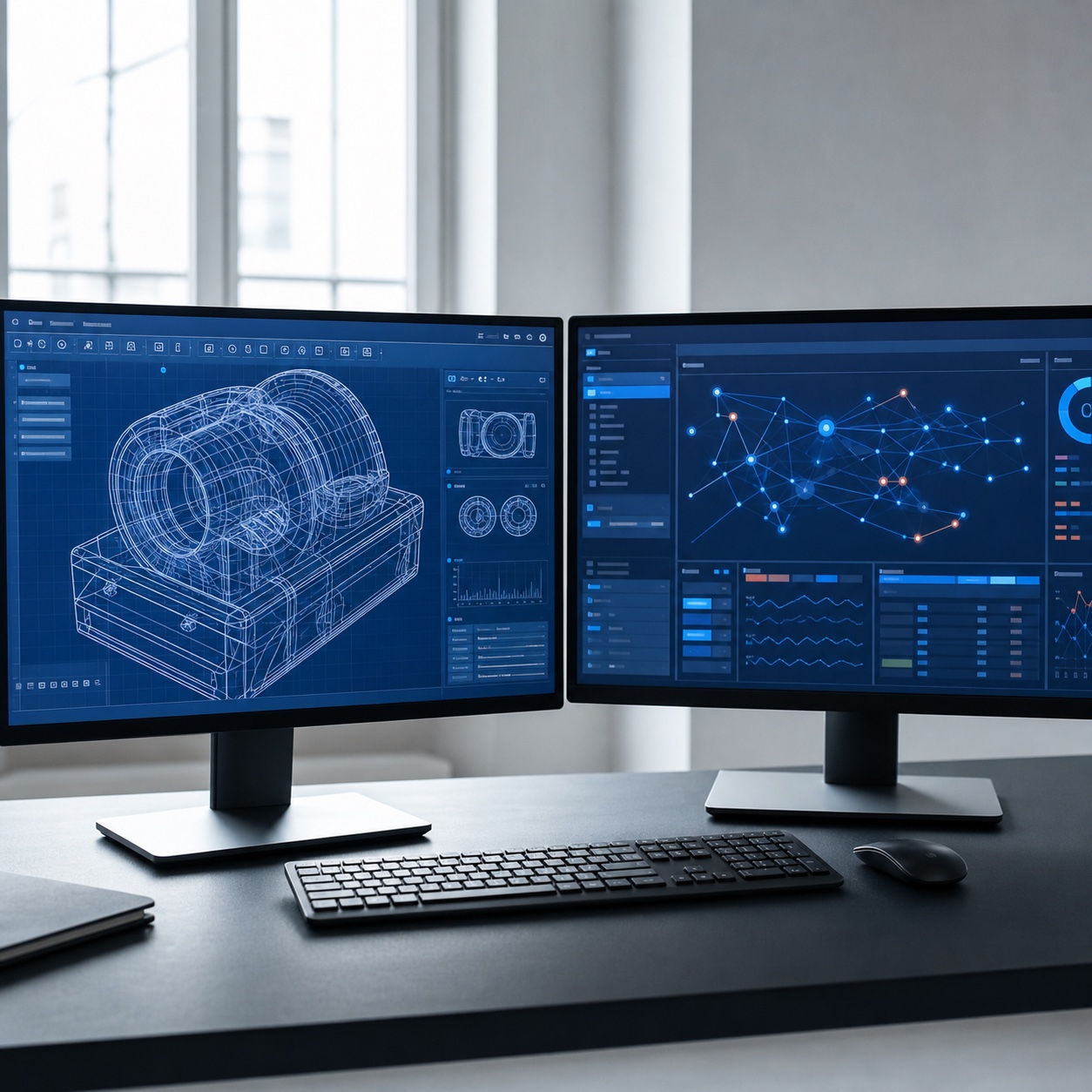
CAD and rendering software in particular often assumes local, high-performance hardware, which creates real friction when a designer needs to work on a lighter remote device. Remote access solutions, cloud workstations, virtual desktops, or remote rendering services, let that heavier processing happen on infrastructure built for it rather than forcing every team member to own a workstation capable of local rendering. Adobe and Figma workflows are lighter but still depend on stable, fast access to the same shared asset libraries and cloud files regardless of where someone’s actually sitting.
The practical upside of this layer is worth stating plainly: a firm running cloud workstations correctly can equip a new hire with a modest laptop and full CAD or rendering capability on day one, rather than waiting weeks for a specced-out local machine to arrive and get configured. That flexibility matters more the faster a studio is bringing people on and off active projects.
Network performance, VPN, and secure device policies
Network performance is where the gap between office and home environments shows up most visibly, an office network built for design work handles large-file transfer easily; a home connection, especially one shared with a household’s other internet use, frequently doesn’t without deliberate planning.
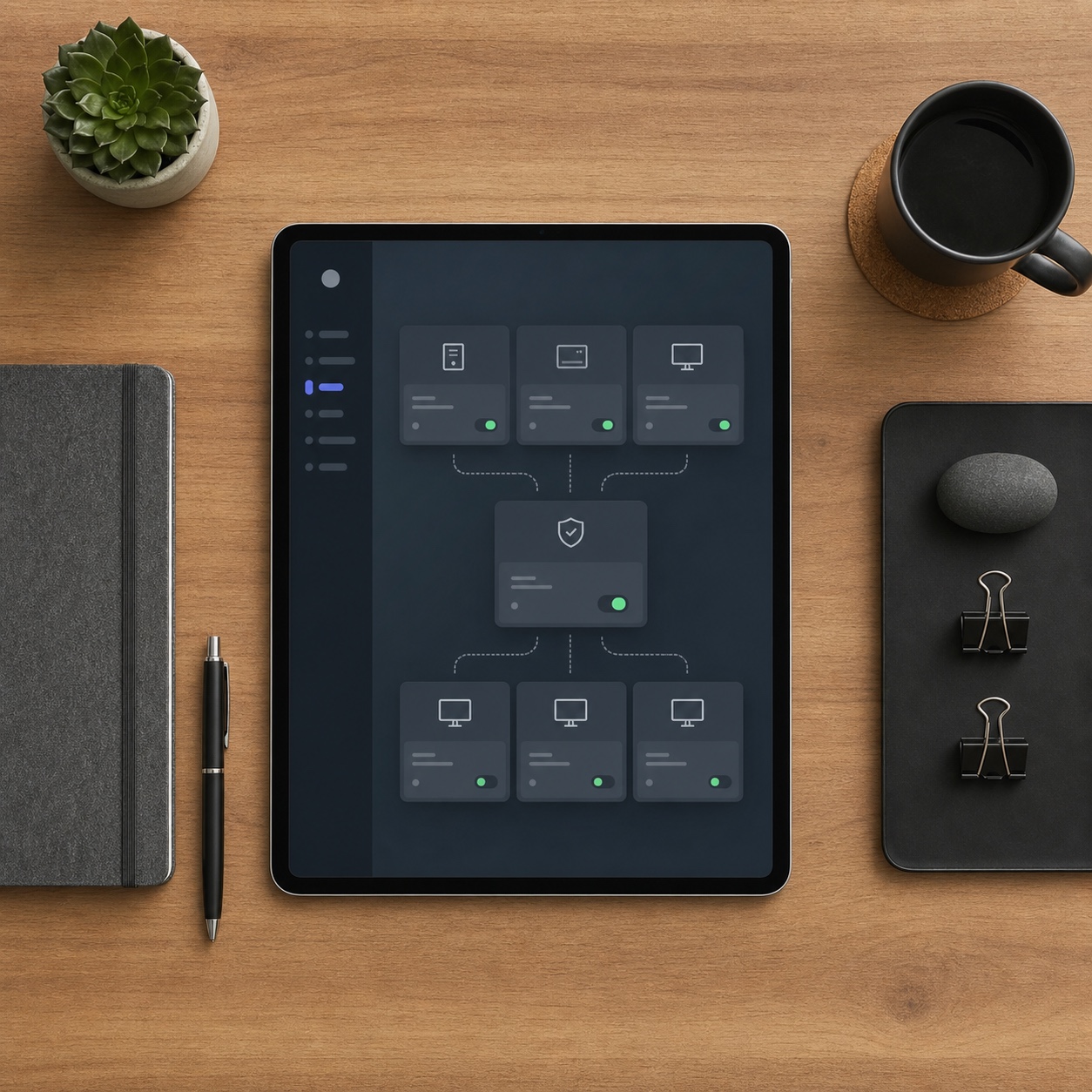
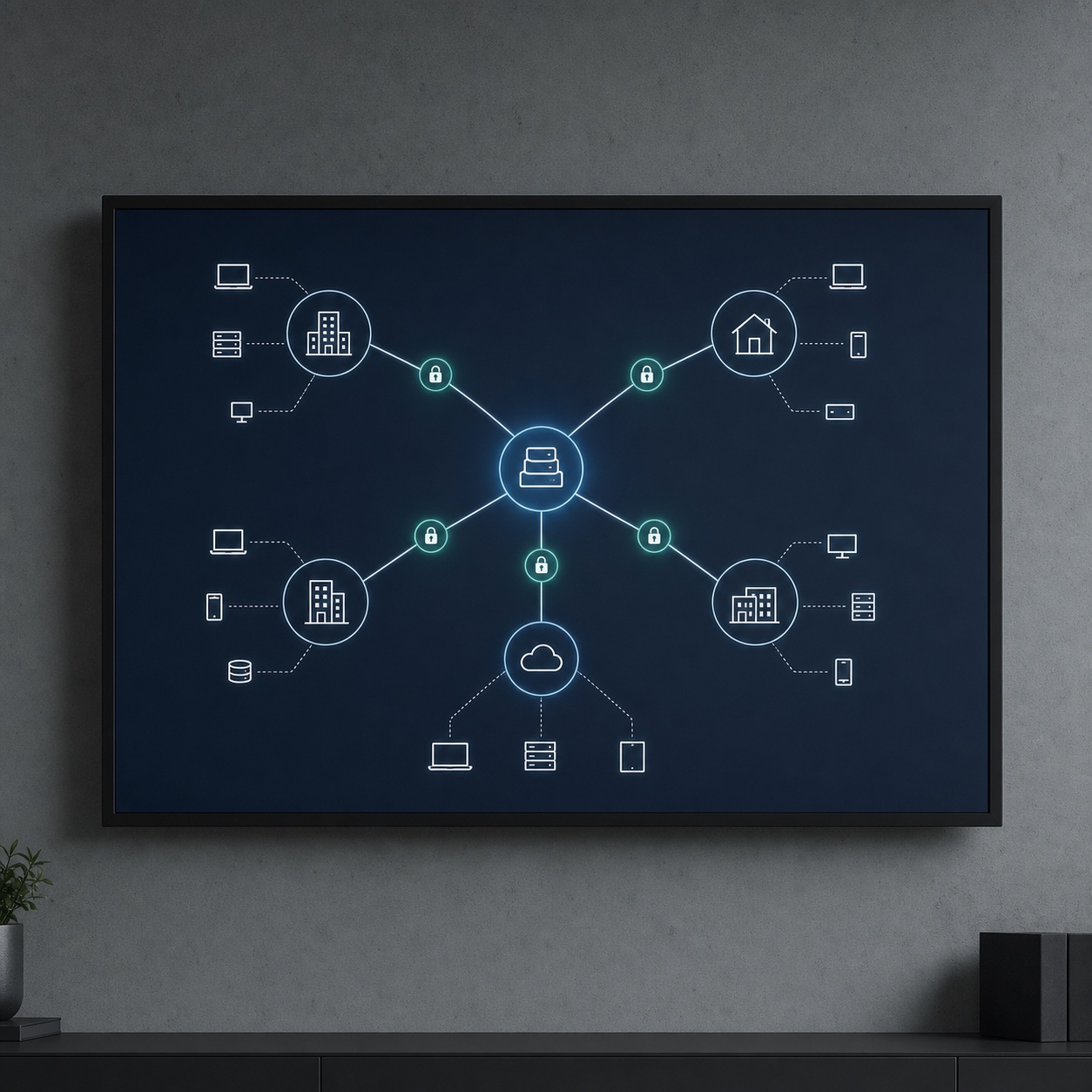
Secure VPN access and consistent device policy, covering both company hardware and the personal devices many designers still work from part of the time, close the gap between an office-grade and a home-grade environment. NDSE’s IT management builds this kind of high-availability network and VPN infrastructure specifically for hybrid firms, the layer that determines whether remote access actually feels as fast and reliable as being in the studio, rather than a degraded compromise.
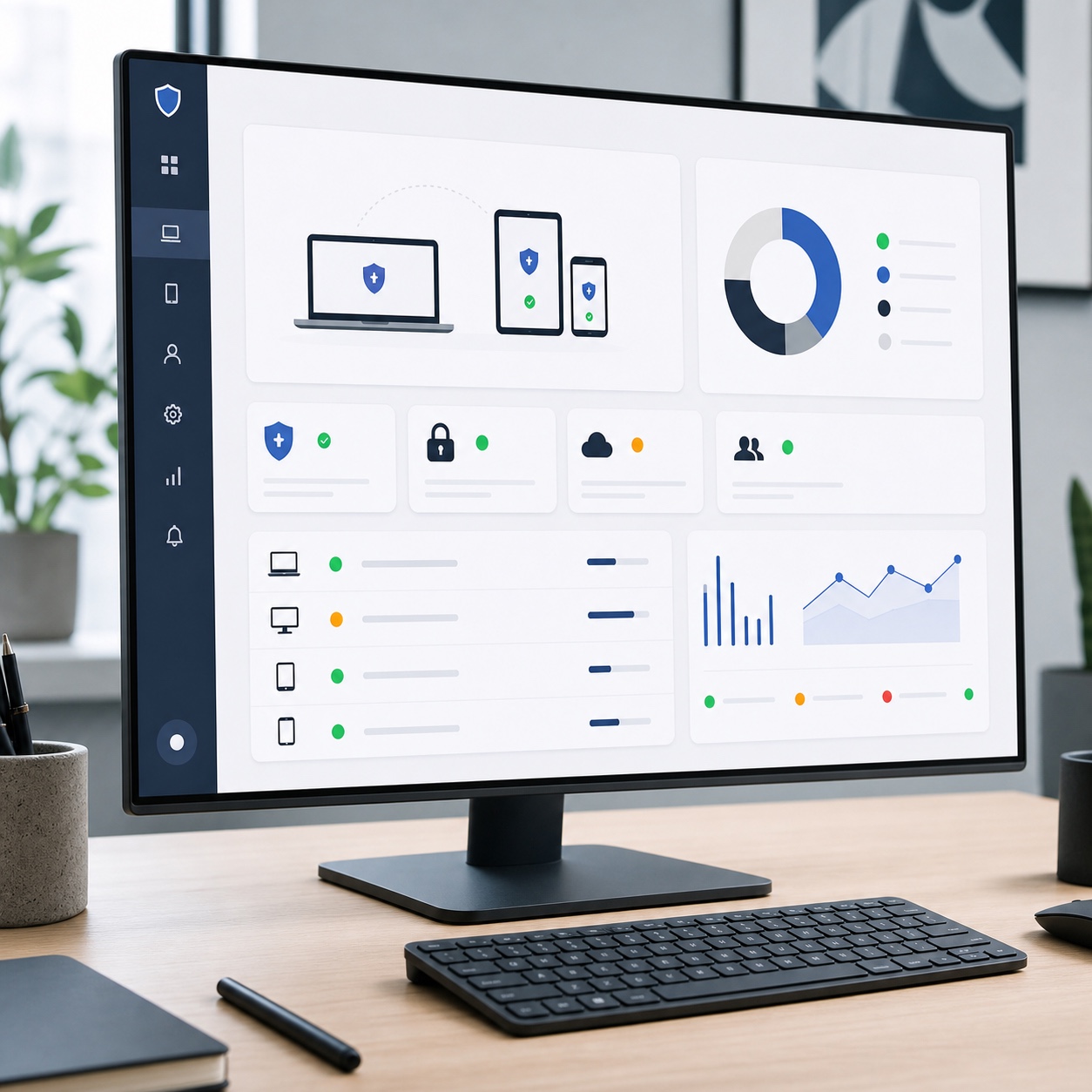
Device policy deserves the same explicit planning as the network itself. A studio that allows work on personal devices without a defined policy, minimum OS versions, required security software, a process for what happens to studio data if that device is lost or the contractor’s engagement ends, is accepting a category of risk it hasn’t actually decided to accept, it’s just accumulated by default.
Test your actual sync and upload speed for a real, full-size project file from a typical home connection, not from the office network. Most firms discover their infrastructure plan was built around office-network performance and never actually tested against the conditions a remote team member deals with daily.
Managed IT support as a creative operations layer
The strongest managed IT relationships stop treating creative studios like generic small businesses and start treating support scheduling and response as part of the creative operation itself.
This reframe matters more than it might sound. A generic IT vendor measures success by tickets closed and average response time across a broad client base. A partner treating support as part of a studio’s creative operations understands that a locked file the morning of a client presentation isn’t just another ticket in the queue, it’s a direct threat to a relationship the studio has spent months building.
Help desk response around project deadlines
A locked account or a sync failure the morning of a major client review needs a different response tier than a routine question on an ordinary Tuesday, and that distinction should be written into a support agreement explicitly rather than left as an informal hope. Generic office SLAs rarely account for the specific rhythm of creative production, where technical problems cluster around deadlines precisely because that’s when systems get pushed hardest.
Building a project calendar visible to the IT partner, not just the internal team, lets support prioritization actually track real deadline pressure instead of guessing at it. A partner who knows a major client handoff is happening Thursday can proactively check the relevant systems Wednesday afternoon, rather than reacting to a problem that surfaces at the worst possible moment.
Proactive monitoring before downtime hits the studio
Continuous monitoring of networks, servers, and end-user devices catches a failing drive or a degrading connection before it becomes an actual outage, which matters enormously more for a firm juggling several concurrent deadlines than for a business that can absorb a quiet afternoon of downtime. The value of proactive monitoring isn’t the monitoring itself, it’s the incidents that never become visible because they got caught early.
This is genuinely difficult to sell as a benefit, since success looks like nothing happening rather than a visible fix. The clearest way to evaluate whether proactive monitoring is actually working is to ask a partner directly how many issues they caught and resolved before anyone internally noticed, over a specific recent period, rather than accepting a general assurance that monitoring is in place.
Vendor, license, and workstation support
Software license management across a growing team, compatibility checks before an update rolls out mid-project, and consistent workstation setup across every device in the studio’s ecosystem round out the operational layer a managed partner should own. None of this is glamorous, and all of it determines whether growth and software updates happen smoothly or turn into a season of firefighting.
Security for client files and intellectual property
A hybrid design firm’s exposure looks different from a typical small business, since the files at risk are unreleased creative work and client intellectual property rather than generic business records.
Ransomware incidents specifically have risen sharply across all industries in recent years, and creative agencies handling unreleased client work are far from an unlikely target, the value of that unreleased work is exactly what makes it attractive to hold for ransom. Treating this risk as a generic small-business concern, rather than one specifically shaped by what a design firm actually stores, underestimates both the likelihood and the potential cost of a real incident.
MFA, endpoint protection, encryption, and permissions
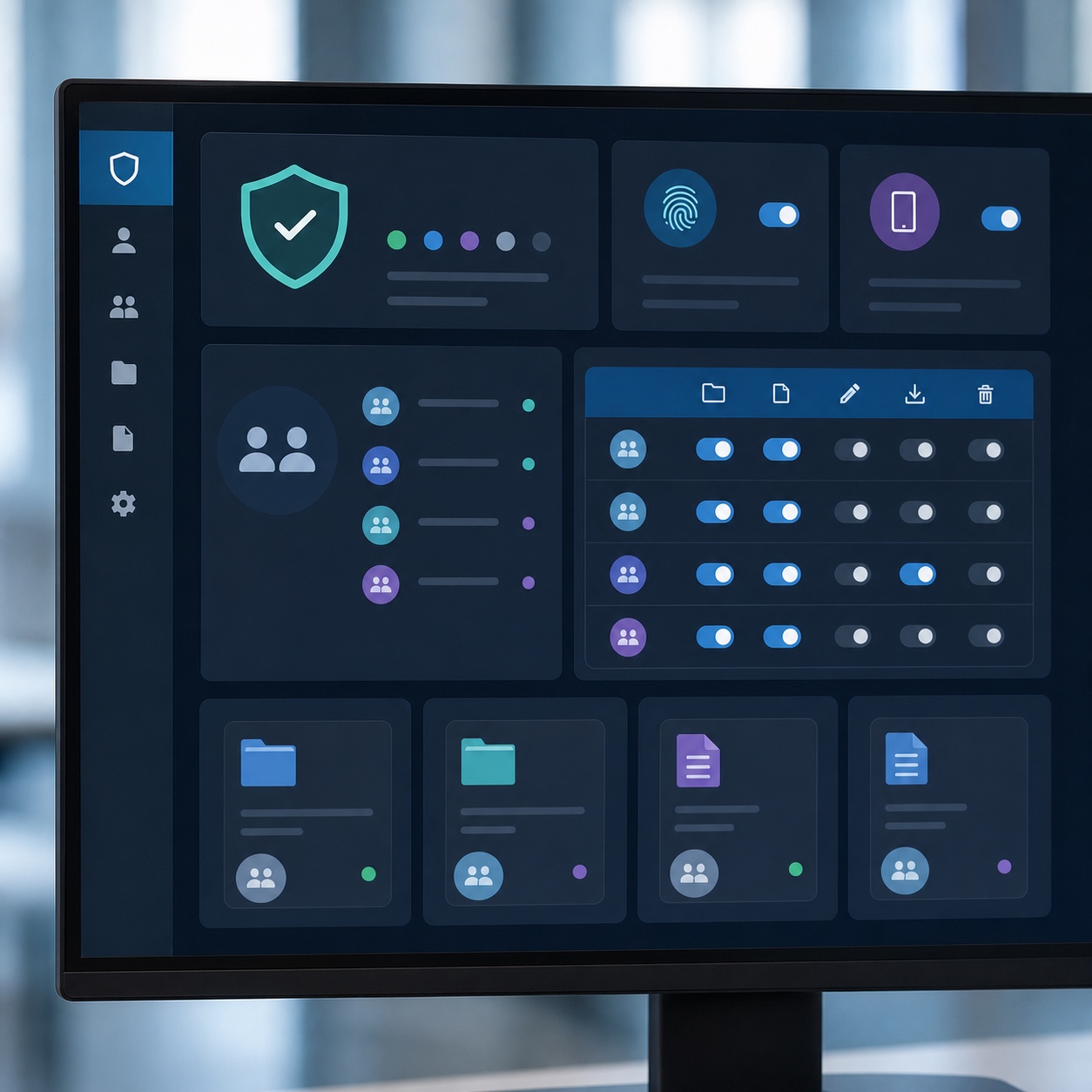
Multi-factor authentication across every account touching client work, endpoint protection on every device in the firm’s ecosystem, encryption for data both at rest and in transit, and permissions structured by role rather than granted broadly by default form the real security baseline. Nuvodia’s IT management demonstrates this kind of layered approach specifically built to protect remote creative operations without adding friction that slows designers down, threats identified and addressed before they cause damage, rather than security that gets in the way of daily work.
Regular vulnerability assessments and genuine, tested incident response plans matter as much as the preventive layer, since no security setup is perfect and the real measure of resilience is how fast a firm can actually respond once something does go wrong. Our guide to digital asset security for hybrid studios and our cybersecurity checklist for remote design teams both go deeper into the specific practices worth layering on top of this baseline for a creative studio’s particular risk profile.
Backup and disaster recovery for active design projects
Backup for active design work needs to account for files that change constantly throughout a single working day, not just an overnight snapshot that might lose hours of unsaved progress on a deadline-critical file. Disaster recovery planning, what actually happens if a server fails or a ransomware incident hits mid-project, deserves the same tested rigor as any other part of this stack, since an assumed recovery plan and a verified one only reveal their difference during an actual emergency.
Recovery time objective, how long a firm can tolerate being without access to active files, is worth defining explicitly rather than discovering by accident during a real outage. A firm that hasn’t set this number has implicitly accepted whatever recovery time its current backup system happens to deliver, which may be considerably longer than what the business can actually absorb during a live client deadline.
How to build a scalable IT infrastructure plan
Not every piece of this stack needs to live with the same owner, and deciding what to keep close versus what to hand off is the actual strategic decision underneath all of this.
This decision is worth revisiting on a fixed schedule rather than only when something breaks. A split that made sense for a five-person studio can look completely different once the firm has grown to fifteen people across three time zones, and the honest answer to what belongs in-house versus outsourced tends to shift gradually enough that it’s easy to miss until the mismatch becomes a visible problem.
What to keep in-house
Creative software choices, brand and project-specific access decisions, and day-to-day file organization habits are all decisions a studio should own directly, since they require creative and business judgment an outside partner shouldn’t be making. Keeping these decisions in-house doesn’t mean handling the technical execution alone, it means the studio stays the one deciding what the infrastructure needs to support.
The client relationship itself belongs firmly in this category too. An IT partner might handle the technical mechanics of a secure client portal, but decisions about what a specific client sees, how approval workflows are structured, and how the studio wants to present itself digitally are creative and business decisions no outside vendor should be making independently.
What to outsource to a managed IT partner
Network architecture, security monitoring, backup verification, device management, and vendor coordination are all well suited to an outside partner, since they require continuous, specialized attention most studios don’t have spare capacity to provide internally. Our guide to design operations for remote agencies and our guide to hybrid design studios and outsourcing without slowing creative workflow both cover this outsourcing decision from a broader operational angle, useful context alongside the infrastructure-specific breakdown here.
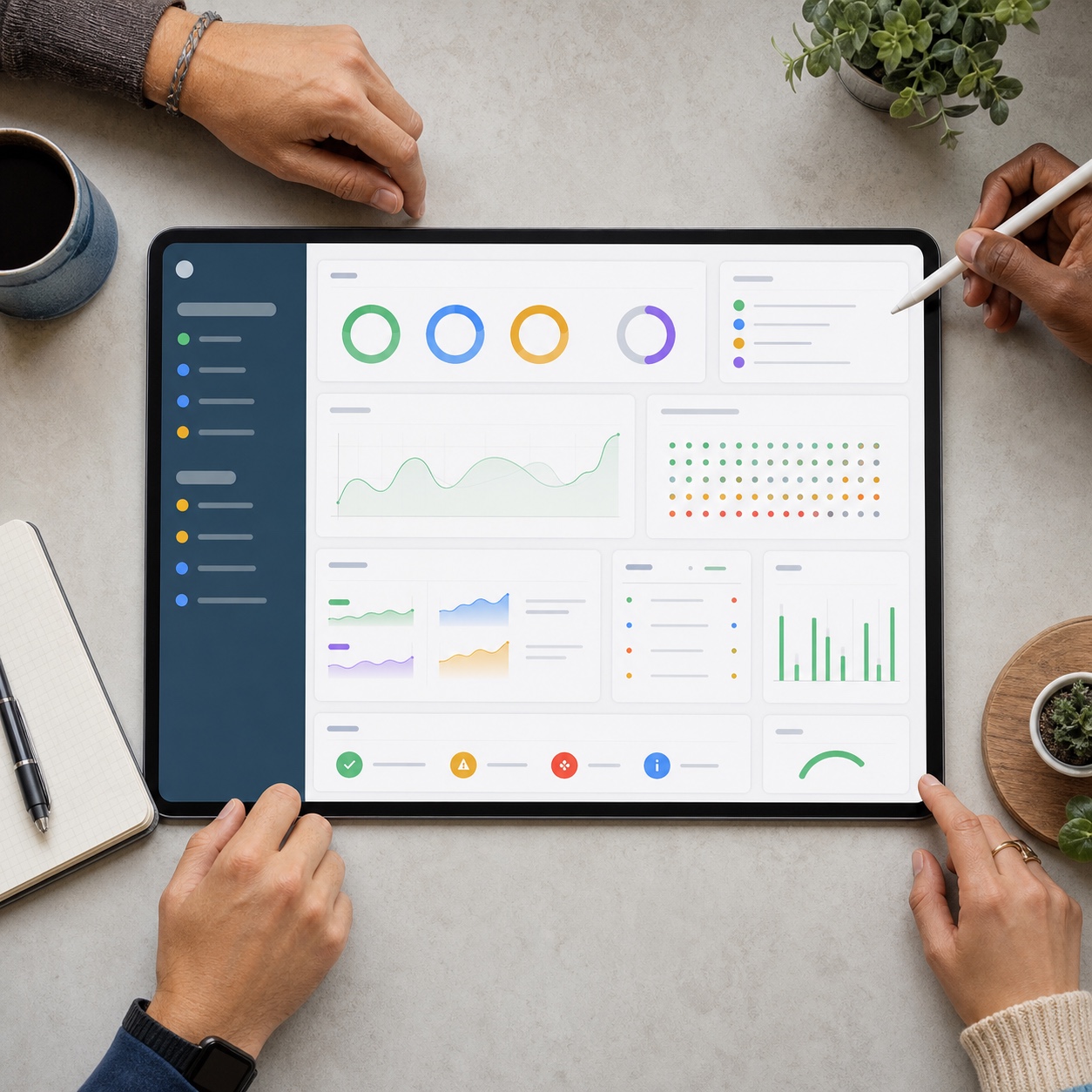
Metrics: uptime, access speed, recovery time, support response
A genuinely working infrastructure plan should be measurable, not just assumed to be fine. Track system uptime, actual file access and sync speed from a real remote location, recovery time in a tested backup restore, and support response time against whatever SLA is actually in the contract. Our guide to remote IT support for creative studios and our piece on remote IT support for distributed creative teams both cover this kind of ongoing evaluation in more depth, and our guide to cloud workstations for remote design teams and our piece on design workflow for remote studios round out the picture for firms weighing how much of their compute and workflow should live in the cloud versus locally as the studio grows.
FAQ
What is IT infrastructure management for a design firm?
IT infrastructure management is the deliberate design and maintenance of the technical stack underneath a firm’s creative work: cloud storage and version control for large files, remote access for CAD and Adobe workflows, network performance and secure device policy, and the security and backup systems protecting client intellectual property. It’s distinct from reactive help desk support, it’s the foundation that determines how often something needs fixing in the first place.
Why do hybrid design teams need managed IT support?
Hybrid teams juggle large, specialized files, software licensing across multiple creative tools, and network performance that varies significantly between office and home environments, all while working across different locations and time zones. Managed IT support brings continuous, specialized attention to this complexity that most design firms don’t have the internal capacity to provide consistently on their own.
How can design firms protect large client files remotely?
Through a combination of role-based access permissions, multi-factor authentication on every account touching client work, encryption for files at rest and in transit, and backup systems built to capture files that change constantly throughout a working day rather than relying on an overnight snapshot alone. Regular, tested disaster recovery planning matters as much as the preventive security layer.
Which tools matter most for remote design collaboration?
Cloud storage with genuine version control for large files, remote access solutions for CAD and rendering workloads that need more processing power than a typical remote device offers, and stable network infrastructure including VPN access all matter more than any single collaboration app. The specific software matters less than whether the underlying network and storage infrastructure can actually support it reliably.
- 31shares
- Facebook0
- Pinterest31
- Twitter0
- Reddit0