Running a content and design production pipeline across distributed tools has taught me something that doesn’t show up in most workflow advice: the creative bottleneck and the technical bottleneck are almost always the same bottleneck.
A slow asset sync, a permissions mix-up on a shared drive, an unclear file version — these read as “creative delays” when really they’re infrastructure problems wearing a creative costume.
- Why remote design studios need more than good ideas
- What a healthy design workflow actually depends on
- Design operations: where creative work meets infrastructure
- Who owns the workflow when the team is distributed
- Cloud collaboration without file chaos
- Security for remote creative teams
- When IT outsourcing makes sense for a design studio
- Managed IT services as a studio support layer
- What not to outsource blindly
- A practical remote design studio tech stack checklist
- Final thoughts
- Frequently asked questions
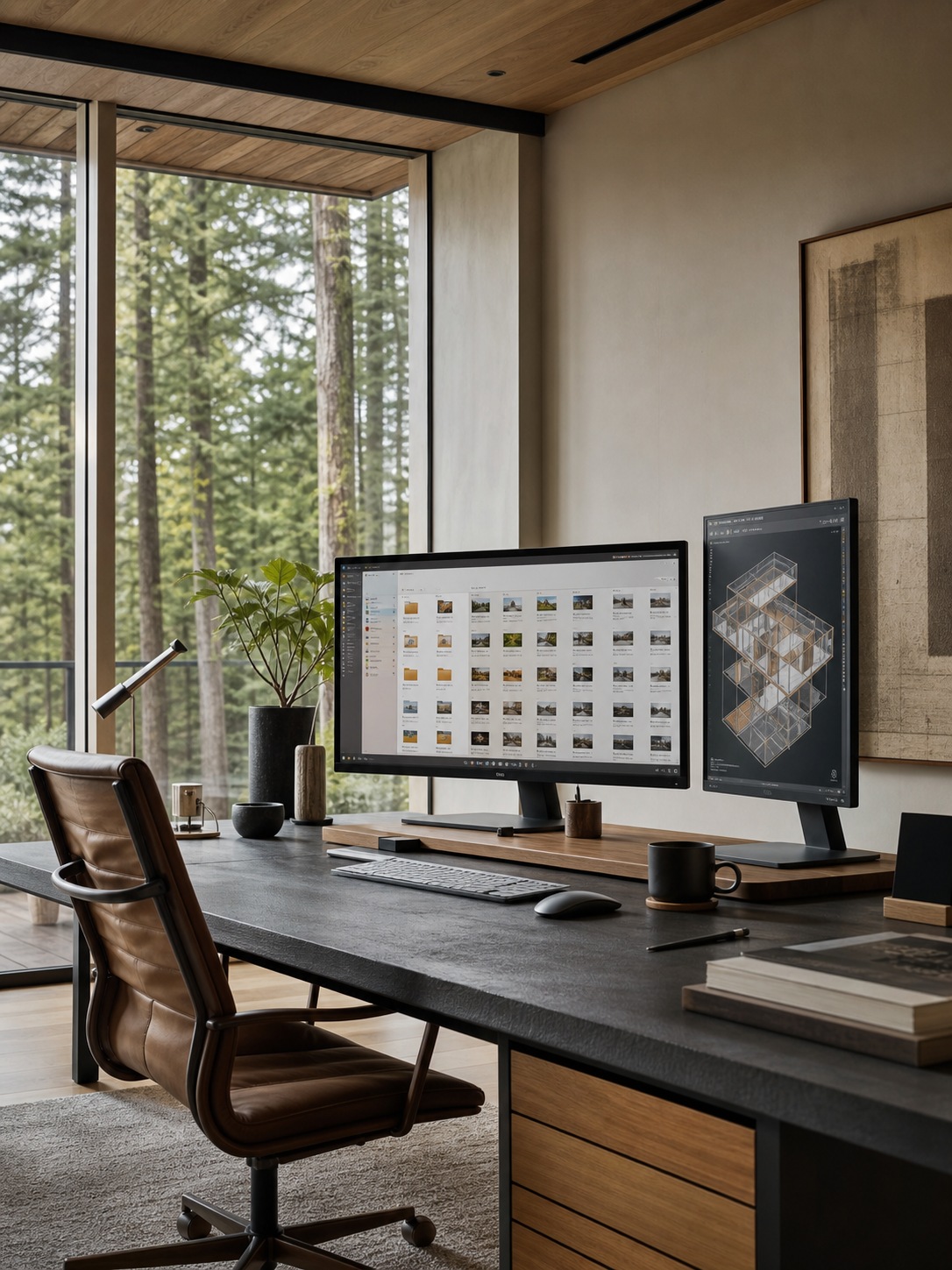
I run a production process that depends on cloud-based tools, distributed review steps, and backup discipline every single day, and the pattern holds regardless of whether the deliverable is a rendering, a drawing, or a document.
This isn’t a pitch for managed IT services. It’s a practical look at what a reliable design workflow for a remote studio actually depends on — file structure, cloud collaboration, security, and the specific moments where bringing in outside technical support genuinely makes sense versus where it doesn’t.
Why remote design studios need more than good ideas
Design work has shifted decisively toward distributed teams, and the studios that struggle with this shift usually aren’t struggling with creative talent — they’re struggling with the infrastructure holding that talent together.
Complex software, large file transfers, and real-time collaboration all depend on systems working reliably in the background, and when those systems aren’t reliable, the disruption shows up as missed deadlines and frustrated clients rather than as an obviously technical problem.
The broader shift toward distributed creative work isn’t slowing down either, which makes this infrastructure question increasingly unavoidable rather than optional — I’ve covered the wider trend in my piece on how tech is transforming remote work.
What a healthy design workflow actually depends on
Large files, fast access, clean permissions, and review loops
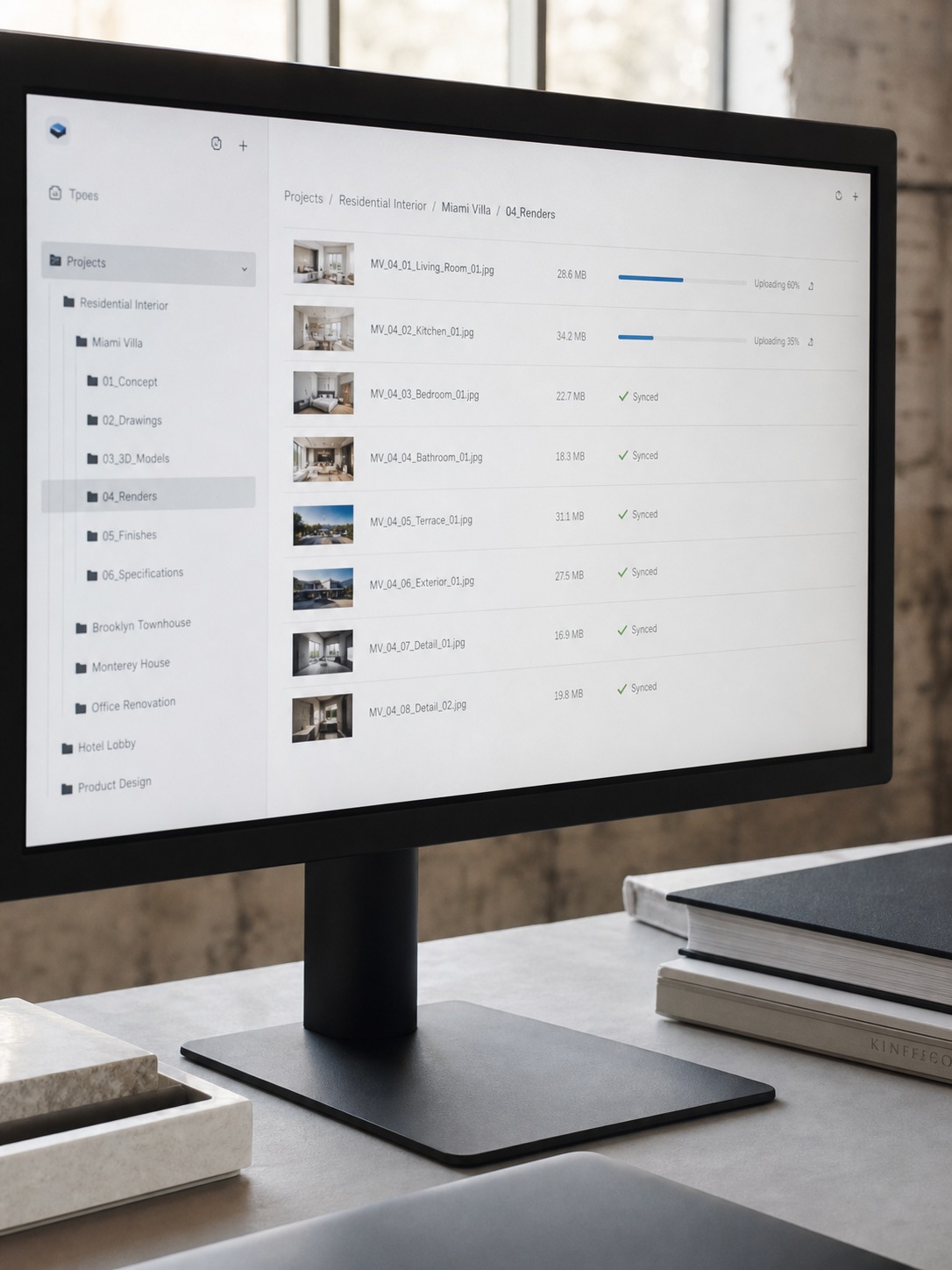
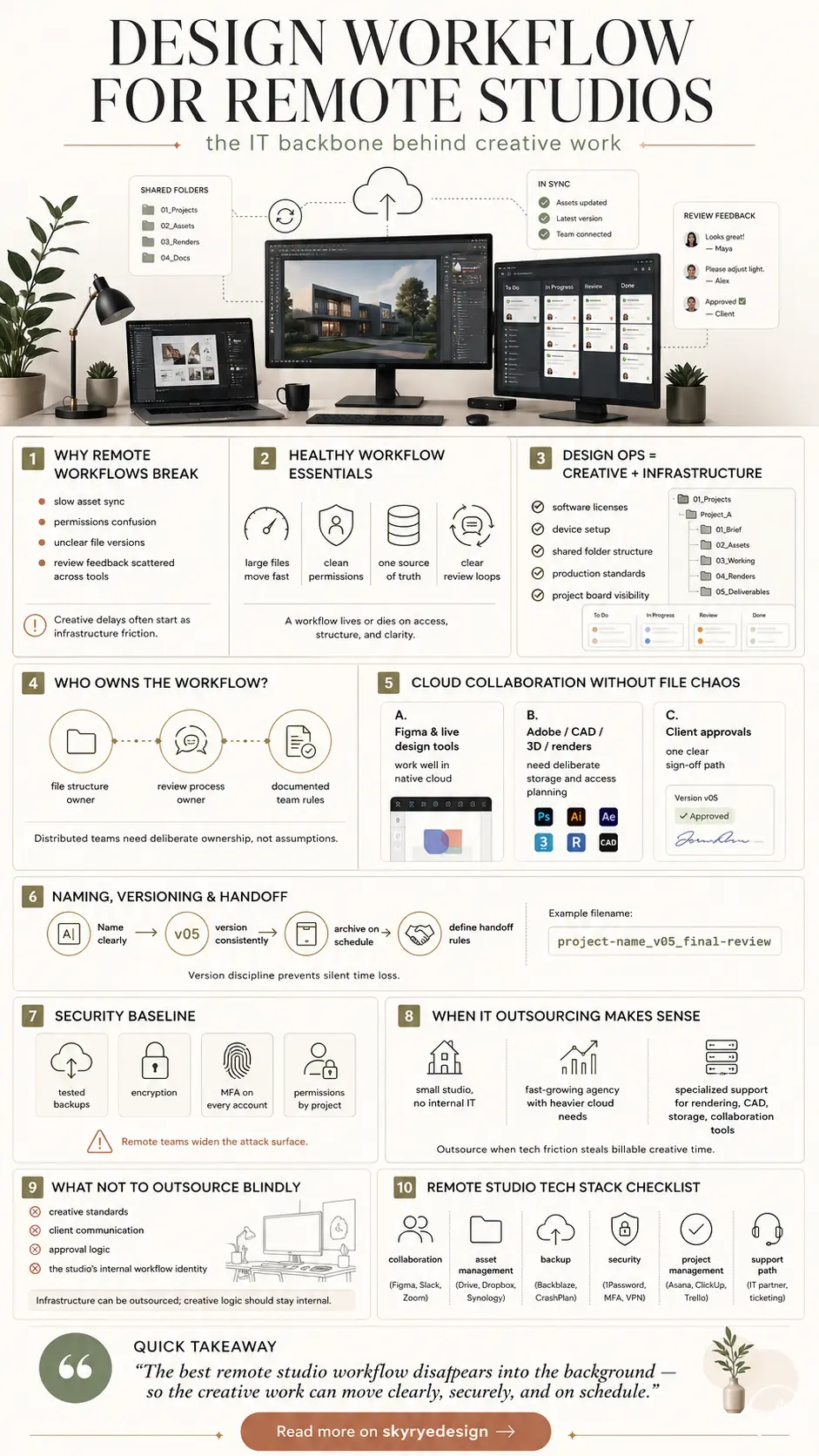
A design workflow lives or dies on a handful of unglamorous fundamentals: large files (renderings, CAD models, high-resolution assets) need to move and sync quickly regardless of where team members are located, permissions need to be clean enough that the right people see the right project without confusion, and review loops need a clear, single source of truth rather than five slightly different versions circulating over email.
None of this is exciting to set up, which is exactly why it gets skipped until it causes a real problem. The right collaboration tooling matters more here than people initially assume — I’ve broken down a working set of options in my remote work software tools guide.
Why creative delays often start as technical friction
Most delays that get blamed on “the creative process” actually trace back to a technical origin point — a slow file sync that made a designer wait twenty minutes to open a working file, an unclear permission setting that meant a client couldn’t actually see the latest render, a version conflict that meant two team members edited the same file simultaneously without realizing it.
Recognizing this pattern matters because it changes where you look for the fix. Treating a recurring “creative bottleneck” as a workflow and infrastructure question, rather than a talent or process question, is usually where the actual solution lives.
Design operations: where creative work meets infrastructure
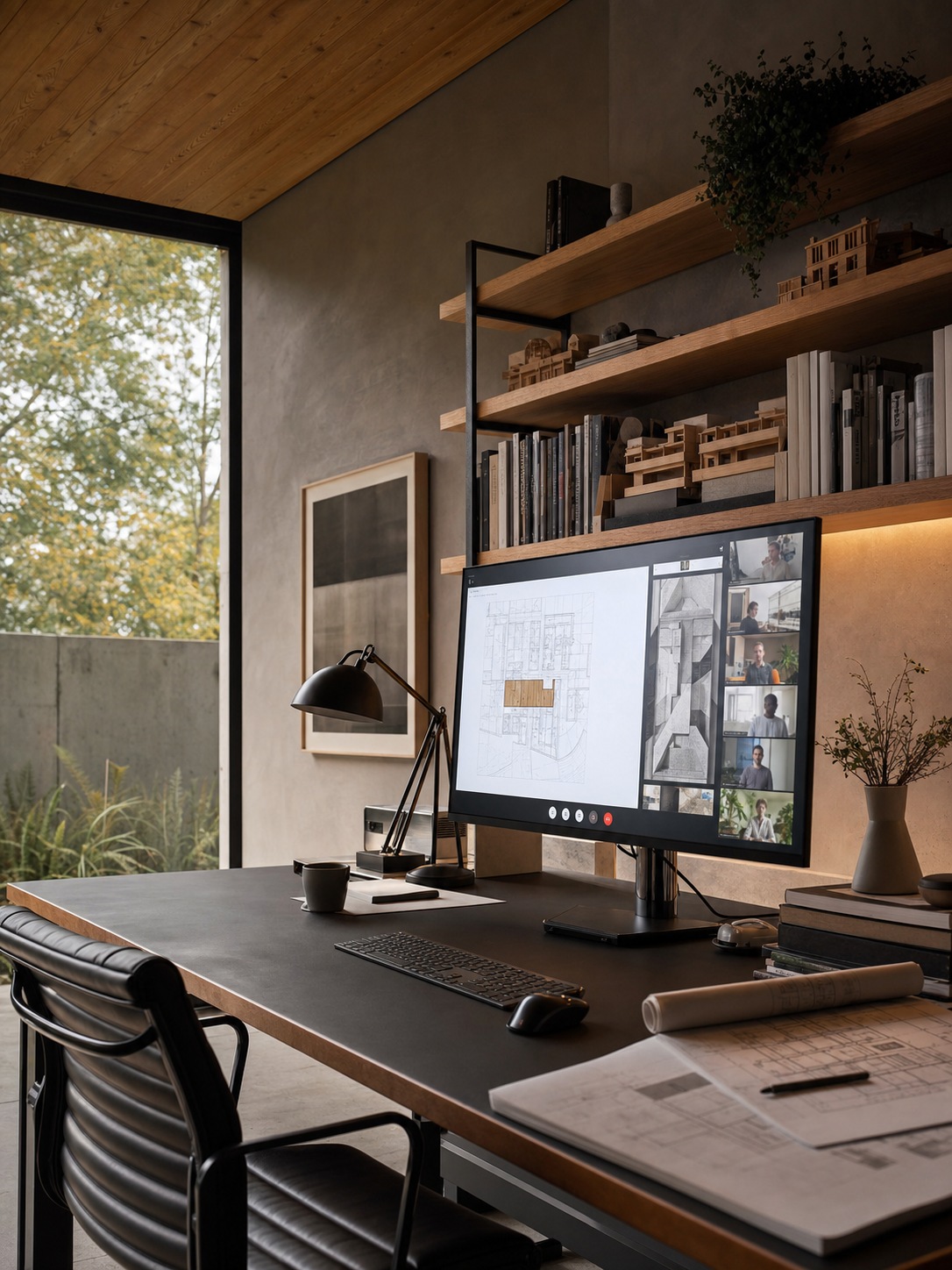
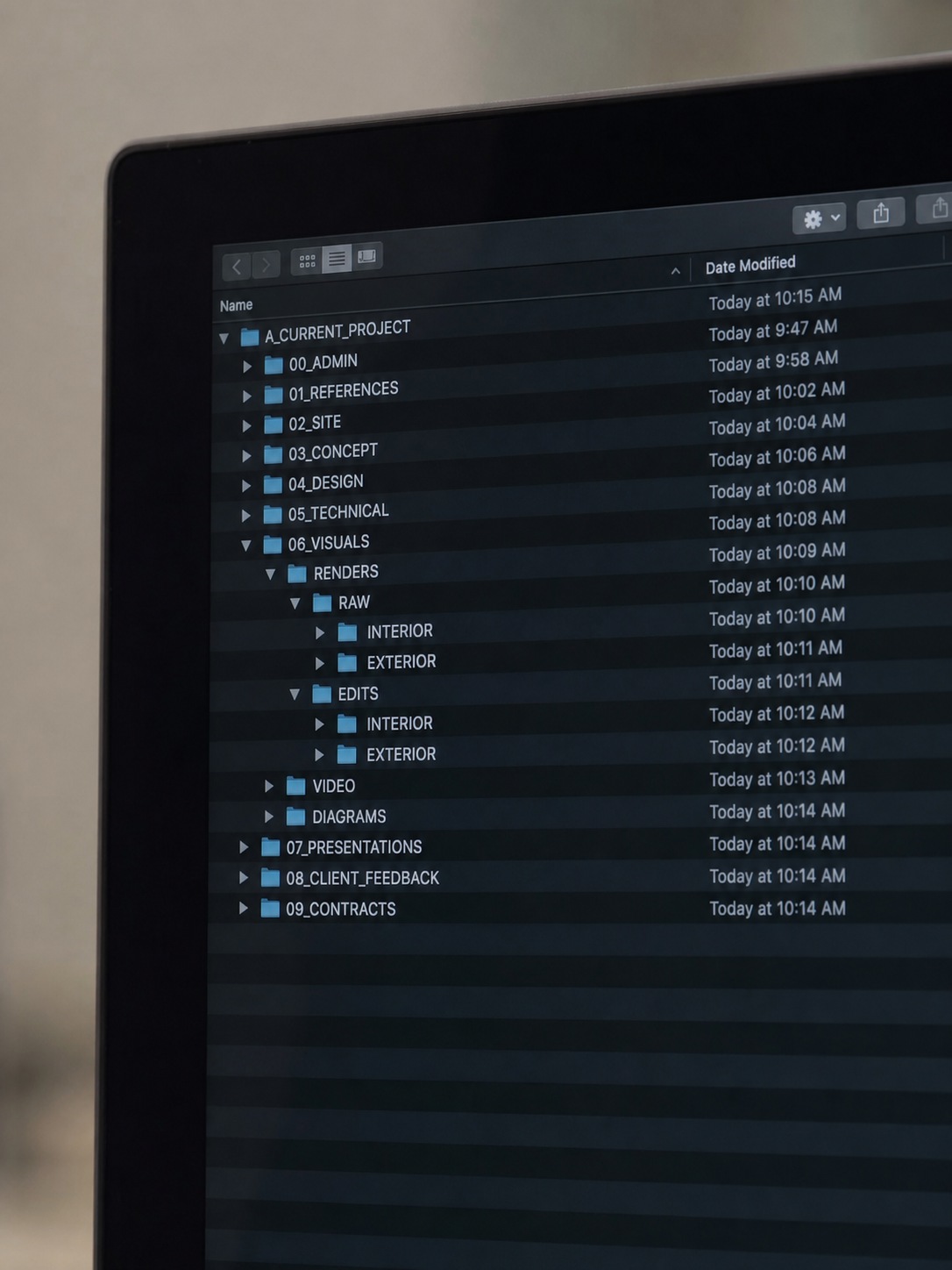
Design operations is the unglamorous layer connecting creative work to the infrastructure supporting it — software licenses that need renewing and assigning correctly, devices that need to be set up consistently across a distributed team, shared folder structures that stay organized as a studio scales, and production standards that keep file naming and organization consistent regardless of who’s working on a given project.
None of this is creative work exactly, but all of it directly determines how smoothly creative work actually happens. Keeping multiple concurrent projects moving through this same infrastructure is its own specific challenge, one I go into more directly in my project scheduling software guide.
Who owns the workflow when the team is distributed
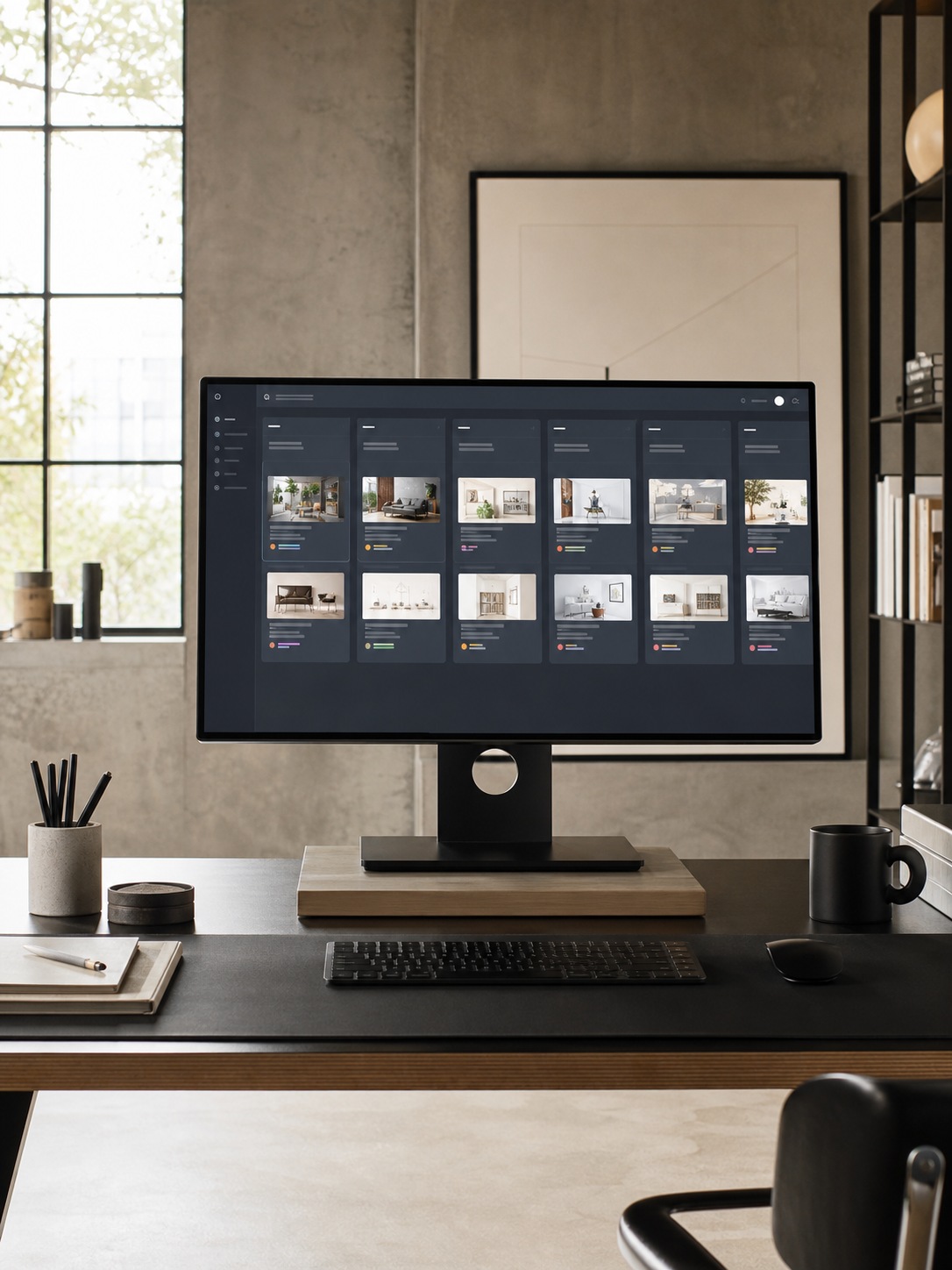
In a co-located studio, workflow ownership tends to sort itself out informally — someone notices a problem and fixes it because they’re standing right there. Distributed teams don’t get that accident of proximity, which means workflow ownership needs to be assigned deliberately rather than assumed. Someone specific needs to own file structure decisions, someone specific needs to own the review process, and that ownership needs to be documented somewhere the whole team can actually find it, rather than living in one person’s head.
Cloud collaboration without file chaos
Figma, Adobe files, CAD files, 3D assets, renders, and client approvals
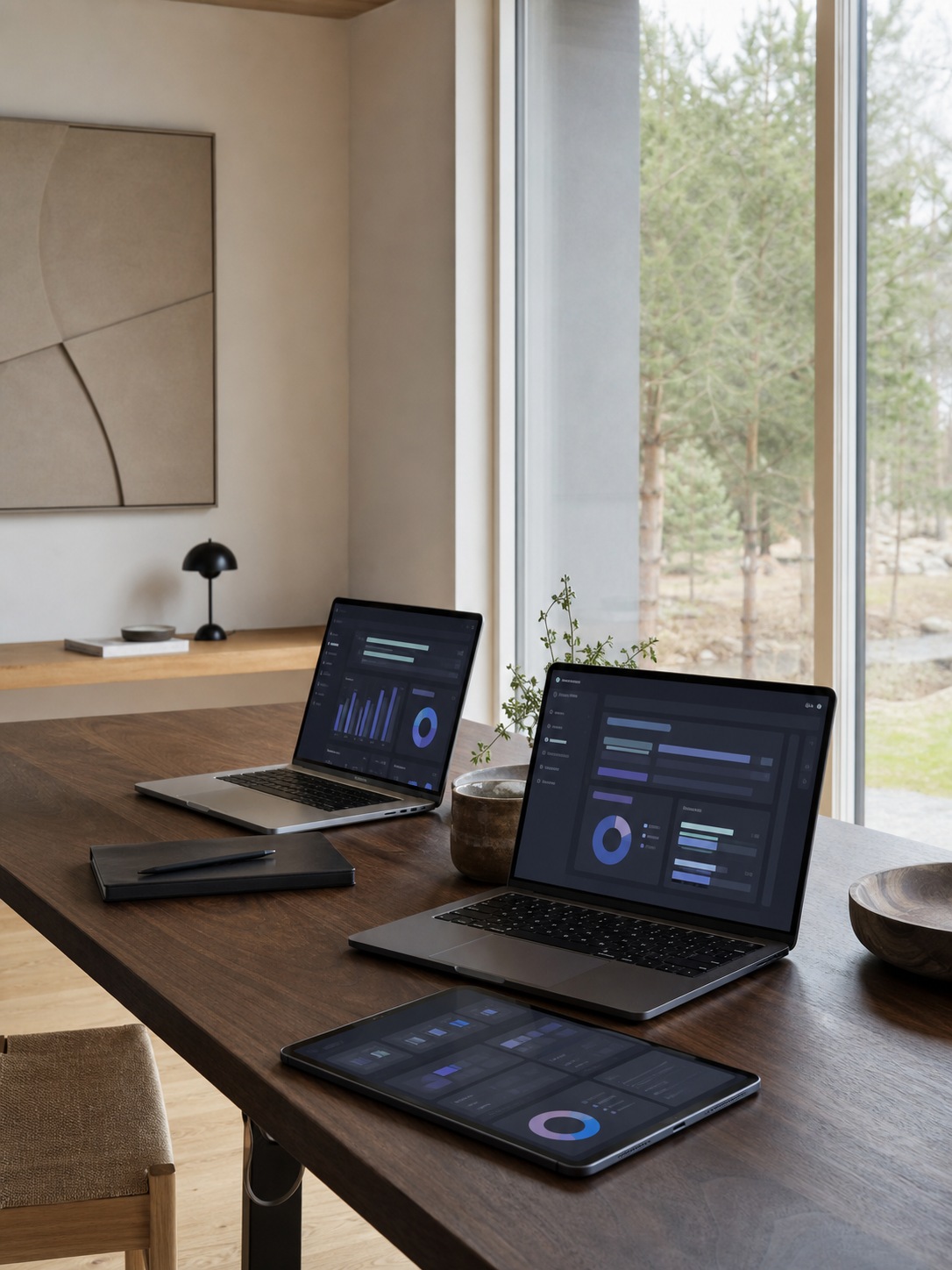
Different file types genuinely need different handling, and treating them all identically is a common source of chaos. Figma and similar design-tool files often live comfortably in their native cloud environments, while heavier CAD files, 3D assets, and rendering output typically need more deliberate storage and access planning, especially once file sizes start climbing into the range where a slow connection turns into a genuine production bottleneck.
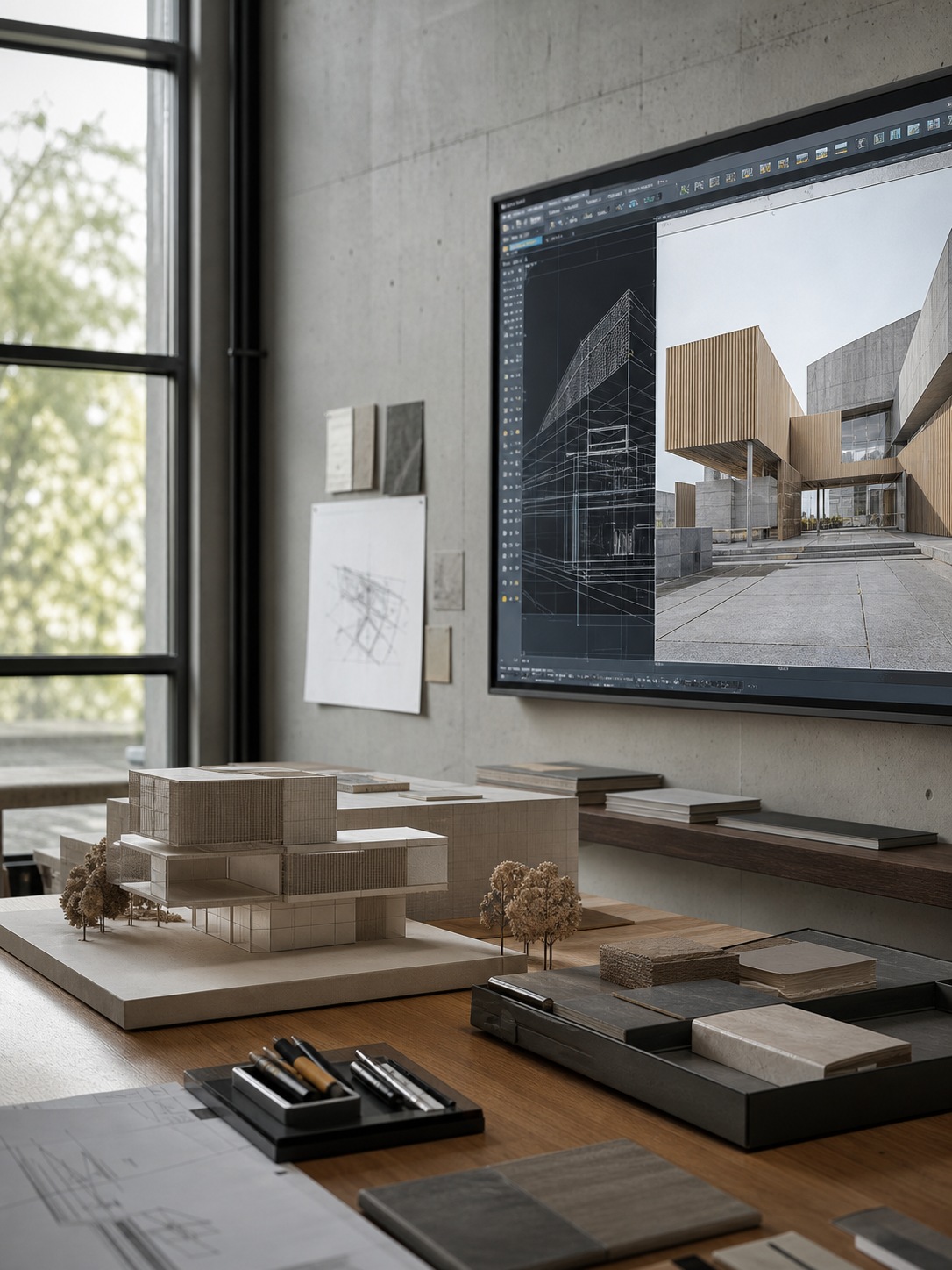
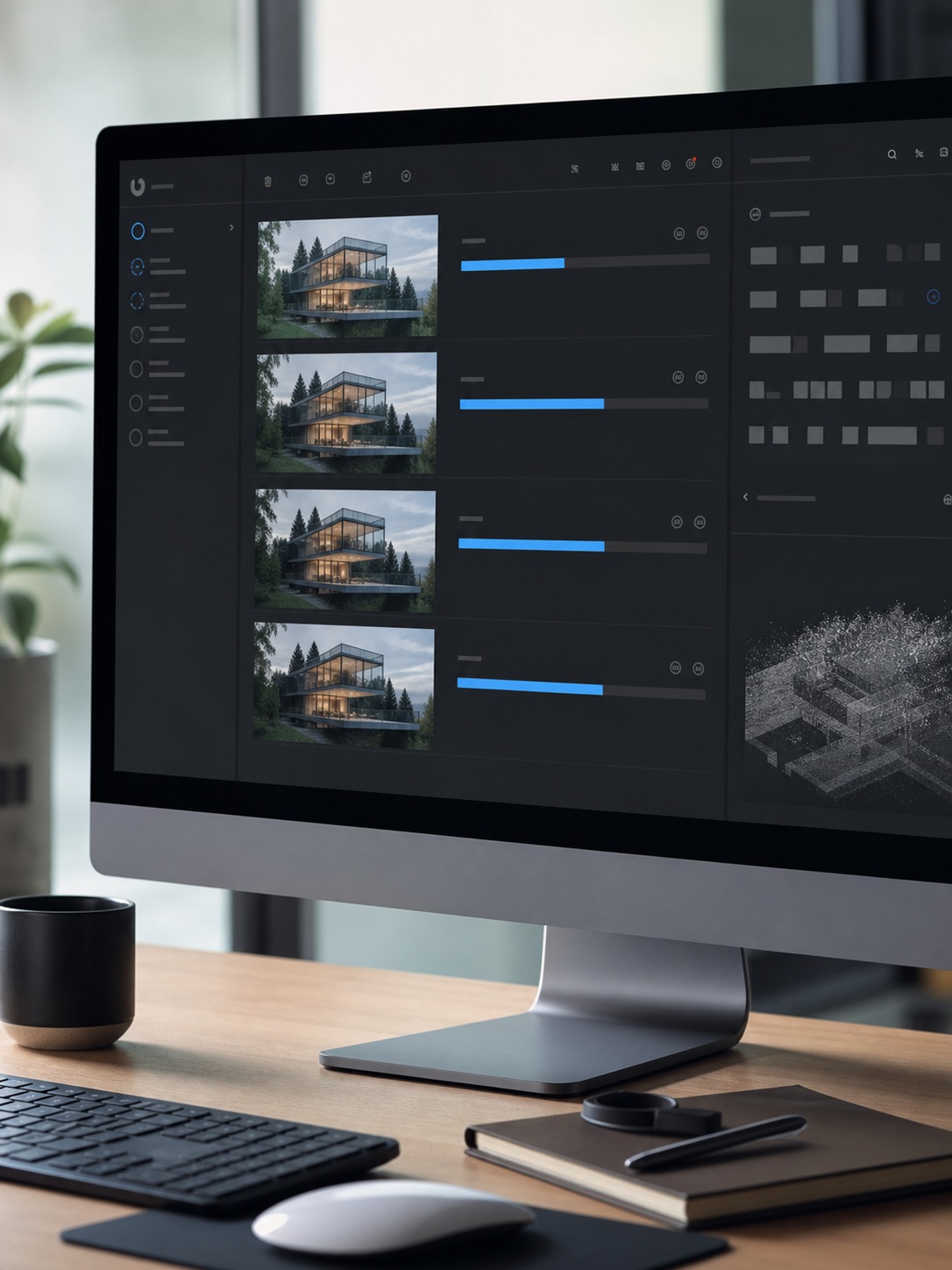
Rendering specifically benefits from cloud infrastructure built for exactly that load — I cover this directly in my cloud rendering guide, and for architecture-adjacent CAD and 3D workflows specifically, my Vectorworks tutorials go into the practical 2D-to-3D handling in more depth.
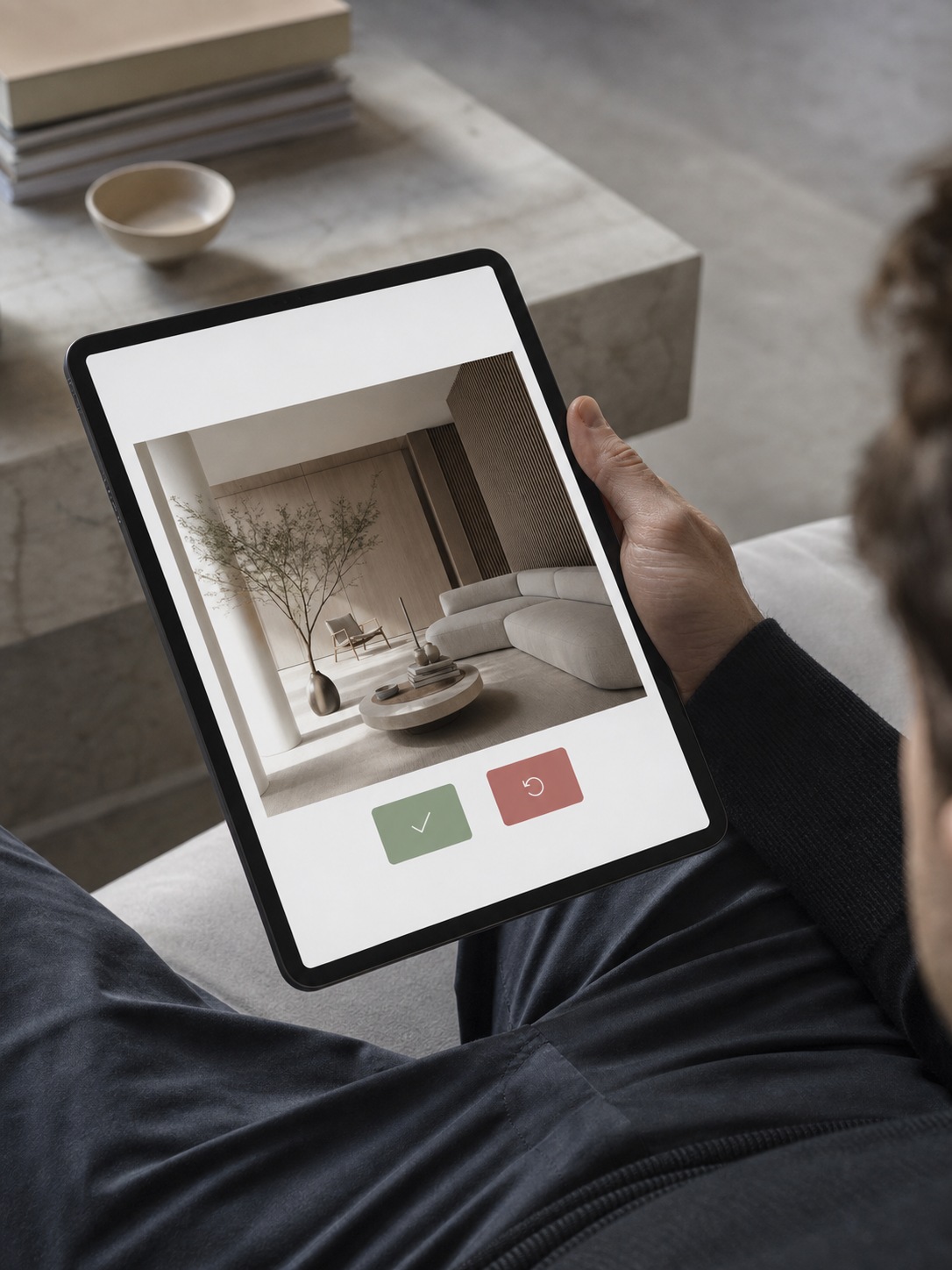
Client approvals need their own clear path too — a single, unambiguous place a client reviews and signs off on work, rather than approval scattered across email threads and chat messages that are easy to lose track of.
Naming, versioning, archiving, and handoff rules
A consistent file naming and versioning convention sounds like a small detail until a project has been through fifteen revisions and nobody’s certain which file is actually current. Establishing this convention early, and holding to it even under deadline pressure, prevents most of the “which version is this” confusion that otherwise eats real time on every project.
Archiving completed projects on a clear schedule, and defining handoff rules for when a project moves between team members, rounds out the same discipline.
Security for remote creative teams
Client files, intellectual property, device access, phishing, and ransomware
Remote teams genuinely widen the attack surface compared to a single office network — more devices, more networks, more individual points where something can go wrong. Client files and a studio’s own intellectual property are worth real protection, and threats like phishing and ransomware specifically target the file-sharing and communication patterns that distributed creative teams rely on daily.
This isn’t abstract risk; small and medium businesses across industries report real cyberattack incidents at a meaningful rate every year, and creative studios handling valuable client assets are a genuine target, not an unlikely one.
Backups, encryption, MFA, and permissions by project
The practical security baseline for a remote design studio isn’t complicated, even if it takes real discipline to maintain: regular, tested backups that actually restore correctly when needed, encryption for files in transit and at rest, multi-factor authentication on every account that touches client work, and permissions structured by project rather than blanket access across the whole studio’s files.
None of this requires enterprise-scale investment to implement reasonably well — it requires consistency more than budget.
When IT outsourcing makes sense for a design studio
Small studios without internal IT
A small studio without any internal IT capacity is the clearest case for outsourcing at least some technical support — not because internal IT is unaffordable in principle, but because a small team’s time is genuinely better spent on billable creative work than on troubleshooting a permissions issue or a slow sync.
Resources like more from 24X7 IT Solutions exist specifically for studios in this position, looking for flexible support without building a full internal department.
Fast-growing agencies with heavier cloud and software needs
A studio scaling quickly often outgrows its informal, ad-hoc IT arrangements faster than it expects to — more team members, more devices, more cloud storage, more software licenses to manage, all compounding at once. This is usually the point where outsourced support genuinely earns its cost, since the alternative is a founder or senior designer spending an increasing share of their week on infrastructure rather than the work the studio actually bills for.
Specialized support for rendering, CAD, storage, and collaboration tools
Some technical needs are specialized enough that generic IT support doesn’t cover them well — rendering infrastructure, CAD-specific software management, and the particular demands of large-asset cloud storage all benefit from support that actually understands creative production rather than treating a design studio like a generic office environment.
The same logic applies to CAD work specifically handled by outside specialists, which I cover in my CAD outsourcing guide.
Managed IT services as a studio support layer
Monitoring, updates, support tickets, disaster recovery, and predictable costs
Managed IT services extend outsourcing into ongoing, proactive management rather than reactive fixes — continuous monitoring that catches problems before they disrupt a deadline, regular updates handled in the background, a clear support-ticket path when something does go wrong, disaster recovery planning that’s actually been tested rather than just assumed to work, and predictable monthly costs instead of unpredictable emergency invoices. For studios comparing outside support options, it can help to look at how providers manage IT with 7tech and map that kind of coverage against the studio’s own workflow gaps.
The proactive-versus-reactive distinction matters more than it might initially sound — the same principle that makes proactive, automated systems valuable elsewhere in a creative workflow, a pattern I explore more broadly in my agentic AI workflow guide.
What not to outsource blindly
Creative standards, file taxonomy, client communication, and approval logic
Infrastructure is a genuinely reasonable thing to hand to outside specialists. The decisions that define how your studio actually works — creative standards, how you organize and name files, how you communicate with clients, and the logic behind your approval process — need to stay owned internally, even while the technical plumbing supporting them gets outsourced.
A managed IT provider can keep your systems running reliably; they shouldn’t be the ones deciding how your studio structures a project or talks to a client. Maintaining that internal ownership of creative identity and process is exactly the kind of thing that separates a studio with a clear voice from one that’s outsourced its way into genericness — a distinction I’ve written about more broadly in my freelance web designer tips.
A practical remote design studio tech stack checklist
Collaboration, asset management, backup, security, project management, and support
A reasonably complete remote studio tech stack covers six categories: collaboration tools for real-time file sharing and communication, asset management for organizing and version-controlling large creative files, backup systems that are actually tested rather than assumed to work, baseline security (encryption, MFA, project-based permissions), project management software suited to how design work actually flows rather than generic task tracking, and a clear support path — whether internal or outsourced — for when something breaks.
I go into choosing the project management piece specifically in my project management software guide, and for studios and individuals building this stack from scratch as part of a broader remote or freelance transition, my guide to going freelance covers the wider setup context.
Final thoughts
None of this infrastructure work is the reason clients hire a design studio, and that’s exactly why it’s so easy to underinvest in. But a slow sync, a confused version history, or an unsecured client file doesn’t stay invisible — it shows up as a missed deadline, a frustrated client, or a genuine security incident.
Build the workflow deliberately, decide early what stays internal versus what gets outsourced, and the technical backbone stops being a source of friction and starts being what actually lets the creative work happen on schedule.
Remote workflow also depends on the physical desk not fighting the person using it. For long review sessions, this affordable ergonomic office chair guide covers what to check before buying refurbished seating.
Frequently asked questions
What is a design workflow?
A design workflow is the full set of processes, tools, and infrastructure a studio uses to move a project from concept to delivery — file management, collaboration tools, review and approval steps, and the technical systems (storage, backups, security) that support all of it. It’s broader than just the creative process itself.
How do remote design studios manage large files?
Remote studios typically rely on cloud storage and collaboration platforms suited to the specific file type — Figma and similar tools for interface work, dedicated cloud storage and rendering infrastructure for heavier CAD and 3D assets. Fast, reliable access and clean version control matter more than raw storage capacity for keeping a distributed team productive.
What IT support does a design studio need?
At minimum, a design studio needs reliable backups, basic security measures (encryption, multi-factor authentication, project-based permissions), and a clear path for resolving technical issues quickly. Studios with heavier CAD, rendering, or large-asset needs often benefit from more specialized support suited to creative production specifically.
Are managed IT services useful for creative agencies?
Yes, particularly for studios without internal IT capacity or those scaling quickly enough that ad-hoc technical support no longer keeps up. Managed services shift IT from reactive troubleshooting to proactive monitoring and predictable costs, though creative standards and client-facing decisions should stay owned internally regardless of what’s outsourced.
How can design teams keep client files secure when working remotely?
Consistent backups, encryption for files in transit and at rest, multi-factor authentication on every account touching client work, and permissions structured by project rather than blanket studio-wide access form a reasonable security baseline. This matters more for remote teams specifically, since distributed devices and networks widen the potential attack surface compared to a single office environment.
- 104shares
- Facebook0
- Pinterest104
- Twitter0
- Reddit0