The first time I saw a design workflow break because of IT, it was not dramatic. Just a designer stuck outside the right file ten minutes before a client review, a project manager trying to find the latest export, and someone asking, “Who owns this account?”
That is usually how outsourced IT support becomes a design issue.
I have worked across industrial design, automotive concepts, web and app interfaces, architecture, and enterprise dashboards, and the pattern is familiar: creative teams are good at improvising until the technical layer starts punishing them for it. A shared password here. A half-documented folder there. A freelancer added to a project in Figma, Adobe, Dropbox, Slack, and a client portal, then never fully removed.
- Why hybrid design teams break ordinary IT support
- What outsourced IT support should actually own
- Building an IT support SLA around creative work
- Security without killing the flow
- Tool standardization without flattening the studio
- The support model for heavy files and creative software
- Onboarding and offboarding are production tasks
- What to ask before hiring outsourced IT support
- A practical checklist for the next audit
- FAQ
- Do hybrid design teams need outsourced IT support?
- What should outsourced IT support cover for a design studio?
- How is managed IT support different from remote IT support?
- What should an IT support SLA include for creative teams?
- How can a studio keep security from slowing designers down?
- What is the biggest mistake studios make with outsourced IT?
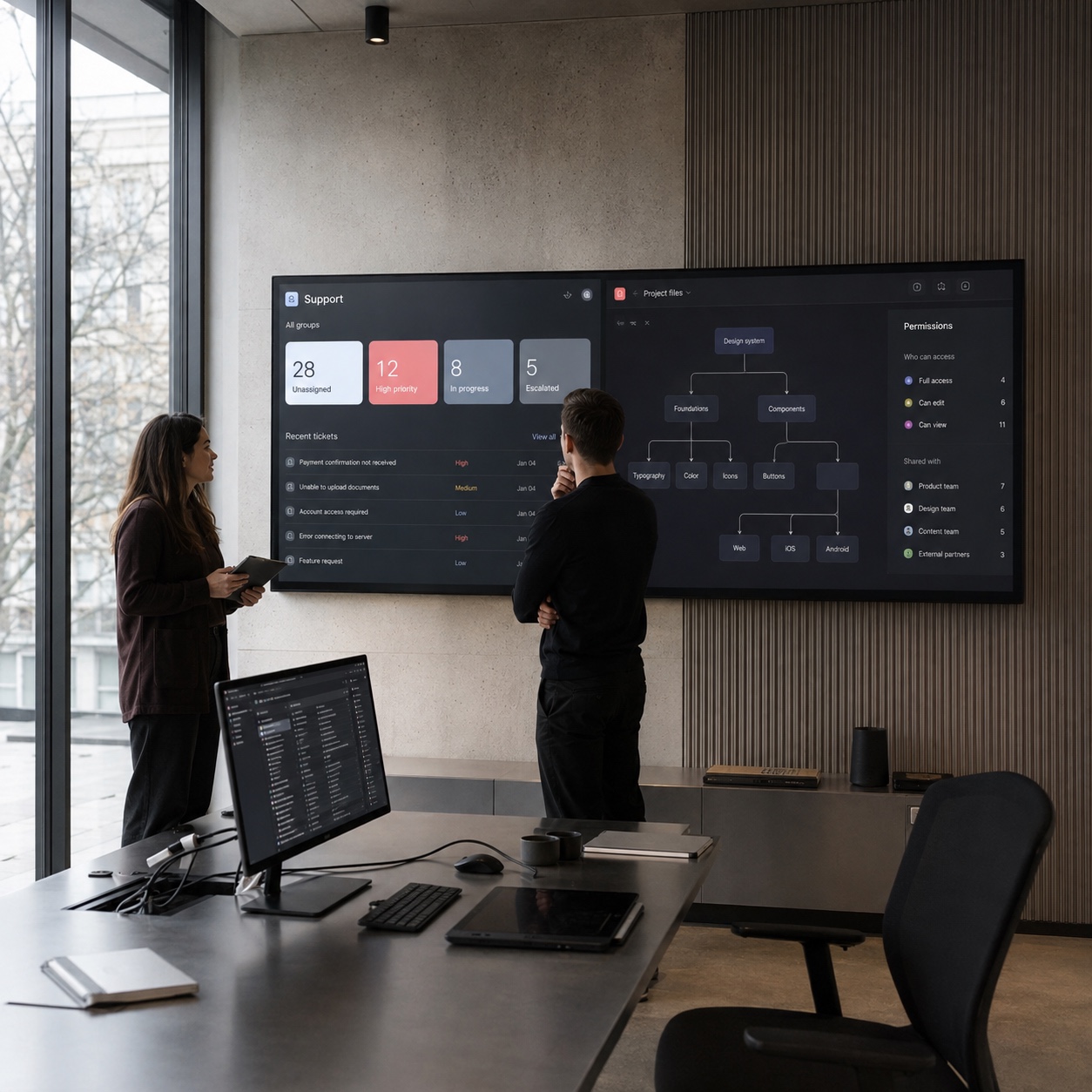
For a hybrid design team, that quiet mess matters. Designers may be working from a studio on Monday, a home office on Tuesday, and a train table with a laptop on Thursday. The work still has to move: Figma files, layered PSDs, CAD models, render previews, brand assets, client comments, final exports. If the support model is vague, the creative work starts depending on luck.
Good outsourced IT support does not make a studio feel more technical. It makes the studio feel less interrupted. The right partner keeps access clean, licenses current, devices healthy, files recoverable, and support tickets tied to real creative deadlines.
The wrong partner does the opposite. They close tickets, but they do not understand why a broken font library can stop a packaging handoff, why a missing Adobe seat can burn half a review day, or why a 4GB render cache issue is not the same kind of problem as a slow email inbox.
That difference is the whole article.
Why hybrid design teams break ordinary IT support
Hybrid work sounds simple from the outside: some people are remote, some are in the studio, everyone meets online. But design work is heavier than most office work, both technically and visually.
A design team does not only move documents. It moves layered images, source files, prototypes, design systems, 3D scenes, videos, font packages, style guides, and confidential client materials. Even a small studio can have a software stack that touches Adobe Creative Cloud, Figma, Google Workspace, Dropbox, Frame.io, Slack, CAD tools, rendering software, and project management.
One weak handoff can slow the whole thing.
In academic drawing, you learn to check the big shapes before you polish the small lines. I think about hybrid IT the same way. Before worrying about a clever new tool, check the basic shape of the system: who can access what, where the latest file lives, who approves a new seat, and who gets called when a client-facing deadline is in danger.
Most broken workflows hide in those basics.
The file is the product
For a design studio, the file is not an attachment. It is the work.
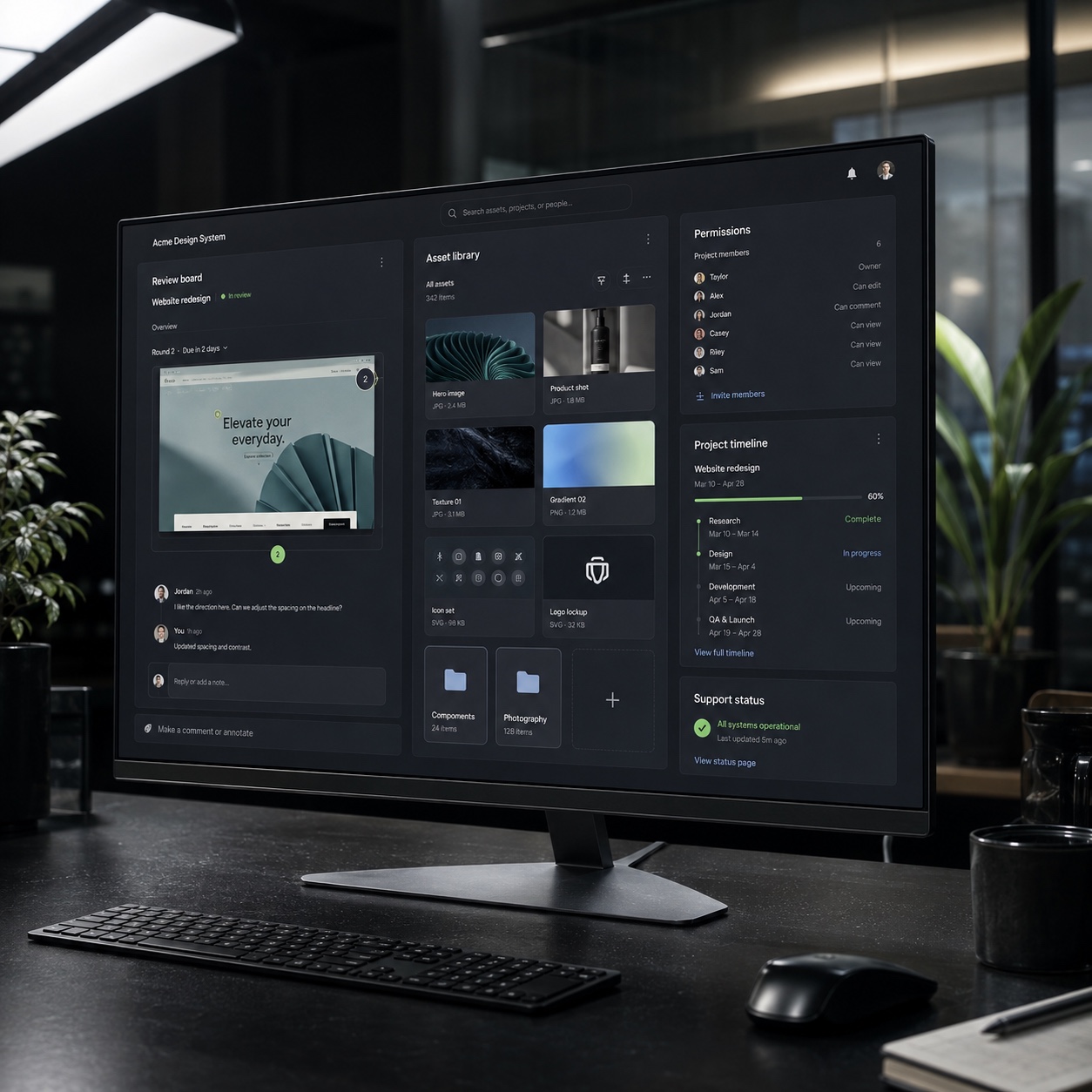
A Figma file may hold weeks of product thinking. A layered Photoshop file may contain every adjustment a retoucher made to a campaign image. A CAD assembly may carry the geometry that a supplier, client, and internal team all need to trust. If that file is inaccessible, corrupted, outdated, or shared with the wrong person, the problem is not “IT friction.” It is production risk.
That is why a hybrid studio needs support built around files, not just devices. A laptop can be replaced. A badly managed asset library can confuse a team for months.
Creative deadlines do not behave like office deadlines

Generic support queues often treat tickets by arrival time or technical category. Password reset. Printer issue. Slow device. Network question.
Creative work needs a different lens.
A locked account on an ordinary Monday is annoying. A locked account one hour before a brand presentation is urgent. A slow sync at the end of a quiet week is a nuisance. A slow sync while a designer is uploading final artwork for a paid media launch is a deadline problem.
An outsourced IT partner has to understand the difference. Not emotionally. Operationally. The support agreement should define priority by project impact, not by how neat the ticket label looks.
What outsourced IT support should actually own
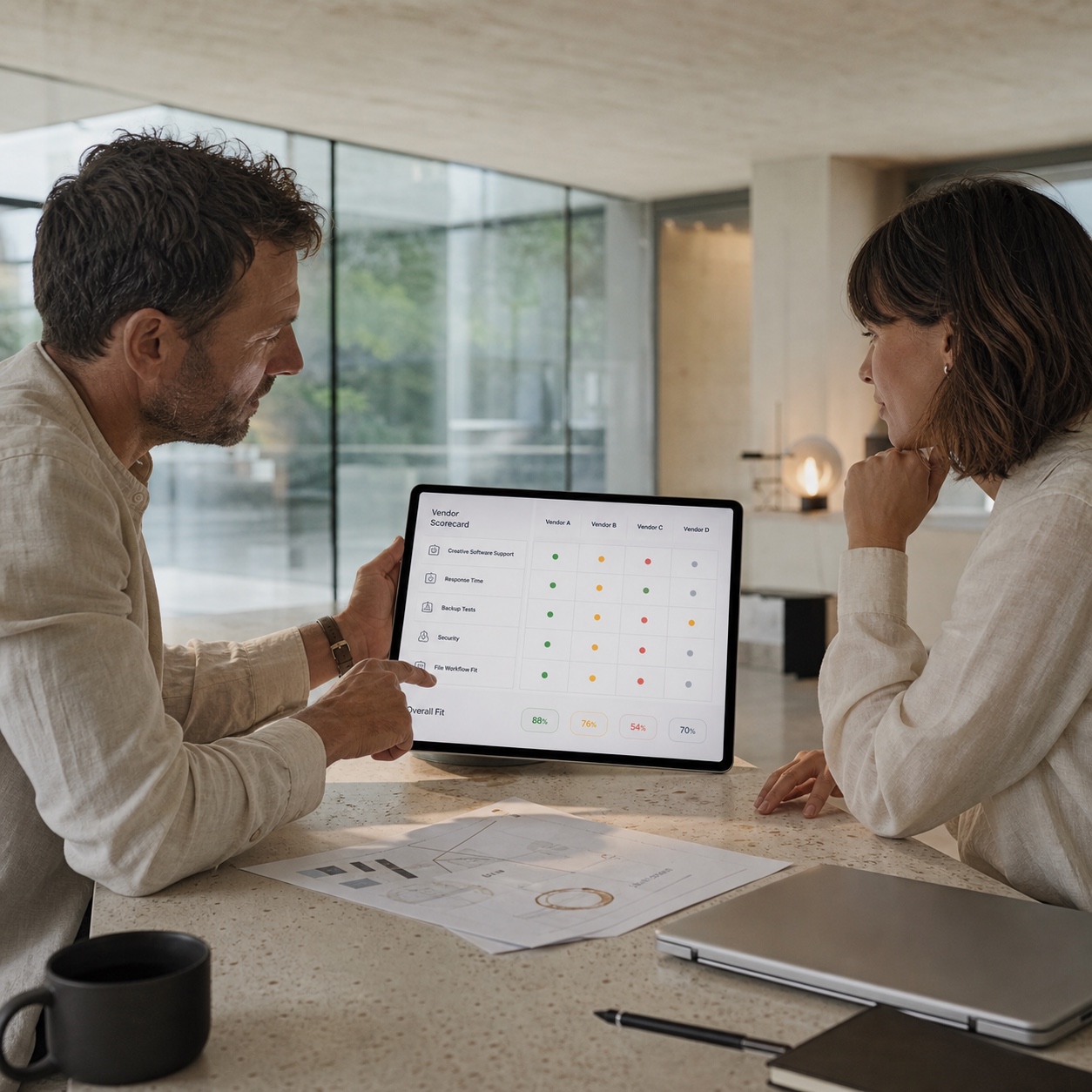
A good outsourced IT support setup starts with scope. Not vibes. A written scope.
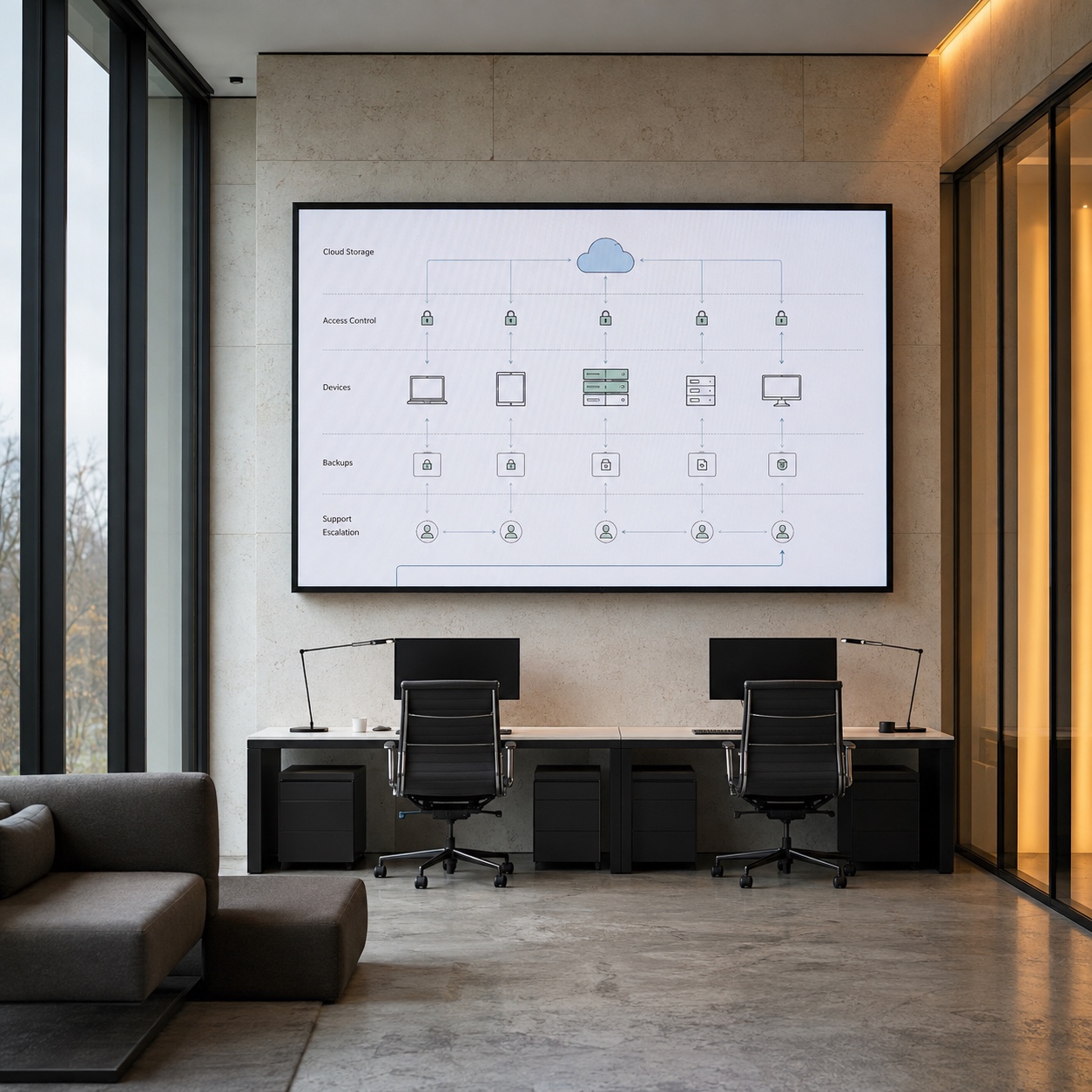
For hybrid design teams, the partner should usually own help desk coverage, endpoint support, software licensing support, device health, account setup, access removal, cloud storage administration, backup checks, basic security monitoring, and escalation.
That does not mean the vendor should own the studio’s creative decisions. They should not choose your design process for you, decide how art directors review concepts, or rewrite the folder logic that reflects client work.
The studio owns the creative system. The IT partner supports it.
That boundary sounds obvious until a vendor starts forcing a studio into templates that do not fit the work. I have seen that happen in enterprise dashboard projects, where the stack looked tidy on paper but ignored how designers, developers, and stakeholders actually reviewed screens.
Access and permissions
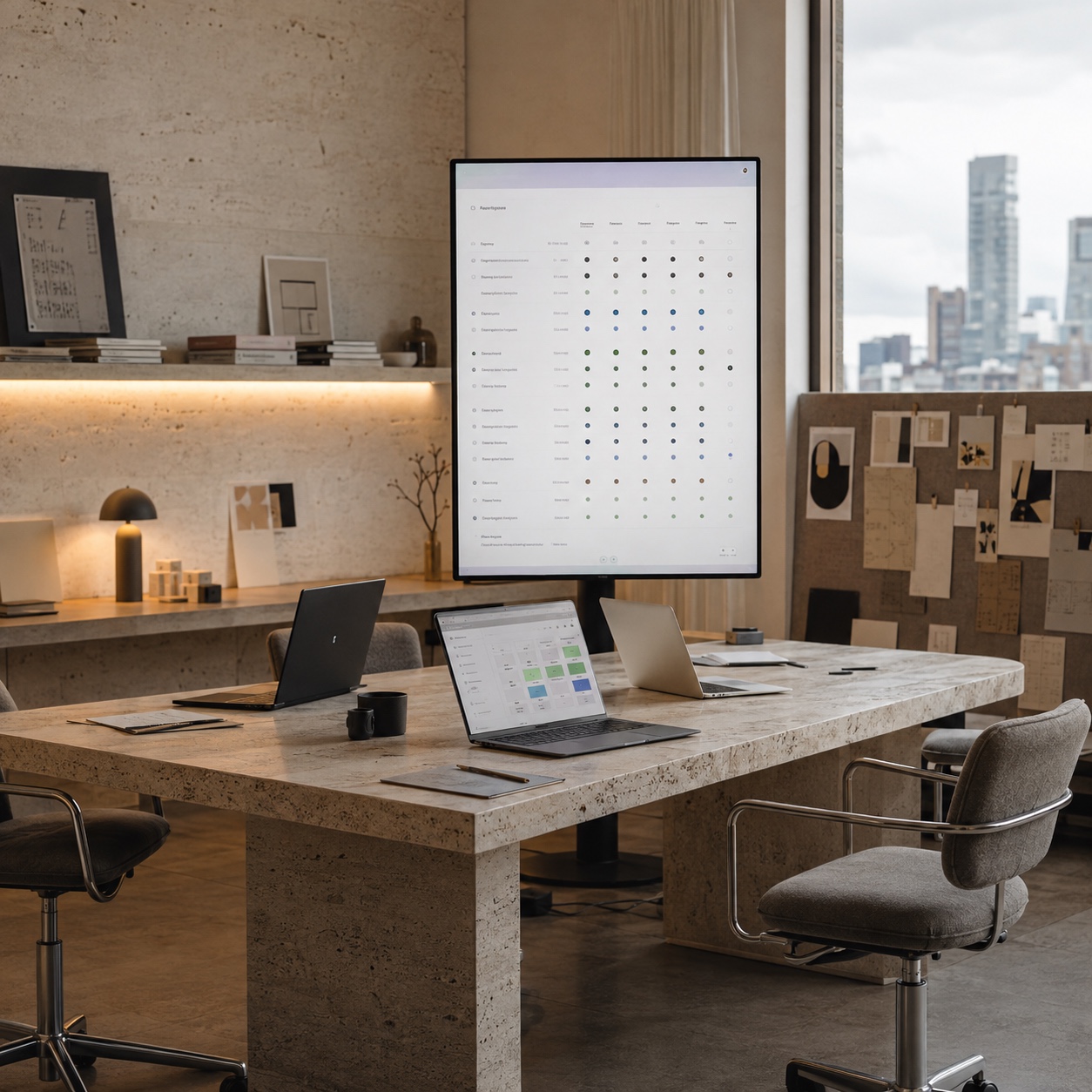
Access is the first place to clean up.
Every hybrid studio needs a clear answer to four questions: who can invite people, who can approve paid seats, who can grant client access, and who removes people when a project ends? If those questions do not have names attached, someone eventually says yes because the work is urgent.
That is how old collaborators keep access to files they no longer need.
Tools like Figma make this both easier and more complicated. Figma’s organization and enterprise settings separate seats, permissions, files, folders, teams, guests, activity logs, and single sign-on. That is good power, but only if someone manages it on purpose. A freelancer may need comment access to one file, not edit access to a whole folder.
Your IT partner should help turn those distinctions into a repeatable process.
Licenses and seats
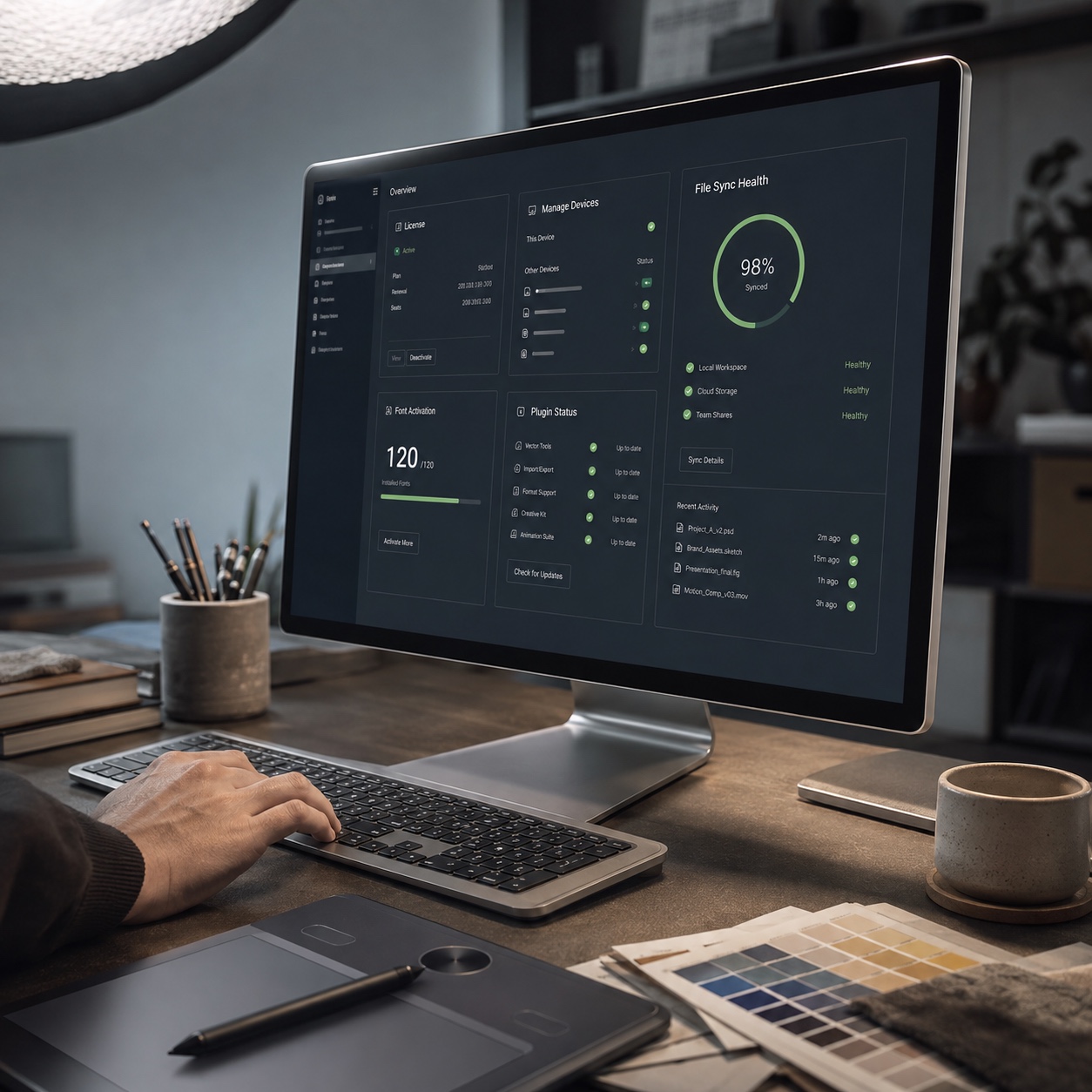
Adobe licensing is another quiet leak.
Small teams often start by buying seats as needed. That works until the studio has five active projects, ten freelancers, three people with admin rights, and no one sure which licenses are unused. Adobe’s Admin Console and Creative Cloud team tools can track users, roles, product assignments, and available licenses, but the tool only helps if the routine exists.
I like a monthly license review. Nothing fancy. Just a clean pass through assigned seats, inactive users, open requests, admin roles, and upcoming project needs.
Devices and remote troubleshooting
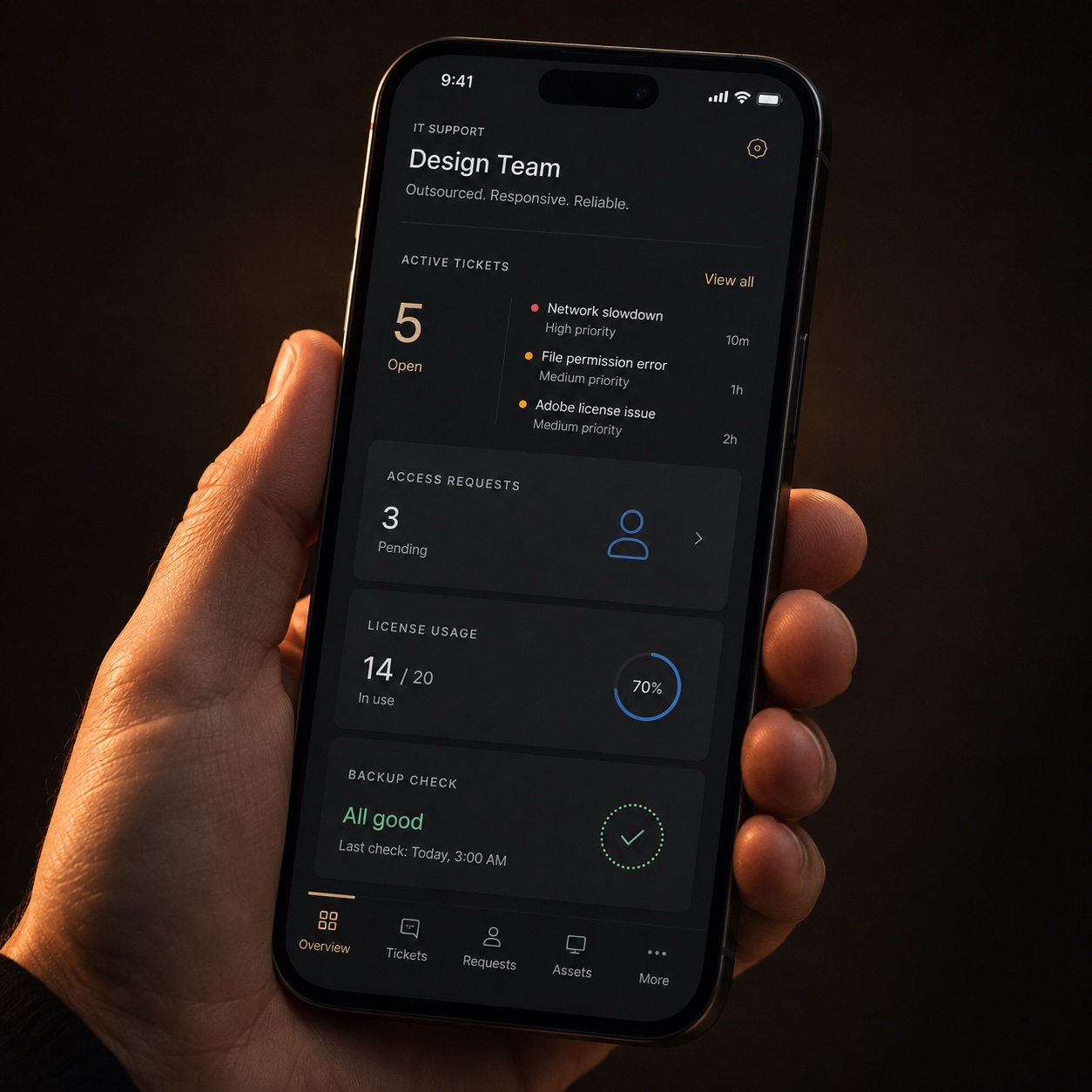
Hybrid teams mix company devices, personal laptops, tablets, monitors, styluses, external drives, cameras, and sometimes remote workstations. That variety is normal in creative work, but support gets slower when every device is a surprise.
The outsourced IT team should keep a basic inventory: device owner, operating system, core creative apps, storage setup, security status, backup status, and special hardware. For a designer, that might mean a Wacom tablet, a calibrated monitor, a NAS connection, or a GPU-heavy workstation.
If support does not know that context before something breaks, the first hour of every ticket becomes discovery.
Building an IT support SLA around creative work
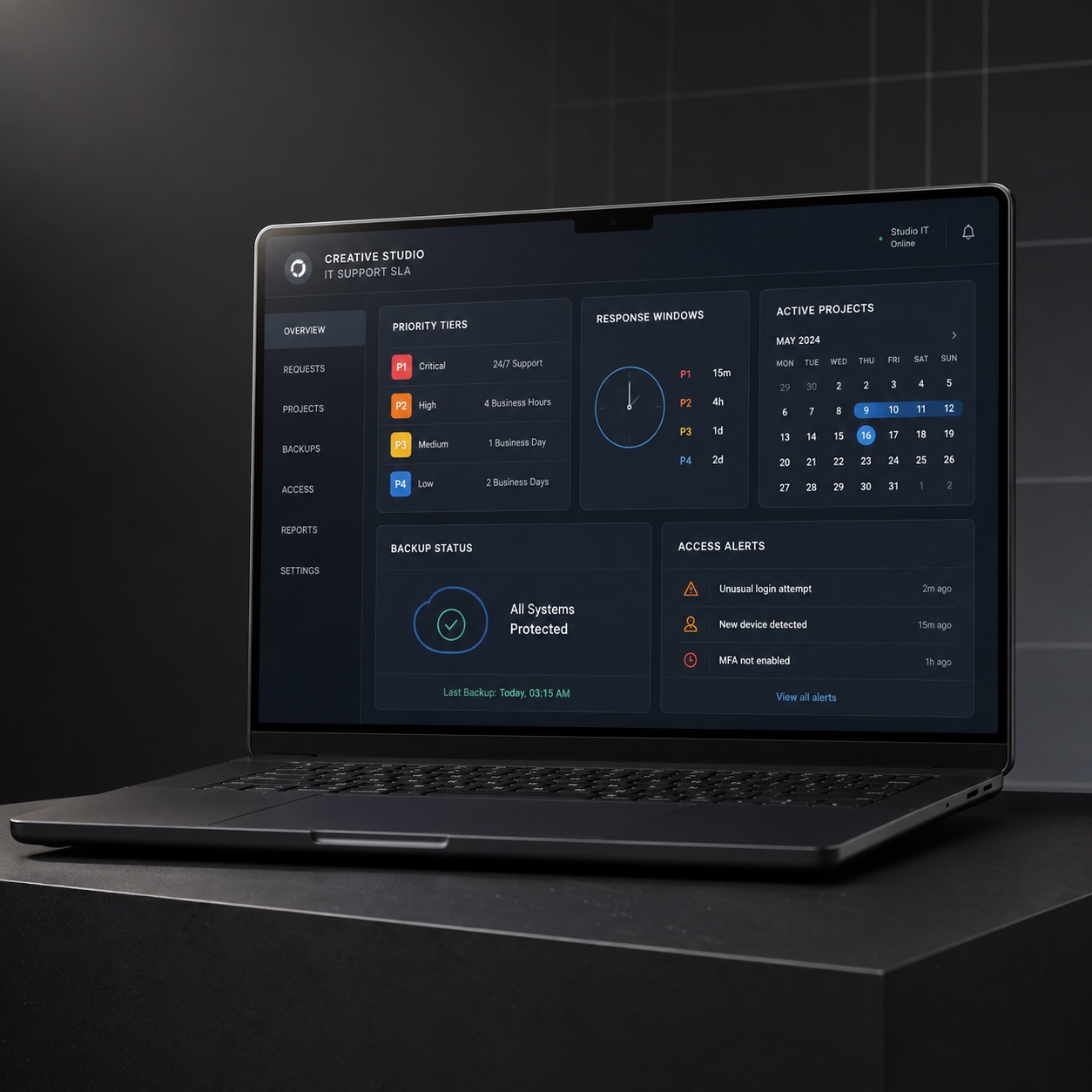
An IT support SLA for a design studio should not read like a generic small-business contract. It has to describe how support responds when creative production is at risk.
Start with priority levels.
A P1 issue might be a client presentation blocked by access failure, a handoff delayed by missing files, a render queue failure before delivery, or a security concern involving client assets. A P2 might be a designer unable to use a core tool during active production. A P3 might be a non-urgent license question or a device issue with a workaround.
Write that down.
Then attach response windows. Not “soon.” Not “best effort.” Actual numbers.
For example, a studio might require a 15-minute first response for P1, a one-hour response for P2, and same-business-day response for P3. The exact numbers depend on budget and team size, but vague promises are useless.
Make the project calendar visible
Most IT partners cannot prioritize design work well if they cannot see what week the studio is having.
A product launch week, a client review day, a render deadline, and a quiet internal sketching week are not equal. If the support partner sees only tickets, they miss the work rhythm.
Give them a lightweight version of the production calendar. Not every private note. Just enough to know when a project is hot, when a client meeting is scheduled, and when file access matters more than usual.
If a partner knows a major presentation is tomorrow morning, they can check access, licenses, backups, and meeting-room tech the day before.
Escalation has to be mapped before stress hits

Escalation is boring until you need it.
Who gets called if a designer loses access to a shared drive? Who approves emergency admin access? Who decides whether a suspicious login is a security incident?
Do not answer these questions during the incident. Decide them while everyone is calm.
I would rather see a simple one-page escalation map than a thick policy deck nobody reads. Put names, roles, contact methods, and decision rights on one page.
Security without killing the flow
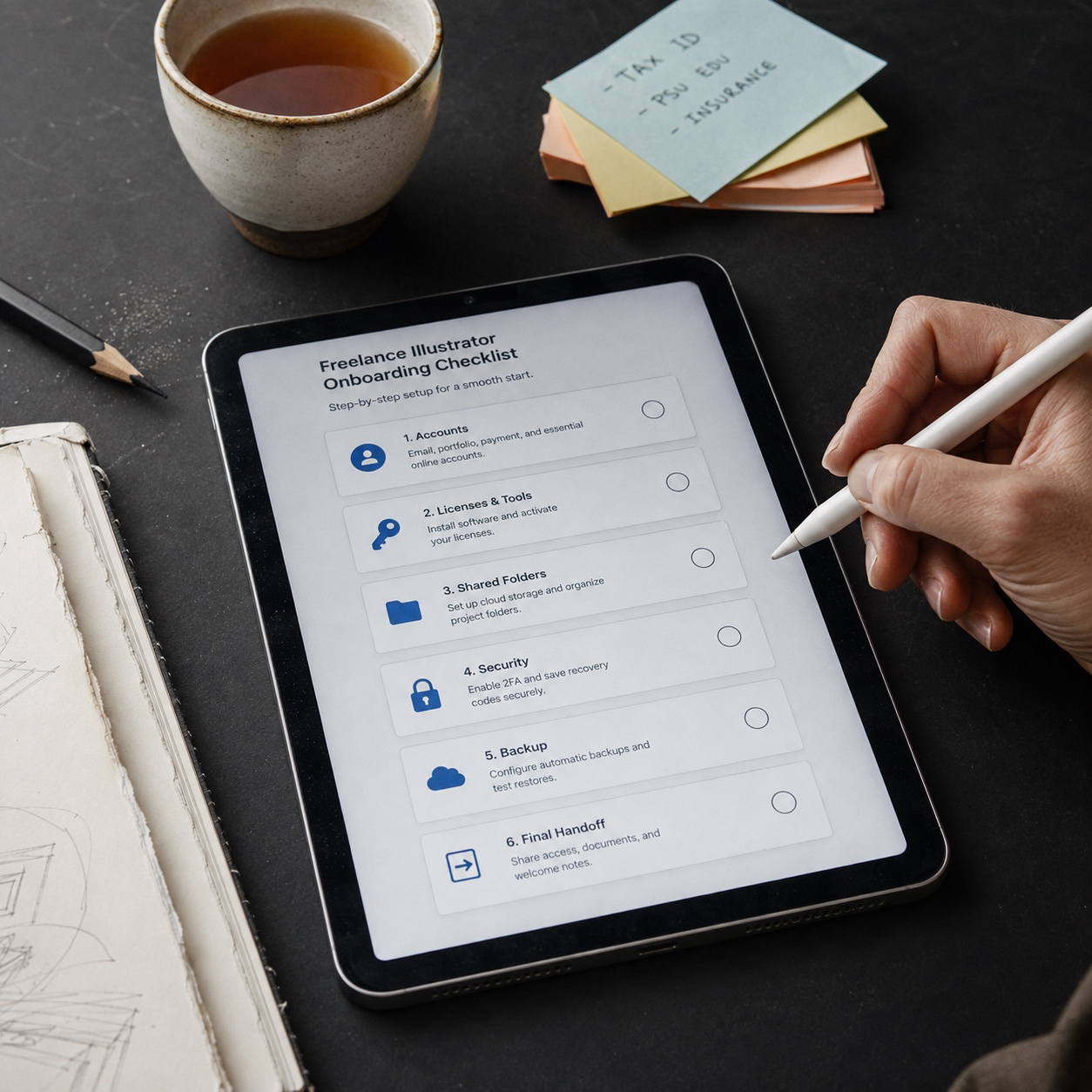
Design studios need security that respects the pace of creative work. Too loose, and client assets leak. Too rigid, and designers start inventing workarounds. If every file request requires three approvals and a half-day wait, people will find a faster route.
Good outsourced IT support designs access so routine work stays fast and sensitive work gets protected.
Use role templates
Role templates are cleaner than one-off permissions.
A junior designer, freelance illustrator, art director, client reviewer, production partner, and developer do not need the same access. Build a default access profile for each role, then adjust only when a project genuinely needs it.
This works especially well for tools with folder and file-level permissions. In Figma, a person can inherit access from a folder or get explicit access to a single file. That flexibility gets messy if nobody audits it.
The support partner should help maintain the system. The studio should still decide the creative logic behind the roles.
Keep security visible but not dramatic
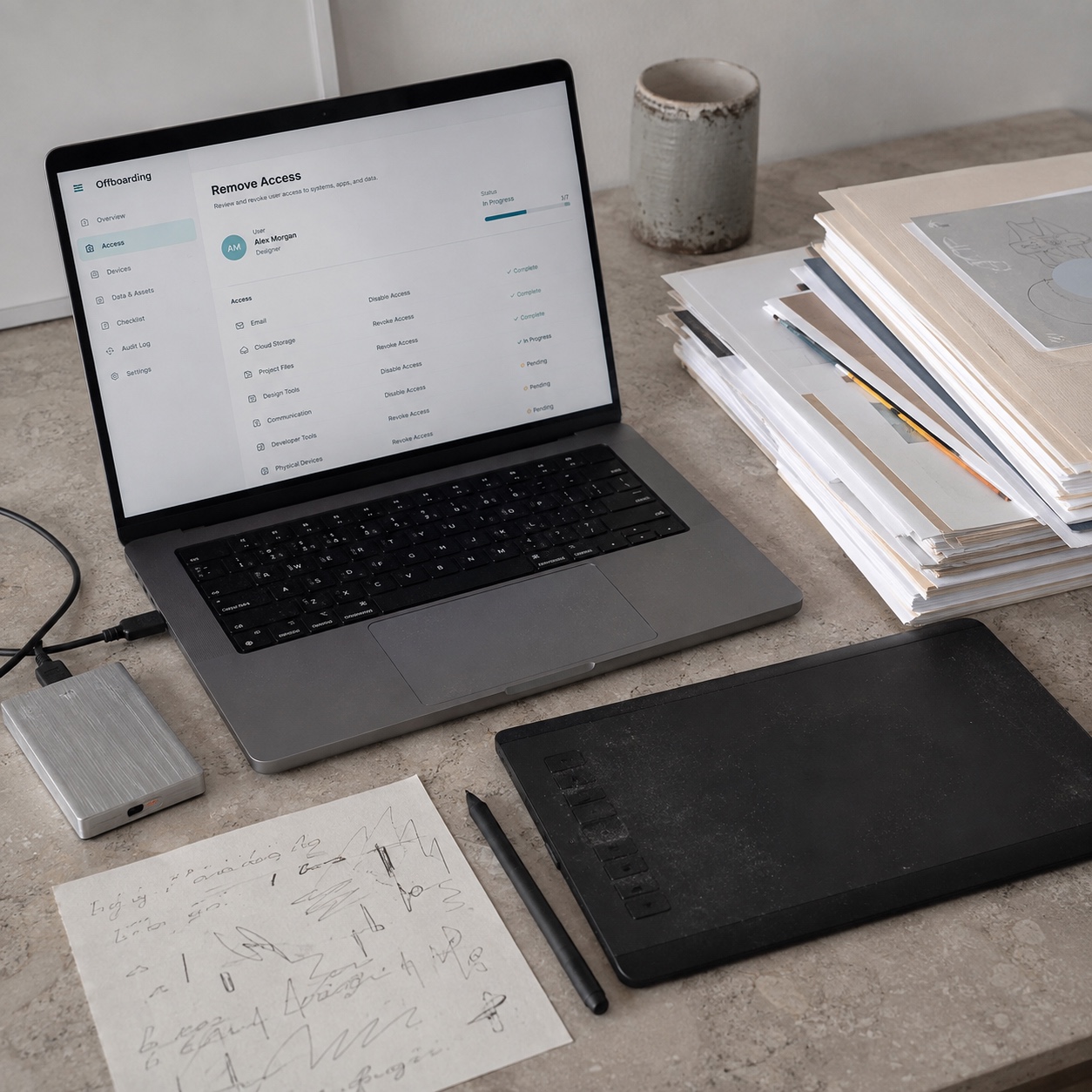
Multi-factor authentication, single sign-on, endpoint protection, encrypted storage, password policies, and activity logs are not glamorous. Good. They should not be.
The point is to make the right behavior the easy behavior.
If a freelancer joins a project, they should receive the correct accounts, folders, tool access, and security rules before they start work. If they leave, offboarding should remove access, transfer file ownership if needed, reclaim licenses, check shared links, and archive project materials.
That checklist protects the studio without turning every handoff into a miniature crisis.
Organizations that have outgrown informal fixes can look at how service providers describe their support models. For example, a studio comparing local managed support options might See what WPG offers as one reference point for conversations around help desk coverage, business continuity, and support ownership. The useful part is not copying a package blindly. It is asking whether the provider can map their service to the way your studio actually ships work.
Tool standardization without flattening the studio
Creative teams hate bad standardization, and I understand why. Some standardization feels like an accountant taped a rule sheet over the sketchbook. Designers need room for judgment, taste, and personal working habits.
But production systems need rules.
The trick is separating personal creative process from shared operational structure. Let designers choose how they sketch, test, and think. Standardize where the work touches other people: file naming, folder structure, handoff formats, access rules, review channels, version history, and backup behavior.
Standardize the boring layer
The boring layer saves the beautiful layer.
A naming convention does not make the design better, but it helps the right person find the right file at the right time. A shared folder structure does not improve the logo, but it prevents three people from exporting different “final” versions.
This is where outsourced IT support should work quietly with design operations.
They should document the stack: where active files live, where final files live, which tool handles feedback, who can approve external sharing, how backups run, and where recovery gets tested.
Do not buy a tool before fixing the workflow
Studios often respond to friction by adding software. Another project board. Another file tool. Another approval app.
Sometimes the tool is needed. Often the process underneath is the issue.
Before adding anything, trace one deliverable from brief to final handoff. Count every tool, file movement, approval, and place feedback can disappear. If the path is confusing, a new tool may only give the confusion a nicer interface.
I use the same approach in visual design: if the silhouette is weak, surface texture will not save it. If the workflow is weak, another app will not save it either.
For studios comparing outside help, an outsourced IT team at XL.net is another useful example to study from a service-structure angle: look at how they frame IT outsourcing, security, support, and infrastructure, then ask how those ideas would translate to creative files and software-heavy production.
The support model for heavy files and creative software
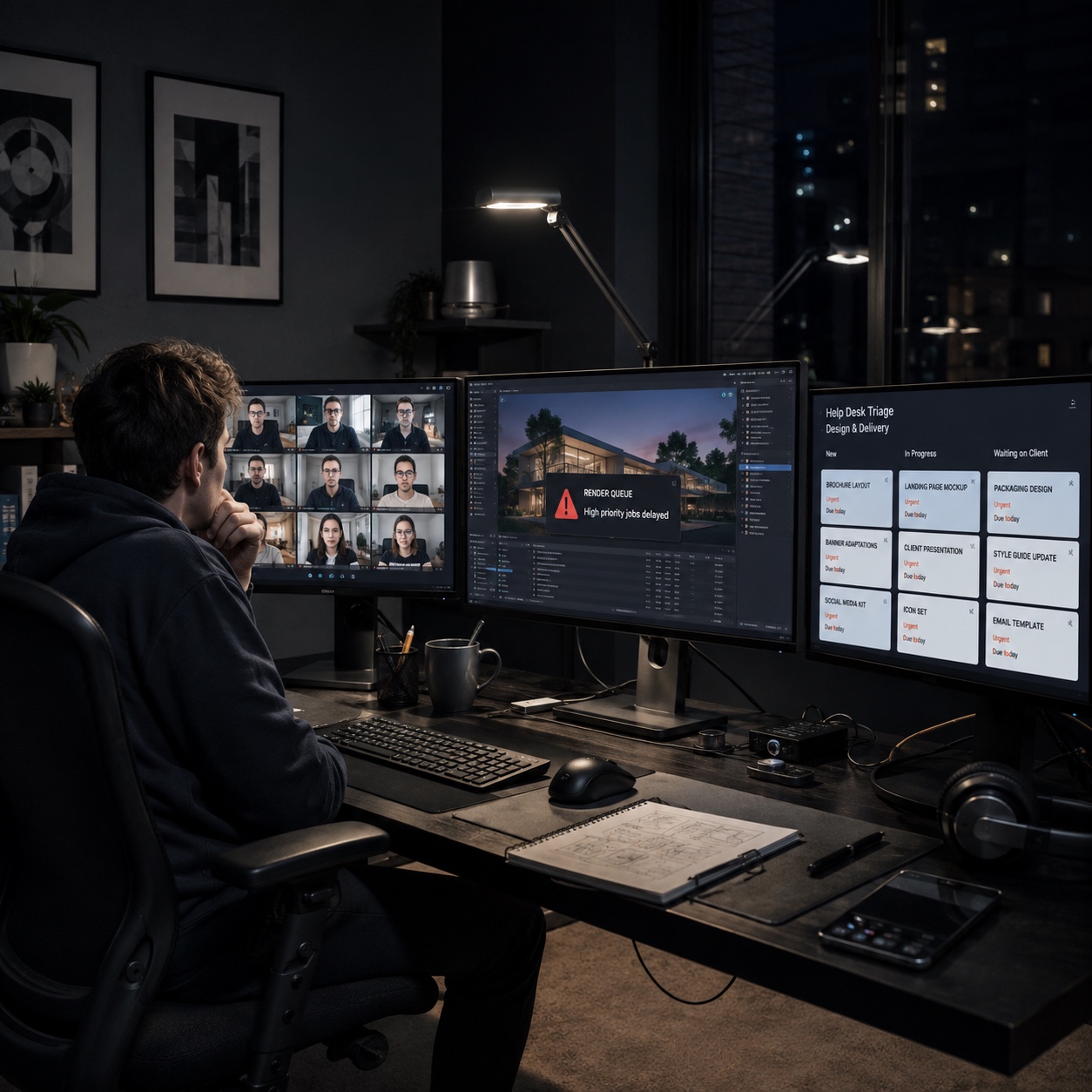
Heavy files expose weak infrastructure fast.
A 40-page PDF is not heavy in design terms. A layered packaging file with linked assets is heavier. A CAD model with references is heavier again. Video, 3D, and rendering work can make ordinary cloud storage feel fragile.
That is why support has to understand the tools, not just the laptop.
Adobe, Figma, CAD, and rendering all fail differently
Adobe Creative Cloud problems often involve licensing, sync, font activation, plugin conflicts, color settings, or local cache issues. Figma problems may involve file permissions, seats, library publishing, or component access. CAD and 3D tools bring drivers, GPU requirements, network licenses, large references, and rendering queues.
A generic help desk may eventually solve these problems. A creative-aware support desk starts closer to the right layer.
That saves time.
One practical test: ask a potential IT partner how they would handle a designer who can open a Figma file but cannot edit it, a freelancer who has a paid seat but no folder permission, or a render that fails overnight without alerting anyone.
Backups need restore tests
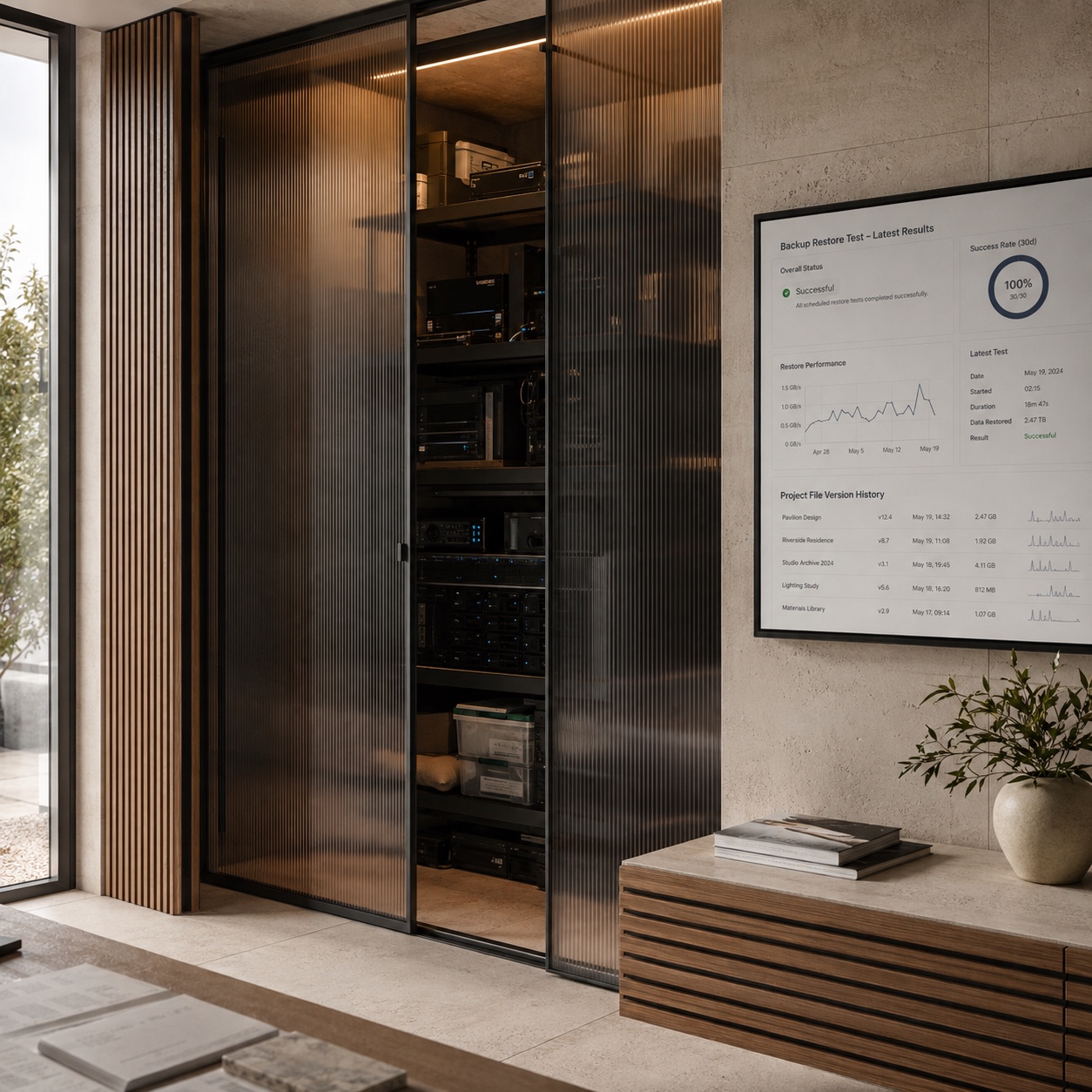
Backups are only comforting if someone has restored from them recently.
Design files change constantly during active production. A once-a-day backup may not be enough for a deadline-heavy studio, especially when several people touch the same folder. The support plan should define backup frequency, version history, restore responsibility, and testing.
Test the restore process with a real sample file. Not a tiny document. Use something that behaves like studio work: a large source file, linked assets, fonts, exports, and folder context.
If the restore only brings back half the working system, the backup plan is not finished.
Onboarding and offboarding are production tasks
Most studios treat onboarding like admin. For hybrid design teams, it is production infrastructure.
A new collaborator should not spend their first morning chasing links, asking for edit rights, installing the wrong software version, or waiting for a license nobody budgeted for. That is wasted momentum.
Build a first-day checklist.
Accounts. Tool access. Seat approval. Device requirements. Folder permissions. Brand libraries. Review process. Security rules. Backup expectations. Who to contact when something breaks.
Make it boring. Boring is good here.
Offboarding matters even more
Offboarding is where many hybrid studios quietly lose control.
Someone finishes a project. Everyone is busy. The final invoice goes out. Access remains.
It may not cause a problem immediately, which is why people underestimate it. But leftover access creates both security risk and file confusion. Old collaborators can still see folders, licenses stay assigned, and shared links remain open.
Treat offboarding as part of the delivery checklist, not a separate admin chore. Remove tool access, reclaim seats, transfer file ownership, archive project folders, and check public links.
The outsourced IT partner can run the checklist. The studio should still decide what the final archive needs to preserve.
What to ask before hiring outsourced IT support
Do not ask only, “Can you support our team?”
Everyone says yes.
Ask questions that expose whether the provider understands creative production.
Ask how they handle Adobe and Figma access. Ask whether they have supported large file workflows. Ask how they prioritize support during a client presentation. Ask what happens if a freelancer needs access for three weeks and then must be removed cleanly.
Then give them a real scenario from your studio.
For example: “A freelance designer in another time zone cannot access the latest brand library two hours before a client review. The project manager can see the folder but cannot change permissions. What happens next?”
The quality of the answer will tell you more than a polished sales deck.
Watch for generic answers
Generic answers sound smooth and feel empty.
“We respond quickly.” How quickly, and for which priority?
“We support cloud tools.” Which ones, and what happens when permissions and seats do not match?
“We handle security.” How do you audit shared links, remove freelancers, and track admin actions?
“We work with creative teams.” Which tools, which file types, which failure patterns?
A good provider can answer plainly. They do not need to know every detail of your studio on the first call, but they should know which questions matter.
A practical checklist for the next audit
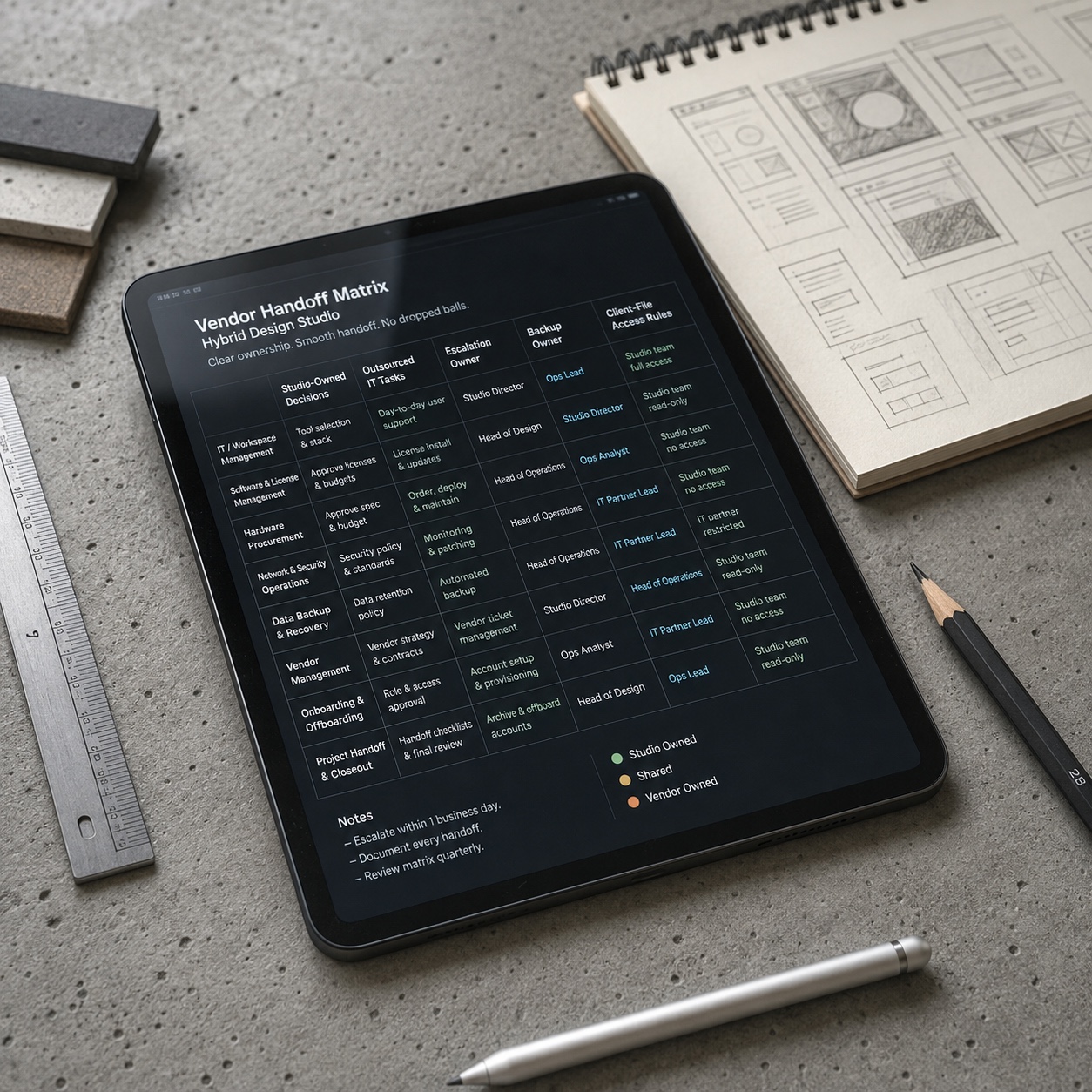
Before changing providers or buying another tool, run a small audit inside the studio.
Pick one recent project. Trace it from brief to delivery. Write down every tool, person, permission change, file movement, review point, external share, and moment someone had to ask for access.
Then mark the friction points.
Where did the file slow down? Where did people wait? Where did feedback split across channels? Where did security depend on memory?
That page becomes your support brief.
It is much easier to hire outsourced IT support when you can show the actual shape of the work instead of describing the studio in general terms.
The goal is not a heavier process. The goal is less interruption.
The best support layer for a hybrid design team feels almost invisible. Designers open the right files. Freelancers get the right access. Clients see the right review link. Licenses do not surprise anyone. Backups restore when tested.
That is the standard I would use.
If an outsourced IT partner helps the studio protect creative judgment, ship work on time, and reduce small technical interruptions, the relationship is doing its job. If the studio spends more time managing the partner than managing the work, the setup needs redesigning.
Designers notice friction. We always do. The same eye that catches a weak proportion or a muddy shadow will eventually notice a broken system. Better to fix it before the client notices too.
FAQ
Do hybrid design teams need outsourced IT support?
Not every small studio needs a full managed support contract, but most hybrid design teams need a defined support owner once files, licenses, devices, freelancers, and client access spread across several locations. If the founder, art director, or project manager is solving every login and software issue manually, the studio has probably outgrown informal support.
What should outsourced IT support cover for a design studio?
It should cover help desk response, device support, software licensing, account setup, access removal, cloud storage administration, backup checks, security basics, and escalation rules. For design work, the partner also needs familiarity with creative tools such as Adobe Creative Cloud, Figma, CAD software, rendering systems, and large shared file workflows.
How is managed IT support different from remote IT support?
Remote IT support usually means fixing a problem without being physically present. Managed IT support is broader: it includes planning, monitoring, maintenance, licensing, access rules, backups, security, and reporting over time. A hybrid design studio may need both, but they solve different layers of the same production problem.
What should an IT support SLA include for creative teams?
A useful SLA should include response times tied to creative impact, not only technical categories. It should define urgent issues such as blocked client reviews, failed render deliveries, lost file access, suspicious logins, and major software failures. It should also name escalation contacts, support hours, backup expectations, and reporting rhythm.
How can a studio keep security from slowing designers down?
Use role-based access templates, single sign-on where it makes sense, multi-factor authentication, clear folder permissions, and a fast approval route for routine project access. The key is to make normal work easy while putting stronger review around sensitive files, admin access, public links, and freelancer offboarding.
What is the biggest mistake studios make with outsourced IT?
The biggest mistake is outsourcing execution without keeping internal ownership. The vendor can manage devices, accounts, backups, and support tickets, but the studio still has to own creative workflow decisions. If nobody inside the studio understands the system well enough to challenge or guide the partner, support becomes another thing to manage.
- 19shares
- Facebook0
- Pinterest19
- Twitter0
- Reddit0