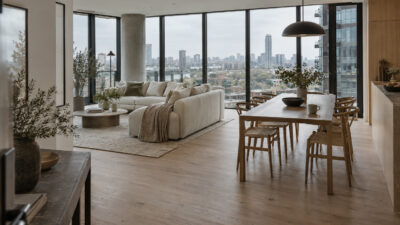
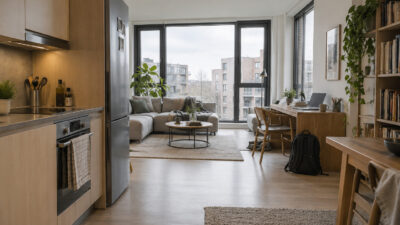
Design principles in graphic design are the rules that stop a layout from feeling random. Contrast, alignment, hierarchy, white space, repetition, and movement all do the same basic job: they tell the viewer where to look, what to read first, and what matters less.
When I review a poster, logo concept, Pinterest pin, or web mockup, I usually ask one blunt question before anything else: what should people notice first?
If the answer is not obvious, the design already has a problem. Maybe the headline is too weak. Maybe the image is stealing attention from the call to action. Maybe everything is the same size, so nothing feels important. That is usually where a layout starts to look messy, even if the individual parts are good.
- Use contrast to make the message obvious
- Design principles in graphic design: quick reference
- Keep balance under control
- Add emphasis where the eye should land
- Size elements with proportion
- Show hierarchy for clarity
- Repeat elements for consistency
- Establish rhythm and flow
- Use patterns for structure
- Use white space wisely
- Create movement without confusing the layout
- Add variety without losing cohesion
- Use unity to make the design feel finished
- How to practice these principles
- Frequently asked questions
The principles below are not decorative theory. They are a checklist. Use them before the design gets crowded, before you add another font, another color, another icon, or one more “small” detail that quietly breaks the whole composition.
Use contrast to make the message obvious
Contrast is the simple act of placing visually different elements side by side so specific details pop. You might rely on color opposites, size disparity, or distinct shapes. According to research, contrast is crucial for readability and accessibility, especially for text on colored backgrounds (Toptal).
- Why it works:
Bigger vs. smaller, bold vs. light, dark vs. bright. When your design features a clear contrast, eyes land directly on the important parts. This also protects your layout from looking flat or monotonous. - How to apply:
Experiment with bold fonts for headlines and lighter ones for paragraphs. Try black text against a white background to make each word shine. For color, pair complementary hues like blue and orange, or red and green, but stay mindful of potential accessibility challenges.


Design principles in graphic design: quick reference
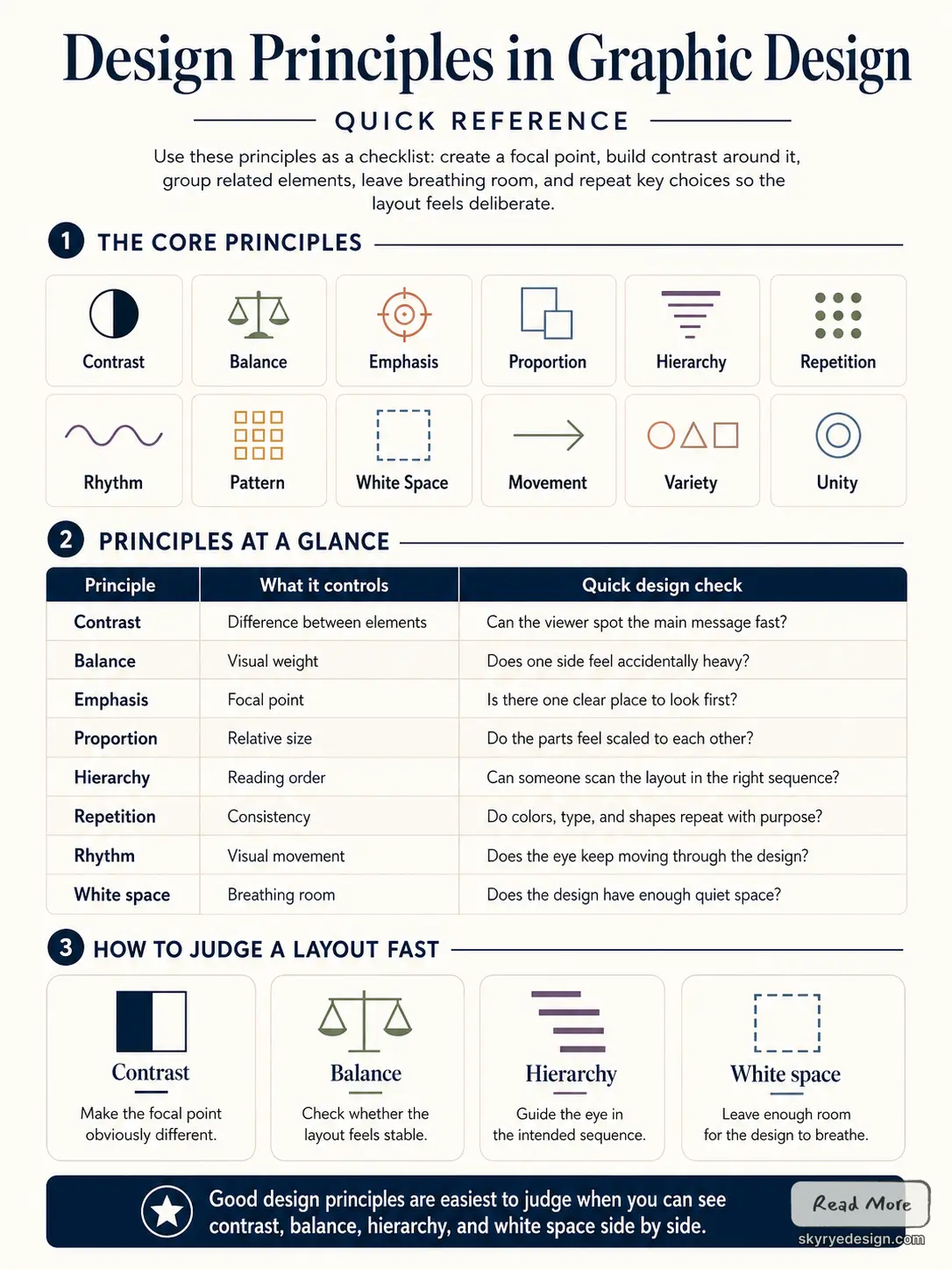
The main design principles in graphic design are contrast, balance, emphasis, proportion, hierarchy, repetition, rhythm, pattern, white space, movement, variety, and unity. You can use them as a checklist: decide the focal point, create enough difference around it, group related elements, give the layout breathing room, and repeat key choices so the final design feels deliberate instead of accidental.
| Principle | What it controls | Quick design check |
|---|---|---|
| Contrast | Difference between elements | Can the viewer spot the main message fast? |
| Balance | Visual weight | Does one side feel accidentally heavy? |
| Emphasis | Focal point | Is there one clear place to look first? |
| Proportion | Relative size | Do the parts feel scaled to each other? |
| Hierarchy | Reading order | Can someone scan the layout in the right sequence? |
| Repetition | Consistency | Do colors, type, and shapes repeat with purpose? |
| Rhythm | Visual movement | Does the eye keep moving through the design? |
| White space | Breathing room | Does the design have enough quiet space? |

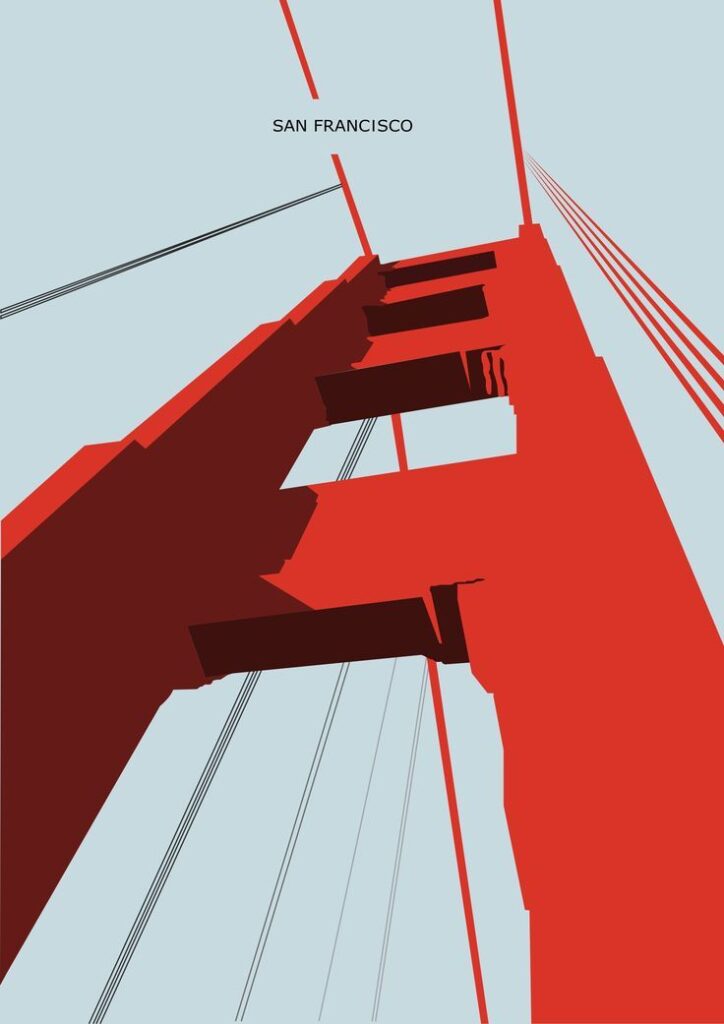
Keep balance under control
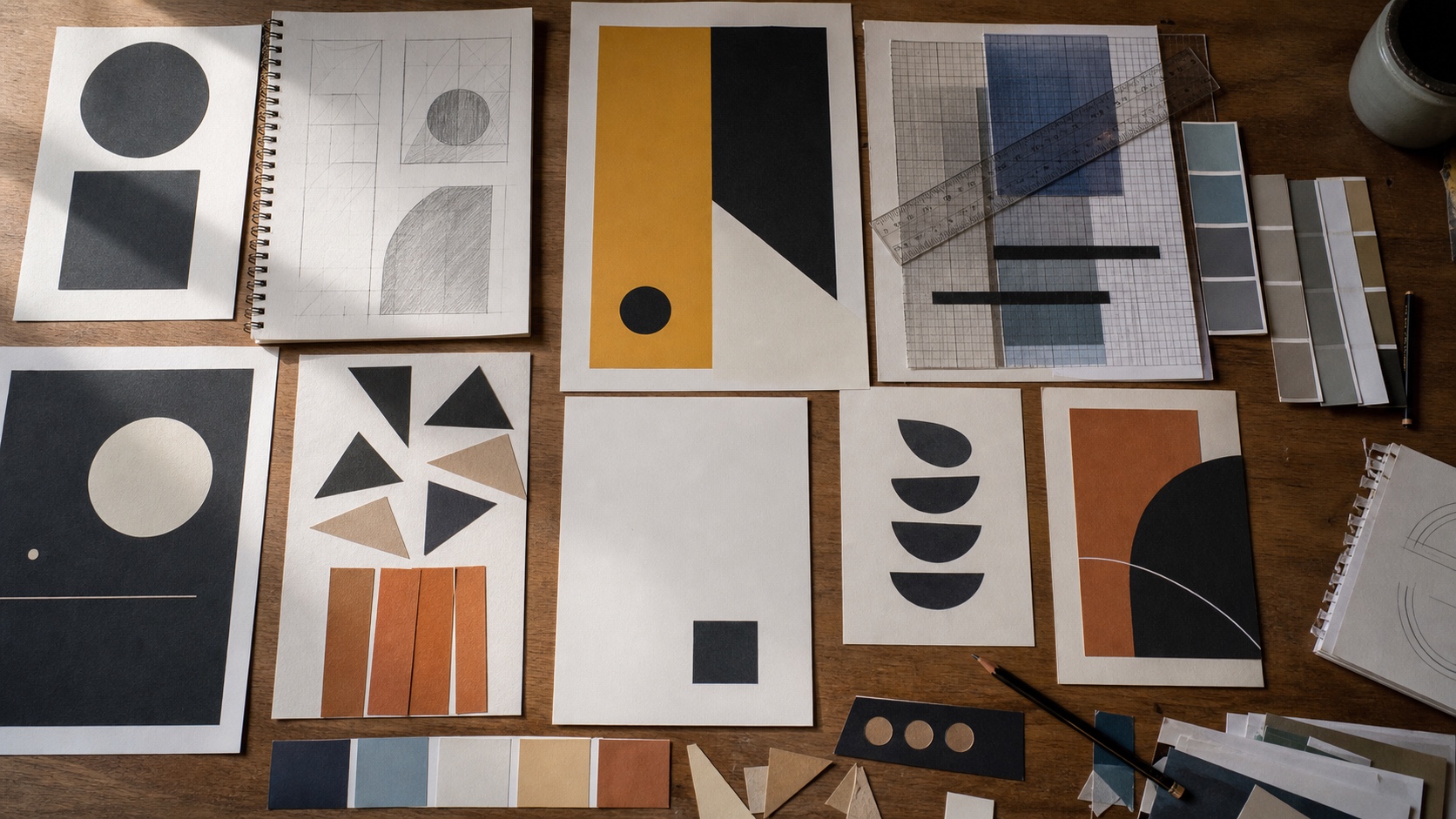
Balance refers to the distribution of visual weight in your design. Whether you lean on symmetrical or asymmetrical placement, the goal is to avoid overwhelming one side of the page. Studies from AND Academy show that a balanced design quickly communicates stability and order (AND Academy).
- Why it works:
Think of it like walking a tightrope. If one side of your composition is too heavy, your viewer’s eye will get stuck there. Meanwhile, deliberate off-center layouts (asymmetrical balance) can look fresh and modern. - How to apply:
Split your design into halves (using a grid) and see if each side feels equally weighted. If you prefer asymmetry, balance a large focal point on one side with smaller, lighter elements on the other.
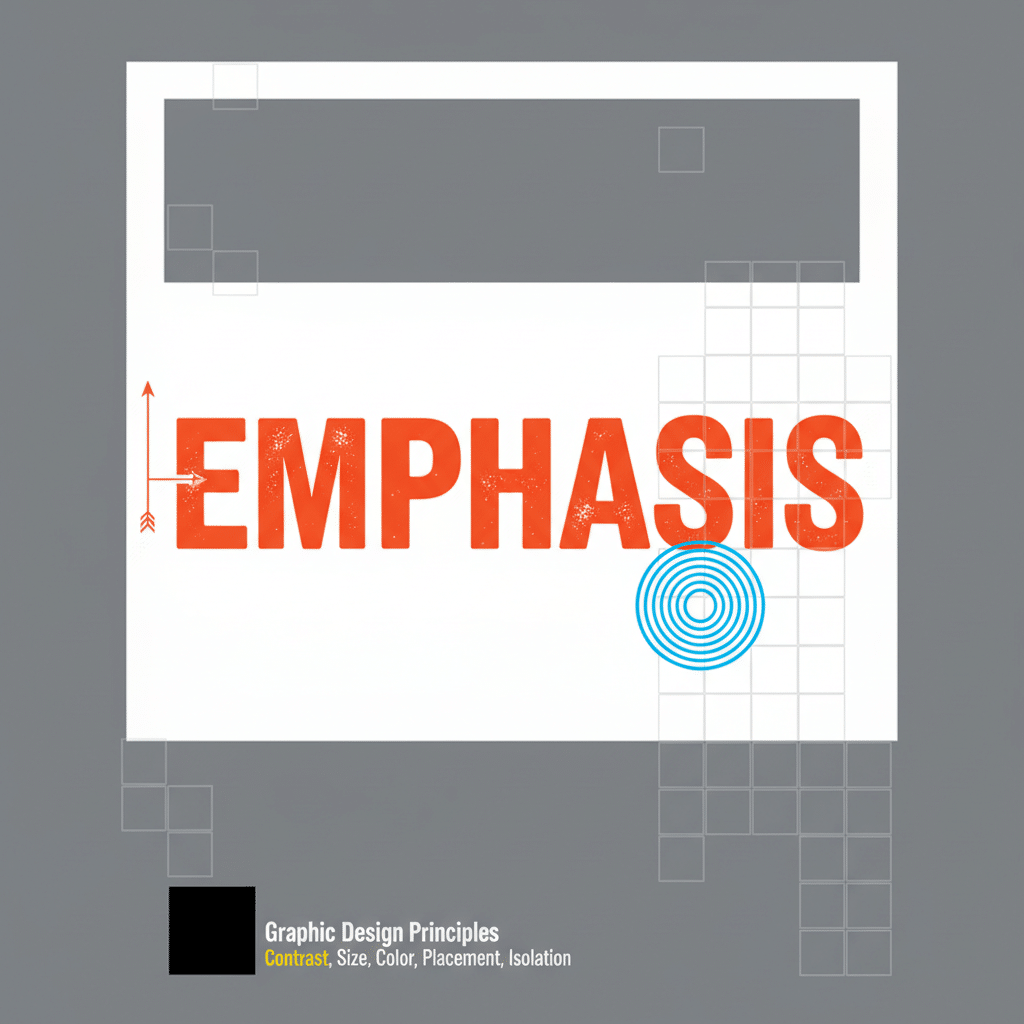
Add emphasis where the eye should land
Emphasis is about making one part of the layout do the loudest job. In logo design ideas for business, that might be a strong wordmark, a simple symbol, or a single letterform that still reads at thumbnail size. In a poster, it is usually the headline, face, product, or main shape. You can create emphasis through color, framing, scale, contrast, or placement.
- Why it works:
People want to know where to look first. By emphasizing a main feature, you direct attention right where you want it. This clarifies your message and reduces confusion. - How to apply:
Use bold or italic fonts on your main statement and keep the rest of the text simpler. Frame it with a shape or add a pop of color to highlight it. Just be sure not to overuse emphasis on too many items, or you’ll dilute its effect.

Size elements with proportion
Proportion focuses on how elements relate in size compared to each other. It’s especially relevant when you create bigger visuals next to smaller ones, or in how you space text around images.
- Why it works:
Proper proportion feels intuitive because it reflects real-world scales. When something looks out of whack proportionally, the viewer’s brain notices immediately. - How to apply:
Keep your focus on ratios. For instance, if you have a large product image, pair it with smaller icons or text blocks for a sense of hierarchy. Adjust spacing around elements so nothing feels cramped.
Show hierarchy for clarity
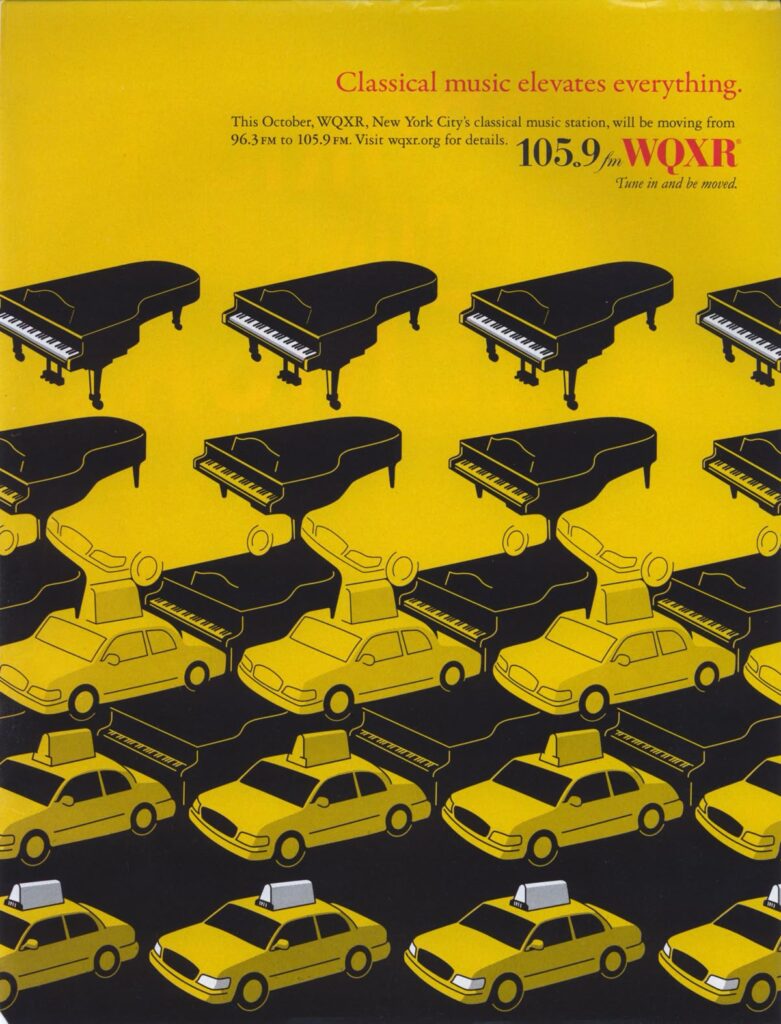
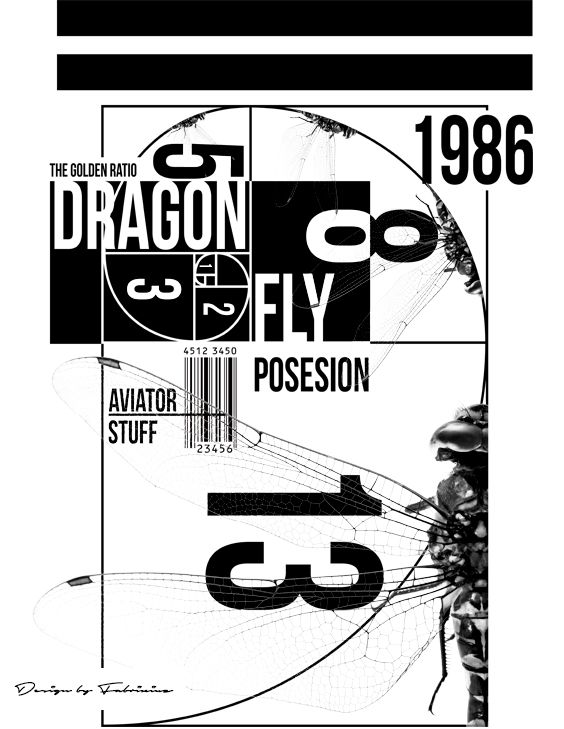
Visual hierarchy is about organizing your design so viewers see what matters first, second, and third. This is just as important in posters as it is in user experience basics, where labels, buttons, and navigation need a clear order. Fonts, colors, sizes, and placements all work together to create a roadmap for the eye. Research from the Interaction Design Foundation connects visual hierarchy with better comprehension and trust (Interaction Design Foundation).
- Why it works:
Our eyes naturally follow cues like headings, bullet points, or bright colors. When your layout guides viewers methodically from a main heading to secondary text, your message sticks. - How to apply:
Try a bold, large headline at the top. Follow it with a medium-sized subheading, then use smaller text for body copy. You can also use color belts or boxes to highlight key info, like a button or main CTA.
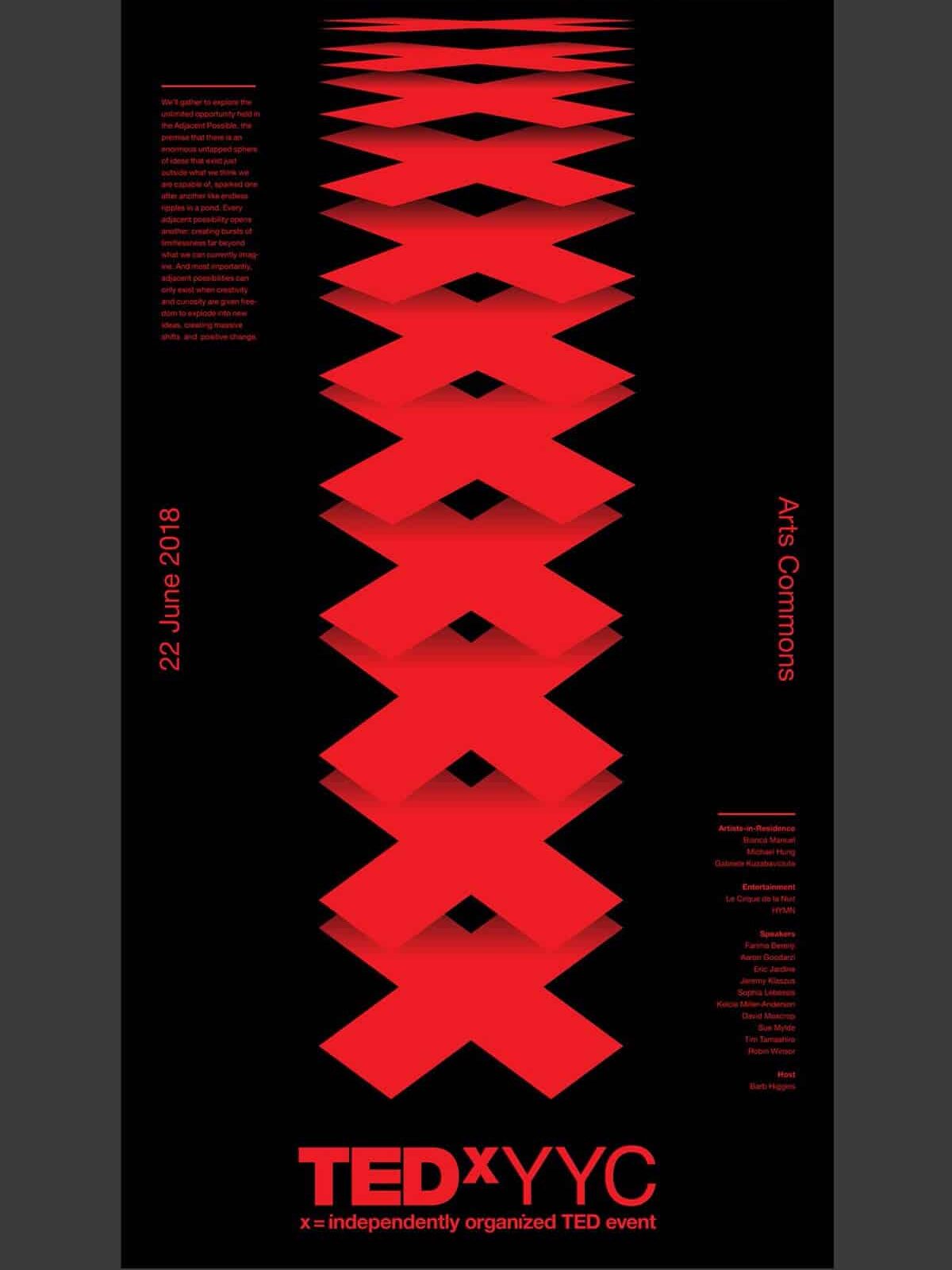
Repeat elements for consistency
Repetition is what makes a design system recognizable. Repeat a color, type style, grid, icon treatment, or image crop and the work starts to feel connected. This is easy to see in strong graphic design portfolio examples, where the presentation has to feel consistent without making every project look identical. Big brands like Coca-Cola and Apple also rely on repeated visual cues for instant recognition (BairesDev).
- Why it works:
Repetition ties your design elements together. When your audience sees consistent colors or typefaces, they immediately pick up the brand cues and sense reliability. - How to apply:
Use the same font family for all headlines, repeat a specific accent color across multiple sections, or rely on a pattern as a background. This not only looks polished but also builds brand identity.
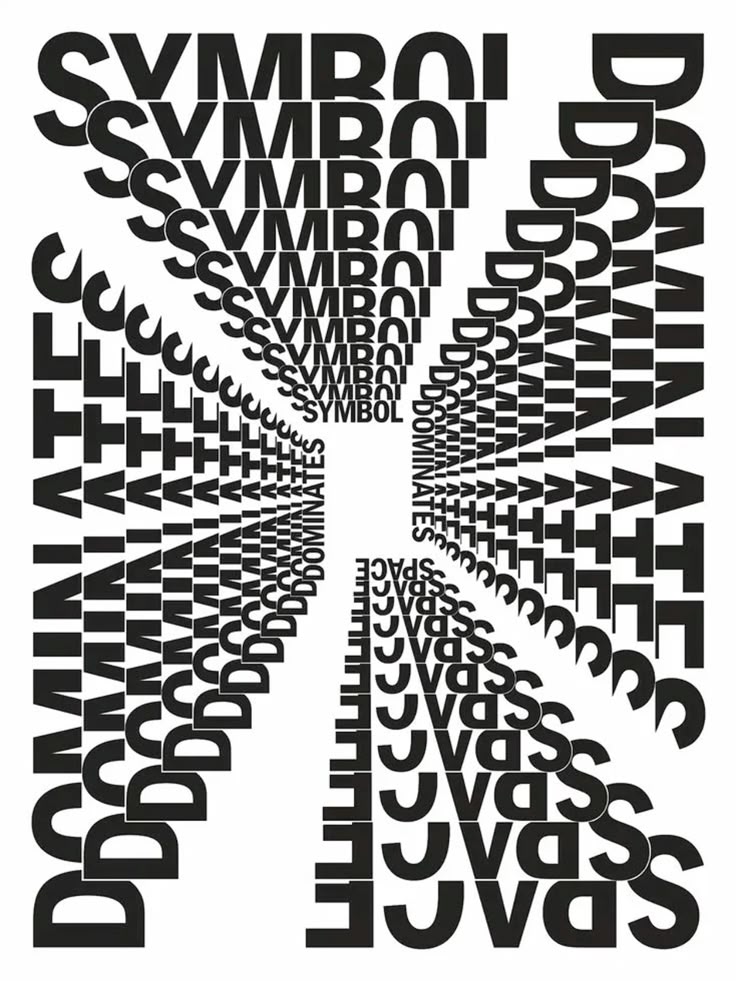
Establish rhythm and flow
Rhythm in design isn’t just about music. It’s about the pattern of how elements repeat or alternate across your layout, creating movement for the eye to follow.
- Why it works:
Rhythm prevents stagnation. Straight lines of text broken up by recurring shapes or color elements can lead the viewer from top to bottom without feeling lost. - How to apply:
Divide your design into a grid and place elements at regular intervals. Alternate colors, shapes, or imaging sections so the eye moves in a predictable and pleasing pattern.
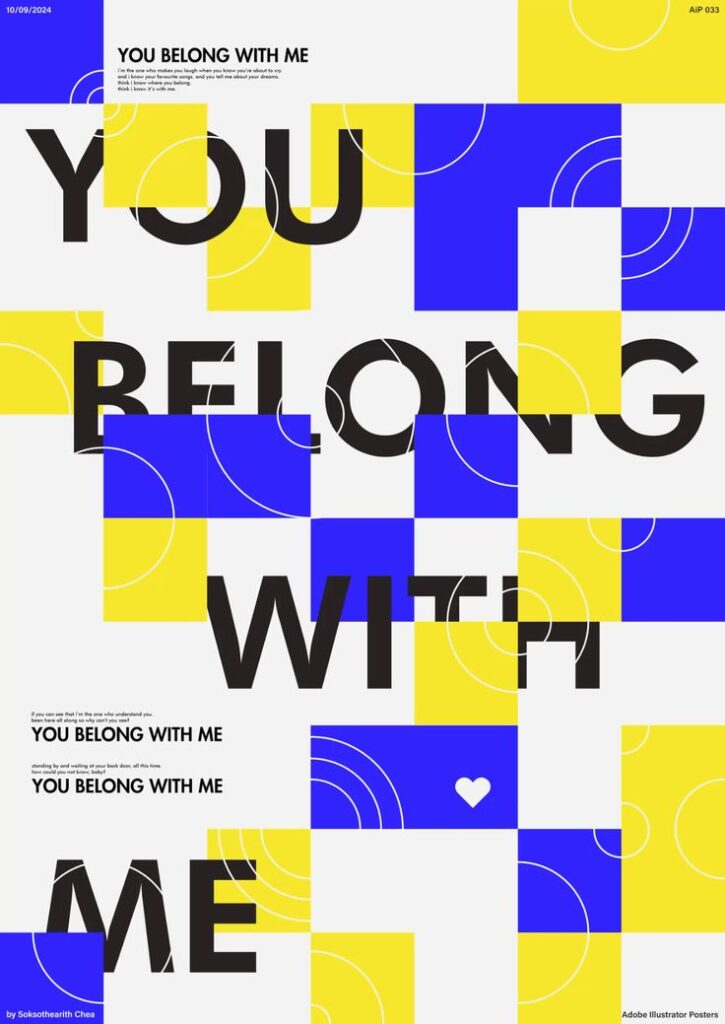
Use patterns for structure
Patterns take repetition to the next level by creating visible structure. They can be small icons repeated in a background, a consistent image frame, or a modular grid that keeps a page from feeling improvised. If you want to compare that idea in digital systems, the same logic shows up in modular design.
- Why it works:
By giving your design a visual structure, patterns can make layouts feel purposeful and aligned. They also allow viewers to predict where they might find specific information or features. - How to apply:
Test out a dotted or striped pattern behind text blocks. Keep the pattern subtle so it doesn’t fight with your main content, but let it tie the design together.

Use white space wisely
White space (or negative space) is the blank area around and between your objects. People sometimes think empty space looks like a missed opportunity, but it’s actually among the most powerful design techniques out there. According to the Figma Resource Library, white space makes content more readable and approachable (Figma Resource Library).
- Why it works:
White space highlights important content by giving it room to breathe. Our eyes can better capture information when not stressed by clutter. - How to apply:
Resist the urge to fill every square inch. Instead, set generous margins, increase line spacing, and add spacing around images. Let your design breathe so viewers can focus on the essentials.
Create movement without confusing the layout
Movement is about guiding the path your viewers follow, sometimes leading them in a zigzag or swirl of shapes, lines, or transitions. In digital design, movement can also be animations and parallax effects for added flair (BairesDev).
- Why it works:
Movement injects life into an otherwise static layout. If you place an arrow or diagonal line, you prompt the viewer to travel in that direction, discovering the next part of your story. - How to apply:
Align images or shapes diagonally or across columns so the eye moves from left to right and top to bottom. If you’re designing online, add subtle hover animations or transitions that direct user attention.

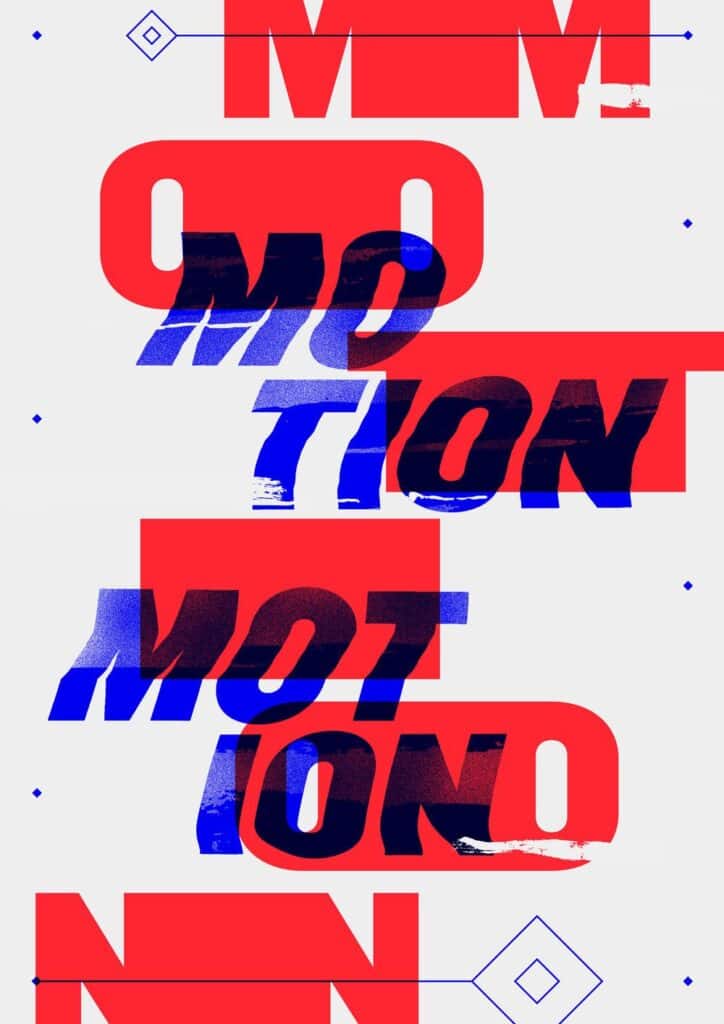
Add variety without losing cohesion
Variety is the spice that stops your designs from blending into the background. Visual interest comes from mixing different but harmonious elements like contrasting color palettes, font styles, or shapes.
- Why it works:
Users get bored when every element looks identical. Variety introduces a touch of surprise that can spark curiosity. - How to apply:
If you’re used to a single layout, swap one or two elements in your next design. Mix a sans-serif headline with a serif body text. Add geometric shapes alongside organic lines. Keep it moderate so you don’t lose cohesion.
Use unity to make the design feel finished
Finally, unity sums up how all these principles work as one. It’s the sense that your composition is complete, that every element has a purpose and belongs in the bigger picture. When everything pulls together, your design looks professional, and your message is crystal clear.
- Why it works:
A big part of unity is consistency. From the color scheme to the typography style, each piece of the puzzle fits together for an overall sense of harmony. This fosters trust and keeps your design from feeling random. - How to apply:
Check that your color palette is consistent. If you use an accent color in the top banner, repeat it in the footer. Make sure you’re using spacing the same way across headings and paragraphs. If you want more tips on applying these ideas, take a peek at our principles of design guide.
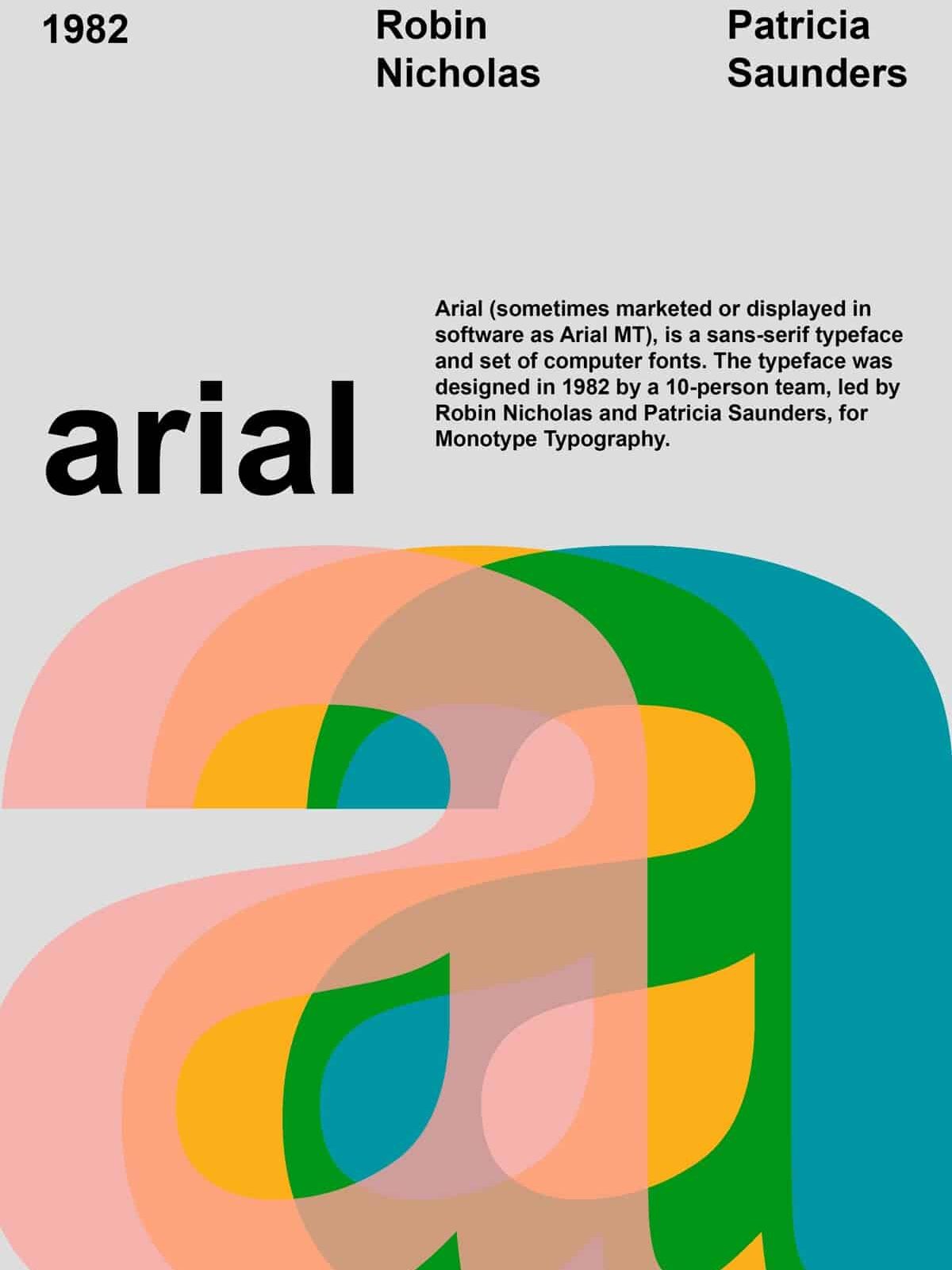

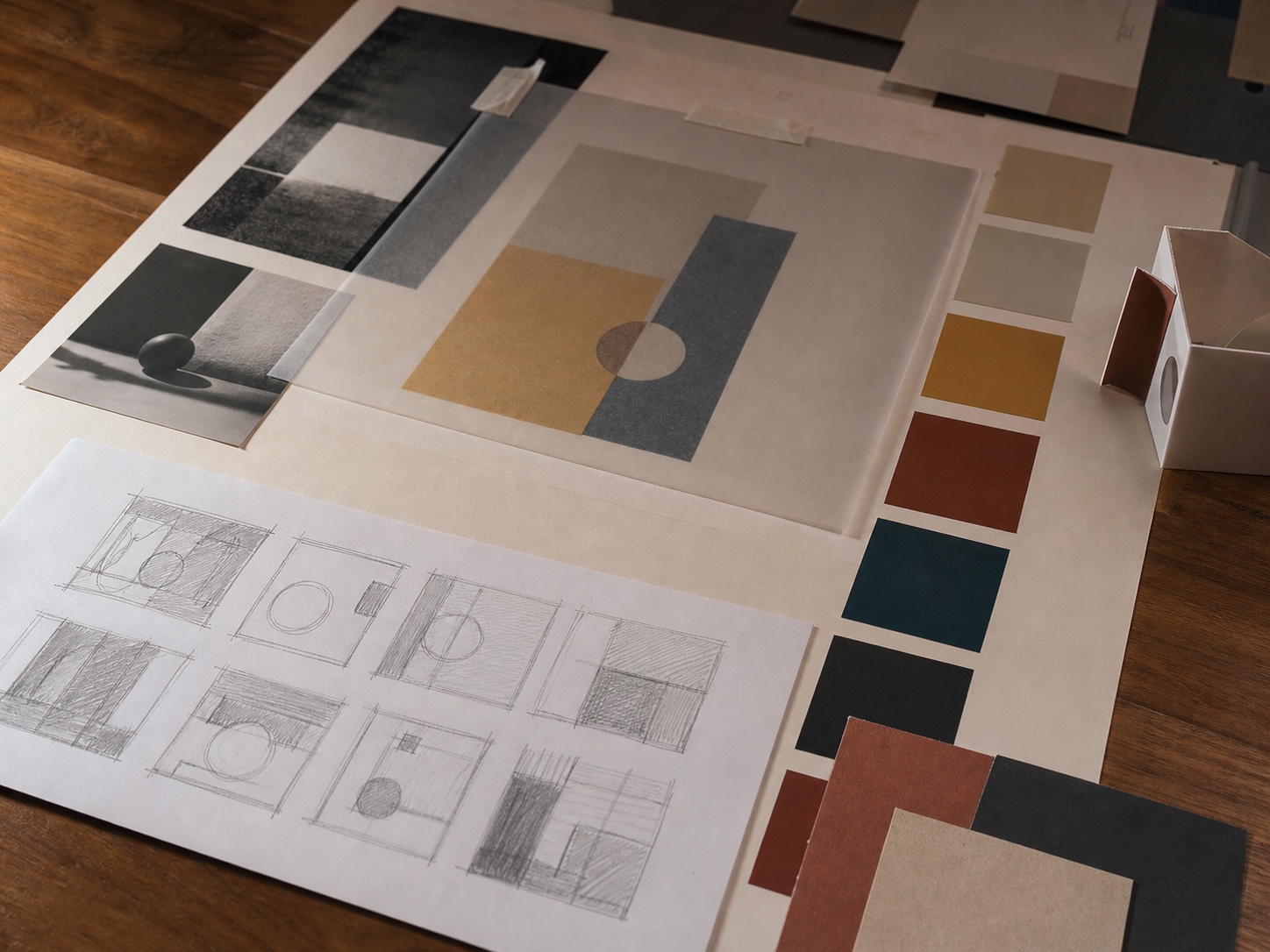
One easy way to practice these principles is to build a first logo in Canva, then judge the draft for contrast, hierarchy, balance, spacing, and small-size readability.
How to practice these principles
The fastest way to learn design principles is to test them on one small layout at a time. Not a giant brand system. Not a full website. One poster, one social graphic, one app screen, one portfolio spread.
Make the layout, then take away the decoration in your head. Ignore the fancy gradient, the mockup shadow, the texture, the cute icon. What is left? There should still be a clear focal point, a path for the eye to follow, and some kind of relationship between the elements.
If the design feels weak, do not reach for more effects first. That is usually how layouts get noisy. Fix the hierarchy. Open up the spacing. Change the scale. Push the contrast. Most “boring” designs are not missing decoration. They are missing structure.
I do this check by zooming out until the small details disappear. If the composition still reads as a simple pattern of big, medium, and small shapes, it has a decent foundation. If everything turns into the same gray mush, I know the design is not ready yet.
Related design practice
For more examples, study how these principles show up in graphic design portfolio examples, business logo ideas, UX basics, and design workflow choices for Webflow and WordPress. If you sketch digitally, the same composition habits apply when you draw on iPad.
These graphic design principles also help when judging a digital product design agency Noida shortlist, because hierarchy, contrast, balance, and rhythm shape how people move through screens.
Frequently asked questions
What are the main design principles in graphic design?
The main design principles in graphic design are contrast, balance, emphasis, proportion, hierarchy, repetition, rhythm, pattern, white space, movement, variety, and unity. Different schools and books group them slightly differently, but the practical goal is the same: make the layout easier to understand and more deliberate to look at.
Which design principle should beginners learn first?
Start with contrast and hierarchy. They give you the quickest improvement because they control what the viewer notices first. Try making one headline clearly larger, one color clearly stronger, and one image clearly dominant. If everything has equal weight, the viewer has to work too hard.
Is white space always white?
No. White space means empty or quiet space, not necessarily a white background. It can be black, blue, beige, textured, or even a soft gradient. What matters is that the area is not competing with the main message, image, or call to action.
How many principles should I use in one design?
Most finished designs use several principles at once, but you do not need to think about all of them equally. For a quick poster or social graphic, focus on contrast, hierarchy, balance, and white space first. Repetition and unity become more important when you are building a set of designs.
What is the difference between balance and alignment?
Balance is about visual weight. Alignment is about how edges, centers, and baselines line up. A layout can be aligned but still feel unbalanced if one side has a large dark image and the other side has only small, pale text. Check both before calling a composition finished.
How do design principles help with branding?
Design principles help branding stay recognizable. Repetition keeps colors and type consistent, hierarchy makes messages easier to scan, and unity makes separate assets feel like they belong to the same brand. Without those rules, even good-looking pieces can feel disconnected.
Use these principles as a practical review checklist, not a set of stiff rules. A strong layout usually has one clear focal point, enough contrast to read quickly, and enough restraint that the important parts are not fighting for attention.
Color still follows hierarchy, contrast, rhythm, and emphasis; this color and design principles guide connects palette choices to basic visual rules.
If you are applying these principles to a brand mark, this comparison of logo design tools is a useful next step for testing type, scale, and icon clarity.
Typography is one of the quickest ways to clarify emphasis, so use this font pairing and visual hierarchy guide when you test scale, contrast, and rhythm in a composition.
If you want to see the same principle at building scale, rhythm and repetition in architecture show how repeated elements guide movement across facades, interiors, and streets.
- 261shares
- Facebook0
- Pinterest261
- Twitter0
- Reddit0