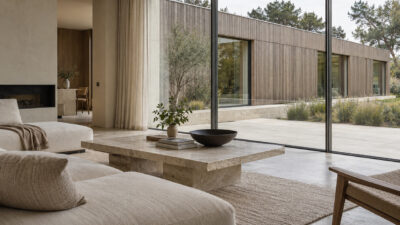
The first time a client rejected a design I was certain about, I had no render to show her. A floor plan. A section drawing. Material samples I’d arranged on my desk. She looked at the pages for maybe thirty seconds, said something polite about needing more time, and never called back.
- It always starts rough
- Rendering makes ideas readable
- A good render answers questions, not just looks pretty
- Interiors live and die on scale, light, and material
- When to render it yourself and when to outsource it
- Why renders get you better feedback
- Where AI fits, and where it doesn't
- What to prepare before you render
- What beginners can steal from professional renders
- FAQ
- What's the difference between a 3D render and an architectural visualization?
- Which software do interior designers actually use for 3D rendering?
- How long does a professional interior render typically take to produce?
- Can you 3D render from a 2D floor plan alone?
- What camera angle should I use for interior renders?
- When does it make sense to hire a 3D rendering service instead of doing it yourself?
- Does 3D rendering replace the need for physical material samples?
- How do I brief a 3D rendering studio properly?
Fifteen years across automotive, interior, and architectural design — and that one project is still the sharpest lesson I have about communication. The concept was right. The problem was that I was asking someone with no technical training to read architectural drawings and imagine a finished room from them. Nobody does that well outside a design office. The gap between what a plan shows and what a space feels like is enormous, and for most people it’s uncrossable without visual help.
That’s what 3D rendering actually solves. Not polish. Not impressive presentations. The fundamental problem of translation: getting an idea out of your head and into a form that someone else can respond to.
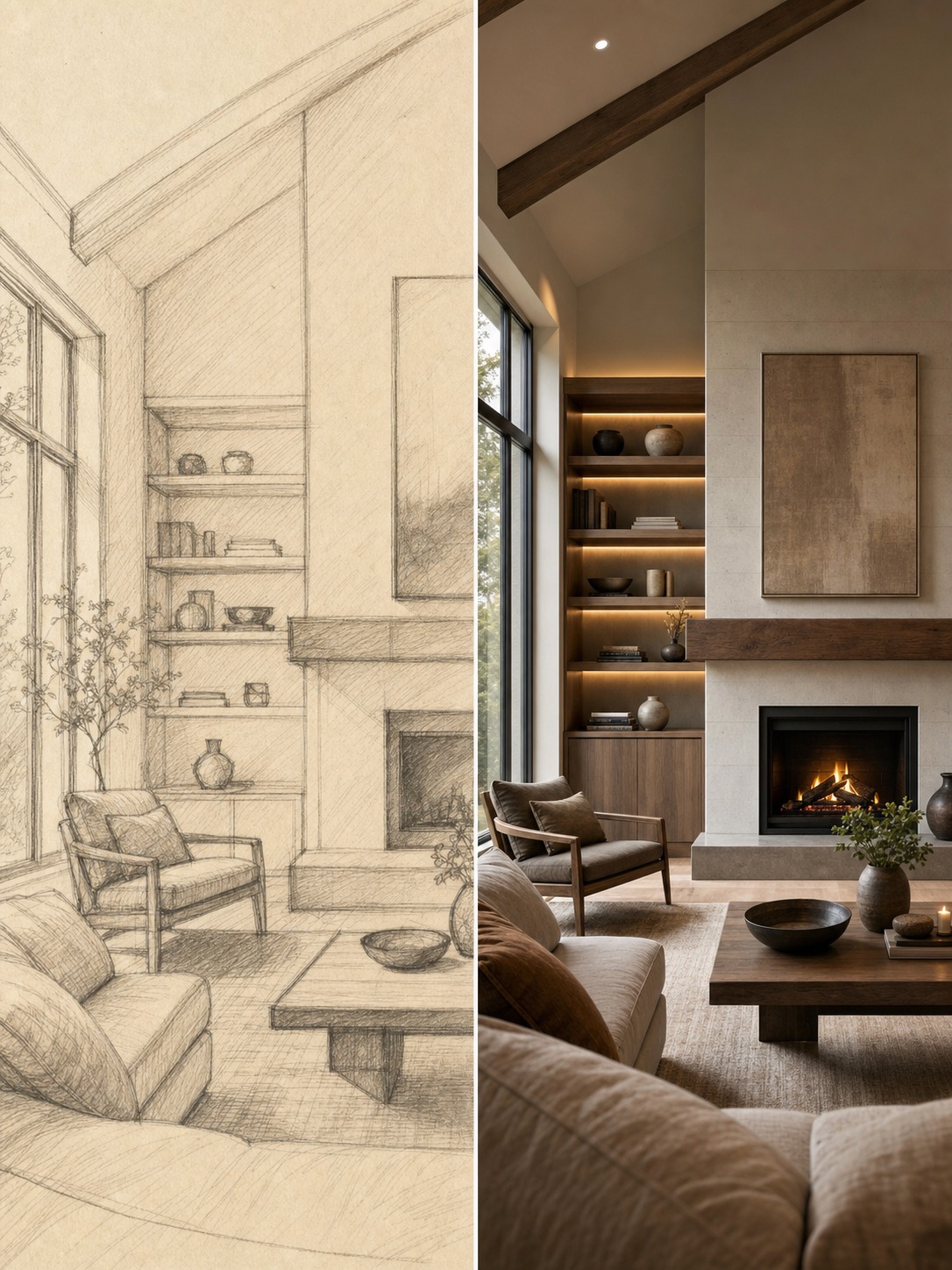
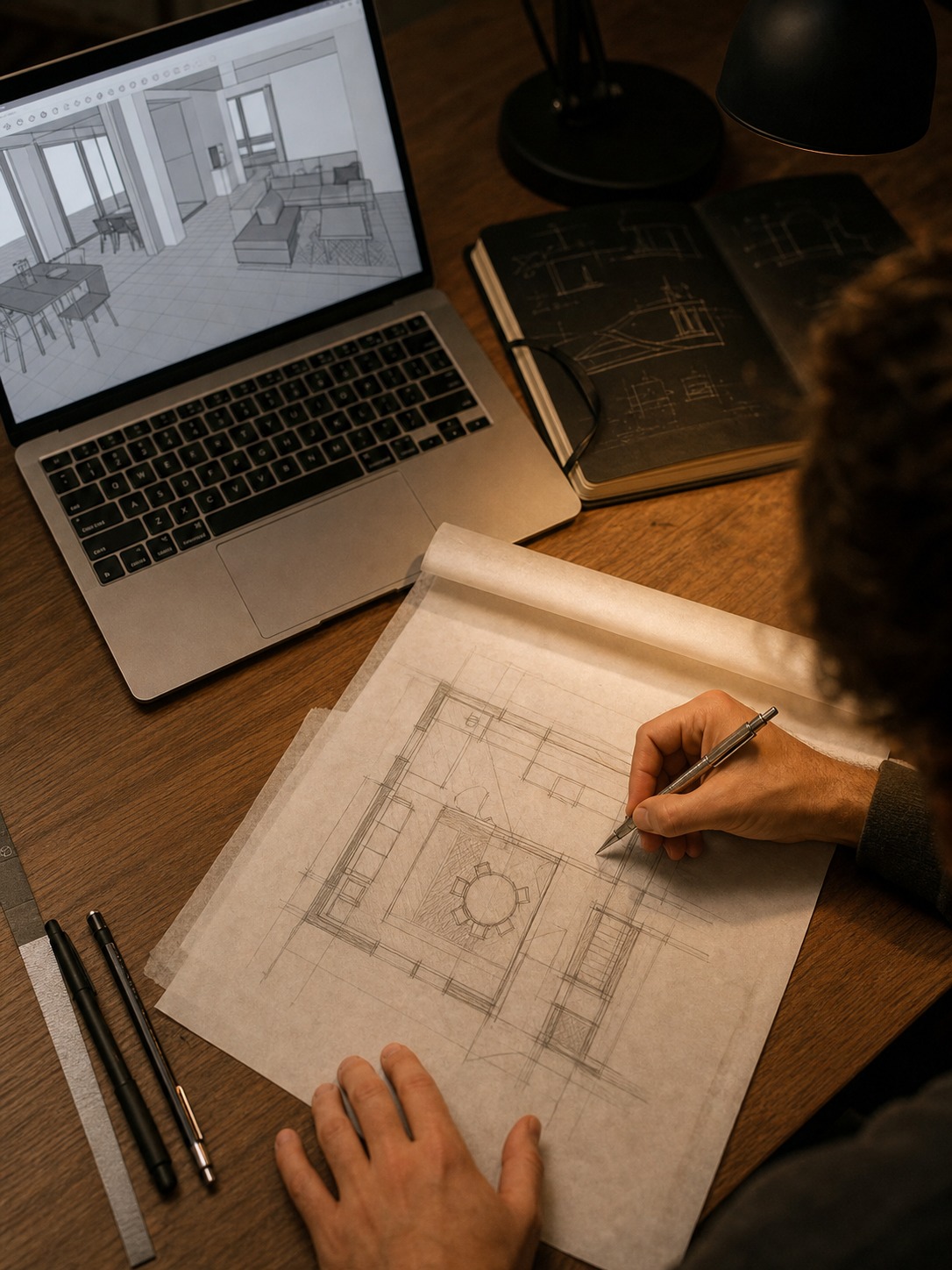
Open any designer’s project folder at the start of a job and it looks chaotic. Thumbnail sketches. Screenshots scraped from Pinterest. A blurry photo of a stone sample held up to a window. Margin notes about ceiling height. A rough plan drawn on the back of something. This is where spatial design starts — fragmentary, messy, mostly living in your head. The hard part has never been having the idea. Getting it into a form that a client, a contractor, or a tutor can genuinely understand — that’s where most projects stall.
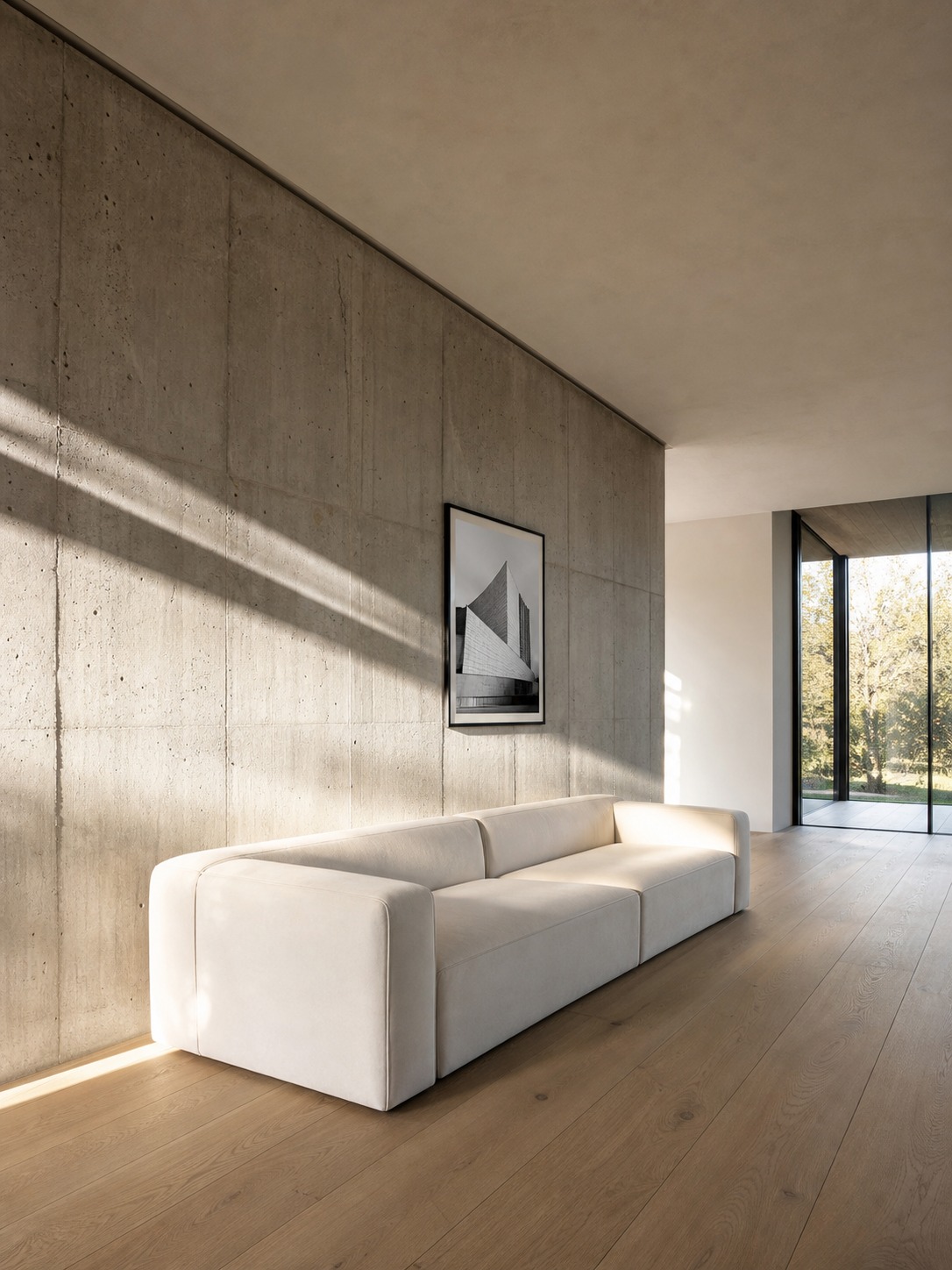
When a project moves beyond sketches and mood boards, 3d rendering services can help designers present proportion, lighting, materials and atmosphere in a way that clients or collaborators can understand more easily.
It always starts rough
Every polished render began as a scribble. Worth saying clearly, because students sometimes assume otherwise.
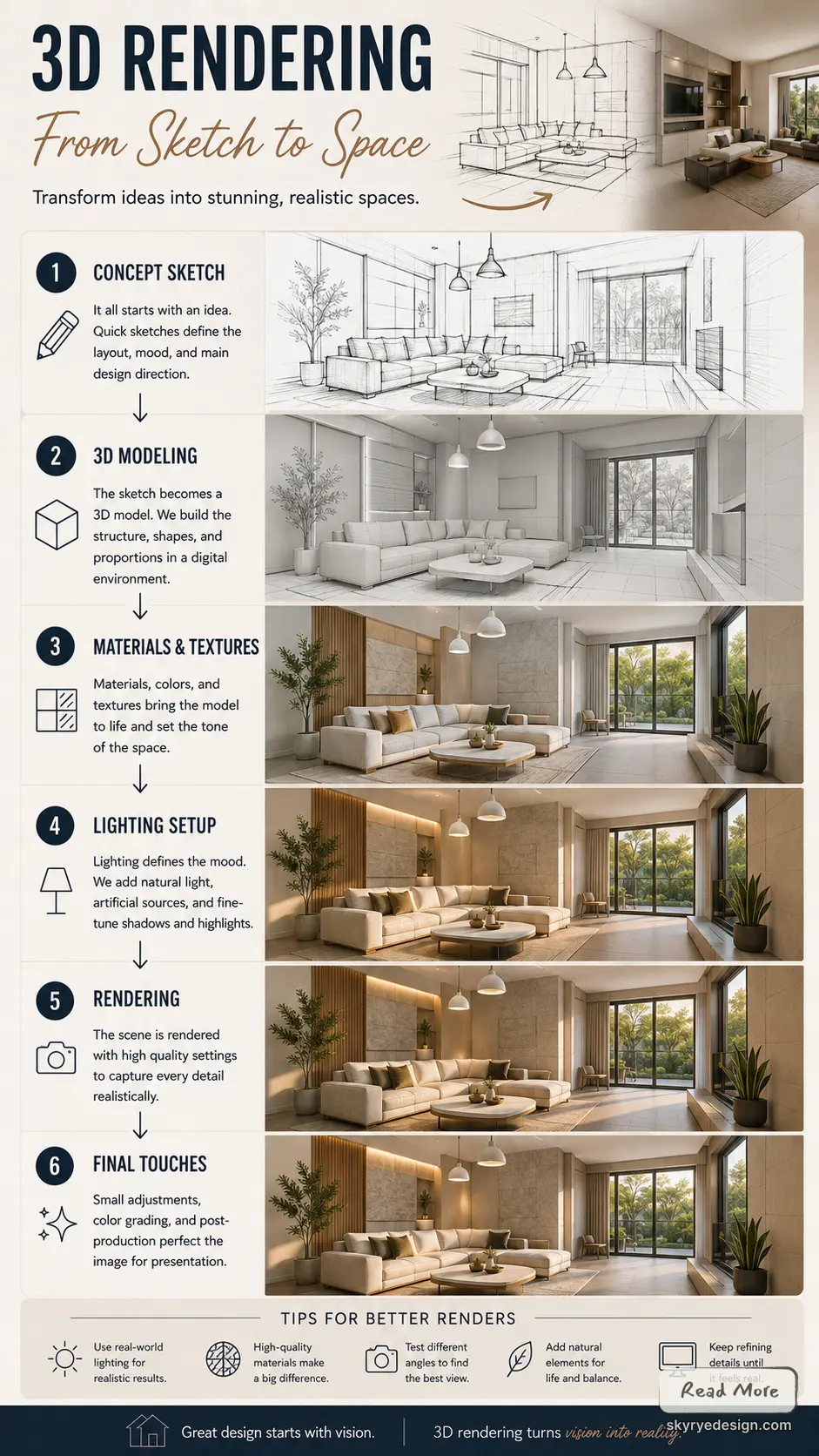
The sketch sets the basic moves — where the eye enters, what the focal point is, how the space wants to be composed. The mood board commits to a direction before modeling starts. The rough floor plan, the ceiling height note, the scribbled reminder about where morning sun hits the wall — these unglamorous fragments are the actual design. The render is the stage where they become legible.
This matters for how you learn the craft. Designers who skip rough thinking and go straight to software tend to produce technically competent renders of underdeveloped ideas. The thinking has to happen somewhere, and pencil is much cheaper than polygons. I still sketch in a notebook before opening any 3D application. Sometimes twenty minutes of thumbnails saves two days of modeling a direction that was wrong from the start.
Rendering makes ideas readable
A render takes a design that exists in plans and sections — formats only trained people read comfortably — and turns it into something that looks like experience.
A floor plan tells you the kitchen island is 2.4 metres long. A render shows you whether you can walk past it comfortably. An elevation gives you window dimensions. A render shows what that much glass does to the room at three in the afternoon. This shift from measured abstraction to apparent experience is the whole point.
For students and emerging designers, this is also where you discover whether the idea actually works. A concept that seemed elegant in plan can look cramped or awkward once it’s a space you can look into. Better to find that on a screen than after the contractor has already started work.
A good render answers questions, not just looks pretty
Photorealism and usefulness are not the same thing.
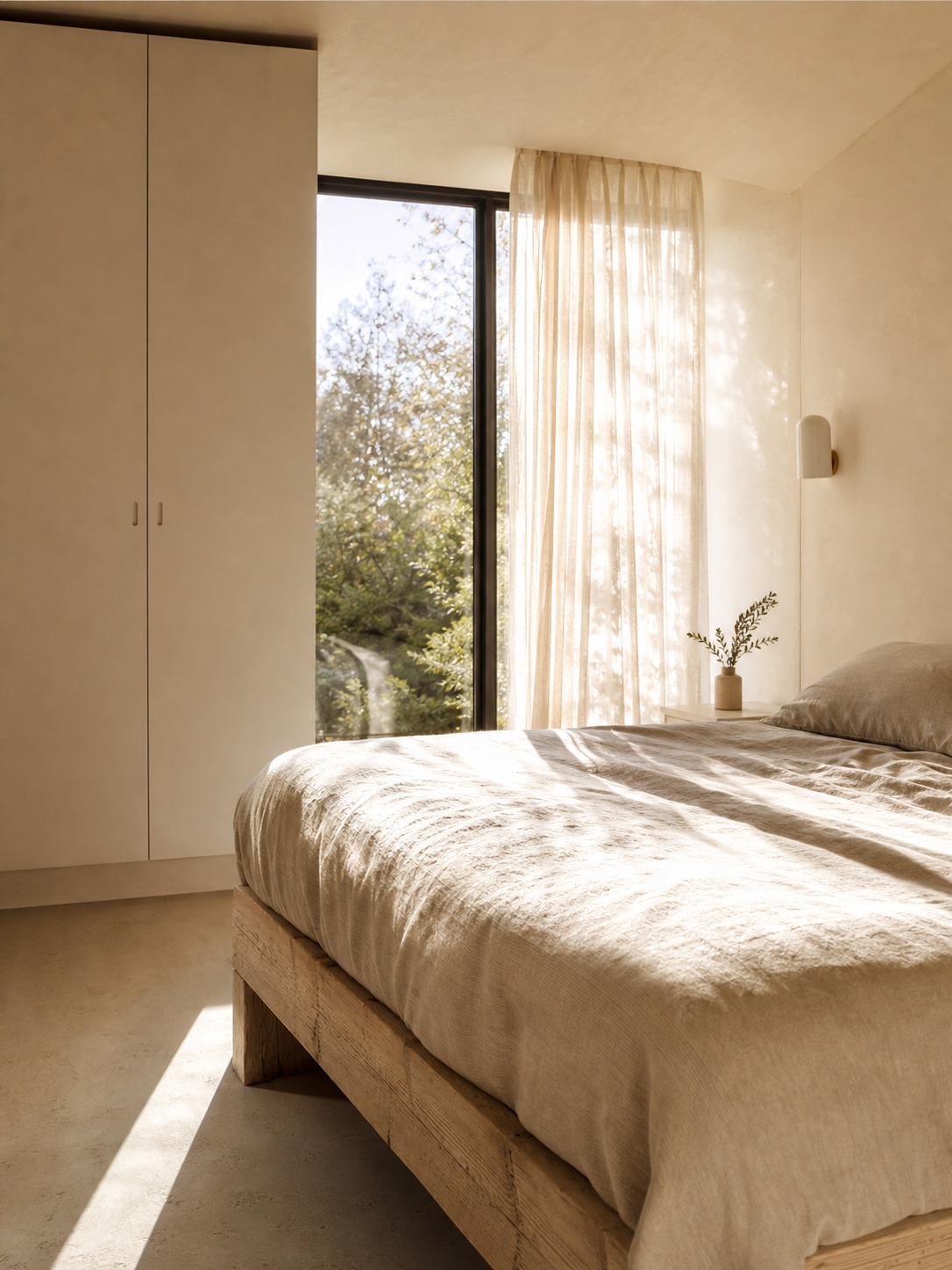
A render can be technically stunning — perfect reflections, beautiful textures, cinematic lighting — and still fail at its actual job, which is helping someone make a decision. The questions a working render should answer are practical. Is the room too crowded once furniture goes in? Does the material palette hold together or fight? Is the lighting believable for the orientation, or is it a fantasy of permanent golden afternoon? Does the camera angle explain the space, or just flatter it?
Obsessing over render polish before the design is resolved is a common beginner mistake. Detailed mesh work and ultra-realistic textures are worth pursuing once design questions are settled. They don’t rescue a render that’s answering the wrong things. Get the proportions, the light, and the material logic believable first. The polish is the last 10%, not the first.
Interiors live and die on scale, light, and material
Interior projects are where rendering tends to prove most valuable, because interiors are most sensitive to exactly the things plans communicate worst.
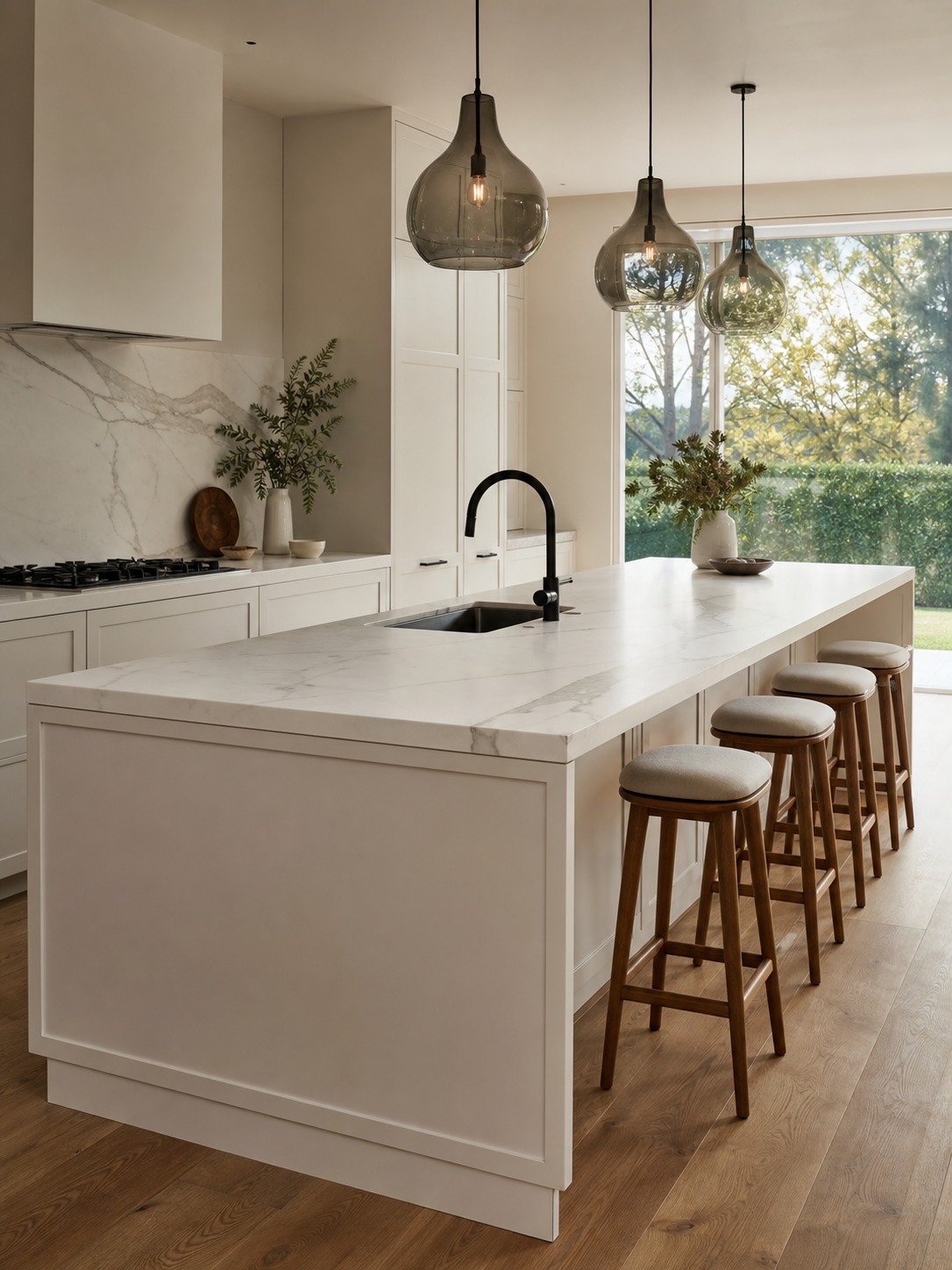
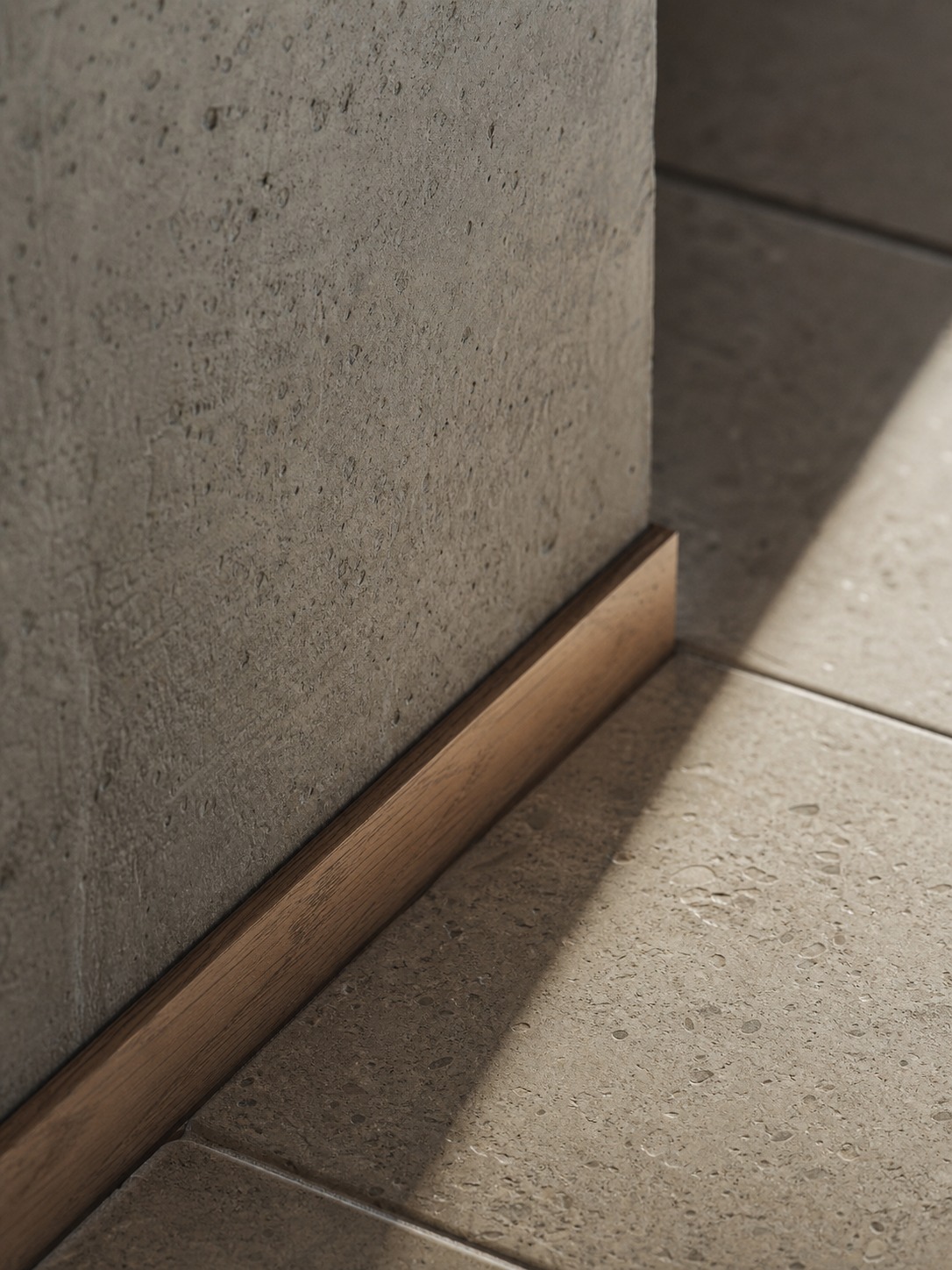
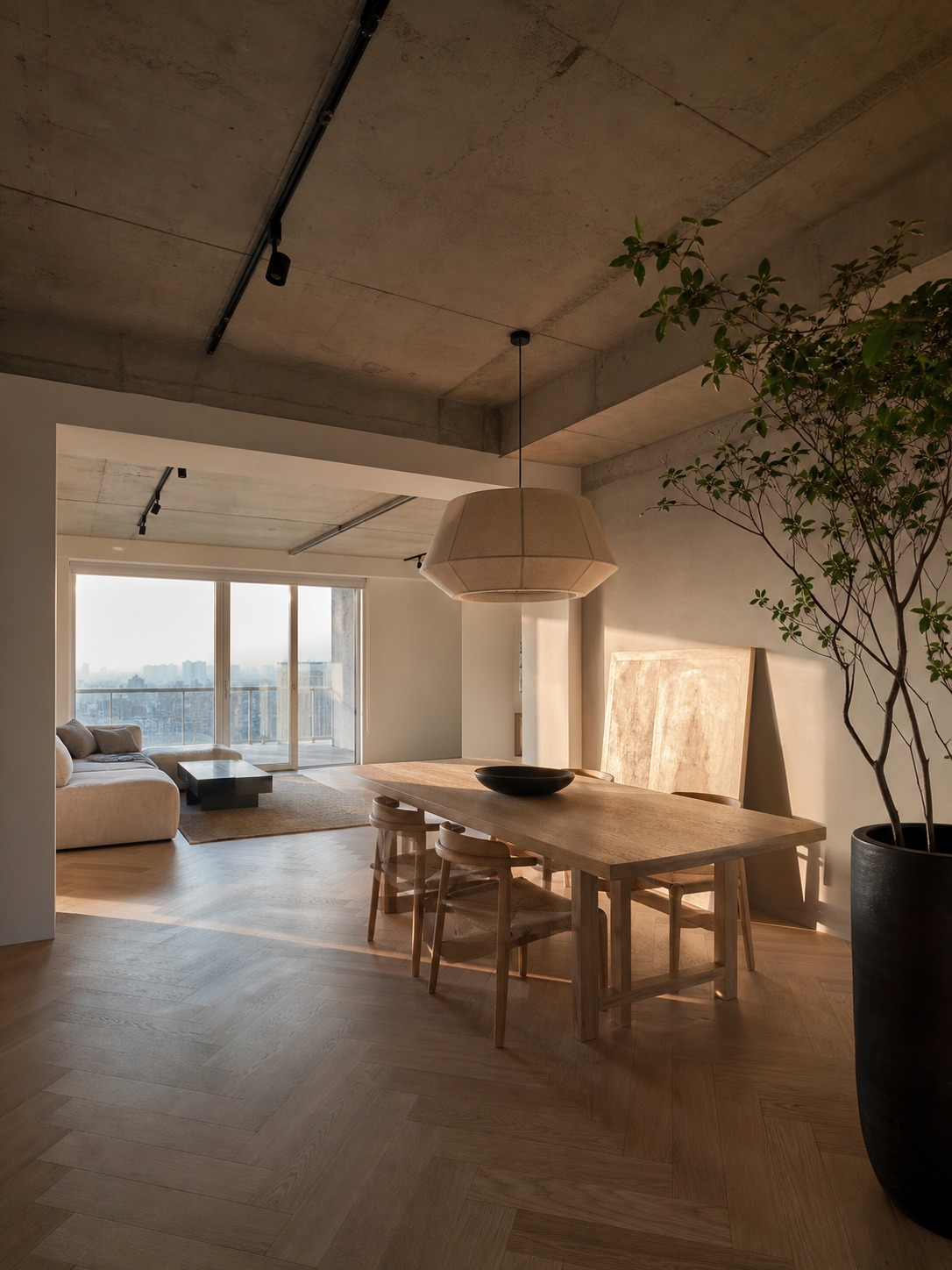
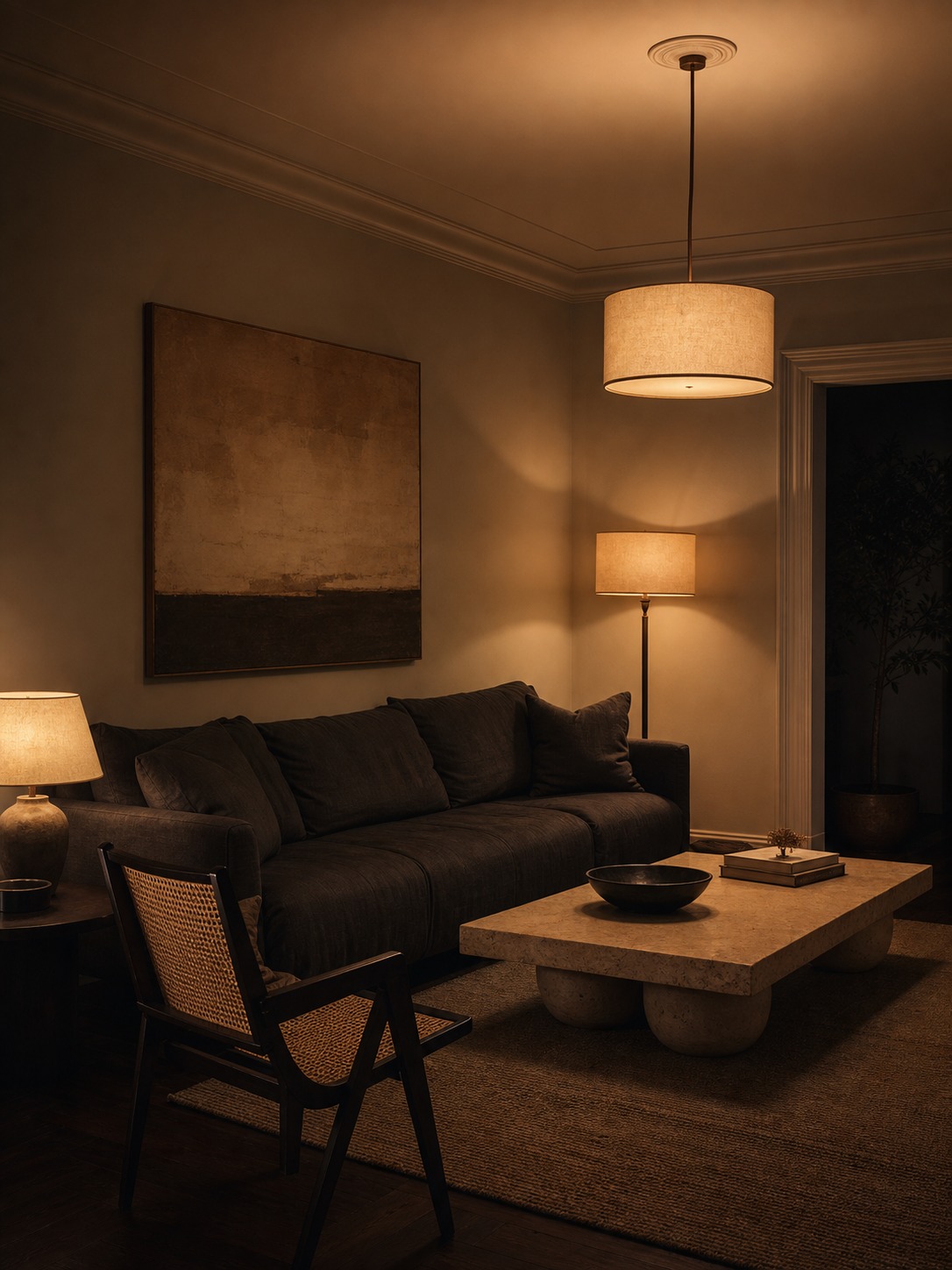
Furniture scale is the classic case. A sofa that fits the plan dimensionally can still overwhelm a room visually. You cannot tell which until you see it placed. Daylight is another — the same room reads warm and inviting or cold and clinical depending on orientation and time of day, and that information simply isn’t in a floor plan. Then there’s the material conversation: how timber flooring sits against wall colour, whether stone and fabric belong to the same world, how a matte finish behaves next to gloss.
This is where good interior rendering does its real work — letting designers test how furniture, flooring, wall colours, fabrics, lighting, and circulation all interact before anyone commits to purchases or installation. That last part is the practical point. Changing a material combination in a render costs nothing. Testing it by ordering actual flooring and installing it costs a great deal.
When to render it yourself and when to outsource it
This is the question most articles skip, and the one I get asked most often by students and junior designers.
The honest answer depends on three things: your software fluency, the project timeline, and whether the value is in the process or the final image.
If you’re in architecture school or early in your career, rendering yourself is worth the time even when it’s slow. The act of modeling forces you to resolve the design. You can’t fake ambiguity in 3D — every dimension has to be an actual number. I learned more about proportion from my first SketchUp models than from any textbook, and the errors the software exposed were errors I would have carried into real projects.
But for client-facing work on a commercial timeline, the calculation shifts. A professional 3D studio working in V-Ray or Lumion can produce results in a day or two that would take a designer a week in SketchUp with Enscape — and the quality gap at that level is obvious even to non-designers, particularly in materials and lighting. If you’re billing for interior design and spending four hours troubleshooting render settings, you’re losing money on both ends.
A practical middle path: do the rough modelling yourself for design resolution, then hand the resolved model to a specialist for final client renders. You keep control of the process; they bring the polish to the output. This also means you can provide a precise brief — confirmed material choices, specific camera angles, lighting time of day — rather than leaving creative decisions to someone who hasn’t lived the project.
One clear signal it’s time to outsource: if you’re spending more time on software settings than on design decisions, the tool is working against you.
Why renders get you better feedback
There’s a benefit that’s easy to miss: renders don’t just communicate your idea, they change the quality of feedback you receive.
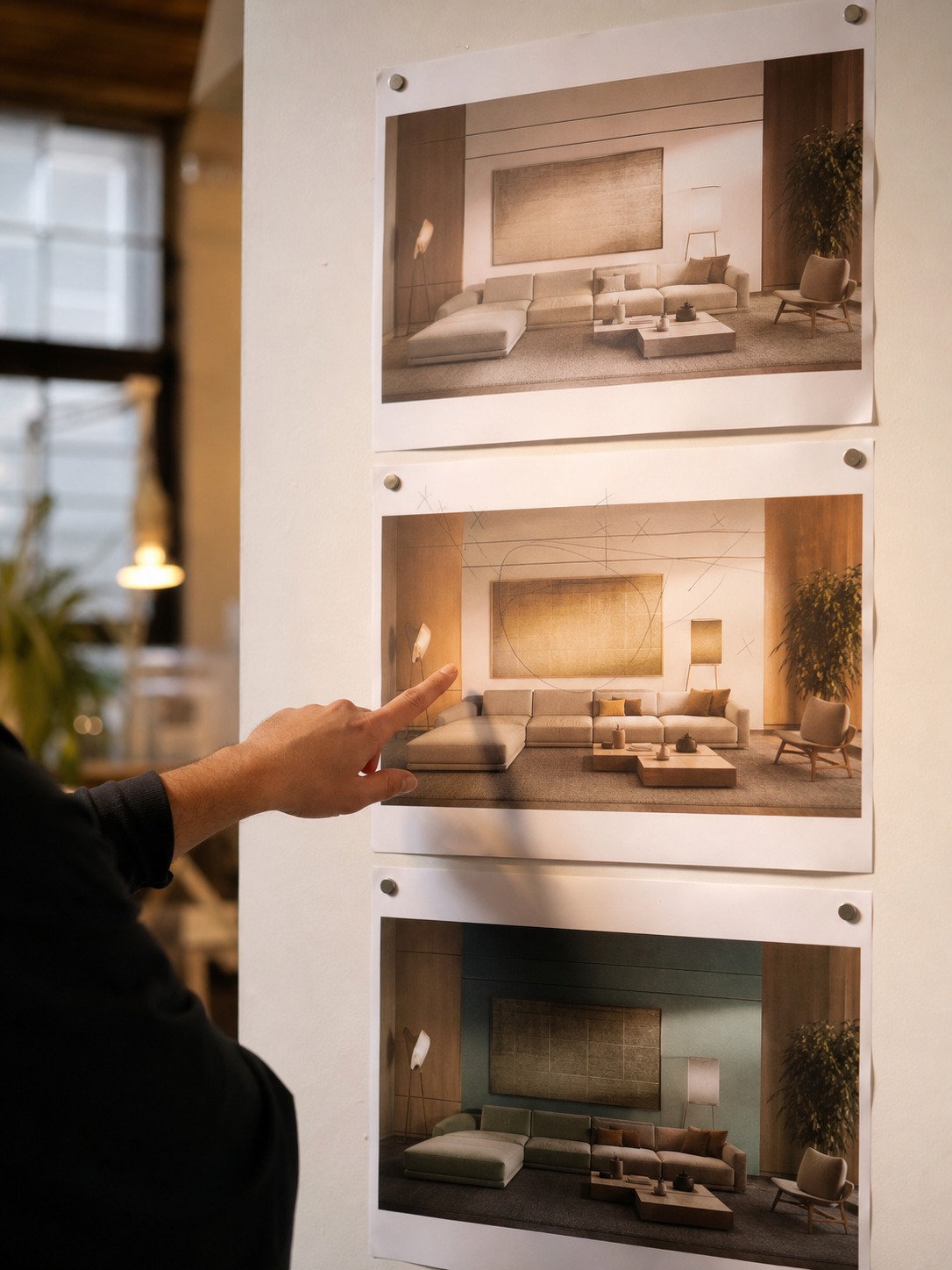
Show a client a furniture plan and a finish schedule, and the response is usually vague. “I’m not sure,” or “it’s nice” — because they can’t fully picture what they’re approving. Show them a render of the same room, and the feedback gets specific and actionable. “The sofa feels too deep.” “That island is blocking the way through.” “The wall colour is darker than I imagined.” Each of those comments moves the project forward. Vague feedback wastes revision rounds. Specific feedback doesn’t.
The render translated the design into something close enough to lived experience that the client could respond to it as a real space, not a technical document. That shift in how they engage is worth more than any amount of visual polish.
Where AI fits, and where it doesn’t
For early exploration, AI image tools are genuinely useful. Fast at generating mood directions, testing a stylistic hunch, producing reference imagery when Pinterest isn’t giving you what you need. As a divergent-thinking tool at the front of a project, they earn their place.
What they’re not good at is the part that matters most for a buildable design: exact dimensions, consistent geometry, and material logic that holds up under scrutiny. AI output is unmoored from real measurements by nature — it produces something that looks like a great interior, not this interior with these walls and this furniture. The sensible workflow uses AI to explore and conventional 3D work to resolve, rather than expecting AI to carry a project from concept to anything a contractor could actually build.
What to prepare before you render
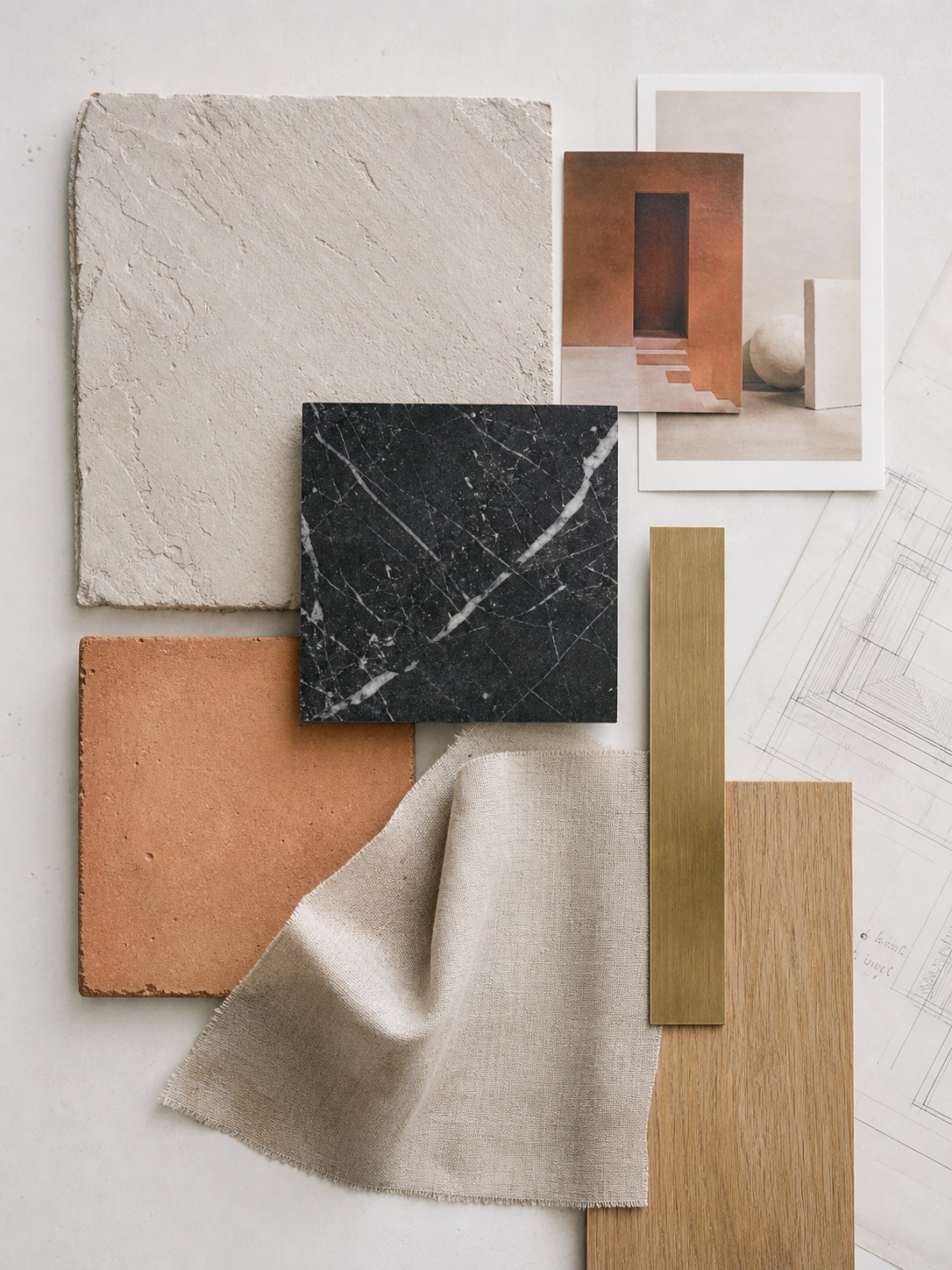
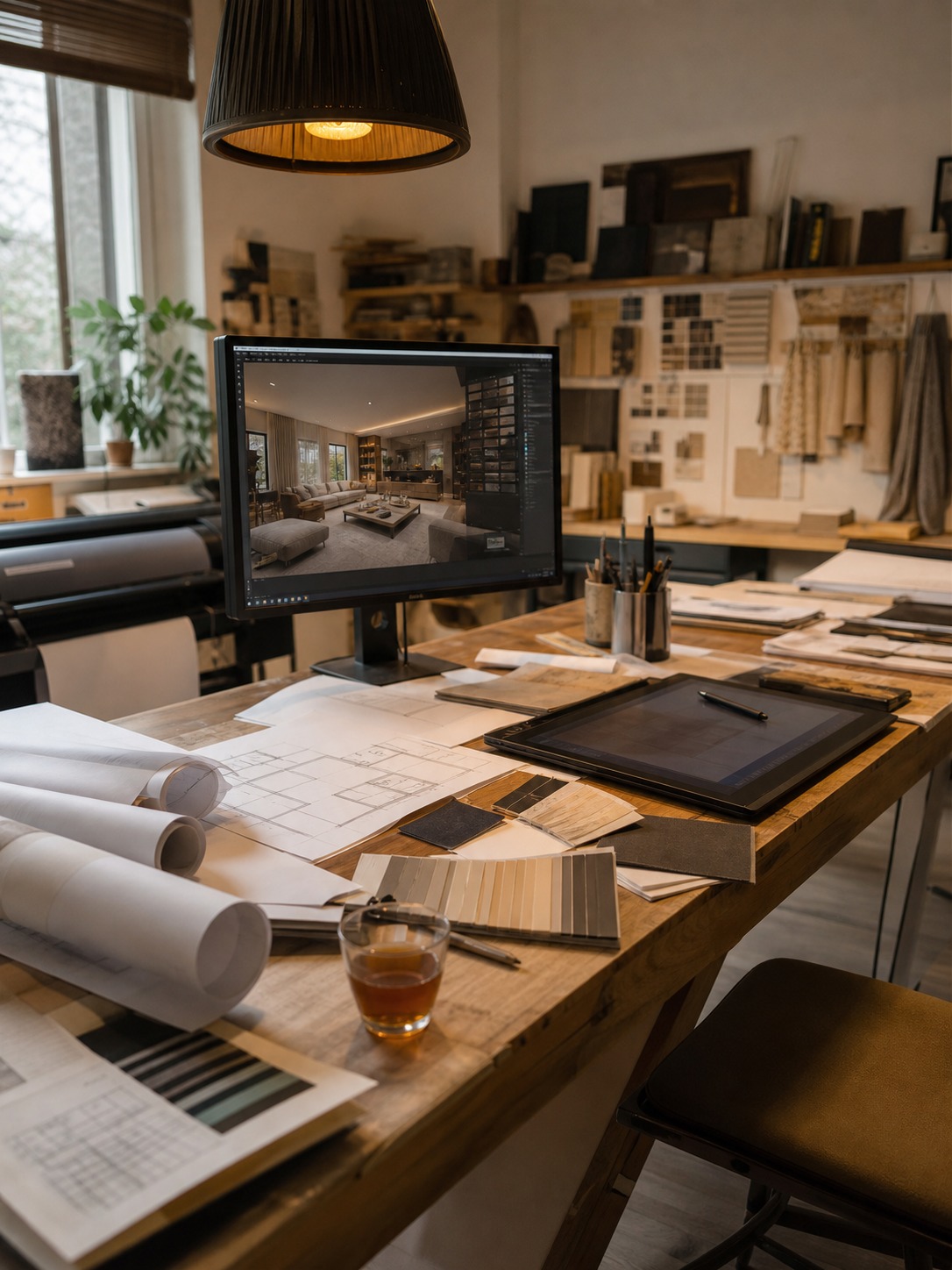
A stronger brief produces a stronger render. Before you start modelling — or before you hand a project to someone who will — pull together the essentials: a rough sketch or floor plan, accurate measurements including ceiling height, window and door positions, your reference images, the materials you’re actually considering (not just the inspiration photos), dimensions of specific furniture pieces, a clear direction on lighting and time of day, the camera angles that matter, and a note on what’s fixed versus what’s still open.
Skipping this stage is the most common reason renders go through unnecessary revision rounds. The model can only be as resolved as the information it’s built on.
What beginners can steal from professional renders
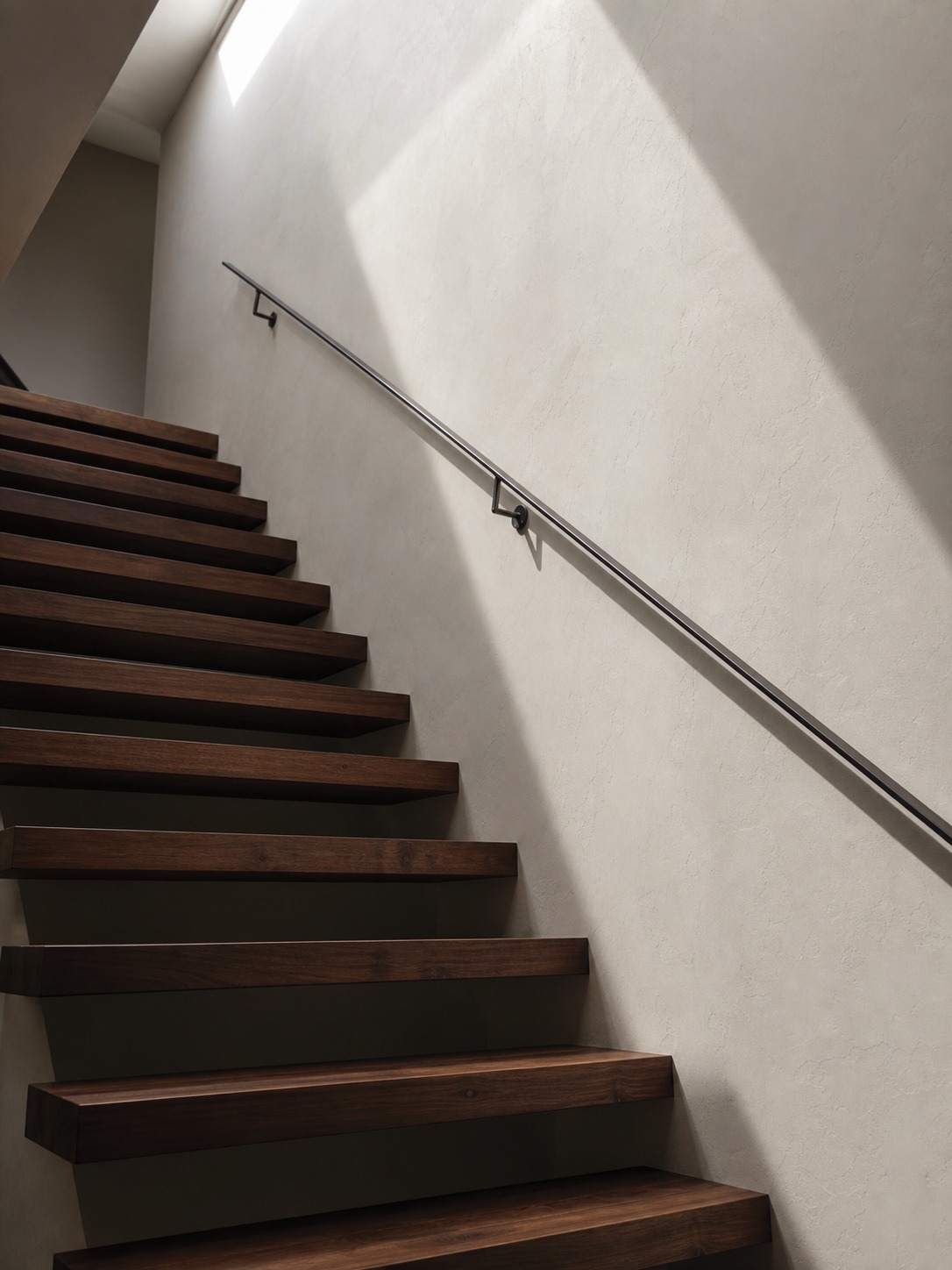
The renders worth studying teach visual lessons that improve all your design thinking.
This is particularly useful when testing sunlight paths and thermal envelope efficiency for a custom passive solar building design before construction begins.
Notice where professionals place the camera — almost always at standing eye height, because that’s how the space will actually be experienced. Notice how they use a single dominant light direction rather than flat, even illumination. Watch how they balance texture: giving the eye somewhere to rest rather than maxing out material detail in every corner. Look at how negative space frames the focal point, how material contrast creates visual hierarchy, and where they chose to simplify — because knowing what to leave out is as much a skill as knowing what to put in.

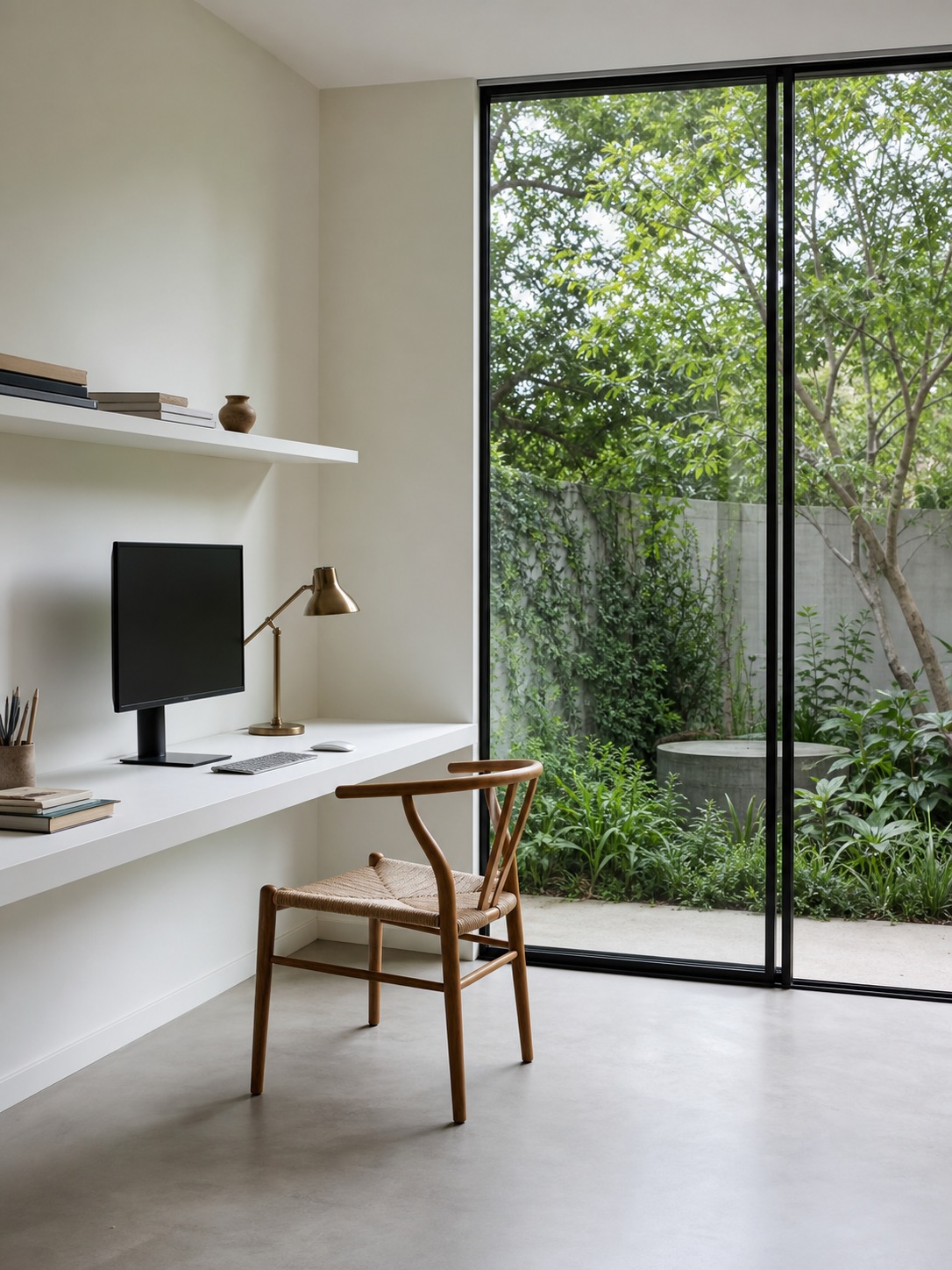
Studied this way, rendering stops being a software task and starts training your eye. That’s the real return on learning it: not just better presentations, but sharper spatial judgment that shows up from the first rough sketch onward.
Once a render is finished, camera thinking still matters; these architectural photography camera angles are useful for comparing real photos with rendered views.
Rendering reads better when the model underneath is organized. This 3D model rendering guide connects modeling decisions with lighting, materials, and final presentation.
The hand-drawn version of this idea is turning a flat sketch into a 3D illusion with a fixed viewpoint and a believable cast shadow.
To further refine your visual presentation, read our guide on modern architectural rendering techniques to control lights and material workflows.
If your concept depends on complex curves, use parametric architecture inspiration from Zaha Hadid’s work to see why strong diagrams matter before polished rendering.
FAQ
What’s the difference between a 3D render and an architectural visualization?
Mostly terminology. Architectural visualization is the broader field — it includes still renders, walkthroughs, virtual tours, and animated fly-throughs. A 3D render is a single still image produced from a 3D model. In practice, designers and clients use the terms interchangeably. If someone asks for ‘architectural visualization’ on a residential interior project, they almost always mean a set of high-quality still renders from specific camera angles.
Which software do interior designers actually use for 3D rendering?
SketchUp paired with Enscape is common for designers who want speed and relatively easy output. 3ds Max with V-Ray or Corona is the professional standard for high-quality stills. Lumion is popular for architects who need animated walkthroughs fast. Blender with Cycles is free and increasingly capable — worth learning if you’re on a tight budget and have patience for the learning curve. The software matters less than the quality of the underlying design brief.
How long does a professional interior render typically take to produce?
From a fully resolved model and brief, a professional studio typically delivers a set of 3–5 high-resolution stills within 2–4 working days. Complex scenes with intricate materials, custom furniture, or specific lighting setups can push that to a week. Rushed timelines are the most common source of disappointing output — if you need something in 24 hours, the quality will reflect it.
Can you 3D render from a 2D floor plan alone?
You can start from a floor plan, but a renderer will need to make a lot of decisions for you — ceiling height, window dimensions, material choices, furniture selection. The resulting render will reflect those assumptions, not your design intent. At minimum, supplement the floor plan with accurate room measurements, a reference image for each major material, and the specific furniture pieces you want placed. The more resolved your input, the more useful the output.
What camera angle should I use for interior renders?
Standing eye height — roughly 1.5 to 1.65 metres — almost always. It shows the room the way a person would actually experience it. Very low angles look dramatic but mislead the viewer about scale. Very high angles reveal the floor plan but lose the sense of being inside the space. For a standard residential interior, shoot from a corner at eye height, pointed toward the natural light source. That single rule covers 80% of the situations you’ll face.
When does it make sense to hire a 3D rendering service instead of doing it yourself?
When the project is client-facing and the timeline is tight, or when the quality gap between your current software skills and what the project needs is obvious. Self-rendering makes sense for design resolution — the process of modeling teaches you things about your own design. Professional outsourcing makes sense for final client presentations, marketing images, or any situation where the render itself needs to persuade. The two aren’t mutually exclusive: rough model yourself, final render outsourced.
Does 3D rendering replace the need for physical material samples?
No, and it shouldn’t try to. A render shows you how materials relate to each other in space — proportions, value contrast, how a floor reads against a wall — but screen colours vary across displays and render engines simplify the texture of real materials. Physical samples are still essential for colour-matching, texture feel, and final sign-off before ordering. Use renders to resolve the palette direction; use samples to confirm the specific products.
How do I brief a 3D rendering studio properly?
Provide a floor plan with accurate dimensions, ceiling height, all window and door positions, and elevation drawings if available. Include reference images for each material and finish — not just a mood board, but the specific products you intend to use. Specify the furniture dimensions and, ideally, the exact pieces. Define the time of day for lighting, the camera angles you need, and note explicitly which design decisions are final versus which you’re still testing. A complete brief saves several revision rounds.
Before moving into the digital render phase, most design concepts start as flat sketches. You can master this physical draft process by trying out our basic architecture drawing exercises.
These 3D visualizations ensure every detail conforms perfectly to the planned building style before construction starts.
- 173shares
- Facebook0
- Pinterest173
- Twitter0
- Reddit0