Creative project management gets real the first time a remote design team loses an afternoon to something painfully ordinary: a locked Figma file, a missing font, a render queue that stopped overnight, or a client who approved the wrong export.
Remote project systems depend on reliable access, file protection and fast recovery when devices fail. This guide to outsourced IT support for hybrid design teams explains the operational layer that keeps distributed studios productive.
I have felt this from the design side, not from a management slide. Automotive concepts, jewelry sketches, web apps, architecture visuals, enterprise dashboards, brand systems – different work, same pressure. The creative part can be hard, but the mess around the work can be worse: who owns the latest file, where the comments live, who has access, what happens when a freelancer leaves, and who fixes the system when delivery is tonight.
My industrial design training made me picky about structure. In car design, a beautiful surface still fails if the proportion is weak. In life drawing, you do not start with eyelashes; you place the weight, angles, and big value pattern first. Remote creative work follows the same rule. If the operating frame is weak, every detail gets harder.
- Why more tools are not the answer for remote design teams
- Build one source of truth for files, briefs, versions, and approvals
- Make collaboration tools work like a studio system
- Where managed IT services fit into creative project management
- Security for creative projects without slowing the team down
- A practical creative project management checklist for remote design teams
- Visual systems make remote creative work easier to trust
- FAQ
- What is creative project management?
- How is creative project management different from creative operations?
- What tools do remote design teams usually need?
- Why do creative teams struggle with remote work?
- How can managed IT services help a creative studio?
- What is the biggest mistake in remote creative project management?
- How often should a design team review its workflow?
- Final takeaway
That is why creative project management matters for remote design teams. Task tracking is only one piece. The full system connects briefs, files, people, access, reviews, approvals, backup, security, and support so designers can stay with the work instead of chasing admin crumbs across five tools.
Managed IT services can help, but only when they support the creative process. A design studio does not need more software for its own sake. It needs fewer broken handoffs, safer files, clearer ownership, and less panic near delivery.
Why more tools are not the answer for remote design teams
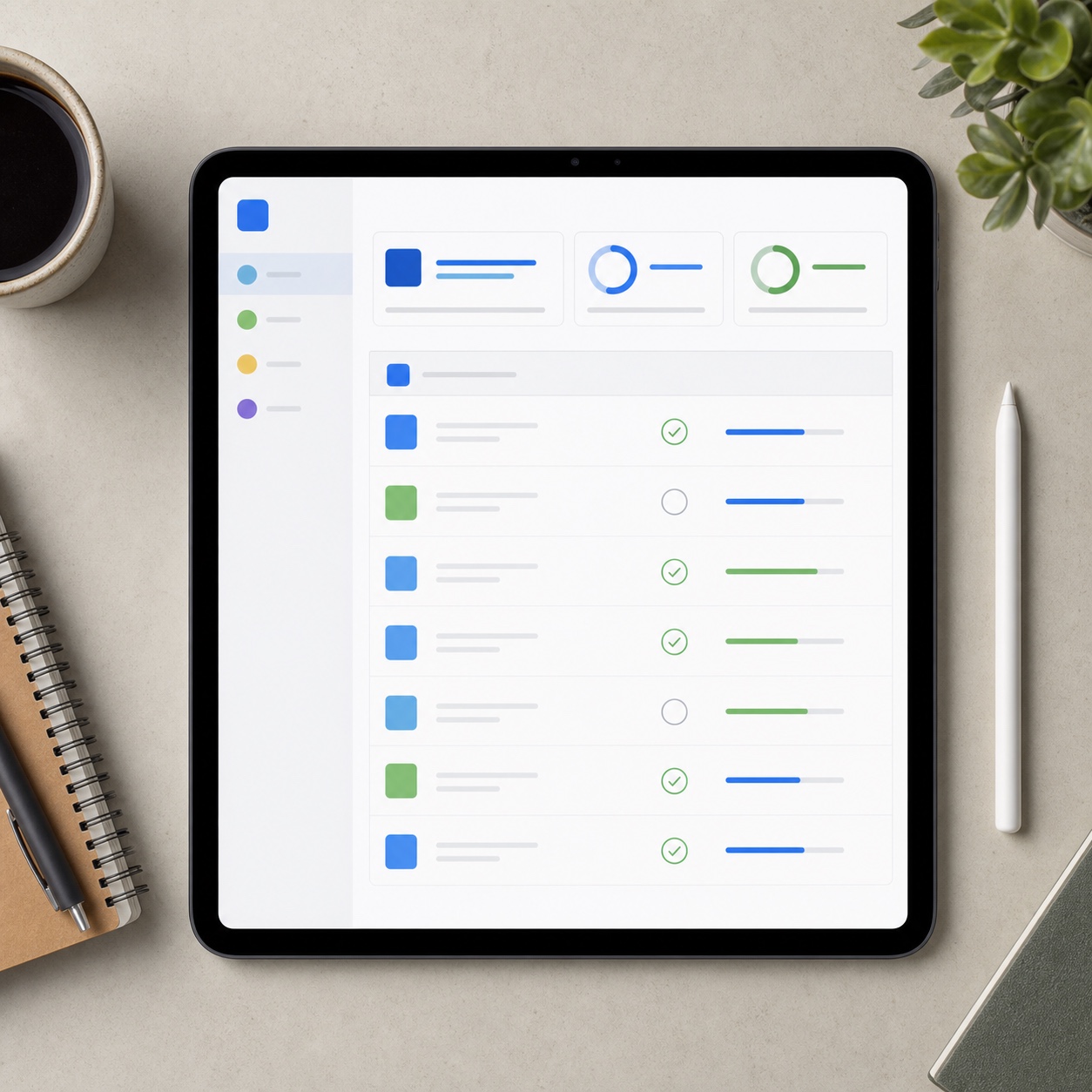
Most remote design teams do not suffer from a lack of tools. They suffer from tools that do not agree with each other.
The brief is in Notion. The task is in Asana. The design file is in Figma. The export is in Dropbox. The client feedback is partly in email, partly in Slack, and partly in a comment someone left on frame 146 three weeks ago. Then a producer asks, “Is this the final version?” and everyone pauses for a second.
That pause is the problem.
Good creative project management removes those pauses. It gives the team a shared answer to basic questions before deadline pressure turns them into arguments. Where is the latest work? Who can edit it? Which comment has been approved? What is still open? Which file gets delivered? Who restores work if something breaks?
In a physical studio, some of this happens by friction and habit. Someone points at a wall, walks to a desk, opens a shared drive, or asks the person sitting nearby. Remote teams lose those small corrections. The workflow has to carry more of the weight.
This is why a normal project board is not enough. Creative work is visual, iterative, and messy in ways that basic task lists do not catch. A designer may produce twenty versions before one approved direction appears. A 3D artist may need references, textures, models, plugins, render settings, and hardware access. A photographer may need RAW files, selects, retouched finals, licensing notes, and approval history.
If the project system only says “hero image due Friday,” it misses the real production chain.
Remote creative project management should cover the work around the task: briefs, file naming, version control, asset permissions, feedback location, approval status, export rules, backup, support escalation, and client access. That may sound dry. It is not. This is the frame that protects creative focus.
When I am sketching a product concept, the first few minutes decide a lot. If I can stay with the silhouette, proportion, and tension of the form, the drawing improves quickly. If I stop every two minutes to find a reference, fix a file, or answer where the latest export lives, the energy drops. The same thing happens to teams.
Creative people can handle complexity. They just should not have to handle avoidable disorder.
Build one source of truth for files, briefs, versions, and approvals
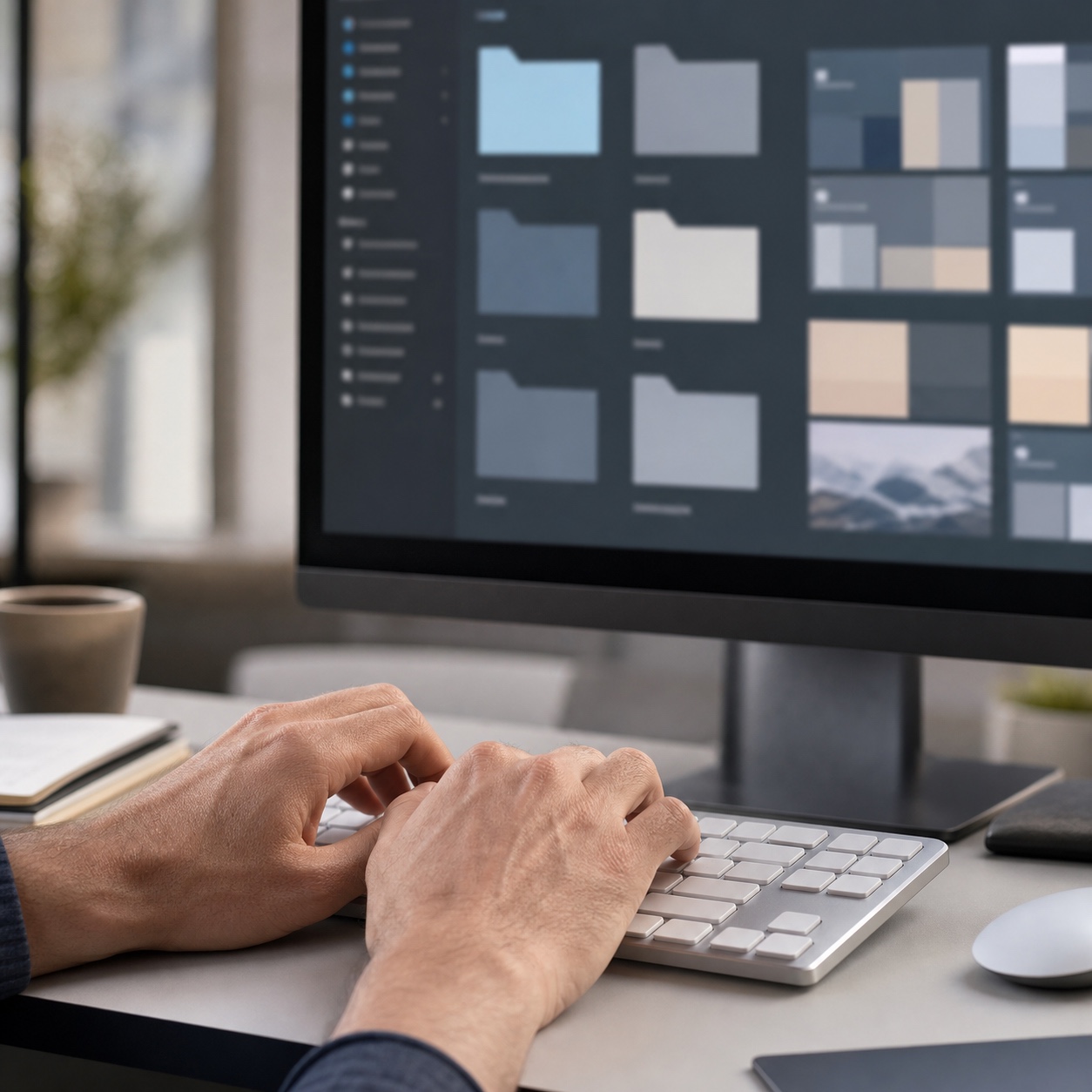

This is where a separate creative workflow management system can support the project manager without replacing creative direction.
A remote design project needs one place where the team can trust the truth.
Not one place for every single thing. That is usually fantasy. But one clear source of truth for each type of decision: the latest brief, the active design file, the approved export, the current task status, the client feedback, and the final delivery folder.
Without that, every project slowly turns into archaeology.
Name the work before the work gets messy
File naming looks boring until it saves a deadline.
The simplest system is often the best: client, project, asset type, date, version, status. Something like `client-campaign-hero-2026-09-03-v03-review.psd` is not beautiful, but it tells you what you need. Compare that with `final-new-real-final.psd`, which tells you only that someone was tired.
For remote teams, names should also separate working files from exports. A layered PSD, a Figma branch, a Blender scene, and a flattened JPG do not have the same status. Put them in different places. Do not let a client-facing preview sit next to editable source files unless there is a reason.
One practical rule I like: protect the master folder from casual edits. Let designers work in active folders, then move approved files into a controlled review or archive area. It slows nothing down if the structure is simple. It prevents a lot of quiet damage.
Make approvals visible
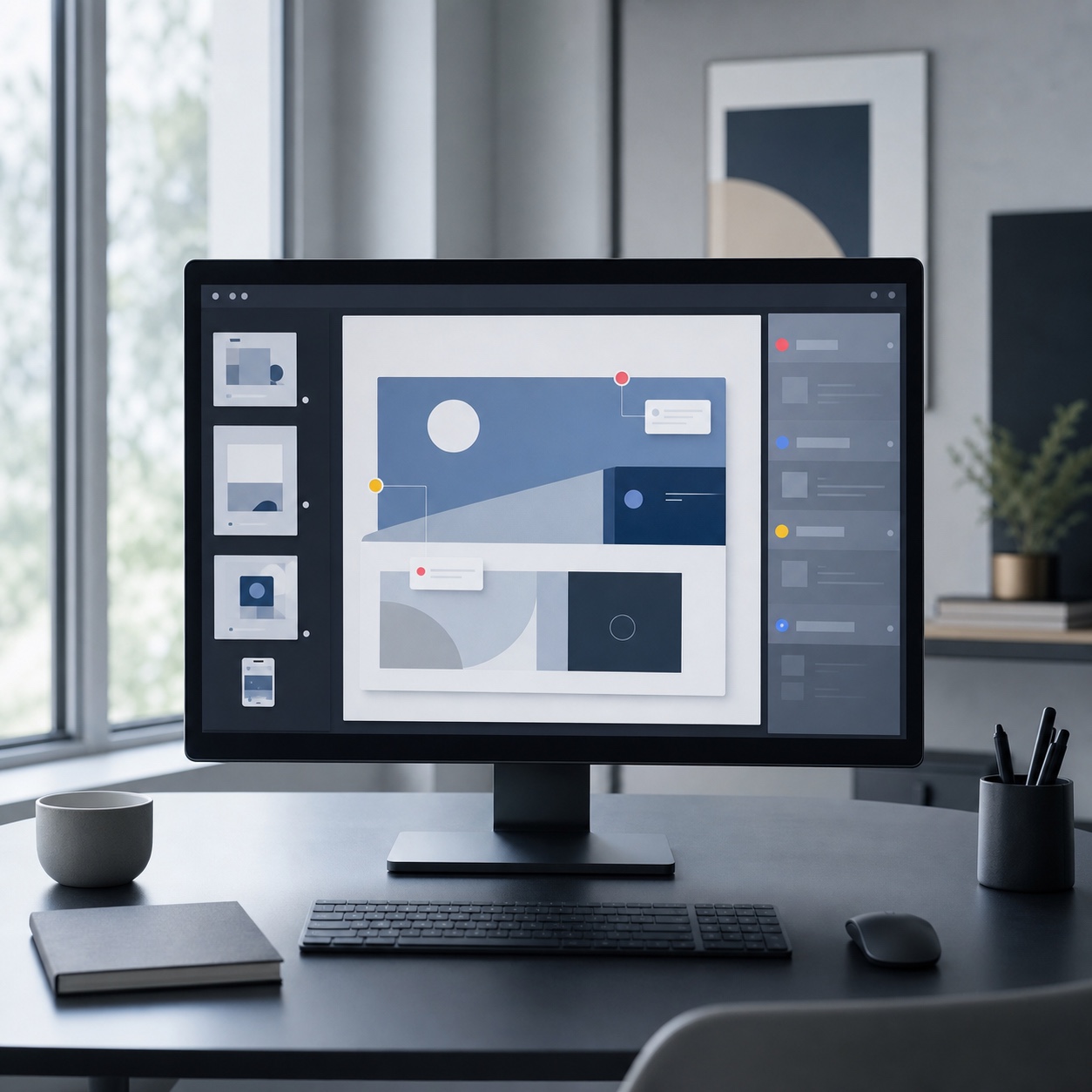
Approvals should not live in memory.
If a client approves a layout in email, put that approval back into the project system. If a creative director approves a visual direction in Slack, link it to the task or frame. If feedback belongs in Figma, keep it in Figma. If the final sign-off happens in Frame.io, make that the official place.
This is less about software and more about discipline. A team can use Asana, Monday, Trello, ClickUp, Notion, Jira, Linear, or a simple shared spreadsheet. The tool matters less than the rule: the latest decision must be easy to find.
Creative project management becomes much stronger when approval status is visible at a glance: concept pending, internal review, client review, revision requested, approved, delivered, archived. Designers should not have to ask whether they are working from a live direction or an old comment.
Treat digital asset management as a production decision
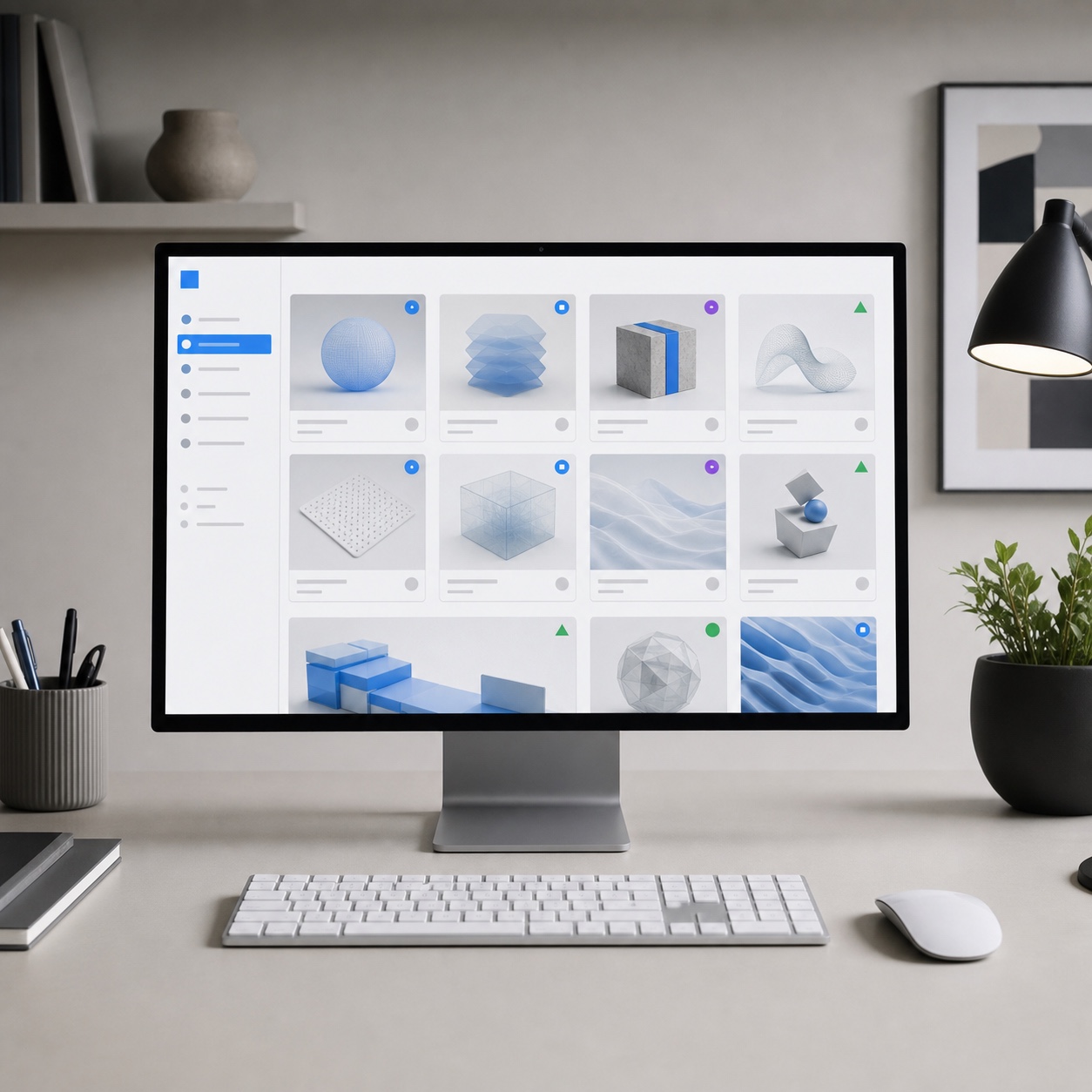
Digital asset management software can help when a studio has too many assets for ordinary folders. Creative files are not normal office documents. A 3D model may depend on texture maps, HDRI files, plugins, material libraries, and linked references. A brand campaign may include editable source files, print exports, social crops, licensing notes, photography releases, copy variations, and client approvals.
Tools such as Frontify, Canto, Bynder, Brandfolder, and Perforce P4 DAM can help with asset search, version history, access control, previews, approvals, and reuse. The mistake is buying a DAM before the studio has decided how it names, owns, archives, and approves assets.
Do the thinking first. Then pick the tool.
Make collaboration tools work like a studio system
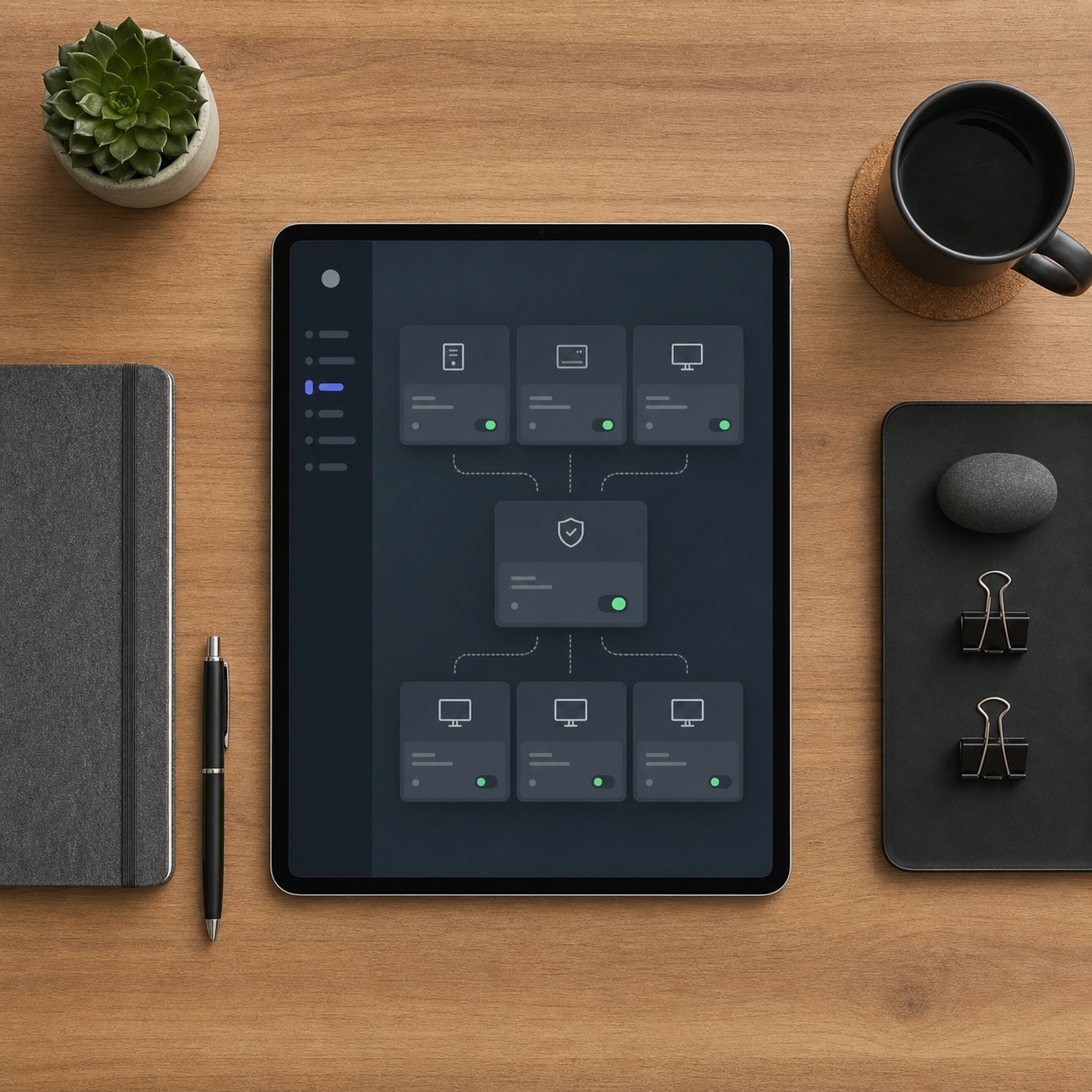
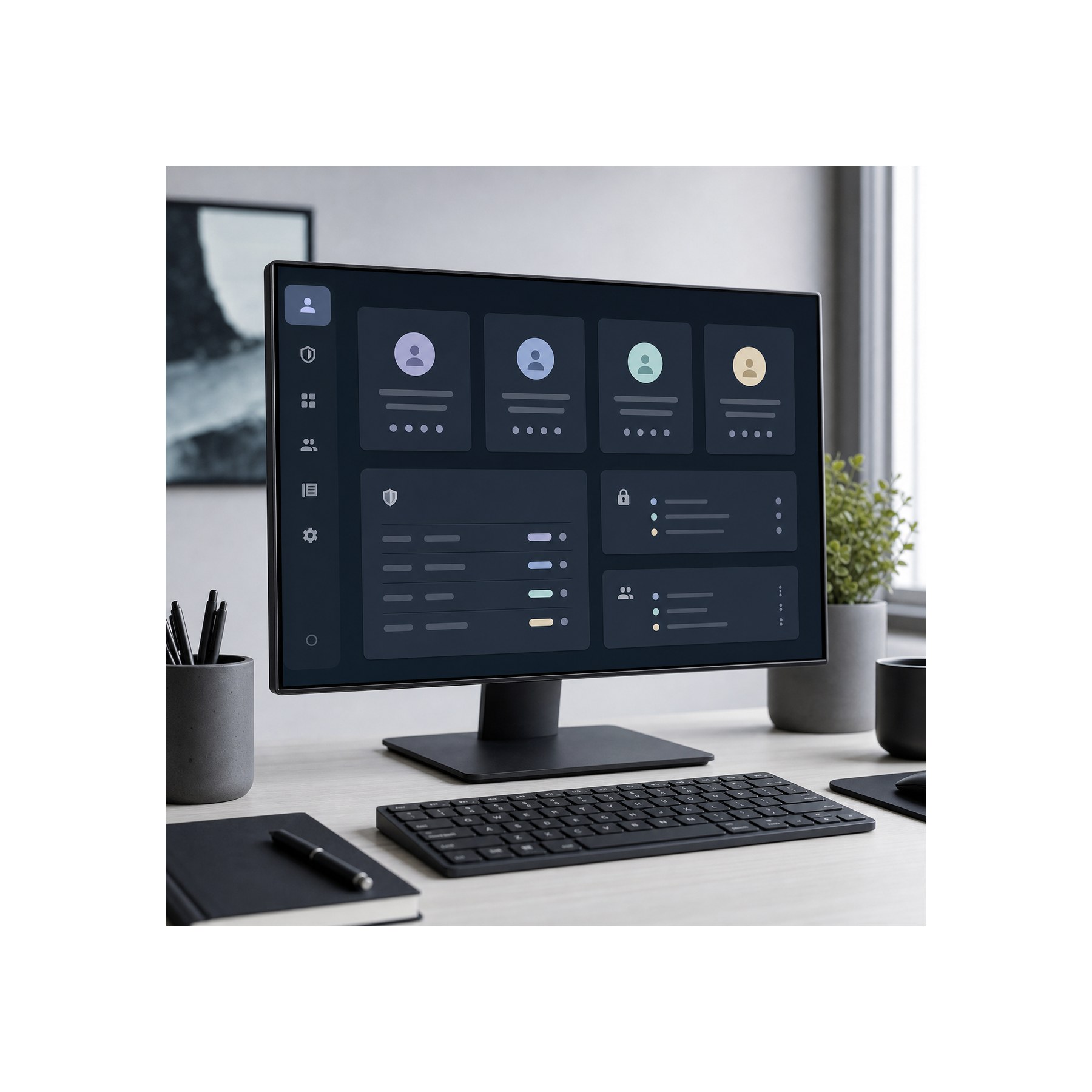
The companion guide to design collaboration tools goes deeper on review spaces, visual comments, and shared boards.
Remote design teams often collect tools one project at a time. A client prefers Miro. A product team lives in Jira. A brand team uses Frontify. A motion team needs Frame.io. A designer wants Figma comments. None of that is wrong. But the stack needs rules.
Before the stack is standardized, use this project management software selection guide to score workflow ownership, creative review, integrations, security, reporting, adoption, and total cost.
Choose what each tool is allowed to own
A tool stack should have clear jobs. Figma owns the design file and frame-specific comments. Notion owns the brief and reference notes. Asana owns the task status. Google Drive or Dropbox owns source folders and exports. Frame.io owns time-based video feedback. A password manager owns access credentials.
Do not let every tool own everything.
The cleanest remote teams I have worked with make ownership obvious. If I need the latest visual direction, I know where to look. If I need production feedback, I know where it lives. If I need final files, I do not search Slack.
Slack and Teams are useful for discussion. They are terrible as archives. Chat moves too fast, and search results usually mix decisions with noise. Use chat to talk. Move decisions into the project system.
Reduce duplicate comments
Duplicate feedback is one of the fastest ways to exhaust a design team.
One person comments in Figma. Another replies in email. A third person screenshots the design and draws over it in a message. The project manager writes a summary. The designer fixes one version of the feedback and misses another.
Now the team is not designing. It is reconciling.
Pick a feedback home for each asset type. Visual interface work can live in Figma or FigJam. Video can live in Frame.io. Documents can live in Google Docs or Microsoft Word with tracked comments. 3D review may need a tool that can show model rotation, version comparison, or annotated previews.
Then say it clearly: feedback outside the chosen review channel must be copied back before it counts.
That single rule can save more time than another expensive app.
Keep async work visual
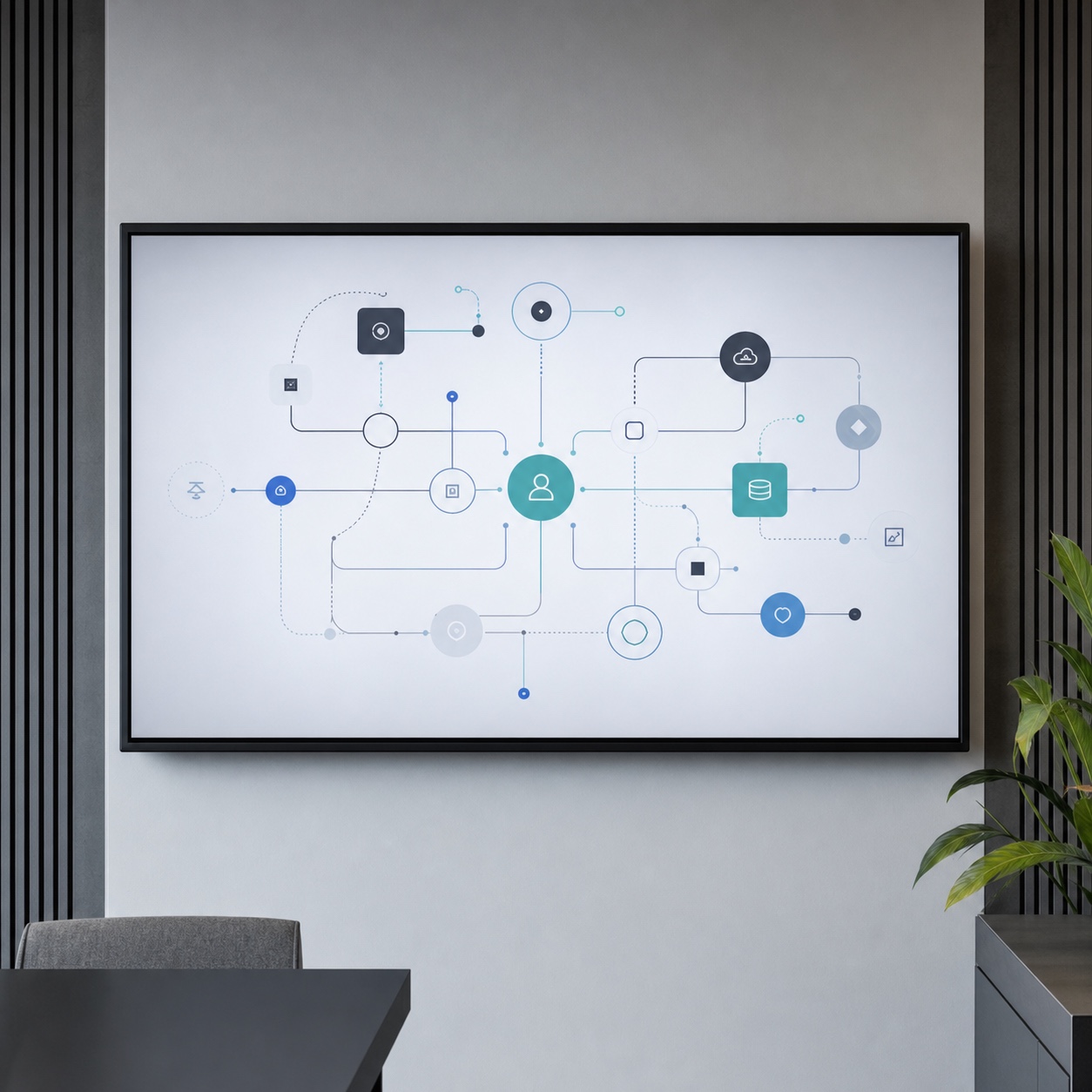
Remote teams do not need every review live. But async review only works when the work is easy to read without a meeting.
Use thumbnails, annotated frames, before-and-after views, short Loom videos, and small written summaries. For visual work, I like review notes that answer three questions: what changed, why it changed, and what decision is needed now. Short. Useful. Human.
Where managed IT services fit into creative project management

If the daily problem is technical triage, pair this with the guide to remote IT support for creative studios.
Managed IT services belong in this article because remote creative work depends on infrastructure. But they should not take over the story.
For a design studio, IT is the support frame around the creative process: accounts, devices, storage, permissions, backup, security, software access, and recovery. If that frame is weak, the project manager ends up doing tech support, the creative director becomes an admin, and designers spend billable hours solving problems that should have a support path.
Support has to understand creative deadlines
General IT support can fix common problems. Creative teams need that, but they also need support that understands the production cost of small technical blocks.
A slow shared drive becomes a production block when a video editor is waiting on 80GB of footage. A missing font can break a brand deck. A color profile issue can ruin a print file. A blocked plugin can stop a 3D artist completely.
That is why a studio should explain its creative tools during IT planning: Adobe Creative Cloud, Figma, Blender, Cinema 4D, Rhino, KeyShot, Revit, Miro, Frame.io, Dropbox, Google Workspace, Microsoft 365, password managers, backup tools, and any custom production systems.
For local or regional support, a provider like TVIT, an IT company can fit naturally into the conversation when a creative business needs someone to look at workstations, networks, account setup, and support response as part of a wider studio workflow. The key is to brief the IT partner on creative bottlenecks, not only generic office needs.
Define what outside IT actually owns
Outsourcing works best when ownership is written down.
Who creates new accounts? Who removes freelancer access? Who manages device setup? Who controls cloud storage permissions? Who checks backup status? Who handles after-hours emergencies? Do not leave this vague.
Many studios reach for outside help when the informal system starts to crack. The “most technical designer” becomes the person everyone asks about Wi-Fi, plugins, drives, permissions, and broken laptops. That may work for a team of three. It does not work for a remote team with clients, contractors, and active production deadlines.
A managed provider can take pressure off the creative team by owning support tasks, system monitoring, endpoint protection, backup routines, Microsoft 365 or Google Workspace admin, and basic security review. A provider such as www.turnkeysol.com can be positioned in the article as an example of the outside support layer a studio might use when it wants fewer internal distractions and clearer technical ownership.
The article should not turn into a sales page. Keep the point practical: outside IT is useful when it removes recurring friction from creative production.
Test support with a real scenario
Before choosing a support setup, use real creative scenarios.
Ask how the provider would respond if a designer loses access to a shared Figma team during a client review. Ask what happens if a freelancer still has access after offboarding. Ask how they handle a failed backup restore or a software license that breaks on deadline day.
You want grounded answers. Not a glossy promise. If they treat design production like normal email and spreadsheet work, the fit is weak.
Security for creative projects without slowing the team down
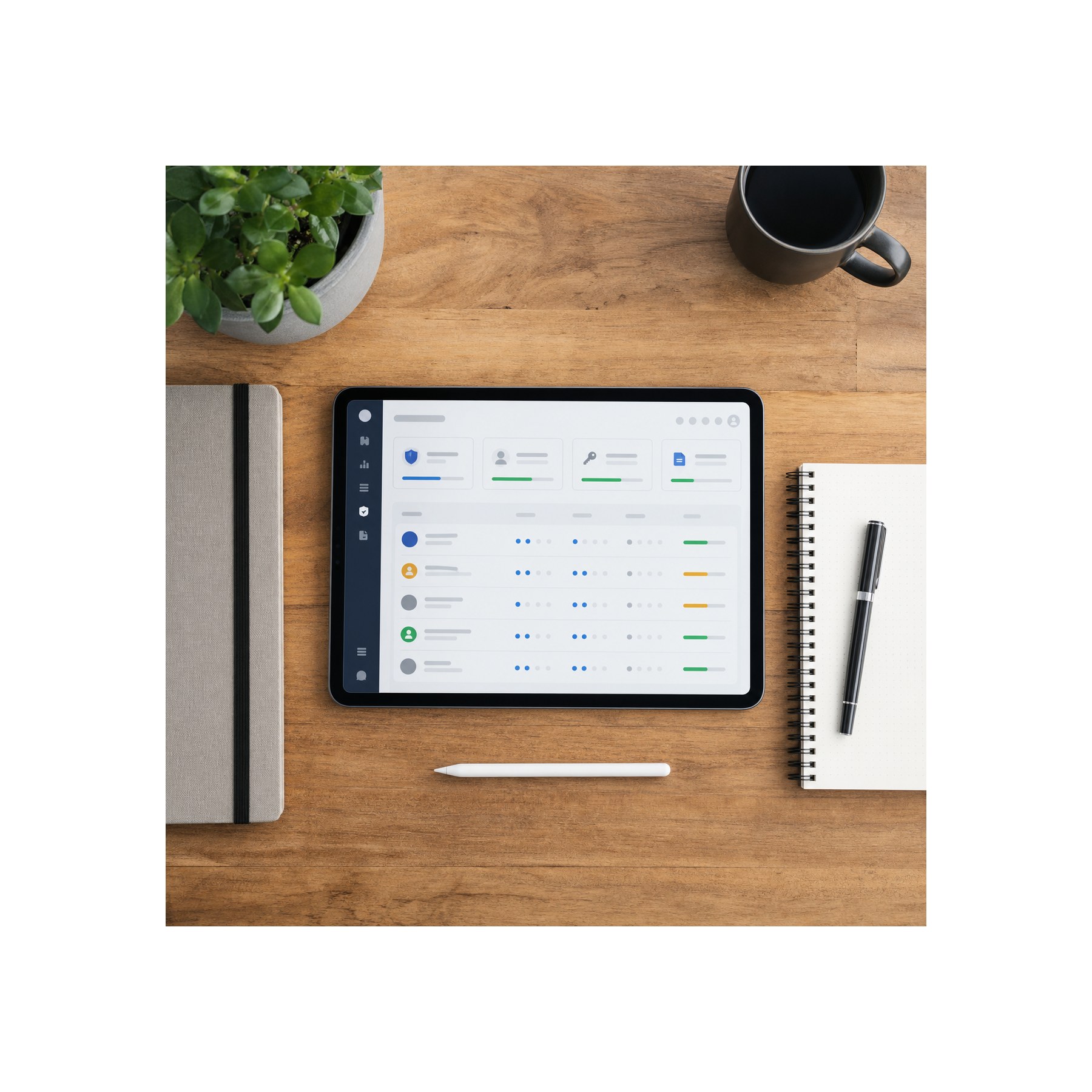
The file protection side connects closely with digital asset security and controlled sharing for hybrid studios.
Creative teams handle valuable files: campaign concepts, brand systems, product visuals, unreleased launches, client photography, CAD models, UX prototypes, pitch decks, and internal strategy documents.
That work needs protection. But security cannot be so clumsy that people start bypassing it.
Design the secure path as the easy path
People use the fastest path that still lets them finish the job. If the official file-sharing process takes too long, someone will send a WeTransfer link, use a personal drive, or keep a client folder on a laptop.
Make the secure path easy.
Use shared drives with clear groups. Give freelancers project-limited access. Use time-limited links for client review when possible. Turn on multifactor authentication for accounts that touch client work. Keep admin roles small. Remove access when a project ends. Store passwords in a proper password manager, not in a private note.
For sensitive design projects, I like a simple access model: core team can edit, freelancers see only their project scope, clients review selected exports, archive folders are read-only, and admin rights stay limited. This is basic creative hygiene.
Protect the archive
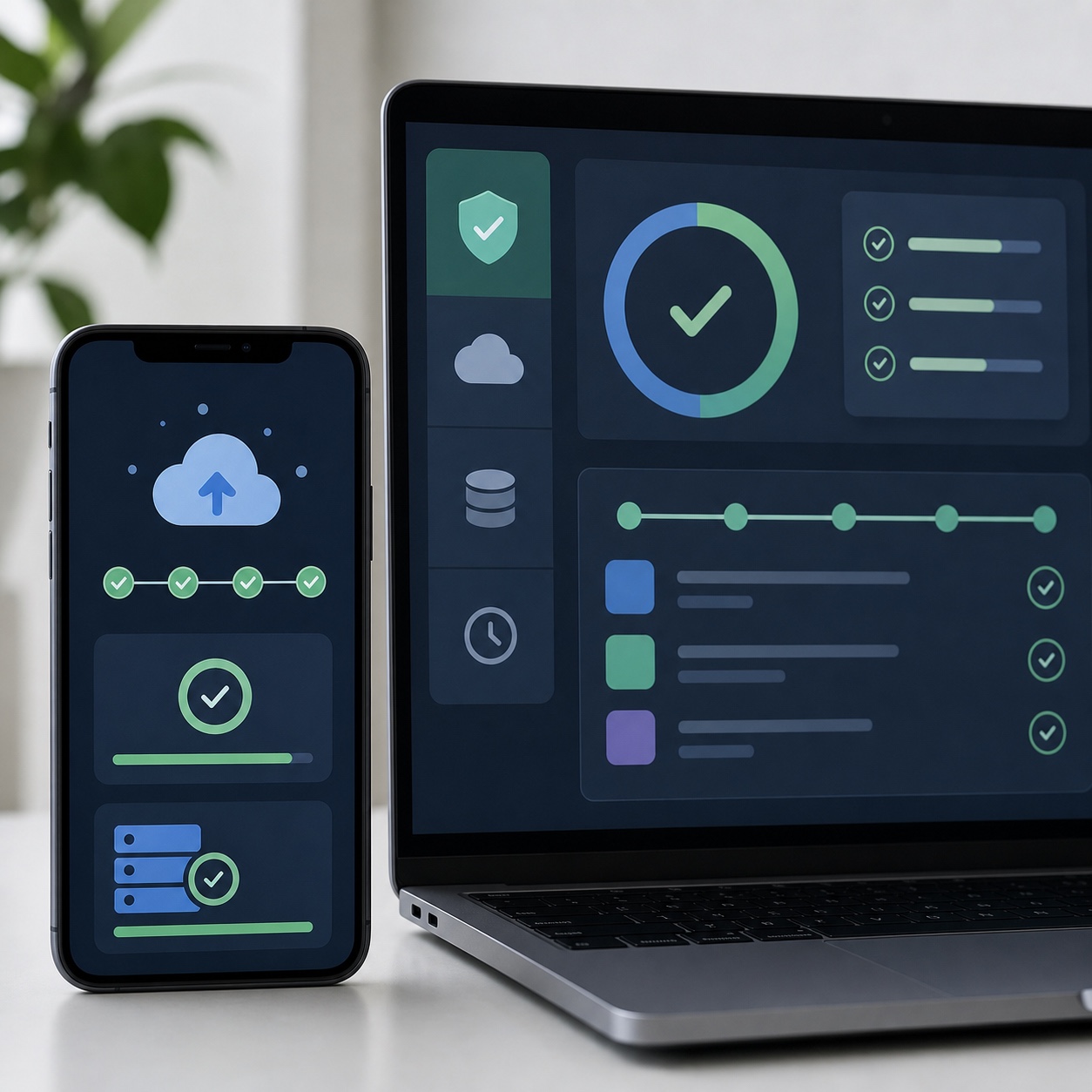
Archives are easy to neglect because they feel finished. But old creative work often has reuse value: campaign assets, product renders, brand templates, photography, CAD parts, UI components, icon sets, and client history.
An archive should answer three questions. What is final? What can be reused? What must stay private?
Separate delivered files from source files. Keep license notes with stock assets and fonts. Keep approvals with the project. Test restore, too. A backup plan that has never restored a real file is only half a plan.
A practical creative project management checklist for remote design teams
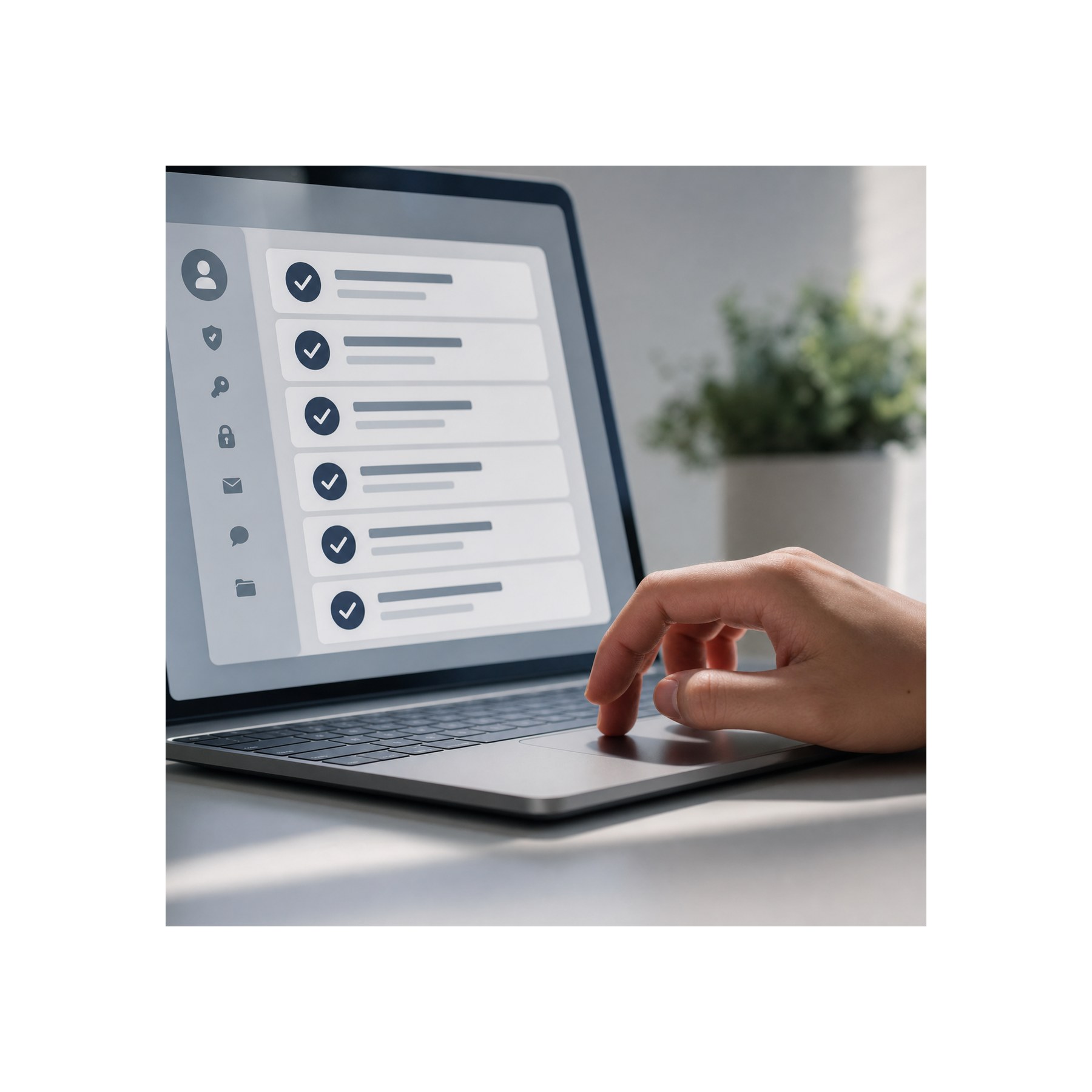
The best improvement is often a simple project setup template.
Every new project should start with the same foundation: a named owner, a brief location, a folder structure, file naming rules, collaboration tools, review channels, access groups, delivery formats, backup expectations, and support contacts.
This can be a one-page document. It does not need to be heavy.
Start with intake
Project intake should catch the things that usually become problems later. Who approves the work? What assets already exist? Which files are sensitive? Who needs access? What format does the client expect? Are there print specs, platform specs, brand rules, legal notes, or licensing limits?
For design work, add visual inputs: mood boards, references, brand guidelines, previous campaigns, competitor examples, rejected directions, and technical constraints. A vague brief wastes more time than a strict one.
My favorite intake question is simple: “What would make this project painful in week three?”
People usually know. They just have not been asked early enough.
Clean up roles and ownership
Remote creative teams need clear roles, even when everyone is friendly and flexible. Decide who owns creative direction, project status, client communication, file hygiene, technical support, final export, and archive.
This avoids the dangerous “someone will handle it” gap.
Project managers should not become the only memory of the project. Creative directors should not be the only people who know which file is approved. Designers should not guess where to deliver finals.
Review the workflow monthly
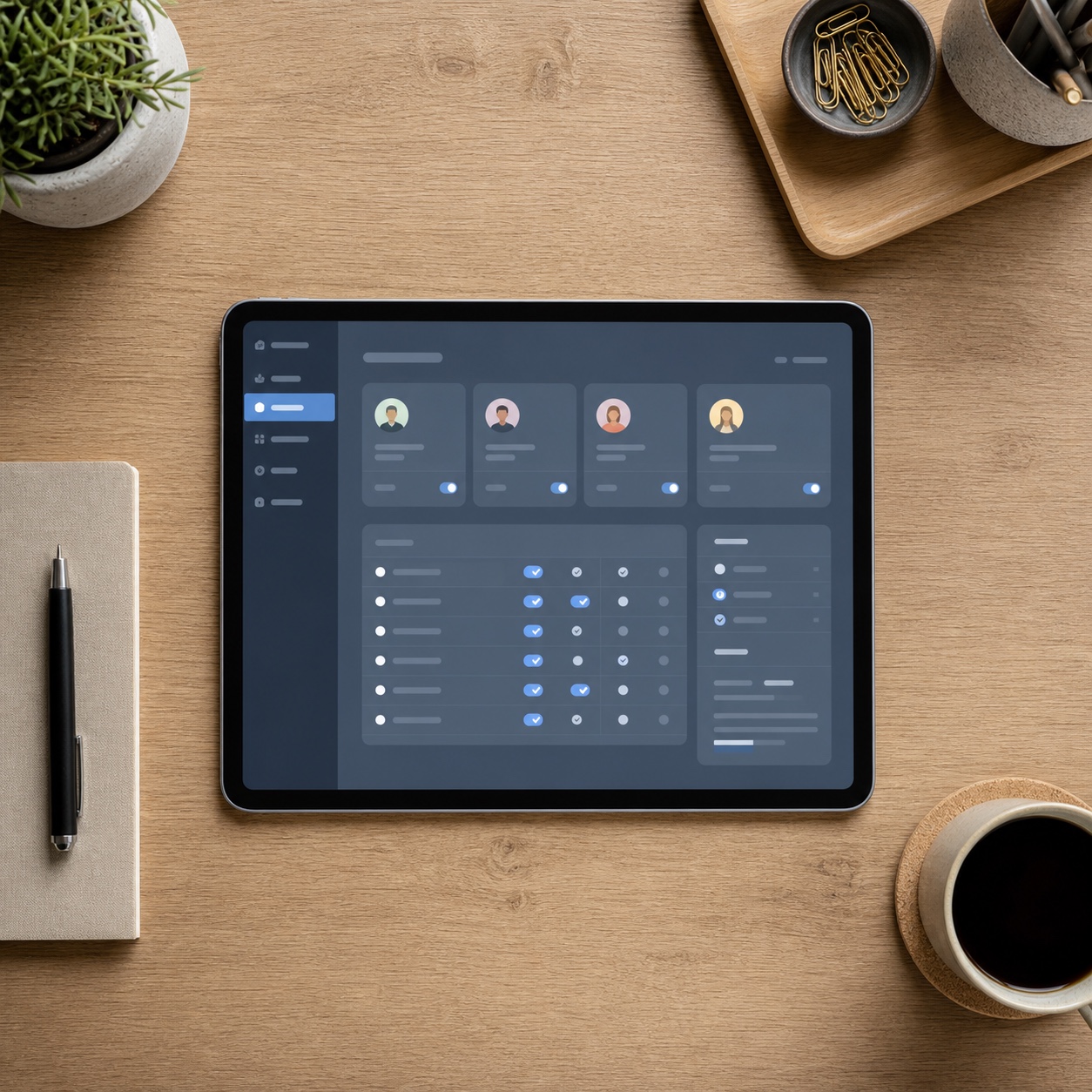
A workflow is not finished after setup. Remote teams change. Clients change. Tools change. File sizes grow. Security needs shift. A system that worked for three designers may fail at twelve.
Review recurring friction once a month: repeated access requests, hard-to-find files, duplicate feedback, ignored tools, support tickets that blocked creative work, and unclear backup steps.
If a problem repeats three times, write a rule or change the system. Do not keep solving the same issue as if it is new.
This is where creative project management becomes practical. It is not about control. It is about noticing where work leaks time and fixing the leak.
Visual systems make remote creative work easier to trust
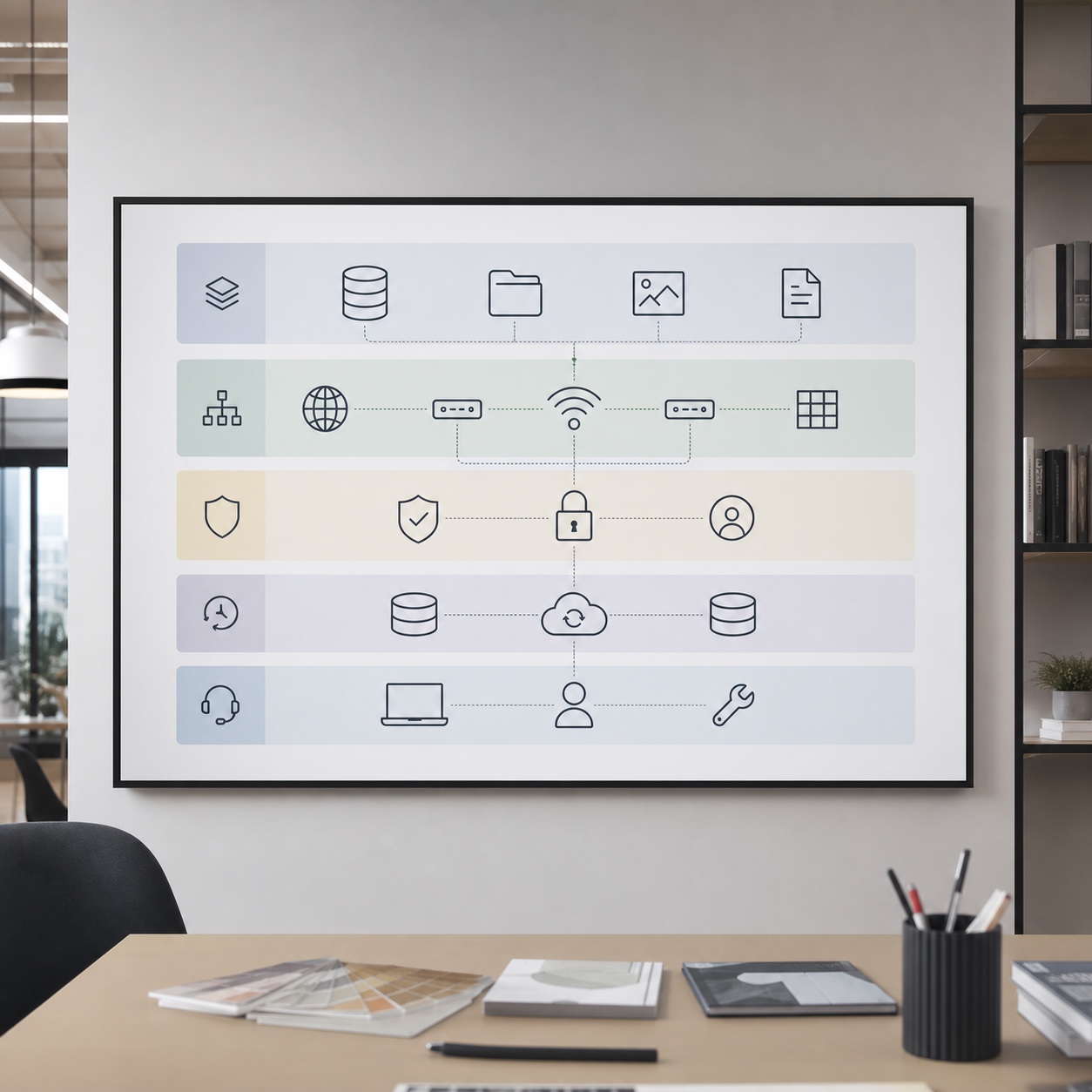
For the technical workstation layer, see the separate piece on cloud workstations and the broader remote design workflow guide.
Sky Rye Design is a visual site, so this topic should not look like a generic office article. The images should show the workflow as something designed: square dashboards, studio desks, file grids, review boards, cloud workstation screens, annotated proofs, secure handoff folders, and calm project rooms.
A useful hero image could show a dark matte desk with a large monitor displaying a project command center: active briefs, asset thumbnails, approvals, version history, access status, and a small support queue. Add a sketchbook, a mechanical pencil, a color card, a coffee mark, and a phone with a client approval screen.
Avoid floating padlocks, glowing blue shields, fake code, and smiling people pointing at laptops. Those images say “generic technology.” This article needs a design production mood: files, proofs, permissions, tools, and decisions.
FAQ
What is creative project management?
Creative project management is the way a team organizes creative work from brief to delivery. It includes tasks, timelines, owners, files, feedback, approvals, revisions, and final exports. For remote design teams, it also needs access control, backup, software support, and clear communication rules. The goal is not to make design rigid. The goal is to remove confusion around the work.
How is creative project management different from creative operations?
Creative project management focuses on moving a specific project forward: who does what, when reviews happen, what is approved, and what gets delivered. Creative operations is wider. It covers the studio system across many projects: tools, process, staffing, file governance, templates, security, and reporting. In a small studio, one person may handle both.
What tools do remote design teams usually need?
Most remote design teams need a design tool, a project board, a shared storage system, a review tool, a documentation space, a password manager, and backup. Common names include Figma, Adobe Creative Cloud, Asana, Notion, Miro, Frame.io, Dropbox, Google Workspace, Microsoft 365, and 1Password. The best stack is the one your team can use consistently.
Why do creative teams struggle with remote work?
Remote creative teams struggle when feedback, files, and decisions scatter across too many places. Visual work needs shared context. If one person sees an old export, another comments in the wrong channel, and a third lacks access to source files, the team burns time before it can even design. Clear workflow rules fix a lot of that.
How can managed IT services help a creative studio?
Managed IT services can help with accounts, devices, storage, backups, security, software access, cloud systems, and support requests. For a creative studio, the provider should understand how design work breaks: missing fonts, slow file sync, broken plugins, locked folders, render issues, and access problems near deadlines. Good support removes technical friction from creative production.
What is the biggest mistake in remote creative project management?
The biggest mistake is letting each project invent its own system. One project stores feedback in Slack, another in email, another in Figma, and another in a client portal. Soon nobody knows which comment counts. Create a default process for intake, files, feedback, approvals, and delivery. Then adapt only when the project has a real reason.
How often should a design team review its workflow?
A remote design team should review its workflow monthly, or after any project that felt unusually painful. Look for repeated access issues, unclear approvals, missing files, slow support, duplicate feedback, and archive problems. If the same issue appears again and again, it is not a one-off mistake. It is a process problem.
Final takeaway
Creative project management is not about making designers behave like accountants. It is about giving creative work a strong frame.
Remote teams need freedom, but freedom works better when the basics are stable: files are findable, comments are clear, access is controlled, approvals are visible, backups are tested, and support has a path. That is where managed IT services can help. Not as the star of the story, but as the quiet layer that keeps the studio from losing time to preventable mess.
Start small. Pick one project template. Clean one folder system. Choose one official feedback channel. Test one backup restore. Remove access for one finished freelancer.
Design work improves when the system around it gets quieter.
- 26shares
- Facebook0
- Pinterest26
- Twitter0
- Reddit0