Before I was doing full-time design and architecture work, I spent a stretch building enterprise dashboards for a distributed team, designers in three time zones, none of us in the same room, all of us trying to review the same interface without stepping on each other’s changes. The tool stack we cobbled together was the actual bottleneck, not the design work itself. A file living in someone’s inbox instead of a shared library, feedback scattered across three different apps, a client approval that existed only as a verbal “looks good” nobody wrote down. None of that is a creative problem. It’s a plumbing problem, and it eats far more studio time than anyone budgets for.
Most advice aimed at remote creative studios treats this as an IT procurement question, pick a managed provider, get secure infrastructure, move on. Infrastructure matters, but it’s the wrong starting point. The right starting point is the actual shape of design work moving through a distributed team: how feedback happens, how files stay in sync, how approvals get tracked, how a finished asset hands off to a client without three people re-uploading the same file to three different places.
- What a remote creative studio needs from collaboration tools
- Core tool categories for distributed design work
- How to connect the tools into one studio workflow
- Where IT support belongs in the collaboration stack
- Mistakes that make remote design collaboration messy
- Quick checklist for choosing design collaboration tools
- FAQ
- What tools do remote creative studios actually need?
- How do you keep design feedback organized across a distributed team?
- Should a creative studio manage its own IT or outsource it?
- How many tools should a remote design team actually use?
- What is the biggest mistake remote studios make with collaboration tools?
This is a practical breakdown of that stack, the tool categories a remote creative studio genuinely needs, how to connect them into one coherent workflow instead of four disconnected apps, and where IT support actually belongs in the picture, quietly underneath everything else, not as the first decision you make.
None of what follows requires ripping out an existing toolset and starting from zero. Most studios already own most of the pieces they need, spread across accounts nobody’s fully activated or configured to talk to each other. The bigger improvement is usually connecting what’s already there properly, not buying something new.
What a remote creative studio needs from collaboration tools
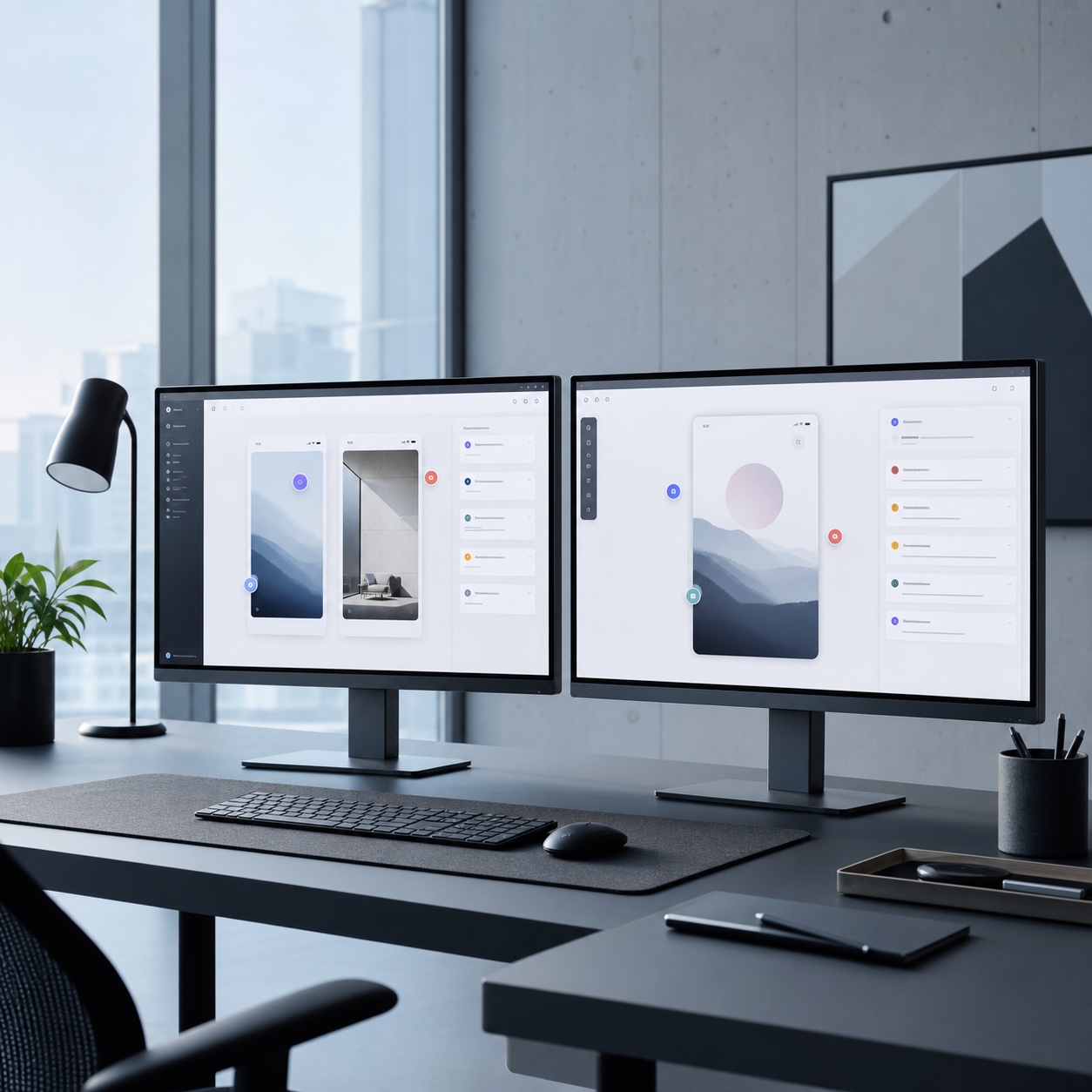
A co-located studio can paper over a weak tool stack with proximity, someone just walks over and looks at the screen. A remote studio doesn’t have that fallback, which means the tools themselves have to carry weight that used to be handled informally. Three things matter more here than almost anything else: feedback has to attach directly to the specific point in the work it refers to, files need one authoritative version rather than five copies with slightly different names, and approvals need a record, not a memory of a Slack message from two weeks ago.
None of this is about chasing the newest platform. It’s about making sure every stage of a design’s life, draft, review, revision, approval, handoff, has a tool that’s actually built for that stage, rather than forcing one general-purpose app to do all five jobs badly.
It’s worth being honest about the actual cost of getting this wrong, since it rarely shows up as one dramatic failure. It shows up as small, repeated friction, an extra fifteen minutes here clarifying which file is current, another ten there re-explaining feedback that got lost in a chat scroll, that adds up to a meaningful chunk of billable time every week without ever looking like a single fixable problem.

Core tool categories for distributed design work
Distributed design work breaks down into four genuinely distinct needs, and treating them as one undifferentiated “collaboration” problem is where most studios go wrong.
Visual feedback and creative review
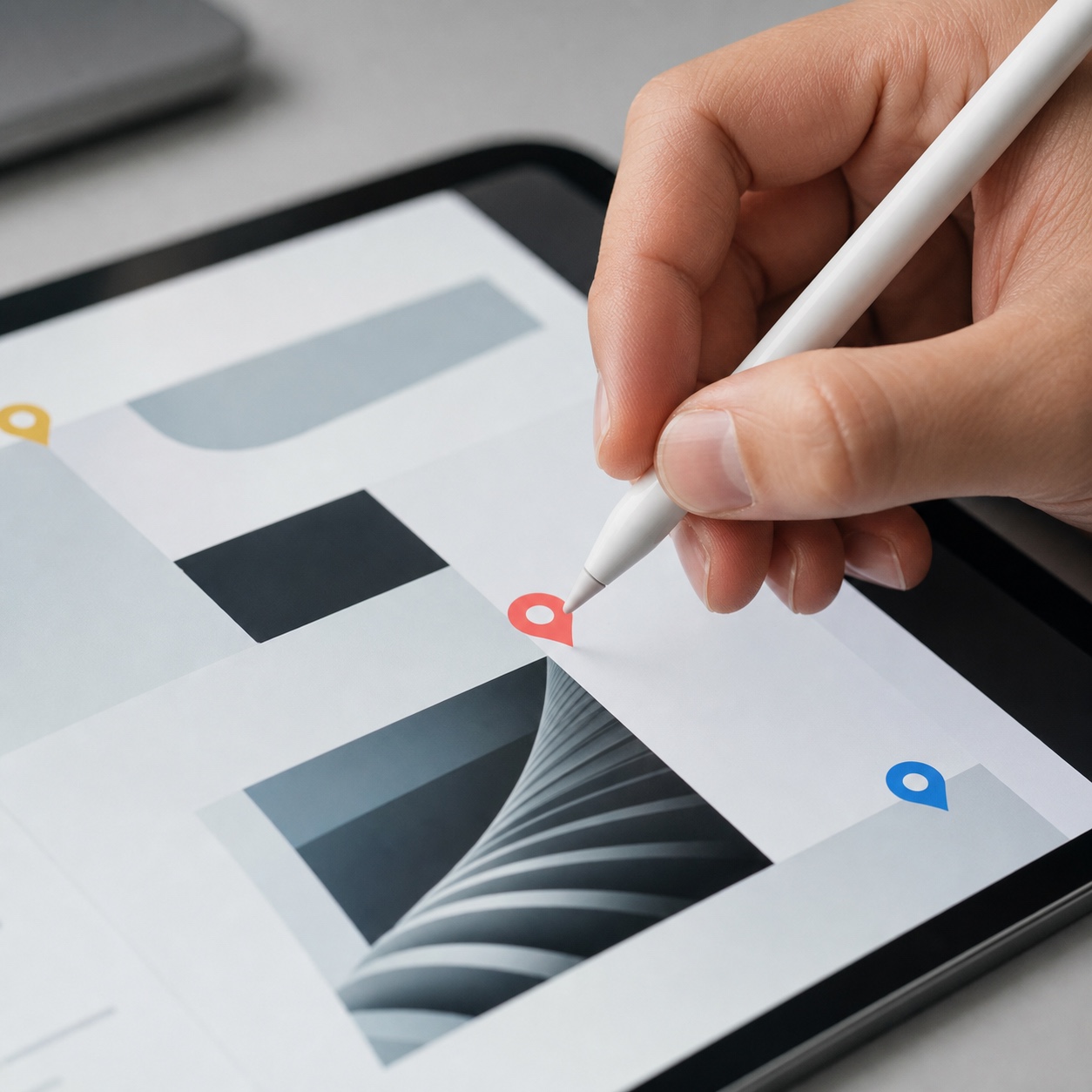
Feedback that lives as a pin directly on a specific pixel, frame, or timestamp is fundamentally more useful than feedback written in a chat thread that requires someone to describe where on the design they mean. Dedicated visual review tools let a client or team member mark up an exact spot, a comment thread anchors to that location permanently, and everyone can see the full history of what changed and why. This single category probably saves more studio hours than any other tool decision, purely by eliminating the “which version are we even talking about” conversation that eats up so much async communication.
The time-zone problem makes this even more important than it would be for a co-located team. A comment left at 6pm in one time zone needs to make complete sense to someone reading it at 9am the next morning in another, with no chance to ask a clarifying question in real time. A pinned, contextual comment survives that gap intact. A vague chat message like “can we tweak the header a bit” does not.
Shared files, asset libraries, and version control
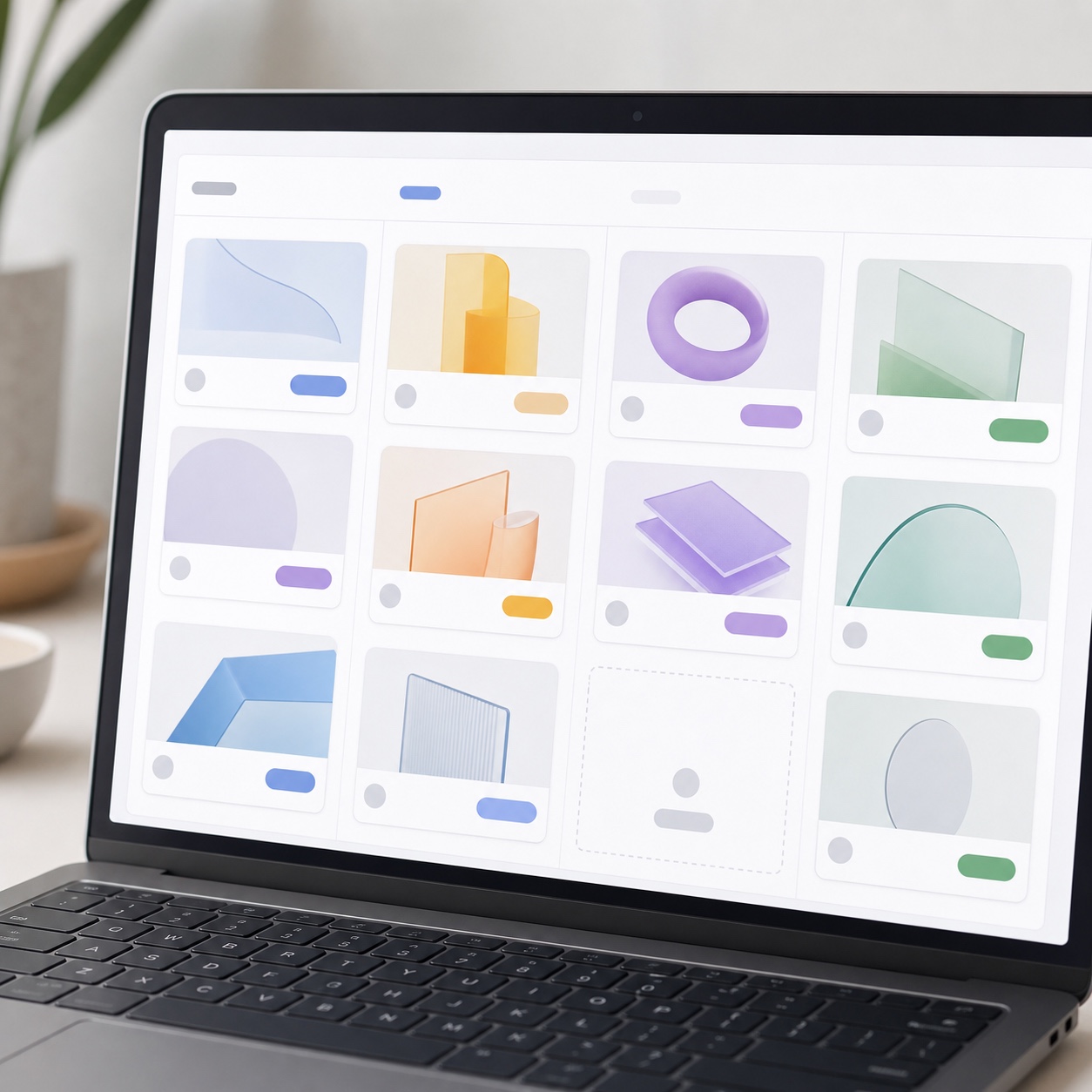
A shared asset library with real version control, not a folder full of files named “final,” “final_v2,” and “final_ACTUALLY_final,” is non-negotiable for any studio bigger than one person. The goal is a single source of truth for every logo, component, template, and brand asset, with a version history that lets anyone roll back or compare changes without hunting through email attachments. For studios juggling libraries across multiple client brands, this also becomes an access-control question, not just a storage one, since not everyone should be able to touch every brand’s assets.

Naming conventions matter more here than most studios admit, since even a well-built asset library becomes unusable if nobody agreed on how to name and tag files consistently. A simple, enforced convention, project code, asset type, version number, in that order, does more for findability than any amount of folder nesting.
Project boards for approvals and deadlines
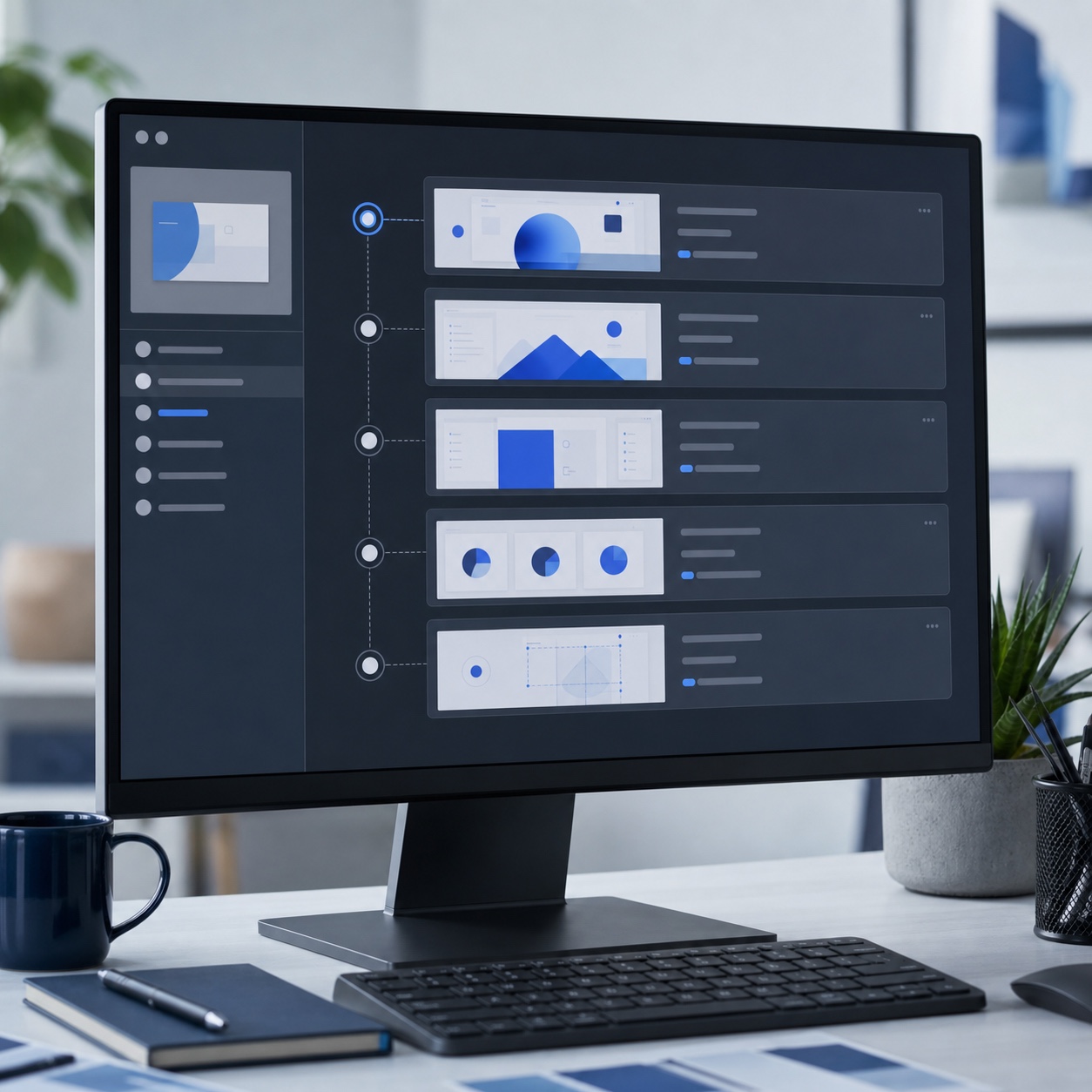
A visible board, whichever specific tool a studio prefers, that tracks what stage every deliverable is actually in, draft, internal review, client review, approved, delivered, replaces the informal status-checking that eats enormous time in a distributed team. The board’s value isn’t the pretty kanban columns, it’s that anyone can check a project’s real status without pinging someone directly and waiting for a reply across time zones.
Deadlines belong on the same board rather than in a separate calendar tool that nobody consistently checks against actual project status. Seeing a due date directly beside the design’s current review stage makes it immediately obvious when a deadline is at genuine risk, rather than discovering the gap only once the date has already arrived.
Permissions, client access, and handoff
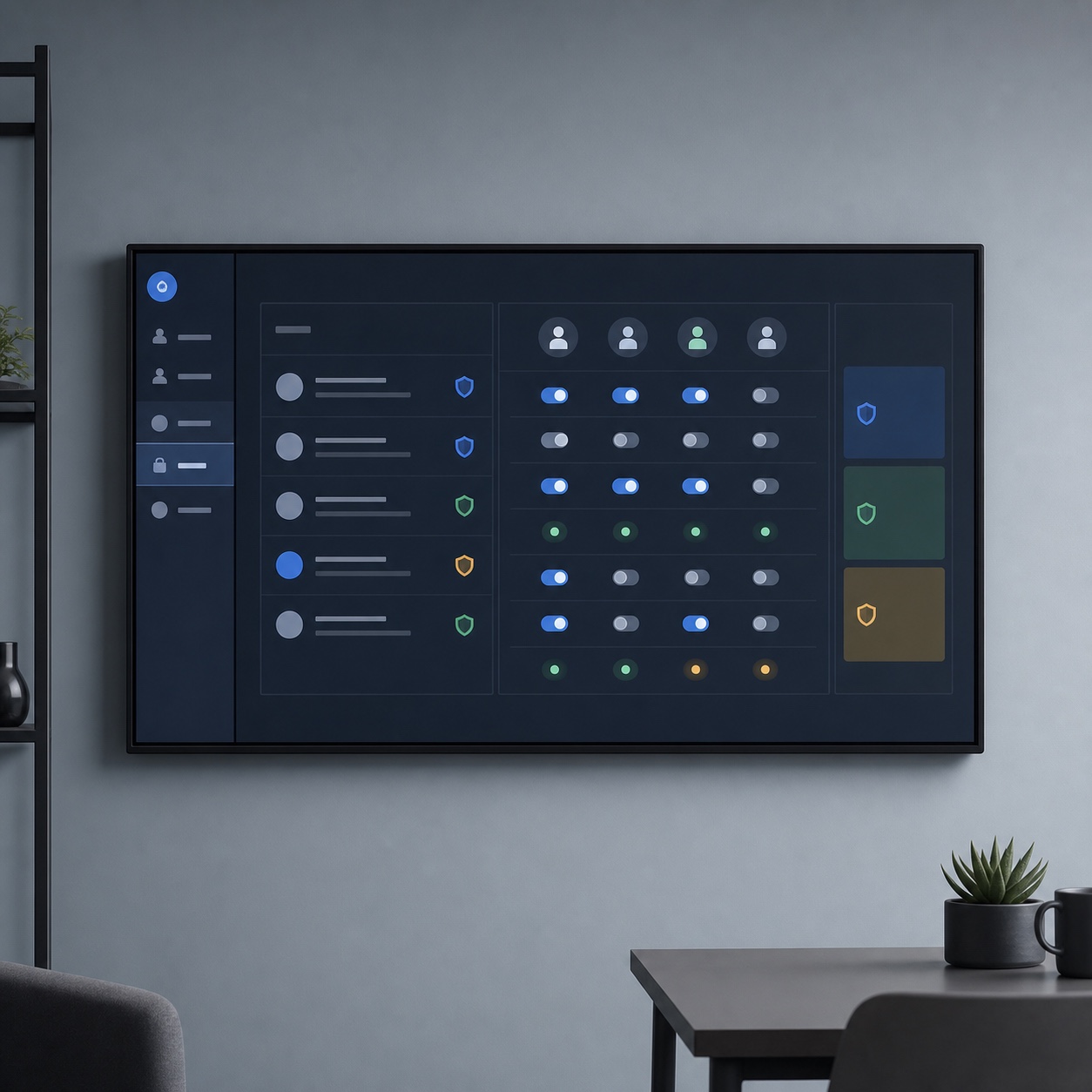
Clients need enough access to review and approve work without getting full visibility into a studio’s internal file structure, in-progress drafts for other clients, or unrelated project history. Getting permissions right at this level protects both confidentiality and the studio’s own polish, since a client stumbling into an unfinished, unrelated project reflects badly regardless of how good the actual work is. Handoff deserves its own deliberate step too: a final asset delivered with organized, correctly named files and clear specs is a different experience for a client than a zip file with no structure, even when the underlying design work is identical.
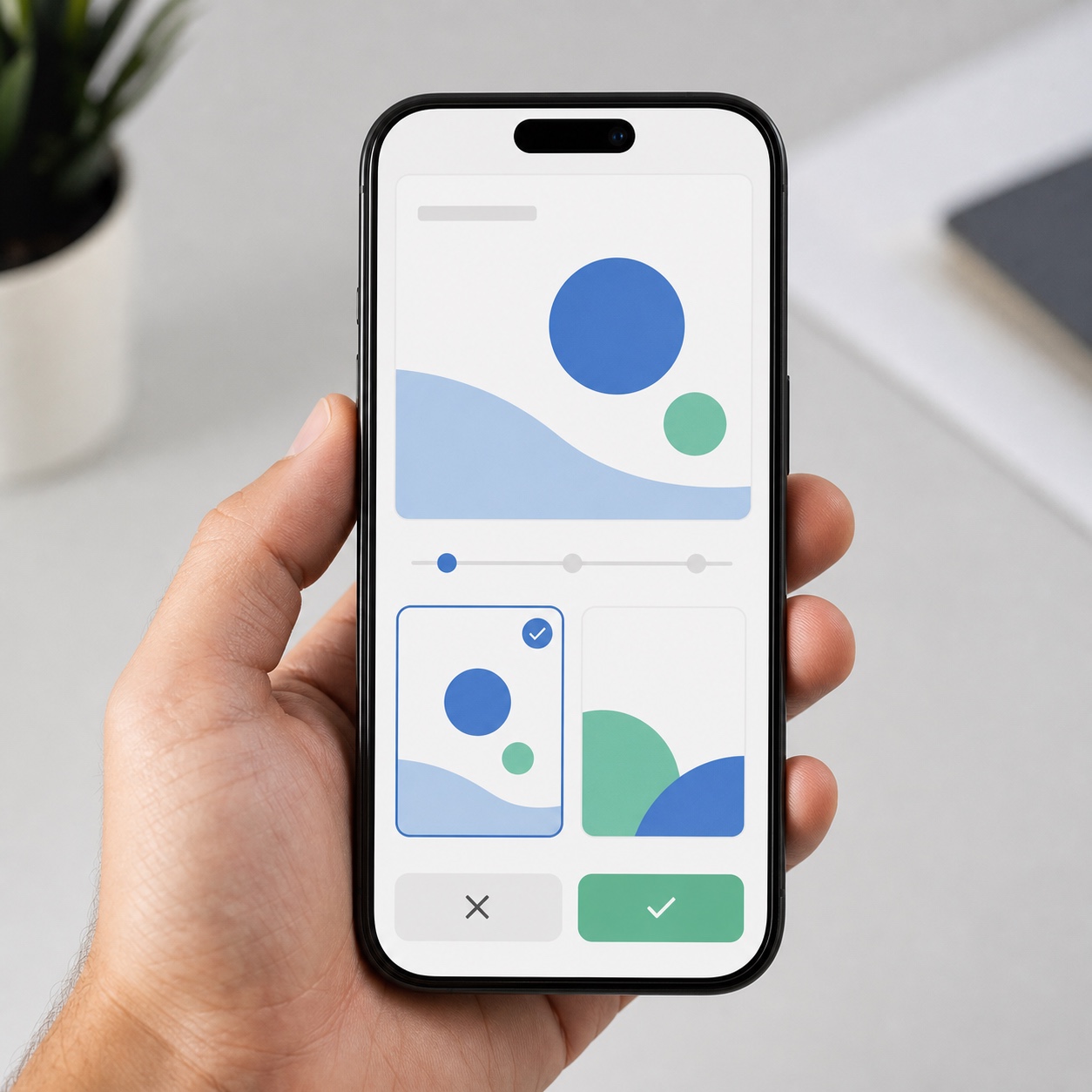
It’s worth building a standard handoff checklist rather than improvising it project by project, exported file formats confirmed, naming convention applied, any usage notes or brand guidelines included, access revoked or adjusted once the project closes. A checklist here removes the risk of the handoff quality depending entirely on which team member happens to be wrapping up the project that week.
Audit your current stack by tracing one deliverable from first draft to client handoff and counting how many different apps it touches along the way. If the answer is more than three or four, that’s usually the actual source of the friction, not a talent or process problem.
Integration starts with the platform that owns tasks, dates, and approvals. This guide explains how to choose project management software for a creative team before connecting design, storage, review, and communication tools around it.
How to connect the tools into one studio workflow
Individually good tools still create friction if they don’t talk to each other. The strongest remote studio stacks treat integration as a real design decision, not an afterthought, connecting the review tool, the asset library, and the project board so a status change in one place reflects automatically in the others, rather than requiring someone to manually update three systems every time a design moves forward. Our piece on design workflow for remote studios goes deeper into structuring this kind of workflow specifically for remote studios, beyond just the tool selection covered here.

The practical test for whether a stack is actually connected, rather than just installed side by side, is simple: when a client approves a design in the review tool, does that approval automatically update the project board, or does someone have to remember to go update it manually? The second scenario is where studios quietly lose track of approval status, and it’s almost always a configuration gap rather than a tooling limitation, most platforms support this kind of integration, it just doesn’t get set up during onboarding.
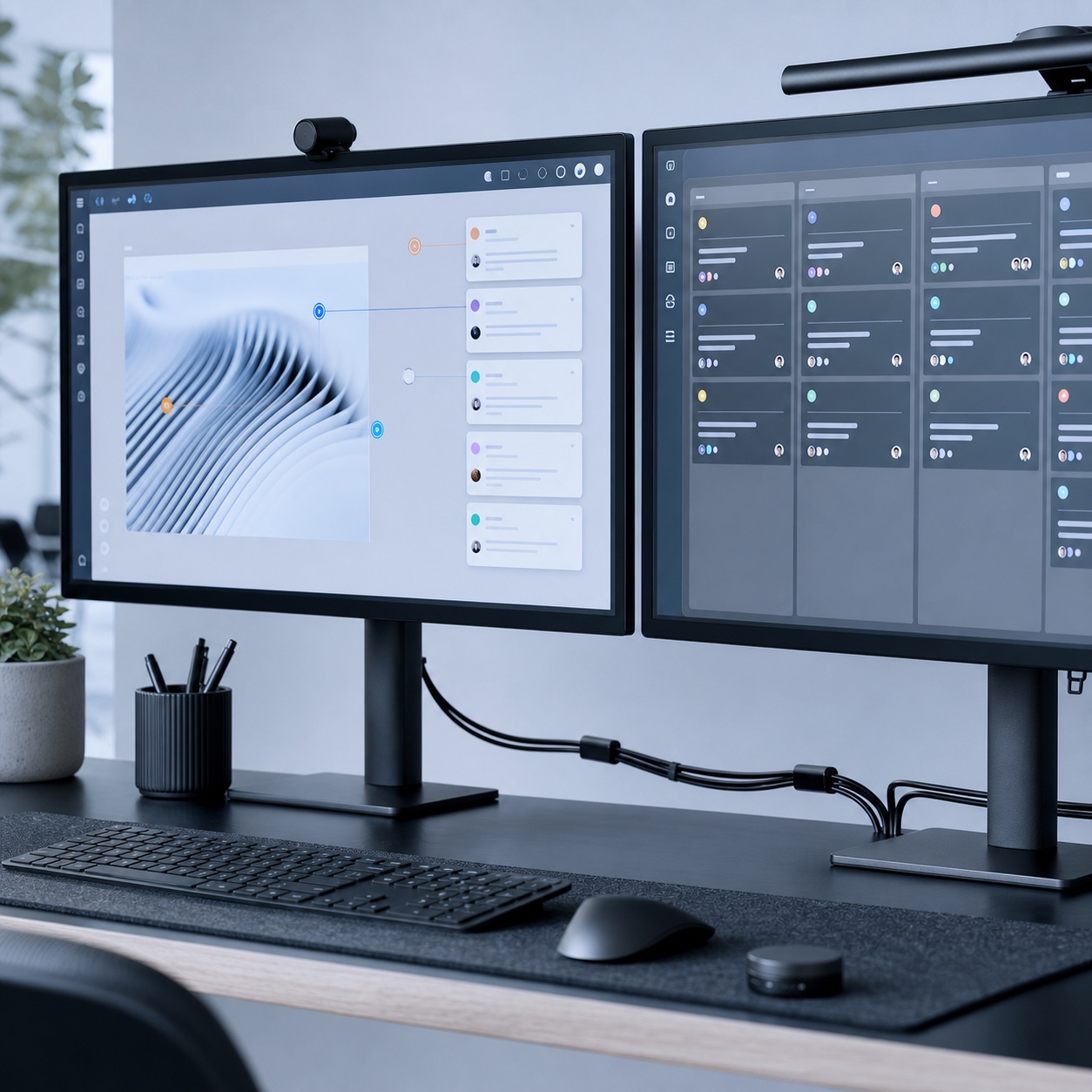
Onboarding a new tool properly, rather than just creating an account and hoping the team figures it out, is worth treating as its own small project. Block time specifically for connecting the new tool to whatever it needs to talk to, document the workflow it’s meant to support, and confirm at least one full project cycle runs through it correctly before treating it as fully adopted. Skipping this step is why studios end up with tools that were purchased, technically installed, and then quietly abandoned within a month.
Where IT support belongs in the collaboration stack
This is the layer that should be almost invisible when it’s working correctly, and painfully obvious the moment it isn’t. Reliable cloud storage with automated backups, secure remote access, and consistent uptime across every tool in the stack are infrastructure problems, not design problems, but a design team feels every one of their failures directly.
Studios choosing outside support for this layer generally do best evaluating providers on their specific experience with distributed, creative-industry workloads rather than generic business IT. The IT experts at InfoTECH bring that kind of tailored approach to creative firms specifically, with experience across cloud services, cybersecurity, and network management for geographically dispersed teams. Studios based in other regions often find similarly specialized support close to home, New Jersey managed services providers being one example of a provider built around hands-on, customized IT service for businesses including creative industries.
The important distinction is that IT support should be selected to fit around the collaboration stack a studio has already chosen for its actual design work, not the other way around. A provider that understands how Adobe Creative Cloud, Figma, or whatever specific tools a studio runs actually behave under real project load is a fundamentally different hire than a generalist IT contractor learning those tools on the job. Our guide to remote IT support for creative studios covers what to actually look for in that kind of specialized support, and our cybersecurity checklist for remote design teams and our guide to digital asset security for hybrid studios both cover the security side of this layer in more depth, since protecting client intellectual property and proprietary content is a genuinely different problem for a creative studio than for a typical small business.
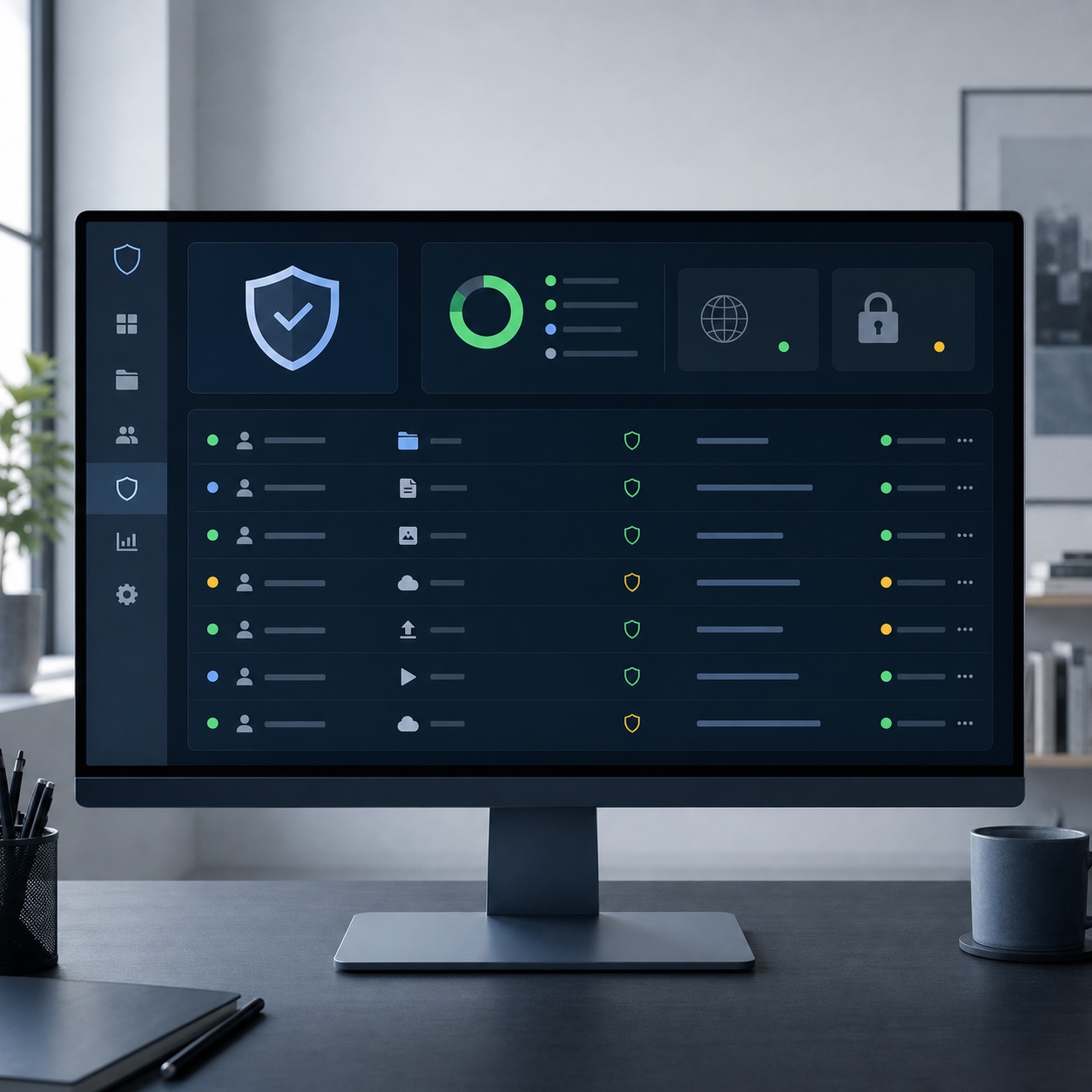
One useful test when evaluating any IT partner for this role: ask them to describe, specifically, how they’d handle a scenario where a shared asset library goes briefly unreachable in the middle of a client review call across three time zones. A generalist provider will describe general uptime commitments. A provider who actually understands creative workflows will describe how they’d communicate the outage, what fallback access looks like, and how they’d prevent version conflicts once the system comes back online, which is the level of specificity that actually matters when something breaks.
Mistakes that make remote design collaboration messy
The same handful of failure patterns show up across most remote studios that describe their collaboration as chaotic, and nearly all of them trace back to tool sprawl rather than any individual bad tool choice.
Running feedback through general chat apps instead of a dedicated visual review tool is probably the single most common mistake, since it forces every comment to carry its own description of where on the design it applies, which gets lost or misread constantly. A close second is treating file organization as an afterthought handled informally by whoever happens to save the file, rather than a deliberate system with naming conventions and a single authoritative location. Both mistakes are cheap to fix and expensive to leave unaddressed, since every week they persist adds more disorganized history that eventually has to get cleaned up anyway.
Over-tooling causes just as much friction as under-tooling. Adopting a new app for every individual need, one for chat, one for files, one for boards, one for review, one for time tracking, without ever connecting them creates exactly the fragmented experience described above, just with more logins required to experience it. Our piece on hybrid design studios and outsourcing without slowing creative workflow covers a related failure mode worth watching for specifically in hybrid teams, where outsourced or freelance collaborators end up working from a different, unofficial version of the stack than the core team, quietly reintroducing the version-control chaos a good stack was supposed to eliminate.
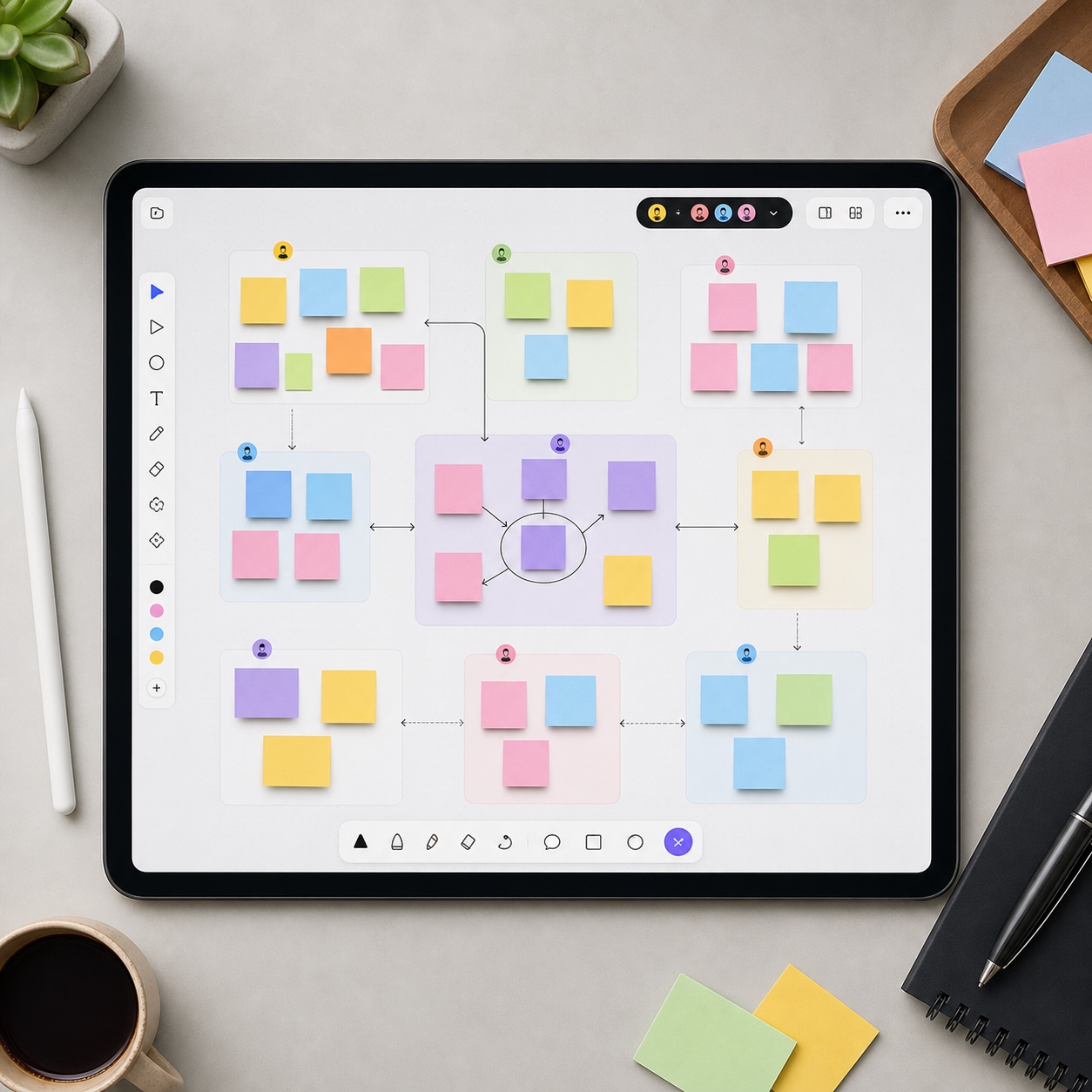
A less obvious mistake is choosing tools purely on individual preference rather than team-wide fit. One designer loving a particular app doesn’t matter if the rest of the team, and especially clients, find it confusing or inaccessible. The stack has to work for the person with the least technical patience in the group, not just the person most excited about new software.
Quick checklist for choosing design collaboration tools
Run any candidate tool through these questions before adding it to the stack: Does it let feedback attach directly to a specific point in the work, rather than requiring a written description of location? Does it maintain a real version history with rollback, not just a folder of similarly named files? Does it integrate with the rest of the stack so a status change in one place updates the others automatically? Does it support permission levels granular enough to give a client exactly the access they need and nothing more? And does the team actually understand how to use it, or does adopting it just add a new app nobody’s fully onboarded onto?
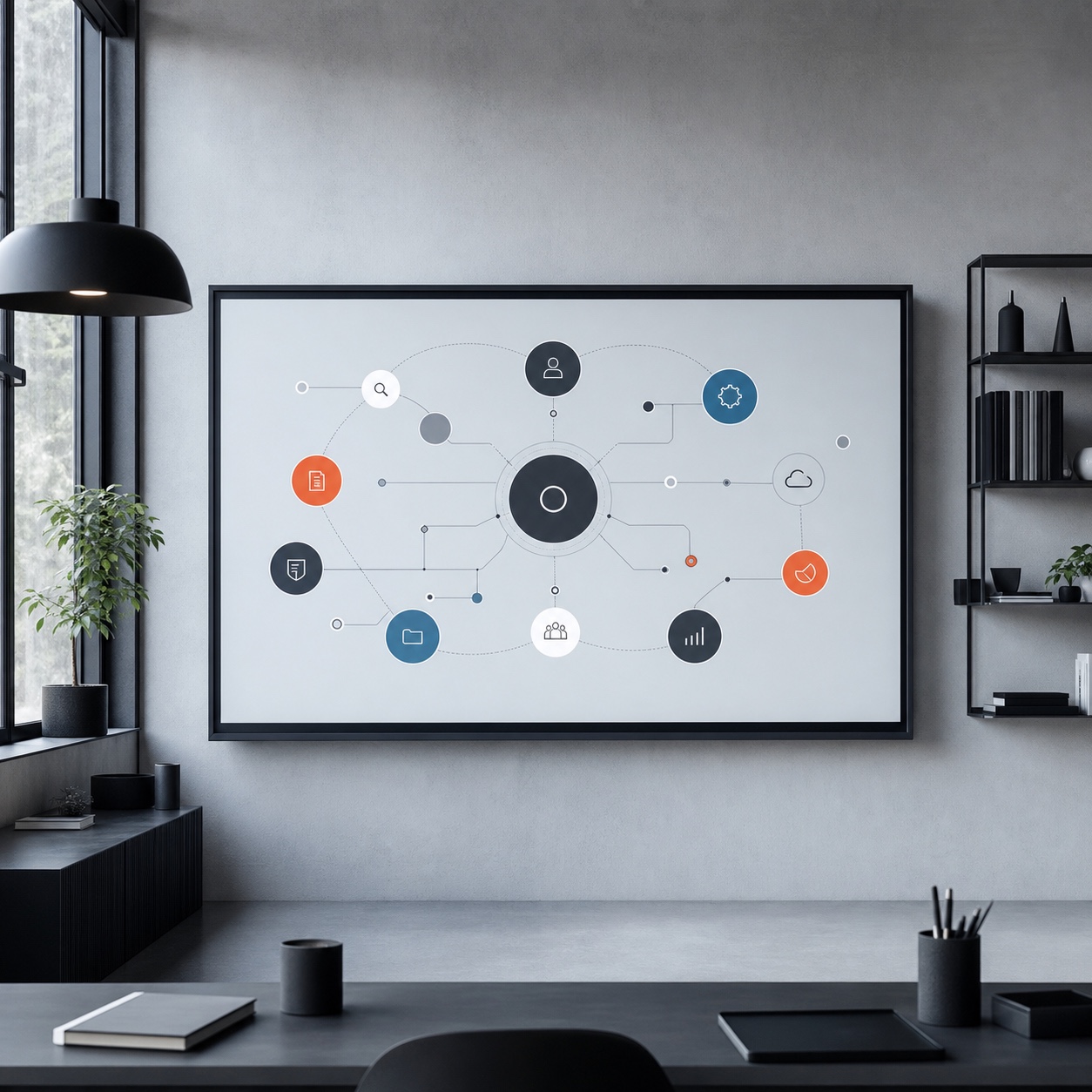
A tool that fails more than one of these checks is worth reconsidering, even if it’s popular or well-reviewed in general software rankings, since general popularity doesn’t account for the specific shape of distributed creative work. Our guide to agentic AI workflow in digital design is worth a look too if you’re evaluating where AI-assisted tools genuinely reduce friction in this stack versus where they add complexity without solving a real problem, since that distinction isn’t always obvious from a product’s marketing page. Our guide to design operations for remote agencies rounds out this picture with the broader operational structure a tool stack like this is meant to support.
Revisit this checklist periodically rather than treating tool selection as a one-time decision. A stack that fit a five-person studio perfectly can start showing real strain at fifteen people, and the honest answer to whether a tool still earns its place changes as the team, the client roster, and the volume of concurrent projects all grow.

FAQ
What tools do remote creative studios actually need?
A: At minimum, a dedicated visual feedback and review tool, a shared asset library with real version control, a project board tracking approval status, and a permission system that gives clients appropriate access without exposing internal files. Everything else, chat, video calls, time tracking, matters too but solves a different problem than the core design collaboration workflow.
How do you keep design feedback organized across a distributed team?
A: Use a review tool that lets comments attach directly to a specific point in the design rather than routing feedback through general chat apps, where every comment has to carry its own written description of location. A permanent, pinned comment thread tied to an exact spot in the work eliminates most of the ambiguity that makes distributed feedback feel chaotic.
Should a creative studio manage its own IT or outsource it?
A: It depends on scale and internal expertise, but most distributed studios benefit from a provider with specific experience supporting creative-industry workloads rather than generic business IT, since compatibility with tools like Adobe Creative Cloud or Figma and an understanding of real project load matter more here than for a typical small business.
How many tools should a remote design team actually use?
A: As few as genuinely necessary to cover the four core categories: visual review, asset management, project tracking, and client permissions. Adding a separate app for every individual need without connecting them tends to create more fragmentation than it solves, so integration between tools matters as much as the individual tool choices.
What is the biggest mistake remote studios make with collaboration tools?
A: Running design feedback through general chat apps instead of a dedicated visual review tool, and treating file organization as an informal habit rather than a deliberate system with naming conventions and one authoritative location. Both mistakes compound over time and get significantly harder to fix the longer they’re left unaddressed.

- 5shares
- Facebook0
- Pinterest5
- Twitter0
- Reddit0