Creative operations sounds like a management phrase until a remote design team loses half a day to a missing font, a locked Figma file, a broken render queue, or a client folder nobody can access. Then it becomes painfully real.
Remote creative operations reveal why teams resist rigid tools that do not match real workflows. This guide explains how customizable case-management systems can improve adoption, reporting and day-to-day efficiency.
I have seen this from the design side. When I worked on automotive concepts, jewelry layouts, web apps, architecture visuals, and enterprise dashboards, the beautiful part of the job was rarely the problem. The problem was the space around the work: where assets lived, who could open them, how feedback moved, which machine had the latest version, and whether the team could still deliver when one laptop failed at 11 p.m.
- What creative operations means in a remote design studio
- The problems remote creative teams actually feel
- The IT layer behind strong creative operations
- When outsourcing helps creative operations
- A practical creative operations checklist for remote design teams
- Visual opportunities for this article
- FAQ
- Final takeaway
Remote creative teams make that space wider. Designers, video editors, animators, marketers, freelancers, and clients may all touch the same project from different cities and time zones. A studio in Kyiv might brief an illustrator in Warsaw, a motion designer in Berlin, and a client team in Charlotte before lunch. That can work beautifully. But only if the operating system behind the work is calm.
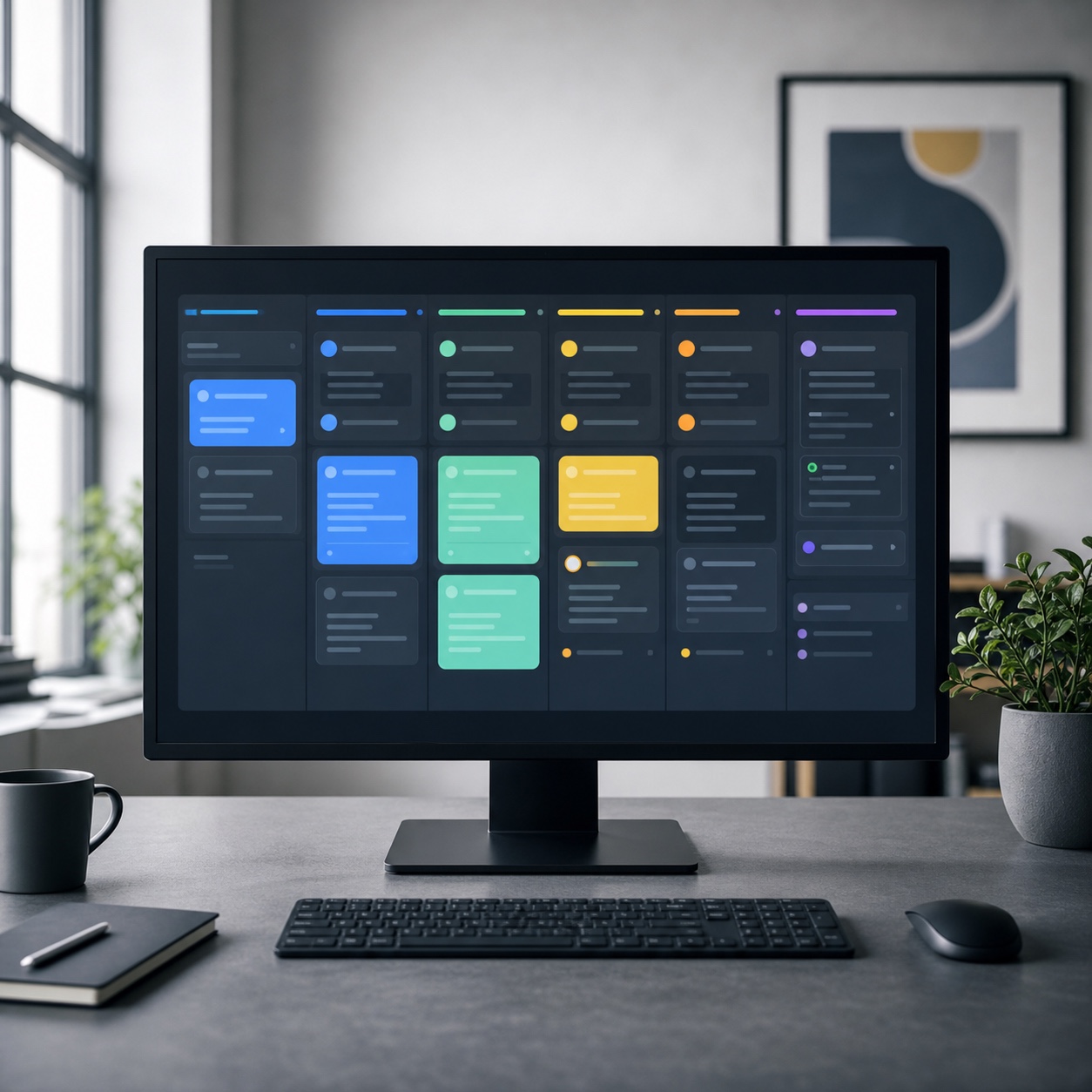
That is where creative operations comes in. It is not just software. It is the way a studio organizes people, tools, files, permissions, reviews, backups, and support so designers can stay focused on the work itself. IT consulting and outsourcing can support that system, but the goal is not to buy more technology. The goal is to protect creative energy from avoidable friction.
What creative operations means in a remote design studio
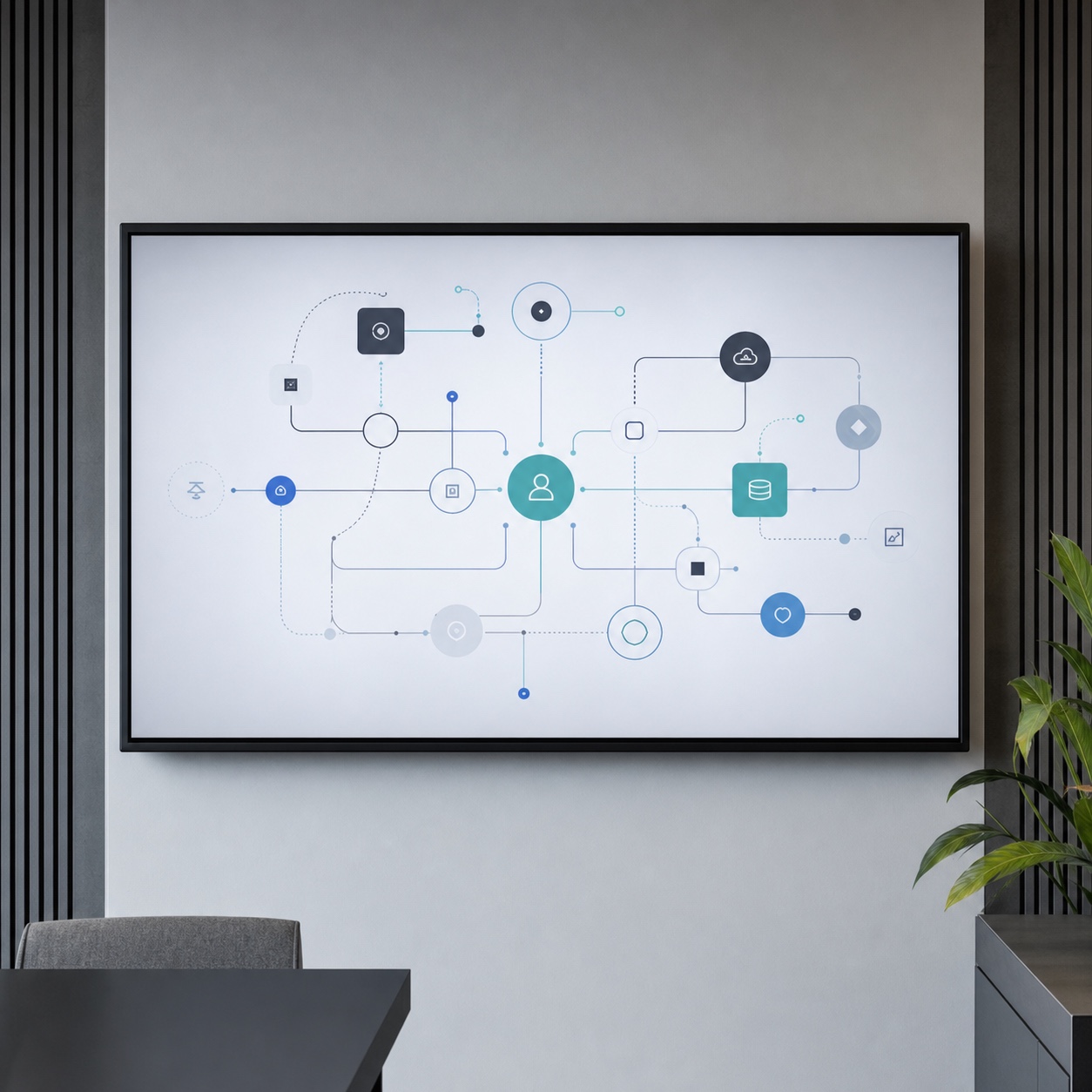
If you want the narrower process view, I also mapped creative workflow management as its own studio system.
In a small studio, creative operations may be as simple as a naming system, a shared drive, a feedback rhythm, and a trusted person who knows how everything fits together. In a larger agency, it may include digital asset management, device policies, admin roles, cloud workstations, backup rules, license audits, security reviews, and vendor support.
The point is the same: make the creative process repeatable without making it stiff.
Design work needs freedom, but it also needs a frame. In academic drawing, you do not start a figure study by rendering eyelashes. You place the big angles first, check proportion, compare values, and only then sharpen the details. Remote creative work follows the same logic. If the basic frame is weak, the details become expensive.
A good creative operations setup answers simple questions before they become urgent:
- Where is the latest file?
- Who can edit it?
- Who can only comment?
- What happens when a freelancer leaves?
- Where are fonts, brand files, references, source footage, and exports stored?
- How often are active projects backed up?
- Who fixes access, sync, hardware, or render problems?
- What is the backup plan when a deadline lands during a system outage?
Most teams do not break because they lack talent. They break because the work around the work becomes too loud.
This is why the phrase “creative operations” should matter to designers, not just managers. It is the difference between spending a morning adjusting color, composition, and motion timing, or spending that same morning hunting for a file called `final_FINAL_v7_revised_real_final.psd`.
I am only half joking. Every studio has met that file.
The problems remote creative teams actually feel
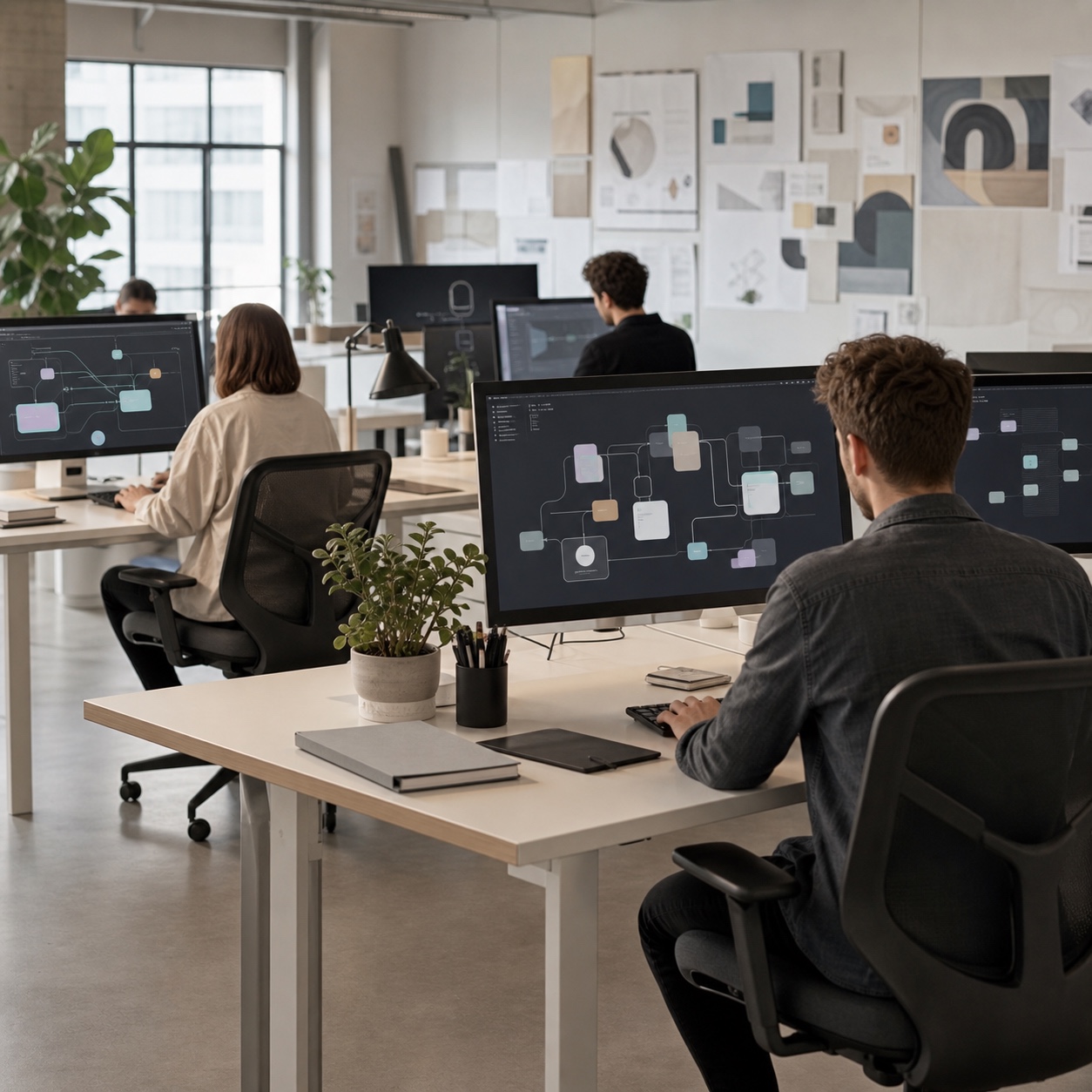
The same pattern shows up in design operations for remote agencies, where people, tools, approvals, and storage start pulling in different directions.
Remote creative work has a strange weakness: the problems look tiny from the outside. A delayed login. A folder permission request. A home Wi-Fi drop during a client review. A video editor waiting for 80GB of footage to sync. None of these sounds dramatic by itself.
But design deadlines are made of hours, not slogans. Small technical delays stack fast.
Large files and version drift
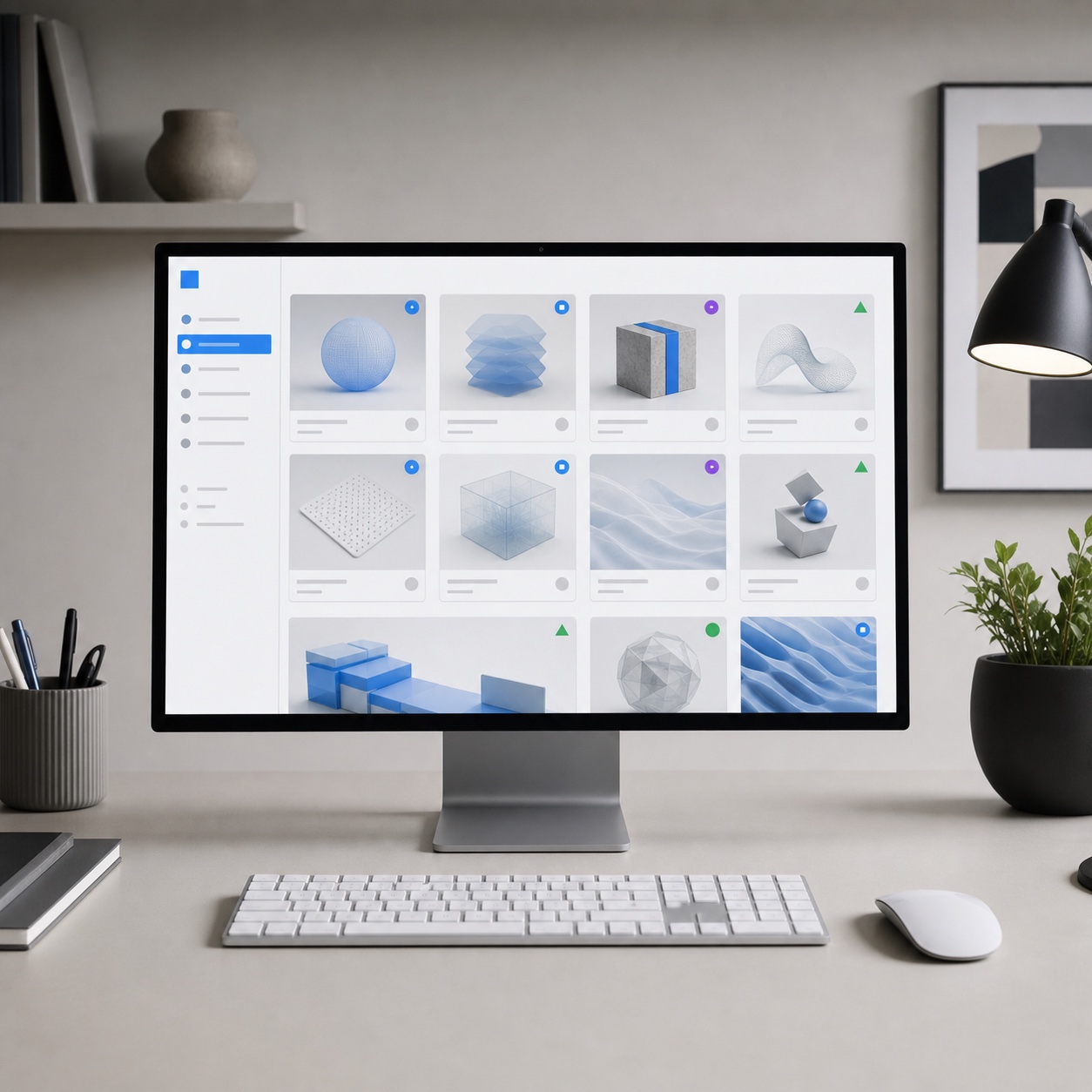
Creative teams push heavy files around. RAW photography, layered PSDs, 3D scenes, animation caches, ProRes footage, CAD exports, brand systems, and high-resolution mockups all behave differently from normal office documents.
That matters. A shared spreadsheet can survive messy handling. A 40GB After Effects project with missing links cannot.
Version drift is the silent killer here. One designer exports from an older file. Another comments on a preview that no longer matches the source. A client approves a comp that came from the wrong folder. By the time the team notices, nobody is completely sure which file is the source of truth.
Strong creative operations reduces that risk with boring habits that save real money: clean folder structures, clear file naming, read-only archive folders, dated exports, locked master files, and a simple rule for where feedback lives.
My own rule is blunt: if a designer has to ask in chat where the latest file is, the system has already failed.
Tool access and freelancer onboarding
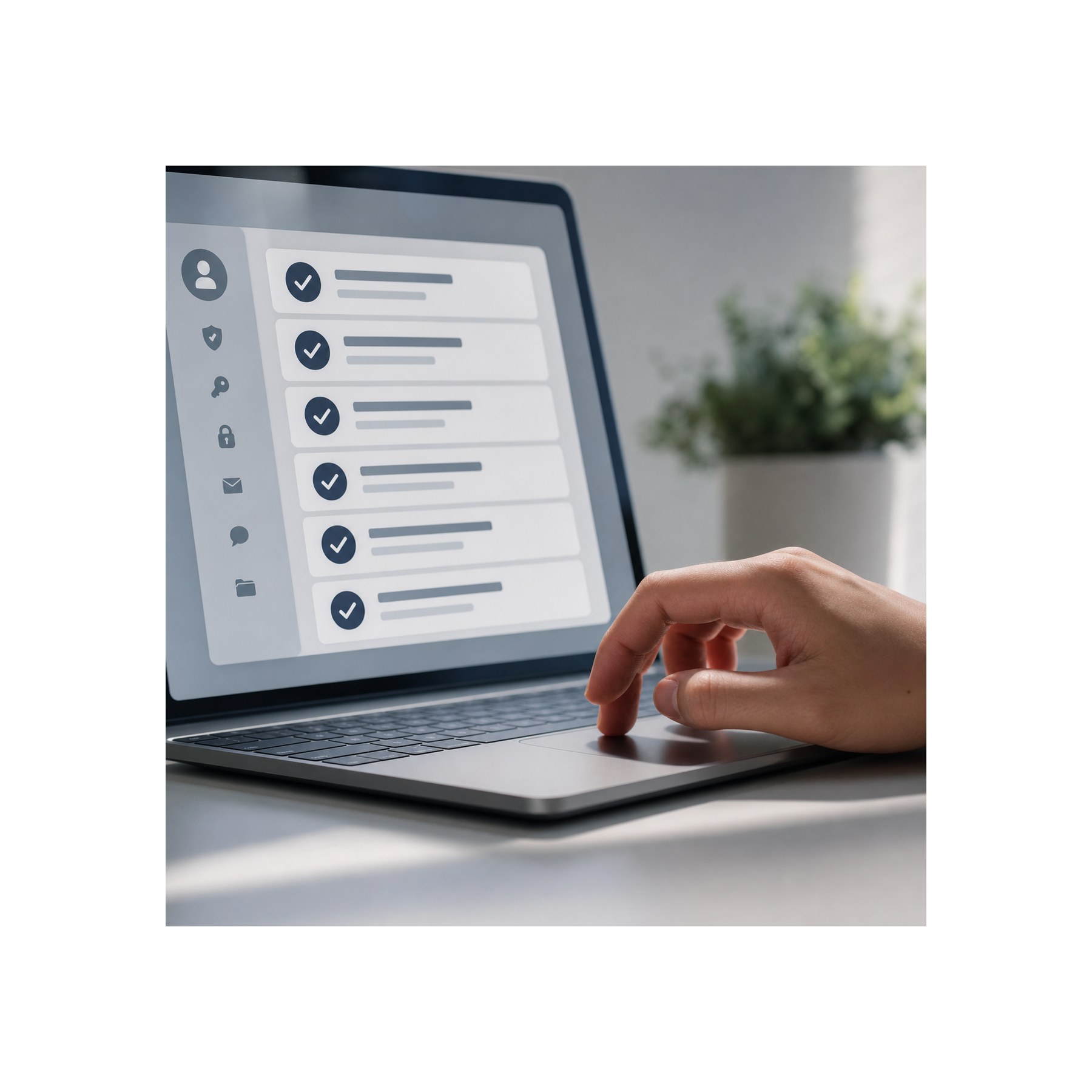
Remote teams often use a mix of full-time staff, contractors, specialists, and short-term production help. That is normal. The mistake is treating every new person as a one-off emergency.
A freelancer should not need three days of Slack messages to get the right folders, fonts, licenses, reference files, and review links. They also should not keep access six months after the project ends.
This is where IT planning becomes part of design quality. Access should match the work. A motion designer may need footage, sound files, brand assets, and export folders. A client reviewer may only need comment access to selected previews. A freelance illustrator may need references and upload rights, but not the full client archive.
Google Workspace shared drives, Microsoft 365 groups, Figma teams, Adobe admin tools, and password managers can all support this. The tool is less important than the access logic.
Give people exactly what they need. Remove it when the job ends. Keep a record. Simple, but often skipped.
Downtime around rendering, editing, color, and delivery
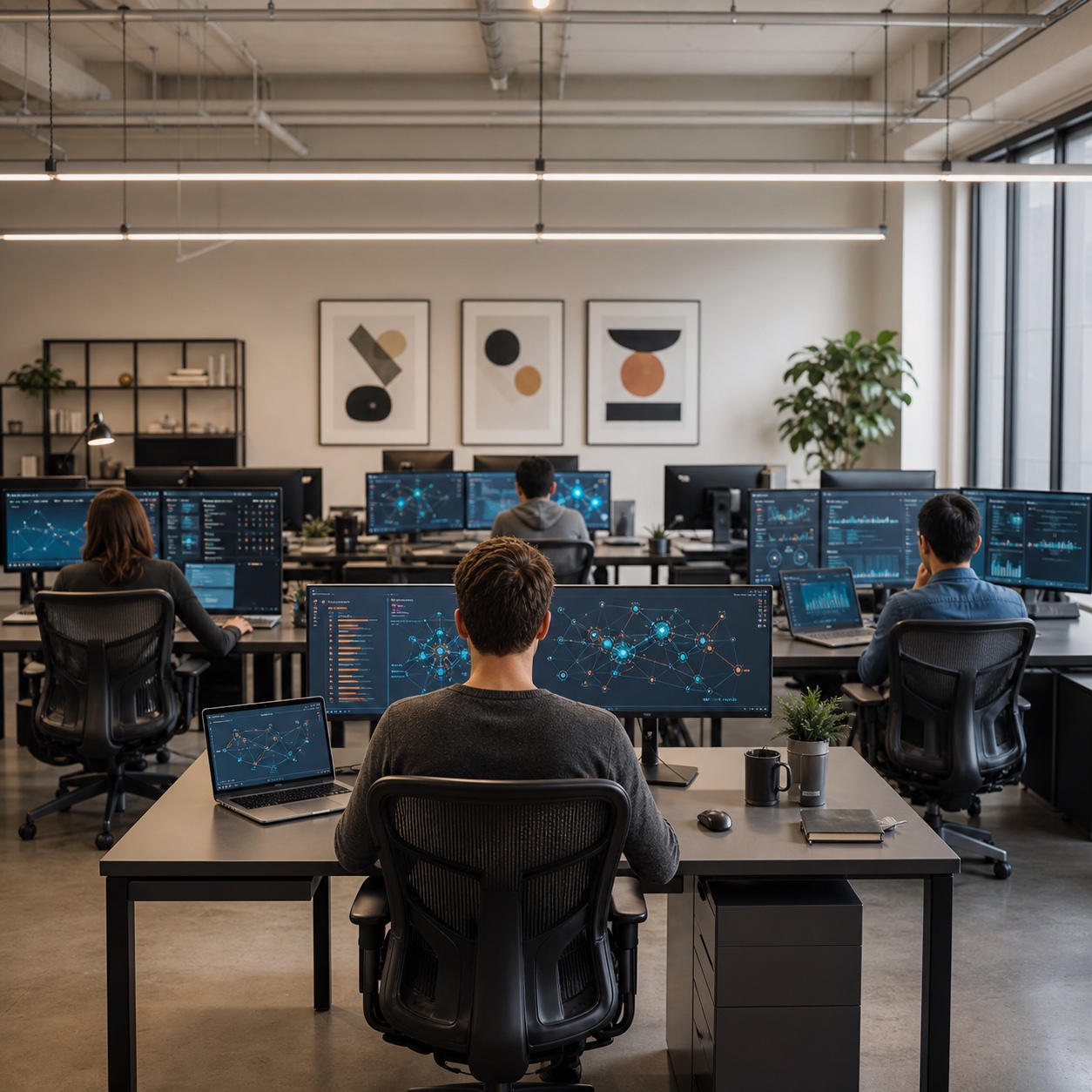
Design downtime is different from general office downtime. A writer can often keep drafting when a system is slow. A 3D artist waiting on a broken workstation, a video editor with a corrupt project drive, or a designer blocked from a shared asset library may have nowhere to go.
The cost is not only the lost hour. It is the broken concentration.
Creative concentration is fragile. If you have ever painted, sketched, or worked through a complex UI flow, you know the feeling. You are holding the whole thing in your head: hierarchy, contrast, rhythm, spacing, edge quality, timing. Then a sync conflict interrupts you. Ten minutes later, you are technically back, but the mental picture is gone.
Good support protects that state. It gives the team a clear place to report problems, a realistic response time, and a way to sort urgent production issues from normal admin requests.
The project platform is one part of that operational layer. Our guide to project management software for creative teams provides a practical workflow audit, trial plan, security check, and evaluation scorecard.
The IT layer behind strong creative operations
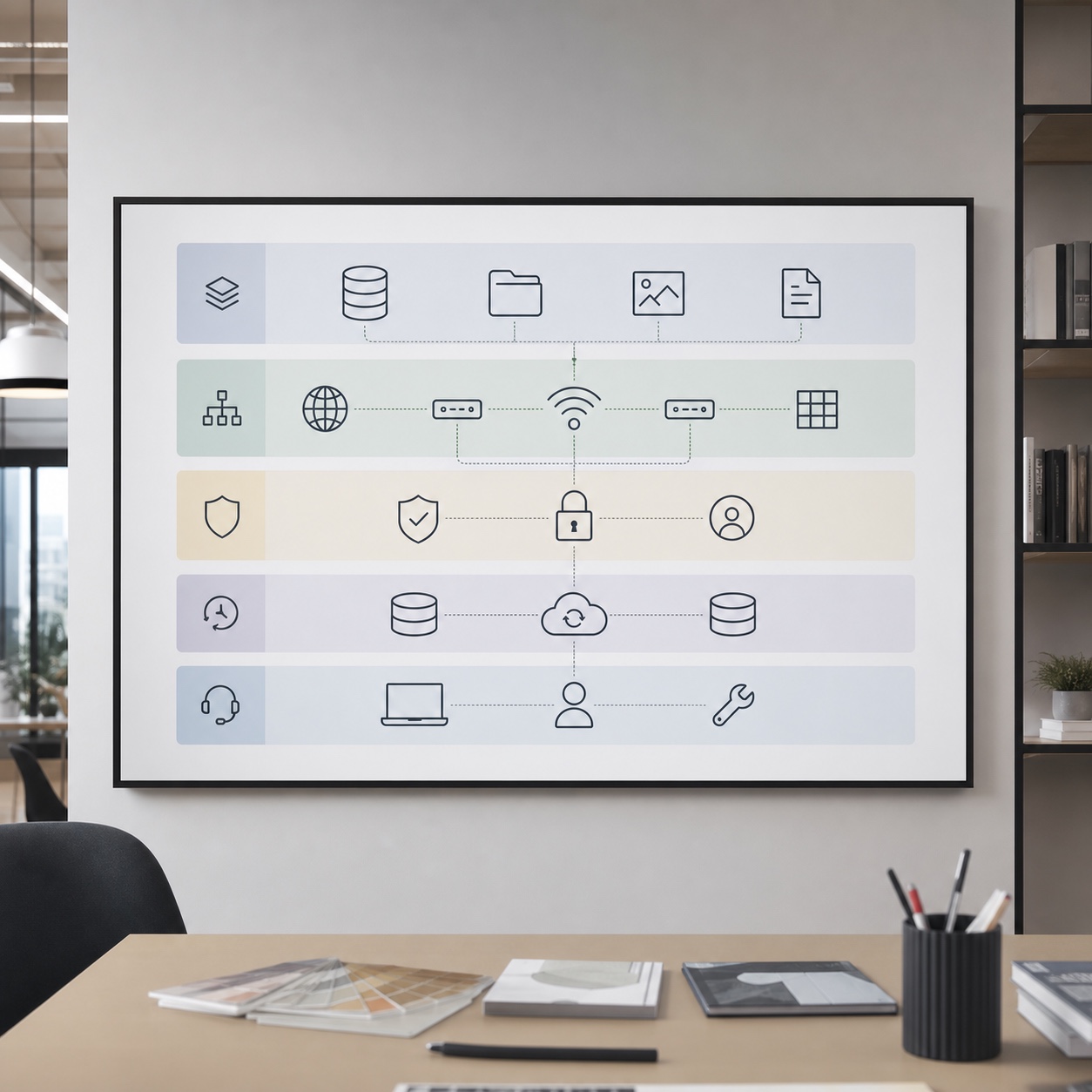
The original guest post focused heavily on IT consulting and outsourcing. That angle is useful, but only if we keep it connected to the creative process. Remote teams do not need technology for its own sake. They need fewer broken handoffs, safer files, clearer access, and less panic near delivery.
Cloud workstations and remote access
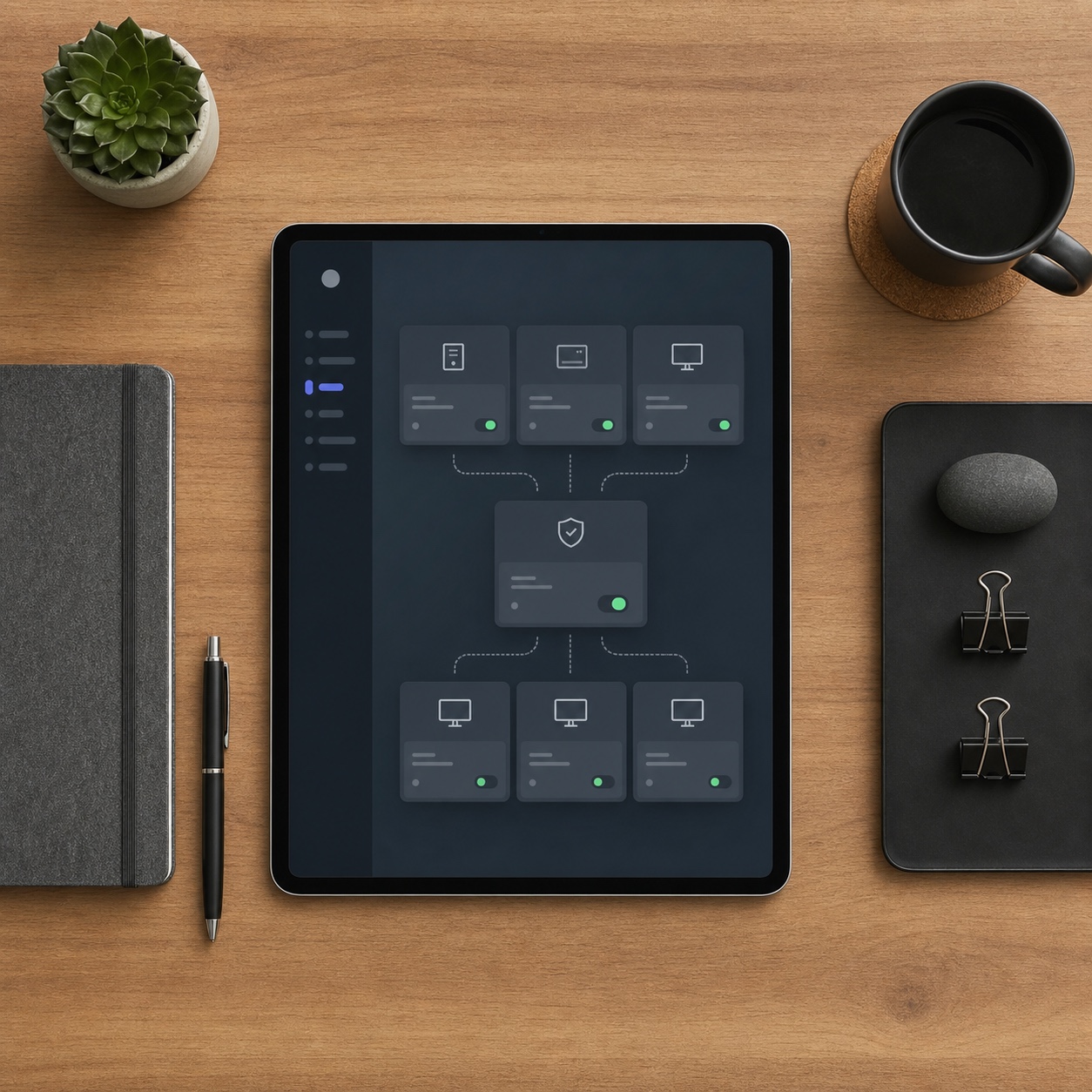
For a deeper technical angle, see the separate guide to cloud workstations for remote design teams.
Cloud workstations can help teams that use heavy software but do not want every freelancer running expensive hardware at home. For 3D, video, VFX, and large-scale design files, the appeal is clear: the project stays in a controlled environment, and the person connects to it.
This can reduce local hardware chaos, but it has to be planned. Latency, color accuracy, tablet input, storage costs, and permissions all matter. A setup that works for layout review may feel awful for detailed retouching or tablet drawing.
Test before you move the whole team. Put one real project through the system. Use the same files, same display needs, same export sizes, and same deadline pressure. A clean demo tells you very little.
I learned this lesson in automotive design. A surface can look fine in a screenshot and still feel wrong when you rotate it, check reflections, and read the silhouette. Creative tools have a body feel. Remote systems need to respect that.
Digital asset management and backup
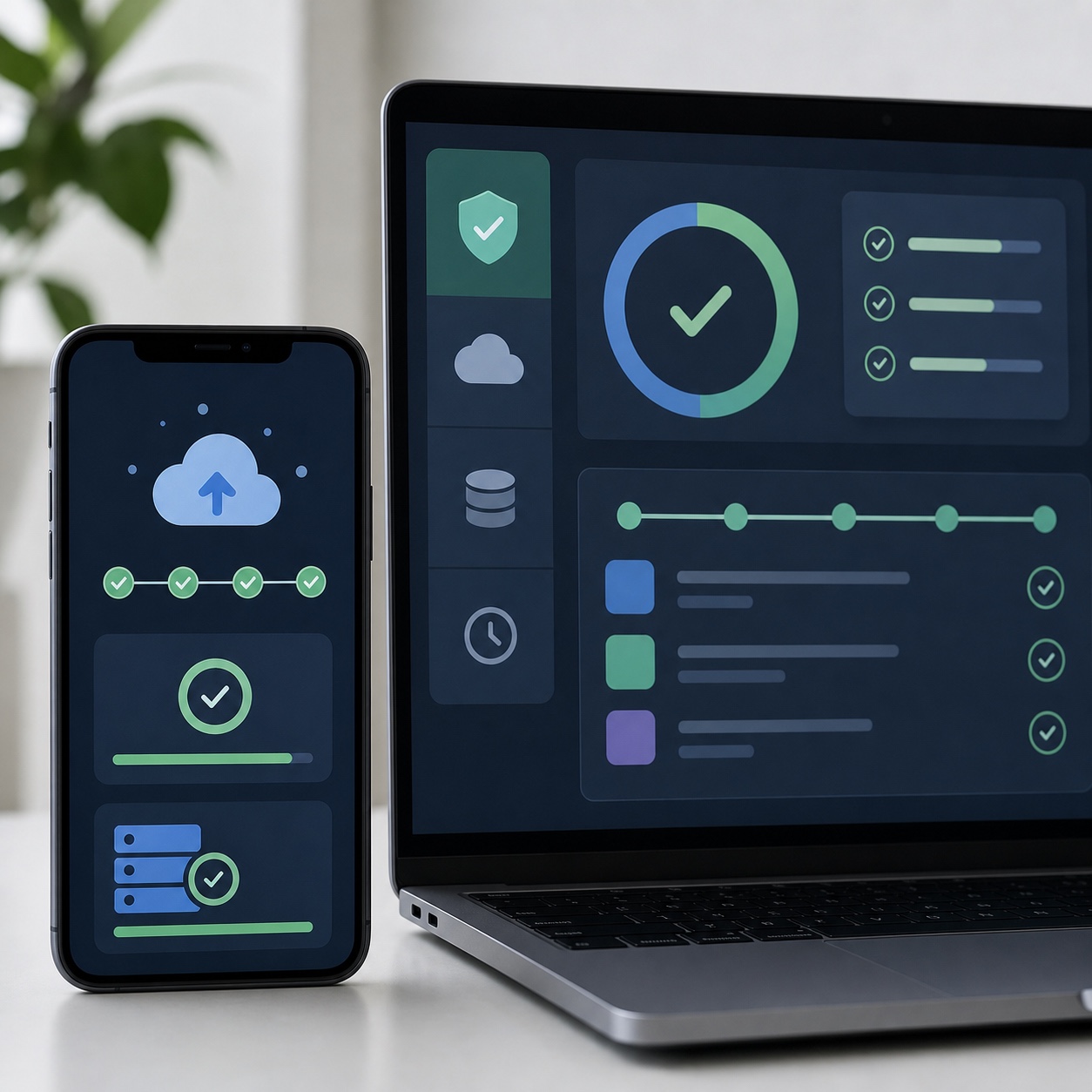
I covered the security side of libraries and shared folders in digital asset security for hybrid studios.
Digital asset management software can be useful when a studio has too many files, too many reuse cases, or too much brand risk for a normal folder tree. But DAM is not magic. If you feed it messy names, duplicate files, vague tags, and unclear ownership, it becomes a prettier mess.
Start smaller.
Decide what counts as a master asset. Decide what gets archived. Decide who can overwrite files. Decide how long source material stays active after delivery. Decide where licensed fonts, photography rights, stock assets, and client approvals live.
Backups need the same plain thinking. Remote creative teams should know what is backed up, how often, where it lives, who can restore it, and how long a restore takes. A backup that nobody has tested is a comfort blanket, not a recovery plan.
For active client work, I like a three-layer approach: working storage for daily production, protected backup for recovery, and a locked archive after delivery. It is not glamorous. It works.
Security without killing the flow
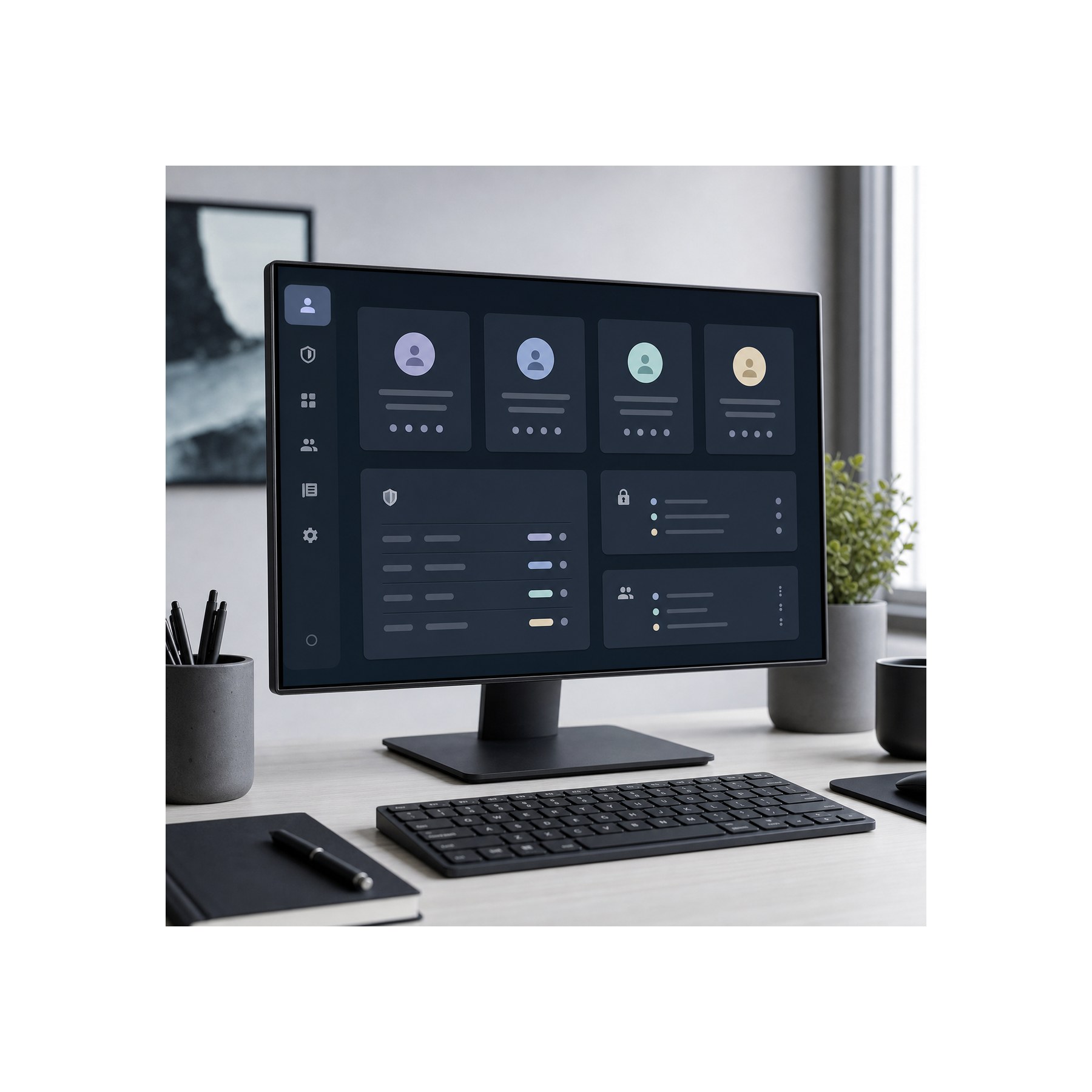
The file-sharing piece deserves its own setup, which is why I keep secure file sharing for creative professionals close to this topic.
Security advice often annoys creative teams because it arrives as a wall of restrictions. No external sharing. No personal devices. No fast workaround. No explanation.
That approach fails because creative work needs collaboration. Clients need previews. Freelancers need files. Producers need to share references. Designers need to move fast.
Better security starts with workflow design. Use multifactor authentication on accounts that touch client work. Put sensitive projects in controlled shared drives. Limit external sharing to the folders that actually need it. Use groups instead of adding people one by one. Review access at project close. Keep admin roles tight.
This is where outside guidance can help. For example, T3 MSP’s IT consultants frame IT consulting around roadmaps, asset management, Microsoft 365 planning, cybersecurity, and response time. For a creative team, the useful part is not the sales language. It is the idea that IT decisions should be mapped to the way the team really works.
A design studio does not need a security setup that looks impressive in a slide deck. It needs one that protects work without making people invent shadow systems.
When outsourcing helps creative operations
If the issue is day-to-day support rather than operating model, the existing piece on remote IT support for creative studios is the better companion link.
Outsourcing IT can help remote creative operations when the studio has grown past informal fixes but does not need a full internal IT department. That middle stage is common. The team is too busy for “ask the most technical designer” to keep working, but not large enough to hire specialists for security, cloud admin, device support, backup, and vendor management.
That is where an outside partner can be useful.
The best case is practical. Someone audits the current setup, documents what is actually happening, fixes the worst risks, and creates a support path for the team. They help choose where cloud tools make sense, where local machines still matter, how permissions should work, and what must be backed up before a project goes live.
But outsourcing can also add friction if nobody owns the creative side of the brief.
An IT provider may understand networks, support queues, endpoint protection, and Microsoft 365. That does not mean they understand why a color grading monitor needs special care, why a missing LUT can wreck a delivery, why a 3D model library should not be treated like a folder of PDFs, or why a designer cannot wait two days for plugin access.
The studio has to translate creative pain into operational requirements.
For larger support needs, some agencies choose to get backed by The KR Group or a similar outsourced IT team so internal staff are not carrying every system issue themselves. That can make sense when the scope is clear: response times, supported tools, backup duties, onboarding, offboarding, security reviews, and escalation paths should be written down.
Do not outsource confusion. It comes back with invoices.
A simple outsourcing test
Before signing a support contract, ask one question: can this partner understand a live creative deadline?
Then get specific.
Ask how they would support a video editor whose shared project drive stopped syncing during a final export. Ask what they would do if a freelancer still had access to a finished client project. Ask how they handle admin rights for Figma, Adobe, Google Workspace, Dropbox, frame review tools, password managers, and remote desktop software. Ask who responds after hours when a render system fails.
The answers do not need to be perfect. They need to be grounded.
A practical creative operations checklist for remote design teams
This checklist should sit beside a proper remote design workflow plan, not replace one.
The easiest way to improve creative operations is to stop treating every project as a fresh invention. Build a repeatable setup, then adapt it.
Start with project intake. Every new job should have a named owner, a folder structure, a file naming rule, a list of collaborators, a security level, a review channel, and a delivery format. This takes less than an hour when the template exists. It can save days later.
Next, clean up permissions. Create access groups for core team, freelancers, client reviewers, and admin users. Avoid adding people randomly to folders unless there is a reason. Random access creates random risk.
Then define the source of truth. Pick where master files live. Pick where comments live. Pick where exports live. Pick what happens when a client sends feedback by email instead of the review tool. You cannot stop every messy human habit, but you can decide how the team catches it.
After that, check the tool stack. Most studios carry duplicate tools because each project added one more “temporary” solution. One file-sharing tool became three. One task board became four. Nobody knows which chat thread counts.
Cut the stack where you can. Fewer tools usually means fewer mistakes.
Backups come next. Choose what gets backed up daily, what gets backed up at milestone points, and what moves into long-term archive. Then test restore. Actually restore a file. If the process is slow or unclear during a calm week, it will be worse during a crisis.
Finally, build a support rhythm. Keep one place for requests. Separate urgent production blockers from low-priority cleanup. Review repeated problems once a month. If the same access issue happens five times, it is not a support ticket anymore. It is a broken process.
Here is the compact version:
- Create a project setup template.
- Use shared drives or controlled folders for client work.
- Keep master files protected from accidental edits.
- Use groups for permissions.
- Remove freelancer access when the project ends.
- Turn on multifactor authentication for key tools.
- Document backup and restore steps.
- Test one restore before you need it.
- Keep a single support channel.
- Review recurring issues monthly.
None of this makes the work less creative. It gives the work room to breathe.
Visual opportunities for this article
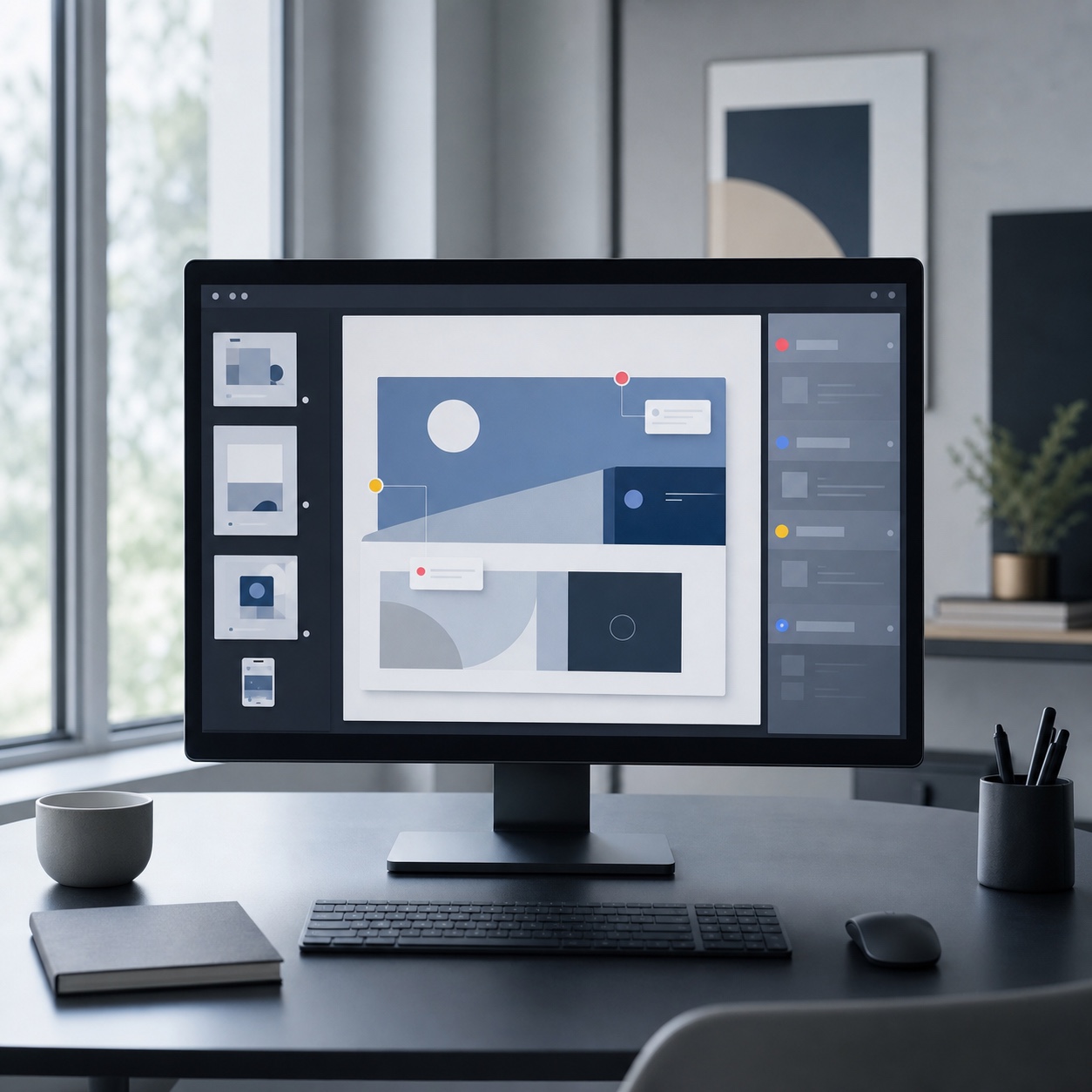
This topic should not use generic photos of people smiling at laptops. The images need to show systems, not stock-office happiness.
The strongest visuals would be square, ultra-modern editorial images: a remote creative operations dashboard, a digital asset handoff table, a cloud workstation screen, a secure file sharing interface, a producer’s desk with sketches and devices, and a studio workflow wall with physical notes. Think clean product photography, careful UI craft, and the restrained architecture mood you would expect from Dezeen, mixed with the polished interface detail you see on Dribbble.
For Sky Rye Design, I would avoid fake hacker imagery. No green code. No hooded figures. No neon locks floating in space. Creative teams need images that feel like design work: files, screens, grids, boards, proofs, thumbnails, color checks, and real hands making decisions.
FAQ
What is creative operations?
Creative operations is the system behind creative work. It covers how a team manages briefs, files, tools, reviews, permissions, budgets, deadlines, and delivery. For remote design teams, it also includes cloud access, backup, security, and support. The goal is simple: reduce friction so designers can spend more time designing and less time chasing files.
How is creative operations different from project management?
Project management tracks tasks, deadlines, owners, and progress. Creative operations looks at the whole production environment around those tasks. It asks whether people have the right assets, access, software, review process, backup plan, and support. A project manager may say the homepage mockup is due Friday. Creative operations makes sure the designer can actually finish and deliver it.
Do small design studios need creative operations?
Yes, but they do not need a heavy system. A small studio can start with a clean folder structure, a naming rule, shared drive permissions, a backup habit, and one place for feedback. That is enough to remove a lot of daily friction. Add more structure only when the team grows or the work gets more complex.
What tools help remote creative teams?
Common tools include Figma, Adobe Creative Cloud, Google Workspace, Microsoft 365, Dropbox, Frame.io, Notion, Asana, Trello, Miro, password managers, cloud storage, and backup software. The best stack is not the longest one. It is the one your team uses consistently without losing files, feedback, or access control.
How can IT support help creative teams?
IT support helps when it understands creative production. That means fast help with permissions, shared storage, software licenses, device issues, remote access, backups, and security settings. For design teams, the support person should know that a broken font library, a slow render machine, or a locked asset folder can stop a real deadline.
What is the biggest mistake in remote creative operations?
The biggest mistake is letting every project invent its own system. One project uses email feedback, another uses Figma comments, another uses a task board, another uses private folders. Soon nobody knows where the truth lives. Make a default process first, then bend it only when the project has a real reason.
Final takeaway
Remote creative work does not fail only because people are far apart. It fails when the space between people is badly designed.
Creative operations gives that space a shape. Files have a home. Feedback has a path. Permissions have an owner. Backups get tested. Support has a response plan. Designers still get freedom, but the team is not depending on memory, luck, or a heroic producer with twenty open tabs.
That is the quiet value of IT consulting and outsourcing for remote design teams. Not more tech. Better conditions for creative judgment.
I would treat this like composition: fix the big shapes first. Then refine the edges.
- 23shares
- Facebook0
- Pinterest23
- Twitter0
- Reddit0