In the visually driven world of Instagram, creating an eye-catching post is key to success. Aesthetic Instagram post templates offer a simple yet effective way to enhance your profile, reflecting your unique style while engaging your audience. These ready-to-use templates provide a foundation for creativity, allowing you to focus on what truly matters: connecting with your followers.
By using aesthetic Instagram post templates, you can easily maintain your brand’s visual consistency and elevate your social media presence. With countless free and customizable options available, you can find the perfect design to match your theme, keeping your content fresh and attractive. Incorporating elements like unique fonts, striking imagery, and harmonious color schemes can transform your posts into works of art.
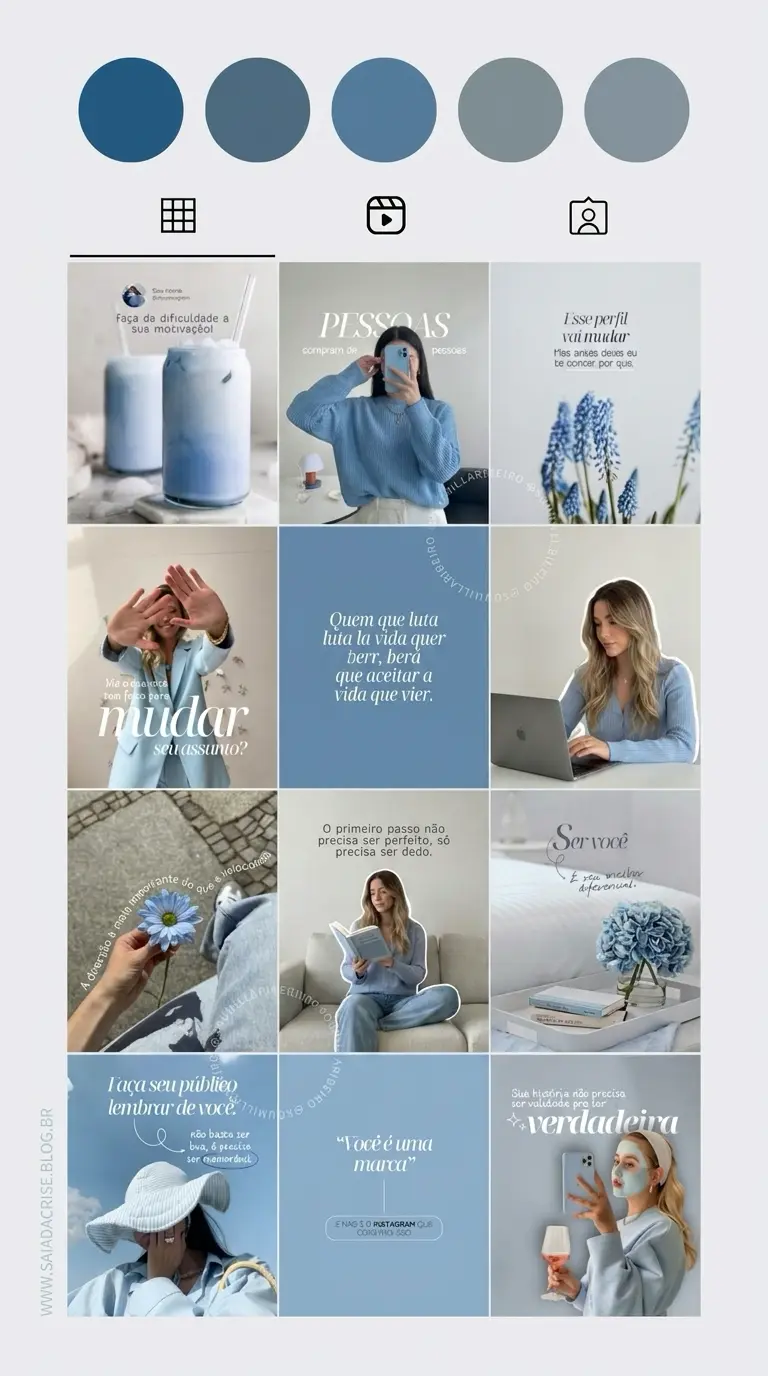
Harnessing the power of Instagram post templates not only saves time but also streamlines your content creation process. Whether you’re a seasoned influencer or a newcomer to the platform, these templates can serve as a guide to ensure your posts are consistently engaging. By exploring various styles and themes, you can refine your aesthetic vision and effectively captivate your audience.
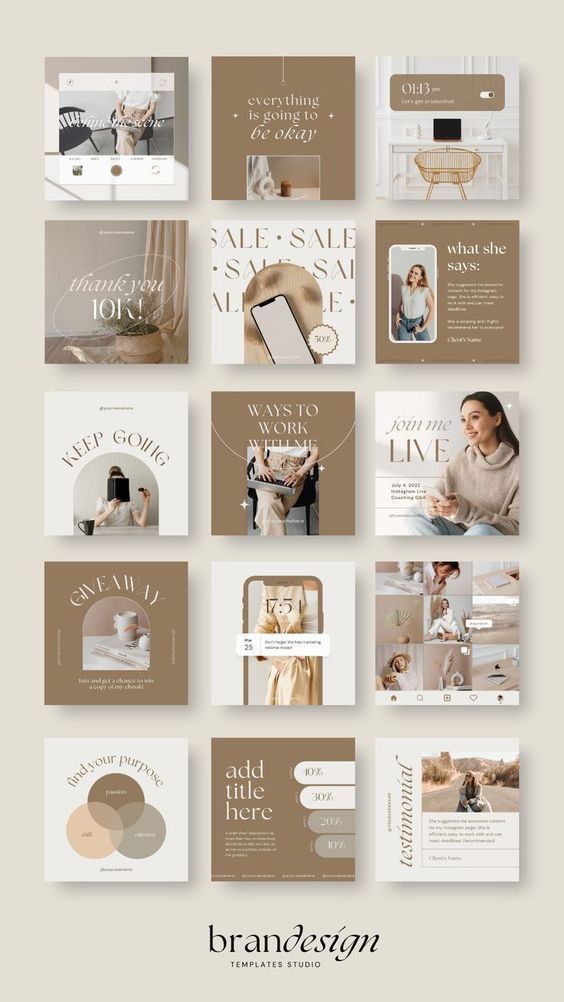

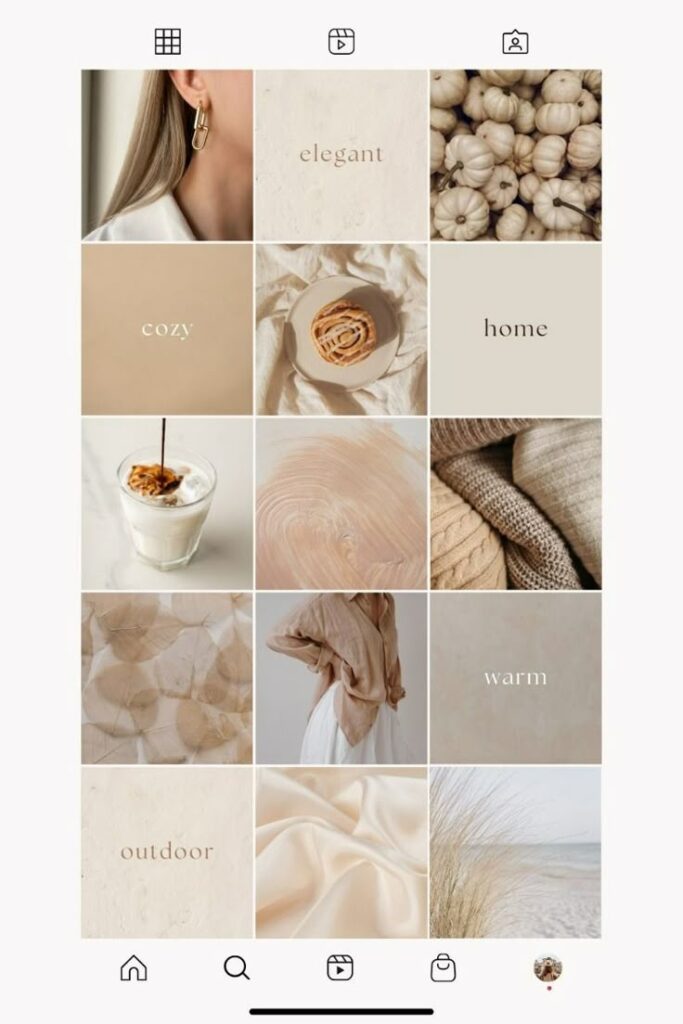
Key Takeaways
- Use templates to reflect your unique style and engage followers.
- Templates help maintain visual consistency and save time.
- Explore different styles to refine your Instagram aesthetic.
Understanding Instagram Aesthetics
Instagram aesthetics are essential for enhancing your brand identity and attracting interest. A consistent look can guide a viewer’s perception, shaping how they interact with your content, especially when using templates to maintain or enhance your unique flair.
Defining Aesthetic in the Context of Instagram
Instagram aesthetics refer to the visual theme or style expressed through your posts. This includes color schemes, layouts, and typography used consistently throughout your feed. By choosing recognizable elements, you create a visual identity that can resonate with followers.
Templates can be a valuable tool in achieving aesthetic consistency, allowing for easy replication of design elements. Despite using templates, a personal touch ensures your content remains distinct and meaningful. Think about incorporating branded elements like logos or specific color palettes to maintain cohesion while showcasing your individuality.
The Impact of a Cohesive Aesthetic on Engagement
A clean Instagram aesthetic isn’t just about looking polished. It actually changes how people behave on your page. If your feed feels cohesive, people don’t just glance and leave—they scroll a bit more, maybe open a post, sometimes even go back to your grid to see the bigger picture.
Consistency is the part that makes the biggest difference. When everything lines up—colors, spacing, overall mood—it stops feeling random. It feels like you knew what you were doing from the start. That’s usually when people decide to follow.
Templates help a lot, especially when you’re posting regularly. I’ve used them myself just to avoid overthinking every single post. But if you stick to them too strictly, your page starts to feel… predictable. Like anyone could’ve made it.
The sweet spot is somewhere in the middle. Use templates to keep things tight, then break them a little. Change a layout, swap colors, throw in something unexpected. That’s usually what makes someone stop scrolling.



Creating Your Aesthetic Vision
Crafting an aesthetic Instagram feed starts with a keen eye for detail. By selecting a cohesive color scheme and adding personal touches to your templates, you can create an engaging and visually appealing presence.
Choosing Your Color Scheme
Color choice is what people notice first, even before they realize it. Open a profile and you’ll feel it right away—either it clicks or it doesn’t.

I usually figure out the vibe before picking anything. Is it clean and muted? Bright and a bit chaotic? That part matters more than chasing “perfect” color combos. Once that’s clear, I’ll play around with a color wheel or just scroll through saved posts and steal ideas from palettes I like.
Sometimes you land on something weird that works better than the “correct” option. And honestly, those are usually the ones people remember.
Once you have chosen a palette, maintain consistency across your posts. This consistency forms a visual thread that enhances viewer recognition. You can use Canva or similar platforms to explore and experiment with various color combinations and see what resonates best with your vision. Stick to a limited range of colors to avoid visually overwhelming your audience.
Incorporating Personal Touch into Your Templates
Adding a personal touch to your templates makes your Instagram style unique. Simple additions like personalized stickers or custom vectors can make a significant difference. You can create these elements yourself or find customizable options online that align with your chosen theme.
Incorporate elements that reflect your interests, values, or moods. This connection between your personality and your content can make your feed more authentic and engaging. Consider using consistent fonts and opt for cohesive imagery that complements your overall style. By carefully integrating these elements, your feed will stand out and effectively communicate your message to your audience.
Essential Elements of Instagram Post Templates
When crafting Instagram post templates, prioritizing specific elements can greatly enhance visual appeal and effectiveness. Vectors and high-resolution images ensure clarity and detail, while videos and animations can make your content more dynamic. Including text and stickers boosts engagement and adds a personal touch, creating templates that capture attention.
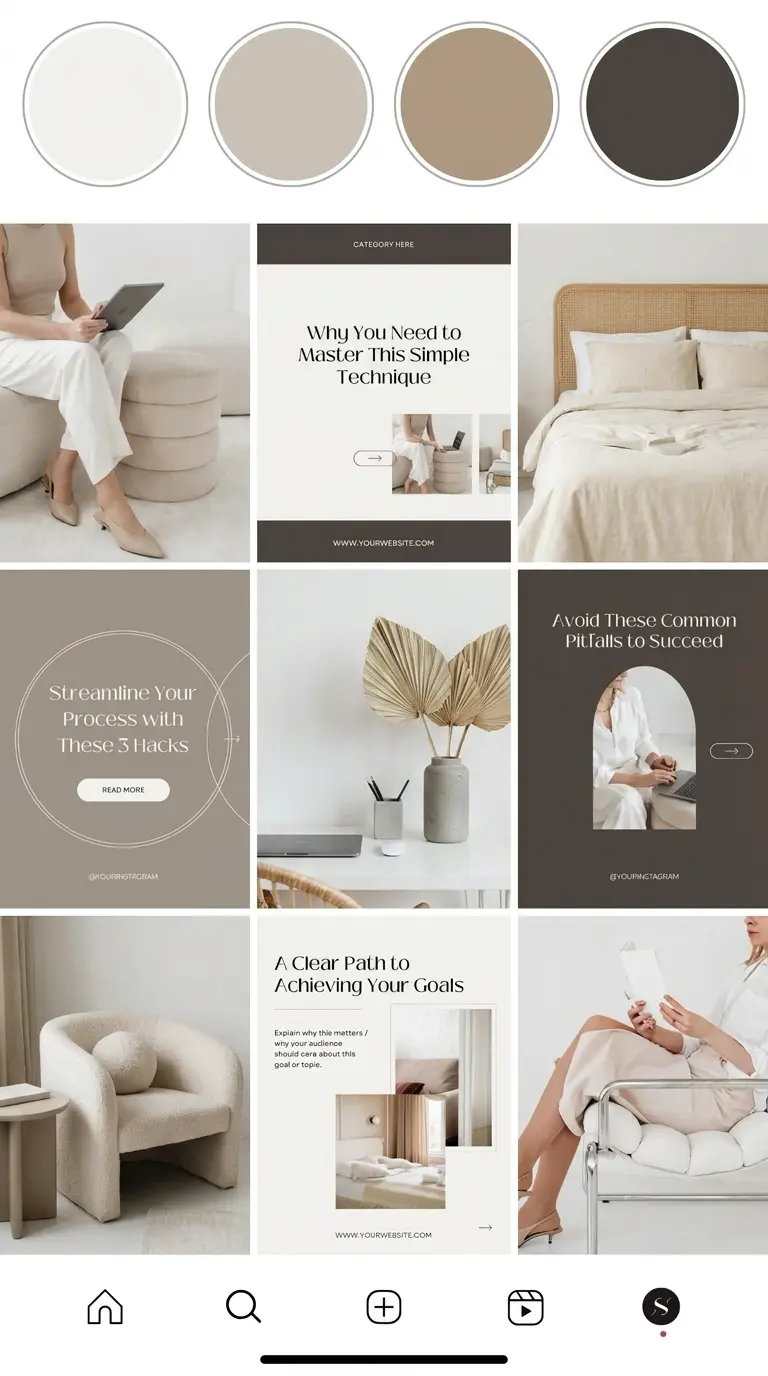
Using High-Quality Vectors and Images
Incorporating high-quality vectors and images is crucial in template design. You want images that are crisp and clear to maintain the professionalism of your social media posts. Using stock photos and vectors from reputable sources can give your templates a polished look.
Vectors are scalable without losing quality, making them perfect for various template sizes. They help maintain aesthetic consistency and flexibility, whether for feed posts, stories, or other formats. Opt for colorful or stylized vectors that align with your brand image for added visual impact.
Integrating Videos and Animation
Adding videos and animations to your Instagram templates can set your posts apart. With Instagram’s support for video content, integrating short clips or animated elements can make posts more engaging and informative.
Use videos to show product demonstrations, behind-the-scenes glimpses, or interactive content. Animations, like subtle motion graphics, can highlight key information or make a static post more lively. Ensure that any video or animation complements your overall aesthetic and doesn’t distract from the main message.
Leveraging Text and Stickers for Engagement
Text and stickers are vital in guiding the viewer’s attention and encouraging interaction. Customize your text style to fit your brand’s voice, using bold fonts for headlines and lighter fonts for supporting information. Keep text concise for clear communication.
Stickers add fun and personality to your templates. They can include emojis, quotes, or call-to-action prompts. Use them to direct viewers to like, comment, or share. Balancing these elements creates engaging and communicative posts that resonate with your audience.



Maximizing Reach with Strategic Tags
Using strategic tags on your Instagram posts can significantly boost your reach and engagement. By focusing on trending and niche-specific tags while balancing popular and unique tags, you can target the right audience effectively and increase your visibility.
Researching Trending and Niche-Specific Tags
Finding the right tags for your social media post involves a mix of research and creativity. Start by exploring currently trending tags in the Instagram community. Tools like Instagram’s search feature, Google Trends, or even dedicated hashtag tools can help track popular ones.
Simultaneously, it’s important to incorporate niche-specific tags. These tags focus on a particular interest or community, enabling you to engage with a more targeted audience. Use keywords related to your content or industry to find niche-related tags. Combine these insights to build a strong list of tags that serve both broad exposure and targeted reach.
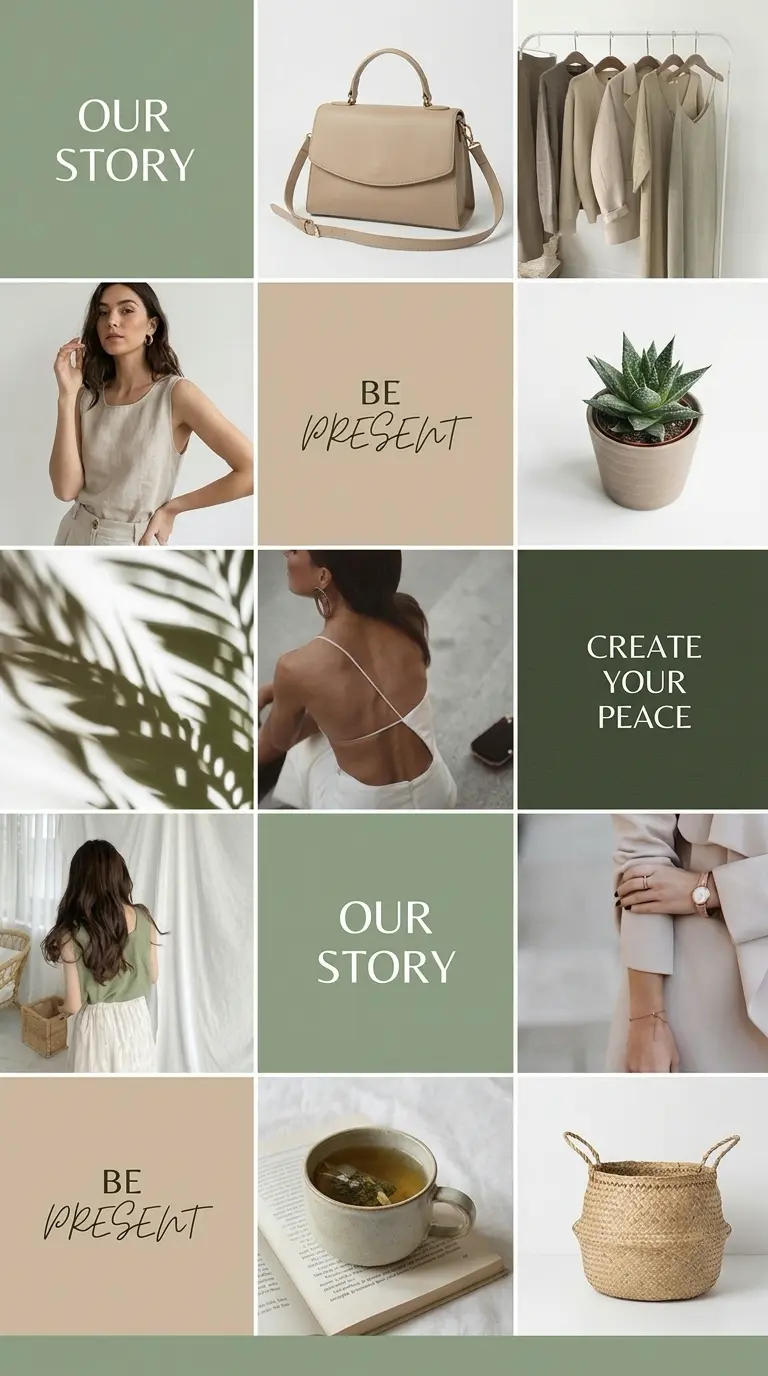
Balancing Popular and Unique Tags
To maximize the benefits of your tags, create a balanced mix of popular and unique tags. Popular tags have a high search volume but also bring heavy competition. Using them in your social media post can increase visibility but might bury your content quickly under new posts.
Unique tags, on the other hand, are less competitive and give your post a chance to stand out. Develop a combination of both to cover a wide audience base while engaging those who are specifically interested in your niche. This strategy can be the key to enhancing your social media presence and boosting post interaction.


Curating and Managing Your Template Library
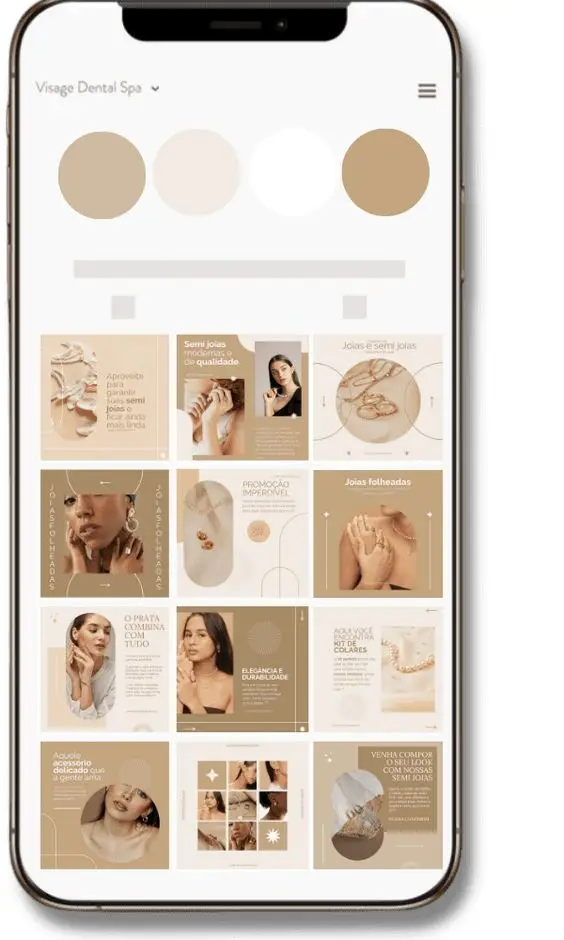
Creating a well-organized library of aesthetic Instagram post templates helps streamline your posting process and maintain a cohesive visual identity. Staying current with industry trends ensures your content remains engaging and relevant.
Organizing Templates for Efficient Posting
If your template library starts getting big, it can turn into a mess pretty quickly. I learned that the hard way. Now I just split things by type—promos in one place, quotes in another, product posts somewhere else. Nothing complicated, just enough so I’m not wasting time searching.
Tags or folders help when you’re juggling different campaigns. Otherwise everything blends together. Also, anything I reuse a lot goes straight into favorites. When you’re in the middle of planning posts, that shortcut is a lifesaver.
I also keep a rough master list. It’s not pretty—just a doc with template names and quick notes like “dark background / good for sales” or “minimal / works for quotes.” Half the time I forget what I made last month, so having that list saves me from rebuilding the same thing again.
Updating Templates to Keep Up with Trends
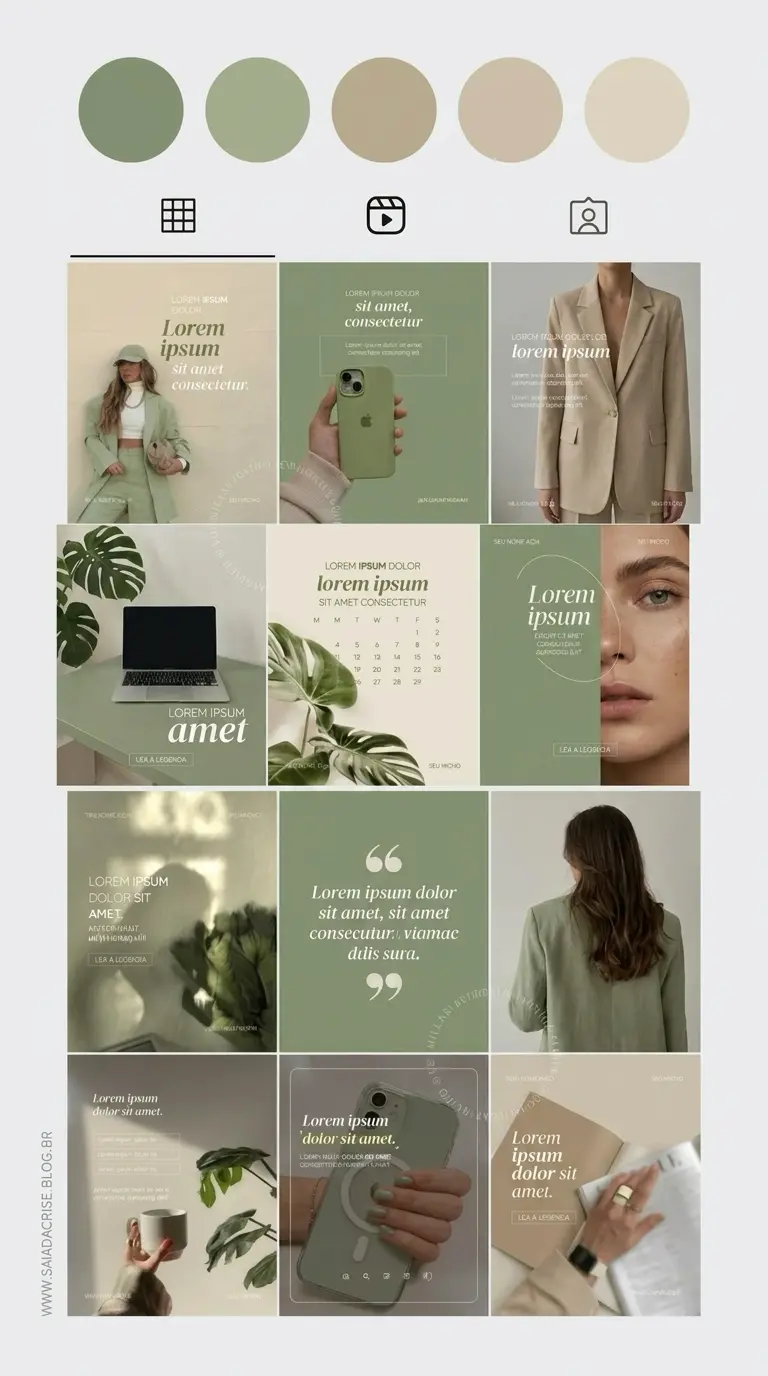
Trends in social media evolve rapidly, affecting user expectations and engagement. Regularly update your templates to reflect these changes. Monitor platforms like Instagram to spot emerging design trends, colors, and themes.
You don’t always need new templates. Half the time, just changing a few things does the job. Swap the colors, try a different font, maybe shift the layout a bit. It’s the same base, but it doesn’t feel recycled.
I also scroll through other designers’ pages when I’m stuck. Not in a “let me copy this” way—more like noticing patterns. If I keep seeing the same kind of layout or color combo, there’s usually a reason.
And your audience? They’re already giving you feedback, whether you ask or not. Some posts get saved, some don’t. Some get comments, some just sit there. That tells you more than any design trend. If you want to be direct, throw up a quick poll and see what people actually like
If you are turning creative work into a clearer business path, this social media marketing for artists breaks down portfolio, social media, email, pricing, and art show promotion in one practical workflow.
- 3.3Kshares
- Facebook0
- Pinterest3.3K
- Twitter0
- Reddit0