Most people already carry a camera that can make a very good picture. What turns a snapshot into a photograph worth keeping is rarely the sensor. It is a short series of decisions made before the shutter clicks. This guide shows how to take amazing photographs by making those decisions in the same order every time: find the subject, read the light, clean the background, choose your position, and wait for the moment.
You won’t find magic settings here. Settings matter, but they serve a picture you have already decided on. I came to photography through industrial design, architecture, jewelry, and academic drawing, and those fields share one habit: decide what matters before you decide how to render it.
- What makes a photograph feel amazing
- Start with light, not camera settings
- Build the frame around one clear idea
- Camera settings that protect your idea
- Three field cases you can copy this week
- Smartphone photography without the phone look
- Edit for clarity, not for effect
- A seven-day practice plan
- Frequently asked questions about how to take amazing photographs
- Your next twelve frames
The method works on a phone and on a dedicated camera, for portraits, street scenes, products, and moving subjects.
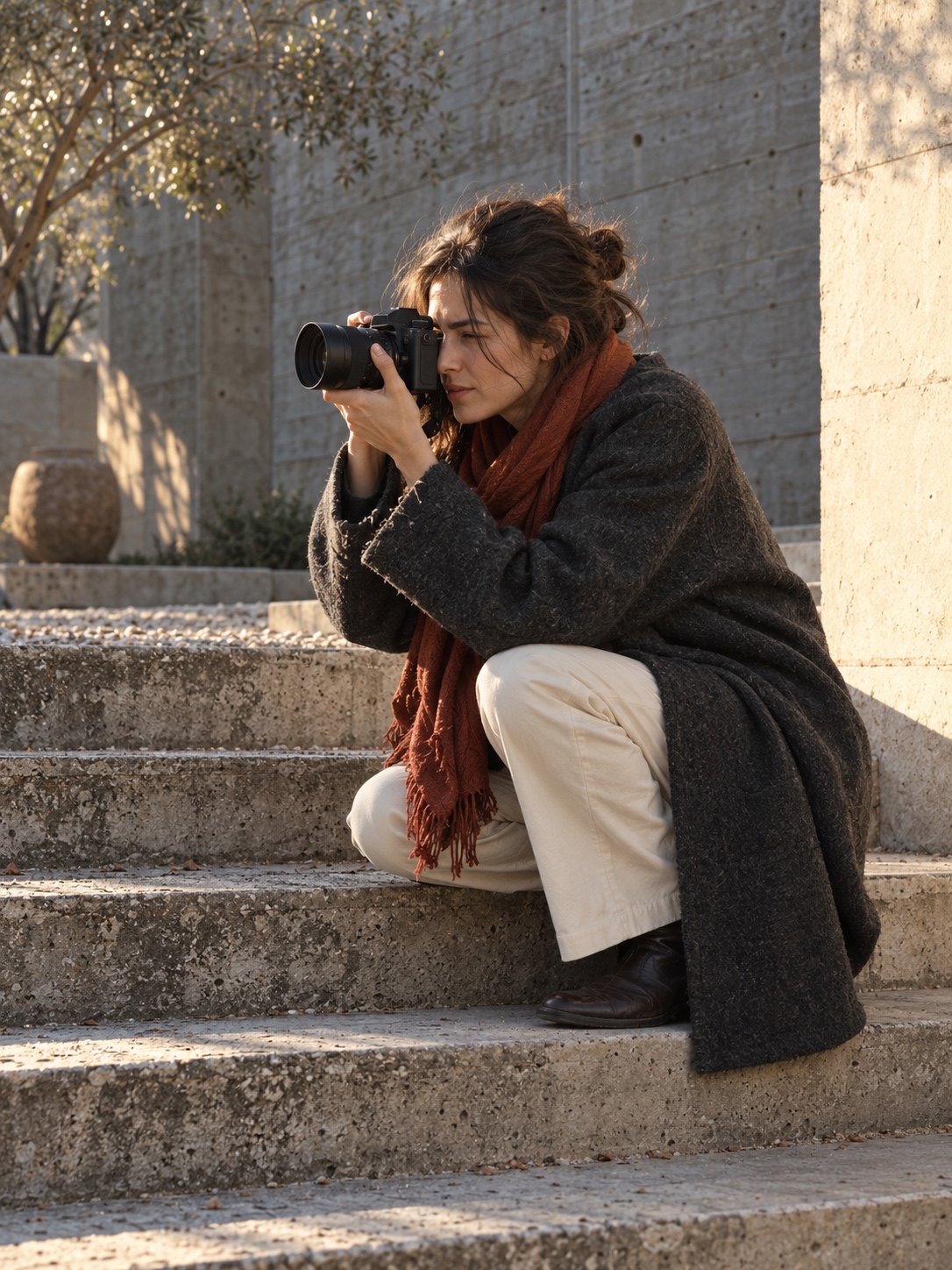
What makes a photograph feel amazing
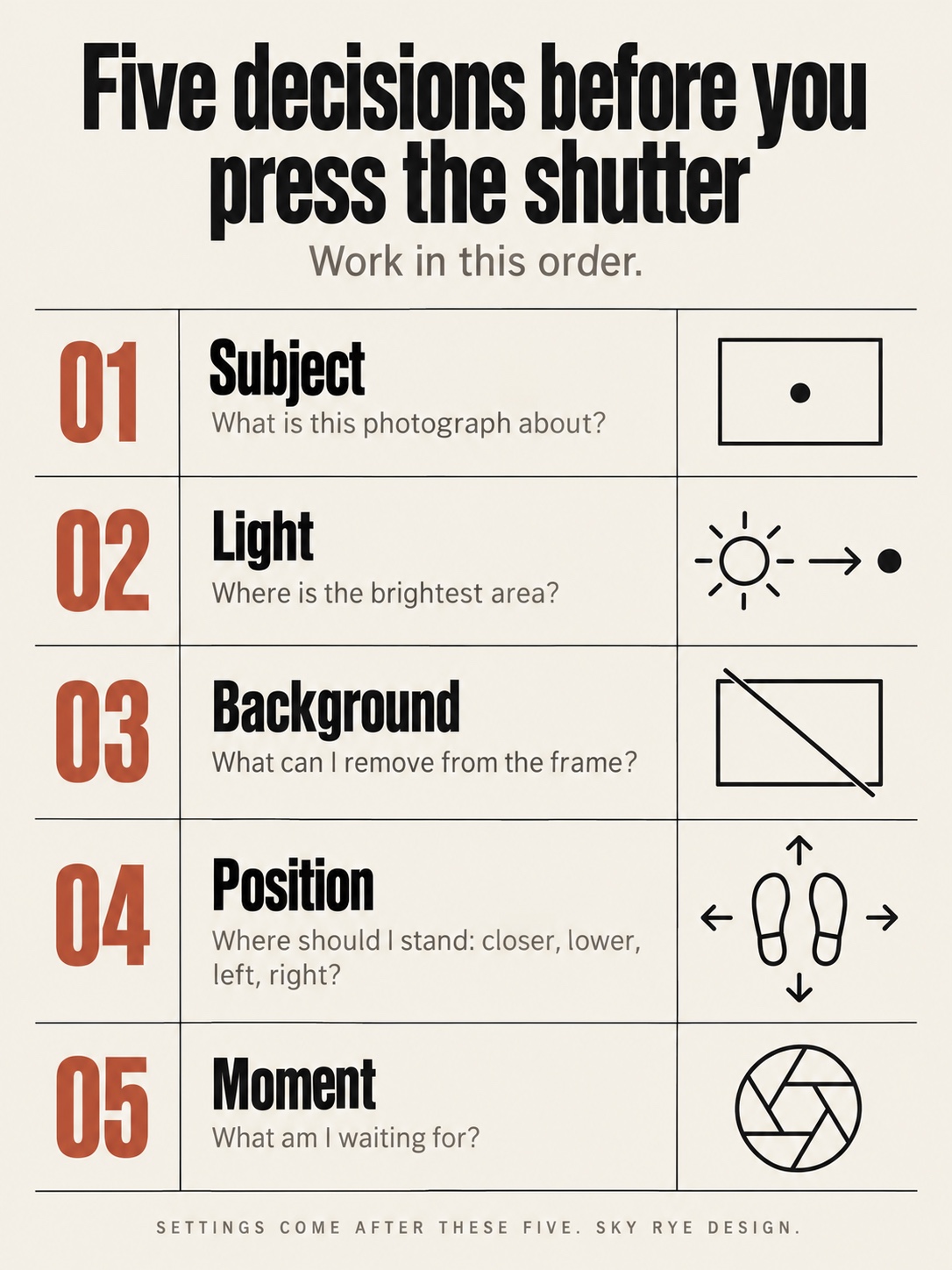
An amazing photograph has one clear subject, light that gives it shape, a background that stays out of the way, a camera position chosen on purpose, and a moment worth stopping for. Settings support those five decisions, but they rarely rescue a picture that skipped them.
The subject comes first because every other choice depends on it. Ask yourself: what is this photograph about? If the answer needs the word “and” twice, the frame is doing too much.
Light decides where the eye goes. Viewers usually look first at the brightest, sharpest, highest-contrast area, so ask where is the brightest area? Then check whether your subject owns it.
The background is the quiet half of the picture. A lamppost growing out of a head or a red sign behind a pale face pulls attention away. Ask what can I remove from the frame? Often you can remove it just by moving your feet.
Position is the most underused control you have. Step left, crouch, climb two stairs, or walk closer. Tony Wodarck’s guide argues for the same habit, along with getting more out of the camera you already own.
The moment is the hardest part to plan. It might be a glance, a splash, or a gap in traffic. You usually catch it by staying in a good position longer than feels comfortable.
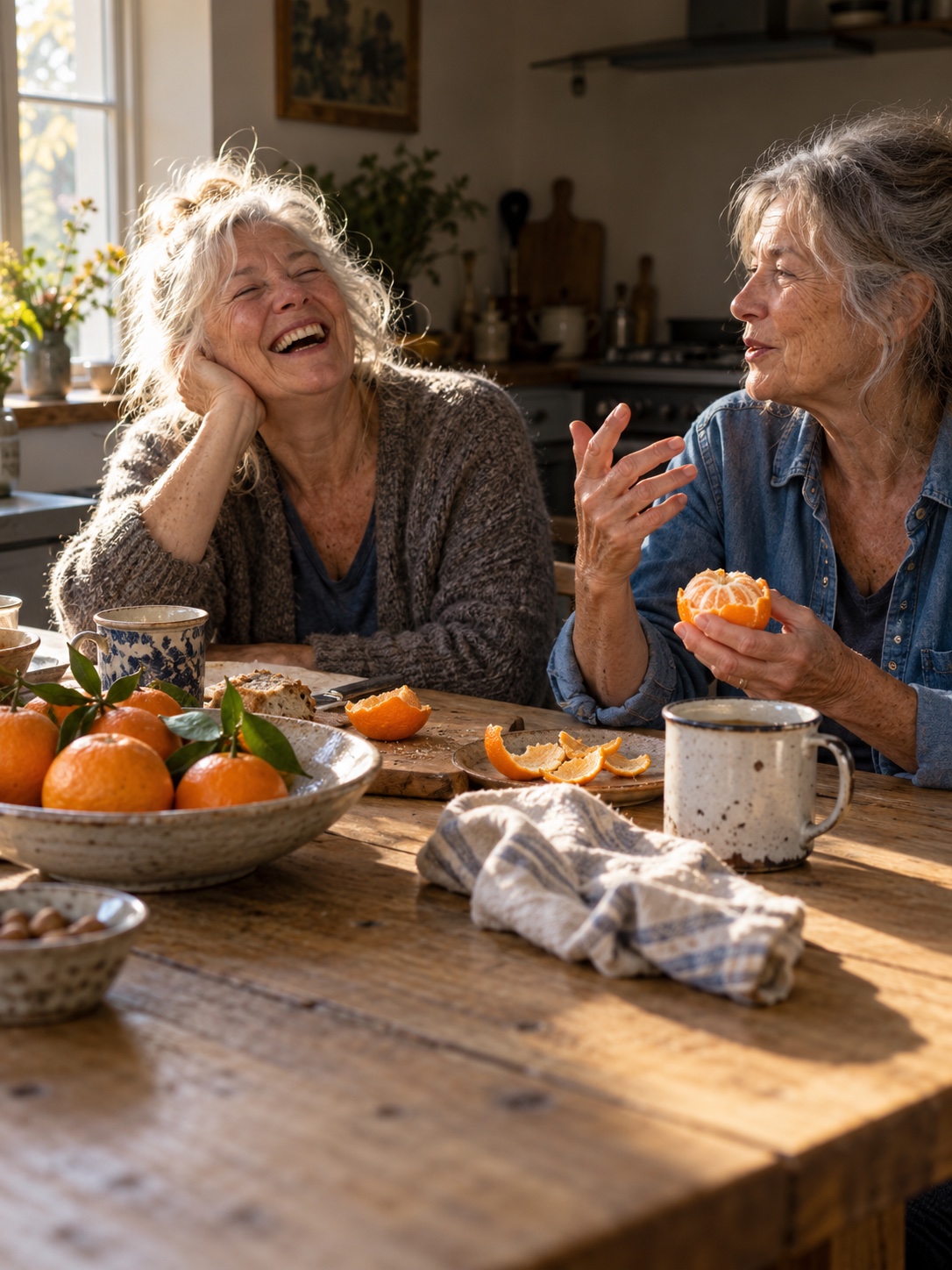
Work through these five in order and you have a decision sequence instead of a pile of tips.
Start with light, not camera settings
Before you touch a dial, look at what the light is doing to your subject. Directional light creates form. Flat light from every side turns faces and objects into cutouts.
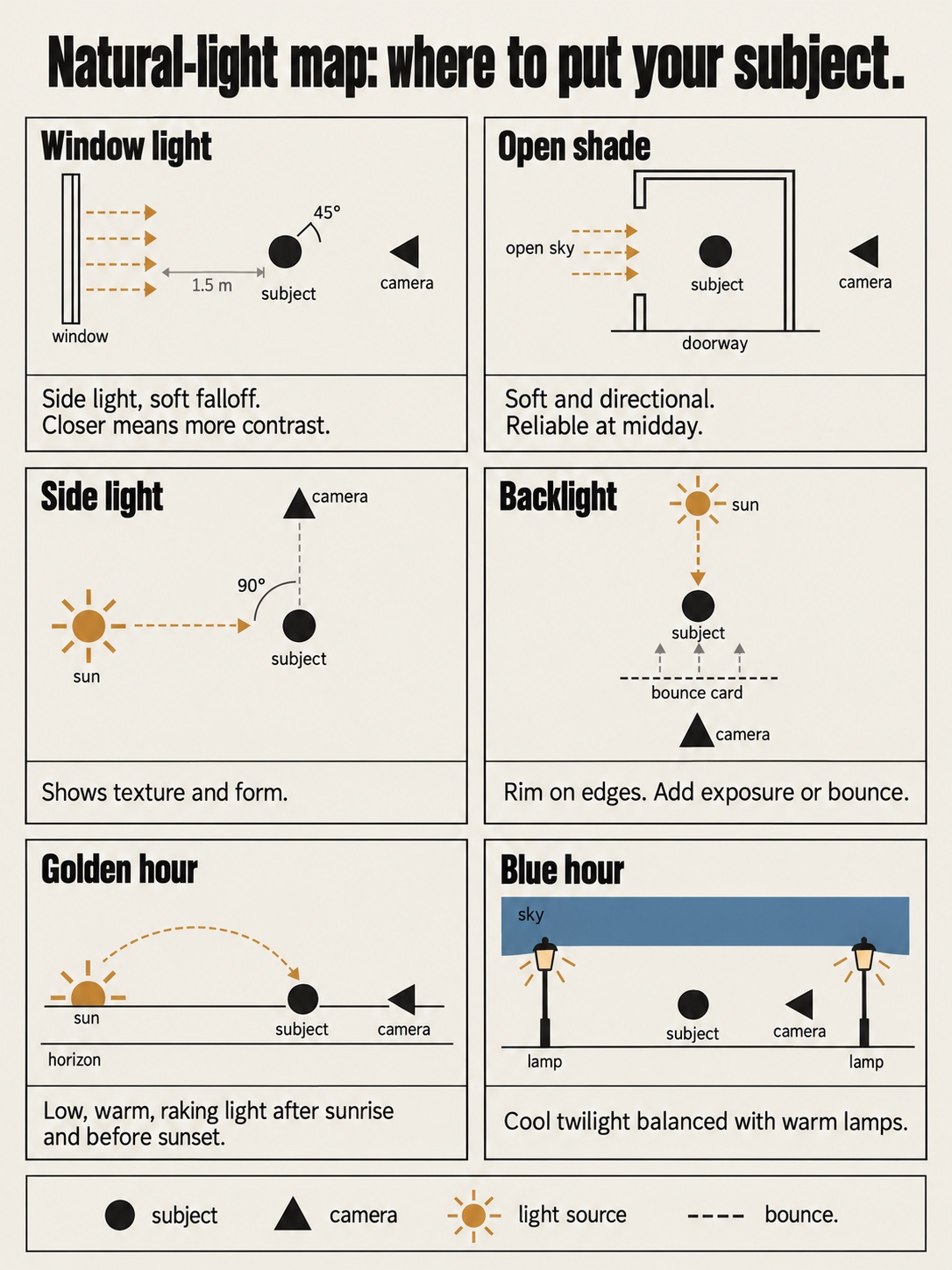
Side light arrives roughly 45 to 90 degrees from the camera’s line of sight. It reveals texture in fabric, wood, skin, and stone, and it gives a face one bright side and one softly shaded side. Academic drawing trains the same perception: value masses first, detail second. Squint at the scene. If the light and dark shapes still read clearly, the light is working.
Window light is side light you can control. Seat a person a step or two back from the glass and turn them slightly toward it. Moving closer adds contrast, and moving farther away softens and dims the light.

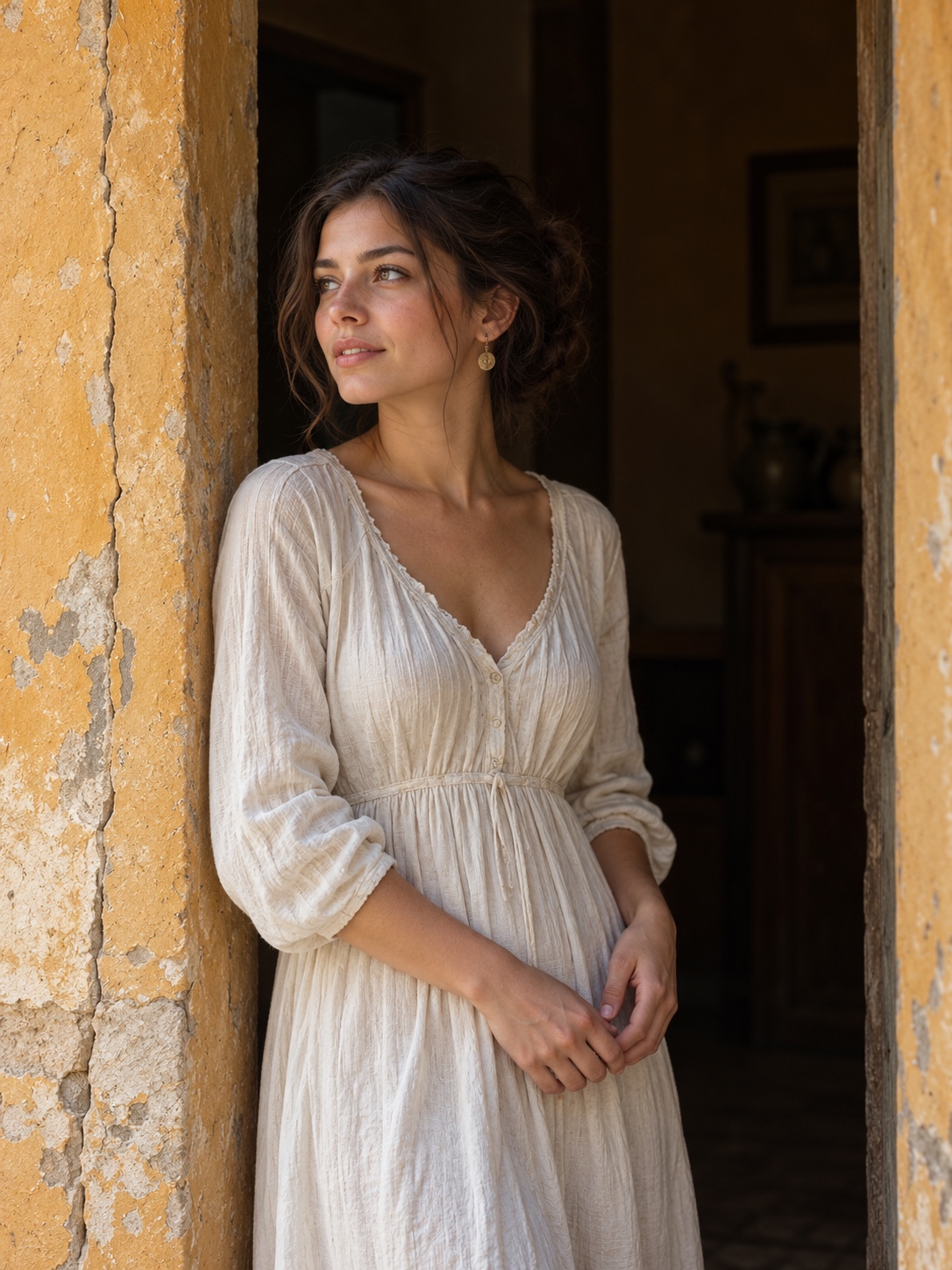
Open shade is the area just inside a shadow that still faces open sky, such as a doorway, an awning, or the shaded side of a building. The light there is soft but still directional. That makes it one of the most dependable places to photograph people on bright days.
Golden hour, shortly after sunrise and before sunset, brings low warm light that rakes across surfaces. Blue hour, the twilight just before sunrise or after sunset, gives cool ambient light that balances well with streetlights and lit windows. Both are short, so arrive early.
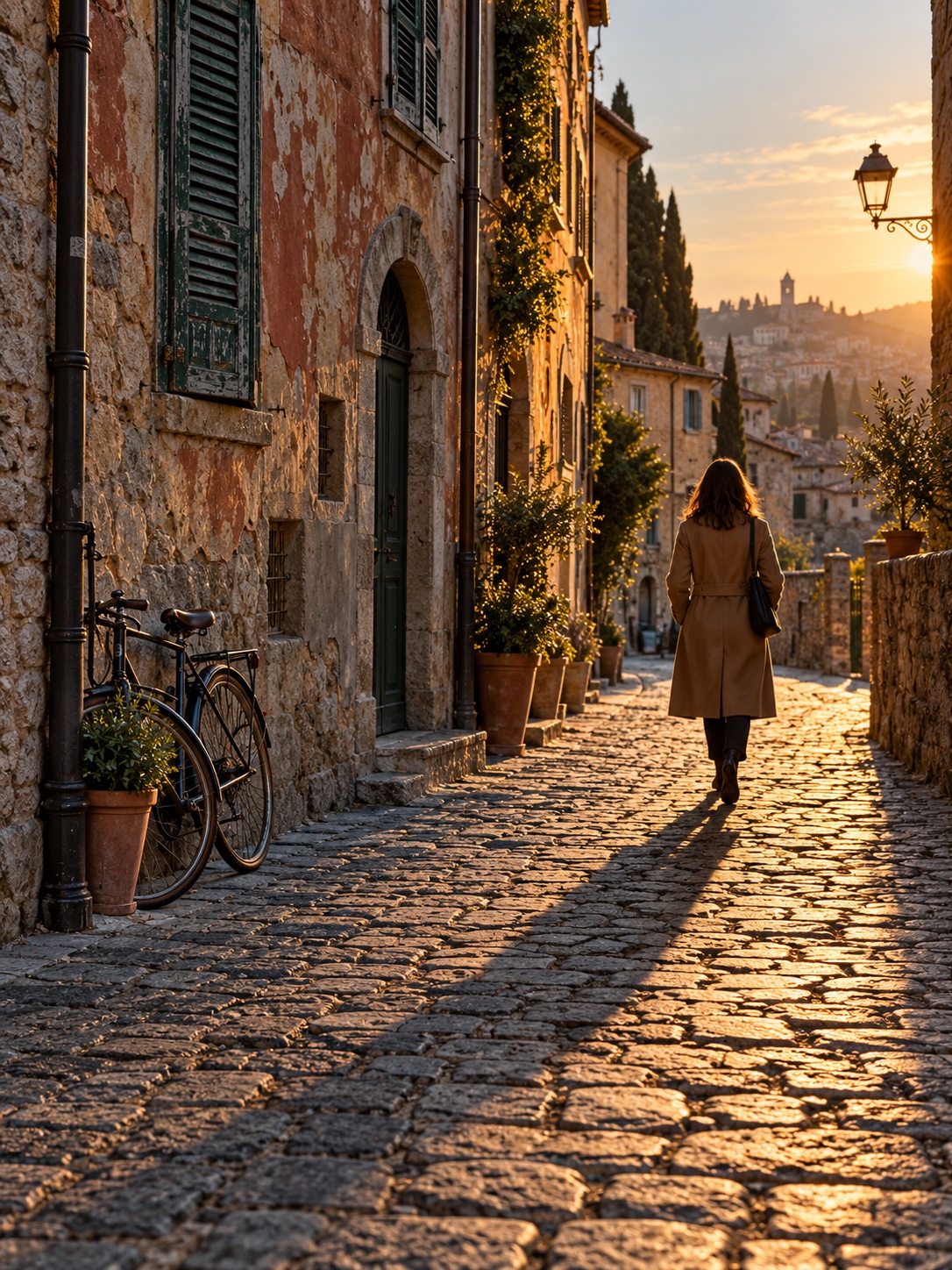
Backlight puts the light source behind your subject. It outlines hair and edges and separates the subject from the background. You will usually need to add exposure or bounce some light back into the face.
Catchlights are the small reflections of the light source in a person’s eyes, and they make a portrait feel alive. If you can’t see them, turn the face toward the light until they appear.
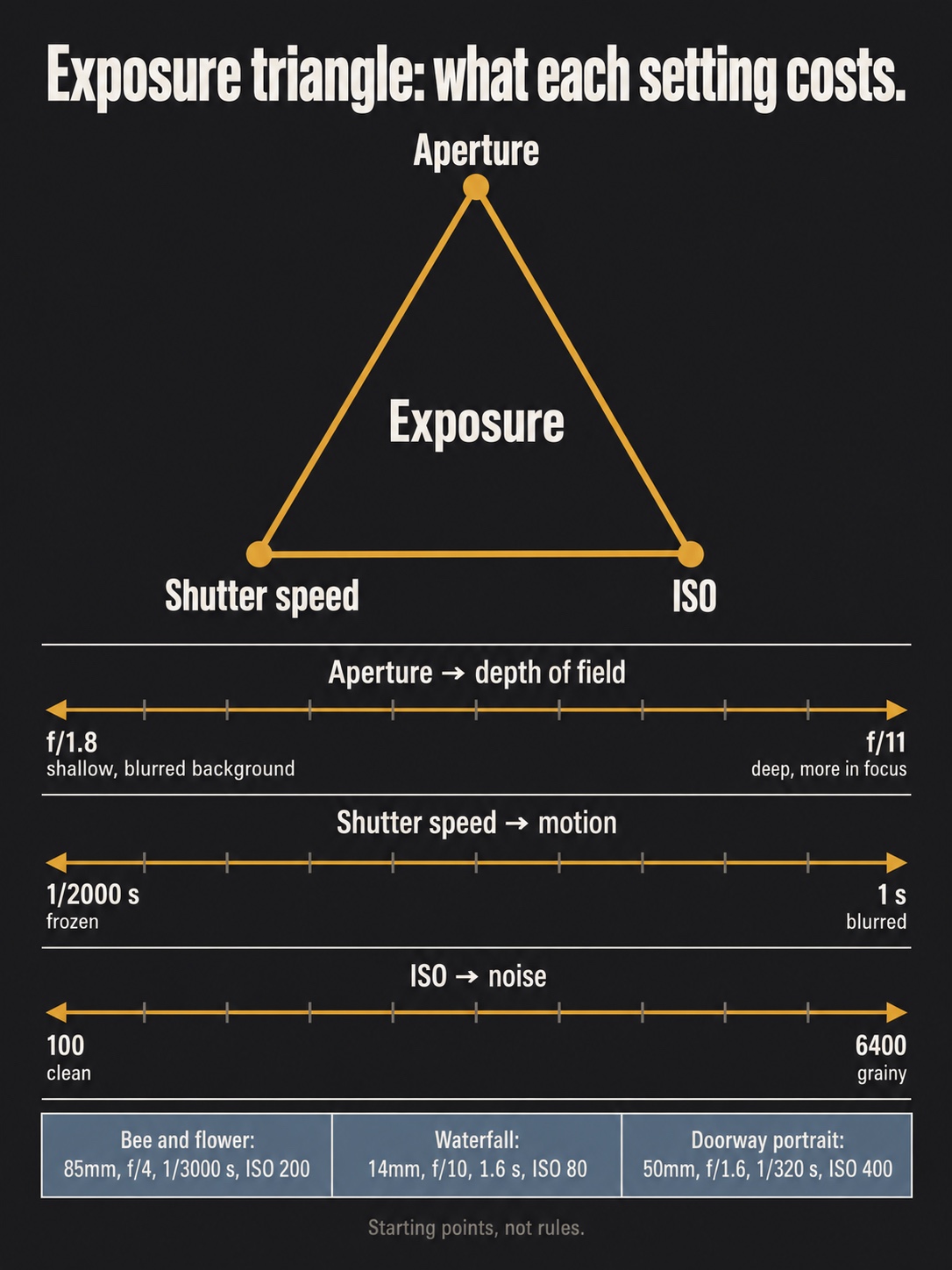
A doorway portrait from Jodhpur, analyzed by Digital Photography School, shows one location solving two problems. The doorway gave the photographer a plain blue setting behind the subject and light from a single direction, which put catchlights in the eyes. The exposure itself was unremarkable: 50mm, f/1.6, 1/320 second, ISO 400. The choice of place carried the picture.
Midday sun is the hard case, and it has a simple rescue routine. First, move the subject into open shade. If you can’t, turn them so the sun sits behind them and expose for the face. If the background then turns pure white, change your angle until something darker is behind them.
Hard winter sun in a city like Kyiv is a good place to test this routine. Snow and pale facades scatter light everywhere, and the shadows turn sharp and blue.
Most natural light photography comes down to these few setups, practiced until you recognize them without thinking.
Build the frame around one clear idea
Industrial design taught me that people read an object’s silhouette before its detail. A car concept is judged by its outline from across a room long before anyone notices the stitching. Photographs behave the same way. Visual hierarchy means the viewer reads one thing first, a second thing next, and everything else as support.
Start with background cleanup. Scan the edges of the frame and the area directly behind your subject. Bright patches, readable text, and hard lines running into a head all compete for attention. One step sideways often fixes more than a wider aperture does.
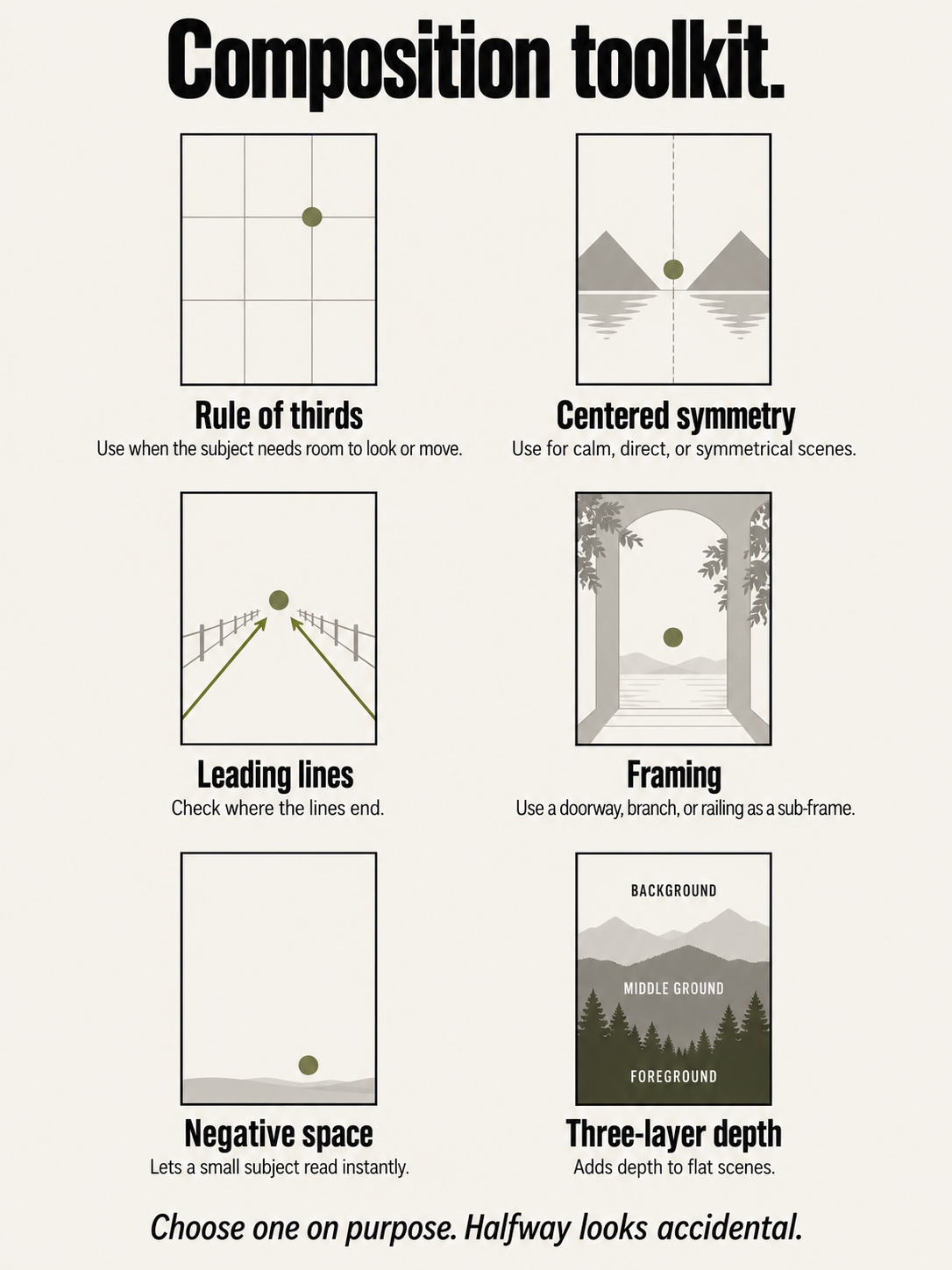
The rule of thirds is useful because off-center placement creates tension and leaves room for the subject to look or move into. It is not a law. A centered composition works when the scene is symmetrical, when the subject faces the camera directly, or when you want stillness. Choose one on purpose. A subject drifting somewhere between the two looks accidental.
Layers give a flat image depth. Put something in the foreground, the subject in the middle ground, and context in the background. A branch, railing, or doorframe used as a sub-frame can supply that first layer. Leading lines such as curbs, rails, and long shadows pull the eye along them, so check where they end.
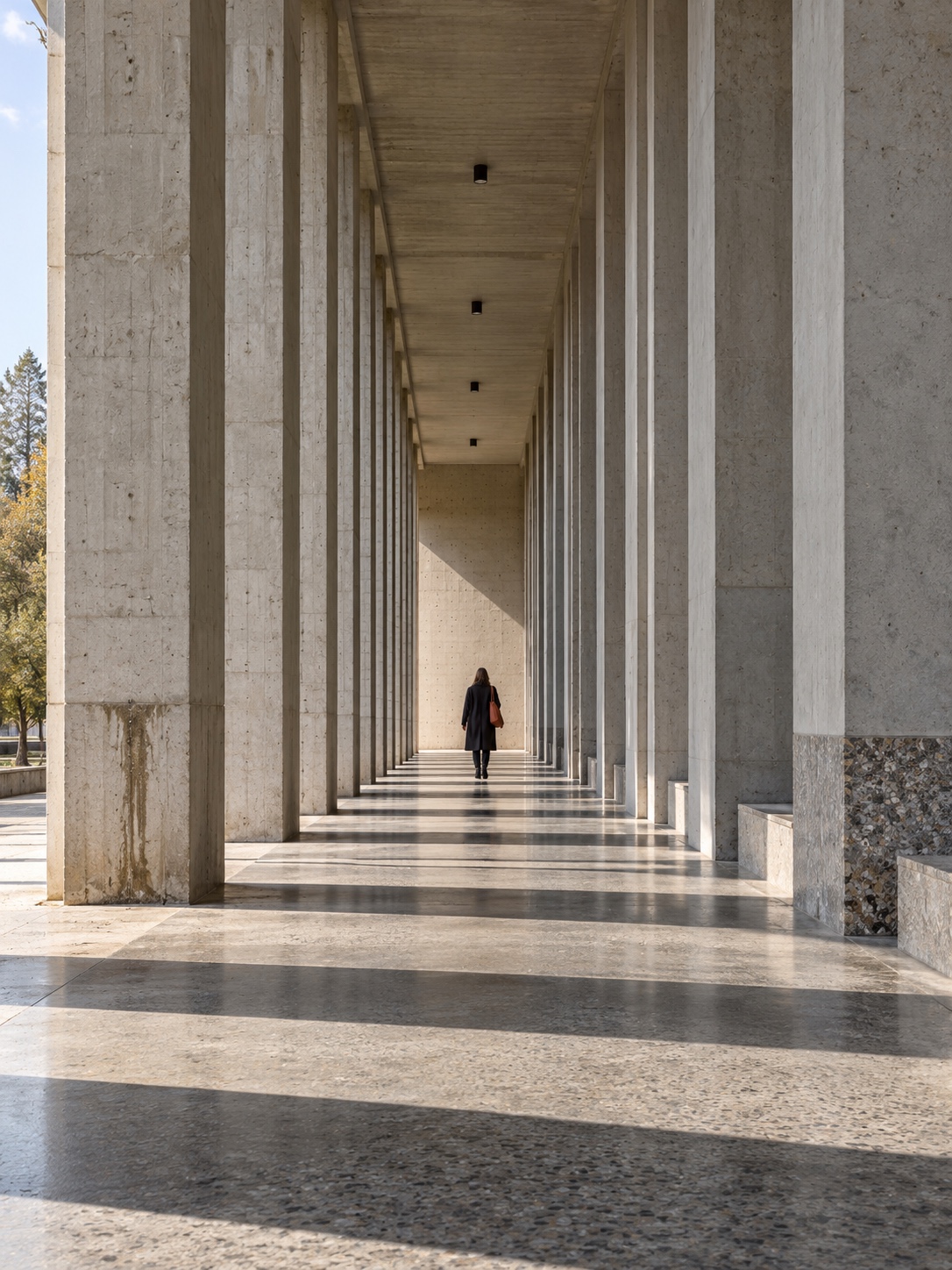
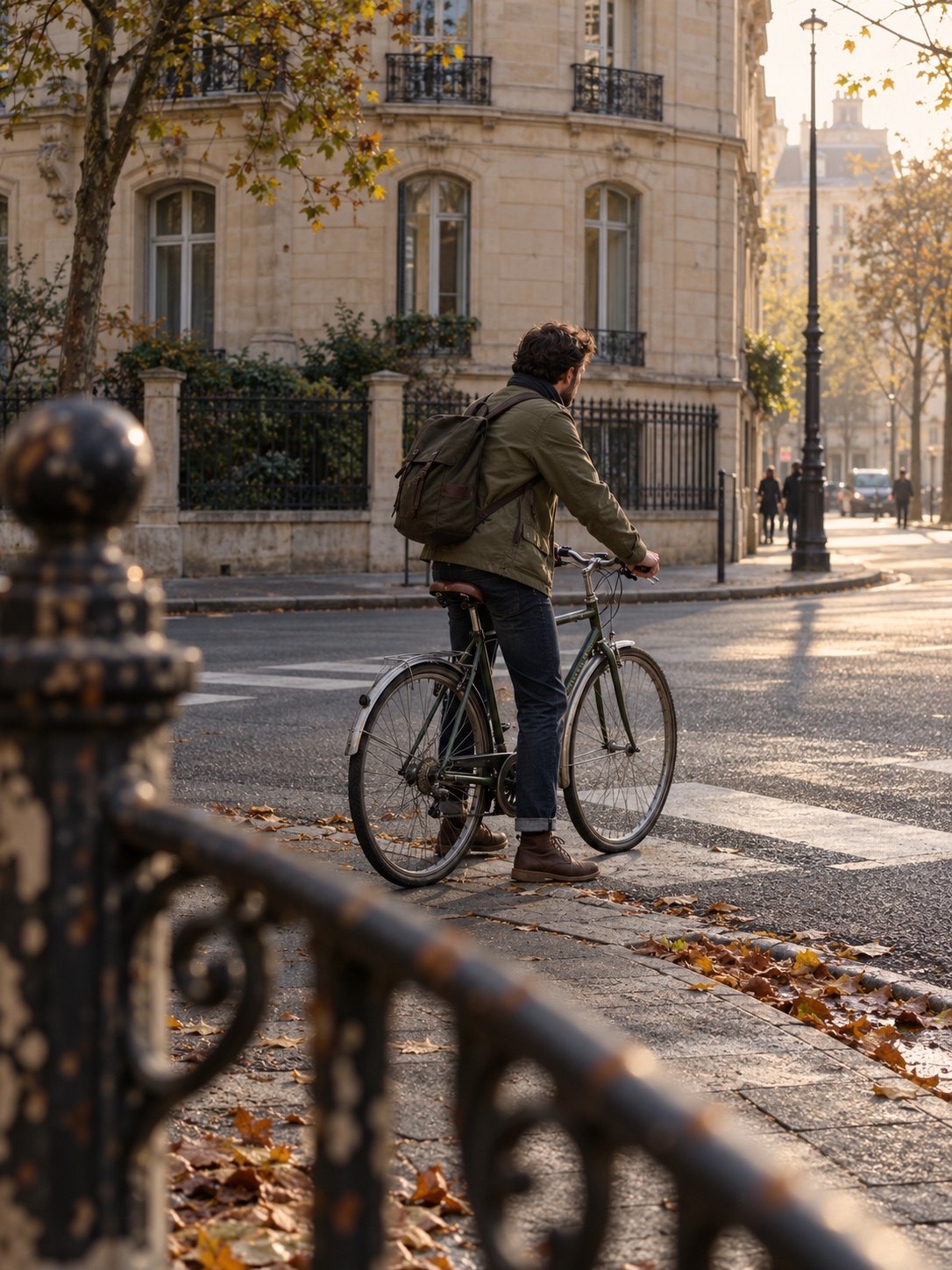
Architecture work makes you sensitive to verticals. Tilt a camera up at a building and the walls lean inward. Sometimes that drama is the point, but often it just looks careless. Keep the camera level, step back, or include a person to show scale.
Negative space is open area that makes a small subject readable. A bee-and-flower frame from Edmonton, also covered by Digital Photography School, keeps most of the picture uncluttered so the eye finds the insect at once. It was made at 85mm, f/4, ISO 200, and 1/3000 second, which was fast enough to stop the bee’s movement.
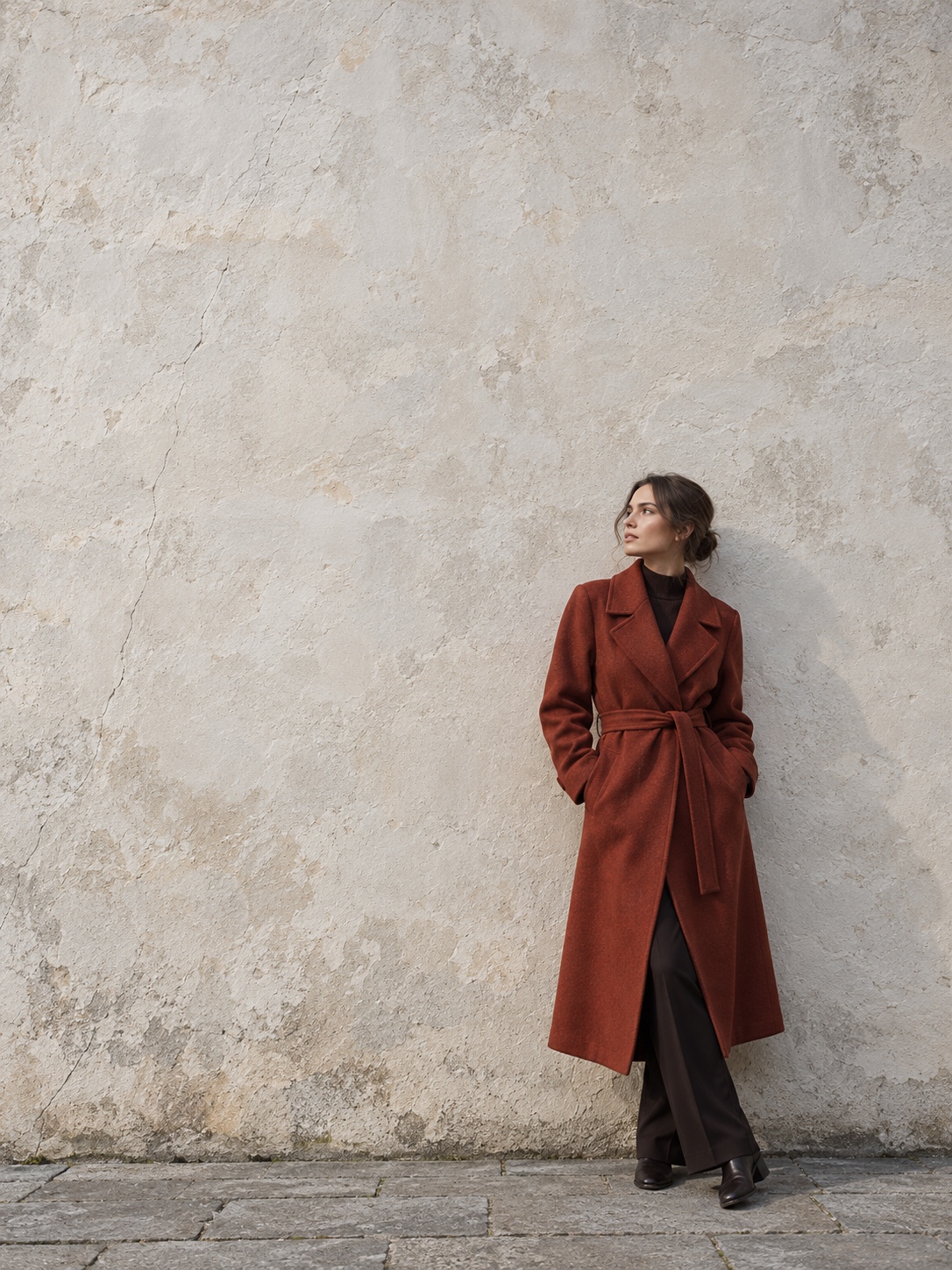
Next, change your height and distance. Most snapshots are taken standing up, at eye level, from a comfortable distance. Kneel. Raise the camera overhead. Walk in until the subject fills half the frame, then back away until it sits small against a large shape.
Focal length plays a part here too. Strictly speaking, perspective comes from your distance to the subject. Lens compression is what you see when you stand farther back with a longer lens: the background looks closer and larger. A wide lens used up close stretches space and exaggerates near objects.
Photography composition tips stick better as exercises than as rules, which is why the practice plan below gives each one a day of its own.
Camera settings that protect your idea
Once you know what the picture is about, your settings have one job, which is to protect that idea.
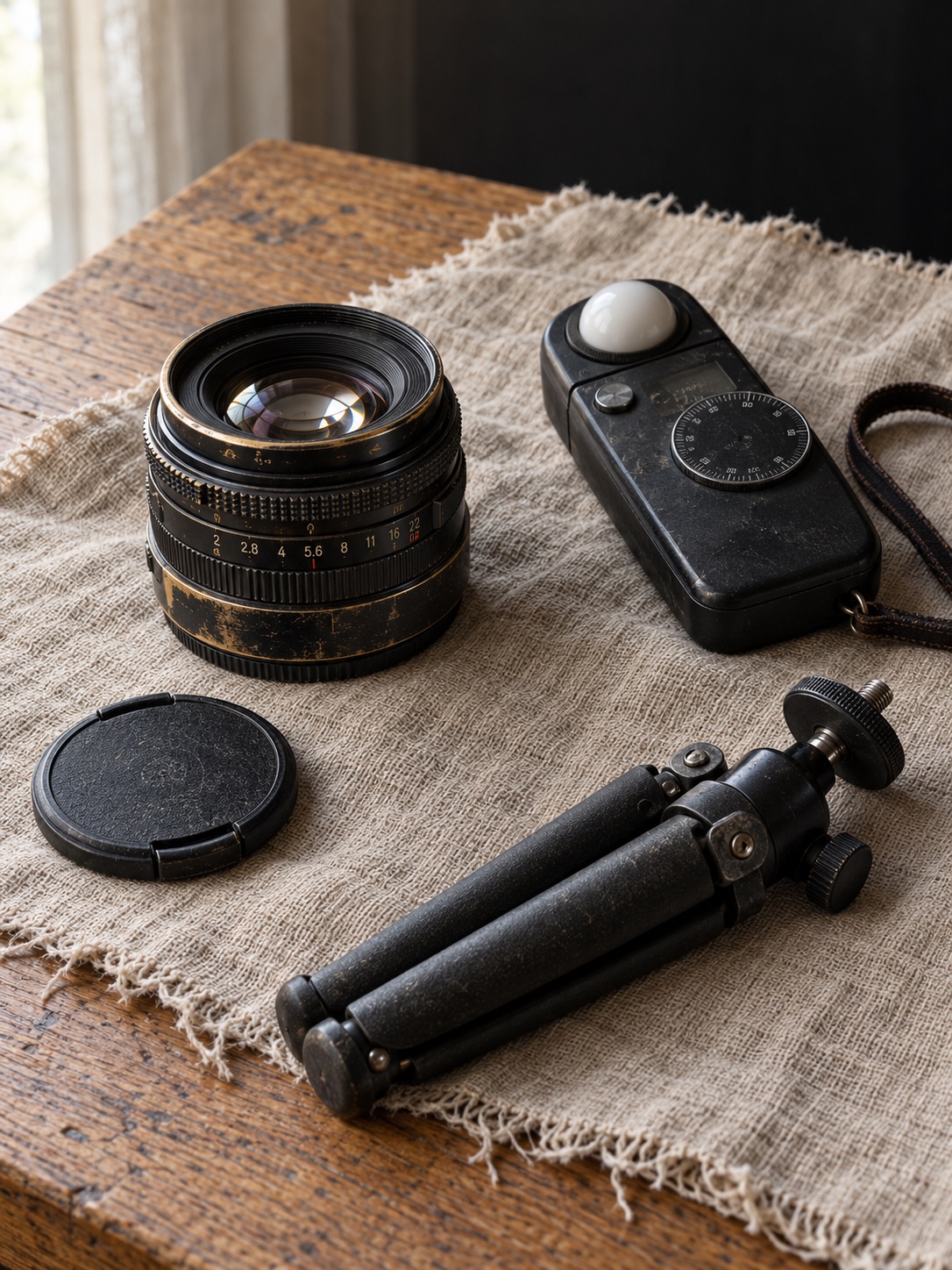
Aperture controls depth of field. A wide aperture such as f/1.8 or f/2.8 blurs the background and isolates the subject. A setting of f/8 to f/11 keeps more of the scene sharp. Use a wide aperture for subject separation when the picture needs it, and avoid treating it as a default.
Shutter speed controls motion. A Vancouver Island waterfall discussed by Digital Photography School was exposed for 1.6 seconds at f/10, ISO 80, and 14mm, on a Sony RX100 III set on a small tabletop tripod. The long exposure softened the moving water into streaks while the tripod held the rocks sharp. A different shutter speed would have given the water a different mood. Without the tripod, the still detail would have blurred.
ISO brightens the image electronically, and noise rises with it, so raise it last. The University of Arkansas photography guidance recommends checking ISO before a shoot. A high value left over from a dim room will carry noise into daylight frames.
The same guidance suggests using aperture priority or shutter priority while you learn. You set the control that matters most, and the camera balances the rest.
In those modes, exposure compensation is the control you will use most. If the camera renders a white wall gray or a black coat muddy, adjust by a third of a stop up to a full stop.
The histogram shows how tones are distributed across the frame. A spike pressed against the right edge means clipped highlights, and that detail is usually gone for good. When the scene’s highlight-to-shadow range is wider than the sensor can hold, protect the highlights and lift the shadows later. RAW files give you the most room to do that.
For portraits, put focus on the eyes, as the Arkansas guide also advises. Eye autofocus handles this well where your camera offers it. Use continuous autofocus for anything that moves.
Image stabilization helps you handhold slower shutter speeds for still subjects. It won’t freeze a moving one.
Starting settings by scene (adjust for your light, lens, and subject)
| Scene | Mode | Aperture | Shutter | ISO | Notes |
|---|---|---|---|---|---|
| Portrait | Aperture priority | f/2–f/4 | 1/250 s or faster | 100–800 | Eye AF; check for catchlights |
| Street | Aperture priority | f/5.6–f/8 | 1/500 s or faster | Auto, capped near 3200 | Pre-focus a zone |
| Action | Shutter priority | Widest available | 1/1000–1/2000 s | Auto | Continuous AF, burst |
| Product | Manual, tripod | f/8–f/11 | As needed | 100 | Two-second timer |
| Low light | Aperture priority | f/1.4–f/2.8 | 1/60–1/125 s | 1600–6400 | Stabilization on; brace yourself |

These are starting points. Expect your scene to move every value.
Three field cases you can copy this week
These are exercises you can reproduce. Each gives a setup, starting settings, the usual failure, and the fix.
A window portrait
Use one window and switch off the overhead lights. Seat the person one to two meters from the glass, angled about 45 degrees toward it, with the window to one side of you.
On a camera, start in aperture priority at f/2.8 and ISO 400 with eye autofocus on, and keep the shutter at 1/125 second or faster. On a phone, leave portrait mode off at first. Press and hold on the nearer eye to lock focus and exposure, then slide the exposure down slightly.
The usual failure is a shadow side that drops to black, or a window in the frame that turns pure white. Hold a white card or pillowcase just out of frame on the shadow side, and turn the person so the window sits beside them rather than behind.
To check the result, look for one catchlight in each eye and skin texture on both sides of the face.
A wet-city blue-hour scene
Go out after rain, 20 to 30 minutes after sunset, and find a street with lit shop windows, streetlights, and reflective pavement. A Kyiv street after rain often puts warm lamps, cool signage, and a blue sky in one frame, which makes it a good test of mixed color temperature.
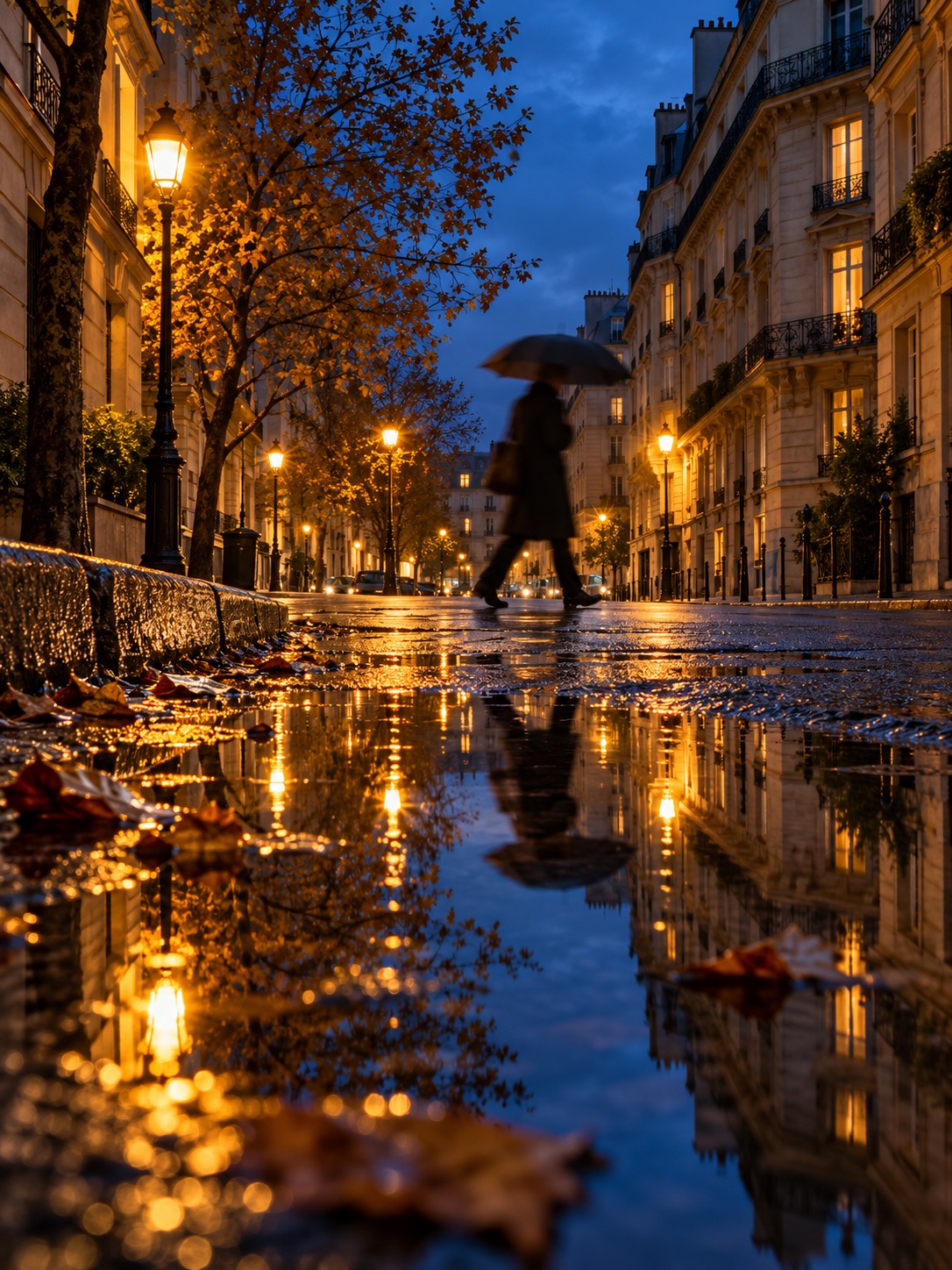
On a camera, work from a tripod or a wall at f/8 and ISO 100 to 400, with a shutter speed of a few seconds. Shoot RAW and set white balance manually near 4000K. On a phone, brace against a post, use night mode if you have it, and lower the exposure until the lights keep their color.
What usually fails: auto white balance grays the sky, the lamps burn out, and the reflections look patchy. Lower the camera close to the puddle so the reflection fills the bottom third. Subtract about two-thirds of a stop, then wait for a person to walk through for scale.
The sky should read deep blue rather than black, the lamp halos should hold some color, and one figure should anchor the frame.
A fast-moving subject
Pick a cyclist, runner, or dog on a predictable path, and stand where it passes at a right angle to you.
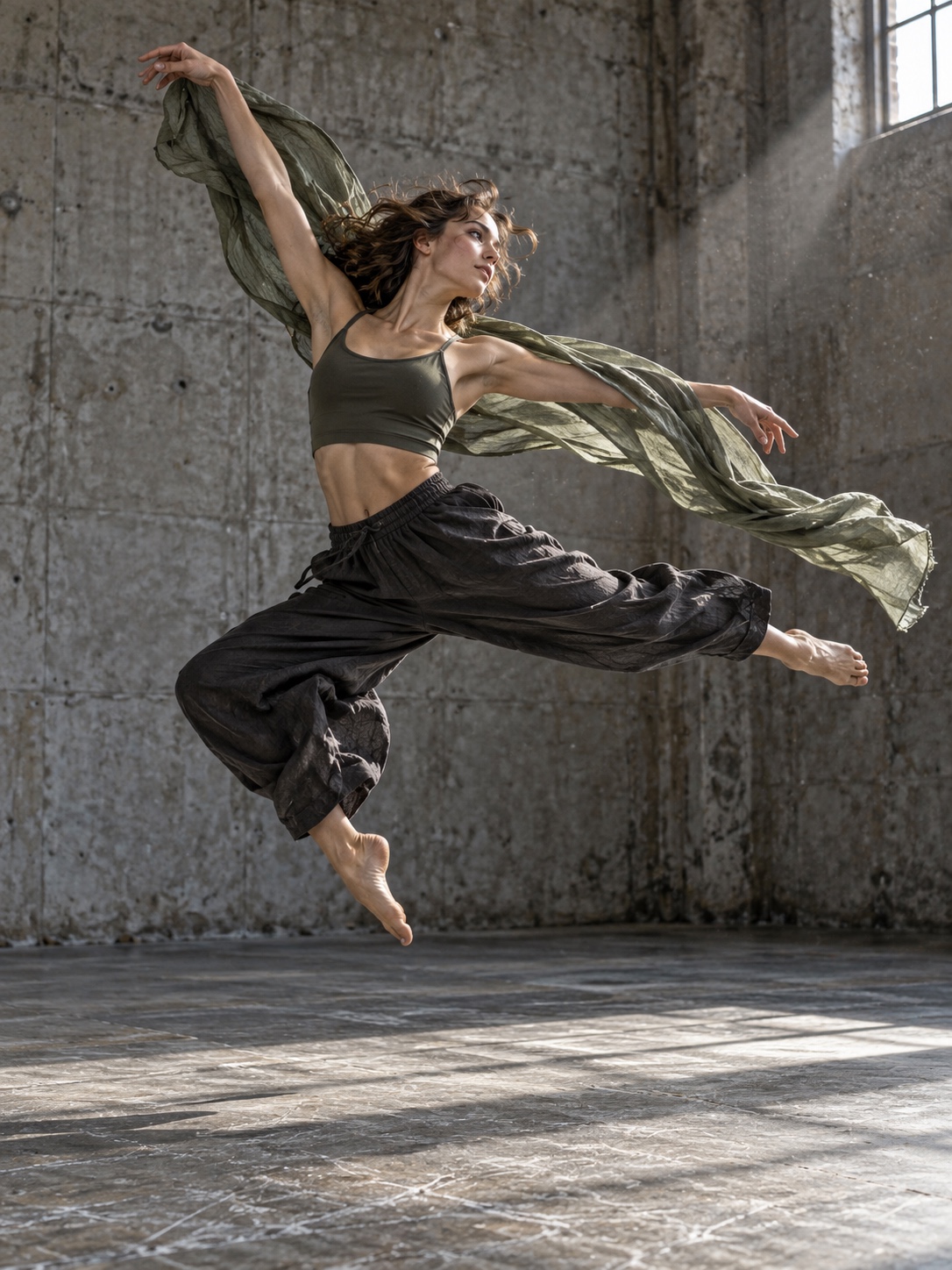
To freeze the motion, use shutter priority at 1/1000 to 1/2000 second with continuous autofocus and burst mode. To pan, set 1/30 to 1/60 second, track the subject with your whole torso, and keep turning after the shutter closes. On a phone, use burst capture in strong light, and practice the same torso turn for panning.
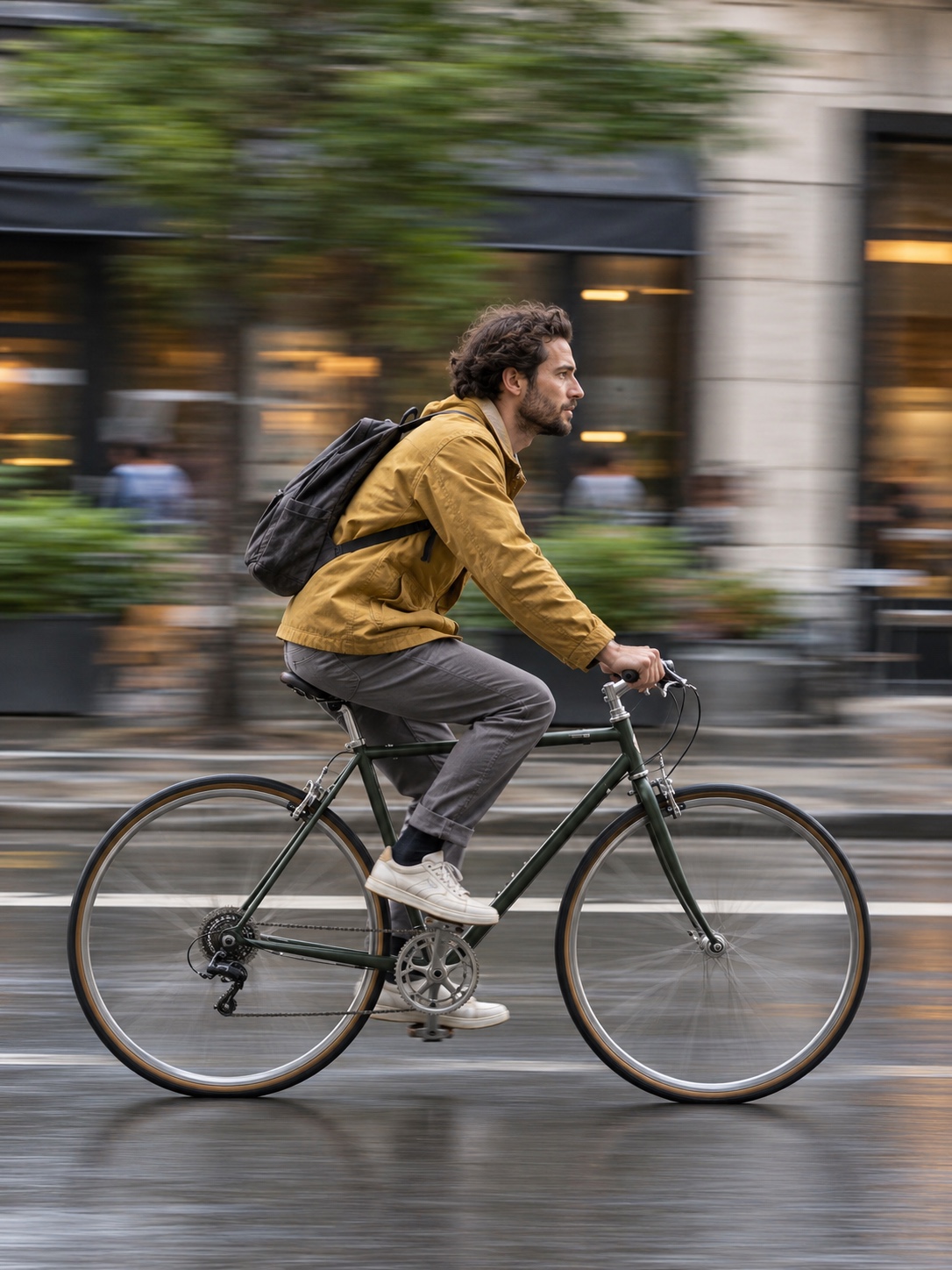
What usually fails: autofocus lags behind the subject when you try to freeze it, and a pan comes out blurred everywhere. Pre-focus on the spot where the subject will pass, start tracking before it arrives, and accept that only a few frames will work.
A good freeze shows crisp hair, droplets, or spokes. A good pan keeps the head sharp against a background streaked horizontally. Learning how to take sharp photos in motion mostly comes down to matching shutter speed to the subject’s speed.
Smartphone photography without the phone look
The “phone look” mostly comes from three habits: shooting from chest height, pinching to zoom, and accepting heavy automatic processing.
Start by wiping the lens. A thumbprint adds haze and puts a glow around every light.
Avoid uncontrolled digital zoom. Most phones have several camera modules labeled with values such as 0.5x, 1x, and 2x. Tap the module that matches your intent instead of pinching between them, since in-between values are often crops. Walking closer usually beats zooming.
Use the ultrawide for space and close foreground detail, but keep faces away from its edges, where it stretches them. The longer module flatters portraits and compresses the background.
On most phones, pressing and holding on the subject locks focus and exposure. You can then slide the exposure down a little. Phones tend to brighten scenes, and pulling back protects skies and keeps skin from turning chalky.
Bring foreground and distance into the frame as you would with any camera. The smartphone photography tips that matter most are about position rather than features. If your phone offers RAW or a less-processed capture mode, try it in difficult light, and keep your edits light.

Edit for clarity, not for effect
Editing finishes the decisions you made in the field. Work through them in a fixed order.
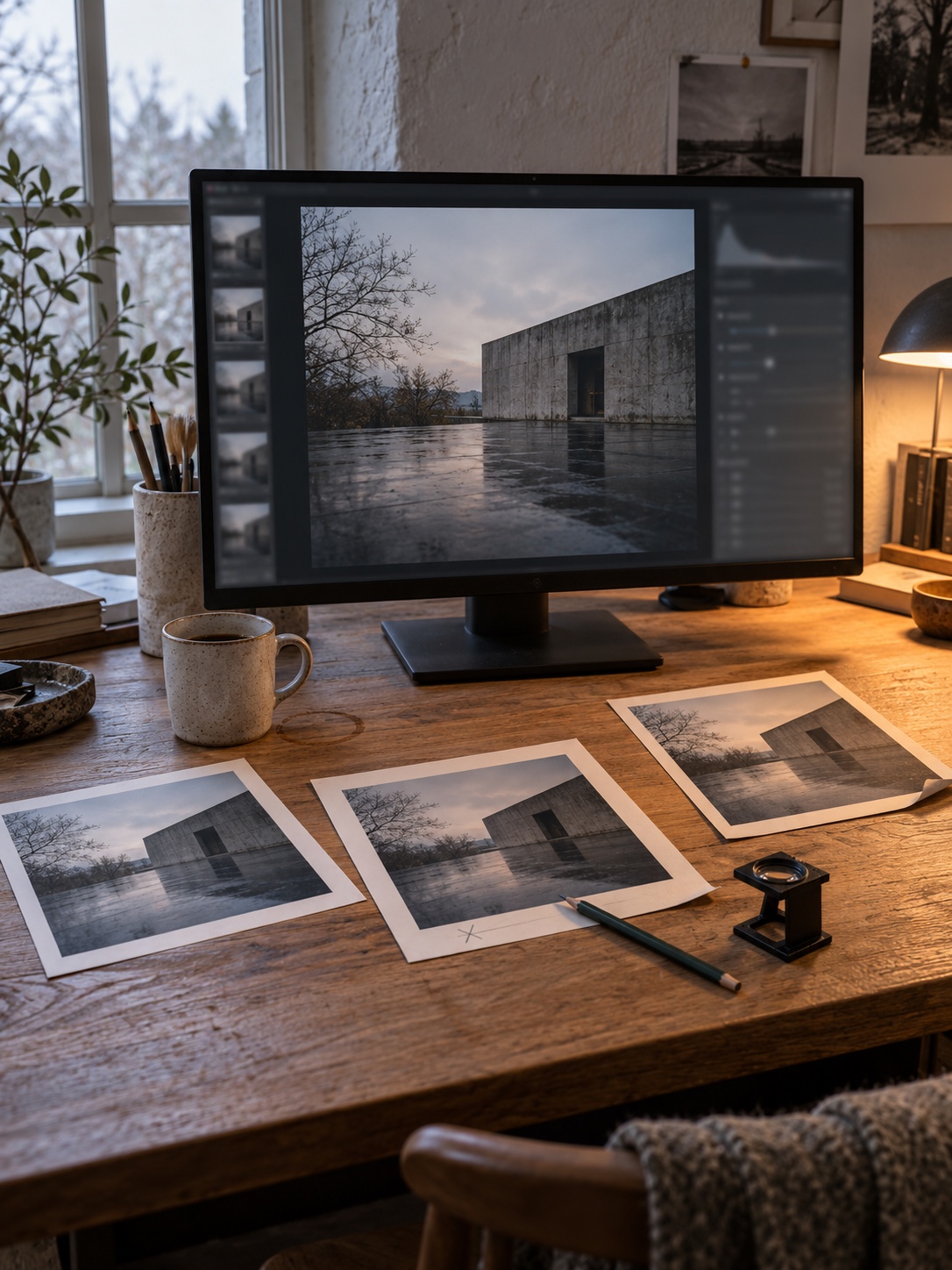
Crop first. Straighten horizons and verticals, trim distractions at the edges, and choose an aspect ratio that suits the subject.
Then set exposure and white balance. Make whites look white and skin look like skin under the light that was actually there. A warm evening should stay warm.
Contrast and highlights/shadows come next. Pull highlights down to recover sky or window detail, then lift shadows gently. Too much shadow lift makes the image gray and flat.
For color, adjust individual hues instead of overall saturation, and quiet any single color that dominates. Color grading, which tints shadows and highlights, should shift the mood without drawing attention to itself.
Local adjustments come after that. Brighten the subject slightly, darken the edges a touch, and add local contrast where texture matters. Subject and sky masks make this quick in most editors.
Sharpening and noise reduction go last, and you should judge both at 100% zoom. Noise reduction smooths grain, but too much turns skin to wax. Sharpening adds bite, but too much leaves bright halos along edges.
Here is a stop rule. Zoom to 100% on skin or the finest texture in the frame. If pores, fabric weave, or wood grain have vanished, or the edges glow, pull every slider you touched back by a third. Then toggle the original on and off. If the edit reads as “clearer” rather than “edited,” stop.
Photo editing for beginners works best as a short routine you repeat, and a stack of presets is a poor substitute for one.
A seven-day practice plan
Give each day one constraint. Shoot about 20 frames and keep one.
| Day | Constraint | Assignment |
|---|---|---|
| 1 | Light | Photograph one object at three times of day. Keep the frame with the clearest shape. |
| 2 | Background | Photograph one person or object against five backgrounds within 20 meters of each other. |
| 3 | Angle | Make ten frames of one subject from at least four heights. |
| 4 | Layers | Make ten frames that each have a distinct foreground, middle ground, and background. |
| 5 | Motion | Make five frozen frames at 1/1000 s and five pans at 1/30 s. |
| 6 | Portrait | Make a window portrait and keep going until both eyes show catchlights. |
| 7 | Edit and selection | Choose your six best frames from the week, edit each in under five minutes, and explain each choice in one sentence. |
The day-seven sentences matter most. If you can’t explain why a frame works, you can’t repeat it.
Frequently asked questions about how to take amazing photographs
Do I need a dedicated camera, or is a phone enough?
A phone is enough to learn light, composition, and timing, and those decide most of the result. A dedicated camera helps most with fast action, low light, shallow depth of field, and long lenses. Upgrade when you can name the specific limit you keep running into.
What are the best camera settings?
No single combination works for every scene. In a priority mode, choose the control that matters most: aperture for depth or shutter speed for motion. Keep ISO as low as the light allows, and fine-tune with exposure compensation. The table above gives starting points.
Why aren’t my photos sharp?
The usual causes are a shutter speed too slow for your hands or your subject, focus placed on the wrong spot, and depth of field too shallow for the scene. Raise the shutter speed, use eye or single-point autofocus, stop down a little, or use a tripod. Always check at 100% zoom.
Is golden hour always the best light?
No. Golden hour flatters people and textured surfaces, but overcast days give even light for portraits and color, and blue hour suits cities. The best light is whatever fits your subject.
Do composition rules matter?
They are useful defaults. The rule of thirds, leading lines, and symmetry help you see your options quickly. Break them when you can say why.
Is editing cheating?
Darkroom printers dodged and burned their prints and chose papers to shape the result. Editing becomes a problem when it misrepresents a scene in a context that expects documentary accuracy, such as news. For personal and editorial work, restrained editing is part of finishing the picture.
Your next twelve frames
Choose one subject you can return to, such as a chair, a doorway, a friend, or a bicycle. Make 12 frames without changing the light or your settings. Change only your position and distance: closer, farther, lower, higher, left, right.
Lay the frames side by side and select one. Write two sentences on why it works, naming the subject, where the brightest area falls, and what you kept out of the frame. Next week, repeat the exercise with a different subject.
Sources
- Digital Photography School, “6 eye-catching photos and how they can help you improve your photography”
- University of Arkansas, tips for taking great photos
- Tony Wodarck, how to take good photos
- Penn State College of Health and Human Development, photography tips
- 0shares
- Facebook0
- Pinterest0
- Twitter0
- Reddit0