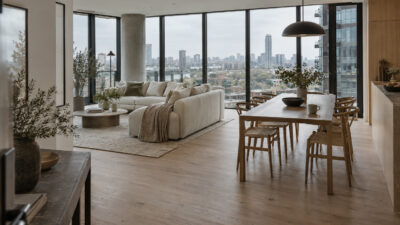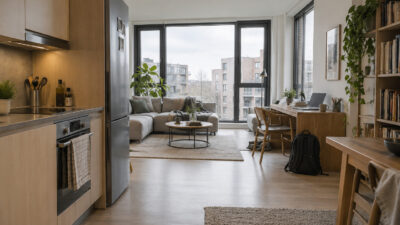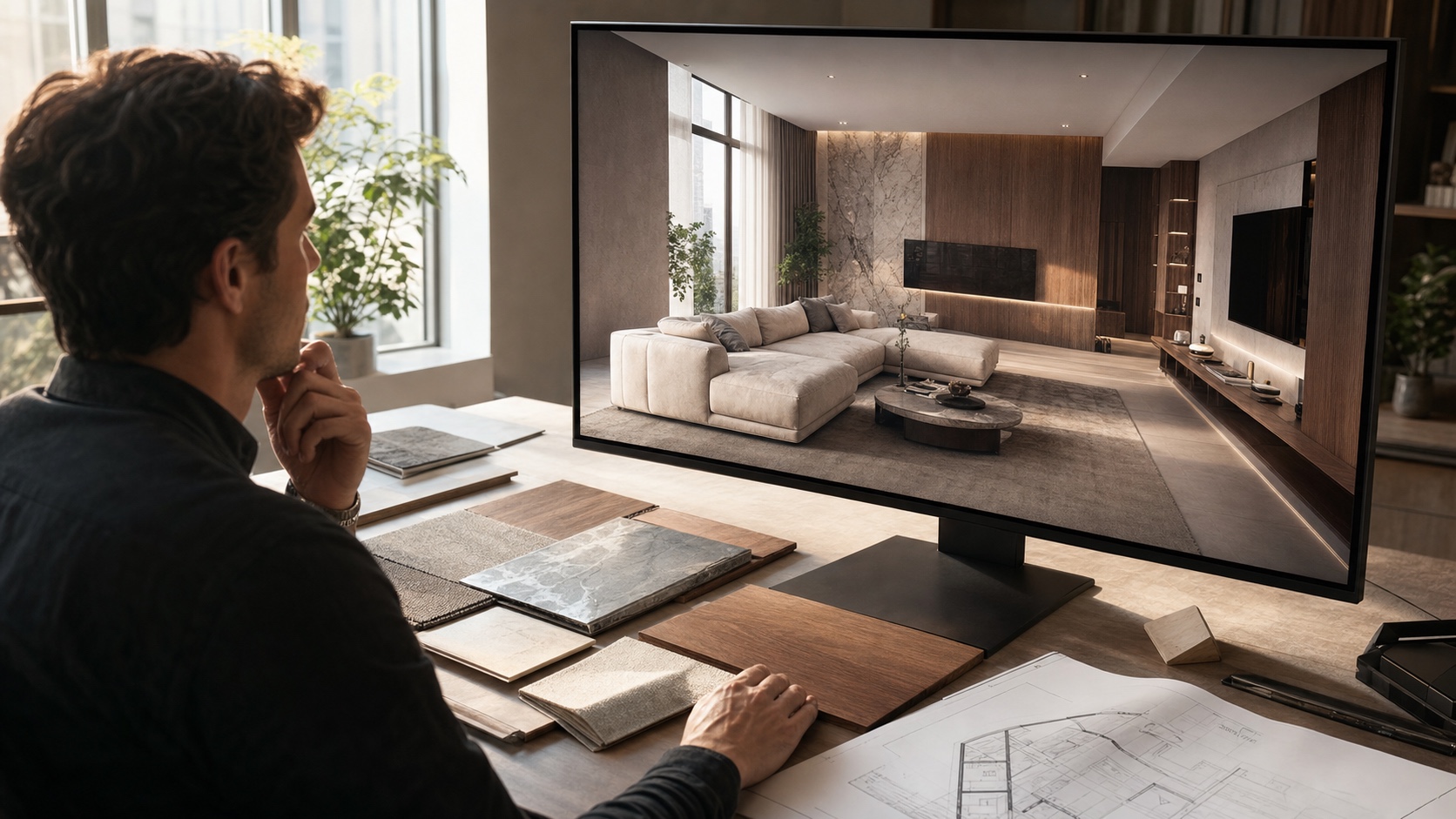
3D Visualization has become one of the clearest ways to judge an interior before the first wall is painted or the first sofa is ordered. A flat mood board can suggest a direction, but a good render shows the harder questions: scale, daylight, circulation, finish clashes, and whether the room actually feels usable.
I like it because it makes design conversations less abstract. Instead of asking a client to imagine walnut flooring beside warm grey plaster and a low linen sofa, you can show the relationship in one view. That does not replace taste or experience, but it gives everyone a sharper starting point.
What 3D Visualization changes in an interior project
The biggest shift is timing. Traditional interior design often waits too long to reveal problems. A layout may look fine on a plan, then feel tight once furniture arrives. A finish may look beautiful as a single sample, then turn muddy when it sits beside flooring, cabinetry, and lighting.
Interior visualization moves those decisions earlier. Designers can test room proportions, camera views, lighting temperature, furniture depth, and material combinations before the project reaches the expensive stage. For a broader design workflow, this pairs naturally with interior design drawing, because a strong render still begins with a measured plan and a clear spatial idea.
Why clients understand a room faster
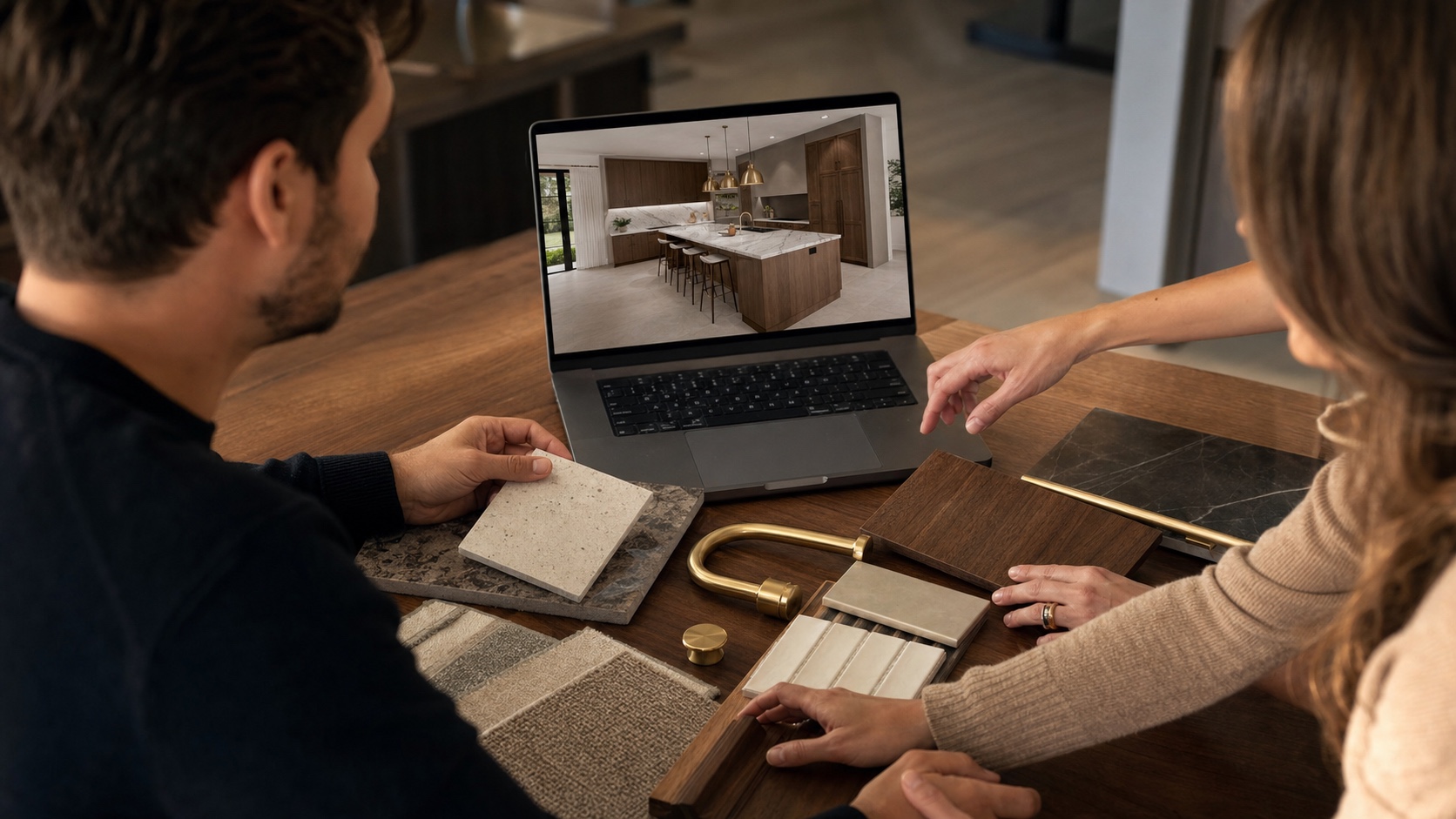
Most clients are not trained to read elevations, furniture plans, or finish schedules. That is not a flaw. Those drawings are technical tools. 3D Visualization translates the same information into something closer to lived experience: where you stand, what you see first, how far the dining chair pulls back, and whether the window wall still feels open.
Zolak notes that interactive product visualization can increase buyer confidence because people get a clearer view of what they are choosing. The same principle works in interiors. When a client can rotate, walk through, or compare options, feedback becomes specific: “the island feels too wide” is much more useful than “something feels off.”

Better material decisions before anything is ordered
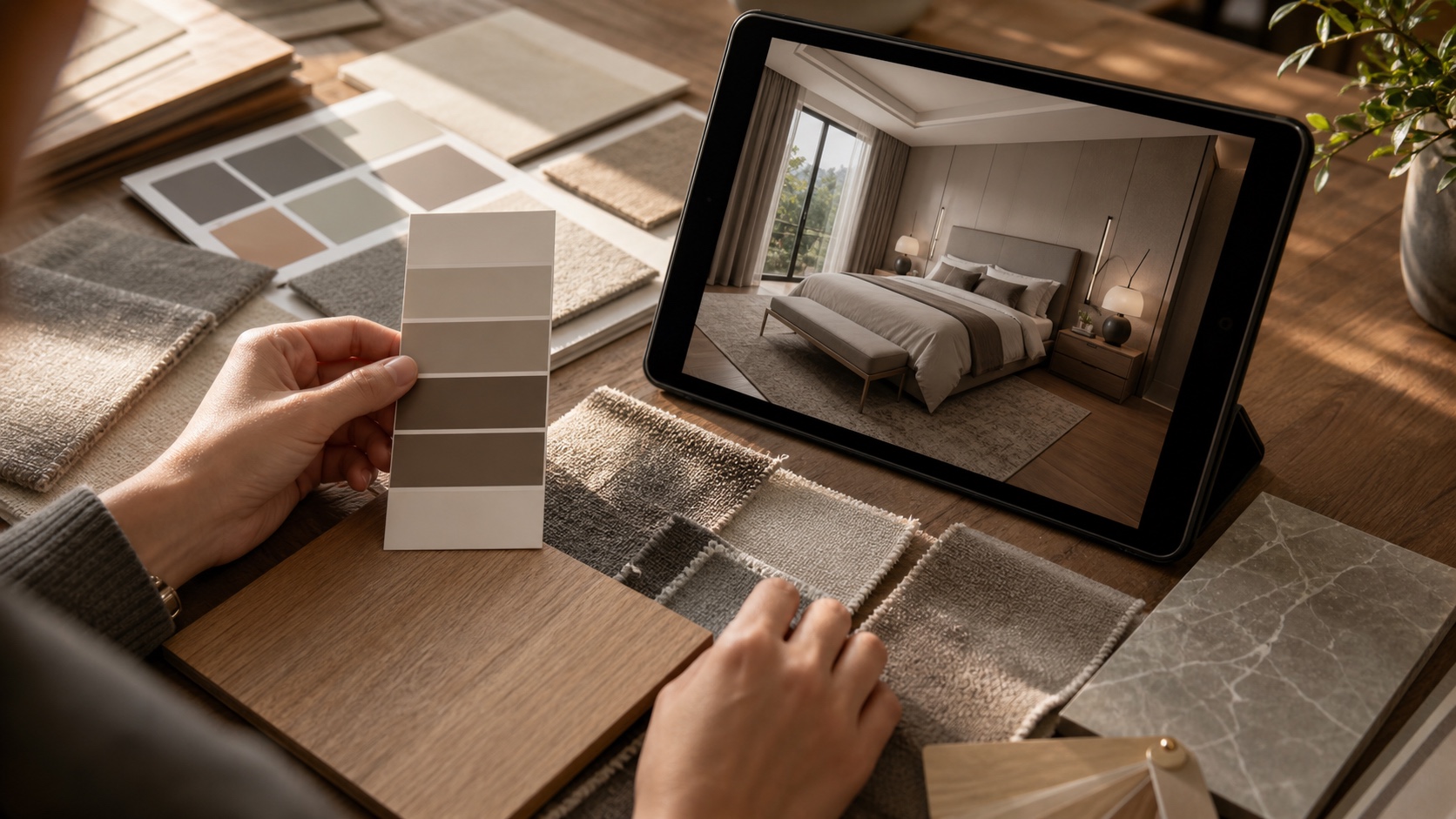
Material mistakes are often expensive because they hide in the gap between a tiny sample and a full room. A warm oak floor may look calm on its own, then turn orange beside a cream wall. A veined stone may fight with patterned fabric. A dark rug can make a small room feel lower than expected.
This is where 3D Visualization is especially useful. It lets you check finishes as a group. For texture-heavy rooms, I would still use real samples, but I would use the render to narrow the palette first. If you are building a finish board, the interior design textures guide is a good supporting read because it looks at how surfaces carry weight, contrast, and mood.
Where 3D Visualization saves time and budget
The savings are not magic. They come from catching preventable mistakes early. A render can reveal that a bed blocks a wardrobe door, a pendant hangs too low, a rug is undersized, or a wall color changes too sharply in evening light. Fixing those issues inside a model is much cheaper than fixing them after ordering.
For designers, it also reduces revision loops. A client can approve a room direction with more confidence when they see several options side by side. For homeowners, it reduces the pressure to buy samples and furniture just to test a guess.
| Decision | What 3D Visualization helps you check |
|---|---|
| Layout | Walkways, sofa depth, door swings, sightlines, and whether the room feels cramped. |
| Materials | How wood, stone, paint, fabric, and metal finishes sit together in the same light. |
| Budget | Which expensive items need approval before ordering or installation starts. |
| Client feedback | Clear comments on scale, mood, and function instead of vague reactions to a mood board. |
How designers and retailers use 3D Visualization
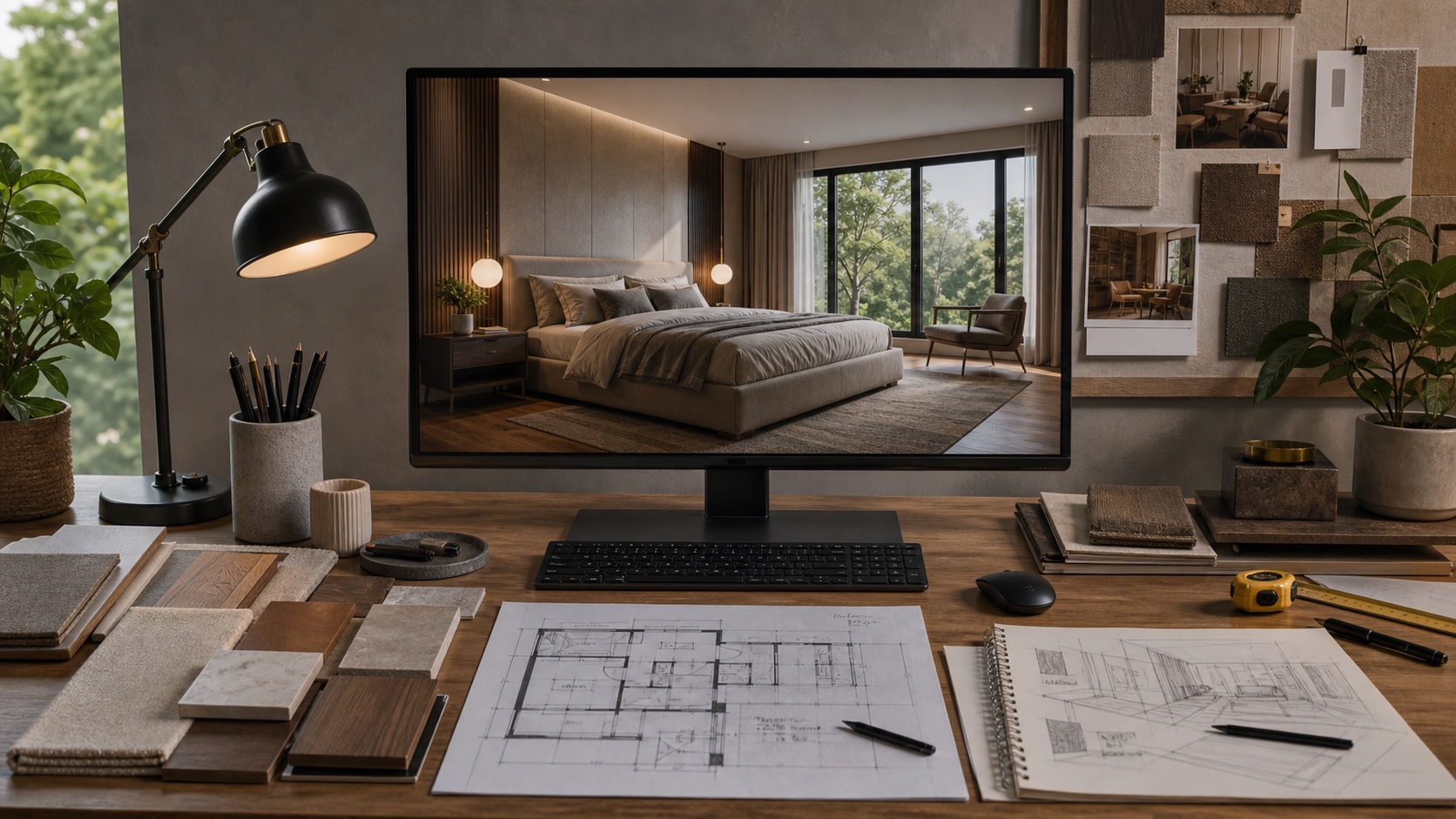
Interior designers use 3D renders for presentations, approvals, and construction conversations. Retailers use them in configurators, virtual showrooms, and product pages so shoppers can see scale and finish options in a believable setting. Real estate teams use a related workflow, especially AI virtual staging tools, to help empty rooms feel easier to read online.
The same logic applies the moment you step outside. Clients who can’t read an interior floor plan can’t read an elevation either — and facade material boards, landscape plans, and section drawings don’t get easier. Professional 3D exterior rendering services put the building in front of people in a form they can actually judge: the facade stone beside the window framing, the roof pitch in real light, the entry canopy at street level rather than abstracted into a line drawing.
For projects where the exterior does selling work — real estate developments, renovation pitches, planning submissions — a render is cheaper than a revision cycle that starts after the approval meeting.
The same technology is also moving into faster AI-assisted workflows. Tools for architects and visual designers are getting better at concept renders, style exploration, and lighting studies. If you want to see where this is going, the AI-powered rendering guide is the closest cluster piece on Sky Rye Design.
Sustainability: fewer wrong samples and fewer bad orders
Sustainable interior design is not only about recycled materials. It is also about making fewer avoidable purchases. When a design team can test several layouts and finishes digitally, they can order fewer samples, ship fewer returns, and avoid furniture that does not fit the room.
Still, digital previews need discipline. A render can make almost anything look good if the lighting is flattering enough. The useful question is not “does this image look impressive?” but “does this decision survive real scale, real daylight, and the way the room will be used?” That is where experienced design judgement still matters.
How to brief a designer for a better 3D Visualization
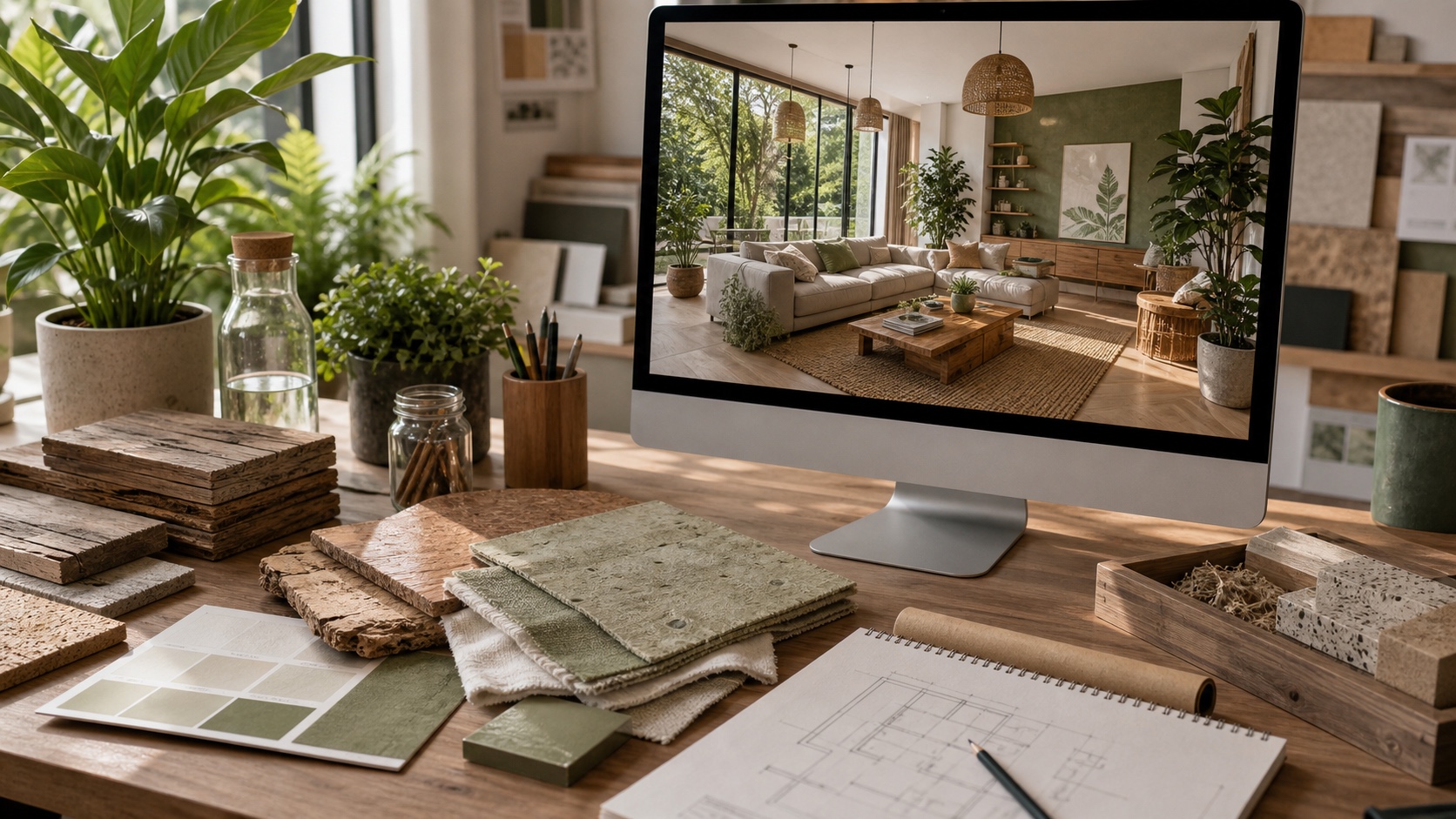
A strong render starts with a strong brief. Send accurate room measurements, ceiling height, window positions, door swings, photos from each corner, and a note about what must stay. Add finish preferences, inspiration images, and any hard limits on budget or lead time.
If the project is still rough, begin with sketches and layout thinking before chasing photorealism. The guide on architectural sketching for contemporary home interiors is useful here because quick drawings expose proportion problems before the render stage. For structural or build-heavy projects, also read beautiful 3D renders and solid foundations, which covers the gap between a persuasive image and a buildable design.
3D Visualization and AI home design
AI can speed up visual exploration, but it should not be treated as a final design brain. It can suggest moods, compositions, and material combinations quickly. It is weaker at exact measurements, code constraints, joinery details, and the awkward real-world problems that make interiors hard.
Use AI images and fast renders for early direction, then bring the work back to measured drawings, material samples, and a proper design process. For a related overview, see Sky Rye Design’s AI home design article.
Cluster links for the next step
- Interior design archive for more room-planning and finish ideas.
- Interior design textures for choosing surfaces that work together.
- AI-powered rendering guide for faster architecture and interior concept visuals.
- AI virtual staging tools for real estate and online room presentation.
- Interior design drawing for planning rooms before the render stage.
FAQ about 3D Visualization in interior design
Q: What is 3D Visualization in interior design?
A: 3D Visualization is a digital model or render that shows an interior before it is built. It can be a still image, a set of room views, a walkthrough, or a VR preview. The point is simple: you see scale, light, layout, materials, and furniture together before money is spent on installation.
Q: How does 3D Visualization help clients make decisions?
A: It removes a lot of guessing. A client can see whether the sofa blocks a walkway, whether a dark cabinet makes the room feel heavy, or whether a rug is too small. That makes feedback more precise, so the designer can adjust the plan before ordering furniture, tile, lighting, or custom pieces.
Q: Is 3D Visualization worth it for a small room?
A: Yes, especially when the room has tight dimensions or expensive finishes. Small rooms are less forgiving: a deep sofa, heavy curtain, wrong tile scale, or oversized pendant can throw off the whole space. A render helps test those choices while changes are still cheap.
Q: What should I prepare before asking for a 3D render?
A: Start with accurate measurements, ceiling height, window and door positions, photos of the existing room, and any fixed items that must stay. Add material preferences, inspiration images, and a rough budget. The better the brief, the less time the designer spends guessing.
Q: Can 3D Visualization replace physical samples?
A: No. It can narrow the choices, but real samples still matter for touch, sheen, texture, and color under your actual light. The best workflow is to use 3D Visualization to choose the direction, then confirm the final paint, fabric, wood, or stone with physical samples.
Q: What is the difference between a 3D render, a VR walkthrough, and virtual staging?
A: A 3D render is usually a still image of a designed space. A VR walkthrough lets you move through the room at human scale. Virtual staging is often used for real estate photos, adding furniture and styling to an empty or under-furnished property image.
Final take
3D Visualization is useful because it makes interior decisions visible early. It helps designers test scale, clients understand the proposal, and homeowners avoid costly guesses. Use it as a decision tool, not a decoration trick: measure carefully, compare real samples, and judge every beautiful render against how the room will actually be lived in.
- 18shares
- Facebook0
- Pinterest17
- Twitter1
- Reddit0