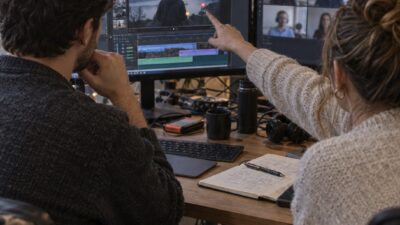
I watched a real estate photographer spend six hours in Lightroom manually staging a vacant master bedroom, trying three different furniture arrangements because the client kept asking “what if we went more modern?” At the end of the day, he had one good option and was exhausted. Then he discovered AI virtual staging and realized he’d just wasted his entire afternoon on a problem that software solves in 30 seconds.
- Why Professional Photographers Need AI Staging (Not Replacement, Supplement)
- The 2026 Compliance Landscape (AB 723 + NAR Rules)
- RAW File Workflow (Why It Matters for Pros)
- Speed vs. Realism Trade-Off (Choosing AI-First or Designer-Led)
- Top 10 AI Staging Tools Ranked by Use Case
- How to Avoid the Mistakes Agents Make
- ROI & Real Numbers (Why This Matters to Your Bottom Line)
- Conclusion
- Frequently Asked Questions
- Q: Is AI virtual staging legal?
- Q: Do I need to disclose AI staging on MLS?
- Q: How much does AI virtual staging cost compared to traditional staging?
- Q: Which AI staging tool supports RAW files?
- Q: Can AI staging replace professional photography?
- Q: How fast is AI staging?
- Q: What mistakes do agents make with AI staging?
- Q: How do I choose between AI-first and designer-led?
That moment changed how he prices his time—and his profits.
AI virtual staging costs $0.23–$5 per image versus $1,500–$4,000 for traditional physical staging. More importantly, it compresses turnaround from days to hours. A photographer who used to spend 40 hours/month on post-production staging now spends 4. Staged listings sell 36% faster and generate 72% more online traffic—but only if you’re using the right tool for your workflow.
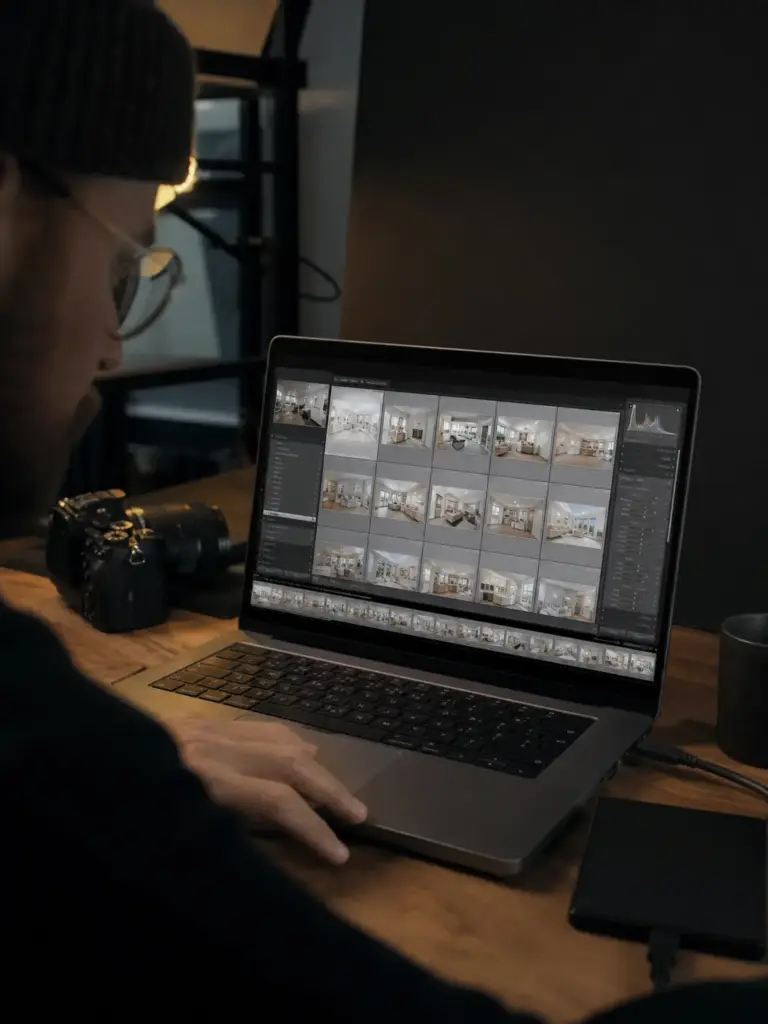
Here’s what most guides miss: the tool you choose should match whether you shoot 50-property volume work or five-property luxury estates. 2026 brought compliance requirements (California AB 723, NAR ethics updates) that changed the game, and most photographers don’t know what they need to disclose. This guide covers the top 10 tools, which ones support RAW files (spoiler: most don’t), and how to stay legal while cutting costs by 90%.
Why Professional Photographers Need AI Staging (Not Replacement, Supplement)
Empty rooms photograph terribly. That’s not opinion—that’s physics.
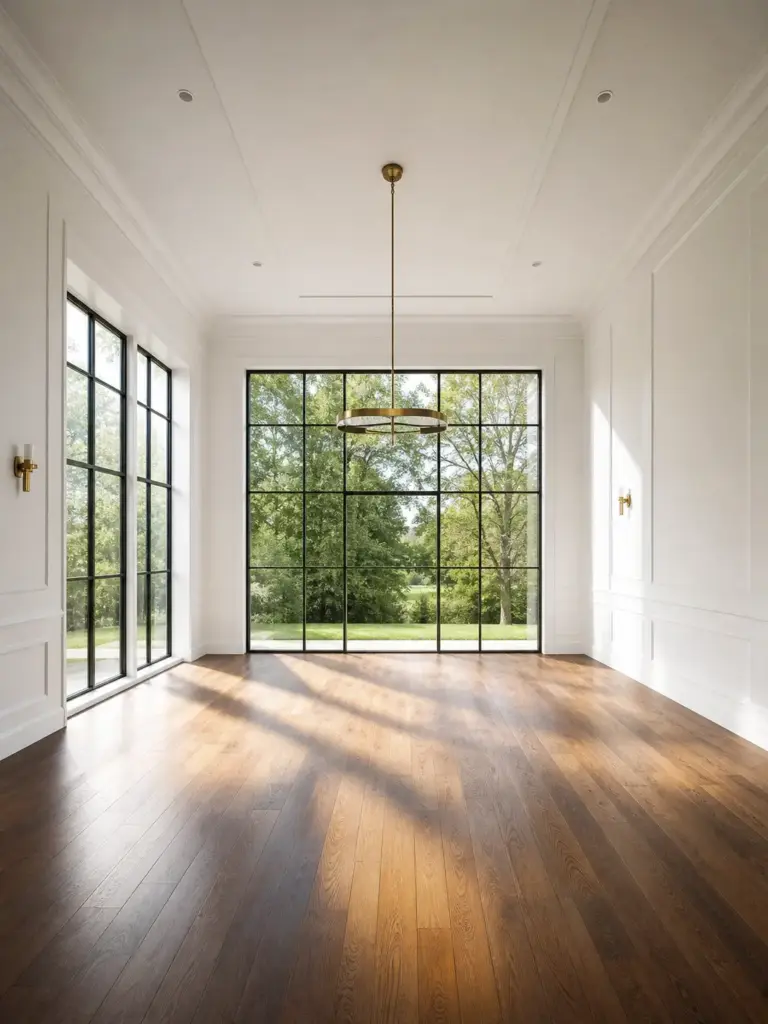
A vacant master bedroom looks smaller than it is. The light feels cold. Hardwood floors amplify sound and emptiness in the same breath. A buyer walks through and thinks “warehouse.” A photographer with furniture in the room? That same space feels 20% larger, warmer, lived-in.
This is why the National Association of Realtors reports that staged homes sell 73% faster than unstaged ones. It’s not marketing hype. It’s visual proof of scale and function.
But here’s where most guides get it wrong: AI staging is not a replacement for professional photography. It’s a supplement.
The workflow that actually works is this: Hire a professional photographer for your MLS base images. Their job is to capture the property truthfully—good light, straight verticals, accurate color balance. Then use AI staging to show potential. Show the room furnished. Show multiple design styles. Show how the space functions when it’s not empty.
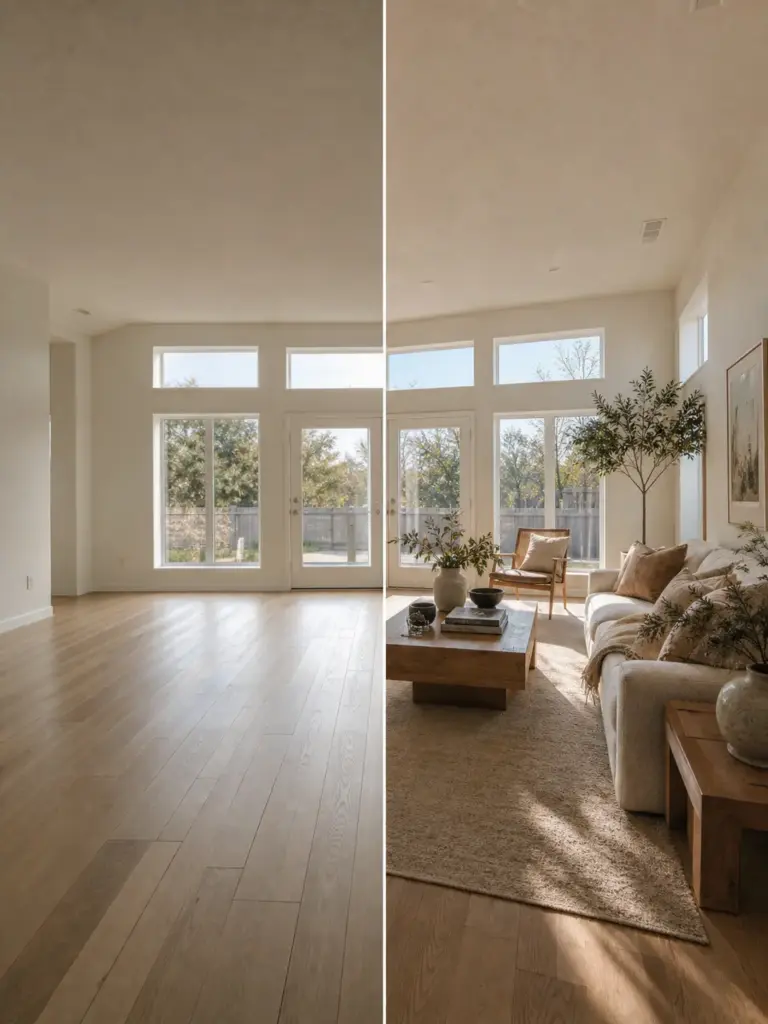
In Denver, photographers are reporting 36% faster sales and 72% more online traffic when they combine professional photography with AI staging. That’s not because the AI is magic. It’s because the professional base photo was solid, and the staging amplified it.
| I’ve watched agents try the reverse: weak base photo + great staging. It doesn’t work. Buyers show up and feel deceived. One good photo + three AI variations beats one perfect photo every time. |
The math is simple: Professional photographer ($500–$1,500/shoot) + AI staging ($50–$500/property) = better ROI than physical furniture staging alone ($1,500–$4,000/month with zero flexibility). You control the design. You own the timeline. You keep the original files. And that changes everything about how you price your work.
The 2026 Compliance Landscape (AB 723 + NAR Rules)
In January 2026, California passed Assembly Bill 723. It requires agents and brokers to disclose when listing photos have been digitally altered—and not just with a label. You have to provide a link, URL, or QR code so buyers can access the original unaltered images. This is not optional.
NAR’s Code of Ethics (Articles 2 and 12) already requires “clear and conspicuous” disclosure of digitally manipulated images, and a realtor in Kelowna, British Columbia got hit with a misleading advertising fine for failing to disclose AI virtual staging. That should tell you how seriously regulators are taking this.
Here’s the part that surprises people: disclosure doesn’t hurt your listing. It protects it.
Buyers who understand what they’re seeing—”this room is virtually staged to show potential”—still respond positively to the images. What erodes trust is hidden staging. A buyer walks into an empty room that the photos showed as fully furnished? That’s a lawsuit.
| ✓ AB 723 COMPLIANCE CHECKLIST Disclosure required (clear label) • Link/QR code to originals provided • MLS remarks note: “Select photos virtually staged” • Original unstaged photos posted first |
Best practice in 2026 is straightforward: post your 5–6 professional photos first (unstaged), then include the AI-staged versions after with a “Virtually Staged” label and a note in your MLS remarks like “Select photos are virtually staged to illustrate potential.”
The compliance checkbox protects your license. It’s not bureaucracy—it’s armor. Before you upload any AI-staged photo, ask yourself: Does this room actually look like this (minus the furniture)? If you hesitate, don’t upload it.
RAW File Workflow (Why It Matters for Pros)
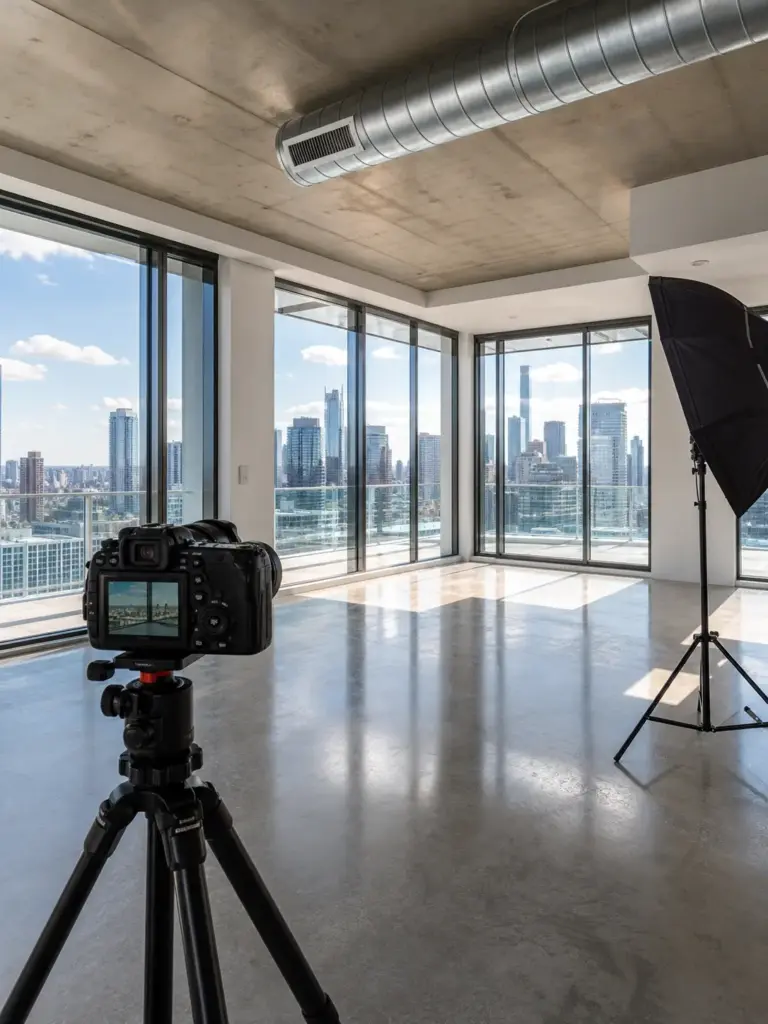
Most AI staging tools want JPEGs. They’ll accept your RAW files, but what they’re actually doing is converting them to JPEG first—which means you lose metadata, color depth, and the ability to recover shadow detail later. For photographers, that’s a problem.
You shoot Canon CR2 or CR3. Or Sony ARW. Or Nikon NEF. You spend money on lenses and sensors specifically so you can shoot in RAW and have maximum flexibility in post-production. Then you upload to an AI staging tool, it converts to JPEG, and suddenly you’re stuck with whatever the tool decided your white balance should be.
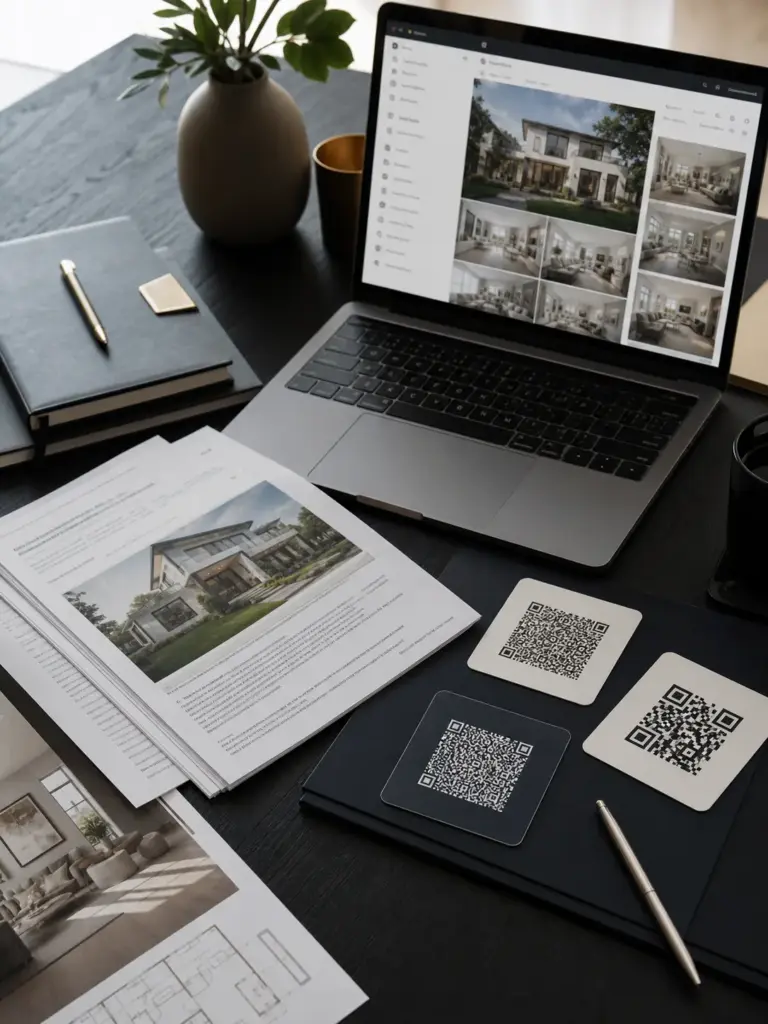
RoomCreator is one of the few platforms that supports RAW files natively—Canon CR2/CR3, Sony ARW, and others—without forcing conversion first. That means your original data stays intact. Your metadata travels with the file. You can pull the staged output back into Lightroom and make adjustments without degradation.
| Before committing to any staging platform, test it with a RAW file from your actual camera. Not a sample file they provide. Your file. If they can’t handle it without conversion, move on. |
Here’s the workflow difference: Without RAW support you lose one conversion step and quality with every image. With RAW support your metadata stays intact and you save one hour per property. When you’re processing 20 properties a month, that adds up significantly.
Speed vs. Realism Trade-Off (Choosing AI-First or Designer-Led)
There are two kinds of AI staging tools in 2026: ones that prioritize speed, and ones that prioritize realism. You can’t optimize for both.
AI-first platforms deliver results in seconds to minutes. RoomCreator, REimagineHome, Virtual Staging AI—you upload a photo and get back a staged version before you finish your coffee. Perfect if you’re a high-volume agent staging 20 properties a month.

Designer-led services take 24–48 hours. Styldod, Collov, BoxBrownie—a human designer reviews the AI output, makes adjustments, handles revisions until you’re happy. Pricing ranges $16–$25 per image, but you get bespoke realism and revision control. This is for luxury listings where photorealism matters.
| AI-FIRST vs. DESIGNER-LED: DECISION MATRIXCHOOSE AI-FIRST: 15+ properties/month, 48-hour turnaround needed, tight budgetCHOOSE DESIGNER-LED: 2–5 luxury properties/month, 24–48 hour timeline OK, multi-angle consistency critical |
The hybrid workflow is splitting the difference: Use AI-first for volume work, keep designer-led as a backup for marquee properties. The mistake photographers make is choosing one tool and forcing every property into it. Test both. See which one your workflows actually need.
Top 10 AI Staging Tools Ranked by Use Case
1. RoomCreator — Best Overall + RAW Native ($0.18/image). 2. Virtual Staging AI — Fast & Reliable ($0.25/image). 3. Collov AI — Design Variety ($16–19/month). 4. Decor8 AI — Twilight + Lifestyle ($14.99/month). 5. BoxBrownie — Pay-Per-Image ($24/image). 6. Styldod — Designer-Led Gold Standard ($16–23/image). 7. StageHQ — Photographer-Friendly ($0.28–0.95/image). 8. REimagineHome — Best for High Volume ($19/month). 9. InstantDecoAI — Speed + Premium ($49/month). 10. Tantify — Luxury Tier ($59/month+).
| 🔑 KEY INSIGHT I’ve tested RoomCreator and Collov extensively. They’re the standouts—one for speed and RAW support, one for design flexibility. Test on a mid-tier property first. See which one your workflow actually needs. |
How to Avoid the Mistakes Agents Make
The mistakes I see photographers and agents make fall into three buckets: staging errors that create liability, disclosure mistakes that risk your license, and workflow mistakes that kill your turnaround.
| ❌ THE 3 BIGGEST MISTAKES 1. NOT REVIEWING OUTPUTS – AI removes power lines, adds fireplaces, alters structure2. HIDING DISCLOSURE – Violates AB 723 and NAR ethics3. WEAK BASE PHOTOS – Bad professional photos don’t get fixed by AI |
The agents getting fined aren’t the ones who disclose. They’re the ones who hide it. Here’s the checklist that protects you:
✓ Professional photographer takes clean base image • ✓ Review staged output before uploading • ✓ Include “Virtually Staged” label + original photo link • ✓ Post original first in carousel, staged versions after • ✓ Add MLS note: “Select photos are virtually staged to illustrate potential” • ✓ Keep originals accessible (AB 723 requires link/QR code)
ROI & Real Numbers (Why This Matters to Your Bottom Line)
Let’s talk money. Physical staging costs $1,500–$4,000 per month. AI staging costs $0.23–$5 per image.
Virtual staging works best when it is tied to the actual design plan. Before choosing a tool, compare the digital look with a practical home staging and interior ROI strategy for finishes, lighting, and furniture scale.
A photographer I know stages 15 properties per month. She used to hire a physical staging company at $2,500 per property. That’s $37,500 per year. She switched to AI staging. Now she’s spending roughly $150 per property ($0.30 per image × 50 images). That’s $2,250 per year. She kept $35,250 in her pocket—money she reinvested in better camera gear and marketing.
| 💰 THE ROI MATHTraditional staging: $37,500/yearAI staging: $2,250/yearSavings: $35,250/yearTime saved: 40 hours/month |
Speed is the second ROI factor. Staged listings sell 36% faster and generate 72% more online traffic. You can deliver MLS-ready photos in 24 hours instead of 72. The workflow savings add up too—most photographers spend 2–4 hours per property on post-production staging. AI cuts that to 15–30 minutes. That’s 80–90% time savings per property.
Conclusion
Here’s what most guides miss: the tool you choose should match your portfolio, not your budget. If you’re staging 20 properties a month, you don’t need Styldod’s luxury polish. RoomCreator or REimagineHome will cut your costs by 90% and keep your turnaround tight. If you’re staging two luxury estates per quarter, instant AI won’t cut it—you need designer-led review.
The compliance shift in 2026 actually protects you. Disclosure isn’t a liability. It’s transparency that builds trust. AI staging isn’t replacing professional photography. It’s amplifying it.
Pick one tool. Test it on a mid-tier property. See if it fits your workflow. Then scale. The photographers winning in 2026 aren’t the ones chasing the newest AI trend. They’re the ones who chose the tool that matched their business and moved forward.
Your workflow starts now.
For real estate work, these real estate architectural photography ideas are a useful reminder to keep verticals clean, show scale honestly, and avoid overprocessed interiors.
Frequently Asked Questions
Q: Is AI virtual staging legal?
A: Yes, with disclosure. California AB 723 requires clear disclosure and access to original images via link or QR code. NAR’s Code of Ethics mandates “clear and conspicuous” labeling. The agents getting fined are the ones hiding it.
Q: Do I need to disclose AI staging on MLS?
A: Absolutely. Post original unstaged photos first, then AI-staged versions with “Virtually Staged” label. Add MLS note: “Select photos are virtually staged to illustrate potential.”
Q: How much does AI virtual staging cost compared to traditional staging?
A: Dramatically cheaper. Physical: $1,500–$4,000/month. AI: $0.23–$5/image. A 50-image property costs $12–$250 with AI versus $1,500+ with traditional staging.
Q: Which AI staging tool supports RAW files?
A: RoomCreator natively supports Canon CR2/CR3 and Sony ARW files without conversion. Before committing to any tool, test it with a RAW file from your actual camera.
Q: Can AI staging replace professional photography?
A: No. The winning formula combines professional photography ($500–$1,500/shoot) with AI staging ($50–$500/property).
Q: How fast is AI staging?
A: AI-first platforms deliver in seconds to minutes. Designer-led services take 24–48 hours for human review and revisions.
Q: What mistakes do agents make with AI staging?
A: Not reviewing outputs for hallucinations, failing to disclose (violates AB 723), and uploading weak base photos. Always use a strong professional photo as your foundation.
Q: How do I choose between AI-first and designer-led?
A: Choose AI-first if staging 15+ properties/month with tight budgets. Choose designer-led for 2–5 luxury properties/month where photorealism matters. Many photographers use both.
- 29shares
- Facebook0
- Pinterest29
- Twitter0
- Reddit0