A designer on a team I once worked with spent two full days chasing a color mismatch between her monitor and the printed proof a client kept rejecting. Remote help desk walked her through every software setting twice. The actual problem was a monitor that had drifted out of calibration months earlier and had never been profiled with a hardware colorimeter in the first place, something no amount of screen-sharing or remote diagnostics could have caught. A technician standing in the room with a calibration device would have solved it in twenty minutes.
That gap, between what a remote help desk can genuinely fix and what actually requires a person physically present with the right equipment, is the subject of this piece. Most “IT support for remote teams” content treats remote and on-site support as competing options, pick one, subscribe, done. For a design team specifically, they’re not competitors. They’re two different layers solving two different classes of problem, and knowing where one stops and the other has to start is what protects color accuracy, large-file workflows, and client deadlines that a software update alone can’t fix.
- Why remote design teams still need on-site IT support
- What remote help desk can solve, and where it stops
- Design-specific on-site support needs
- How on-site IT support protects creative deadlines
- Security checks for distributed creative teams
- Building a hybrid support model for a design studio
- Choosing an on-site IT support partner for design work
- On-site IT support checklist for remote design teams
- FAQ
This is a practical breakdown of that on-site layer specifically: what remote support genuinely handles well, where design work hits a physical wall that only hands-on help can clear, how to build escalation rules between the two, and what to actually look for in a partner who understands creative hardware rather than generic office equipment.
None of this argues against remote support, which genuinely covers the majority of daily tickets well and should stay the first line of response for most issues. The point is narrower and more practical: knowing in advance exactly which categories of problem need someone physically in the room, so that decision doesn’t get made for the first time in the middle of a deadline crisis.
Why remote design teams still need on-site IT support
Remote work solved the location problem for design teams without solving the physical-equipment problem, and the two get conflated constantly. A designer can join every meeting and access every file from anywhere. A monitor cannot calibrate itself, a network switch cannot diagnose its own faulty port, and a workstation with an intermittent hardware fault cannot always describe its own symptoms clearly enough for a remote technician to isolate over a screen-share.
Design work specifically leans harder on physical accuracy than most remote knowledge work, color-critical displays, large peripherals, specialized input devices, local storage fast enough to handle enormous files. That physical dependency doesn’t disappear because a team works remotely, it just becomes less visible until something breaks at the worst possible moment, usually right before a client review or a production handoff.Our piece on remote IT support for distributed creative teamscovers how this plays out across fully distributed teams specifically, where equipment sits in as many different homes and locations as there are team members, multiplying exactly this kind of physical-layer risk.
What remote help desk can solve, and where it stops
Remote support handles a genuinely large share of day-to-day problems well, and it’s worth being specific about where that competence actually ends rather than treating on-site support as a wholesale replacement.
Software access, accounts, and cloud troubleshooting
Account access issues, software licensing, permission errors, cloud sync problems, and most application-level troubleshooting are squarely remote help desk territory, and a good remote team resolves the large majority of daily tickets without ever needing to visit anyone in person.Our guide to remote IT support for creative studioscovers this remote layer in more depth, since it’s genuinely the right first stop for most day-to-day issues a distributed design team runs into.
This category deserves real credit rather than being treated as a lesser tier of support. A well-run remote help desk with clear runbooks and fast response times prevents the vast majority of minor issues from ever escalating into something that would need an on-site visit at all. The on-site layer covered in the rest of this piece is meant to catch what’s genuinely left over after remote support does its job well, not to replace it.
Hardware, networking, calibration, and studio equipment
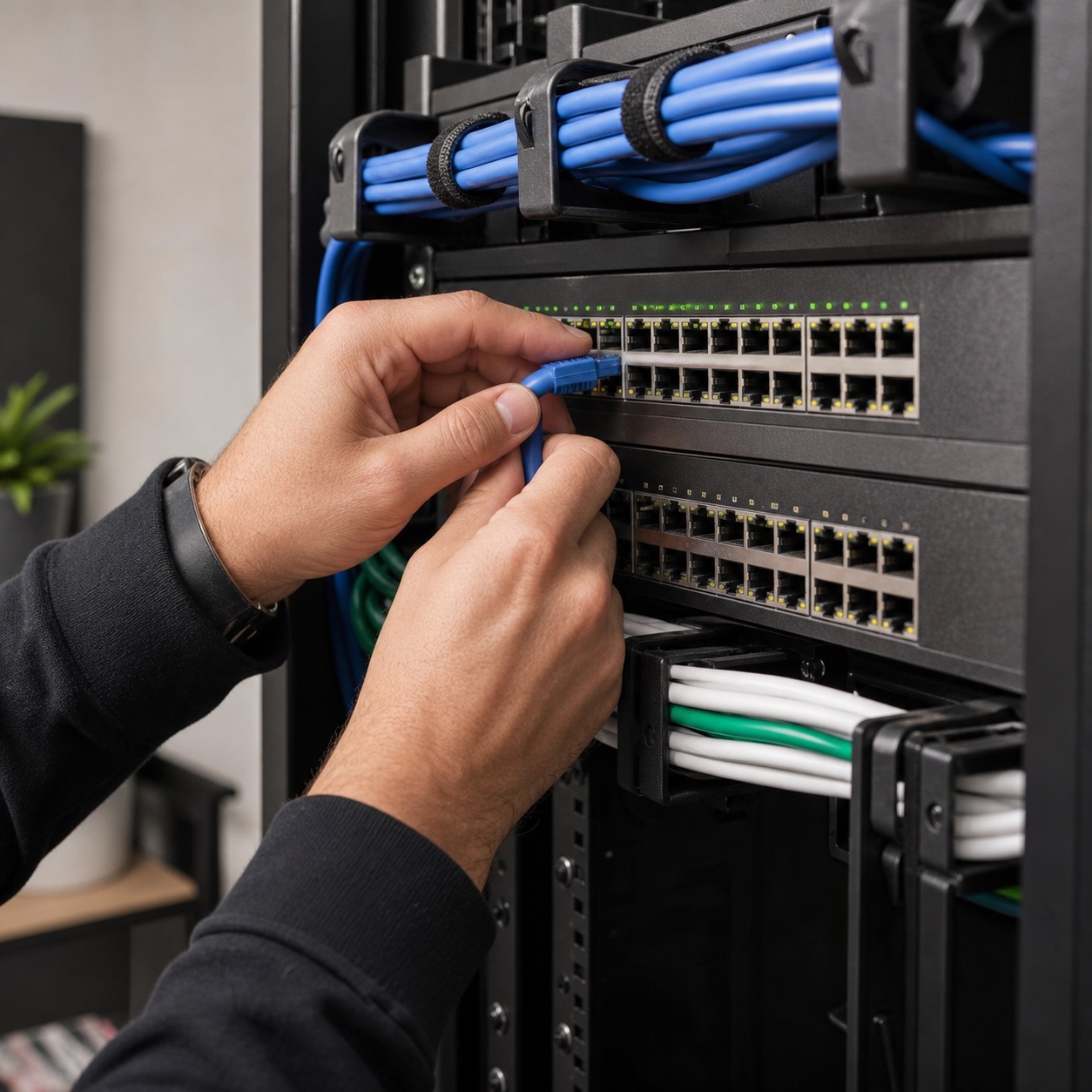
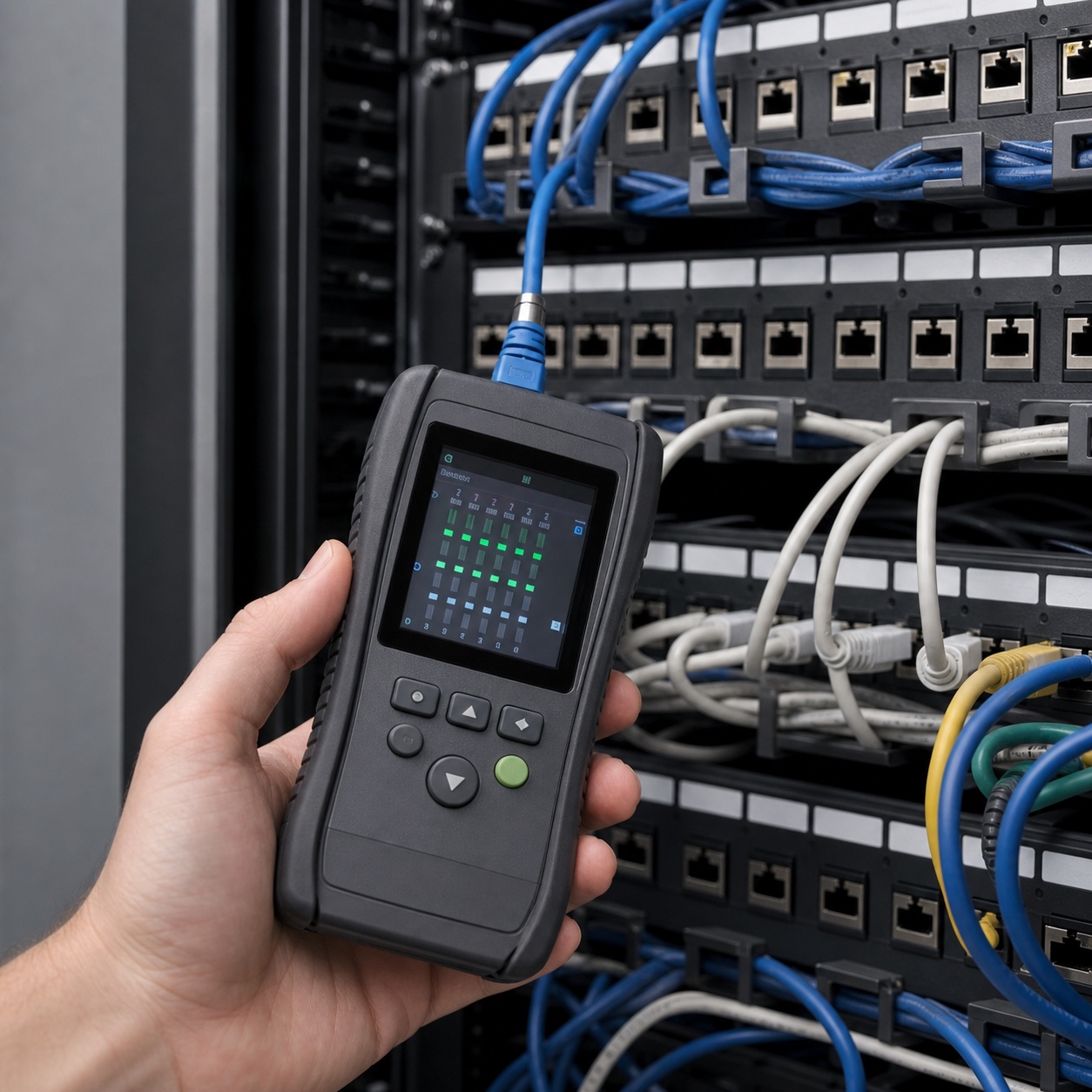
Physical hardware faults, network cabling and equipment issues, monitor and printer calibration, and anything involving a peripheral that needs to be physically connected, tested, or replaced sit outside what remote support can meaningfully diagnose, let alone fix. A remote technician can walk someone through basic troubleshooting steps, but a genuinely intermittent hardware fault, a monitor that’s drifted out of color accuracy, or a network switch dropping packets under specific load conditions usually needs someone in the room with diagnostic equipment, not someone on the other end of a screen-share.
Design-specific on-site support needs
Generic office IT support rarely accounts for the specific hardware and workflow demands a design studio actually runs, which is exactly where a lot of managed IT relationships quietly underperform for creative teams.
Color-critical monitors and calibration tools
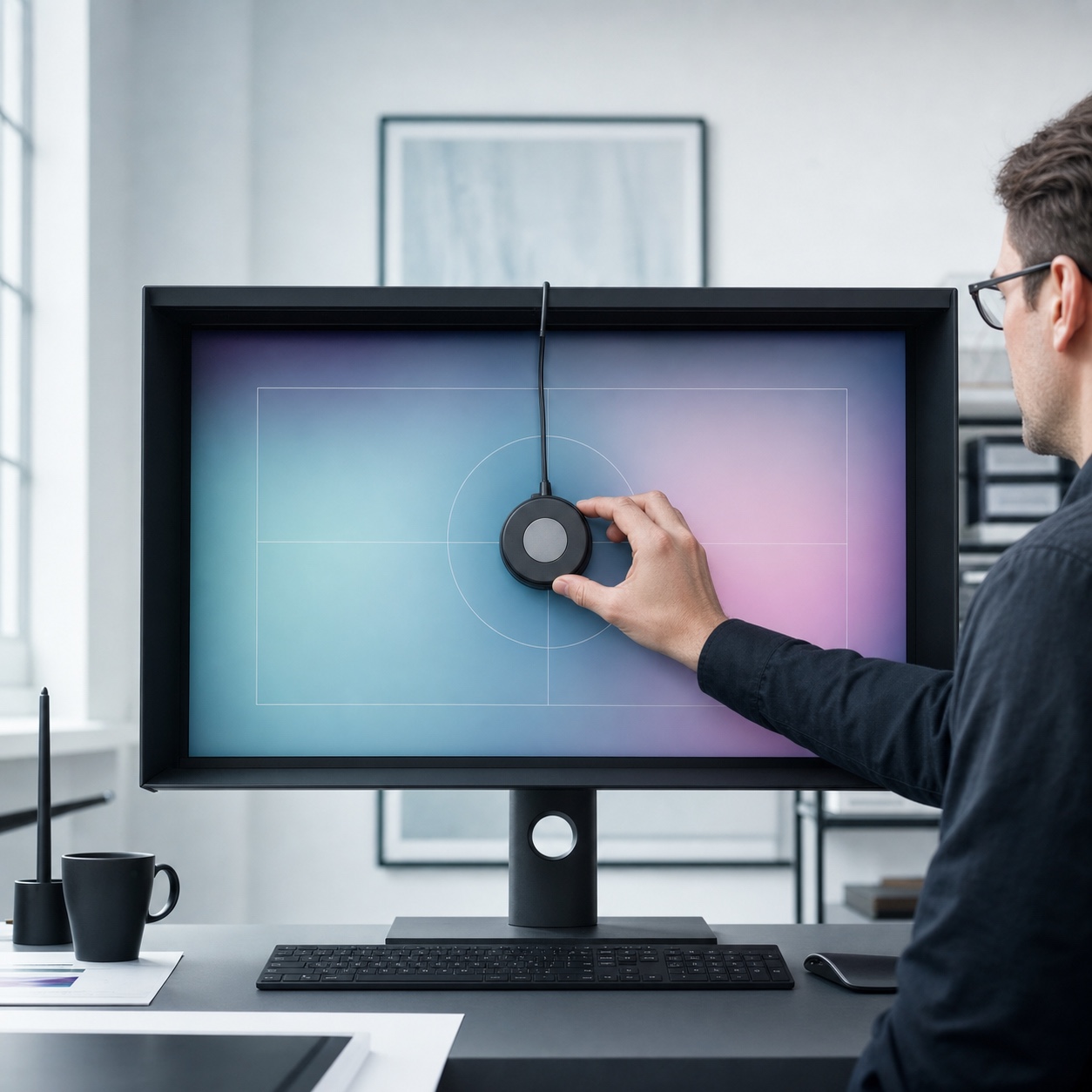
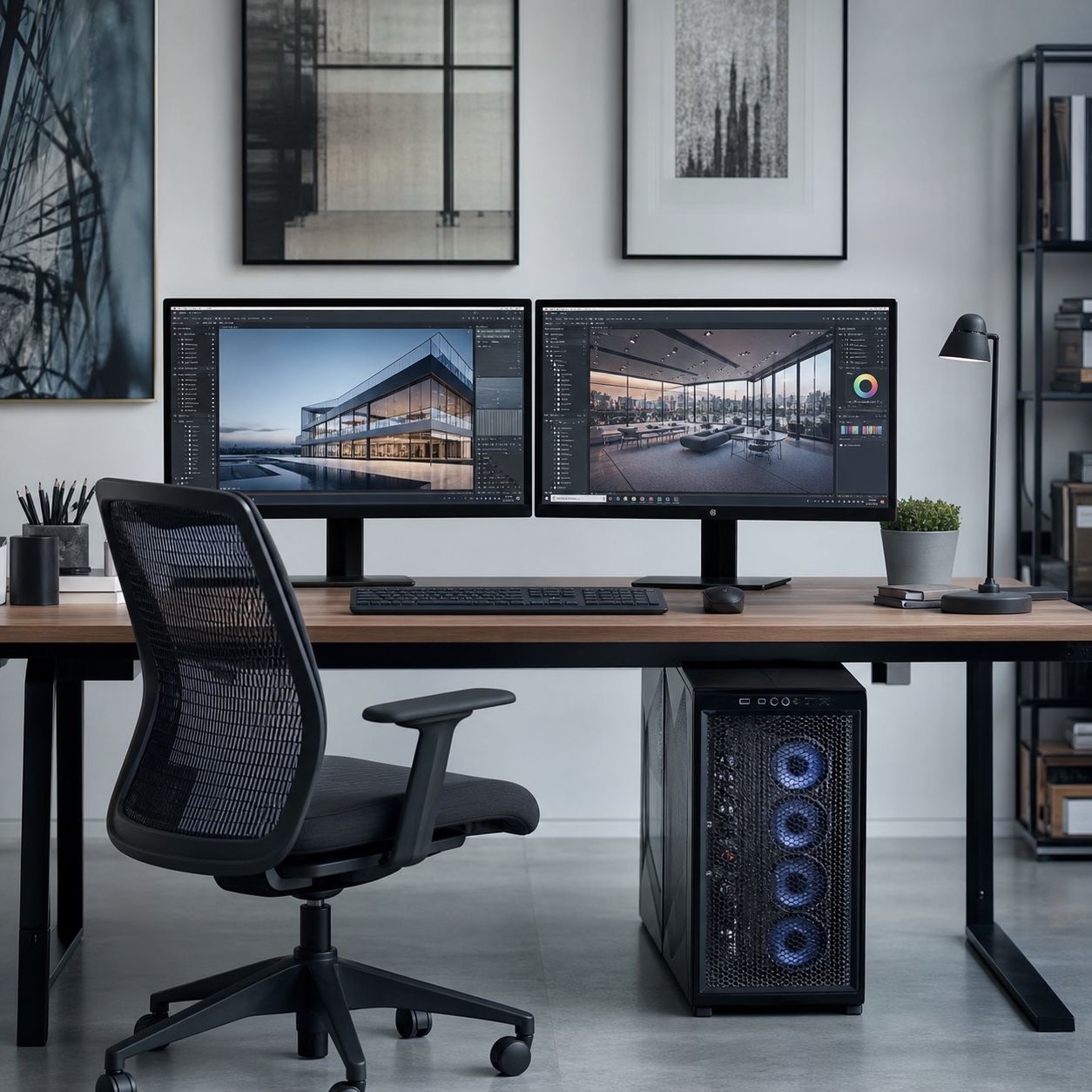
Monitors used for any color-sensitive work, print design, photo retouching, brand and packaging work, drift out of accurate calibration gradually and invisibly, which means the person using the monitor daily is often the last to notice the shift. Proper calibration requires a hardware colorimeter and someone trained to use it correctly, on a regular schedule rather than only when a client complaint finally makes the problem impossible to ignore. This is one of the clearest cases where on-site expertise directly protects the quality of the creative output itself, not just the technology running underneath it.
The cost of skipping this is rarely a single dramatic failure, it’s a slow accumulation of slightly-off color decisions made against a monitor nobody realized had drifted, each one individually small, collectively expensive once a print run or a brand rollout has to be redone. A quarterly calibration check is inexpensive compared to that outcome.
CAD, 3D, rendering, tablets, scanners, and peripherals
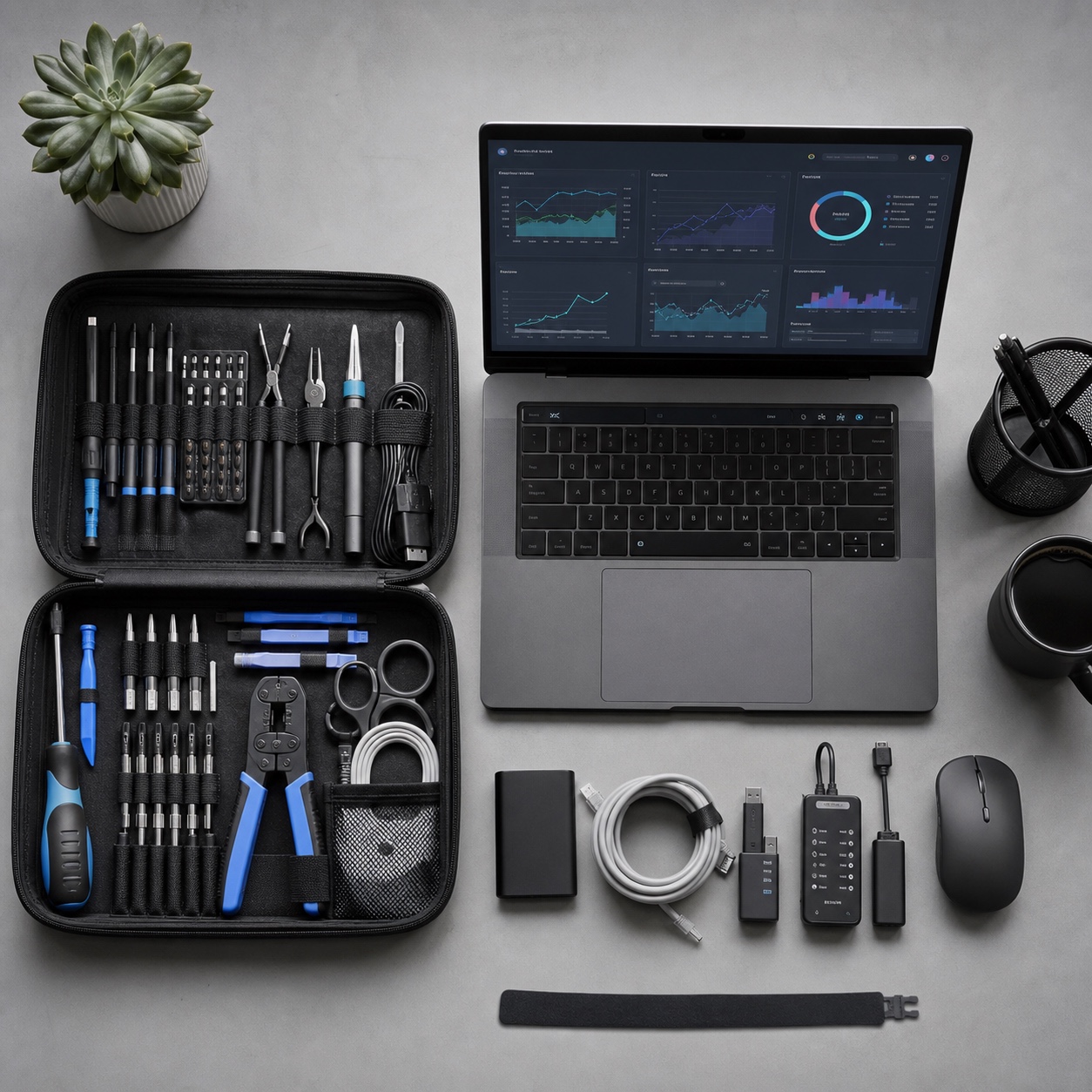
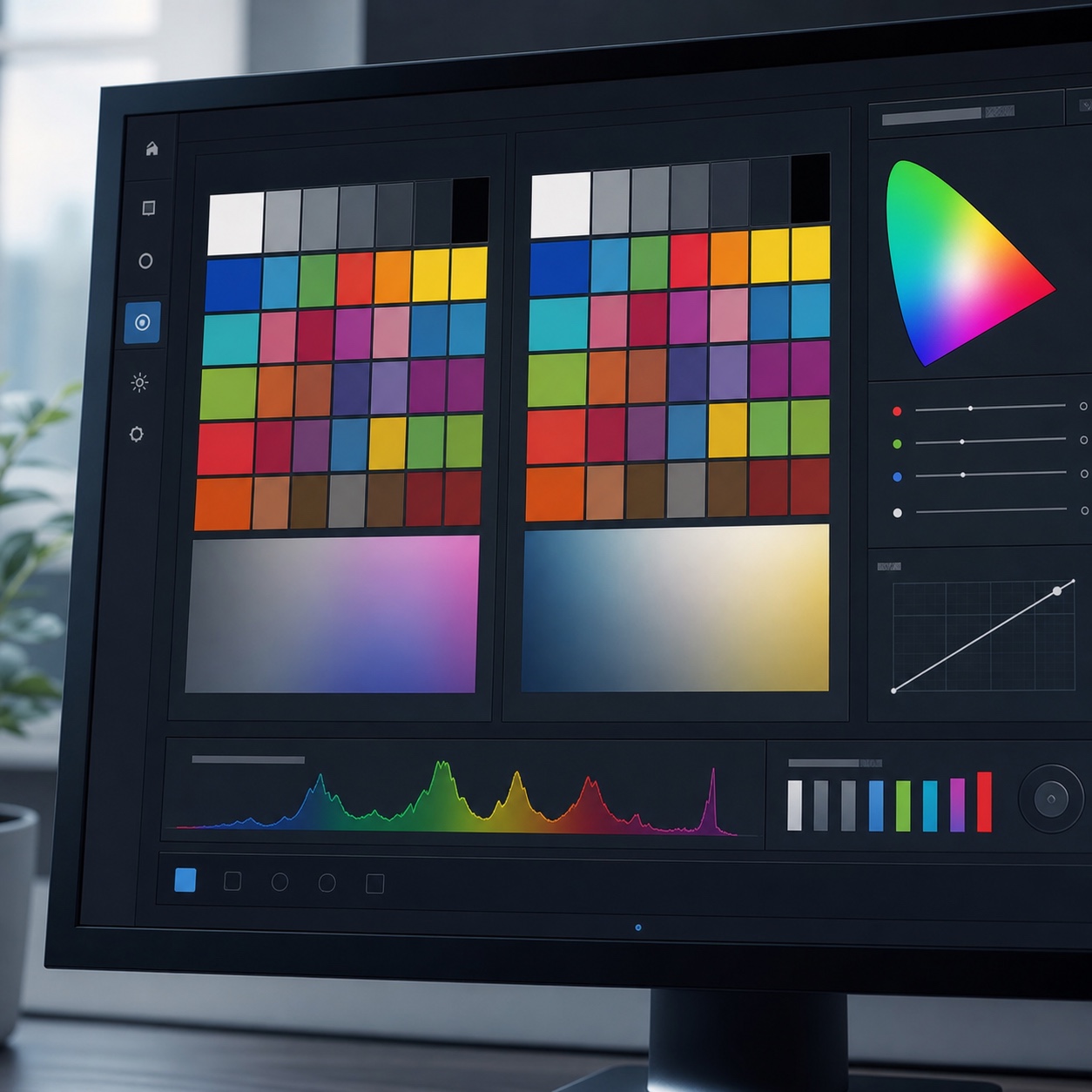
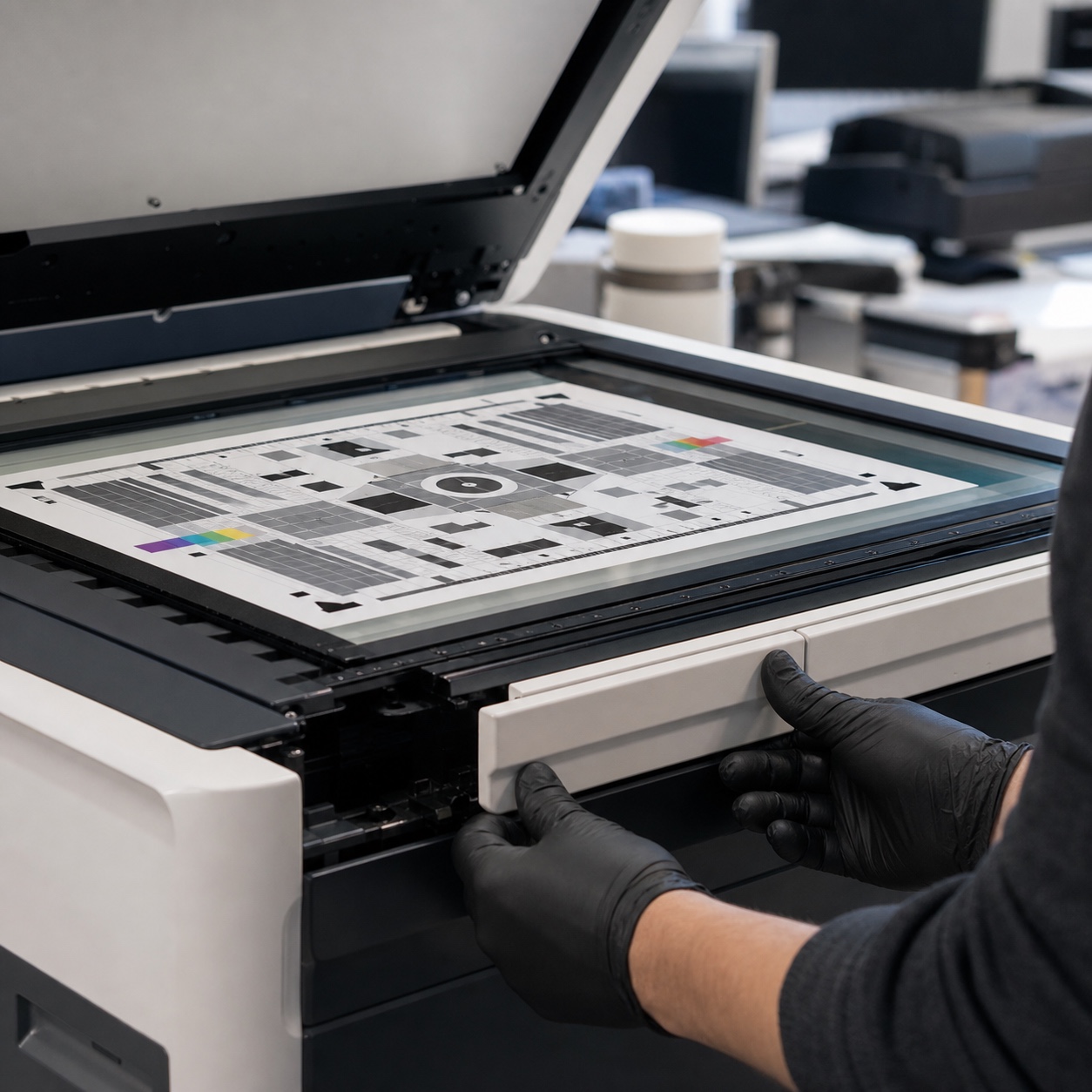
Specialized input devices, drawing tablets, 3D scanners, large-format printers and scanners, and CAD or rendering workstations with demanding hardware configurations all benefit from on-site setup, testing, and troubleshooting in ways general-purpose office equipment doesn’t. Driver conflicts, calibration drift on a tablet’s pressure sensitivity, or a rendering workstation running hot under sustained load are all the kind of issues that are far faster to diagnose with hands directly on the equipment than through a remote session.
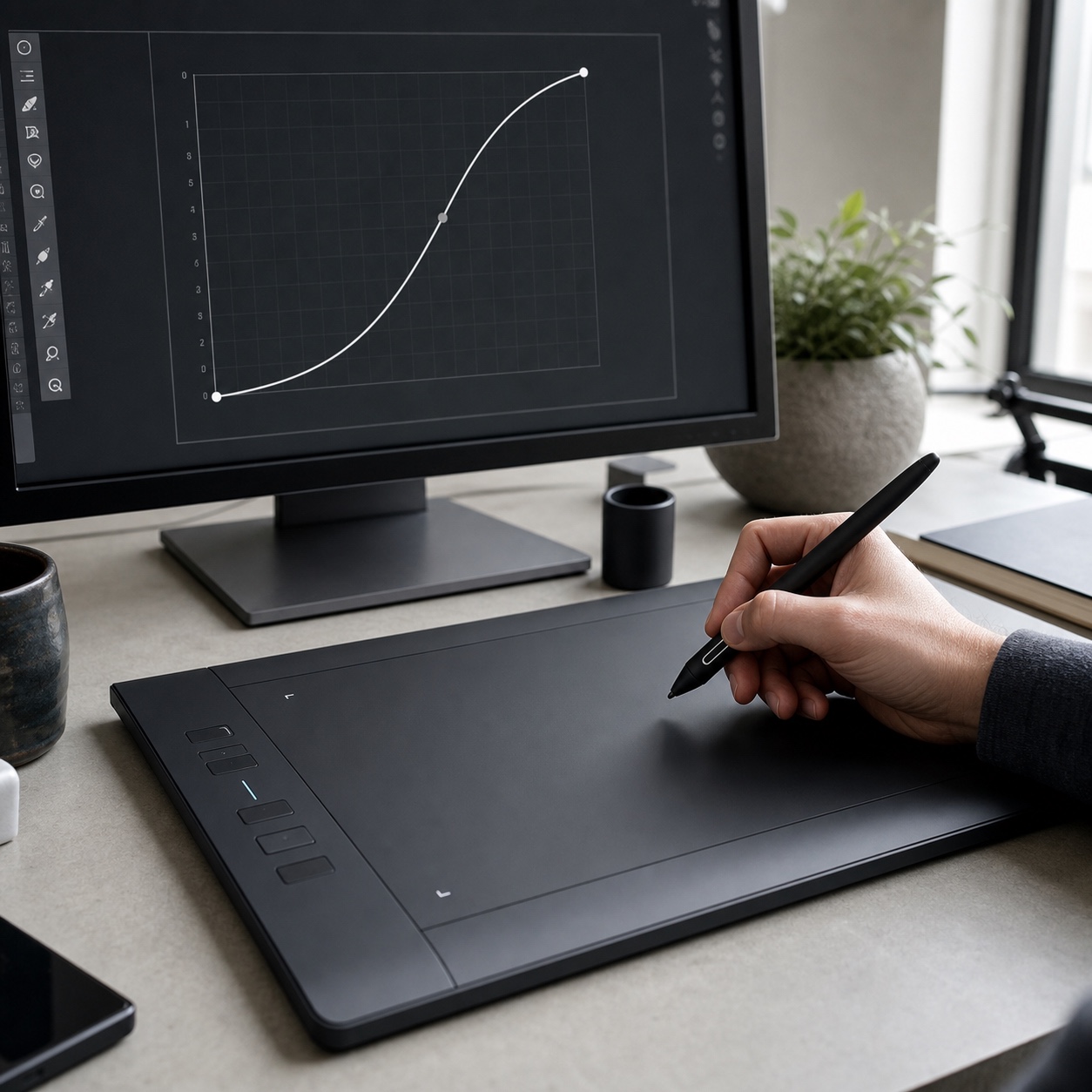
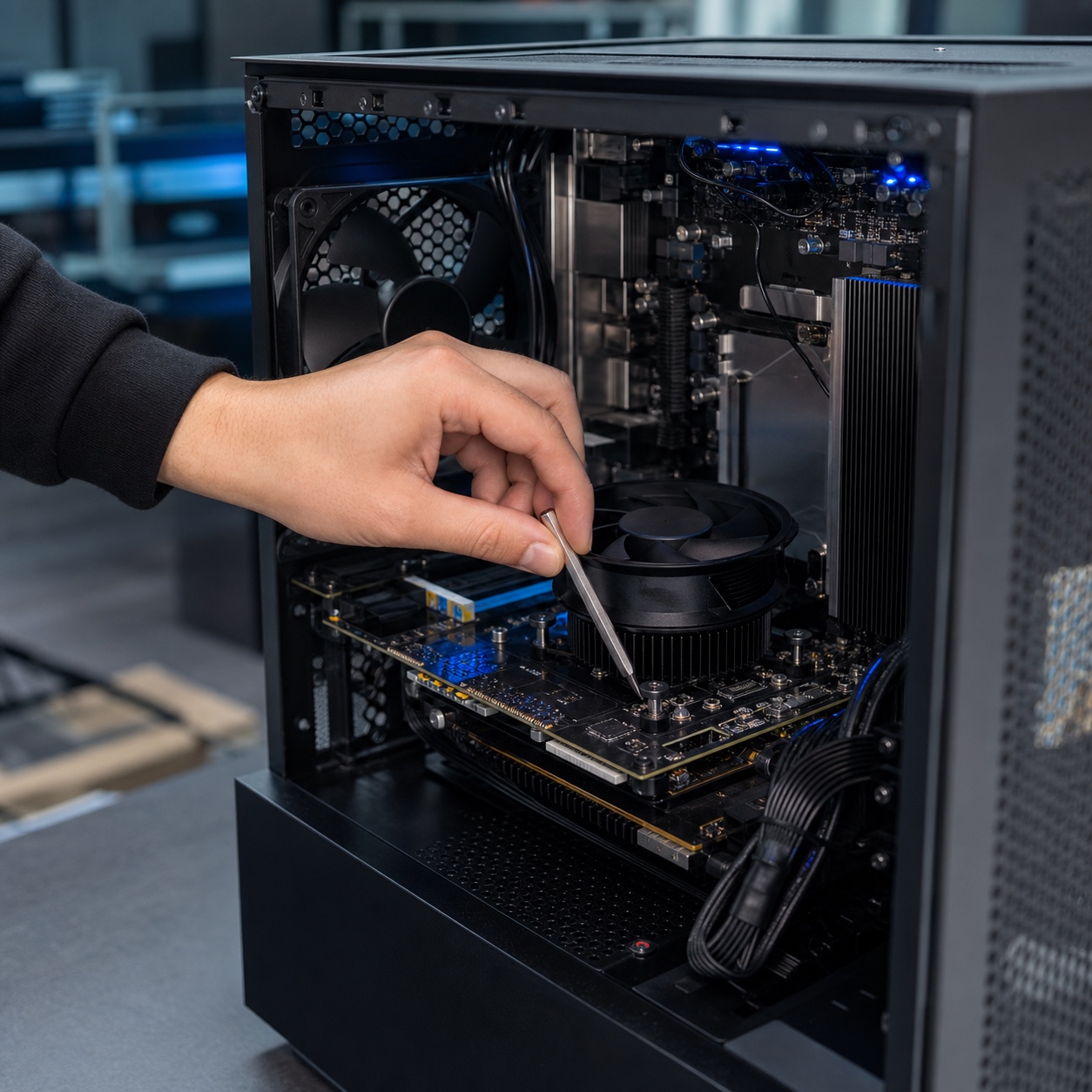
Thermal issues on rendering hardware specifically deserve mention, since they’re one of the most common design-specific problems remote diagnostics genuinely struggle with. A workstation throttling performance under sustained render loads because of dust buildup or a failing fan produces symptoms, slow renders, unexpected crashes, that look identical to a dozen unrelated software issues over a remote session, and often only get correctly diagnosed once someone opens the case in person.
Local storage, backups, NAS, and large-file workflows
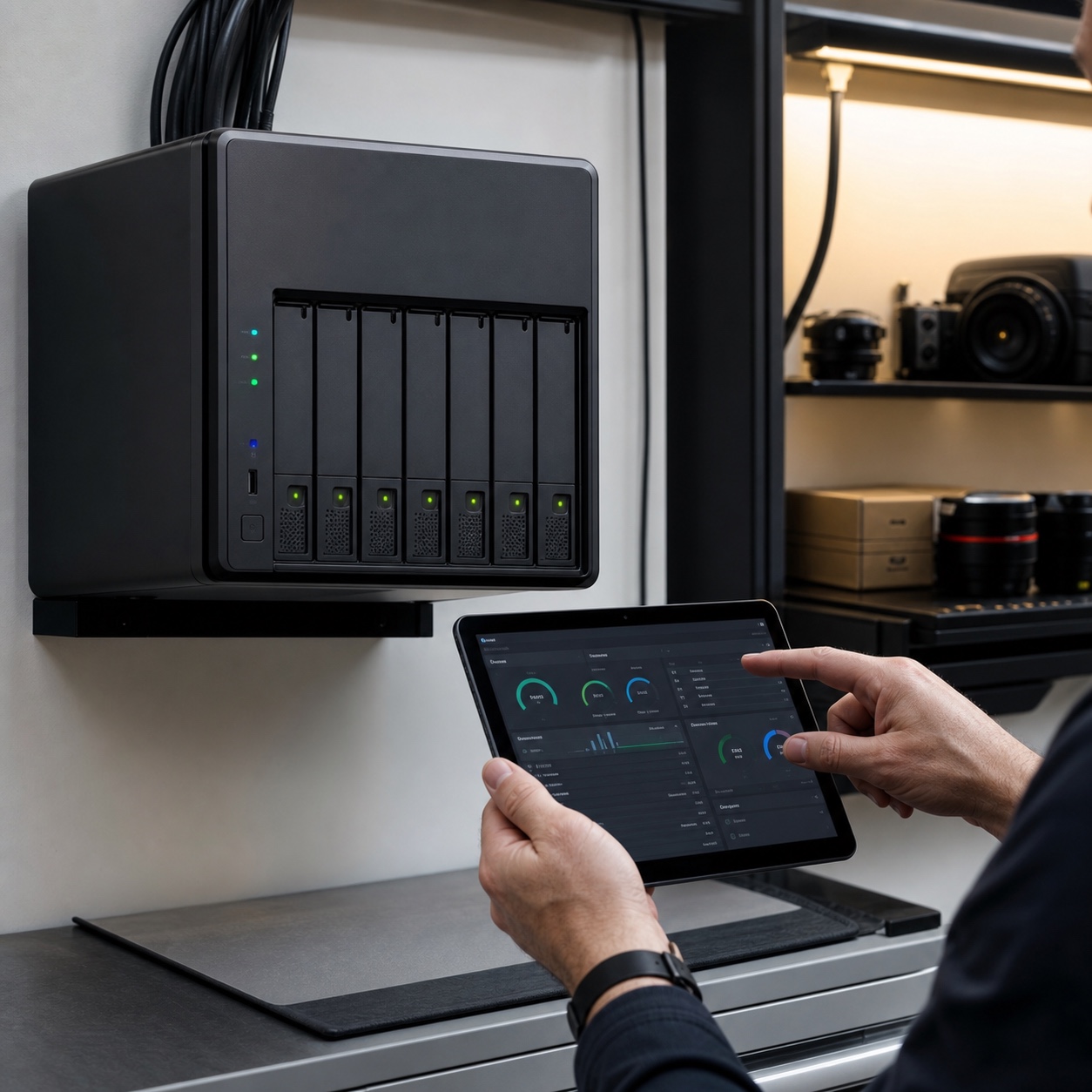
Design files, especially video, 3D, and high-resolution print assets, frequently outgrow what’s practical to sync entirely through cloud storage alone, which is why many studios still run local network-attached storage for active project files, with cloud serving as backup and remote-access layer rather than the sole home for working files. Setting up, maintaining, and troubleshooting that local storage hardware is inherently an on-site task.Our guide to cloud workstations for remote design teamsandhow cloud rendering helps you work from anywhereboth cover how cloud infrastructure fits alongside this local layer, for teams weighing how much of their storage and compute genuinely needs to live on-site versus in the cloud.
Design note: Put a hardware calibration and equipment-check schedule on the same calendar as project deadlines, not as a separate IT task nobody owns. A monitor that's been silently drifting for three months is a client-facing color problem waiting to happen, not just a maintenance item.
How on-site IT support protects creative deadlines
The value of on-site support shows up most clearly in exactly the moments a studio can least afford downtime.
Emergency response for review days, production handoff, and render failures
A workstation failing the morning of a major client review, a render farm choking right before a production handoff, or networking equipment failing during a deadline crunch are the scenarios where the difference between remote troubleshooting and someone physically present with spare hardware becomes the difference between hitting a deadline and missing one. Having a defined emergency on-site response option, rather than discovering during a crisis that no such option exists, is worth establishing well before it’s actually needed.
Spare or loaner hardware is worth treating as part of this emergency layer specifically, not a separate budget line. A backup workstation or monitor sitting ready to swap in during a failure turns a potential deadline miss into a brief interruption, which is a meaningfully different outcome for a client relationship than explaining why a review got pushed back a day.
Escalation rules between help desk, managed IT, and studio leads
A clear, written escalation path, what gets handled by remote help desk, what triggers a managed IT response, and what specifically warrants an on-site visit, removes the guesswork during an actual crisis, when nobody has time to figure out the right process from scratch.Our guide to design operations for remote agenciesandOur piece on design workflow for remote studiosboth cover how to build this kind of operational structure into a studio’s broader workflow, beyond just the IT-specific escalation rules covered here.
Security checks for distributed creative teams
Security for a design studio isn’t only a software and account-access question, physical device security and network configuration matter just as much, and they’re inherently harder to verify remotely.
Physical device security is easy to overlook entirely in a fully remote setup, since nobody’s walking past a workstation to notice it left unlocked or a sensitive file left open on a shared home screen. An on-site check is one of the few reliable ways to actually verify these physical-layer habits match the policy a studio thinks it has in place, rather than assuming compliance based on a written policy nobody’s actually confirmed in practice.
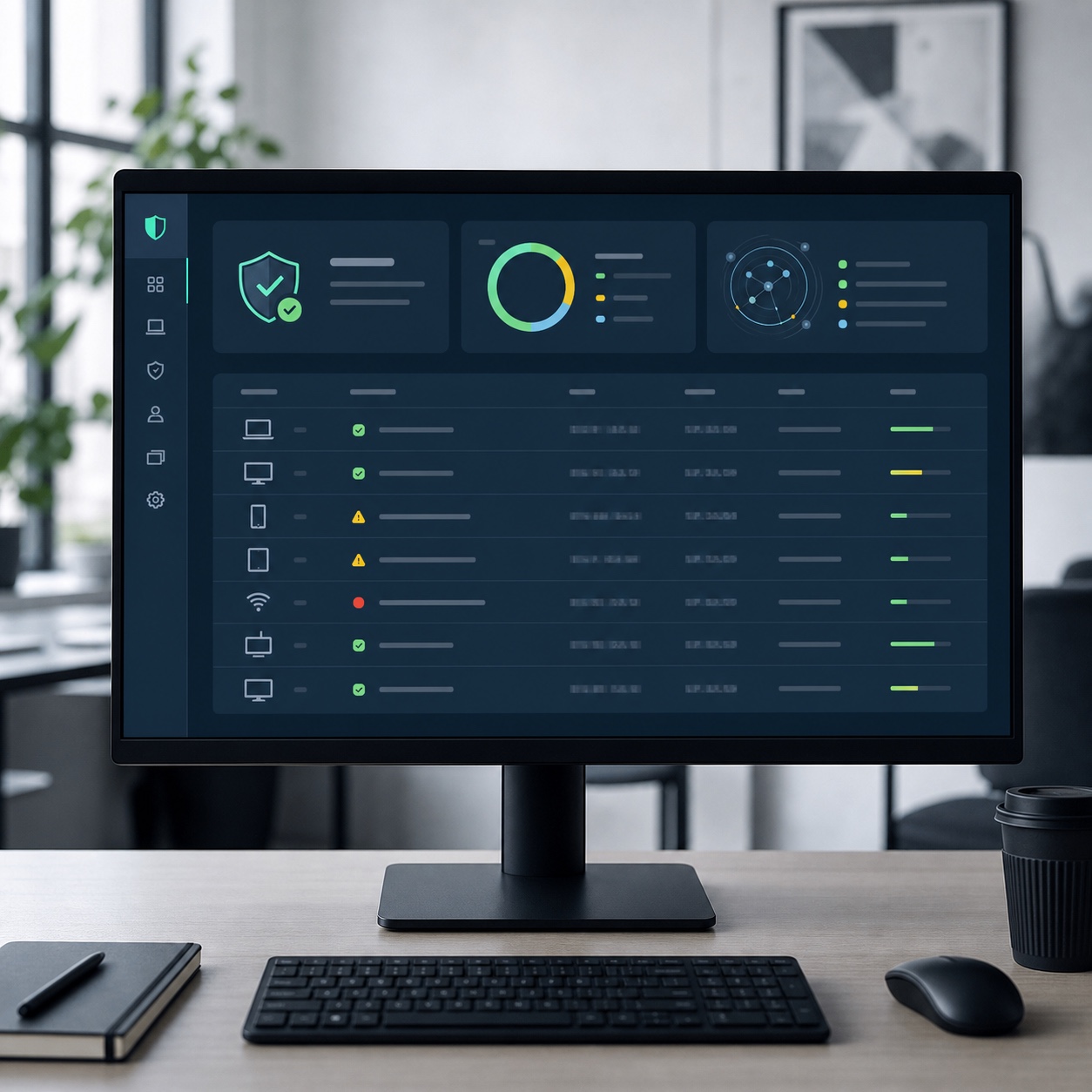
Device audits, network checks, access controls, and client-file protection
A periodic on-site device and network audit, confirming which devices actually hold sensitive client files locally, whether home network configurations meet basic security standards, and whether access controls match who should actually have access to which client’s work, catches gaps that a purely remote security review often misses entirely.Our cybersecurity checklist for remote design teamsandOur guide to digital asset security for hybrid studiosboth go deeper into the broader security practices this kind of on-site check should sit alongside, since protecting client intellectual property is a genuinely higher-stakes problem for a creative studio than for a typical small business.
What to document after every on-site visit
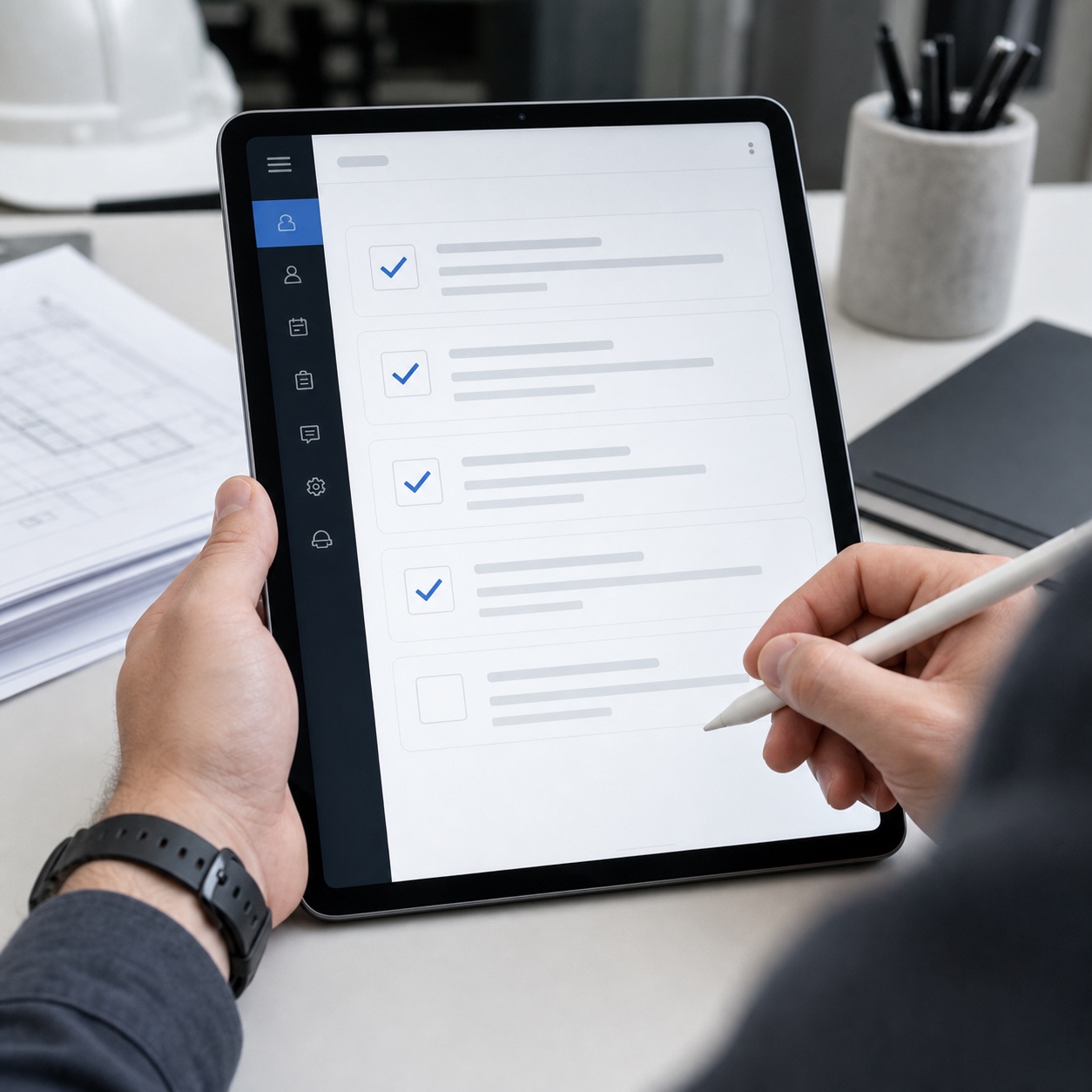
Every on-site visit should leave behind a written record, what was checked, what was found, what was changed or fixed, and what to watch for before the next visit. This turns a series of individually useful visits into an actual maintenance history a studio can reference, rather than relying on memory to know when a specific piece of equipment was last serviced or when a monitor was last calibrated.

Building a hybrid support model for a design studio
The strongest setup for most remote design teams isn’t choosing between remote and on-site support, it’s structuring both into one coherent model with clear boundaries.
Managed IT support, help desk support, and on-site coverage
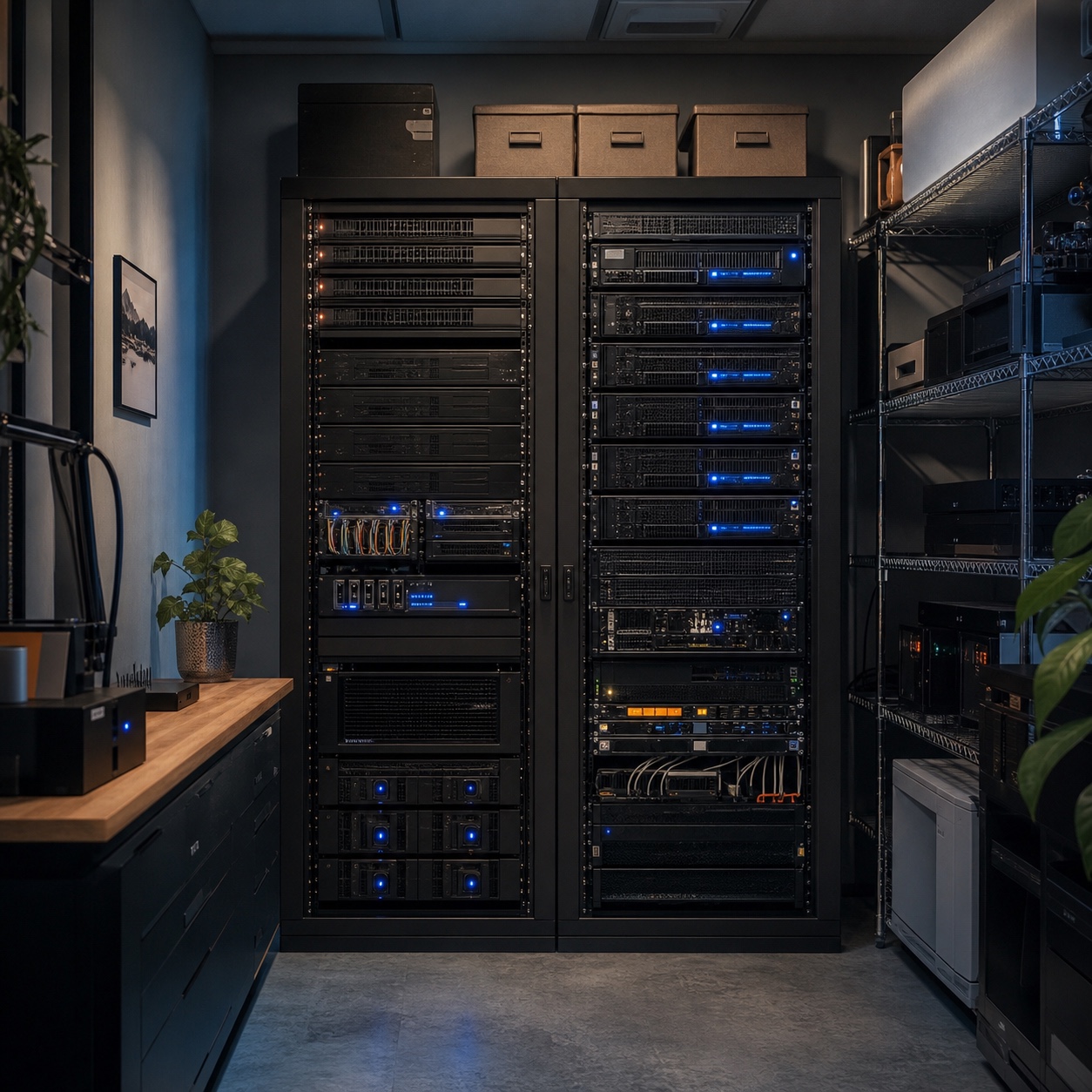
Managed IT support typically handles proactive monitoring, security patching, and overall infrastructure health; help desk support handles day-to-day tickets and troubleshooting; on-site coverage handles the physical layer, calibration, hardware, networking equipment, and emergency response, covered throughout this piece.technology management by Integritekoffers this kind of proactive technology management aimed at remote teams specifically, monitoring systems and resolving issues before they escalate into the kind of disruption a design deadline can’t absorb.
On-site coverage specifically is worth sourcing from a provider who genuinely specializes in physical, hands-on visits rather than treating it as an occasional add-on to a remote-first contract.on-site support by Keytel Systemsis built around exactly that kind of dedicated on-site service, the physical layer that a purely remote-first IT relationship structurally can’t cover no matter how responsive their help desk is.
SLAs that match creative production instead of ordinary office tickets
A generic office SLA, next business day response, standard ticket priority tiers, rarely matches how creative production actually breaks down under deadline pressure. A studio’s service agreement should reflect that a hardware failure on a review day is not the same priority as a routine software question on a slow Tuesday, and the contract terms should say so explicitly rather than leaving response-time expectations to informal goodwill.
Negotiating this into a contract up front, rather than assuming a provider will naturally understand creative deadline pressure, avoids a frustrating conversation later where a studio discovers its “priority support” tier still means a next-business-day response for a genuinely time-critical hardware failure. Get the specific response-time commitment for deadline-critical issues written down, not implied.
Choosing an on-site IT support partner for design work
Not every IT provider that offers on-site visits actually understands creative hardware and workflow, and the difference shows up fast once something design-specific breaks.
Questions about creative software, hardware, color workflows, and urgent visits
Worth asking directly before signing anything: Have they calibrated color-critical monitors before, and do they own the equipment to do it properly? Do they have direct experience with the specific CAD, 3D, or rendering software the studio actually runs? What’s their real, contractual response time for an urgent on-site visit during a deadline crunch, not just their advertised general SLA? And can they describe, specifically, how they’d troubleshoot a large-file NAS performance problem rather than just confirming they “support network storage” in general terms.
Warning signs: generic office packages, no equipment experience, weak documentation
A provider whose pitch never moves past generic small-business IT language, no specific mention of color calibration, creative software, or large-file workflows, is very likely applying a standard office support package to a studio with genuinely different needs. Vague or absent documentation practices after service visits are another reliable warning sign, since a provider who doesn’t leave a clear record of what they did on each visit makes it much harder to track recurring issues over time.Our guide to hybrid design studios and outsourcing without slowing creative workflowcovers more of what a genuinely well-matched support relationship should look like for a creative team specifically, beyond the IT-specific criteria covered here.
On-site IT support checklist for remote design teams
Run through this before deciding your studio’s on-site coverage is actually sufficient: Are color-critical monitors on a defined calibration schedule, not just checked when someone complains? Is there a documented, written escalation path from help desk to managed IT to on-site visit? Does the on-site provider have actual, verifiable experience with the studio’s specific software and hardware? Is there a defined emergency response option for deadline-critical failures, with a real contractual response time attached to it? And does every on-site visit leave behind written documentation the studio can reference later?
A studio that can answer yes to all five is genuinely covered. A studio answering no to more than one or two is carrying more risk around deadlines and client deliverables than it probably realizes, right up until the exact week that risk becomes an actual missed deadline.
FAQ
What is on-site IT support?
A:On-site IT support is technical assistance delivered by a technician physically present at a location, as opposed to remote support delivered over a screen-share or phone call. For design teams, this typically covers hardware troubleshooting, monitor and peripheral calibration, network equipment setup, and local storage systems that can’t be fully diagnosed or fixed remotely.
Do remote design teams need on-site IT support?
A:Most do, at least periodically, even if the majority of daily support happens remotely. Color-critical monitor calibration, physical hardware faults, network equipment issues, and local storage systems generally require someone physically present with the right diagnostic equipment, which a fully remote support model structurally can’t provide.
How is on-site IT support different from remote IT support?
A:Remote IT support handles software, accounts, cloud troubleshooting, and issues that can be diagnosed and fixed through a screen-share or remote access session. On-site IT support handles anything requiring physical presence, hardware faults, calibration, network cabling and equipment, and emergency response when a physical failure threatens a deadline.
What design hardware should IT support cover?
A:At minimum, color-critical monitors and calibration tools, drawing tablets and other specialized input devices, CAD and rendering workstations, large-format scanners or printers if the studio uses them, and any local network-attached storage handling active project files. Generic office IT packages frequently don’t account for any of this equipment specifically.
How often should a remote design team schedule on-site IT checks?
A:A baseline schedule of quarterly checks covering monitor calibration, network equipment, and storage health catches most drift before it becomes a client-facing problem, with additional visits triggered by specific issues or before major production milestones. The right frequency depends on how color-critical and hardware-dependent the studio’s actual work is.
- 28shares
- Facebook0
- Pinterest28
- Twitter0
- Reddit0