I sat on a finished poster for three weeks once, a piece I genuinely liked, because I couldn’t justify hiring a motion designer for a single social post and I didn’t have a weekend free to learn After Effects properly. That gap, a good static design with nowhere to go except a flat image post, used to be permanent. It isn’t anymore, and the shift happened quietly enough that a lot of working designers still haven’t tested it on their own work.
Moving a static concept into video is only one part of the creative decision. This overview of AI visual storytelling for designers looks at how sequence, pacing and visual consistency shape the story audiences actually receive.
Most of what a designer actually ships is still a still: a poster, a mockup, an illustration, a portfolio spread. Most of where that work actually gets seen runs on motion, a scrolling feed, a client’s inbox expecting a video attachment, a portfolio site competing against ten other tabs. AI video generation closes that specific gap, turning a finished static asset into a short, controlled clip without requiring a render farm, a film crew, or a skill set most designers never trained for.
This is a workflow guide, not a tool roundup. It covers what these models actually do to an uploaded still, how to fold that into a real studio pipeline, where voice and lip sync fit for character work and spokesperson clips, and how to keep the result looking crafted rather than like an obvious AI demo reel.
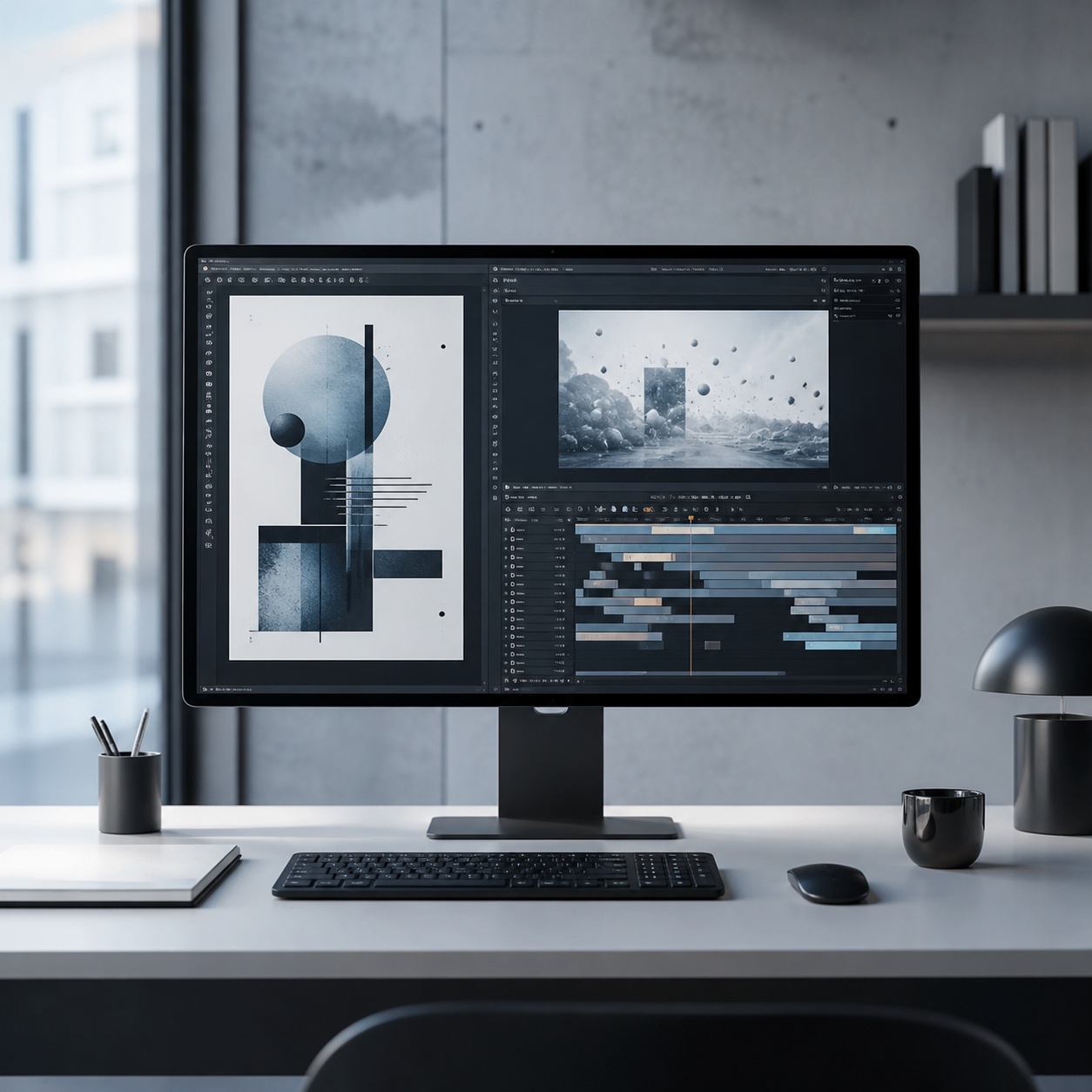
None of this argues for rebuilding a studio’s whole production process around AI motion. It argues for treating it as one more tool in a working designer’s kit, worth understanding well enough to reach for deliberately, the same way you’d reach for a specific rendering technique or a particular typeface pairing when the job actually calls for it.
Why static design assets need motion now
Attention behaves differently depending on format, and that’s not a trend, it’s just how feeds and inboxes work now. A static case study gets a glance. A fifteen-second animated version of the same work gets watched, often all the way through, because motion signals “this is worth a second of your time” in a way a flat image doesn’t compete with anymore.
The shift isn’t only about reach, though. Motion communicates things a still genuinely can’t: how an interface actually flows screen to screen, how light moves across a packaging render as it turns, how a character you designed actually speaks rather than just poses. For illustrators and character artists specifically, this closes a real gap between “I made this” and “here’s this thing alive,” which is a meaningfully different experience for anyone looking at your portfolio.
It’s worth being honest about why this matters commercially too, not just aesthetically. A client scrolling through five competing pitch decks in an afternoon spends measurably longer on the one that opens with something moving, purely because motion interrupts the scanning pattern a static page invites. That extra attention is worth more to a freelancer or small studio than almost any other single production upgrade available at this price point.
What AI video generation actually does to a still image
You don’t need to understand the underlying model architecture to use these tools well, but one simple mental model helps enormously. The system treats your uploaded image as the first frame, then predicts a plausible sequence of frames that follow it, a slow push-in, fabric drifting in a breeze, a character leaning forward. The genuinely hard part, the part that separates a convincing clip from an obviously broken one, is consistency: keeping your composition, color, and typography stable across every frame so nothing warps or melts partway through.
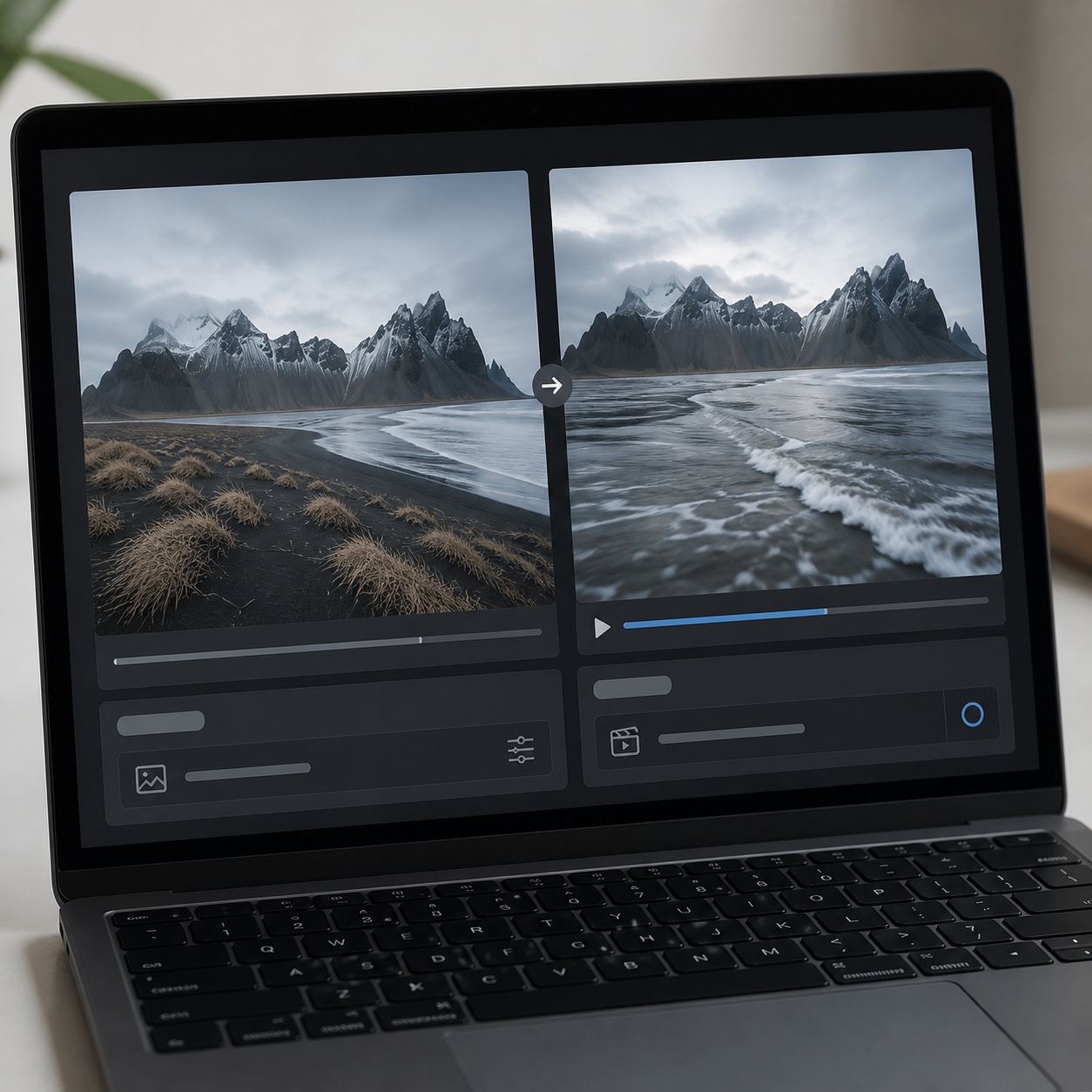
Composition, color, typography, and consistency checks
Because the model is extrapolating motion from a single starting frame, anything ambiguous or poorly resolved in that source image tends to get worse, not better, once motion is added. A logo sitting slightly askew, type with inconsistent tracking, a color that reads as slightly off, all of these compound once the model starts generating frames that have to stay consistent with that flawed starting point.
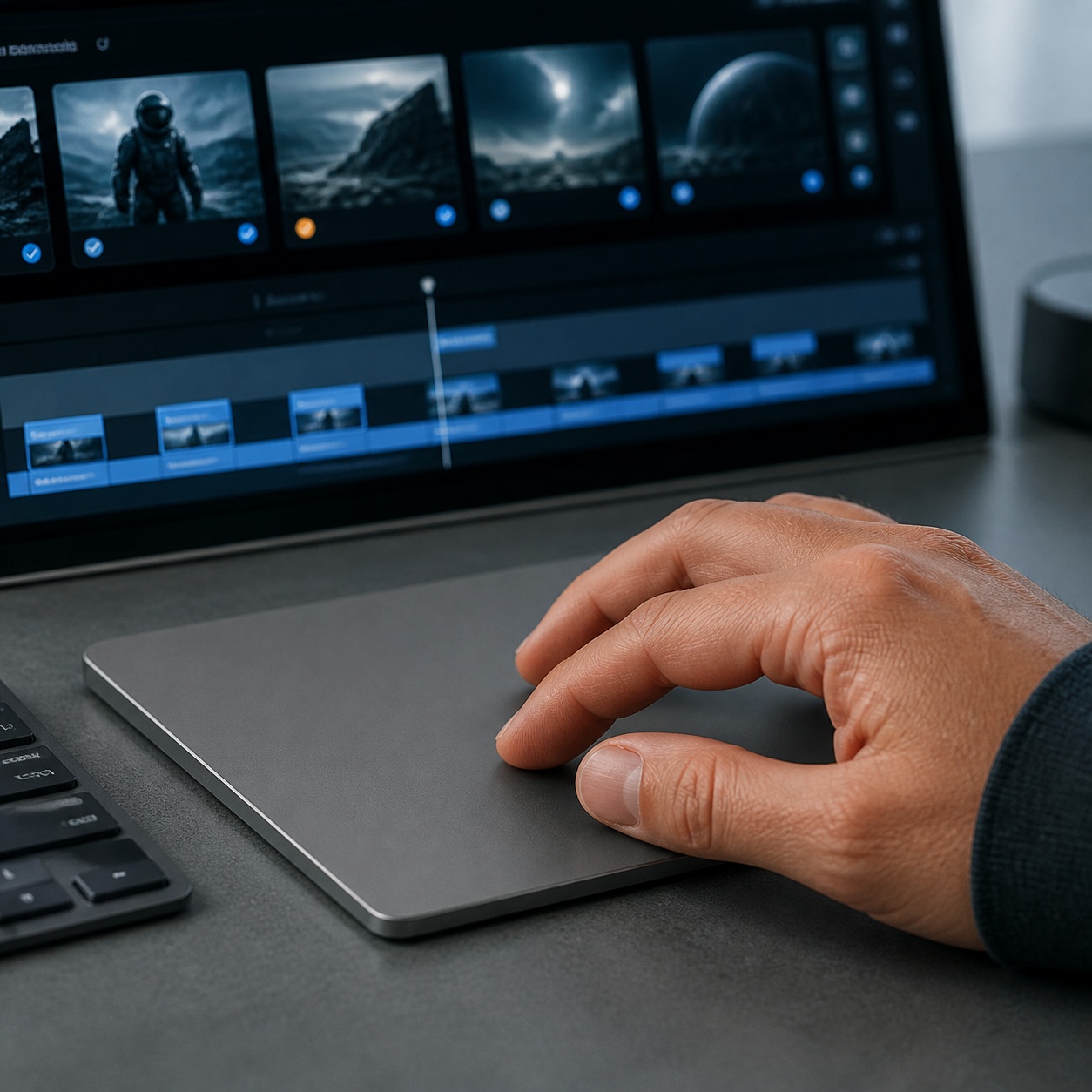
Why clean source files produce better motion
Your design fundamentals are still doing the actual work here, the AI only fills in the motion between frames you didn’t have to draw yourself. A strong, resolved, well-composed still reliably produces a strong clip. A messy or unresolved one produces a messy clip, just animated. Treating the source image with the same rigor you’d apply to a final client deliverable, not a rough draft, is the single biggest lever for output quality across every tool in this category.
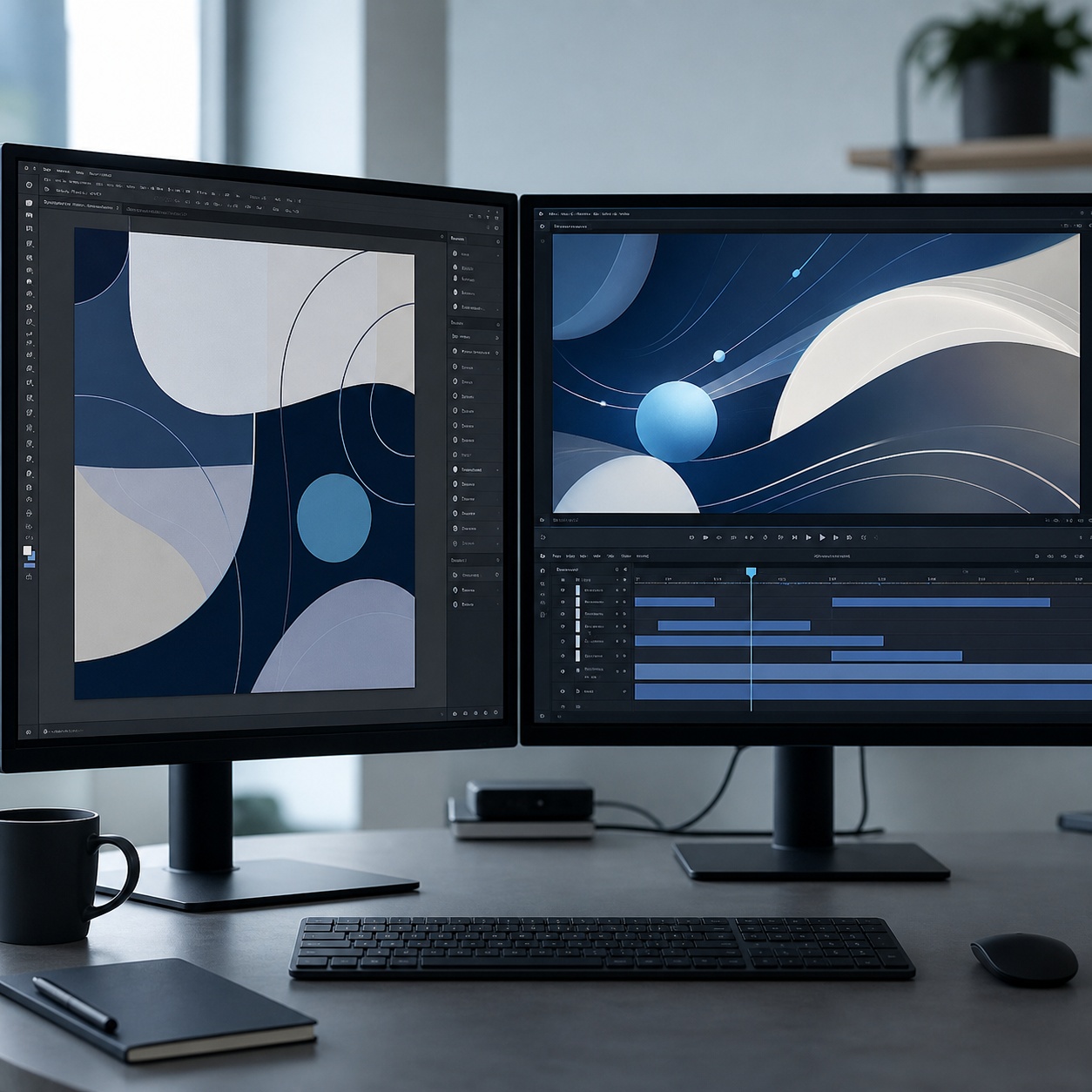
This also means the review pass on your source file should happen before you ever open a video generation tool, not after a first disappointing result. Flatten your layers, double-check color consistency across the composition, and confirm the file is genuinely the final version, not a working draft with a placeholder element you meant to fix later, before feeding it into any motion tool.
The designer’s AI video workflow
Three stages cover most of what a working designer actually needs from this category, and they build on each other in a specific order worth following.
Animate a poster, illustration, product render, or UI mockup
The most valuable step is the simplest one: take an image you’ve already finished, upload it, describe the motion you want, a slow push-in, drifting fabric, falling leaves, and let the model return a short clip. For studios testing ideas before committing real budget, image to video AI free unlimited is a practical on-ramp, since it lets you iterate on camera moves and mood at no cost before deciding whether a paid tier is actually worth it for a specific project. Treat that free tier as a sketchbook for testing motion ideas, not as your source for final delivery.
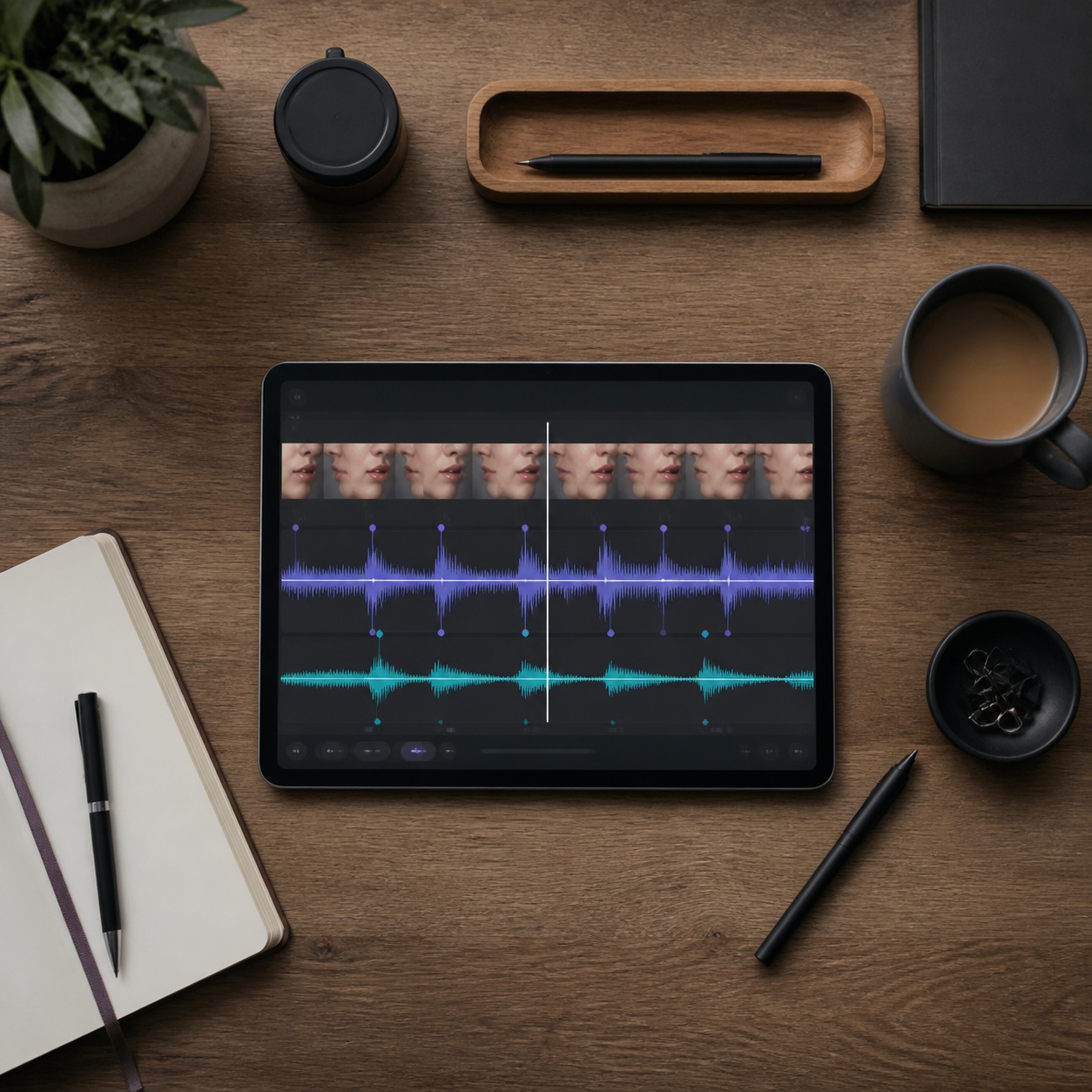
Restraint matters more here than anywhere else in the process. One subtle, intentional move, a gentle push-in, a slow pan, reads as considered. Several competing movements happening at once reads as an AI demo reel rather than a finished piece of design work. our guide to image-to-video AI workflows and fixes goes deeper into the specific technical fixes worth knowing, correcting warped edges, stabilizing a drifting logo, when a first attempt doesn’t come out clean.
Different asset types respond differently worth knowing before you start. A poster or illustration with a strong single focal point tolerates a simple push-in beautifully. A UI mockup benefits more from a described flow, a screen transition, a scroll gesture, than from camera movement alone, since the motion that actually communicates value there is the interface itself changing state, not the camera drifting across a static screenshot.
Add voiceover without breaking brand tone
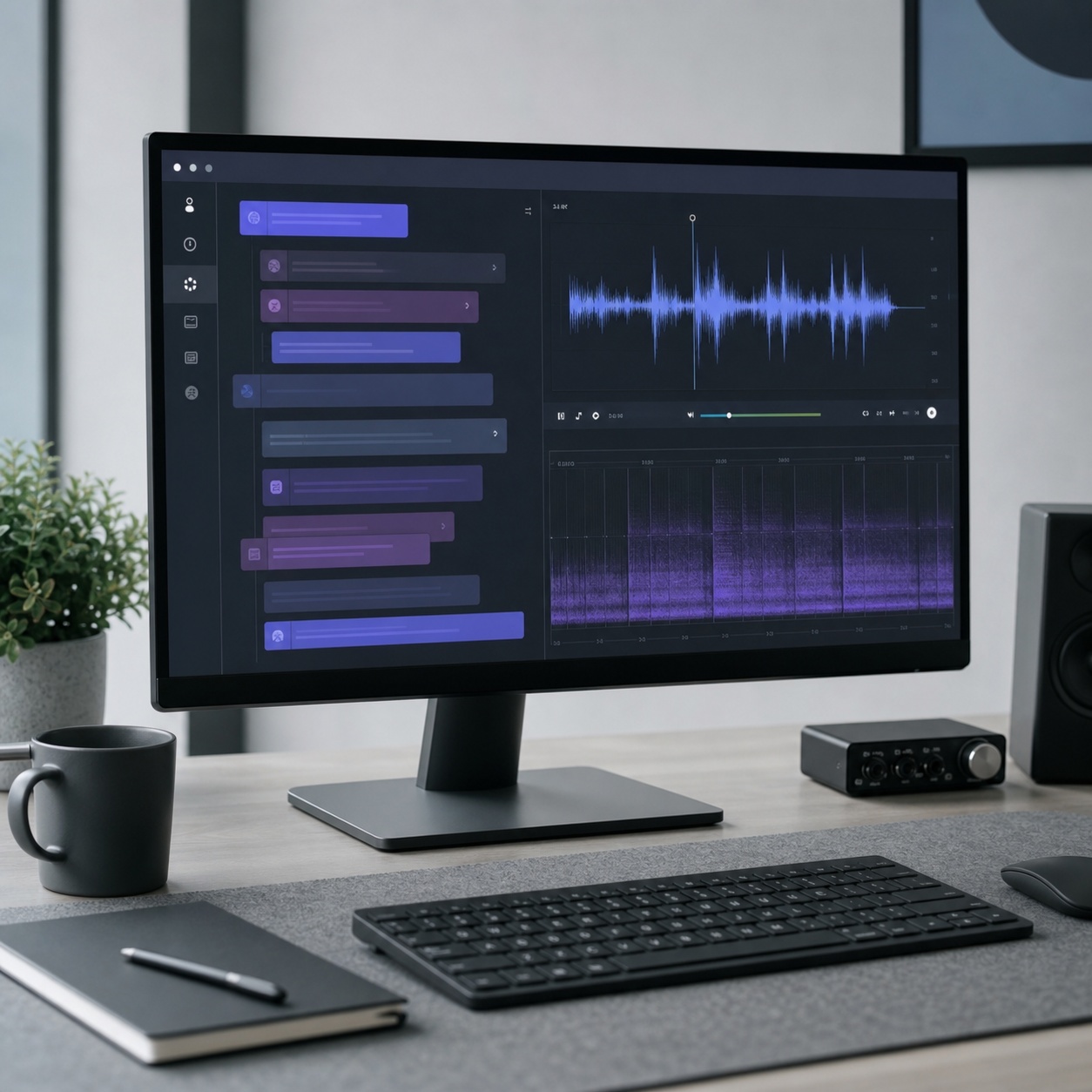
Once you have motion, a narrated voiceover is often the natural next layer, and text-to-speech quality has improved enough that a calm, natural-sounding voiceover is now a few clicks away rather than a studio booking. The part worth real attention is matching the voice’s tone and pacing to the brand itself, a playful consumer brand and a serious B2B client need genuinely different vocal registers, and a mismatched voice undercuts an otherwise well-made clip fast.
Use lip sync AI for characters, mascots, and spokesperson clips
This is the step that tends to surprise people the first time they try it. A single portrait, a character you designed, a stylized mascot, even a photo of yourself, combined with an audio file, becomes a speaking video in minutes. lip sync AI tooling aligns mouth movement to the audio closely enough that viewers accept the character as genuinely talking, which is exactly the effect that makes this so useful for client explainers, training snippets, or a multilingual spokesperson who never has to book a single studio session. our guide to changing a face in video using AI covers a related and useful technique for swapping or adjusting a face within existing footage, worth knowing alongside lip sync specifically for character-driven work.
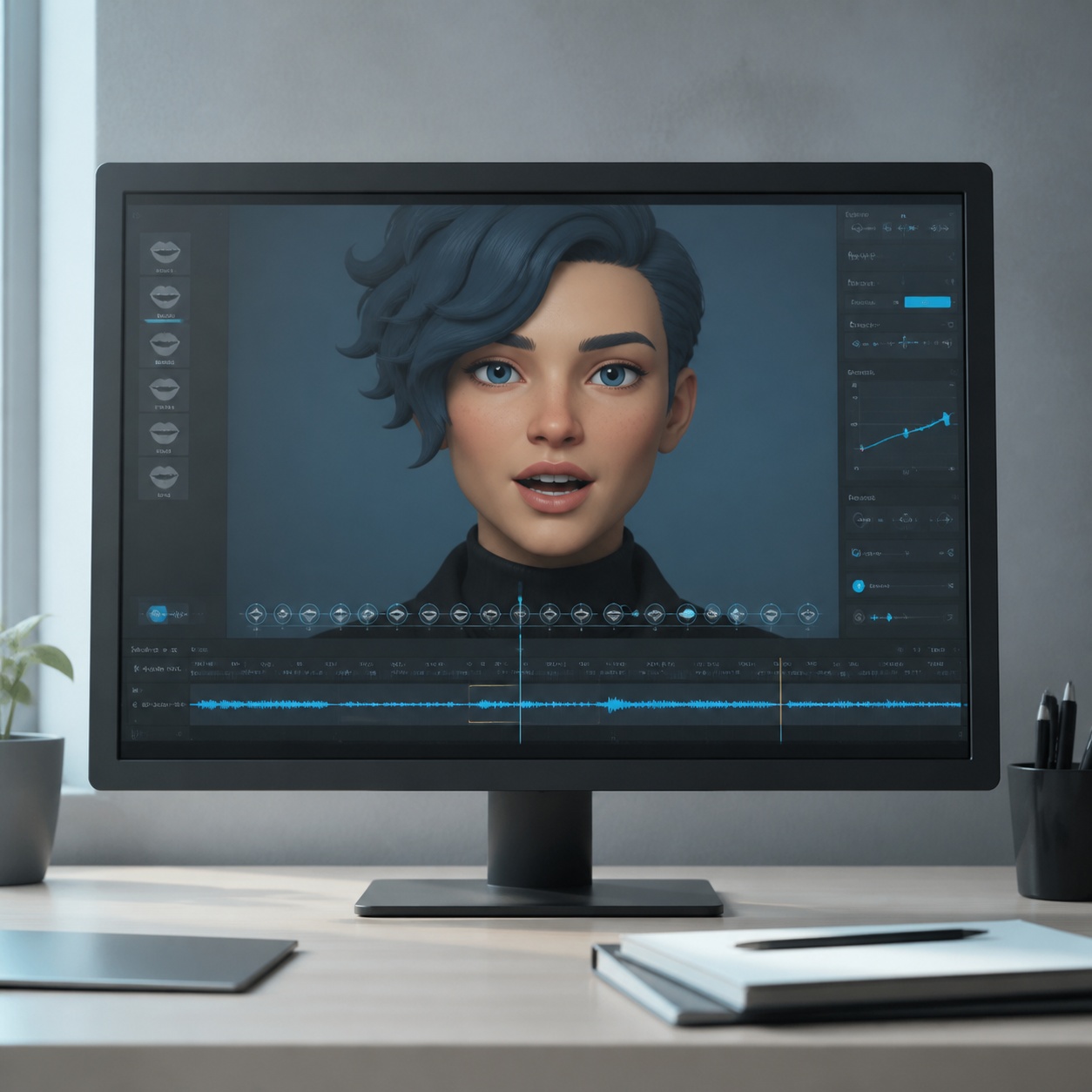
Illustrated and stylized characters generally sync more convincingly than photorealistic faces do at the current state of these tools, since a viewer’s tolerance for imperfect mouth-shape matching is naturally higher for a drawn mascot than for a real human face, where even small mismatches register as unsettling. This is worth knowing before choosing which asset in a project to lead with for a lip-sync test.
Design note
Write the voiceover script to roughly match how long you’d naturally read it aloud at a conversational pace, then trim it further. A script that feels slightly too short when you read it silently almost always sounds exactly right once it’s actually voiced and synced to motion.
Where this fits in a studio pipeline
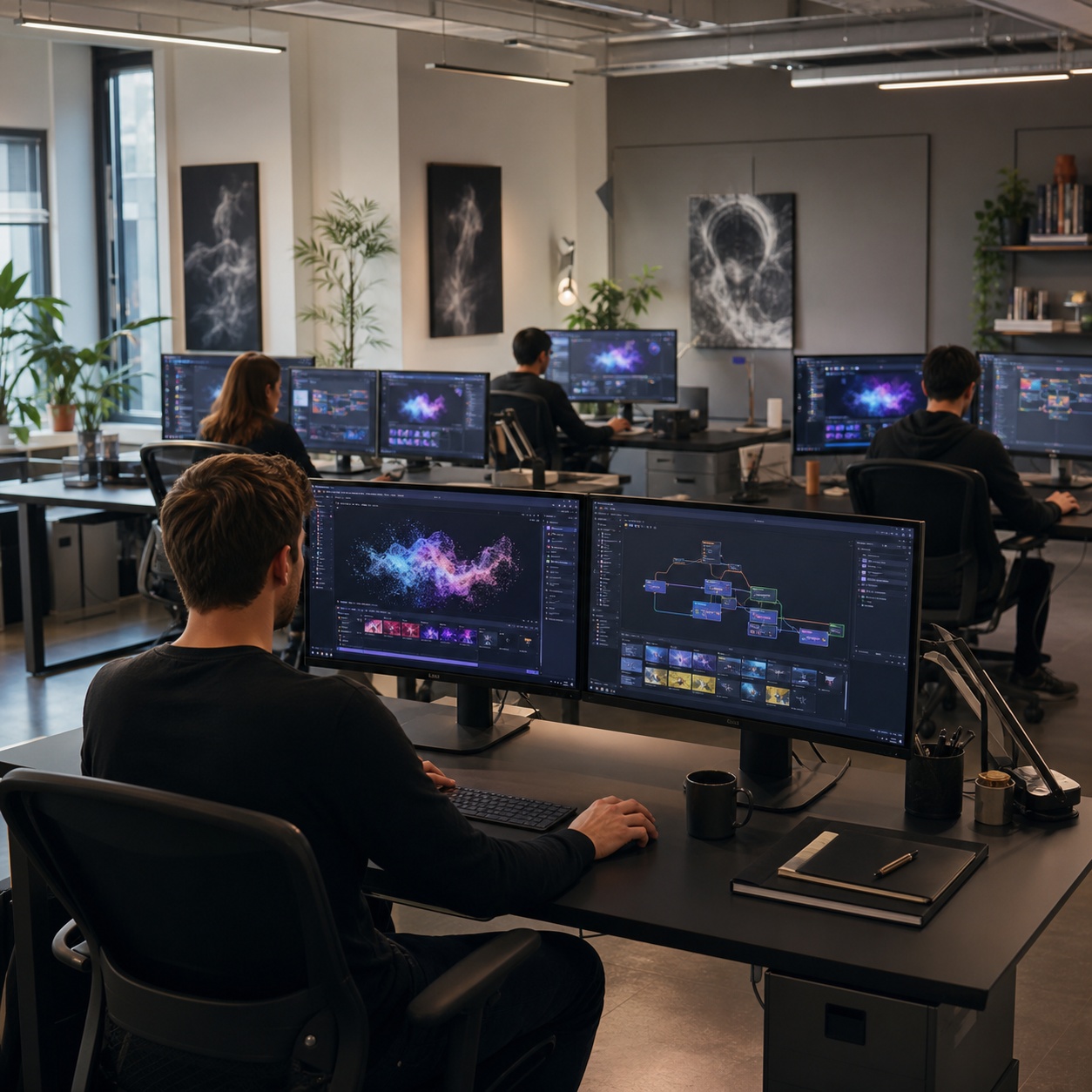
This isn’t a workflow that requires rebuilding how a studio operates. It slots into specific, existing deliverables that already exist in most design practices.
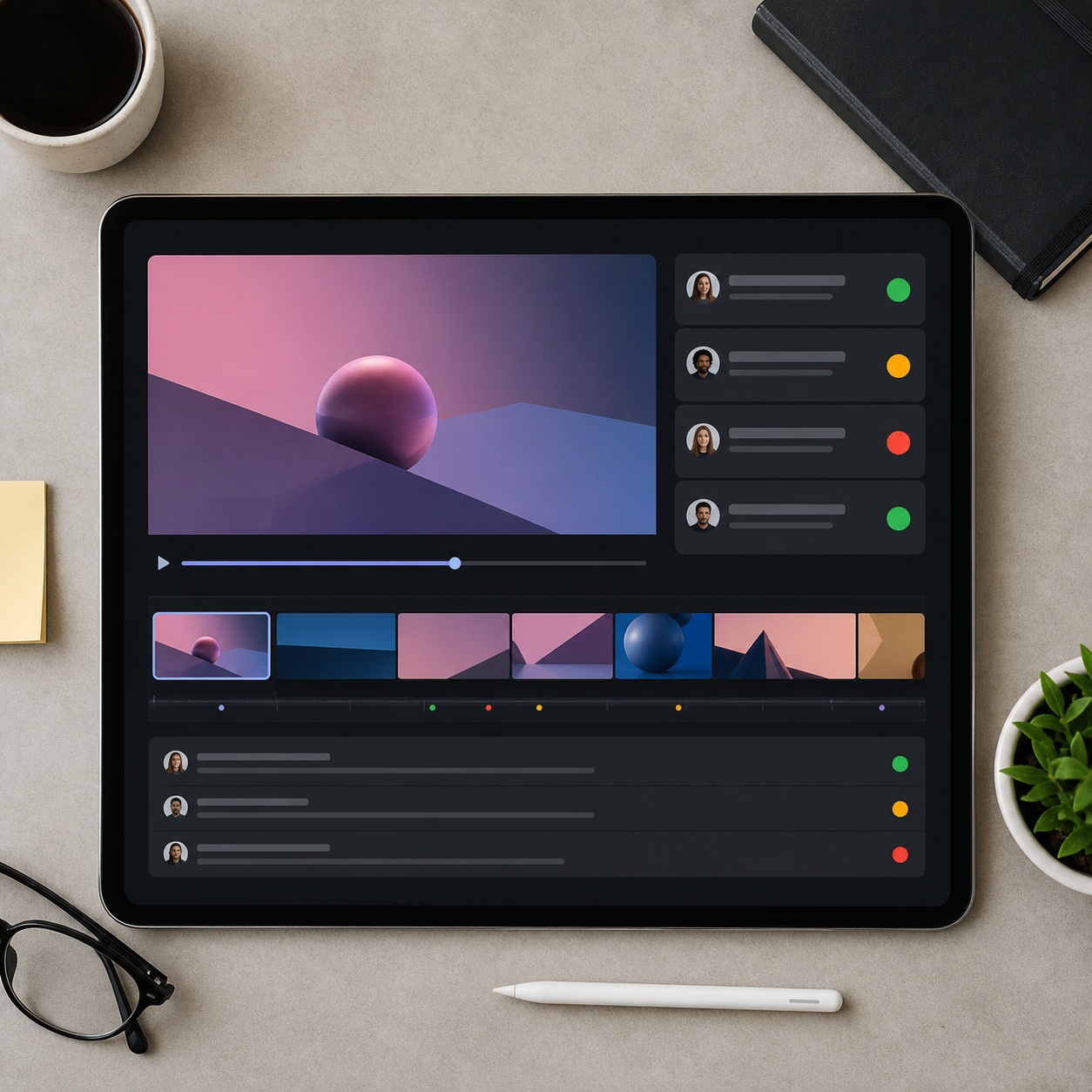
Portfolio loops and moving case-study thumbnails
Take three hero pieces from a portfolio and animate a two-second loop for each one. A moving thumbnail stops the scroll on a portfolio site in a way a static grid simply can’t compete with anymore, and it’s one of the easiest upgrades available for an otherwise flat page. our comparison of the best art portfolio websites covers how portfolio sites are actually evaluated and compared, useful context for deciding where a moving hero asset earns the most attention on your specific site structure.
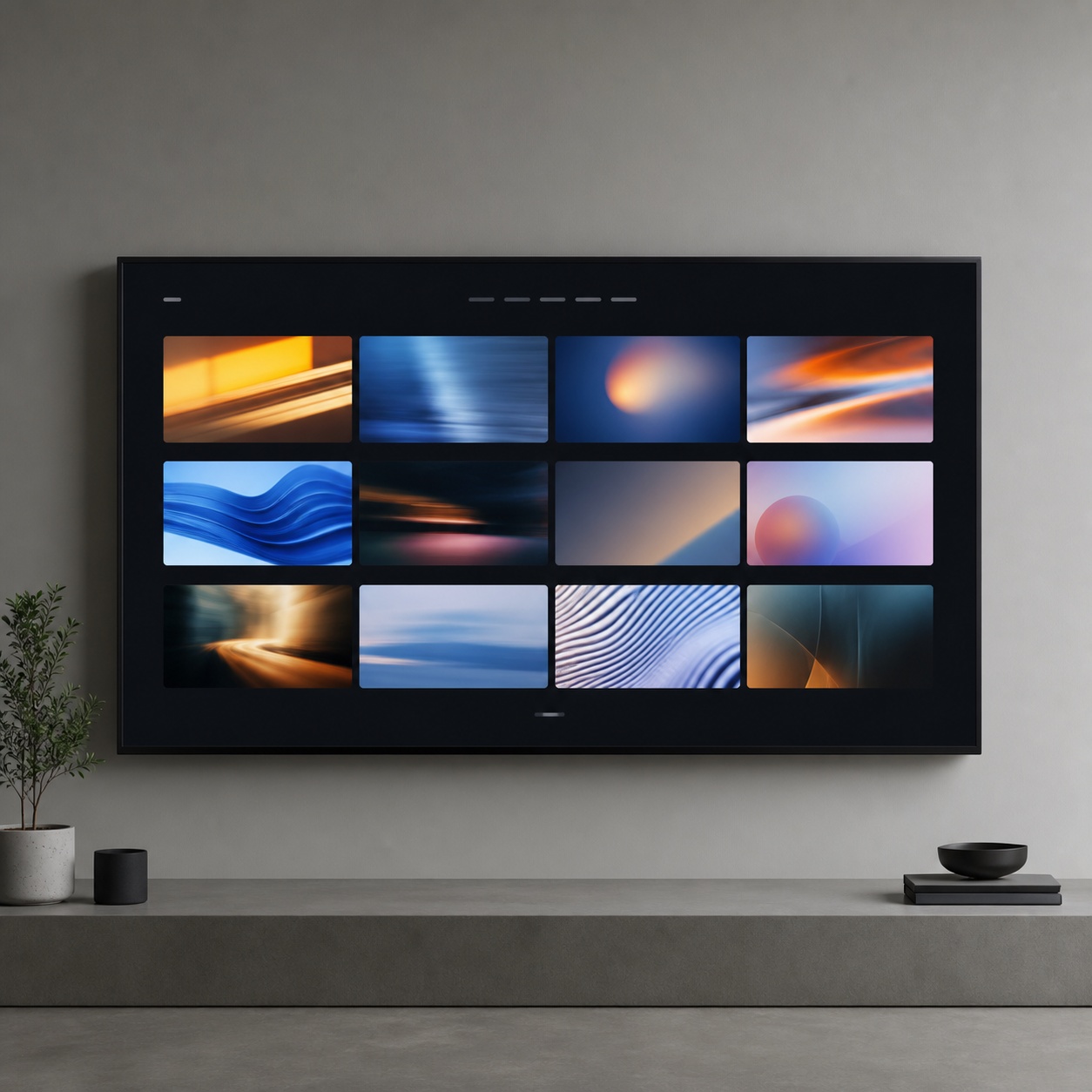
Pitch videos from one hero visual
A client deck’s key visual can become a twenty-second explainer by animating that single image and adding a voiced script over it, without commissioning a separate video production for what’s fundamentally still a design pitch. This is often the fastest path from a finished deck to something that actually holds a client’s attention through a follow-up email.

This use case in particular rewards keeping the motion tightly scoped to a single hero image rather than trying to animate every slide in a deck. One well-executed moving visual embedded in an otherwise static deck reads as a deliberate highlight. A deck where every slide has some motion applied reads as unfocused, and dilutes the impact of the one moment that actually deserved the attention.
Social variants and localization
One illustration can become ten variants, different captions, different aspect ratios, different languages, without redrawing anything. Recording a script once and re-voicing and re-syncing it into several languages opens international client work that would previously have required separate localized production budgets entirely. our guide to text-to-video generators for designers and our piece on creating AI videos with Sora 2 and Veo 3 both cover generating additional motion variety directly from text prompts, useful once you’re producing enough social variants that starting from an existing image every time becomes the bottleneck.
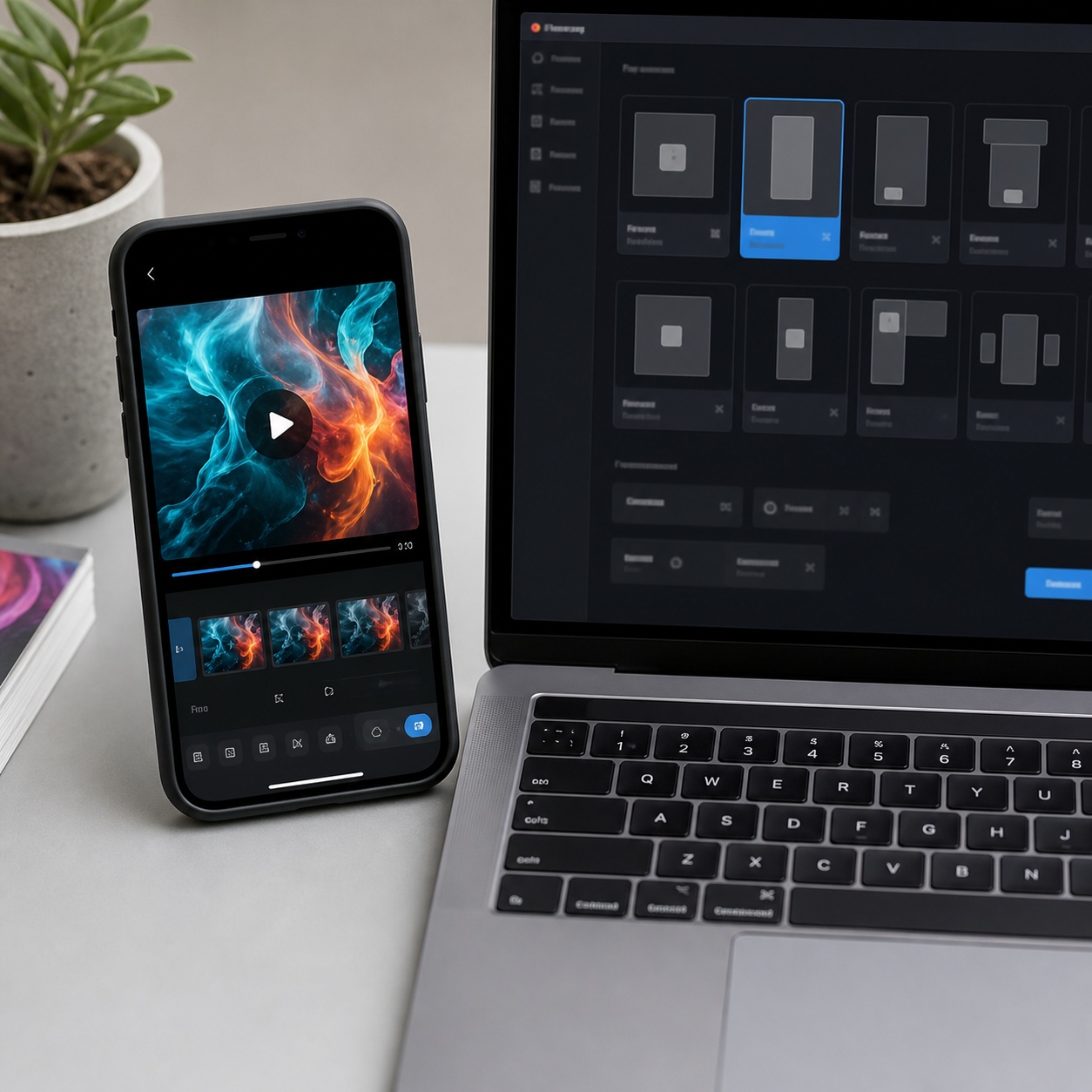
Quality control: keep AI motion crafted, not cheap
The risk with any new capability like this is overuse. A designer’s trained eye is the actual differentiator here, restraint reads as professional, maximalism reads as spam, and that distinction holds regardless of how good the underlying technology gets.
It’s worth setting an internal standard before starting a project rather than judging quality reactively once a clip is already generated. Decide in advance what “good enough to ship” actually means for this specific deliverable, brand fit, motion restraint, audio quality, so you’re evaluating the output against a fixed bar rather than against whatever the tool happened to produce on a given attempt.
Temporal consistency
Watch specifically for whether your logo stays put and whether type stays legible across the full clip, since drift in either is one of the fastest ways to break the illusion that this was a deliberately crafted piece rather than a rough AI output. Review the full clip at actual playback speed rather than scrubbing through frames individually, since problems that look minor frame-by-frame sometimes read as much more distracting at full motion speed.
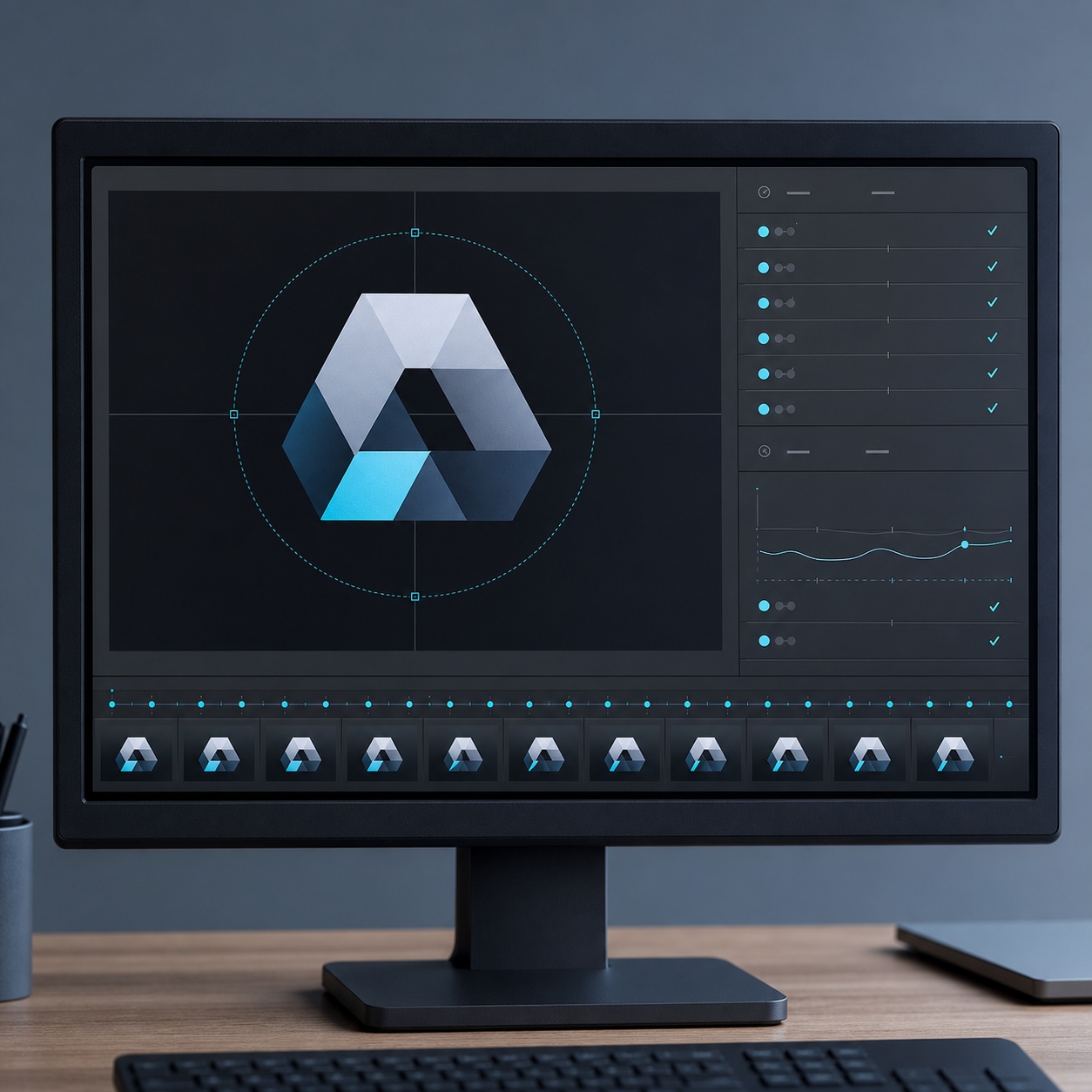
Legible type and stable logos
Type is usually the first thing to visibly degrade if a clip is going to have problems, since fine details like letterforms are exactly what a motion model struggles hardest to keep perfectly stable across frames. If your source design leans on typography as a major visual element, budget extra review time specifically for checking that the type holds up cleanly through the entire generated clip, not just the first and last frames.
Before animating a still mockup, I usually clean the frame in an AI image editor free enough for quick background removal, object cleanup, and color polish.
Audio cadence and disclosure
A great visual clip undercut by a robotic-sounding voice loses viewer trust almost instantly, so listen to the finished audio once with genuinely fresh ears, and if the cadence feels even slightly off, shorten the script or try a different voice rather than shipping it as-is. It’s also worth being straightforward about process: when a piece uses generative video, say so. That disclosure isn’t a weakness, it’s the same professional courtesy as crediting a photographer or a licensed font, and increasingly, client contracts ask directly whether a deliverable used generative AI, so having a clear, one-line answer ready avoids an awkward conversation later. why 2026 is the year AI video finally becomes professional and our guide to brand video and visual storytelling both go further into where this technology is heading professionally and how motion fits into a coherent brand storytelling strategy beyond a single clip.
A 30-minute test workflow for one finished design
You’ll learn this category’s actual failure modes, odd hand or hair morphing, a drifting logo, audio that lags slightly behind the mouth, far faster by shipping one real piece than by reading ten more articles about it.
Pick one strong static design you’re genuinely proud of, a poster or character piece works well for a first attempt. Animate it with an image-to-video tool, aiming for one subtle, intentional move rather than a fireworks show of competing effects. Write a twenty-second script that explains the piece in plain language. Generate a voiceover, then sync it to a portrait or mascot using a lip-sync tool. Cut the pieces together in whatever editor you already use, add your brand frame, and export. Total time investment: about thirty minutes for a genuinely usable first result, closer to an hour once you’re reviewing and refining the output rather than just generating a first pass.
The most valuable outcome of this first attempt usually isn’t the finished clip itself, it’s the specific list of failure modes you personally encountered and how you fixed them. That list becomes a working checklist for every future project, and it’s worth writing down immediately after the first attempt while the specific problems and solutions are still fresh, rather than relearning the same lessons on the next piece a few weeks later.
FAQ
What is AI video generation for designers?
AI video generation for designers is the practice of turning a finished static design, a poster, illustration, mockup, or product render, into a short, controlled motion clip using an image-to-video model, rather than producing motion from scratch with traditional animation tools. The design fundamentals still come from the designer; the AI fills in the frame-by-frame motion between the starting image and the described movement.
Do I need animation experience to use AI video tools?
No. Most of these tools work from a plain-language description of the motion you want, a slow push-in, drifting fabric, a character leaning forward, rather than requiring keyframe animation skills. What matters more is design judgment: a clean, well-composed source image and restraint in how much motion you actually add.
How does lip sync AI work for character or spokesperson videos?
A single portrait or character image, combined with an audio file, gets processed to align mouth movement with the audio’s specific timing and phonemes, producing a video that reads as the character genuinely speaking. This works for original illustrated characters and mascots as well as real photos, making it useful for multilingual spokespeople who never need to book a studio session.
How do I keep AI-generated video from looking cheap or generic?
Use one subtle, intentional camera move rather than several competing effects, check that logos and type stay stable and legible across the full clip, and match voiceover tone and pacing carefully to the brand. Restraint is the actual differentiator, since an obviously over-animated clip reads as an AI demo rather than considered design work.
Should I disclose when a design deliverable uses AI video generation?
Yes. Disclosing generative AI use is a straightforward professional courtesy, similar to crediting a photographer or a licensed font, and many client contracts now ask directly whether a deliverable used generative AI. Having a clear, one-line answer prepared avoids an awkward conversation later in the project.
- 1share
- Facebook0
- Pinterest1
- Twitter0
- Reddit0