Across every discipline I’ve worked in — automotive surface design, jewelry, web and app interfaces, enterprise dashboards — the moment a static concept actually convinces a client has always been the moment it stops looking static. A rendering that sits flat on a page asks the viewer to imagine movement, light change, and atmosphere themselves. A rendering that moves, even briefly, does that imagining for them.
Text-to-video generation is the first tool that’s made that jump cheap and fast enough to use at the concept stage, not just the final-delivery stage, and that changes what a design presentation can actually be.
- Why AI video matters after the static concept stage
- What a text to video generator actually does
- Where tools like XImagineAI Grok Video fit in a design workflow
- Use cases for designers
- How to write better AI video prompts
- Text to video vs. image to video
- What to check before using AI video in professional work
- A practical workflow for designers
- Final thoughts
- Frequently asked questions
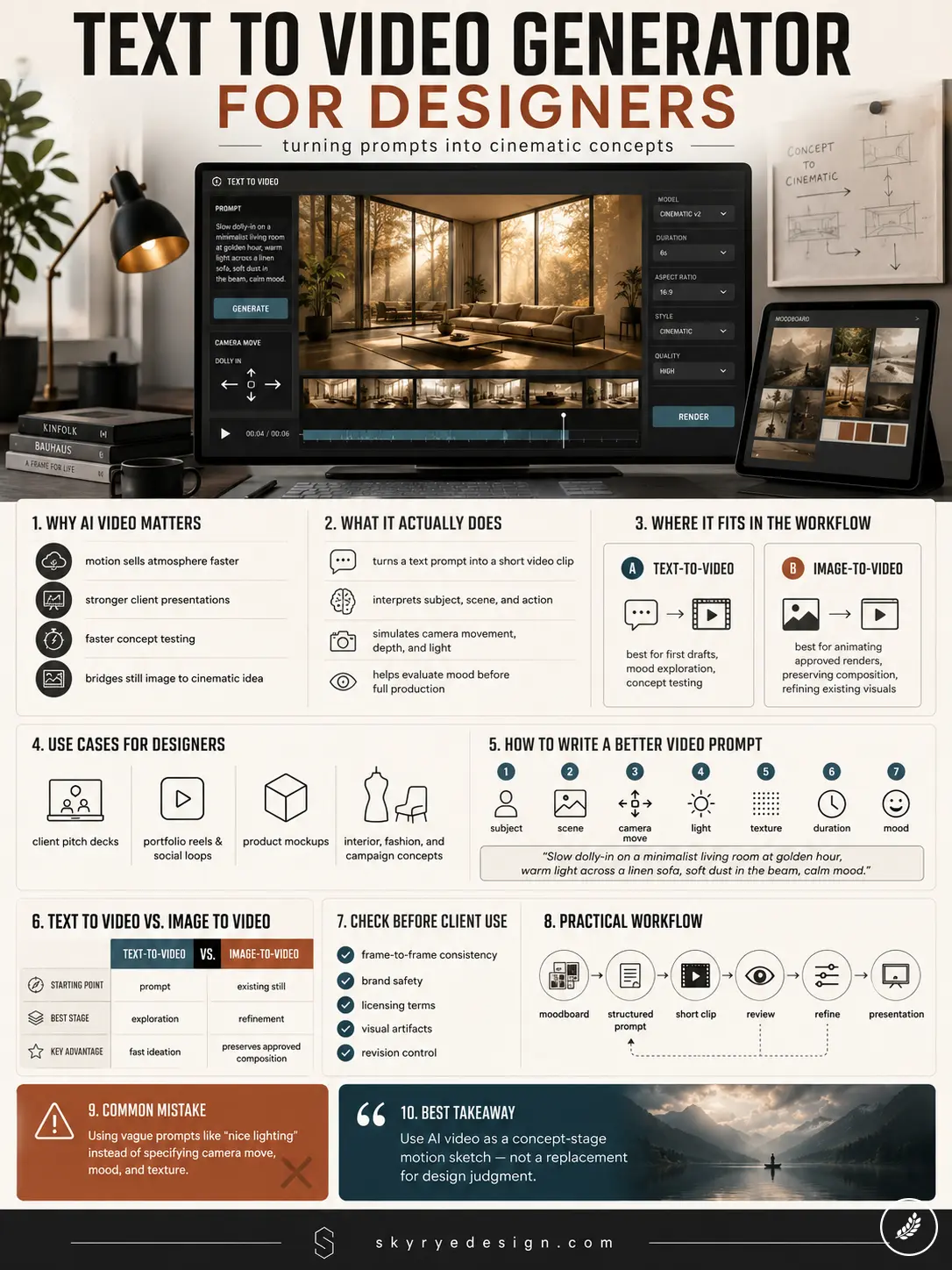
This isn’t a product review. It’s a look at how prompt-to-motion tools fit into an actual design workflow — where they help, where a still image is still the right call, and what to check before this kind of output goes in front of a client.
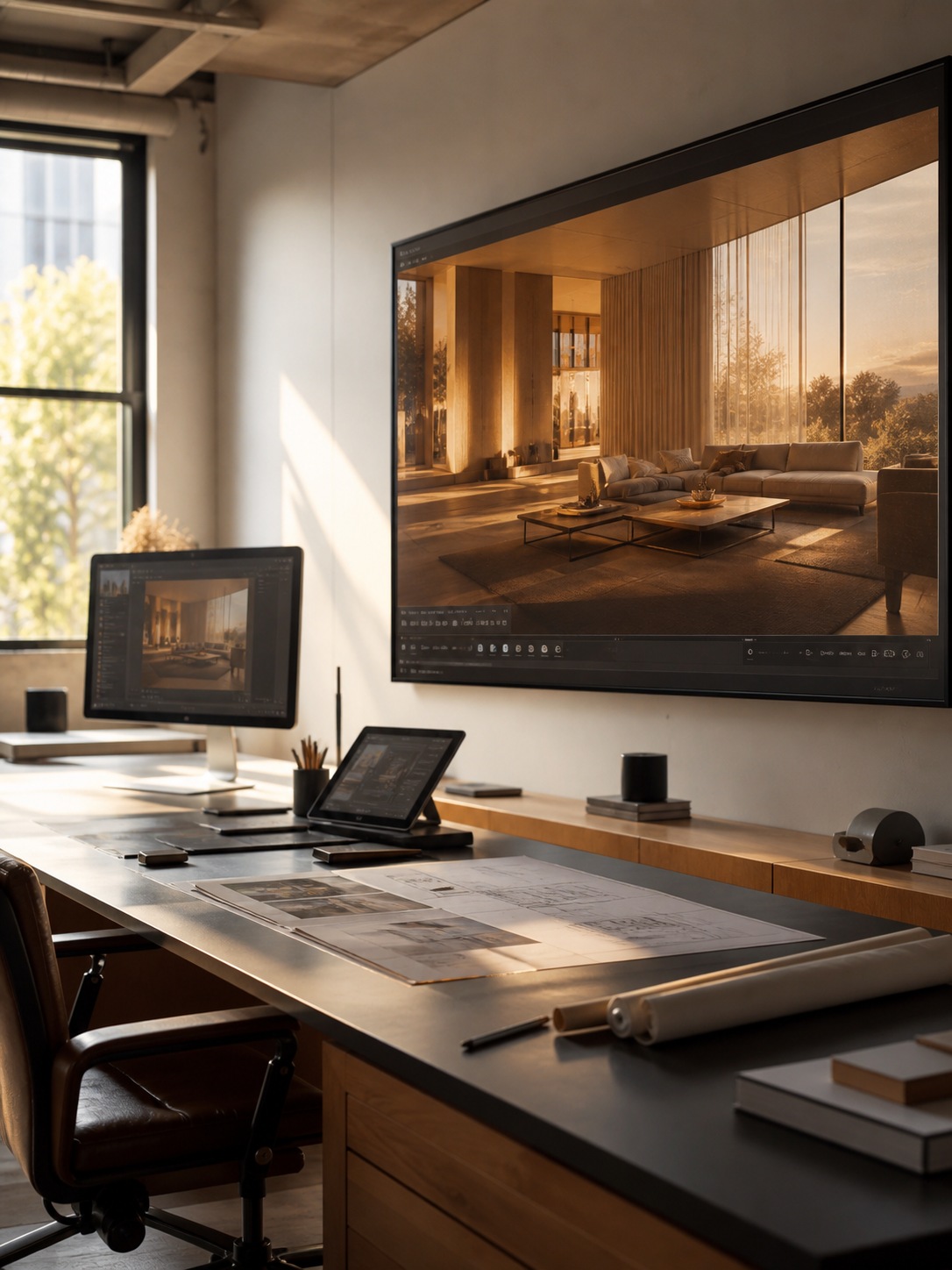
Why AI video matters after the static concept stage
Most portfolio and pitch work has historically ended at a single static frame — a rendering, a mock-up, a hero image — because adding real motion meant a separate skill set entirely: learning a compositing tool, exporting into an animation pipeline, or hiring the work out to someone who already had that skill.
That gap has quietly shaped an enormous amount of design presentation for years, not because motion wasn’t valuable, but because it wasn’t accessible at the speed a concept phase actually moves.
Text-to-video generation collapses that gap specifically at the draft stage. A design isn’t waiting for full production polish to show movement anymore — a rough motion pass can exist as early as the first client conversation, the same way a quick gesture sketch exists long before a finished rendering. I go into the broader shift this represents across the creative industry in more depth in my piece on why 2026 is the year AI video becomes professional, which covers the quality threshold this category has recently crossed.
What a text to video generator actually does
At its core, a text-to-video generator takes a written description and produces a short video clip directly from that prompt, without requiring a starting image at all.
Prompt-to-motion scenes
The input is a scene description — subject, setting, action — and the output is a short clip that interprets that description into actual moving footage. For a designer, this means a moodboard line like “slow dolly-in on a sunlit lobby, warm reflections across polished stone” doesn’t need to stay a written note or get manually storyboarded before anyone can evaluate it. It becomes a viewable first draft in the time it takes to type the sentence and wait for generation.
Camera movement, depth, lighting, and atmosphere
What actually separates a convincing generated clip from an unconvincing one is how well the model handles the specific elements that make motion read as intentional rather than random: camera movement that follows a plausible path rather than drifting, depth cues that hold up as the camera moves, lighting that stays consistent across the clip’s duration, and an overall atmosphere that matches the mood implied by the prompt.
These are the same fundamentals that separate a good cinematographer’s shot from an amateur one — the tool is new, but the criteria for judging its output aren’t.
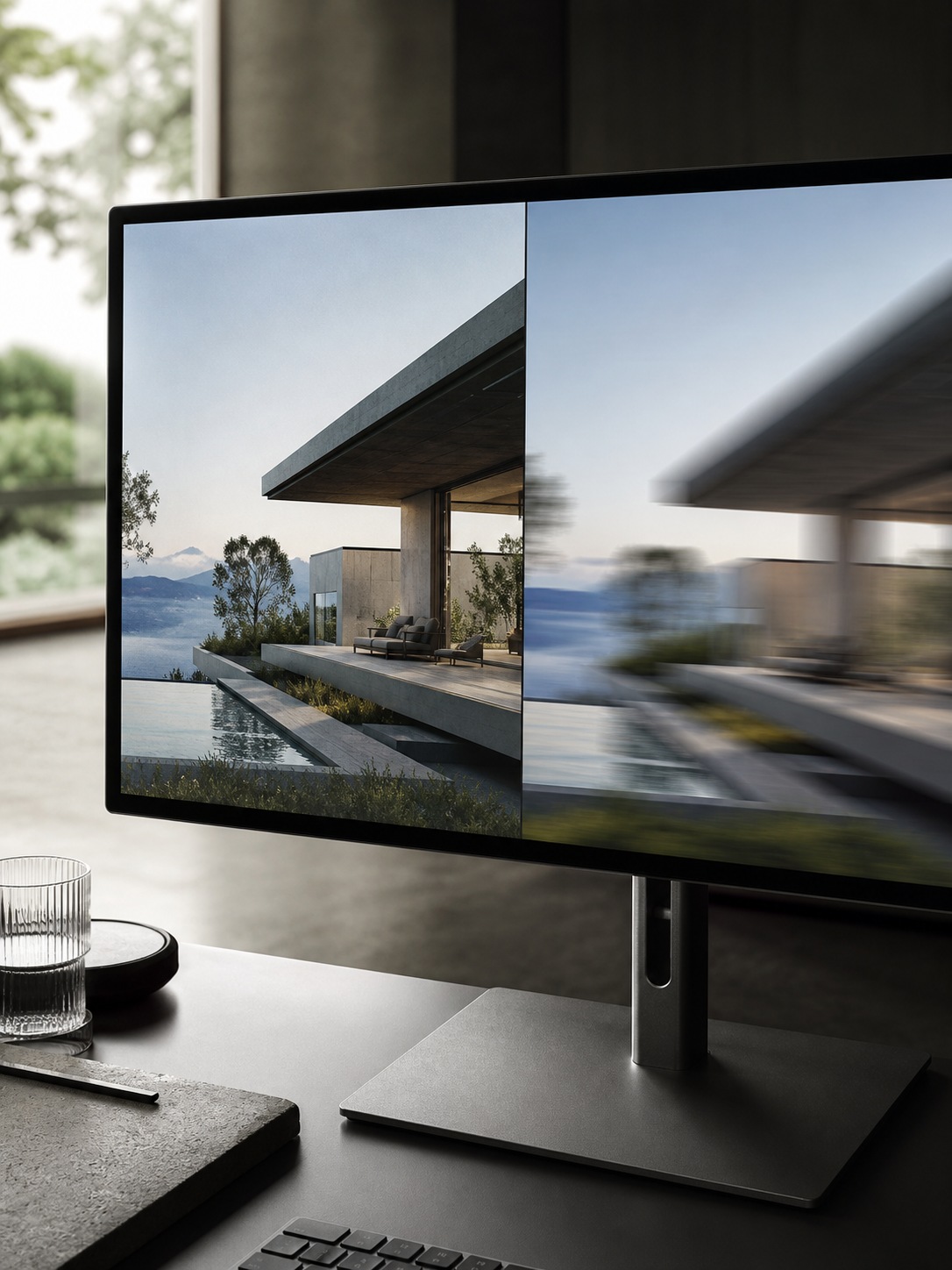
Where tools like XImagineAI Grok Video fit in a design workflow
Most current platforms in this space support two distinct workflows, and understanding which one to reach for matters more than picking a specific tool.
Text-to-video for first drafts
Starting from a prompt with nothing else is the right move when you’re still exploring a concept’s mood and haven’t committed to a specific image yet — early moodboarding, pitch-concept exploration, or testing whether an idea reads as intended before investing time in a full render. Grok Video, for instance, sits inside a platform that handles both image generation and this motion layer in one workspace, which means a text-to-video first draft and a later image-to-video refinement of that same concept can happen without switching tools entirely.
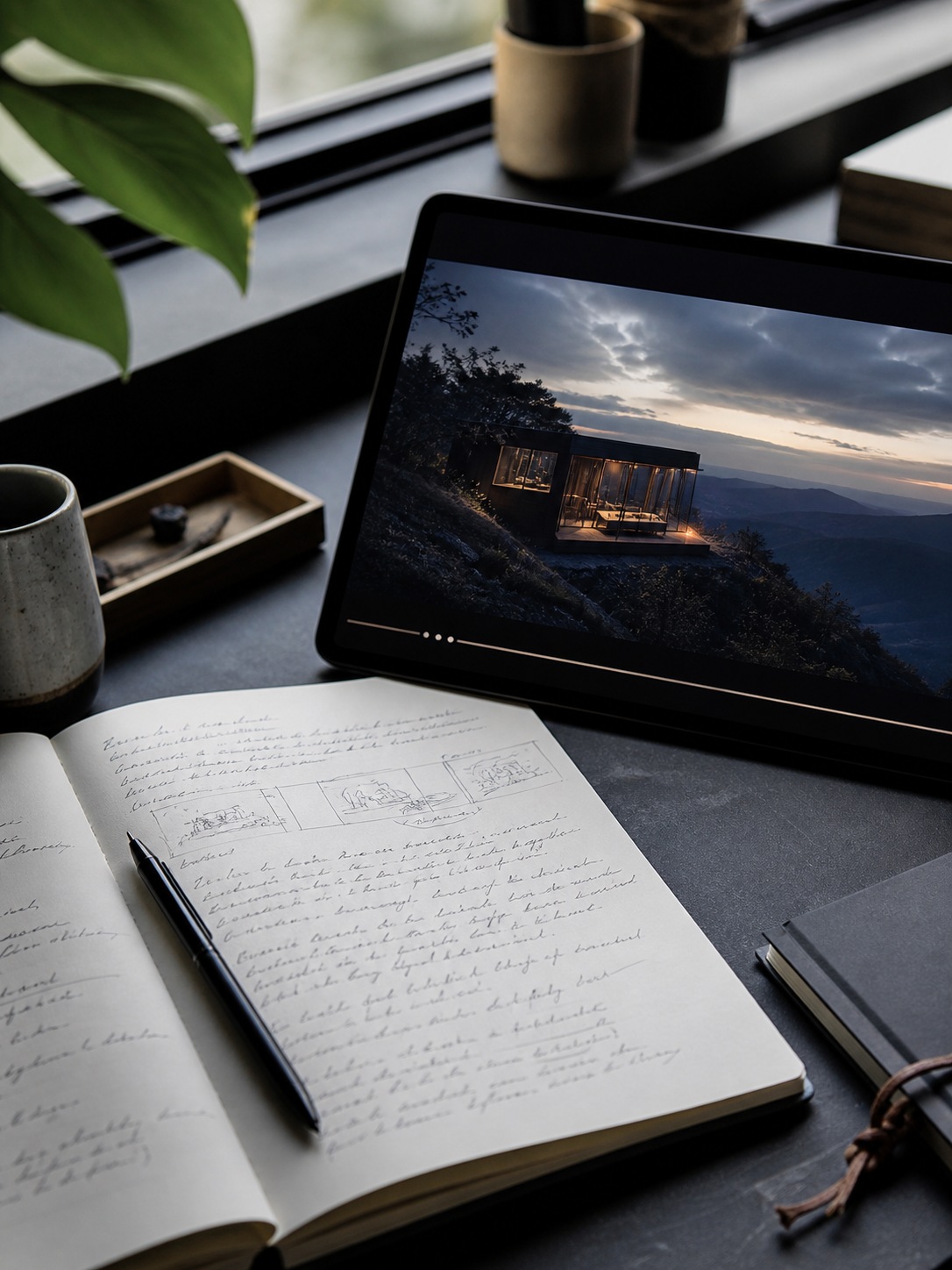
Image-to-video for animating existing renders and mockups
Once you already have a still — a finished concept render, a product mock-up, an interior visualization — animating that specific image is usually the better path, since it preserves the exact composition, proportions, and detail you’ve already approved rather than regenerating something new from a text description.
I’ve covered this workflow specifically, including the common fixes needed when a still doesn’t animate cleanly, in my image-to-video AI guide.
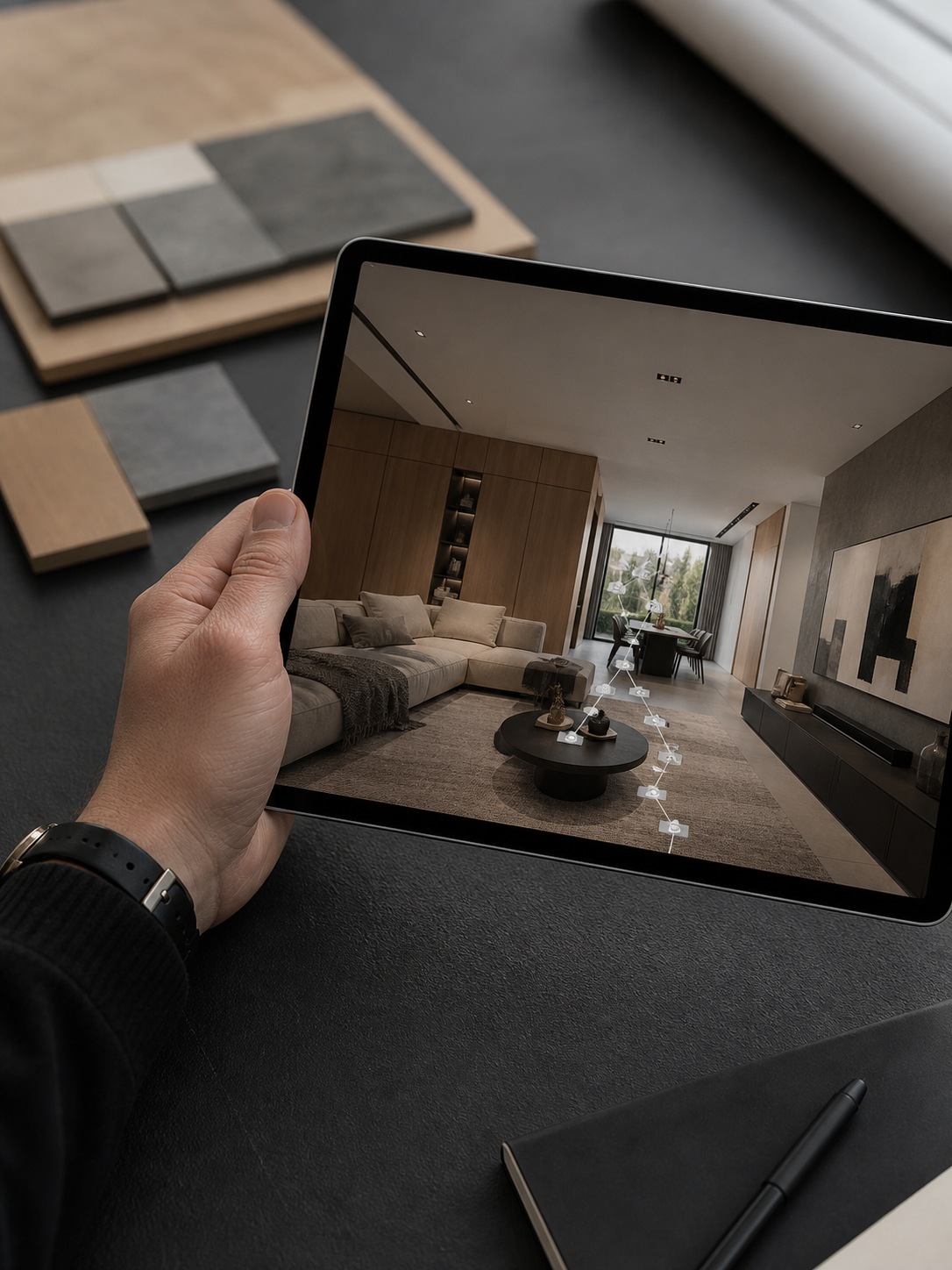
Use cases for designers
The practical applications cluster into a few genuinely distinct categories, each with a different reason motion adds value.
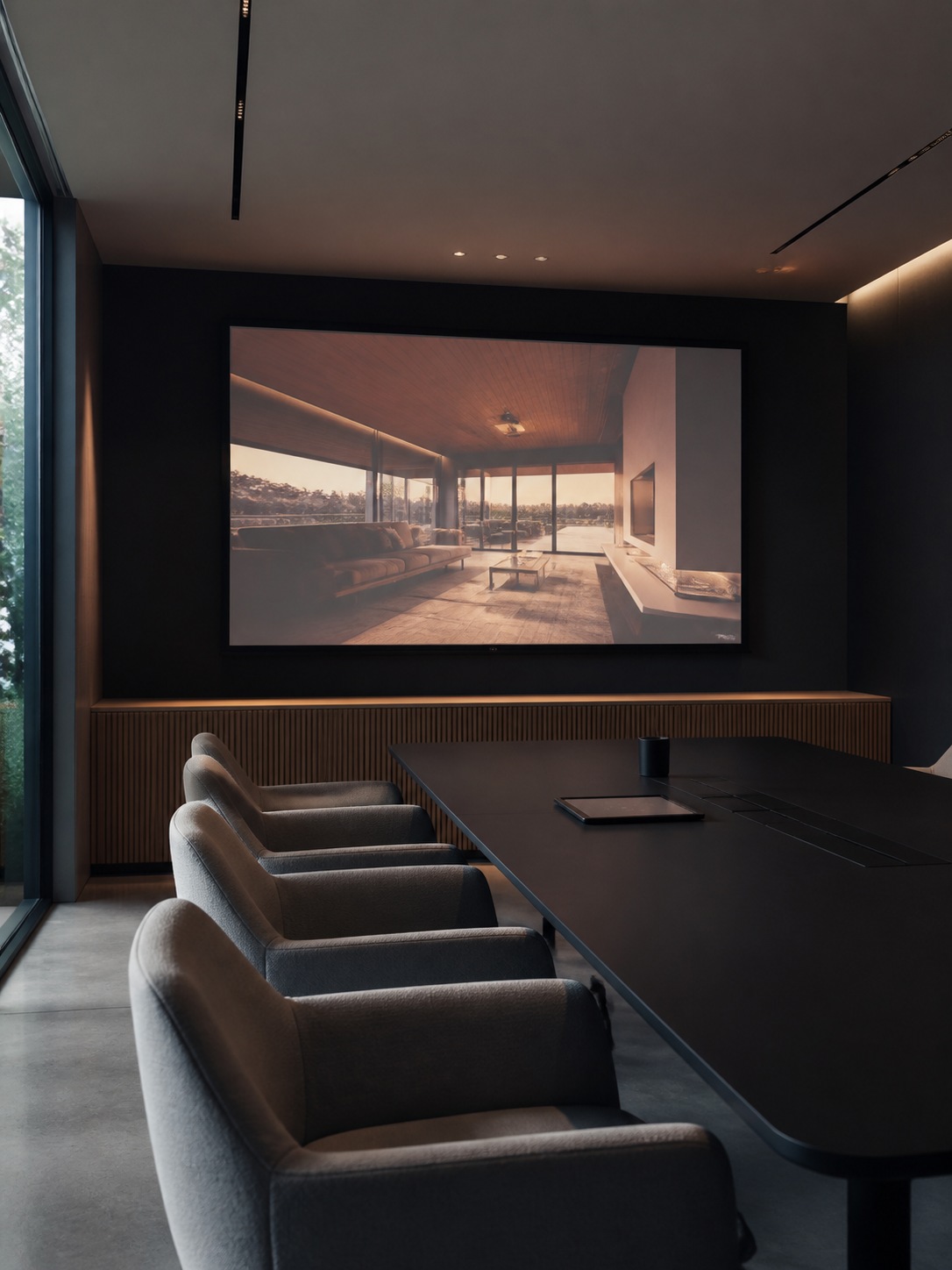
Client pitch decks and concept presentations
Animating a rendered interior or product concept gives a pitch deck a genuinely different presentation register than a static slide — a client sees the space or object the way it would actually feel to move through or around, rather than inferring that from a fixed angle. I cover the broader case for motion in brand and concept presentation in my brand video storytelling guide.
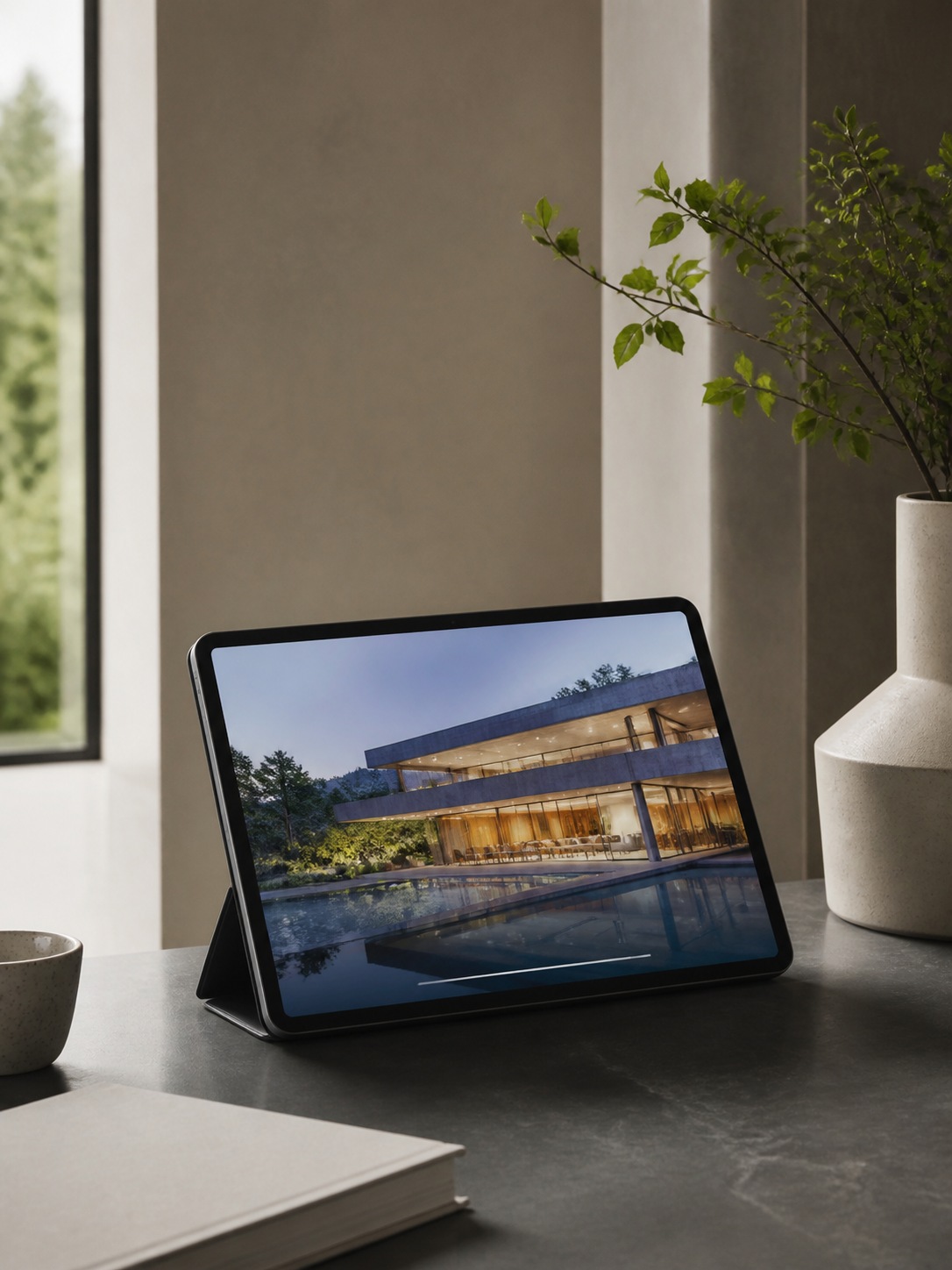
Portfolio reels and social loops
A looping motion clip performs differently in a portfolio or on a platform like Instagram or Pinterest than a flat image does — it holds attention longer and communicates a project’s atmosphere in a way a single frame can’t. For work that’s already been rendered as stills, turning a portfolio piece into a short animated loop is now a fast extension of work already done rather than a separate production effort.
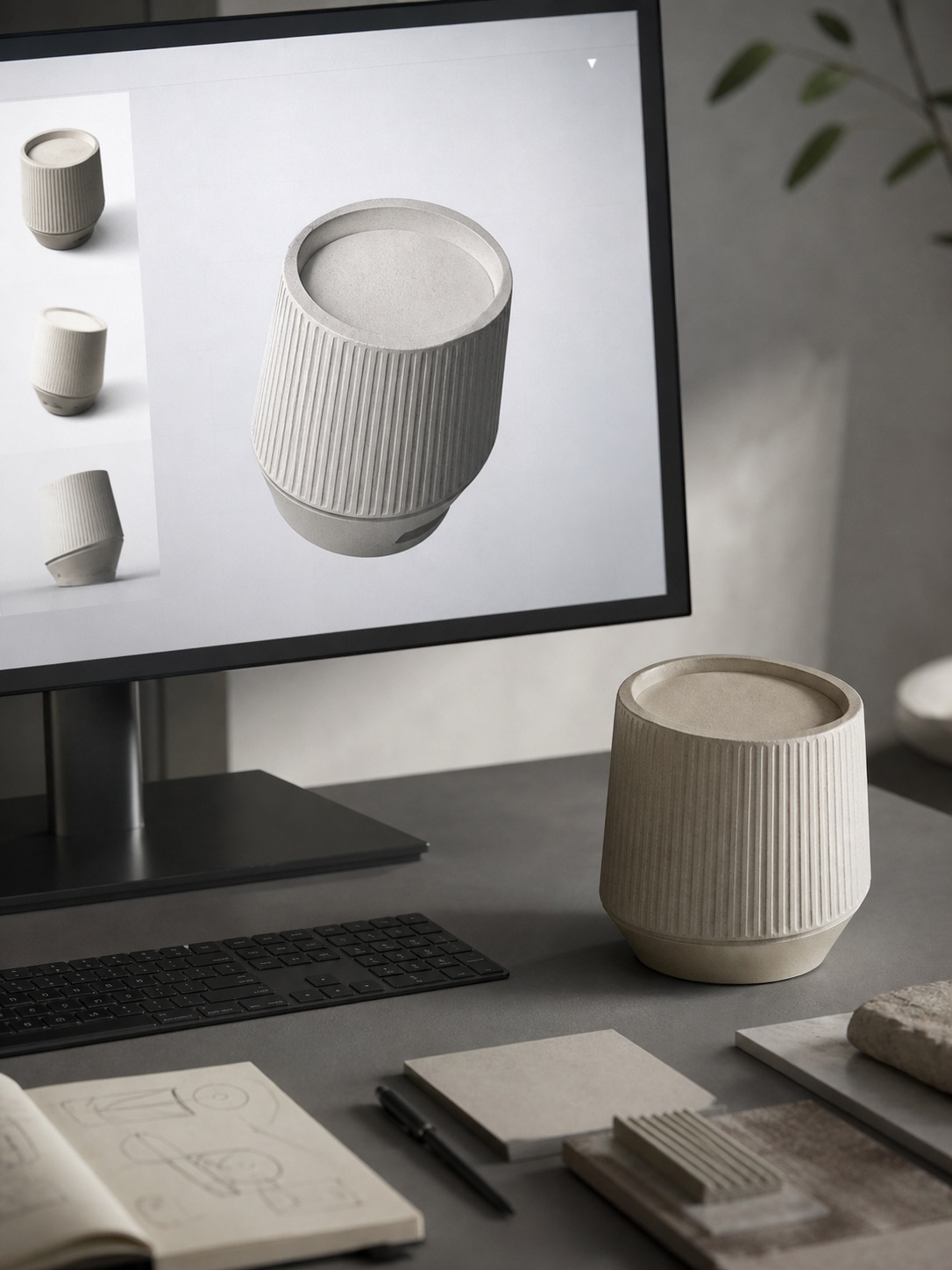
Product mockups, interior renders, fashion concepts, and campaign frames
Across product design, interior visualization, fashion concept work, and campaign imagery, the same logic applies: a still communicates form, and motion communicates how that form actually occupies space and light. For anything involving genuine 3D motion work beyond a simple camera pass, I go deeper into the more involved motion graphics side of this in my 3D motion graphics services guide.
How to write better AI video prompts
Prompt quality matters more here than in most creative AI tools, because a video prompt has to describe change over time, not just a single fixed composition.
Subject, scene, camera move, light, texture, duration, and mood
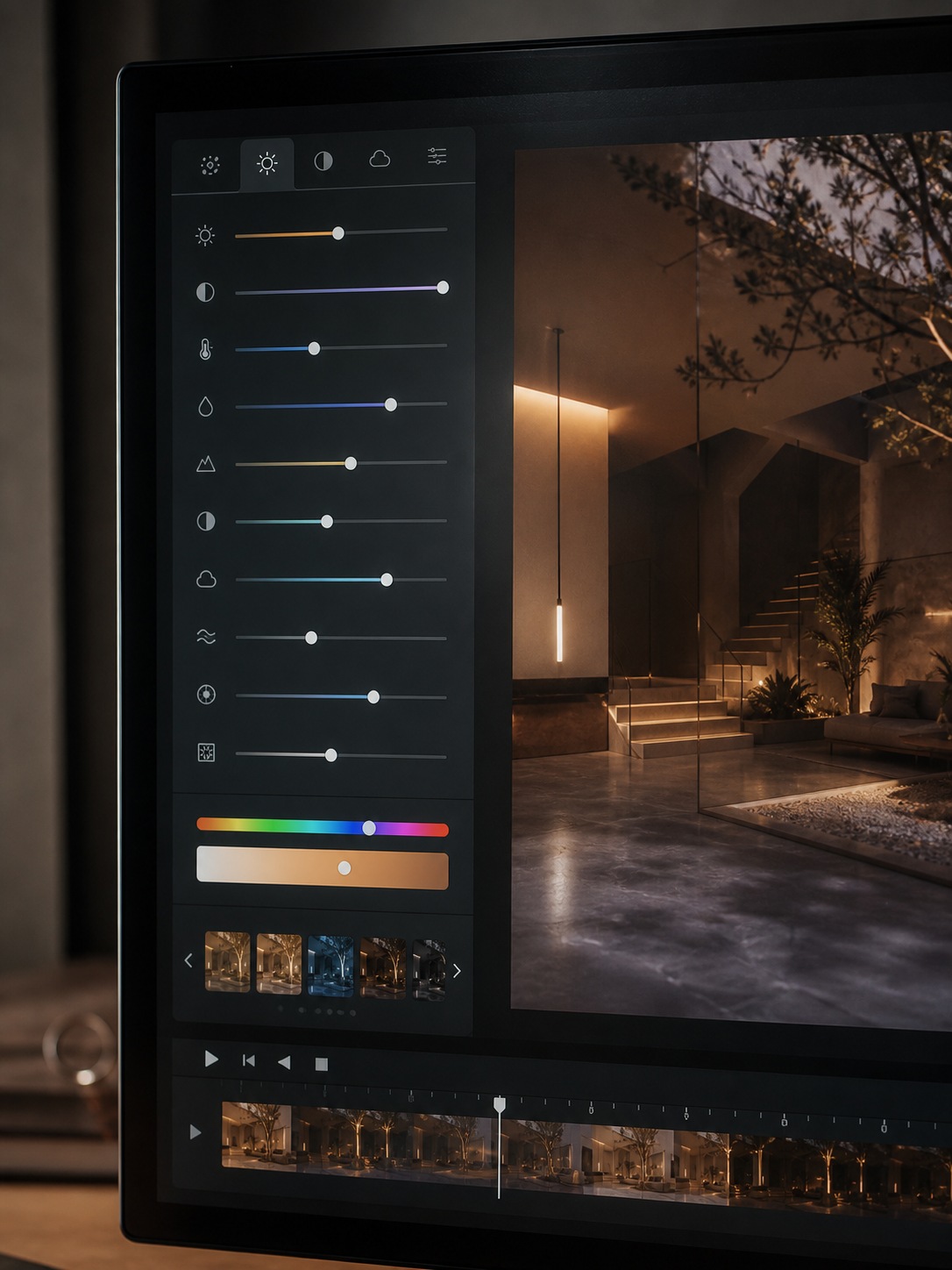
A well-structured video prompt covers seven things worth including deliberately: the subject itself, the surrounding scene, a specific camera movement (dolly, pan, slow push-in — not just “camera moves”), the lighting condition and its direction, material or surface texture worth calling out, an implied or stated duration, and the overall mood the clip should carry. Leaving any of these vague tends to produce a technically fine but generically unconvincing result — the model fills the gap with something plausible but not necessarily what you actually pictured.
Prompt examples for cinematic design concepts
“Slow dolly-in on a minimalist living room at golden hour, warm light raking across a linen sofa, dust faintly visible in the light beam, calm and contemplative mood” gives the model concrete camera direction, lighting, texture, and tone all at once. Compare that to simply “living room, nice lighting” — technically a prompt, but missing every element that actually controls how convincing the resulting motion reads. For more prompt-writing patterns specific to short-form generated video, I’ve broken down additional examples in my viral short-form video guide using Veo 3.
Text to video vs. image to video
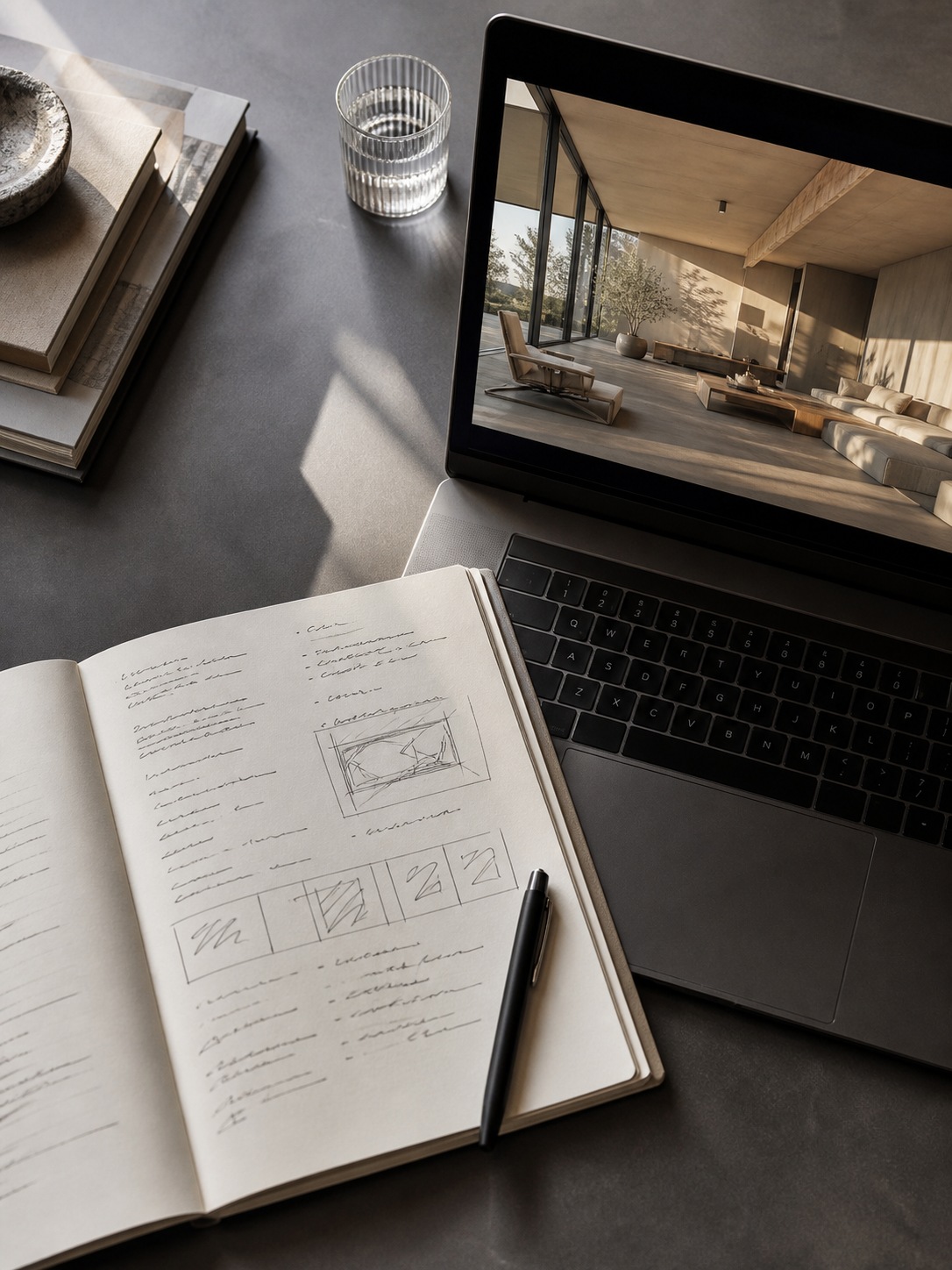
These aren’t competing tools so much as different starting points for the same underlying goal, and knowing which one fits a given moment in a project saves real time.
When to start from a prompt
Text-to-video is the right starting point when you’re still exploring — testing a mood, a camera concept, or a scene idea before any specific image exists to work from. It’s also faster for pure ideation, since there’s no still to generate first. I compare a few of the current generation-model options for this kind of exploratory work in my Sora 2 and Veo 3 guide.
When to animate a still image instead
Once a specific composition has been approved or finalized as a still — a client-approved render, a locked product mock-up — animating that exact image preserves everything already signed off on, which a fresh text-to-video generation of the “same” scene generally can’t guarantee. For a broader comparison of platforms handling this specific animation step, my insMind AI video generator guide covers another tool built around that exact workflow.
What to check before using AI video in professional work
Consistency, brand safety, licensing, artifacts, and revision control
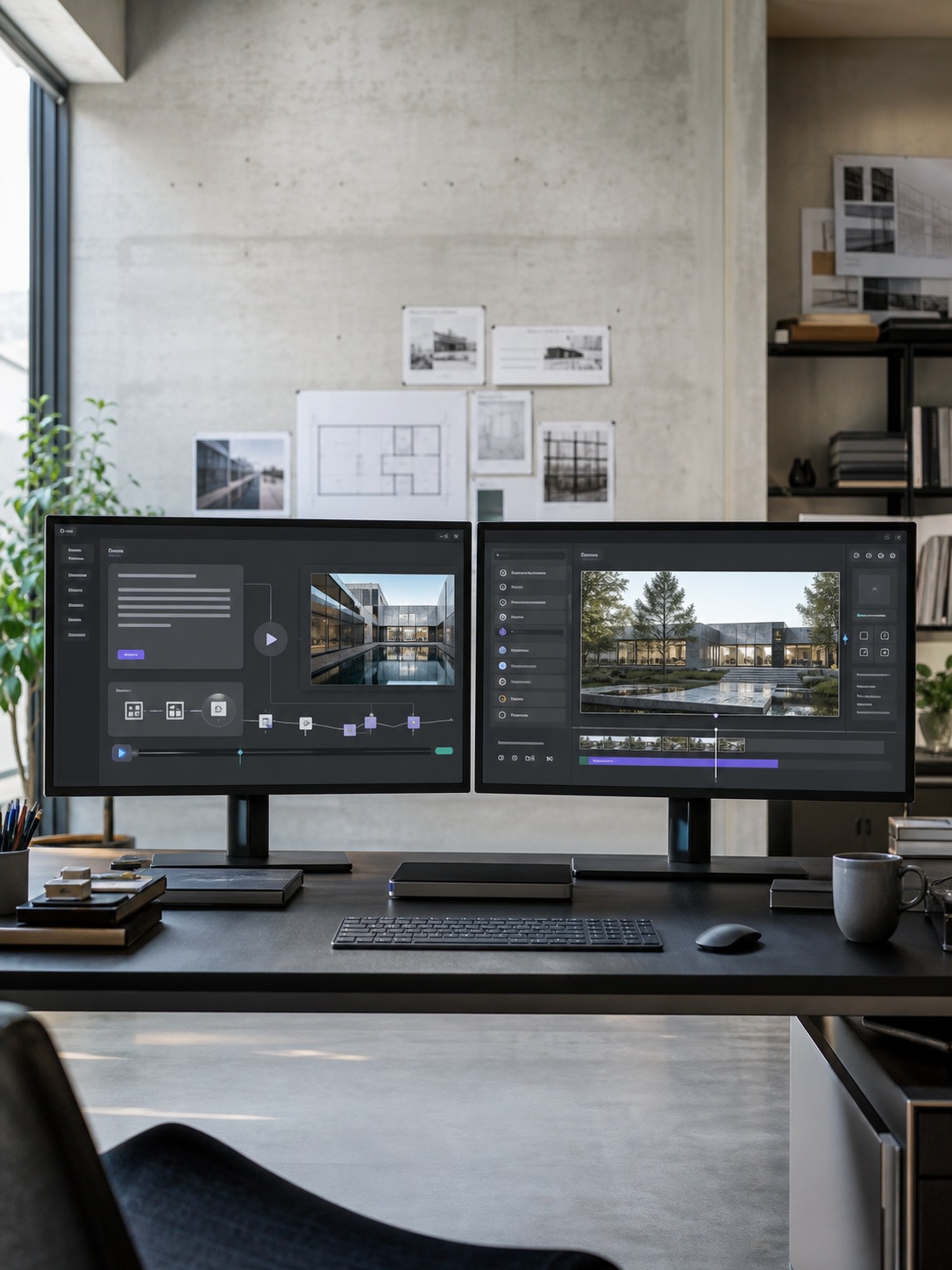
Before any AI-generated video clip goes into client-facing work, a few checks are worth treating as non-negotiable. Consistency across the clip’s duration (does the subject stay coherent frame to frame, or does the model introduce drift partway through) needs a direct look rather than a quick skim.
Brand safety and licensing terms for the specific platform and generation model matter more in commercial work than in personal experimentation, and those terms vary meaningfully between providers. Visual artifacts such as warping, unnatural motion blur, and inconsistent lighting logic are common enough in current-generation tools that a review pass is genuinely necessary, not optional.
If quality issues do show up, a dedicated enhancement pass can often resolve them without a full regeneration; I cover that specific fix in my AI video enhancer software guide. Finally, revision control matters more with generated video than with a static image, simply because regenerating a clip can shift far more than a single edited detail — track versions deliberately rather than relying on memory for which generation a client actually approved.
A practical workflow for designers
Moodboard to prompt to short clip to edit to presentation
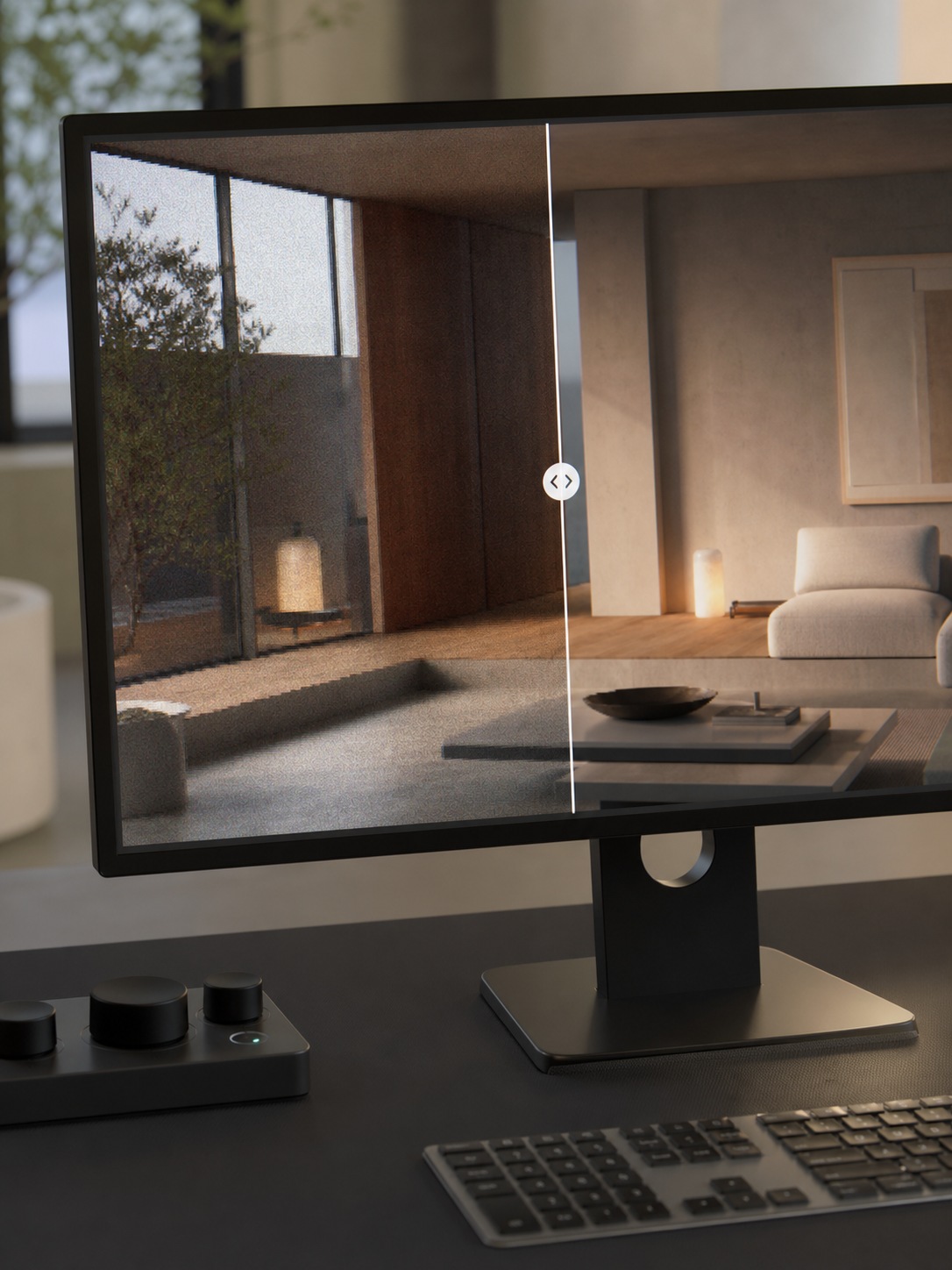
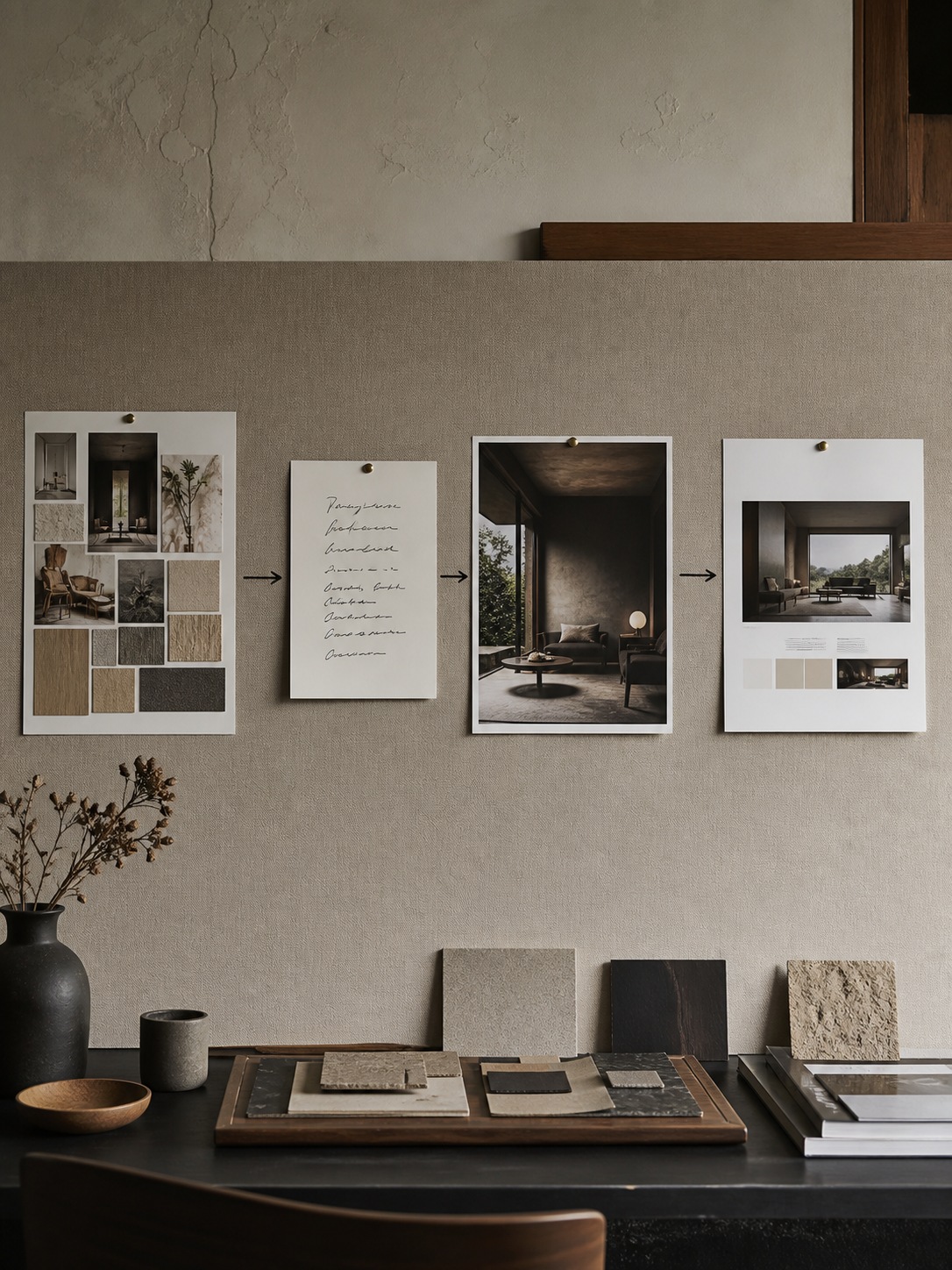
A workable sequence starts with the moodboard, same as any concept phase — gathering reference, tone, and direction before generating anything. From there, translate the strongest moodboard direction into a structured prompt using the seven-element framework above, generate a short clip, and treat that first output as a draft rather than a final — refine the prompt based on what the first pass got wrong before moving forward.
Once a clip reads correctly, a light edit pass (trimming, pacing, adding it into a larger deck or reel) turns it into presentation-ready material. This whole sequence increasingly resembles a broader shift already happening across design tooling generally, where AI handles a specific generative step inside a workflow a designer still directs — I cover that pattern more broadly in my agentic AI workflow guide.
Final thoughts
The actual shift here isn’t that AI can generate video — it’s that motion has moved from a late-stage production step to something available at the concept stage, cheaply enough to use in early exploration rather than only in final delivery.
That changes what a first draft can be, for a pitch deck, a portfolio piece, or a rough previz nobody’s committed real production time to yet. The judgment a designer brings — knowing which prompt element actually matters, when to animate a still instead of generating fresh, when a clip is client-ready and when it isn’t — hasn’t gotten any less important. It’s just operating earlier in the process than it used to.
Frequently asked questions
Q: What is a text to video generator?
A text to video generator is an AI tool that produces a short video clip directly from a written prompt, without requiring a starting image. The model interprets the description — subject, scene, camera movement, lighting, mood — and generates footage that matches it, functioning as a fast first draft for a motion concept.
Q: How can designers use AI video generators?
Designers use these tools to animate concept presentations for client pitches, turn portfolio stills into looping social and portfolio content, pre-visualize a scene’s mood and camera movement before committing to a full render, and generally add motion to work that’s historically stopped at a static frame due to the cost of traditional animation.
Q: Is text-to-video better than image-to-video?
Neither is better outright — they suit different stages of a project. Text-to-video works best for early exploration when no specific image exists yet. Image-to-video is the better choice once a specific composition has already been approved as a still, since it preserves that exact approved detail rather than regenerating a new interpretation.
Q: Can AI video generators animate product mockups?
Yes, this is one of the more common professional use cases — uploading an existing product render or mock-up and animating it with camera movement and natural motion, rather than generating a new scene from scratch. This preserves the product’s exact form and finish while adding presentation value a static image can’t provide.
Q: What should be included in an AI video prompt?
A strong prompt specifies the subject, the surrounding scene, a specific camera movement rather than a vague one, the lighting condition and direction, any texture or material worth calling out, an implied duration, and the overall mood the clip should carry. Leaving these elements vague tends to produce technically functional but generically unconvincing results.
- 161shares
- Facebook0
- Pinterest158
- Twitter3
- Reddit0