The best free AI photo editor is the one that fixes your most common image problem without making you learn a full design app first. For most people, that means fast background removal, object cleanup, prompt edits, and exports that are clean enough for social posts, product listings, portfolios, or client drafts.
I compared these platforms from a practical workflow angle, not from a feature-list angle. A tool can promise a dozen AI tricks and still feel slow when you only need to clean one product photo. So the question here is simple: which free AI photo editor actually saves time on the image you have in front of you?
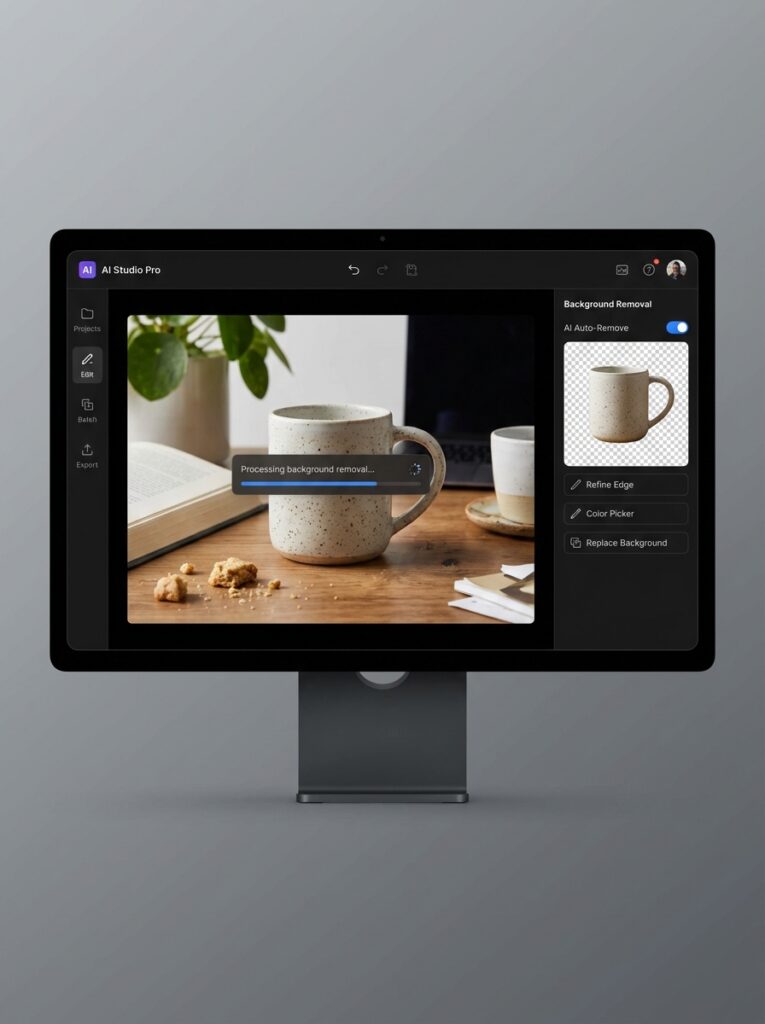
Which best free AI photo editor should you try first?
Start with PicEditor AI if your main job is editing the image itself: removing a background, cleaning a product photo, erasing an object, upscaling, or testing a prompt edit. Choose Canva if the edit is only one step before a social post, slide, or banner. Choose Adobe Firefly or Adobe Express when brand polish matters more than experimentation. Choose Pixlr if you want AI help without giving up layers, selections, and manual control. Choose Fotor if you edit occasionally and want a quick, low-friction result. That split matters because “free AI photo editor” is no longer one category. It is a cluster of different workflows wearing the same label.
| Need | Best first test | Why it fits |
|---|---|---|
| Background removal and cleanup | PicEditor AI | Image-first workflow with prompt edits, object removal, and upscale options |
| Social graphics after editing | Canva | Edit, resize, and publish assets in one place |
| Polished brand assets | Adobe Firefly / Express | Cleaner brand ecosystem and familiar Adobe output |
| Manual editing plus AI | Pixlr | Browser editor with layers, selections, and AI assist |
| Fast beginner retouching | Fotor | Simple portrait and everyday photo enhancement |
What changed in free AI photo editing in 2026
Free used to mean limited. A free editor in 2020 could crop, resize, maybe do a brightness curve. The ceiling was low and obvious. That’s no longer the situation.
Today, a solid free AI photo editor can remove backgrounds in under a minute, erase objects and fill them with contextually accurate content, sharpen and upscale images, restyle photos with a text prompt, and in some cases convert still images into short video clips. Not every platform does all of these well, but the category has moved from “better than nothing” to genuinely useful for real work.
The question for 2026 is not whether free AI editing works. It is which platform matches the exact job you repeat most often: background removal, prompt retouching, ecommerce cleanup, resizing, or brand-safe content production.
| 💡 Quick TakeThe fastest way to find your best-fit platform: identify the one editing task you do most often-background removal, retouching, resizing for different channels-and test only that task across two or three platforms. Don’t evaluate features you’ll never use. |
1. PicEditor AI: best for image-first AI editing
Quick take: Use PicEditor AI when the photo itself is the final output. It is the cleanest fit for background removal, object cleanup, upscaling, style tests, and prompt-based edits without a larger design canvas getting in the way.
The platform I keep coming back to is PicEditor AI, and the reason is simpler than it might sound: it treats editing as the primary job, not a feature inside a larger design product. Most platforms in this list are great at multiple things-PicEditor is specifically, deliberately great at images.
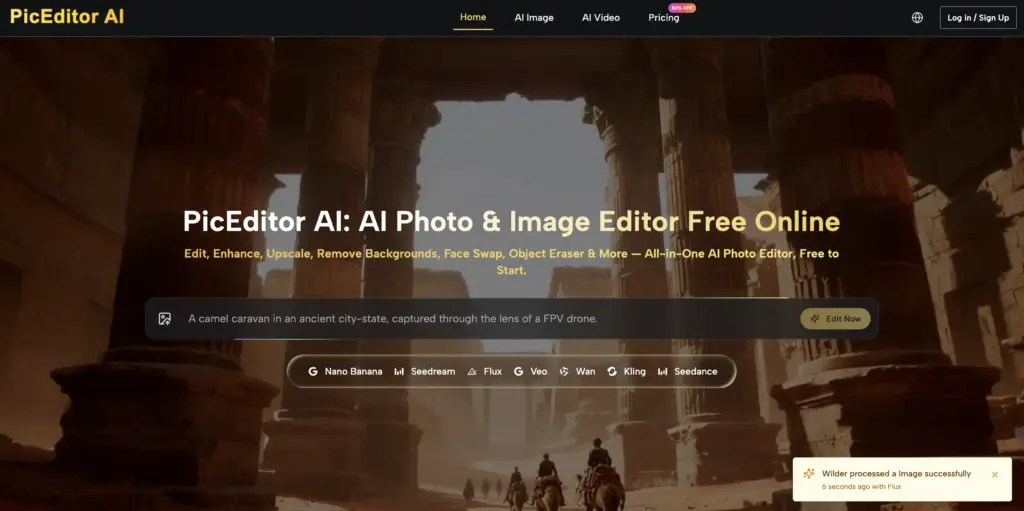
The workflow is minimal in the best way. You upload the photo, choose the editing task from a straightforward menu, describe what you want in plain language, and get a processed result. No template library to navigate past, no design canvas to deal with, no features fighting for your attention before you’ve even started. For anyone who wants to edit an image and then leave-not build a social post around it-that directness is genuinely valuable.

What makes it stand out beyond the UX is the range it covers without becoming unwieldy. Background removal, object erasing, image upscaling, style transfer, and photo-to-video conversion are all available in one place. That means a single image can be cleaned up, adapted, and repurposed without platform-switching-which matters more than any individual feature.
Where PicEditor AI works best
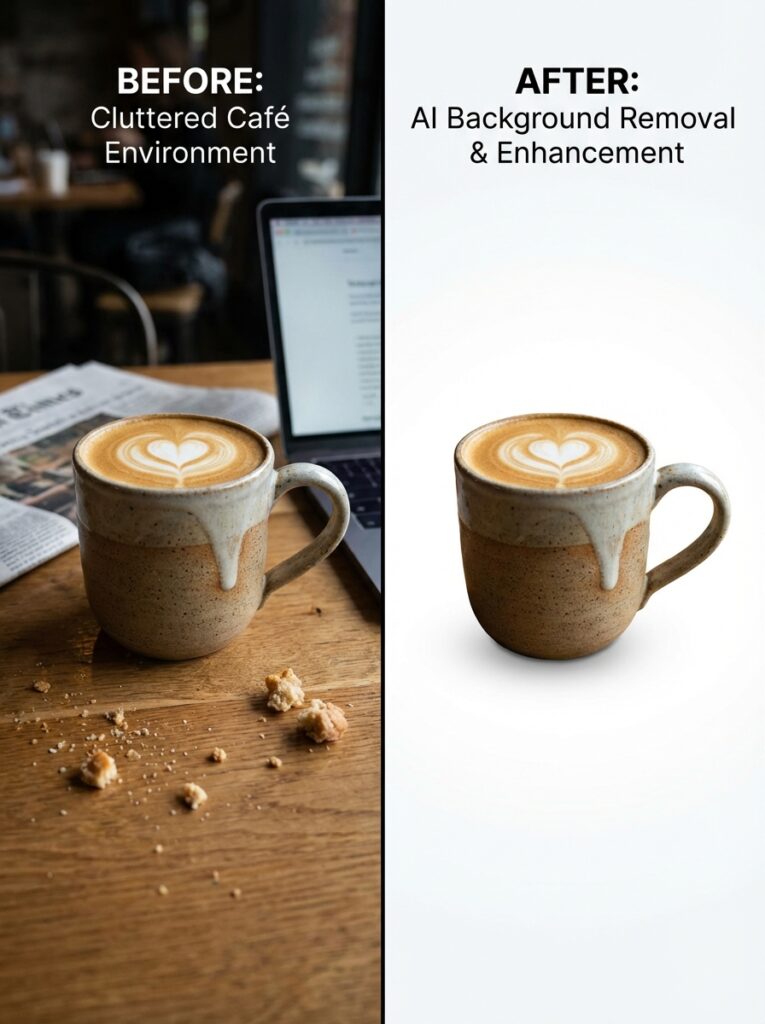
Product photography cleanup is where I’ve gotten the most consistent results-removing distracting backgrounds, erasing props that crept into frame, sharpening detail on fabric texture or ceramic glaze. Portrait retouching is also solid: skin smoothing and lighting adjustments land well without the over-processed look that some AI tools produce.
The photo-to-video feature is newer and worth mentioning specifically because nothing else in this list offers it at the free tier. It’s not a full video production tool, but for creating short animated product clips or social motion content from a still image, it removes a workflow step that used to require a separate app entirely.
PicEditor AI limitations
Complex prompts occasionally need a second attempt to land exactly right. If you describe something multi-layered-‘remove the person in the background but keep their shadow on the floor’-the first output might handle one part better than the other. The fix is usually a slight rephrasing rather than a full restart, but it’s worth knowing that iteration is sometimes part of the process.
Users who prefer manual control-drawing their own selection masks, tuning curves by hand-will find PicEditor’s AI-led approach less satisfying than a traditional editor. It’s built around describing what you want, not adjusting sliders. For some workflows, that’s the whole appeal. For others, it’s a constraint.
2. Canva: best when editing leads into design
Quick take: Use the Canva AI photo editor when your edited image needs to become a social graphic, deck slide, thumbnail, or branded template immediately after the cleanup step.
Canva’s position in this list is earned by fit, not by depth. As a pure photo editor, it doesn’t go as far as PicEditor or Pixlr. But if the image you’re editing is going to become a social post, an email header, a presentation slide, or a simple brand asset-Canva makes that end-to-end journey faster than any other platform here.
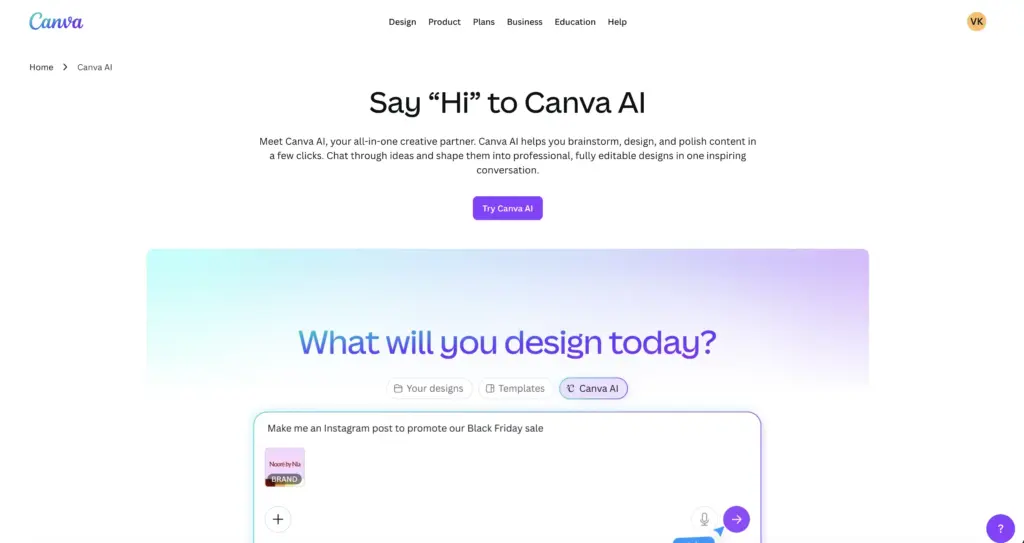
The AI tools inside Canva, including background removal, Magic Eraser, and the text-to-image generator-are genuinely useful for their intended context. They’re built for speed and integration, not for photographic precision. A product photo that needs its background swapped and then dropped into a promotional template can be done inside Canva in two or three minutes. That’s the use case it’s optimized for, and it handles it well.
Where Canva works best
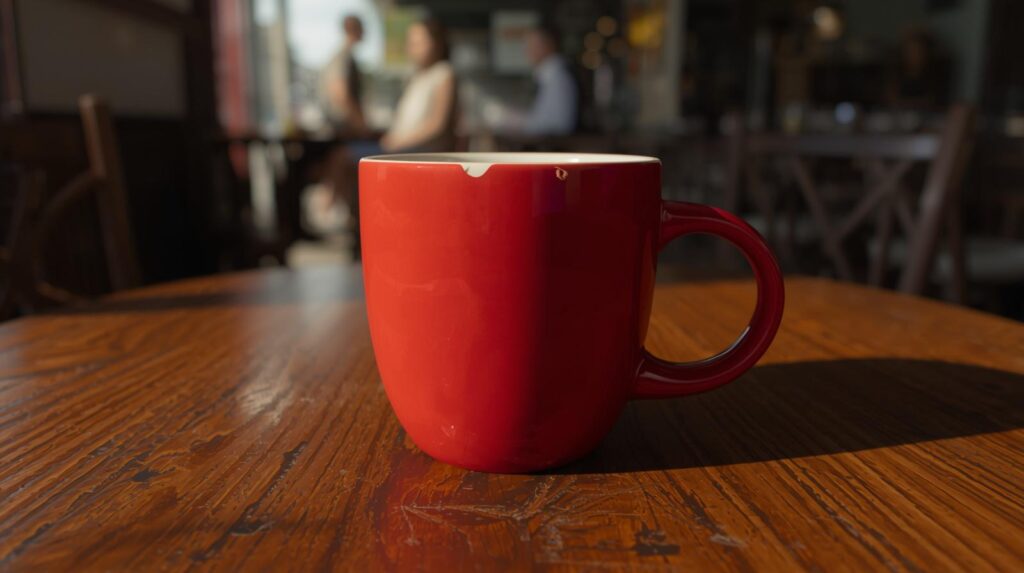
Social media content production is the obvious answer, but it’s worth being specific. Canva is particularly strong when you need visual consistency across multiple assets-a post, a Story, a banner ad-all sharing the same brand colors, fonts, and image treatment. The template system makes that kind of parallel production fast in a way that image-focused editors can’t match.
Teams that produce high volumes of lightweight content-a social media manager, a small marketing department, a creator running multiple channels-will get the most out of Canva’s combination of AI editing and design tooling.
Canva limitations
Anyone whose primary need is editing photographs rather than designing content around them will find Canva’s photo tools thin. Background removal is good but not the best available. Object erasure in complex scenes can struggle. The AI image generation is fun but not production-reliable for anything that needs to look specific. If the image is the destination rather than a component, there are better choices here.
3. Adobe Firefly and Express: best for polished brand output
Quick take: Use the Adobe Firefly AI photo editor when you want cleaner brand-safe generation and Adobe-style polish. Express is the faster wrapper when the image needs to become finished content quickly.
Adobe Express earns its place not through depth of AI features but through the quality of the experience around them. It feels organised and intentional in a way that matters more than it might seem-when a tool’s interface is predictable and structured, you make faster decisions and waste less time figuring out where things are.
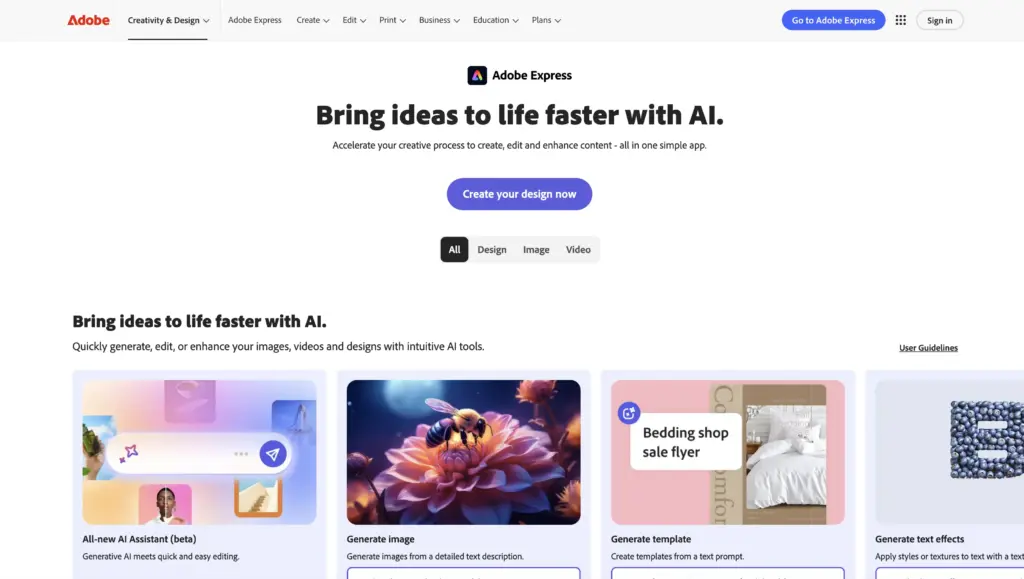
For users already inside the Adobe ecosystem-Creative Cloud, Lightroom, Acrobat-Express slots in naturally. The brand assets, fonts, and templates pull through from other Adobe products, which removes a meaningful friction point for anyone maintaining visual consistency across professional output.
Where Adobe Firefly and Express work best
Quick-turnaround branded content is the primary use case. Business presentations, event graphics, social assets that need to look polished rather than creative-Express handles these efficiently. The Remove Background tool is among the cleanest in the free tier, and the template quality is noticeably higher than many competitors.

The platform is also a practical choice for users who want AI assistance without wanting to think much about AI. The features are integrated smoothly enough that you’re just editing, not consciously using artificial intelligence to do it.
Adobe limitations
The stronger AI capabilities-Generative Fill, advanced object removal-are partially gated behind the paid Creative Cloud tier. The free version is genuinely useful, but users who test the paid features in a trial and then return to free will notice the reduction. It’s also not the right tool for image-first workflows where the photo itself is the final product; its strengths are in the design layer on top of the image.
4. Pixlr: best free AI image editor with manual control
Quick take: Use Pixlr free AI photo editor if you want the AI tools but still think in layers, selections, masks, and manual adjustments. It feels closest to a browser-based editor with AI added on top.
Pixlr occupies a distinct position in this list: it’s the closest thing to a traditional image editor that still qualifies as an AI platform. If you find fully automated tools frustrating-if you want to make some decisions yourself rather than describing everything in text-Pixlr gives you that without requiring a software download.
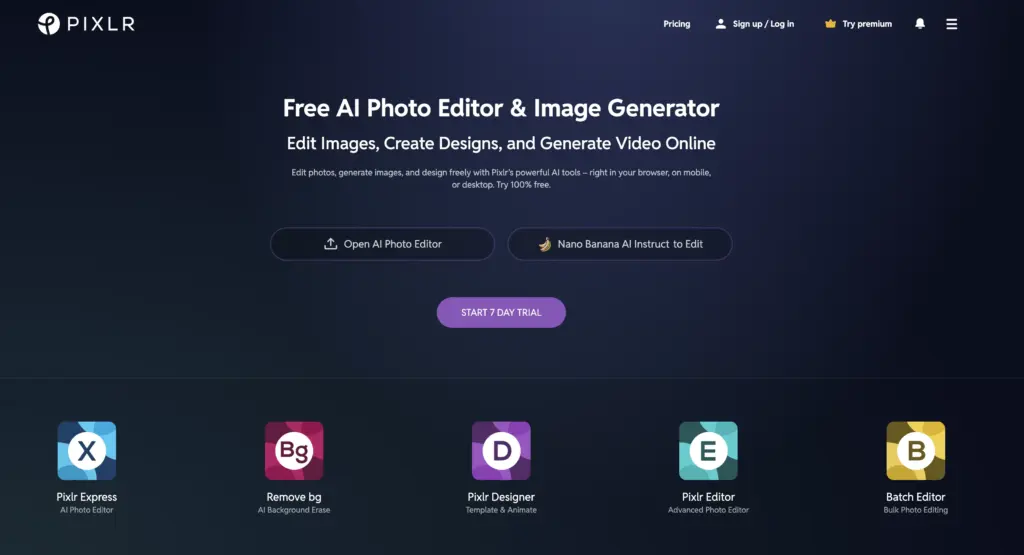
The AI tools are present and genuinely useful: AI Cutout for background removal, AI Replace for object swapping, and Pixlr’s auto-fix features for quick enhancement. But they sit alongside layer tools, selection tools, and adjustment panels that give manual control when you want it. That combination is unusual in the free AI editing space.
Where Pixlr works best
Photographers and retouchers who are comfortable with the logic of traditional editing software but want AI to handle the time-consuming tasks (selection masking, background removal) will find Pixlr the most natural transition. It doesn’t ask you to abandon your existing editing intuition-it adds AI capability on top of it.

Browser accessibility is also a genuine strength. Nothing to install, no app required, works on any machine. For anyone editing across multiple devices or on borrowed hardware, that matters.
Pixlr limitations
First-time users who’ve never used a layer-based editor will find Pixlr more confusing than the other platforms here. The interface rewards familiarity with editing concepts. It’s also the least guided of the five-there’s no hand-holding through the workflow, which is exactly what some users want and exactly what others don’t.
5. Fotor: best free AI photo editor for quick beginner edits
Quick take: Use the Fotor AI photo editor when the job is simple: smooth a portrait, brighten an image, clean small flaws, or get a usable result without learning a deeper editor.
Fotor’s value is clarity. It is not the most powerful platform here, and it doesn’t try to be. What it does is make photo improvement feel unthreatening, which is the right priority for users who edit occasionally rather than routinely.
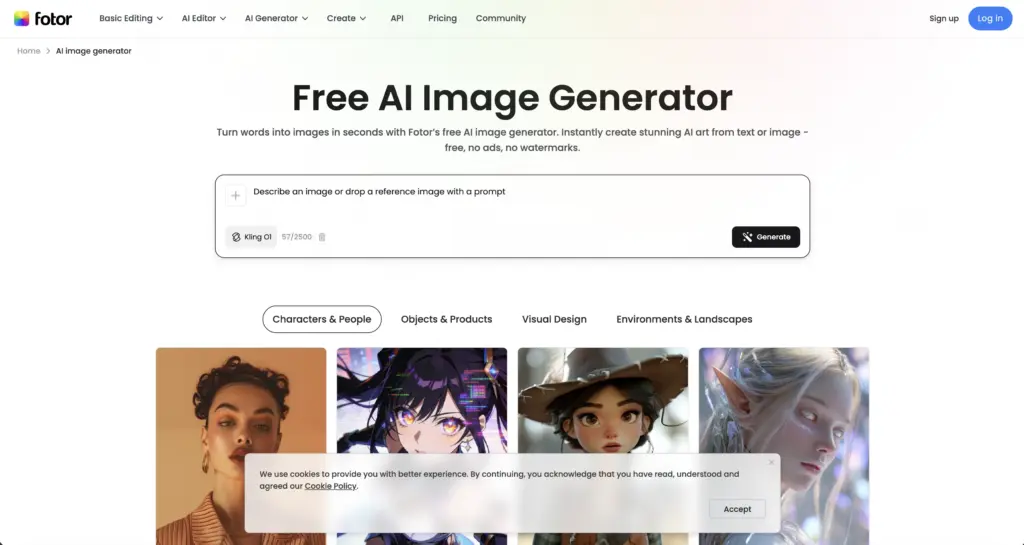
Portrait retouching is its strongest suit-skin smoothing, blemish removal, and lighting adjustment are all handled with a lightness of touch that avoids the over-processed look. For personal photos, social profile images, or headshots that need a quick polish, Fotor is efficient and produces consistently good results.

Where Fotor works best
Casual users and occasional editors are Fotor’s natural audience. If you edit a few photos a month rather than a few per day, a platform with a low learning curve and quick access to the most common tasks is more valuable than one with extensive capabilities you’d rarely reach.
The prompt-based editing is notably accessible-describing the change in plain language and getting a usable result without any technical vocabulary required. For users who are new to the concept of AI editing, Fotor is often a good first experience.
Fotor limitations
Advanced users will find Fotor limited quickly. The toolset covers common tasks well but doesn’t extend much beyond them. Some of the more impressive-looking features on the platform page are locked behind a paid tier that’s not obvious until you try to access them. For anyone with more complex editing needs, one of the platforms higher in this list will serve better.
Best free AI photo editor comparison
The table below is based on what each platform actually does well in regular use-not on feature marketing pages.
| Platform | Best For | Main Strength | Main Limitation |
| PicEditor AI | Broadest image-first AI workflow | Background removal, object erase, upscale, style transfer, photo-to-video | Some prompts need a second iteration |
| Canva | Social content & design-in-one | Extremely approachable; fast path from edit to publish | Shallow photo-editing depth |
| Adobe Express | Polished fast content production | Familiar brand, clean UX, good for quick turnaround | Stronger AI tools gated behind paid tiers |
| Pixlr | Browser-based hands-on editing | More editor-like feel; good AI + manual balance | Less guided for first-time users |
| Fotor | Beginner photo enhancement | Very low learning curve, strong portrait retouching | Limited precision for advanced tasks |
How to choose the best free AI photo editor for your workflow
The most common mistake when picking a free tool is evaluating it against everything it could theoretically do. More useful: evaluate it against the two or three things you actually need it to do every week.
If your primary need is editing photographs
Start with PicEditor AI. The image-first workflow, the breadth of AI tools, and the clean path from upload to result make it the strongest option for anyone whose output is the image itself rather than a design built around it.
If you edit images as part of content production
Canva is the natural fit. The editing tools are good enough, and the ability to go directly from edited image to finished social post or banner without switching apps saves meaningful time at scale.
If you want familiarity and polish
Adobe Express is the safe choice for anyone already inside the Adobe ecosystem, or for anyone whose priority is branded, professional-feeling output over creative flexibility.
If you want to keep some manual control
Pixlr gives you AI assistance without asking you to surrender the editing decisions you want to make yourself. It’s the right pick for users who find fully automated tools frustrating.
If you edit occasionally and just want it to be simple
Fotor. Low barrier, quick results, good for portraits and everyday photo polish. You won’t outgrow it if your needs are modest.
| 💡 Quick Take Whichever platform you start with, run the same test image through it first: one photo with a cluttered background, one person in frame, one object you’d want to remove. How it handles that single scenario tells you more about real-world fit than any feature checklist. |
What free AI photo editors can actually do in 2026
A few realistic expectations that the category’s marketing tends to understate:
The first output isn’t always the final one
This is true across all five platforms and isn’t a failure-it’s how the technology works. AI editing responds to how clearly you describe what you want. A slightly rephrased prompt often produces a noticeably better result. Build iteration into your workflow rather than expecting perfection on the first pass.
Free tiers are generous enough to be genuinely useful
Unlike earlier generations of freemium editing tools, the current crop of free AI image editor platforms offer enough capability at no cost to make a real assessment of whether the tool fits your workflow. You’re not being given a crippled version to frustrate you into paying-you’re getting a working tool with a usage ceiling. The ceiling is usually fine for moderate use.
The best tool is the one you’ll actually use
An AI editor with impressive benchmark performance that you find confusing or slow to navigate is worth less to you than a simpler platform you open without hesitation. Ease of use and speed of access drive the long-term value of any tool in this category.
More AI image editing workflows to compare
If you want a broader workflow, pair this comparison with AI photo editor workflow and the longer AI image tool comparison. Those two guides help separate quick cleanup from deeper image generation and editing work.
For creative production, compare AI tools for designers, AI video generation for designers, and free AI tools for artists before choosing a stack. If your image edits eventually become branded templates, best free AI tools and how to make a logo in Canva are useful next steps.
The live SERP also surfaces official alternatives worth testing after the five main picks: Microsoft Designer photo editor is especially relevant if you already work in Microsoft 365.
Best free AI photo editor FAQ
Which AI photo editor is best free?
For most image-first work, PicEditor AI is the strongest first test because the workflow is direct: upload, describe the edit, and export. Canva is better when the edited image needs to become a social post or presentation, Adobe Firefly and Express fit polished brand work, Pixlr suits hands-on editors, and Fotor is easiest for quick portrait polish.
Is there a free AI tool that can edit photos?
Yes. Free AI photo editors can remove backgrounds, erase objects, retouch portraits, upscale images, and make prompt-based changes. The limits are usually credits, export size, watermark rules, or access to advanced generative features, so check the current free tier before starting production work.
What is the best free AI image editor with prompts?
PicEditor AI and Fotor are the easiest places to start if you want prompt-based edits in plain language. Pixlr is better if you want prompts plus manual layers and selections. Canva and Adobe are strongest when prompt edits need to fit into a larger design or brand system.
Can ChatGPT edit photos for free?
ChatGPT can help describe edits, create prompts, and in some accounts edit or generate images, but availability and limits vary by plan and product version. For repeatable photo editing, a dedicated AI photo editor is usually easier because upload, selection, background removal, and export tools are built around images.
Which free AI photo editor is best for background removal?
PicEditor AI is the best first test for mixed image cleanup, especially product photos and cluttered backgrounds. Adobe Express and Canva are very fast on simple subjects with clear contrast. If the edge detail is difficult, test the same image in two tools before deciding.
Are free AI photo editors safe for product or client images?
They can be safe for low-risk work, but do not upload confidential, unreleased, medical, legal, or client-sensitive images until you have read the tool privacy policy and data-use terms. For protected commercial work, a paid plan with clearer storage, training, and enterprise terms is usually safer.
What should I check before upgrading from a free tier?
Check export resolution, watermark rules, commercial usage rights, credit limits, privacy terms, batch editing, and whether the paid features solve your actual weekly edits. Upgrade only after testing your own images, not after looking at demo results.
The right AI photo editor is the one that saves real time
The editing tools in this list are not interchangeable, and that’s useful information. Each one has a specific strength that makes it the right fit for a specific kind of work-and the wrong fit for work that needs something different.
If I were starting fresh with no platform commitment: I’d open PicEditor AI, upload the most common type of image I edit, and run through the two or three tasks I do most often. If the results are good and the workflow feels natural, I’d stop looking. The goal isn’t to use the most impressive tool-it’s to use the one that makes the work go faster.
That forty-second background removal I mentioned at the start? That’s the benchmark. Find the platform that hits it consistently for the images you actually work with.
- 41shares
- Facebook0
- Pinterest41
- Twitter0
- Reddit0