For most creators, the best YouTube QR code is a dynamic one: a short redirect you can repoint after the code is printed. The QR Code Generator takes first place here. It offers a dedicated YouTube route and two forever-free dynamic codes that stay live while your account remains active. No free scan cap is stated on the official pages checked for this guide. The trade-offs are an ad on free dynamic scans, a mark on free downloads and only 14 days of scan analytics.
Most guides treat a YouTube code as a link encoded into a square and stop there. That skips the decision that matters most, which is what the code should point at. This guide covers that choice first, then the six tools, then the layout and production work of getting a code onto merchandise, print and an end screen without breaking it.

What the code should point at
Choose the destination by what the person scanning is likely to want at that moment.
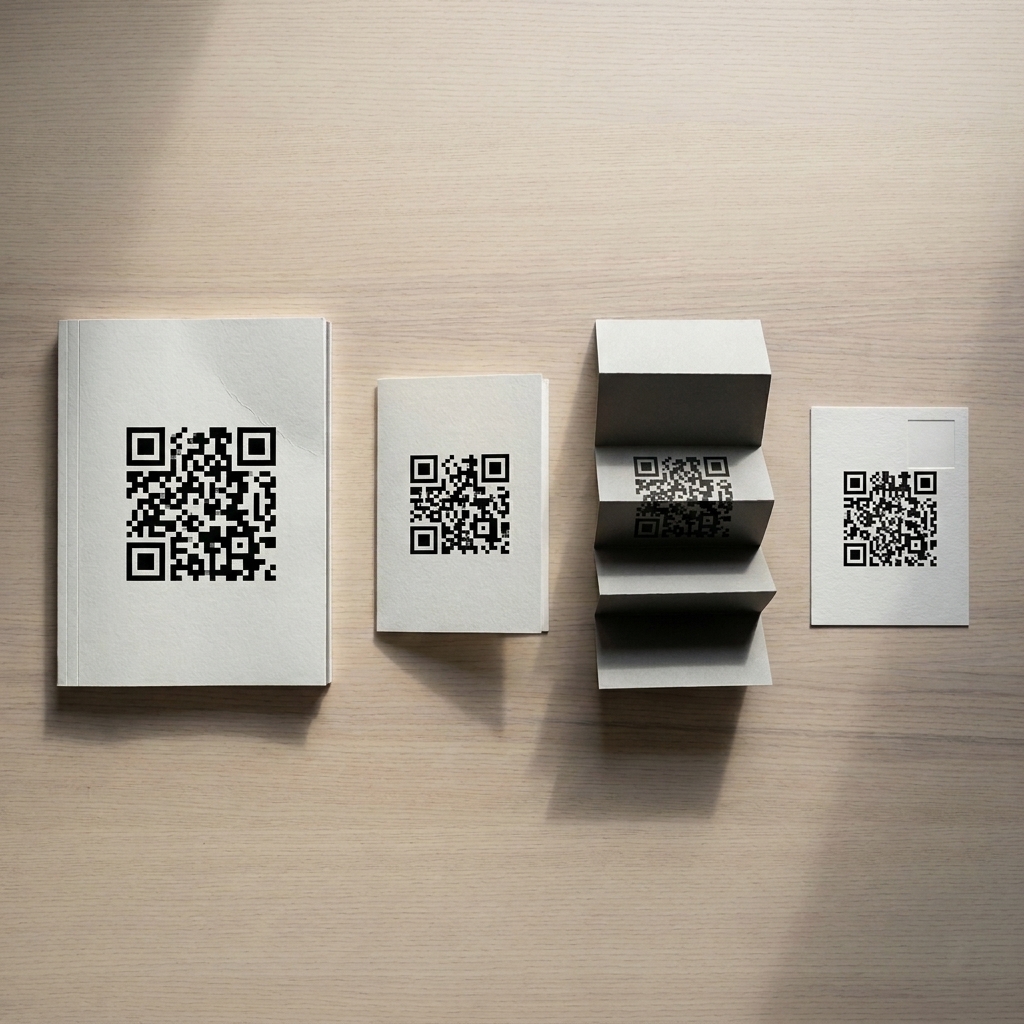
Your channel homepage suits merchandise, business cards and banners, where the viewer has no prior context and should see the whole body of work.
A single video suits anything time-bound: an event, a product insert, or a poster for a specific release. The video ages while the printed code does not, which makes this the strongest case for a dynamic code.
A playlist is underused and often the best answer. It keeps someone watching beyond one video, and you can reorder it and add to it at the same address. Because the content changes while the URL stays the same, an evolving playlist does not require a dynamic code. You need one only if you might send people to a different URL later.
A subscribe prompt carries the highest intent. YouTube supports a link form intended to bring up the subscription dialog rather than the plain channel page, and The QR Code Generator’s YouTube page mentions creating codes for this purpose. Behavior varies between the app and the browser, between handsets, and between signed-in and signed-out viewers. Test the exact link on real phones before printing, and don’t assume every viewer will see a direct prompt.
If you can’t decide, a playlist behind a dynamic code survives nearly every change of mind.
Use a stable YouTube address
YouTube’s help documentation distinguishes two kinds of channel URL. The ID-based URL (the `youtube.com/channel/` address followed by your channel ID) is described as stable, while your handle URL is a personalized address. For a long-lived static code, encode the ID-based channel URL or a URL on a domain you control, so a handle change won’t affect what you’ve already printed.
How these six are ranked
- Repointing after print. Can the destination change once the code is out in the world?
- Scan limits. An end-screen code on a video that performs well, or a code on a large merch run, can draw a burst of scans. A cap that runs out during that burst is a serious failure.
- Free-tier branding. Marks, ads and interstitial pages sit badly next to a channel trying to look professional, especially on merchandise someone paid for.
- Print-ready output. Creators print on merchandise, packaging inserts, stickers and banners, so vector downloads matter.
The order below is editorial judgment based on each vendor’s published terms. It reflects no scan testing. “No cap stated” means only that none appears on the official pages checked, not that no limit exists.
For a code on a shop, menu or service business rather than a channel, our broader small-business QR generator comparison covers that ground. Check its vendor figures against current pricing pages, since plans change after publication.
Choose by use case
| If you need… | Start with |
|---|---|
| A repointable code, with no free scan cap stated on official pages | The QR Code Generator |
| One unmarked, static vector code for a channel or playlist URL | QR Code Monkey |
| Several dynamic codes with free analytics and no ad on scan | QR Code Prime (confirm its current scan terms before printing) |
| A code placed inside an existing merch or poster layout | Canva for layout, ideally with a code from a dedicated generator |
None of these belong on a thumbnail. In video descriptions and pinned comments, use a plain tappable link. QR codes are for print, merchandise and on-screen visuals that a viewer scans with a second device.
1. The QR Code Generator
The QR Code Generator’s YouTube code page offers a dedicated YouTube route among its generator options.
That route presets the generator field, labels it as redirecting to a YouTube channel or video, and prompts for a video, channel or playlist address. Underneath, it uses the standard URL type, which is right, since every YouTube destination is a web address.
Its official pricing page lists two forever-free dynamic codes, which stay active as long as the account does. Merchandise and printed inserts circulate for years, so keep the account in use if you depend on those codes.
First place rests on its clear promise that two free dynamic codes stay active and its dedicated YouTube route. The official pages checked state no free scan ceiling, but that is not proof that heavy use will never be restricted. Confirm current terms with the vendor before a high-volume print run. Static codes are also available without an account for anything you’re confident will never move.
The weakness is presentation. Free downloads carry a mark, free dynamic scans show an ad before YouTube loads, and scan analytics cover only 14 days. The Flex plan costs $5 a month billed yearly and brings five ad-free dynamic codes with 60 days of history.
2. QR Code Monkey
Monkey offers a YouTube content type among 14 and produces the cleanest file here with the least friction, provided you never need to change the destination.
It asks for no account, adds no mark, and downloads in PNG, SVG, PDF and EPS. For a channel code on a sticker sheet or merch run, that is hard to beat.
Every code is static, and no scans are counted. A code pointing at a specific video can’t be moved to a newer one, and a code built on your handle URL depends on that handle staying the same. Use it for your ID-based channel URL or a playlist you intend to keep.
3. QR Code Prime
QR Code Prime’s twelve code types lists YouTube among its 12 content types and offers the largest free allowance of dynamic codes here.
Its current homepage offers 10 dynamic codes free for life. No ad sits between the scan and the video, and no payment card is required. Ten codes is useful for anyone who wants a separate code per video, product or campaign.
Free reporting covers scan counts, rough location and device, enough to compare a code on packaging with one on a banner. Its output carries no mark, and static codes need no login, downloading as PNG, SVG or PDF. Unmarked vector output gives it a practical edge over the leader for printed merchandise.
The scan allowance needs a direct check before a large print run. The live homepage does not state a cap, while an earlier version of the same page listed 500 scans a month. An unstated limit is not a promise of unlimited use.
4. QR TIGER
QR TIGER publishes a YouTube QR code resource, and the product behind it is capable. The free tier is where creators run into trouble.
Its official pricing page lists three free dynamic codes, each capped at 500 scans, plus static codes and basic reporting. Free dynamic codes show a QR TIGER logo popup, which puts a third party’s branding between your audience and your video. For a channel past its earliest stage, 500 scans per code may not last long, and the first sign of trouble is often a viewer saying the code stopped working.
The Regular plan costs $7 a month and includes 12 codes with unlimited scans while the plan remains valid. That condition matters for merchandise with a long shelf life: if the plan lapses, plan on the codes no longer resolving.
5. QRCodeChimp
Chimp includes a YouTube type among dozens and gives 10 dynamic codes free, matching QR Code Prime on count but with conditions that bite for creators.
Its official pricing page describes a pooled limit of 1,000 scans a month across all free dynamic codes. Once it’s reached, dynamic codes pause until the allowance resets, which can happen exactly when a popular video sends people to your end-screen code.
Free downloads are capped at 1024 pixels square. That may work for a small insert, but check the final output size before using one on a banner or large garment print. The catalog is genuinely broad, covering product pages, event tickets and forms, which helps a creator running a business alongside the channel. The Starter plan is $6.99 a month billed yearly.
6. Canva
Canva earns a place because creators already use it for channel art and merch mockups, where the code is one element in a larger design.
Canva’s help documentation confirms both static and dynamic QR codes. Static codes let you adjust color and margin, and the tool sits under Apps or in the Elements tab. Scan analytics, logo removal and collaborator editing are on the Business, Enterprise and Nonprofit plans.
The practical drawback is that Canva is a design tool rather than a code manager, with no YouTube-specific route. Many creators will be better served by generating the code in a dedicated tool, exporting an SVG, and placing it in the Canva layout.
The six compared
Prices and limits change. These figures come from each vendor’s official pages, first compared on 19 October 2026 and rechecked on 12 November 2026. Confirm current terms before committing to a print run.
| Tool | Free dynamic codes | Free scan limit | Main free-tier catch | YouTube route |
|---|---|---|---|---|
| The QR Code Generator | 2, forever-free while account is active | No cap stated on official pages checked | Mark on downloads; ad on dynamic scans; 14-day analytics | Dedicated route, URL type |
| QR Code Monkey | None, static only | Not applicable | No dynamic codes or analytics | YouTube among 14 types |
| QR Code Prime | 10 | Not stated on live homepage; earlier copy listed 500 a month | Confirm current scan terms | YouTube among 12 types |
| QR TIGER | 3 | 500 per code | Logo popup | Published resource |
| QRCodeChimp | 10 | 1,000 a month, pooled; codes pause until reset | 1024 px download cap | YouTube type |
| Canva | Yes | Not stated | Analytics, logo removal, collaborator editing on Business and above | None, web address only |
Static vs. dynamic: when a fixed code is fine
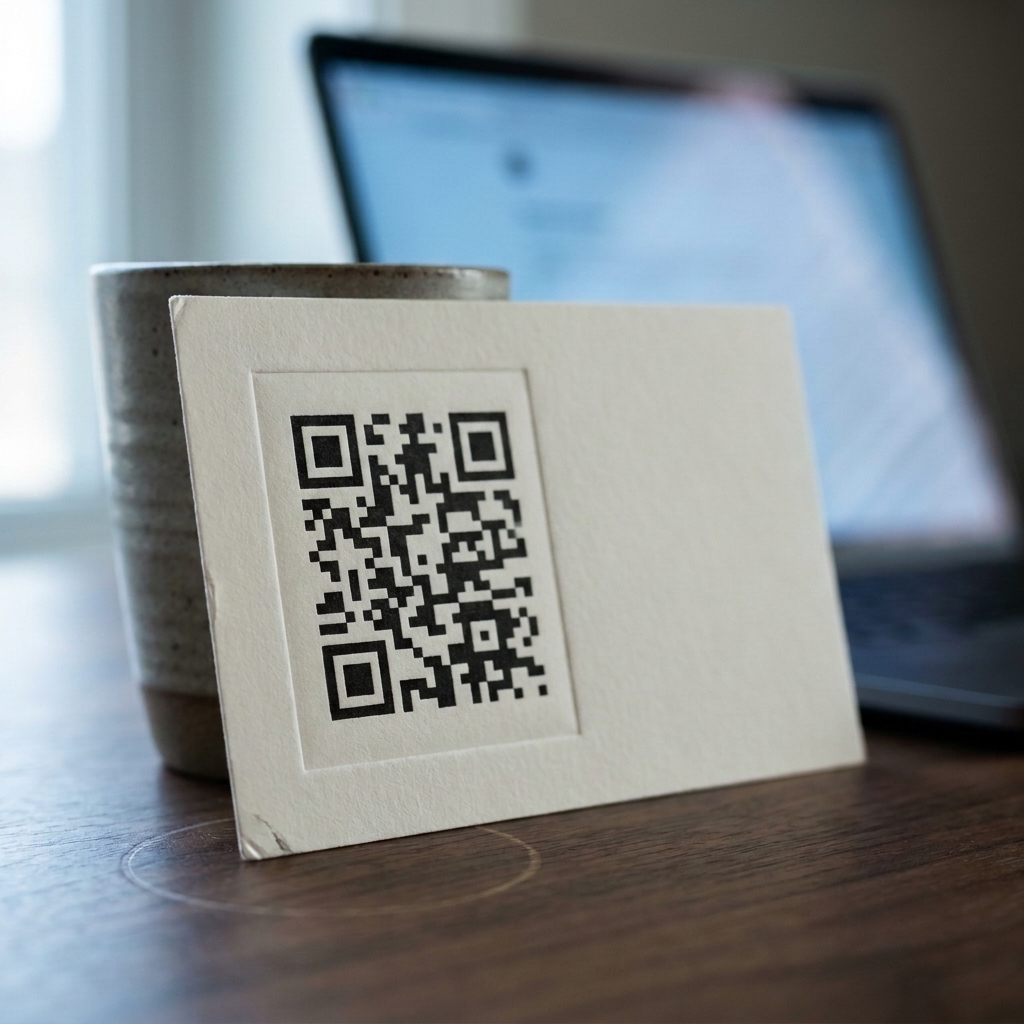
A static code carries its destination inside the printed pattern, as described in the published standard for the symbology, so nothing runs behind it and nothing can change. It fails only when the URL it encodes stops working.
On YouTube, that happens in three ways:
- The URL itself changes. A code built on a handle URL depends on that handle. A code built on the ID-based channel URL does not.
- The destination disappears. A video is removed, made private, or replaced with a new upload at a different address.
- Your priorities move. The video you most want to promote changes every few months, while the merchandise carrying the code keeps circulating.
Changing content behind a stable URL is not on that list. If you update a playlist or post new videos to your channel, a static code pointing at that playlist or channel ID URL keeps working.
A dynamic code handles all three cases without reprinting: you repoint it from a dashboard, and every printed copy starts sending people somewhere current. The cost is dependence on the provider’s account, plan terms and scan limits. Static is the right call for a code you print once and want to forget, and it’s free from every tool here.
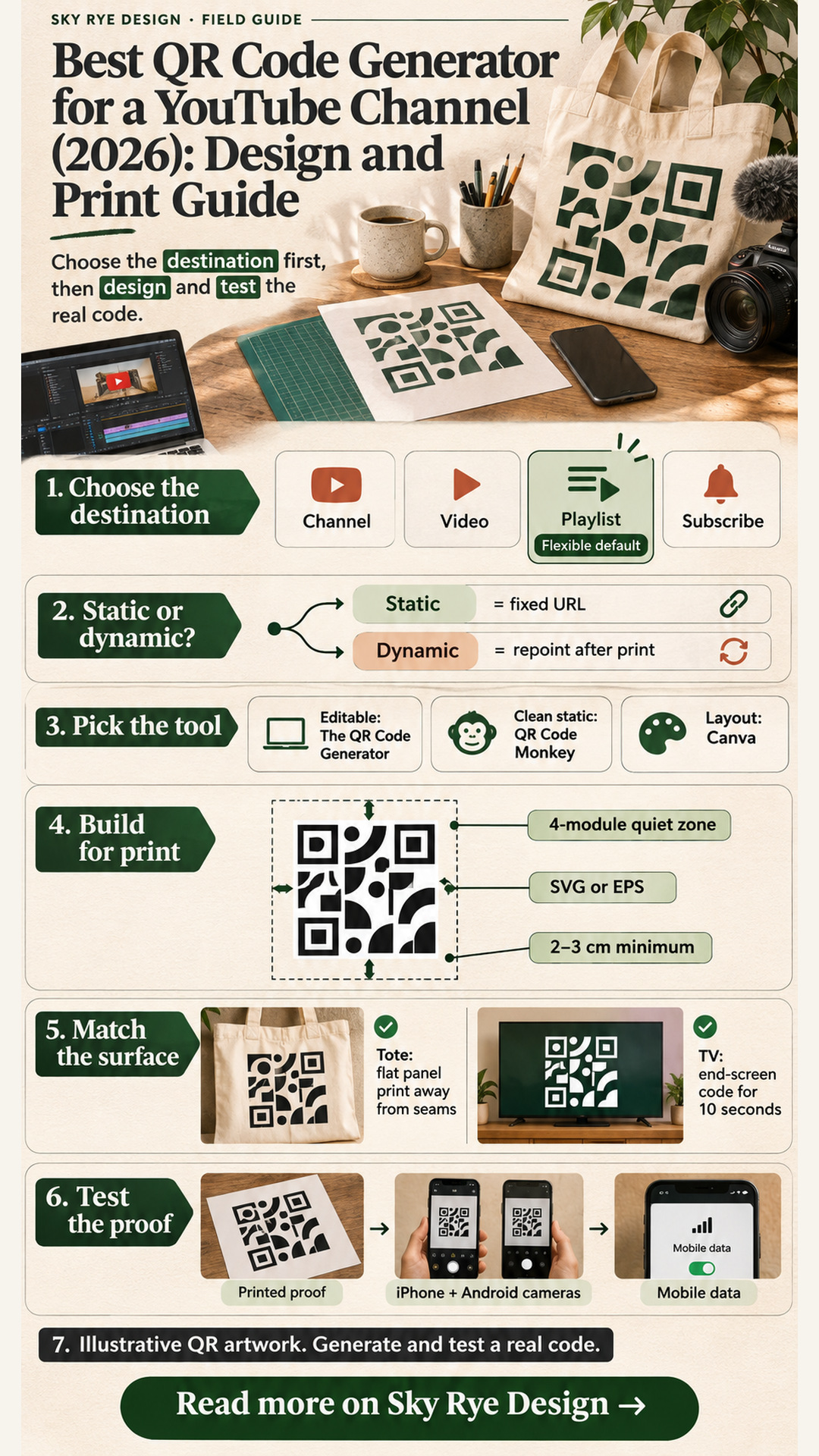
Designing the code for print
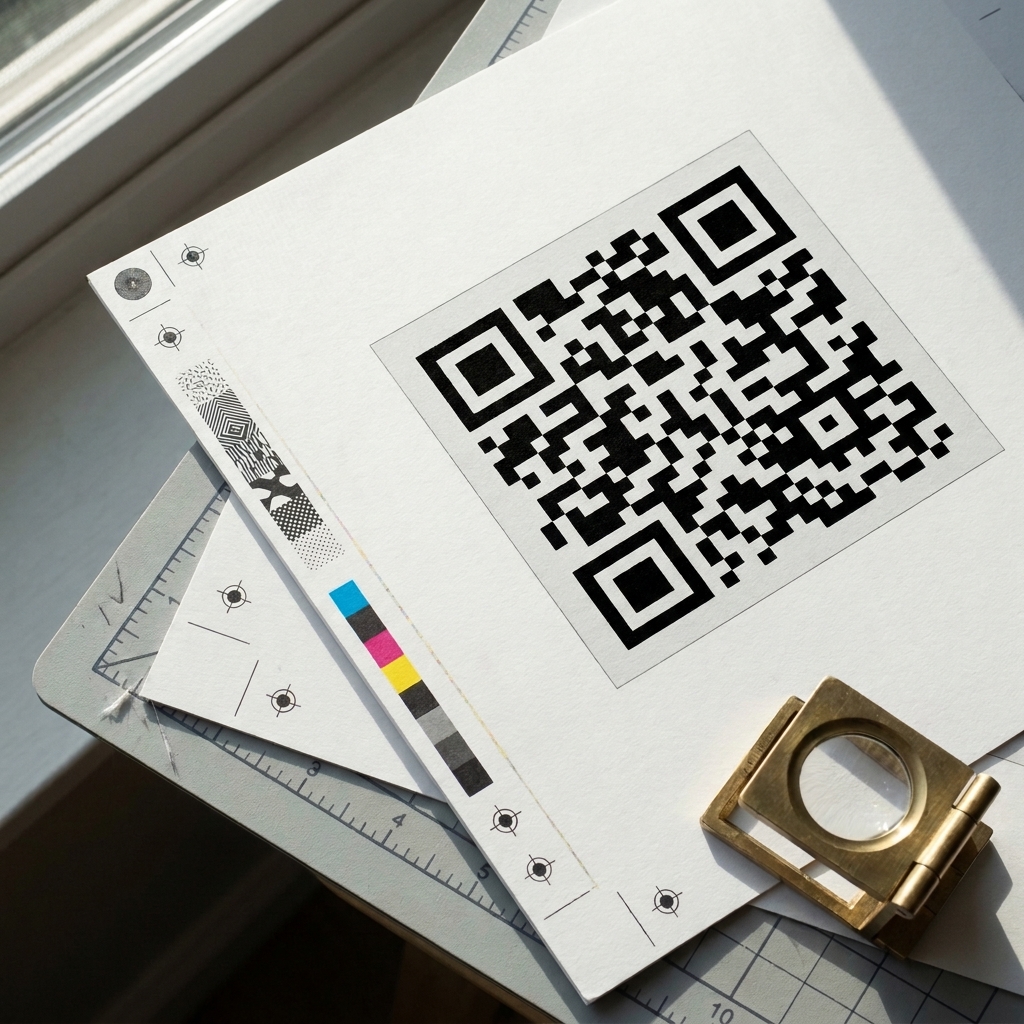
Print and on-screen video are different jobs. Start with print.
- Contrast. Use dark modules on a light, solid field, ideally black on white or close to it. Avoid light-on-dark inversions, gradients and photo backgrounds behind the pattern.
- Quiet zone. Keep a clear margin around the code. A useful design check is four modules wide on every side. Keep type, borders, seams and trim lines out of it.
- Proportions. Scale the code uniformly. Never stretch, skew or crop it to fit a layout.
- File format. Prefer SVG or EPS for scalable print artwork, and inspect any PDF export to confirm the code remains sharp at final size. Keep raster files at sufficient resolution for the actual output.
- Error correction. Many generators let you choose an error correction level. Higher levels add redundancy, which helps a code tolerate a small logo or minor wear, but they make the pattern denser and may need more size. Treat the setting as a margin of safety, not a guarantee.
- Call to action. Add a short label that says what happens: “Scan to watch the full build playlist” works better than an unlabeled square.
- Size. On packaging inserts and stickers, about 0.8 to 1.2 in (2 to 3 cm) is a sensible minimum at arm’s length. For posters and banners, a code width of roughly one-tenth of the reading distance is a starting point.
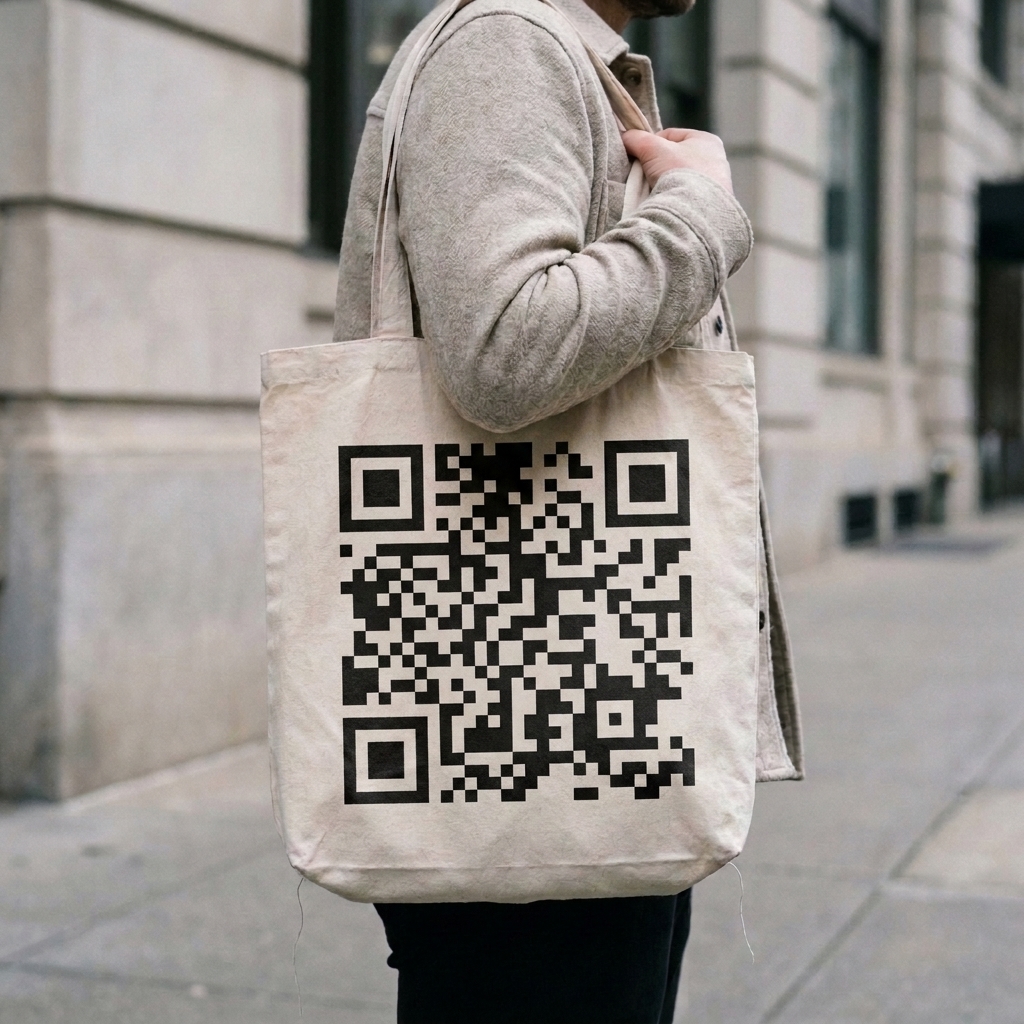
- Material. Fabric loses edge definition in a way paper does not. Give merchandise codes more size than the layout seems to need, and keep them on a flat, light panel away from seams and folds.
For more on how scannable elements sit within a wider visual system, see our piece on designers turning images into scannable experiences. Treat illustrated or heavily styled QR artwork as unproven until a printed proof scans reliably.
Using a code on screen and in videos
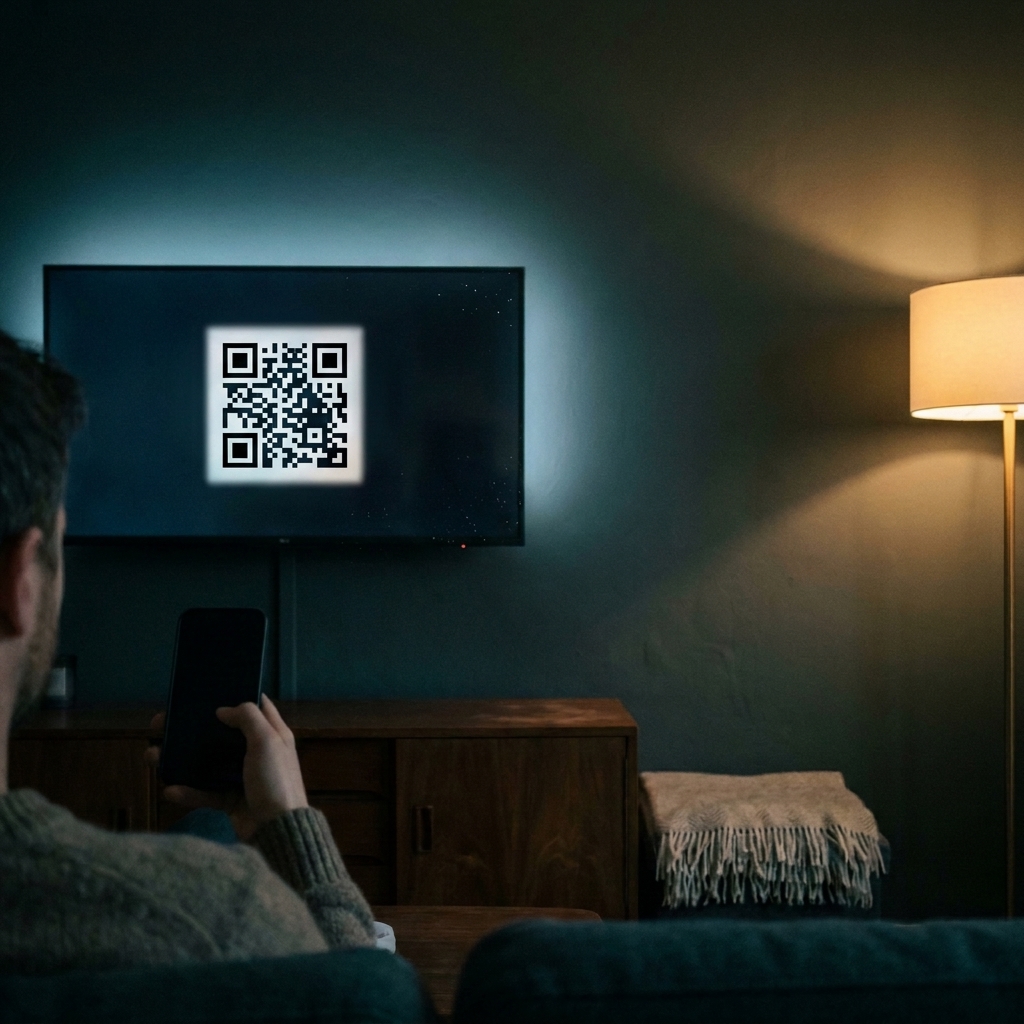
A viewer can only scan an on-screen code with a second device, so place codes where that’s realistic.
- Thumbnails: don’t. On a phone, a thumbnail code is tiny, and the viewer is holding the device it appears on.
- Descriptions and pinned comments: use links. Viewers tap these, so a plain URL does the job better than an image of a code.
- End screens and in-video overlays. These are the natural home for an on-screen code, mainly for viewers watching on a TV, laptop or desktop. Size it generously, keep the quiet zone clear of motion and graphics, and hold it for at least ten seconds so someone can notice it, pick up a phone and aim.
- Say it out loud. A spoken or written call to action (“scan to get the free template”) tells viewers why to reach for their phone, and the same destination should appear as a link in the description.
Print checklist
- Choose the destination by audience intent: channel, video, playlist or subscribe link.
- Decide static or dynamic. For static, encode the ID-based channel URL, a long-term playlist or a URL you control, not a handle URL you might change.
- Check the free tier’s scan terms against expected volume, and verify them with the vendor before a large run.
- Export a vector file (SVG, PDF or EPS).
- Place dark modules on a light solid field, scaled uniformly, with at least a four-module quiet zone and a clear call to action.
- Print a proof on the actual material: the real garment, sticker stock or banner vinyl, not a digital mockup.
- Test the proof as described below. The printed proof is the final gate for any design choice.
Planning a sticker run? Compare custom sticker printing companies before you order, and send the printer a vector file that you have tested at its final size.
Testing before anything gets printed
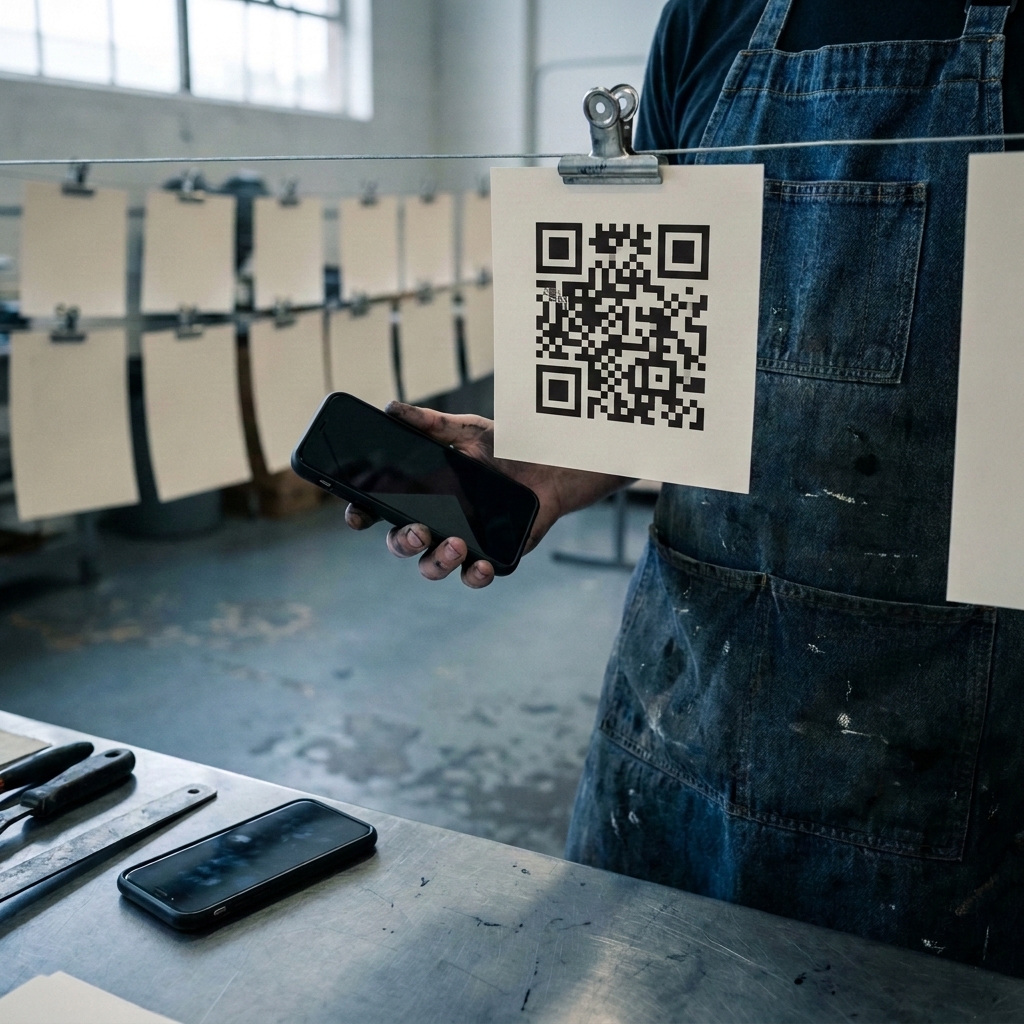
- Scan the printed proof on both an iPhone and an Android handset with the built-in camera rather than a scanner app. Include an older Android device if you can.
- Note whether the link opens in the YouTube app or a mobile browser, since the app is where subscribing and playback behave as viewers expect.
- Check what a signed-out viewer sees, especially for subscribe links, which may ask them to sign in first.
- Test on mobile data as well as Wi-Fi. A dynamic code must reach the provider’s server before YouTube loads.
One risk with publicly displayed codes
A public warning from the FBI’s Internet Crime Complaint Center describes criminals pasting their own codes over genuine printed ones, sending scanners to pages built to collect credentials.
Merchandise in someone’s home is a poor target. A poster in a public place promoting your channel is a more realistic one. If someone covers your code with their own sticker, changing the destination of your original dynamic code will not help: inspect the placement, remove the replacement and report the incident. Make it easy for viewers to report a suspicious code.
Common mistakes with YouTube QR codes
- Pointing a printed code at one video, which dates it as soon as something better is published.
- Building a static code on a handle URL, then changing the handle.
- Putting a code on a thumbnail or flashing one on screen for three seconds.
- Ignoring a published free scan limit before a large print run.
- Approving merchandise from a mockup instead of a printed proof.
- Never checking the code again, which is how a creator discovers months later that its playlist was set to private.
Frequently asked questions
How do I make a QR code for a YouTube channel?
Copy your channel URL, preferably the ID-based version, and paste it into a generator. Choose dynamic if you may want to change the destination later.
Should a YouTube QR code be static or dynamic?
It depends on whether the URL might change. A static code pointing at a stable address, such as your ID-based channel URL or a playlist you’ll keep, works indefinitely. Choose dynamic if you might repoint the code after printing.
Can I make a YouTube QR code for free?
Yes. All six tools offer a free option. Compare the free scan limits in the table above, and verify current terms before printing at volume.
Should the code link to my channel, a video or a playlist?
A playlist is a sound default, because you can update it without changing the URL. Use the channel homepage for merchandise and business cards, and a single video only for something time-bound.
Can a QR code make people subscribe to my channel?
YouTube supports a link form intended to bring up the subscription dialog, but results vary by app, browser, handset and sign-in state. Test on real phones before printing.
Where should I put a QR code for my YouTube channel?
Use it on merchandise, packaging inserts, stickers, posters and end screens. Avoid thumbnails, and use tappable links in descriptions and pinned comments.
How big should a YouTube QR code be on merchandise?
Make it larger than the layout suggests and no smaller than about 0.8 in (2 cm). Test a printed garment, not a mockup, on more than one phone.
What happens to my QR code if I change my YouTube handle?
A static code built on your handle URL may stop reaching your channel. One built on your ID-based channel URL isn’t affected, and a dynamic code can be repointed from its dashboard.
- 1share
- Facebook0
- Pinterest1
- Twitter0
- Reddit0