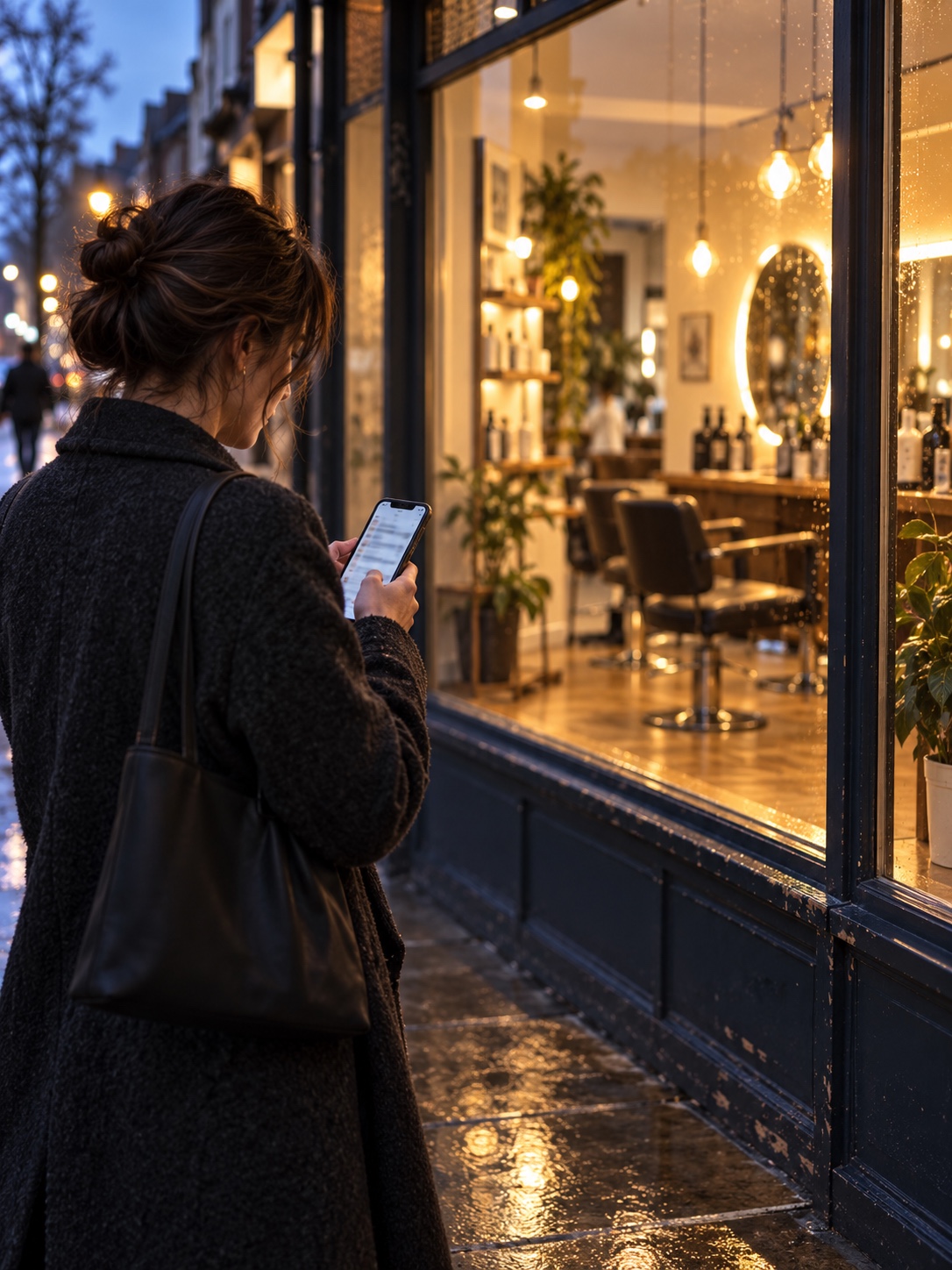
A client finishing a late shift opens an AI assistant and types: “Find a colourist near me who does curly cuts and is open Saturday.” Someone else asks for a facialist with step-free access near a tram stop. Neither wants to scroll a directory page by page. Both want a short, confident answer, and that answer may draw on business listings, websites and customer reviews.
For a local beauty, fashion or style business, optimizing a Google Business Profile for AI search is less about chasing a new algorithm and more about making accurate, useful information easy to find and trust. The basics of salon local SEO still apply: clear business details, relevant services and consistent information across the web.
- What does AI-assisted local discovery read from a salon profile?
- How should you set up categories and services?
- What booking, hours and access details matter most?
- How should a salon or boutique use photos?
- How do you earn useful reviews and reply well?
- How do you keep the website, booking platform, signage and directories consistent?
- When should you bring in technical help?
- What does a 20-minute monthly profile audit look like?
- Frequently asked questions
- Do I need a special AI setting or file to appear in AI search?
- Should I add keywords to my business name?
- How many photos should a salon or boutique profile have?
- Can I reply to a review that mentions a client's treatment?
- What if my business works from home or travels to clients?
- Is local business schema necessary?
A well-kept Google Business Profile helps salons, studios and boutiques explain what they offer to two audiences at once: prospective clients, and the systems that summarize local options for them. For a broader look at how brands can earn visibility in AI-generated answers, see this guide to AI citations.
This guide treats the profile as a small digital storefront. The thinking behind a good window display or printed service menu applies here too: clear hierarchy, consistent details and honest pictures.
What does AI-assisted local discovery read from a salon profile?
AI search tools don’t need a special file or hidden setting to understand your business. They rely on the same things a careful customer checks: your name, category, location, hours, services, photos, reviews and website. If that information is complete, specific and consistent, you have the foundation that AI search visibility depends on.
There is no “AI optimization” field in Google Business Profile, and no plugin makes a listing more visible to chatbots. What counts is the quality of the information you publish about yourself. Picture a salon that lists its exact services, keeps its hours current, links to a working booking page and uses the same details on its website and signage.
Any system summarizing local options has little to second-guess. Now picture an old phone number on one listing and a different suite number on another. People and software both have reason to hesitate. Keyword stuffing doesn’t help either. Google’s guidelines for representing your business ask you to use the name customers know you by offline, so adding “best balayage downtown” to it can cause problems instead of visibility. Aim for a profile that is both complete and accurate: every relevant field filled in, every claim true, and every detail matching what a client finds when they walk in.
How should you set up categories and services?
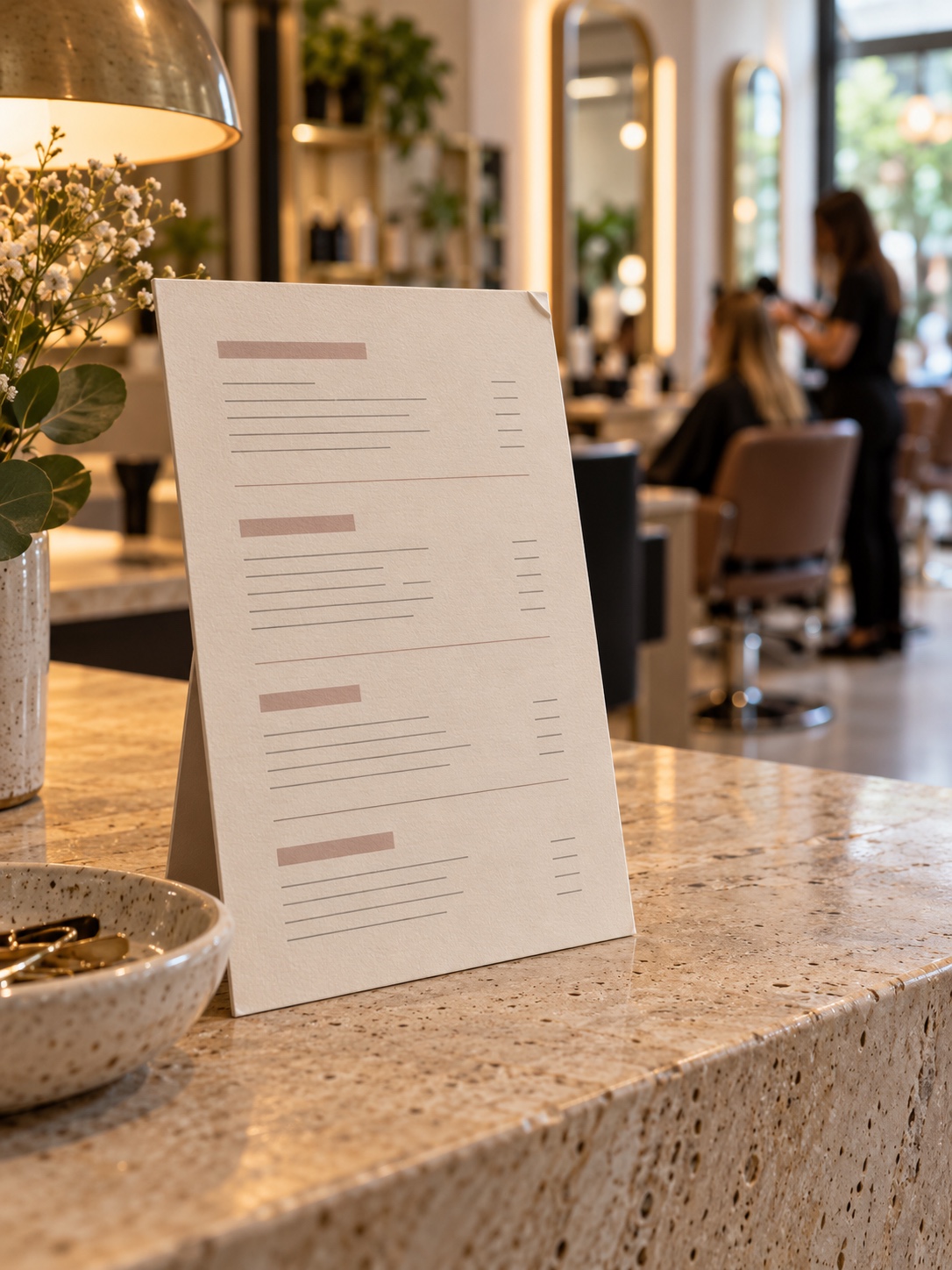
Pick the primary category that best describes your core business. Add secondary categories only for services you actually provide. Then build the service list the way you would design a printed menu: grouped, clearly named and written in the words clients use. A specific list helps people more than a long one.
Start with the basics: business name, address or service area, phone number, opening hours and website. Check each one against your storefront, booking page and social profiles before going further.
Then describe the work you actually do. A salon might list curly cuts, extensions and colour services. A skincare studio could separate facials, waxing and consultations. A clothing boutique may explain its focus on occasionwear, independent labels or inclusive sizing. Use the profile’s service and product fields where they’re available. Write in plain language that matches how customers describe what they need.
This is information architecture, the same skill behind a well-organized menu board. Group services under a few clear headings, such as Cut, Colour, Texture and Treatments, and use the names your booking platform uses. If the booking page says “Lived-in colour” and the profile says “Balayage package,” the client has to guess whether those are the same service.
Keep the business description from turning into a list of search phrases. “Expert balayage, curly haircuts and wedding styling in North Portland” tells a reader far more than a run of repeated location terms. Be specific about who you serve and what the visit is like, and keep every claim accurate.
What booking, hours and access details matter most?
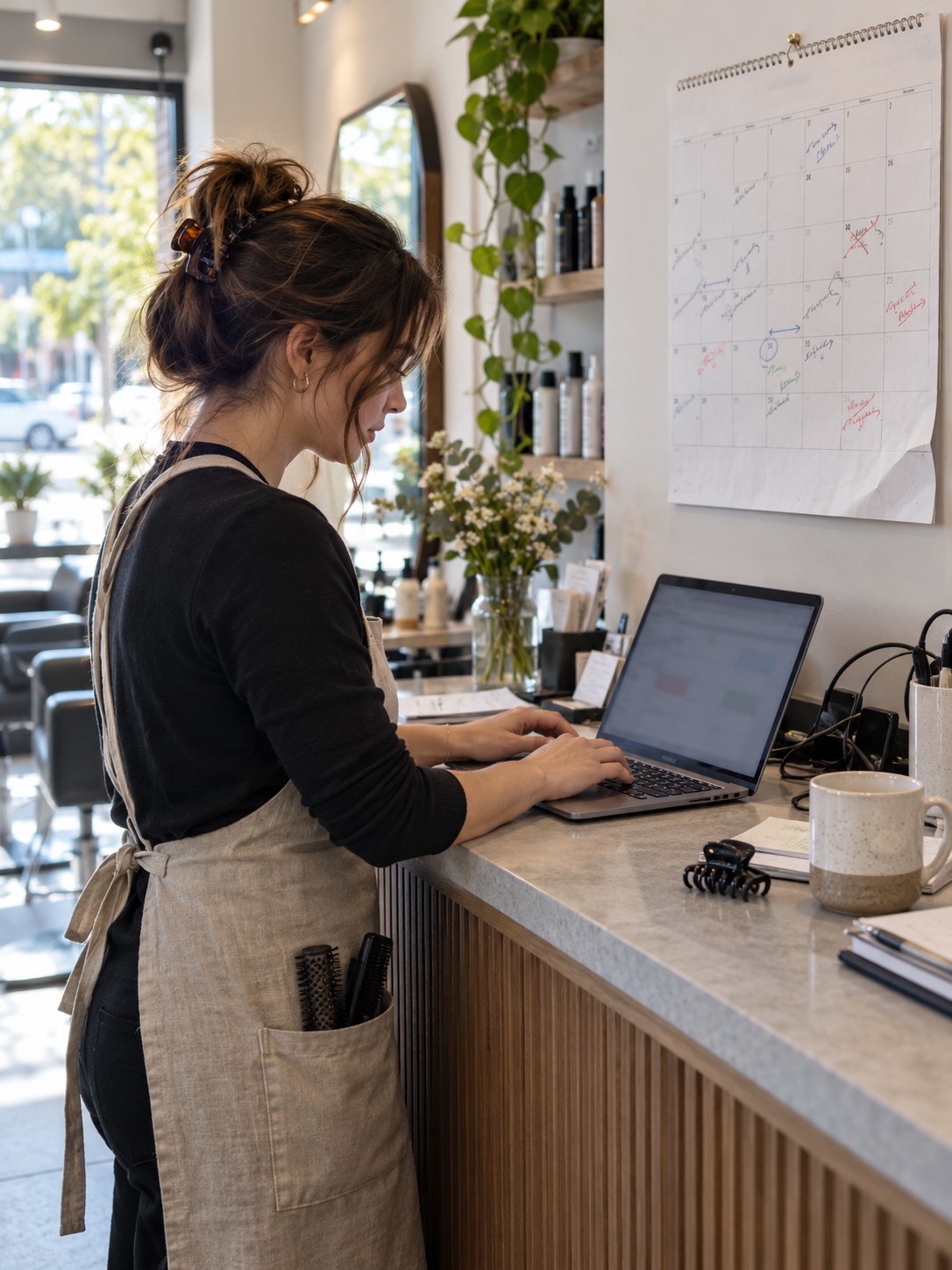
For personal services, practical details often decide whether someone books. Add an appointment booking link and say whether you accept walk-ins. Explain any policies that shape the visit, such as deposits or consultation requirements. If you work by appointment only, say so plainly.
Update seasonal hours and temporary closures promptly. Don’t assume clients will check Instagram or your website first. A Saturday shown as open when the studio is closed does more damage to trust than a short holiday schedule ever would.
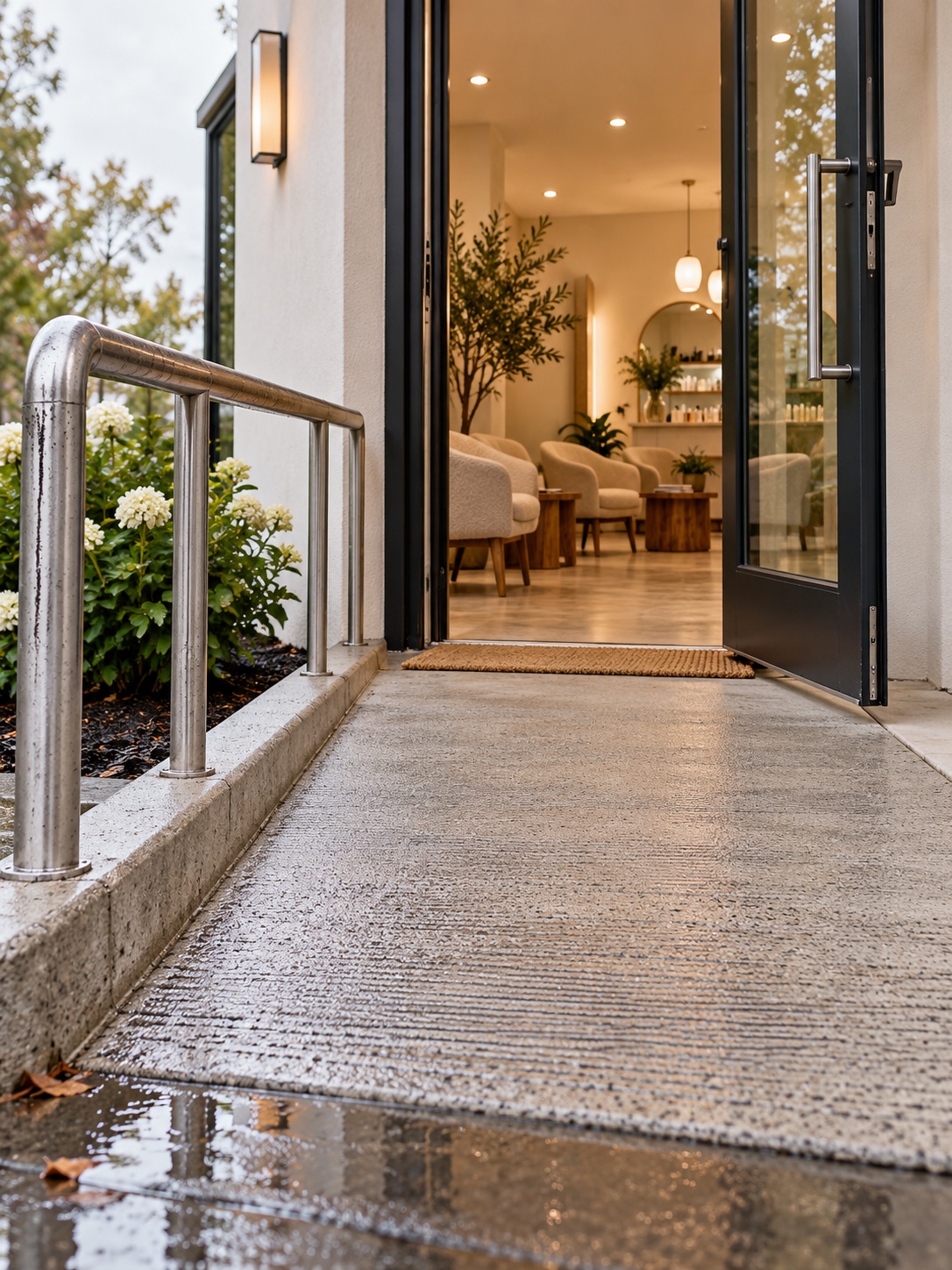
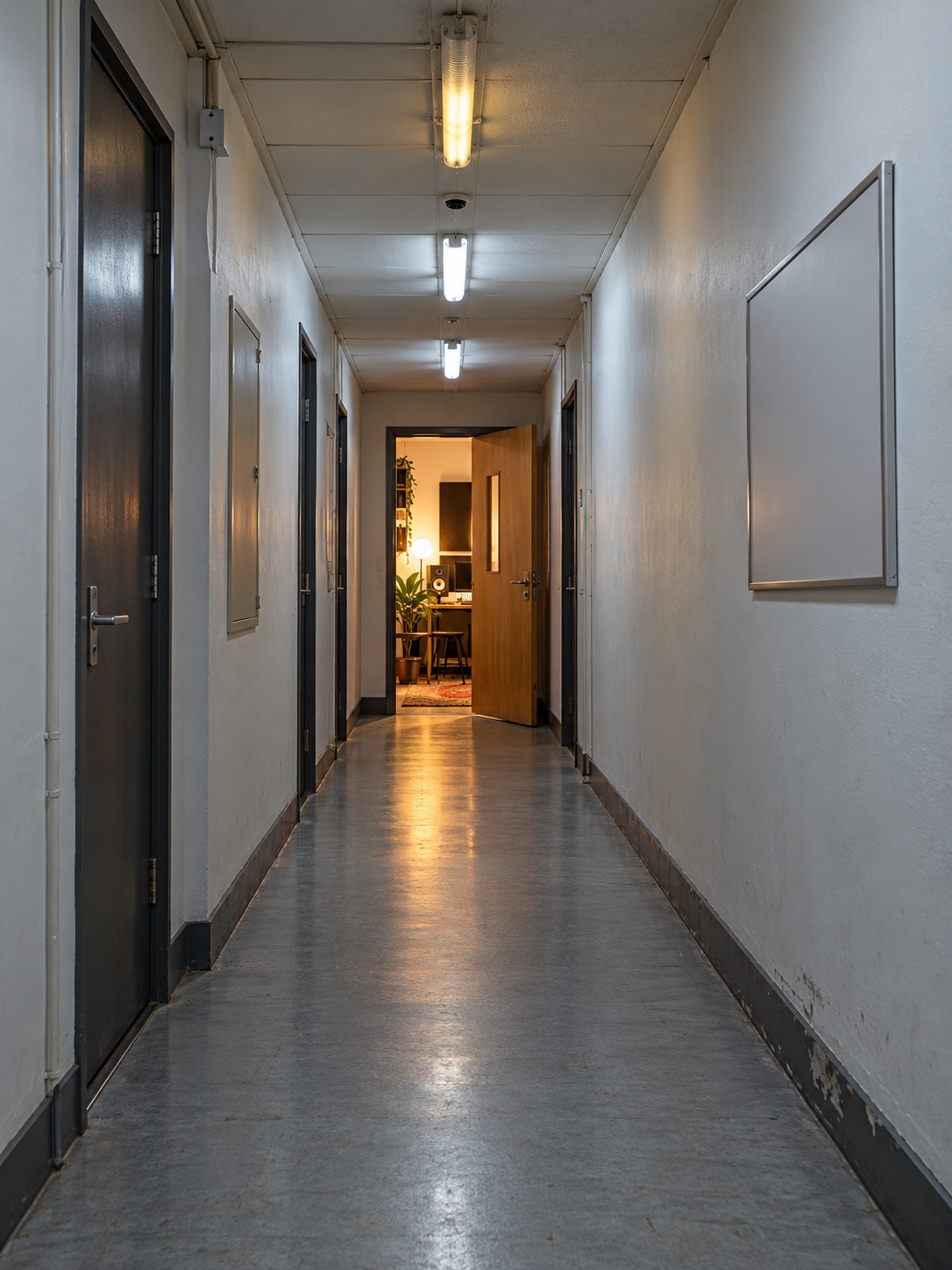
Arrival and accessibility information deserve the same care. Say whether there is step-free access, where clients can park, and how to find a studio inside a larger building. Use the profile’s accessibility attributes where they apply, and add plain-language detail in the description or on your website. These small facts make the listing more useful to people and give search tools concrete information to work with.
Quick field reference
| Profile field | What to enter | Design and UX reason |
|---|---|---|
| Business name | Your real-world name, exactly as on the sign | Matches what clients see on arrival; no keyword padding |
| Primary category | The single closest match to your core service | Sets the “headline” of the storefront |
| Services and products | Grouped, named as on your booking page | Reads like a clear menu with obvious hierarchy |
| Description | Who you serve, what you specialize in, where | Plain language reads faster than phrase lists |
| Hours and special hours | Regular, seasonal and holiday times | Prevents wasted trips |
| Booking link | Direct link to the right booking page | Shortens the path from interest to appointment |
| Accessibility attributes | Only what is accurate | Helps clients plan their visit with confidence |
| Photos | Exterior, entrance, interior, recent work | Sets honest expectations before the visit |
How should a salon or boutique use photos?
Photos should let a client picture the visit before they arrive. Choose bright, current images of the entrance, treatment room, fitting area, products and finished work. Refresh them when the space, services or seasonal collection changes. A polished set is fine; a misleading one isn’t.
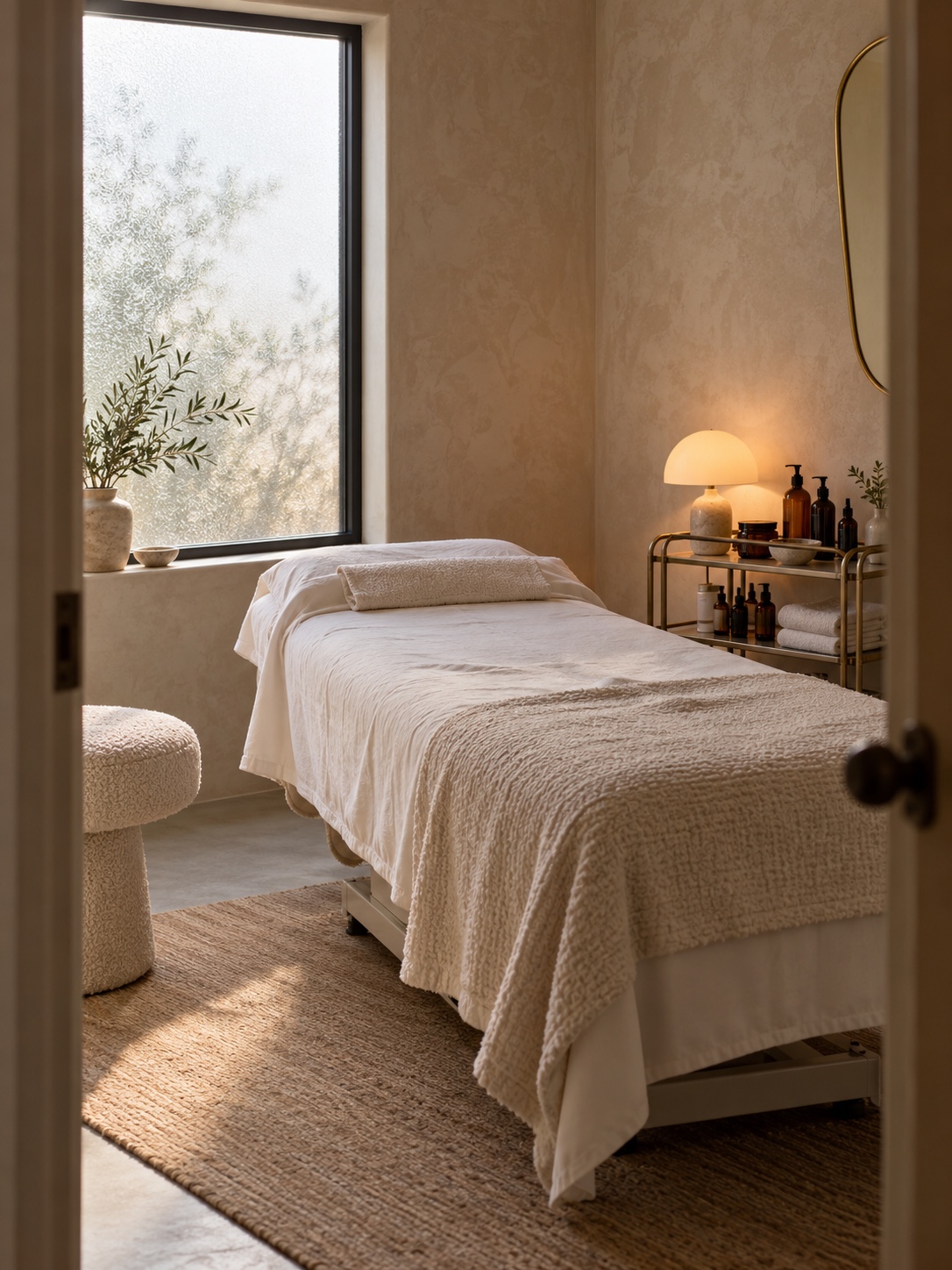
Treat the photo set as a short editorial spread, not a dump from your camera roll:
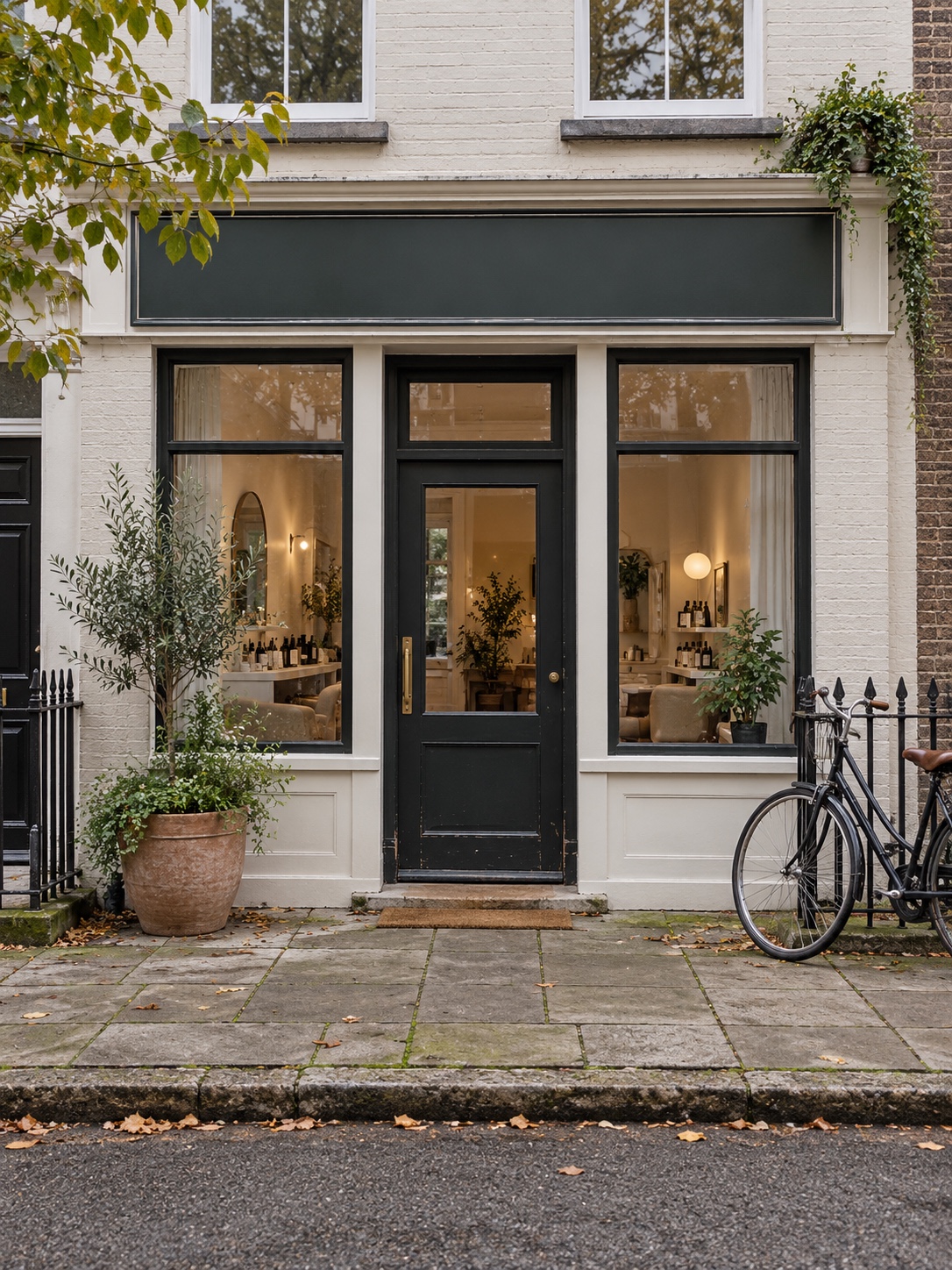
- Exterior and sign: shot from the street, the way a client will approach. This doubles as wayfinding.
- Entrance and arrival: the door, lift, stairwell, or the step-free route if you have one.
- Interior: chairs, treatment room or fitting area in natural, representative light.
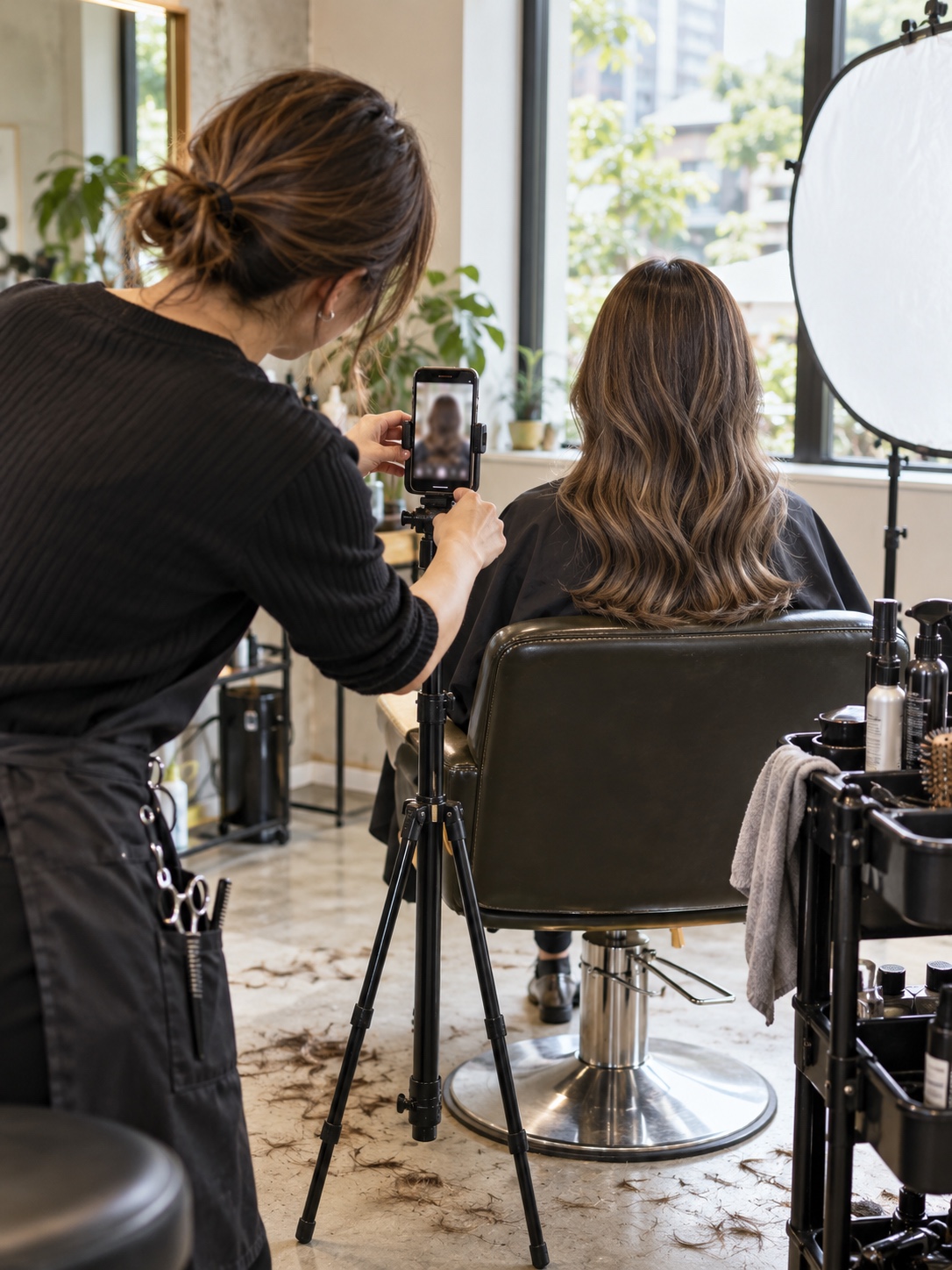
- Work and products: a varied selection of results. For a stylist or makeup artist, range across hair types, skin tones and occasions says more than a gallery of near-identical looks.
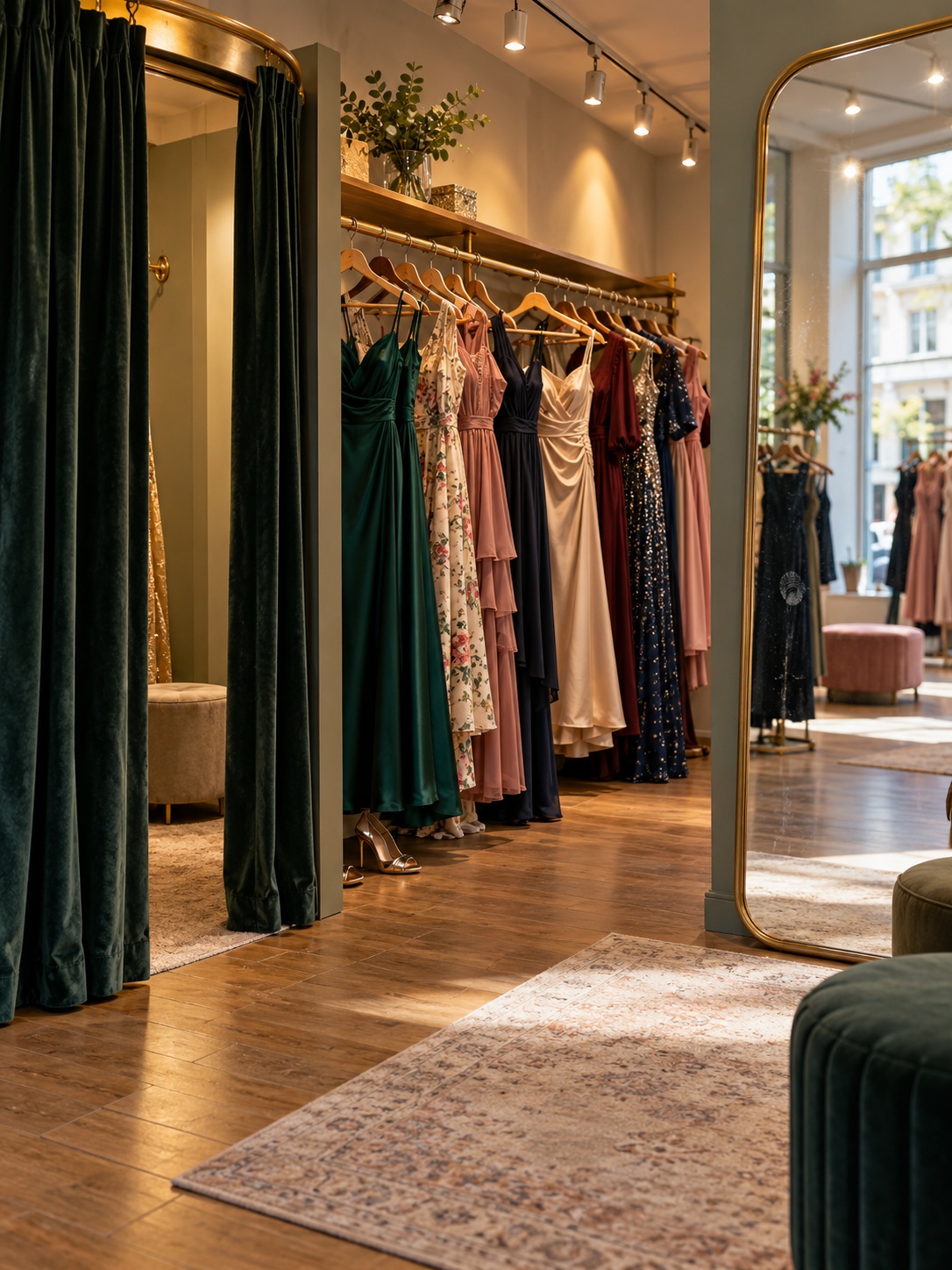

Keep lighting and colour temperature roughly consistent so the images feel like one brand. Skip heavy filters on the space itself. If you’re planning to refresh the room, our guide to salon interior design covers layout and lighting choices that also photograph well.
Ask permission before posting photos of identifiable clients. Don’t retouch work so much that it misrepresents the result. Clients notice when photos promise a different atmosphere or standard from the one they find in person, and that gap often turns up later in salon reviews.
How do you earn useful reviews and reply well?
Ask customers for honest reviews after a visit. Don’t script what they should say, and don’t offer a reward for a positive rating. A steady stream of detailed, genuine feedback tells future clients more than a sudden burst of generic praise, and it’s easier for everyone to believe.
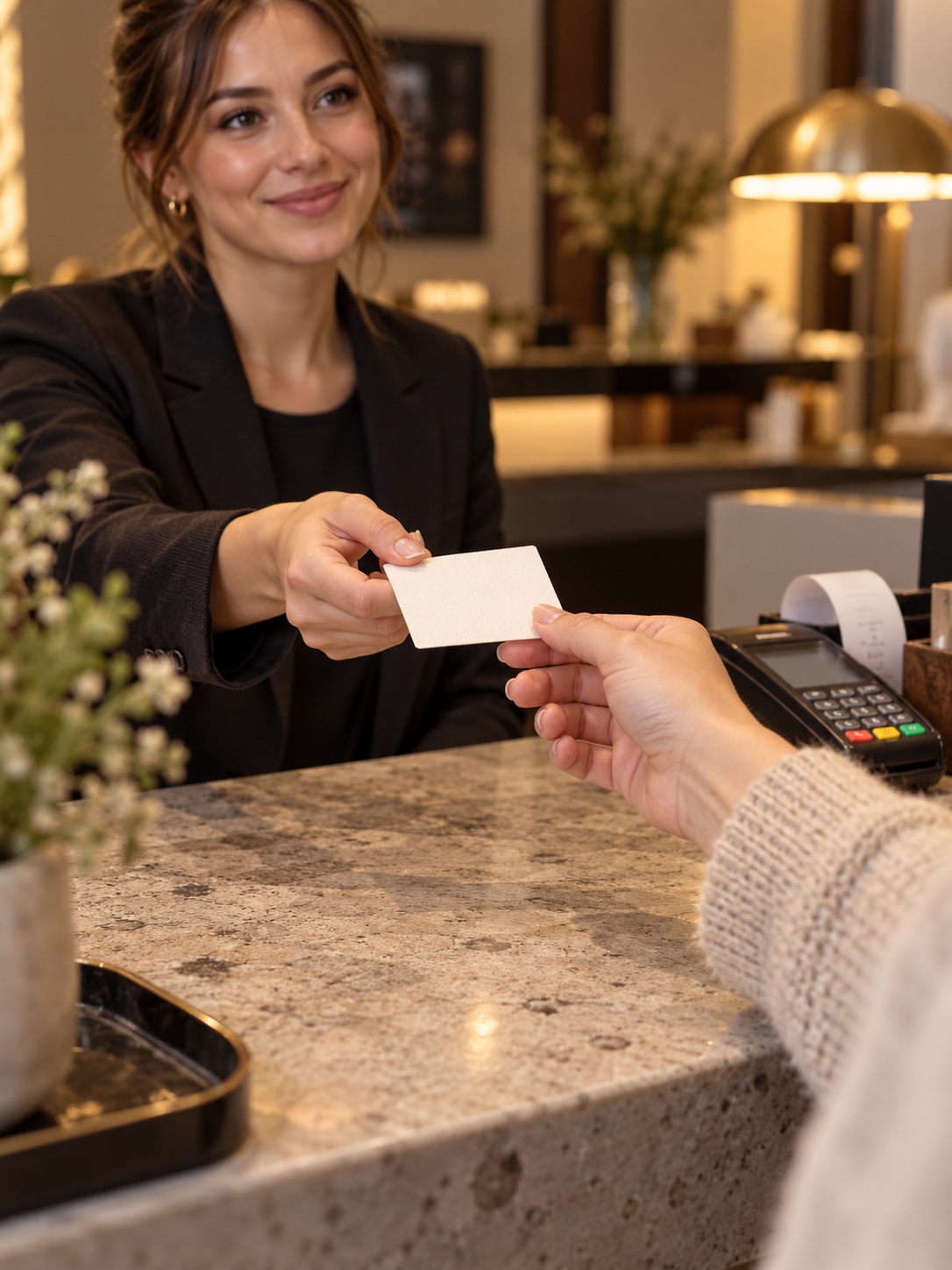
Reviews that mention a specific service, product or staff member help future clients judge whether you suit them. You can encourage that detail with a neutral prompt at checkout: “If you leave a review, mentioning which service you had helps other clients.” It invites specifics without telling anyone what to write.
Reply calmly and consistently. Thank people for positive feedback. Respond to concerns without mentioning appointment details, treatments or health information, even if the reviewer raised them first. If a complaint needs a longer conversation, acknowledge it publicly and offer a private way to continue. Prospective customers read those replies too, and they show that someone is paying attention.

How do you keep the website, booking platform, signage and directories consistent?
Your profile is one part of a larger brand system. Keep the name, address, phone number, services and hours the same on your website, booking platform, social profiles and relevant local directories. This NAP consistency is basic local SEO, and it also makes the brand feel coherent to clients.
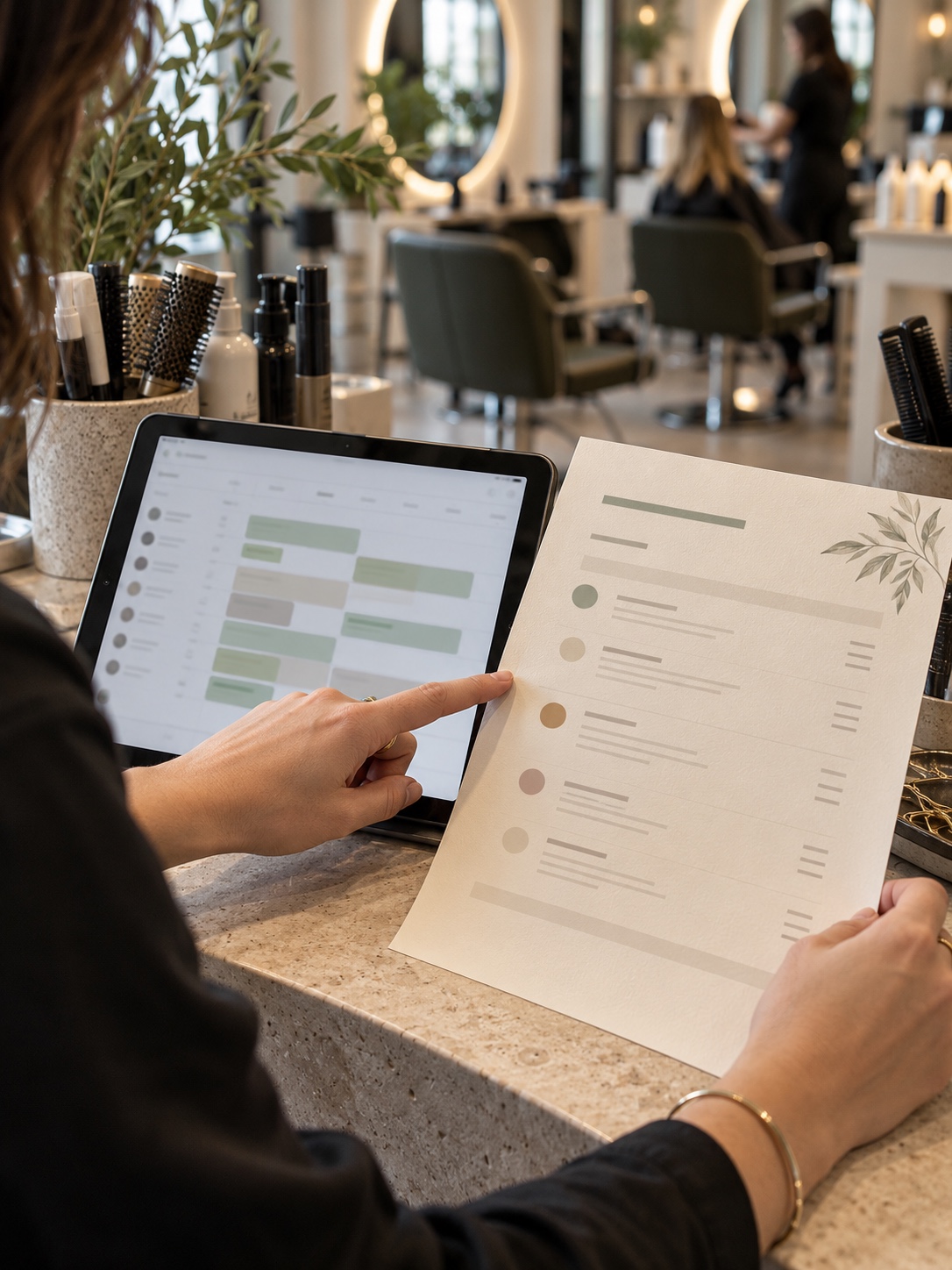
A visual audit makes mismatches easy to spot. Put four things side by side: your Google Business Profile, a photo of your exterior sign, your booking page and your current service menu. Read across them line by line. Is the business name spelled and spaced the same way on all four? Do the service names match, or has “Signature Facial” become “Classic Facial” somewhere? Are the hours identical? Does the logo in the profile photo match the sign a client will look for on the street? Are prices described the same way? Laid out together, inconsistencies become obvious within a minute or two. Correct your main reference first, which is usually the booking platform or website. Then update the profile and directories to match it. Repeat the comparison whenever you change prices, add a service or update the visual identity.
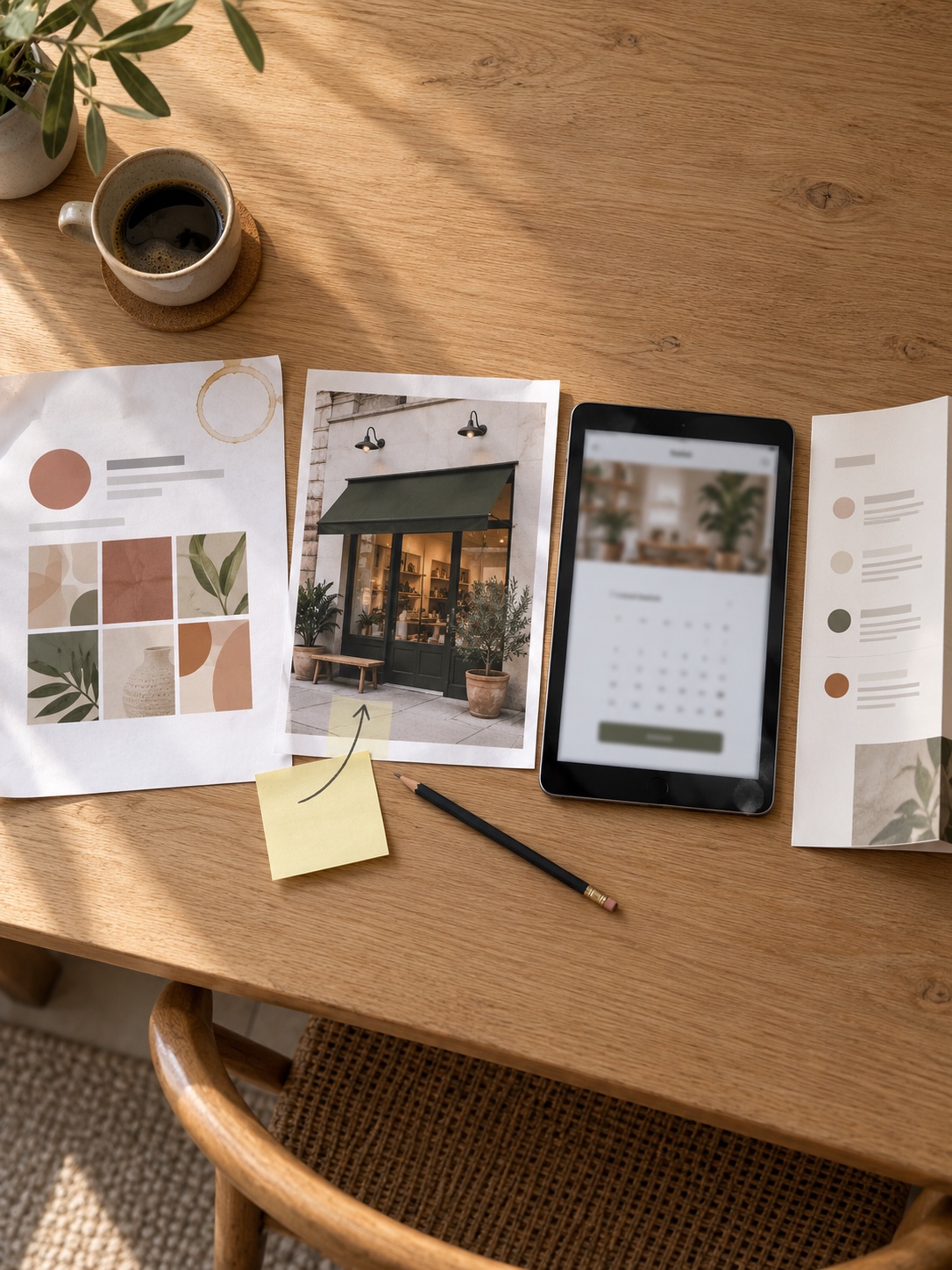
My own design work spans graphic, interior and web projects. The gaps I notice most often don’t sit inside any one discipline. They sit between them: a carefully designed menu that never reaches the booking page, or a new logo that didn’t make it onto the street sign. A business profile is where those gaps become public. For more on closing them, see our piece on brand consistency across signage and digital touchpoints.
Give key services their own website pages instead of squeezing everything onto one generic page. A bridal makeup page can explain the process, timing, trial appointments and service area in enough detail to answer real questions. Our guide to beauty website design shows how to structure those pages so they read as clearly as the salon looks.
Useful content supports discovery too. Aftercare advice, a guide to choosing a haircut, or an explanation of how a fitting works can all answer questions clients already have. Base it on your own expertise and update it when practices change. Clear authorship and practical detail are worth more than frequent, thin articles written only to attract search traffic.
When should you bring in technical help?
Most independent businesses can improve their profile themselves with a regular check-in and a simple content routine. Bring in technical help when you have a clearly defined problem, such as connecting systems or adding structured data to your website.
Local business schema is one example. It is markup that describes your business type, address and hours in a format machines can read. It can support your listing, but only if it matches the profile exactly. Use it to reinforce accurate information, not as a shortcut.
If you need to connect booking systems, analyze customer inquiries or build a custom AI feature, define the problem before looking for a developer. A useful guide to choosing the right AI expert can help clarify the skills and costs involved. Osdire is one freelance marketplace where buyers can compare specialists; its project payment is held while work is underway and released after approval.
What does a 20-minute monthly profile audit look like?
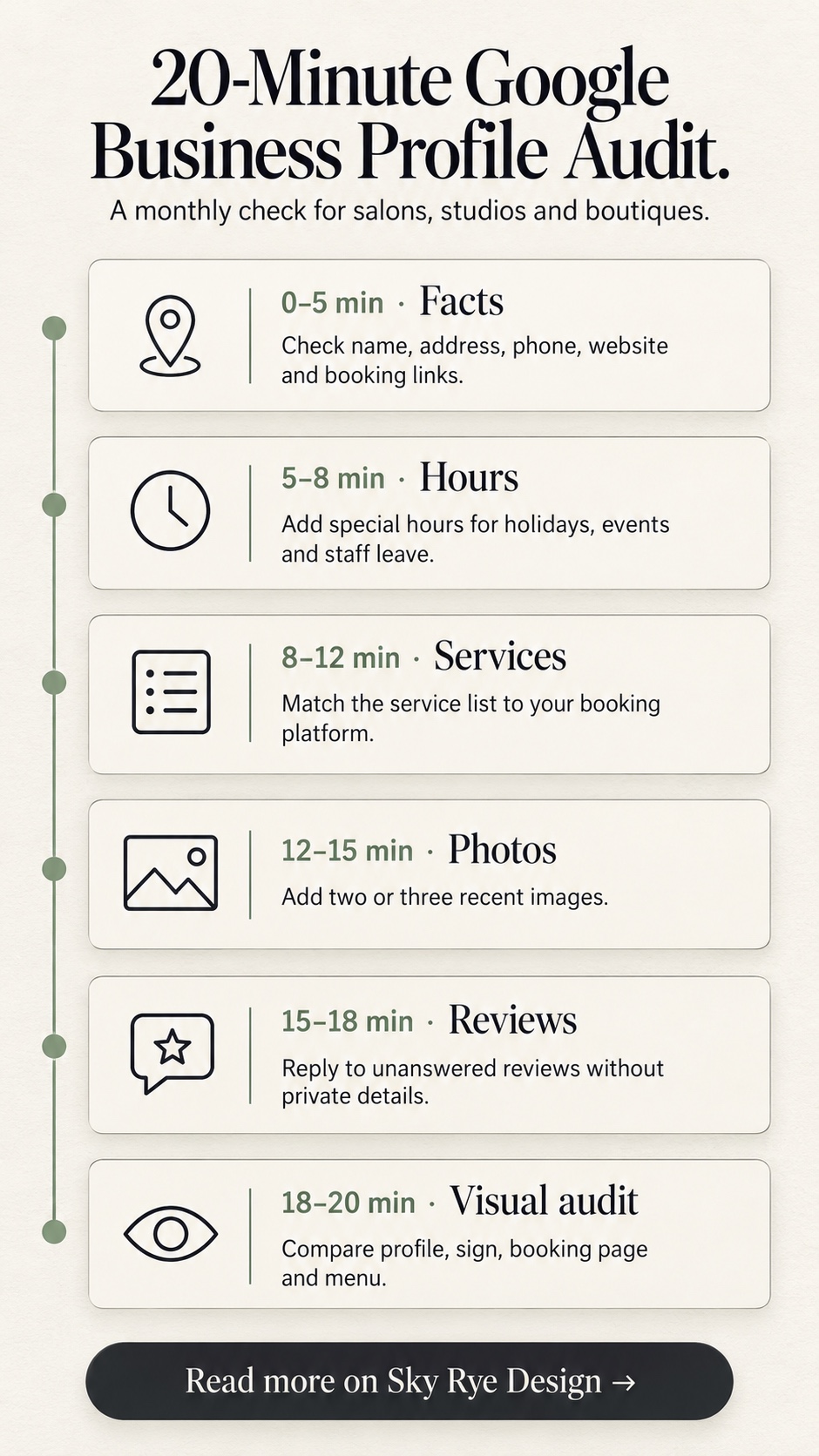
Once the profile is accurate, keeping it that way takes little time. A short monthly routine catches most problems before clients do:
- Minutes 0–5: Facts. Check name, address, phone number, website link and booking link. Click each link to confirm it works.
- Minutes 5–8: Hours. Add special hours for upcoming holidays, events or staff leave.
- Minutes 8–12: Services. Compare the service list with your booking platform. Add new services and remove retired ones.
- Minutes 12–15: Photos. Add two or three recent images, ideally current work or a seasonal change in the space.
- Minutes 15–18: Reviews. Reply to anything unanswered, keeping private details out of it.
- Minutes 18–20: Visual audit. Look across the profile, sign, booking page and menu for any mismatch.
For a beauty, fashion or lifestyle business, AI visibility can’t replace a memorable service or a well-run shop. Treat your profile as a practical welcome mat: accurate, specific, current and easy to act on. Clients get a better first impression, and search systems get a clearer account of what makes your business worth recommending.
Frequently asked questions
Do I need a special AI setting or file to appear in AI search?
No. Google Business Profile has no dedicated AI field. The practical foundation is accurate, complete and consistent business information, supported by a clear website and genuine reviews.
Should I add keywords to my business name?
No. Use the name customers see on your sign and receipts. Google’s guidelines ask businesses to use the name they’re known by offline, and padding it with keywords can create problems with your listing.
How many photos should a salon or boutique profile have?
There’s no set number to aim for. Cover the exterior, entrance, interior and a varied range of recent work. Then add a few new images each month or whenever something changes.
Can I reply to a review that mentions a client’s treatment?
Yes, but keep the reply general. Don’t confirm appointment details, treatments or health information in public. Acknowledge the concern and offer a private way to continue the conversation.
What if my business works from home or travels to clients?
Use a service area instead of a public address where that applies. Explain clearly in the description and on your booking page how appointments work and where you travel.
Is local business schema necessary?
It isn’t required, but it can reinforce your details on your website. It only helps if it matches your profile exactly. If you’re unsure how to add it, that’s a reasonable job to hand to a developer.
- 7shares
- Facebook0
- Pinterest7
- Twitter0
- Reddit0