A Minecraft diamond sword drawing works best when you treat it like pixel art first and a weapon sketch second. The shape is simple, but the grid has to feel intentional: a stepped cyan blade, a balanced crossguard, and a compact handle that still reads at a glance. If you can count squares and keep your pencil marks light, you can build a clean version without tracing.
Grid-based drawing becomes approachable when a familiar object is reduced to a small palette and clear silhouette. These easy pixel art ideas give beginners a concrete starting point before they invent their own characters and scenes.
This guide walks through the full process: planning the grid, blocking the Minecraft sword outline, choosing diamond colors, adding square highlights, and fixing the little symmetry mistakes that usually make the blade look bent. I also added notes under each image so you can see what the example is meant to teach before moving to the next step.
- Quick answer: how to draw a Minecraft diamond sword
- Understand the diamond sword shape
- Gather drawing materials
- Create a pixel grid
- Sketch the Minecraft sword outline
- Shade the diamond blade
- Refine and finish the drawing
- Practice variations after the first sword
- More helpful drawing guides
- FAQs about Minecraft diamond sword drawing
- What is the easiest way to start a Minecraft diamond sword drawing?
- How many grid squares should I use for a Minecraft sword drawing?
- Which colors work best for diamond sword pixel art?
- Can beginners draw a Minecraft sword without tracing?
- How do I make the sword look more like Minecraft?
- Should I draw the outline before or after coloring?

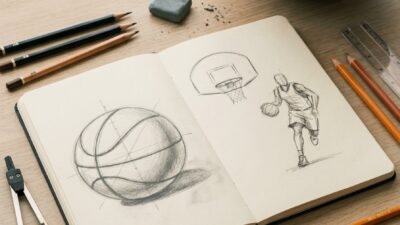
Use this first sketch as the quiet planning stage. Before the sword gets color, the notebook view helps you judge whether the blade angle, hilt width, and handle length feel balanced.
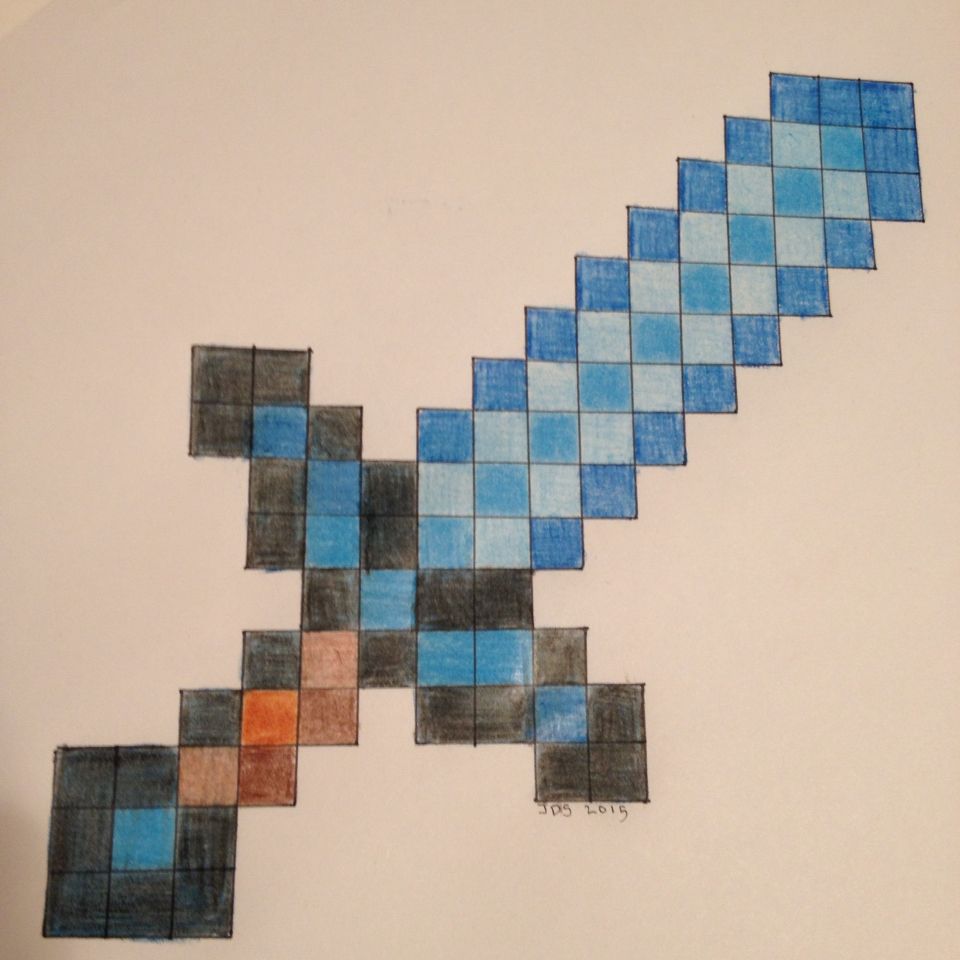
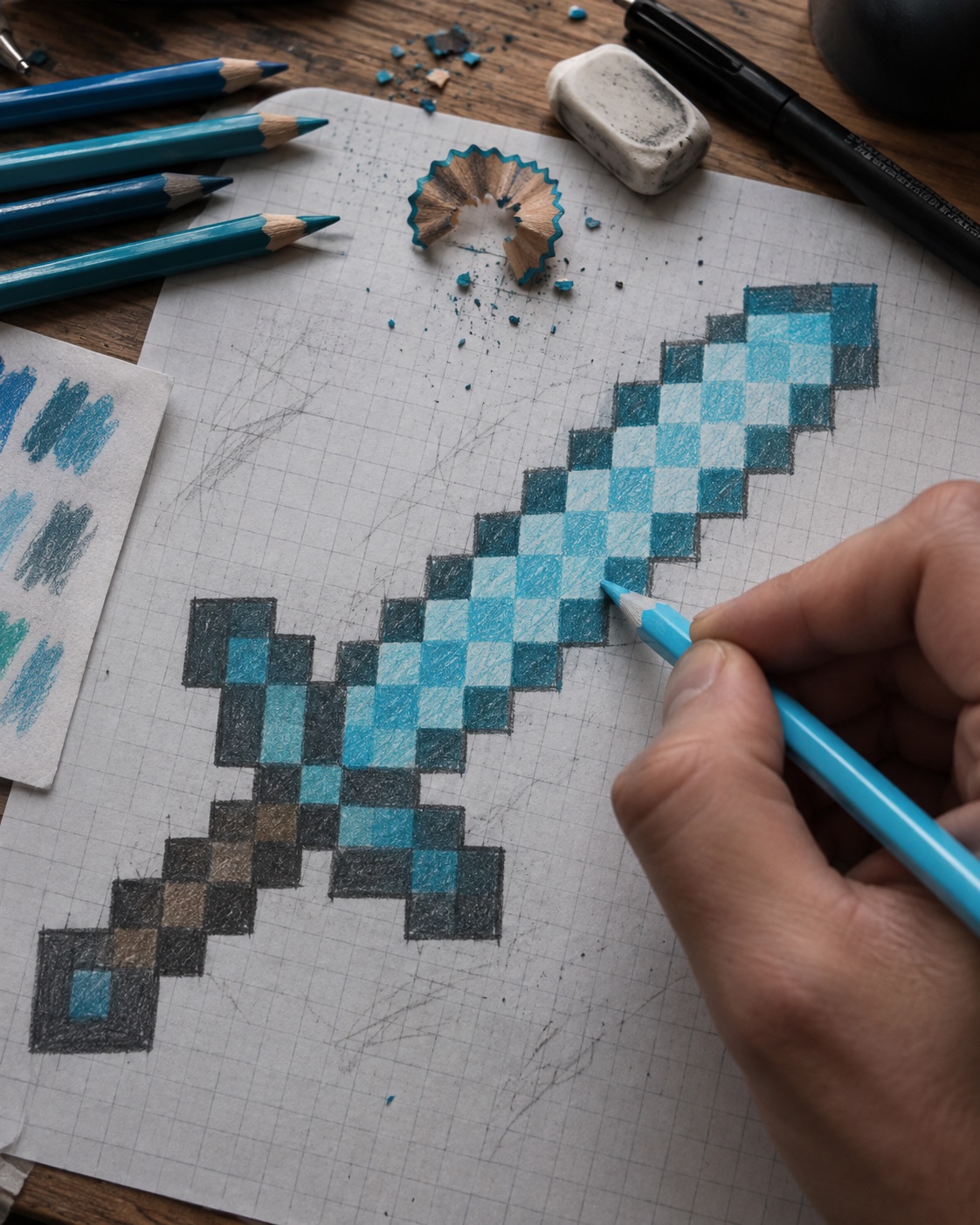
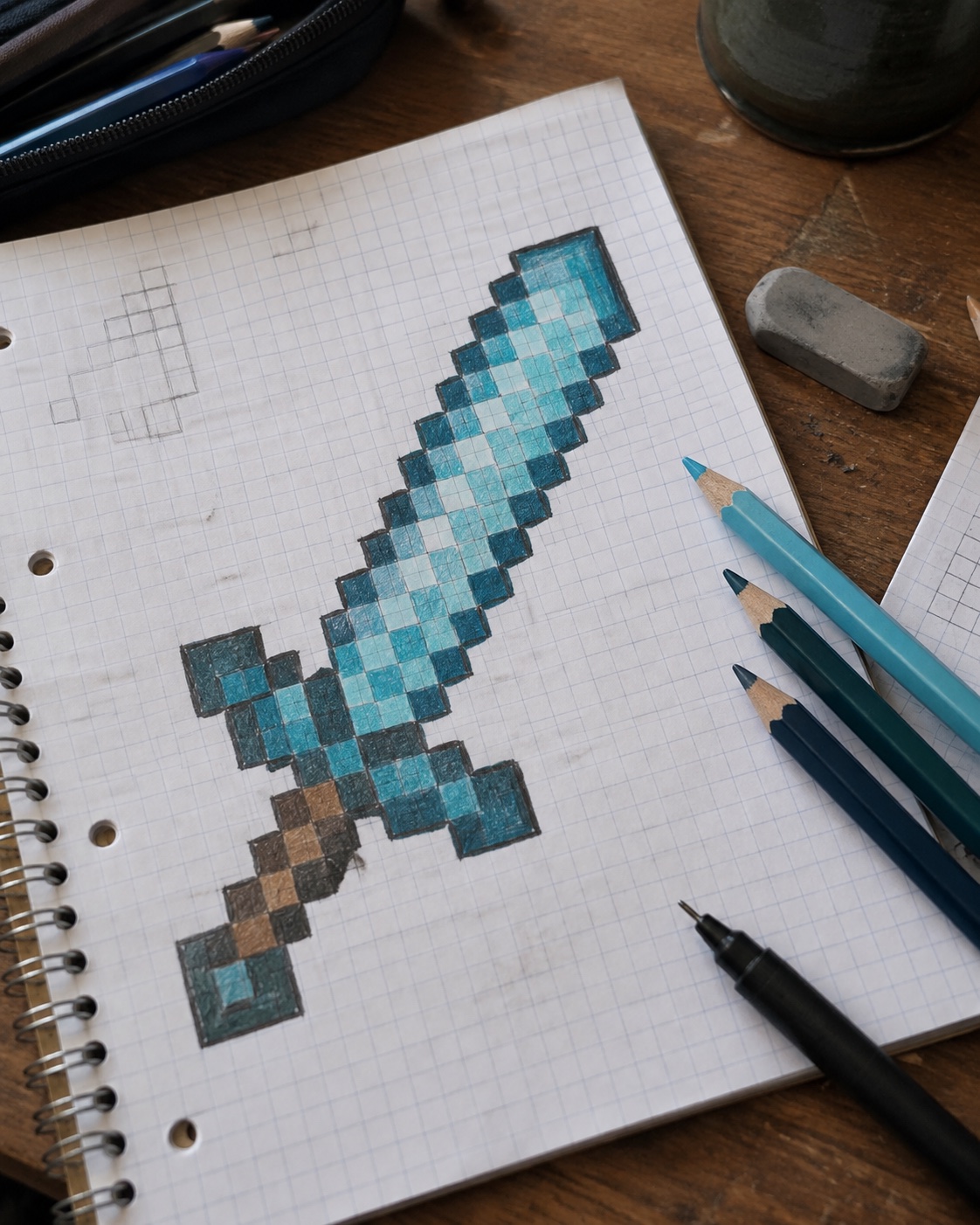
This finished pixel version shows the target: crisp stepped edges, a bright diamond-blue blade, and a dark outline that keeps the sword readable on a white background.
Quick answer: how to draw a Minecraft diamond sword
To draw a Minecraft diamond sword, start with a vertical grid, block in a stepped blade, center a short crossguard, add a small rectangular handle, then color the blade with dark cyan, mid blue, and pale turquoise highlights. Keep every edge square. A curved outline will make the drawing look like a fantasy sword instead of a Minecraft item.
- Draw or print a light 32-by-8 grid.
- Mark the center line so the sword does not drift sideways.
- Sketch the blade from the tip down, widening by square steps.
- Add the hilt, handle, and pommel as simple rectangles.
- Ink the outline only after the proportions look even.
- Color in hard pixel blocks, not soft gradients.
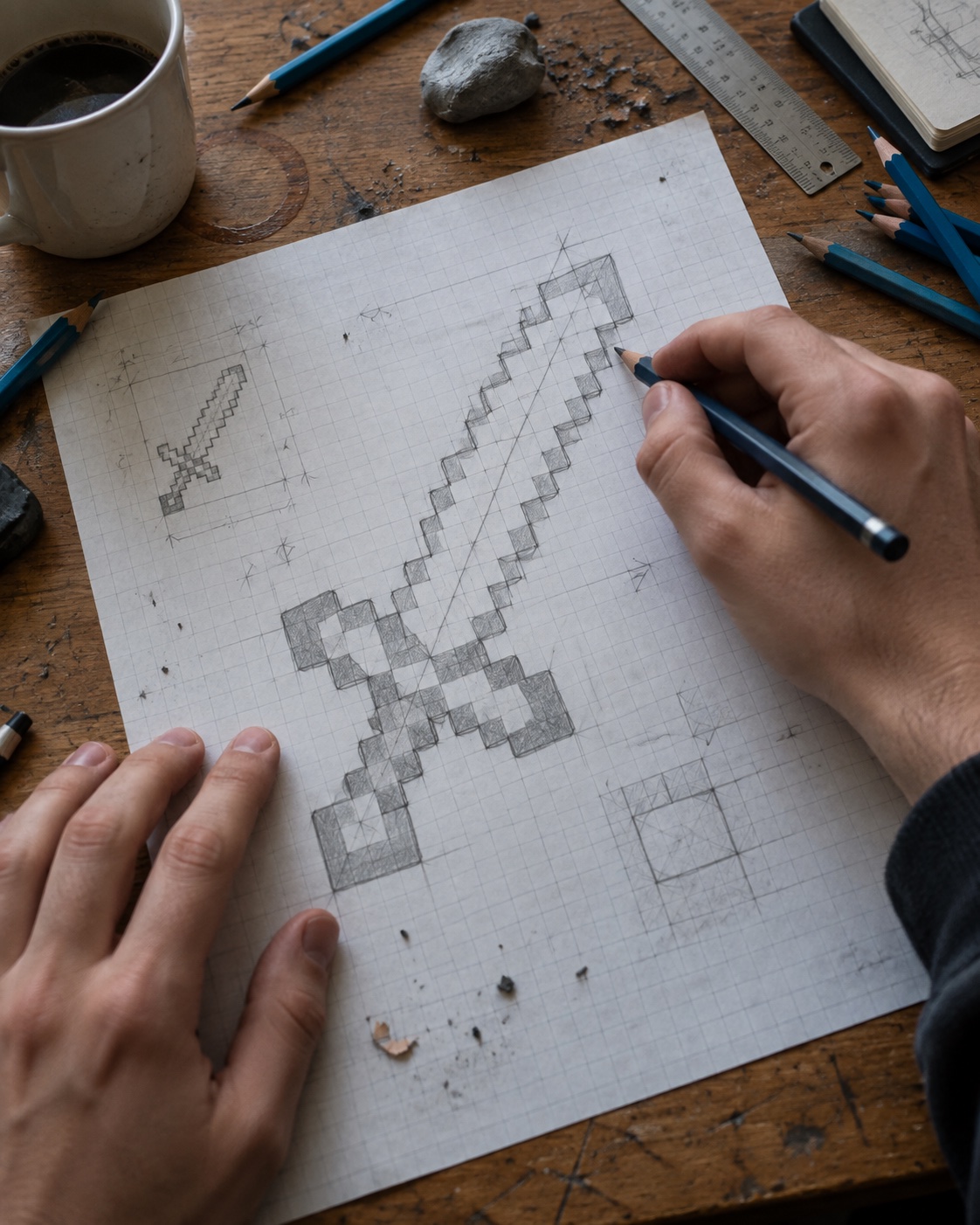
Understand the diamond sword shape
The diamond sword is a strong drawing subject because it has almost no curves. That makes it friendly for beginners, but it also means every crooked square shows. Think in three parts: the blade, the hilt, and the handle. If those three sections line up, the whole minecraft sword drawing looks clean before the color even starts.
Pixel art fundamentals
Pixel art depends on deliberate square placement. The Adobe pixel art guide explains the same basic idea: choose a grid, use a limited palette, and preserve hard edges. For this sword, that means no smudgy blending inside the blade.
Use a real sword reference lightly
The official Minecraft article on the sword item is useful if you want the drawing to stay recognizable. Use it for proportions and item context, then make your own fan-art drawing rather than copying official art directly.
Gather drawing materials
You do not need expensive supplies for a diamond sword drawing. The useful tools are the boring ones: graph paper, a pencil, a ruler, a black fineliner, an eraser, and a small group of blue-green colors. If you work digitally, a free sprite editor such as Piskel can help you test the pixel layout before you draw it on paper.
- Graph paper or a printed pixel grid
- HB pencil for light sketching
- Fine-tip black pen or marker for the final outline
- Colored pencils or markers in cyan, turquoise, pale blue, gray, brown, and black
- Eraser and ruler for clean square edges
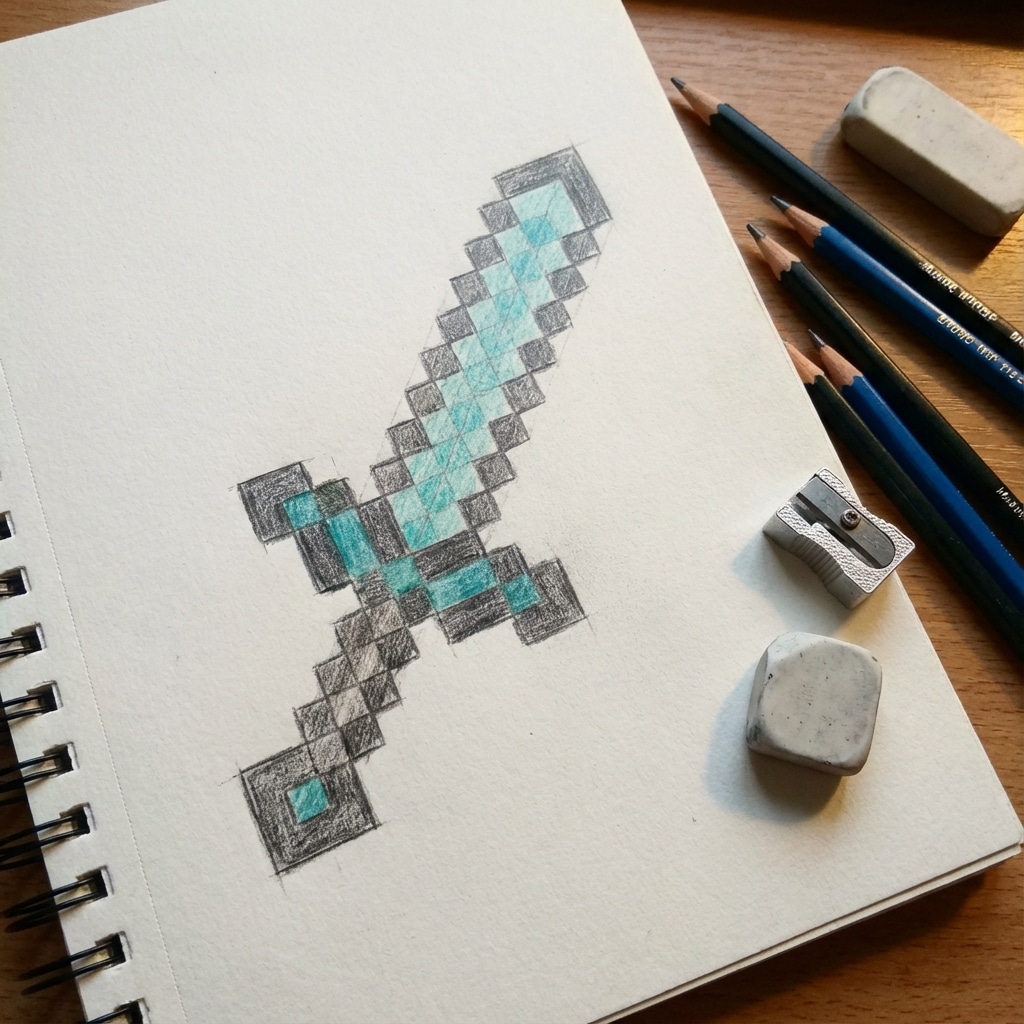
This materials shot is a reminder to keep the setup small. A pencil, ruler, and a few blue colors are enough for a clean minecraft diamond sword drawing.
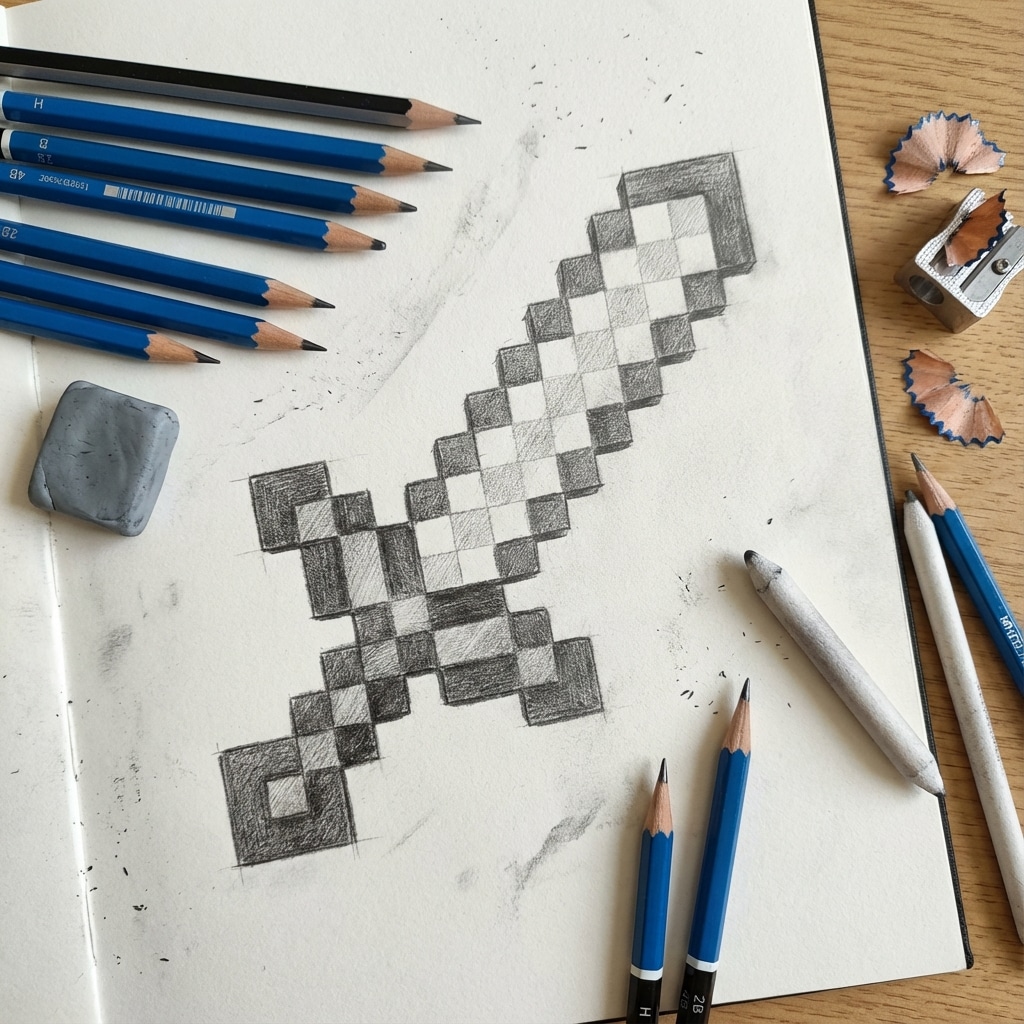
Here the outline is still loose, which is exactly right. Keep the sword pale at this stage so you can correct any square that lands one cell too far left or right.
Create a pixel grid
A grid keeps the sword honest. You can use graph paper, draw your own grid, or print a blank one. For a simple notebook version, use 32 squares tall by about 8 to 10 squares wide. For a larger poster, double each square and keep the same proportions.
If you want extra pixel-art practice after this sword, browse these pixel art ideas and notice how many designs start from a tiny readable silhouette. The same rule applies here: the sword should make sense even before shading.
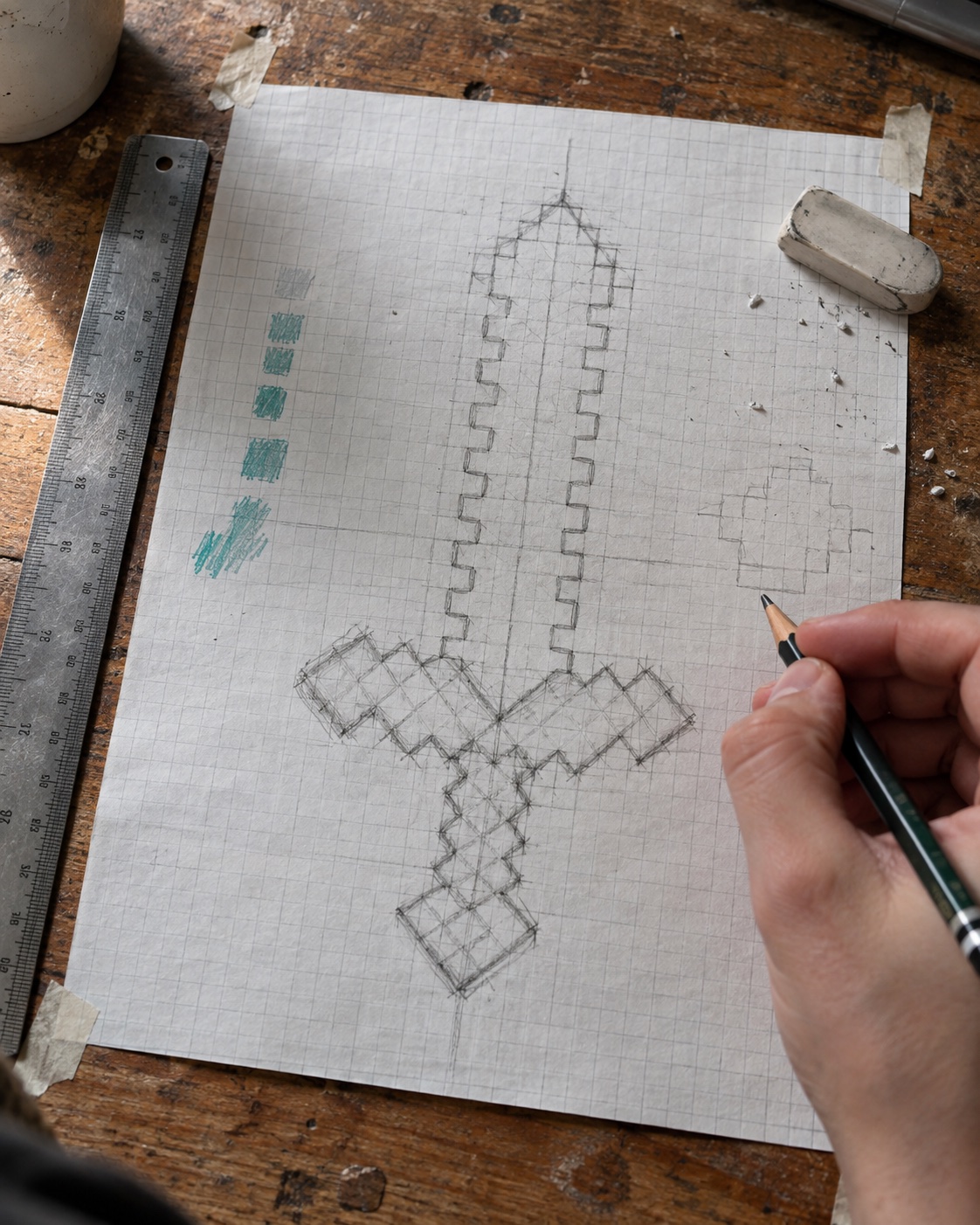
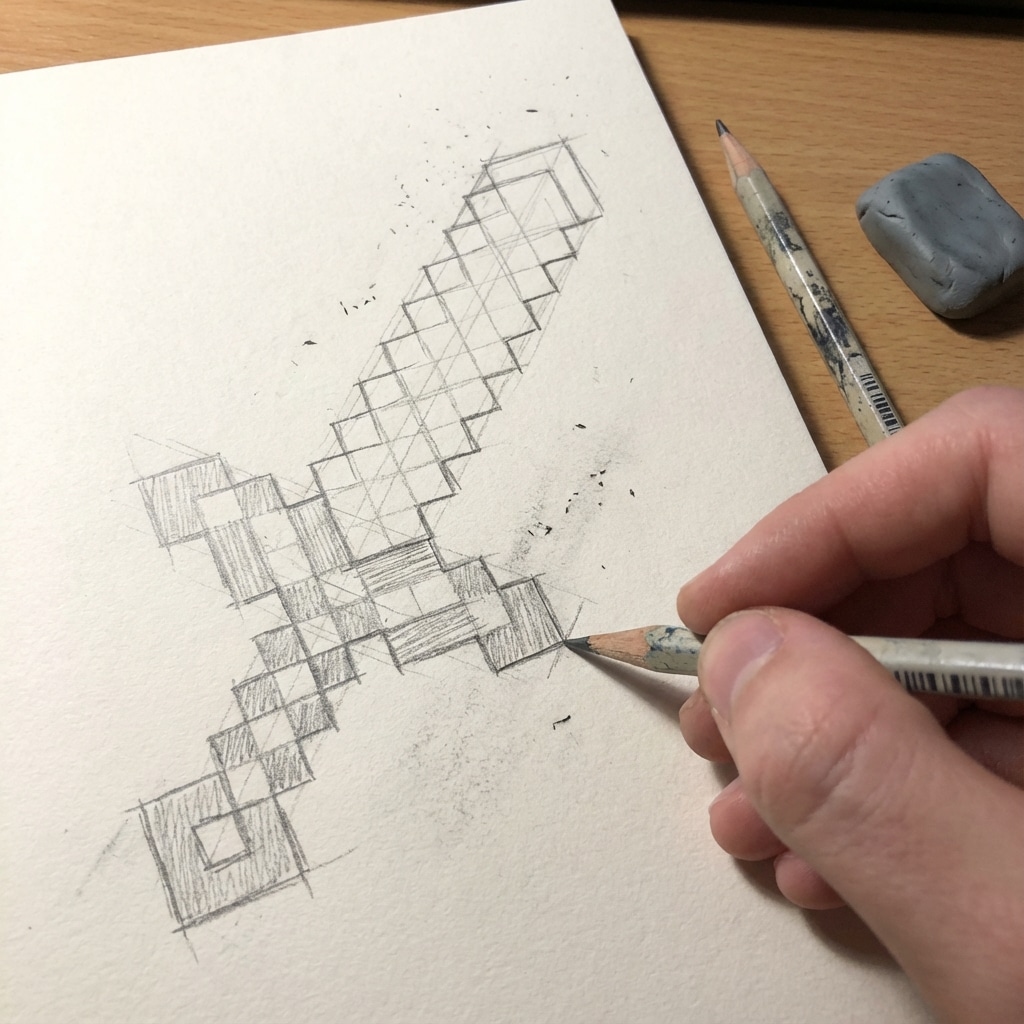
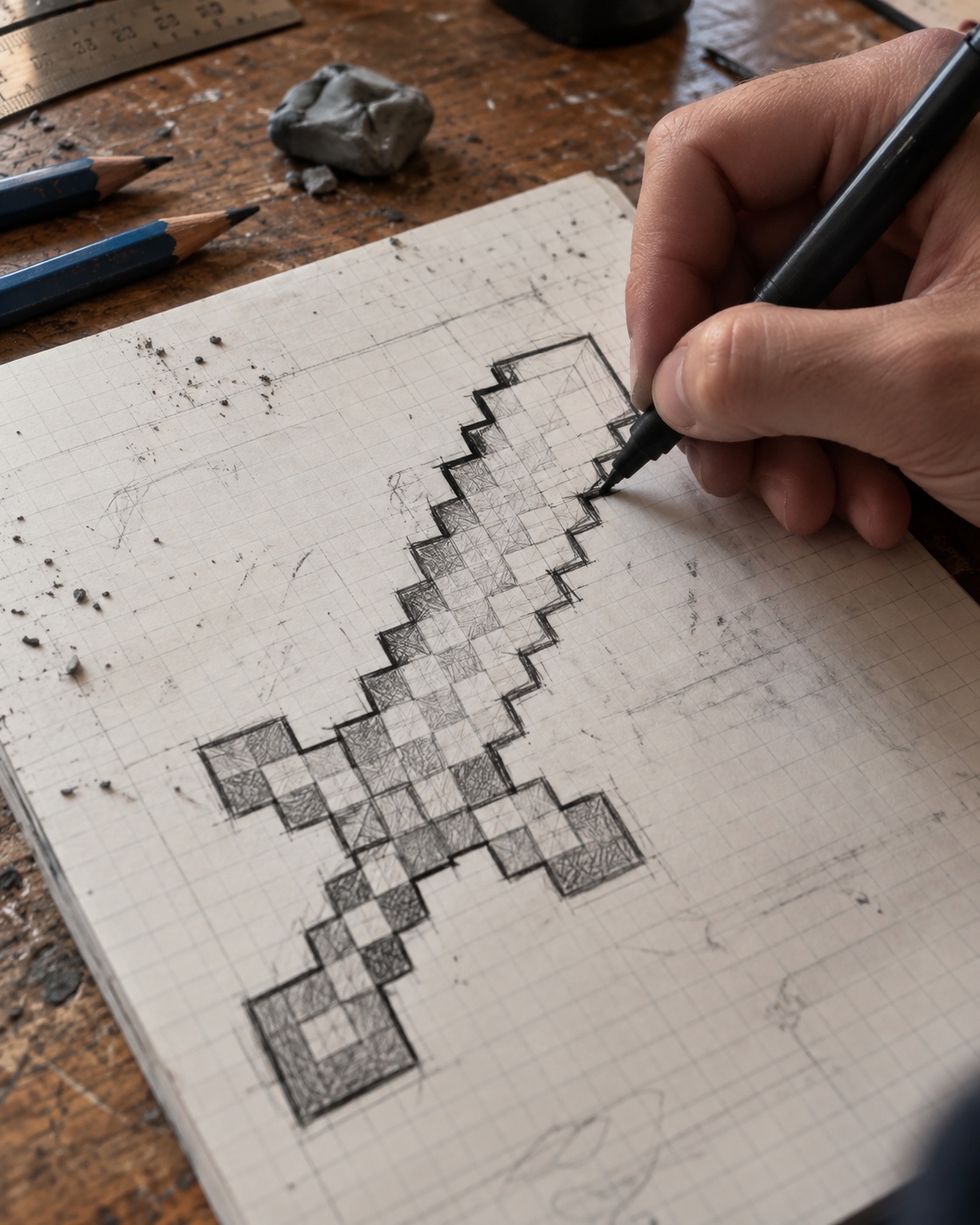
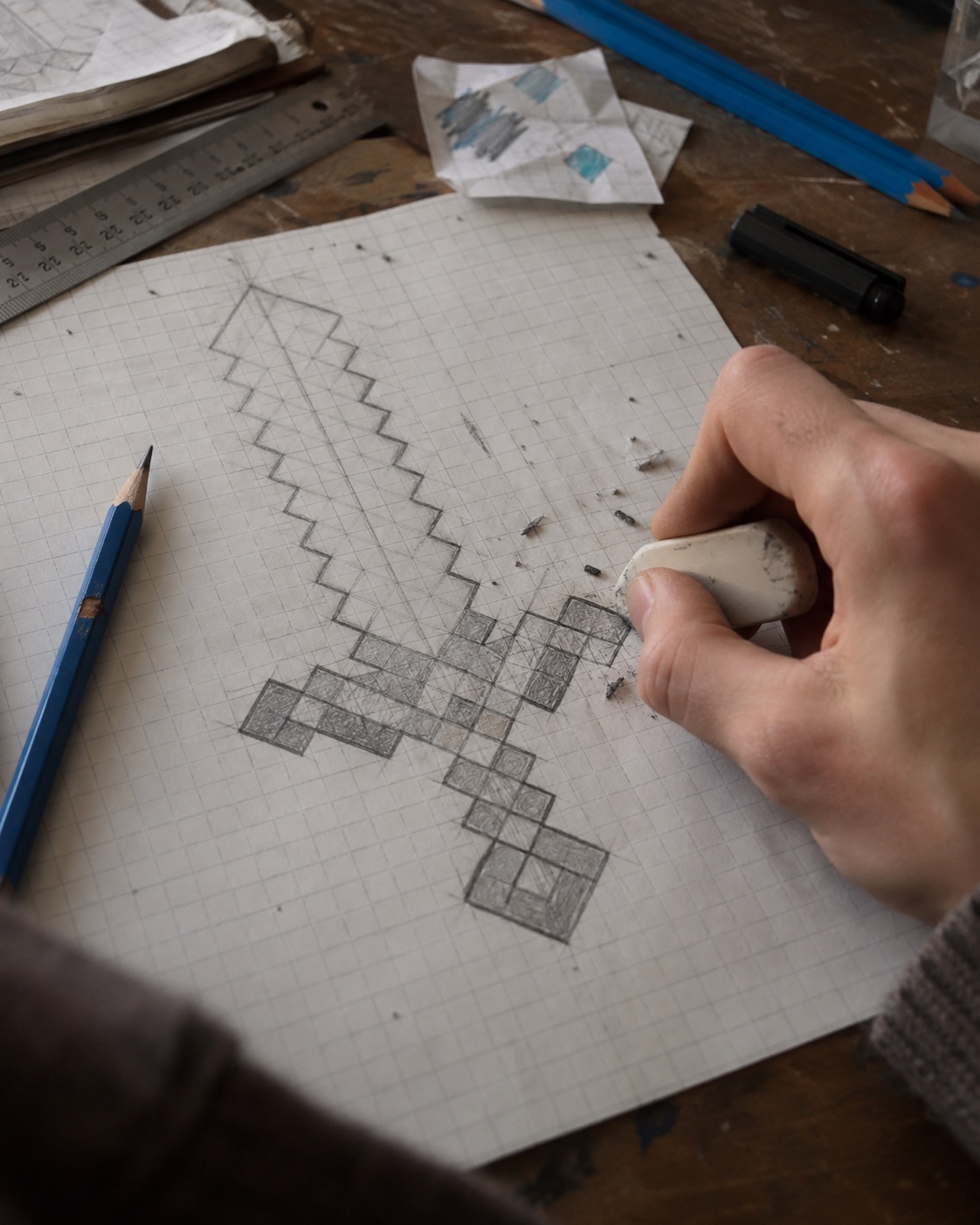
This example shows the drawing in progress on paper. The important move is counting squares first, then committing to the darker line once the blade feels centered.
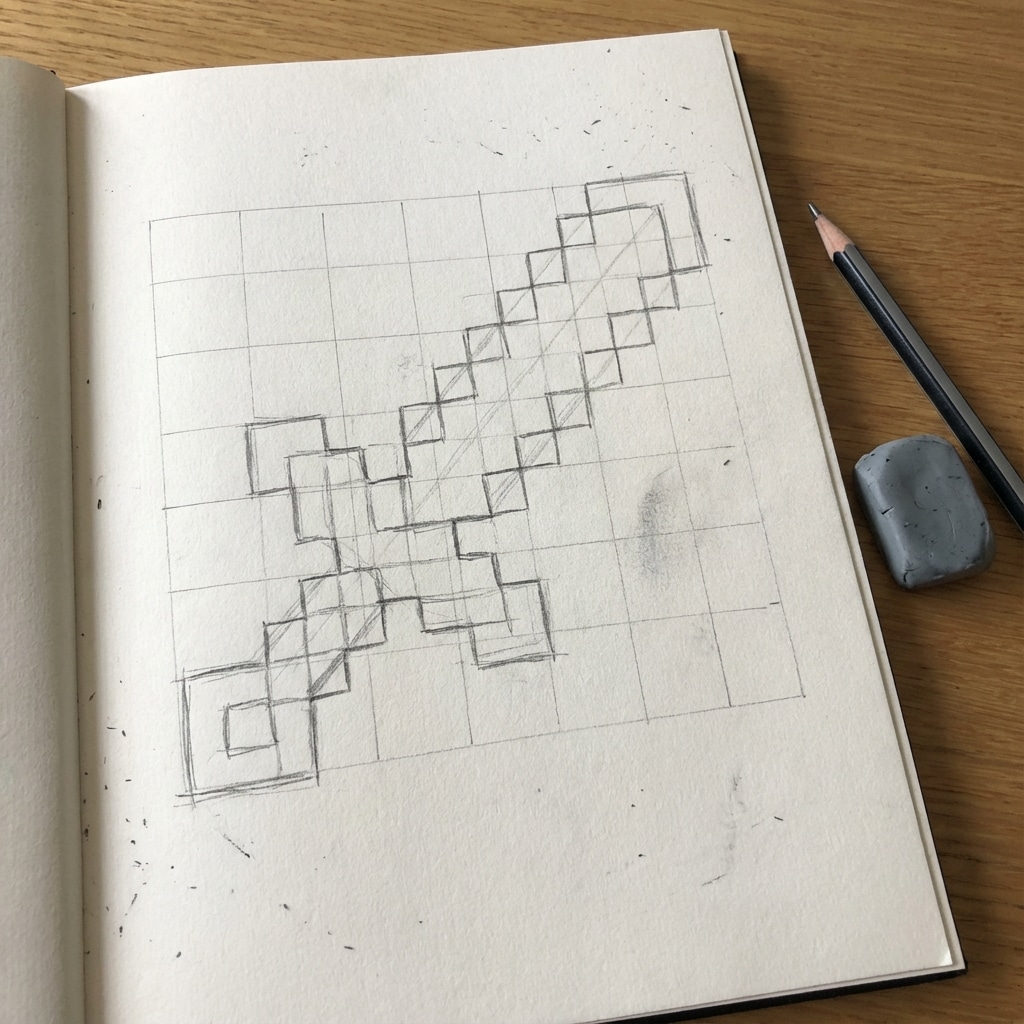
Graph paper makes the Minecraft shape much easier to control. The grid also helps beginners see why one missing square can change the whole blade angle.
Sketch the Minecraft sword outline
Start with the blade tip, then work downward. A common mistake is drawing the handle first and forcing the blade to fit above it. It is cleaner to give the blade its full height, then center the hilt and handle under it.
Map the blade pixels
- Begin at the top with a small stepped point.
- Widen the blade evenly on both sides of the center line.
- Keep the sides diagonal through stair-step squares, not smooth slanted lines.
- Narrow again near the hilt so the crossguard has room to read.
Draw the hilt and handle
The hilt should feel wider than the blade, but not huge. Make it a short horizontal block, then add a rectangular handle beneath it. If you want to compare the blocky weapon shape with a more traditional blade, this samurai sword drawing guide shows how much more the katana depends on curve, taper, and long proportions.
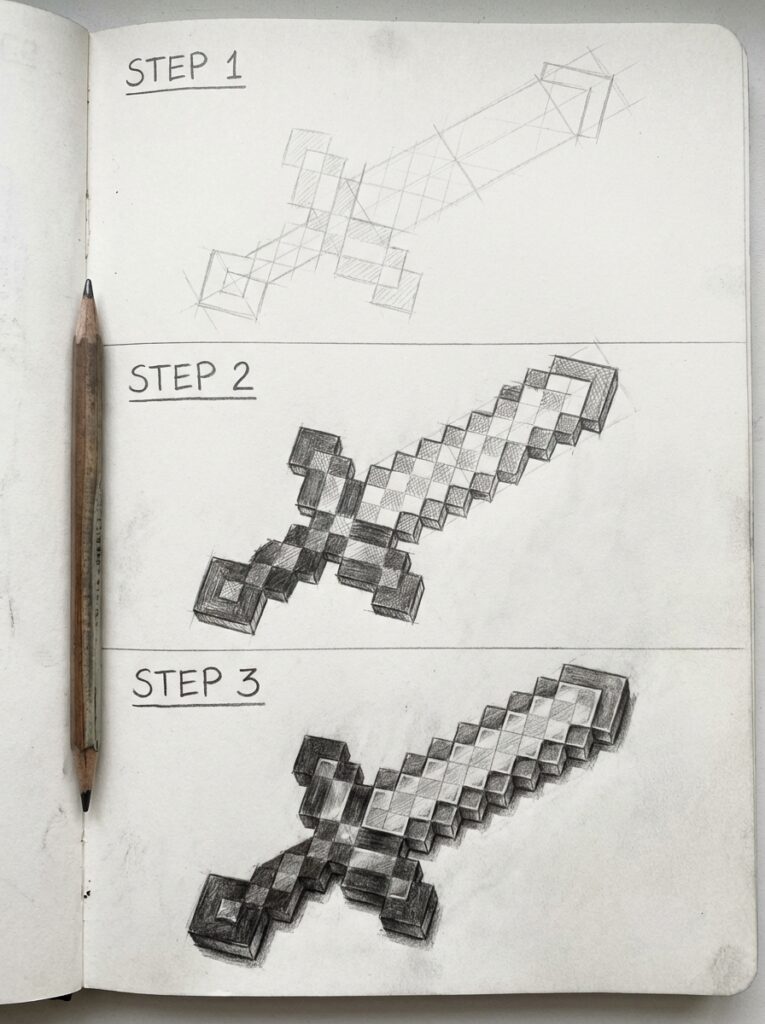
This step-by-step view is useful because it separates the first outline from the shaded version. Try to solve the silhouette before adding any color.
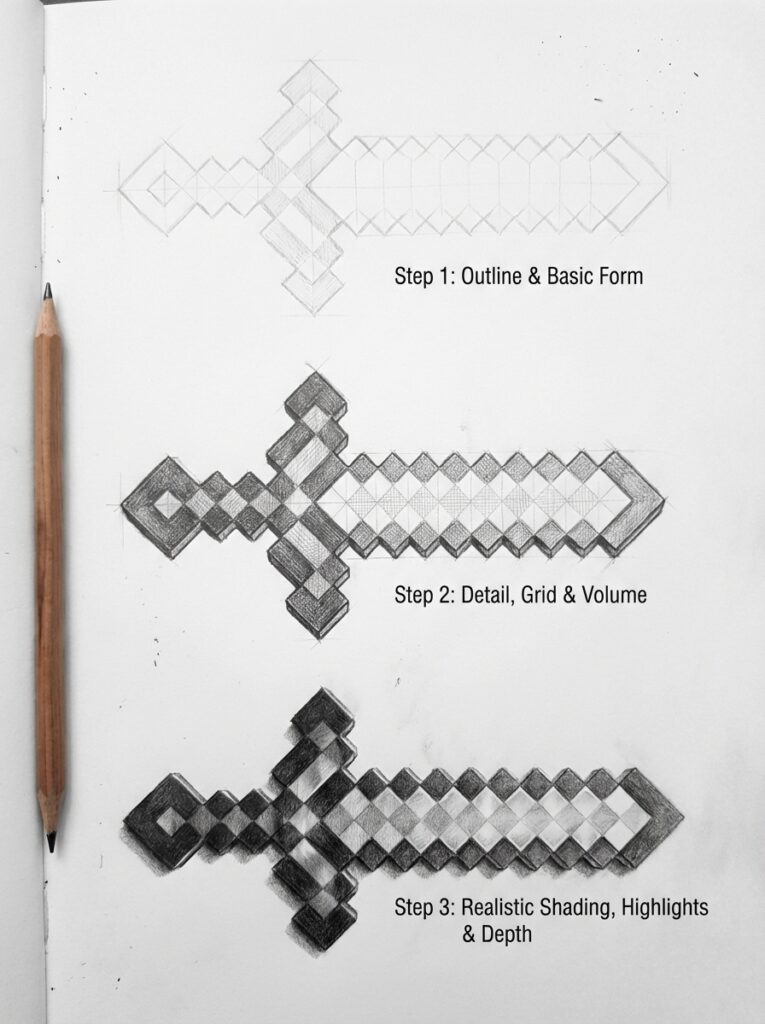
The second tutorial image shows how small shadow blocks can give the sword weight while still keeping the graphic Minecraft look.
Shade the diamond blade
Shading is where the sword starts to look like diamond instead of a flat blue sign. Choose one dark cyan for the lower edge, one mid blue for the main blade, and one pale turquoise for highlights. Keep each color inside square chunks. If the blending gets too smooth, the drawing loses the pixel-art feeling.
For more help with general value control, use these practical drawing hacks as checkpoints: squint at the silhouette, separate light and dark areas early, and clean the outline before final details.
Choose a limited palette
A diamond sword pixel art palette only needs five or six colors. Too many blues make the blade muddy. If you want more palette practice, Lospec pixel art tutorials are helpful for learning how small color sets can still look rich.
Place highlights and shadows
- Put the brightest squares along one upper blade edge.
- Use mid-tone cyan through the blade center.
- Darken the opposite edge and the pixels close to the hilt.
- Keep the black outline narrow so it supports the color instead of swallowing it.
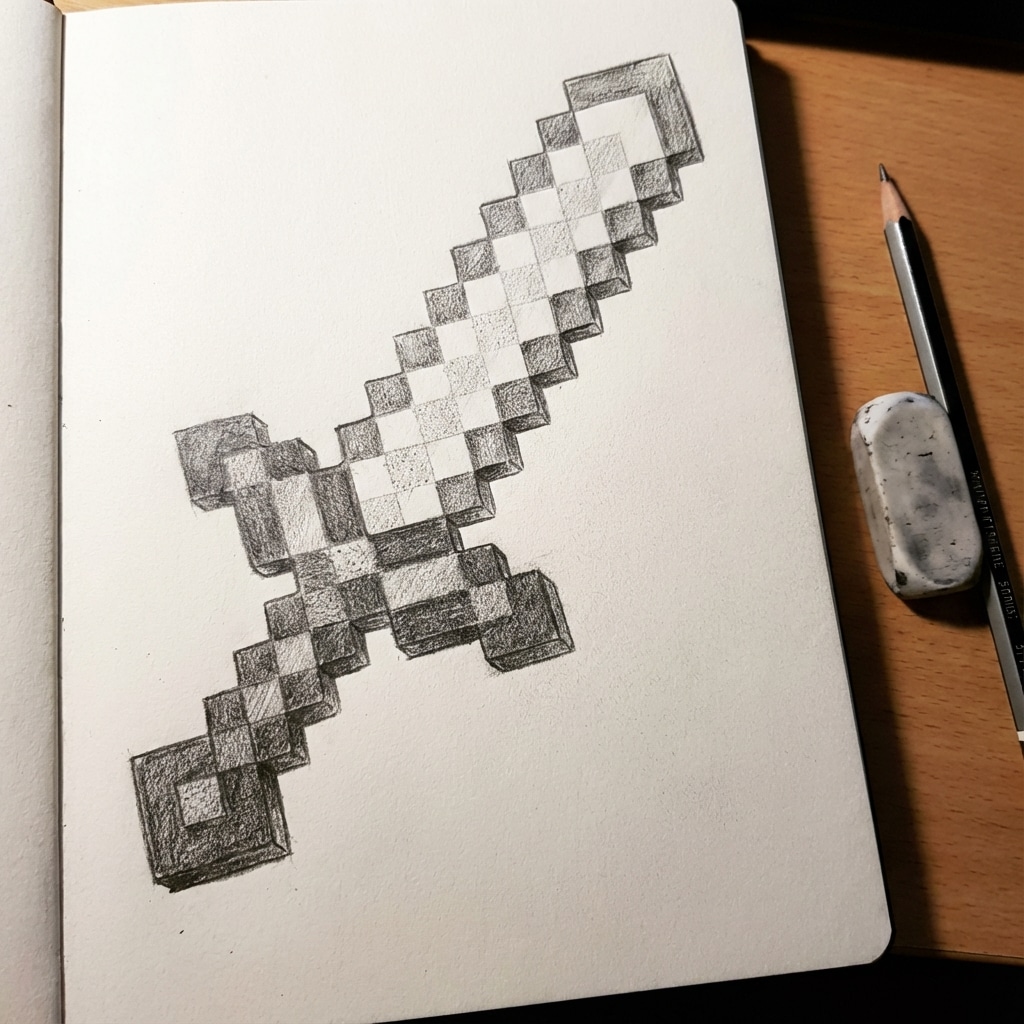
This sketchbook version is good for checking whether the shaded blade still reads clearly without a digital grid. The sword should look blocky even in pencil.
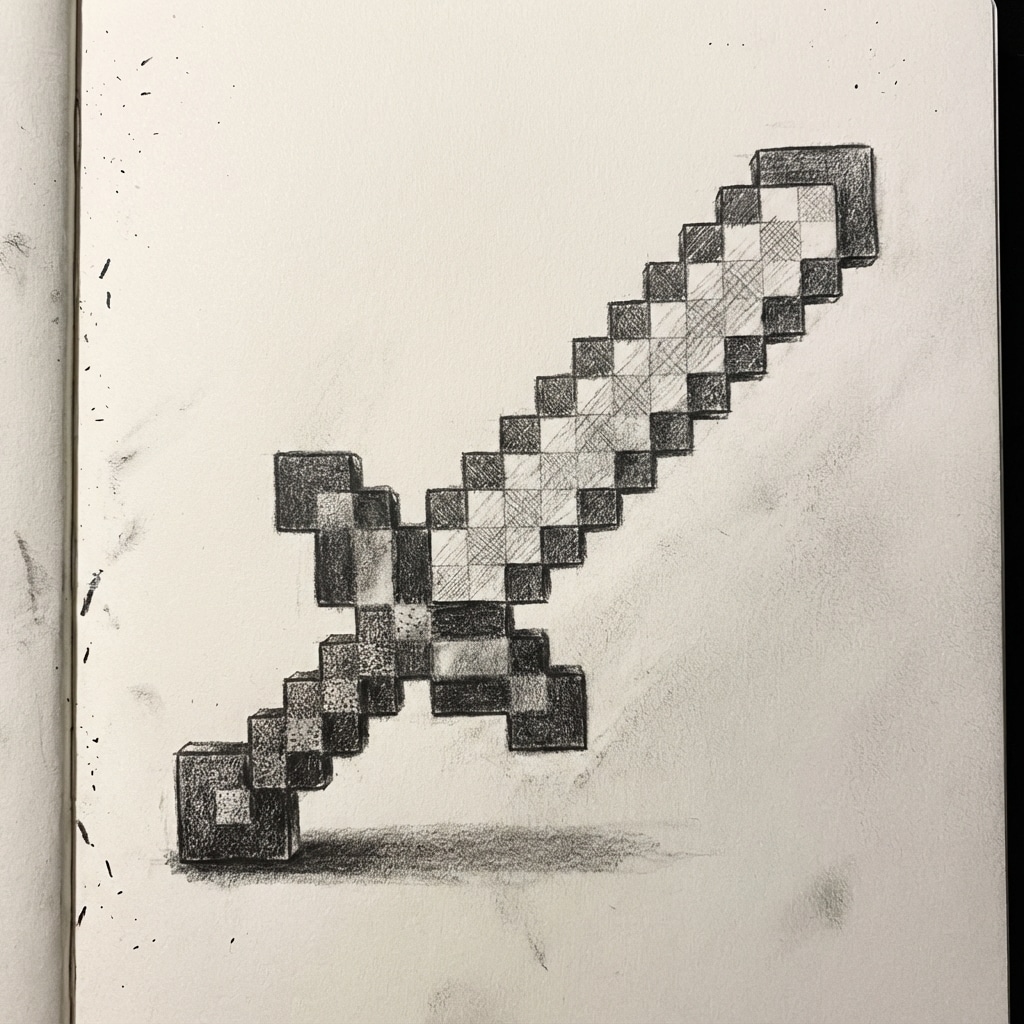
The darker pencil study shows a more finished value pass. Notice how the shadow stays in hard sections rather than soft gradients.
Refine and finish the drawing
Before you ink, step back from the page. If the blade leans, the hilt looks uneven, or the handle is too long, fix it now. Ink makes a pixel drawing feel crisp, but it also makes mistakes harder to hide.
For a more imaginative sketchbook session, pair this sword with fantasy drawing ideas: a potion bottle, a small shield, a cave door, or a tiny inventory icon. A simple object cluster turns one practice drawing into a fuller page.
Ink the outline
Trace the outer edge with a fine black pen. Let the ink dry, then erase pencil marks gently. If the paper starts to roughen, stop erasing and clean only the most visible construction lines.
Fix common mistakes
- If the blade looks curved, square off the diagonal steps.
- If the handle looks too thin, add one square of width on each side.
- If the colors look flat, add one pale highlight and one dark corner shadow.
- If the outline feels heavy, brighten the blade interior so the black edge has contrast.
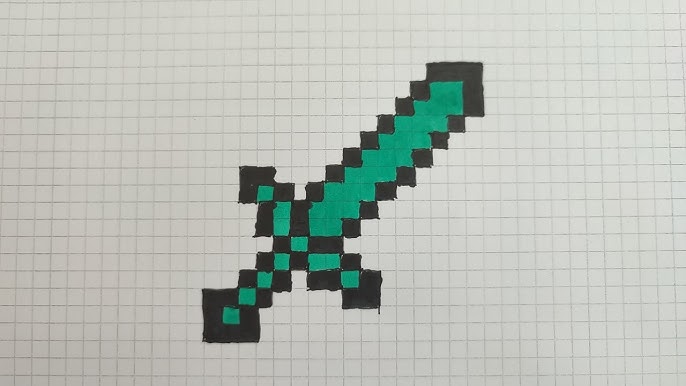
This green variation is useful as a color test. Once you understand the outline, you can swap diamond colors for emerald, iron, gold, or a custom fantasy palette.
Practice variations after the first sword
Once your first sword is finished, repeat the same structure with a different purpose. Make a tiny icon version, a bigger poster version, a shaded pencil version, and a clean digital sprite. Repetition helps you learn which details matter and which ones only clutter the design.
If you want to move from flat game objects into physical making, this guide to Minecraft projects is a natural next step. The same grid thinking that makes the drawing readable can help when you turn blocky shapes into models.
Digital and fan-art note
Minecraft is owned by Mojang and Microsoft, so keep this as fan-art practice unless you have checked the current Minecraft Usage Guidelines. The safest creative habit is simple: draw your own version, do not use official logos, and avoid making the page look official.
For custom item inspiration, Microsoft Learn has a Minecraft Creator tutorial on the Item Wizard. It is not needed for this drawing, but it helps explain why a clean sword silhouette matters in game-style design.
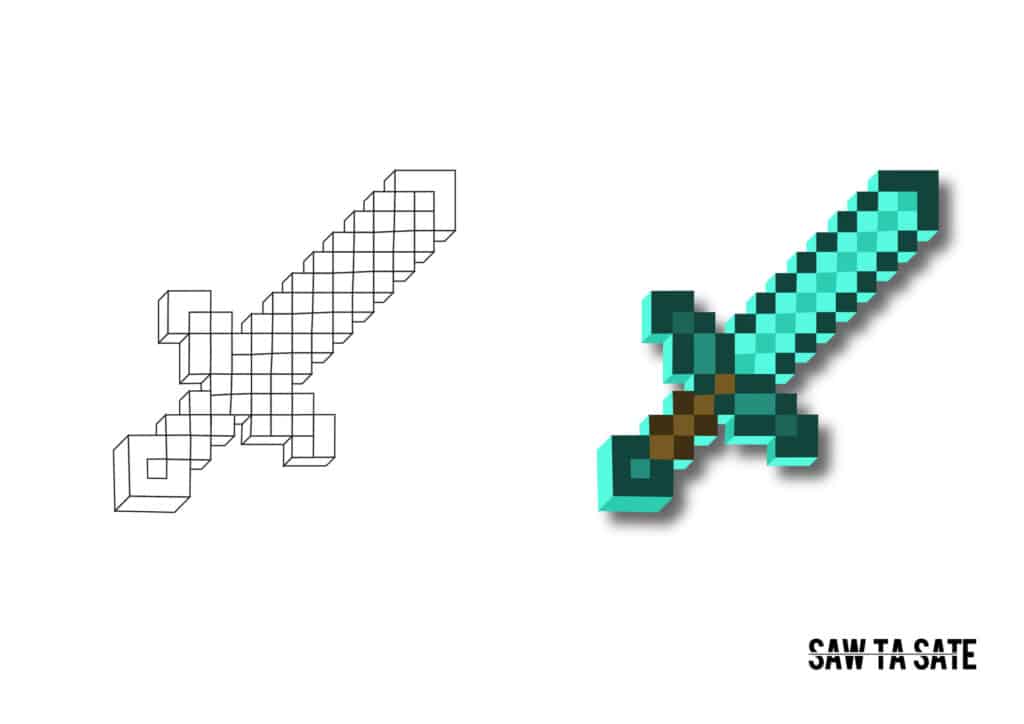
The comparison image is the best final check: outline on one side, color on the other. If both versions are readable, your Minecraft sword outline is strong enough to survive color changes.
More helpful drawing guides
Use these only after the main sword is finished, so the practice stays focused. For clean lines and tools, colored pencil ideas can help with control. For a different game silhouette, move to a game character drawing. For harder surfaces, this texture drawing guide helps with metal, stone, and shine.
For item facts and visual context, the community-maintained Minecraft Wiki sword page is useful. Use references as a check, not as something to copy square for square.
FAQs about Minecraft diamond sword drawing
What is the easiest way to start a Minecraft diamond sword drawing?
Start with graph paper or a 32-by-8 guide grid. Mark a center line, sketch the diamond blade in light pencil, then add the hilt and handle before you color anything.
How many grid squares should I use for a Minecraft sword drawing?
A simple school-paper version works well at about 32 squares tall and 8 to 10 squares wide. You can double the grid if you want a poster-size drawing.
Which colors work best for diamond sword pixel art?
Use a dark outline, two or three cyan or turquoise blade tones, a pale highlight, and brown or gray handle colors. Keep color changes in square blocks so the pixel style stays clean.
Can beginners draw a Minecraft sword without tracing?
Yes. The grid does most of the hard work. Count squares, build the outline first, and check symmetry before inking. Tracing is optional, not required.
How do I make the sword look more like Minecraft?
Keep the edges stepped instead of smooth, avoid curved blade lines, and place highlights as square chunks. The blocky silhouette matters more than tiny details.
Should I draw the outline before or after coloring?
Sketch the outline first, color second, and ink last. This order lets you fix grid mistakes before the drawing becomes too dark to erase.
- 427shares
- Facebook0
- Pinterest427
- Twitter0
- Reddit0