A potential client might first see your work as a two-line summary in an AI answer, or as one image detached from the page that explained it. Generative engine optimization for artists is the practice of making work understandable in those fragments. In practice that comes down to clear project context, images paired with accurate text, and a visual identity that still reads at thumbnail size.
None of it requires writing more. It requires better editing, and most of that editing uses skills you already have: cropping, hierarchy, sequencing. These are the same decisions that determine whether a portfolio holds up once it gets pulled apart.
- What generative engine optimization for artists actually means
- Make every project understandable out of context
- Design a visual identity that survives smaller surfaces
- Build project pages that people and search systems can parse
- Comparison: what each element does
- A 20-minute visual GEO audit
- When outside help changes the result
- FAQ
- The takeaway

What generative engine optimization for artists actually means
For an independent artist or small studio, GEO means preparing your site so that systems summarizing the web can describe your work accurately, and so that people arriving from those summaries recognize what they find. Most of the work is ordinary search optimization combined with careful visual editing.
Google says this plainly. Its guidance on AI features in Search states that no special AI markup or AI-specific file is required and that normal SEO fundamentals still apply. It also advises keeping important content in text, supporting pages with high-quality images and video, and making sure structured data matches what visitors can see.
What has changed is the first encounter. Traditional search handed people a list of links. AI-enabled tools may summarize, suggest next steps or combine details from several sources. A client could read a sentence about your studio before seeing any of your images.
Browsers are heading the same way. The debate over whether ChatGPT Atlas and Comet can challenge Chrome is also a debate about how people move through information and what they notice along the way. This look at Atlas, Comet, and Chrome offers useful context on how these interfaces could affect online discovery.
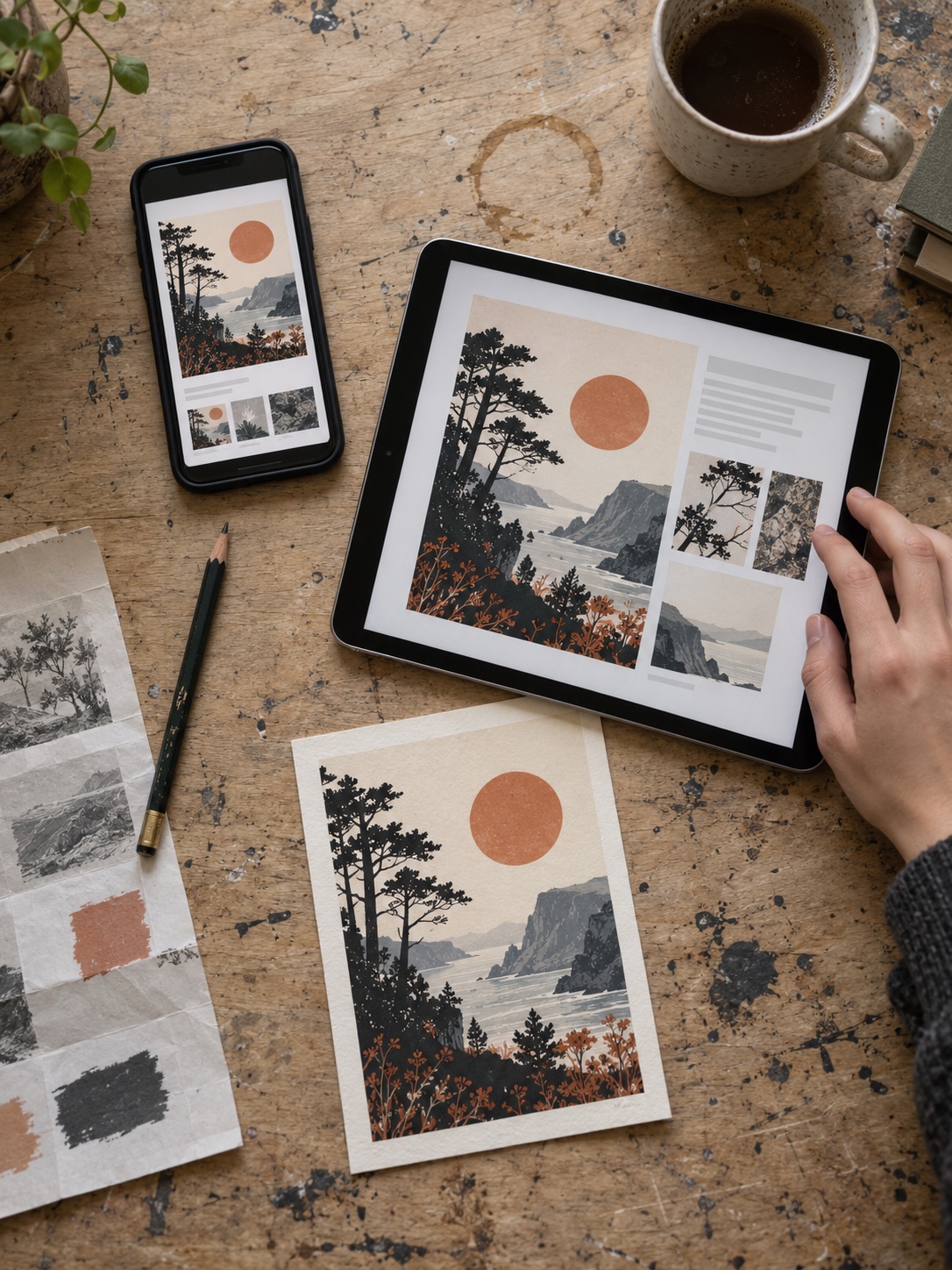
So design for several entry points. A visitor might land on your homepage, a case study, a shared image or a generated summary. Wherever they arrive, the basics should already be there.
Make every project understandable out of context
Every project should be identifiable from its own page: a plain title, a short brief, the medium or process, the audience, the outcome, and images placed next to the text that explains them.
Art can live on ambiguity. A portfolio still needs orientation. Someone can enjoy the mystery in a painting and still want to know what it’s made of or who commissioned it. A short description opens the work up. It doesn’t explain it away.
Use a title that names the work
A project title should say what the thing is. “Rye & Salt bakery identity” tells a stranger far more than “Warmth.”
If a series needs a poetic name, keep it, and add a descriptor directly below: “Undertow, a series of large-format monotypes on paper.” My rule is simple. If the title would mean nothing in a list of search results, give it a descriptor.
Write a compact brief in four lines
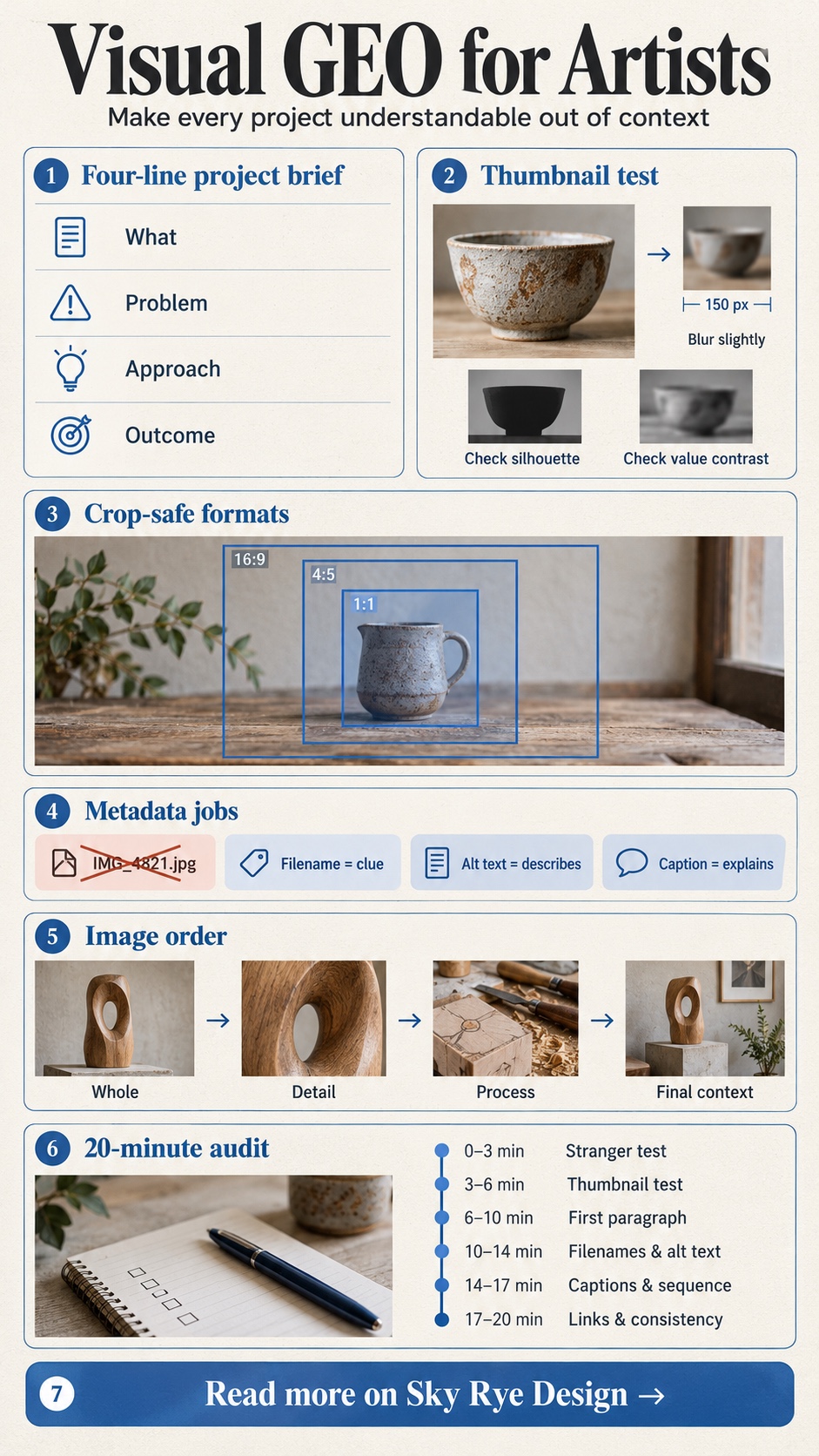
Four short lines usually cover it:
- What it is and who it was for. Client, audience or exhibition.
- The problem or question. What had to change, or what you were investigating.
- The approach. Medium, process and the key visual decision.
- The outcome. What was delivered or exhibited, stated plainly.
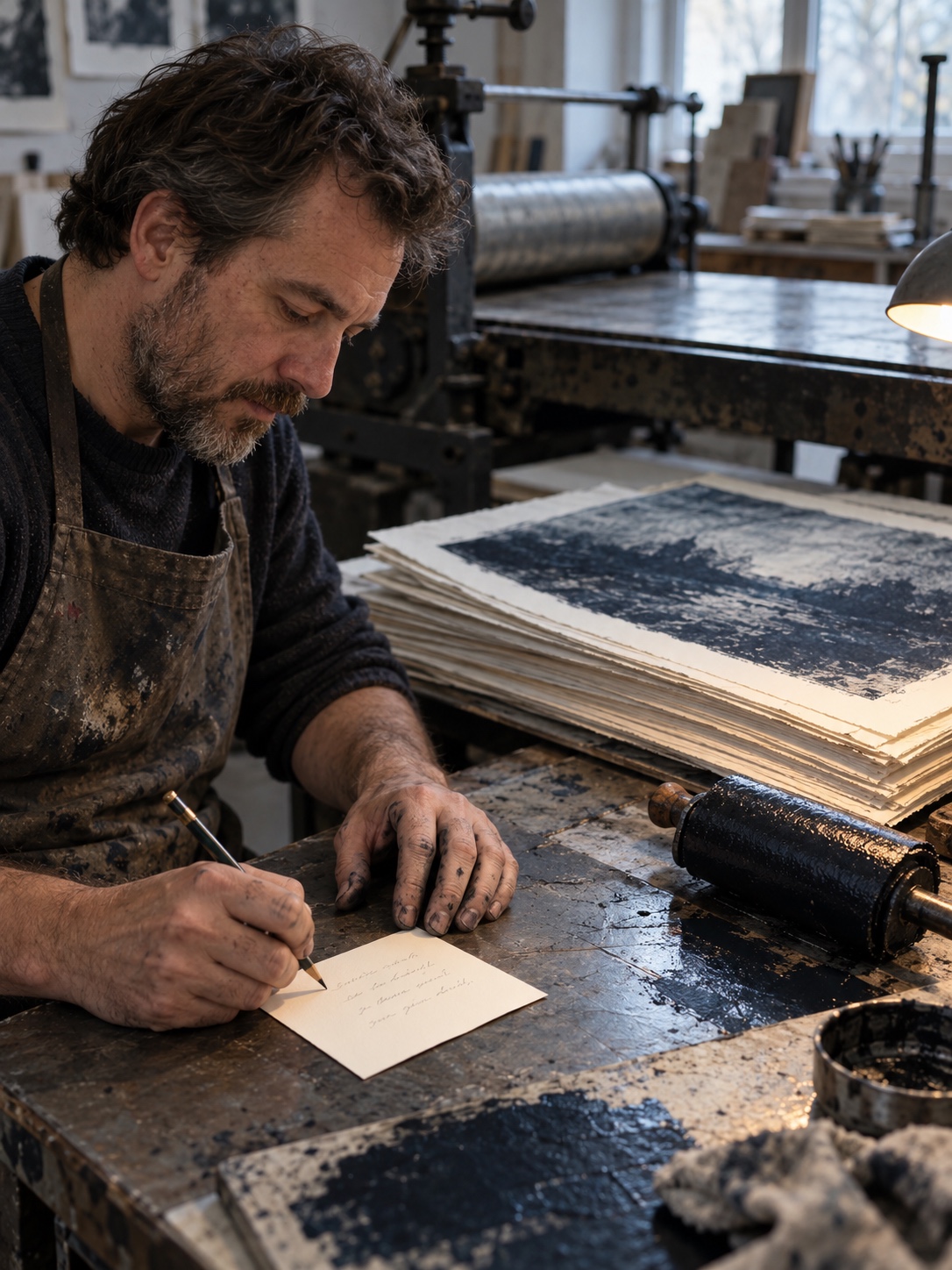
Independent artists will often lean on materials and the question behind a series. Studios can tie a visual choice to a business or community need, such as why a typeface had to work on both packaging and signage.
Cut the adjectives. “Innovative,” “beautiful” and “one of a kind” tell a reader nothing they can check. If an outcome can’t be measured, describe what exists: the deliverables, the formats, where the work lives now.
For a sense of how other designers balance image and explanation, see our roundup of graphic design portfolio examples.
Keep each image close to its explanation
An image shouldn’t sit more than a short scroll from the words that describe it. That’s good for readers, and it’s backed by Google’s image SEO guidance, which recommends placing images near relevant text because the surrounding page helps Google understand them.
Design a visual identity that survives smaller surfaces
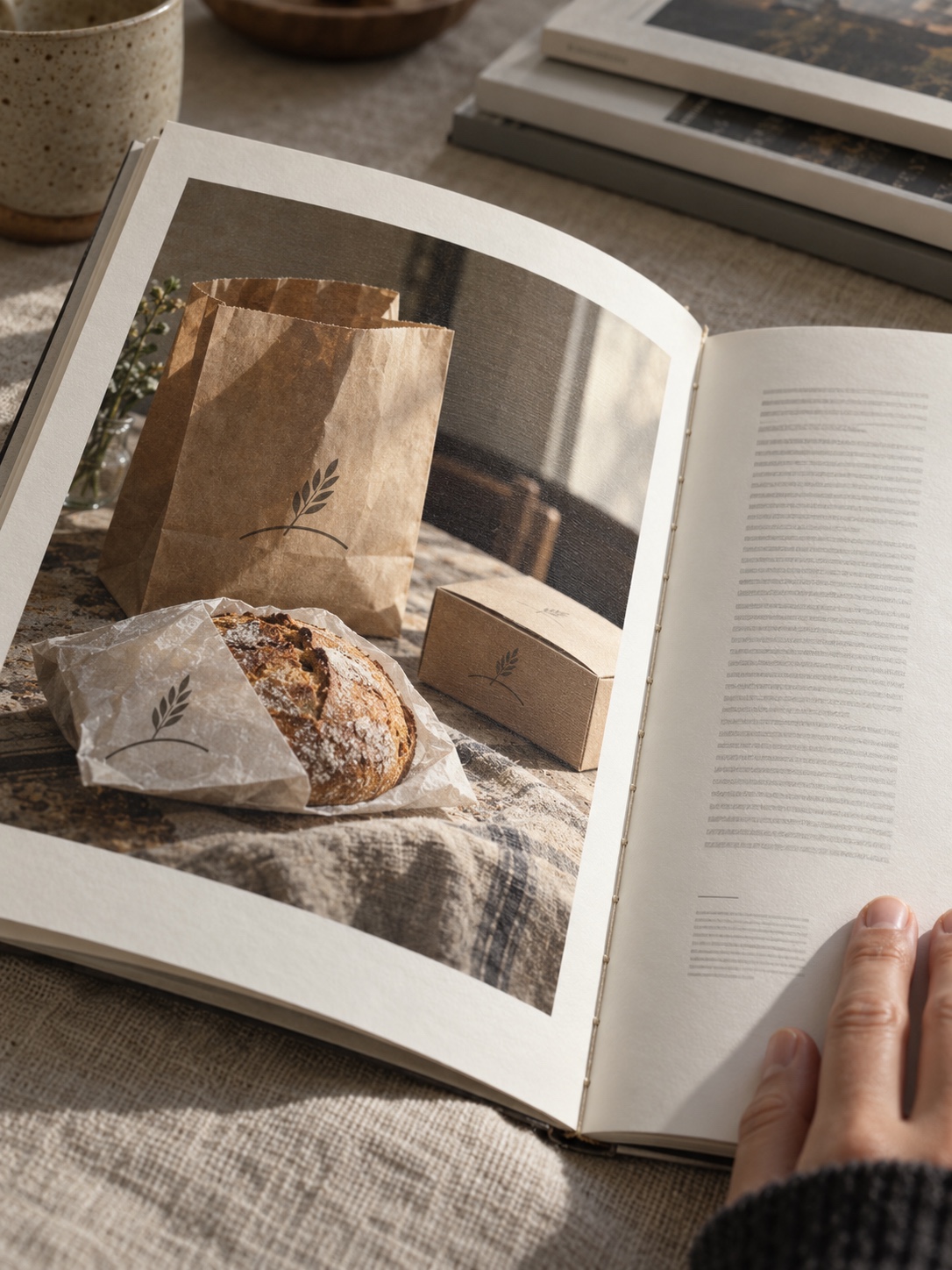
Your identity has to hold up full-screen, in a mobile browser, as a thumbnail and inside a compact answer card. Images don’t need to look alike. The choices behind them need to feel related enough to signal one point of view.
Check the silhouette at thumbnail size
In automotive concept work, I learned that a design gets judged by its silhouette long before anyone studies the surface. I use the same test on portfolio covers.
Shrink the cover to roughly 150 pixels wide and blur it slightly. If the main shape still reads, the cover works. If the subject melts into the background, raise the value contrast between subject and ground. Extra saturation rarely rescues a weak silhouette.

Rules I apply to covers:
- One dominant subject.
- Strong light-dark separation from the background.
- No thin type or fine linework carrying the meaning.
- A cropped detail over a busy full view that turns to noise when small.
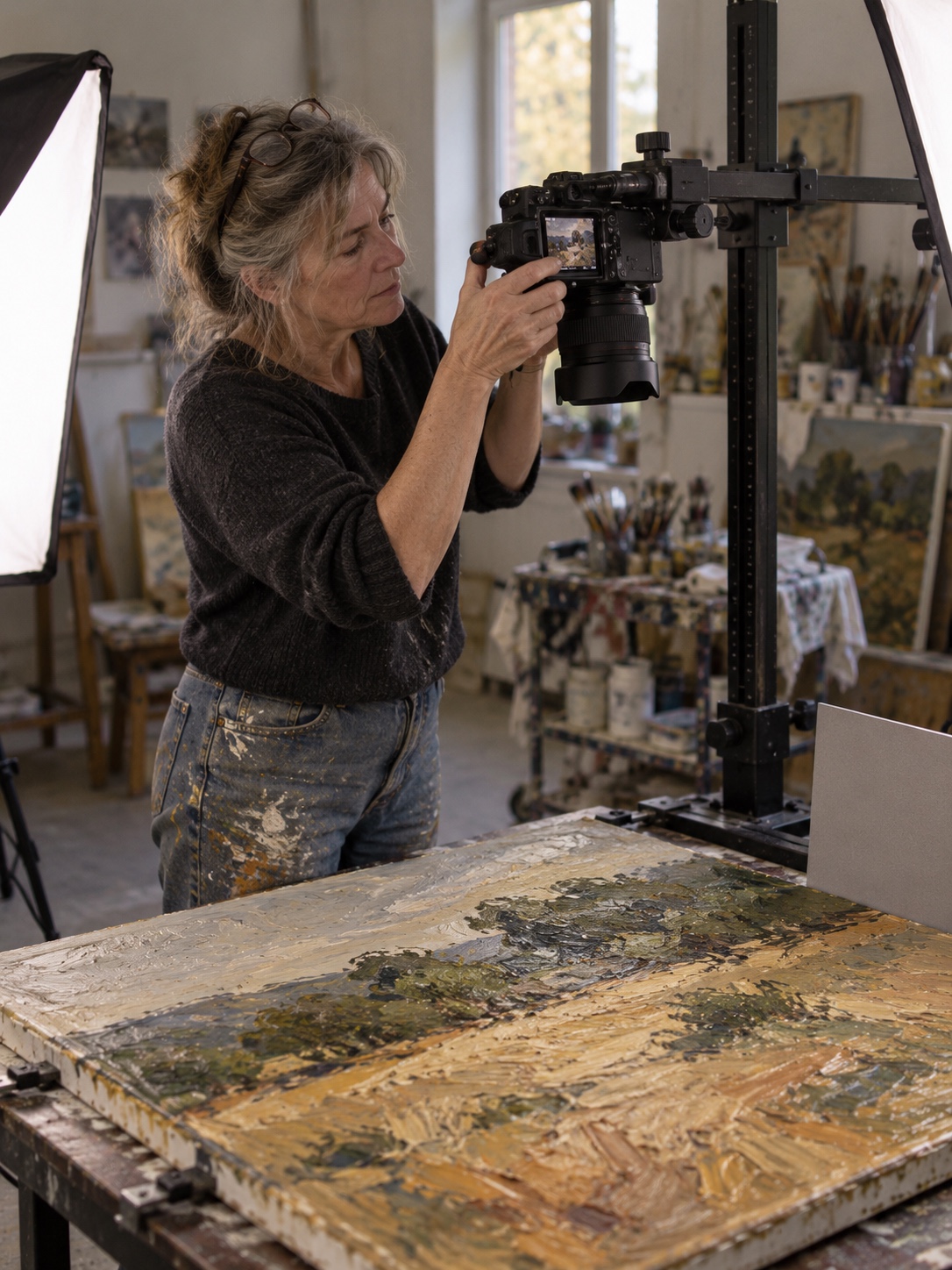
Plan crops before you export
Platforms crop images without asking, so plan for it. Keep the essential subject inside a central zone that survives a square crop, a 4:5 vertical and a 16:9 horizontal. An overlay template in your editing app showing all three frames takes minutes to build.
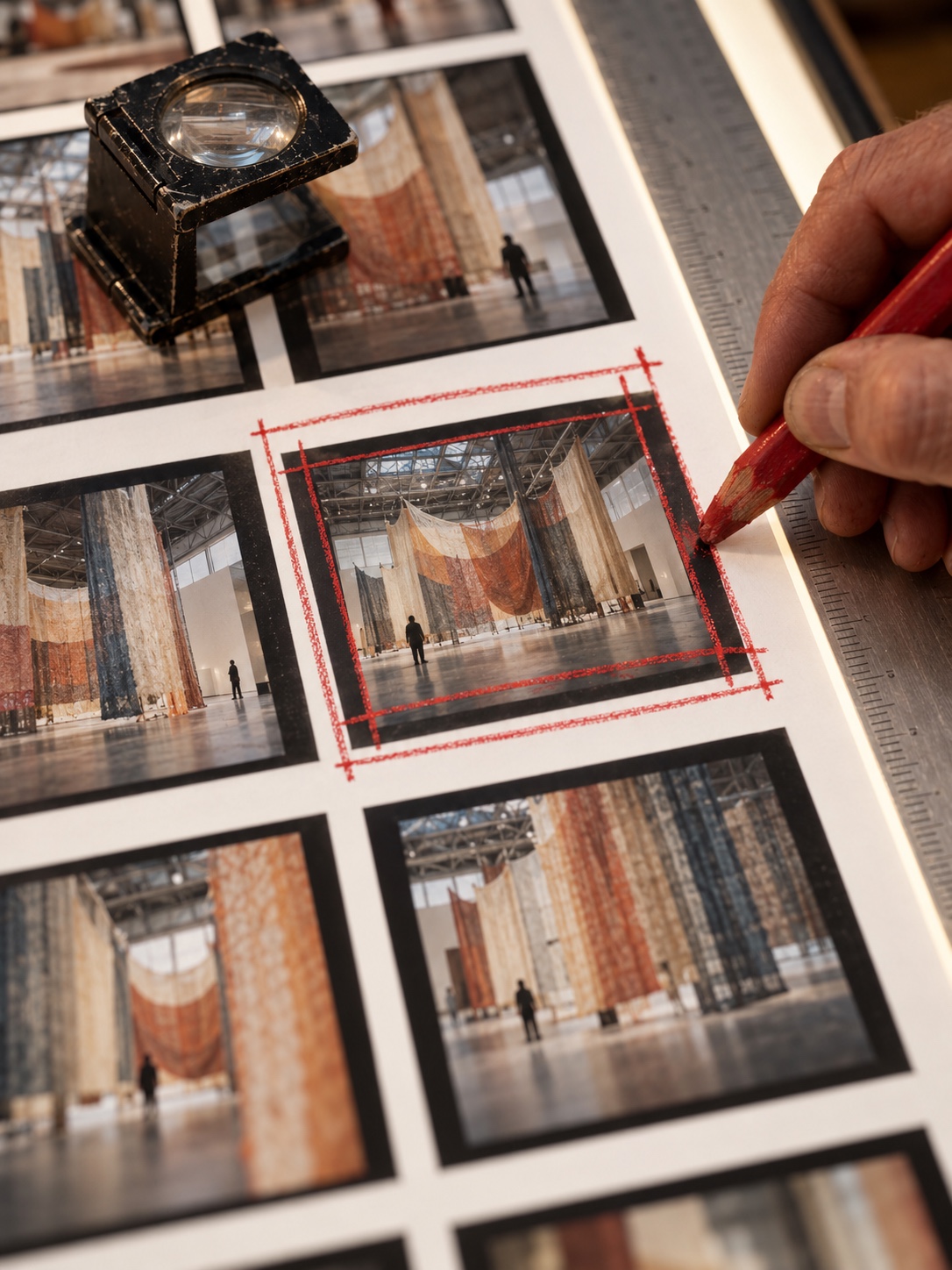
For wide installations, packaging spreads or multi-panel work, export a deliberate detail crop as the cover instead of letting a platform pick an arbitrary slice. Keep any words away from the edges, since that’s where crops bite first.
If your source files are low-resolution scans or heavily compressed exports, take time to prepare cleaner portfolio images before they go on project pages.
Fix the frame, free the content
Consistency doesn’t have to mean monotony. Hold these steady across projects:
- Typeface pairing for titles and captions
- Caption position and style
- Background tone and margins
- Cover crop ratio
- Image treatment, such as edge-to-edge versus bordered
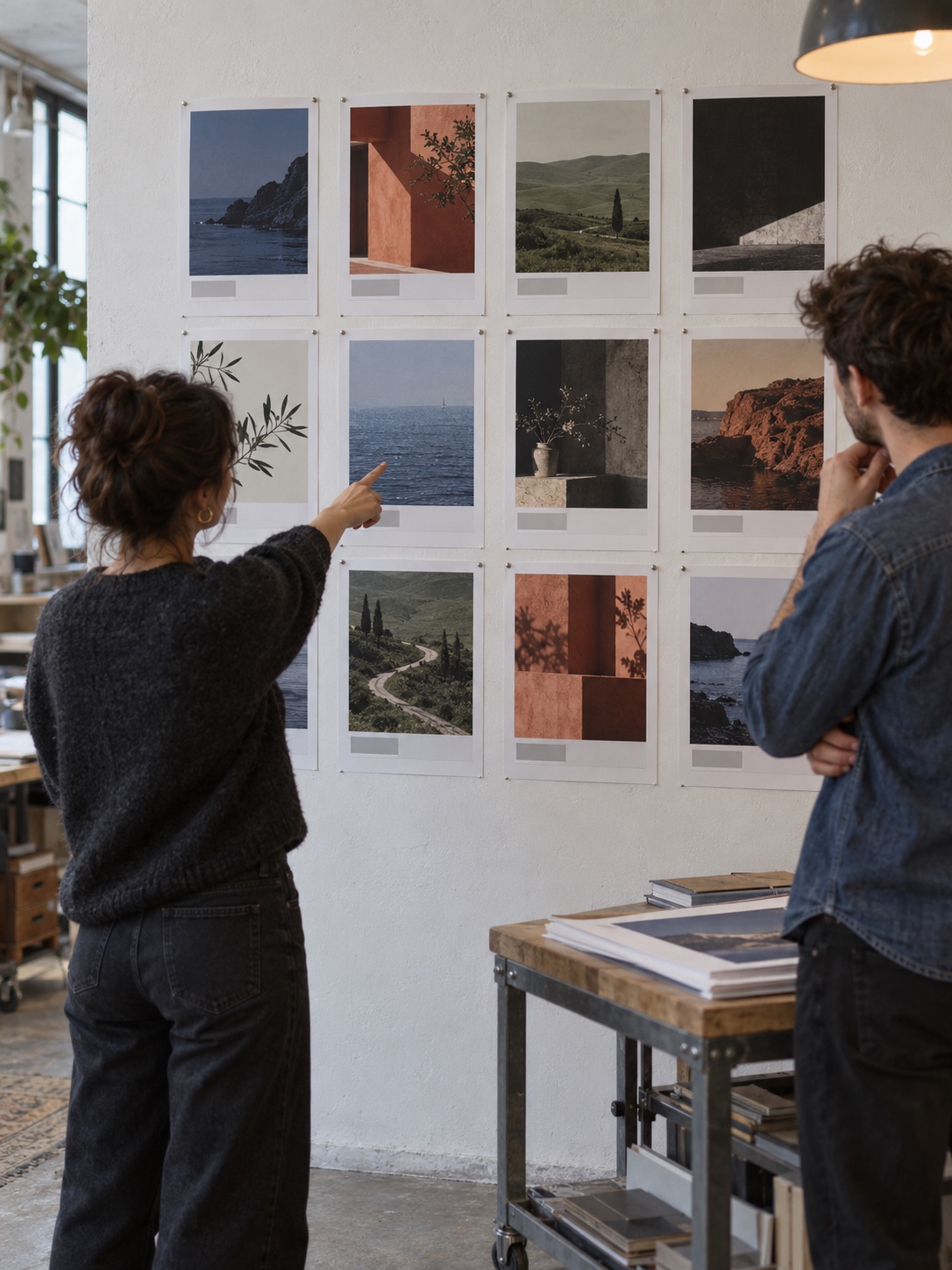
Inside that frame, each project keeps its own palette and composition. Visitors learn the frame quickly, and the work still looks like itself. Studios where several people publish should keep brand assets consistent through shared templates and one source for logo, type and color files.
A warning: don’t put essential information only inside images. A title or description baked into a graphic is invisible to anything that reads text, which is exactly why Google recommends keeping important content in text form.
Build project pages that people and search systems can parse
A parseable project page has one project per page, a clear heading hierarchy, descriptive filenames, useful alt text, captions where they add meaning, a deliberate image order and links to related work. No special tools needed. If you’re rethinking the whole site, our guide to portfolio website structure covers the larger layout decisions.
Give the page a predictable structure
Make the project title the page’s main heading. Put the brief in the first paragraph, not in a slider or an image. Follow with short sections for context, process, final work and credits.
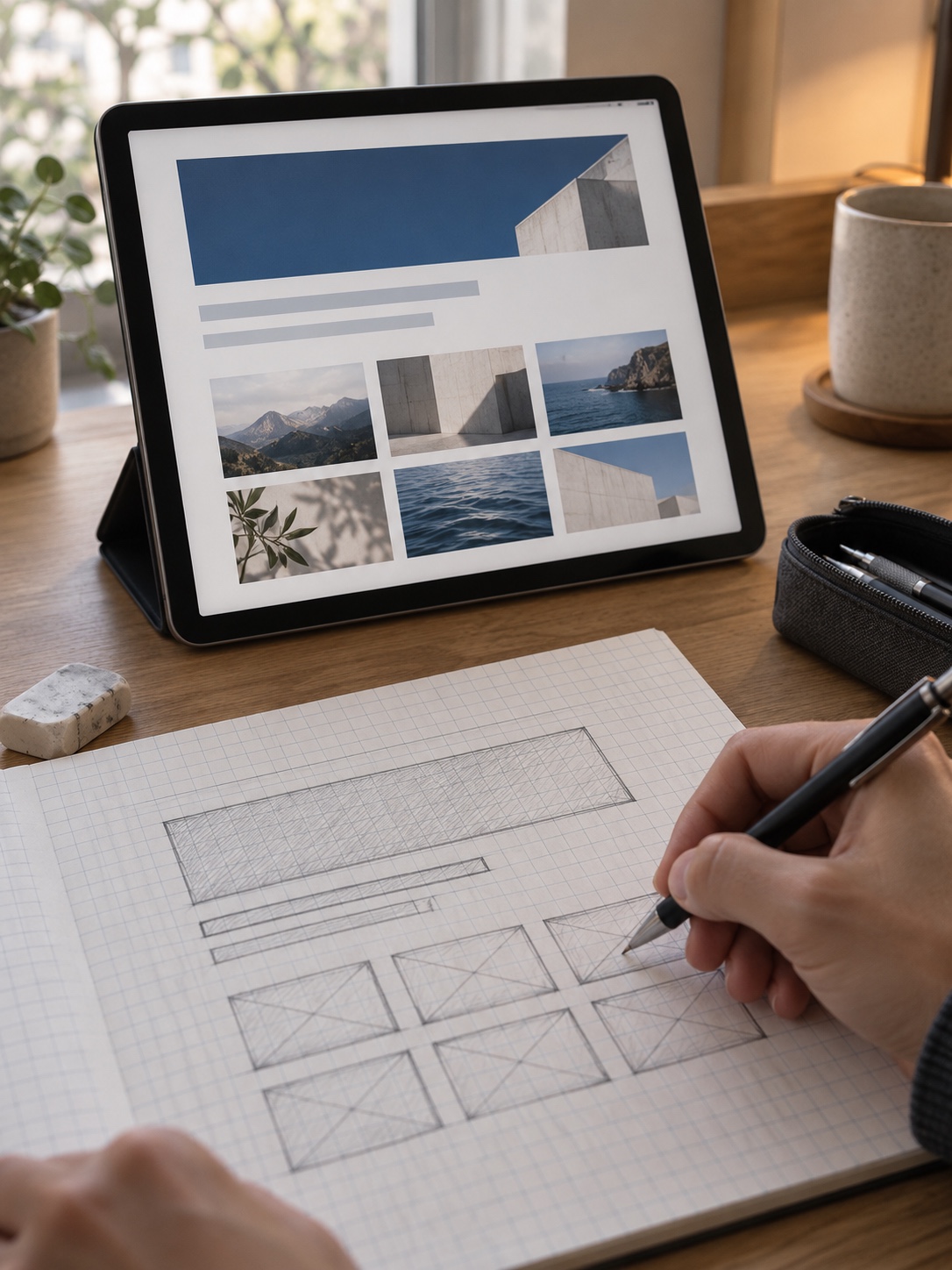
Someone arriving from a summary should be able to confirm within seconds that they’ve reached the right project.
Give filenames, alt text and captions separate jobs
Google uses page context, captions, titles, filenames and alt text to understand images. Each one should do something different:
- Filename: a short, descriptive label.
ash-glaze-tea-bowl-detail.jpggives a useful clue;IMG_4821.jpggives none. - Alt text: what the image communicates to someone who can’t see it. The W3C images tutorial explains that informative images need text alternatives conveying their essential information, while purely decorative images should use an empty alt attribute (
alt=""). - Caption: what the image can’t say on its own, such as the decision behind it, the scale or the stage of the process.
For a single image:

- Alt: “Close-up of pale ash glaze pooling inside a dark stoneware tea bowl.”
- Caption: “Second firing. The glaze went on thicker at the base so it would pool toward the center.”
Alt text describes. The caption explains.
Sequence images from whole to detail
Academic training in life painting taught me to block in the whole figure before refining anything. Project pages benefit from the same order: an overview of the full piece or system, then details, then process, then the finished work in use or in place.
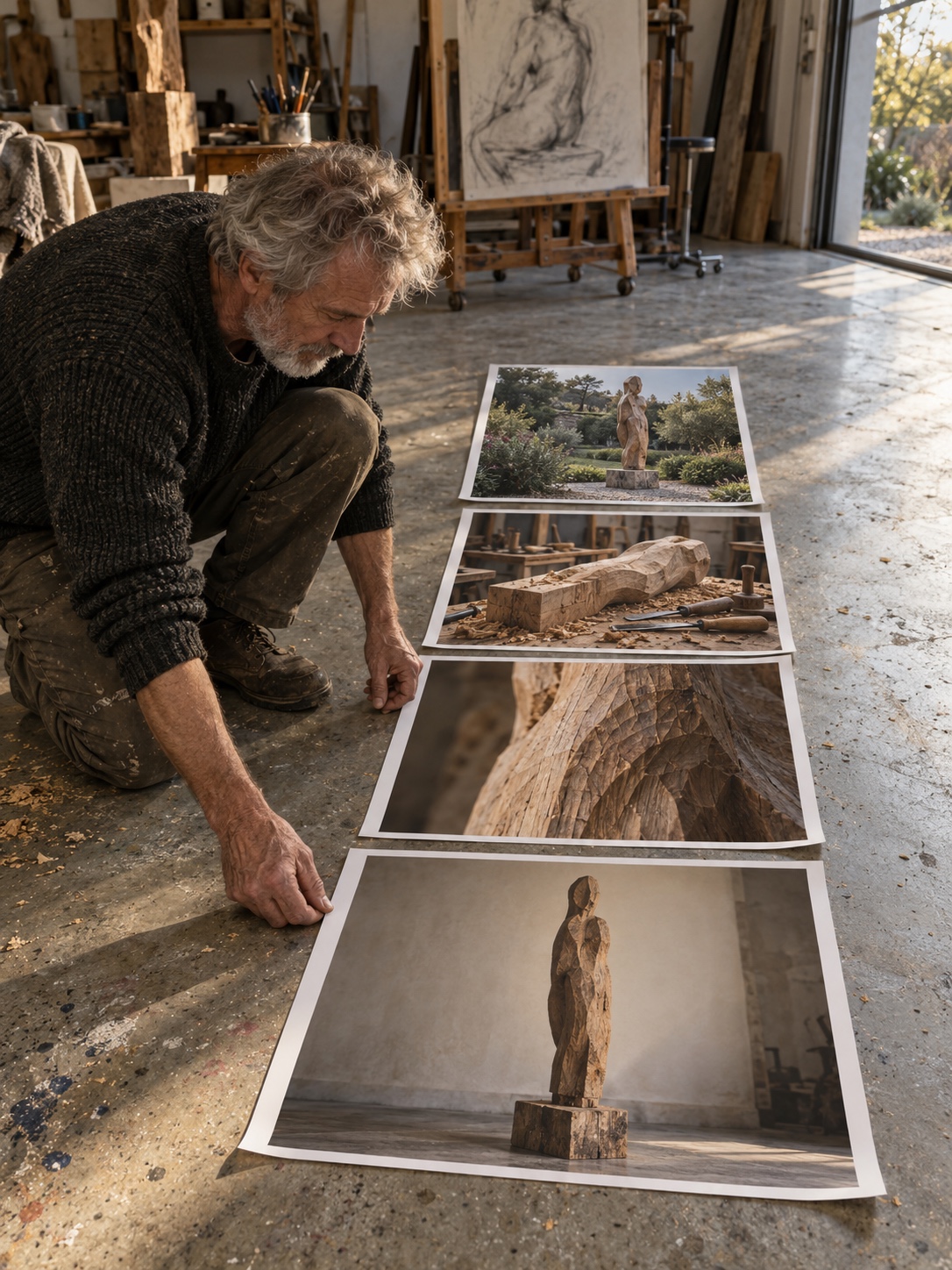
Opening with a macro texture shot looks striking. It also disorients anyone who arrives without context. Show the whole first. The close-up lands harder once people know what they’re looking at.
Connect pages with links and words
Link related projects with descriptive anchor text, like “another ceramic commission for a restaurant,” instead of “see more.” Service pages should link to relevant examples. If you add structured data, it should match what visitors can actually read on the page.

Comparison: what each element does
| Element | Human benefit | Search-system benefit | Common mistake |
|---|---|---|---|
| Descriptive project title | Visitors know what they’re looking at | Gives the page a clear topic | Poetic title with no descriptor |
| Four-line brief | Orientation before the images | Key facts available as text | Brief hidden in an image or slider |
| Cover crop | Reads clearly as a thumbnail | Holds up in compact displays | Subject near the edge gets cut |
| Filename | Easier asset management | A clue to image content | Camera default names |
| Alt text | Access for screen reader users | Helps describe the image | Keyword lists, or alt text on decorative images |
| Caption | Explains decisions and scale | Context next to the image | Repeating the alt text word for word |
| Image sequence | The project reads as a story | Clearer page structure | Opening with an unexplained detail |
| Internal links | Leads to related work | Shows relationships between pages | Vague “see more” anchors |
A 20-minute visual GEO audit
Pick one important project page and set a timer. The aim is to find problems fast. Fixing comes later.
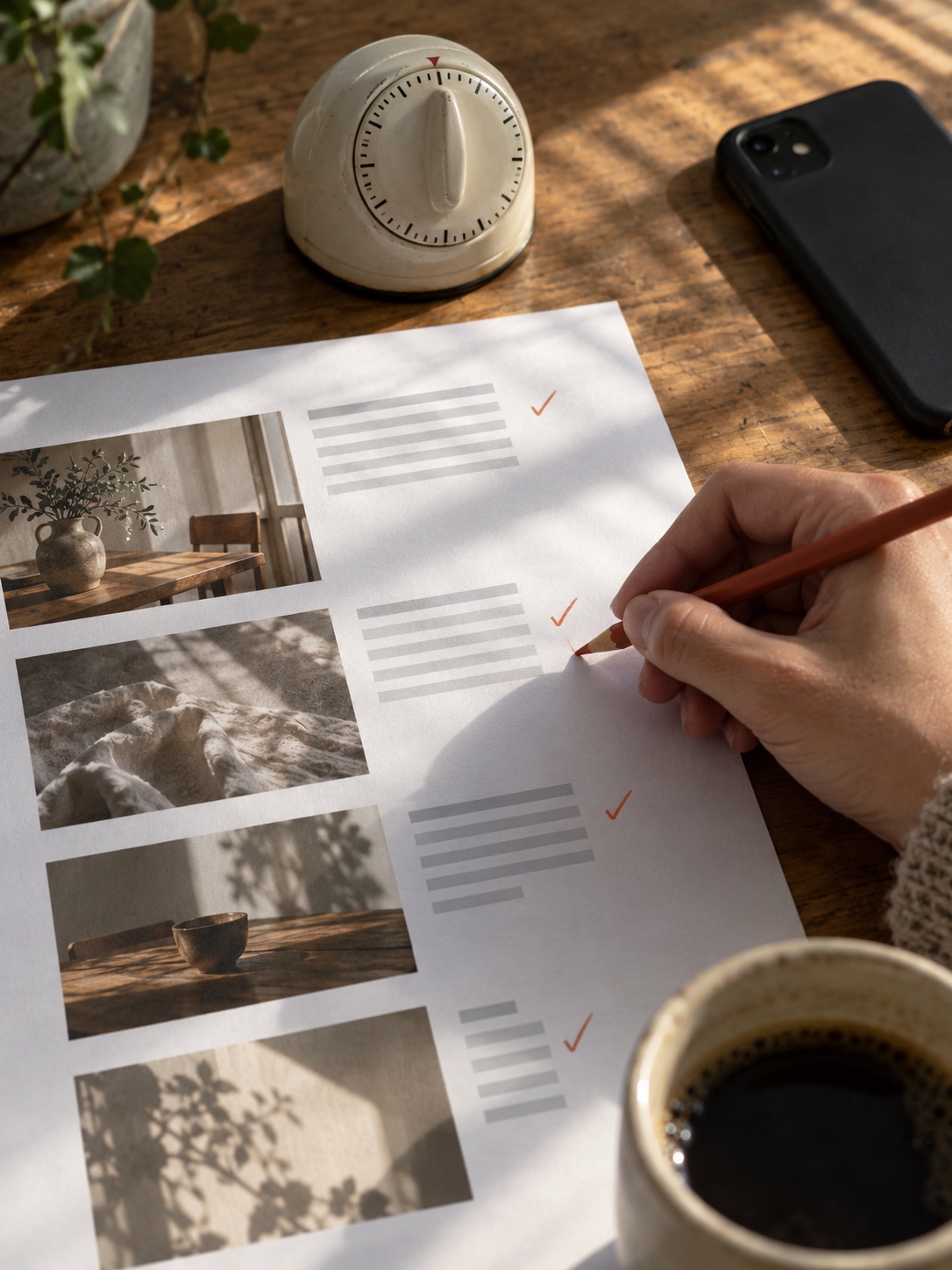
Minutes 0–3: the stranger test. Open only the cover image in a new tab. Could someone unfamiliar with your work say what it is? If not, the cover or its crop needs work.
Minutes 3–6: the thumbnail test. Shrink the cover to about 150 pixels wide and blur it slightly. Check silhouette and contrast, then the square, vertical and horizontal crops.
Minutes 6–10: the first-paragraph test. Read only the first 100 words. Do they state what the project is, who it was for, the medium or process and the outcome? Swap vague adjectives for facts.
Minutes 10–14: filenames and alt text. Rename generic files. Write alt text for informative images and set empty alt text on decorative ones.
Minutes 14–17: captions and sequence. Each caption should add something the image can’t show. The order should run from overview to detail to process to final work.
Minutes 17–20: links and consistency. Look for at least one link to a related project and a visible way to get in touch. Then compare type, margins and caption style against another project page.
Run this on your three most important projects before touching anything else.
When outside help changes the result
Outside help pays off when the problem runs across the whole system rather than one page. Think of an identity that falls apart at small sizes, case studies that all need rewriting, or a site structure that buries your best work.
Not every creative business needs a full rebrand. Often the most valuable change is a stronger portfolio structure, a refreshed set of case studies or a more adaptable visual system. When you do bring in a specialist, choose based on relevant work, communication and a shared understanding of the project, not a polished first impression. This guide on hiring a graphic designer in 2026 outlines what to consider when looking for the right fit. A marketplace such as Osdire is one way to browse freelance design services, alongside referrals and direct searches.
Do the audit before you hire. Your notes give a designer a concrete starting point, and they help you judge whether a proposal addresses your actual problems.

FAQ
Do I need special markup or an AI-specific file for GEO?
No. Google’s guidance on AI features says neither is required. Normal SEO fundamentals apply, including keeping important content in text and making sure structured data matches the visible page.
Will these changes get my work featured in AI answers?
Nobody can guarantee that. These changes make your pages easier to understand and more useful to visitors, which is the most you can control. Where your work appears is decided elsewhere.
How detailed should alt text be?
Detailed enough to convey the essential information the image carries in context. A process shot may need a full sentence about what’s happening. A decorative divider or background texture gets an empty alt attribute.
Should captions repeat the alt text?
No. Alt text describes what the image shows. A caption adds what the image can’t show, such as a decision, scale, material or stage of the process.
Does clear labeling make art feel less mysterious?
Not when it’s done well. A title, medium and short description orient the viewer and leave the ambiguity of the work alone. Labels tell people where they are. The work still decides how they feel.
How many images should a project page have?
Enough to show the whole piece, the important details, some process and the final context. That’s often fewer than people upload. If two images make the same point, keep the stronger one.
The takeaway
Start with your three most important projects. On each page, rename the project so the title says what it is, and put a four-line brief at the top. Re-crop the cover until it reads at thumbnail size. Rename the image files, then write alt text and captions that do different jobs. A client arriving from a two-line summary needs those changes, and so does the system writing the summary. In both cases, the work has to explain itself before you’re around to do it.

- 5shares
- Facebook0
- Pinterest5
- Twitter0
- Reddit0