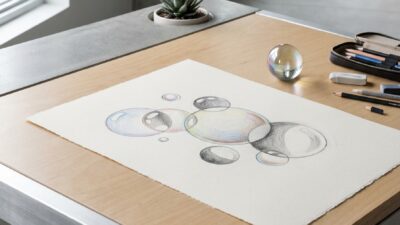
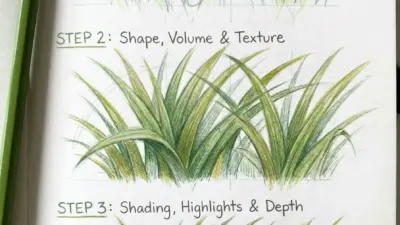
Digital art ideas are easier to finish when they start small: a portrait study, a color thumbnail, a simple prop, or one lighting test instead of a giant masterpiece. If you are opening Procreate, Photoshop, Krita, or an iPad drawing app and staring at a blank canvas, give yourself one clear limit first: subject, palette, brush, or time.
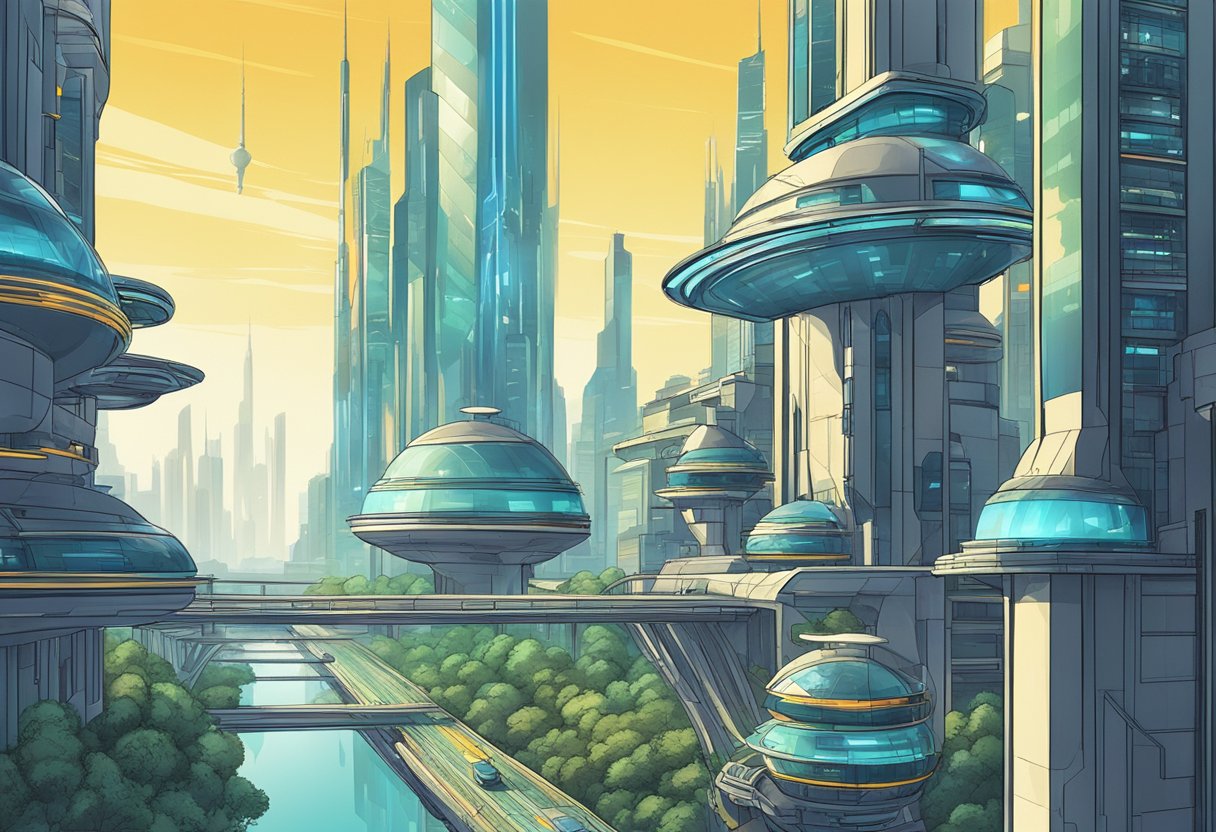
This guide keeps the digital art tips practical: what to draw first, which tools matter, how to use layers without making a mess, and how to practice color, line, and texture without burning out. You do not need a perfect setup. A basic tablet, a few brushes, and a short prompt are enough to start learning.
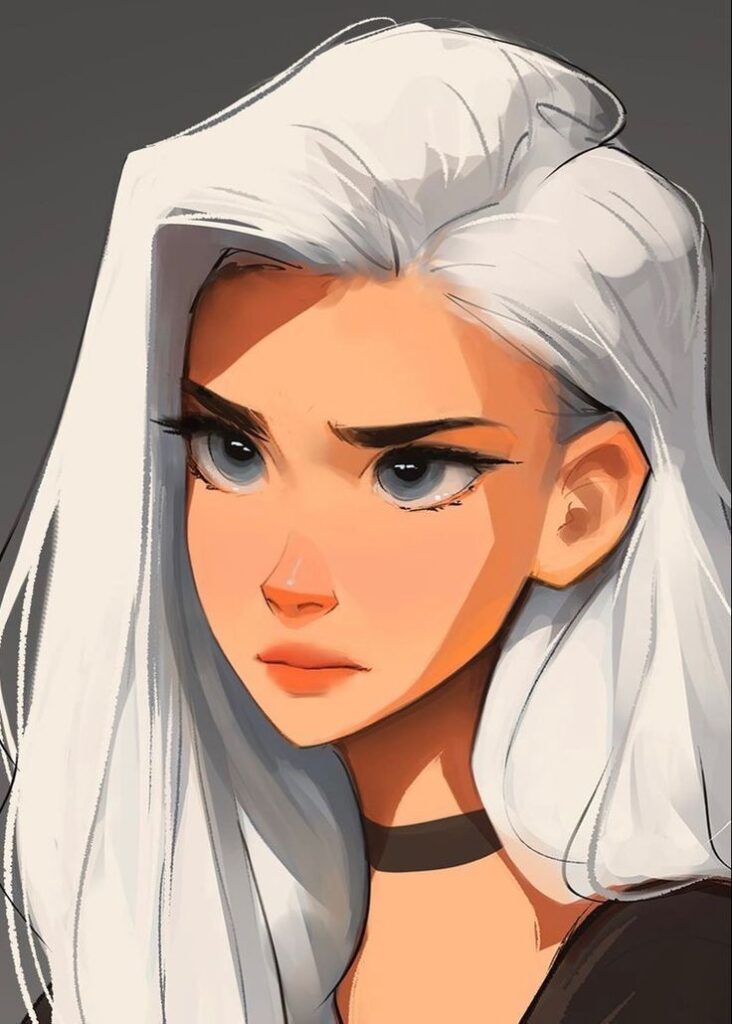

Digital drawing gets better when you practice one visual problem at a time. Try a clean silhouette, then a value study, then a color version. When I thumbnail a digital piece, I look for the value pattern before the details; if the big light and dark shapes are weak, no brush pack will save it.
Key Takeaways
- Start with small digital art ideas that train one skill: line, value, color, texture, or composition.
- Use layers, masks, and undo as practice tools, but do not let them replace clear drawing decisions.
- Choose tools around your budget and habits; a simple tablet setup can teach more than an expensive kit you avoid using.
What should you draw digitally first?
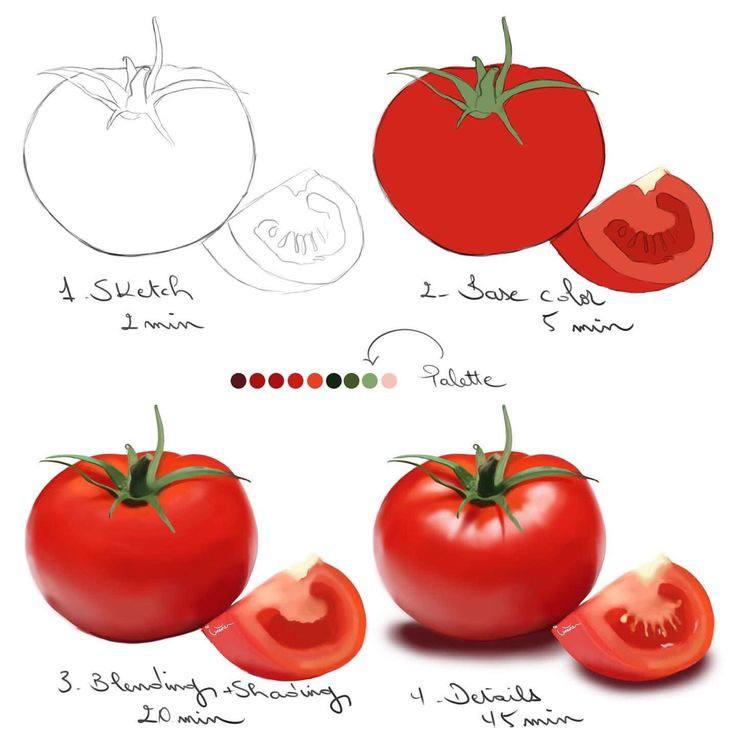
Start with digital art ideas that are small enough to finish in one sitting. A single eye, a shiny apple, a cloud study, a simple room corner, or a character head teaches more than a huge scene you abandon after the sketch. Pick one goal for each piece: cleaner line art, stronger shadows, better color harmony, or smoother edges. Then set a timer for 30 to 60 minutes and stop before you overwork it. This is especially useful for beginners because digital tools make it tempting to zoom in forever, add too many layers, and polish details before the main shape works.
| Skill goal | Digital art idea | What to practice | Time box |
|---|---|---|---|
| Line control | One hand pose or one plant leaf | Clean strokes, tapered ends, confident curves | 30 minutes |
| Value | Black-and-white portrait thumbnail | Big light/dark shapes before details | 45 minutes |
| Color | Three-color landscape study | Limited palette, warm/cool contrast | 45 minutes |
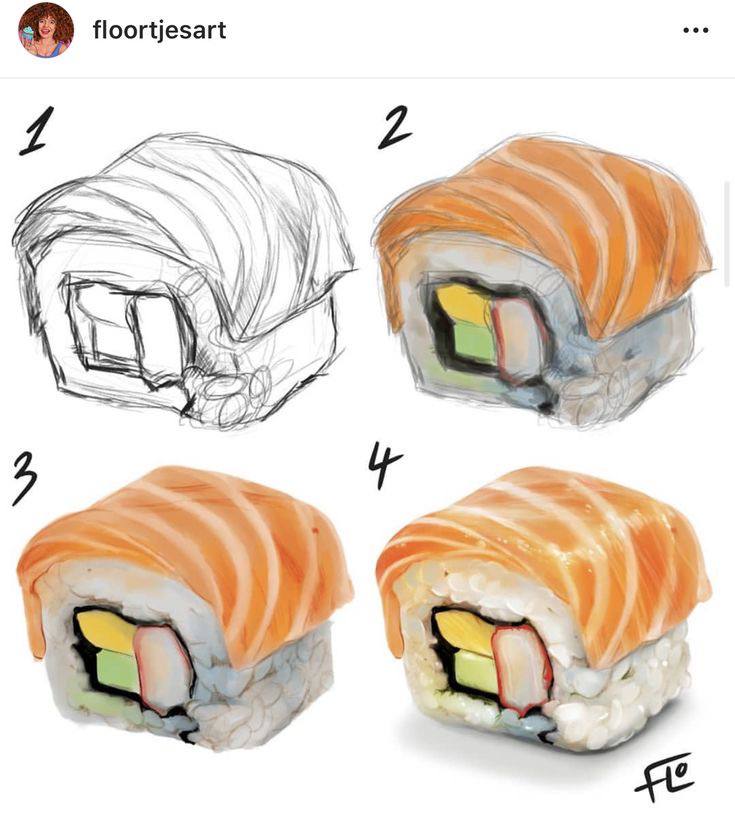
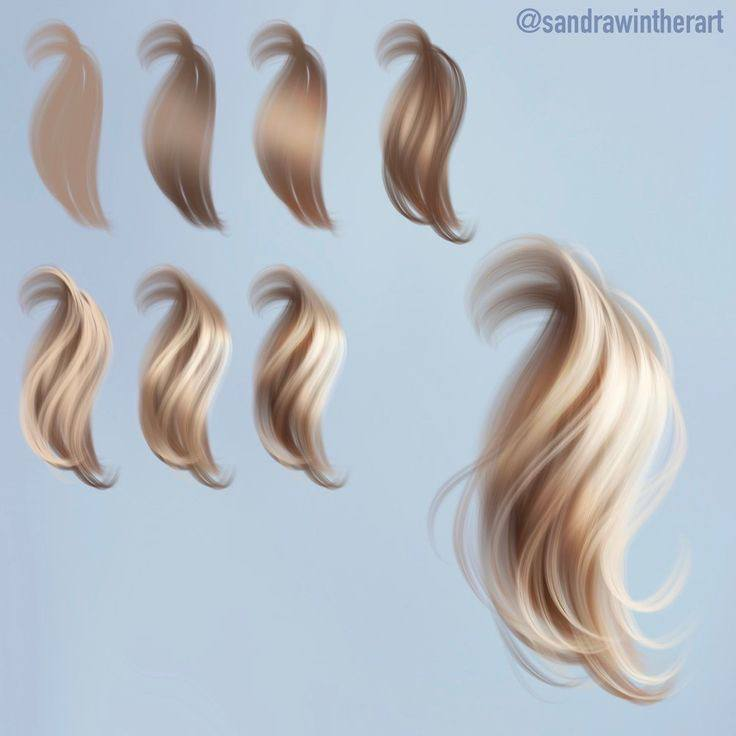
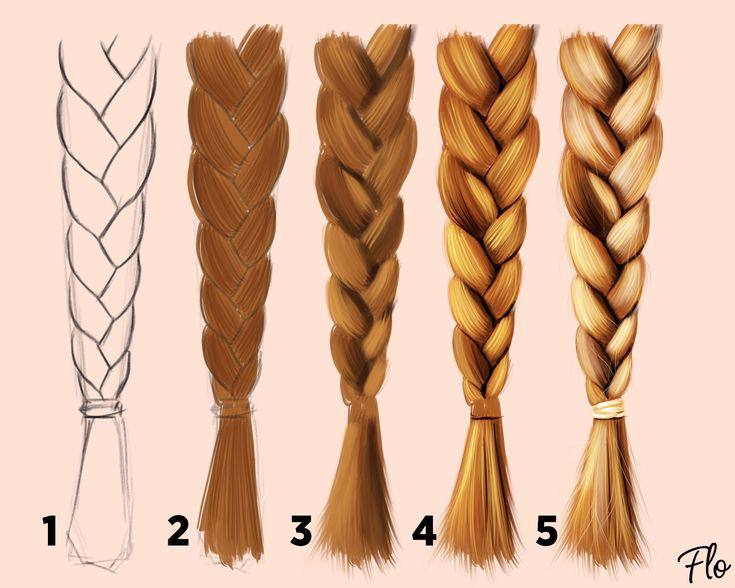
| Texture | Hair, fabric, metal, or glass sample | Brush pressure, edge control, highlights | 30 minutes |
| Composition | Tiny room, desk, or street corner | Focal point, cropping, foreground/background | 60 minutes |
Getting Started with Digital Art
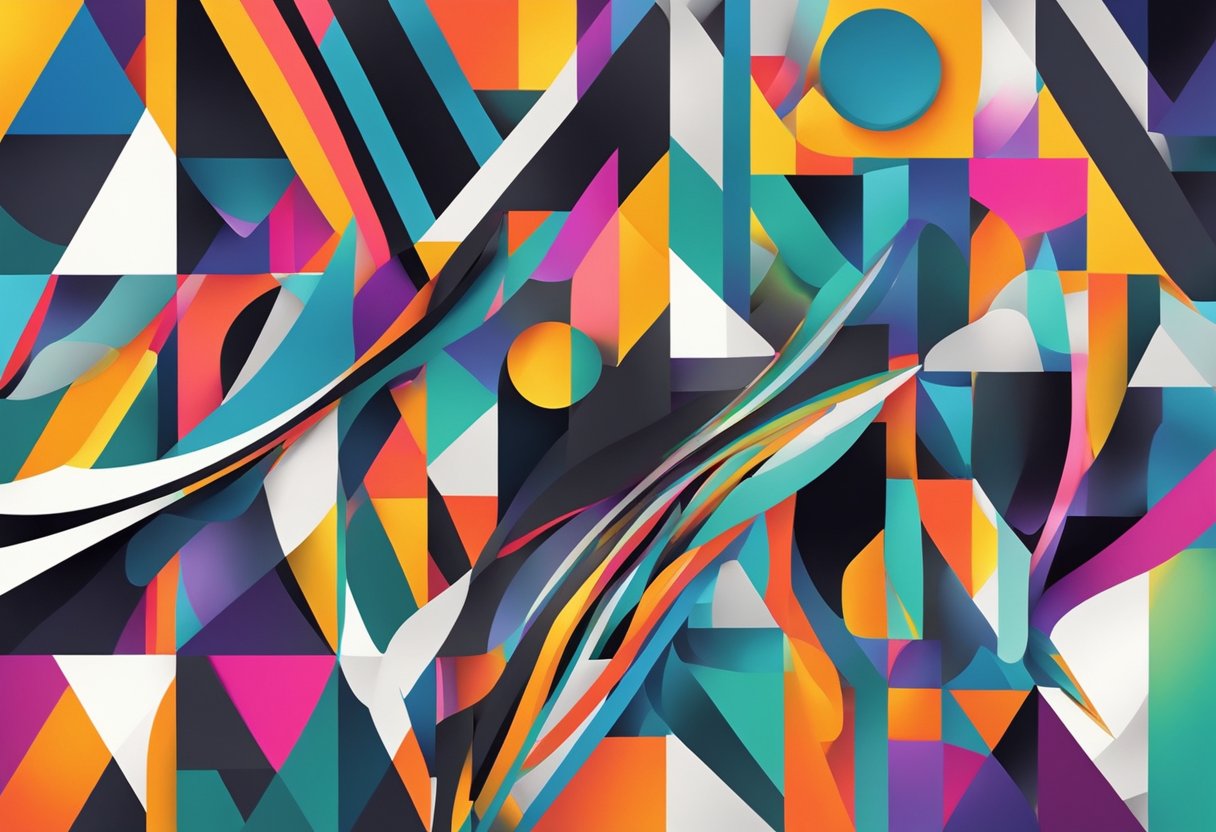
Before you download more brushes, get the basics comfortable. Set up a canvas size you understand, learn where layers and clipping masks live, and make a few ugly practice files on purpose. The first goal is not a portfolio piece. It is learning how your hand, stylus pressure, and software respond.
Choosing the Right Tools
To get started with digital art, you’ll need the right tools. The most important tool is a drawing tablet or graphics tablet, which allows you to draw and paint directly on the screen. There are many different types of tablets available, so it’s important to choose one that fits your needs and budget.
In addition to a tablet, you’ll also need a computer or laptop with enough RAM and processing power to handle digital art software. A high-quality monitor is also important, as it will allow you to see your art in the best possible quality.
Setting Up Your Workspace
Once you have your tools, it’s important to set up your workspace for optimal comfort and control. Make sure your tablet is positioned at a comfortable height and angle, and that your monitor is calibrated for accurate colors.
It’s also a good idea to create custom shortcuts and hotkeys for your most frequently used tools and functions. This will save you time and make your workflow more efficient.
Understanding Digital Art Basics
Before you start creating digital art, it’s important to understand some basic concepts and techniques. One of the most important is the use of layers, which allow you to work on different parts of your art separately and make changes without affecting the rest of the image.
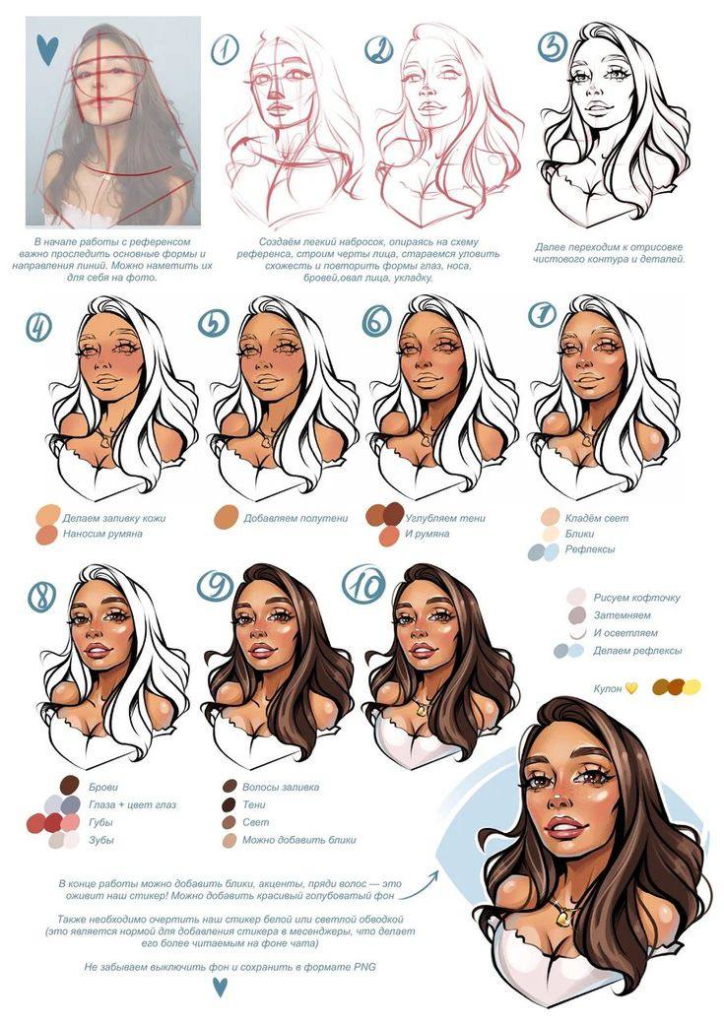
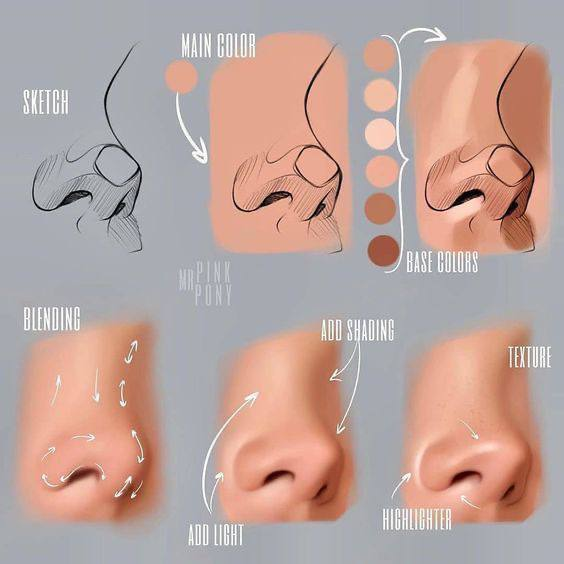
Color is also an essential part of digital art, and it’s important to understand how to use it effectively. Experiment with different color palettes and techniques to find what works best for you.
Common Mistakes to Avoid
Most beginner digital art problems are not talent problems. They are workflow problems: too many brushes, too many layers, weak values, and no clear stopping point. Keep the setup boring until the drawing starts working.
| Mistake | What it looks like | Better habit |
|---|---|---|
| Starting with details | Beautiful eyes on a weak head shape | Block the silhouette and value pattern first. |
| Using every brush | Texture everywhere, no focal point | Limit yourself to one sketch brush and one paint brush. |
| Too many layers | A file that becomes hard to edit | Name key layers and merge practice layers when safe. |
| Ignoring values | Colorful art that still feels flat | Check the piece in grayscale before polishing. |
| Zooming in too much | Sharp details that do not read at normal size | Work zoomed out for the first half of the drawing. |
Mastering the Art of Digital Drawing
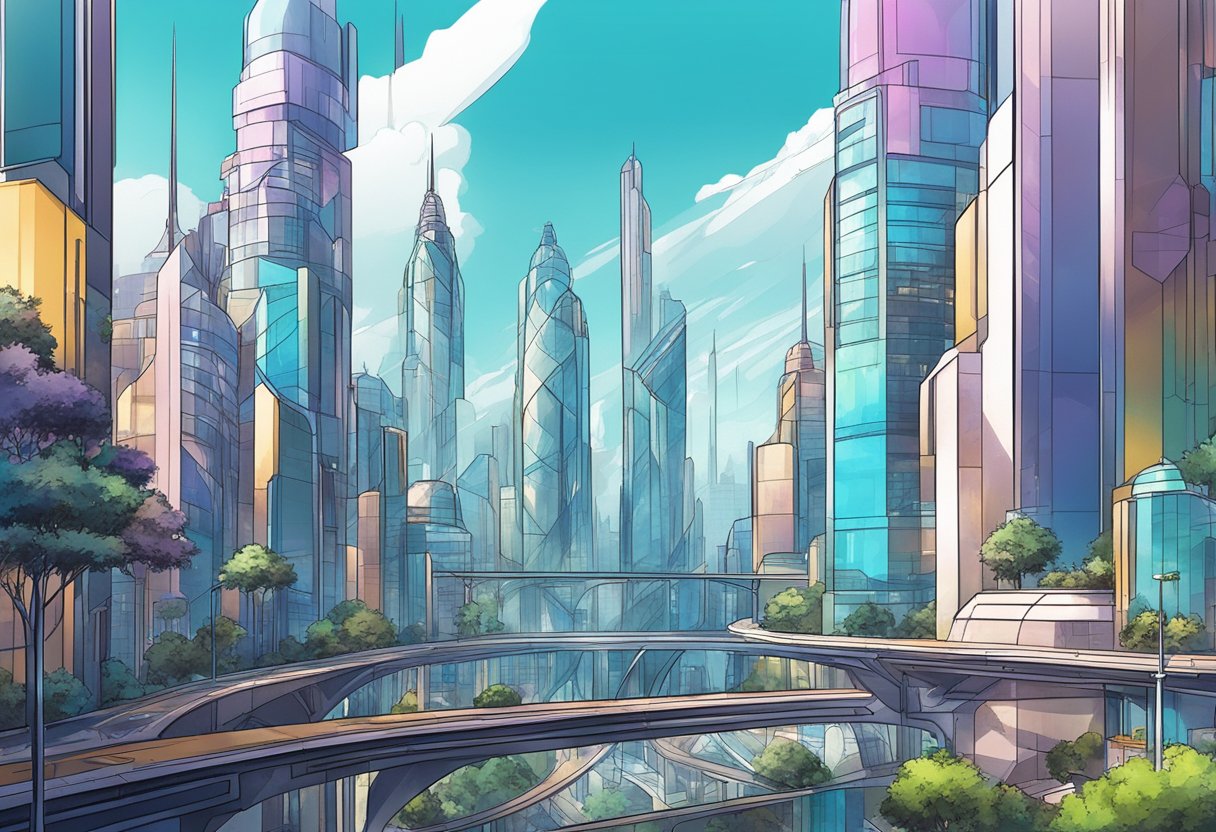
Digital drawing still starts with ordinary drawing decisions: proportion, gesture, perspective, edges, and values. The tablet only changes how fast you can test those decisions. Use undo to learn, not to avoid choosing. If a pose feels stiff, redraw the gesture line; if the face looks flat, check the shadow shapes before adding eyelashes.
Building Your Drawing Skills
To become a skilled digital artist, it is important to practice your drawing skills regularly. Start by sketching and drawing from life, using reference images, and studying anatomy and composition. Focus on line art and figure drawing to develop your skills in capturing the human form. Pay attention to details and proportions to create realistic and well-balanced figures.
Exploring Different Drawing Tablets
Choosing the right drawing tablet is crucial for digital artists. There are many options available, from standalone tablets like the iPad Pro to graphics tablets like Wacom and Huion. When selecting a tablet, consider factors such as size, pressure sensitivity, and compatibility with your preferred drawing software.
Leveraging Drawing Apps and Software
Drawing apps and software can enhance your digital drawing experience. Popular options include Photoshop, Illustrator, Krita, Procreate, and Clip Studio Paint. Each program has unique features and tools that can help you create stunning digital art. Experiment with different apps and software to find the one that best suits your needs and style.
Developing Your Own Style
Developing your own style is an important aspect of digital drawing. Experiment with different techniques, color theory, and digital painting styles to find what works best for you. Don’t be afraid to try new things and take risks with your art. With practice and patience, you can develop a unique and recognizable style that sets your art apart.
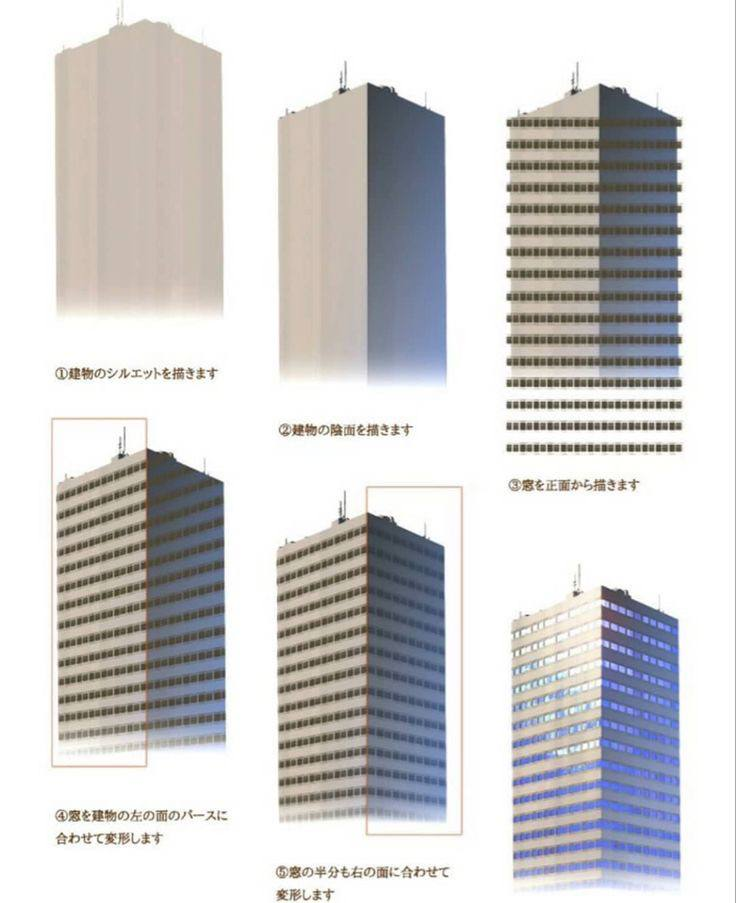

In conclusion, mastering the art of digital drawing requires practice, patience, and experimentation. By building your drawing skills, exploring different drawing tablets, leveraging drawing apps and software, and developing your own style, you can create stunning digital art that showcases your creativity and talent.
Expanding Your Digital Art Skills
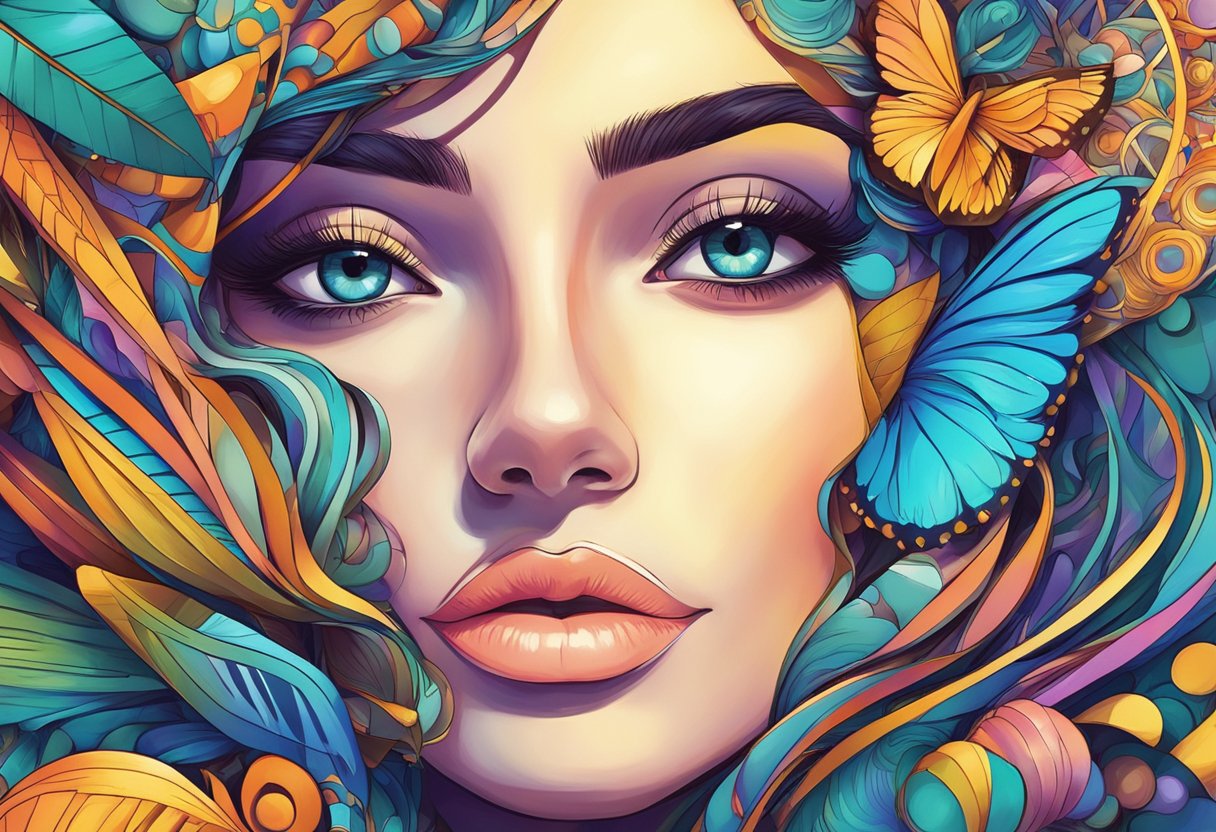
As a digital artist, it’s important to continually expand your skills and knowledge to stay ahead of the curve. Here are some tips and ideas to help you do just that:
Stepping Out of Your Comfort Zone
One of the best ways to expand your digital art skills is to step outside of your comfort zone and try new things. This might mean experimenting with different styles, techniques, or subject matter. By challenging yourself in this way, you’ll be able to push your limits and develop new skills that you can apply to your work.
Experimenting with Different Techniques
Another way to expand your digital art skills is to experiment with different techniques. This might mean trying out new brushes, exploring pressure sensitivity, or learning how to use perspective and coloring to create depth and dimension in your work. By taking the time to explore these different techniques, you’ll be able to add new tools to your creative arsenal and create more dynamic and engaging artwork.
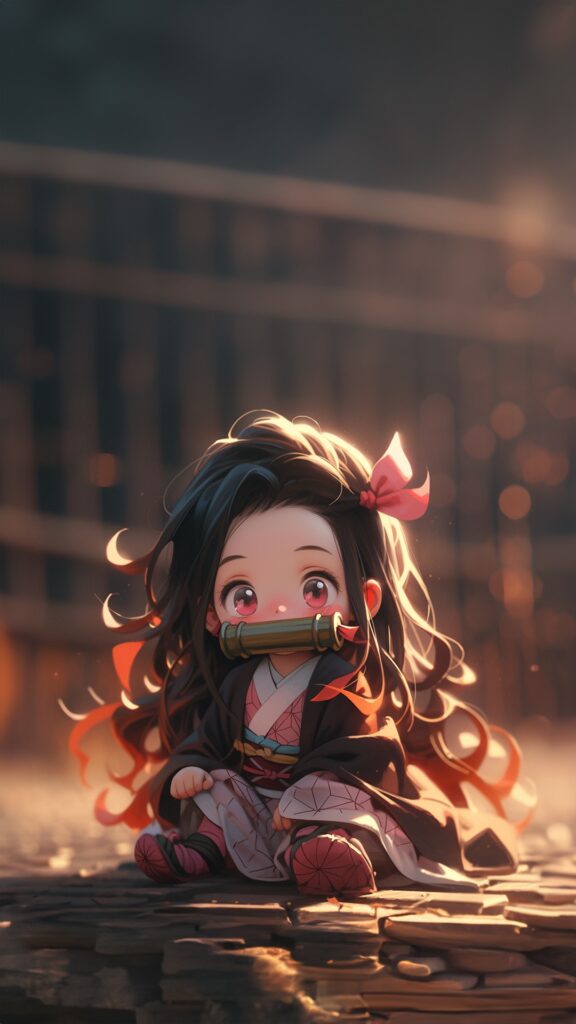
A digital fire drawing is a useful lighting study because it forces you to separate a bright core, colored glow, soft bloom, and cast light.


Understanding Hardware and Software Requirements
To create digital art, you’ll need the right hardware and software. This might include a display tablet, touch screen, or active stylus, as well as creative software like Adobe Photoshop or Corel Painter. By understanding the hardware and software requirements for digital art, you’ll be able to make informed decisions about your setup and ensure that you have the tools you need to create high-quality artwork.
Learning from Professional Artists
Finally, one of the best ways to expand your digital art skills is to learn from professional artists. This might mean taking art tutorials online or attending workshops and conferences to learn from concept artists, manga artists, or comic book artists. By learning from these experts, you’ll be able to gain valuable insights and techniques that you can apply to your own work.
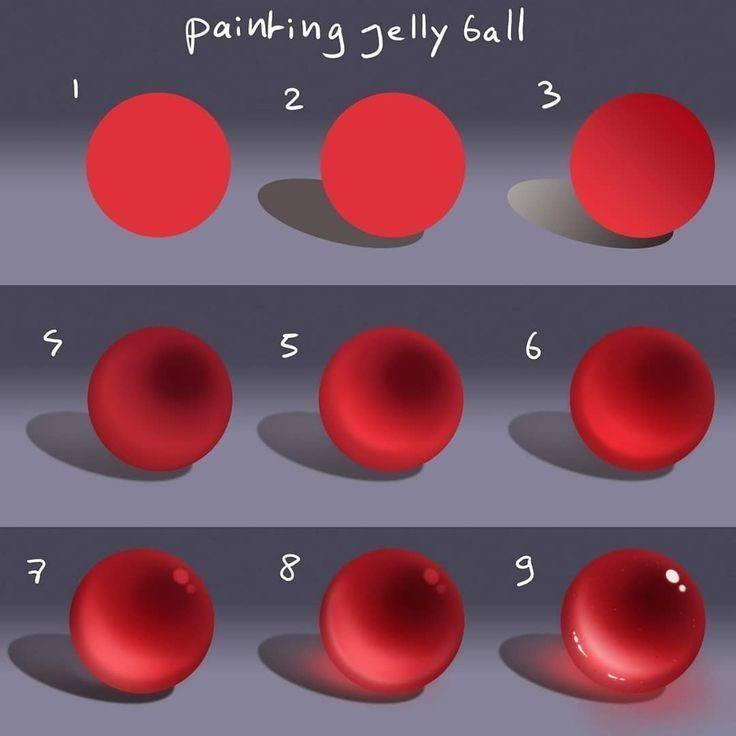
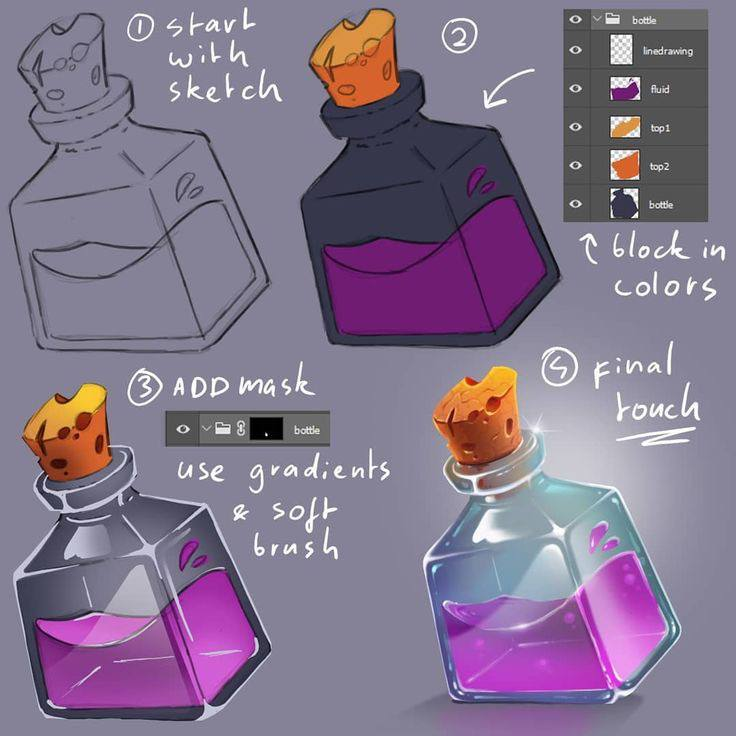
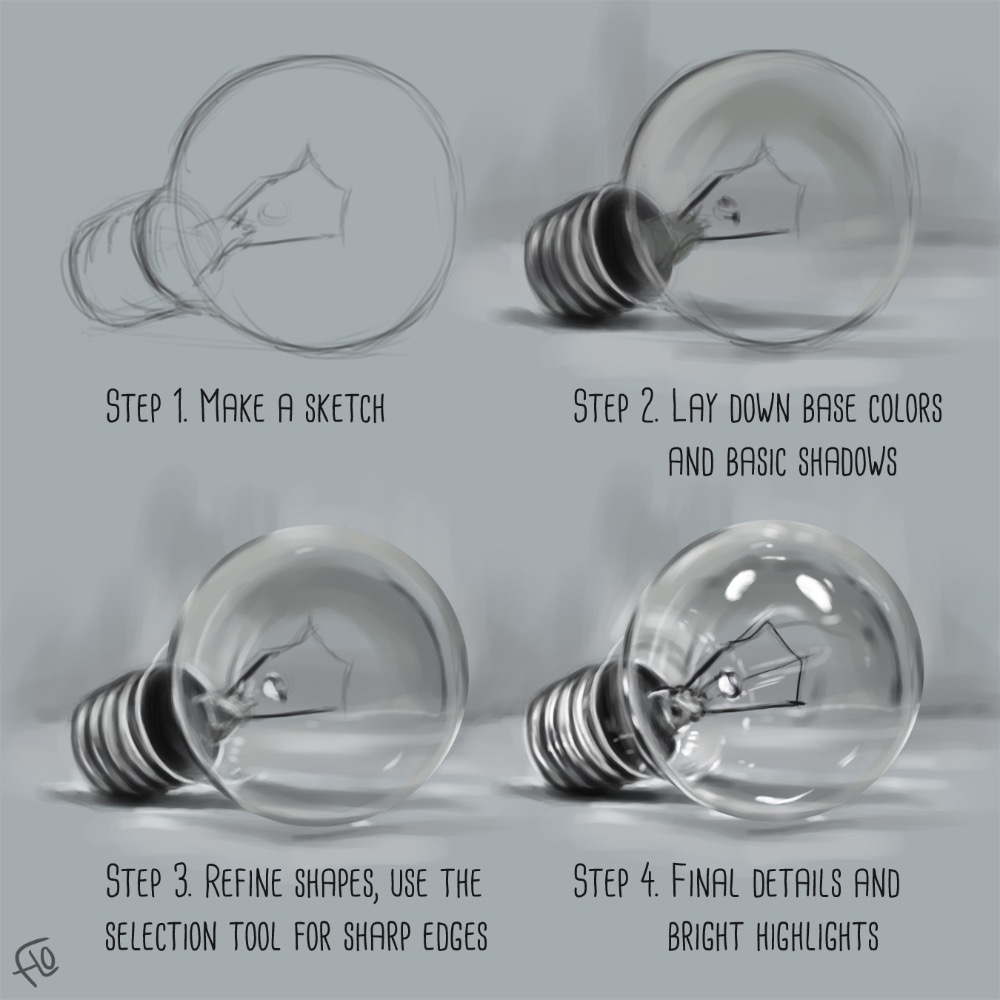
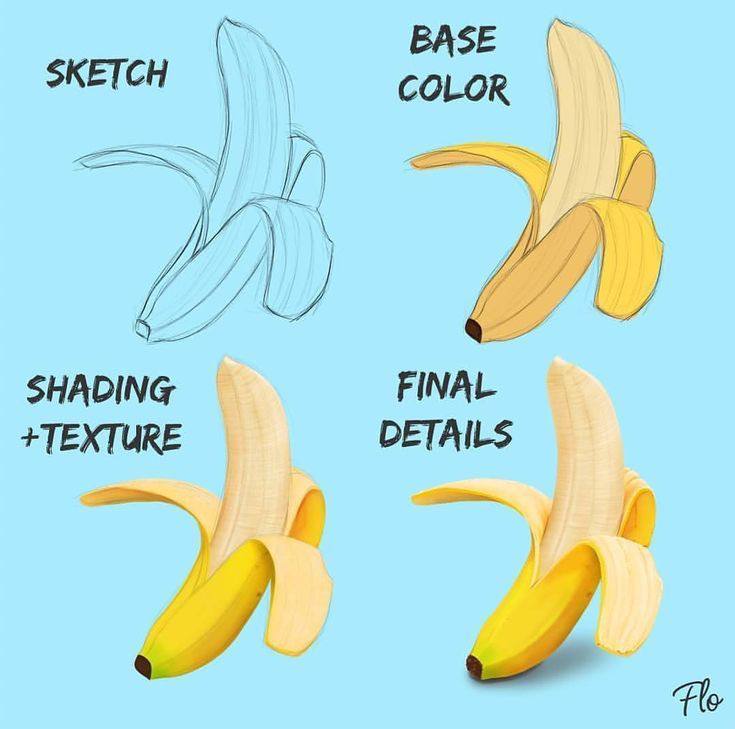
In summary, expanding your digital art skills requires strategy, training, and experimentation. By stepping out of your comfort zone, experimenting with different techniques, understanding hardware and software requirements, and learning from professional artists, you’ll be able to take your digital art to the next level.
Choosing the Right Tools for Your Budget
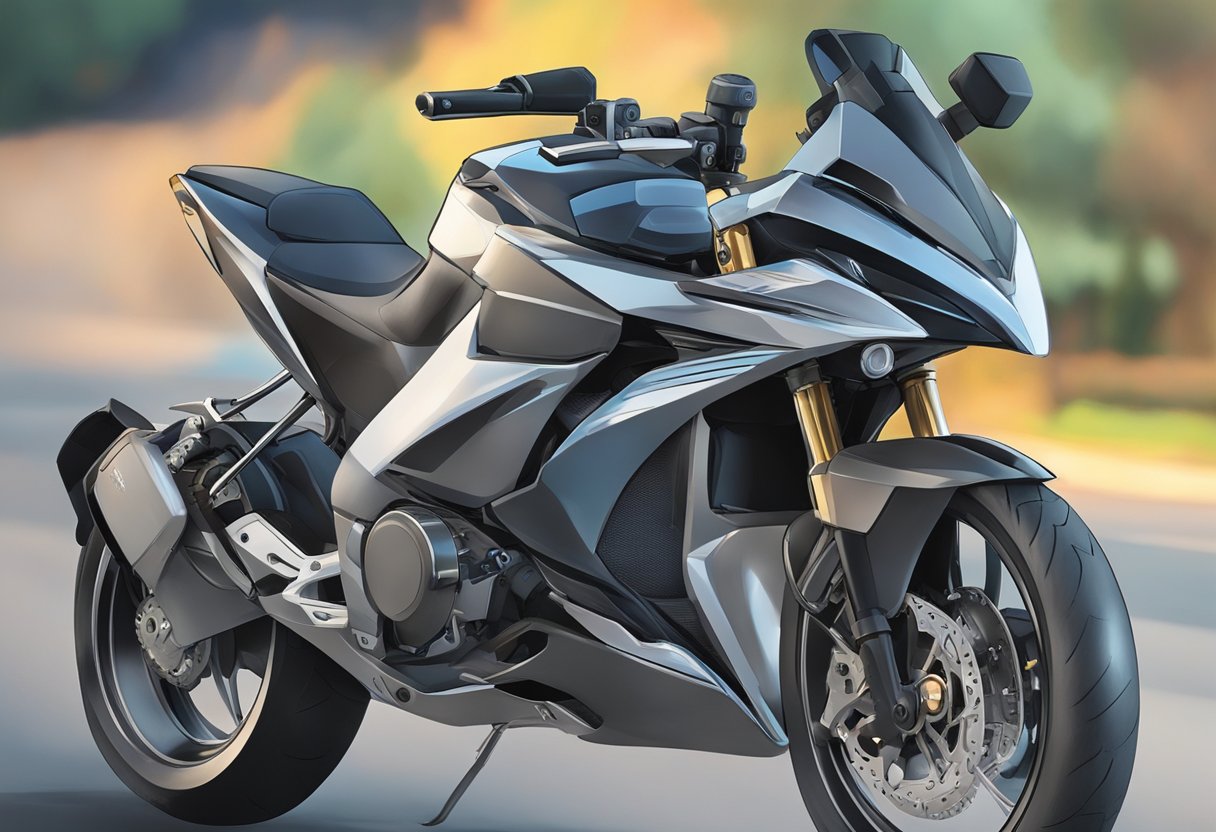
When it comes to digital art, choosing the right tools for your budget is essential. Whether you’re a beginner or an experienced artist, there are a variety of options available that can fit any budget. Here are some tips to help you choose the right tools for your needs.
Determine Your Budget
Before you start shopping for digital art tools, it’s important to determine your budget. Digital art tools can range from a few dollars to thousands of dollars, so it’s essential to know how much you’re willing to spend. Consider your level of commitment to digital art and how much you’re willing to invest in your passion.
Basic Tools
If you’re just starting with digital art, you don’t need to invest in expensive tools. There are many basic tools available that can help you get started. Here are some essential tools that you’ll need:
-
Computer or Tablet: You’ll need a computer or tablet to create digital art. If you’re on a tight budget, you can use a basic laptop or tablet. However, if you’re serious about digital art, investing in a high-quality tablet or computer can make a big difference in your work.
-
Software: You’ll need software to create digital art. There are many free and paid software options available. Some popular options include Adobe Photoshop, Procreate, and Clip Studio Paint.
-
Drawing Tablet: A drawing tablet is a must-have tool for digital artists. It allows you to draw directly on the screen, making your work more precise and natural. There are many affordable options available, such as the Huion H610 Pro or the XP-Pen StarG640.
Other Considerations
When choosing digital art tools, there are a few other considerations to keep in mind. Here are some tips:
-
Research: Do your research before making a purchase. Read reviews and watch tutorials to get an idea of the quality of the tools you’re considering.
-
Compatibility: Make sure the tools you choose are compatible with your computer or tablet.
-
Accessories: Consider purchasing accessories such as a stylus or pen holder to make your work more comfortable and efficient.
Choosing the right tools for your budget is essential for any digital artist. By determining your budget, considering basic tools, and keeping other considerations in mind, you can find the perfect tools to help you create your best work.
Digital art ideas FAQ
Q: What are good digital art ideas for beginners?
A: Good beginner digital art ideas are small studies with one clear goal. Try a single eye, a simple character head, a fruit still life, a cloud study, a room corner, or a three-color landscape. These prompts teach line control, value, color, and edges without forcing you to finish a huge illustration.
Q: How do I start digital art without expensive tools?
A: Start with the device you already have if it supports pressure or a basic stylus. Free or affordable apps like Krita, ibisPaint, MediBang, or entry-level tablet software are enough for practice. Spend first on comfort and consistency: a stable stylus, a simple brush set, and a screen or tablet size you will actually use.
Q: What should I practice first in digital drawing?
A: Practice clean lines, simple values, and layers before complex painting. Draw basic forms, then shade them with one light source. After that, try small studies of eyes, hair, hands, fabric, and simple backgrounds. Keep each file focused so you know what improved and what still needs work.
Q: How can I make digital art look less flat?
A: Check the values before adding more color. If the image looks flat in grayscale, the shadows and highlights are probably too close together. Use a clear light direction, add bigger shadow shapes, vary edge softness, and keep the strongest contrast near the focal point.
Q: How many layers should a digital art file have?
A: Use enough layers to stay flexible, but not so many that you lose control. A simple beginner setup might use sketch, line art, flat color, shadows, highlights, and adjustment layers. Name important layers, group related pieces, and merge practice layers when the file becomes messy.
Q: How do I find my digital art style?
A: Style grows from repeated choices, not from forcing a signature look on day one. Save artists you admire, study what they do with shape, color, line, and texture, then make small studies without copying finished work directly. Over time, your favorite shortcuts and visual habits start to show.
Related digital art practice guides
For the next step, connect this guide with nearby drawing practice: try how to draw on iPad, turn references into studies with photo to sketch, warm up with sketching ideas, improve structure with perspective drawing, or practice faces with how to draw eyes and anime eyes drawing.
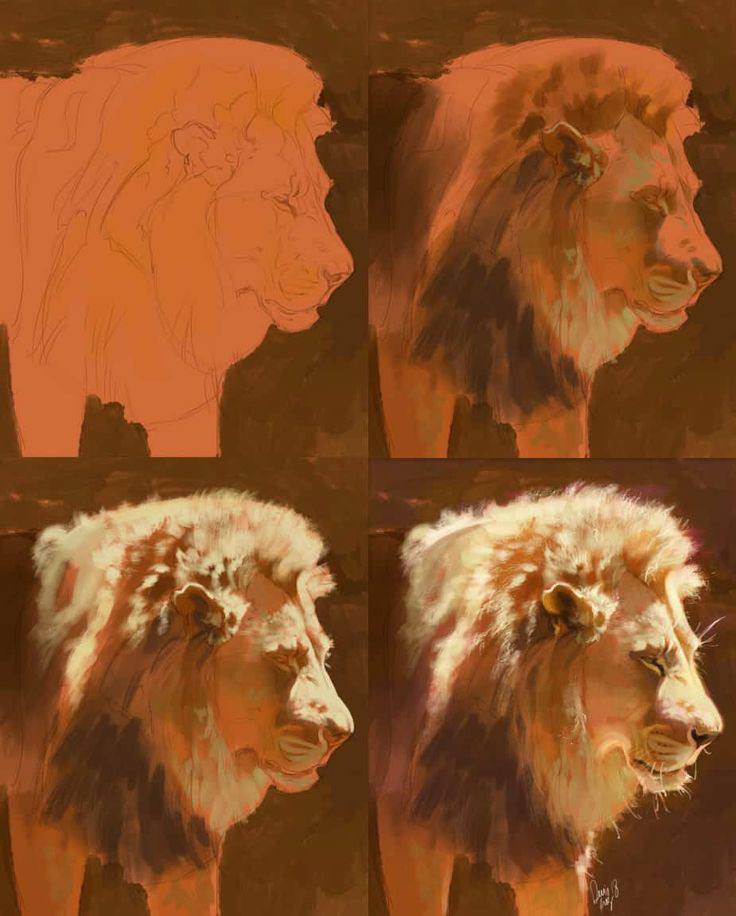
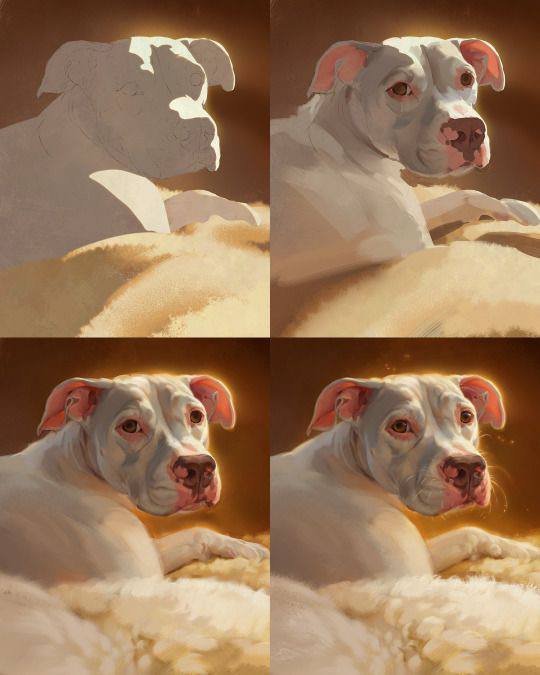
Digital artists can use graphic design magazines and digital art references to study composition, typography, covers, interviews, and visual storytelling beyond social feeds.
For a more direct practice path, this companion guide to easy digital art ideas breaks beginner sketches into rough shapes, line work, base color, shadows, and final cleanup.
- 2.9Kshares
- Facebook0
- Pinterest2.9K
- Twitter3
- Reddit0