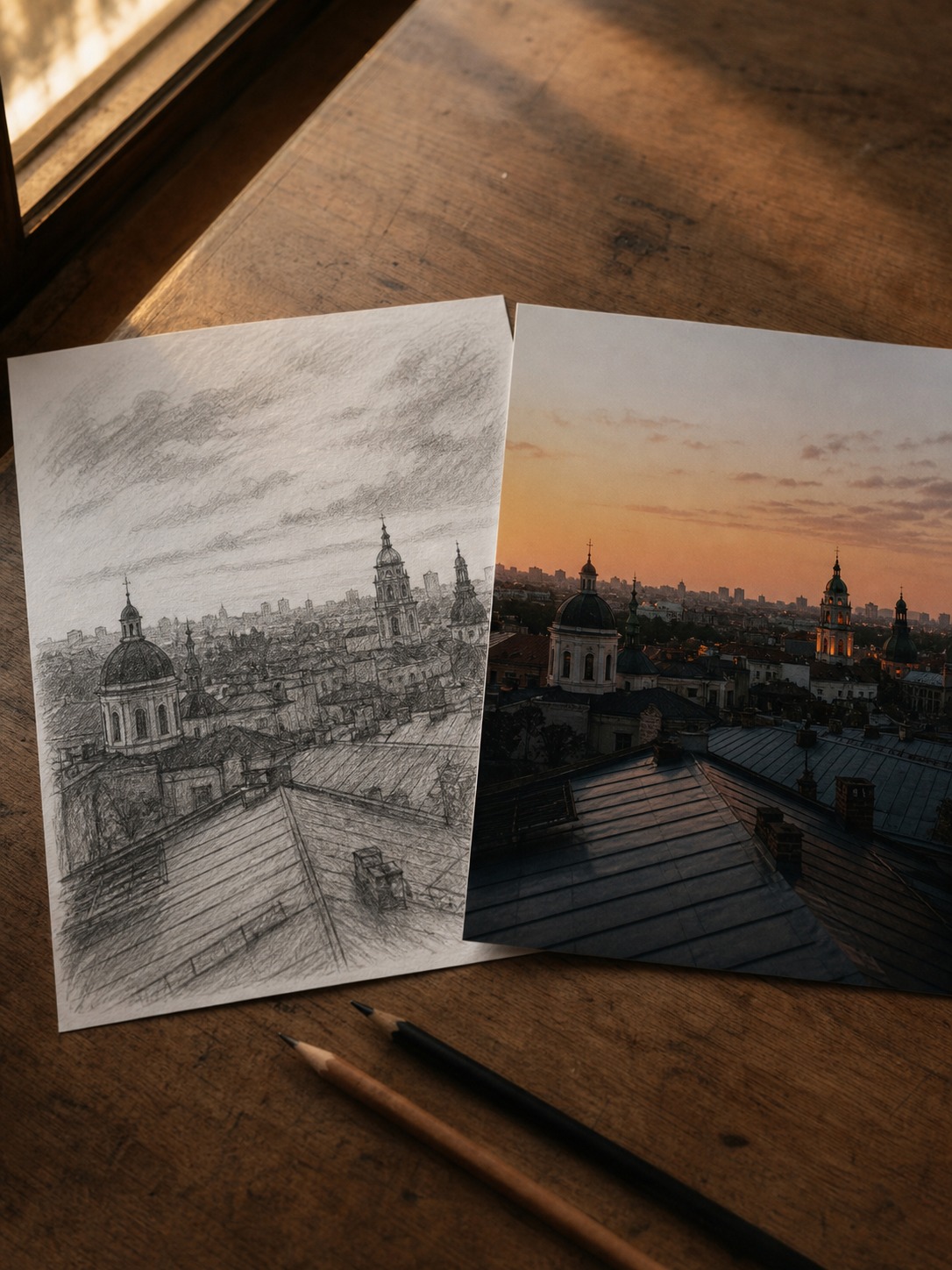
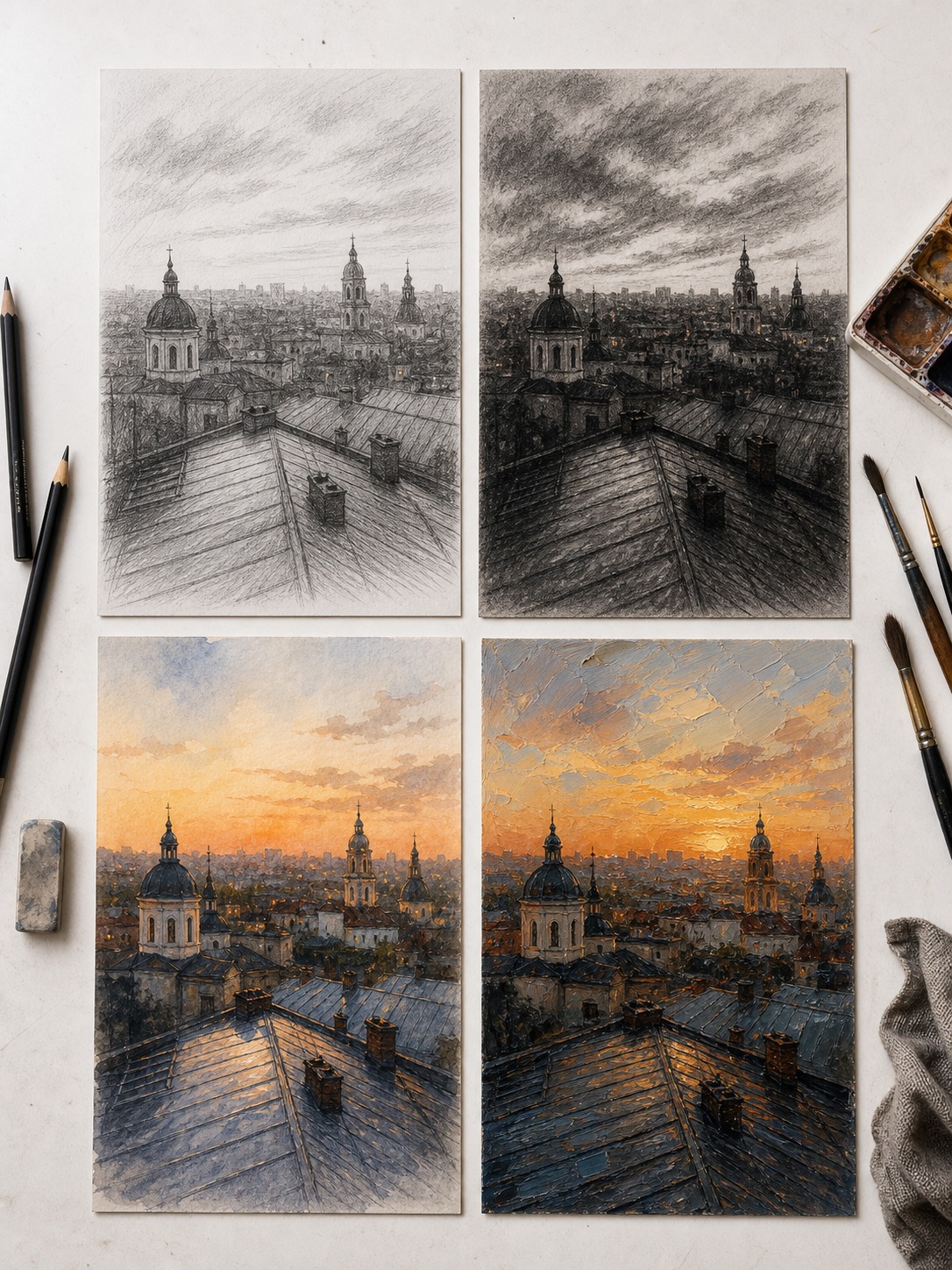
I still remember pulling out a rough phone photo of a Kyiv rooftop at dusk and running it through an AI sketch converter just to see what would happen. What came back wasn’t a filter slapped over the image — it was something closer to a study, the kind of loose charcoal drawing I used to do in life-painting class before moving into industrial design.
- Why photo to sketch works better than a simple filter
- When to turn a photo into a sketch
- When a photo works better as a painting
- How to choose between pencil, charcoal, watercolor, and oil styles
- Using AI sketches as design references
- What source photos convert best
- Where this fits in a creative workflow
- Frequently asked questions
- Is photo to sketch conversion useful for professional design work, or just for fun?
- What's the difference between photo to sketch and photo to painting?
- Do I need a specific type of photo for good results?
- Can I use AI-converted sketches as final artwork, not just references?
- Which art style works best for architecture references?
- Is this different from a regular Instagram-style photo filter?
That’s when it clicked: these tools aren’t a gimmick for turning selfies into cartoons. Used right, they’re a fast way to see your own reference photos as line, tone, and mood instead of just pixels.
That’s the angle worth exploring here — not which app has the most filters, but how artists, bloggers, and designers can actually use photo-to-sketch and photo to painting tools as part of a real creative process.
Why photo to sketch works better than a simple filter
A filter changes how a photo looks. A good photo to sketch conversion changes how you see the photo — it strips away color and detail and forces the underlying structure to the surface: value, contrast, where the light actually falls.
I’ve noticed this matters most when you’re stuck. Staring at a color photo for a composition reference, your eye gets pulled toward the obvious stuff — a red jacket, a bright sign — instead of the shapes that actually make the image work. Convert that same photo to a pencil or charcoal sketch and suddenly you’re looking at value structure only. It’s the same reason academic drawing training starts with grayscale before color: you learn to read light before you learn to render it.
This isn’t a new idea in art practice. It’s just faster now. What used to take an hour of manually desaturating and adjusting curves in Photoshop, then loosely tracing over it by hand for a study, an AI sketch tool does in seconds — giving you more time to actually study the result instead of producing it.
Many AI tools can handle this type of conversion, and platforms such as Pixlio have made photo-to-sketch generation accessible to beginners as well as professional creators. The most important factor, however, is choosing a tool that preserves structure, lighting, and natural drawing texture instead of applying a simple filter.
When to turn a photo into a sketch
Sketch conversion works best when you need line and structure, not mood. A few situations where I reach for it:
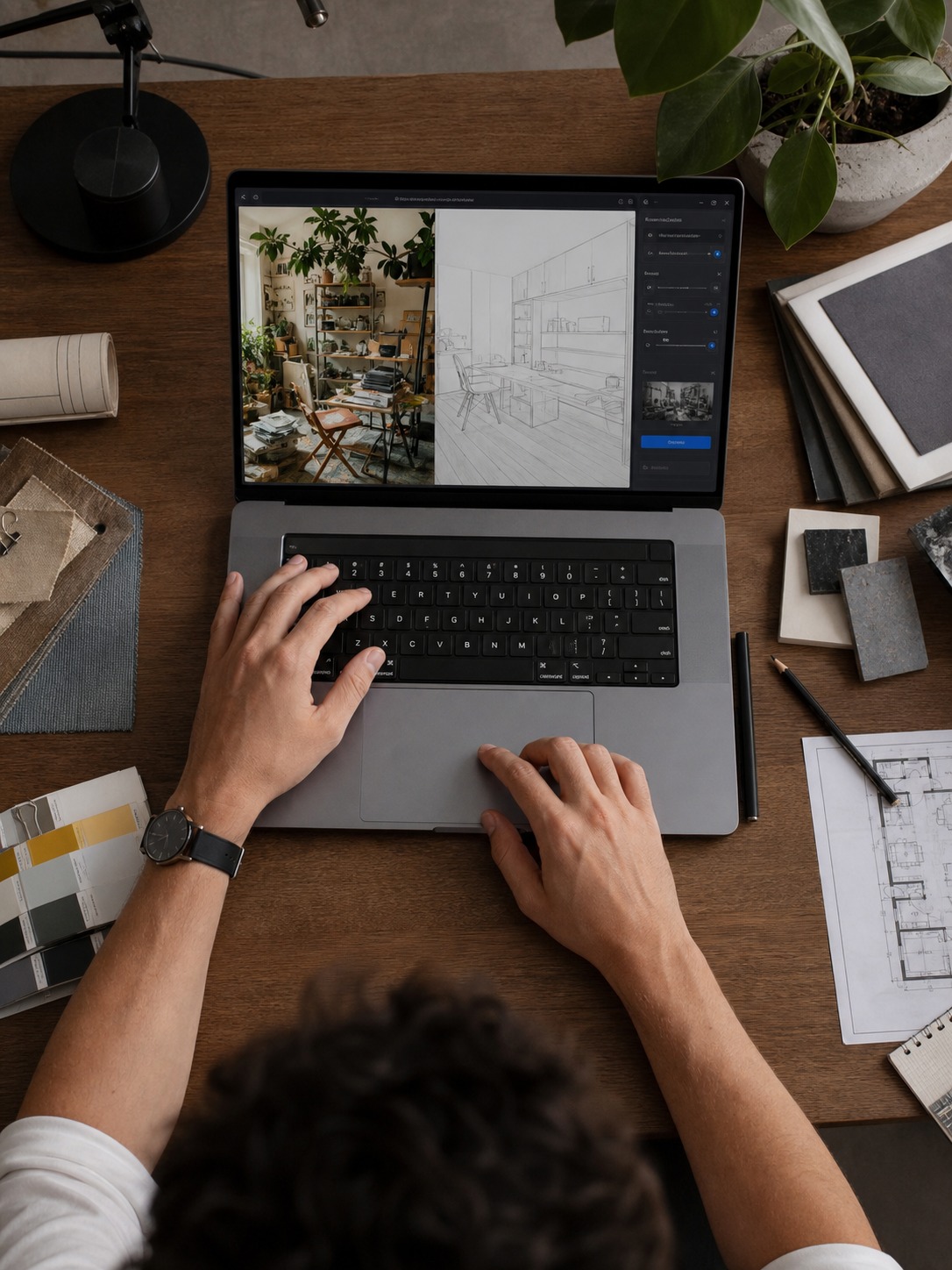
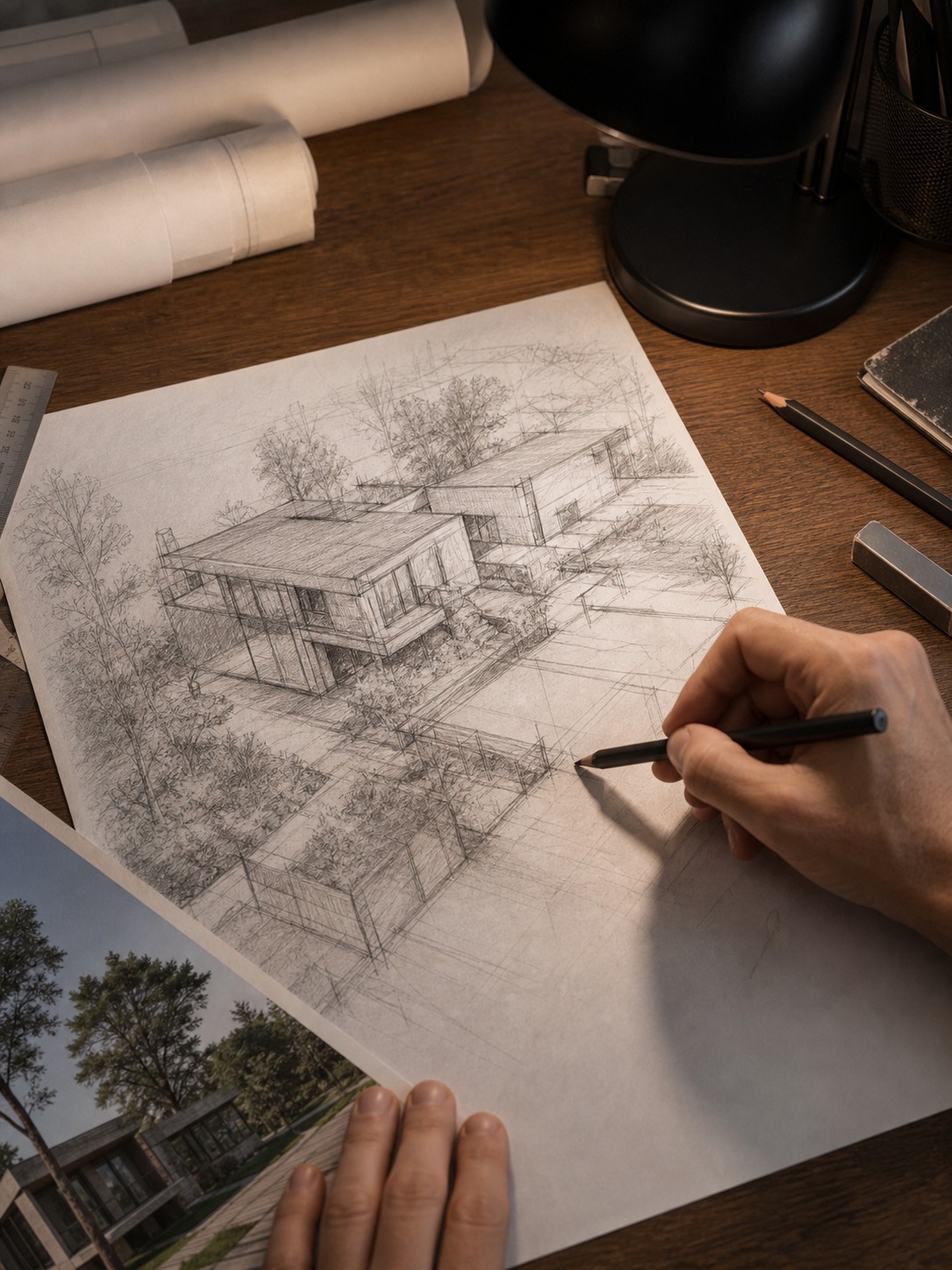
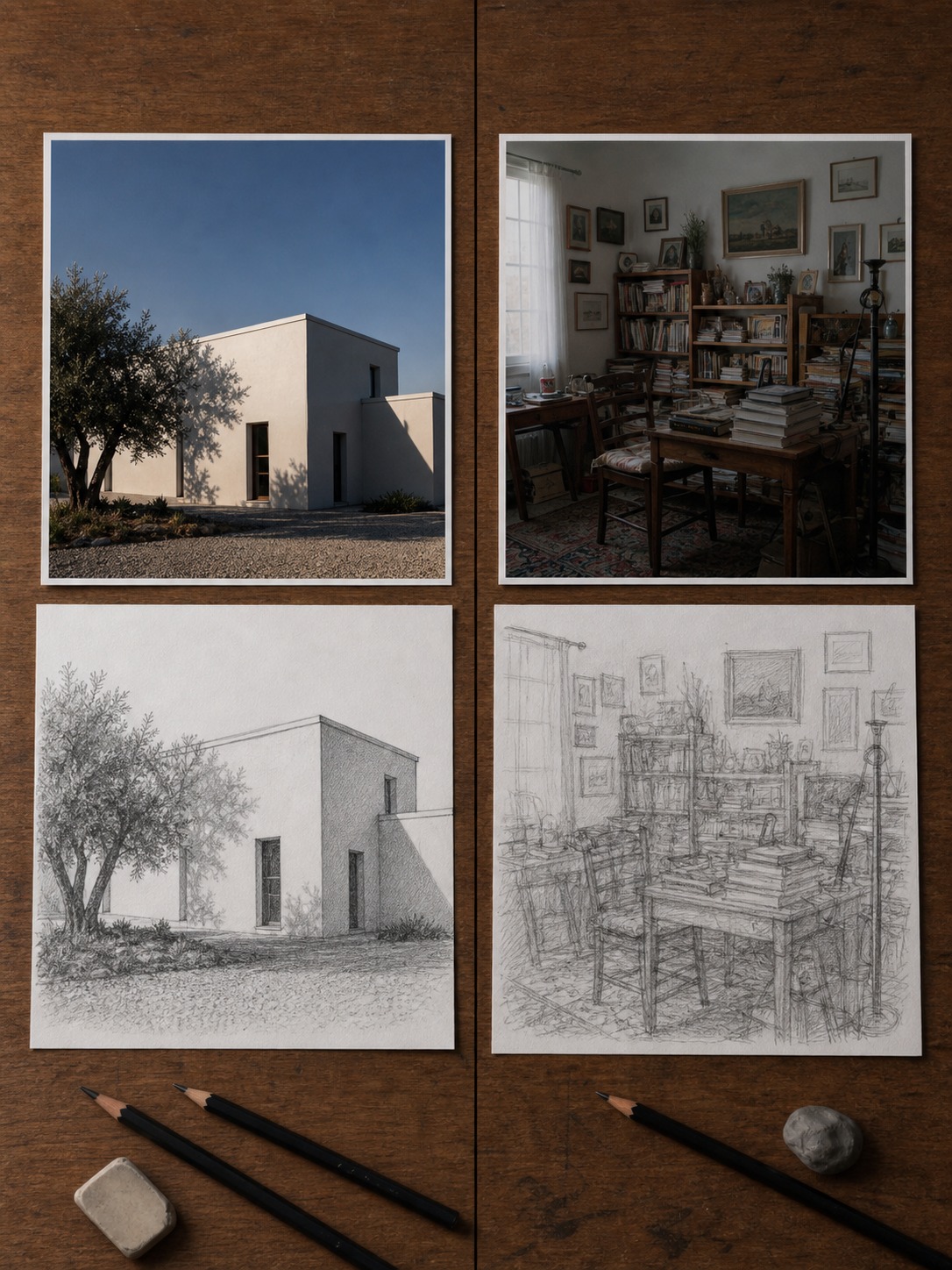
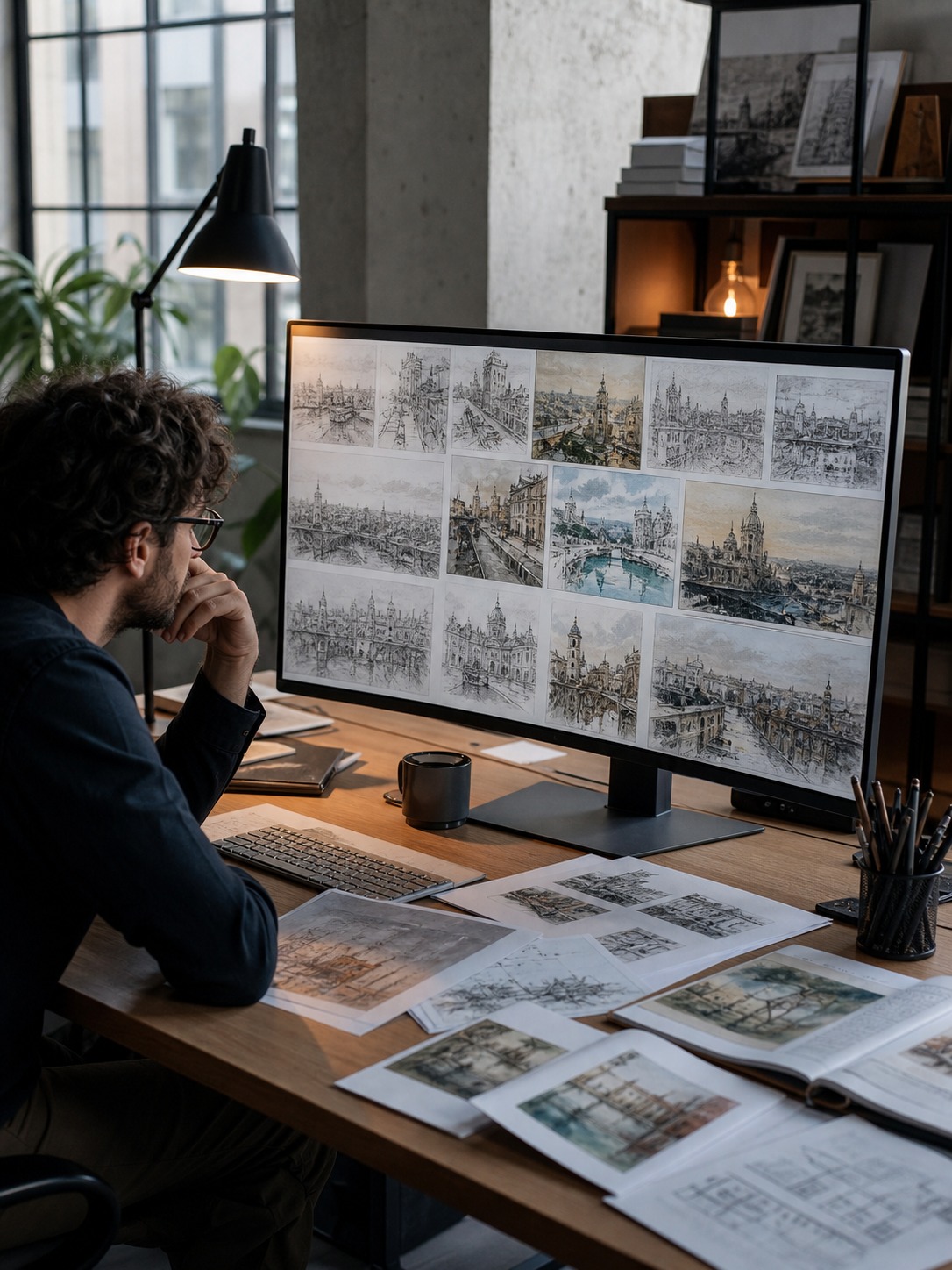
Architecture and interior references. A cluttered interior photo — furniture, textures, reflections — turns into clean line work that shows you the actual room proportions. Useful before sketching a space from scratch.
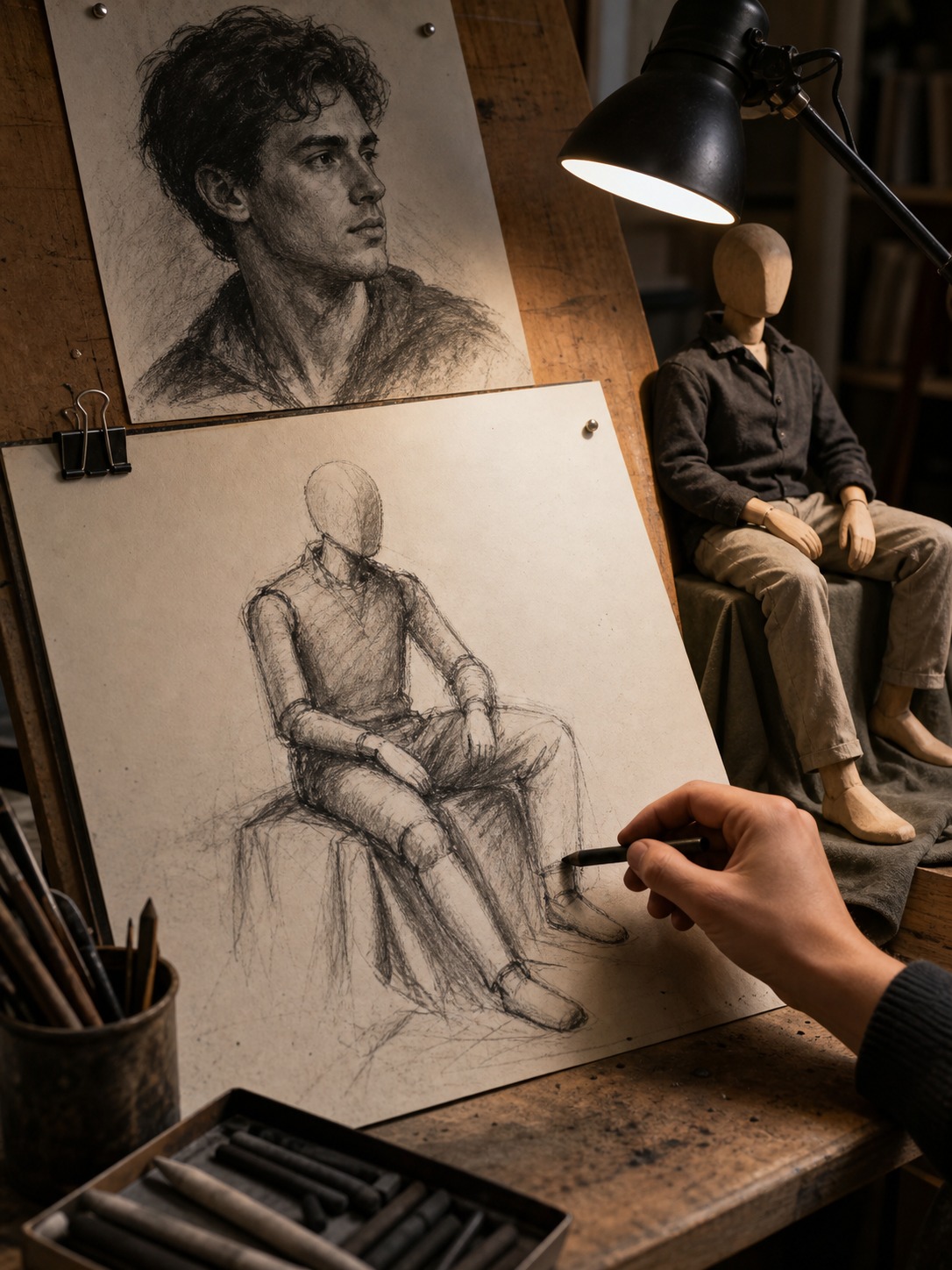
Portrait and figure studies. Turning a reference photo into a sketch first, then drawing over or alongside it, helps you focus on proportion and gesture without color pulling your attention.
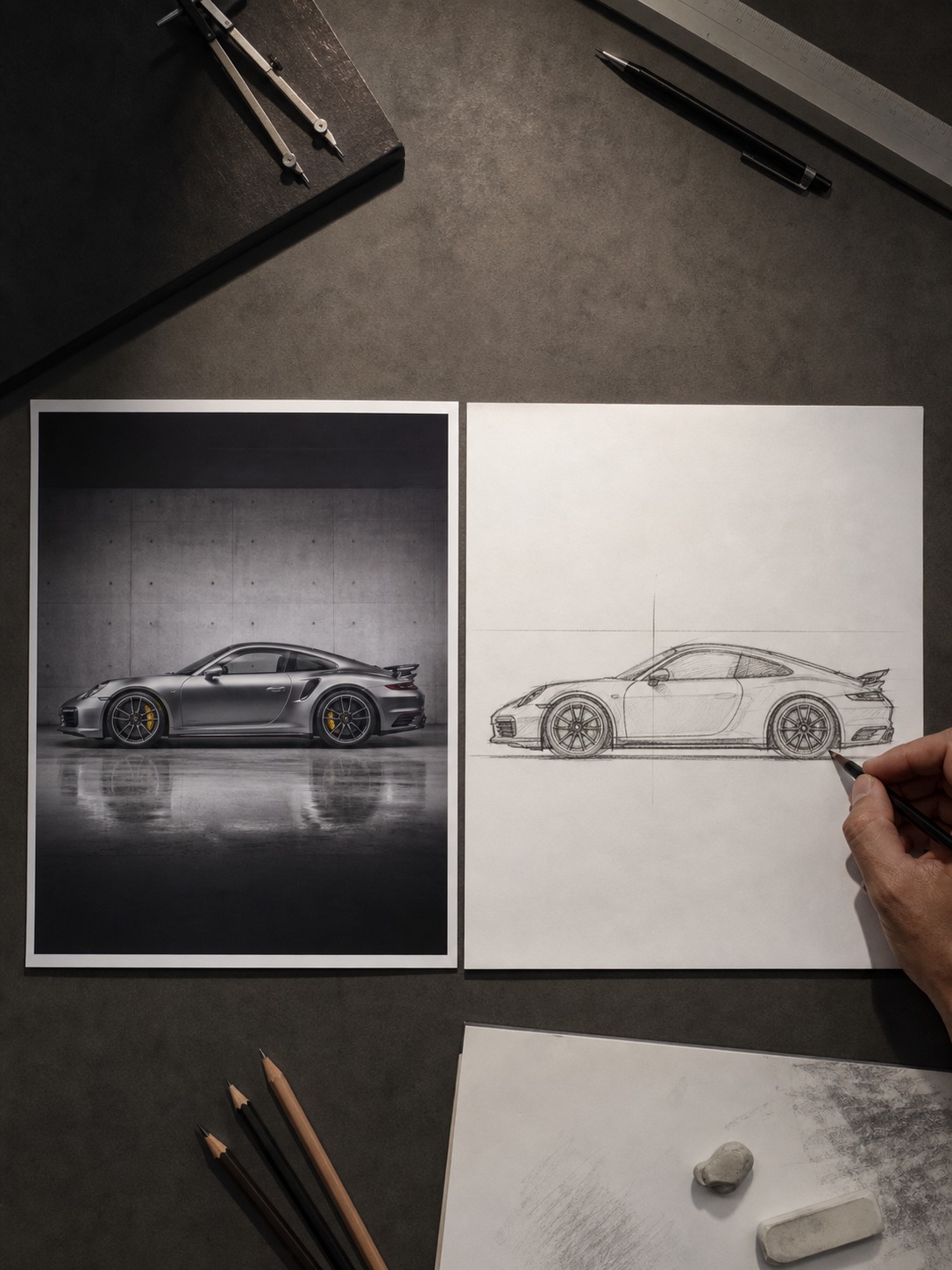
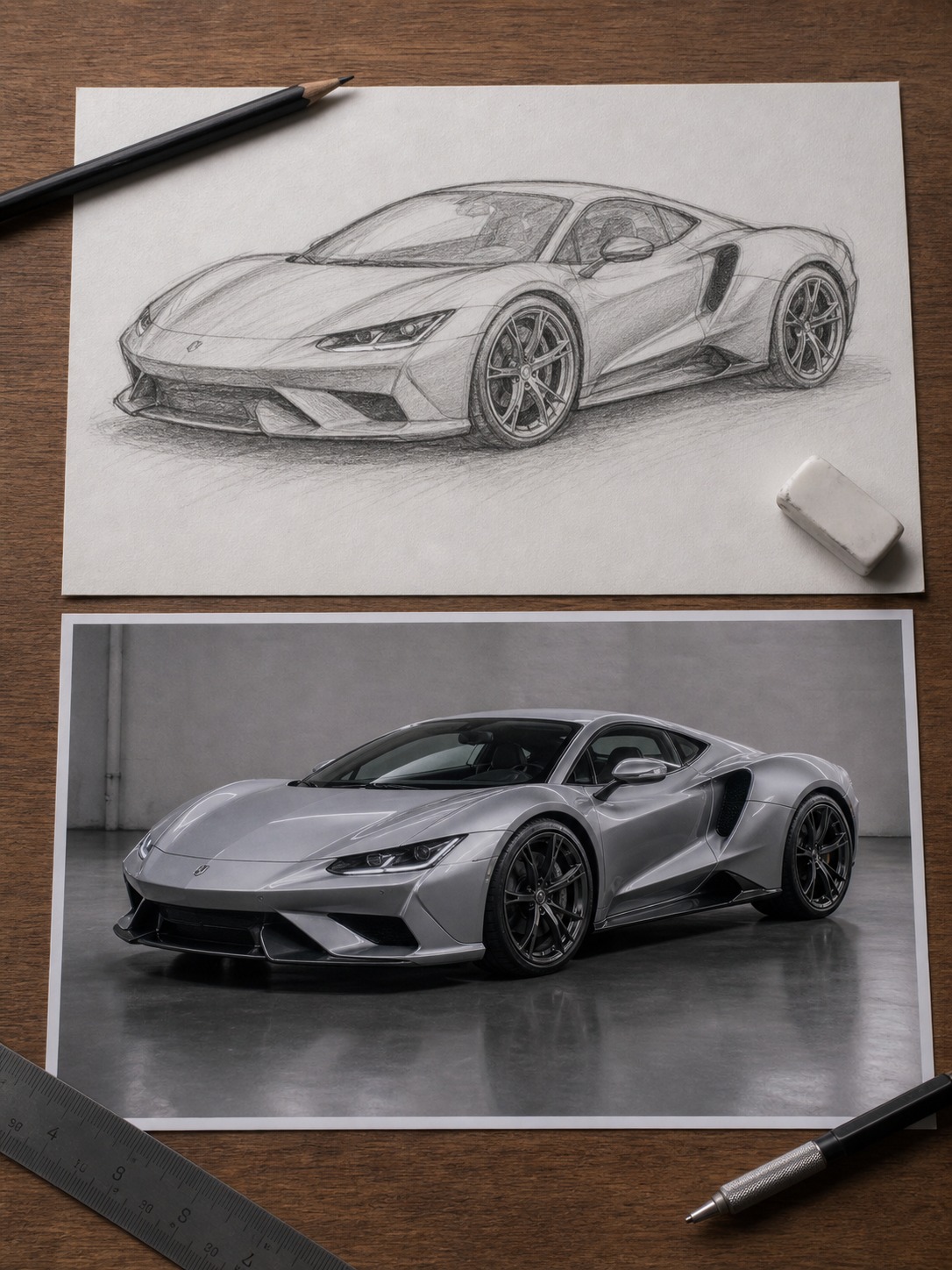
Product and industrial design sketches. I’ve done this with car photos more than once — convert a reference shot to line art first, then use it to check whether my own hand-drawn proportions actually match the source before I commit to inked linework.
Quick concept exploration. If you’re testing five different compositions fast, sketch conversion is faster than manually roughing each one out from scratch.
When a photo works better as a painting
Not every reference benefits from being reduced to line. Sometimes what you actually need is mood, color relationships, and atmosphere — and that’s where photo to painting conversion earns its place instead.
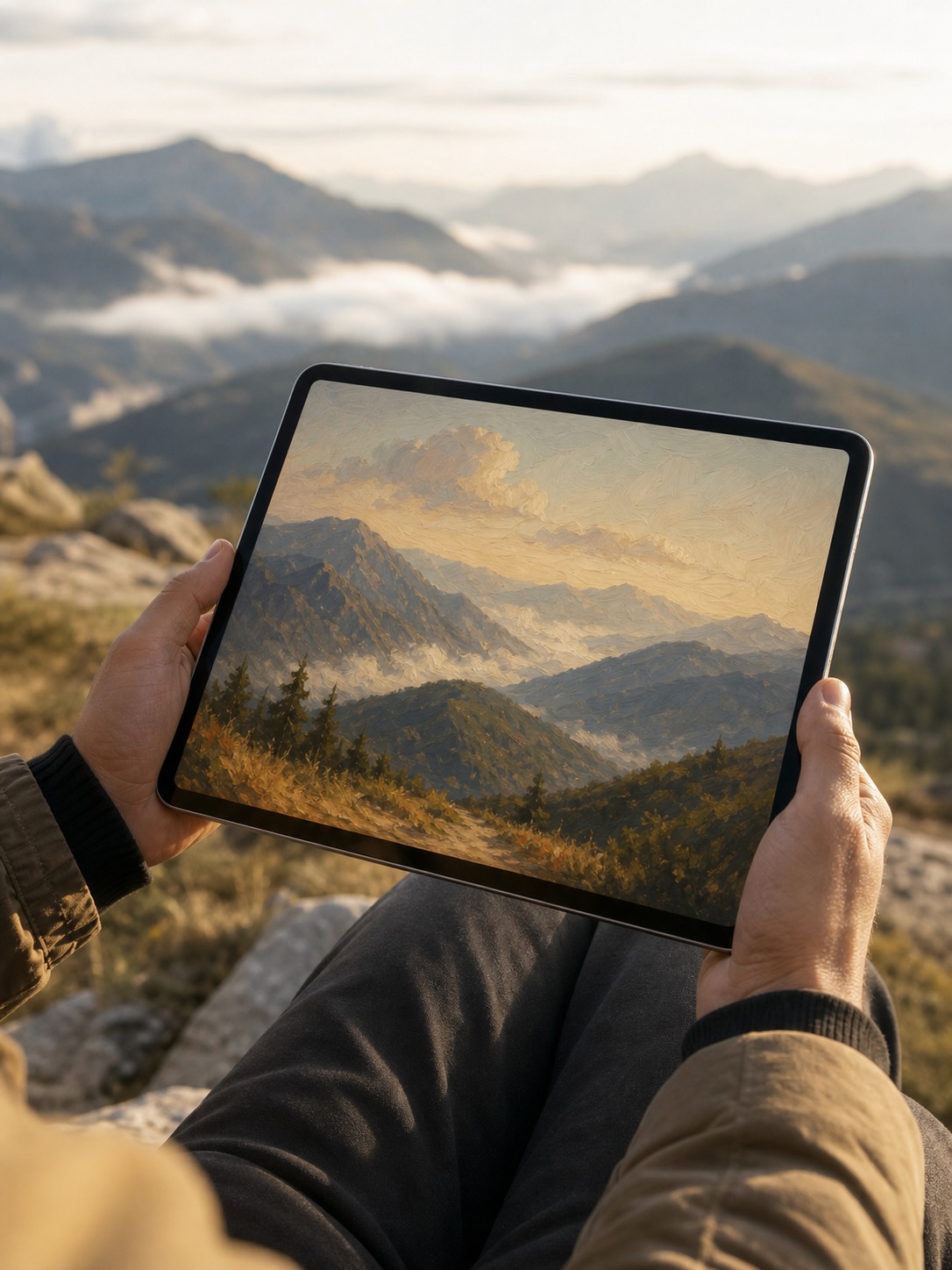
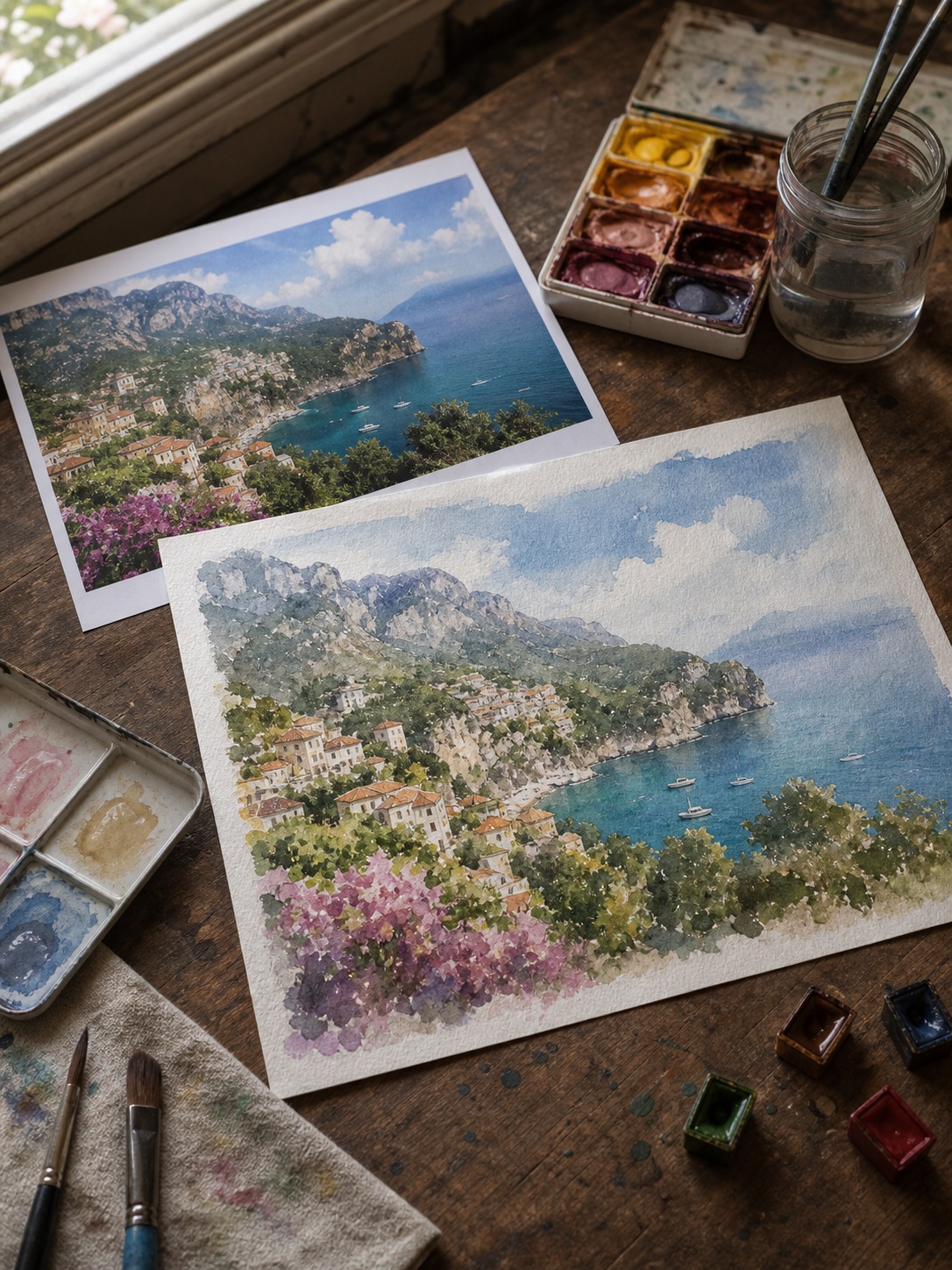
Landscape and travel photos are the clearest case. A hazy mountain shot loses almost nothing important if you strip it to line — the whole point of the reference is the color temperature, the soft edges, the way light scatters through atmosphere. An oil or watercolor conversion keeps that intact while simplifying the fussy detail you’d otherwise spend an hour rendering by hand.
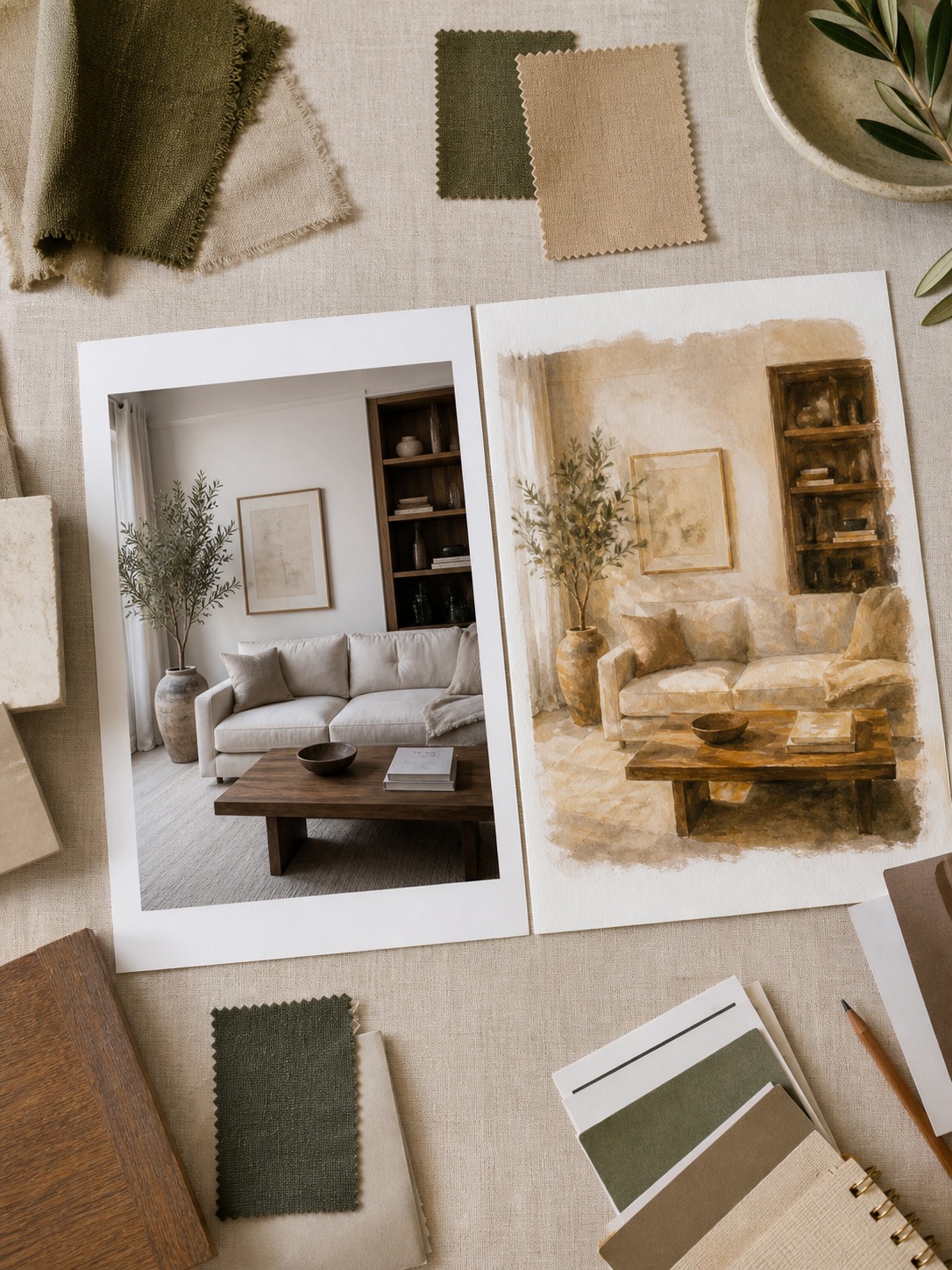
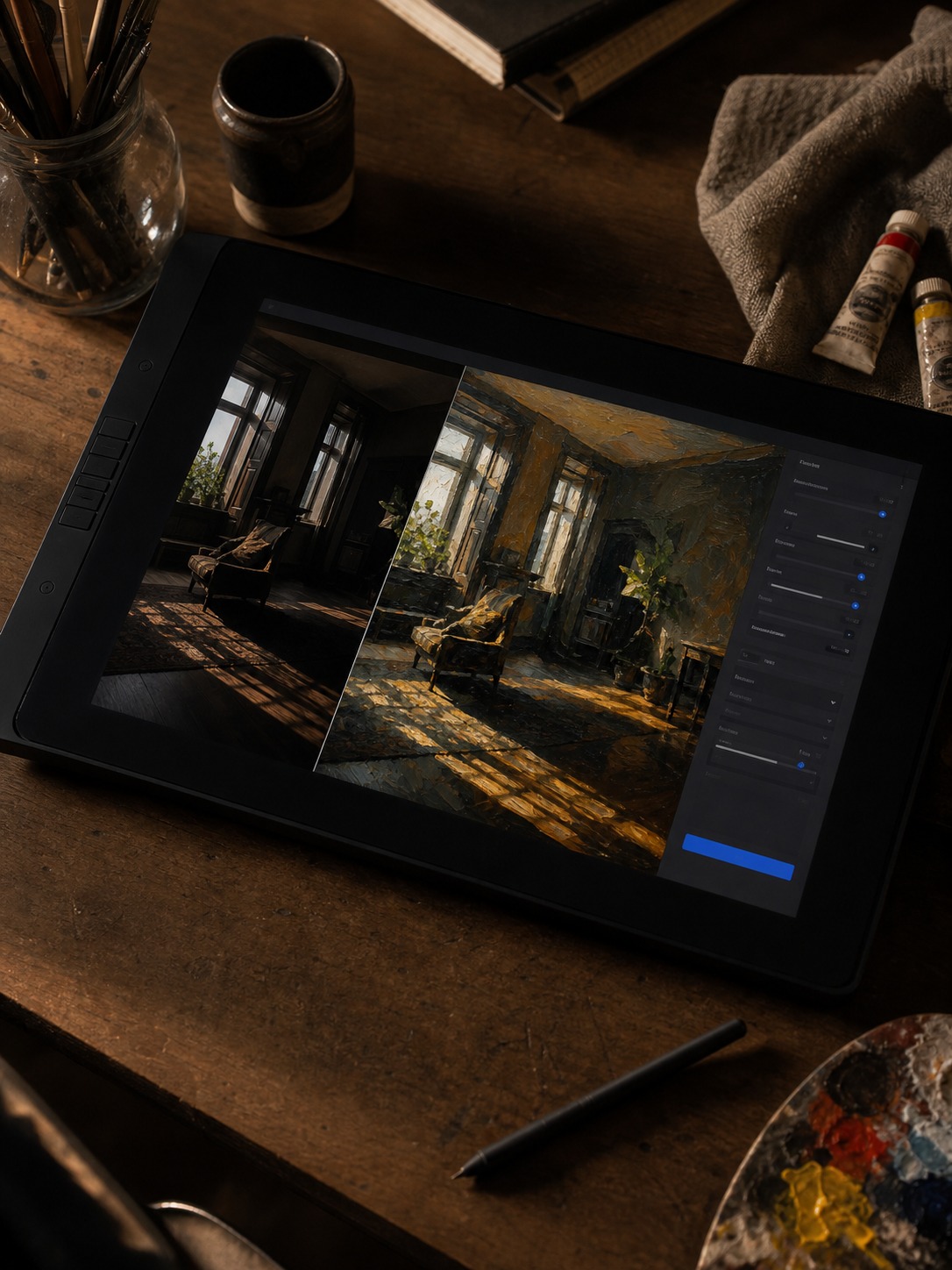
I use this a lot for interior mood boards too. A flat, evenly-lit photo of a room can get pushed through a painterly filter to test how a space might feel under warmer light or a different palette, before ever touching a real paint program or 3D render.
How to choose between pencil, charcoal, watercolor, and oil styles
This is where most people default to whatever style looks “cool” instead of what’s actually useful, so here’s how I think about it in practice:
Pencil — the most neutral option. Clean line weight, minimal texture. Best for architecture, product sketches, and anything where you need accurate proportions more than mood.
Charcoal — heavier contrast, softer edges. Good for portraits and figure studies where you want the sense of light and shadow without hard outlines. It reads closer to how you’d actually rough in a life drawing.
Watercolor — soft edges, color bleeding between shapes. Works well for landscape and travel references, and for interior mood boards where you want a loose, atmospheric feel rather than precision.
Oil — heavier texture, richer color saturation. Best when the source photo already has strong lighting and you want to exaggerate that drama — moody interiors, dramatic skies, anything with real contrast to work with.
None of these are locked in one direction. I’ve run the same reference photo through pencil and watercolor conversions side by side just to compare which version actually tells me more about the composition — sometimes the answer surprises you.
Using AI sketches as design references
Here’s where this stops being a novelty and starts being an actual tool. Once you’ve got a sketch or painting version of a reference photo, you can use it the way you’d use any other reference — just faster to generate and easier to strip down to what matters.
For interior and architecture work, I’ll convert a site photo to a sketch, then trace over it loosely by hand to work out proportion before adding my own design changes on top — moving a wall, swapping a fixture, testing a different material. The AI version handles the tedious base layer; the actual design thinking still happens by hand.
For automotive and product sketching, converting a photo to line art first gives you a proportion check. Draw your own version from imagination, then compare it against the AI-converted reference — the gaps tell you exactly where your instinct for proportion is off.
For mood boards, painting-style conversions do the job that used to require a stock photo license and hours in editing software. You get the atmosphere without needing to shoot or license the perfect image yourself.
For example, Pixlio offers multiple sketch styles, allowing users to experiment with different artistic looks while keeping the original composition intact. Regardless of the platform you choose, look for realistic line quality, balanced shading, and high-resolution exports rather than relying on basic one-click effects.
What source photos convert best
Not every photo gives you a usable result, and this is the part most guides skip entirely.
Good candidates: photos with clear light direction and defined shapes — a building against open sky, a portrait with strong side lighting, a car photographed with visible reflections. The AI has clean structure to work from.
Weaker candidates: flat, evenly-lit photos with no real shadow, and busy scenes with too many competing subjects. The conversion still runs, but the result reads as noisy rather than useful — you’ll spend more time squinting at it than learning from it.
A tip that took me a while to figure out: shoot (or select) your reference photo the way you’d frame a real composition study — one clear subject, defined light source, minimal clutter in the background. Garbage composition in, garbage sketch out. The AI tool isn’t fixing your reference photo’s problems; it’s just translating whatever structure is already there.
Where this fits in a creative workflow
I don’t treat AI sketch or painting conversion as a finished product — it’s a step, not a destination. The way I actually use it: shoot or collect reference photos, run the useful ones through a sketch or painting conversion depending on what I need from them, then use those converted versions as the starting point for real work — hand sketches, digital paintings, mood boards, or proportion checks for a design project.
That’s really the whole value of it. It’s not about replacing the drawing — it’s about getting to the useful part of the reference faster, so more of your actual time goes toward the work only you can do: making decisions about composition, material, light, and mood that no AI conversion tool makes for you.
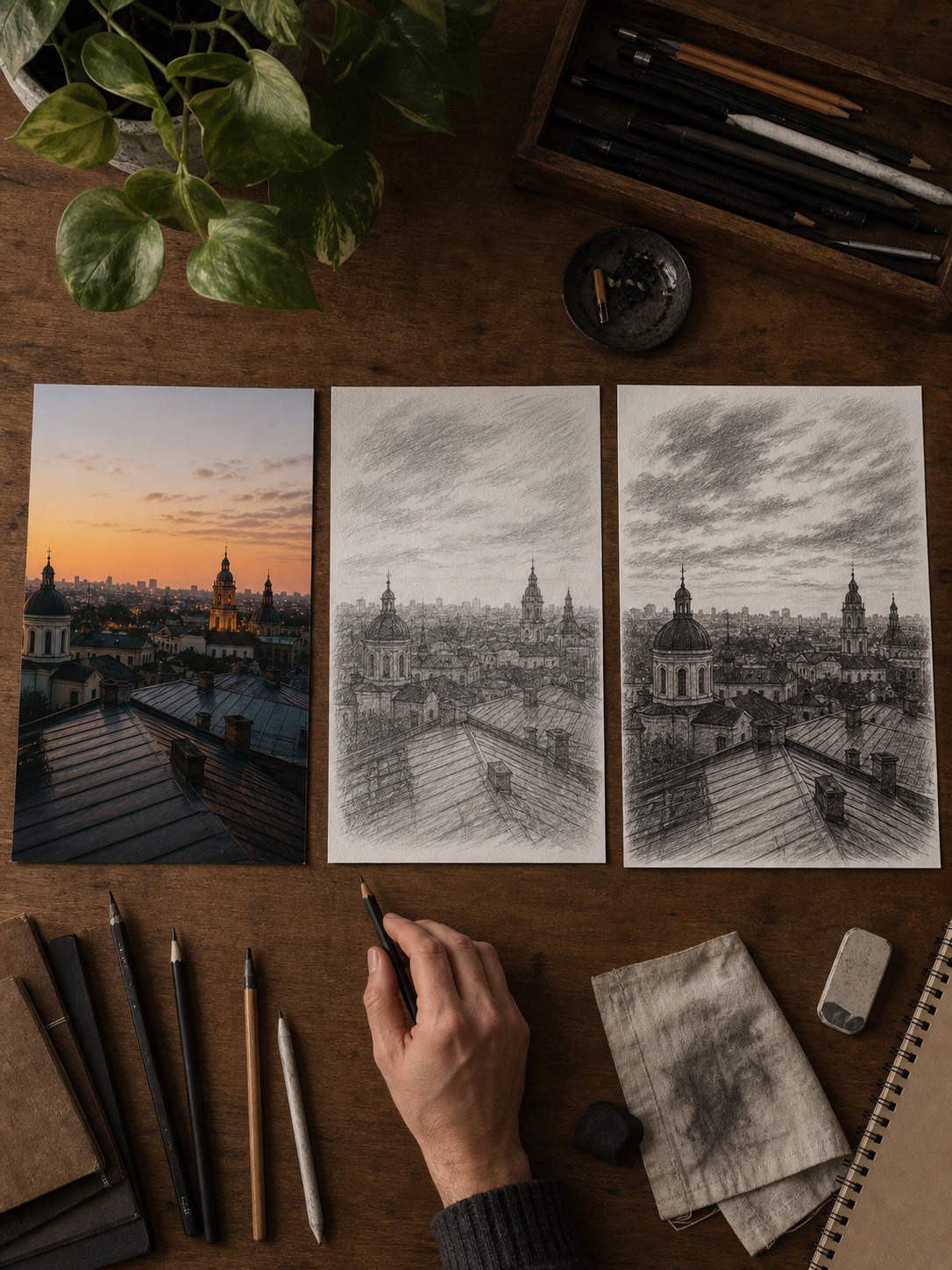
After turning a photo into a sketch, use these digital art ideas to turn the result into a color study, portrait thumbnail, or texture exercise instead of leaving it as a filter effect.
Frequently asked questions
Is photo to sketch conversion useful for professional design work, or just for fun?
Both, honestly. It’s genuinely useful for fast reference prep — proportion checks, composition studies, mood exploration — while still being simple enough for casual creative use.
What’s the difference between photo to sketch and photo to painting?
Sketch conversion strips a photo down to line and value, useful when you need structure. Painting conversion keeps color and atmosphere, useful when mood matters more than precise shape.
Do I need a specific type of photo for good results?
Photos with clear light direction and defined shapes convert best. Flat lighting and cluttered backgrounds produce noisier, less useful results.
Can I use AI-converted sketches as final artwork, not just references?
You can, but the more interesting use is treating them as a base layer — a starting point you draw over or design from, rather than a finished piece on their own.
Which art style works best for architecture references?
To explore how text descriptions and machine learning models are expanding these creative tools even further, read our comprehensive photo to drawing AI guide covering advanced generator engines.
Pencil, almost always. It keeps proportions clean and readable without the mood-driven distortion that charcoal or watercolor conversions introduce.
Is this different from a regular Instagram-style photo filter?
Yes — a filter changes color and tone on top of the same image. A sketch or painting conversion restructures the image itself around line, value, or brushwork, which is why it works for actual reference use.
If you prefer hand-drawn effects, an optical illusion drawing is a useful contrast to AI-assisted photo-to-sketch workflows.
Related realism study: If you are converting photo references into drawings, a Marco Grassi painting study helps show what still has to be interpreted by hand: edges, focus, and surface texture.
- 251shares
- Facebook0
- Pinterest251
- Twitter0
- Reddit0