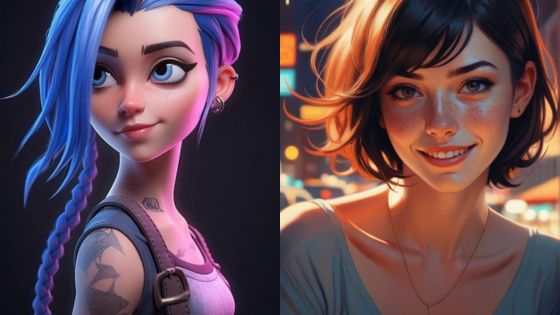
An anime girl wallpaper works best when the art fits the screen before it looks impressive. For a phone lock screen, choose a vertical image with calm space near the top for the clock, a clear focal point in the middle, and enough contrast that widgets stay readable. For desktop, use a wider crop with the character away from your icons.
- How to choose an anime girl wallpaper for your phone
- Anime girl wallpaper sizes for phone and desktop
- Cute anime wallpaper styles and themes
- How to make an anime phone wallpaper fit your screen
- Where to find anime girl wallpapers safely
- Customizing Anime Wallpapers
- Anime girl wallpaper FAQ
- Q: What size should an anime girl wallpaper be for a phone?
- Q: What makes a cute anime wallpaper work on an iPhone?
- Q: Can I use anime girl wallpapers commercially?
- Q: Is dark anime wallpaper better for OLED phones?
- Q: How do I avoid blurry anime wallpaper?
- Q: Where should the anime character sit in a lock screen wallpaper?
- More wallpaper and anime art ideas
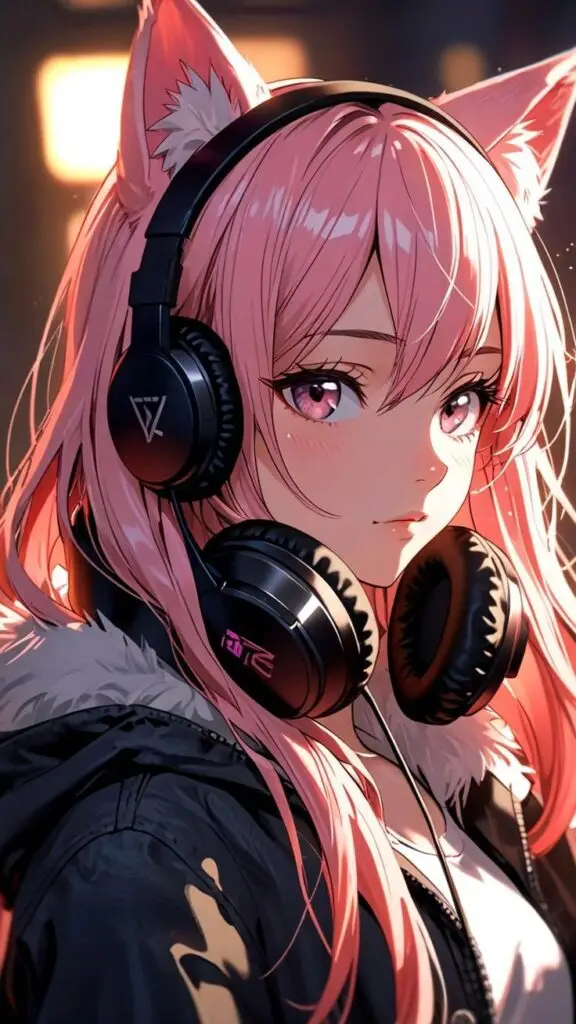
This guide focuses on cute anime wallpaper, anime phone wallpaper, iPhone wallpaper sizing, desktop crops, and the small composition details that make a background feel polished instead of noisy. I also added four new vertical wallpapers below so the post has fresh phone-ready examples, not only advice about where to search.
How to choose an anime girl wallpaper for your phone
Start with the device. A phone wallpaper usually needs a 9:16 crop, while a desktop wallpaper usually needs 16:9. Then check the art like a designer: is the face readable, does the background leave breathing room, and will the clock, notifications, or app icons cover the best part of the character?
| Use case | Best crop | What to look for |
|---|---|---|
| iPhone lock screen | 9:16 vertical | Quiet top area, character below the clock, strong contrast |
| Android home screen | 9:16 or 20:9 vertical | Simple background behind icons, readable mid-tones |
| Desktop monitor | 16:9 landscape | Character off-center, clean icon area, high resolution |
| Tablet | 4:3 or flexible crop | Artwork that still works when rotated |

Anime girl wallpaper sizes for phone and desktop
Selecting the right resolution for your anime girl wallpaper ensures it displays properly on your screen without pixelation or stretching. Resolution directly impacts the clarity and sharpness of the artwork, affecting how well you can appreciate the details in your favorite anime characters.
Common HD and phone wallpaper resolutions
Full HD (1920×1080) or 1080p has been the standard resolution for many years, offering a good balance between quality and file size. This 16:9 aspect ratio works well on most modern displays and provides sharp images for anime wallpapers.
When browsing for anime girl wallpapers, you’ll often see options in 1080p as the default offering. Many artists create their work at this resolution because of its widespread compatibility.
For slightly older or budget devices, you might need 720p (1280×720) wallpapers, which still maintain the same aspect ratio but with fewer pixels.
Quad HD (2560×1440) or 1440p QHD offers significantly more detail than Full HD. If you have a 2K monitor, WQHD wallpapers will showcase anime artwork with improved clarity, making character details and background elements more vibrant.
When 4K anime wallpaper is worth it
4K or Ultra HD (3840×2160) resolution represents four times the pixel count of Full HD, bringing anime wallpapers to life with exceptional detail. Apps like “Anime Girl Wallpaper HD” now specifically advertise 4K options as seen in the search results.
When downloading 4K anime wallpapers, you’ll notice finer details in character expressions, clothing textures, and background elements. This resolution is particularly beneficial for larger screens where lower resolutions might appear stretched.
Remember that higher resolution wallpapers require more storage space. A typical 4K anime wallpaper might be 2-5MB, compared to under 1MB for Full HD versions.
For ultra-wide monitors, you’ll need to look for specialized resolutions like 3440×1440 to avoid distortion while maintaining the artist’s intended composition.


Cute anime wallpaper styles and themes
Anime girl wallpapers come in a diverse range of artistic styles and thematic elements that appeal to various preferences. These designs often incorporate distinct visual aesthetics that reflect both traditional and contemporary Japanese culture.
Character-focused anime girl wallpapers
Popular anime series feature memorable female characters that frequently appear in wallpaper collections. You’ll find protagonists like Sailor Moon, Mikasa Ackerman from Attack on Titan, and Zero Two from Darling in the Franxx dominating many wallpaper galleries.
These character-based wallpapers typically showcase the girl in her signature pose or outfit. Some designs highlight action scenes where female characters wield weapons like katanas, emphasizing their strength and combat abilities.
Studios like Kyoto Animation and Production I.G are known for their distinctive art styles that translate beautifully to wallpapers. Their characters feature expressive eyes, detailed hair, and dynamic poses that make for visually striking backgrounds.
High-quality wallpapers often preserve the original artist’s style while optimizing the composition for different device screens. You can find these iconic characters in both minimal and elaborate background settings.
Traditional Japanese Elements
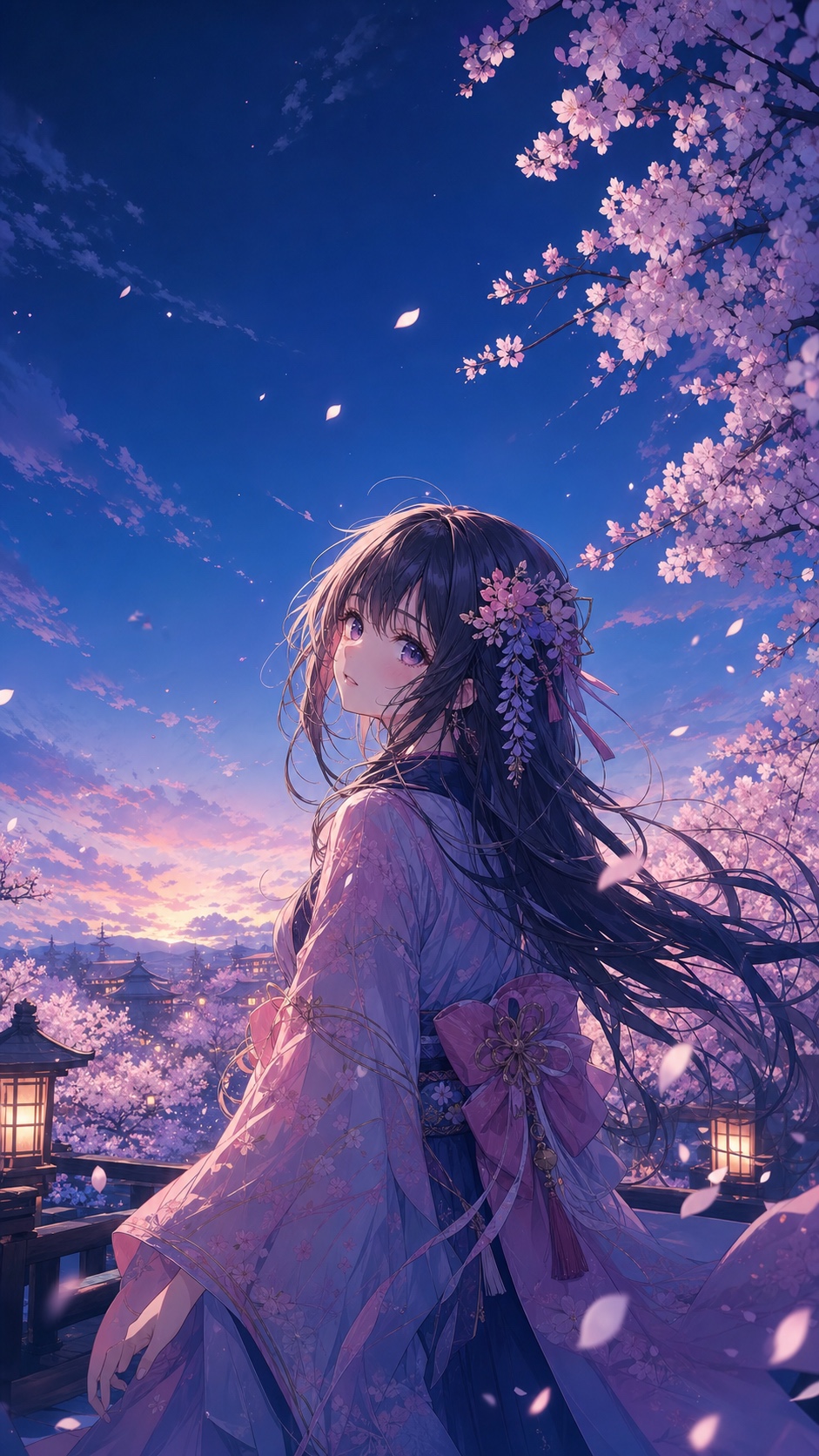
Many anime girl wallpapers incorporate classic Japanese aesthetic elements that create a culturally rich visual experience. Cherry blossoms (sakura), flowing water, and traditional architecture frequently appear as background elements.
You’ll notice girls in traditional attire like kimonos or wielding katanas against backdrops of ancient temples or natural Japanese landscapes. These designs often utilize a color palette inspired by ukiyo-e art with rich reds, deep blues, and gold accents.
Seasonal themes are particularly popular, with snowy winter scenes, autumn leaves, and summer festivals creating distinctive moods. These wallpapers blend anime styling with traditional art techniques for a unique fusion aesthetic.
Calligraphy and Japanese symbols sometimes appear alongside the character designs, adding both visual interest and cultural depth. These elements help create a sense of authenticity and connect the anime aesthetic to its Japanese roots.
Modern, dark, and aesthetic anime phone wallpapers
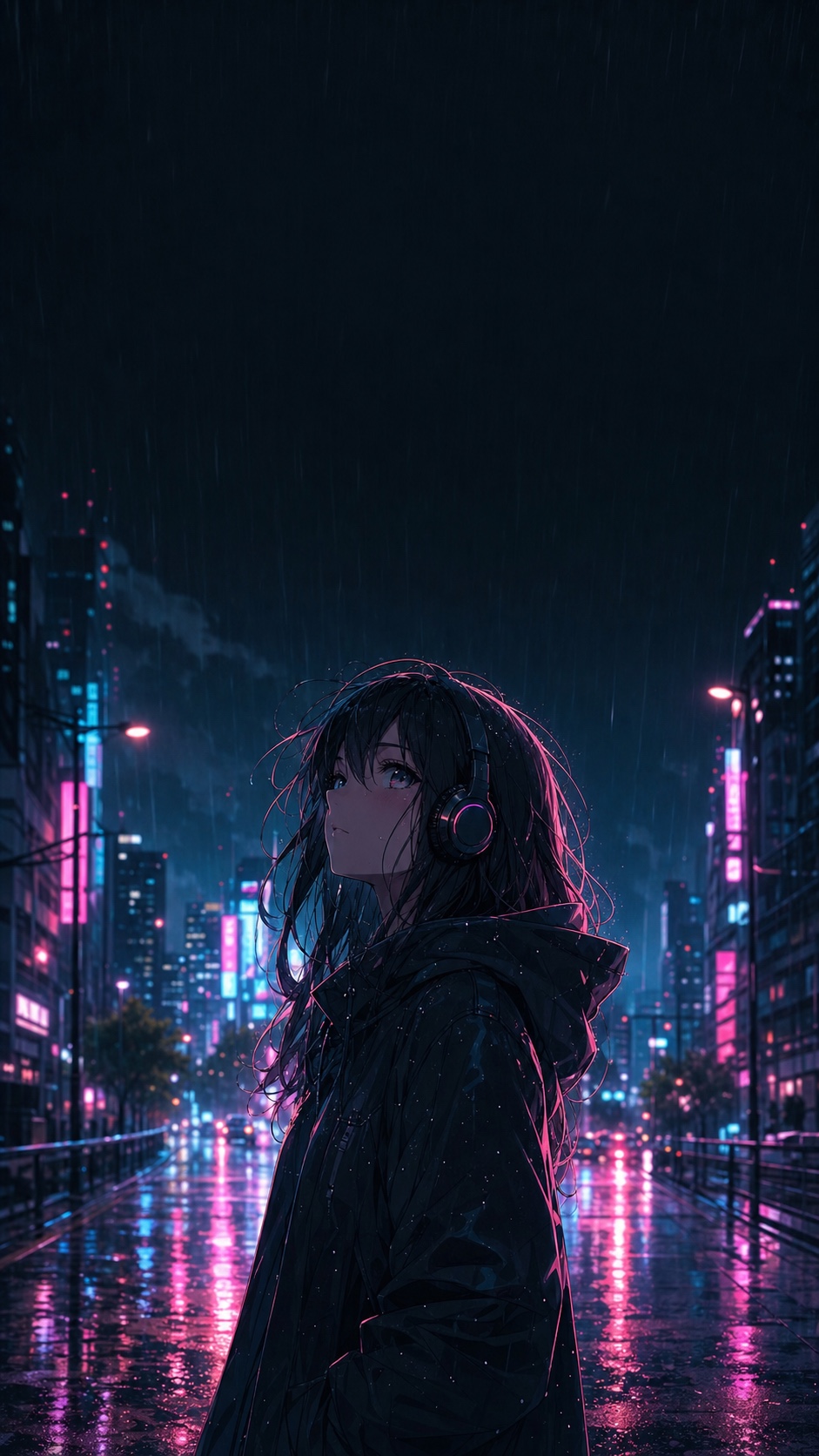
Contemporary anime girl wallpapers often break traditional boundaries with bold, experimental styles. You’ll find vibrant neon color schemes inspired by cyberpunk aesthetics, particularly in urban nightlife scenes featuring anime girls.
Abstract backgrounds with geometric shapes, particle effects, and dynamic lighting create visually striking contrasts against the detailed anime character designs. These modern interpretations often incorporate digital glitch effects or surreal landscapes.
Music-themed wallpapers, particularly those labeled as “phonk style” mentioned in search results, blend anime girls with audio visualizer elements and urban aesthetics. These designs typically feature dark backgrounds with bright accent colors.
Minimalist approaches are gaining popularity, where artists use limited color palettes and simplified line work to create elegant, uncluttered wallpapers. You can find these in both pastel “aesthetic” collections and bold monochromatic designs.
Many modern anime wallpapers are designed specifically for vertical phone screens, with compositions that place the character centrally with space for app icons and widgets around them.


How to make an anime phone wallpaper fit your screen
Finding the perfect anime girl wallpaper is only half the battle. Ensuring it displays optimally across your various devices requires understanding each screen’s unique requirements and limitations.
Desktop and PC
For desktop computers and PCs, resolution is crucial when selecting anime girl wallpapers. Aim for at least 1920×1080 (Full HD) for standard monitors, while 4K displays require 3840×2160 resolution for maximum sharpness.
Many modern PCs support multiple monitors, creating opportunities for panoramic anime wallpapers that span across screens. You’ll want to measure your total screen width and height in pixels before searching for appropriately sized images.
Consider your monitor’s aspect ratio when selecting wallpapers. Most displays use 16:9, but ultrawide monitors (21:9) require differently proportioned images to avoid stretching or cropping your favorite anime characters.
Windows and macOS handle wallpaper scaling differently. If your chosen anime wallpaper appears blurry, try setting the display option to “Fill” rather than “Stretch” to maintain the image’s original proportions.
Anime phone wallpaper and iPhone lock screens
Mobile devices present unique challenges for anime wallpapers due to their portrait orientation and varying screen sizes. Ideal smartphone wallpapers typically use 1080×1920 resolution (9:16 aspect ratio) or higher for newer models.
Remember that phones and tablets have both lock screen and home screen wallpapers. Your anime girl wallpaper might be partially covered by app icons and widgets on the home screen, so position the main character or focal point accordingly.
OLED screens on premium devices display true blacks by turning pixels completely off, creating battery-saving opportunities. Dark-themed anime wallpapers with black backgrounds not only look stunning but can extend battery life on these devices.
For iPhones specifically, consider how the notch or Dynamic Island might intersect with your wallpaper. Testing how the image looks in both locked and unlocked states helps ensure no important elements are obscured.
Gaming Consoles and Smart TVs
Modern gaming consoles like PlayStation 5 and Xbox Series X support custom backgrounds. For these platforms, aim for 4K (3840×2160) anime wallpapers to match their high-resolution output capabilities.
Smart TVs benefit from optimized anime wallpapers that account for overscan areas—portions of the image that might be cut off by the TV’s bezel. Keep important visual elements centered and away from edges for the best results.
Remember that most TVs and consoles display in landscape format. Choose horizontal anime wallpapers with 16:9 aspect ratios for consistent, stretch-free appearance.
Gaming environments often feature dimmer lighting, so brighter anime wallpapers with good contrast tend to stand out best on these devices. Consider selecting images with vibrant colors that remain visible in variable lighting conditions.


Where to find anime girl wallpapers safely
Finding the perfect anime girl wallpaper involves knowing which resources offer high-quality images and understanding how to properly download them. The internet provides numerous platforms dedicated to anime artwork that cater to different preferences and device requirements.
Useful anime wallpaper sources
For broad searches, Wallhaven is useful because you can filter by resolution and aspect ratio before downloading. Alpha Coders is another large wallpaper library where the download size is usually easy to check.
If you want art with clearer licensing notes, check Freepik, ArtStation, and DeviantArt. The quality can be excellent, but read each artist’s usage terms before using an image beyond your own screen.
For anime-specific discovery, Pixiv, Zerochan, and Konachan can surface styles you will not see on generic wallpaper sites. Use their filters carefully, especially if you only want clean, phone-safe artwork.
When you need neutral backgrounds for edits or collages, source your textures from reputable libraries such as Pexels or Unsplash, then combine them with original or properly licensed character art.
Legality and Copyright Considerations
Understanding copyright is essential when downloading anime wallpapers. Most images are protected by copyright and are intended for personal use only. Commercial use typically requires permission from the original artist or license holder.
Many websites clearly mark which images are free for commercial use versus personal use only. Freepik, for example, labels their resources with usage rights, making it easier to determine what you can legally do with the wallpaper.
Always check the licensing information before downloading or using anime wallpapers for anything beyond personal enjoyment. Respecting artists’ rights supports the continued creation of beautiful anime artwork.
Consider supporting artists when possible by following their social media accounts or purchasing their work. Many artists offer premium wallpaper collections for reasonable prices.
Downloading for Personal Use
To download wallpapers, look for dedicated download buttons or icons on the hosting website. Most sites like Alpha Coders feature clearly marked download icons next to each image.
For the best quality, always download the highest resolution available that suits your device. 4K wallpapers (3840×2160) provide excellent quality but may need to be scaled down for smaller screens.
Save wallpapers in organized folders on your device for easy access. Consider creating categories based on anime series, character, or color scheme to find the perfect wallpaper when you want to change your background.
Mobile users should use the “Save Image” option after opening the full-resolution version. Avoid screenshots, as they often reduce quality and may crop the image improperly.


Customizing Anime Wallpapers
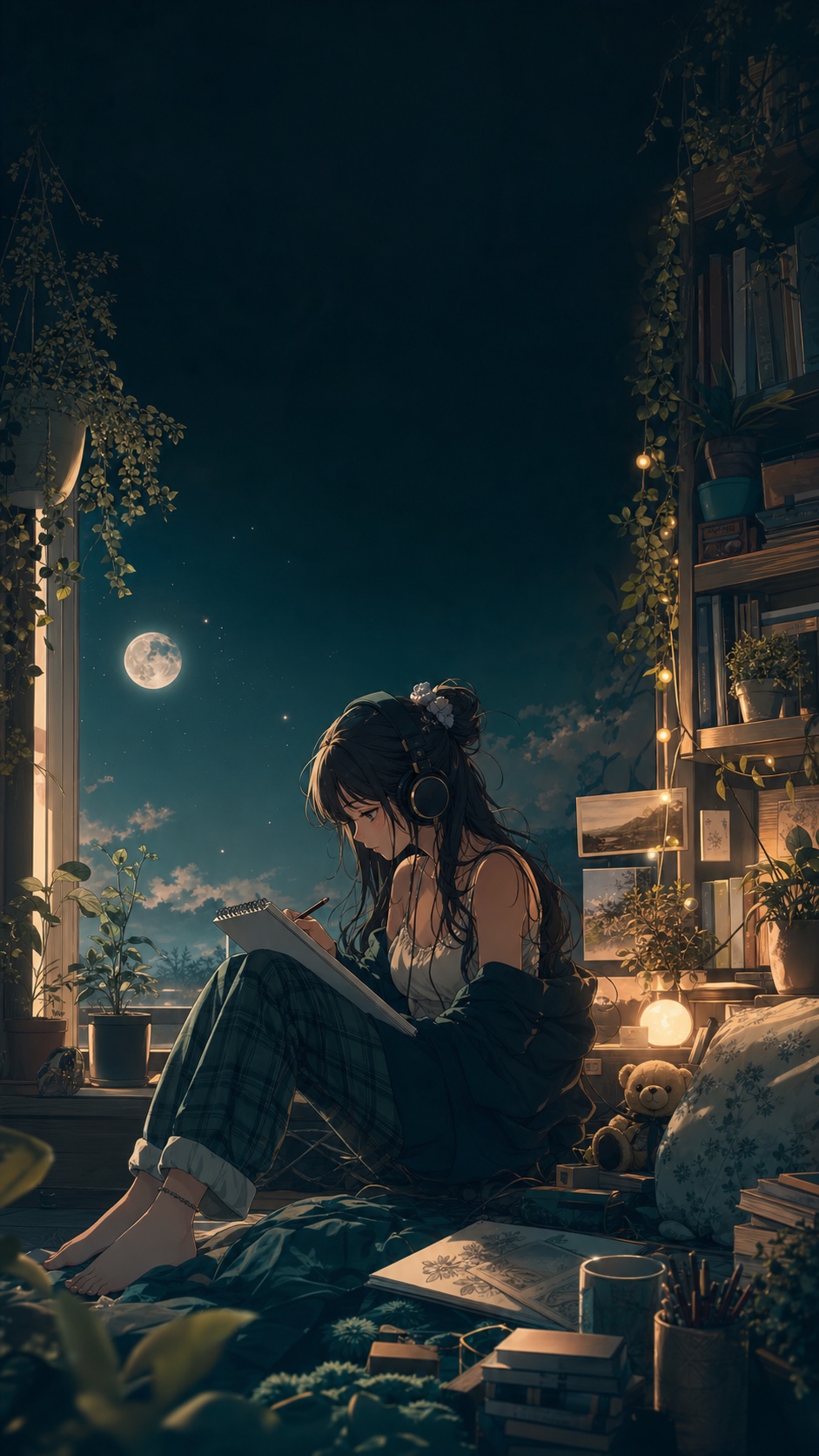
Personalizing anime girl wallpapers allows you to create the perfect background that matches your aesthetic preferences and technical requirements. With tools like Canva and AI generators, customization has become accessible to everyone regardless of design experience.
Editing for Desired Resolutions
Resolution adjustment is crucial for creating wallpapers that look crisp on your display. Standard desktop monitors typically use 1920×1080 (Full HD) or 2560×1440 (2K) resolutions, while ultrawide monitors may require 3440×1440 formats.
When customizing anime girl wallpapers, you’ll want to avoid stretching that can distort the artwork. Instead, use editing tools that maintain aspect ratio while scaling the image to fit your screen dimensions.
Free tools like Canva offer templates specifically designed for different display resolutions. For vertical displays or smartphone backgrounds, look for portrait formats (typically 1080×1920) that showcase anime characters without awkward cropping.
Some games and media players also benefit from properly sized wallpapers when running in windowed mode. Creating custom-sized versions ensures your background looks perfect in all situations.
Creating a Personalized Collage
Collages allow you to showcase multiple favorite anime characters on a single wallpaper. Start by selecting images with similar art styles or color themes for visual coherence.
Consider these approaches for effective collages:
- Character grouping: Arrange characters from the same anime series together
- Color harmony: Group images with complementary color palettes
- Theme-based: Create seasonal or mood-based collections (e.g., winter scenes, action poses)
Leave some negative space in your collage design to prevent a cluttered appearance. Most editing software provides grid templates to help with even spacing and alignment.
You can also incorporate text elements like quotes from your favorite anime or character names as stylistic additions. Just ensure text is legible against the background by adjusting opacity or adding subtle shadows.
Setting Up Multi-Display Environments
Multi-monitor setups require special consideration for anime wallpapers to create a cohesive visual experience. You can either use a single ultrawide image that spans across all screens or create complementary wallpapers for each monitor.
For spanning wallpapers, choose artwork with composition that works when split across bezels. Landscape scenes or group character images often work well in this format.
Windows and macOS both support native multi-monitor wallpaper settings, but specialized tools like DisplayFusion offer more customization options:
- Set different anime wallpapers on each monitor
- Create wallpaper playlists that rotate at set intervals
- Adjust individual display settings for brightness and contrast
Remember that monitor bezels will create breaks in your image, so position key anime characters or focal points within individual screen boundaries rather than at the edges where they might be split.
Anime girl wallpaper FAQ
Q: What size should an anime girl wallpaper be for a phone?
A: Use a vertical 9:16 image as your starting point. A common safe size is 1080×1920, but newer phones often look sharper with taller files such as 1290×2796 or 1440×3200. The exact pixel count matters less than the crop: leave clean space near the top for the clock and avoid placing the face under widgets.
Q: What makes a cute anime wallpaper work on an iPhone?
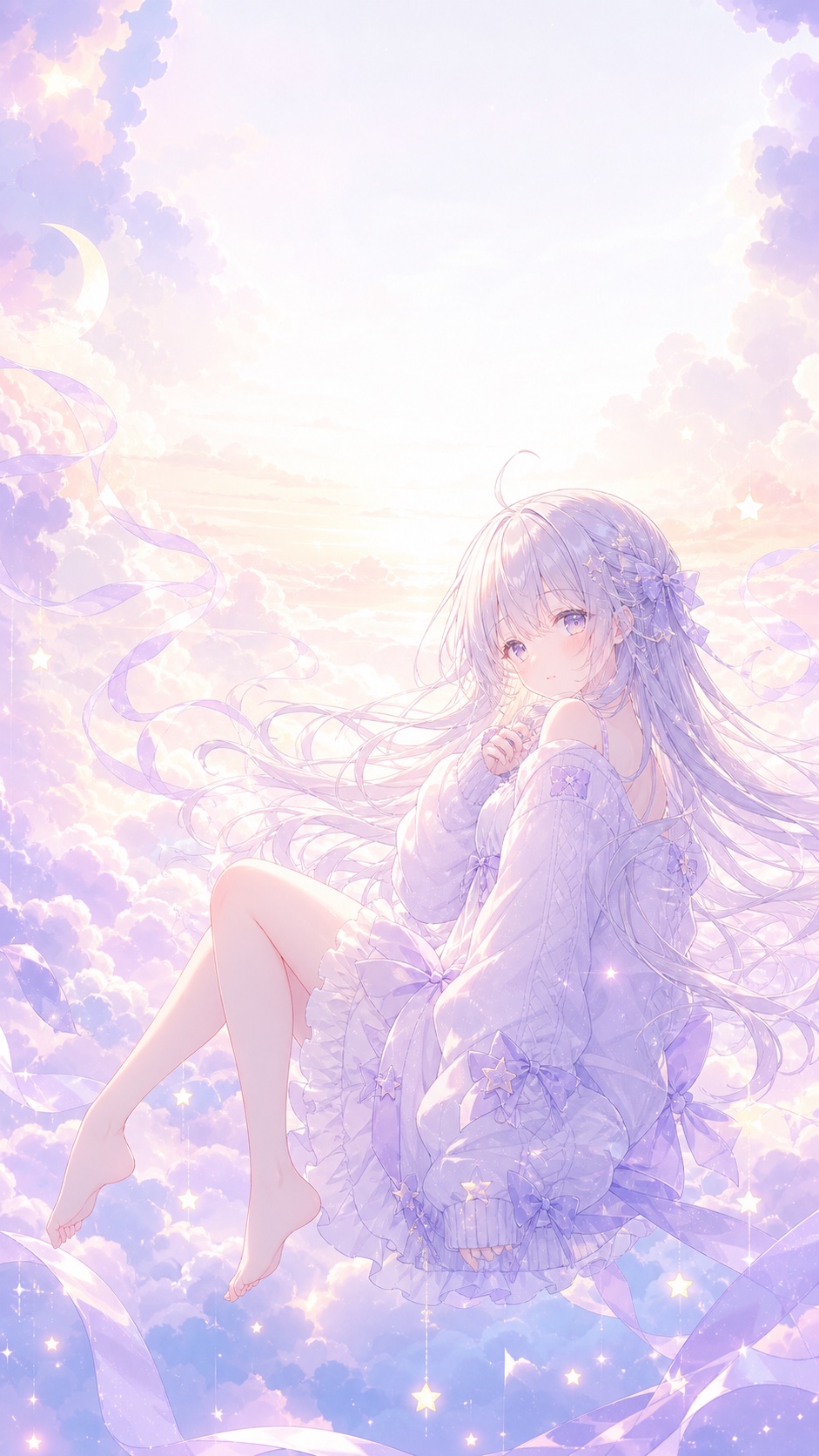
A: A cute anime wallpaper works on iPhone when the colors stay soft, the focal point sits below the clock, and the background does not fight with app icons. Pastel clouds, cherry blossoms, cozy rooms, and simple character poses usually work better than crowded action scenes on a small screen.
Q: Can I use anime girl wallpapers commercially?
A: Usually, no. Most anime girl wallpapers are only safe for personal use unless the artist, image library, or license clearly allows commercial use. If you want to use a wallpaper in a product, video, ad, or downloadable pack, check the original source and keep a record of the license.
Q: Is dark anime wallpaper better for OLED phones?
A: Dark anime wallpaper can look excellent on OLED phones because deep blacks feel crisp and may use less power on black pixels. The trade-off is readability. Keep the character lit enough to read at a glance, and avoid placing bright neon details directly behind the clock.
Q: How do I avoid blurry anime wallpaper?
A: Download the largest clean version available, then crop instead of stretching. Blurry wallpaper usually comes from using a small image, screenshotting a preview, or forcing a landscape image into a vertical phone crop. Always open the full image before saving it.
Q: Where should the anime character sit in a lock screen wallpaper?
A: Place the face and main silhouette in the middle or lower-middle of the image. The top third should stay calmer so the clock, date, and notifications remain readable. This is why many good anime phone wallpapers use sky, shadow, soft gradients, or simple background shapes near the top.
More wallpaper and anime art ideas
If you want more phone-ready backgrounds, start with our anime phone wallpaper guide, aesthetic phone wallpapers, girly wallpapers, and cute iPhone wallpapers. For screen setup ideas, the phone wallpaper ideas, aesthetic lockscreen ideas, and aesthetic iPhone wallpapers pages are good next stops.
For a wider mood-board before choosing the anime crop, compare it with these aesthetic wallpaper ideas; the broader palette notes help when you want an anime background that still feels soft, dark, cute, or minimal.
If you want to draw your own character instead of downloading one, try the anime girl drawing guide, anime eyes tutorial, and female character design notes. They pair well with wallpaper planning because the same choices matter: silhouette, eye shape, hair flow, color, and empty space.
- 279shares
- Facebook0
- Pinterest278
- Twitter1
- Reddit0