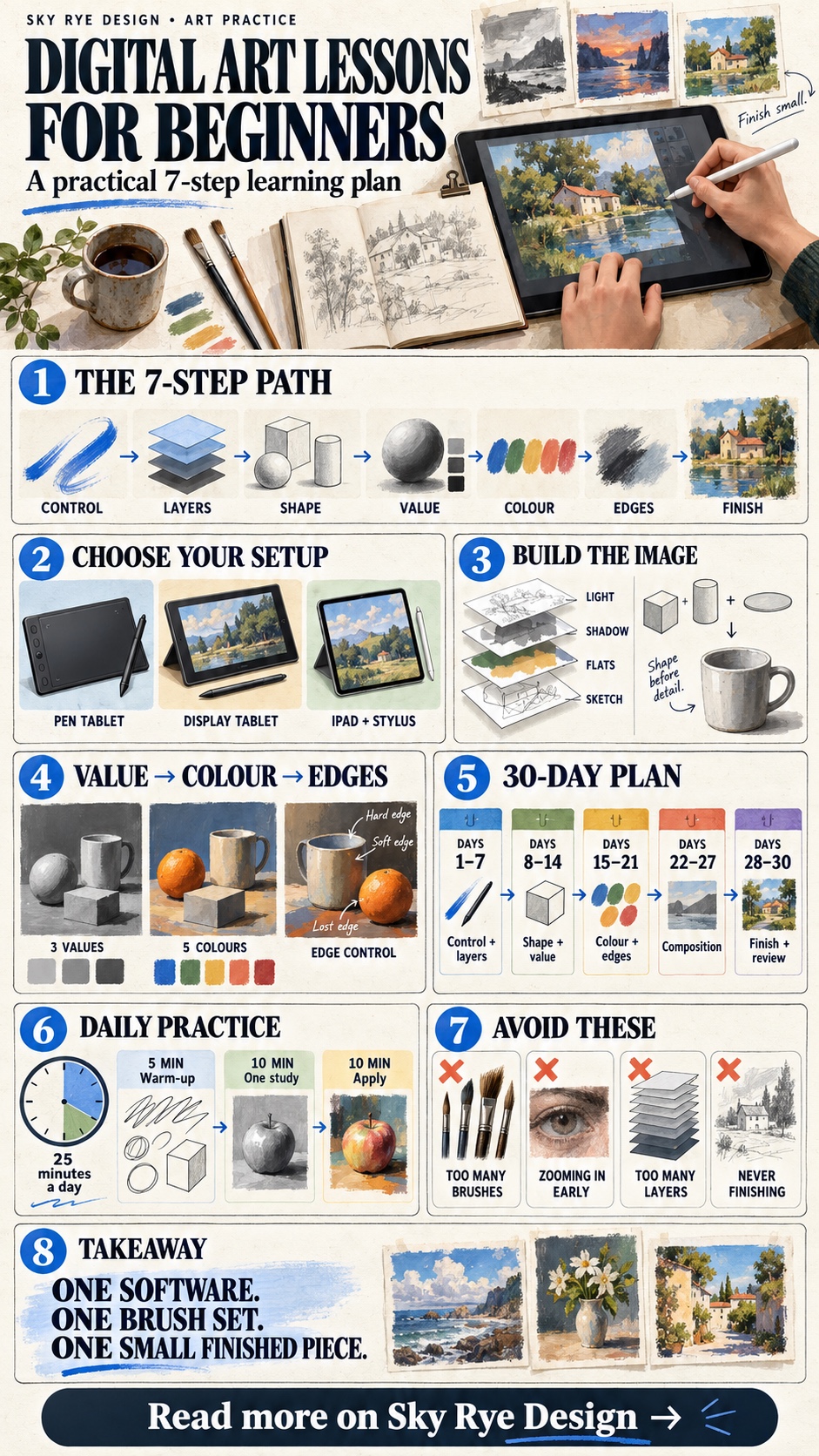
Digital art lessons for beginners should teach a repeatable process, not a tour of every button in the software. Start with brush control and layers, then move through shape, value, colour, edges, and composition. Finish the sequence with one small illustration that uses all seven skills.
You do not need an expensive display tablet or a giant brush library. A basic pressure-sensitive stylus helps, but careful observation matters more. Use the plan below to choose sensible tools, practise one variable at a time, and judge progress from finished studies rather than hours watched.
Digital art lessons: what to learn first
The most useful order is control, layers, construction, value, colour, edges, and final workflow. Each lesson solves a different problem. If you skip straight to polished character art, weak shapes and muddy values become harder to diagnose because texture and effects hide the cause.
| Lesson | Main skill | Simple exercise |
|---|---|---|
| 1 | Brush and stylus control | Lines, curves, circles, and pressure ramps |
| 2 | Layers and selections | Separate sketch, flats, shadow, and light |
| 3 | Shape and construction | Build an object from boxes, cylinders, and ellipses |
| 4 | Value and light | Paint a three-value still life |
| 5 | Colour | Use one limited five-colour palette |
| 6 | Edges and texture | Compare hard, soft, and lost edges |
| 7 | Composition and finish | Complete one small illustration |
Choose a device and software before choosing a course
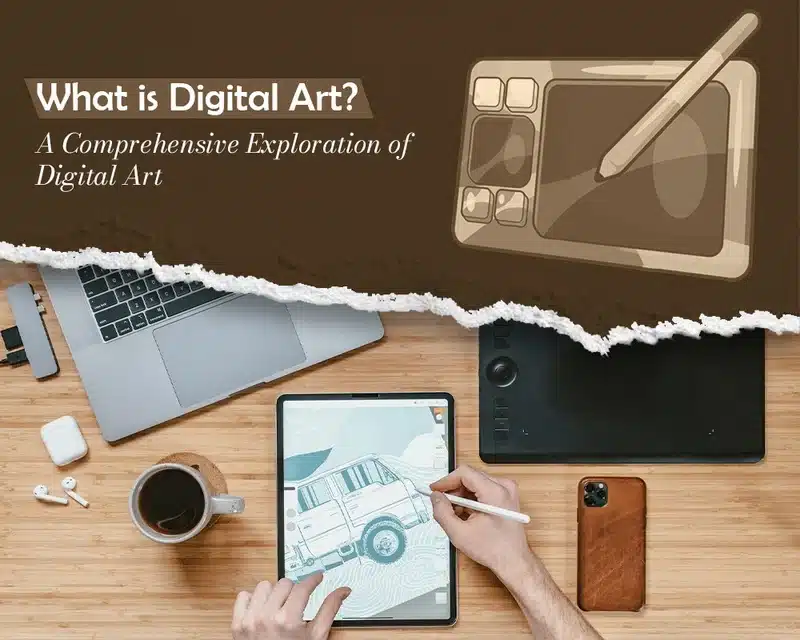
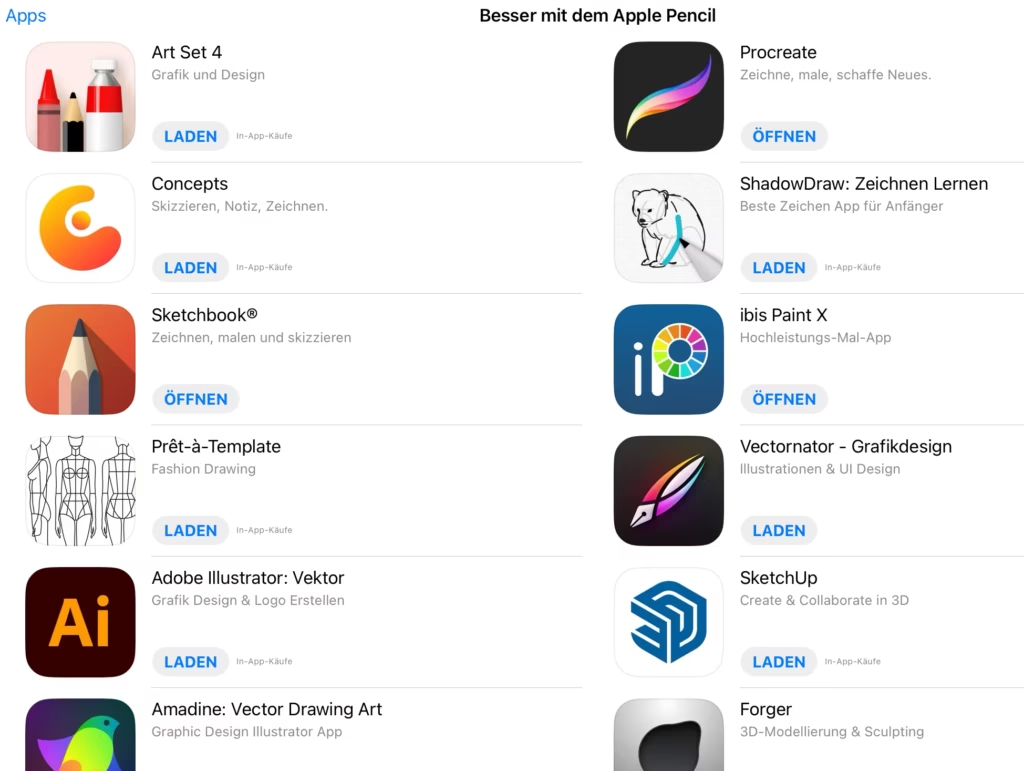
Use the device you can practise on consistently. A screen tablet feels direct, while a pen tablet is cheaper and keeps your hand away from the image. A mouse works for selections and vector shapes, but it makes pressure-sensitive drawing awkward. If you already own an iPad, this iPad drawing guide explains the practical setup. Traditional pencils still help with observation, so keep a few of the basic drawing materials beside the tablet.
| Setup | Best for | Watch for |
|---|---|---|
| Computer + pen tablet | Affordable desktop practice | Hand-eye coordination takes a few sessions |
| Display tablet | Direct drawing and larger workspaces | Price, desk space, and posture |
| iPad + stylus | Portable sketching and painting | Storage, app limits, and export workflow |
| Non-screen tablet or phone | Small studies and casual practice | Limited precision and canvas size |
For software, look for layers, masks, selections, transform tools, pressure control, and reliable export. The official Krita getting-started manual covers a free desktop workflow. On iPad, the official Procreate layers handbook shows how separate elements can be edited without damaging the rest of the painting. Learn one app for a month before switching.

Seven practical digital art lessons for beginners
1. Control the brush before drawing details
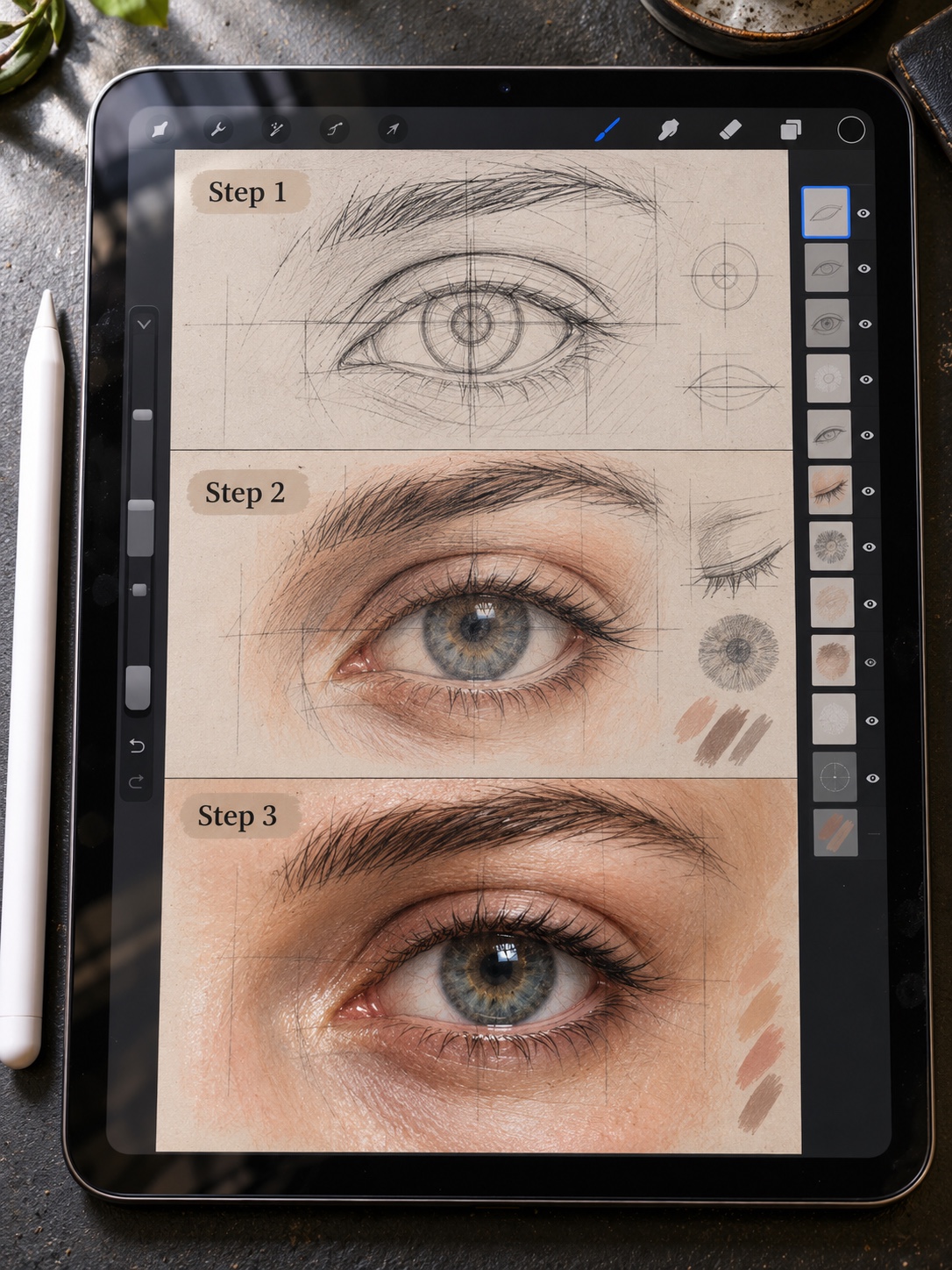
Fill one canvas with straight strokes, C-curves, S-curves, ellipses, and tapered marks. Draw slowly enough to place the line, then repeat faster. Use one hard round brush at a fixed size before testing pressure. An easy digital art exercise is more useful here than a complex finished tutorial because you can repeat it several times.

2. Use layers with a clear job
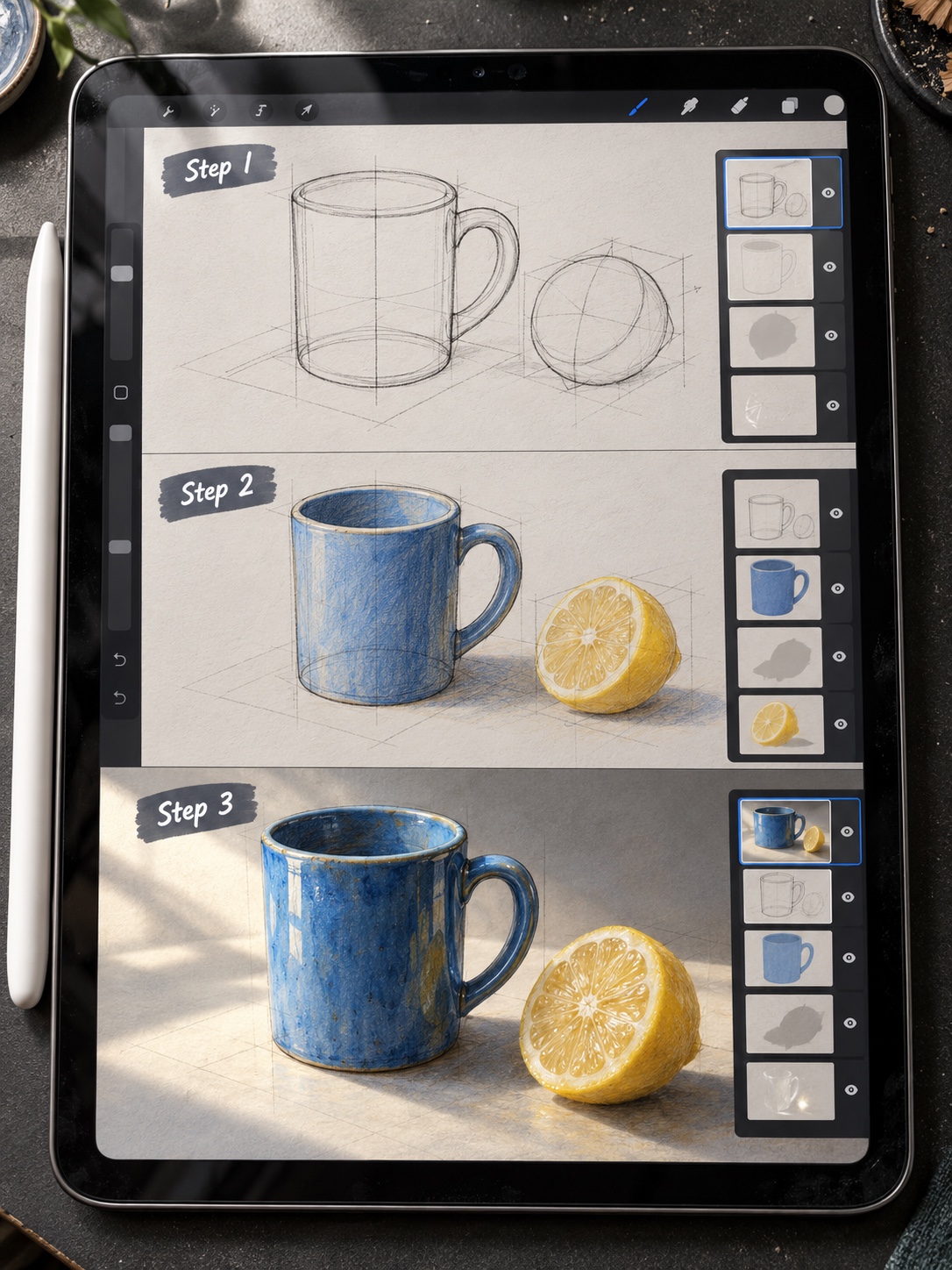
Create separate layers for the rough sketch, clean drawing, flat colours, shadows, and accents. Name them while the file is small. Layers should make revision easier, not replace decisions. If every mark sits on a new layer, the file becomes slower to read and you stop thinking about which shapes belong together.
3. Build forms from simple shapes
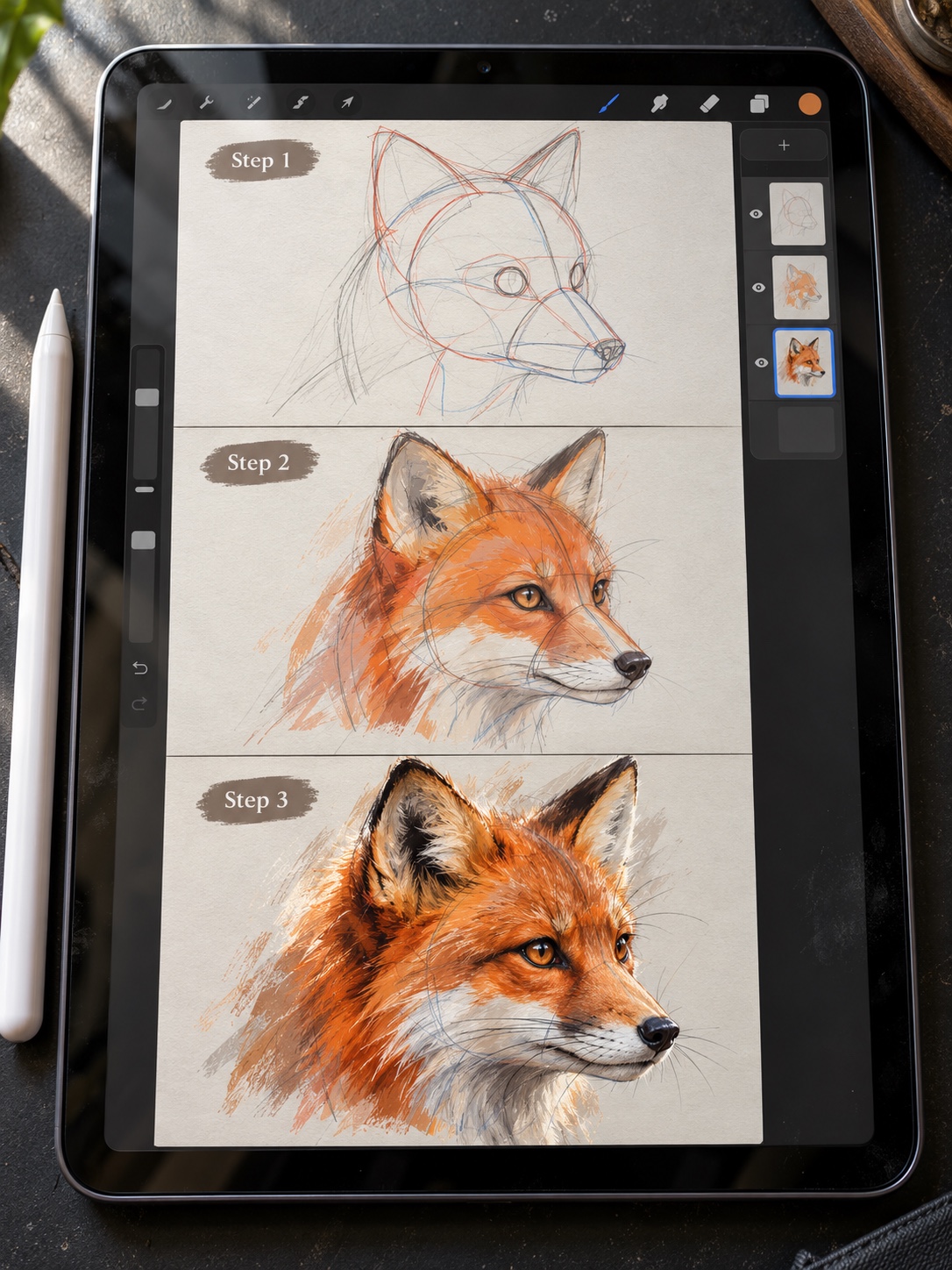
Draw a mug, shoe, plant pot, or small room using boxes, cylinders, and ellipses. Check the silhouette before adding surface detail. The same construction habits appear in these essential drawing techniques. Digital transform tools can correct a mistake, but first try to see why the angle or proportion felt wrong.
4. Learn value before complex colour
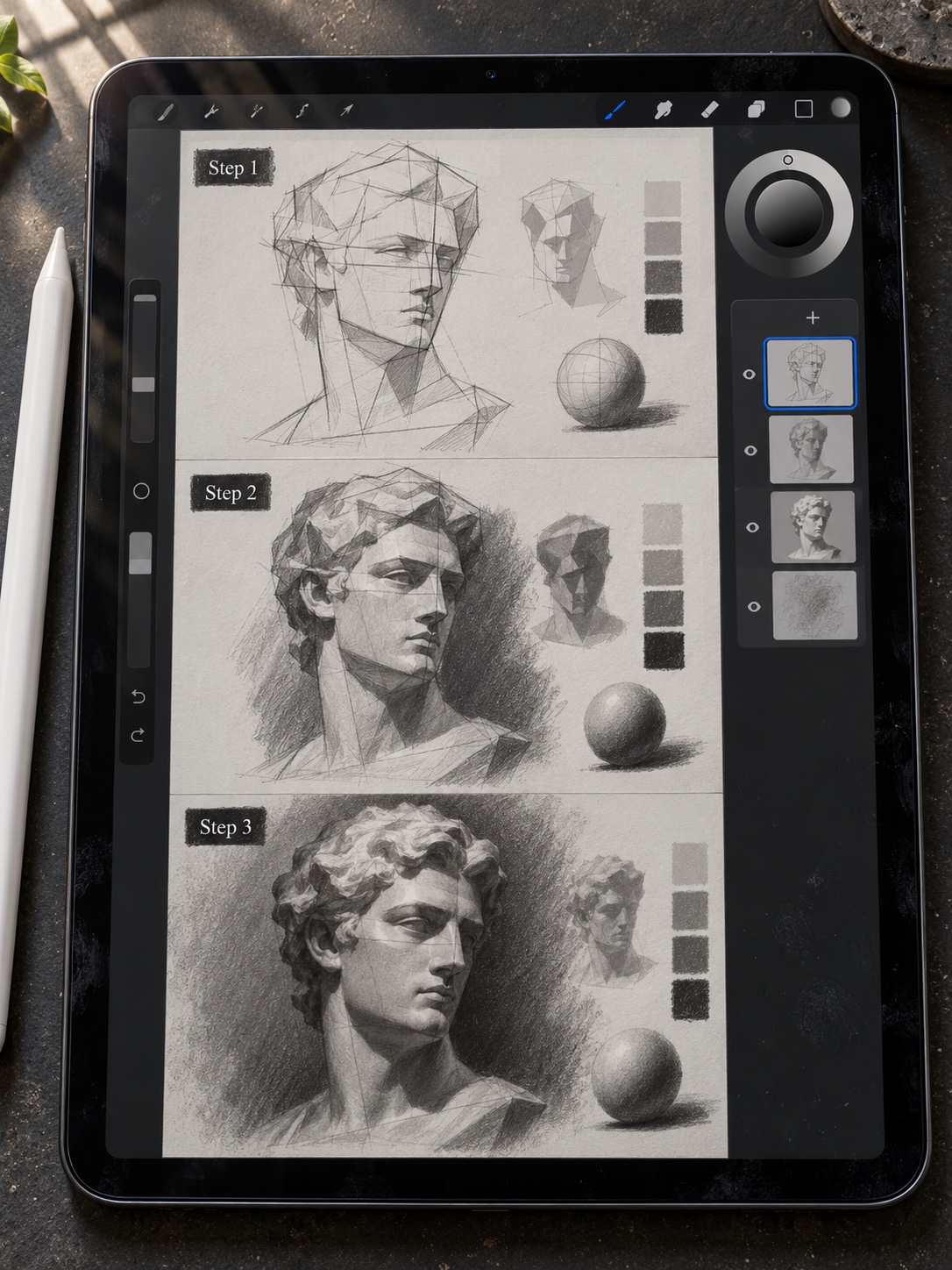
Paint a simple object with only light, middle, and dark values. Keep the largest shapes clear. When I review a digital study, I zoom out until it is thumbnail size. If the subject disappears, more texture will not rescue it; the value pattern needs work. Try the same study again with a different light direction instead of polishing the first version.
5. Limit the palette
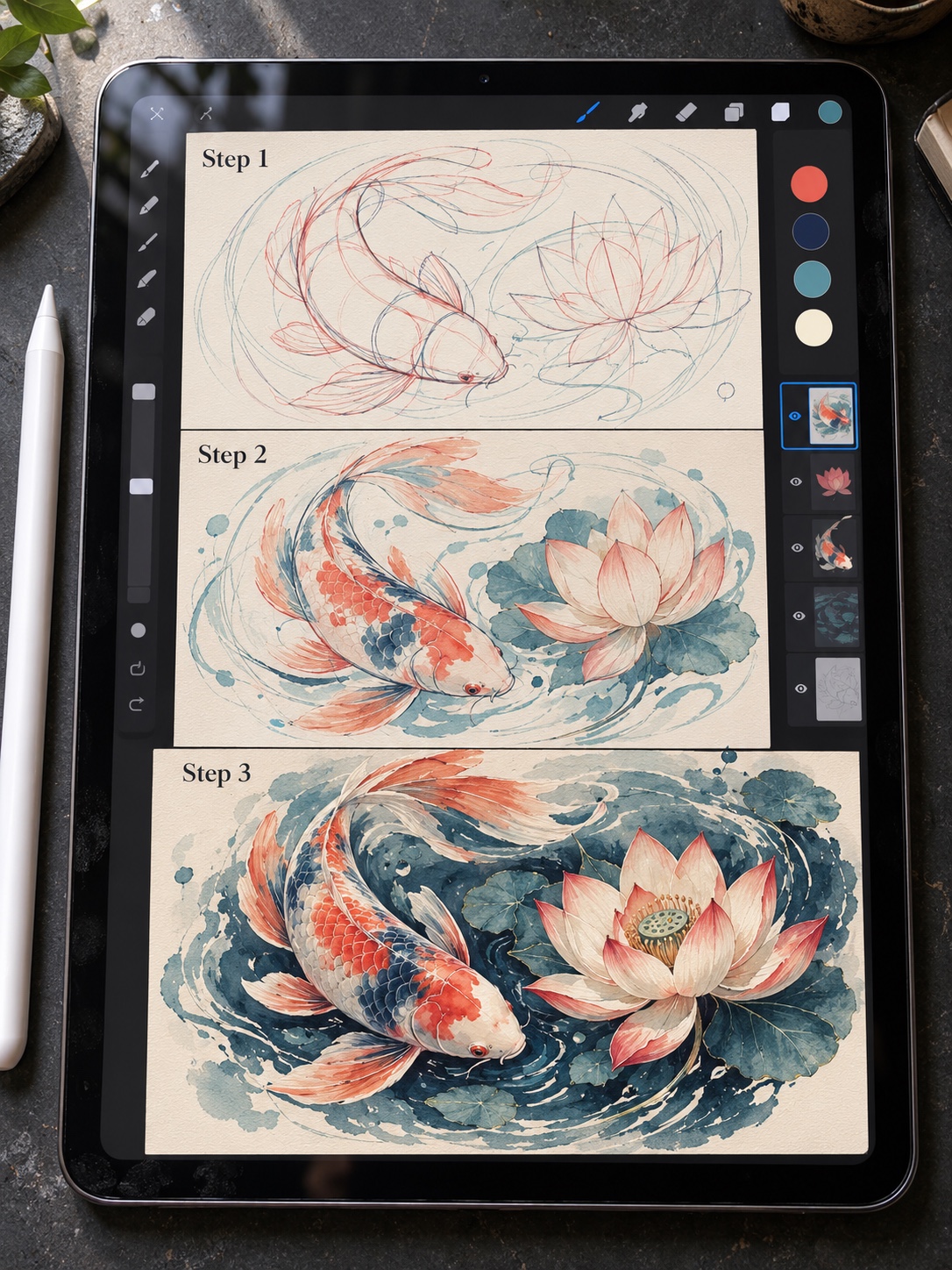
Choose one dark, one light, two mid colours, and a small accent. Paint the full study without adding another swatch. This constraint makes temperature and contrast easier to see. Use the colour picker to inspect relationships, but do not sample every pixel from a reference. Build a palette that you can explain and reuse.
6. Control edges and texture
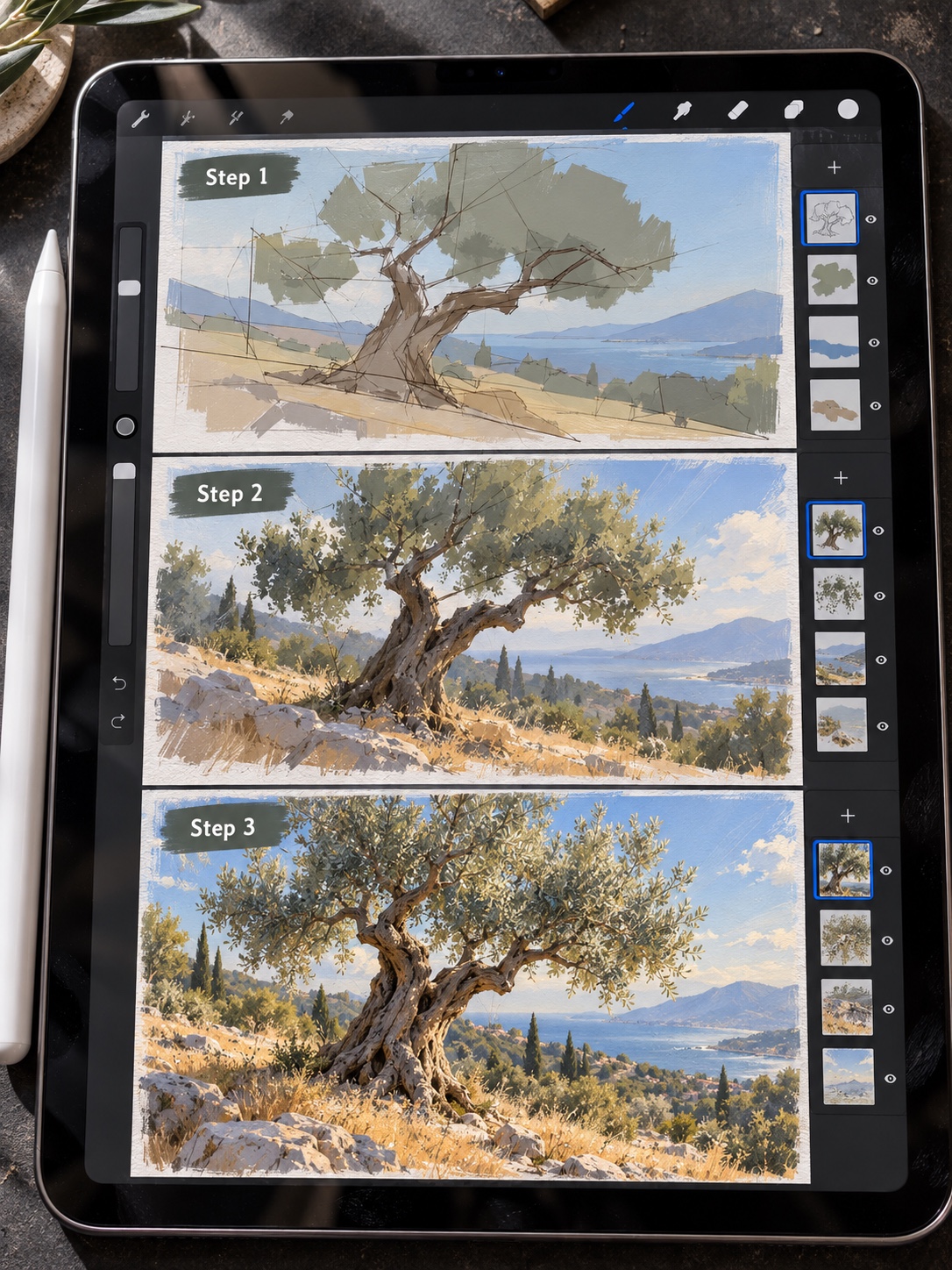
Put the hardest edge near the focal point, soften turning forms, and lose an edge where neighbouring values meet. Texture should describe a material or support the composition. It should not cover every surface equally. Make three versions of the same object: clean graphic shapes, soft painting, and textured brushwork. Compare which version communicates the form most clearly.
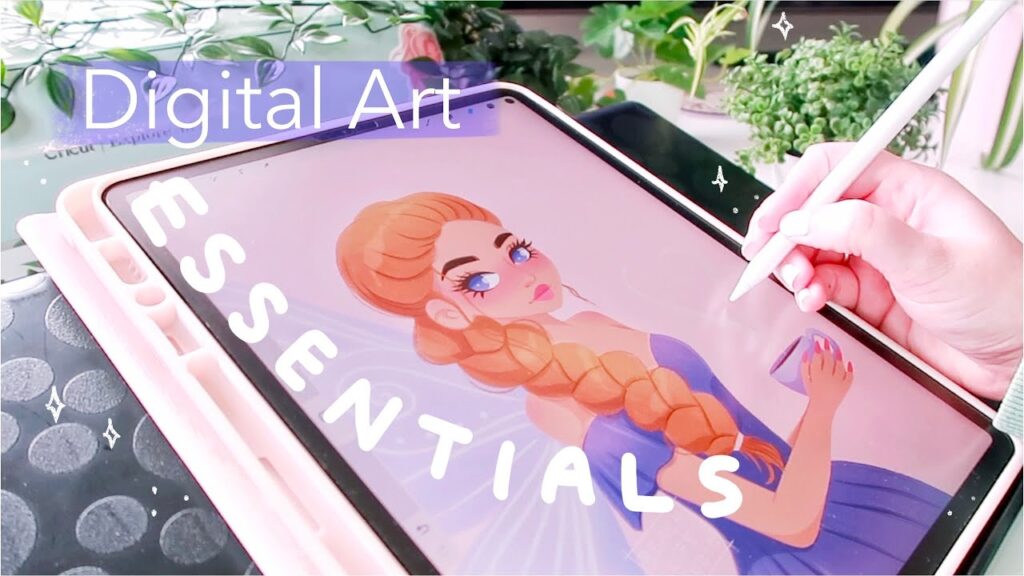
7. Finish one small illustration
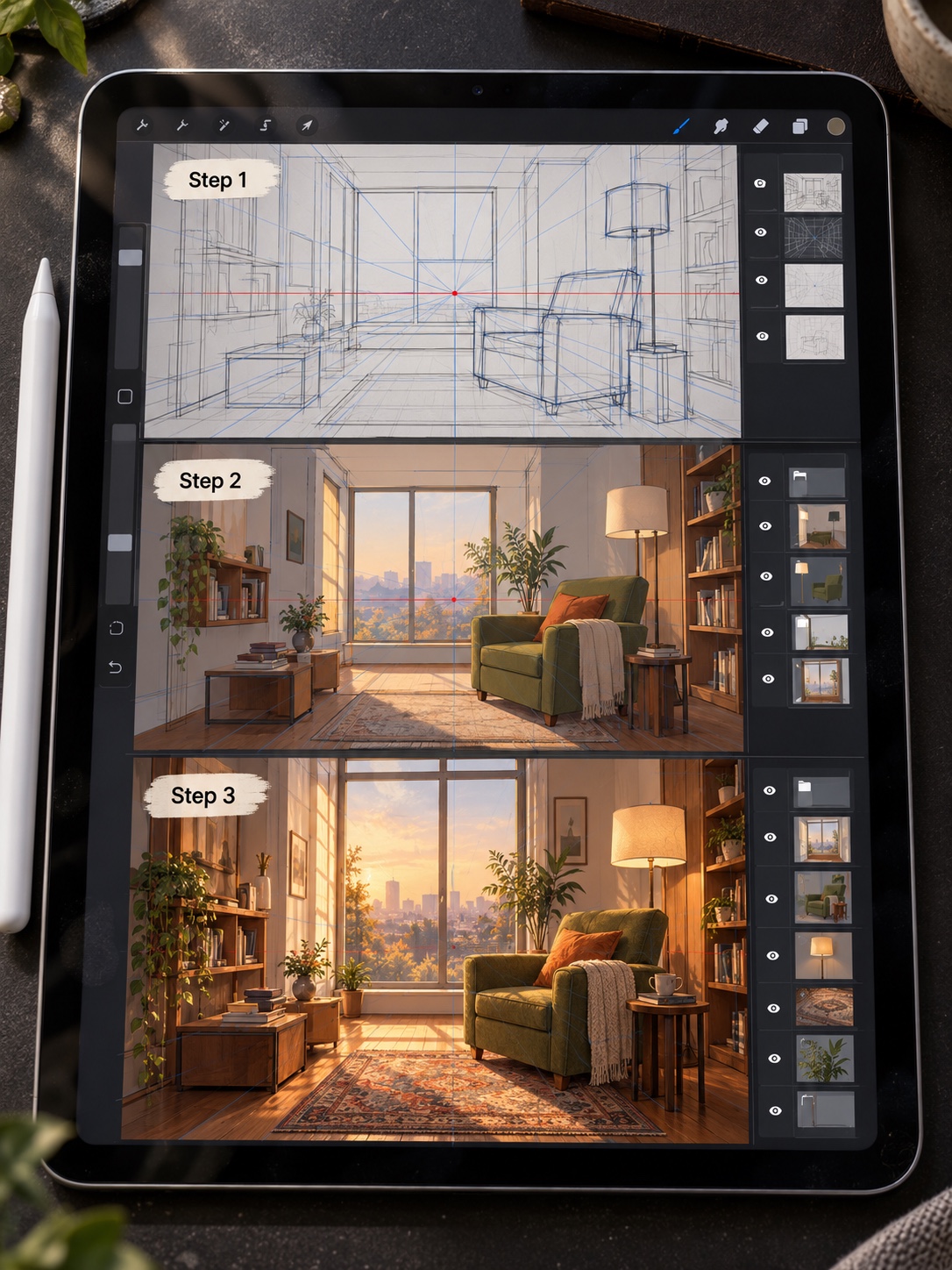
Use a simple brief: one subject, one light source, one limited palette, and one focal point. Thumbnail three compositions, choose one, then move from rough sketch to values, colour, edges, and final accents. This digital painting walkthrough gives you another process to compare. Finish at a modest size so the project takes days, not months.
How to choose a digital art course
A good course matches your current problem. Beginners need demonstrations, small assignments, and feedback on fundamentals. Intermediate artists may need a focused class on colour, character design, environments, or workflow. Art education can strengthen observation and creative decision-making, but only when the learner actually makes and reviews work; this article on art education and creativity explores that relationship.
- Check that the syllabus moves from simple exercises to a finished project.
- Watch a sample lesson and decide whether the explanation is clear at normal speed.
- Look for assignments, critique, or comparison examples rather than video length alone.
- Confirm the software, device, file formats, and any extra costs.
- Choose an instructor whose teaching is strong, not only whose finished art you admire.
A 30-day digital art learning plan
| Days | Focus | Deliverable |
|---|---|---|
| 1–7 | Interface, brush control, layers | Seven short control sheets |
| 8–14 | Construction, perspective, values | Three simple object studies |
| 15–21 | Colour, edges, materials | Two limited-palette studies |
| 22–27 | Composition and thumbnails | Six thumbnails and one colour plan |
| 28–30 | Final illustration and review | One finished piece plus notes |
Keep each weekday session to 25–45 minutes if time is limited. Use the weekend to compare files side by side. Record the brush used, canvas size, time spent, one strong decision, and one problem. That small log makes progress visible and stops you from changing software every time a study feels difficult.
Common beginner mistakes
| Mistake | What it causes | Better move |
|---|---|---|
| Downloading hundreds of brushes | No consistent control | Use one hard and one soft brush for a week |
| Zooming in too early | Detailed parts with a weak whole | Check the thumbnail every few minutes |
| Using too many layers | Slow, confusing files | Give each layer a clear job |
| Tracing without analysis | Little improvement in observation | Compare angles, shapes, and negative space |
| Never finishing | No practice with final decisions | Use smaller briefs and fixed deadlines |
Digital art lessons FAQ
What should a beginner learn first in digital art?
Start with brush control, layers, simple shapes, and value before chasing complex rendering. Make a page of straight strokes, curves, circles, and pressure changes, then build one object from large light and dark shapes. These basics transfer between Krita, Procreate, Photoshop, and most other painting apps, so the practice is useful even if you change software later.
Do I need traditional drawing skills before taking digital art lessons?
No, but digital tools do not replace drawing fundamentals. Proportion, perspective, value, colour, and composition still decide whether an image works. You can learn those skills digitally from the beginning. Keep the exercises simple and spend more time comparing shapes and angles than collecting brushes or effects.
Which digital art software is best for beginners?
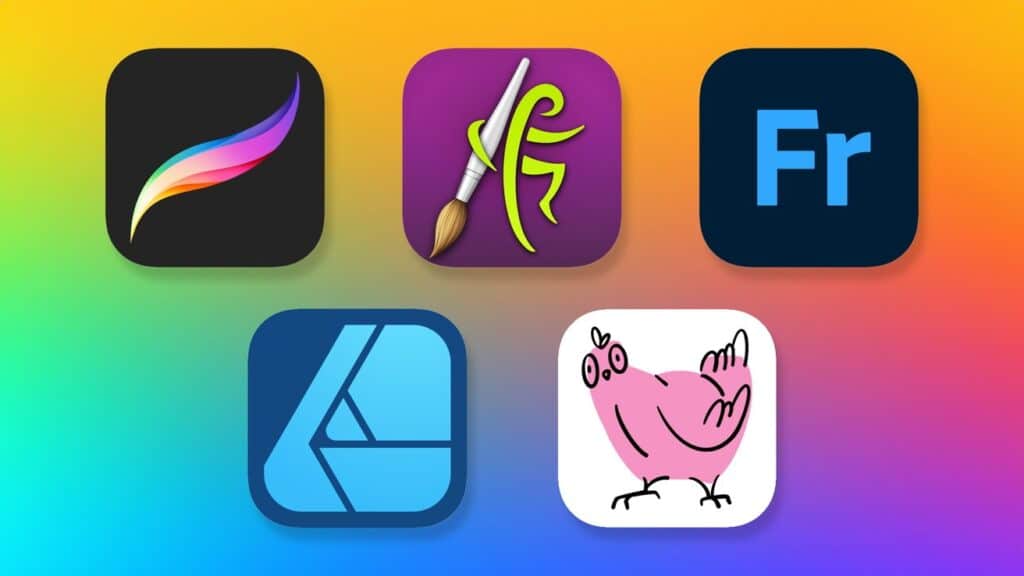
Choose software that fits the device you already own. Krita is a strong free option for desktop painting, while Procreate is straightforward on iPad. Adobe Fresco and similar apps suit artists who mix raster and vector tools. The best beginner program is the one that lets you create layers, adjust brushes, select areas, transform shapes, and export a standard image file without fighting the interface.
How long does it take to learn digital art?
A focused month is enough to become comfortable with the interface and finish a simple illustration, but dependable drawing and painting skills take longer. Progress is easier to see when you repeat the same short exercise several times. Compare work weekly, keep the subject simple, and judge one skill at a time instead of expecting a finished style immediately.
Are free digital art lessons enough?
Free lessons can teach the software and core exercises, especially when they follow a clear sequence. A paid course becomes useful when it offers structured assignments, relevant feedback, and examples at your skill level. Do not pay only for a long video library. Check the syllabus, sample lesson, instructor work, critique method, and required tools first.
How should I practise digital art every day?
Use a short repeatable session: five minutes of lines and shapes, ten minutes of one focused study, and ten minutes applying the skill to a small drawing. Save versions instead of polishing one file forever. At the end of the week, view the studies as thumbnails and note one decision to keep and one problem to test next week.
Start with one lesson, not a new tool
Choose one exercise from the seven-step sequence and repeat it three times this week. Keep the software and brush set unchanged, then compare the results at thumbnail size. If you want more demonstrations, browse these digital art tutorials. If your goal is professional work, pair the practice plan with this guide to building an art career, or explore the broader Sky Rye Design art archive.
- 28shares
- Facebook0
- Pinterest28
- Twitter0
- Reddit0