I’ve sat across from a nail technician and watched her squint at a blurry Pinterest screenshot, trying to decode whether I wanted a warm nude or a cool taupe. That appointment cost me two hours and a set I wore for four days before repainting it myself. The problem wasn’t the technician’s skill — it was the reference.
A hyper-realistic, custom-generated nail art concept changes the entire dynamic. It’s a 4K visual contract between you and your nail artist: exact shape, precise finish, specific embellishment placement — no guesswork, no lost-in-translation moments. The techniques in this guide apply whether you’re preparing for a weekly gel appointment or briefing a nail artist for a bridal party of twelve.
- I. Breaking the Boundaries of Traditional Nail Conceptualization
- II. Mastering Prompts for Flawless Manicure Designs
- III. Exploring High-Fashion Nail Art Aesthetics
- IV. Outputting High-Resolution References for Salons
- V. Organizing a Custom Nail Art Portfolio
- FAQ: AI Nail Art Concepts
- Q: Can I use AI-generated nail art concepts as a reference at any salon?
- What nail shapes work best for AI concept generation?
- How do I get the exact nail polish color I imagined?
- How do 3D nail art elements render in AI-generated images?
- Is it worth saving AI nail art prompts alongside the images?
- What resolution should I export nail art concepts for salon use?
Everything here draws from real prompt-testing inside Kimg AI across dozens of design sessions. The prompt structures that work, the terminology that consistently produces accurate nail bed geometry, the lighting cues that reveal true polish depth — all of it is here.
There’s a thing about manicures: sometimes you want something new, new bold decisions. When you’ve tried many styles and are looking for your own, new possibilities with AI can come to the rescue. It’s really cool and great, you can quickly visualize what you want and what you don’t want.
I. Breaking the Boundaries of Traditional Nail Conceptualization
Exploring Endless Texture Possibilities
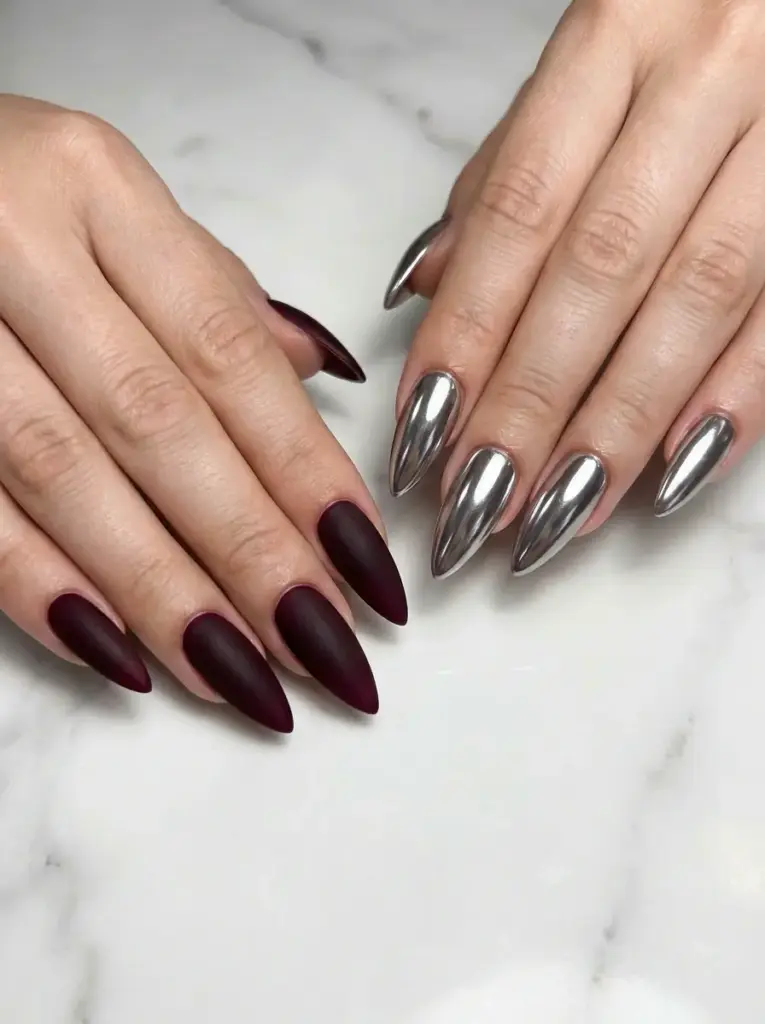
Nail aesthetics rely on texture to create visual depth. Standard salon photos fail to capture the difference between a velvety matte finish and a high-shine jelly topcoat — two finishes that photograph almost identically under bad lighting but look completely different in person.
Kimg AI gives you a controlled environment to test surface details. Combining a chrome powder finish with a soft velvet effect on a single nail becomes a quick experiment rather than an expensive gamble. You see exactly how the two surfaces interact before committing at the salon.
Perfecting Precise Color Matching
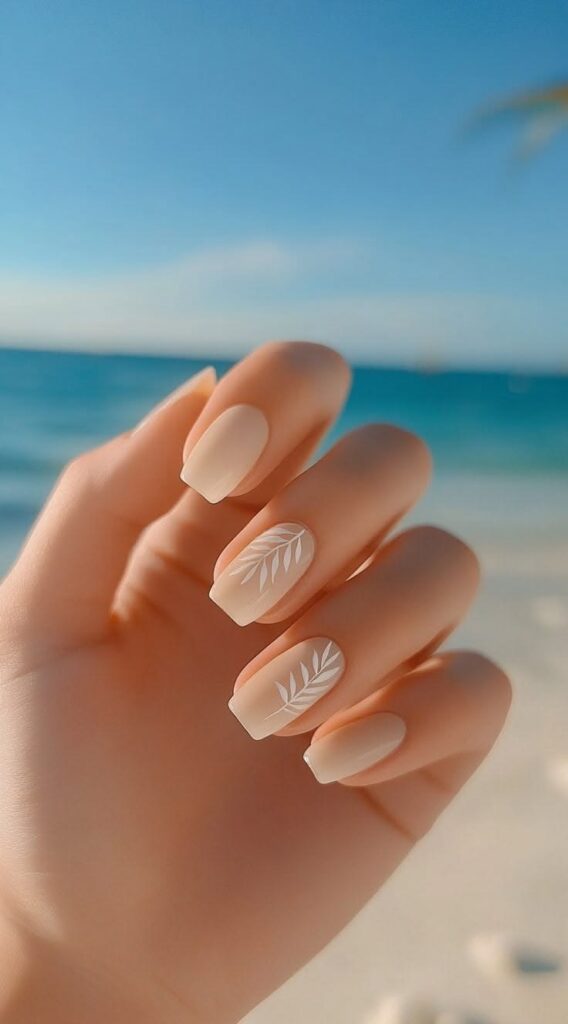
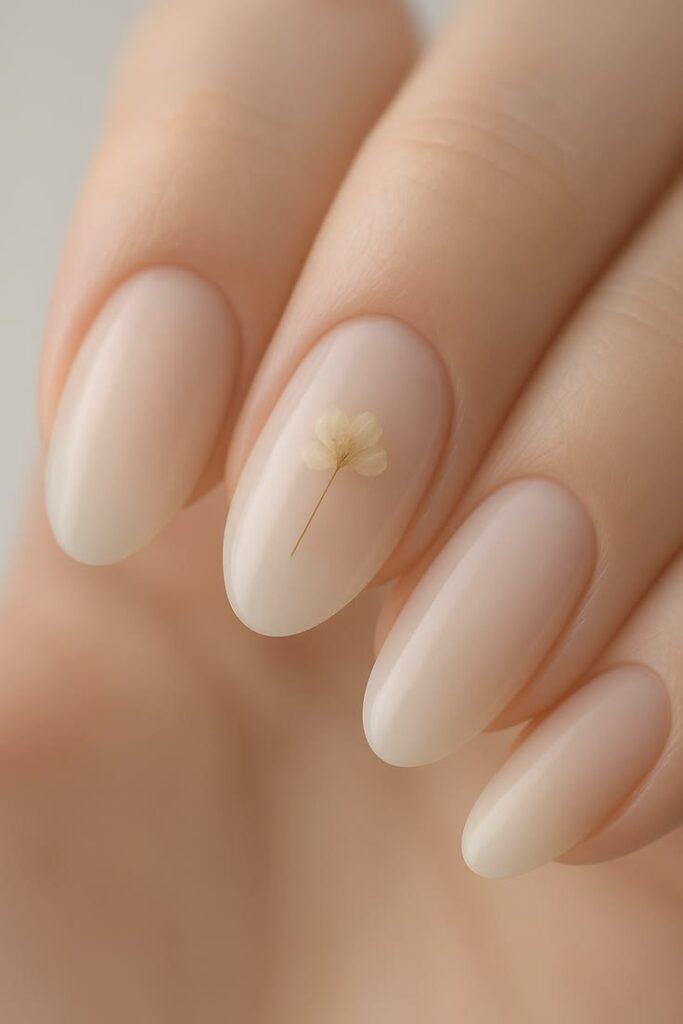
Telling a nail technician ‘light blue’ might get you a pastel sky or a vivid turquoise — both technically correct, neither what you imagined. Specific descriptions solve this completely. Phrases like ‘muted dusty rose with grey undertones, semi-sheer jelly finish’ or ‘iridescent opal that shifts blue to green in direct light’ generate outputs that match intent, not assumption.
This precision removes the stress of browsing colour swatch books under fluorescent salon lighting, where every shade looks slightly off.
Visualizing Complex Patterns
Intricate designs — tortoiseshell, realistic marble veining, hand-painted botanical florals — look completely different depending on the nail canvas size. A bold animal print that reads beautifully on a long coffin nail looks visually chaotic on a short square. Generating the pattern on the specific shape and length you’re planning ensures the proportions actually work.
It also lets you test aggressive designs against your natural hand shape before any acrylic or gel product touches your nail bed.
II. Mastering Prompts for Flawless Manicure Designs
Defining the Base Shape and Length
Every successful generation starts with structural clarity. Specify the exact shape first — sharp stiletto, classic almond, trending coffin, practical short squoval — before adding any surface detail. Include length: ‘medium-length’ is vague; ‘extending 8mm past the free edge’ is precise.
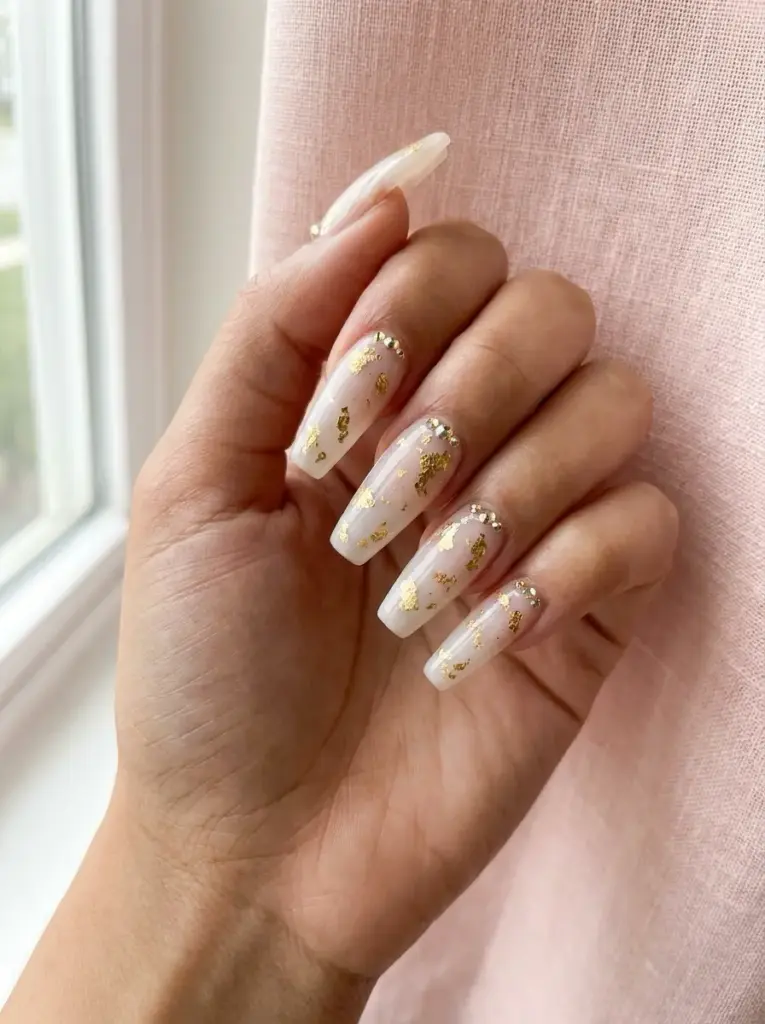
A strong structural foundation guides the generator to build accurate nail bed anatomy and proportional hand geometry, which is the difference between a reference photo that looks editorial and one that looks like a distorted illustration.
Specifying Unique Materials and Finishes
The specificity of finish language determines output quality. ‘Glittery’ produces generic sparkle. ‘Encapsulated holographic glitter in a clear jelly base with a glossy topcoat’ produces a nail that looks like it was photographed in a professional studio.
Words like ‘glass-like transparency,’ ‘sugared gradient,’ ‘metallic foil flakes,’ or ‘magnetic cat-eye shift’ give Nano Banana Pro AI enough texture data to render physically accurate surfaces — images that look like high-fashion editorial photography rather than flat digital sketches.
Adding Micro-Details and Embellishments
Tiny details separate a basic manicure from a miniature artwork. Include embellishment keywords: freshwater pearl accents, scattered 2mm rhinestones, delicate gold line-work along the sidewall. Specify placement precisely — ‘crystals clustered at the cuticle line’ yields a different result than ‘scattered rhinestones across the full nail.’
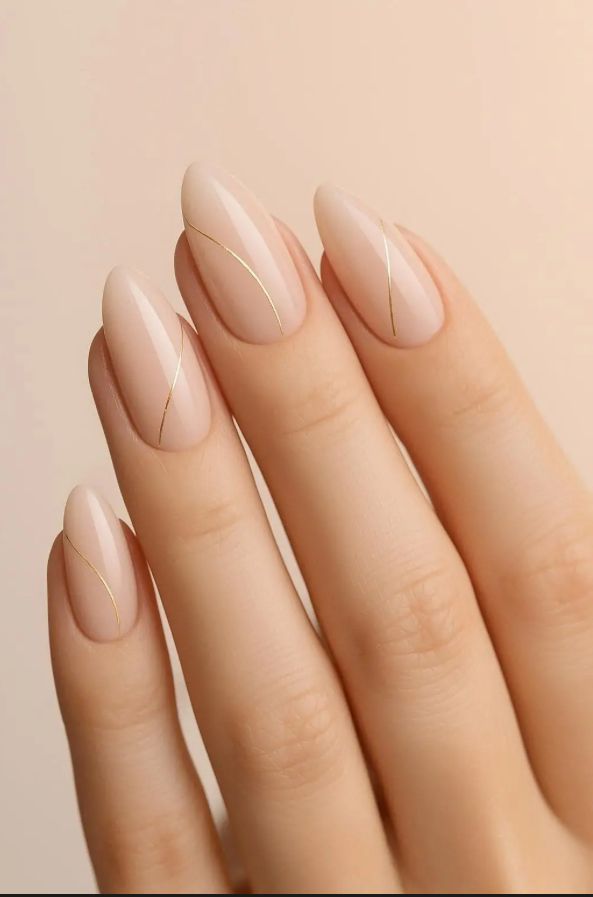
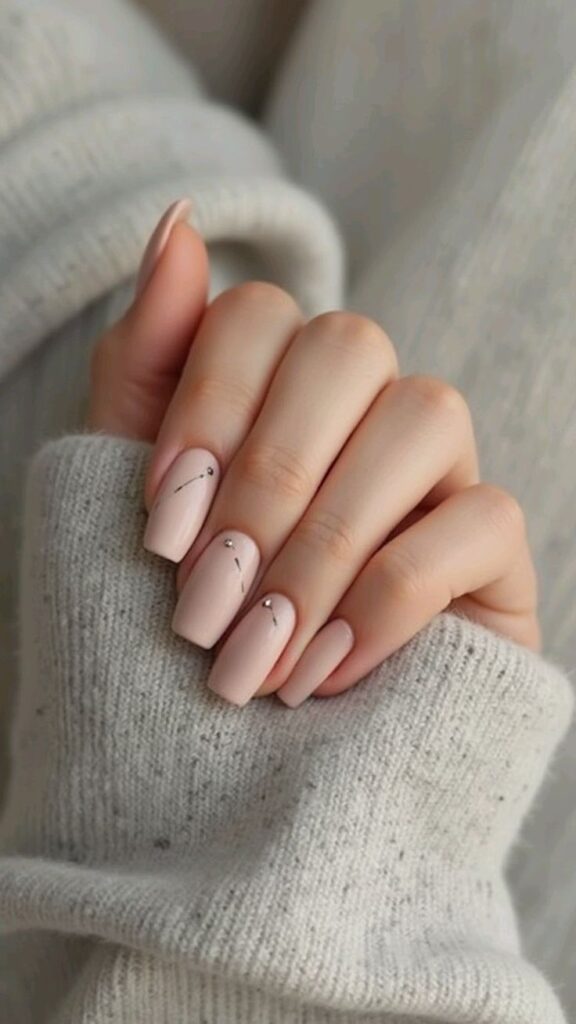
Precise placement prompts prevent Nano Banana Pro from distributing embellishments randomly across the free edge and apex in a way no nail technician would actually execute.
III. Exploring High-Fashion Nail Art Aesthetics
Designing 3D Sculpted Elements
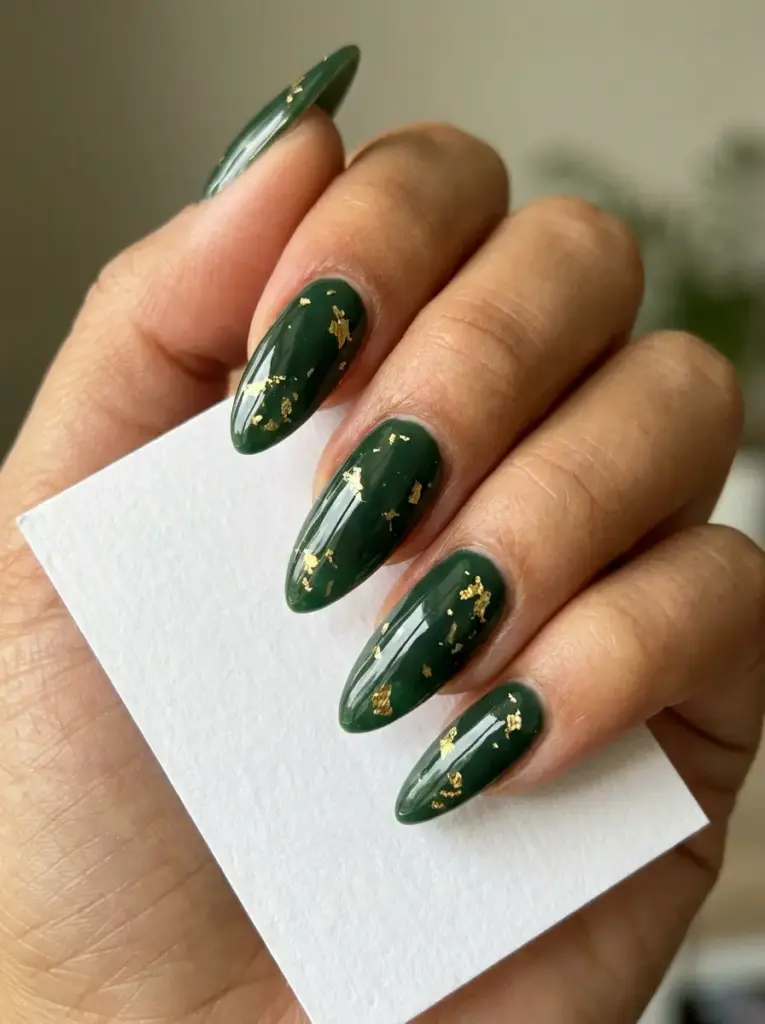
Raised, three-dimensional designs continue to lead high-end nail fashion. Requesting ‘clear 3D gel water droplets,’ ‘sculpted acrylic bows with sharp definition,’ or ‘raised sweater-knit texture in off-white cream’ produces striking visual concepts that show the actual volume and shadow of each element.
Seeing these sculpted features rendered accurately helps you decide whether a design suits daily wear or belongs on a special-occasion set — saving both time and the cost of a full rebuild at the salon when reality doesn’t match the vague inspiration image you brought in.
Blending Auras and Gradients
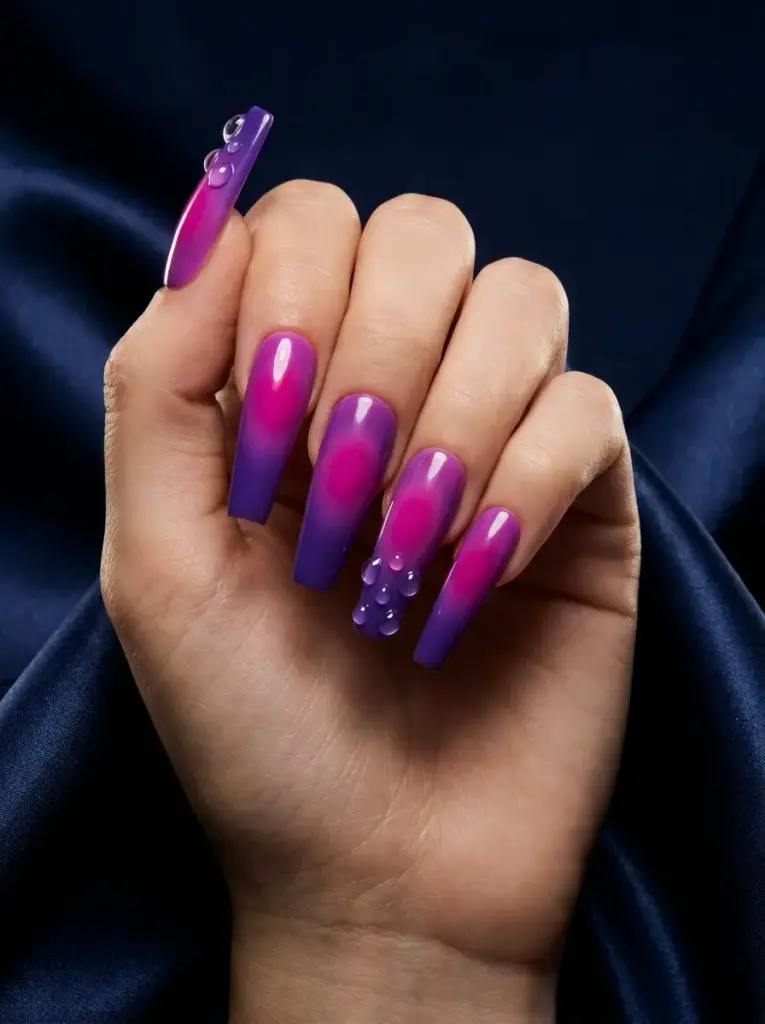
Soft, seamless colour transitions are among the most requested and hardest-to-brief salon techniques. Descriptive prompt language — ‘airbrushed aura glow at the nail center,’ ‘temperature-responsive pigment shift from ice blue to warm coral,’ ‘seamless ombre fade with no visible band’ — generates smooth gradient outputs that serve as precise technical briefs for your nail technician.
A generated concept acts as a visual translator: it shows exactly where a vivid magenta should start transitioning into a deep violet, and how wide the blended zone should be.
Curating Minimalist Negative Space
An understated approach often makes the strongest visual statement. Prompts pairing ‘bare, healthy natural nail bed’ with ‘delicate single-stroke fine-line geometric accents in sheer white gel’ generate incredibly refined, modern references that are far harder to execute without a clear visual guide.
Negative space designs require perfect balance between painted area and exposed nail to read as intentional rather than unfinished. Generating and adjusting these concepts digitally is far cheaper than asking your nail tech to redo the design three times in the chair.
IV. Outputting High-Resolution References for Salons
Achieving Stunning 4K Clarity
When presenting a reference photo to a professional nail technician, clarity is a technical requirement. A blurry screenshot leads to a disappointing set. Kimg AI exports concepts at the highest available resolution — ideally 4K (3840 × 2160 px) — so every brushstroke, glitter particle, and colour transition stays sharp when the technician zooms in on her phone.
At full resolution, a nail technician can read the exact width of a fine-line accent, the specific clustering pattern of micro-rhinestones, and the precise point where a gel gradient shifts — details that compress into visual noise in a 72 dpi social media screenshot.
Focusing on Lighting and Apex Reflections
Great lighting reveals the true structure and depth of a manicure. Adding lighting descriptors to your prompt — ‘soft diffused studio light,’ ‘dramatic side rim light,’ ‘natural north-facing window light’ — produces generated nails with a visible highlight line running down the apex, which signals correct c-curve structure to any experienced technician.
Proper lighting also surfaces the real depth of layered jelly polishes and encapsulated glitters — two finishes that look flat without controlled specular highlights.
Streamlining Salon Communication
A hyper-realistic reference image removes the friction from every stage of the salon conversation. Your technician immediately sees the colour family, the finish, the embellishment placement, and the required application techniques — all without you needing to describe them verbally.
This clarity shortens appointments, reduces costly redos, and builds the kind of mutual confidence that turns a one-off salon visit into an ongoing professional relationship.
V. Organizing a Custom Nail Art Portfolio
Categorizing Concepts by Season
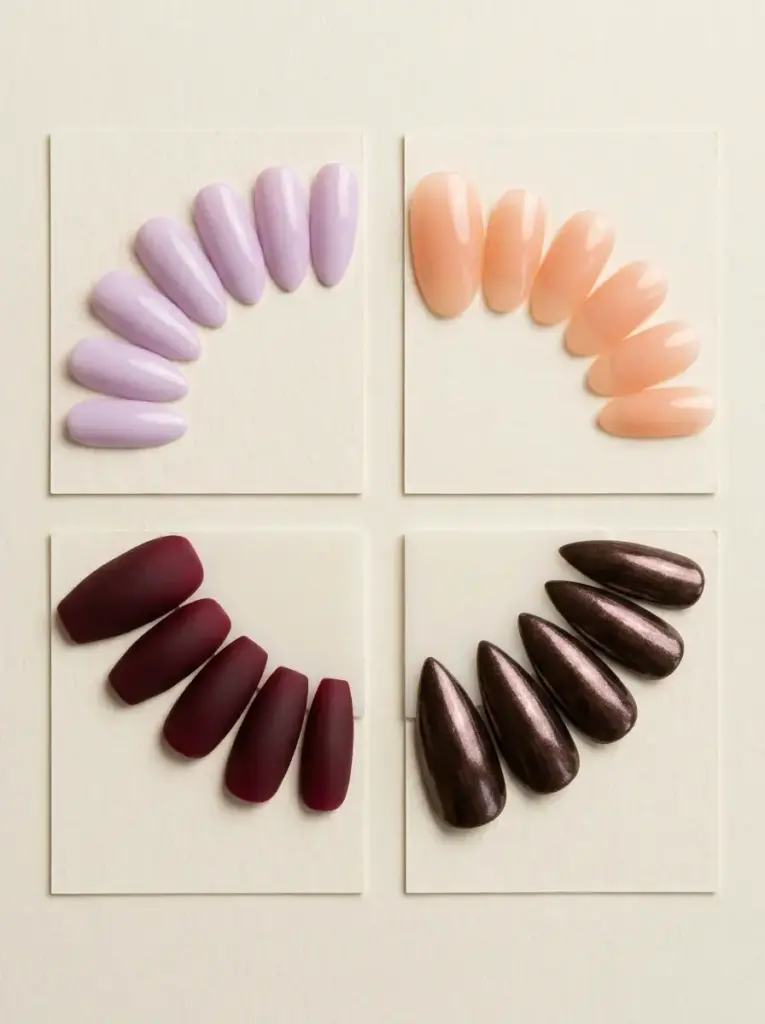
Sort generated designs into seasonal folders and you’ll never open a blank inspiration board the night before an appointment. Pastel florals and sheer pinks for spring. Neon brights and tropical patterns for summer. Moody tortoiseshells and deep burgundies for autumn. Icy chromes, dark forest greens, and glitter gradients for winter.
This structure also reveals your pattern preferences over time — you might notice you always return to jelly finishes in summer or matte textures in autumn, which tightens future prompts automatically.
Sorting by Event and Occasion
Different occasions demand different visual registers. A bridal folder might hold sheer pink almond nails with lace-embossed details and freshwater pearl accents. A corporate folder could contain short square nails in warm nude shades with a clean glossy topcoat. A festival folder keeps the chrome auras and 3D sculpted elements ready to go.
Having occasion-specific looks pre-generated removes all last-minute decision stress before major life events — which is when you need it removed most.
Tracking Successful Prompt Variations
Save the exact text prompt alongside every generated image. The prompt is the recipe: store it and you can iterate any variable without rebuilding from scratch. Love the rhinestone structure on one concept but want the base shade darker? Swap ‘dusty mauve’ for ‘deep plum’ and regenerate. Every other detail — shape, finish, placement — stays intact.
Over time, this prompt library becomes a personal style system. It documents exactly what language consistently produces your preferred aesthetic — more useful than any saved social media folder.
◆ FREQUENTLY ASKED QUESTIONS
FAQ: AI Nail Art Concepts
Q: Can I use AI-generated nail art concepts as a reference at any salon?
Yes. A hyper-realistic 4K image gives any nail technician an unambiguous visual brief. Export at the highest available resolution before your appointment so fine details like rhinestone placement and gradient transitions remain sharp when zoomed in on a phone screen.
What nail shapes work best for AI concept generation?
All standard shapes — stiletto, coffin, almond, oval, squoval, and square — render accurately when specified in the prompt. Stiletto and coffin shapes show intricate artwork most clearly because the larger surface area gives the generator space to resolve fine details like lace overlays or botanical line-work.
How do I get the exact nail polish color I imagined?
Skip generic color names. Describe the shade with two or three sensory references: undertone, opacity, and finish. ‘Dusty mauve with warm taupe undertones, semi-sheer jelly finish’ produces a far more precise result than ‘light purple.’ Reference specific finishes like chrome, holographic, or magnetic cat-eye to narrow the output further.
How do 3D nail art elements render in AI-generated images?
Modern AI generators handle raised geometry accurately when the prompt is specific. Phrases like ‘sculpted clear acrylic bow with sharp edges,’ ‘raised sweater-knit texture in off-white,’ or ‘soft gel water-droplet clusters along the free edge’ produce detailed, physically plausible results suitable as reference images for technicians working with acrylic, hard gel, or builder-in-a-bottle systems.
Is it worth saving AI nail art prompts alongside the images?
Absolutely. The prompt is the recipe. Storing it next to the generated image lets you iterate fast: change one variable — swap ‘matte blush’ for ‘glossy cherry red’ — without rebuilding the entire structural description. Over time, a saved prompt library becomes a personalized style system you can pull from before every salon visit.
What resolution should I export nail art concepts for salon use?
Export at 4K (3840 × 2160 px) or the highest resolution the generator offers. At that pixel density, a nail technician can zoom into a single nail and still read the exact placement of micro-rhinestones, the width of a fine-line geometric accent, or the depth of a layered gel gradient — all details that disappear in a compressed screenshot.
- 847shares
- Facebook0
- Pinterest847
- Twitter0
- Reddit0