Digital artworks by Francisco Albert are worth studying for one simple reason: the images do not rely on noise to feel dramatic. The strongest pieces here use silhouette, atmosphere, scale, and quiet surreal details to pull the eye through the scene.
I look at this kind of digital art the same way I look at a thumbnail sketch: first the value pattern, then the focal point, then the small details. If the scene still reads when you squint, the artwork is doing something right.
What to notice in these digital artworks
This gallery works best as a visual study, not just a scroll of finished images. Before you jump into the pieces, watch how Francisco Albert handles three things: atmospheric depth, unusual subject matter, and the balance between painterly texture and clean digital control.
| What to study | Why it matters |
|---|---|
| Silhouette | A strong outer shape keeps a surreal digital artwork readable before the viewer notices the details. |
| Value range | Dark masses, soft midtones, and selective highlights create mood without making the image muddy. |
| Atmosphere | Fog, glow, distance, and softened edges help a digital scene feel larger than the canvas. |
| Focal point | The best digital illustration art gives the eye one clear place to land before it explores the rest. |
15 atmospheric digital artworks by Francisco Albert
Incredible detail and atmospheric work of the author fascinate and inspire. Digital art to a new level.
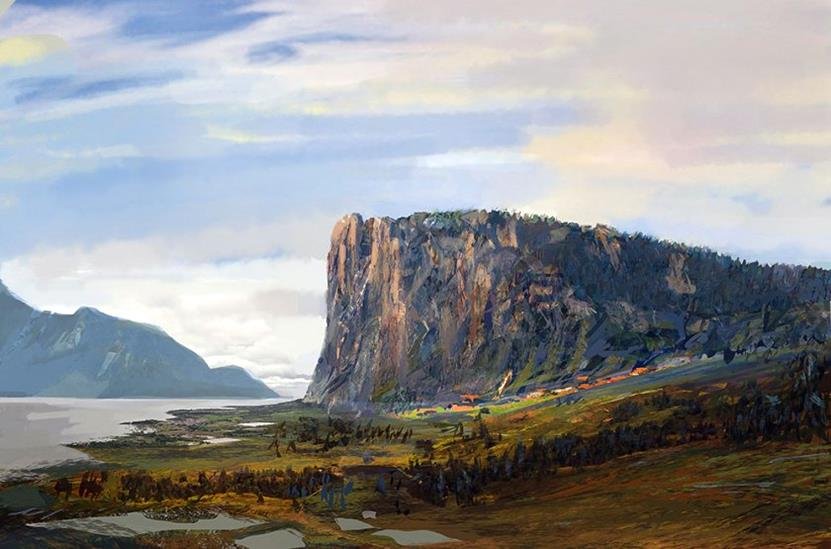
Landscape
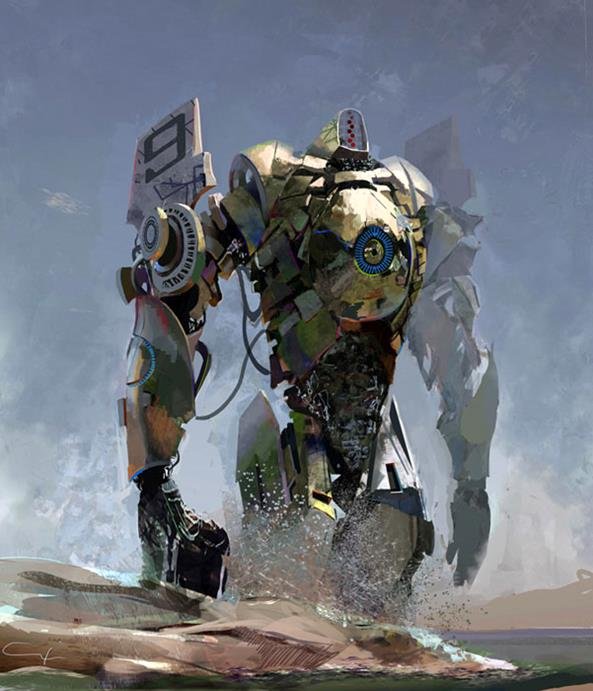
Shabda
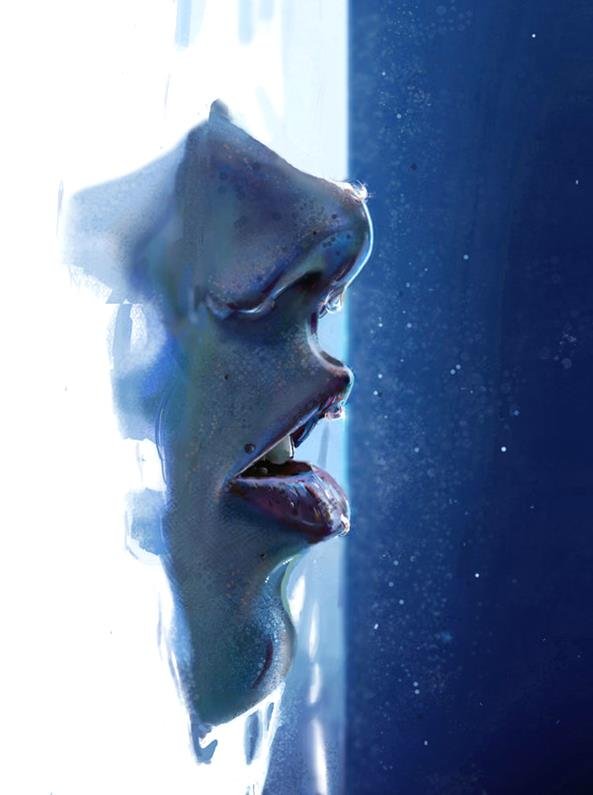
The-Other
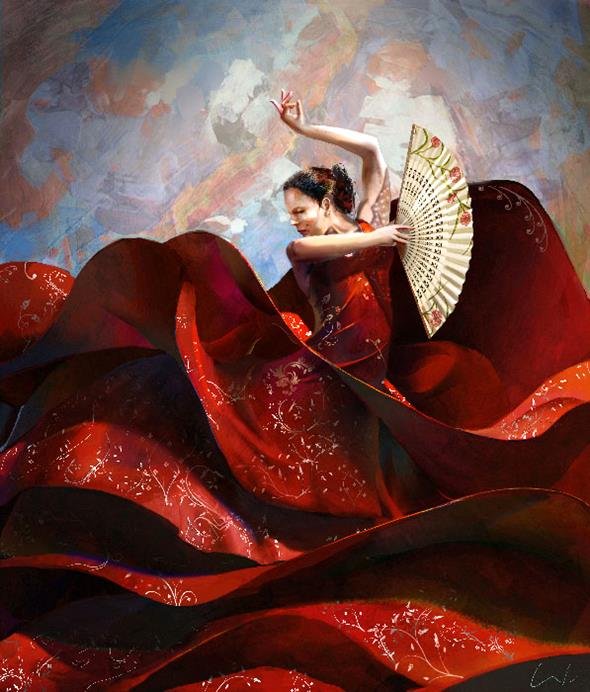
Red-Sea
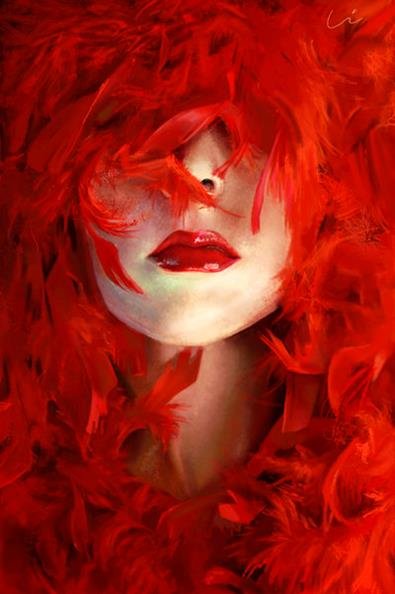
Ego

Cascabels-house-moon
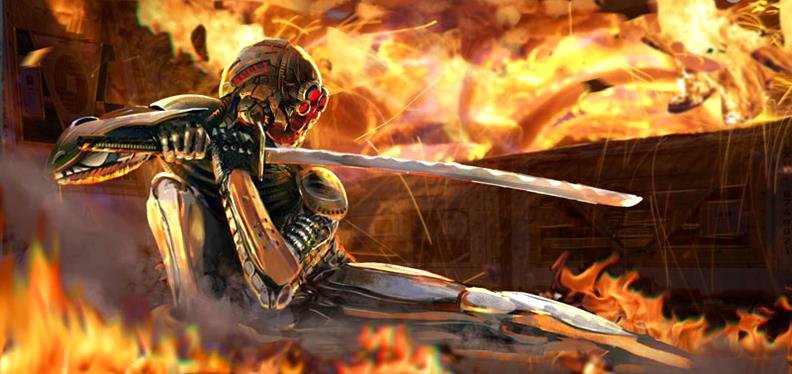
Ninja
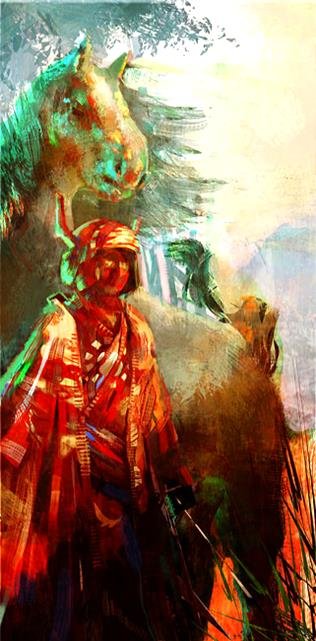
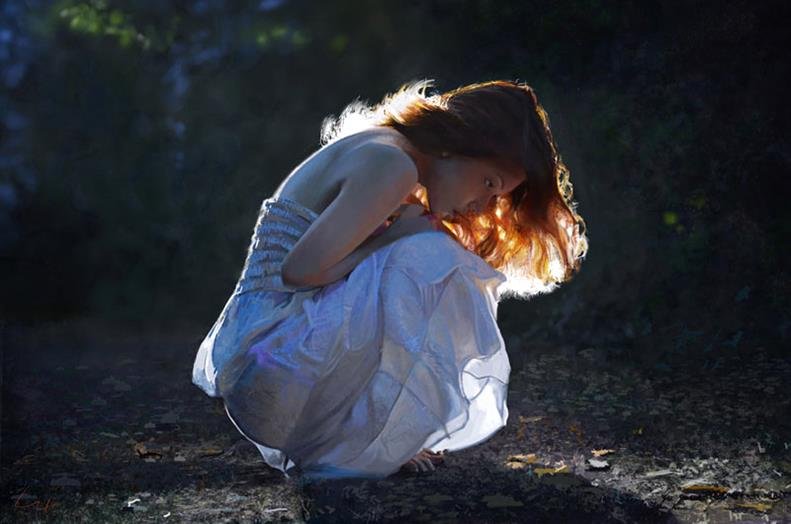
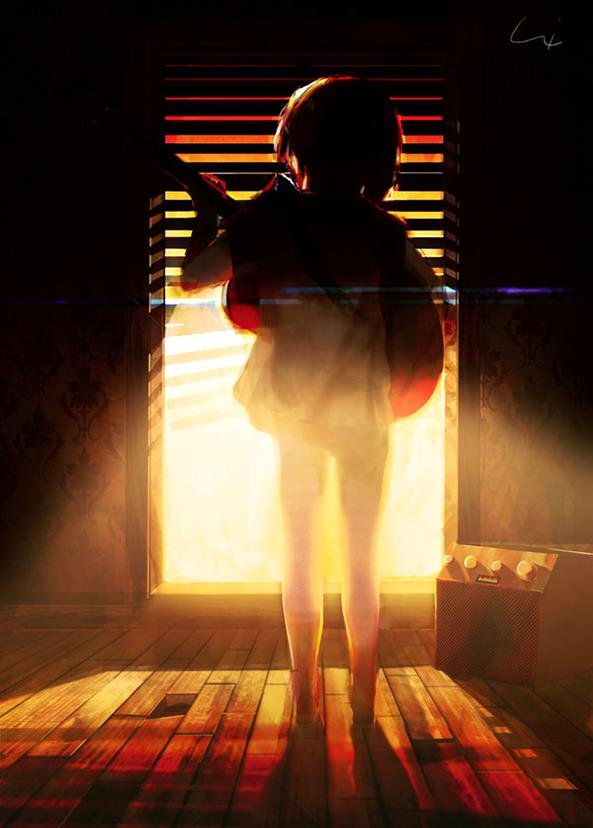
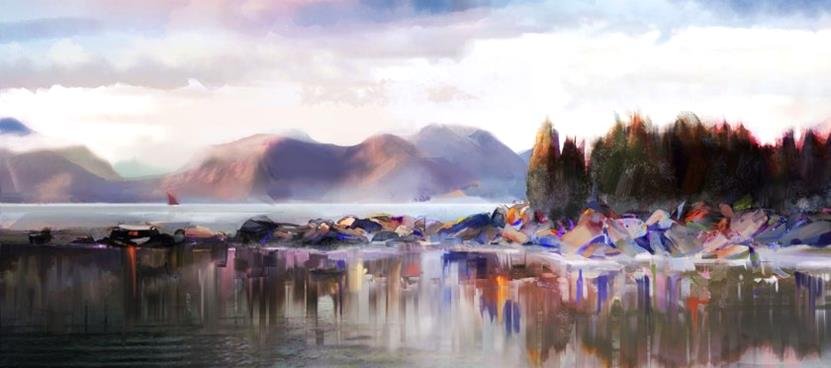
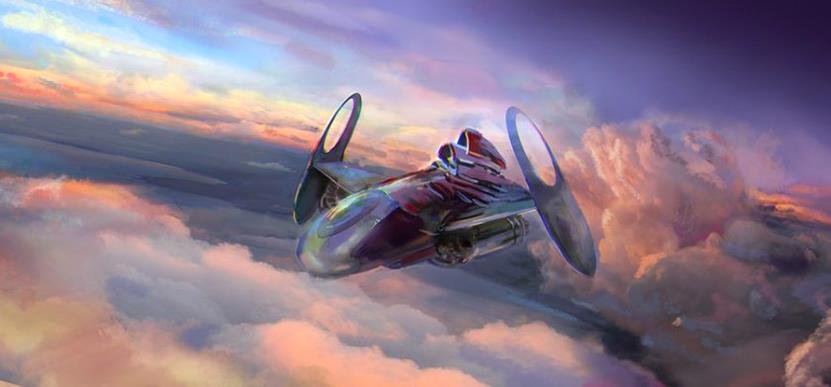
Scape
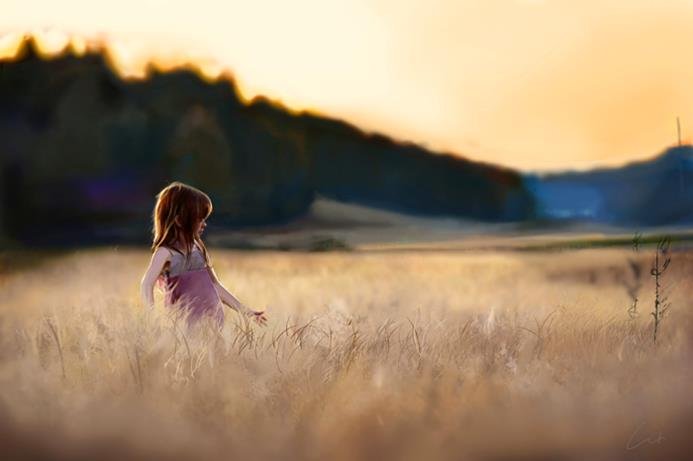
La-Ninia
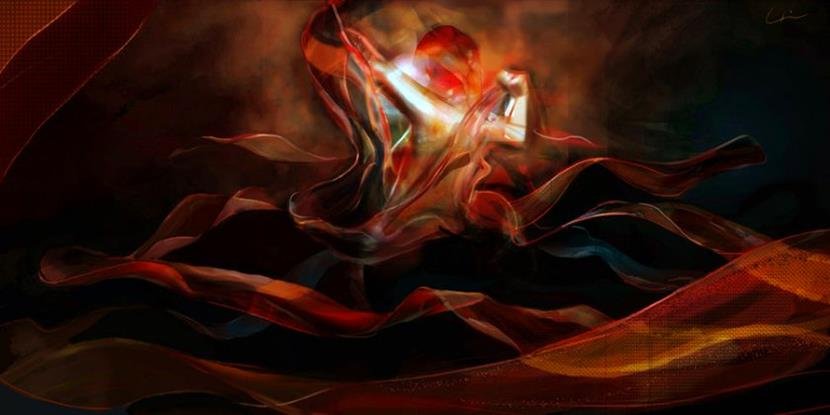
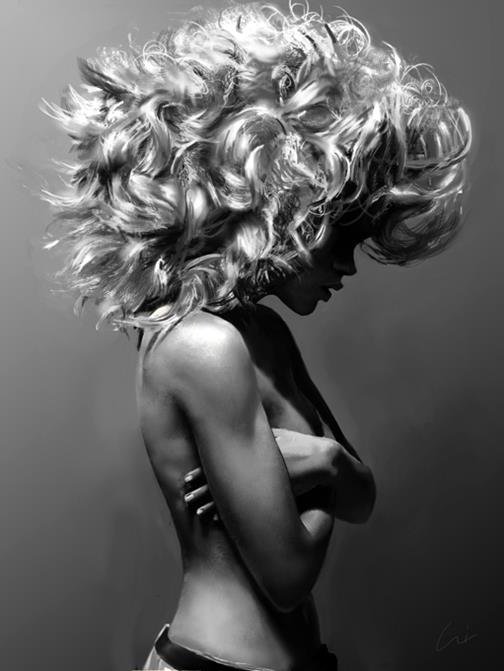
Why this digital art inspiration still works
The useful lesson in these digital artworks is restraint. A piece like this can become overworked quickly: too many effects, too much glow, too many competing textures. The better approach is to decide what the image is really about, then let every brush mark support that choice.
If you are building your own scene, try this test before rendering details: shrink the artwork on screen until it is almost thumbnail size. If you can still read the main shape, lighting direction, and mood, the foundation is strong enough to continue.
Composition notes for digital artists
For more practice, compare this gallery with digital art ideas, then move into digital art sketching if you want to build scenes from rough thumbnails first. If you are coming from traditional media, the guide to starting digital drawing from paper is a better bridge than jumping straight into finished painting.
Conclusion
Francisco Albert’s digital artworks are useful because they give you more than pretty surfaces. They show how atmosphere, scale, and a clear focal point can make surreal digital art feel believable.
My main takeaway: do not start with effects. Start with the scene’s big shape, the value structure, and the one detail you want the viewer to remember. The polish comes later.
Digital artworks FAQ
What makes Francisco Albert’s digital art stand out?
His work stands out because the atmosphere usually carries the image before the details do. The scenes feel cinematic, but they still have readable silhouettes, controlled lighting, and enough quiet space for the subject to breathe.
Are these digital artworks good references for beginners?
Yes, but use them as composition references rather than pieces to copy. Beginners can study the value grouping, focal points, color mood, and edge control, then apply those lessons to a simpler original scene.
What should I study first in a surreal digital artwork?
Start with the large shapes. Squint at the image and check whether you can still read the subject, horizon, light direction, and main contrast. If those work, the surreal details will feel more intentional.
How can I make my own digital art feel more atmospheric?
Use fewer hard edges, push distant objects lighter or softer, and keep your strongest contrast near the focal point. Atmosphere is mostly control: not every area needs the same sharpness, saturation, or texture.
What tools do I need to practice this kind of digital illustration?
You can practice with any drawing tablet and painting app that supports layers, opacity, and textured brushes. The tool matters less than your thumbnail process, value control, and willingness to simplify the scene before rendering.
Where should I go next after this gallery?
Move from looking to practicing. Pick one artwork, write down its value pattern and focal point, then create a small original thumbnail using the same structure with different subject matter.
Keep exploring digital art
For related practice, continue with digital illustration tips, digital collage techniques, digital art styles that sell, digital art tutorials, digital art ideas and tips, and design-focused digital art ideas.
- 44shares
- Facebook0
- Pinterest44
- Twitter0
- Reddit0