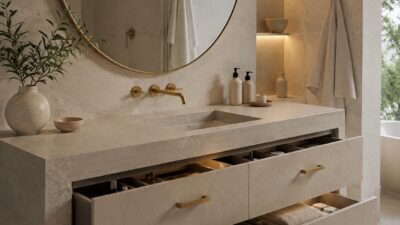
A neat desk setup is more than just an aesthetic choice—it’s a fundamental element of productivity and mental clarity in your workspace. Creating an organized desk environment can significantly reduce stress, improve focus, and enhance your overall work efficiency. Whether you’re designing a home office or upgrading your workplace station, thoughtful desk organization creates a foundation for better work experiences.
Finding inspiration for your desk setup doesn’t have to be overwhelming. From minimalist arrangements to functional storage solutions, the perfect desk organization system should reflect both your personal style and practical needs. Many designers recommend starting with the essentials and gradually adding elements that serve specific purposes in your workflow.
The beauty of desk organization lies in its adaptability to different spaces and work styles. You can transform even a small desk into an efficient command center with the right combination of storage solutions, cable management, and thoughtful placement of frequently used items. When your workspace feels orderly and intentional, you’ll likely find yourself more motivated to tackle daily tasks.
Key Takeaways
- A well-organized desk significantly improves productivity, mental clarity, and reduces workplace stress.
- Your desk organization system should balance aesthetic appeal with practical functionality tailored to your specific work needs.
- Start with essential organization elements before adding specialized accessories that enhance your particular workflow.
| Setup Style | Primary Goal | Core Accessories Needed | Cost Level |
|---|---|---|---|
| Minimalist Setup | Eliminate cognitive load, boost focus | Leather desk mat, single monitor arm, plants | Low to Medium |
| Functional Workspace | Maximum utility & quick access | Drawer dividers, desktop trays, file sorters | Low |
| Ergonomic Command Center | Physical comfort during long sessions | Standing desk, ergonomic chair, task lamp | High |
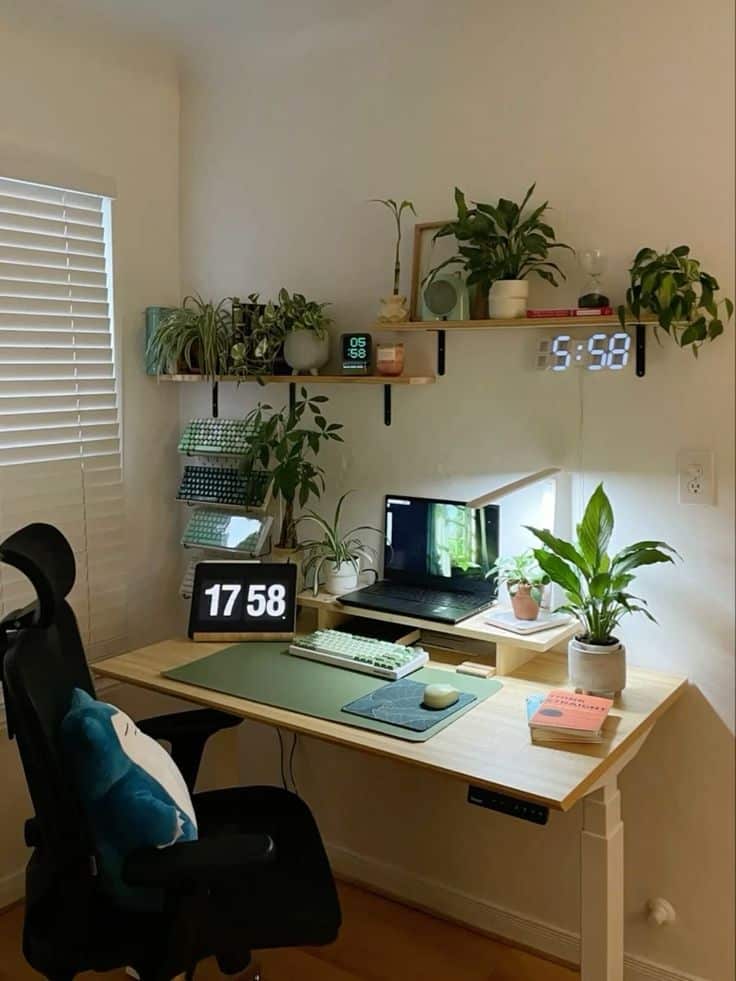
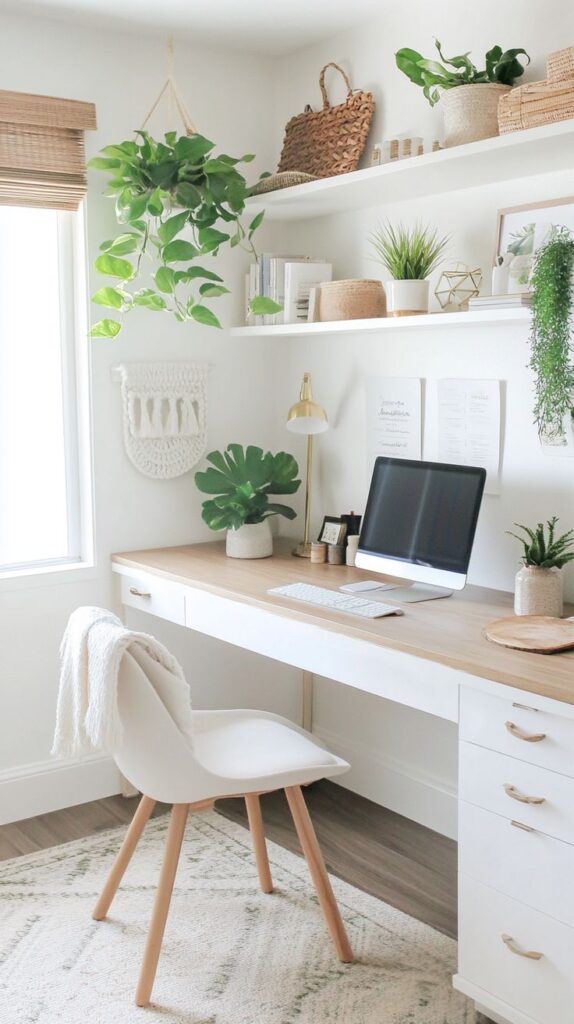
The Foundations of a Neat Desk
Creating a functional workspace starts with establishing solid foundations. A well-organized desk boosts productivity and creates a sense of calm that can transform your work experience.
Establishing a Clutter-Free Desk
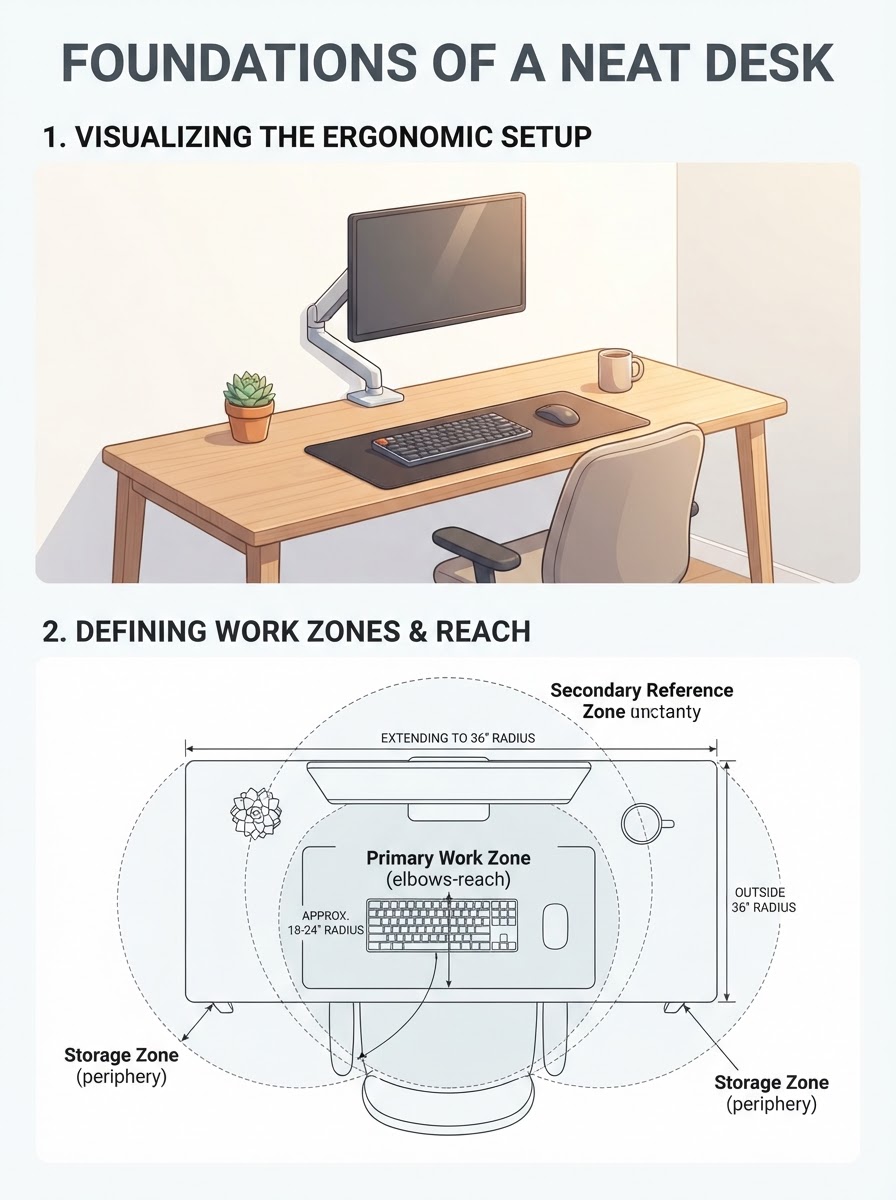
Begin by sorting everything on your desk into categories based on importance and frequency of use. Only keep essential items within arm’s reach while storing less frequently used supplies in drawers or nearby cabinets.
Create designated zones for different activities – a primary work area, a space for reference materials, and perhaps a small section for personal items.
Implement the “touch it once” rule – when you pick up a document, immediately decide whether to act on it, file it, or discard it. Don’t let papers accumulate.
Invest in practical storage solutions like stackable trays, drawer organizers, and cable management systems. These tools help maintain order without sacrificing accessibility.
Daily maintenance is crucial – spend 5 minutes at the end of each workday returning items to their proper places. This simple habit prevents clutter from rebuilding overnight.
Principles of Minimalist Design
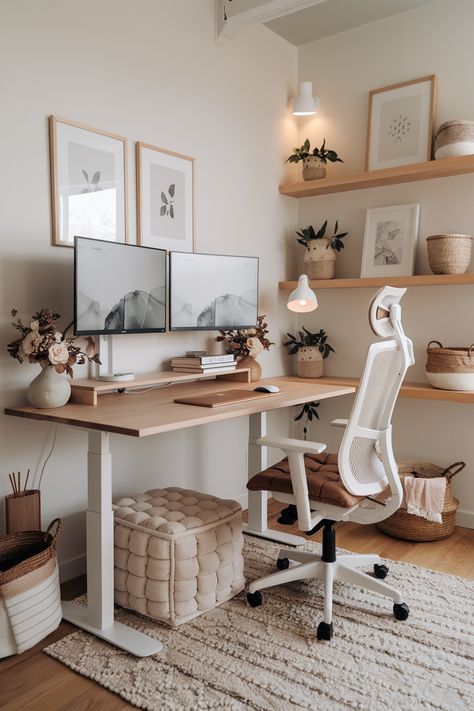
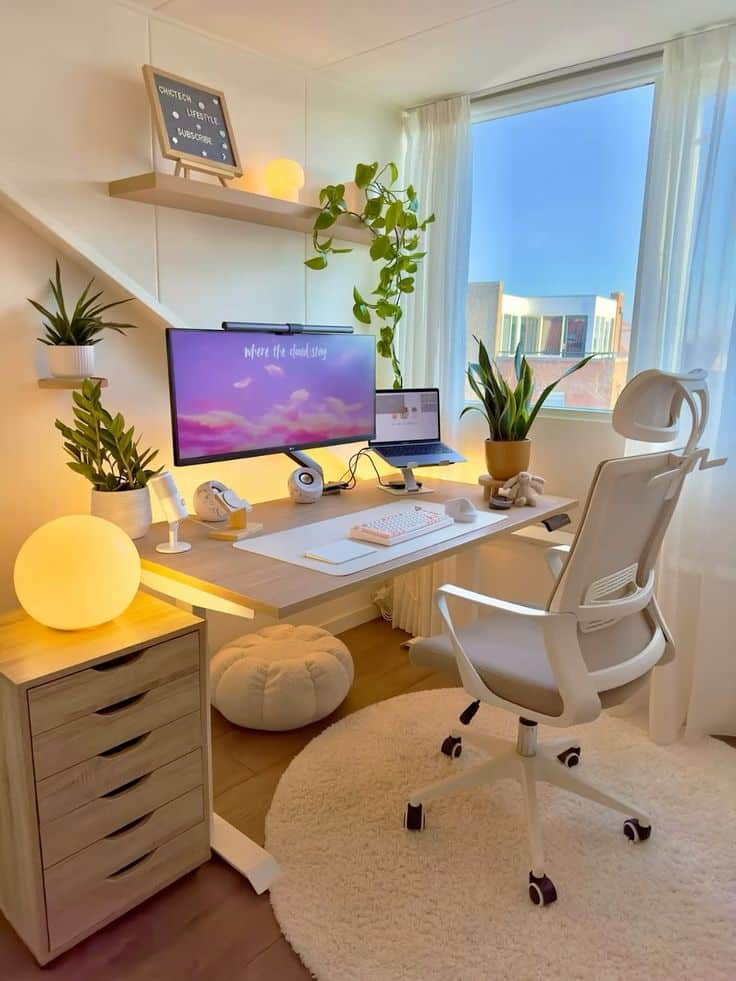
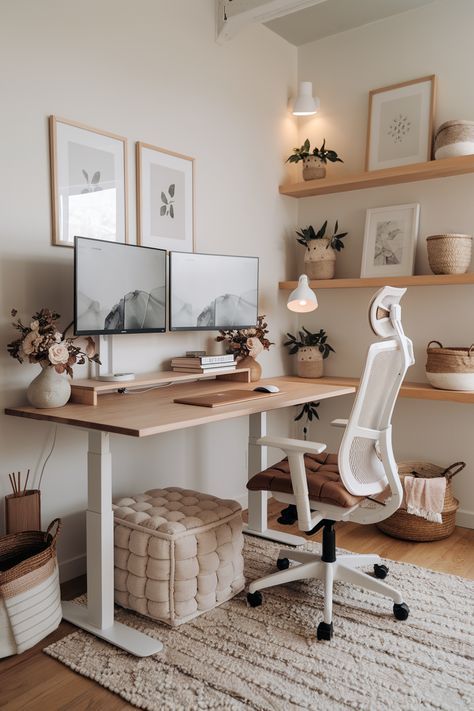
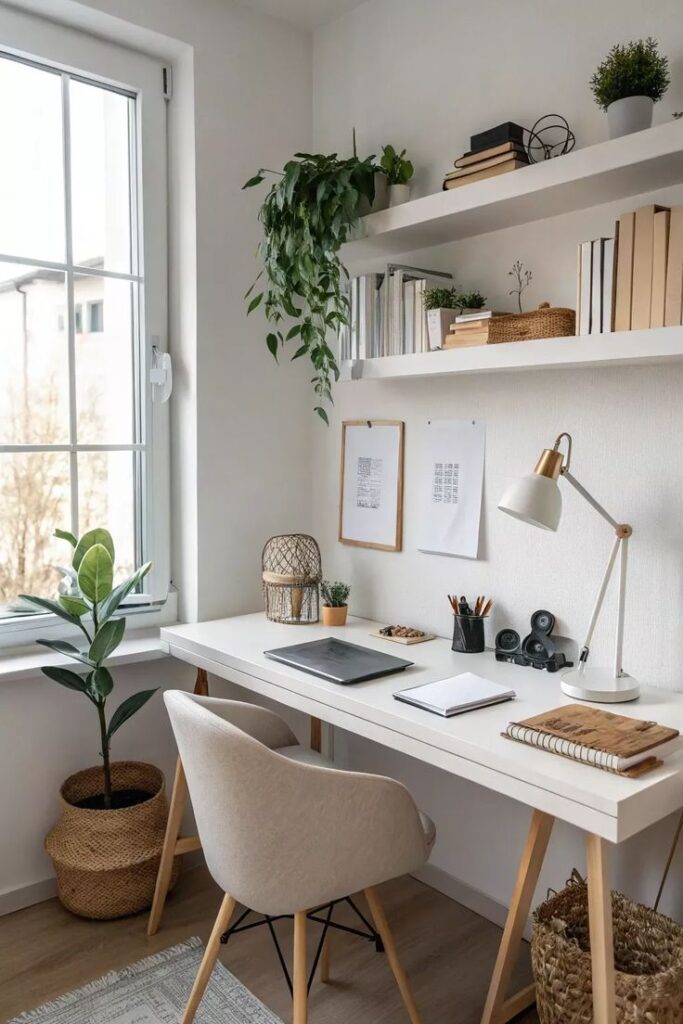
Embracing minimalist design on your desk goes far beyond basic aesthetics; it is a scientifically backed approach to reducing mental fatigue and stress. When your workspace features negative space—intentional breathing room between items—it lowers your cognitive load by reducing the amount of visual stimuli your brain has to constantly process in the background. Choosing a cohesive, neutral color palette of soft whites, warm wood tones, and charcoal grays establishes a calming sensory baseline. To reinforce this natural, low-stress environment, many designers pair clean layouts with simple natural details. Selecting fewer, high-quality accessories that serve dual purposes, such as an oak monitor riser that doubles as keyboard storage, ensures that every object on your surface justifies its footprint. Placing your desk to receive soft, indirect natural light further establishes a tranquil, focused atmosphere that keeps you engaged through demanding workloads.
Choosing the Right Desk Setup
Measure your available space carefully before selecting a desk. Allow at least 3-4 feet of clearance behind your chair and enough room to move freely around the workspace.
Consider your specific work needs – writers might prefer a spacious surface while graphic designers may require multiple monitor setups with adequate depth.
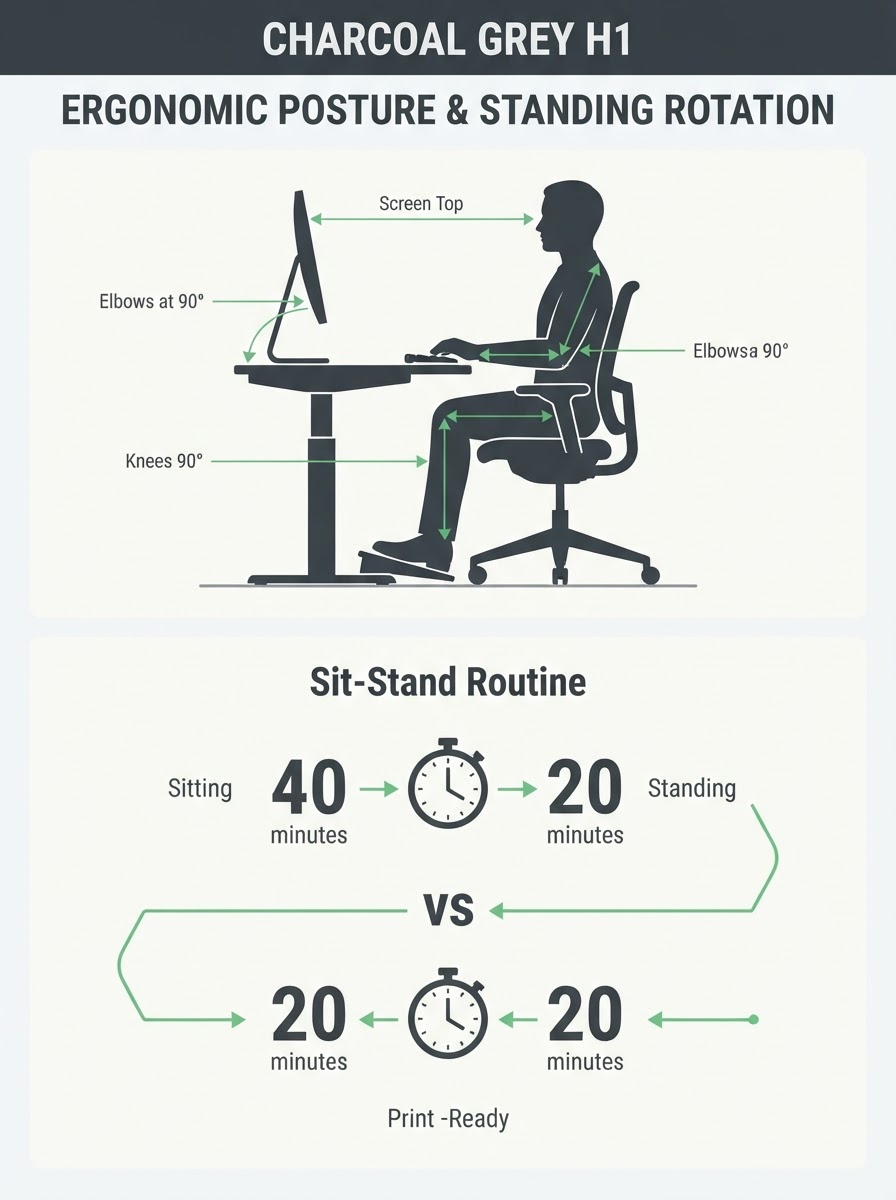
Ergonomics should be a priority. Your desk height should allow your elbows to rest at approximately 90 degrees when typing, and there should be space for proper monitor positioning.
Investigate adjustable or standing desk options if you prefer to alternate between sitting and standing throughout the day. This flexibility can improve both comfort and focus.
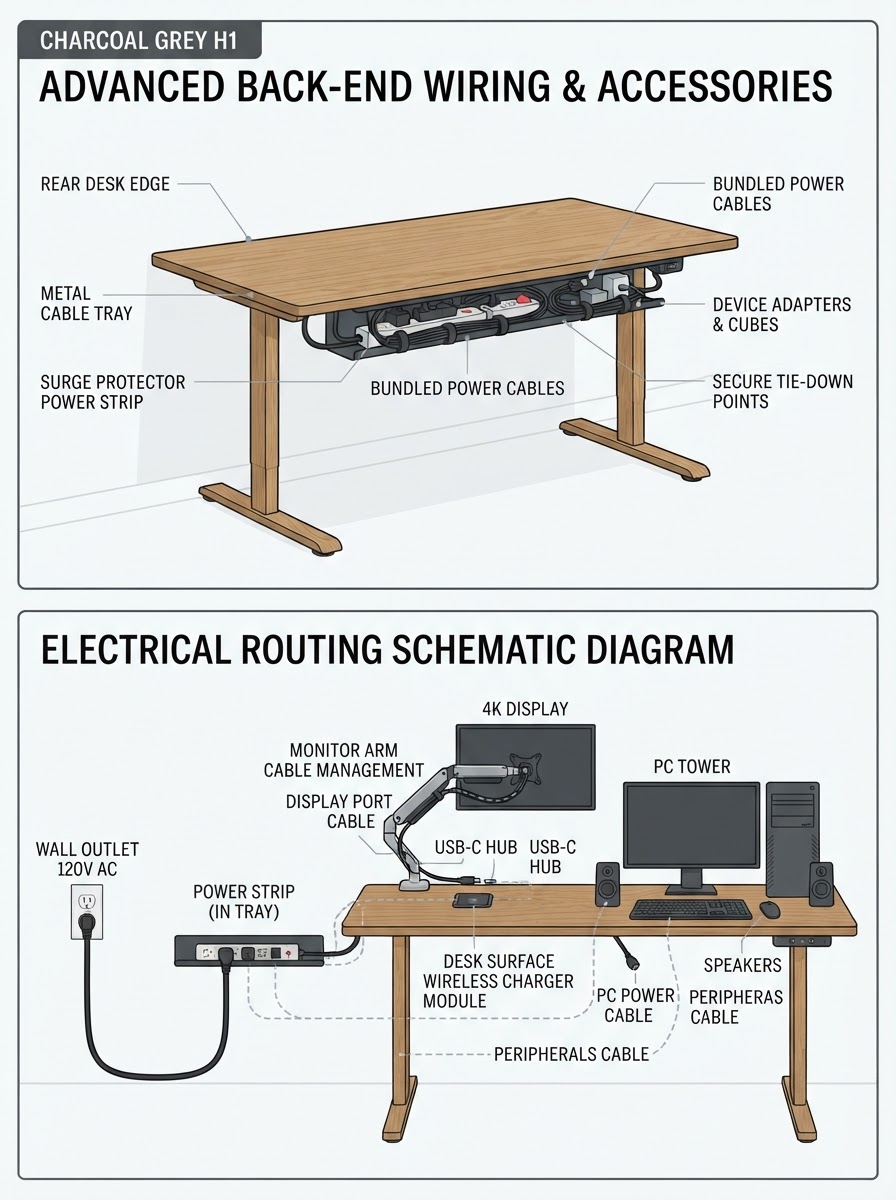
Don’t overlook cable management solutions built into the desk design. Features like grommets, cable trays, and hidden power strips keep technology connections tidy and accessible.
Essential Desk Organization Strategies
A well-organized desk boosts productivity and creates a more pleasant work environment. These practical strategies help transform cluttered workspaces into efficient, functional areas that support your daily tasks.
Declutter: From Messy Desk to Order
Beginning your organization journey with a clean slate is crucial because physical clutter actively sabotages your ability to concentrate. According to a landmark Princeton Neuroscience Institute study on visual clutter, multiple visual stimuli present in your field of vision compete for neural representation, directly restricting your brain’s processing capacity and limiting focus. To break this cycle of distraction, remove every single object from your desk and sort items into absolute essentials, temporary storage, and recyclables. Implementing a strict “one-touch” rule for documents—where papers are filed digitally or shredded immediately upon receipt—prevents the physical piling that creates micro-stressors. Establishing dedicated zones for active focus versus reference tasks ensures your surface remains orderly, while a mandatory five-minute daily cleanup at the end of each shift resets your visual canvas, ensuring you start the next morning with immediate mental clarity.
Selecting Effective Desk Organizers
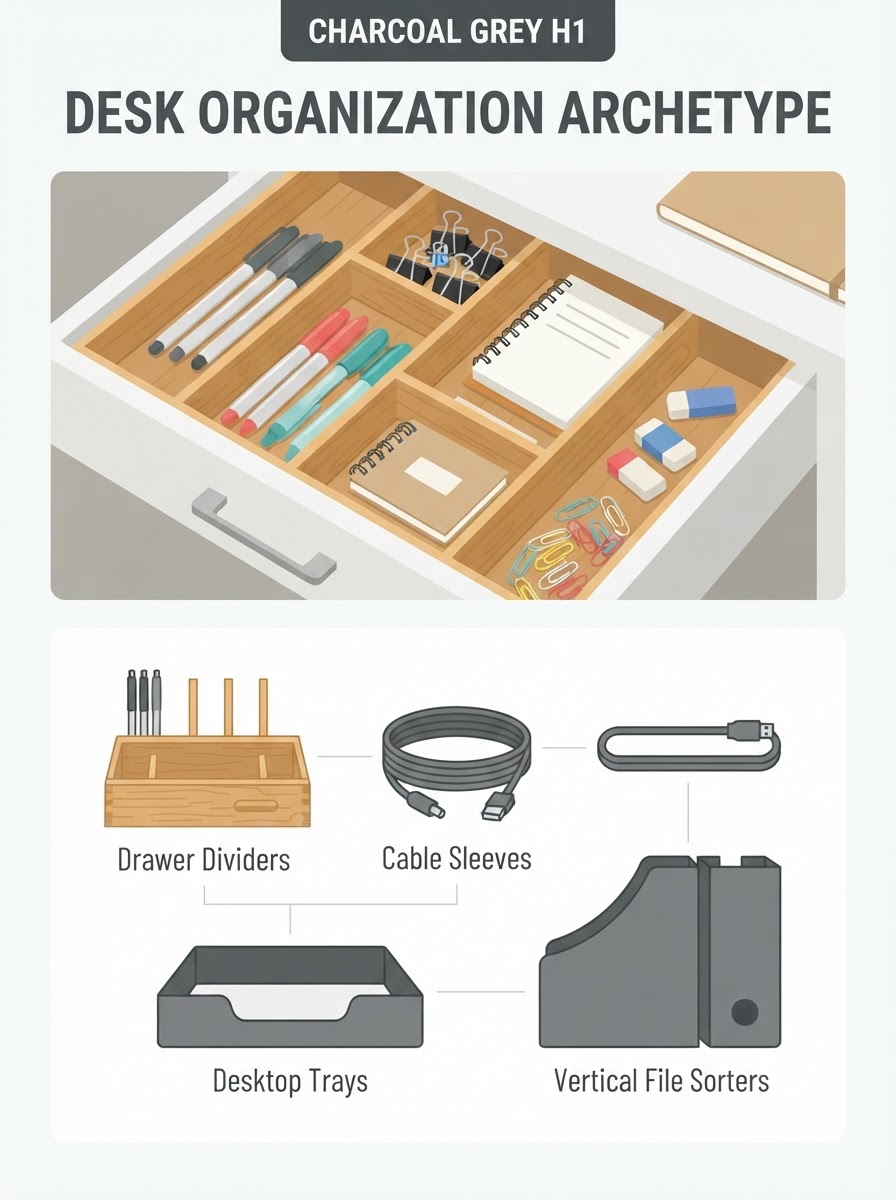
Choose desk organizers based on your specific needs rather than aesthetic appeal alone. Drawer dividers keep small items separated and easily accessible.
Essential organizers to consider:
- Vertical file sorters for current projects
- Cable management solutions
- Desktop trays for papers requiring immediate attention
- Pen holders and small containers for frequently used items
Opt for modular organizing systems that can adapt as your needs change. Stackable trays, adjustable dividers, and expandable file systems provide flexibility.
Invest in quality organizers for items you use daily. Durable materials like metal mesh, bamboo, or reinforced plastic withstand frequent use and maintain their appearance longer.
Smart Placement of Office Supplies
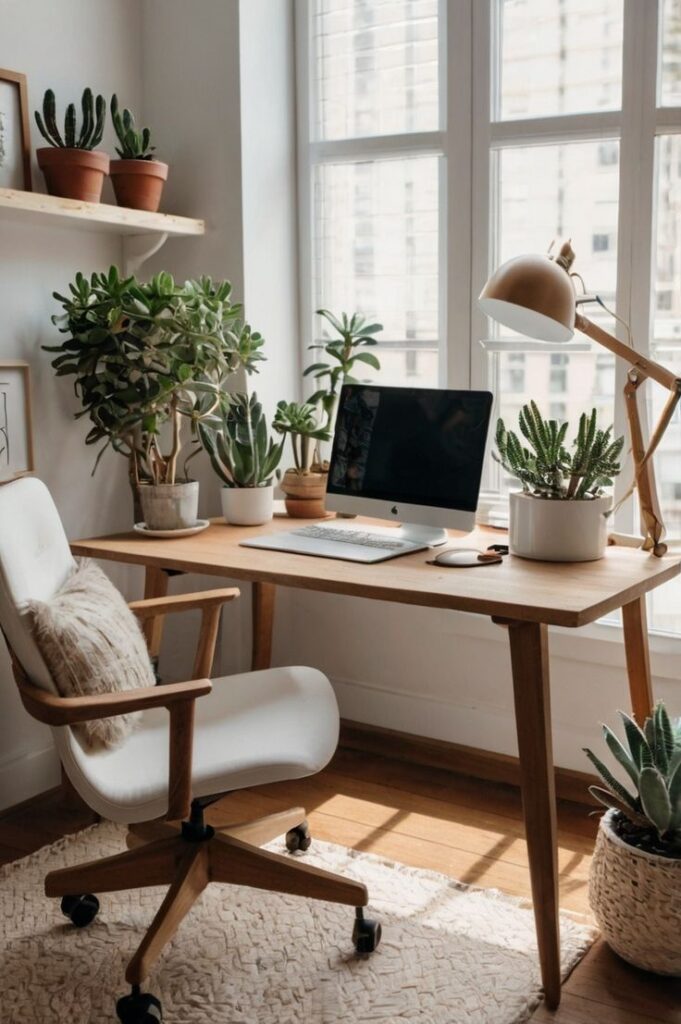
Keep one practical item in the clear zone too: a simple hydration habit for long work sessions helps the desk stay productive without turning the surface into clutter.
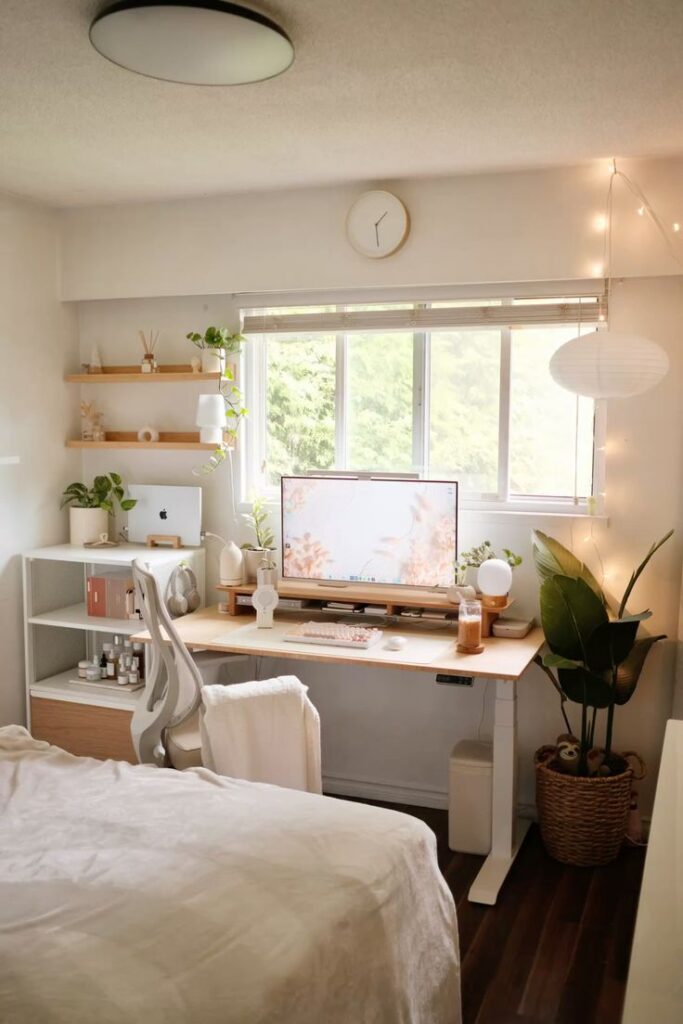
Position frequently used supplies within arm’s reach to minimize disruptions to your workflow. Keep items like pens, notepads, and staplers in your primary work zone.
Store supplies you use less often in drawers or cabinets. This reduces visual clutter while keeping materials accessible when needed.
Consider these placement strategies:
- Right-handed? Place writing tools on the right side
- Left-handed? Position supplies on the left
- Reserve the area directly in front of you for current tasks only
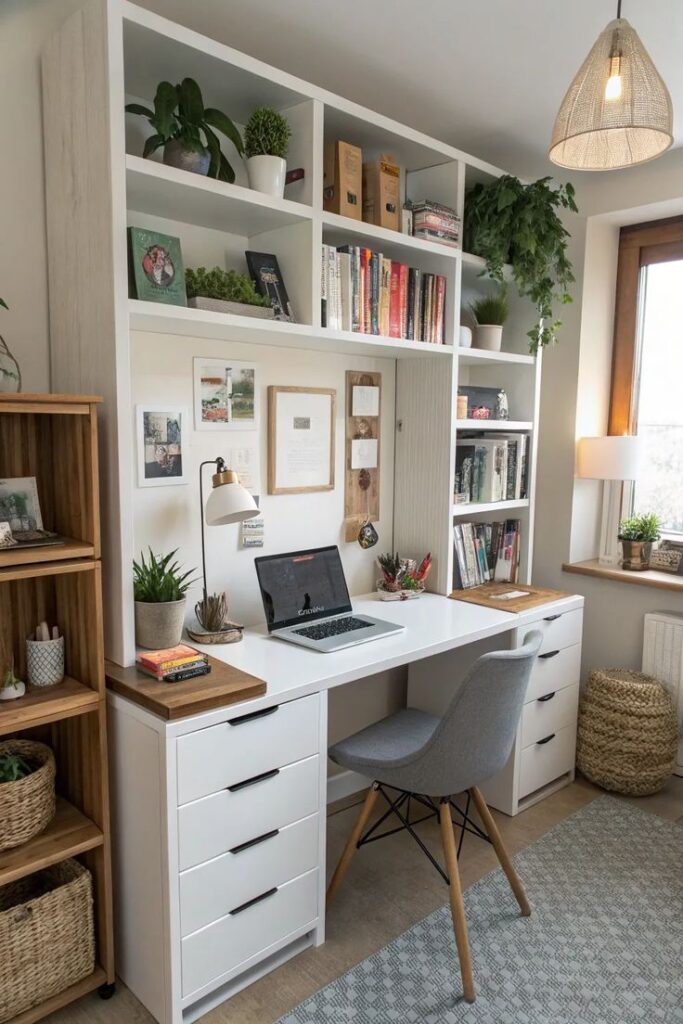
Use vertical space with wall-mounted organizers or shelving above your desk. This expands your storage capacity without consuming valuable desk surface area.
Label storage containers clearly to eliminate time wasted searching for supplies. Simple, consistent labeling systems prevent disorganization from returning.
Incorporating Desk Accessories for Utility
Select accessories that serve multiple purposes. A monitor stand with built-in storage compartments provides ergonomic benefits while organizing small items.
Invest in proper cable management solutions like cord clips, cable sleeves, or desk grommets. Tangled wires create visual chaos and can interfere with your workspace.
Consider these functional accessories:
- Desk pad/blotter: Protects the surface while defining your work area
- Task lamp: Provides focused lighting while minimizing desk footprint
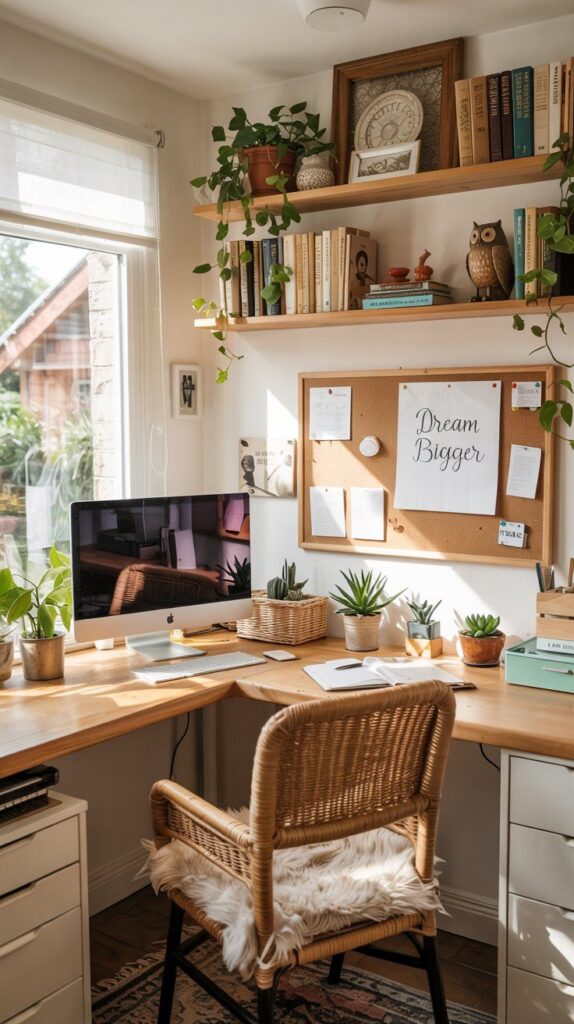
- Bulletin board: Keeps important notes visible without cluttering your desk
Personalize with 1-2 meaningful items that inspire productivity. A small plant, favorite photo, or motivational quote adds character without creating clutter.
Balance aesthetic appeal with practicality when selecting accessories. Even beautiful organizers should fulfill a specific purpose in your workspace.
Optimizing Your Desk for Productivity
A well-organized desk setup can dramatically improve your focus and efficiency. The right arrangement of tools, lighting, and ergonomic elements creates an environment where your best work can flourish.
Creating Zones for Focus and Workflow
Designate specific areas on your desk for different activities to maintain order and improve workflow. Consider creating three primary zones: a focus zone for your main work, a reference zone for materials you frequently access, and a storage zone for less-used items.
Keep your primary workspace clear of distractions, positioning only essential tools within arm’s reach. This minimizes interruptions to your concentration when you need to grab something.
Try the “clean canvas” approach by clearing your desk completely at the end of each day. This simple habit provides a fresh start every morning and reduces visual clutter that can impede productivity.
Cluster similar items together based on related tasks. For instance, keep note-taking supplies in one area and technology peripherals in another to create intuitive workflow patterns.
Utilizing Task Lighting
Proper lighting significantly affects your productivity and eye health. Position your primary light source to minimize glare on screens and reduce eye strain during long work sessions.
Adjustable desk lamps with multiple brightness settings allow you to customize lighting based on the task at hand. Brighter, cooler light temperatures (4000K-5000K) enhance focus during detail-oriented work, while warmer tones create a more relaxed atmosphere.
Natural light offers substantial benefits for your focus and mood. Position your desk near a window when possible, but use blinds or curtains to control glare during peak daylight hours.
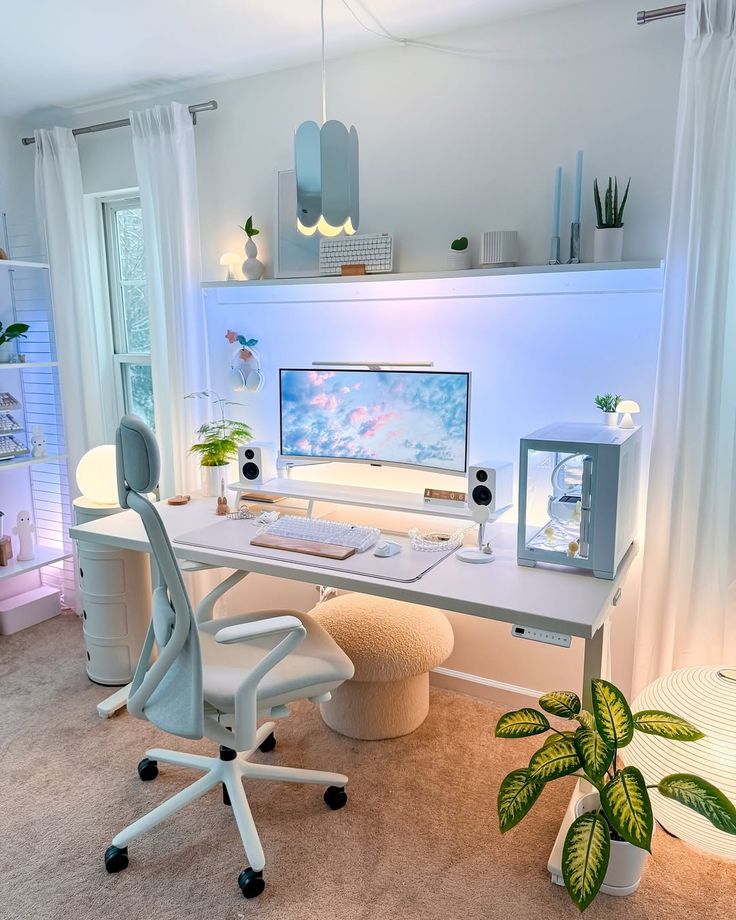
Consider bias lighting behind your monitor to reduce eye strain and improve contrast when working with screens. This simple addition creates balanced ambient lighting that can prevent headaches and fatigue.
Benefits of a Standing Desk
Integrating a height-adjustable standing desk into your daily routine is one of the most effective ways to combat sedentary fatigue and improve long-term physical wellness. However, maximizing these health benefits requires a structured approach to posture transitions. Landmark Cornell Human Factors and Ergonomics research suggests that rather than standing all day, which can cause muscle soreness and joint fatigue, users should aim for a balanced, dynamic rotation—ideally standing for 20 to 30 minutes for every hour of sitting. Alternating your posture stimulates circulation, keeps your metabolic rate active, and increases blood oxygen levels, effectively neutralizing the common mid-afternoon energy slump. Utilizing a programmable smart desk to store your precise ergonomic heights makes these transitions seamless, helping you maintain perfect alignment and focus without interrupting your active mental flow.
Incorporating Noise-Canceling Headphones
High-quality noise-canceling headphones serve as an invisible barrier against distractions in busy environments. They effectively block ambient noise that fragments attention and disrupts deep work states.
Beyond noise reduction, these headphones can enhance focus through strategic audio choices. Low-fi music, white noise, or nature sounds can create a consistent audio backdrop that masks irregular, attention-grabbing sounds.
Consider wireless models to eliminate cord management issues on your desk. Modern options offer 20+ hours of battery life, ensuring they’ll last through even the longest workdays.
When selecting headphones, prioritize comfort for extended wear. Over-ear designs with memory foam padding reduce pressure points during long sessions, while lightweight materials prevent neck strain.
Boosting Creativity and Creative Thinking
A well-organized desk can actually enhance your creative capabilities through intentional design choices. Studies show that your workspace directly influences how you think and produce ideas.
Designing for Inspiration and Aesthetics
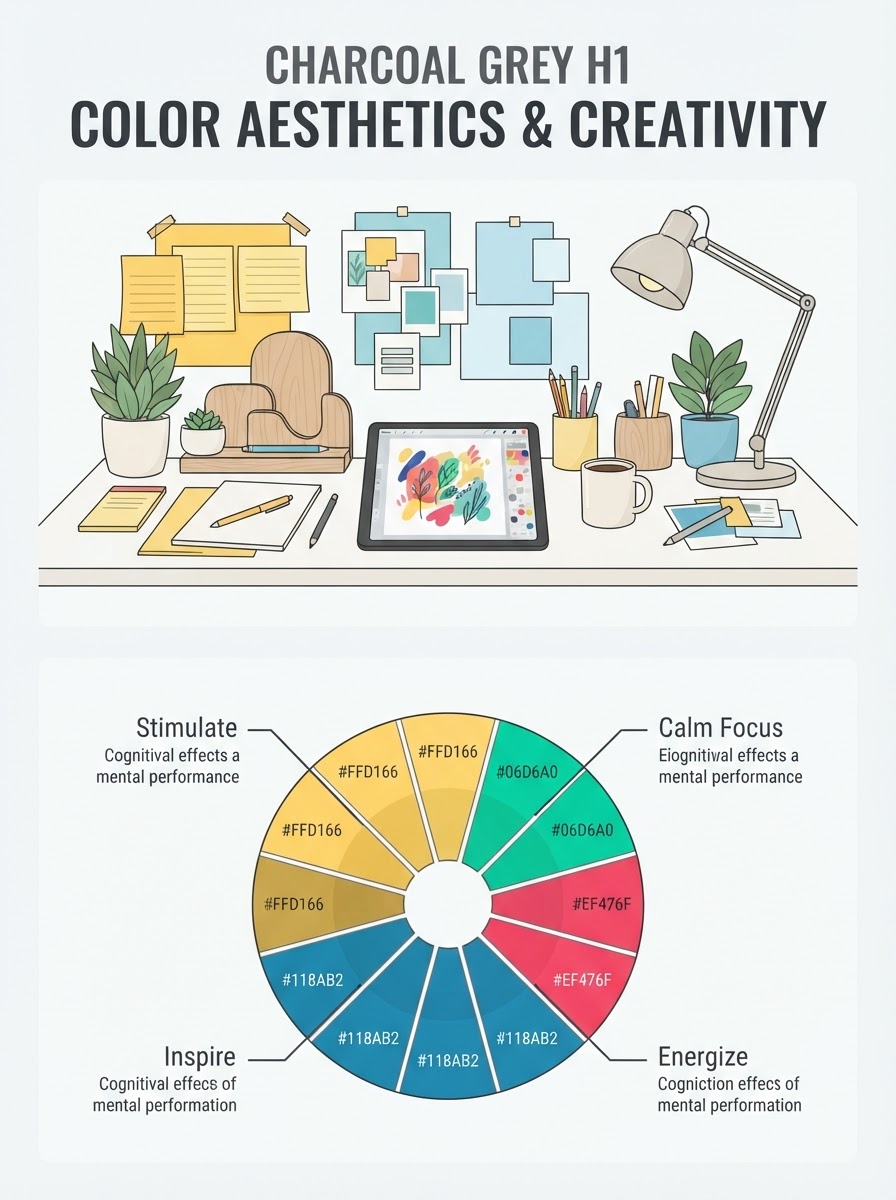
Your desk aesthetics play a significant role in fostering creativity. Choose a color scheme that energizes you—blues and greens promote calmness and focus, while yellows and oranges can stimulate creative thinking.
Consider incorporating plants into your desk setup. Research shows that greenery can improve creative performance by up to 15%. Even a small succulent or bamboo plant can make a difference.
Lighting matters tremendously. Position your desk to maximize natural light, which studies show boosts mood and creative output. For evening work, use adjustable lighting that mimics daylight rather than harsh fluorescents.
Art pieces or photographs that inspire you should be within view but not distracting. These visual cues can trigger new thought patterns when you hit creative blocks.
Personalizing with Notepads and Visual Elements
Keep multiple notepads within reach for different purposes. One study found that handwriting activates regions of the brain that typing doesn’t, potentially enhancing creative connections.
- Small notepad for quick ideas
- Sketch pad for visual brainstorming
- Journal for deeper exploration of concepts
Create a rotating inspiration board with images, quotes, and color swatches relevant to current projects. This visual element provides fresh perspectives when you feel stuck.
Pin up samples of work you admire or previous successes to maintain motivation. These reminders can trigger new approaches to challenges you’re facing.
Consider tactile elements too—textured paper, quality pens, and tangible objects that please your senses can stimulate different neural pathways.
Encouraging Creative Thinking through Layout
Arrange your desk with designated zones for different thinking modes. Reserve the center for focused work and the periphery for reference materials and inspiration items.
Leave some empty space intentionally. Research indicates that visual breathing room allows your mind to wander productively rather than feeling overwhelmed.
Position tools for spontaneous capture of ideas within easy reach. When creative thoughts strike, the friction of searching for a pen can cause you to lose the inspiration.
Try the “creativity tray” approach—a small container with thinking prompts, unusual objects, or questions that you can engage with during mental blocks.
Experiment with standing versus sitting positions. Changing your physical perspective can shift your cognitive approach to problems. Some studies suggest standing can increase creative output for certain tasks.
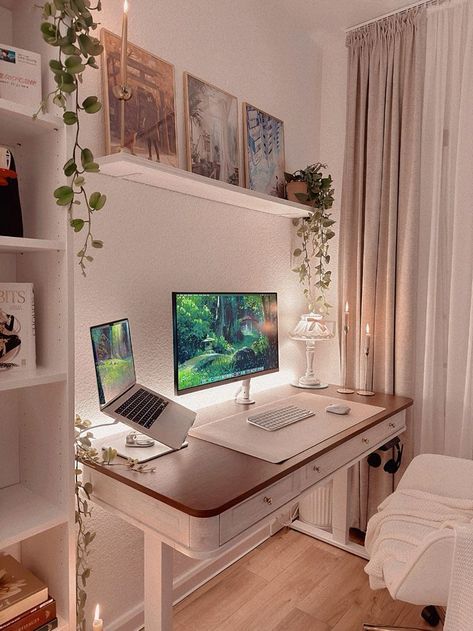
Advanced Neat Desk Accessories and Solutions
The key to maintaining a neat desk lies in purposeful accessories that combine functionality with organization. Modern solutions now address ergonomics, space optimization, and focus enhancement through thoughtful design.
Choosing the Right Monitor Stand
Monitor stands serve as essential foundations for an organized workspace. They elevate your screen to eye level, reducing neck strain while simultaneously creating valuable storage space underneath.
Look for stands with built-in compartments for storing small items like paperclips, sticky notes, and USB drives. Bamboo options offer durability with a natural aesthetic, while aluminum stands provide sleek minimalism.
For multi-monitor setups, consider adjustable arm mounts that clamp to your desk edge. These free up significant desk space and allow you to position screens exactly where you need them.
Weighted bases provide stability, preventing wobbling when you type. Some advanced models even include wireless charging pads or USB hubs, reducing cable clutter while adding functionality.
Adjustable Desk Innovations
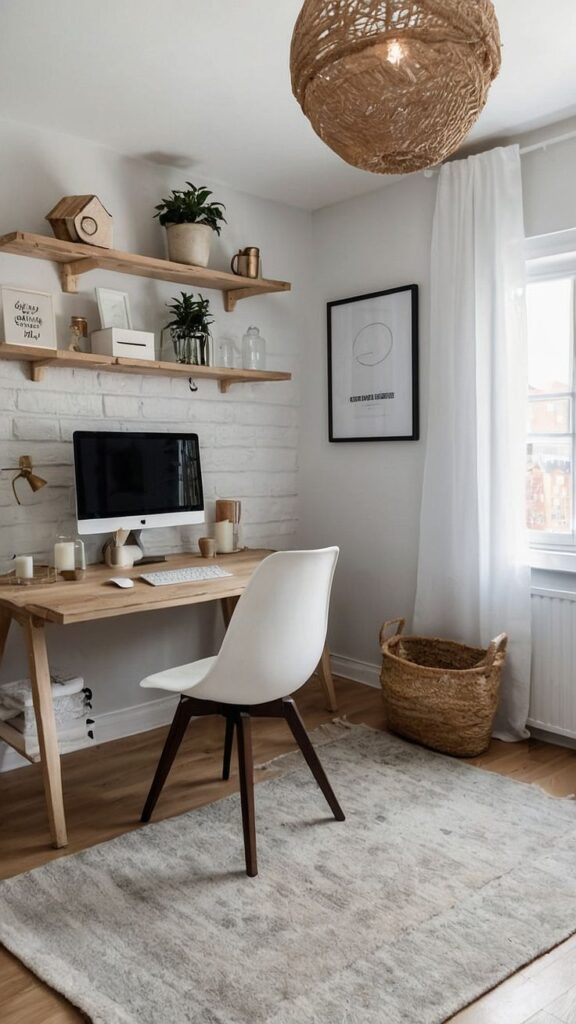
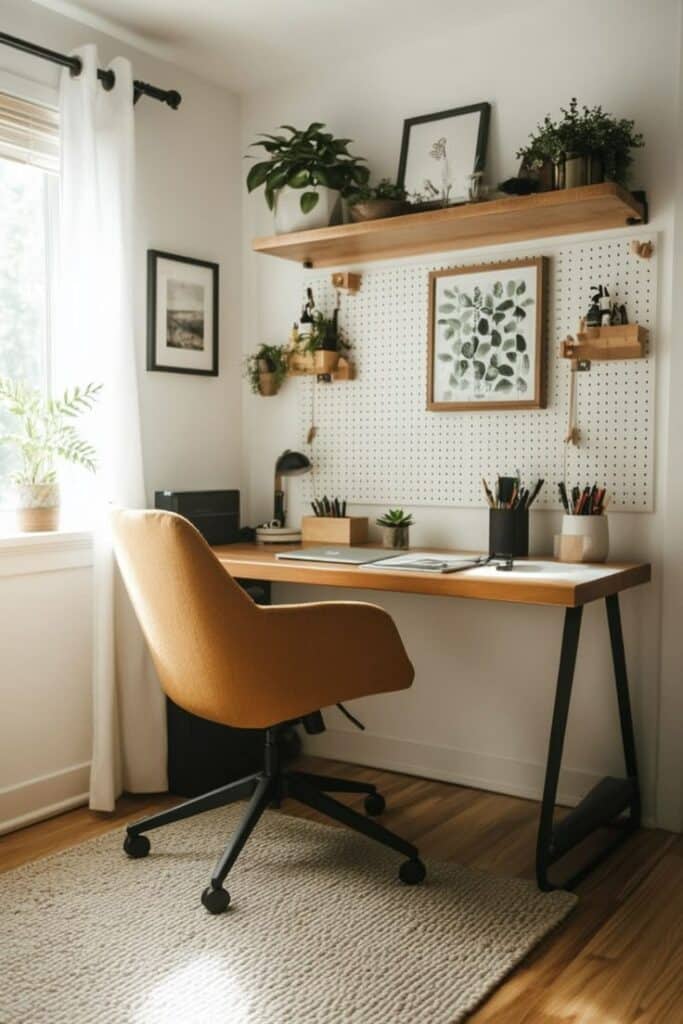
Height-adjustable desks have revolutionized home office setups by allowing you to alternate between sitting and standing throughout your workday. The health benefits include improved posture, increased energy, and reduced back pain.
Smart desks now offer memory settings that recall your preferred heights with a simple button press. Some models connect to apps that track your sitting/standing patterns and remind you to change positions regularly.
Consider cable management systems specifically designed for adjustable desks. These flexible solutions move with your desk, preventing cord tangles or disconnections.
Look for adjustable desks with integrated power solutions like built-in outlets or wireless charging pads. These eliminate the need for extension cords that can create visual clutter on your workspace.
Integrating Headphones for Focus
Proper headphone integration can transform your desk organization while enhancing productivity. Dedicated headphone stands or under-desk hooks keep your audio gear accessible without consuming valuable desk surface area.
Wireless headphones eliminate cord clutter while providing freedom of movement. Consider models with active noise cancellation if you work in distracting environments.
Look for headphones with long battery life and quick-charging capabilities. This prevents workflow interruptions and reduces the number of cables needed at your desk.
For video calls, headsets with built-in microphones keep your desk clear of additional equipment. Models with mute indicators help you avoid embarrassing moments during important meetings.
Headphone cases or pouches can be mounted to the side of your desk for storage when not in use, maintaining your clean aesthetic while protecting your investment.
Related home update idea
If you are building a complete home office from scratch, start with the surface under the desk. This guide to easy DIY flooring covers low-cost materials that can make the room quieter and easier to maintain.
Neat Desk Setups & Organization FAQ
Have questions about streamlining your desk? Browse our quick expert guide to creating the ultimate distraction-free setup:
Q: How do you choose between a minimalist desk setup vs a functional setup?
A: A minimalist desk setup is designed to maximize visual breathing room and reduce cognitive distractions, keeping only a keyboard, mouse, and monitor on the surface. A functional setup is optimized for heavy duty supplies and multi-document workflows, utilizing desk trays, vertical file sorters, and dividers to keep supplies accessible. For most users, a hybrid approach works best: a clear, minimalist surface paired with structured, functional drawer dividers underneath.
Q: How do you hide ugly cables on a wooden desk?
A: Hiding cables starts underneath your desk. Mount a sturdy steel under-desk cable tray to hold your power strip, then group power bricks and cord lengths into neat bundles using neoprene cable sleeves or velcro ties. For cables that must run up to your desk surface, use discrete adhesive cable clips along the back of the desk legs to route them completely out of sight.
Q: How can a neat desk setup improve my creativity?
A: A neat, organized desk lowers background cognitive stress, allowing your brain to enter a state of deep, relaxed focus where creative connections occur more naturally. Adding small greenery (which studies show increases creativity by 15%), utilizing tactile elements like high-quality notebooks, and leaving open physical “breathing room” on your desk gives your mind space to wander productively and generate fresh ideas.
Q: What is the ideal ergonomic height for a desk?
A: The ideal ergonomic desk height allows you to sit or stand with your shoulders relaxed, your upper arms hanging naturally, and your elbows bent at a 90-degree angle while typing. For most adults, this sit-down height ranges between 28 and 30 inches, while standing height varies based on stature. Your monitor should be elevated so that the top third of the screen is at direct eye level, preventing neck strain.
Q: How often should you clean and declutter your desk?
A: We recommend a daily 5-minute reset at the end of each workday to clear paperwork, wash coffee mugs, and return supplies to their drawers. In addition, conduct a deep 15-minute declutter once a month to inspect cable routing, clean dust from monitor stands, and wipe down your desk mat to maintain a pristine, high-productivity environment.
A neat surface can still feel cold if the light and materials are too hard. For a warmer version, compare these ideas with an aesthetic desk setup that keeps the workspace tidy without stripping out comfort.
- 2.0Kshares
- Facebook0
- Pinterest2.0K
- Twitter3
- Reddit0