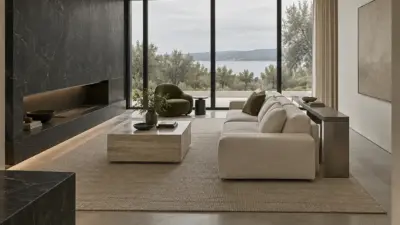
A cozy desk setup should make work feel easier before it makes the room look pretty. Start with the basics: a chair that supports your back, a monitor that does not pull your neck forward, warm light that does not glare, and a surface clear enough for your hands to move. Then add plants, texture, color, and personal details.
A comfortable desk becomes more demanding when it supports long gaming sessions and precise input. This guide to gaming setup design connects mouse choice with ergonomics, performance and the visual coherence of the whole setup.
I judge a desk by one simple rule: can you sit down and begin without moving five decorative objects first? If the answer is no, the setup is staged, not useful. The best cozy workspaces look calm because the practical decisions underneath them are already solved.
- What makes a cozy desk setup work?
- Start with comfort before decor
- Use warm lighting without losing focus
- Choose one aesthetic, then edit hard
- Small-space cozy desk setup ideas
- Plan storage, cables, and desk tech
- Common cozy desk setup mistakes
- A simple cozy desk setup checklist
- Sources and further reading
- Cozy desk setup FAQ
- Q: What is a cozy desk setup?
- Q: How can I make my desk feel more cozy?
- Q: What are some aesthetic desk setup ideas?
- Q: How do you make a small desk setup work?
- Q: What lighting is best for a cozy desk setup?
- Q: How do I keep a cozy desk setup from looking cluttered?
- Q: Is a cozy gaming desk setup different from a work desk?
What makes a cozy desk setup work?
A cozy desk setup works when comfort, lighting, storage, and style support the same daily routine. Put the screen at eye level, keep the keyboard and mouse close enough that your shoulders stay relaxed, and leave one clear writing or sketching zone beside the computer. Use warm task lighting for the work surface, then add softer ambient light behind the monitor or along a shelf. Keep storage within reach but off the main desktop, so notebooks, chargers, pens, and hand cream do not become visual noise.
Finally, choose a small palette of materials, such as wood, linen, ceramic, black metal, or soft white plastic. That repeated material language is what makes a desk feel intentional instead of crowded.
| Desk layer | What to choose | Why it matters |
| Chair and posture | Adjustable chair, feet flat, relaxed shoulders | Comfort has to come before decor if you sit there for hours. |
| Screen height | Monitor arm, laptop stand, or stacked riser | A cozy desk quickly stops feeling cozy if your neck is strained. |
| Lighting | Warm desk lamp plus soft background glow | Light shapes mood and reduces the harsh office feeling. |
| Storage | Tray, drawer dividers, shelf, pegboard, cable tray | A clear surface makes the setup feel calmer and easier to reset. |
| Personal layer | One plant, print, candle warmer, or favorite object | Small details make the desk yours without taking over the work zone. |
Start with comfort before decor
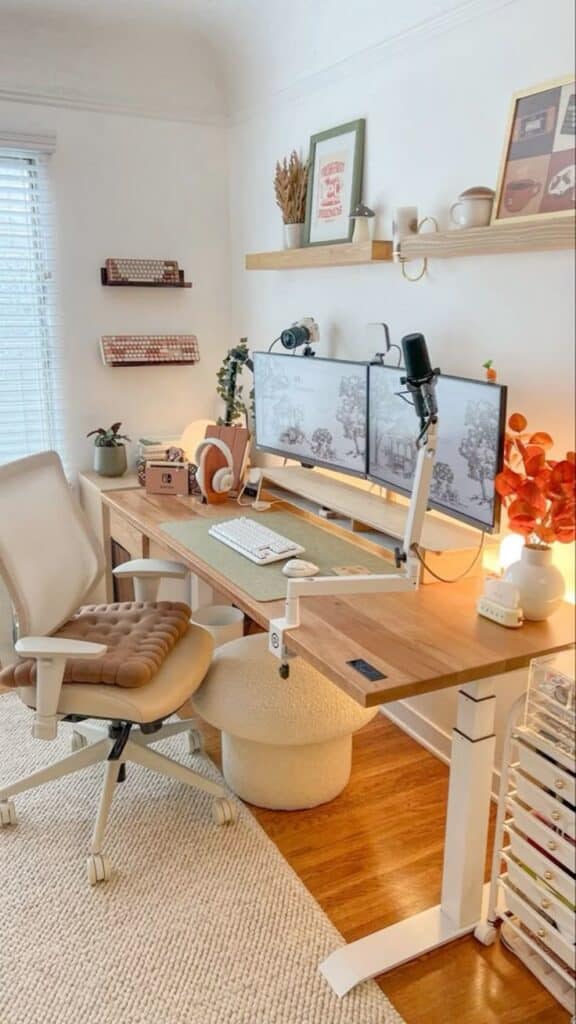
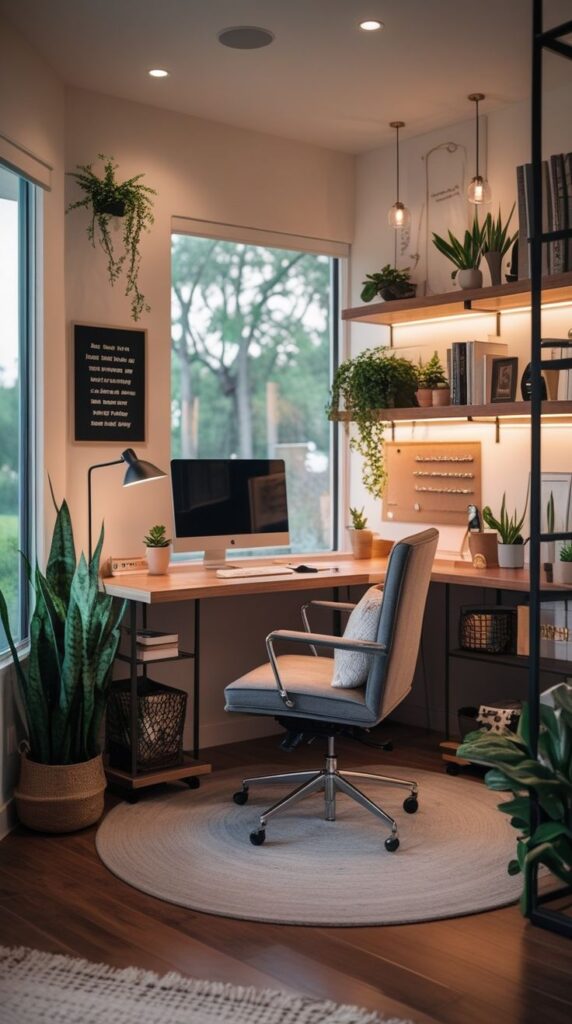
The chair, desk height, and screen position decide whether the setup is actually usable. A soft throw or cute keyboard can improve the mood, but they cannot fix a desk that puts your wrists, neck, or lower back in a bad position. I would start by sitting in the chair for ten minutes and noticing where your body wants to adjust.
Your elbows should sit close to a 90-degree bend, with the keyboard and mouse near enough that you are not reaching. If you use a laptop, raise it and add a separate keyboard. If you use two monitors, keep the main screen directly in front of you and the secondary screen slightly angled, not stretched far to one side.
For the health-and-posture side of the setup, compare your desk against a basic workstation checklist. You do not need to copy every measurement perfectly, but the references near the bottom of this guide are useful reality checks before you buy a new chair or monitor arm.
If the whole room still feels awkward after the chair is fixed, step back and plan the wider cozy home office setup. A desk is only one part of the room; seating, storage, light direction, and call background all affect how calm the workspace feels.
Use warm lighting without losing focus
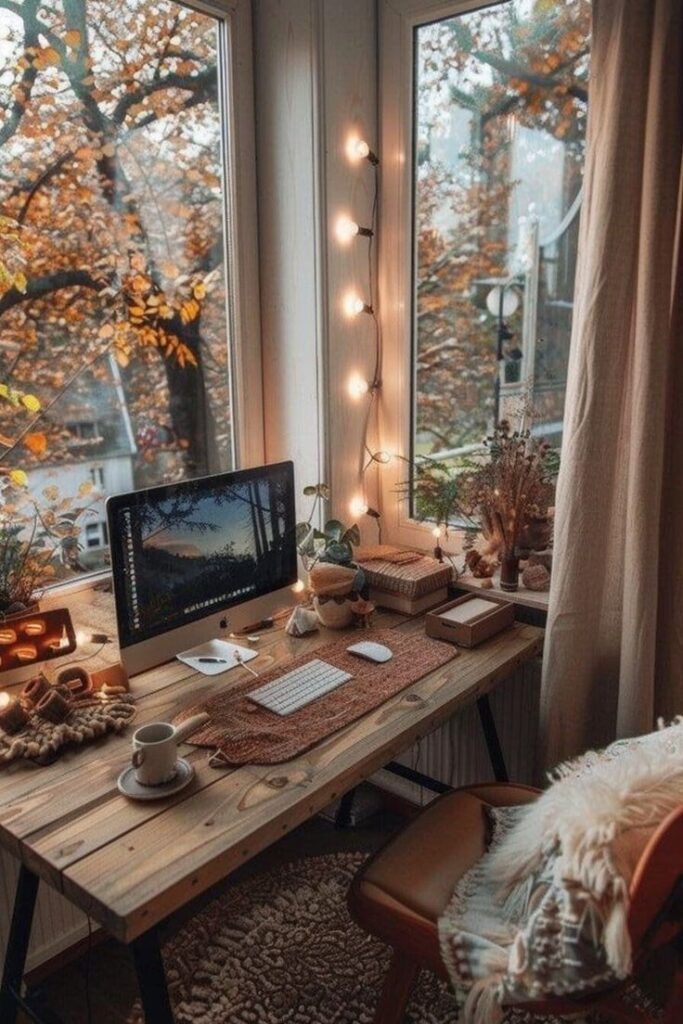
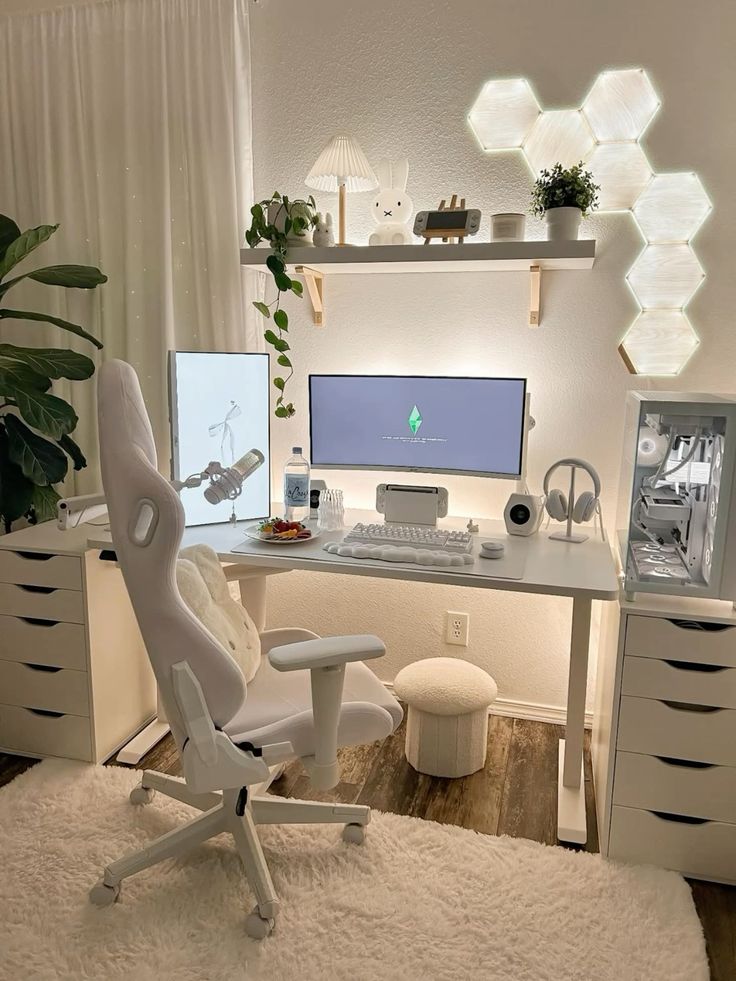
Lighting is where cozy desk setups usually succeed or fail. The goal is not darkness. The goal is controlled contrast: enough light on the keyboard, notebook, and face, with softer light around the monitor so the room does not feel like a ceiling-lit office.
A warm bulb around 2700K to 3000K is usually better for evening work, while a slightly cooler light can help during focused daytime tasks. Put the task lamp to the side of your writing hand so it does not throw a hard shadow across the page. If you work on color, keep one neutral light source available so everything does not turn amber.
For a deeper lighting pass, use the site’s LED lights for room guide. The practical question is simple: can you dim the room down without making the actual work surface harder to see?
Choose one aesthetic, then edit hard
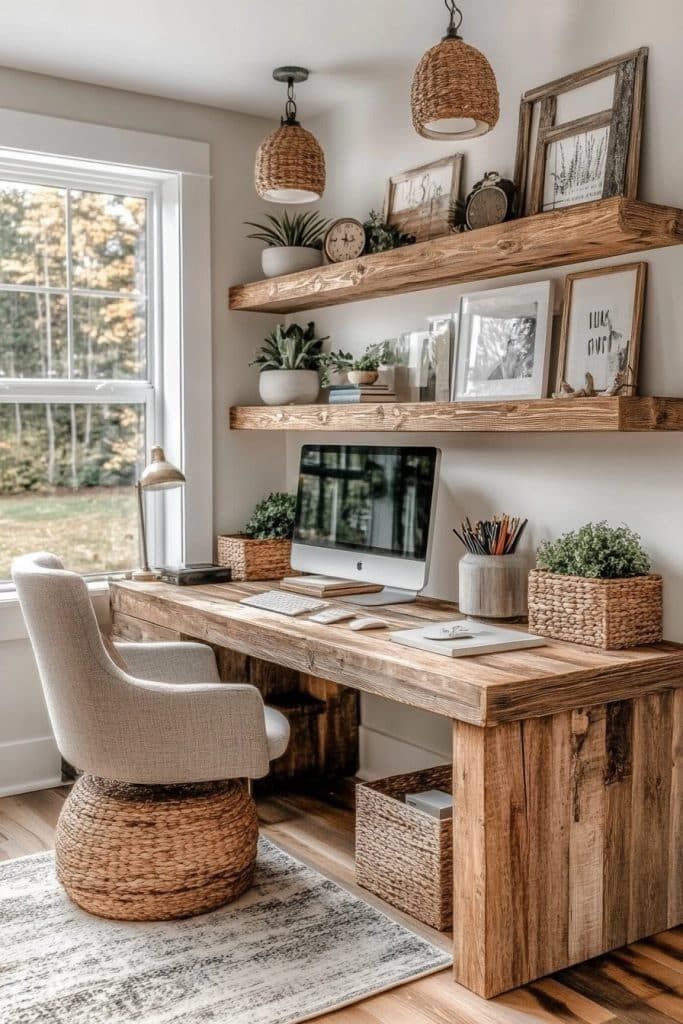
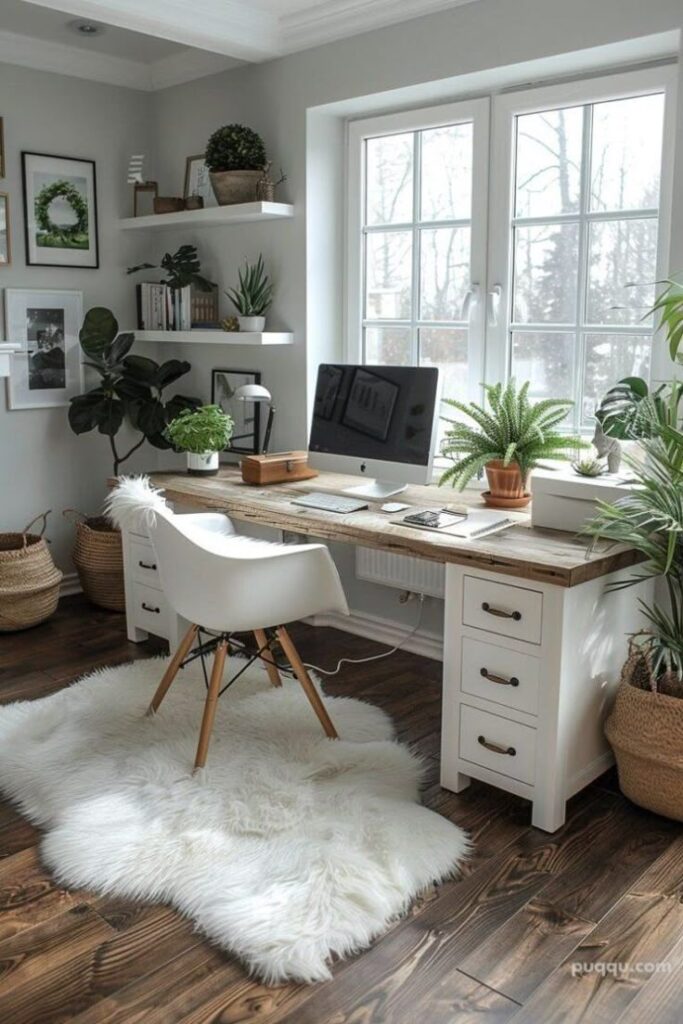
Aesthetic desk setup ideas get messy when too many styles compete. Scandinavian, warm minimal, cottage, gamer, dark academia, and plant-heavy setups can all work, but the desk needs a clear visual rule. Choose one base material, one accent color, and one main texture before you shop.
For a Scandinavian desk, use pale wood, white surfaces, linen, and soft daylight. For a cozy gaming desk setup, use bias lighting, a clear monitor line, and a few display objects with breathing room. For a natural setup, let the plants frame the screens rather than covering the work surface.
If you want the desk to stay clean, borrow ideas from neat desk inspiration: repeat shapes, hide loose cables, and keep the highest-contrast objects away from the mouse and keyboard zone. For the plant layer, check light and watering needs before choosing greenery for a low-light desk.
Small-space cozy desk setup ideas
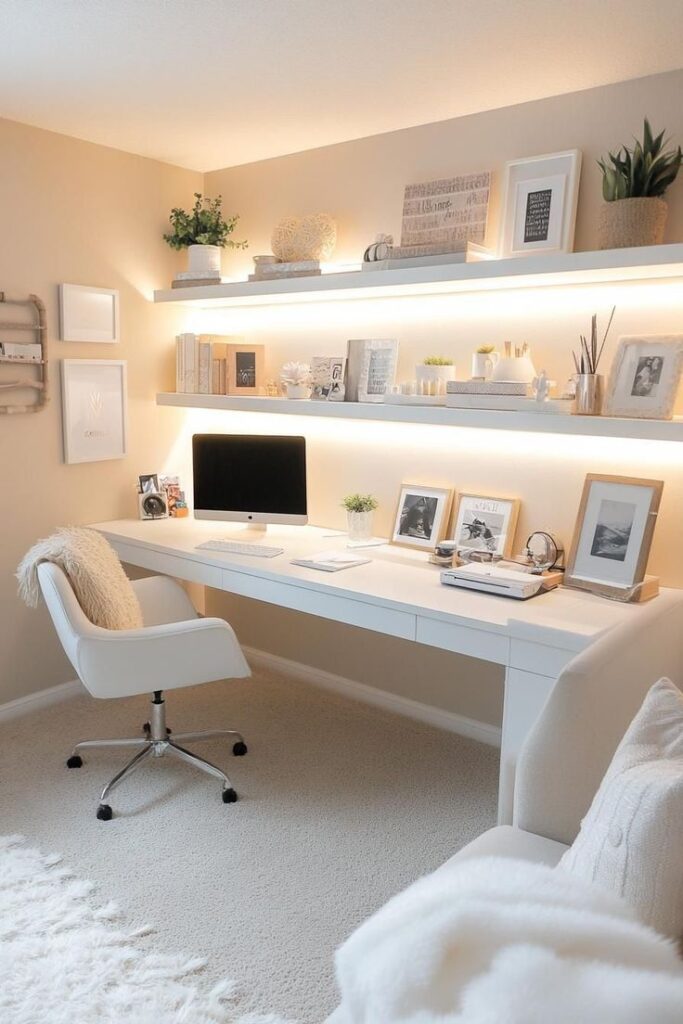
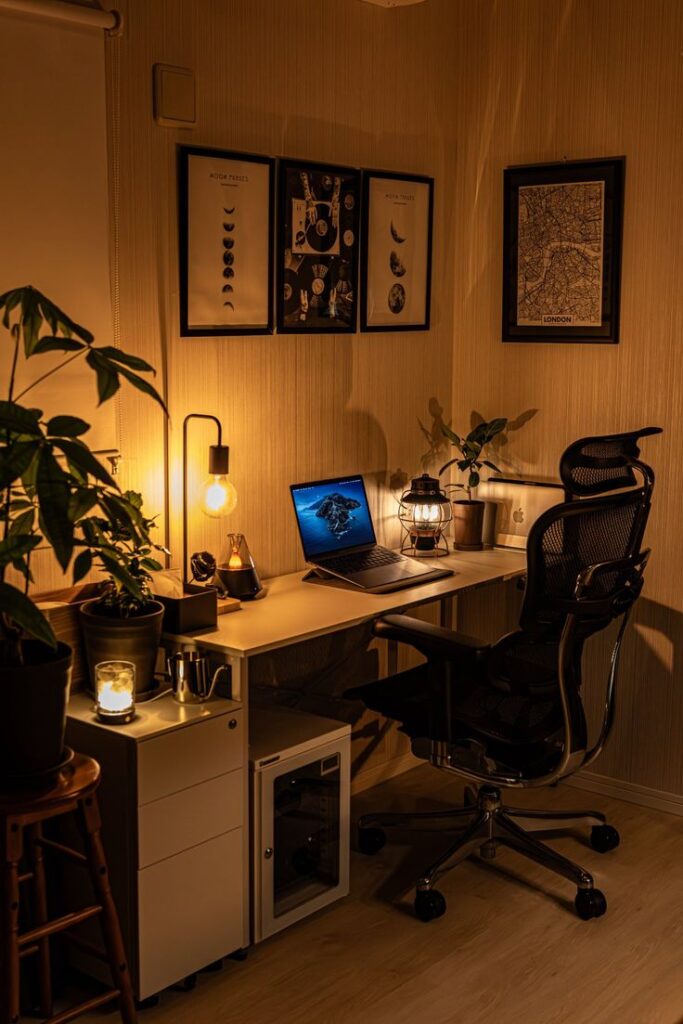
A small desk has to be edited more tightly than a large one. Do not try to fit a full office onto a surface that can barely hold a laptop. Go vertical with shelves, use a wall grid or pegboard for tools, and keep the desktop for the current task.
In a bedroom, the desk needs a soft boundary from the bed. A rug under the chair, a narrow wall shelf, or a lamp with a warmer shade can make the desk feel like its own corner. In a living room, use a chair that looks intentional from the side, because it will be visible even when you are not working.
For tight rooms, start with small home office ideas before buying a larger desk. If the setup needs to support calls, files, charging, and focused work, the smart home office design guide can help you decide which tech deserves space and which accessories are just clutter.
Plan storage, cables, and desk tech
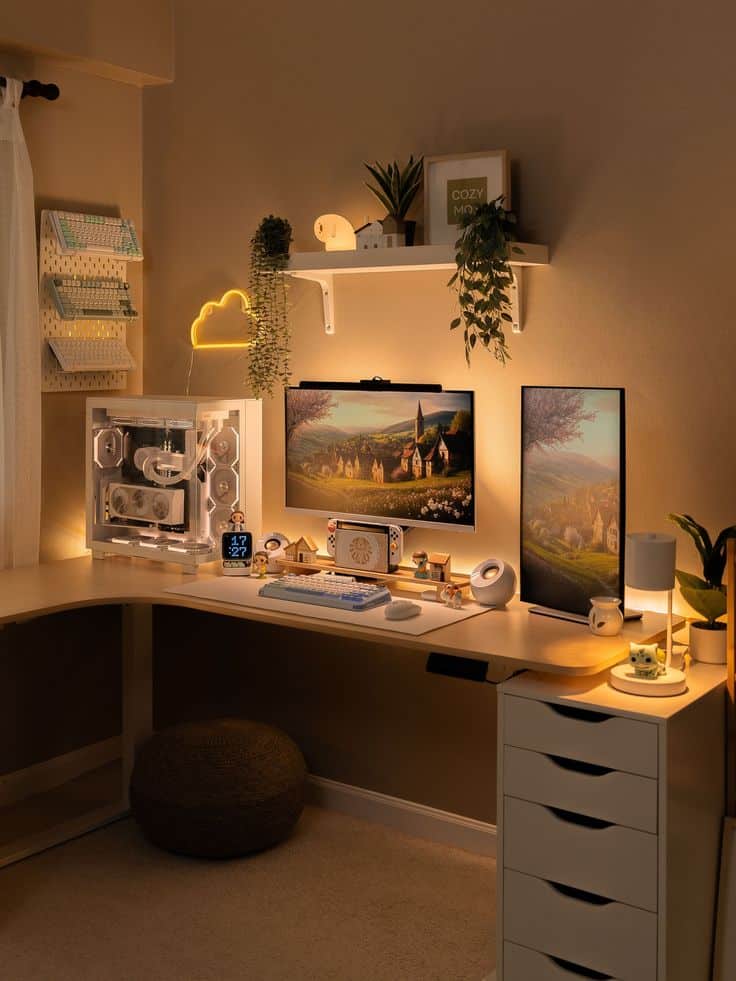
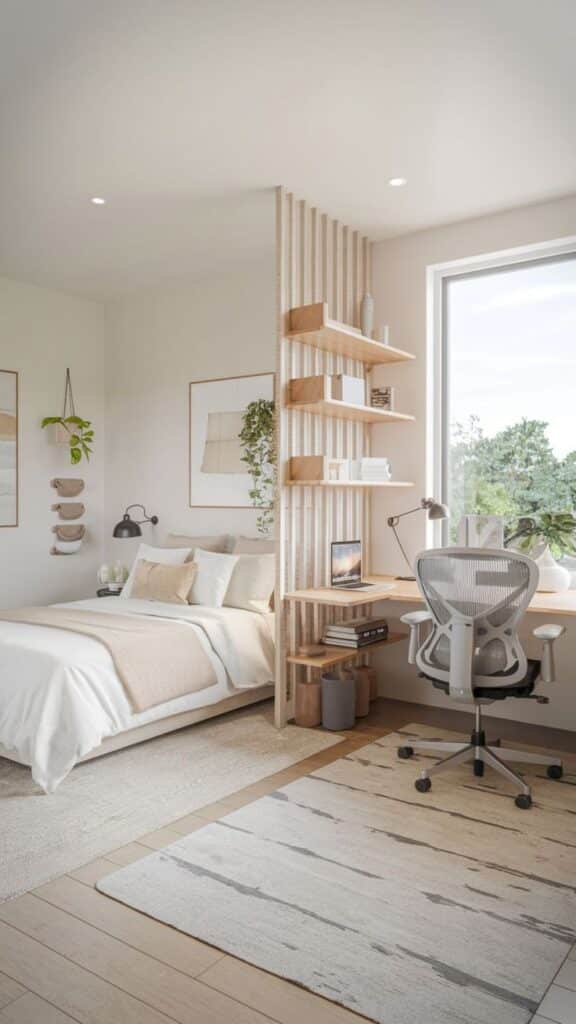
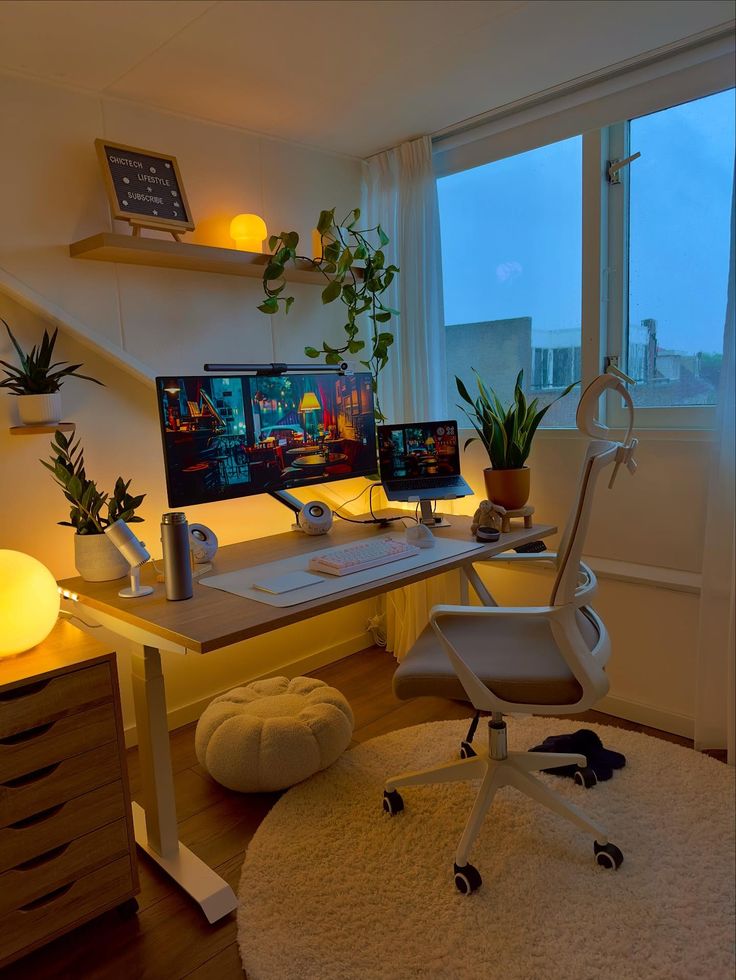
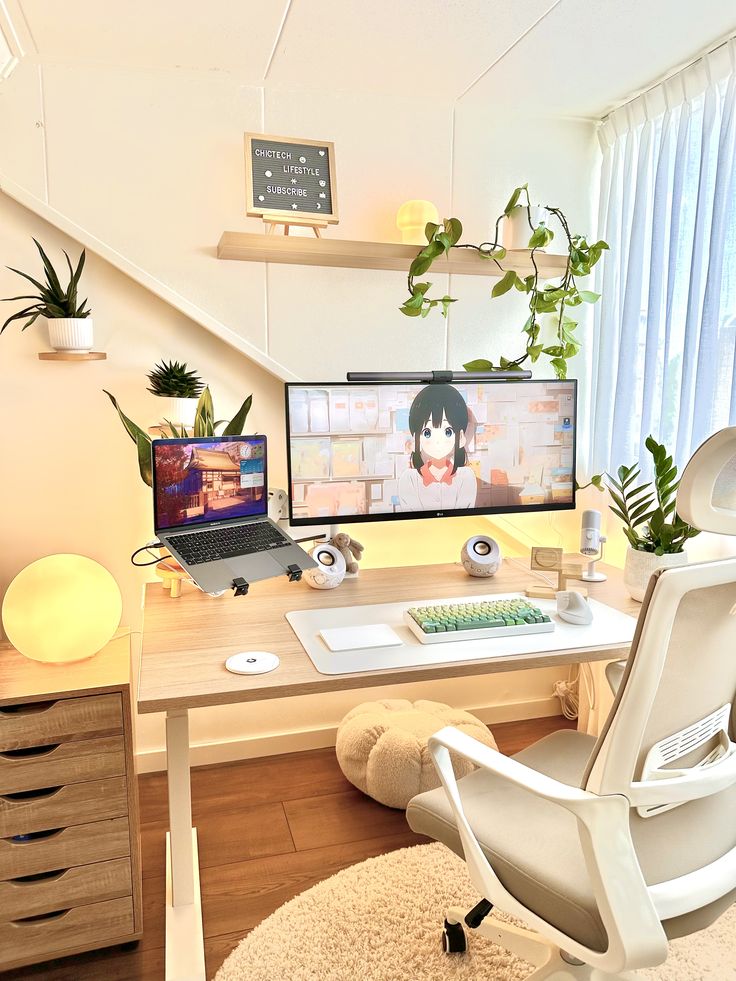
Cable management is not glamorous, but it changes how the whole setup feels. Use a cable tray under the desk, short charging cables where possible, and one visible charging spot instead of several loose cords. If a cable has to stay visible, route it cleanly along the desk leg or back edge instead of letting it drift across the floor.
A monitor arm can free a surprising amount of surface area. A docking station can make laptop use cleaner. A small tray can hold daily objects such as lip balm, hand cream, earbuds, or a pen without turning them into clutter. The trick is to create tiny homes for recurring objects, not to hide everything so well that you cannot use it.
If your desk doubles as a drawing or making space, compare it with home art studio ideas so task light and storage work for more than typing.
Common cozy desk setup mistakes
- Buying decor before fixing the chair, monitor height, and keyboard position.
- Using only decorative lighting, then squinting at the keyboard after dark.
- Putting too many plants on the actual work surface instead of around it.
- Letting cables become the strongest visual line in the room.
- Choosing a chair for the photo instead of the hours you actually sit in it.
- Copying a Pinterest setup without checking your room size, window direction, or storage needs.
A simple cozy desk setup checklist
- Set the chair height so your feet rest flat and your shoulders stay relaxed.
- Raise the monitor or laptop until your neck is not tipping forward.
- Keep one clear zone for writing, sketching, or placing a notebook.
- Add a warm task lamp and one softer background light.
- Move chargers and cables into a tray, clip, dock, or under-desk route.
- Choose one plant or personal object that has room to breathe.
- Reset the surface at the end of the day so the desk feels inviting tomorrow.
If you like a little ritual around the desk, a nearby home coffee corner can make the workspace feel more personal without crowding the keyboard area. Keep the drink station beside the desk, not on top of your main work zone.
Sources and further reading
These outside references are useful when you want to check the practical layer behind the look: ergonomics, lighting, eye comfort, and plant care. Use them as constraints, then let your own room decide the final style.
- OSHA computer workstation eTool for chair, keyboard, monitor, and posture basics.
- Mayo Clinic office ergonomics for a simple ergonomic desk check.
- Cornell University Ergonomics Web for deeper workspace setup notes.
- ENERGY STAR LED lighting guide for LED bulb and efficiency basics.
- American Optometric Association digital eye strain guide for screen comfort considerations.
- HSE display screen equipment guidance for another practical workstation checklist.
- RHS houseplants guide for choosing and caring for desk-friendly plants.
The same comfort rules apply if your desk also doubles as a breathing space. A few pieces of meditation room decor, used sparingly, can soften the work zone without making it feel staged.
Cozy desk setup FAQ
Q: What is a cozy desk setup?
A: A cozy desk setup is a workspace planned around comfort, focus, and visual calm. It usually combines an ergonomic chair, a desk at the right height, warm layered lighting, tidy cable management, storage you can reach, and a few personal details such as plants, art, or a textured desk mat. The goal is not to fill the desk with decor. The goal is to make the place easier to sit at every day.
Q: How can I make my desk feel more cozy?
A: Start with light and touch. Use a warm desk lamp, reduce harsh overhead glare, add a desk mat or wrist rest, and keep only the objects you use often within arm reach. Then add one living or personal element, such as a small plant, framed print, or ceramic cup. If the desk still feels cold, check the chair, screen height, and cable clutter before buying more decorations.
Q: What are some aesthetic desk setup ideas?
A: Good aesthetic desk setup ideas include a wood-and-white Scandinavian desk, a plant-filled window setup, a clean dual-monitor station, a low-light gaming desk with bias lighting, or a compact bedroom desk with hidden storage. Pick one mood first, then repeat two or three materials across the desk. That repetition makes the setup feel designed instead of randomly collected.
Q: How do you make a small desk setup work?
A: Use vertical space and keep the surface strict. A monitor arm, wall shelf, pegboard, drawer organizer, and cable tray can clear the desktop without making the room bigger. Choose one task lamp instead of several small lights. If the desk is in a bedroom or living room, create a visual boundary with a rug, wall color, or shelf so work does not spill into the whole room.
Q: What lighting is best for a cozy desk setup?
A: A cozy desk usually needs three light layers: useful task light on the work surface, soft ambient light around the room, and gentle screen backlighting if you use a monitor at night. Warm bulbs around 2700K to 3000K feel softer in the evening. Avoid putting decorative lights directly in your eye line, because glare ruins the comfort even when the photo looks nice.
Q: How do I keep a cozy desk setup from looking cluttered?
A: Give every object a job, a home, or a strong visual reason to stay. Keep cables under the desk, group small supplies in trays, and limit display items to a few pieces with different heights. Plants, books, and lamps work better when they frame the workspace rather than covering it. If you cannot wipe the desk in one minute, it probably has too many loose objects.
Q: Is a cozy gaming desk setup different from a work desk?
A: Yes, but the basics overlap. A gaming desk often uses stronger ambient light, larger screens, speakers, and display objects, while a work desk needs clearer task zones and fewer distractions. The shared rules are monitor height, chair support, cable control, and a surface that lets your hands move freely. Keep the glow behind the monitor and the practical tools within easy reach.
The best cozy desk setup is not the one with the most objects. It is the one you can return to easily: chair adjusted, light soft but useful, cables quiet, storage close, and a few personal details that make the desk feel like yours. Fix the body-level comfort first. The aesthetic gets easier after that.
- 3.3Kshares
- Facebook0
- Pinterest3.3K
- Twitter3
- Reddit0