Most gaming mouse guides start with a spec sheet – DPI, polling rate, sensor model – and treat the setup itself as an afterthought. That’s backwards. A gaming setup succeeds or fails on how well every piece works together: monitor height, desk depth, lighting, and the mouse sitting under your hand for six hours a night, not on which single component wins a spec-sheet comparison in isolation.
I’ve spent years working across product and industrial design, including hands-on time with ergonomics on physical products people hold for extended periods. A wireless gaming mouse asks a lot from your hand: consistent grip over long sessions, precise tracking at speed, and enough battery life that charging doesn’t interrupt a match. Get the setup design right around it, and the mouse does its job without you thinking about it. Get it wrong, and no sensor spec fixes a setup that fights your hand every session.
- Why gaming setup design starts with the mouse, not the monitor
- Matching mouse weight and shape to your grip style
- Sensor performance for different game genres
- Wireless technology: latency, charging, and cable-free flow
- Color, lighting, and visual cohesion in a gaming setup
- Desk layout and mouse movement space
- Comparing wireless gaming mouse brands in Singapore
- Maintenance and longevity for a wireless gaming mouse
- Building a gaming setup that performs and looks considered
- Conclusion
This guide looks at gaming setup design in Singapore the way a designer would: grip and shape first, sensor performance by genre, wireless technology, visual cohesion, desk layout, and a short, honest comparison of the wireless mice actually worth considering.
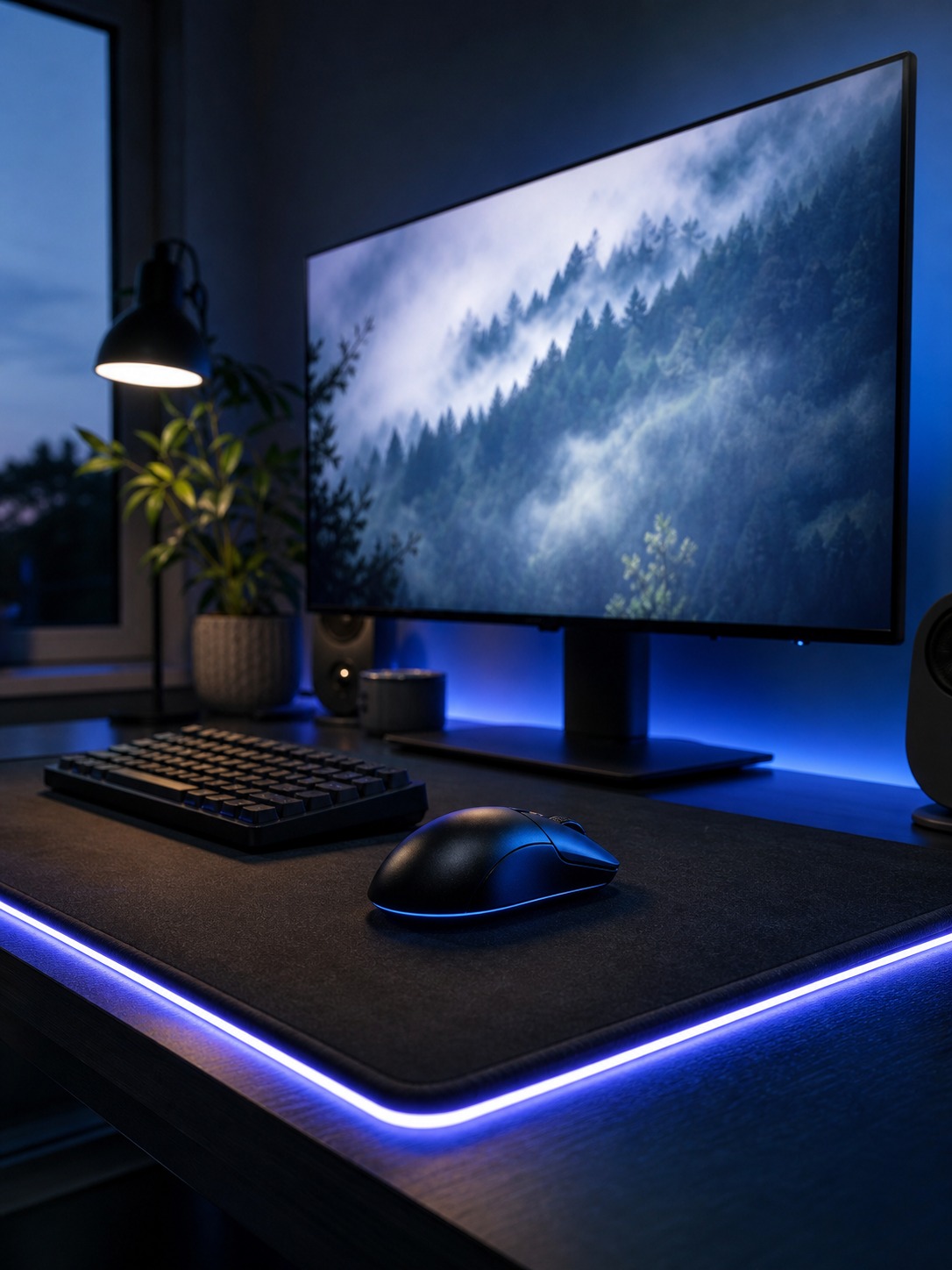
A Razer wireless mouse sits at the more competitive, esports-focused end of that range, built around lightweight shells and sensors tuned for fast, precise tracking, which makes it a common starting point for players prioritizing responsiveness over software extras.
Why gaming setup design starts with the mouse, not the monitor
The mouse is the only component you’re touching constantly
Most setup guides lead with the monitor, the chair, or the desk itself, and treat the mouse as a line item to fill in last. That ordering doesn’t match how a setup actually gets used. Over a multi-hour session your eyes move, your posture shifts, but your hand stays on the mouse the entire time. If anything in a gaming setup deserves first design attention, it’s the one component in constant physical contact.
What “good design” actually means for a peripheral
I look at a peripheral the same way I’d look at any handheld product: what’s the contact surface doing under sustained use, where does weight sit, and does the shape support the hand’s natural resting position or fight it. A mouse that looks striking in a product photo but forces your wrist into an awkward angle after twenty minutes has failed the actual design brief, regardless of how good its sensor is on paper.
I still think about grip and shape the same way I’d think about a handle on any product meant for repeated use – a car door, a kitchen tool, a hand tool. The parts of a design that matter most are rarely the parts that photograph well. A door handle’s cross-section under your fingers matters more to daily satisfaction than its finish, and a mouse’s shape under your palm matters more than its RGB pattern, even though the RGB pattern is what shows up in every product photo.
Matching mouse weight and shape to your grip style
Palm, claw, and fingertip grips need different shapes
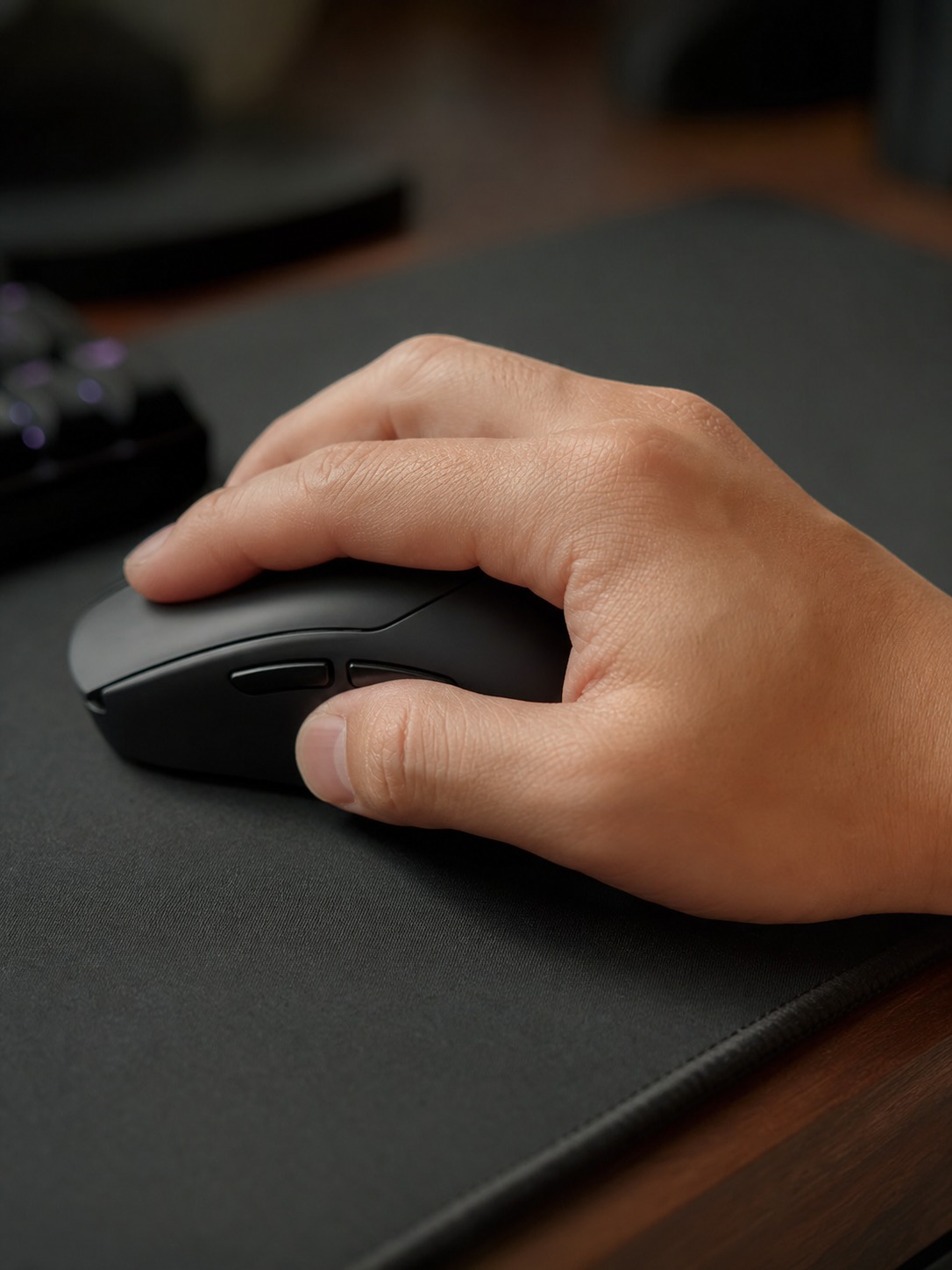
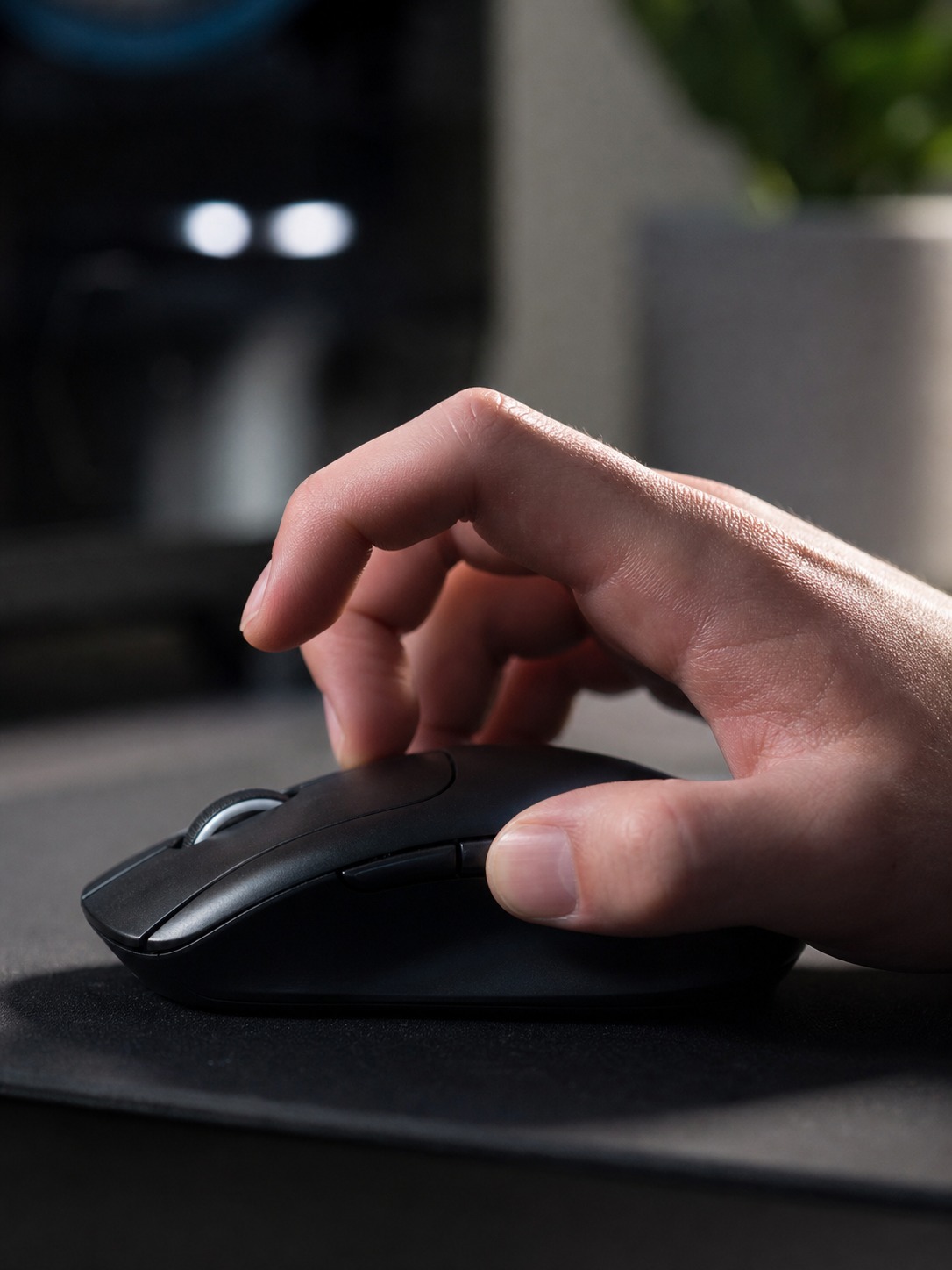
Grip style determines almost everything about which shape actually works for you, and most buying guides skip it entirely. A palm grip rests the whole hand across the mouse and wants a taller, fuller shape with support under the palm. A claw grip arches the fingers and wants a shorter body with a steeper front slope. A fingertip grip barely touches the body at all and wants something light and low-profile that won’t drag.
I’ve watched people buy a mouse purely because a favorite streamer used it on camera, then quietly switch back to their old one within a week because the new shape didn’t match their grip. That’s not a brand failure. It’s a mismatch between a product built for one hand shape and a buyer who never checked whether their own hand matched it.
A quick way to sanity-check grip type without a store visit: rest your hand flat on a table, relaxed, and look at where your fingertips naturally land relative to your palm. If your fingers curl down close to your palm’s edge, you’re likely a palm or claw griper. If they extend well past it with space underneath, fingertip grip usually suits you better. It’s not a perfect diagnostic, but it beats guessing from a spec sheet.
Weight changes how fast fatigue sets in
I’d rather see someone spend ten minutes resting their hand naturally on a few different shapes at a store than order based on a spec sheet alone. Weight matters just as much as shape here. A mouse in the 60 to 75 gram range suits fast, low-sensitivity flick movements common in competitive shooters, while a slightly heavier mouse in the 90 to 100 gram range can feel more stable and controlled for strategy or MMO play, where movement is slower and more deliberate.
Weight distribution matters as much as total weight. Two mice at the same 80 grams can feel completely different if one concentrates mass toward the front near the sensor and the other balances it evenly across the shell. A front-heavy mouse can feel twitchy and hard to control during slow, precise movements even at a weight that should theoretically feel fine on paper.
Sensor performance for different game genres
DPI and polling rate matter less than consistency
DPI numbers get quoted like a headline spec, but consistency matters more than the maximum number a marketing page prints. A sensor that tracks reliably at a moderate DPI beats one that technically supports a higher number but introduces jitter or acceleration you didn’t ask for. Polling rate – how often the mouse reports its position to your PC – matters more for fast-twitch competitive genres than it does for a strategy game where a few milliseconds of reporting delay changes nothing.
Matching sensor behavior to how you actually play
Match the sensor behavior to what you’re actually playing rather than chasing the biggest number on the box. A fast-paced shooter benefits from a high polling rate and a sensor tuned for quick, precise flicks. A strategy or building game rarely needs either at their maximum setting, and a mouse tuned for raw speed can actually feel twitchy and harder to control for slower, more deliberate movement.
Wireless technology: latency, charging, and cable-free flow
Modern wireless has closed the latency gap
Wireless gaming mice used to carry a real latency penalty against wired options, but that gap has closed considerably with modern 2.4GHz wireless protocols built specifically for gaming. For the overwhelming majority of players, a well-built wireless gaming mouse now performs indistinguishably from a wired one, while removing the drag and snag of a cable across your desk mid-movement.
Real-world wireless latency now sits in the same one-to-two millisecond range as a comparable wired mouse on most modern gaming-grade wireless protocols, a gap small enough that it rarely shows up in actual play even at a competitive level. The difference that used to matter, a noticeable input lag on early wireless mice from a decade ago, has mostly disappeared on any mouse built specifically for gaming rather than general office use.
Charging habits that don’t interrupt a session
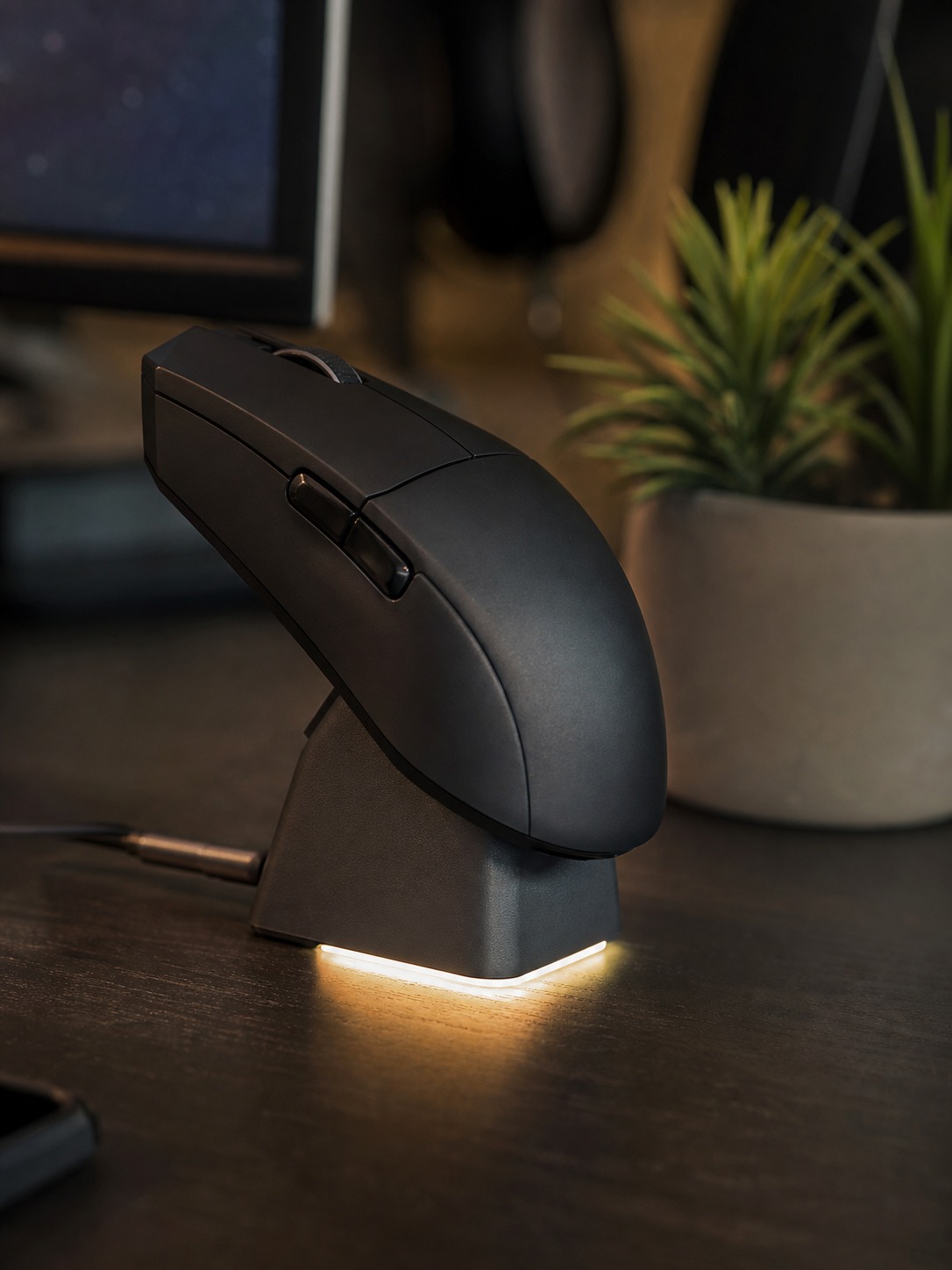
The part that actually affects a setup’s daily flow is charging habits, not raw latency numbers. A wireless mouse that needs daily charging becomes a small daily friction point: remembering to plug it in, running low mid-session. I’d rather see a charging dock built into the desk layout itself, positioned where the mouse naturally rests at the end of a session, than a cable you have to hunt for once the battery indicator turns red.
Color, lighting, and visual cohesion in a gaming setup
RGB as a design layer, not a default
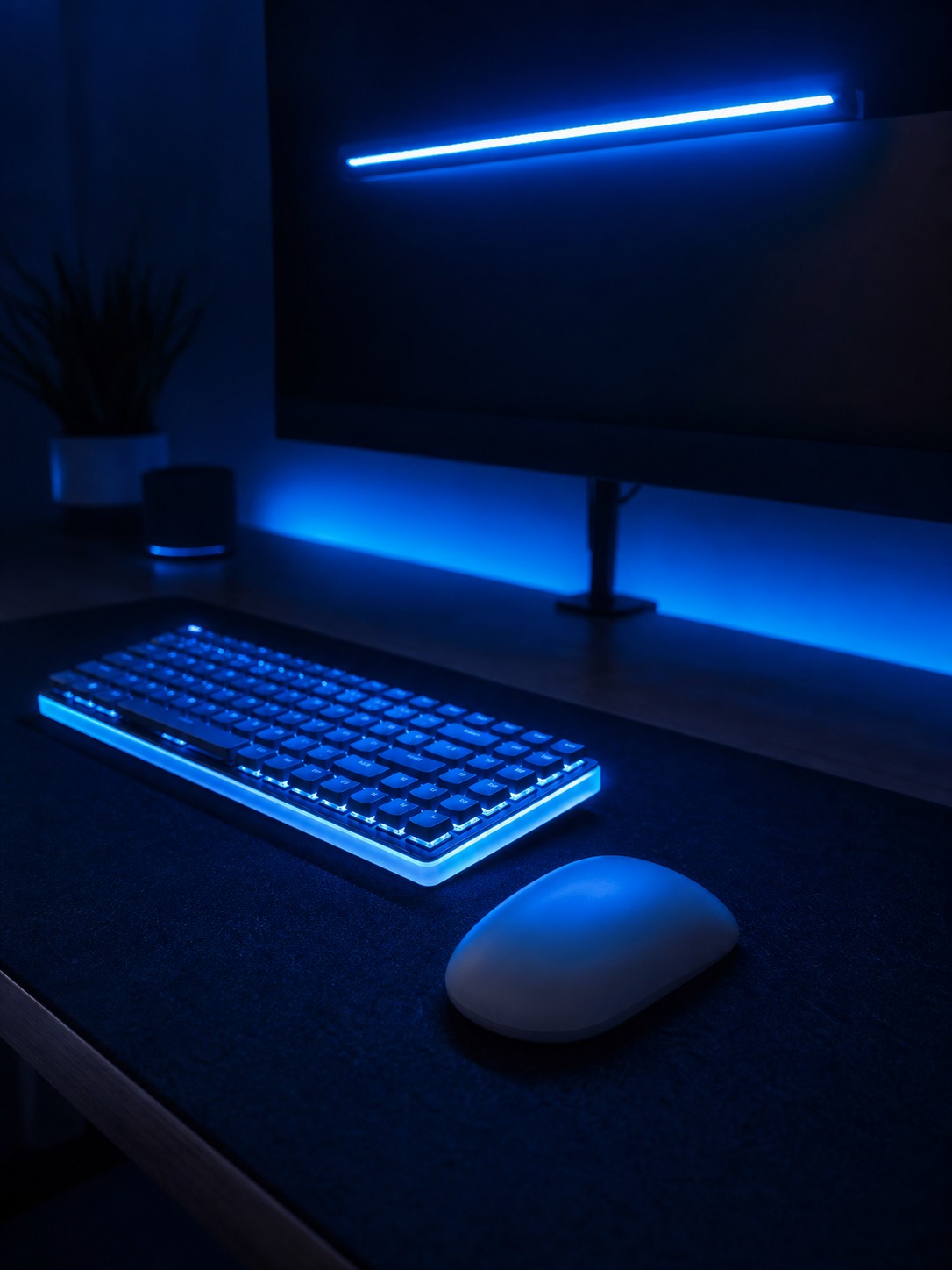
RGB lighting gets treated as a default feature rather than a deliberate design choice, and it shows. A setup with five different lighting zones running five different default color cycles reads as chaotic rather than considered, even when every individual component is well made. Pick one color logic – a single accent hue, a consistent brightness level – and sync every RGB zone in the setup to it rather than leaving each component on its out-of-box default.
Software plays a bigger role in visual cohesion than most people account for. Razer’s Chroma, Corsair’s iCUE, and Logitech’s G HUB all let you sync lighting profiles and save them per game, but only if you actually take the twenty minutes to set a consistent profile across every connected device rather than leaving each one on its factory default cycle. That twenty minutes does more for how considered a setup looks than any single component swap.
Matching mouse finish to the rest of the setup
Whichever brand you land on, the shape and weight conversation from earlier in this guide matters more than the logo on the shell.
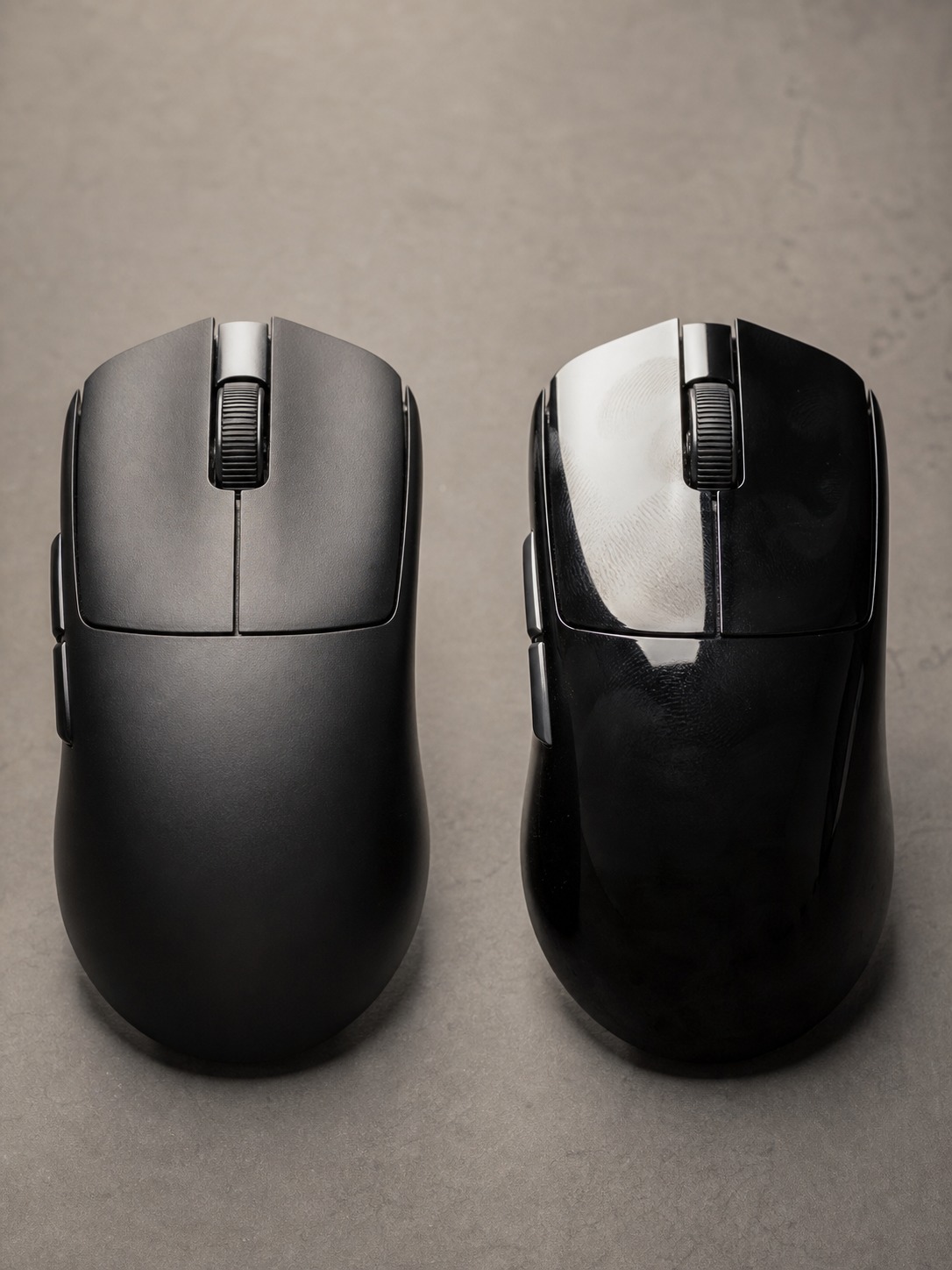
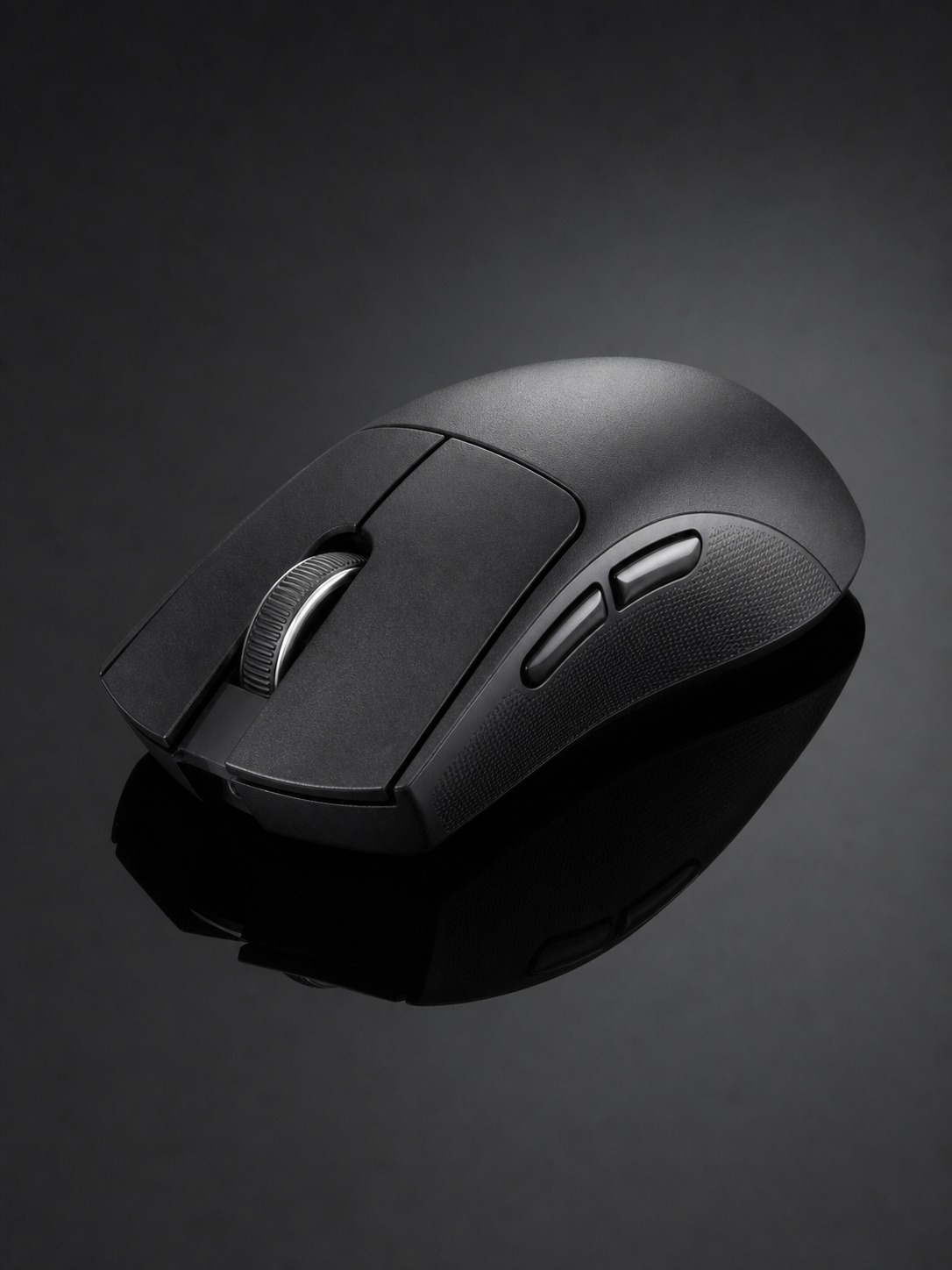
Matte versus glossy finish matters more than people expect too. A glossy mouse shell picks up fingerprints within a session and can look worn within weeks under desk lighting, while a matte or soft-touch finish holds up visually far longer and usually feels better under a sweaty grip during a long session. If the rest of your setup runs a specific finish logic, brushed metal accents, matte black surfaces, a mouse with a mismatched glossy shell breaks that consistency the moment it’s sitting in frame.
Desk layout and mouse movement space
Give low-sensitivity play the surface it needs
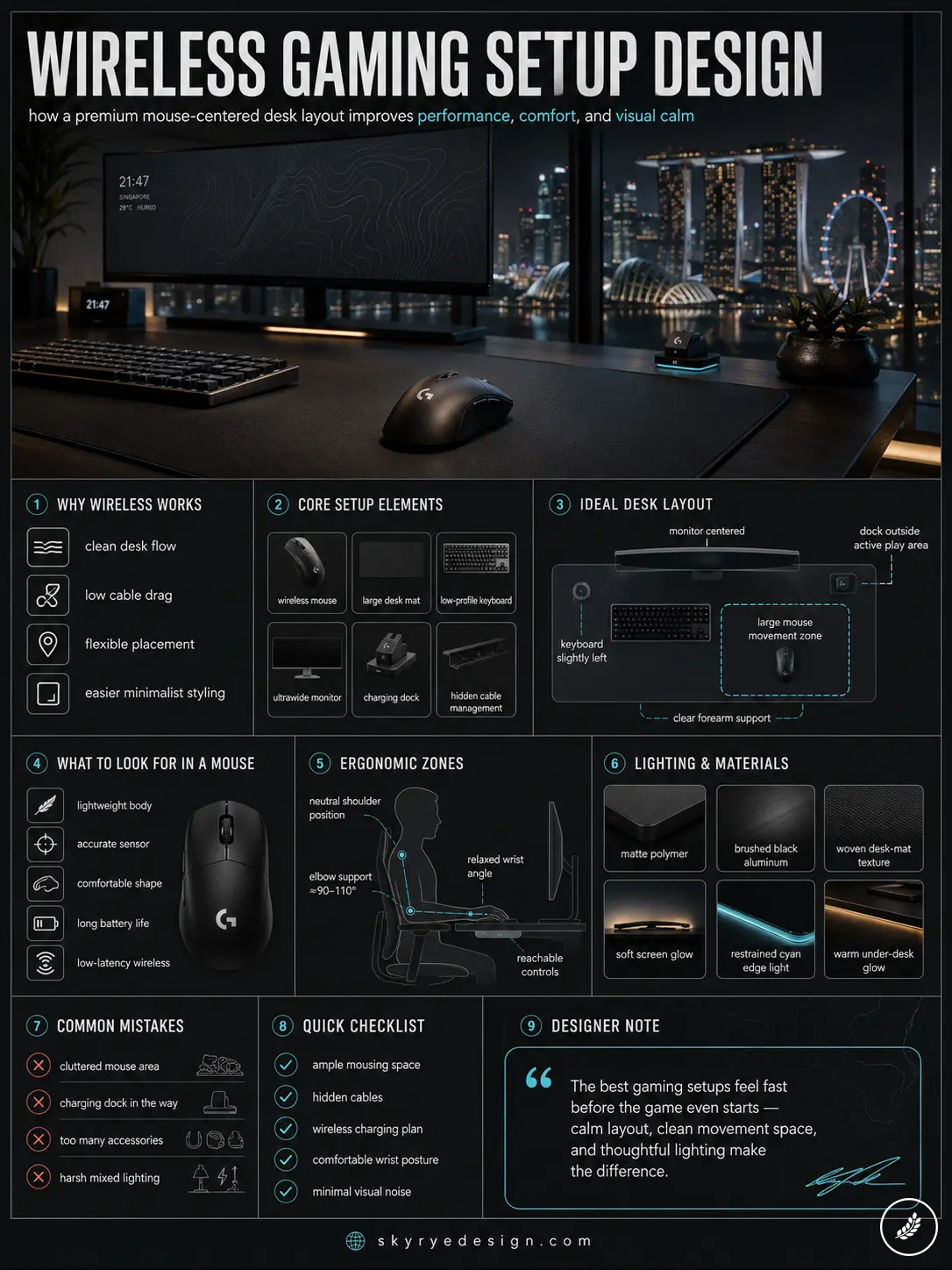
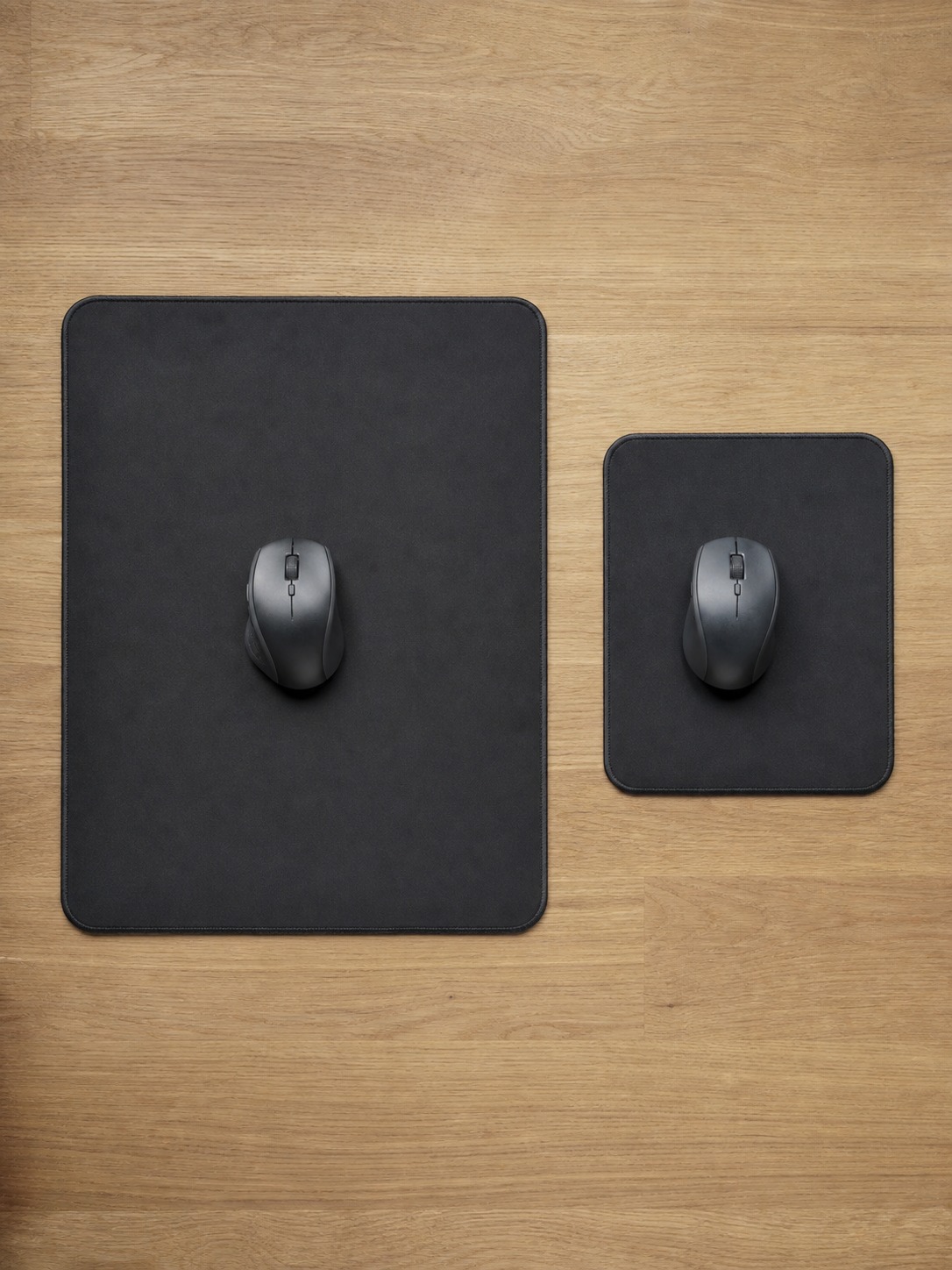
Low sensitivity settings, common among competitive players chasing precision, need real physical surface area to execute a full flick without running out of mousepad. A cramped layout that leaves only 200 by 250mm of clear surface next to the keyboard forces a compromise on sensitivity settings that has nothing to do with the mouse itself and everything to do with available space.
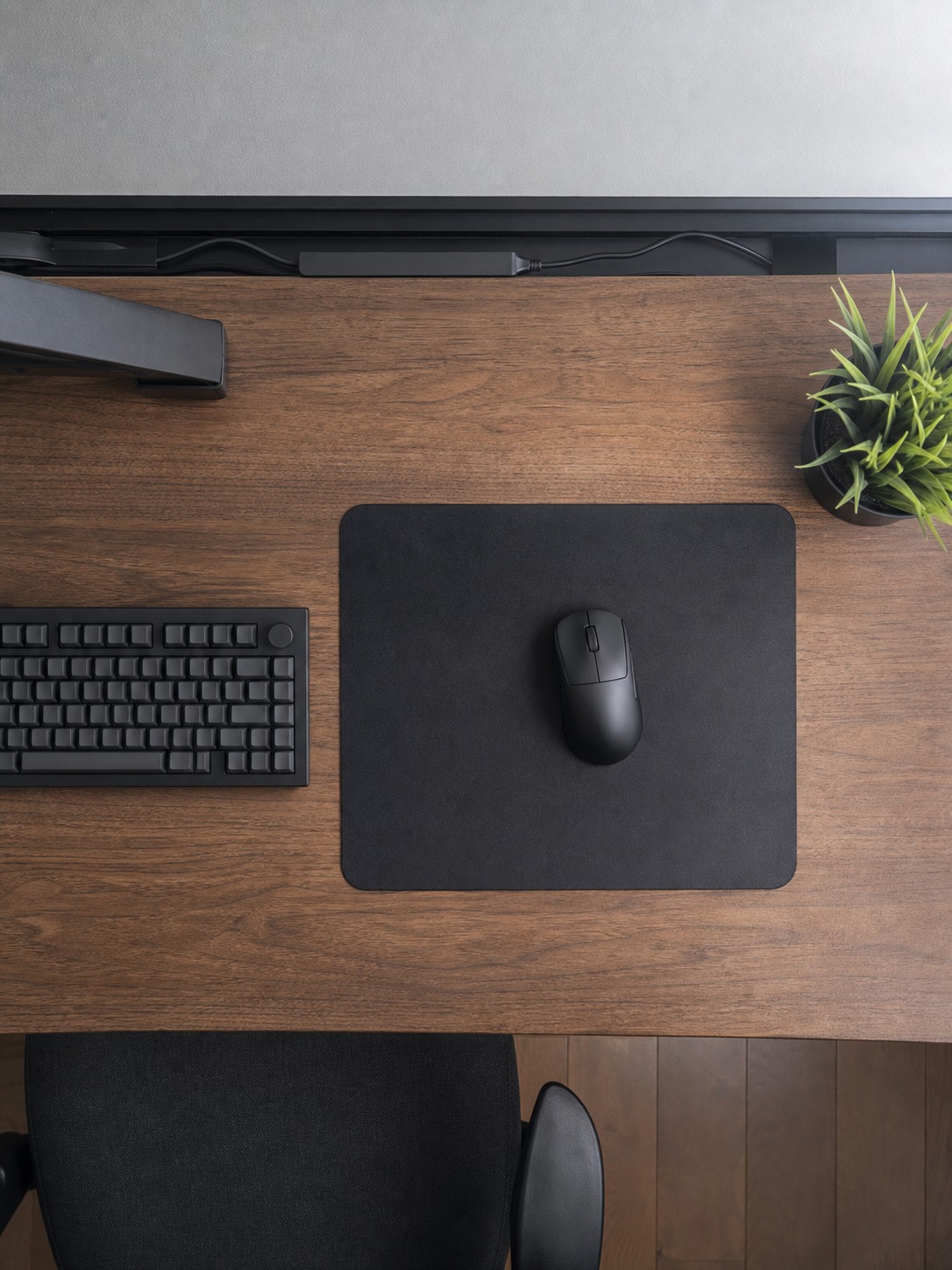
A mousepad in the 450 by 400mm range gives most low-sensitivity players enough room for a full flick without running off the edge mid-movement, while a smaller 250 by 300mm pad suits higher-sensitivity play where the whole game happens within a few centimeters of wrist movement. Match pad size to sensitivity settings before assuming a cramped desk is the limiting factor.
Cable and dock placement that doesn’t interrupt movement
I’d plan the mouse’s working radius before finalizing where the keyboard, monitor arm, or charging dock sit. A dock placed directly in the mouse’s swing path turns into a collision point mid-match. Position it slightly forward and to the side instead, somewhere the mouse naturally lands at the end of a session without ever sitting inside the active movement zone.
Cable management deserves a mention even in a wireless-focused setup, since most wireless mice still ship with a charging cable and most desks still run a keyboard cable nearby. A cable clip or channel routed along the back edge of the desk keeps a charging cable from crossing into the mouse’s working area even when it’s plugged in overnight.
Comparing wireless gaming mouse brands in Singapore
What actually separates the major options
Singapore’s gaming retailers carry a wide range of wireless options, and most of them cluster around similar specs on paper, so the real differences show up in shape, weight distribution, and software polish rather than raw numbers. Logitech’s G series tends toward broad, comfortable shapes suited to palm grip and long non-competitive sessions. SteelSeries and Zowie lean toward stripped-down, competition-focused designs favored by esports players who want consistency over extra features.
Each brand’s approach to shape is worth a bit more detail than a single sentence. Logitech’s broader, contoured shells tend to suit palm grip players who keep their whole hand in contact with the mouse through long sessions, and the brand’s software has stayed consistently reliable across generations, which matters if you’re the type to set a profile once and never touch it again. SteelSeries and Zowie both trend toward flatter, more symmetrical shells with fewer software layers between you and the sensor, a deliberate choice aimed at players who’d rather tune settings once at the OS level and never open a companion app again.
Corsair and HyperX sit closer to the middle of that range, competent all-purpose shapes that don’t specialize hard in either direction, which makes them reasonable starting points if you’re still working out your own grip preference. ASUS ROG and MSI both lean into more aggressive, angular shell designs that read well in a photo but are worth testing in person before buying, since an angular shape that looks striking can sometimes translate to pressure points during longer sessions. Cooler Master and Roccat both compete more on price-to-feature balance than on any singular shape innovation, reasonable options if budget is the deciding factor over a specific ergonomic preference.
None of this is a ranking. It’s closer to a map of where each brand’s default assumptions sit, so you can shortlist two or three worth testing in person rather than working through all ten from a cold start.
Maintenance and longevity for a wireless gaming mouse
Small habits that extend a mouse’s working life
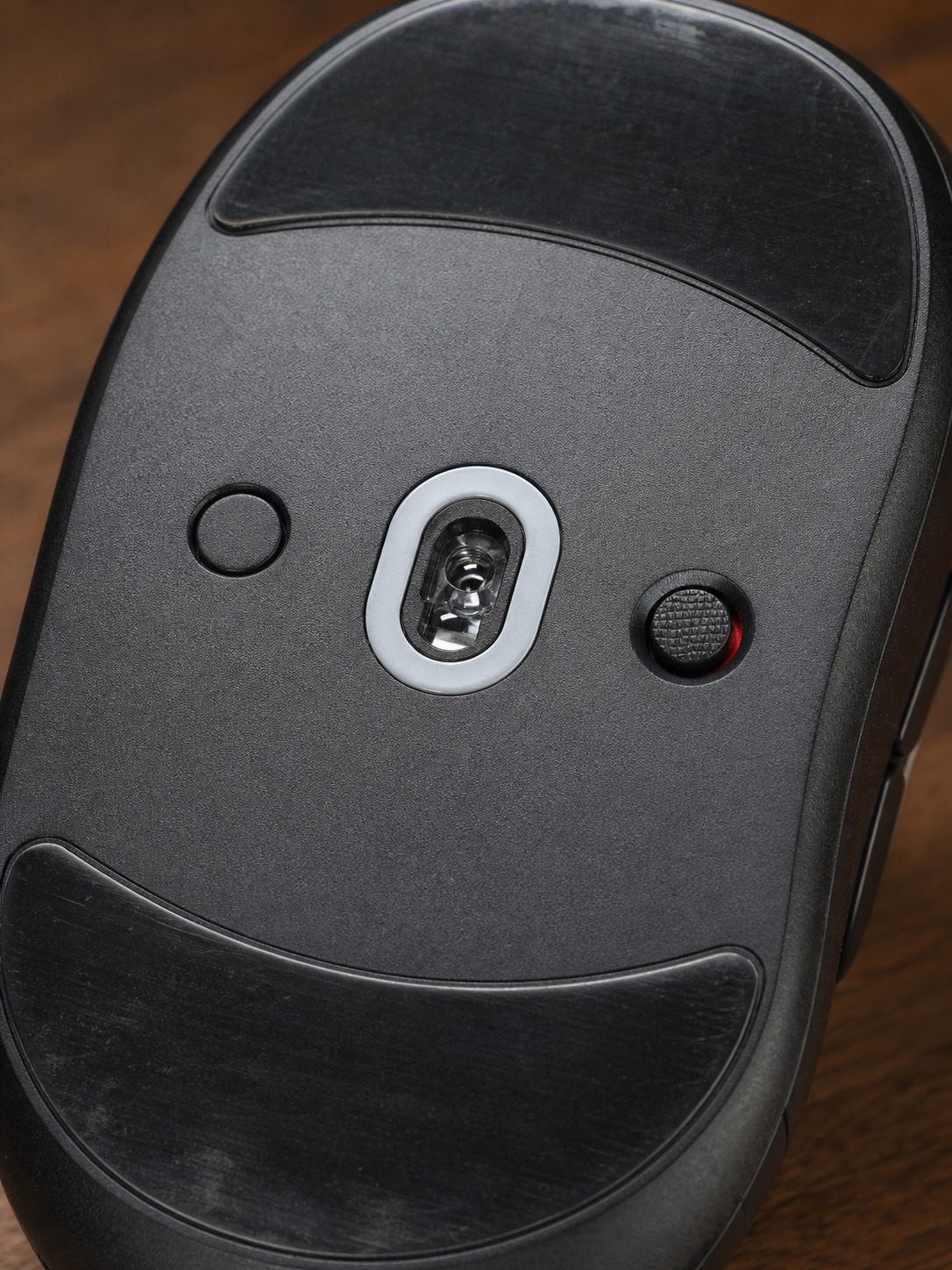
A wireless mouse’s biggest wear points are the switches under the primary buttons and the feet gliding across the pad surface, not the electronics inside. Cleaning the sensor lens and the underside feet every few weeks, keeping the charging contacts free of dust, and avoiding harsh cleaning chemicals on the shell all add meaningful time to a mouse’s usable life.
Maintenance habits extend past cleaning the sensor and feet. Battery health on a rechargeable wireless mouse benefits from avoiding a full discharge to zero on a regular basis, the same logic that applies to most lithium batteries in phones and laptops. A quick top-up charge during a break, rather than always running it down to empty before plugging in, keeps the battery performing closer to its rated capacity for longer.
When to actually replace one
Replace one when click latency becomes inconsistent, when double-click errors start appearing on a single press, or when the feet have worn down enough to noticeably change glide resistance, not on a fixed calendar schedule. A well-maintained mouse in the mid-range price bracket often outlasts a premium one that never gets basic care.
I’d also flag that a mouse’s software profile is worth backing up somewhere outside the mouse itself. Losing a carefully tuned DPI curve, button mapping, and lighting profile because a computer got reformatted is a small but genuinely annoying way to lose weeks of fine-tuning, and most manufacturer software includes a straightforward export option that takes thirty seconds to use.
Building a gaming setup that performs and looks considered
Design decisions compound the same way they do anywhere else
A gaming setup, like any other design project, succeeds through a series of small, compounding decisions rather than one big purchase. Grip shape matched honestly to your hand, sensor behavior matched to what you actually play, a charging routine that doesn’t interrupt a session, lighting that follows one logic instead of five, and a desk layout that gives your movement room to work – none of these individually feels dramatic, but together they’re the difference between a setup that photographs well and one that actually performs well every single session.
There’s a broader point buried in all of this that applies past gaming mice specifically: a well-designed object disappears into the activity it supports. You stop noticing a mouse that fits your grip, tracks consistently, and charges without friction, the same way you stop noticing a well-designed door handle or a chair that actually supports your back. The goal of gaming setup design isn’t a setup that draws attention to itself. It’s one that gets out of the way entirely once you’re actually playing.
That’s worth remembering when a setup starts accumulating components purely because they photograph well together rather than because each one earns its place through use. A visually striking desk with a mouse that doesn’t fit your hand is still a setup with a real, daily flaw sitting at its center, no matter how good it looks in a screenshot.
I’d add one more design habit worth stealing from other product categories entirely: test under the actual conditions you’ll use the thing in, not the showroom conditions it’s displayed in. A mouse that feels fine gripped for thirty seconds at a store counter can feel completely different after two hours of a real session, once your hand has warmed up, started to sweat slightly, and settled into its actual working position rather than the neutral, relaxed position you use for a quick test grip. If a retailer allows an extended trial period or a return window, that’s worth using deliberately rather than treating the first week as an afterthought after the purchase decision’s already locked in.
Conclusion
Choosing a wireless gaming mouse is really a small design exercise inside a larger one: matching a physical object to how your hand actually works, how you actually play, and how the rest of your setup actually looks and functions together. Skip the spec-sheet-first approach and start with grip, movement space, and visual consistency instead, and the mouse you land on will earn its place in the setup rather than just filling a slot on a component list.
Test a shortlist of shapes in person before committing, if a retailer in Singapore stocks demo units. Ten minutes with your hand resting on three or four different mice tells you more than any spec comparison ever will.
- 25shares
- Facebook0
- Pinterest25
- Twitter0
- Reddit0