Handing IT support to an outside partner is a governance decision disguised as a technical one. Get it right and a studio barely notices the support layer exists, licenses stay current, permissions stay clean, tickets get answered before they become deadline problems.
Get it wrong and the studio inherits a second job nobody signed up for: managing the managers. I’ve watched studios sign with a support partner purely on price, then spend the next year explaining, ticket by ticket, why a corrupted render cache isn’t the same category of problem as a locked-out email account. This is the governance layer that decision actually needs.
- Why hybrid design studios need managed IT support
- What managed IT support should own in a design studio
- IT outsourcing vs in-house support for creative teams
- Support requirements for design software and heavy files
- Building an SLA around creative deadlines
- Security and access rules for outsourced IT partners
- Collaboration stack and cloud infrastructure
- Onboarding and offboarding remote designers
- How to choose a managed IT support partner for a design studio
- Managed IT support checklist for hybrid design studios
- FAQ
- What is managed IT support?
- Do hybrid design studios need outsourced IT support?
- What should an IT help desk support for designers?
- How is managed IT support different from remote IT support?
- How can IT outsourcing reduce downtime in a design studio?
- What should be included in an IT support SLA for creative teams?
This isn’t the same conversation as fixing a broken plugin at 2am, though that matters too. It’s the layer above it: who you hire to handle that 2am plugin failure, what you ask them before signing anything, and how you keep the relationship from quietly eroding your studio’s actual workflow while it’s supposedly protecting it.
Why hybrid design studios need managed IT support
What changes when designers, freelancers, and clients work from different places
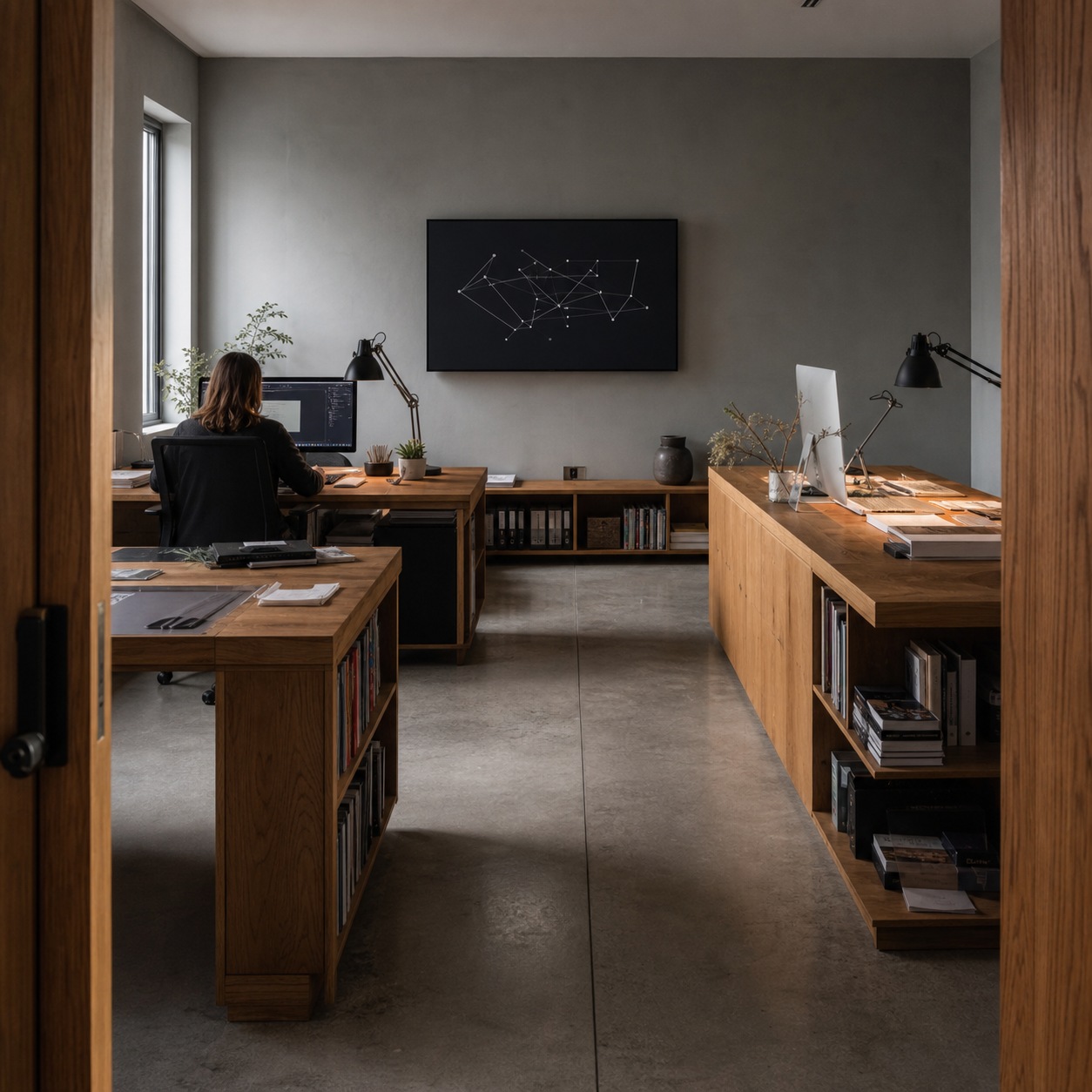
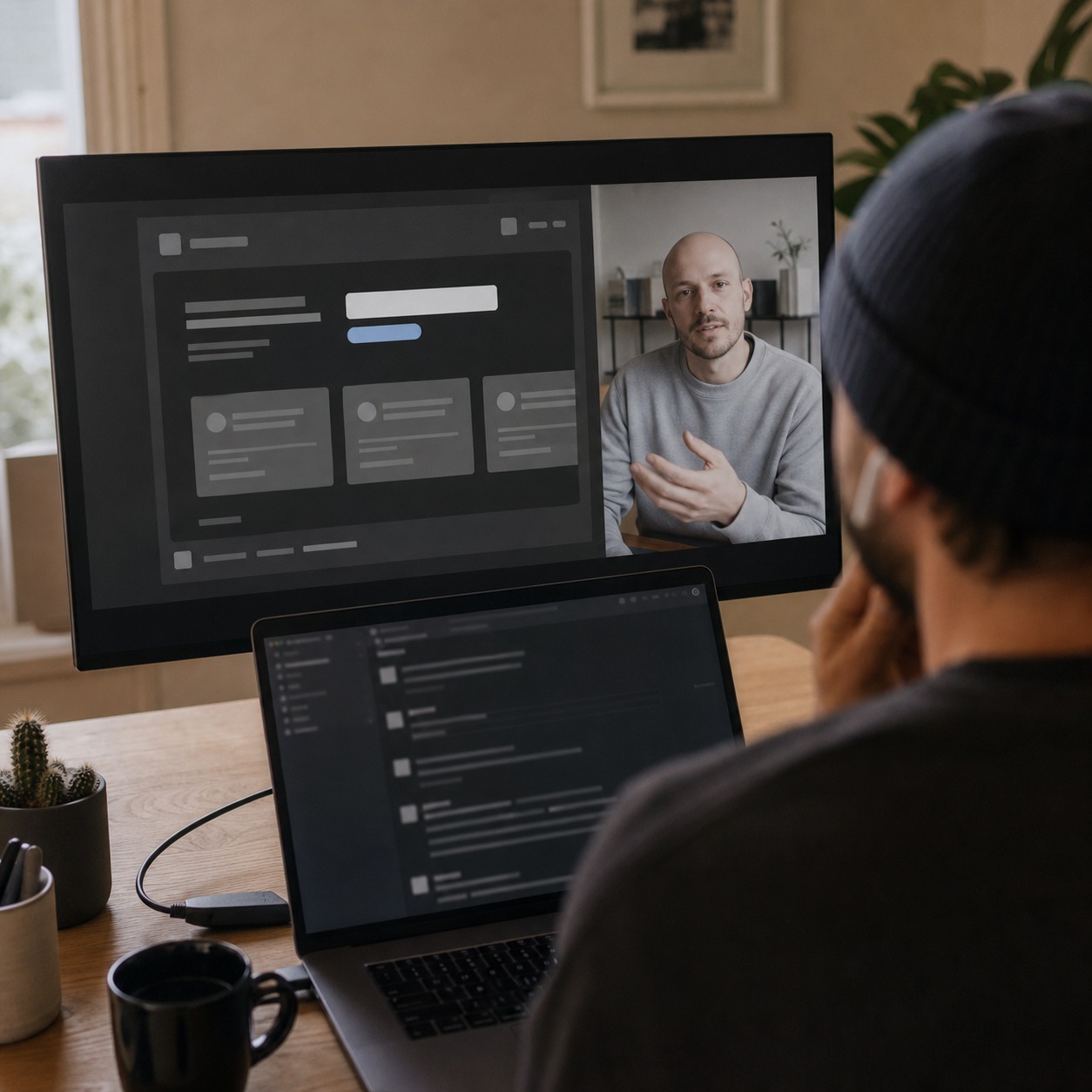
A studio running fully in-house can fix most problems with a shared network and someone walking across the room. Add freelancers logging in from home offices, a production partner in another country, and clients expecting secure review links, and the informal version of IT support stops scaling. Every additional location is another environment a support model has to account for, not just another person to onboard.
I’ve watched this transition happen gradually enough that nobody notices the exact moment the informal approach stopped working. A studio adds one remote collaborator, then two, then a client in a different time zone, and each addition feels manageable on its own until the cumulative complexity finally outpaces whatever ad-hoc system was holding things together.
Why creative downtime is different from ordinary office downtime
A stalled spreadsheet costs someone an afternoon. A blocked render queue or a locked Adobe license on delivery day costs a client relationship, not just internal time. Support models built for general office downtime treat every ticket as roughly equivalent in urgency, which is exactly the assumption that breaks down the first time a creative deadline is actually on the line.

What managed IT support should own in a design studio
Help desk, endpoint support, licensing, permissions, backups, and monitoring
A managed IT relationship earns its keep by owning a specific list: responsive help desk coverage, endpoint support across whatever devices the team runs, software licensing tracked and renewed on schedule, permissions kept current as people rotate on and off projects, backups tested rather than assumed, and monitoring that catches a failing system before someone has to report it.
Write this list down explicitly in whatever agreement you sign, rather than trusting a verbal understanding of scope. I’ve seen studios discover a gap in coverage only when something fell into it, precisely the kind of surprise a clear written scope prevents from the start.
What should stay with the creative lead or studio owner
Not everything belongs with the vendor. Decisions about which creative tools the studio adopts, how project files get organized, and what the actual production workflow looks like should stay owned internally, with the IT partner supporting those decisions rather than making them. A vendor that starts dictating creative tooling has overstepped a line worth drawing clearly from day one.
I think of this the same way I think about any specialist relationship on a design project: bring in the expert for the part outside your own competence, but keep the creative and workflow decisions in the hands of the people who actually understand how the studio works day to day.
IT outsourcing vs in-house support for creative teams
When a studio can use outsourced help desk support
Smaller studios without the volume to justify a full-time technical hire get real value from outsourced support, provided the vendor actually understands creative software rather than treating every ticket like generic office troubleshooting. I’ve seen studios turn to services like Gravity Systems’ remote support specifically because the alternative, informal fixes from whoever’s available, stops holding up once the studio grows past a certain size.
The transition point rarely announces itself clearly. It usually arrives during a project with less slack than the last one that got by on improvisation, which is exactly the wrong time to discover the old approach has quietly stopped working.

When an internal technical owner is still necessary
Even a studio running entirely on outsourced support needs one person internally who understands the systems well enough to make decisions during an outage and translate creative-team problems into language a vendor can act on quickly. Outsourcing the execution doesn’t mean outsourcing the judgment entirely.
That internal owner doesn’t need deep technical expertise. They need enough fluency to ask the right follow-up question when a vendor’s first explanation doesn’t quite match what the team is actually experiencing, and enough authority to make a fast call when a decision genuinely can’t wait for a full vendor conversation.
How to avoid a vendor relationship that ignores design workflows
Ask a prospective vendor directly how they’ve handled a corrupted render cache or a font sync issue before signing anything. A vendor who can’t answer specifically, or who reframes the question back into generic IT language, is telling you they’ll be learning your studio’s actual workflow on your dime during the first real incident.
I treat this exact question as a filter more than an information request. The answer matters less than how specifically and confidently it gets delivered, since genuine experience with creative workflows shows up in the texture of the answer, not just its content.
Support requirements for design software and heavy files
Adobe, Figma, CAD, 3D, video, plugins, fonts, tablets, and color-critical tools
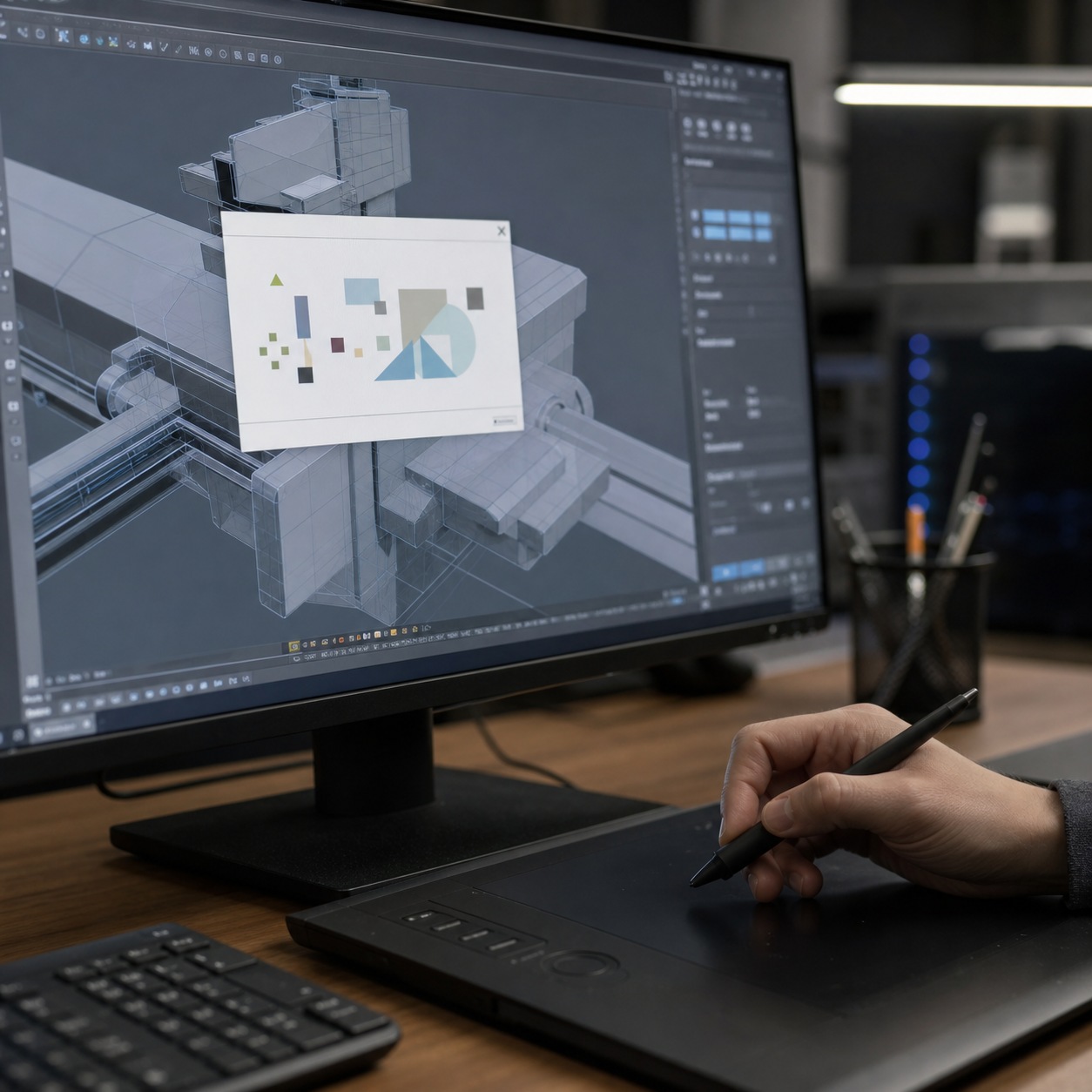
Every creative discipline stresses a support relationship differently. Adobe and Figma issues cluster around licensing and sync. CAD and 3D work adds driver conflicts and plugin compatibility. Video brings codec headaches. Tablets, monitors, and color-critical displays need calibration awareness most general IT training skips entirely. A support partner needs real exposure to this range, not theoretical familiarity with the software names.
I test this early in any vendor conversation by describing a specific, real failure mode rather than asking a general question about software support. The specificity of the answer tells you more about actual experience than any client list or case study they’ll hand you.

Large file transfers, sync conflicts, asset libraries, and version control
Heavy media files expose network and storage weaknesses that lighter office work never touches. Sync conflicts on shared asset libraries, rendering queues that stall silently, and version control gaps that leave someone working from an outdated file all need a support model built around file size and complexity as first-class concerns, not edge cases handled as an afterthought.
I’ve watched a support ticket about a “slow computer” turn out to be a saturated network connection struggling under a large file transfer, a completely different problem requiring a completely different fix than whatever the initial diagnosis assumed. A vendor unfamiliar with heavy creative files chases the wrong layer more often than one who’s seen this pattern before.

Building an SLA around creative deadlines
Response times for client review day, render failure, and routine tickets
A workable SLA ties response time to actual stakes: fastest response for anything touching a live client review or a render failure blocking delivery, a slightly longer window for production handoffs, and a standard window for routine requests. Vague language like “prompt response” means nothing once a real deadline is on the line and everyone’s definition of prompt turns out to differ.
Get the actual numbers in writing before a vendor starts handling live tickets, not as an afterthought once they’re already embedded in the workflow. A provider hesitant to commit to a specific number for urgent issues is telling you something worth hearing about what to expect the first time it genuinely matters.
Escalation paths for access, security, software, and network issues
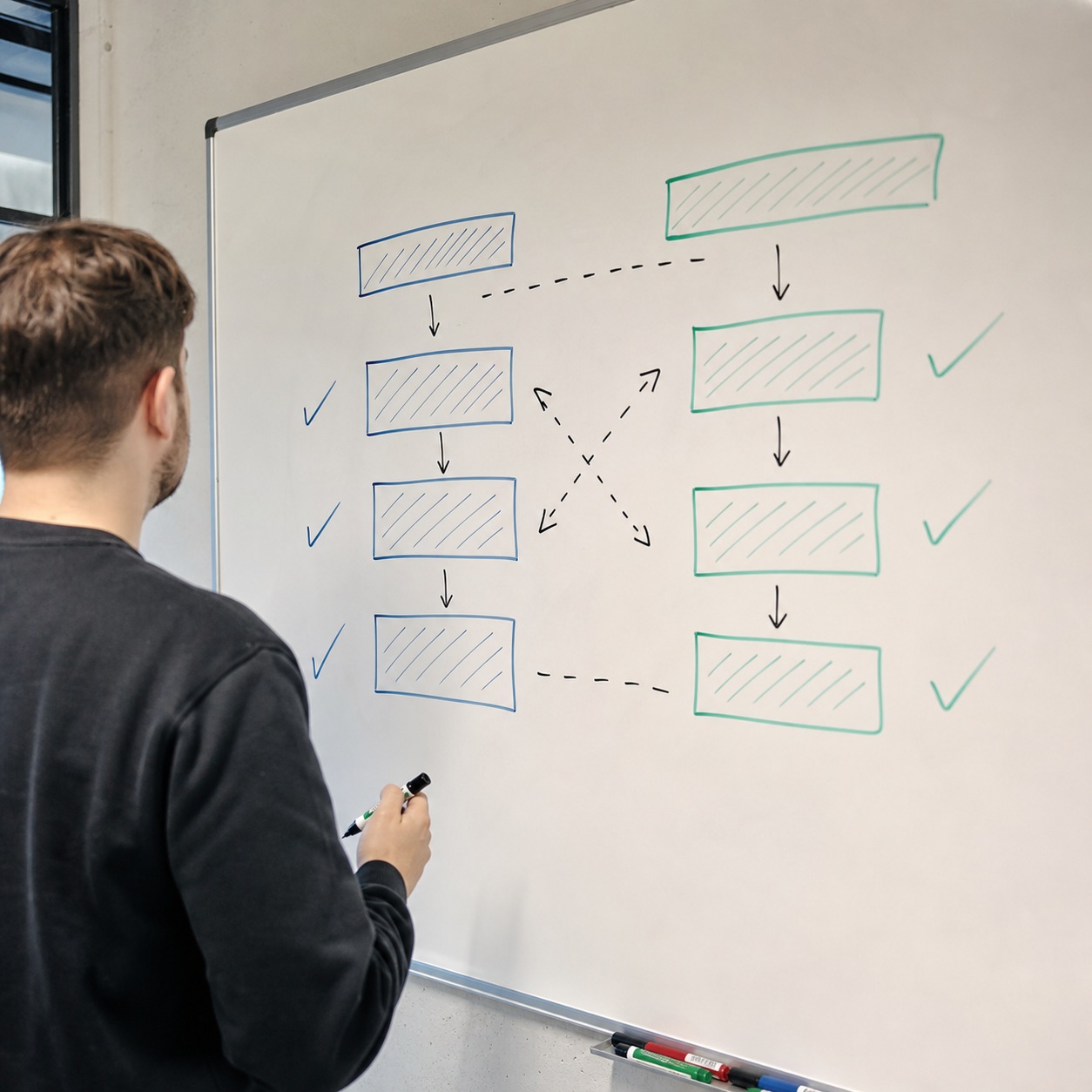
Every SLA needs a clear map of what happens when the first responder can’t resolve something alone: who gets pulled in for an access issue versus a security concern versus a network problem. Without that map, escalation becomes improvised exactly when speed matters most.

Security and access rules for outsourced IT partners
MFA, role-based access, least privilege, and audit trails
An outsourced partner touching studio systems needs the same security discipline as an internal hire: MFA on every account, access scoped to least privilege rather than broad convenience, and audit trails showing who touched what and when. A vendor resistant to these basics is a vendor that hasn’t thought seriously about what access to a design studio’s unreleased work actually means.
Unreleased concepts and pre-launch client materials carry real competitive value if exposed, which makes this more than a compliance checkbox for a creative studio specifically. A vendor’s own security discipline becomes an extension of the studio’s, whether either party thinks about it that way explicitly or not.
Protecting client files without slowing every permission change
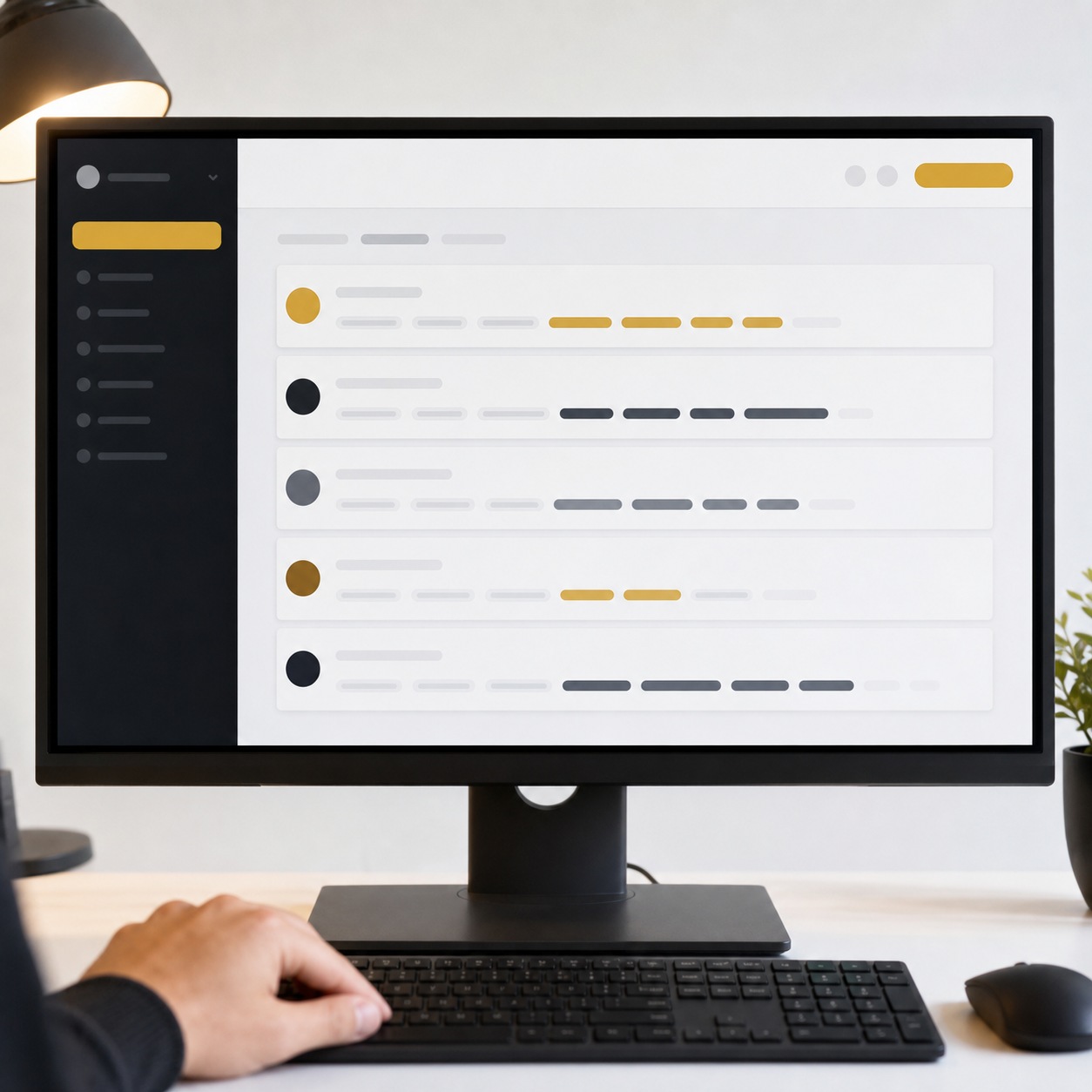
Security and speed pull against each other unless the access model is designed well from the start. Pre-approved role templates, rather than a manual review for every single request, let routine access move fast while still keeping genuinely sensitive changes gated behind real review.
Collaboration stack and cloud infrastructure
Cloud tools, project management, storage, backups, and communication channels
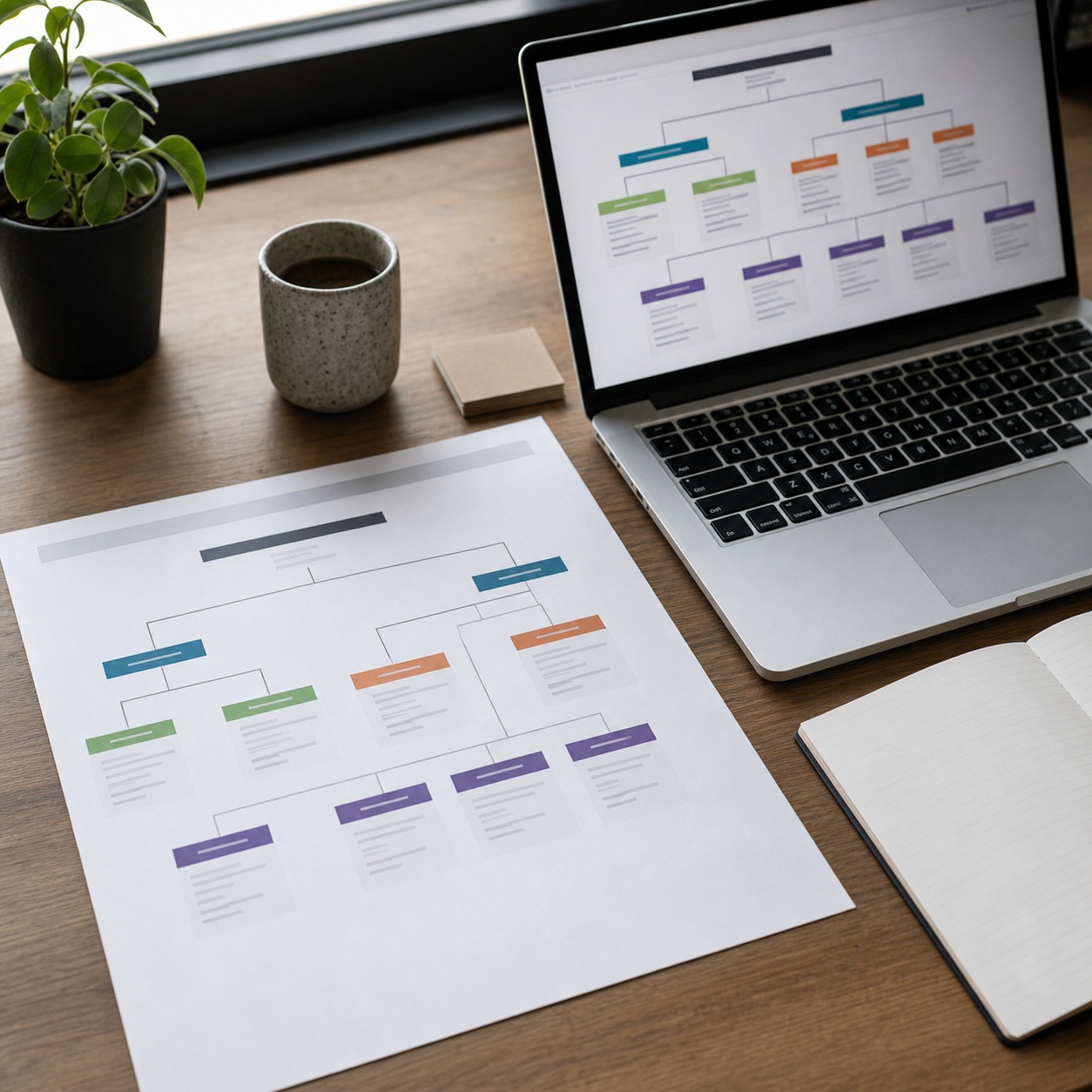
A managed IT partner should document the full collaboration stack clearly enough that anyone new to the studio can understand it in one sitting: which cloud storage holds what, which project management tool tracks status, how backups run, and which channel handles which kind of communication. An undocumented stack survives fine until the one person who understood it leaves.
I’ve inherited exactly this kind of undocumented mess more than once, on projects where the previous setup lived entirely in one person’s head. Rebuilding that understanding from scratch costs far more time than maintaining a simple living document ever would have.
How managed support should document ownership and handoffs
Every tool in the stack needs a named owner and a documented handoff process for when that owner changes. I keep this as a simple living document for my own smaller collaborations, updated whenever something shifts, specifically because rebuilding institutional knowledge from memory after someone leaves costs far more than maintaining the document ever did.

Onboarding and offboarding remote designers
First-day setup for employees, freelancers, and production partners
A new collaborator’s first day should mean working software and the right access already configured, not a morning lost to setup. Managed IT support that owns this checklist end to end gets people productive immediately instead of a few days in.
This matters most on short engagements, where losing even a day to setup eats a disproportionate share of the total time available. A freelancer brought on for a two-week sprint who spends the first day just getting configured has effectively lost a tenth of the engagement before doing any actual work.
License cleanup, device checks, and account closure
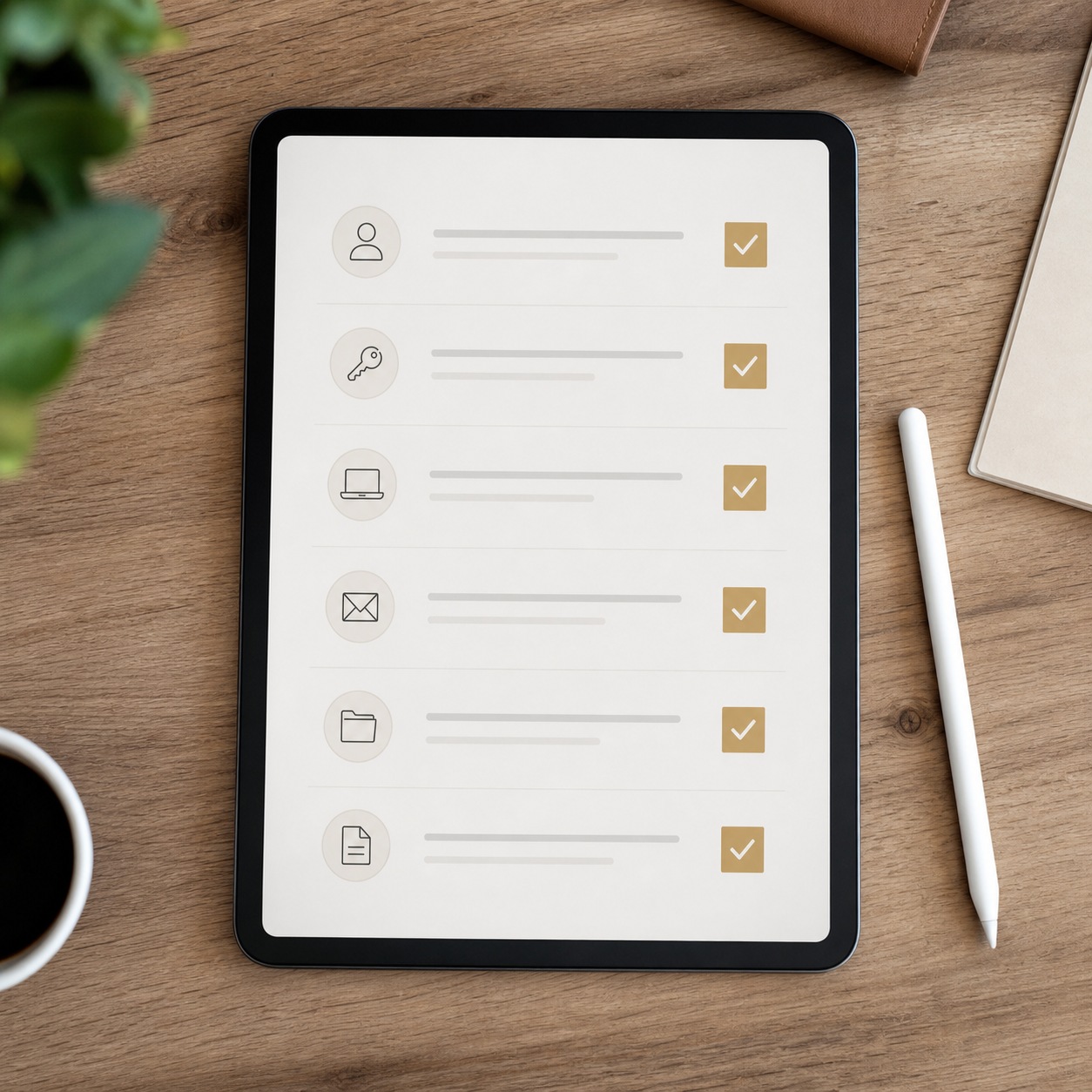
Offboarding deserves equal rigor in reverse: licenses freed, access revoked, and devices checked the moment someone’s engagement ends. I’ve watched offboarding slip more often than onboarding across nearly every studio I’ve reviewed, mostly because unused access doesn’t announce itself as a problem the way a broken login does.
Treating offboarding as a standard part of the managed IT scope, with the same checklist discipline as onboarding, closes a gap that otherwise depends entirely on someone remembering to handle it manually weeks after a project has already moved on to something else.

How to choose a managed IT support partner for a design studio
Questions to ask about software, security, and time-zone coverage
Ask specifically how a vendor handles the creative software your studio actually runs, what their security posture looks like for client file access, and how their coverage lines up with your team’s actual working hours across time zones. Generic answers to specific questions are the clearest warning sign available before signing anything. As per GroupOne IT’s experts, the studios that get the best outcomes are the ones that pushed past generic sales answers to get real specifics before committing to a contract.
Bring a real recent incident to the conversation rather than a hypothetical. Describe exactly what happened, what you needed, and how fast you needed it, then ask how the vendor would have handled that specific scenario. The quality and specificity of that answer tells you more than any polished pitch deck they’ll walk you through.
Warning signs: generic packages, vague SLAs, and poor documentation
A one-size-fits-all package, an SLA with soft language instead of real numbers, no evidence of prior creative-industry work, and thin or nonexistent documentation practices are all signs a vendor will struggle the first time something genuinely creative-specific breaks. None of these are dealbreakers in isolation, but two or more together are worth taking seriously before signing.

Managed IT support checklist for hybrid design studios
Run through this when evaluating or building a managed IT relationship:
- People: A named internal owner exists alongside the outsourced partner, not instead of one.
- Tools: Every core creative application has documented, vendor-known troubleshooting.
- Access: Permissions follow least privilege and get reviewed on a schedule.
- Files: Sync and version control issues have a clear diagnostic path.
- Devices: Endpoint support covers the actual hardware the team runs.
- Backups: Recovery is tested, not just assumed to work when needed.
- Security: MFA and audit trails are standard across every account.
- SLA: Response times are specific numbers tied to real priority tiers.
- Escalation: A defined path exists for access, security, and technical issues.
- Review cadence: The relationship gets revisited on a schedule, not left to run indefinitely unexamined.
FAQ
What is managed IT support?
Managed IT support is an ongoing outsourced relationship covering help desk response, monitoring, licensing, security, and infrastructure decisions over time, distinct from one-off reactive troubleshooting alone. The distinction matters because the two require very different scopes of trust and involvement.
Do hybrid design studios need outsourced IT support?
Most smaller studios benefit from it, provided the vendor genuinely understands creative software and file demands rather than treating every ticket as generic office troubleshooting. Larger studios often blend outsourced support with one internal technical owner who keeps the vendor relationship accountable.
What should an IT help desk support for designers?
Creative software licensing and sync issues, large file transfer and version control problems, device and peripheral troubleshooting, and access management, all handled by staff with real familiarity with the specific tools a studio actually runs day to day.
How is managed IT support different from remote IT support?
Remote IT support is the reactive, fix-it-now layer for whatever’s currently broken. Managed IT support is the broader ongoing relationship, covering planning, monitoring, licensing, and security posture over time, with remote troubleshooting as one part of a larger scope rather than the entire relationship.
How can IT outsourcing reduce downtime in a design studio?
By catching problems through proactive monitoring before they escalate, keeping licenses and permissions current so access issues don’t stall work, and providing faster, more specialized troubleshooting than an internal team without dedicated IT capacity can usually manage alone.
What should be included in an IT support SLA for creative teams?
Specific response times tied to real priority tiers, a documented escalation path for access, security, and technical issues, and clear ownership boundaries between what the vendor handles and what stays with the studio’s internal team. Anything vaguer than that isn’t really an SLA in any way that matters once a deadline is on the line.
The studios that get real value from managed IT support treat the relationship as infrastructure worth designing carefully, not a line item to minimize. Draw the ownership boundaries clearly, tie the SLA to what actually matters on a deadline, and vet a partner on their creative-industry fluency before their price sheet. Get that governance right once, and the support layer disappears into the background exactly where good infrastructure belongs.
I keep coming back to the same test whenever I’m evaluating a support relationship, whether it’s an IT vendor or any other outside specialist a studio brings in: does working with them make the studio’s own judgment sharper over time, or does it quietly outsource that judgment along with the execution. The first kind of partner is worth keeping. The second kind is worth replacing, no matter how competent the individual tickets get resolved.
- 17shares
- Facebook0
- Pinterest17
- Twitter0
- Reddit0