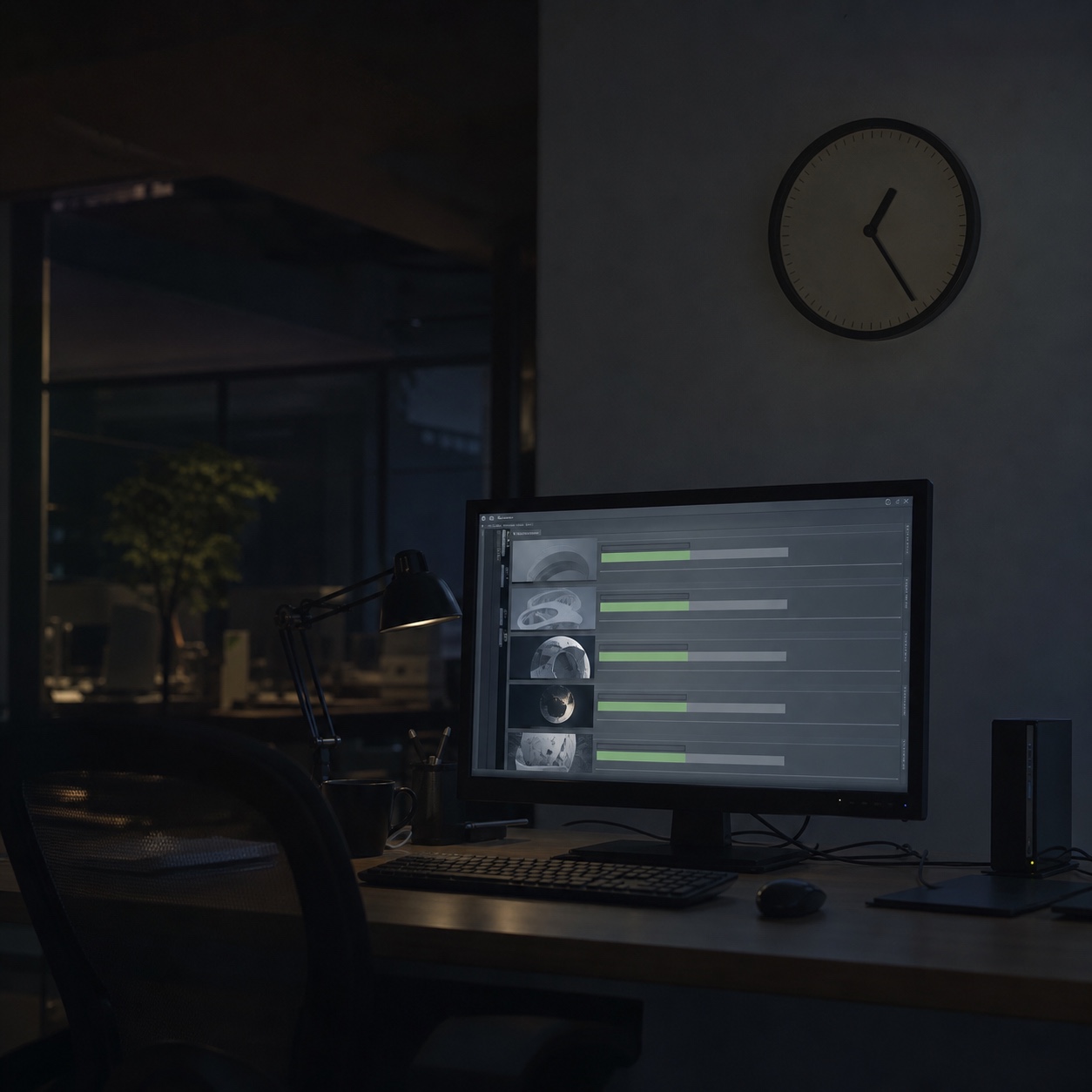
A color grade gets sent for final export at 11pm so it’s ready for a client review the next morning. By 7am the export folder is empty, the render crashed four hours in on a corrupted proxy file, and nobody noticed until the deadline was already three hours away.
I’ve watched this exact failure pattern more than once around automotive reveal animation and cinematic content work, where a studio’s entire deliverable schedule hinges on an overnight batch job nobody’s actively watching. The creative work was never the problem. The infrastructure quietly holding it up was, and nobody found out until it had already cost the morning.
- Why remote studios need a different IT support model
- What remote IT support means for creative teams
- The IT problems that stop remote studio work fastest
- Building a support desk around creative deadlines
- IT infrastructure choices that make support easier
- Security handoffs without slowing creative work
- Onboarding freelancers and offboarding collaborators cleanly
- Remote studio IT support checklist
- FAQ
- What is remote IT support for creative studios?
- Why do remote studios need specialized IT support instead of generic help desk services?
- What should a support desk prioritize first for a creative studio?
- Do remote studios need 24/7 IT support?
- How is IT consulting different from day-to-day remote support?
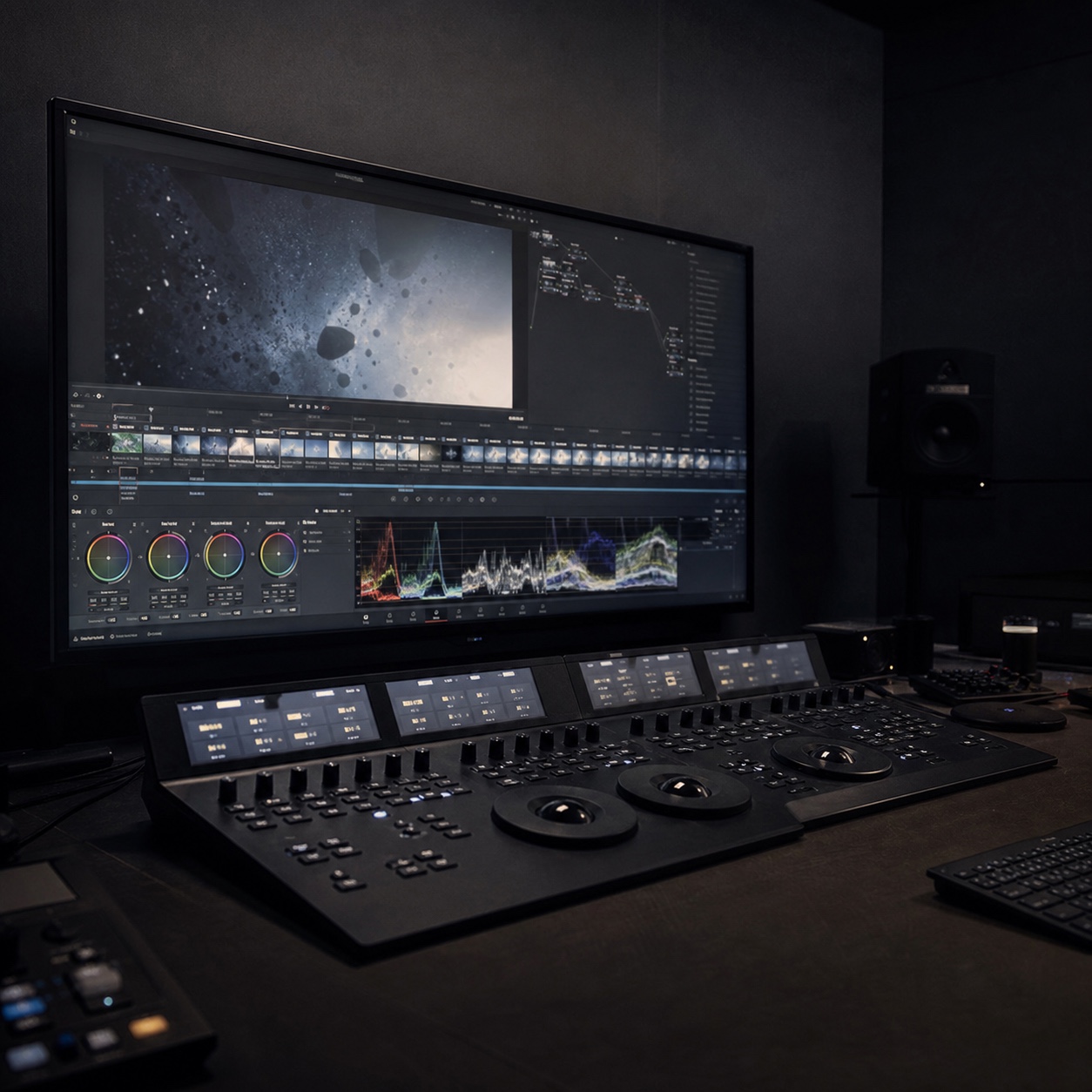
Most advice on IT support still reads like it was written for a general office with predictable hours and light software demands. Production studios need something built around a messier reality: jobs that run unattended overnight, files too large for casual troubleshooting, and client deadlines that don’t move just because a render crashed at 3am on a server nobody was watching.
Why remote studios need a different IT support model
Large media files, live reviews, render deadlines, and software-dependent work
Production studios run on files that dwarf a typical office document: multi-gigabyte project files, uncompressed audio stems, 4K and 8K footage, render sequences that take hours to complete and hours more to move anywhere.
Live client reviews add real-time pressure on top of that, since a stuttering stream or a stalled upload during a scheduled review reads as unprofessional no matter how good the actual work is. None of this behaves like a standard office IT problem, and treating it like one guarantees the support model will lag behind what the work actually needs.
I’ve sat through a client review where a scrubbing timeline stuttered badly enough that the actual color work looked worse than it was, purely because the streaming setup couldn’t keep pace with the footage. The grade itself was fine. The infrastructure carrying it to the client wasn’t, and the client had no way to tell the difference.
Why generic office IT does not fit creative production
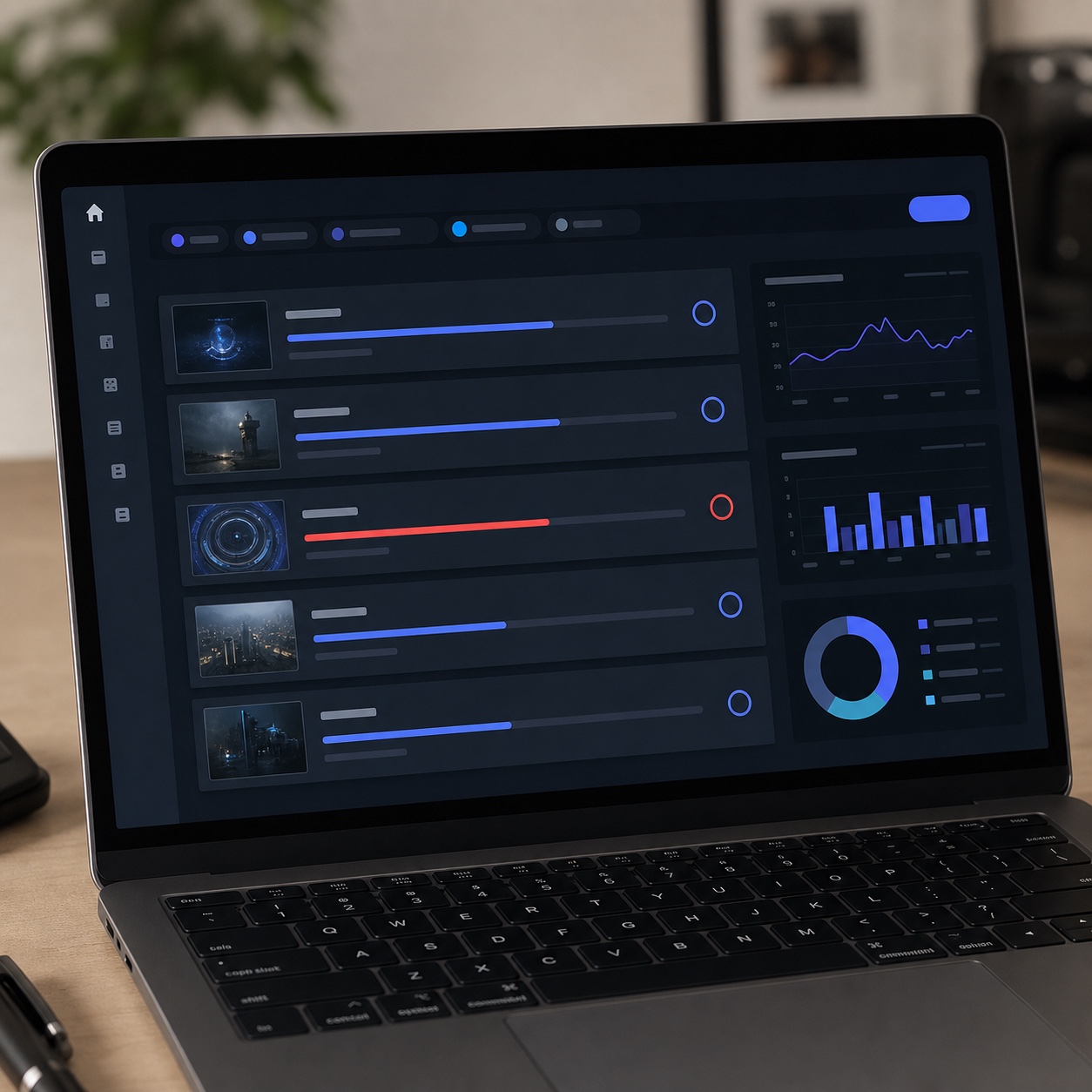
A generic help desk trained on password resets and printer queues genuinely struggles with a corrupted render cache or a codec mismatch between an editor and a colorist working on the same sequence. The failure modes are specific to the software, and diagnosing them fast requires familiarity most general IT training never covers.
I’ve watched a routine support ticket balloon into a half-day investigation purely because the first responder had never seen a proxy-media mismatch before and started troubleshooting the wrong layer entirely.
The cost isn’t just the wasted hours on that one ticket. It’s the pattern repeating on every similar issue afterward, since a support relationship that never builds real familiarity with a studio’s actual pipeline keeps starting from zero on problems that should get faster to diagnose over time, not stay equally slow indefinitely.
What remote IT support means for creative teams
Help desk, access management, remote troubleshooting, monitoring, and escalation
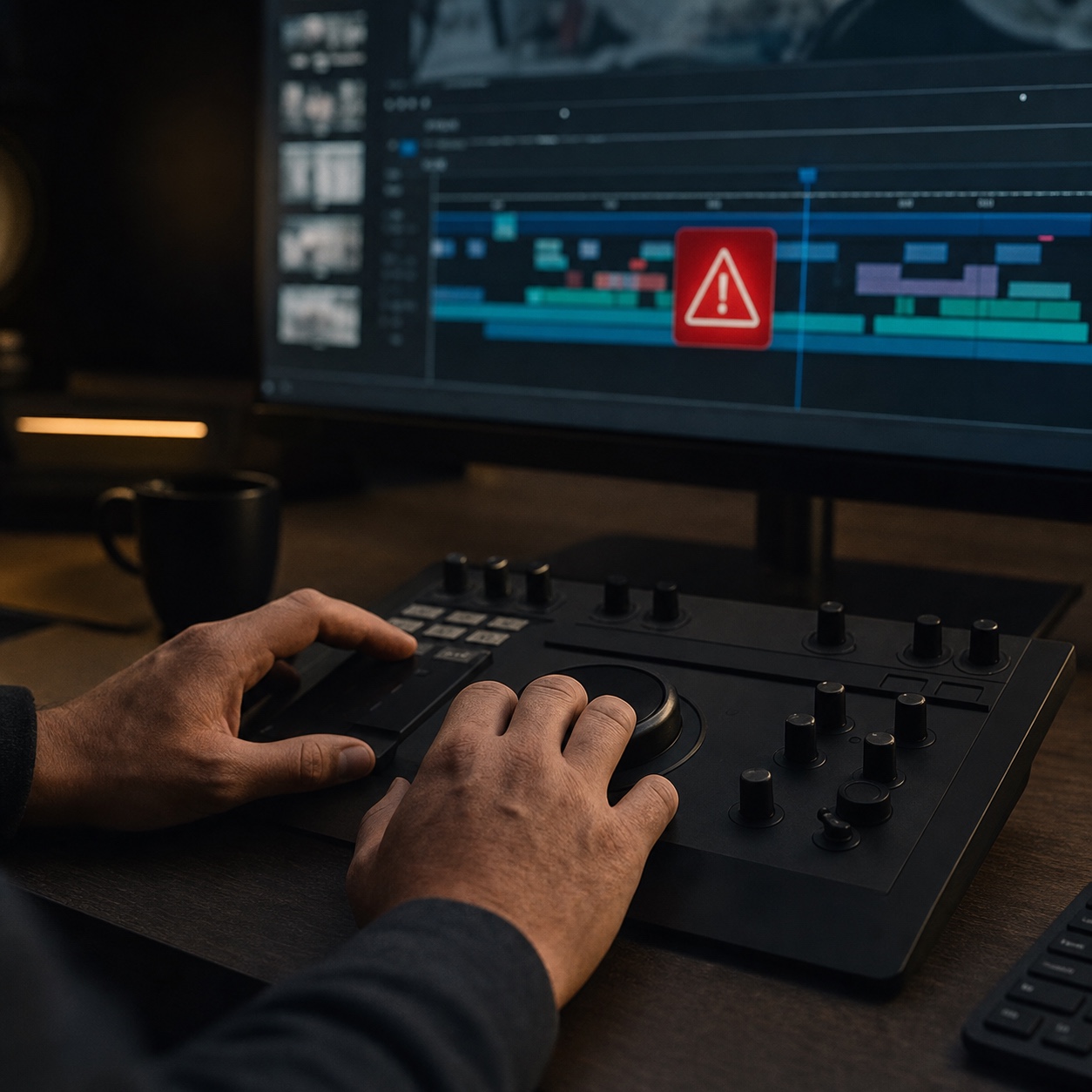
Remote IT support for a production studio covers a specific set of responsibilities: a help desk that actually understands the software in use, access management that keeps freelancer and contractor permissions current, troubleshooting that works entirely without physical access to a machine, monitoring that catches a failing render or a stalled sync before someone has to report it, and an escalation path for anything the first responder genuinely can’t resolve.
Studios reaching the point where informal troubleshooting isn’t holding up anymore often benefit from a real conversation about what’s actually needed. I’ve seen studios consult with HERO for IT specifically at that stage, when ad-hoc fixes from whoever’s available stop being sustainable and the studio needs an actual support structure built around how production work moves.
That transition point tends to arrive quietly, usually right after a studio’s grown past the size where one person’s informal availability could cover everything. Nobody plans the moment the old approach stops working. It just does, usually during a project with less slack than the last one that got by on improvisation.
The difference between IT consulting, managed IT support, and day-to-day remote support
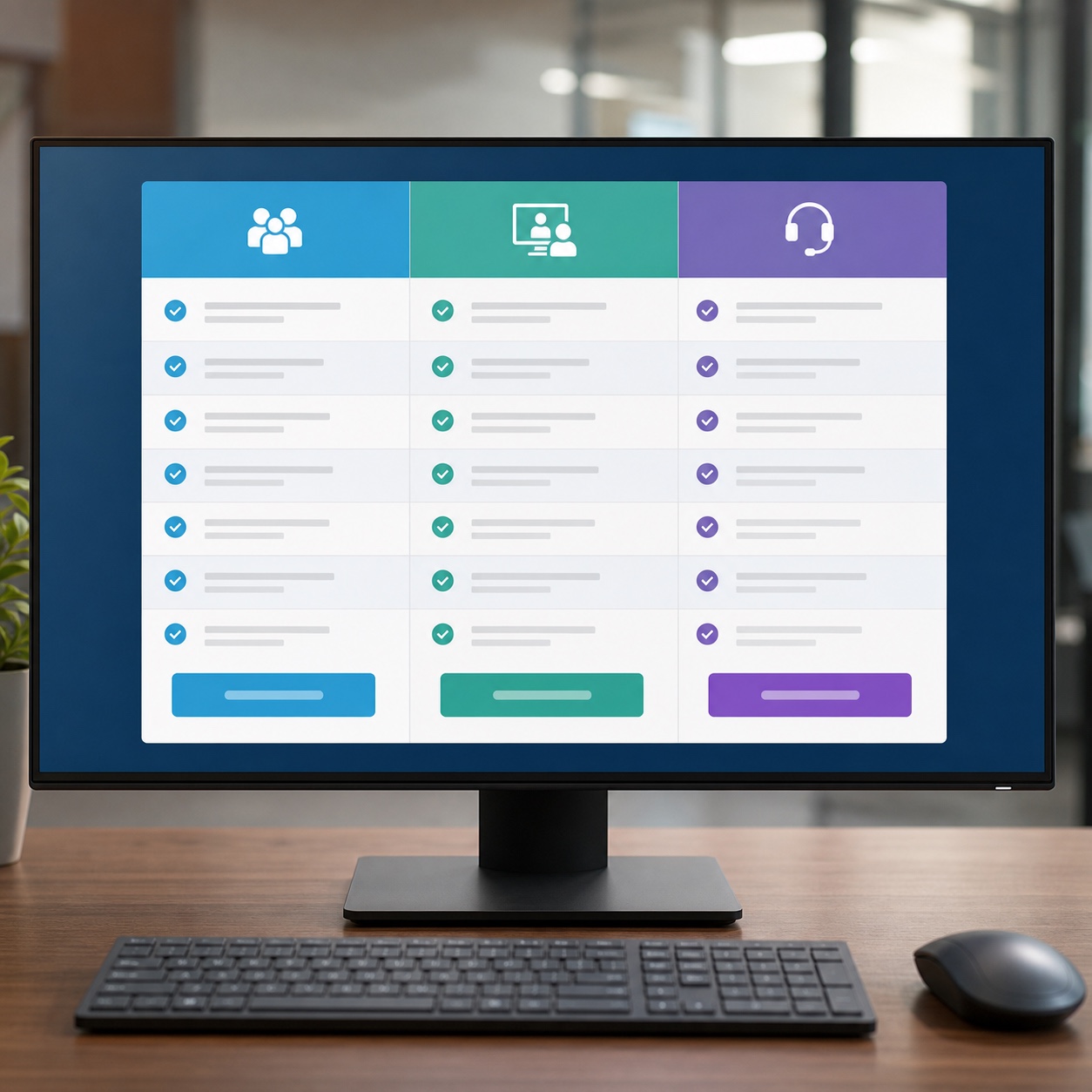
IT consulting is the planning layer: infrastructure design, tool selection, the strategic decisions made before anything breaks. Managed IT support is the ongoing relationship that includes monitoring and maintenance alongside remote troubleshooting.
Day-to-day remote support is the narrowest and most immediate of the three: something’s broken right now, fix it fast, without needing anyone on-site. A studio evaluating providers should know exactly which of these it’s actually buying, since a consulting engagement won’t answer a 2am render failure, and reactive support alone won’t catch infrastructure problems building quietly over months.
Confusing the three costs studios more often than the terminology suggests it should. A studio that hires a consultant expecting ongoing help desk coverage discovers the gap the first time something breaks mid-project, right when the mismatch is most expensive to sort out.
The IT problems that stop remote studio work fastest
Adobe, Avid, Figma, CAD, 3D, plugin, font, and license issues
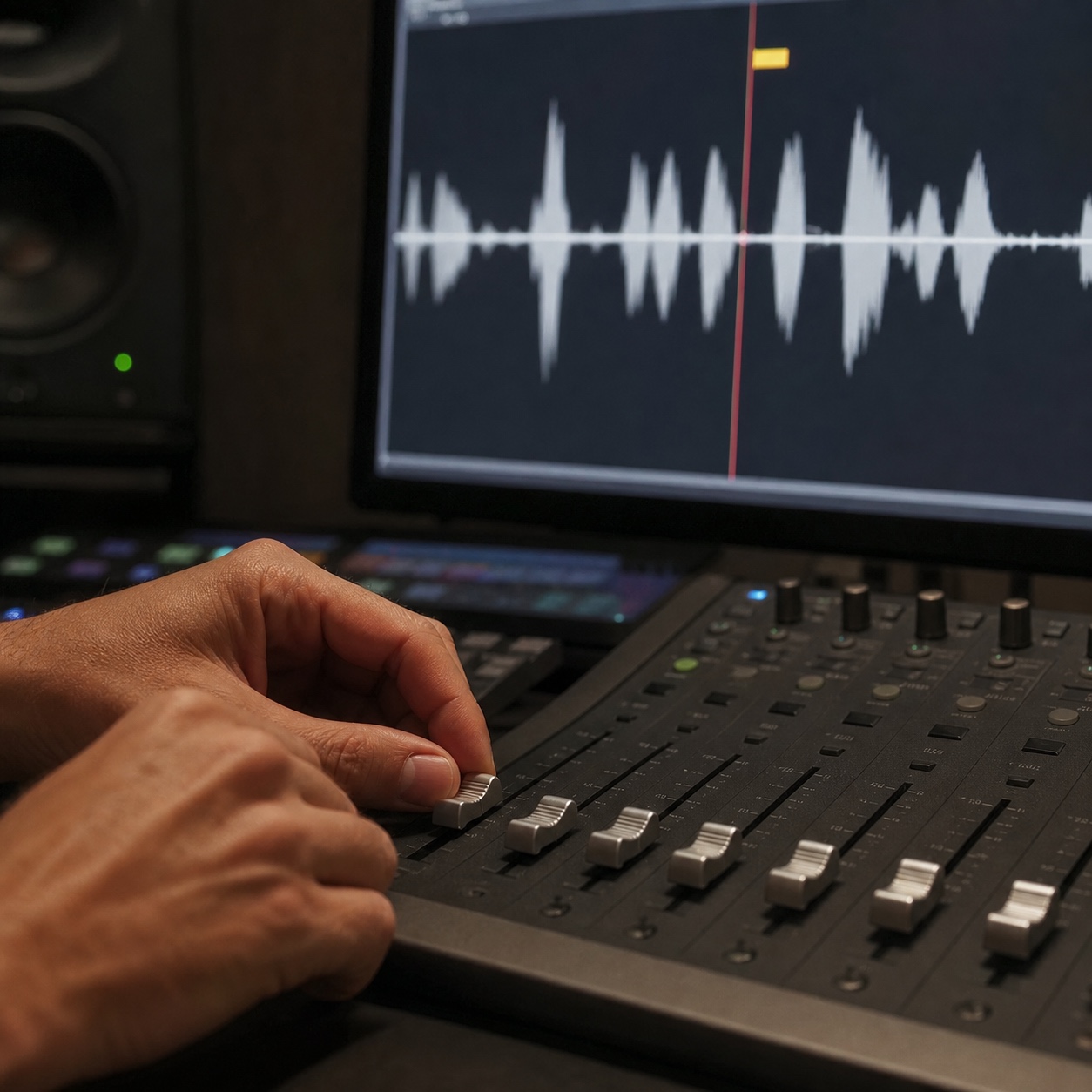
Every production tool fails in its own particular way. Avid sessions can lose sync between picture and audio after an update nobody flagged as risky. Adobe license servers occasionally drop a seat mid-project for no visible reason. Plugin conflicts in a 3D pipeline can silently corrupt a render pass, producing output that looks fine at a glance and wrong on close inspection. Font substitution issues shift a title sequence’s timing in ways that only show up once someone’s already reviewed the “final” cut.
On an automotive cinematic project, a plugin update quietly shifted how a specific render pass handled reflections, and the change was subtle enough that three people reviewed the output before someone finally caught it against an earlier reference frame. Support staff who’ve seen this exact category of drift before know to compare against a reference immediately. Everyone else assumes the scene itself is the problem and starts there instead.
Cloud storage sync, missing permissions, broken links, and file-version confusion
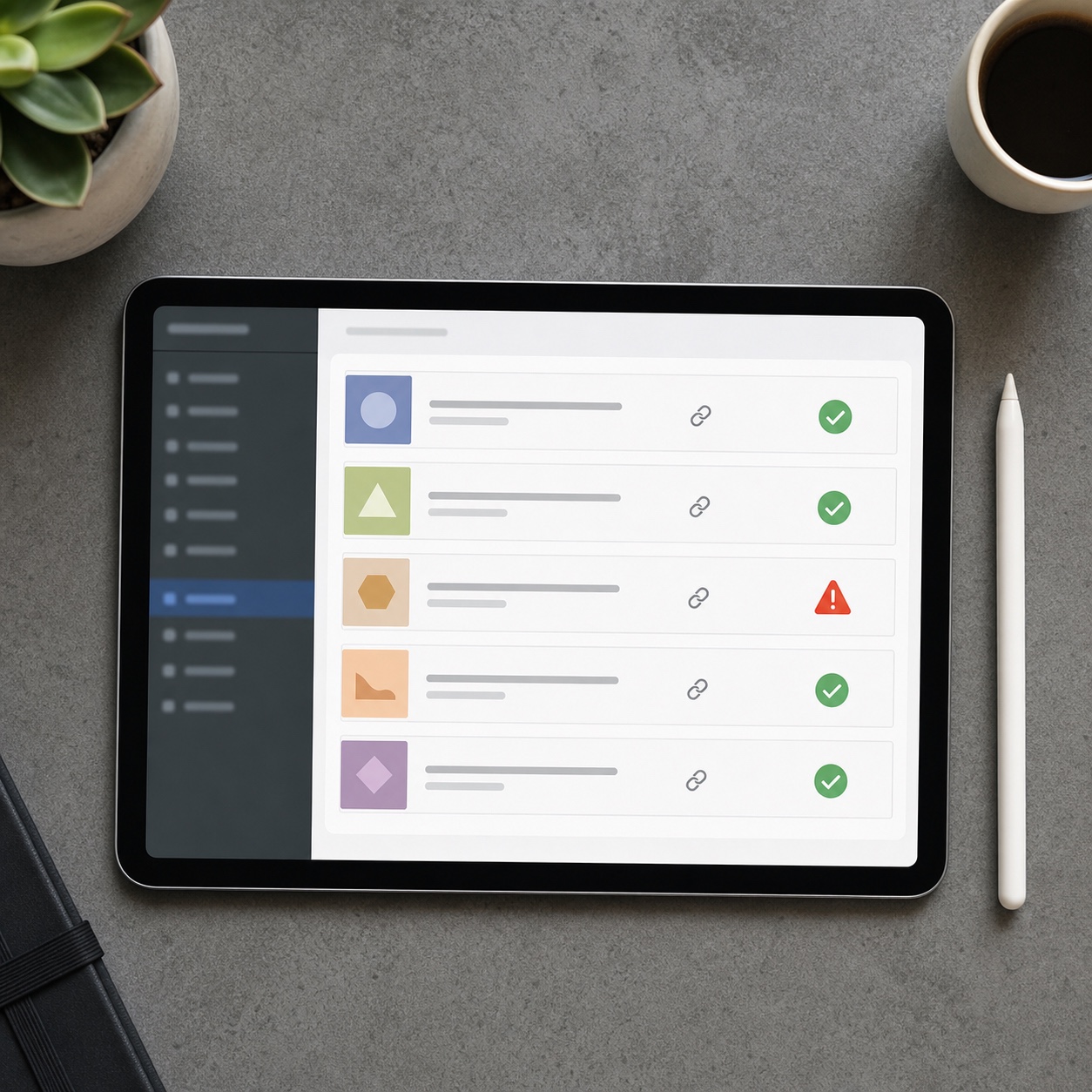
Sync failures are the quietest category of problem and often the most expensive, because nothing throws an obvious error. A colorist grades against a proxy that’s one revision behind the actual picture lock, and the mismatch surfaces only once someone compares the delivered file against what was actually approved. Broken links compound this on any project referencing a shared media pool across many sequences, since a single moved or renamed asset can break references nobody thinks to check until output looks subtly wrong.
This category costs a studio in trust more than in raw hours, in my experience. A client who catches a mismatch between what was approved and what got delivered starts wondering what else might have slipped through unnoticed, even when the underlying cause was a sync glitch rather than any actual carelessness on the studio’s part.
VPN, latency, remote workstation, and bandwidth problems
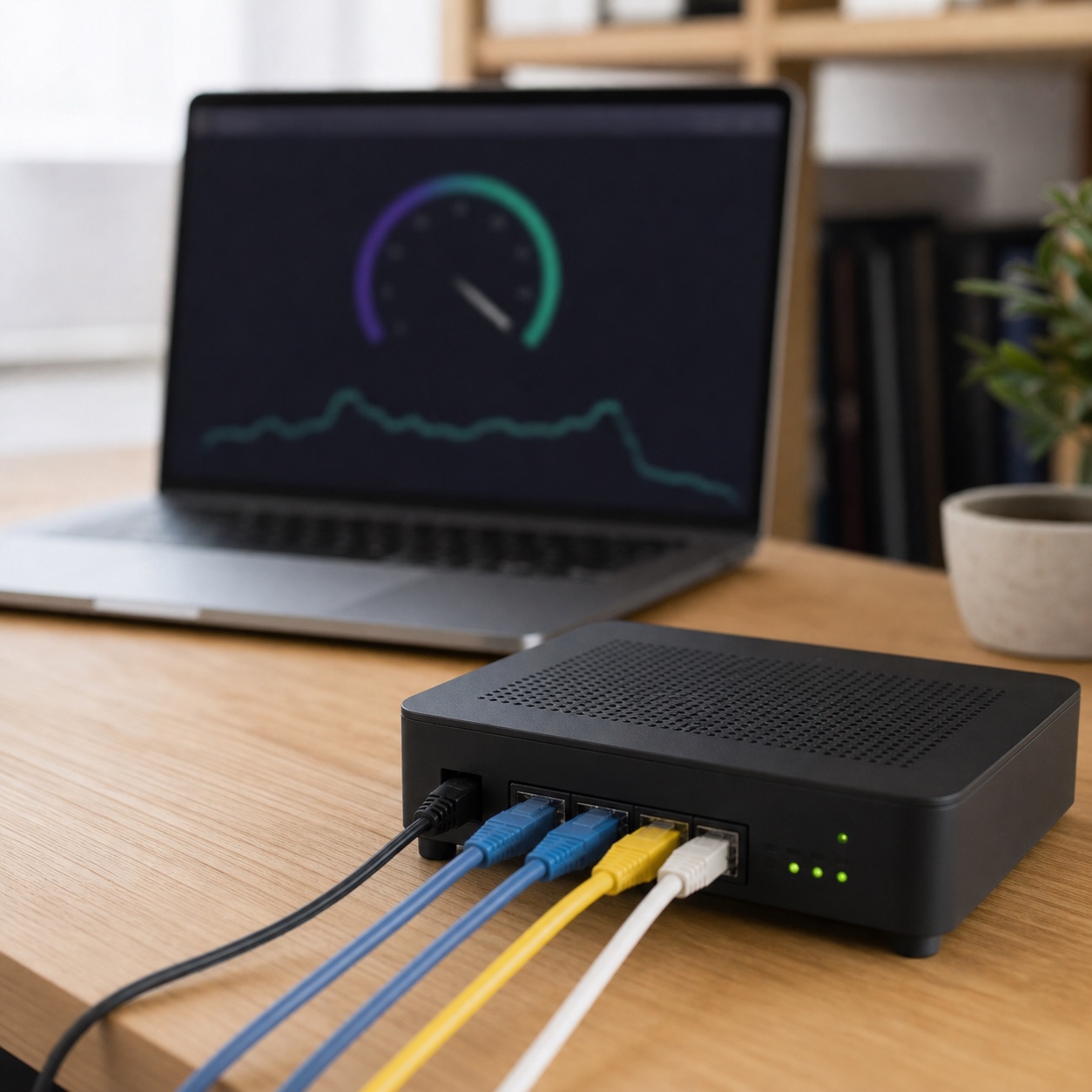
Network issues rarely look like network issues from the outside. An editor blames a sluggish timeline on their own machine when the real bottleneck is a saturated home connection competing with three other devices. A VPN dropping mid-transfer on a large media file can silently corrupt it, and the corrupted version sometimes gets delivered before anyone realizes what happened. Remote workstation latency adds its own layer, since a laggy connection to cloud-based compute turns fine color work into a genuinely frustrating guessing game.
I’ve learned to check the network path before assuming a hardware problem on almost any performance complaint now, purely because it’s caught the real cause often enough to become the default first step. Starting with the more obvious-seeming local hardware assumption instead usually wastes far more time than a quick connection check would have.
Building a support desk around creative deadlines
Triage by client impact, not ticket order
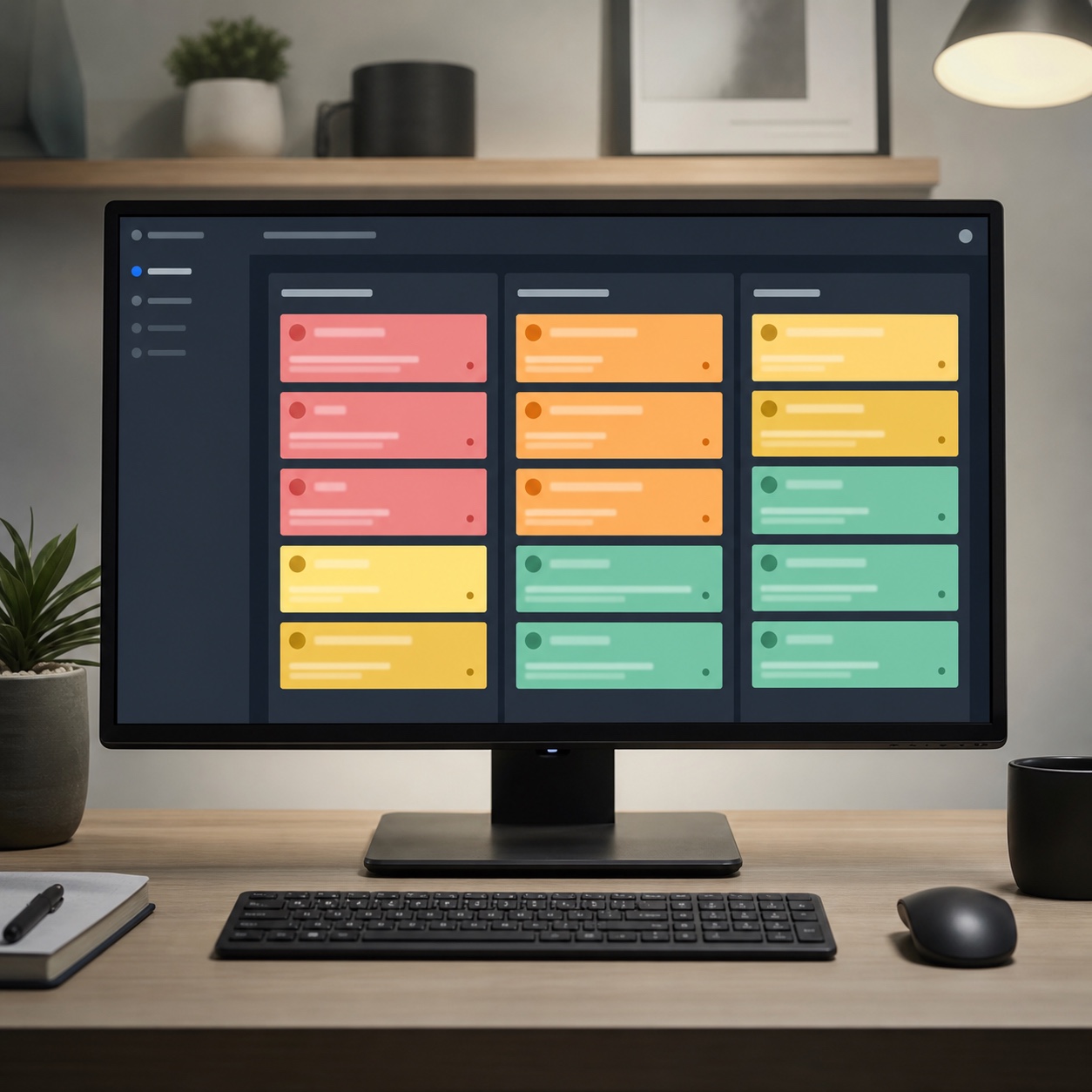
A support queue sorted purely by arrival time treats a minor font question exactly like a stalled client delivery, which gets the priorities backwards in a business where client-facing deadlines carry disproportionate weight. Real triage weighs what’s actually at stake for the client relationship in the next few hours, not who happened to submit a ticket first.
Watching a first-in-first-out queue actually cost a studio a deadline is a fast way to understand why this matters. The fix isn’t complicated, but it does require support staff who feel empowered to reorder their own queue based on stated stakes, rather than defaulting to strict order out of habit or policy.
Priority levels for client presentation, render delivery, production handoff, and routine fixes
A workable system needs only a handful of tiers: anything touching an active client presentation or an imminent render delivery jumps to the front, production handoffs land just behind that, and routine requests fill in around them. The tiers only work if they’re followed consistently, not just invoked when someone remembers to flag something as urgent.
Writing the tiers down explicitly matters more as a team grows past one or two people handling tickets. An unwritten, shared sense of “we handle urgent things first” erodes fast once everyone’s private definition of urgent starts to diverge from everyone else’s.
What a realistic support SLA looks like for remote studios
A support agreement worth having specifies real response windows tied to those priority tiers, not a vague promise to respond “as soon as possible.” Because production work often runs through the night on render farms and export queues, coverage that extends past standard business hours matters more here than in most industries. Studios relying on 24/7 IT support with iMedia do it for exactly this reason: an overnight render failure caught at 3am costs far less than the same failure discovered at 8am with a client call in two hours.
Get the actual numbers in writing before a provider starts handling live tickets, not as an afterthought once they’re already in the workflow. A provider who hesitates to commit to a concrete overnight response time is telling a studio something worth hearing about what to expect the first time a real overnight failure happens.
IT infrastructure choices that make support easier
Standard devices, license governance, cloud collaboration tools, backups, and access rules
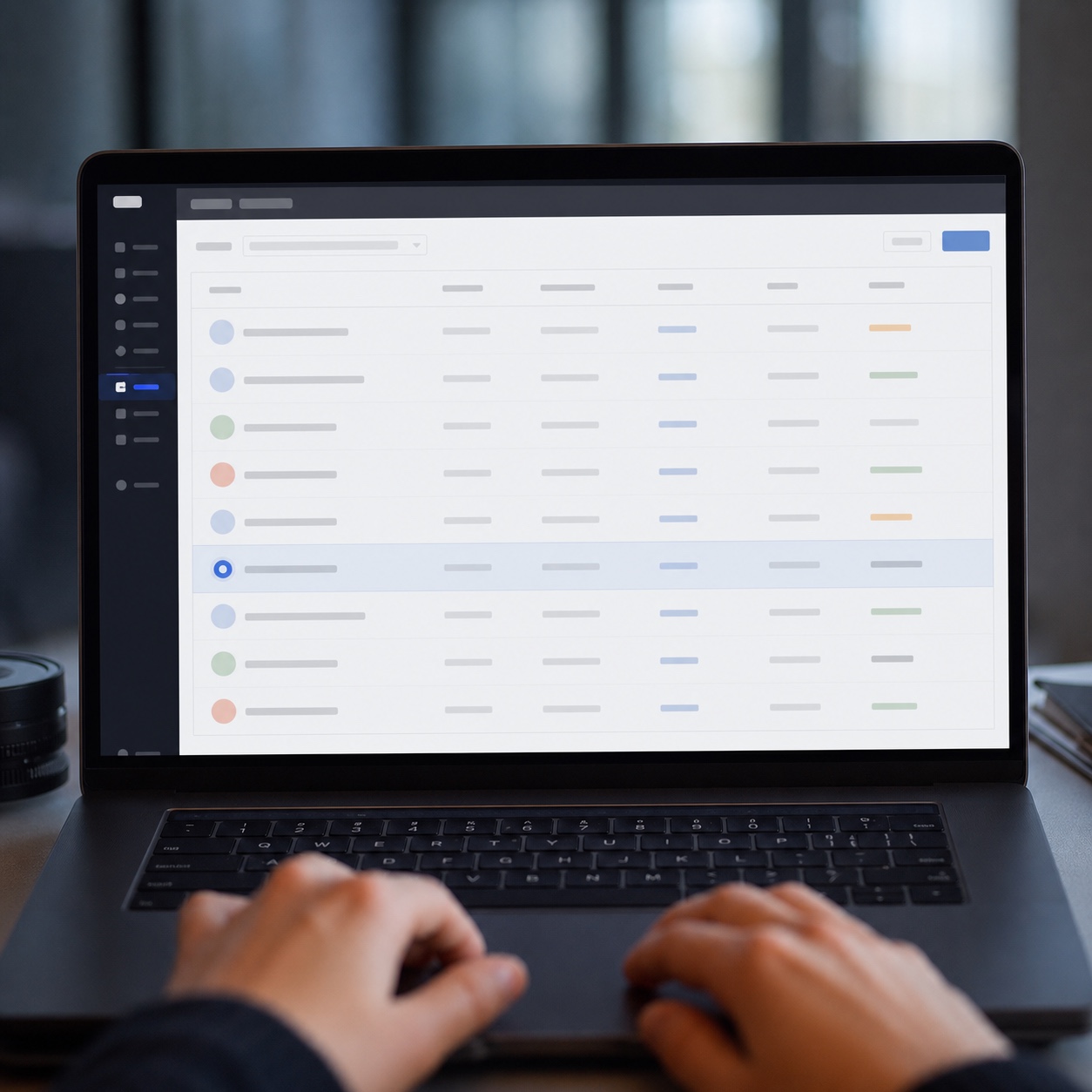
A studio running a known, documented set of workstations, license assignments, and access rules gives a support team something they can actually diagnose quickly. A studio where every freelancer brings their own unmanaged setup gives support staff a fresh puzzle on every single ticket. License governance deserves specific attention, since a seat quietly left assigned to someone who wrapped a project months ago is both a wasted cost and an access risk nobody’s tracking.
I keep a simple license log for my own smaller collaborations, nothing more elaborate than a spreadsheet tab: which tool, who holds the seat, when it renews. It’s caught more than one lingering seat that should have been freed up long before anyone noticed it hadn’t been.

When cloud workstations or remote desktops make sense
Cloud workstations and remote desktops earn their place when local hardware genuinely can’t keep up with render or color-grading demands, or when a studio needs to onboard a contractor fast without shipping physical equipment. They’re not automatically the right answer for every role. A concept artist doing early sketches doesn’t need the same infrastructure as a colorist finishing a 4K deliverable, and provisioning everyone identically wastes budget without improving anything for the lighter workloads.
Matching infrastructure to actual role demands, rather than defaulting everyone onto the heaviest available tier, is one of the simplest cost-saving decisions a studio can make and one of the most commonly skipped, usually because it’s easier to provision uniformly than to actually think through who needs what.
Security handoffs without slowing creative work
MFA, endpoint checks, secure access, and IP protection
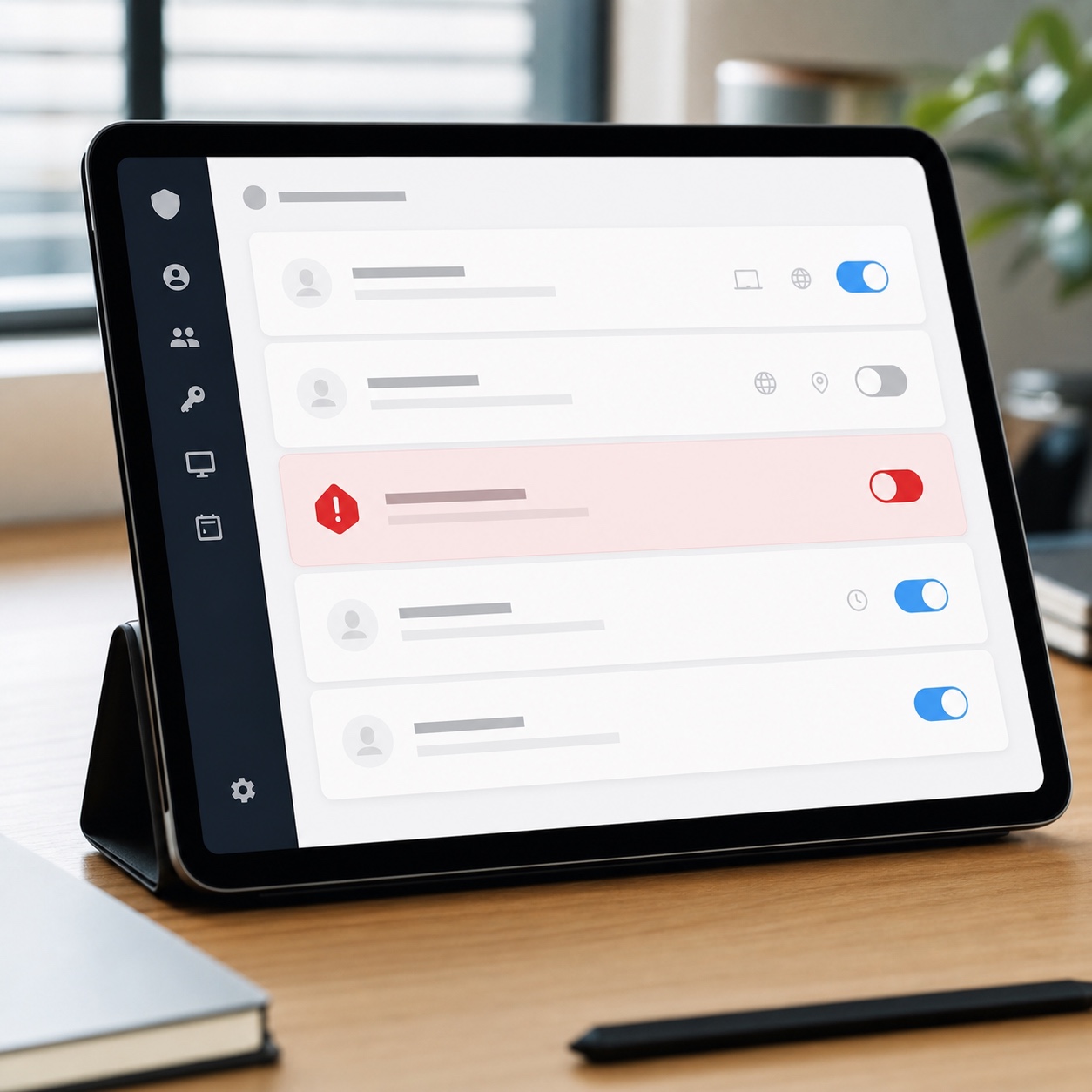
Unreleased footage, unfinished scores, and pre-launch creative concepts carry real competitive value if they leak, which makes basic security discipline non-negotiable rather than optional. MFA on every account touching production files, endpoint checks on devices before they connect, and access scoped tightly to what a given role actually needs all belong in the everyday support relationship, not treated as a separate concern bolted on afterward.
The instinct to treat security as something separate from day-to-day support usually comes from viewing it as a compliance checkbox rather than a working part of the production pipeline. A studio that folds security into ordinary support conversations catches problems earlier than one that only thinks about it during an annual review nobody looks forward to.
When a help desk issue should become a security review
Most access requests are routine enough for a help desk to resolve directly. The line worth drawing clearly is what escalates into an actual security review: an unfamiliar login location, a lost device, file activity that doesn’t match someone’s normal pattern. Support staff who recognize that line immediately protect a studio far better than staff who either escalate everything out of caution or nothing at all out of habit.
Onboarding freelancers and offboarding collaborators cleanly
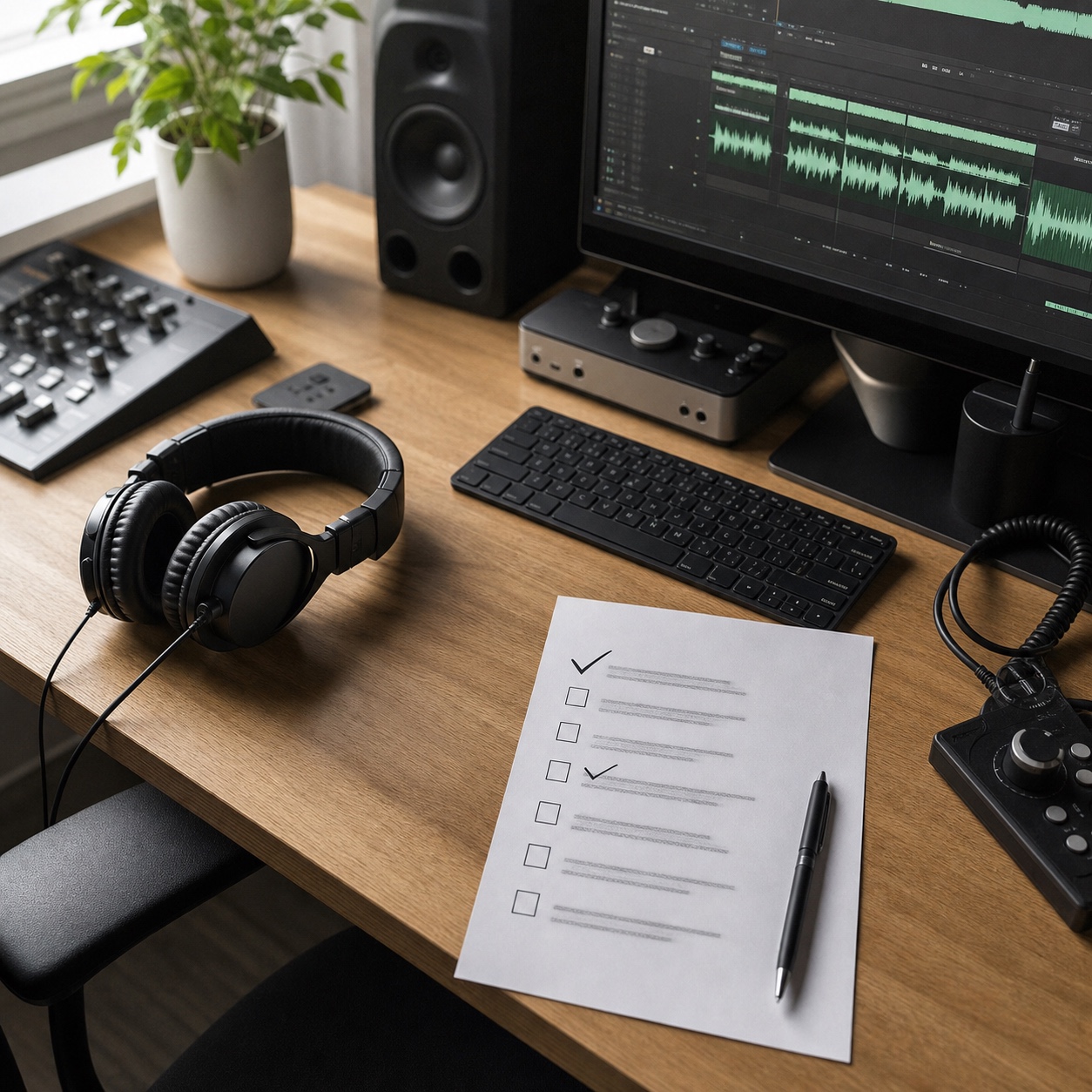
A freelance colorist or sound editor’s first day should mean working software and the right file access already waiting, not a morning lost to setup that eats into a short engagement. Offboarding deserves equal discipline in reverse: access revoked and licenses freed the moment an engagement wraps, not left to drift because nobody owns the cleanup step. I’ve seen offboarding slip more often than onboarding, mostly because unused access doesn’t announce itself as a problem the way a broken login does on someone’s actual first day.
Treating both as genuine support responsibilities, not administrative tasks squeezed in around real work, changes how consistently they actually happen. A support desk that owns the full checklist gets a new collaborator productive within the first hour instead of losing a chunk of a short engagement to setup friction, and closes out a wrapped project cleanly instead of leaving stray access for someone to stumble on months later.

Remote studio IT support checklist
Run through this when building or auditing a support setup for a distributed production team:
- Software: Every core creative application has a documented troubleshooting path support staff actually know.
- Access: Permissions are reviewed on a schedule, not left to accumulate indefinitely.
- Files: Sync failures and broken links have a clear diagnostic process.
- Devices: Workstations follow a known, standardized baseline wherever practical.
- Coverage: Support hours account for overnight renders and cross-time-zone collaborators.
- Escalation: A defined path runs from first response through specialist through security review.
- Backups: Recovery is tested regularly, not just assumed to work when needed.
- Security: MFA and endpoint checks are standard, not optional add-ons.
- Onboarding: New freelancers get working access before their first billable hour, not after.
FAQ
What is remote IT support for creative studios?
Remote IT support is technical assistance delivered to a distributed production team without requiring anyone on-site, covering help desk response, access management, and troubleshooting for the specific software and file demands of creative production work. It’s distinct from general office IT precisely because of how specialized those demands are.
Why do remote studios need specialized IT support instead of generic help desk services?
Because production software fails in ways generic office IT training doesn’t prepare technicians for, from proxy-media mismatches to render-pass corruption, and a support team unfamiliar with these patterns takes far longer to diagnose them correctly. The cost of that unfamiliarity compounds across every similar ticket that follows.
What should a support desk prioritize first for a creative studio?
Anything touching an active client presentation or an imminent render delivery, followed by production handoffs, with routine requests filling in around them. Triage by actual client impact rather than ticket arrival order protects the deadlines that matter most to the business relationship.
Do remote studios need 24/7 IT support?
Studios running overnight renders or collaborating across several time zones usually benefit from coverage that extends past standard hours, since a failure caught overnight costs far less than the same failure discovered right before a morning deadline. Smaller studios working within a tighter time-zone range can often get by with clear coverage windows instead of paying for coverage that mostly sits unused.
How is IT consulting different from day-to-day remote support?
Consulting is the planning layer, designing infrastructure and choosing tools before anything breaks. Day-to-day remote support is the reactive layer, fixing what’s actually broken right now. A studio typically needs both eventually, though not necessarily from the same relationship at the same time, and confusing the two leads to real gaps in coverage.
The gap between a smooth production day and a scrambled one usually isn’t talent or effort. It’s whether the infrastructure underneath the work held up quietly in the background or announced itself at the worst possible moment. Remote IT support built around real production deadlines, fast triage, honest coverage, and a clean line to security when something’s genuinely wrong, is what keeps a distributed studio’s actual output from depending on luck.
I think about support infrastructure the same way I think about any other unglamorous part of a production pipeline: invisible when it works, unmistakable the moment it doesn’t. The studios that handle this best aren’t running the fanciest available technology. They’re the ones where a blocked editor already knows exactly who to contact, roughly how fast a fix will actually arrive, and that whoever answers understands what a corrupted overnight render genuinely costs the morning ahead.
- 20shares
- Facebook0
- Pinterest20
- Twitter0
- Reddit0