UI/UX design is the part of the job most people lump together, and I get why — the acronyms sit next to each other so often they start to feel like one word. They’re not. UI is the visual layer: buttons, color, type, spacing, the stuff you see. UX is the layer underneath — whether the thing actually makes sense when someone’s trying to use it at 11pm on their phone with one hand free.
I used to think you could pick up UX with a few design principles and good intentions. You can’t. Half of it is closer to psychology than design — figuring out why a checkout form with one extra field loses people, why a button in the “wrong” spot still tests fine because of how people actually scan a screen. Figma teaches you none of that. It just makes the mockup look clean.
- What UI/UX design means in practice
- UI vs UX at a glance
- A practical UI/UX design checklist
- Fundamentals of UI/UX Design
- The UI/UX Design Process
- UI Elements and Interaction Design
- UX Strategies and Best Practices
- Tools and Technologies
- The Business of UI/UX Design
- Advanced Topics in UI/UX Design
- Professional Development in UI/UX
- Next steps in the UX/UI design cluster
- Useful UX references
- UI/UX design FAQ
- Q: What is UI/UX design?
- Q: What is the difference between UI and UX design?
- Q: What are the main steps in a UI/UX design process?
- Q: Why is user research important in UX design?
- Q: How does accessibility fit into UI/UX design?
- Q: What should a beginner UI/UX designer practice first?
- Q: How do UI/UX designers work with developers?
What UI/UX design means in practice
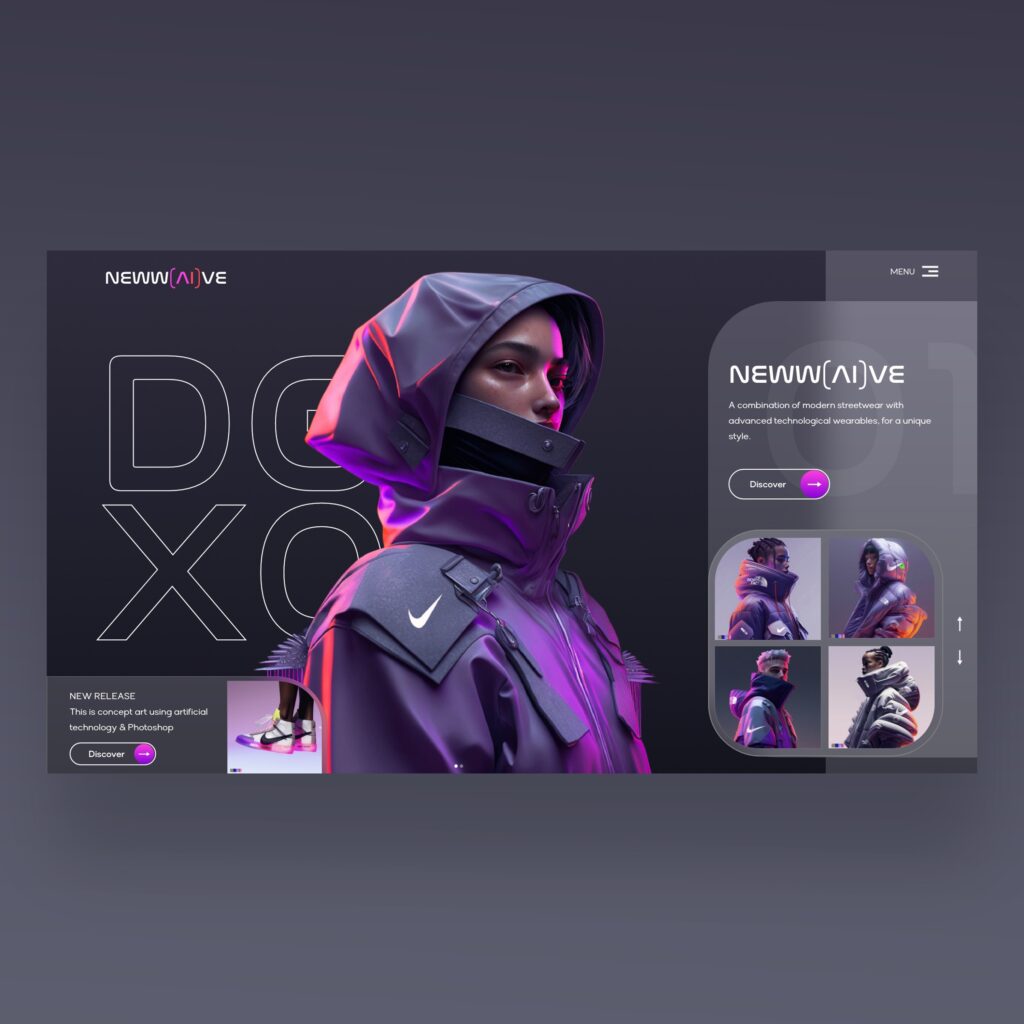
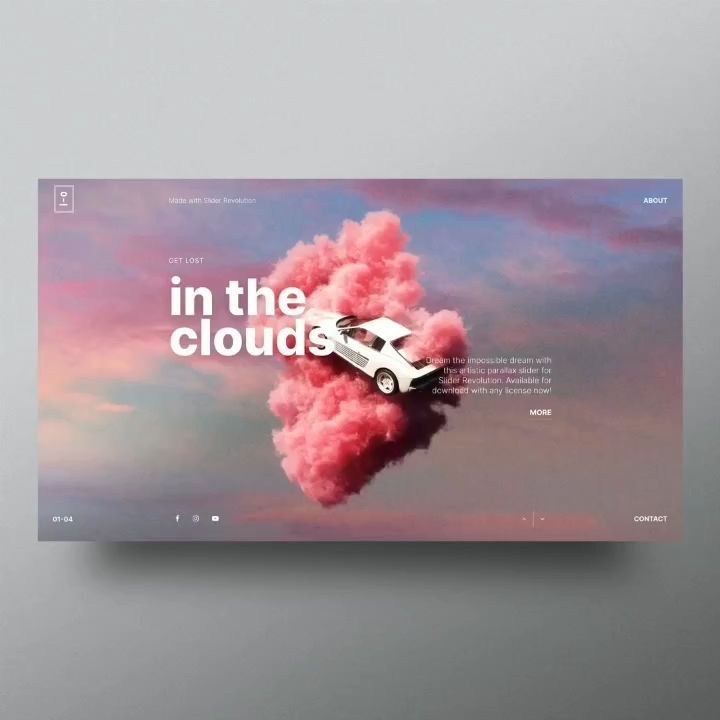
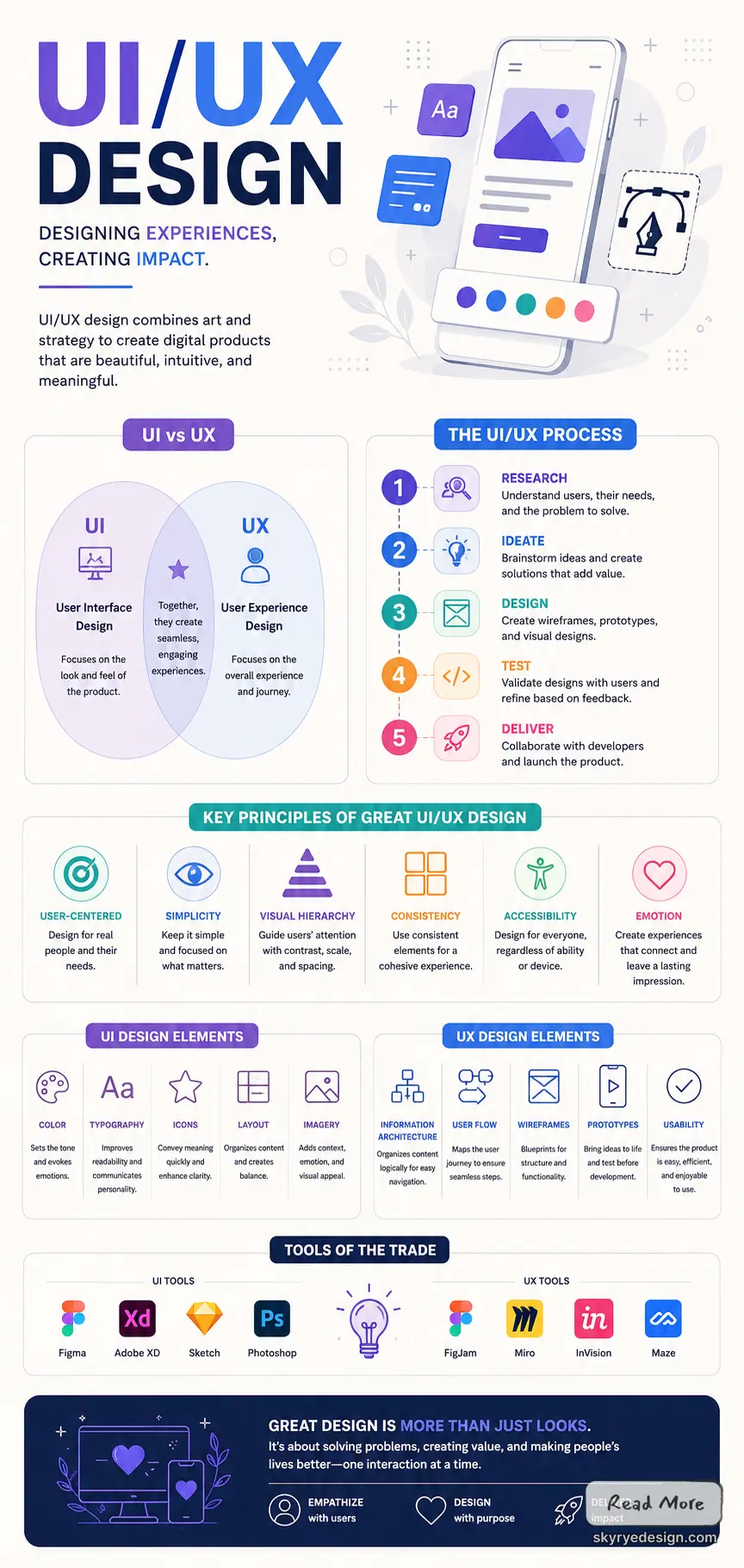
UI/UX design is the work of making a digital product understandable, usable, and visually coherent. UI design handles the visible interface: layout, typography, color, buttons, spacing, states, and visual hierarchy. UX design handles the full experience: what users need, how they move through a task, where confusion appears, and whether the product helps them finish without friction. A strong UI can make a product look polished, but UX decides whether the product actually works for the person using it.
In a real project, the two overlap constantly. A checkout screen, onboarding flow, dashboard, or mobile app setting has to look clear and behave predictably. That means research, wireframes, prototypes, usability testing, accessibility checks, and visual design all need to support one another instead of living as separate deliverables.
UI vs UX at a glance
| Area | UI design focuses on | UX design focuses on |
|---|---|---|
| Core question | Does the interface look clear and usable? | Can the user complete the task without confusion? |
| Main work | Visual hierarchy, layout, components, states, typography, color | User research, flows, information architecture, testing, journey friction |
| Common outputs | Design systems, screens, components, interaction states | Personas, flows, wireframes, prototypes, usability findings |
| Failure signal | The product looks inconsistent or hard to scan | The product makes users hesitate, abandon, or ask for help |
A practical UI/UX design checklist
- Start with the task the user needs to finish, not the screen you want to design.
- Map the flow before polishing colors, icons, or animation.
- Use wireframes to expose missing steps before the visual design gets expensive to change.
- Test labels, forms, navigation, and empty states with real or realistic users.
- Check accessibility early: contrast, focus states, keyboard navigation, readable type, and error messages.
- Document repeated components so the product does not become a pile of one-off screens.
My process is research, wireframes, testing, then implementation — and testing is the one stage that never goes the way I expect. I’ve watched users completely ignore a feature I spent days refining and tap on something I almost cut from the design. That’s the whole reason testing exists, and it’s also the stage most teams try to rush past first.
Implementation is where the design either holds up or doesn’t. I sit with a developer, watch the spacing shift two pixels because of how the framework renders type, and decide in real time whether it’s worth fighting for or not.
Key Takeaways
- UI/UX design is a multidisciplinary field that requires a combination of skills in design, psychology, and technology.
- The UI/UX design process involves several stages, including research, prototyping, testing, and implementation.
- A good UI/UX designer must be able to understand user behavior, design intuitive interfaces, and use the latest tools and technologies to create engaging user experiences.
Fundamentals of UI/UX Design
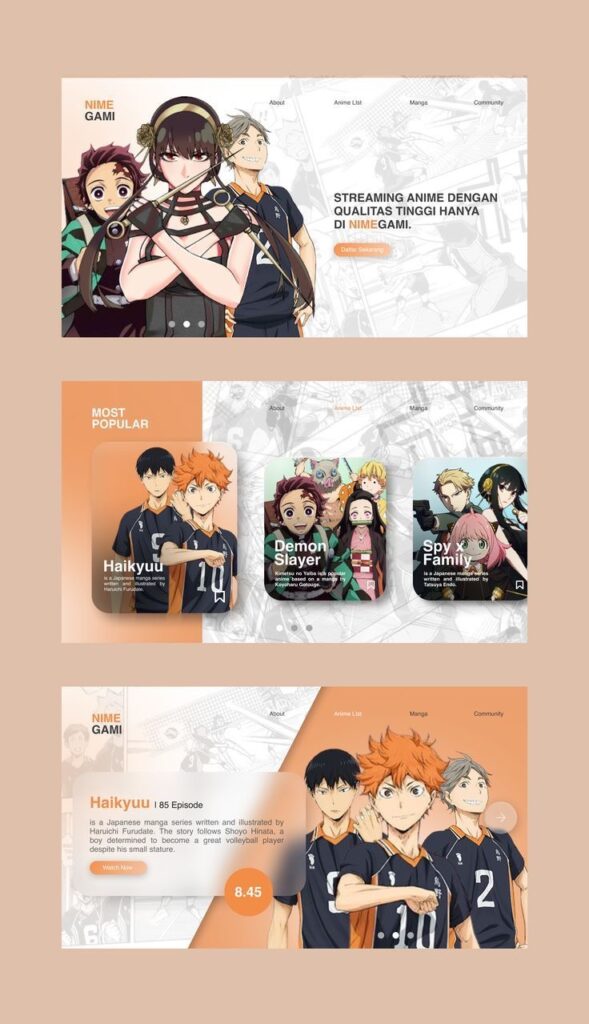
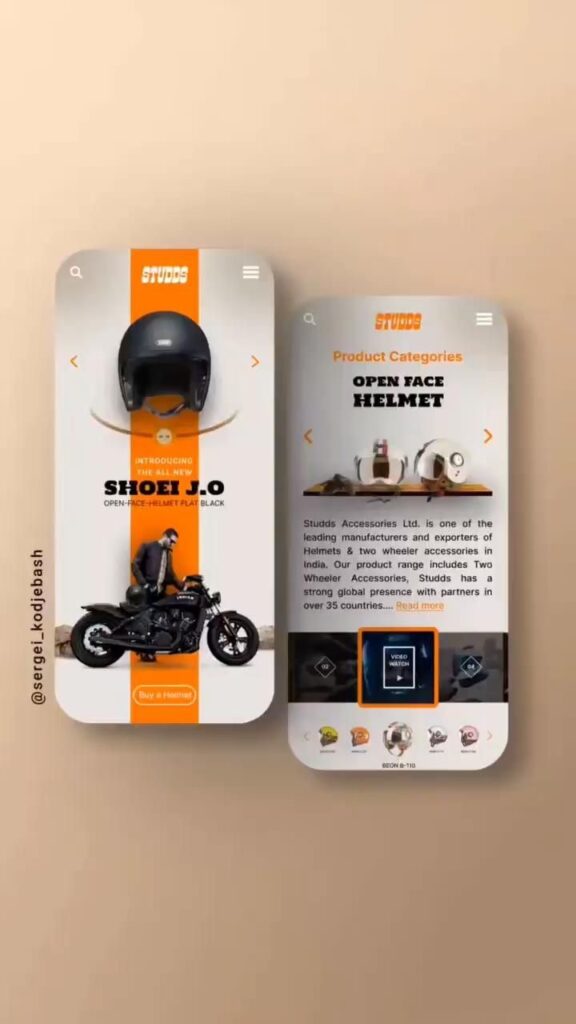
UI/UX design is the process of designing user interfaces and user experiences for digital products such as websites, mobile apps, and software. The goal of UI/UX design is to create products that are easy to use, visually appealing, and provide an enjoyable experience for the user.
Understanding UI and UX
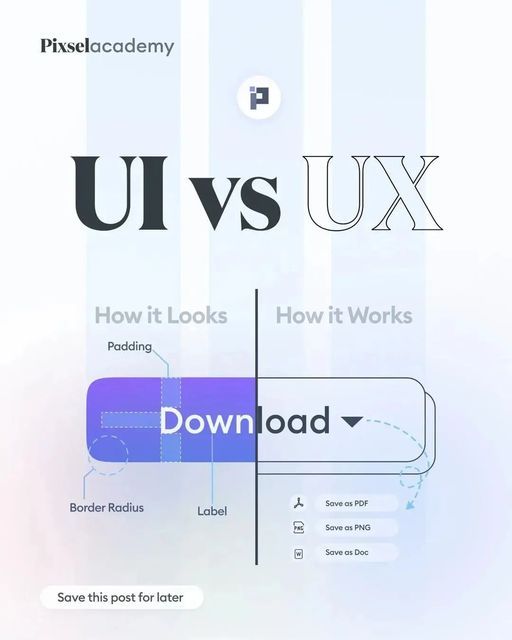
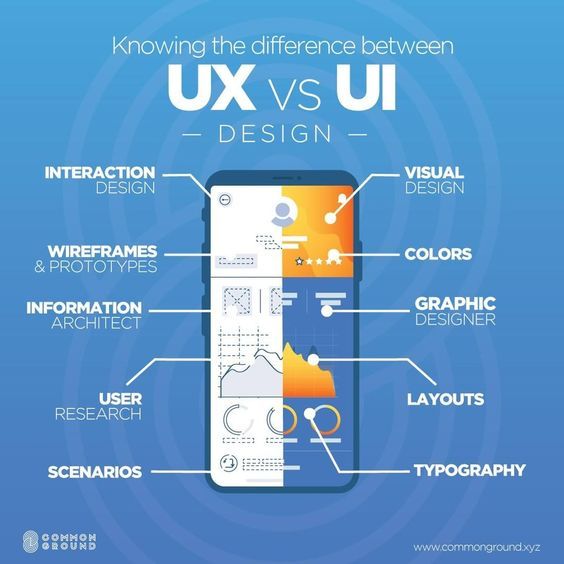
UI, or user interface, refers to the visual and interactive elements of a digital product that a user interacts with. This includes buttons, menus, forms, and other elements that allow the user to navigate and interact with the product. UX, or user experience, refers to the overall experience a user has while using a digital product. This includes the ease of use, the efficiency of the product, and the user’s emotional response to the product.
Principles of User-Centered Design
User-centered design is a design approach that focuses on the needs and preferences of the user. It involves understanding the user’s goals, behaviors, and motivations, and designing the product to meet those needs. Some key principles of user-centered design include simplicity, consistency, and usability. The design should be simple and easy to understand, with a consistent layout and navigation.
Usability testing should be conducted to ensure that the product is easy to use and meets the needs of the user. Incorporating user feedback throughout the website design process helps ensure the final product resonates with its intended audience. This iterative approach often results in more intuitive and effective digital experiences.
The Role of Research in Design
Research is an important part of the design process, as it helps designers understand the needs and preferences of the user. This includes conducting user surveys, interviews, and usability testing to gather feedback on the product. Research can also help designers identify trends and best practices in UI/UX design, and ensure that the product is up-to-date and relevant to the user.
In conclusion, a successful UI/UX design requires a thorough understanding of the user’s needs and preferences, as well as a focus on simplicity, consistency, and usability. Research is a critical part of the design process, and can help designers create products that meet the needs of the user.
The UI/UX Design Process

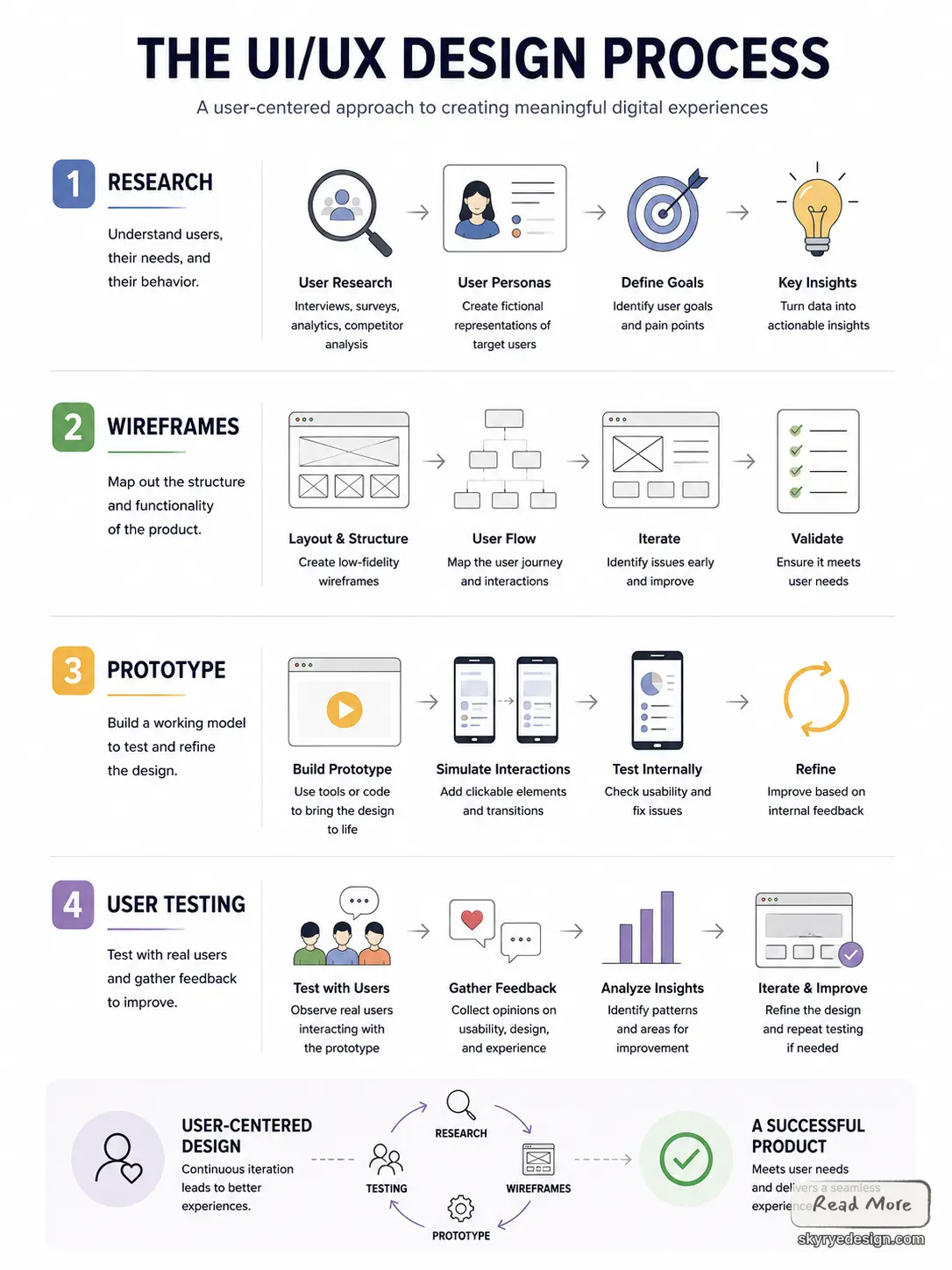
Creating a user-friendly interface and a seamless user experience requires a well-defined design process. The UI/UX design process involves a series of steps that lead to the creation of a product that meets the needs of the users.
From Research to Wireframes
The first step in the UI/UX design process is research. This involves gathering data on the users, their needs, and their behavior. The data collected during the research phase is used to create user personas, which are fictional representations of the target users.
Once the user personas have been created, the next step is to create wireframes. Wireframes are a visual representation of the product’s layout and functionality. They help to identify potential issues and ensure that the product meets the needs of the users.
Creating Prototypes
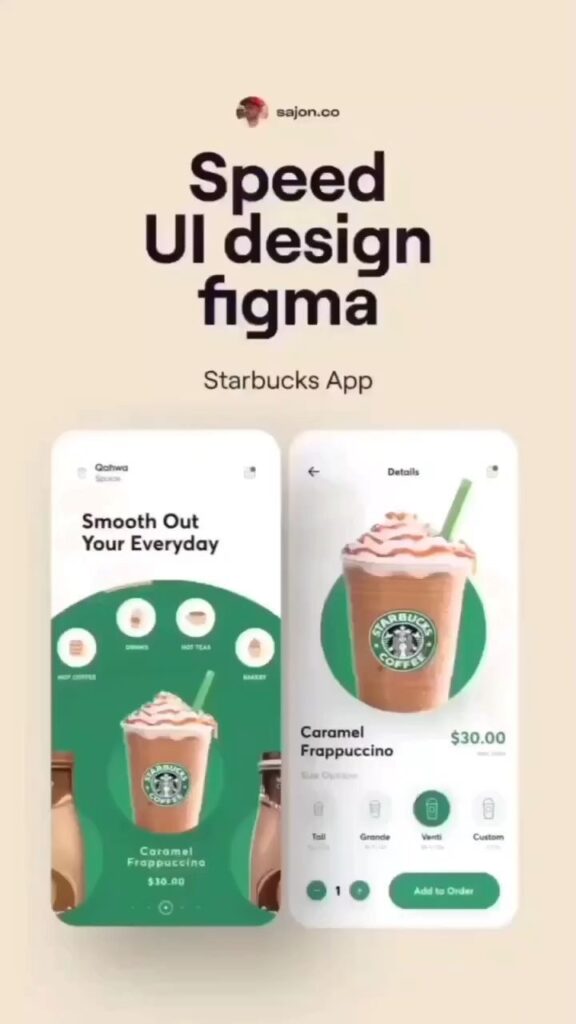
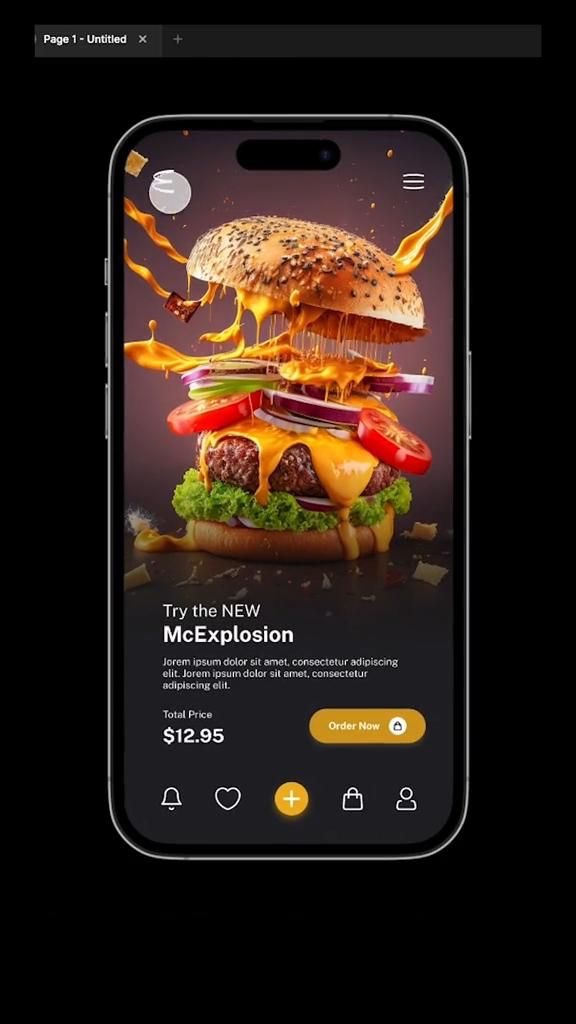
After the wireframes have been created, the next step is to create a prototype. A prototype is a working model of the product that allows designers to test and refine the design. Prototypes can be created using a variety of tools, including prototyping software, paper prototypes, and HTML/CSS.
User Testing and Feedback
Once the prototype has been created, the next step is to test it with users. User testing involves observing users as they interact with the product and gathering feedback on its usability. This feedback is used to refine the design and ensure that the product meets the needs of the users.
In conclusion, the UI/UX design process is a critical component of creating a successful product. By conducting research, creating wireframes, and prototyping, designers can ensure that the product meets the needs of the users. User testing and feedback are also critical components of the design process, as they help to refine the design and ensure that the product is user-friendly and easy to use.
UI Elements and Interaction Design
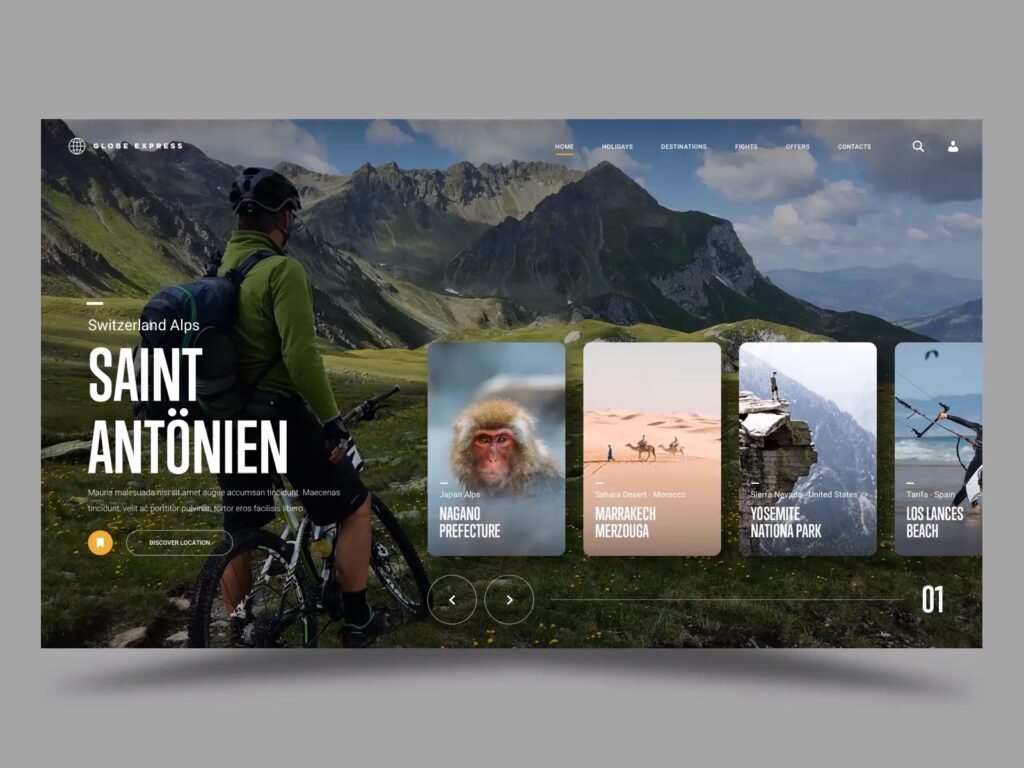
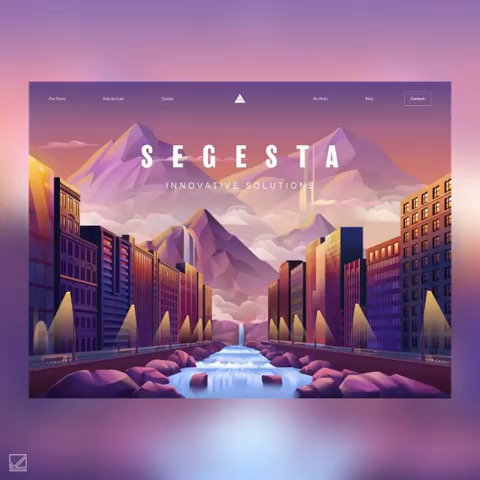
UI elements and interaction design are two essential components of user experience (UX) design. A well-designed interface includes both visual design elements and interactive features that make it easy for users to navigate and interact with the application or website.
For a more current planning layer, I would also compare the core process here with the 2026 UI/UX trends that are shaping product, web, and app interfaces right now.
Visual Design Elements
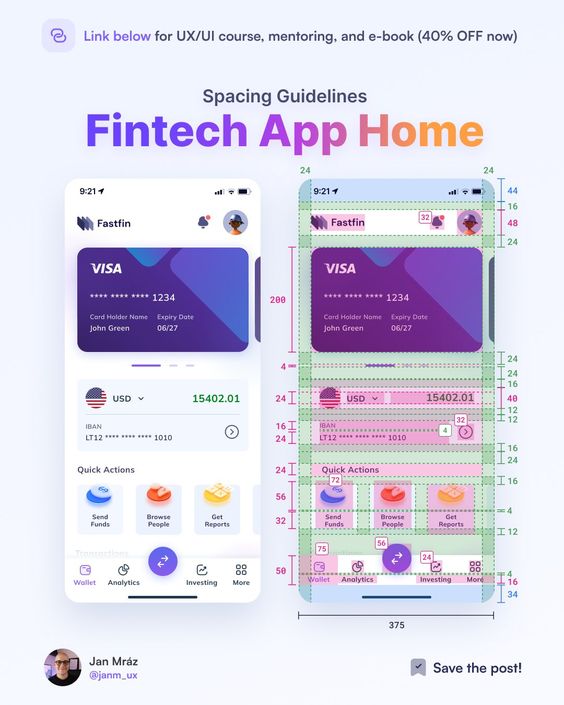
Visual design elements are the building blocks of a user interface. They include color, typography, layout, and imagery. These elements work together to create a visual hierarchy that guides the user’s eye and helps them understand the content.
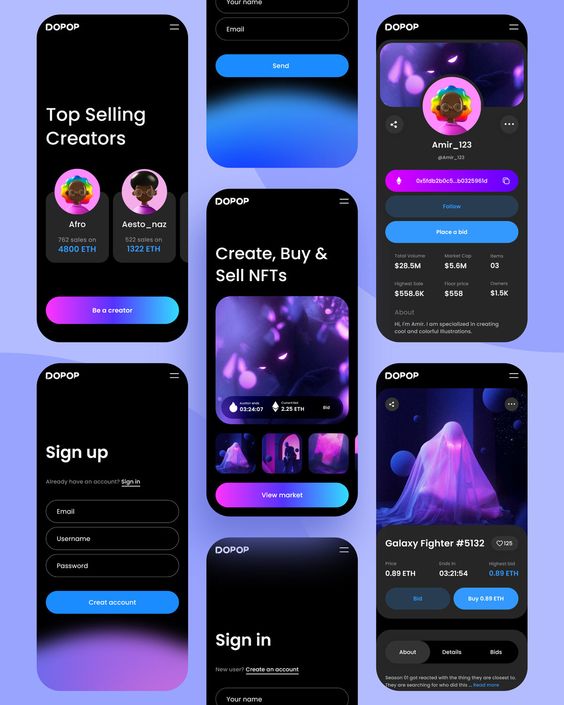
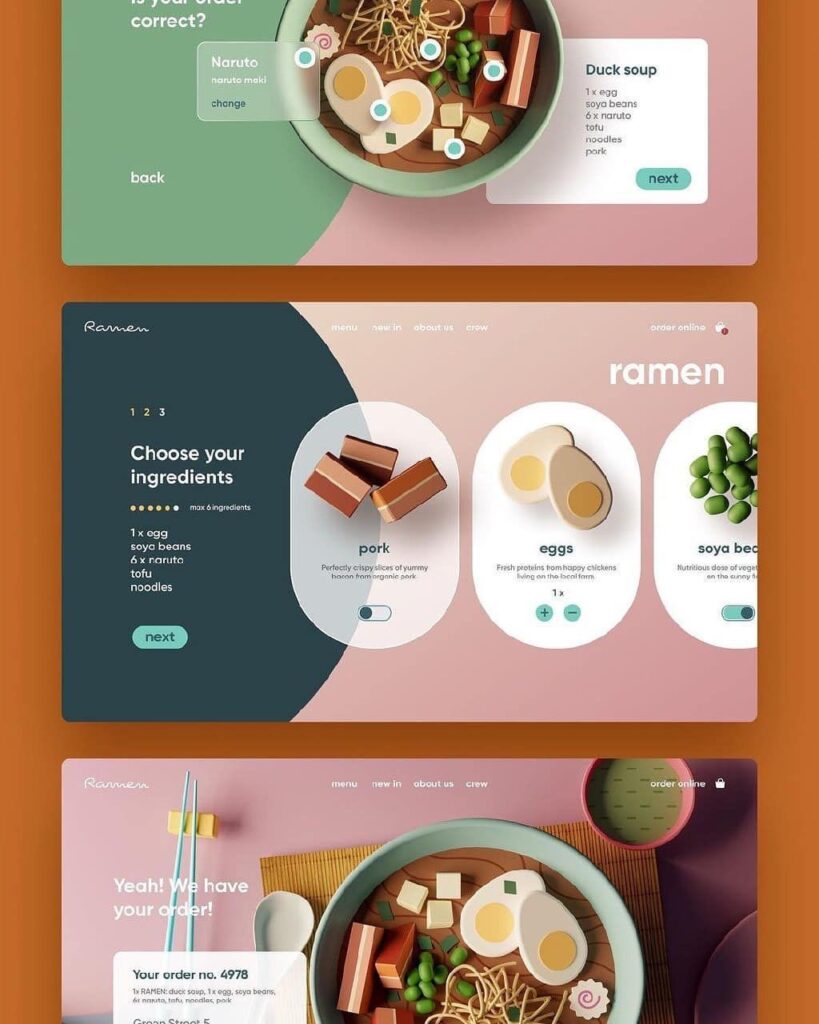
Color is an important aspect of visual design. It can be used to create contrast, highlight important information, and convey emotion. Typography is another crucial element. It should be legible and easy to read, and the font size should be appropriate for the content.
Layout is also important. The user interface should be organized in a logical and intuitive way. Imagery can be used to add interest and personality to the interface.
Designing for Interactivity
Interaction design is the process of designing interactive elements that allow users to interact with the interface. This includes buttons, forms, and other interactive elements.
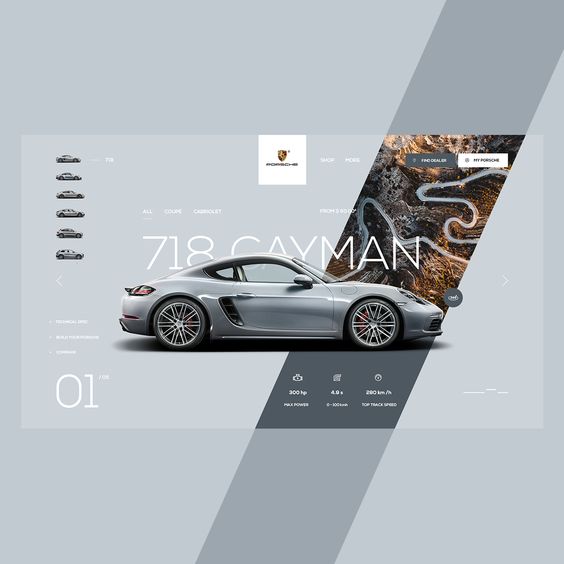
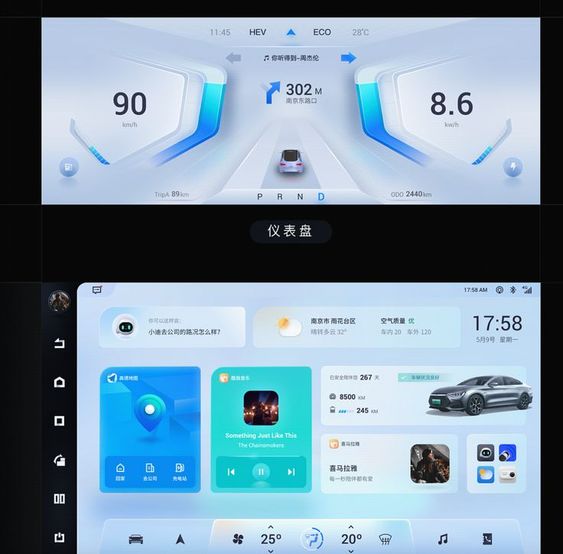
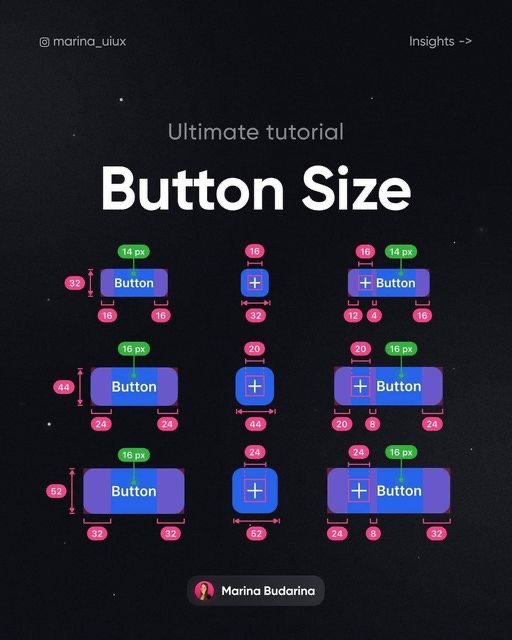
Buttons are a critical part of interaction design. They should be easy to find, and their purpose should be clear. Forms should be easy to fill out, and the user should receive feedback when they submit the form.
Navigation and Information Architecture
People treat navigation and information architecture like two separate checklist items. They’re not, really. Navigation is the path — clicks, taps, how someone gets from “I’m on the homepage” to “I found the thing I needed.” Information architecture is what decides whether that path even makes sense, because it’s the structure everything else hangs off of.
Here’s the test I actually use: if someone can’t find what they need in two or three taps, the problem usually isn’t the navigation menu, it’s the architecture underneath it. I learned this the hard way redesigning a client’s site nav for the third time before realizing the actual issue was that their product categories were organized by internal department, not by how a customer thinks about what they’re shopping for. Fixed the category structure, barely touched the nav, and the support tickets about “I can’t find X” dropped within a month.
Get the architecture wrong and no menu redesign saves it — you’re rearranging furniture in a room with the wrong layout. Get it right and the navigation almost writes itself, because the categories that show up are the ones that already made sense underneath.
UX Strategies and Best Practices
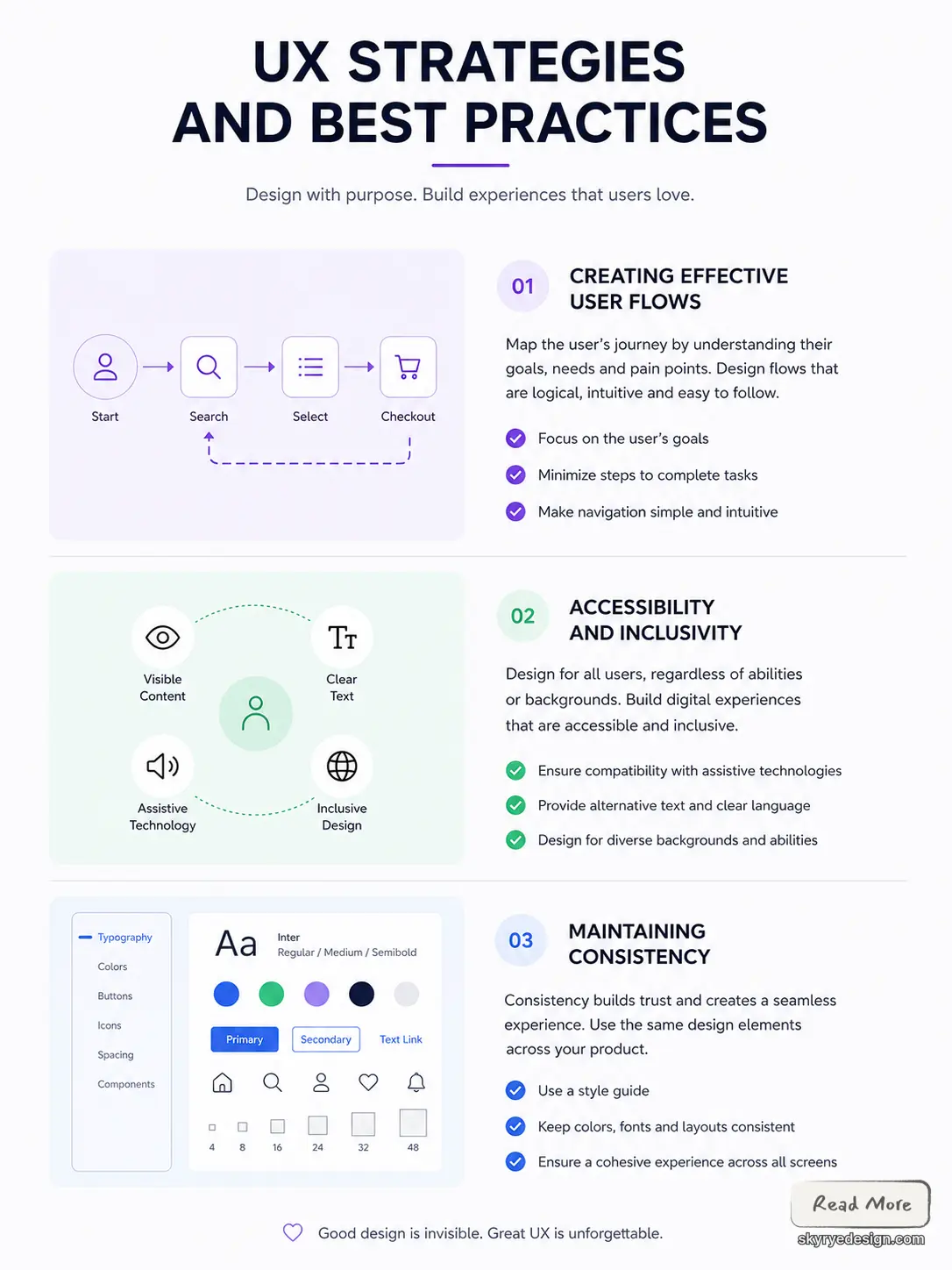
Creating a user-friendly experience is the key to success in UI/UX design. UX strategies and best practices are the foundation of creating a successful user experience. In this section, we will explore some of the best practices for creating effective user flows, accessibility and inclusivity, and maintaining consistency.
Creating Effective User Flows
Creating effective user flows is one of the most critical aspects of UX design. A user flow is a visual representation of the path a user takes to complete a task on a website or app. The flow should be logical, intuitive, and easy to follow. It should also be designed with the user’s needs and goals in mind.
One way to create effective user flows is to start by mapping out the user’s journey. This involves identifying the user’s goals, needs, and pain points. Once you have a clear understanding of the user’s journey, you can start to design the flow. The flow should be designed to minimize the number of steps required to complete a task and to make it easy for the user to navigate.
Accessibility and Inclusivity
Accessibility and inclusivity are essential aspects of UX design. It is important to design for all users, regardless of their abilities. Accessibility involves designing for users with disabilities, while inclusivity involves designing for users from diverse backgrounds.
One way to design for accessibility is to ensure that the website or app is compatible with assistive technologies such as screen readers and voice recognition software. It is also important to provide alternative text for images and to use clear and concise language.
Designing for inclusivity involves considering the needs of users from diverse backgrounds. This includes designing for users with different cultural backgrounds, languages, and cognitive abilities. It is important to use inclusive language and to avoid cultural stereotypes.
Maintaining Consistency
Maintaining consistency is critical to creating a seamless user experience. Consistency involves using the same design elements throughout the website or app. This includes using consistent colors, fonts, and layouts.
One way to maintain consistency is to use a style guide. A style guide is a set of guidelines that outlines the design elements used throughout the website or app. This includes guidelines for typography, color, and layout. Using a style guide ensures that the design is consistent across all pages and helps to create a cohesive user experience.
In conclusion, creating effective user flows, designing for accessibility and inclusivity, and maintaining consistency are essential aspects of UX design. By following these best practices, designers can create a user-friendly experience that meets the needs of all users.
Tools and Technologies
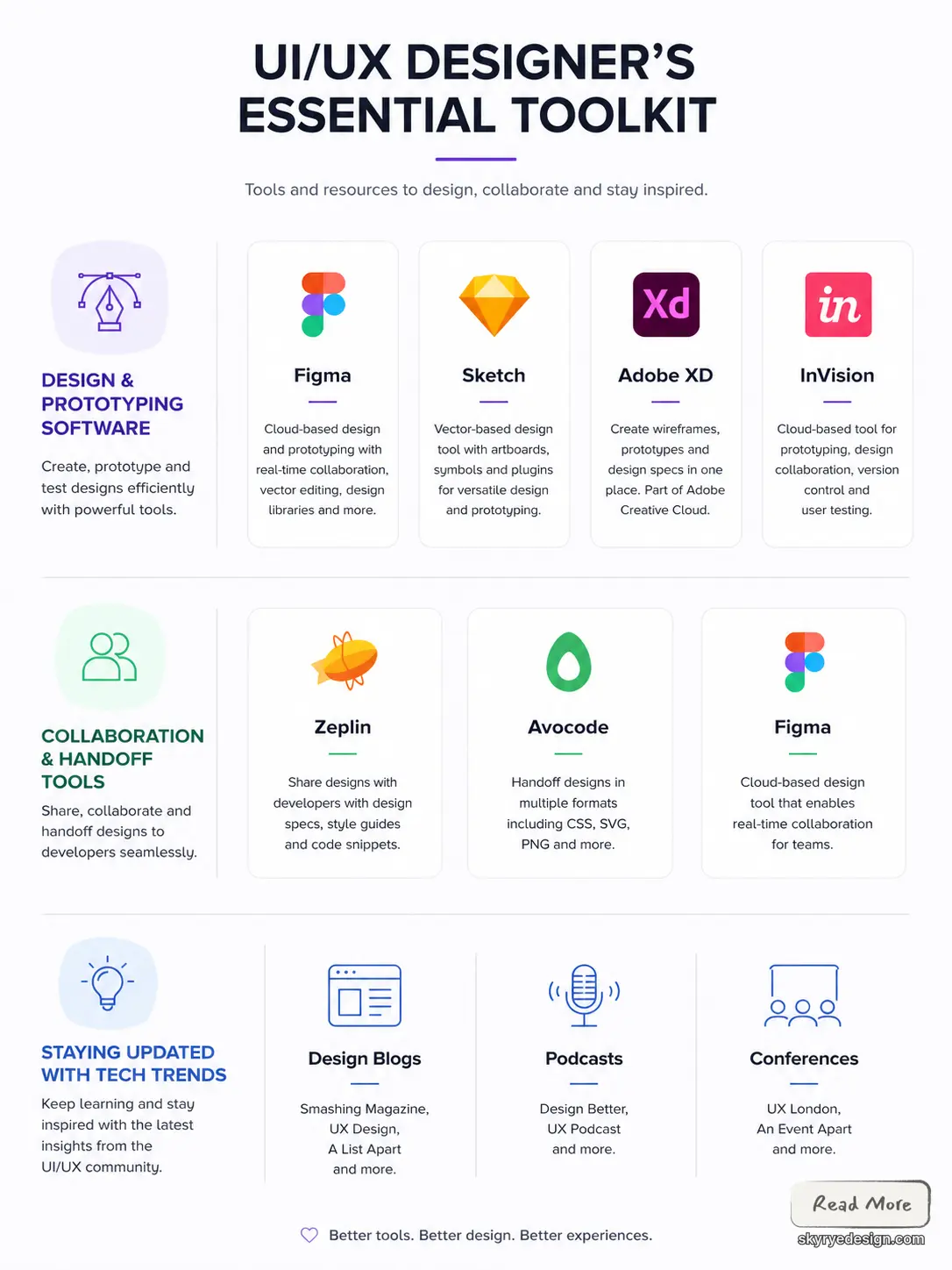
UI/UX designers use a variety of tools and technologies to create and prototype designs, collaborate with team members, and stay updated with the latest trends. In this section, we will discuss some of the most popular and useful tools and technologies used in UI/UX design.
Design and Prototyping Software
Design and prototyping software is a crucial part of the UI/UX designer’s toolkit. These tools allow designers to create and test designs quickly and efficiently. Some of the most popular design and prototyping software include Figma, Sketch, Adobe XD, and InVision.
Figma is a cloud-based design and prototyping tool that allows designers to collaborate in real-time. It offers a wide range of features, including vector editing tools, design libraries, and prototyping capabilities. Sketch is a vector-based design tool that is popular among UI/UX designers. It offers features such as artboards, symbols, and plugins, making it a versatile tool for designing and prototyping.

Adobe XD is a design and prototyping tool that is part of the Adobe Creative Cloud suite. It allows designers to create wireframes, prototypes, and design specs in one place. InVision is a cloud-based design and prototyping tool that offers features such as design collaboration, version control, and user testing.
Collaboration and Handoff Tools
Collaboration and handoff tools are essential for UI/UX designers who work in teams. These tools allow designers to share designs, collaborate on projects, and hand off designs to developers. Some popular collaboration and handoff tools include Zeplin, Avocode, and Figma.
Zeplin is a collaboration and handoff tool that allows designers to share designs with developers. It offers features such as design specs, style guides, and code snippets. Avocode is a handoff tool that allows designers to hand off designs to developers in a variety of formats, including CSS, SVG, and PNG. Figma, as mentioned earlier, is a cloud-based design and prototyping tool that allows for real-time collaboration.
Staying Updated with Tech Trends
UI/UX designers must stay updated with the latest tech trends to create designs that are relevant and effective. Some useful resources for staying updated include design blogs, podcasts, and conferences.
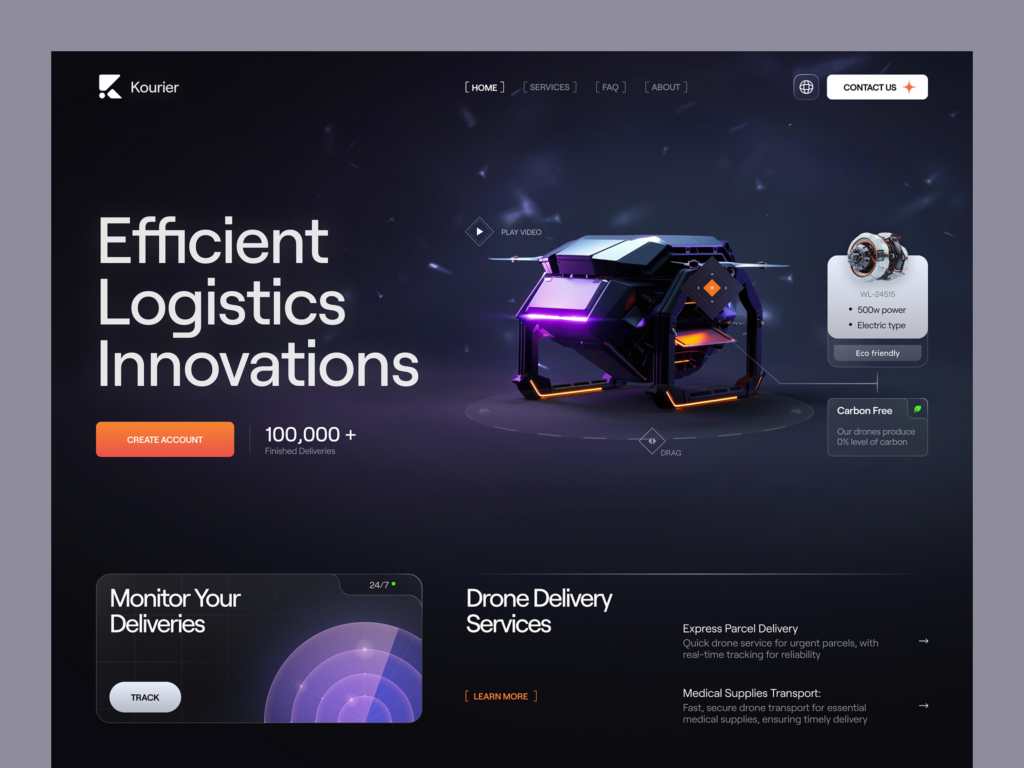
Design blogs such as Smashing Magazine, UX Design, and A List Apart offer articles and tutorials on UI/UX design. Podcasts such as Design Better and UX Podcast offer insights and interviews with UI/UX experts. Conferences such as UX London and An Event Apart offer opportunities for designers to network and learn from industry leaders.
The Business of UI/UX Design
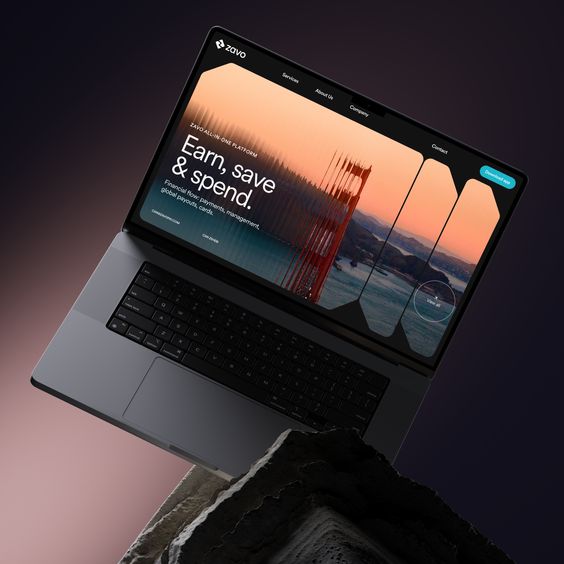
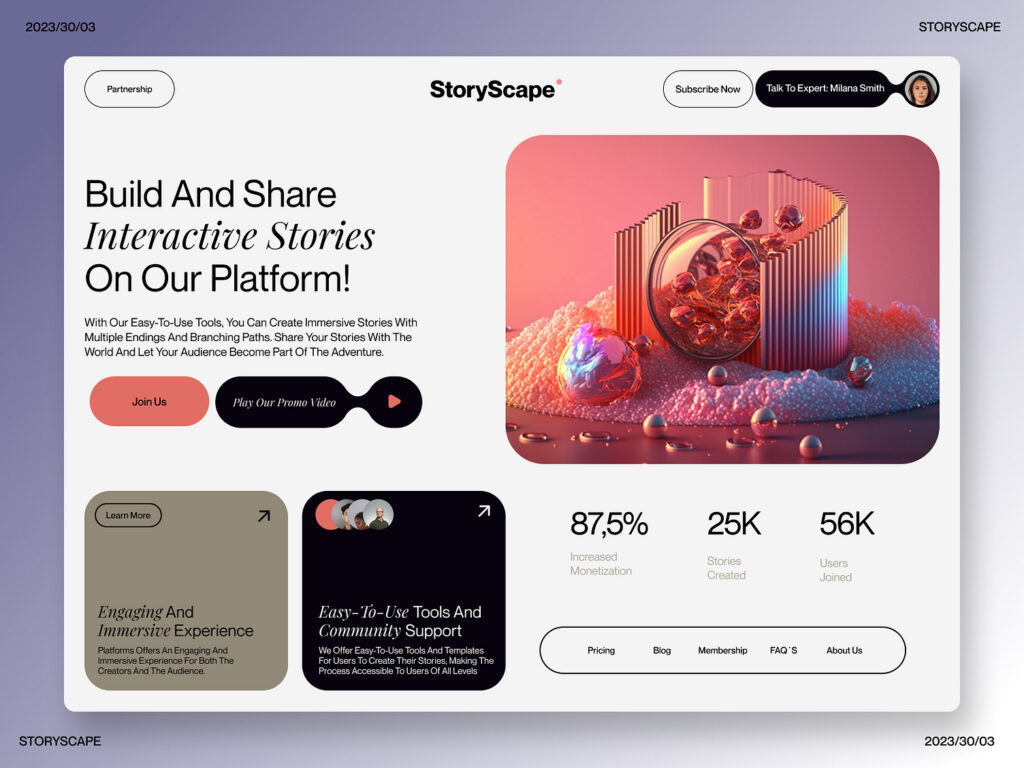
As the world becomes increasingly digital, businesses are recognizing the importance of good UI/UX design. In fact, companies that invest in user experience design have seen a return on investment of up to 9,900% 1. This is because good UI/UX design can increase customer satisfaction, improve brand loyalty, and ultimately drive sales.
Working with Developers and Stakeholders
UI/UX designers often work closely with developers and stakeholders to ensure that the final product meets everyone’s needs. Developers are responsible for turning the design into a functioning website or application, so it’s important for UI/UX designers to have a good understanding of development principles. Stakeholders, on the other hand, are the people who have a vested interest in the project, such as the client or the marketing team. UI/UX designers must be able to communicate effectively with stakeholders to ensure that everyone is on the same page.
Building a Portfolio
A strong portfolio is essential for anyone looking to break into the UI/UX design field. A portfolio should showcase a designer’s best work and demonstrate their ability to solve real-world problems. It’s important to include a variety of projects, such as mobile apps, websites, and software interfaces. A good portfolio should also include case studies that explain the design process and highlight the designer’s approach to problem-solving.
UI/UX Design Career Paths
UI/UX design is a growing field with many different career paths. Some designers choose to work in-house for a single company, while others prefer to work as freelancers or consultants. Some designers specialize in a particular industry, such as healthcare or finance, while others work on a variety of projects. There are also opportunities for UI/UX designers to move into management roles or to specialize in areas such as user research or information architecture.
In conclusion, UI/UX design is an essential part of the digital business landscape. Good UI/UX design can drive sales, increase customer satisfaction, and improve brand loyalty. Working with developers and stakeholders, building a strong portfolio, and exploring different career paths are all important steps for anyone looking to succeed in this field.
Advanced Topics in UI/UX Design
UI/UX design is a constantly evolving field. As technology advances, the complexity of systems and applications increases, leading to new challenges for designers. In this section, we will explore some advanced topics in UI/UX design that are becoming increasingly important in the industry.
Designing for Complex Systems
With the rise of complex systems and applications, designing for these systems has become a crucial aspect of UI/UX design. Complex systems require designers to consider the entire system as a whole, rather than just individual components. This means that designers need to have a deep understanding of the user’s needs and goals, as well as how the system works.
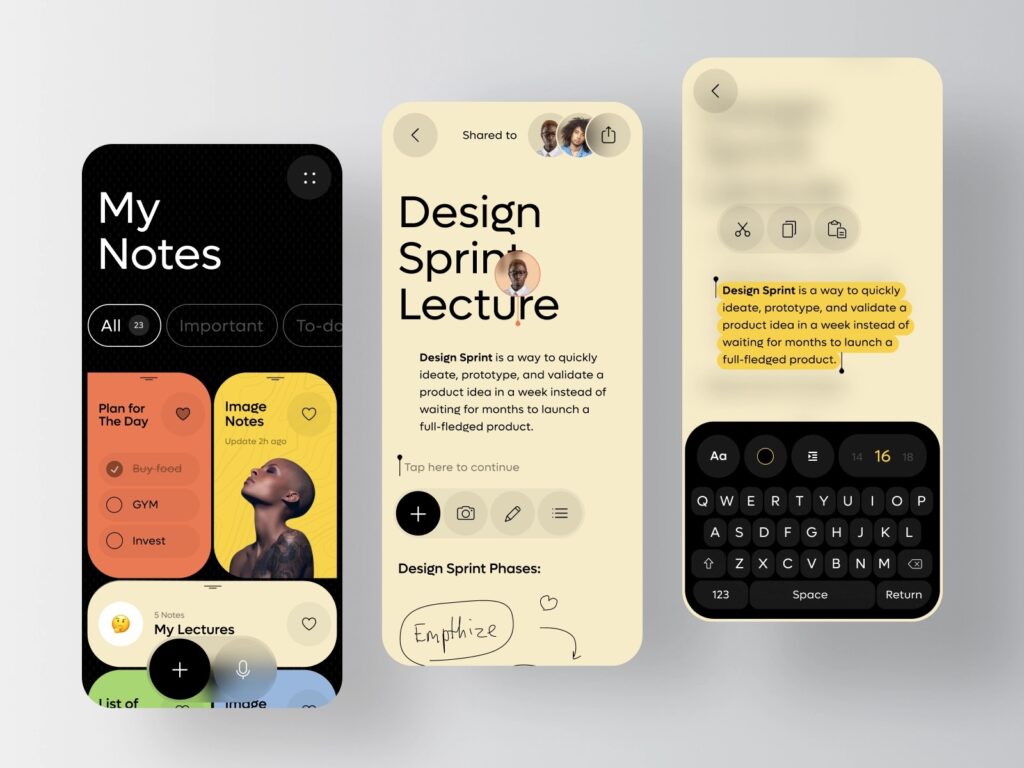
To design for complex systems, designers need to use a variety of techniques such as system mapping, user journey mapping, and information architecture. These techniques help designers to understand the user’s needs and goals, as well as how the system works. They also help designers to identify potential problems and areas for improvement.
Advanced Prototyping Techniques
Prototyping is an essential part of the design process, allowing designers to test their designs and gather feedback from users. However, as systems become more complex, traditional prototyping techniques may not be sufficient. Advanced prototyping techniques, such as interactive prototyping and animation, can help designers to create more realistic and interactive prototypes.
Interactive prototyping allows designers to create prototypes that users can interact with, providing a more realistic experience. Animation can be used to create more engaging and interactive prototypes, helping to communicate complex ideas and interactions.
Emerging Trends in Digital Design
Digital design is constantly evolving, with new trends and technologies emerging all the time. Keeping up with these trends is essential for UI/UX designers, as it allows them to create designs that are both current and relevant.
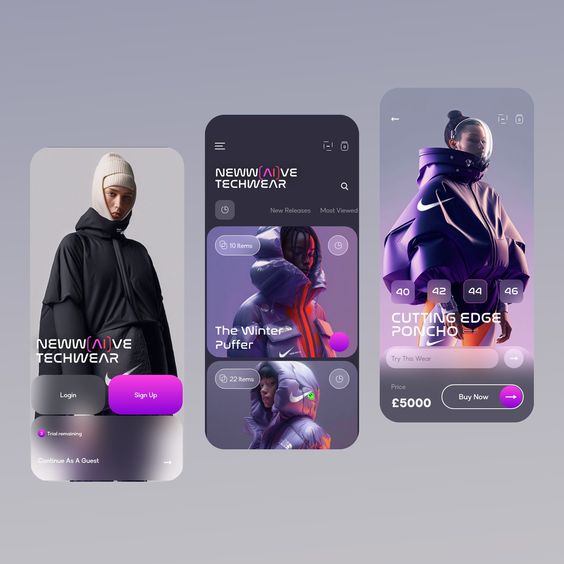
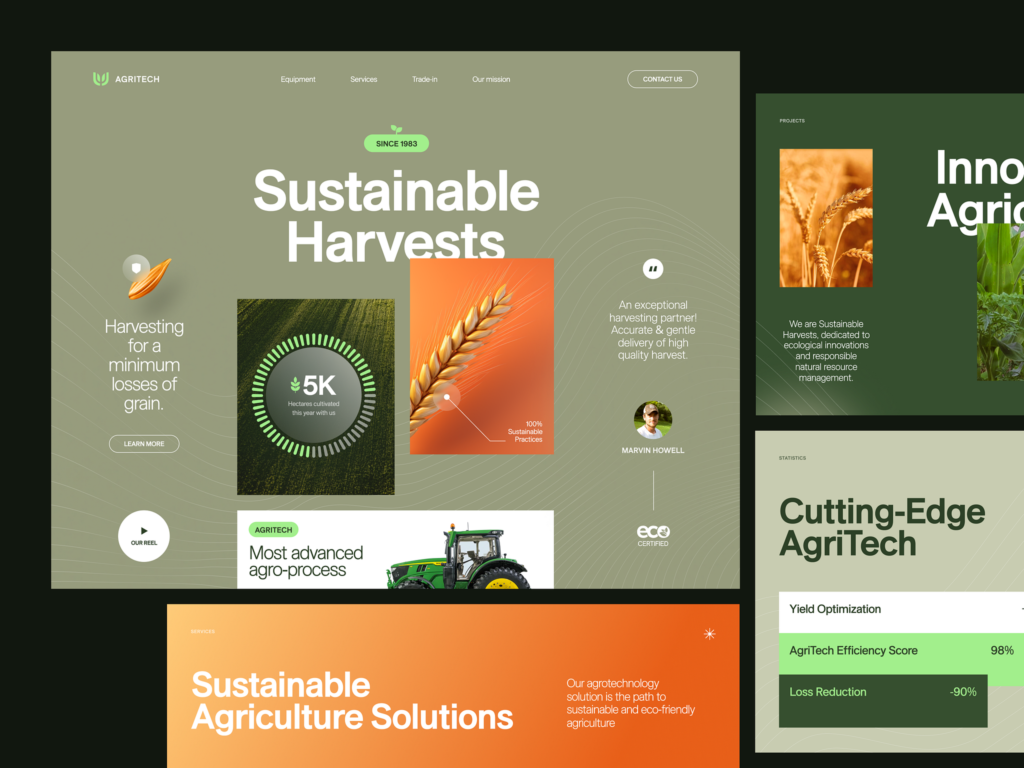
Some of the emerging trends in digital design include micro-interactions, voice user interfaces, and augmented reality. Micro-interactions are small interactions that users have with a system, such as a button changing color when it is clicked. Voice user interfaces are becoming increasingly popular, with devices such as Amazon Echo and Google Home becoming more common. Augmented reality is also becoming more prevalent, with applications such as Pokemon Go and Snapchat using this technology to enhance the user experience.
In conclusion, designing for complex systems, advanced prototyping techniques, and emerging trends in digital design are all important topics for UI/UX designers to consider. By staying up-to-date with these topics, designers can create designs that are both relevant and effective.
Professional Development in UI/UX
As the field of UI/UX design continues to grow and evolve, it is essential for professionals to keep up with the latest trends and technologies. Professional development is key to staying relevant and competitive in the industry. In this section, we will explore some of the best ways for UI/UX designers to continue their education, network with peers, and stay up-to-date on the latest trends.
Continuing Education and Courses
One of the best ways for UI/UX designers to continue their education is by taking courses and attending workshops. Many universities and online education platforms offer courses in UI/UX design, covering topics such as user research, prototyping, and design thinking. These courses can be a great way to learn new skills and stay up-to-date on the latest trends in the industry.
In addition to formal education, there are also many online resources available for UI/UX designers. Websites like UX Design and Smashing Magazine offer articles, tutorials, and webinars on a wide range of topics related to UI/UX design. These resources can be a great way to stay informed and learn new skills on your own time.
Networking and Community Engagement
Networking and community engagement are also important for UI/UX designers looking to advance their careers. Attending conferences and meetups can be a great way to meet other designers, learn about new technologies, and stay up-to-date on the latest trends in the industry.
In addition to attending events, UI/UX designers can also engage with the community online. Social media platforms like Twitter and LinkedIn are great places to connect with other designers, share ideas, and stay informed on the latest industry news.
The Future of Design Careers
The future of UI/UX design careers is bright, with many new opportunities emerging in fields such as virtual and augmented reality, voice interfaces, and artificial intelligence. As these technologies continue to evolve, it will be important for UI/UX designers to stay up-to-date on the latest trends and continue to develop their skills.
Overall, professional development is essential for UI/UX designers looking to advance their careers and stay competitive in the industry. By continuing their education, networking with peers, and staying up-to-date on the latest trends, designers can ensure that they are well-positioned for success in the future.
Next steps in the UX/UI design cluster
If you want to keep exploring this topic, start with the UX/UI design hub. From there, move into UI/UX design trends, browse UI design inspiration, study real UI design projects, or compare wider web design project examples.
Useful UX references
For standards and deeper practice, compare your interface decisions against Nielsen Norman Group’s usability heuristics, Apple’s Human Interface Guidelines, and Material Design. These references are useful when you need a second check on navigation, feedback, accessibility, platform conventions, and interaction patterns.
UI/UX design FAQ
Q: What is UI/UX design?
A: UI/UX design is the combined practice of shaping how a digital product looks and how it works for users. UI design covers the visual interface, including layout, color, typography, buttons, and component states. UX design covers the wider experience: user goals, flows, research, testing, accessibility, and friction points. Good products need both because a beautiful screen can still fail if the task flow is confusing.
Q: What is the difference between UI and UX design?
A: UI design is about the interface the user sees and touches. UX design is about the complete path the user takes to finish a goal. UI asks whether the screen is clear, consistent, and visually usable. UX asks whether the user can understand what to do next, recover from errors, and complete the task without unnecessary steps.
Q: What are the main steps in a UI/UX design process?
A: A practical UI/UX process usually starts with user research and problem framing. From there, designers map flows, sketch wireframes, build prototypes, test with users or stakeholders, refine the interaction, and then prepare visual design and handoff details. The exact order can change, but skipping research or testing usually makes the final interface weaker.
Q: Why is user research important in UX design?
A: User research keeps design decisions tied to real behavior instead of assumptions. Interviews, analytics, usability tests, support tickets, and competitor reviews can reveal where users hesitate, what language they understand, and which steps feel unnecessary. Even light research is better than designing only from internal opinions.
Q: How does accessibility fit into UI/UX design?
A: Accessibility is part of good UX, not a separate checklist at the end. Contrast, readable type, keyboard focus, labels, error states, and screen-reader structure all affect whether people can use a product. Designing for accessibility also tends to make interfaces clearer for everyone, especially on small screens or in stressful tasks.
Q: What should a beginner UI/UX designer practice first?
A: Beginners should practice user flows, wireframes, and interface critique before chasing visual polish. Take a simple task, such as signing up, booking, filtering, or checking out, and map every step. Then design the screen states, test whether the order makes sense, and compare your decisions against established design systems and usability heuristics.
Q: How do UI/UX designers work with developers?
A: UI/UX designers work best with developers when the handoff includes more than static screens. Developers need component states, spacing rules, responsive behavior, edge cases, empty states, error messages, and interaction notes. Early collaboration also helps catch technical constraints before the design becomes too polished to change easily.
For the bigger system behind repeated UX patterns, my guide to modular design basics explains how reusable modules keep layouts consistent without making every screen feel cloned.
When the layout structure is clear, the next layer is color: this UI color palette guide shows how contrast, tokens, and CTA colors work in real product screens.
During the visual design stage, this guide on how to pair fonts in interface design can help you keep screens readable without making every text style compete for attention.
When a reader is ready to compare vendors rather than principles, this shortlist of the best UI UX agency Noida options gives practical local context for product teams, founders, and marketers.
For product teams, UI quality depends on both design decisions and implementation discipline. A dedicated Vue.js team gives designers and developers a shared front-end system to build against.
- 3.7Kshares
- Facebook0
- Pinterest3.7K
- Twitter3
- Reddit0