Design inspiration websites are most useful when they help you make better choices, not when they give you something to copy. Before I collect references, I write down the problem: layout, color, type, mood, product detail, or overall art direction. Then I use different sources for different jobs, from portfolio case studies to museum archives and fast visual boards.
The list below keeps the original eight sources, but treats each one as a working tool. Some are better for graphic design inspiration, some for UI details, some for color and mood boards, and some for deeper historical references. The point is to leave with a clearer direction, not a folder full of random screenshots.
- What are the best design inspiration sources?
- 1) Muzli Inspiration by InVision
- 2) Designspiration mood boards
- 3) Behance creative portfolios
- 4) Dribbble designer showcases
- 5) Awwwards website designs
- 6) Pinterest design boards
- 7) Google Arts & Culture
- 8) Instagram art communities
- How to turn inspiration into original design work
- Related Sky Rye Design guides
- Design inspiration FAQ
- Q: What are the best design inspiration websites?
- Q: Where do designers get inspiration from?
- Q: How do you use design inspiration without copying?
- Q: Is Pinterest good for design inspiration?
- Q: What is the difference between design inspiration and a design reference?
- Q: How many inspiration sources should you collect before starting a project?
- Final note
What are the best design inspiration sources?
The best design inspiration sources are the ones that match your project stage. Use Muzli when you need a quick daily scan, Designspiration and Pinterest when you are building mood boards, Behance when you need complete case studies, Dribbble when you want polished UI and visual details, Awwwards when web interaction matters, Google Arts & Culture when you need historical depth, and Instagram when you want to follow active creative communities.
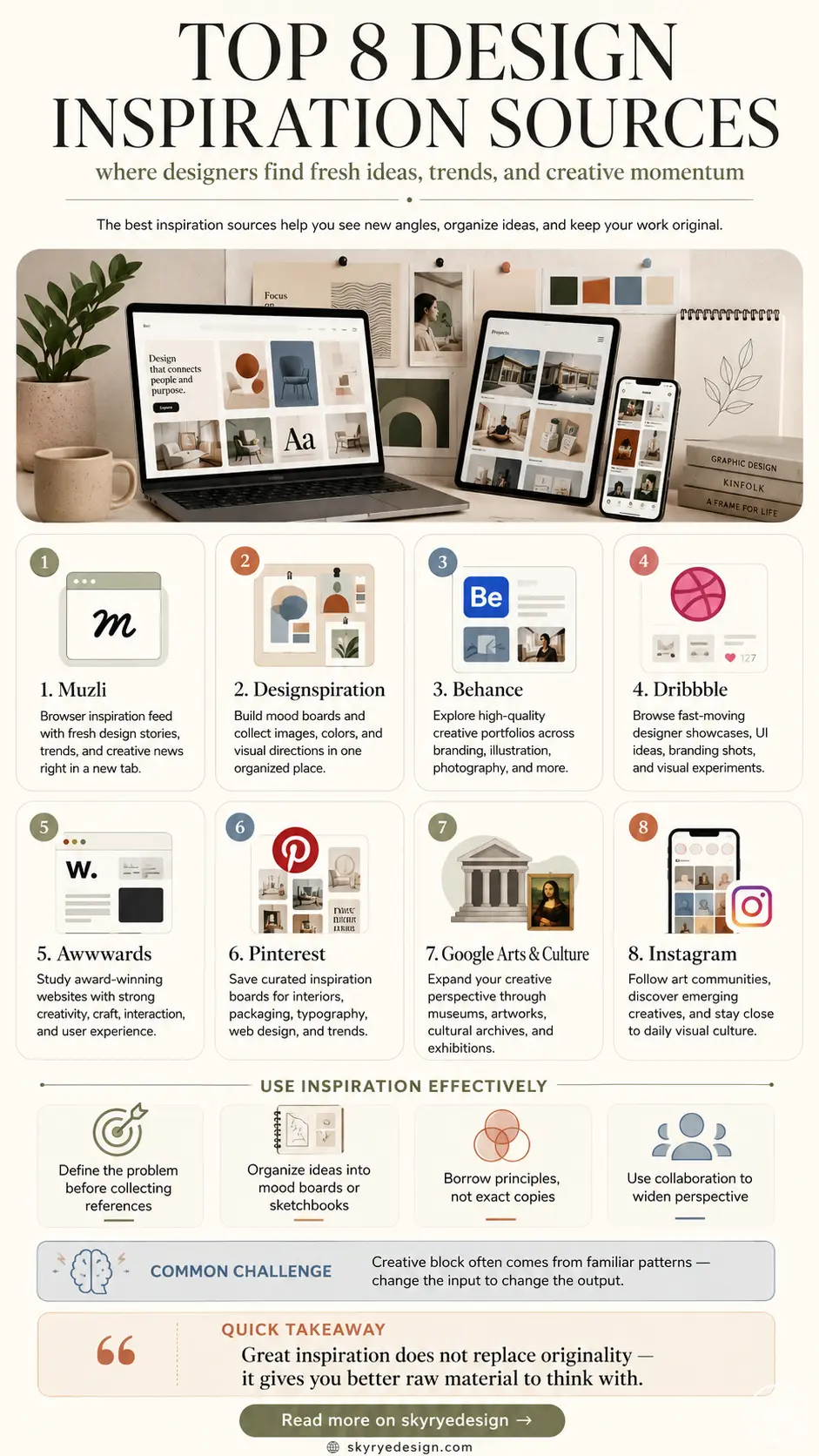
| Source | Best for | Use it when |
| Muzli | Daily discovery | You want a quick scan of current visual direction |
| Designspiration | Mood boards | You need color, typography, and image relationships |
| Behance | Case studies | You want to study full design process and presentation |
| Dribbble | UI polish | You need interface details, cards, icons, and visual treatments |
| Awwwards | Web design | You want high-end websites, motion, and art direction |
| Broad collecting | You need interiors, palettes, decor, fashion, or lifestyle boards | |
| Google Arts & Culture | Historical references | You need art, objects, materials, and cultural depth |
| Creative communities | You want current process, experiments, and individual artists |
1) Muzli Inspiration by InVision
Muzli works best as a daily warm-up source. It pulls interface ideas, branding work, visual essays, product updates, and design news into a new-tab feed, so you can scan what is happening before you open a blank file. I would not use it as the only source for a project, but it is useful when you need a fast read on current visual direction. Use Muzli when you want to browse the source directly.
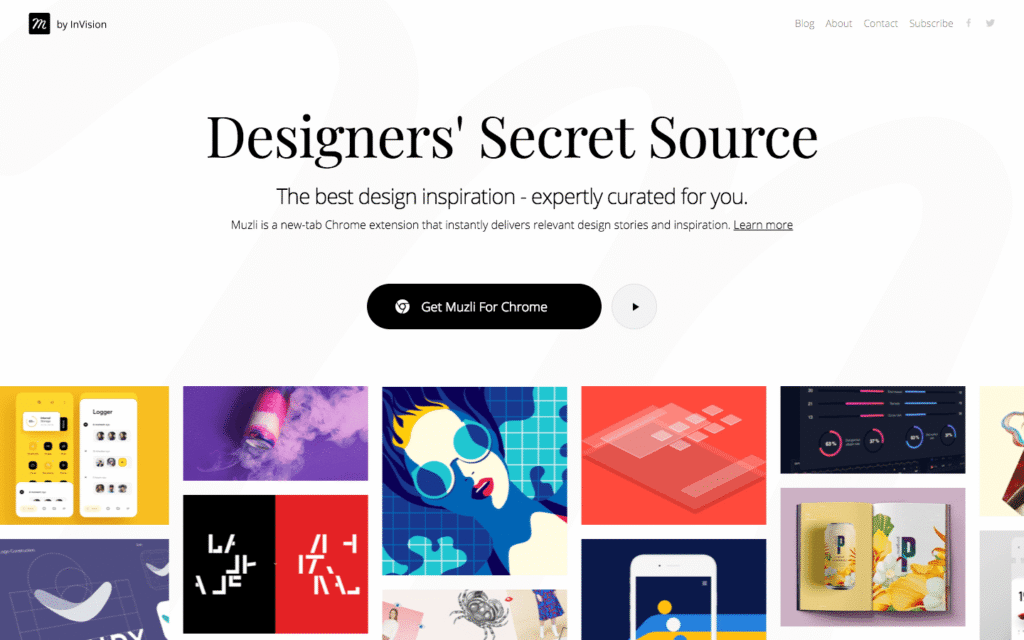
Under the image, notice how Muzli is built for quick scanning: large tiles, mixed categories, and enough visual contrast to help you spot patterns across UI, illustration, and branding. That makes it a good first stop for broad design inspiration, especially at the research stage.
2) Designspiration mood boards
Designspiration is stronger when you search by mood, color, and visual relationship instead of looking for a finished idea to copy. The platform is useful for collecting typography, posters, photography, logos, and layout references into boards that feel more edited than a loose browser folder. Use Designspiration when you want to browse the source directly.
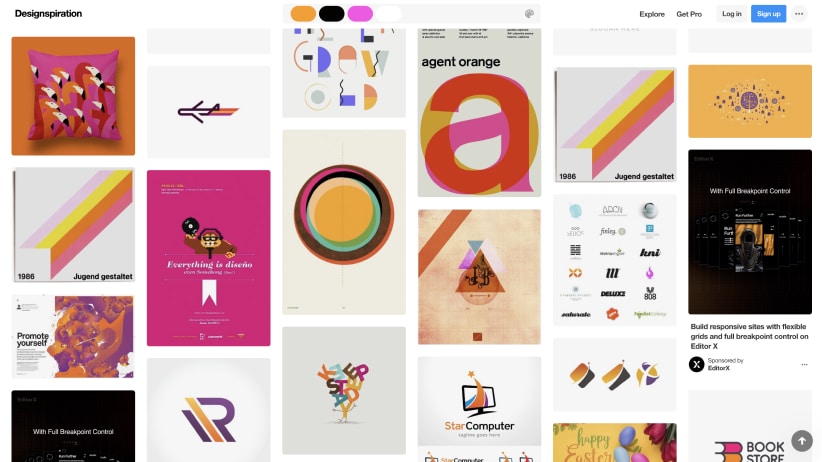
This image is a good reminder that a mood board should show relationships, not just pretty pictures. Look for repeated color temperatures, type weight, spacing, and shape language. Those clues are what turn random images into usable design inspiration sources.
3) Behance creative portfolios
Behance is useful because it shows full project stories, not only final thumbnails. For branding, packaging, illustration, and portfolio research, that matters. You can study how designers present early sketches, grid systems, mockups, typography, and campaign rollouts, then borrow the thinking process without borrowing the finished look. Use Behance when you want to browse the source directly.
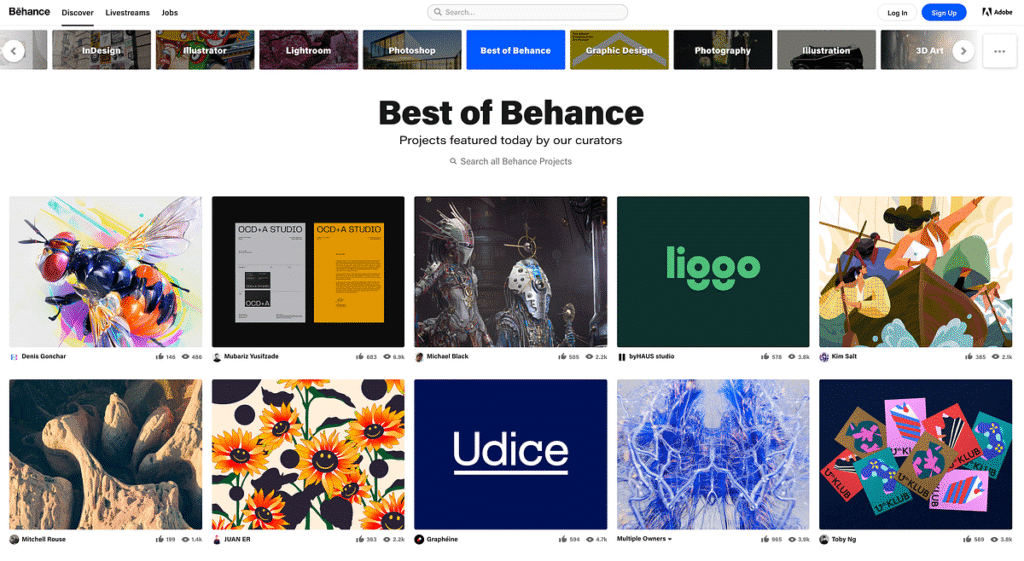
The Behance screenshot points to one of the biggest advantages of portfolio-based inspiration: you can compare how a project starts, develops, and gets presented. That is more useful than a single saved image when you are building a client presentation or a student portfolio.
4) Dribbble designer showcases
Dribbble is fast, polished, and sometimes almost too polished. Use it for UI details, color combinations, icon direction, cards, motion ideas, and presentation style. Then slow down and ask what problem each shot is solving. A beautiful dashboard crop can still be weak if the actual workflow is unclear. Use Dribbble showcases when you want to browse the source directly.
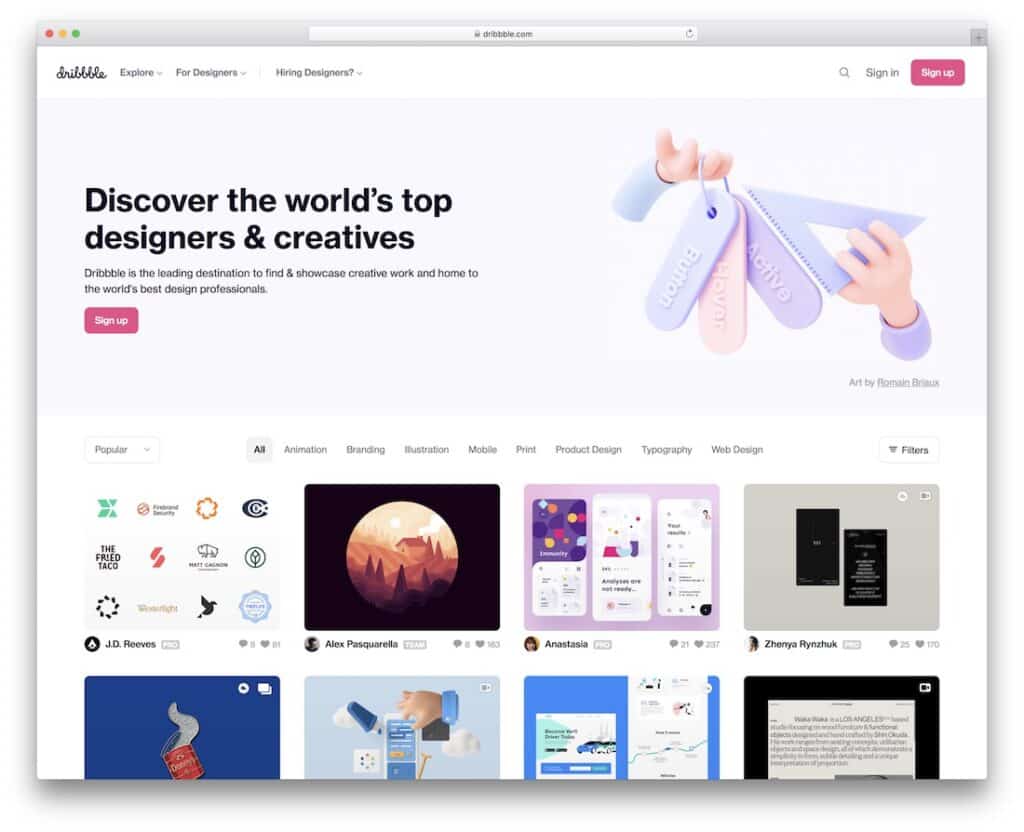
Under this Dribbble image, pay attention to density and cropping. The platform is excellent for surface-level visual design inspiration, but the smartest use is to reverse-engineer hierarchy, spacing, contrast, and what the designer chose to leave out.
5) Awwwards website designs
Awwwards is best for seeing how far web design can stretch when motion, art direction, typography, and front-end craft all matter. It is not always the right model for a quiet service website, but it is excellent for studying interaction, editorial rhythm, image treatment, and memorable landing-page structure. Use Awwwards websites when you want to browse the source directly.
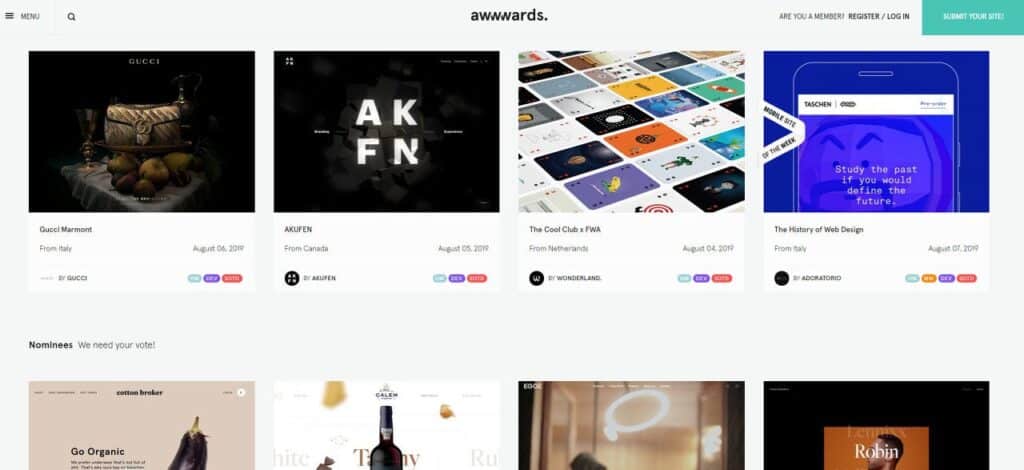
The Awwwards gallery image is useful because it shows variety inside one design category. When you browse it, compare navigation, first-screen composition, type scale, and how each site handles motion. Those are better notes than simply saving the prettiest homepage.
6) Pinterest design boards
Pinterest is messy in a useful way. It is good for broad visual discovery, especially interiors, fashion, color palettes, packaging, craft, and lifestyle-heavy design. The trick is to curate your boards tightly. Save the reason you like an image, not just the image itself, or your board becomes a beautiful pile of indecision. Use Pinterest when you want to browse the source directly.
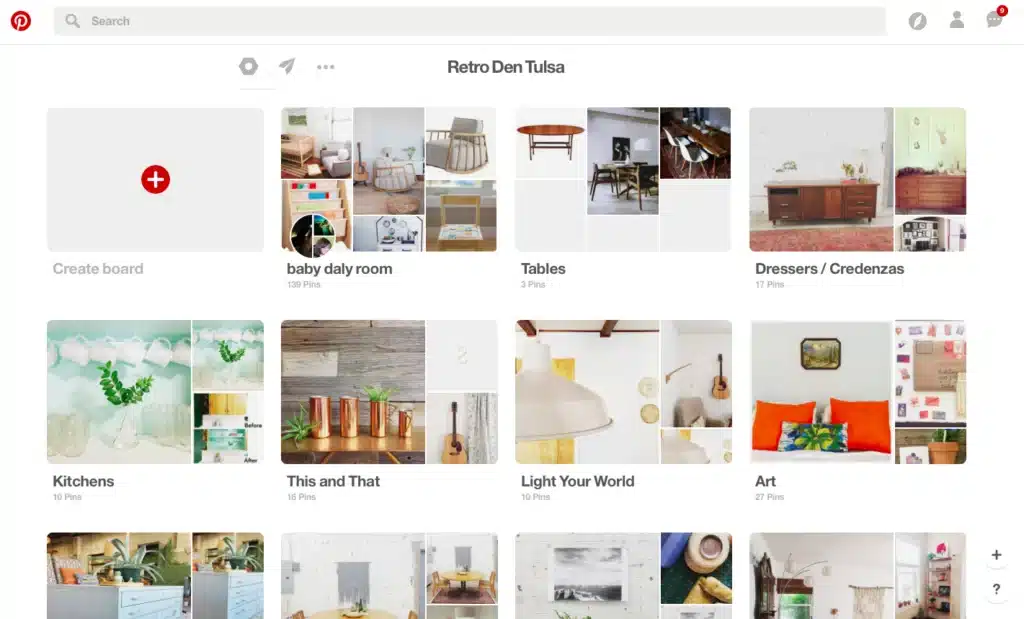
This Pinterest board view shows why the platform is powerful for visual clustering. Similar shapes, colors, furniture silhouettes, and room moods start to gather together. That makes it helpful for design inspiration, but only if you edit the board after the first collecting rush.
7) Google Arts & Culture
Google Arts & Culture gives design research more depth. Instead of only chasing current trends, you can study museum collections, materials, historical ornament, paintings, objects, textiles, and cultural context. That helps when a project needs more than a trendy visual mood. Use Google Arts & Culture when you want to browse the source directly.
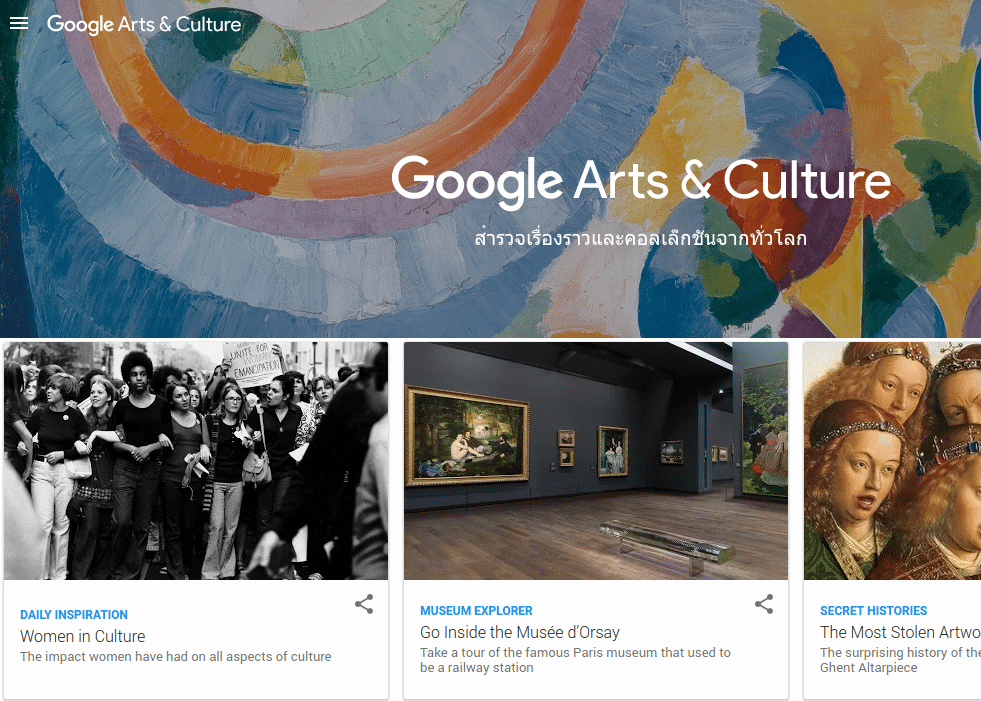
Below this image, the useful detail is range. Art history, museum archives, architecture, fashion objects, and old craft details can feed contemporary design without making the result feel dated. Use it when your idea needs roots, not just references.
8) Instagram art communities
Instagram is better for people than archives. Follow illustrators, studios, type designers, photographers, muralists, product designers, and small creative communities to see process, experiments, and unfinished work. Save carefully, because the feed moves quickly and can turn into passive scrolling if you do not set a purpose.
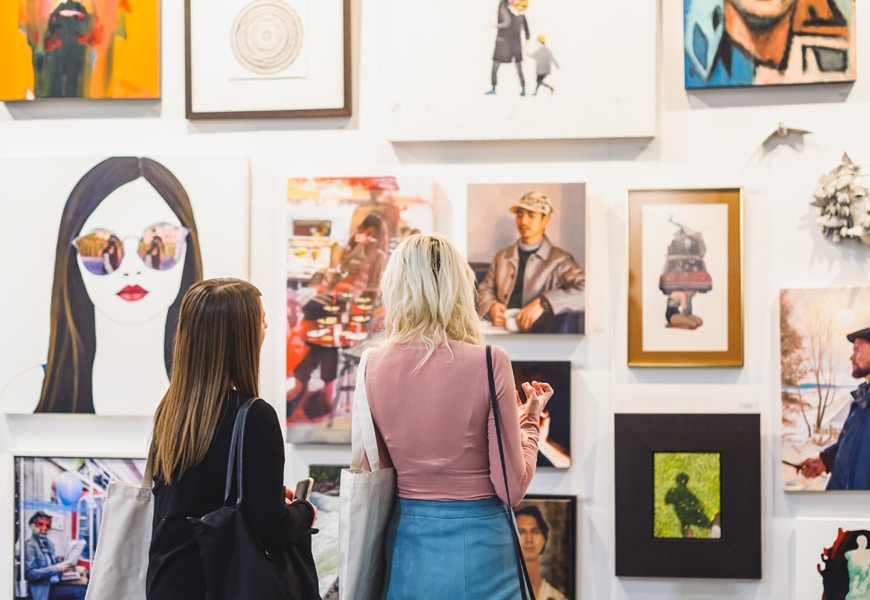
This gallery image fits the Instagram section because the core habit is the same: look actively. Do not just like the image. Ask what caught your eye, whether it was contrast, subject matter, framing, color, or the way the work sits inside a real space.
How to turn inspiration into original design work
Collecting is the easy part. Editing the collection is where the design work starts. After saving references, sort them into three groups: mood, structure, and detail. Mood covers feeling and color. Structure covers layout, hierarchy, grid, and composition. Detail covers type choices, buttons, material finishes, shadows, crops, and small visual moves.
A practical rule I use: if I cannot name why I saved something, I delete it. “Looks cool” is not enough. A useful reference should tell you something specific, such as “wide margins make the product feel expensive” or “the rough paper texture softens the typography.” That simple note keeps inspiration from turning into imitation.
Related Sky Rye Design guides
For a tighter design research path, move from broad platforms into specific practice: graphic design inspiration, UI design inspiration, UI/UX inspiration websites, graphic design portfolio examples, color palette inspiration, and logo design ideas. Use those after you have chosen a direction, not before your first search.
Design inspiration FAQ
Q: What are the best design inspiration websites?
A: The best design inspiration websites depend on the project. Use Behance for full portfolios, Dribbble for polished UI and visual details, Awwwards for web design, Designspiration for mood boards, Muzli for daily discovery, Pinterest for broad visual collecting, and Google Arts & Culture for historical depth.
Q: Where do designers get inspiration from?
A: Designers get inspiration from portfolio sites, museum archives, magazines, product details, architecture, fashion, typography, nature, photography, and everyday objects. The strongest ideas usually come from mixing sources. A logo project might borrow rhythm from architecture, color from a painting, and spacing from a clean editorial layout.
Q: How do you use design inspiration without copying?
A: Study the decision behind the reference, not the surface. Ask what problem the original design solves: hierarchy, contrast, navigation, mood, scale, or storytelling. Then change the context, materials, layout, color system, and audience. If your work still looks too close to the source, simplify it and rebuild from your own brief.
Q: Is Pinterest good for design inspiration?
A: Pinterest is good for design inspiration when you curate it actively. It is especially useful for interiors, color palettes, fashion, packaging, and mood boards. The risk is passive saving. Add notes, delete weak pins, and group references by purpose so the board becomes a working tool instead of a visual junk drawer.
Q: What is the difference between design inspiration and a design reference?
A: Design inspiration is the broader spark: mood, atmosphere, direction, or taste. A design reference is more specific: a layout, button style, type pairing, grid, material, photo crop, or color palette you can study closely. Good projects usually need both, but references should support your idea rather than replace it.
Q: How many inspiration sources should you collect before starting a project?
A: For most projects, collect 10 to 25 strong references before starting the first real direction. Fewer can leave the idea thin; too many can blur your judgment. After collecting, choose three to five references that actually match the brief, then sketch or block out your own version from scratch.
Final note
Good design inspiration should make your own work sharper. Look at more than one source, name what each reference is teaching you, then close the browser and sketch the first rough direction. The sooner you translate the reference into your own structure, the less likely it is to become a copy.
- 26shares
- Facebook0
- Pinterest26
- Twitter0
- Reddit0