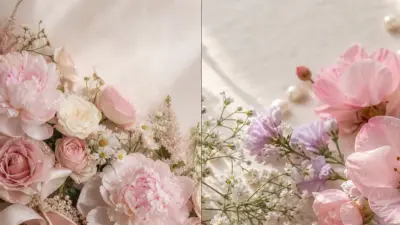
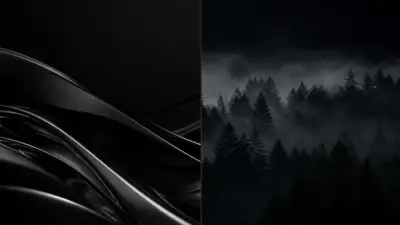
Everyone wants their iPad to look unique and personal. An iPad wallpaper aesthetic is a style or theme chosen for the background that reflects someone’s taste and mood. The right wallpaper can change how the device feels and can make daily use more enjoyable.
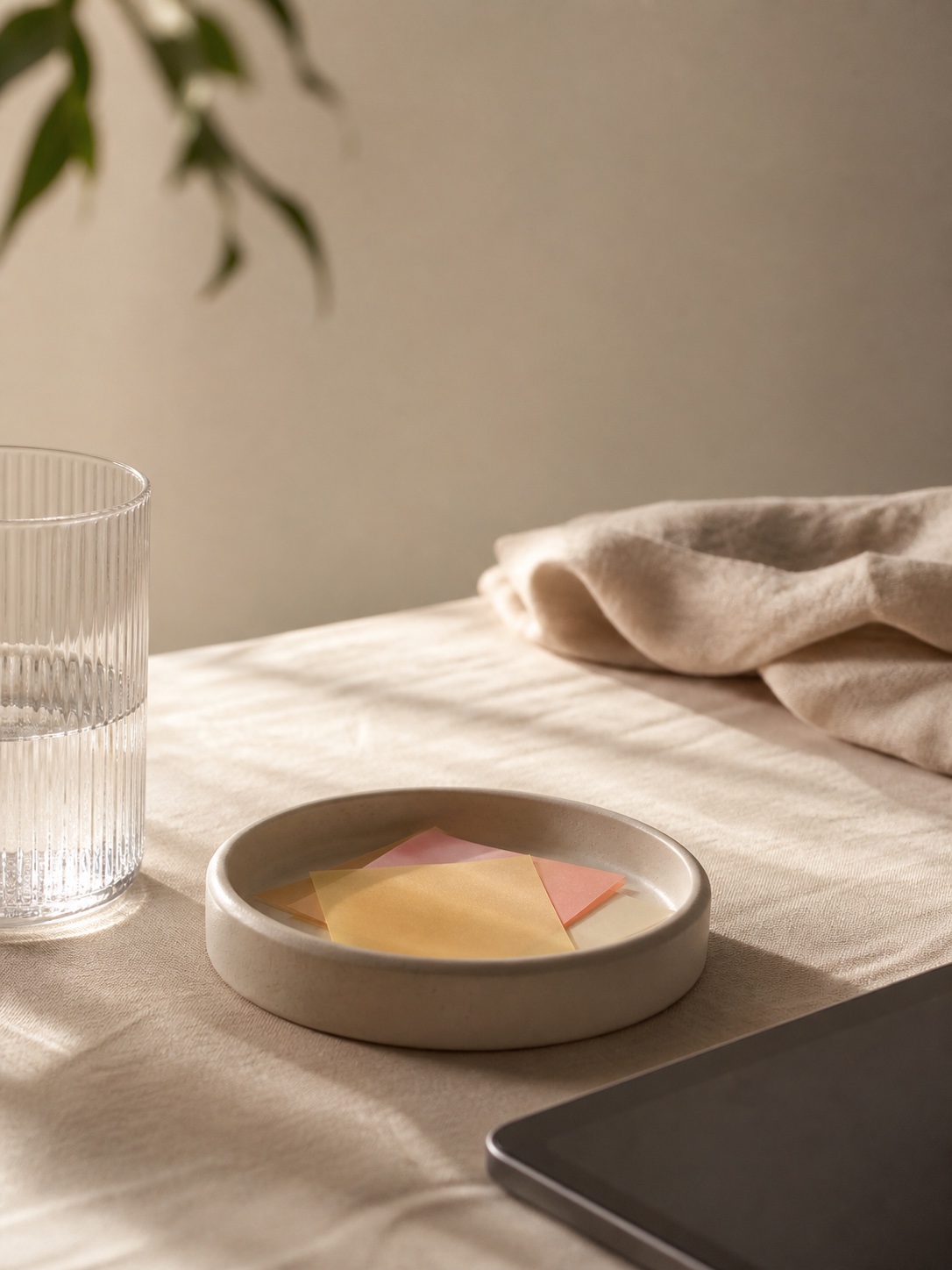
Choosing a wallpaper aesthetic is about picking colors, images, or patterns that match a person’s personality or current vibe. Popular styles include minimalism, nature, abstract art, and vintage looks.
- Key Takeways
- What Is iPad Wallpaper Aesthetic?
- Choosing the Best iPad Wallpaper Aesthetic
- Types of Aesthetic Wallpapers for iPad
- How to Find High-Quality iPad Wallpaper Aesthetics
- Setting and Optimizing Aesthetic Wallpapers on iPad
- Creative Ideas for Custom iPad Wallpaper Aesthetics
- Maintaining a Fresh iPad Wallpaper Aesthetic
- Copyright and Usage Considerations
- Conclusion
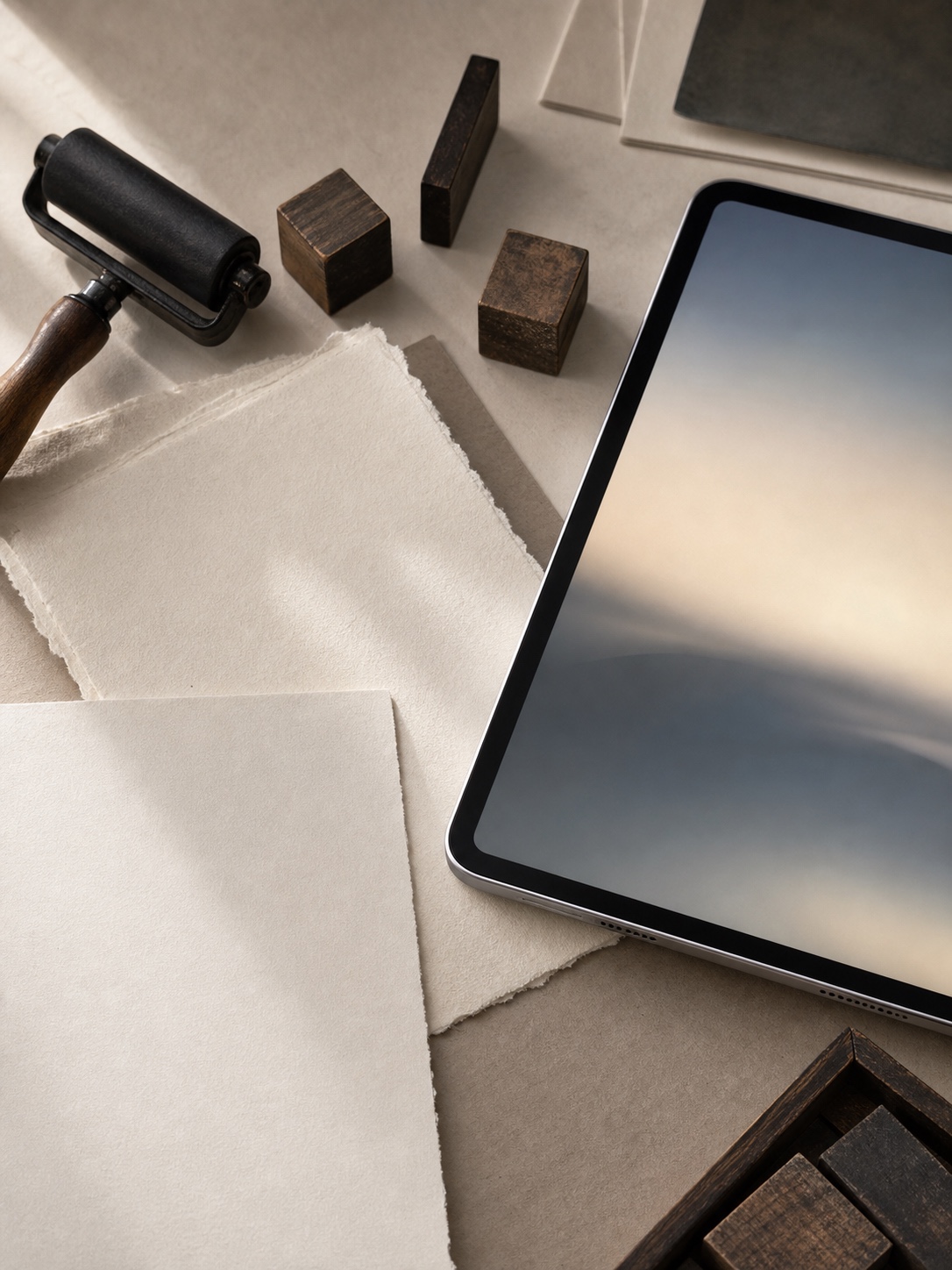
A good iPad wallpaper changes the whole feel of the screen. It can make the device look softer, cleaner, moodier, or more creative before you even open an app. Sometimes it is just a pastel gradient. Sometimes it is a cloudy sky, a quiet desk setup, a film-style photo, or a simple abstract background with enough empty space for icons.


The tricky part is not finding wallpapers. There are endless images online. The tricky part is choosing one that actually works on an iPad. It needs to be sharp, not blurry. The main subject should not sit directly under your app icons. And the crop has to survive both portrait and landscape view, which is where a lot of pretty wallpapers suddenly stop looking good.
This guide walks through different iPad wallpaper aesthetic styles, where to find high-quality images, and how to set them so your screen feels more like your own.
Key Takeways
- A wallpaper aesthetic shows personal style and mood on the iPad.
- Picking the right style involves colors and themes that feel right to the user.
- High-quality images and proper setup improve the overall appearance.
What Is iPad Wallpaper Aesthetic?
iPad wallpaper aesthetic means choosing images that match a certain style or mood. It focuses on colors, patterns, and themes that create a visual feeling. These wallpapers go beyond just decoration and often express personality or taste.
Defining Aesthetic Wallpaper
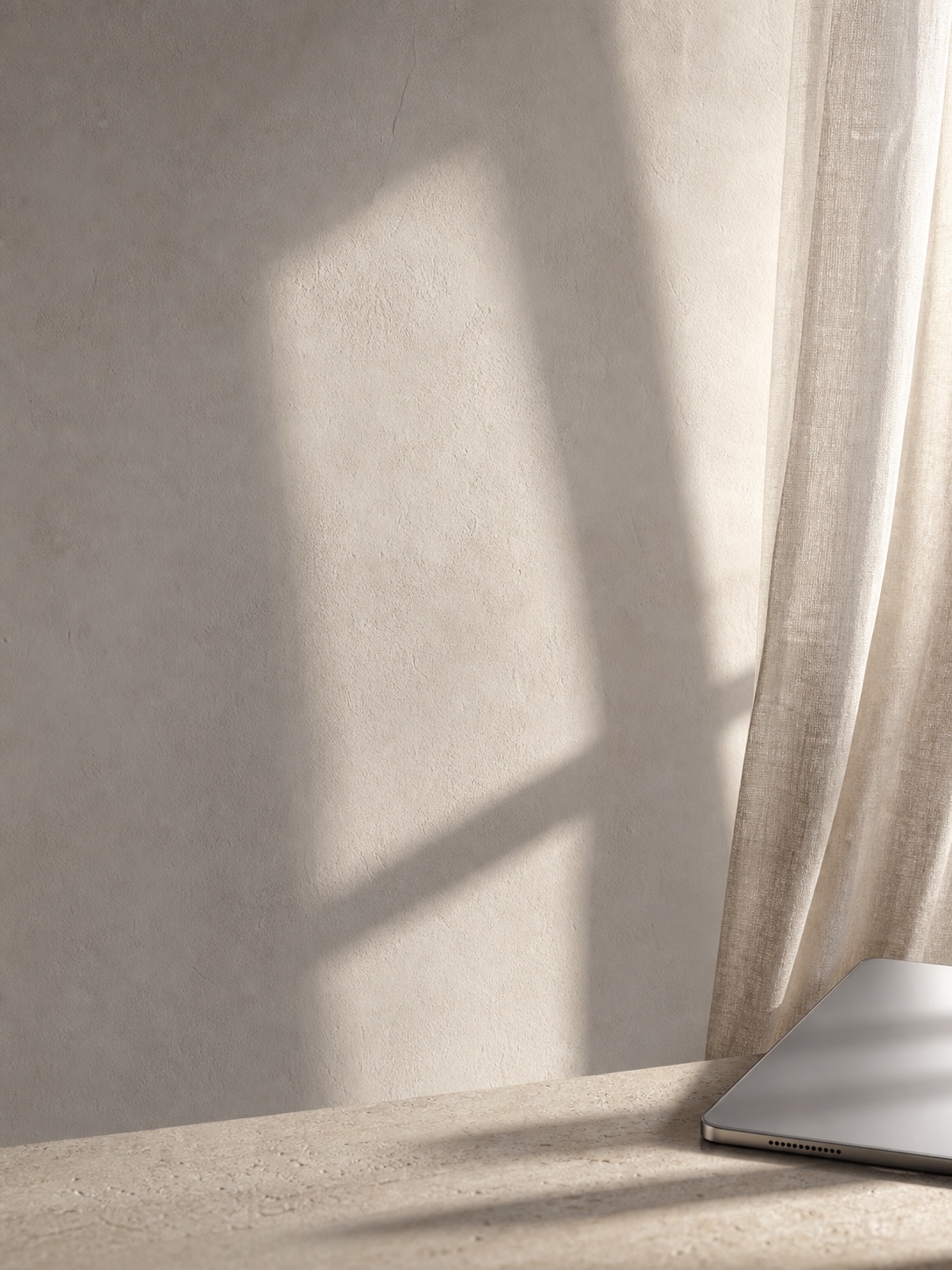
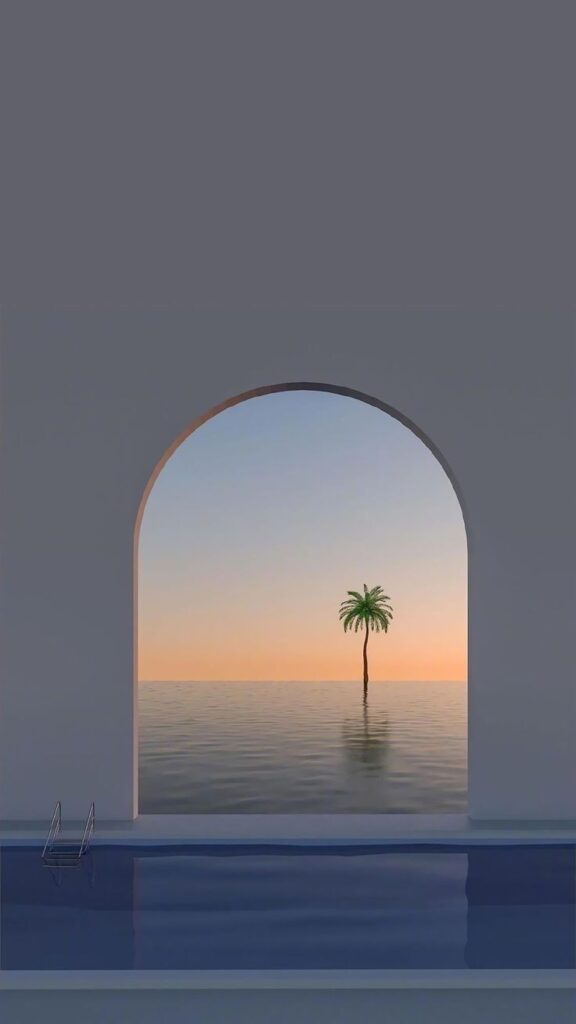
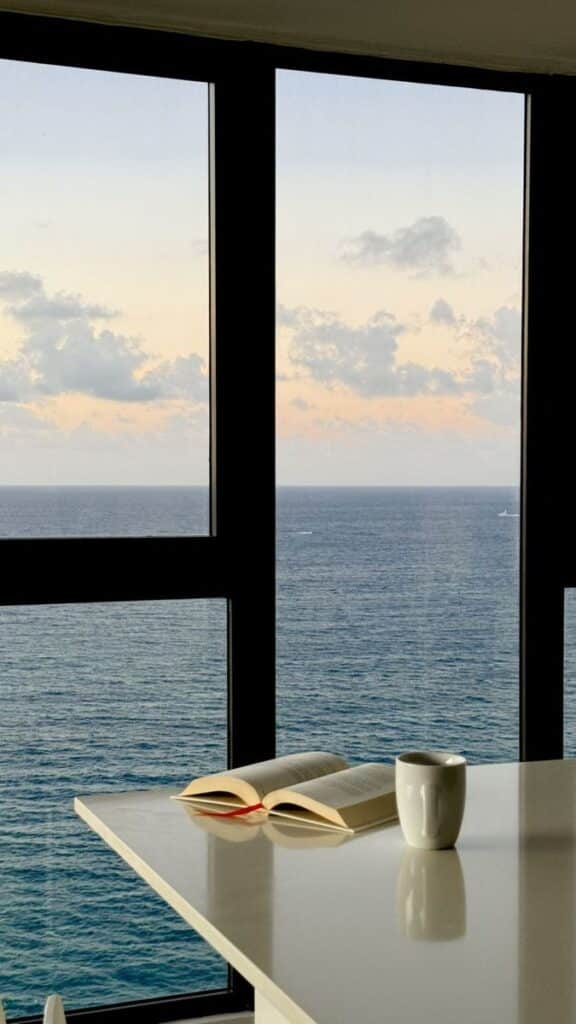
Aesthetic wallpaper is more than just a pretty picture for the iPad background. It combines elements like color, texture, and subject matter to create a consistent look. The goal is to make the device visually pleasing and personal.
Users pick wallpapers that fit specific moods or themes, such as minimalism, vintage, or nature. These choices often reflect the user’s style or the vibe they want their device to give off. The wallpaper becomes part of the user’s identity.
Popular Styles and Trends
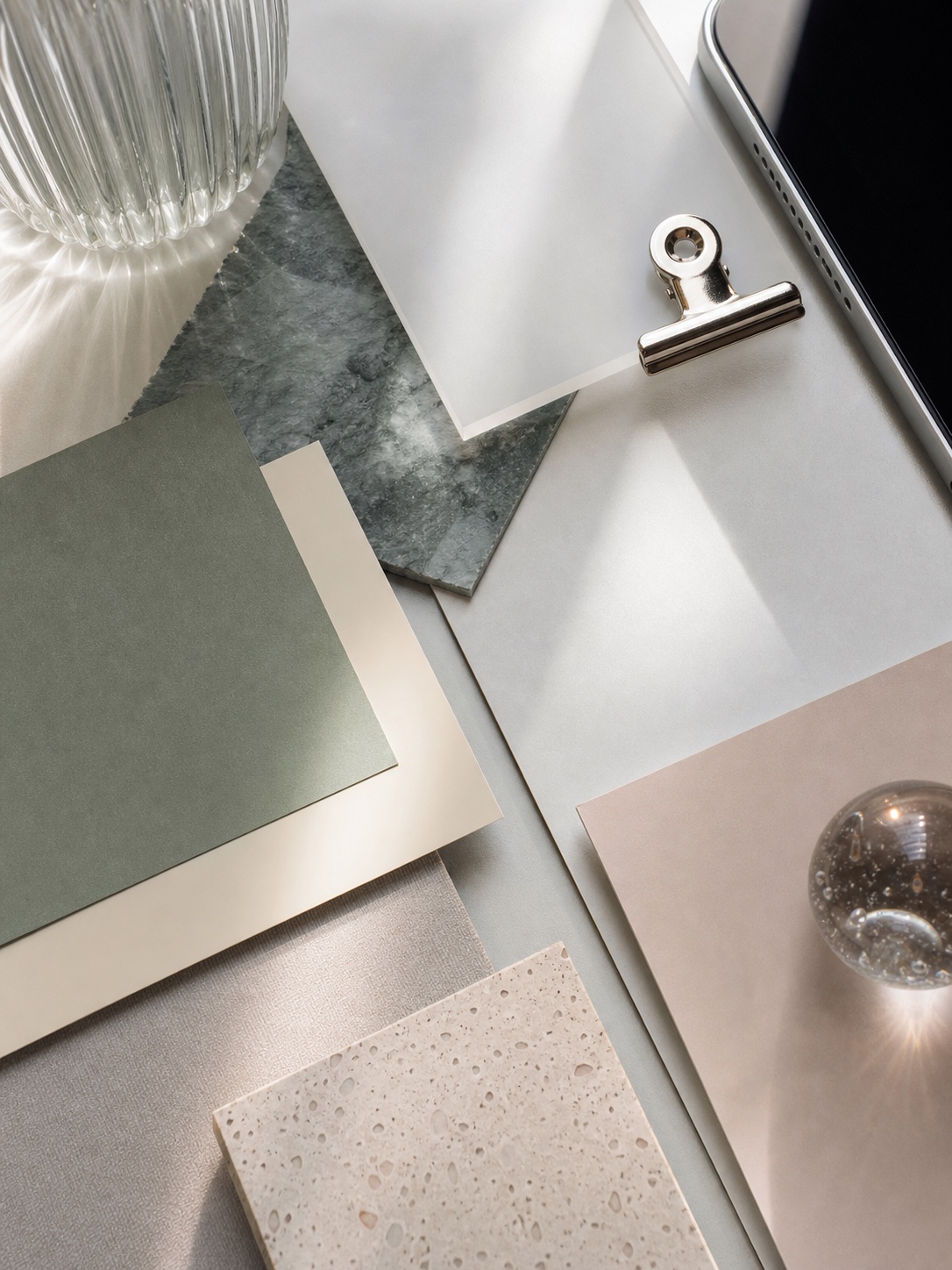

Some popular iPad wallpaper styles include:
- Minimalist: Simple colors and shapes
- Vintage: Retro art or faded colors
- Nature: Scenes with trees, oceans, or skies
- Abstract: Patterns and colors without clear shapes
- Cute or Kawaii: Soft colors with cartoon characters
Trends change often. Currently, soft pastels and earthy tones attract many users. Digital art and custom illustrations also rise in popularity.
Visual Impact on Digital Devices
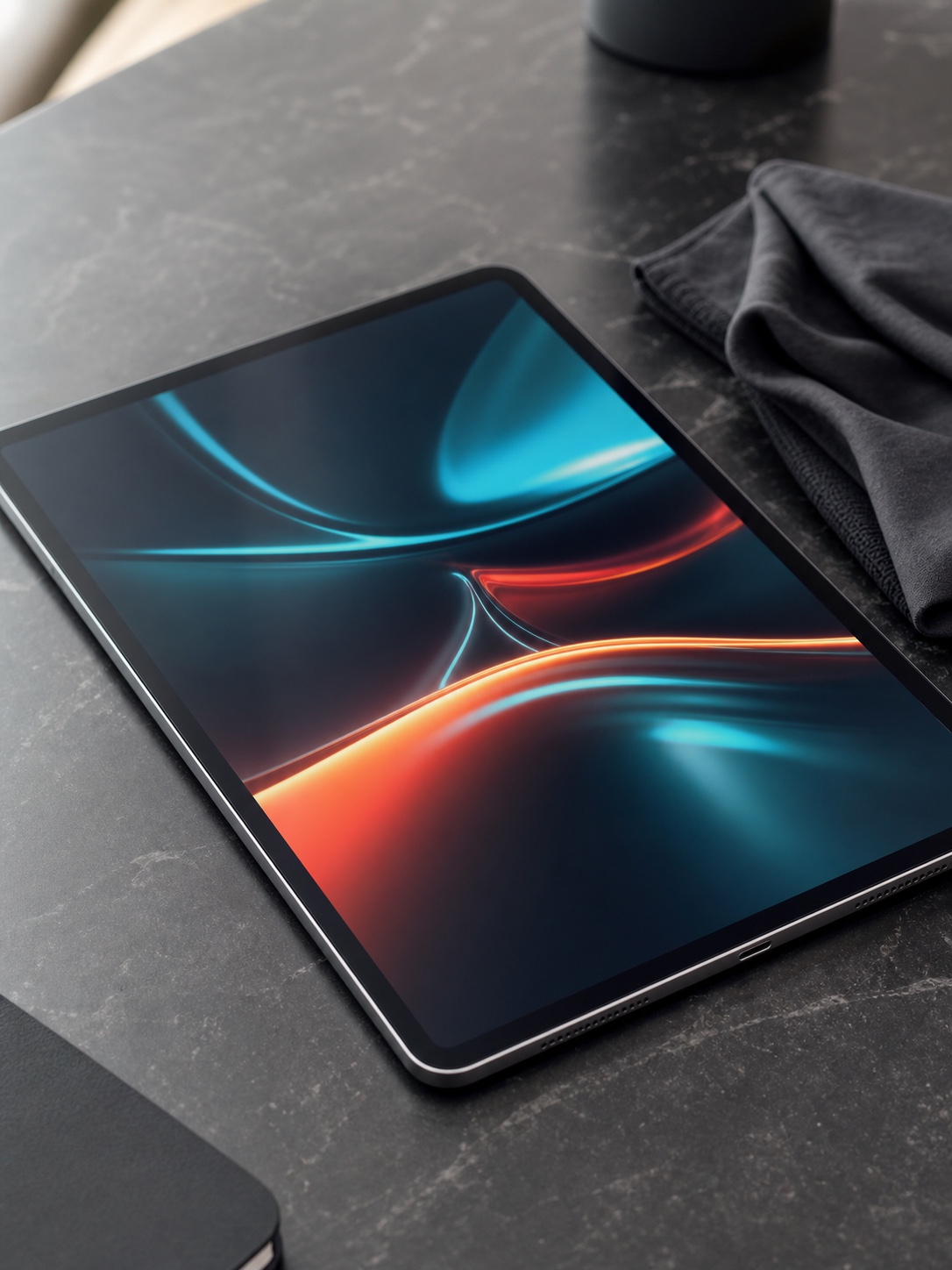
The wallpaper influences how a user feels when they unlock their iPad. A calming image may reduce stress, while bright colors can energize. The wallpaper also affects readability by providing a clear or busy background.
Good wallpapers balance design and function. They avoid clutter that makes app icons hard to see. Choosing the right wallpaper enhances the overall user experience by making the screen more enjoyable and easier to navigate.
Choosing the Best iPad Wallpaper Aesthetic
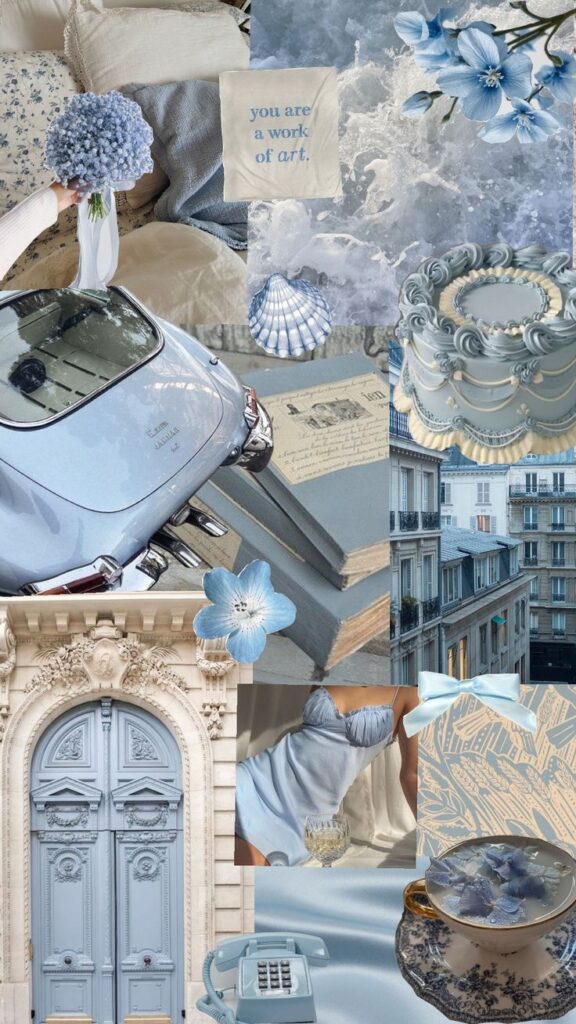
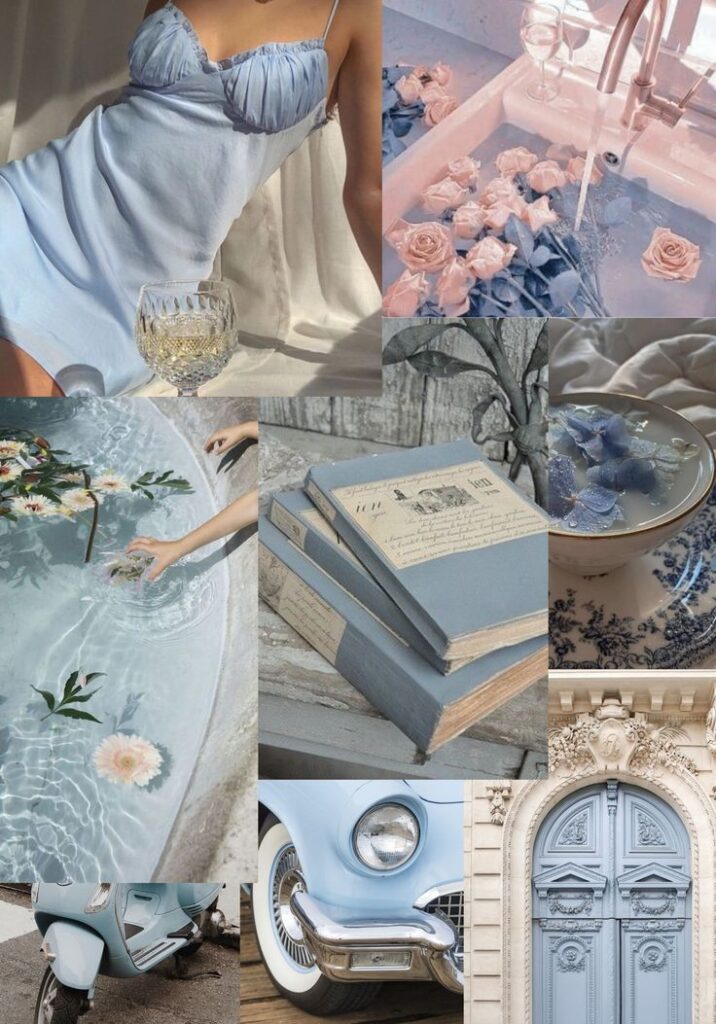
Finding the right wallpaper means thinking about style, colors, and mood. Each factor helps make the screen look and feel just right for the user’s daily experience.
Matching Your Personal Style
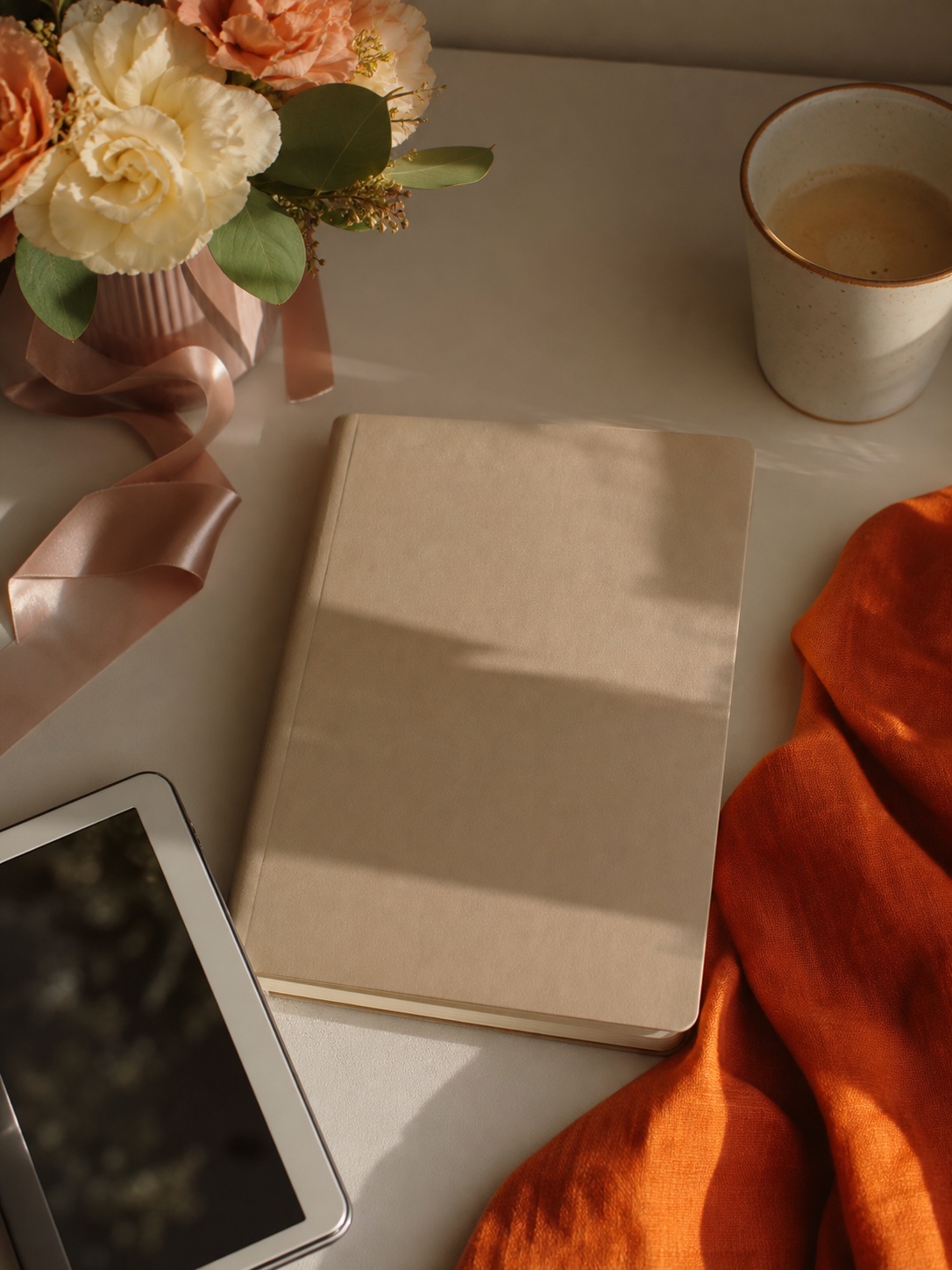
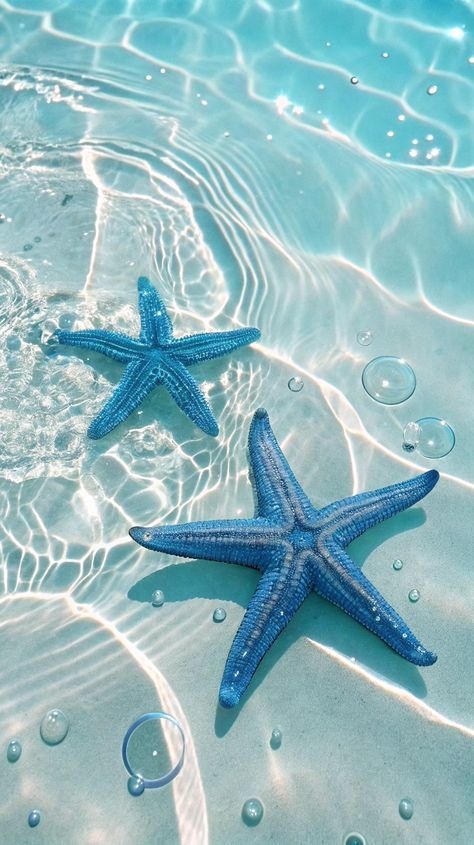

Pick a wallpaper that matches who you are, not whatever’s trending on Pinterest this week. Minimalist person? Simple shapes, clean lines, nothing fighting your icons for attention. More into art? Bold patterns work, or even a tight crop of a painting you genuinely like — not the whole Mona Lisa shrunk down to phone size, just a piece of it.
Hobbies are a decent shortcut when you’re stuck. I default to ocean shots half the time because I live nowhere near one. Tech-leaning people tend to gravitate toward sleek gradients and geometric lines — makes sense, it matches the hardware.
What people skip is the part that actually matters: your wallpaper sits behind your icons all day, every day. If the colors clash with your icon pack or the busiest part of the image lands right where your most-used apps sit, the whole screen reads cluttered no matter how nice the image is on its own.
Considering Color Palettes
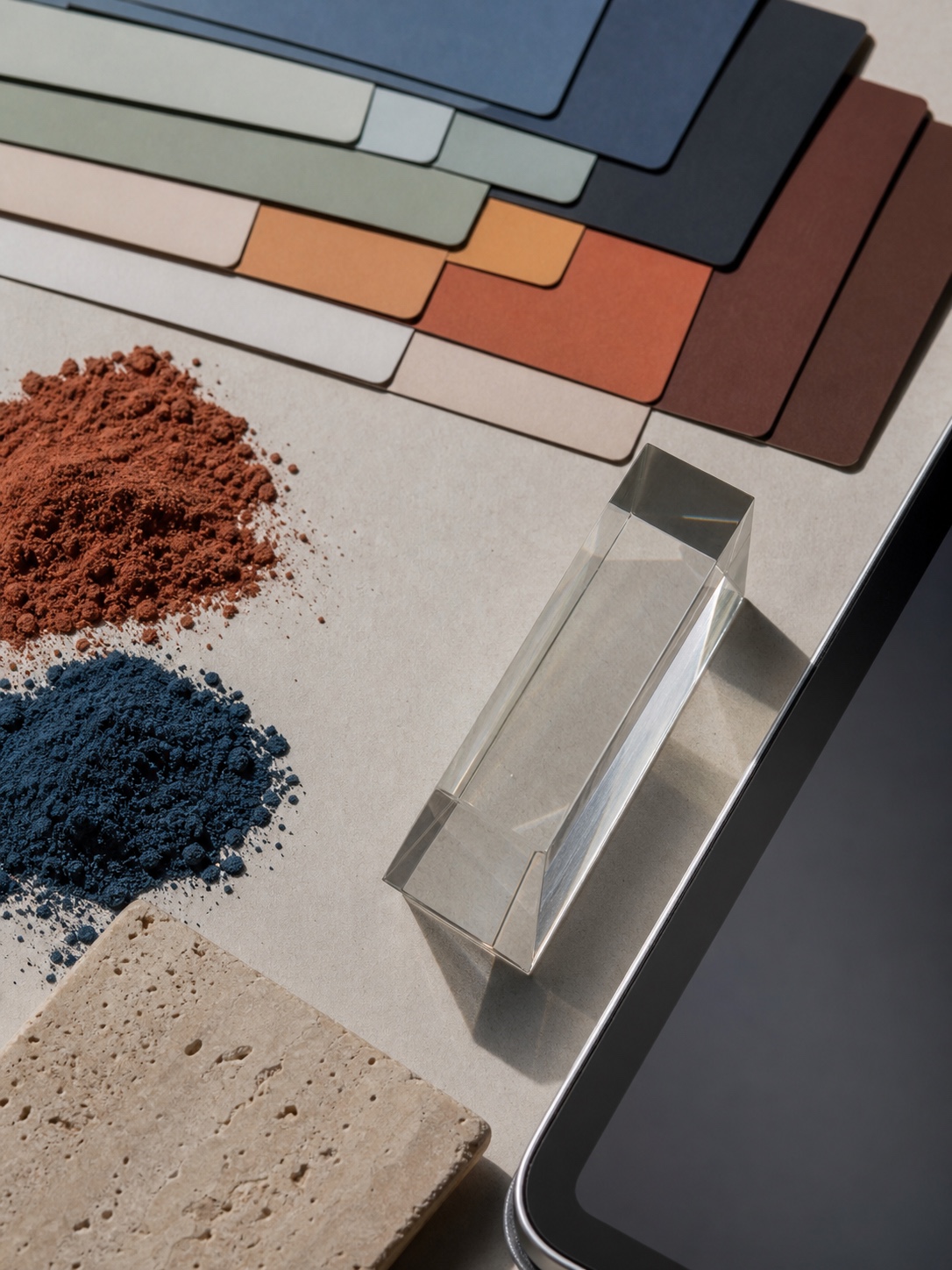


Colors affect how the screen looks and feels. Choosing the right palette helps reduce eye strain and improve focus. Soft tones like pastels are calming. Bright colors can feel energizing but might be too harsh for some users.
Warm colors (reds, oranges) often create a cozy vibe. Cool colors (blues, greens) tend to feel soothing. People should try matching wallpaper colors with their iPad cases or accessories for a neat look.
Sometimes, users prefer wallpapers with neutral tones to highlight app icons. These colors don’t distract and give a clean appearance.
Themes for Different Moods
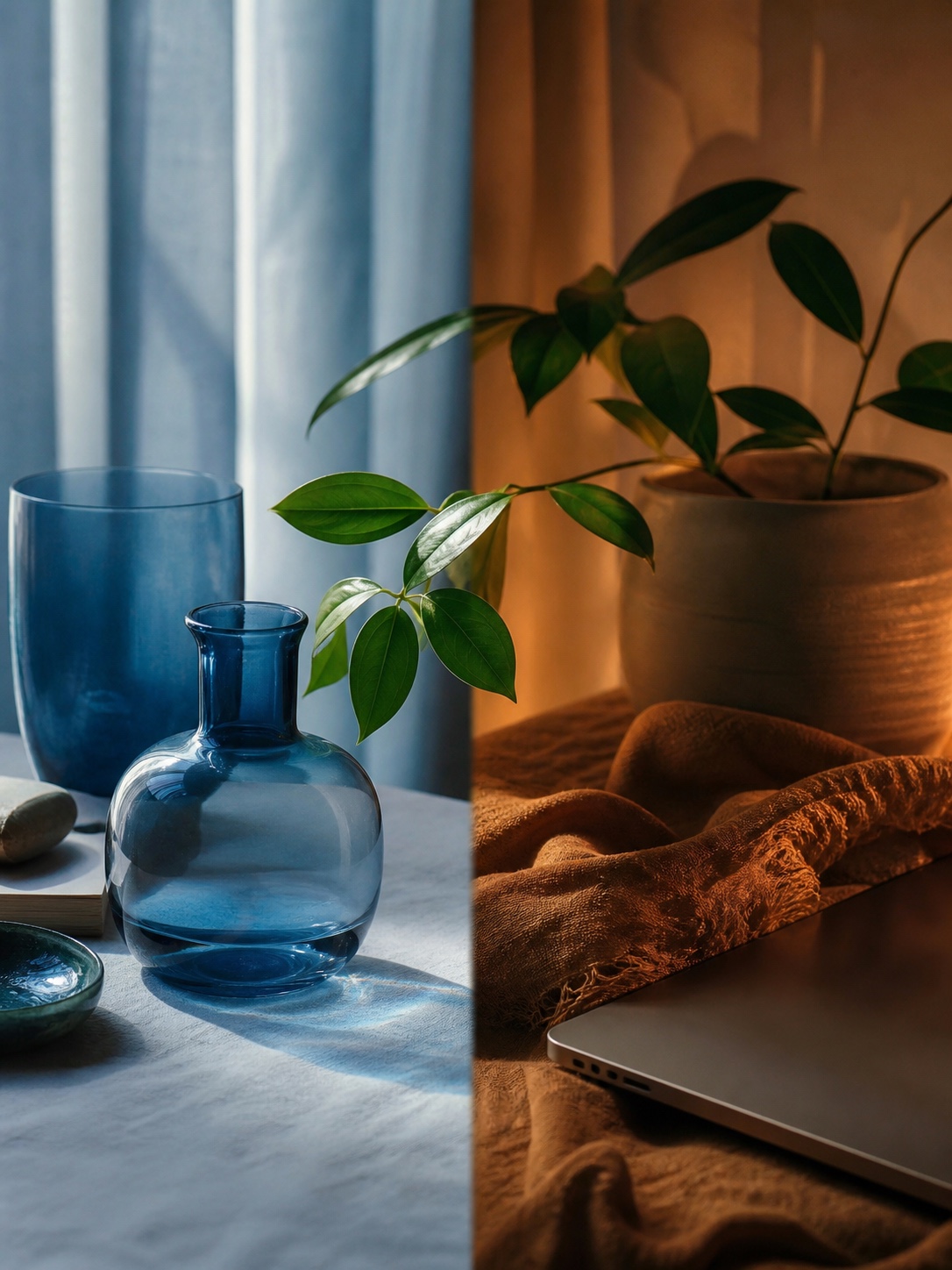
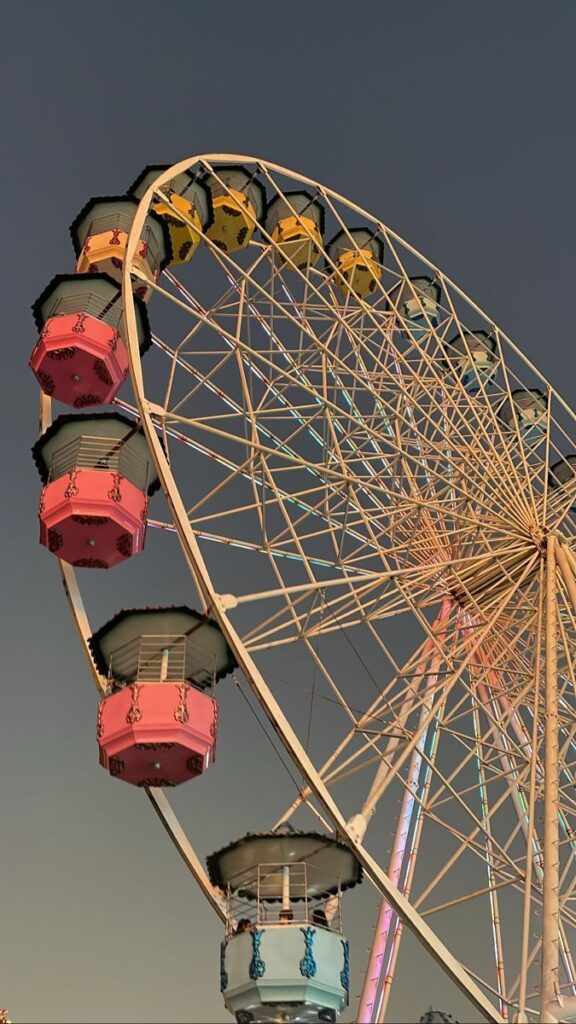

Wallpapers can change based on feelings or times of day. In the morning, light and bright themes might help boost energy. At night, darker or muted wallpapers reduce glare and can help relax the eyes.
Some choose seasonal themes like autumn leaves or snow scenes. Others pick wallpapers that reflect their current mood, such as calm landscapes for stress relief or lively streets for excitement.
Keeping a few wallpapers handy to switch between helps adapt the iPad’s look as needed. This keeps the device feeling fresh without a lot of effort.
Types of Aesthetic Wallpapers for iPad
iPad users often choose wallpapers based on style and mood. Some favor clean and simple looks, while others pick natural scenes or art-inspired designs. Each type offers different feelings and visual effects.
Minimalist Designs
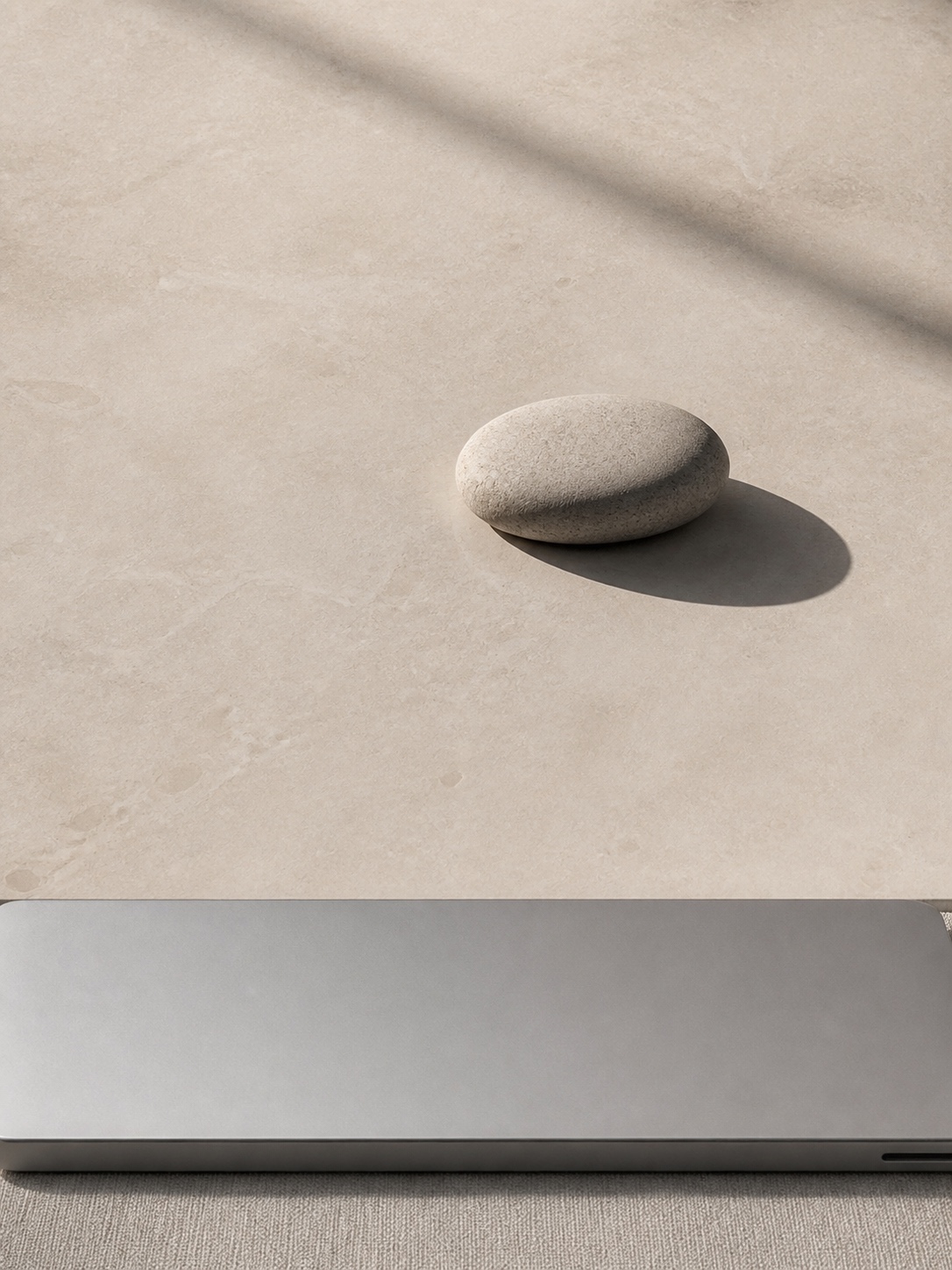
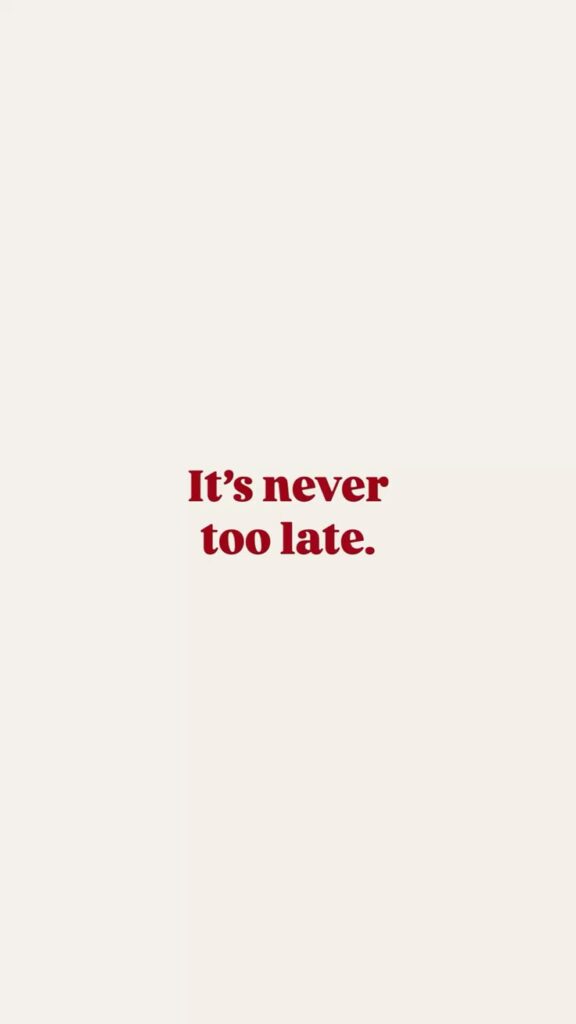
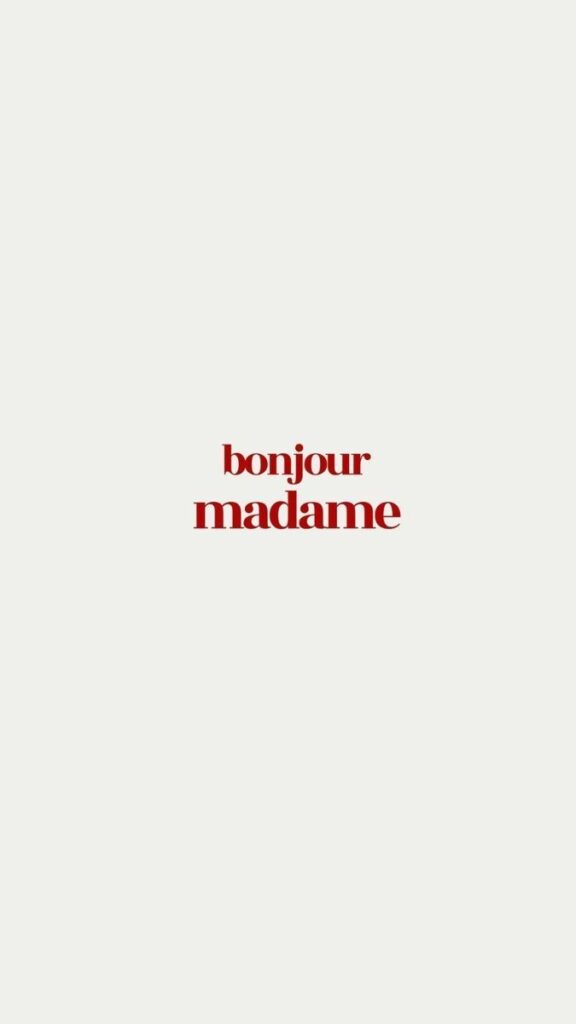
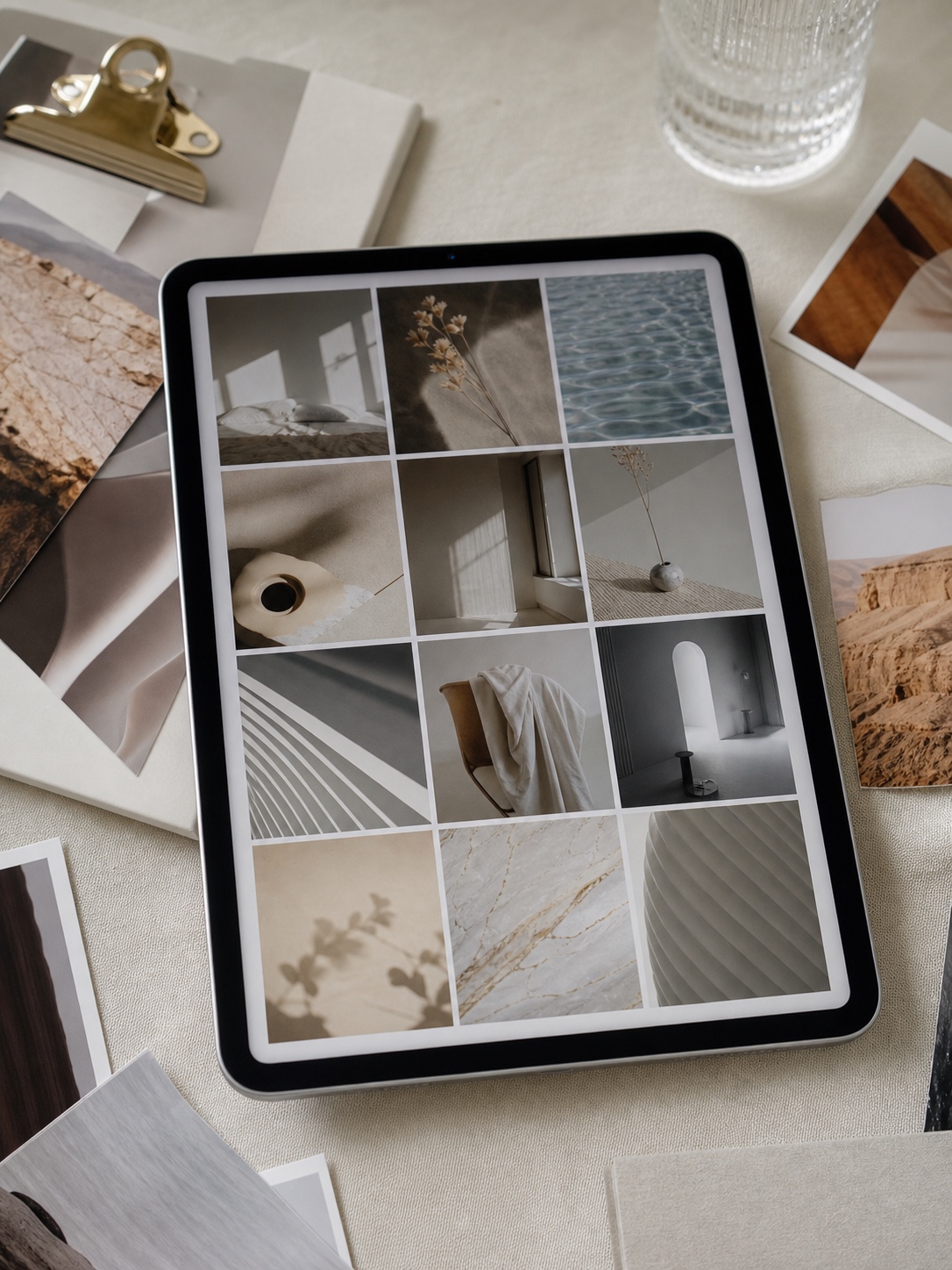
Minimalist iPad wallpapers focus on simplicity. They often use neutral colors like white, black, gray, or soft pastels. These wallpapers have few details—sometimes just simple shapes or single-color backgrounds.
This style helps reduce distractions. It makes icons and widgets stand out clearly. Users who want a clean and organized screen often choose minimalist designs.
Nature and Scenery
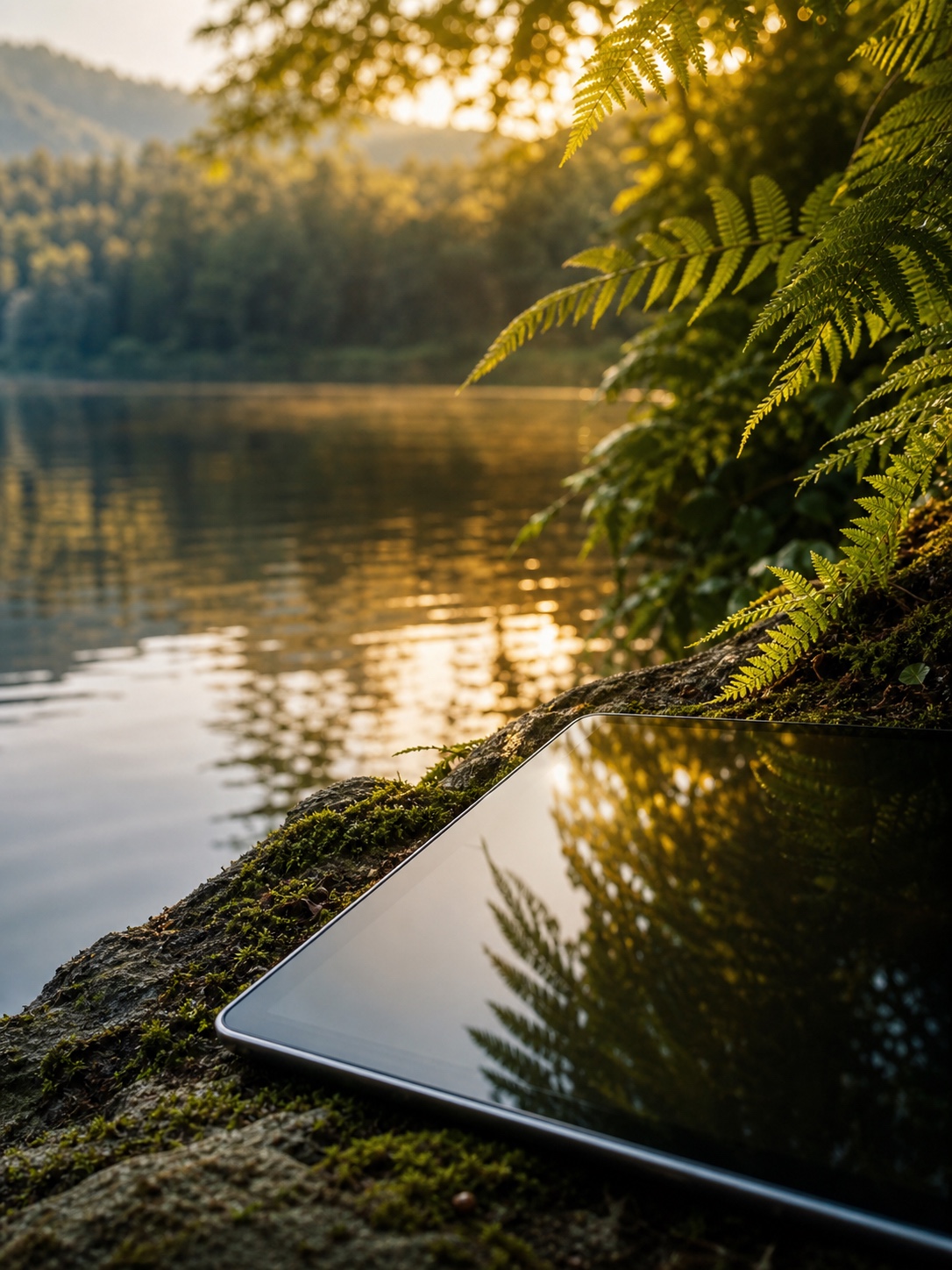
Nature-themed wallpapers show landscapes, plants, or water scenes. Popular examples include mountains, beaches, forests, and sunsets. These images create a calm and relaxing feeling.
Many users like this type because it connects them to the outdoors. It can brighten the screen with natural colors like green, blue, and gold. These wallpapers often have detailed textures like leaves or waves.
Abstract and Geometric Patterns
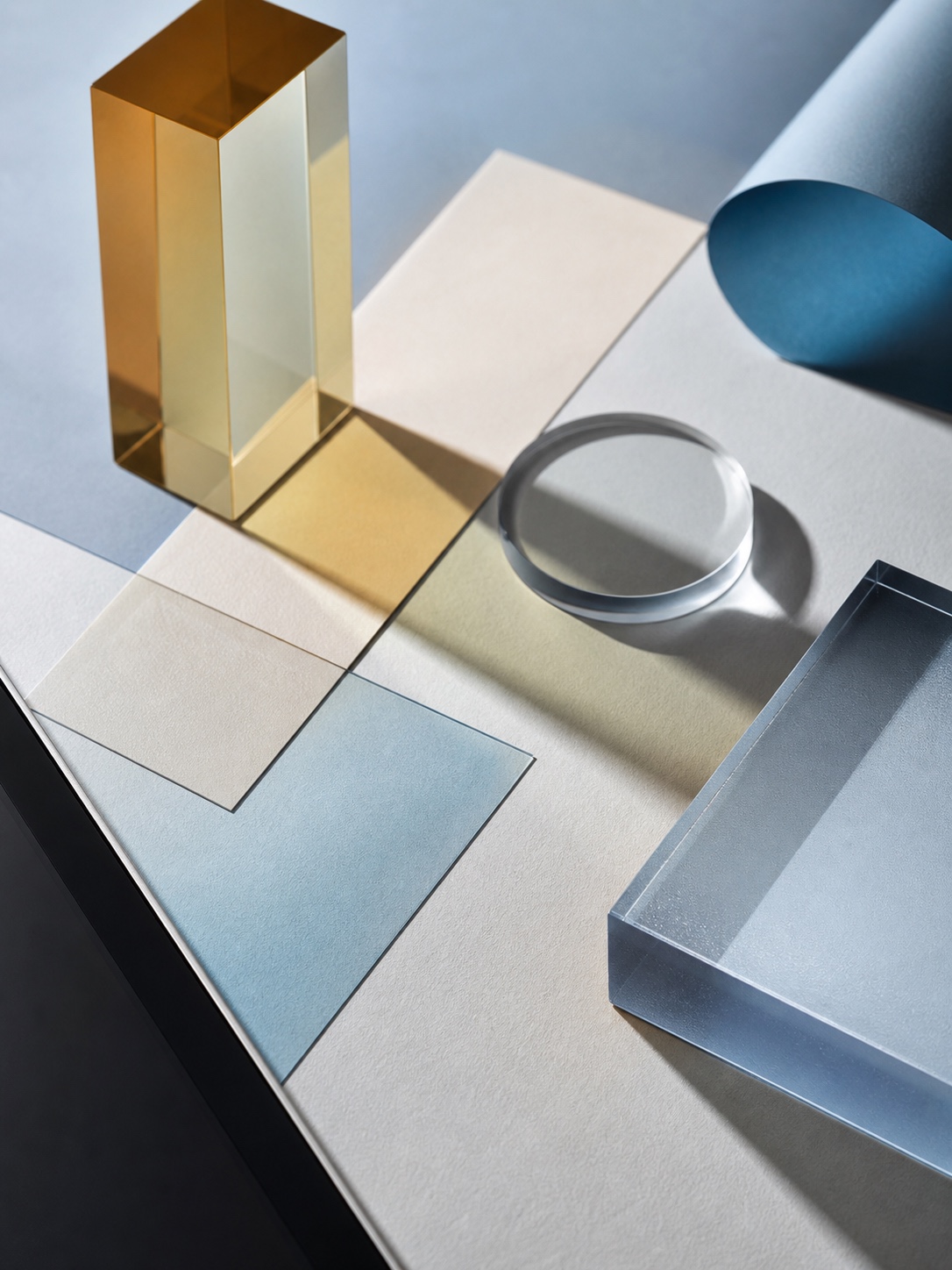


Abstract wallpapers use shapes, colors, and lines without representing real objects. Geometric designs include circles, triangles, and lines arranged in patterns. These wallpapers add an artistic touch to the iPad.
They come in bold or soft color schemes and can be dynamic or simple. People who enjoy modern art or a unique look tend to pick these patterns. Abstract designs often bring energy and creativity to the device screen.
For iPad, a broader aesthetic wallpaper for iPad reference can help you compare desktop-like layouts, soft room textures, and wide crops before downloading anything.
How to Find High-Quality iPad Wallpaper Aesthetics
Finding good iPad wallpapers depends on knowing where to look, using social media well, and sometimes making your own. Each method offers unique options for different tastes and styles.
Recommended Websites and Apps
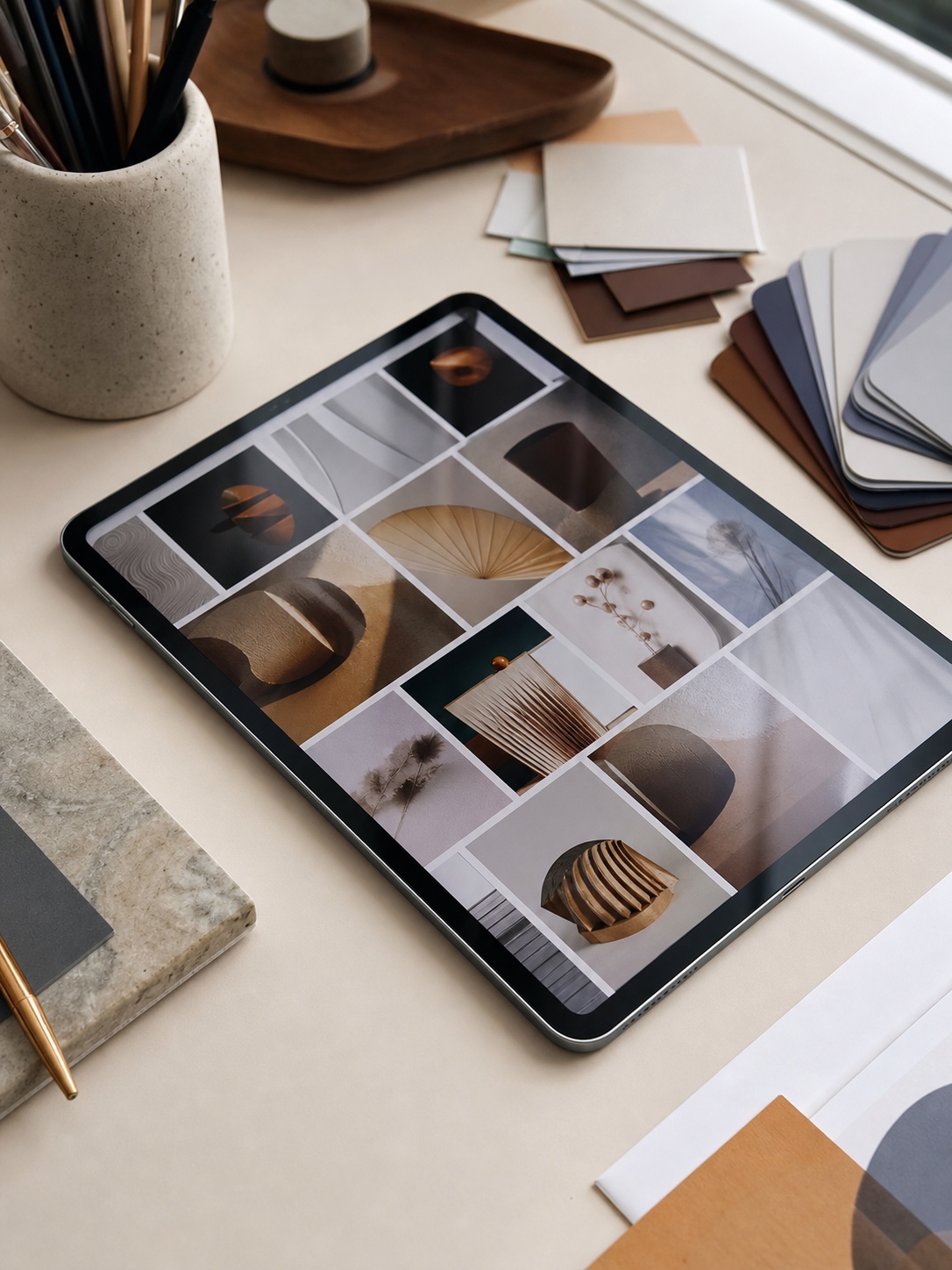
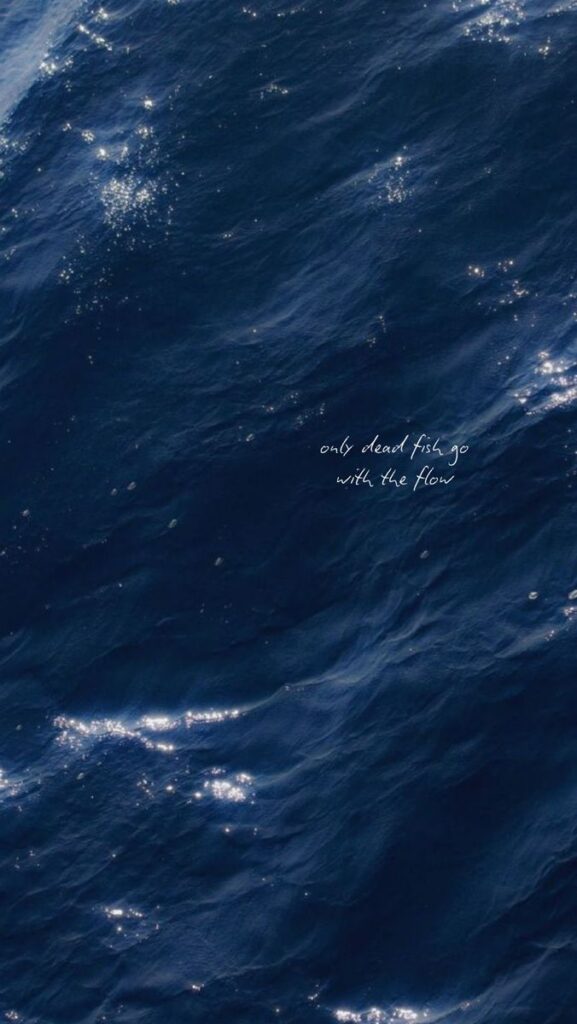
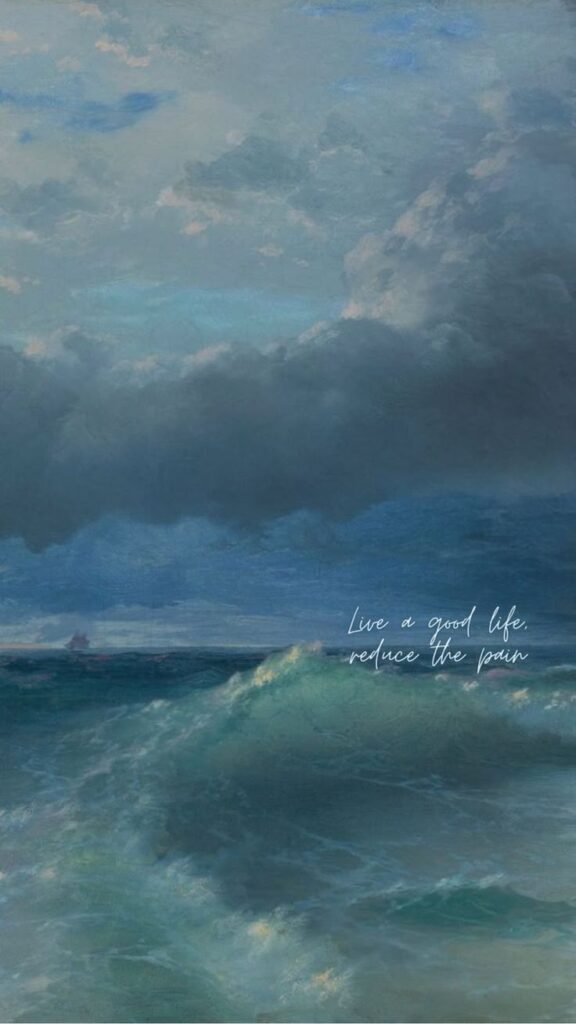
Many websites and apps focus on high-quality wallpapers. Sites like Unsplash and Pexels provide free images with sharp resolution. They are easy to search by themes such as nature, minimalism, or abstract art.
Apps like Vellum or Walli offer curated wallpapers made for iPads. They often include filters to find styles like vintage, pastel, or dark mode. These apps make it easy to preview how wallpapers look on the screen.
Paid apps may have exclusive designs and fewer ads. When choosing a source, users should check the image resolution to match the iPad’s screen size, avoiding pixelation.
Using Social Media for Inspiration
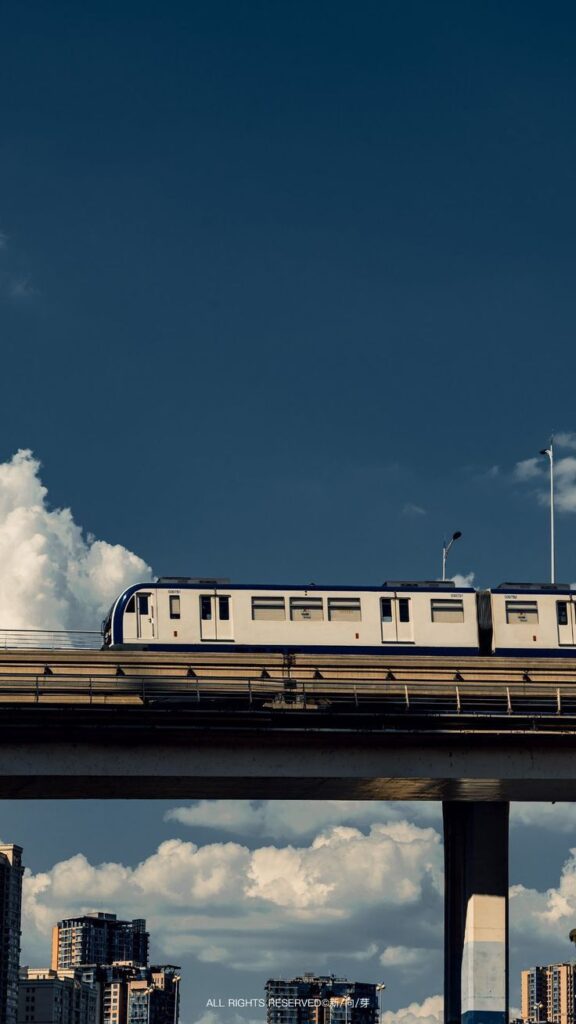
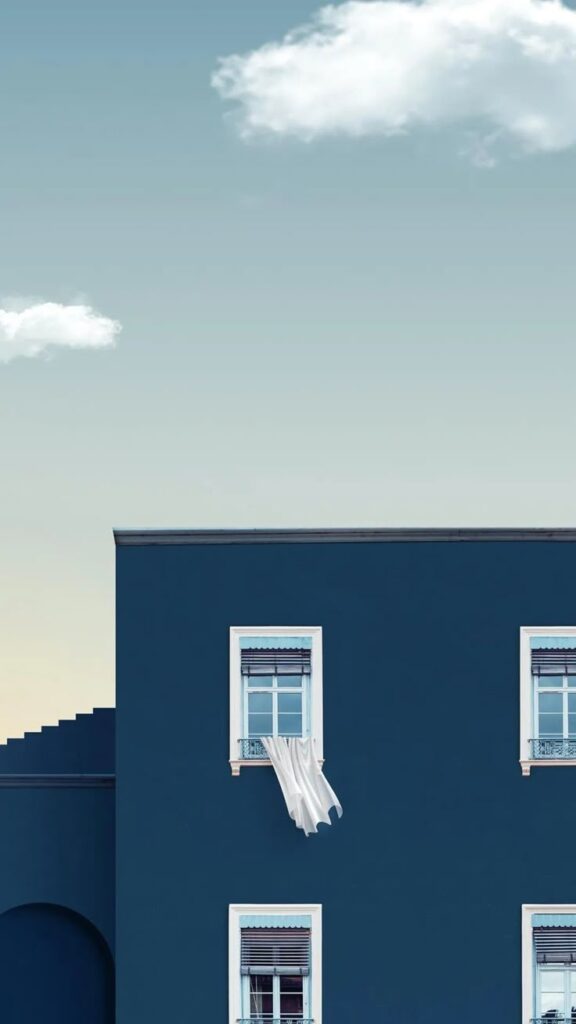
Social media platforms such as Pinterest and Instagram are useful for discovering wallpaper ideas. Users can search hashtags like #iPadWallpaper or #AestheticWallpaper for fresh content.
Pinterest boards contain collections sorted by style, color, or theme, making browsing easier. Instagram artists and photographers often share their work with download links in the bio or captions.
Following wallpaper creators or design pages can keep users updated on new trends. Social media also allows sharing favorites with others, creating a community around wallpaper choices.
Customizing Your Own Wallpaper
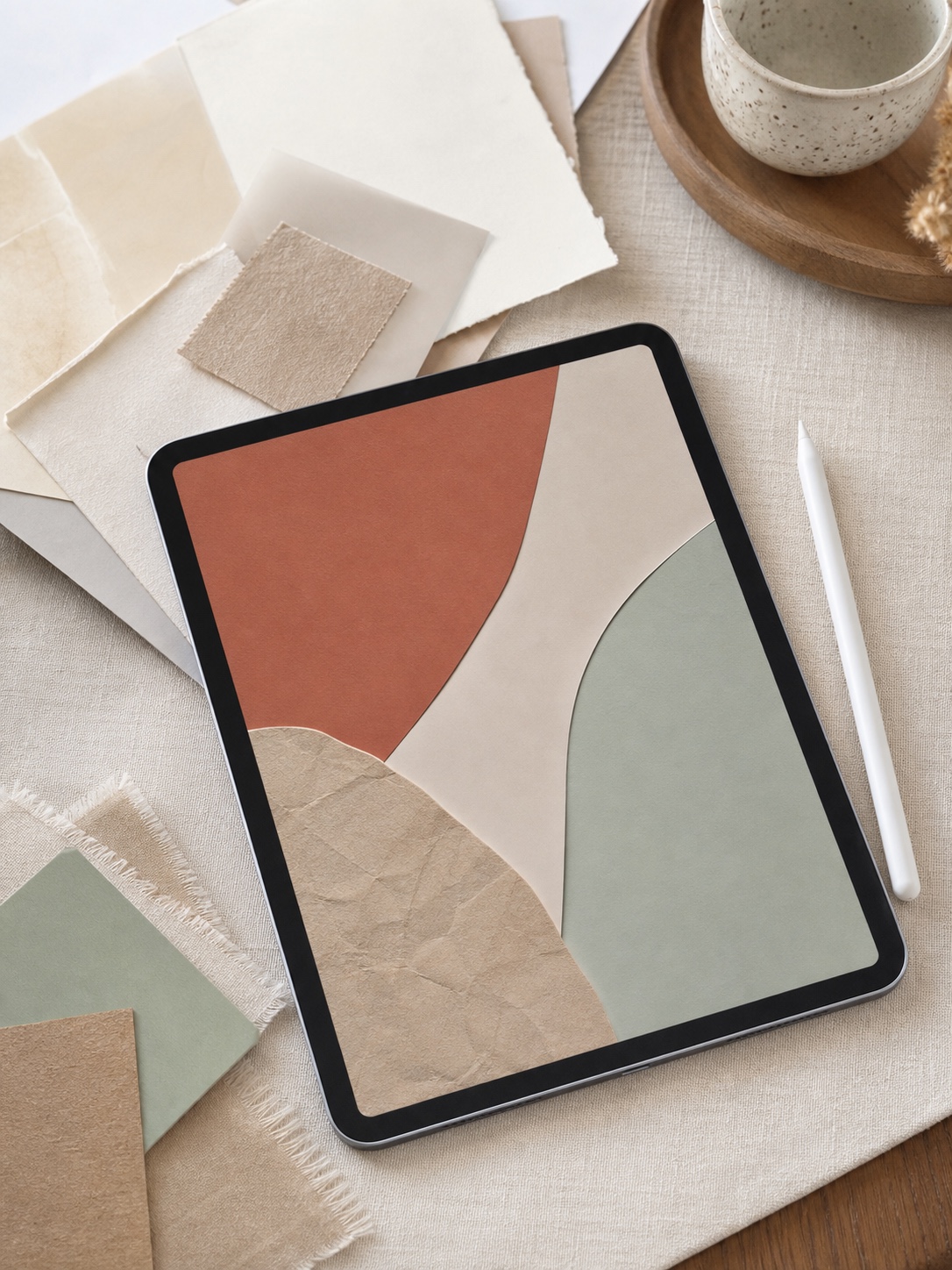


Creating a custom wallpaper lets users match exactly what they want. Apps like Canva or Adobe Spark allow easy editing with pre-made templates and tools to change colors or add text.
Users can start with a photo or design, resize it to fit the iPad screen, and adjust the brightness or contrast for better visibility. Simple graphic apps provide layers and stickers for more detail.
Custom wallpapers ensure uniqueness and personal style. It also helps with matching wallpapers to widgets or app layouts on the home screen.
Setting and Optimizing Aesthetic Wallpapers on iPad
Choosing the right wallpaper size and placement improves the overall look. Making sure the wallpaper fits well on both the lock screen and home screen is important for a clean, sharp display.
Adjusting Wallpaper Resolution
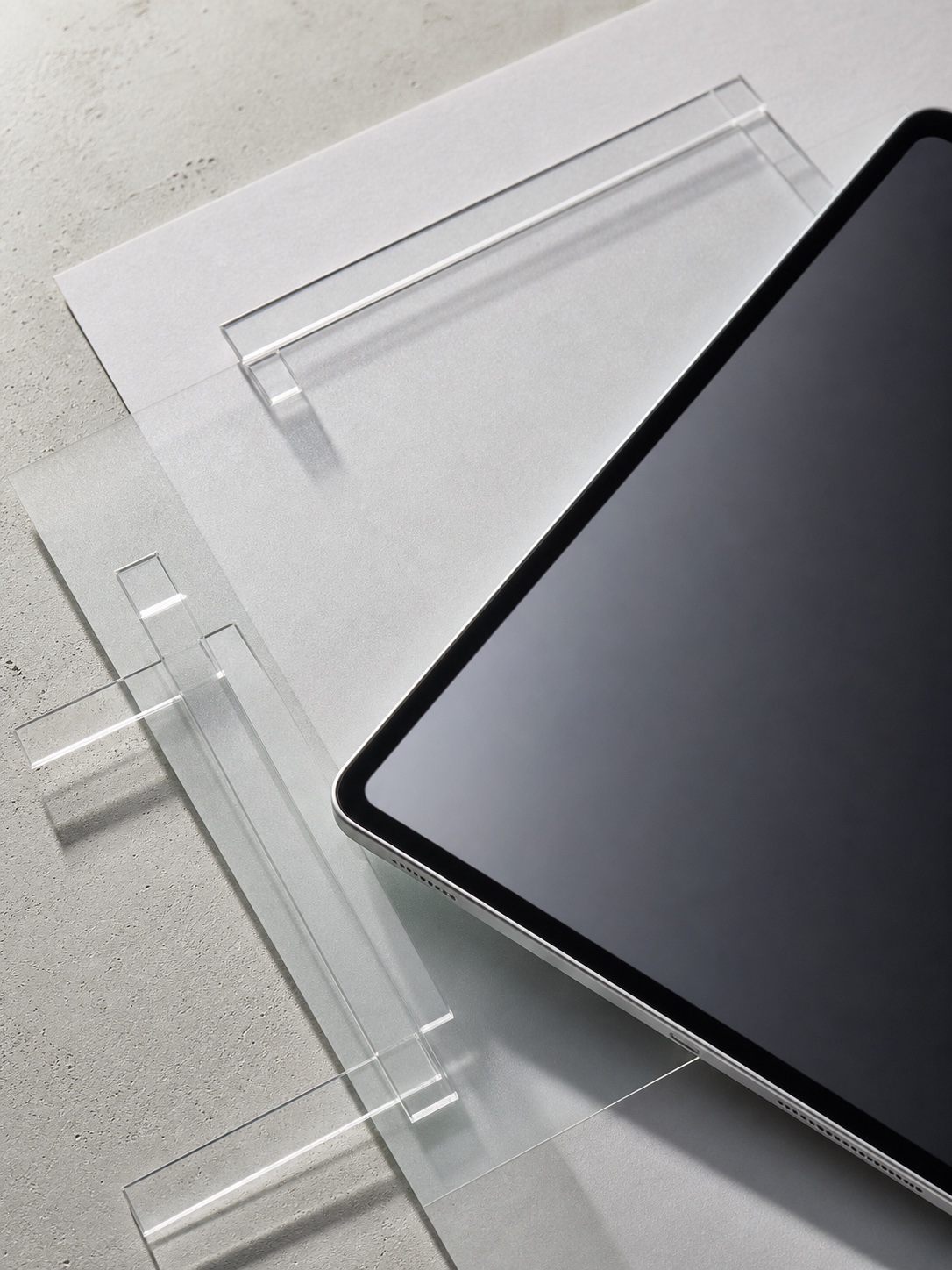


The ideal resolution for iPad wallpapers depends on the iPad model. Using wallpapers that match or exceed the screen resolution keeps images clear and sharp.
Common iPad resolutions include:
- 2048 x 2732 pixels for iPad Pro 12.9-inch
- 1668 x 2224 pixels for iPad Pro 11-inch
- 1620 x 2160 pixels for iPad Air
If the wallpaper is too small, it may look pixelated or blurred. If it’s too large, the iPad will crop or zoom, which can cut off parts of the image. Users should crop or resize wallpapers in photo editing apps before setting them.
Setting Lock Screen and Home Screen
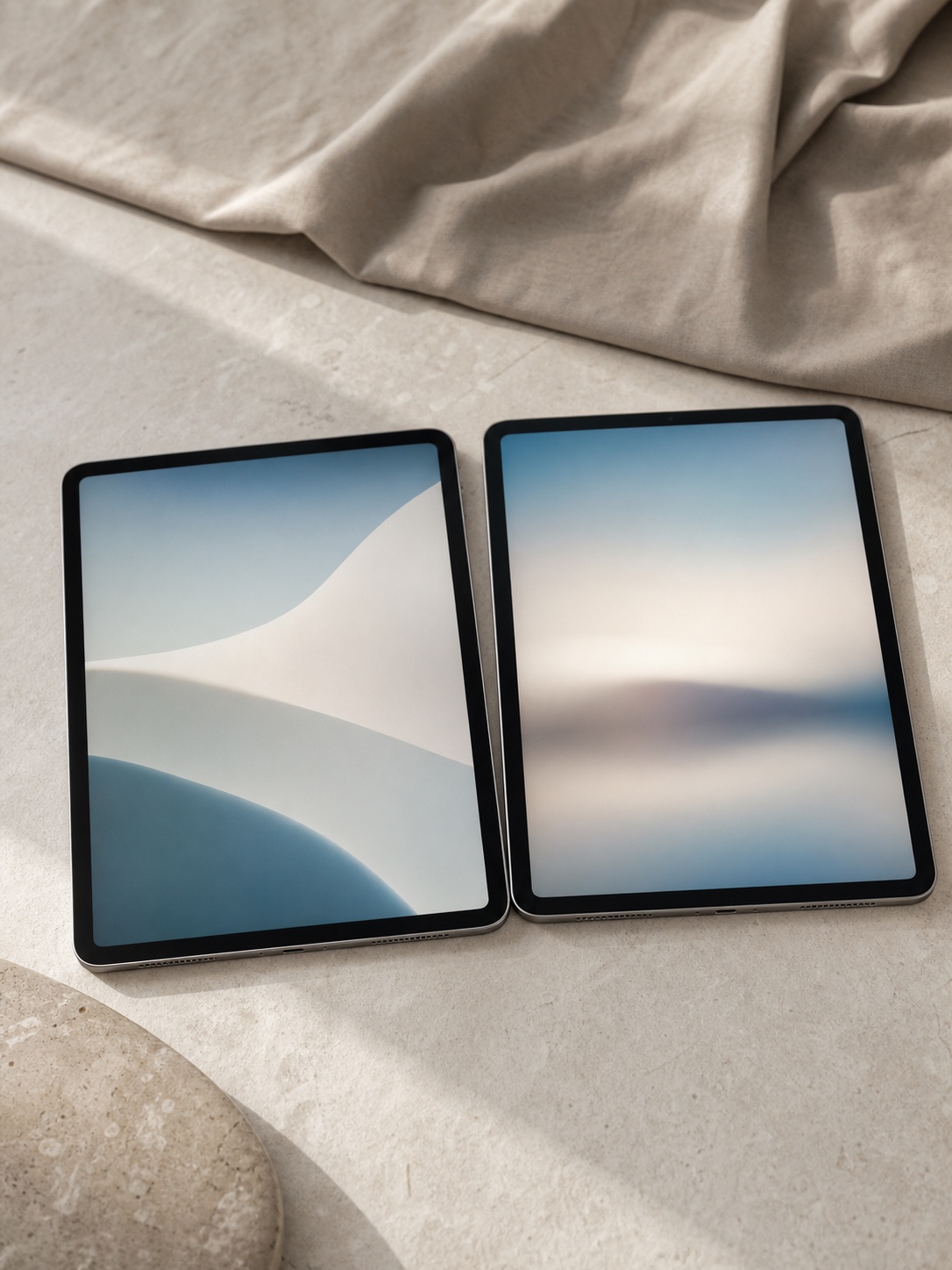
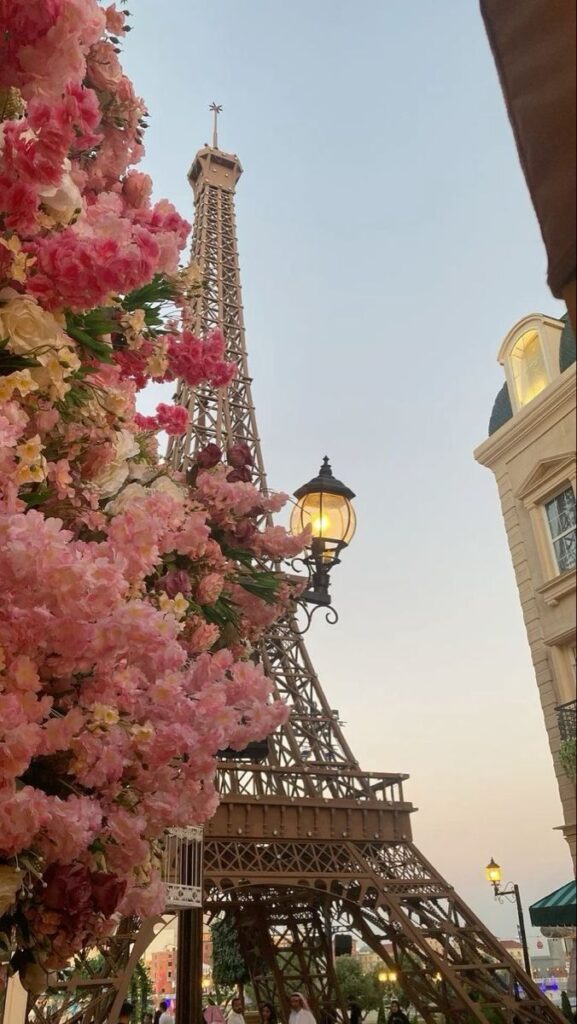
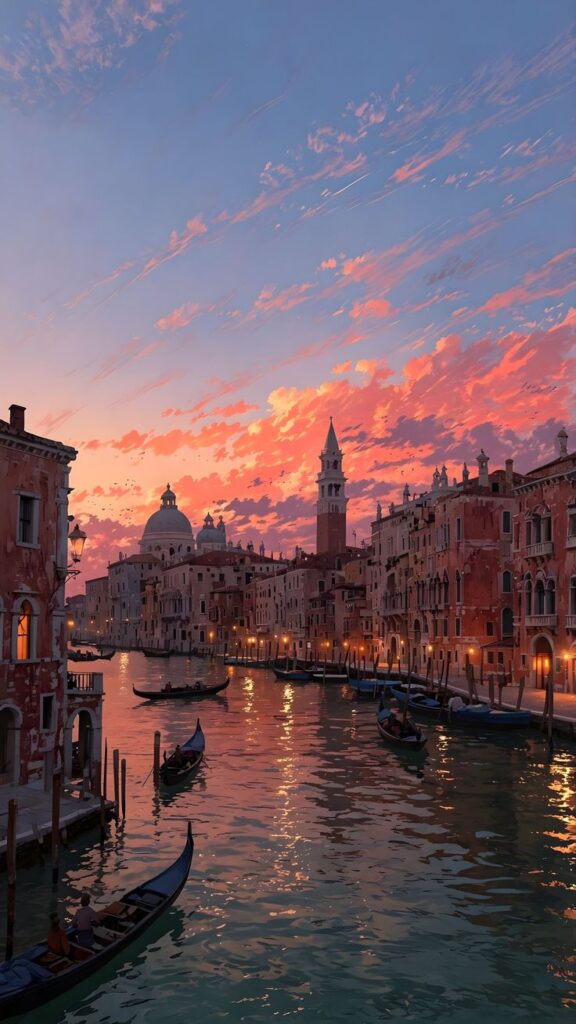
iPad users can set different wallpapers for the lock screen and home screen or use the same image for both. When selecting, the device shows a preview to check image placement.
Steps to set wallpapers:
- Open Settings > Wallpaper > Choose a New Wallpaper.
- Select an image from Photos or default options.
- Tap Set, then choose Set Lock Screen, Set Home Screen, or Set Both.
The lock screen often looks best with simpler images because icons and notifications appear over it. The home screen wallpaper should avoid busy patterns to keep apps easy to see.
Creative Ideas for Custom iPad Wallpaper Aesthetics
Choosing how to design an iPad wallpaper can add personality and style to the device. Using different elements like images, hand-drawn art, or text helps create a unique look. The ideas below focus on mixing visuals and adding meaningful words for a balanced design.
Collage and Mixed Media
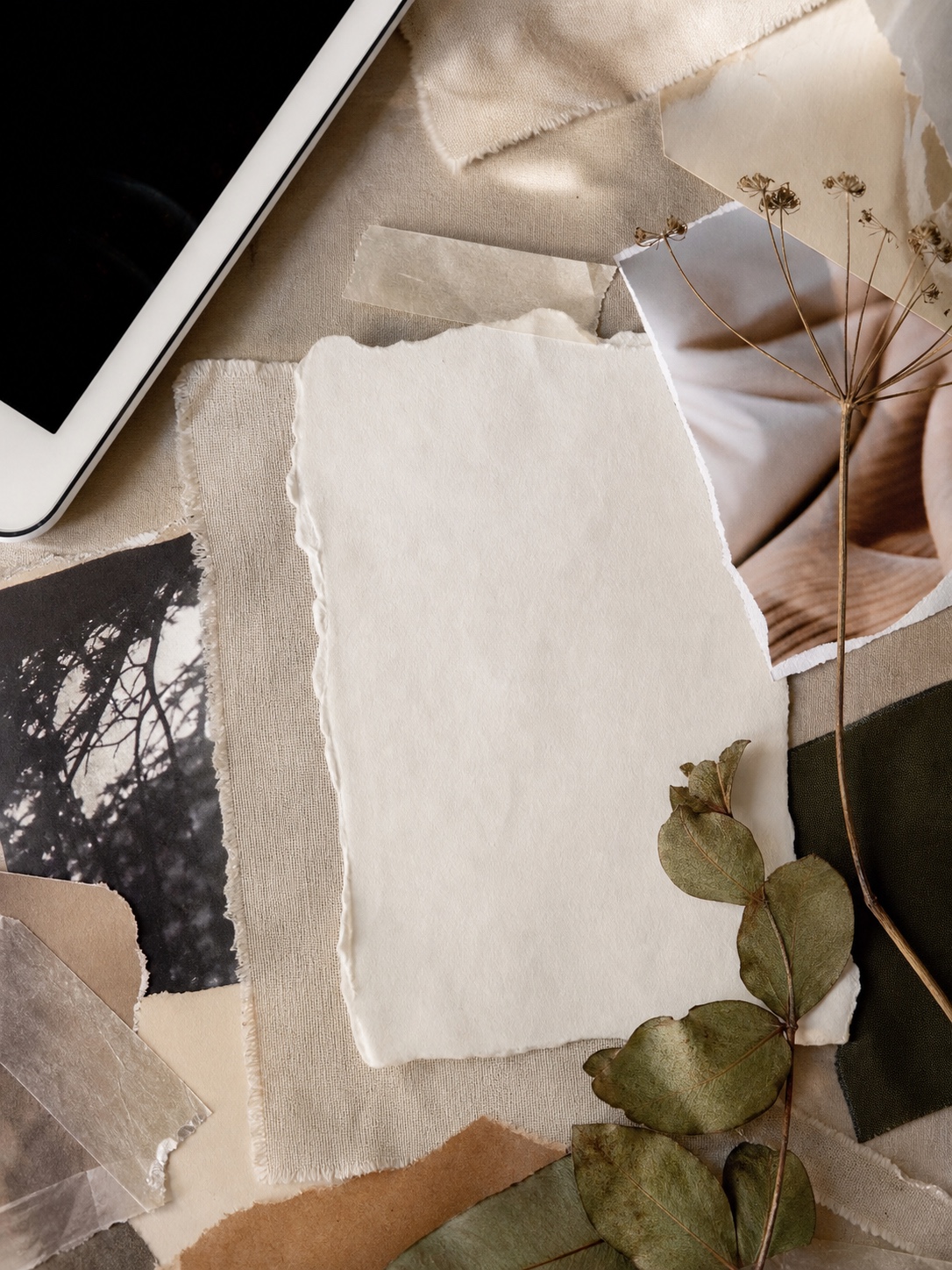


Collages combine photos, textures, and drawings to create a layered look. People can use apps like Procreate or Canva to arrange different images and shapes easily. Adding cut-out photos, paper textures, or even scanned doodles makes the wallpaper stand out.
Mixing digital and hand-made elements adds depth. For example, a user might include digital sketches with real photo fragments. Colors can be adjusted to match or contrast for a bold effect. This method allows a lot of freedom to express mood or interests visually.
Incorporating Quotes and Typography
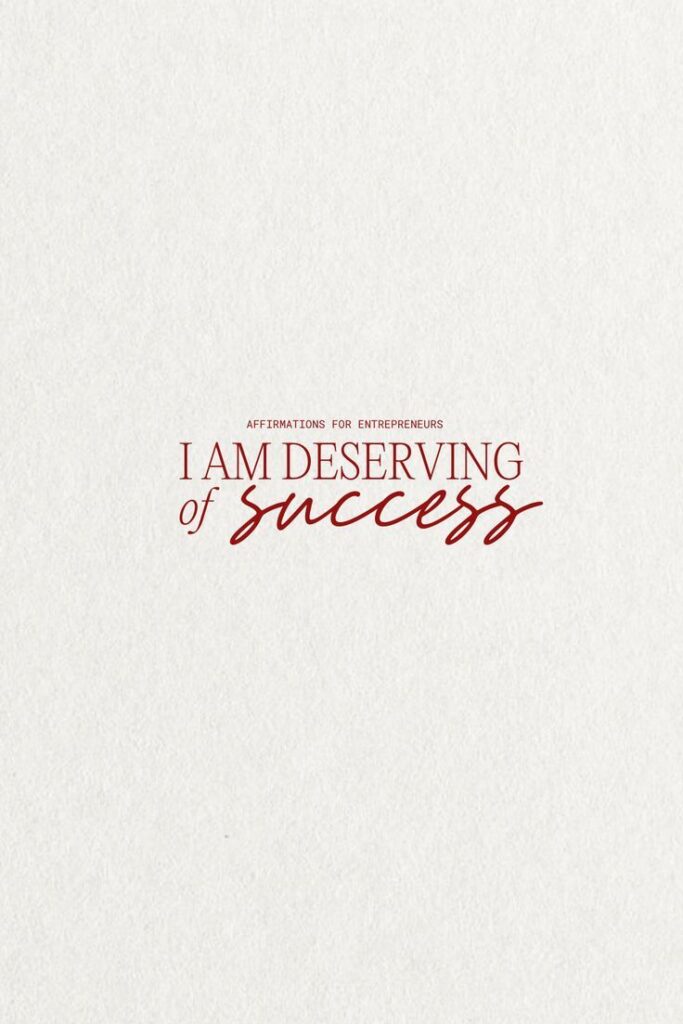
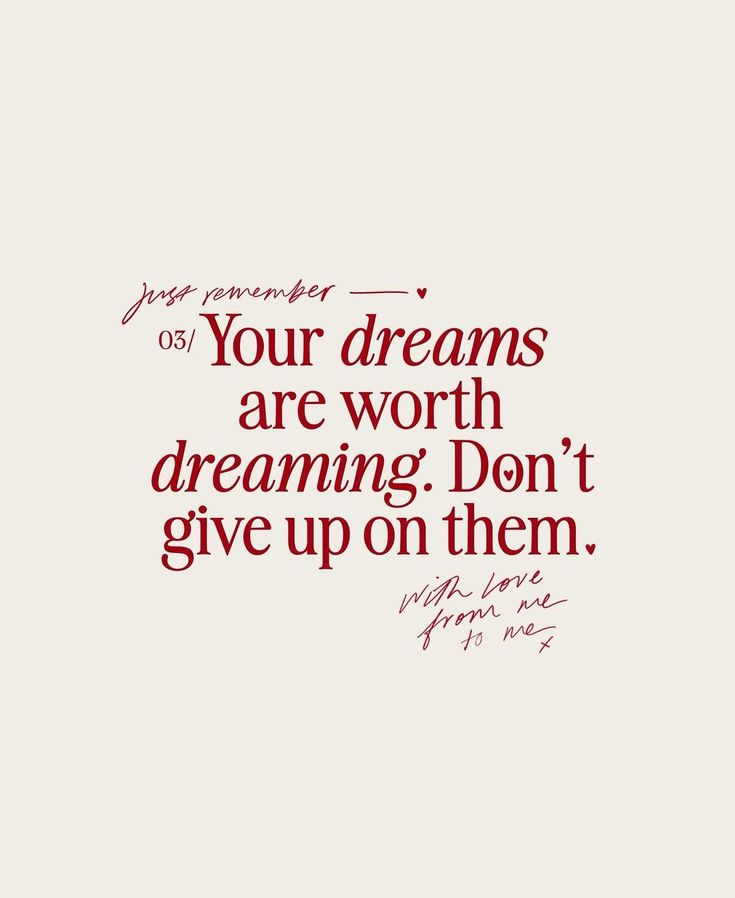
Adding quotes can give meaning to the wallpaper. Choosing strong words and pairing them with clean fonts creates balance. Users should pick readable fonts and avoid cluttering the image with too much text.
A simple layout works best. Centered or aligned text with enough space around it helps the message stand out. People can vary font sizes or styles like bold or italic for emphasis. The background should not distract from the words but support them with a subtle color or pattern.
Maintaining a Fresh iPad Wallpaper Aesthetic
Keeping an iPad wallpaper looking fresh means changing it regularly and staying organized. This helps the device feel new and matches changing moods or seasons. Properly managing wallpaper images also saves time when choosing a new look.
Rotating Wallpapers Seasonally
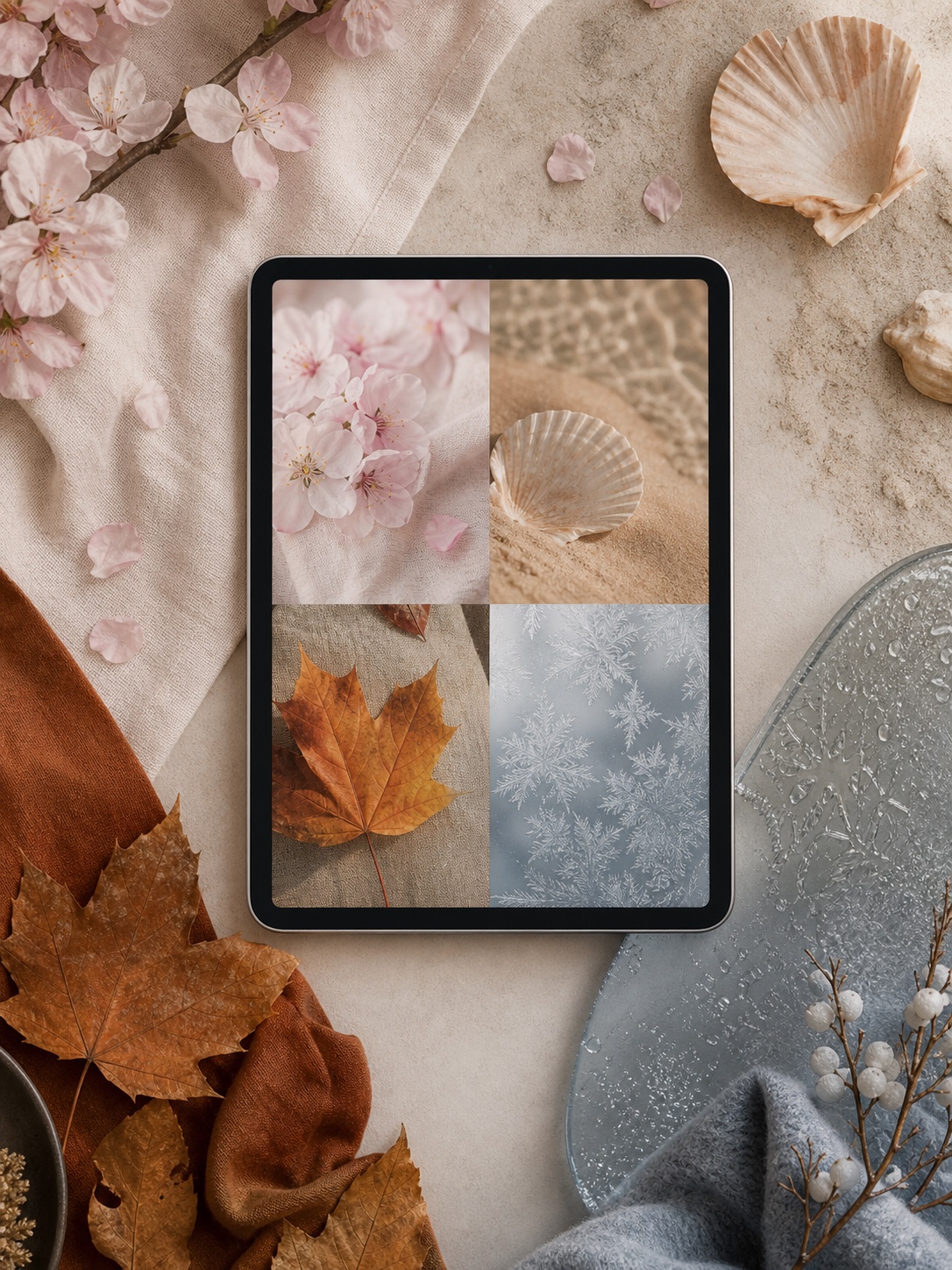


Changing wallpapers with the seasons is a simple way to keep an iPad visually interesting. For example, using bright flowers or sunny beaches in spring and summer creates a light, warm feel. In fall, wallpapers with orange leaves or cozy scenes add a seasonal touch. Winter designs might include snowflakes or cool blue tones.
Users can set reminders to switch wallpapers every few months. Some apps allow automatic rotation, which makes the process easier. Seasonal rotation matches the environment and helps keep the screen appealing without daily effort.
Organizing Your Wallpaper Collection
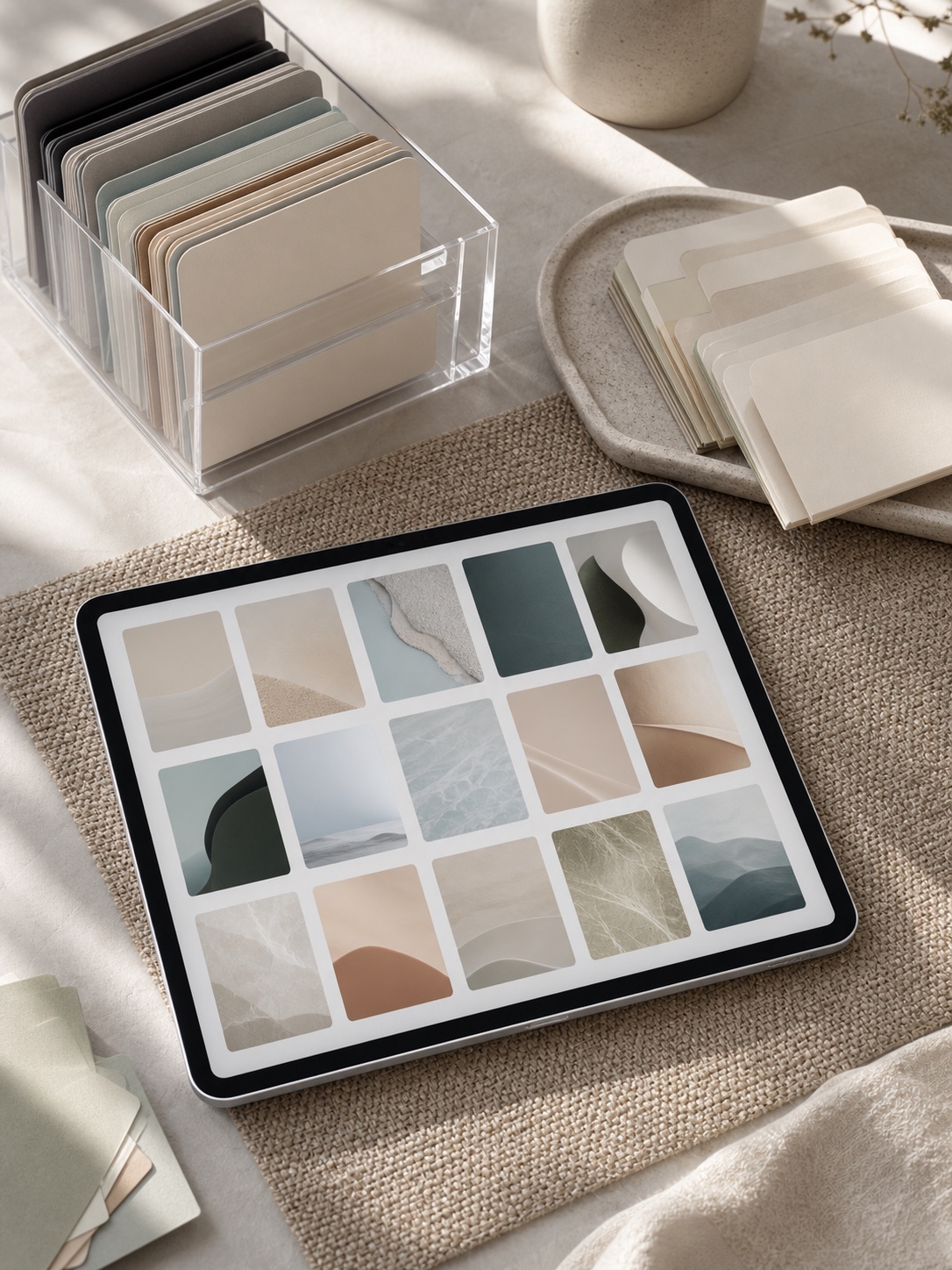

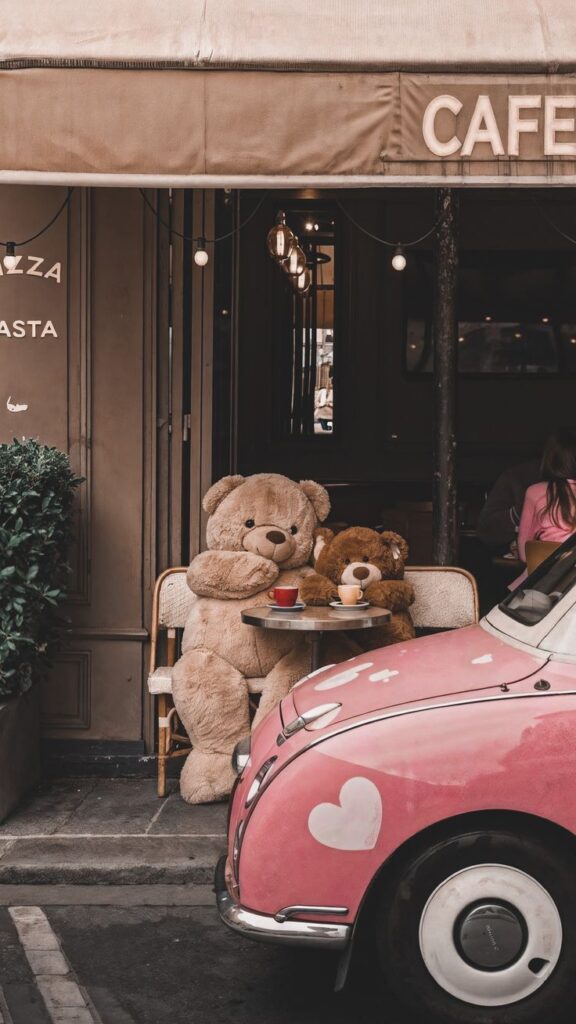
Organizing wallpapers into folders or albums on the device or in cloud storage helps users find and swap images quickly. Creating categories like “Nature,” “Abstract,” and “Minimalist” allows easy access based on mood or need.
Using simple file names, such as “spring_blossom” or “winter_snow,” makes searching efficient. Backing up the collection prevents loss if the device resets. A well-organized library saves time and keeps the wallpaper aesthetic consistent.
Copyright and Usage Considerations


When choosing an iPad wallpaper, it is important to think about copyright. Many images online are protected by copyright laws. Using these images without permission may cause legal problems.
Free wallpaper sites often have licenses. These licenses explain how images can be used. Some allow personal use but forbid sharing or selling. Others may require credit to the creator.
Below is a simple guide for common usage rules:
| Use Type | Allowed? | Notes |
|---|---|---|
| Personal use | Usually yes | No sharing or selling |
| Commercial use | Usually no | Requires special permission |
| Modification | Depends | Check license details |
Using images from public domain or creative commons sources is safer. These usually have fewer restrictions. However, even with these, it’s good to check the exact terms.
Downloading wallpapers directly from apps or official platforms also helps avoid risks. These images often come with clear rights for use on your device.
Respect for copyright supports artists and creators. Users should always verify if an image is free to use or needs permission before setting it as a wallpaper.
For matching phone screens, use these summer backgrounds for iPhone; the set is vertical, brighter, and easier to test on an iPhone lock screen.
Conclusion

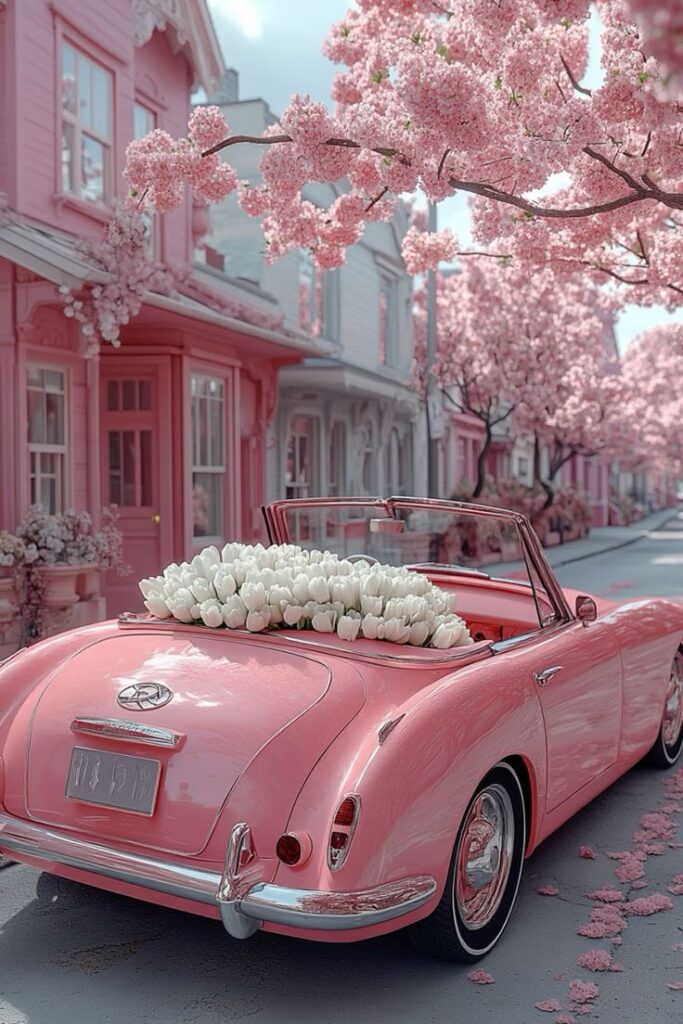
Choosing the right iPad wallpaper aesthetic helps personalize the device. It reflects the user’s taste and style in a simple way.
An effective wallpaper balances color, pattern, and mood. It should not distract from the apps or screen content.
Many users prefer minimal designs for clarity. Others like vibrant or themed wallpapers to express creativity.
Key points for selecting wallpaper:
- Match colors with device accessories
- Keep visuals simple for easy reading
- Change wallpapers to refresh the look regularly
They can explore different styles like nature, abstract, or vintage. Apps and websites offer many free and paid options.
Ultimately, the wallpaper choice is about comfort and visual appeal. It should make daily device use pleasant and motivating.
- 3.0Kshares
- Facebook0
- Pinterest3.0K
- Twitter1
- Reddit0