

A German call-to-action wraps onto three lines and pushes the button below the fold. A UK pricing card shows "£" but keeps US-style tax wording. A regional ad lands on a page that greets the visitor with the wrong cookie banner. Designers find these issues by looking at a live site as it appears in another market, and proxy browsers are one of the more practical ways to do that from a single desk.
This guide is for web, UI, UX and brand designers choosing a browser for controlled regional visual reviews. It does not cover stealth, scraping, account farming or avoiding platform bans. Many of these products are marketed as "antidetect" or multi-account tools. For design review you need something simpler: a repeatable way to see a page from a chosen region, in a stable session, and capture what you see.
We have not tested the products below. Every feature listed is vendor-reported and linked to the vendor's own documentation. The comparison is meant to help you shortlist tools, not to declare a winner on speed, privacy or price.
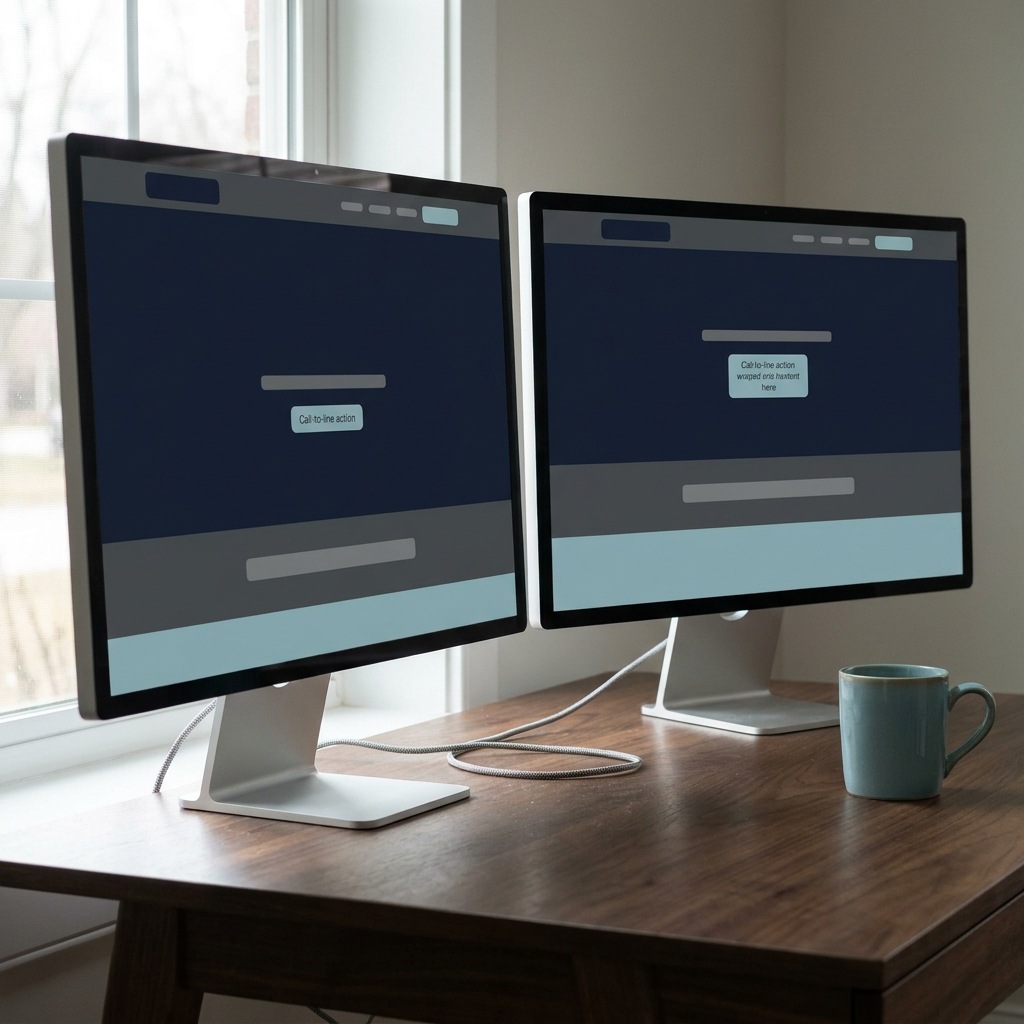
What a proxy browser can and can't tell a designer
For this review, a proxy browser needs two capabilities: a proxy connection that routes your traffic through an IP address in another location, and a browser profile manager that keeps cookies, storage and settings in separate containers. For a design team, the combination means you can keep one profile for "Germany, desktop", another for "UK, mobile viewport", and return to each in the same state next week.
Proxies, browser profiles and real local research
These three things are related, but each does a different job:
- A proxy changes the apparent network location. Sites that use IP-based geolocation may then serve regional content: a different currency, a localised landing page, region-specific consent banners, or blocked or swapped campaign creative. For background on how a modern proxy connection differs by type, including mobile and residential IPs, see our earlier explainer.
- A browser profile stores state. It keeps cookies, consent choices, local storage, language settings and logged-in sessions separate from your everyday browser, so a test in one market doesn't affect another.
- Genuine locale, device and user research is something neither tool provides. It means real people in the target market, on their own devices and networks, using their own language settings and assistive technology, telling you whether the design makes sense to them.
A proxy browser handles the first two. It cannot handle the third.
The limits of IP-based geo testing

IP-based geo testing has limits that are easy to forget during a review:
- Sites don't all use IP alone. Many sites decide on language and region from the browser's
Accept-Languageheader, an explicit locale picker, a saved account preference, the URL path (/de/,/en-gb/), or a cookie set on a previous visit. A German IP with an English-language browser may still get the English page. - Geolocation databases are imperfect. An IP labelled as one city may be resolved differently by a site's own provider. Treat the region you selected as an intention, not a guarantee, and record what the page actually showed.
- CDNs and caches vary. Two reviewers on "the same" region can see different cached variants. Screenshots with timestamps help settle disagreements.
- Proxies don't change the device. Fonts, rendering engines, screen density, input method and OS-level accessibility settings remain whatever your machine provides, unless you change them separately.
- Terms of service still apply. Some platforms restrict proxy or automated access. Check the terms of service and your organisation's policy before reviewing third-party sites, and prefer staging environments or your own properties wherever possible.
Decision rules for choosing a proxy browser for design review
Choose a tool by the review problem it solves, not by an antidetect feature list. These rules work as a shortlist filter.
1. Stable region. Can you pick a country, and ideally a city, and get the same region again next session? City-level selection matters when a client runs different promotions in, say, Toronto and Vancouver, or when UK and Irish pricing diverge.
2. Consistent session. Does the profile persist cookies, consent state and storage between sessions? If the cookie banner reappears every time, you can't review the post-consent layout reliably, and screenshots across rounds won't match.
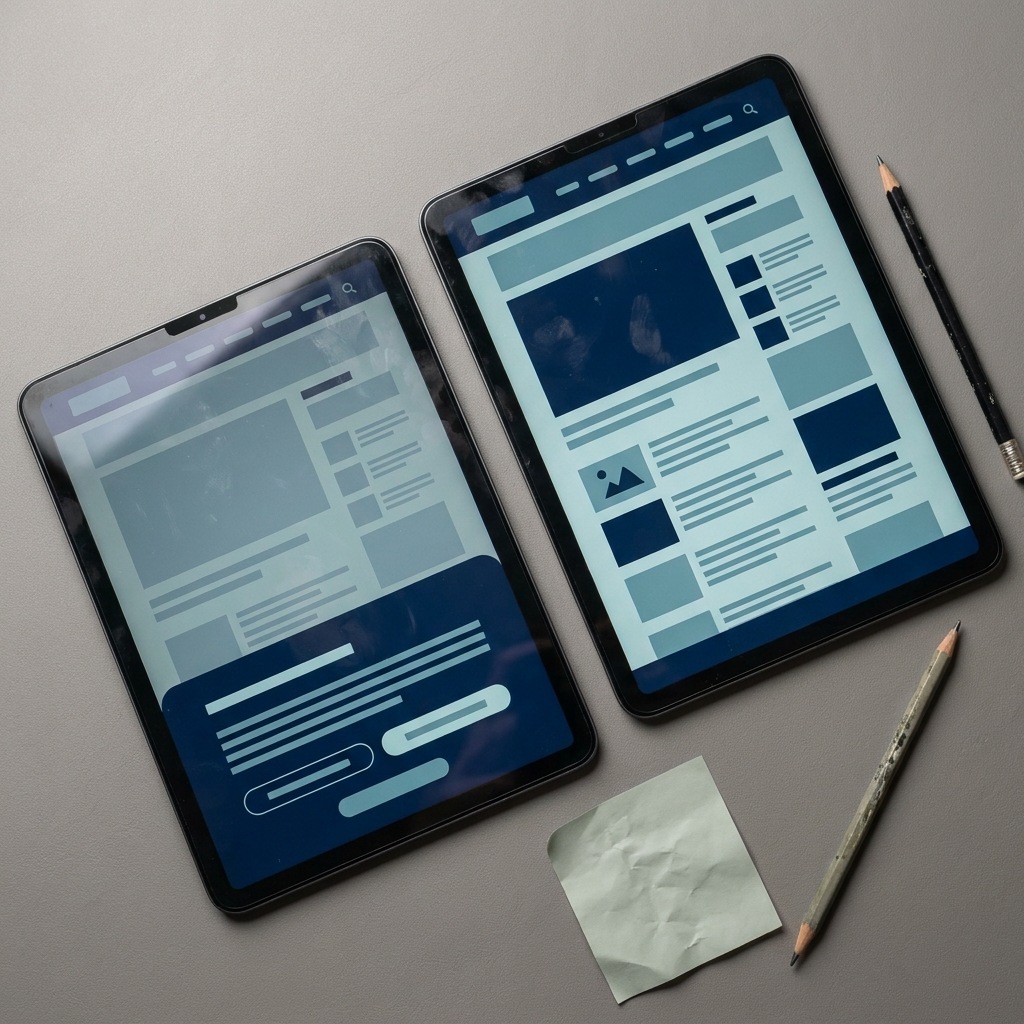
3. Language, currency and consent state. Can you set the browser language per profile, separately from the proxy? A US vs UK pricing-card review needs both the right region and the right language preference, or you may be comparing the wrong variants.

4. Responsive viewport. Can you set window sizes or use device emulation inside the profile? Long German compound words and French punctuation spacing often break layouts at narrow widths first, so you'll want a mobile breakpoint per market.
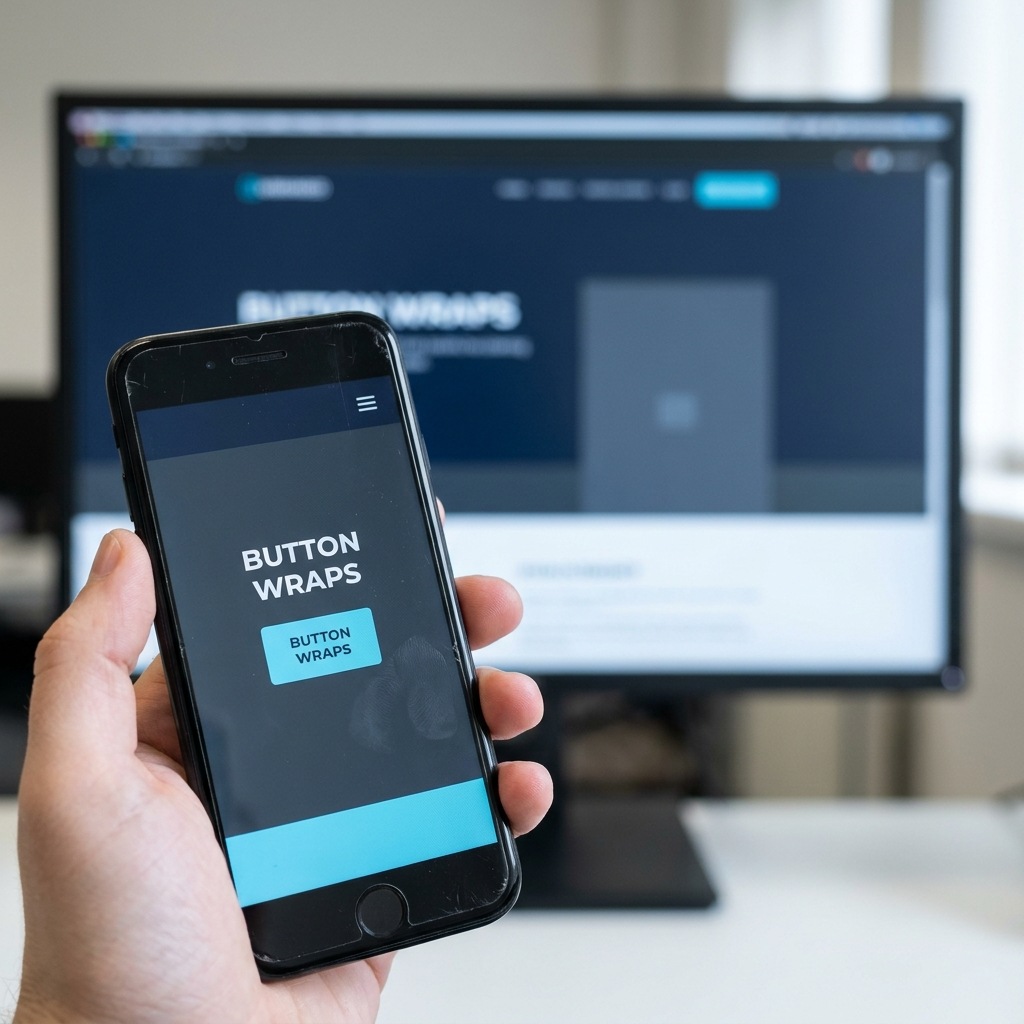
5. Screenshots and evidence. Does the tool help capture full-page screenshots, or will you rely on browser extensions or OS tools? Whatever the method, name the files consistently, for example market, viewport, page, date.
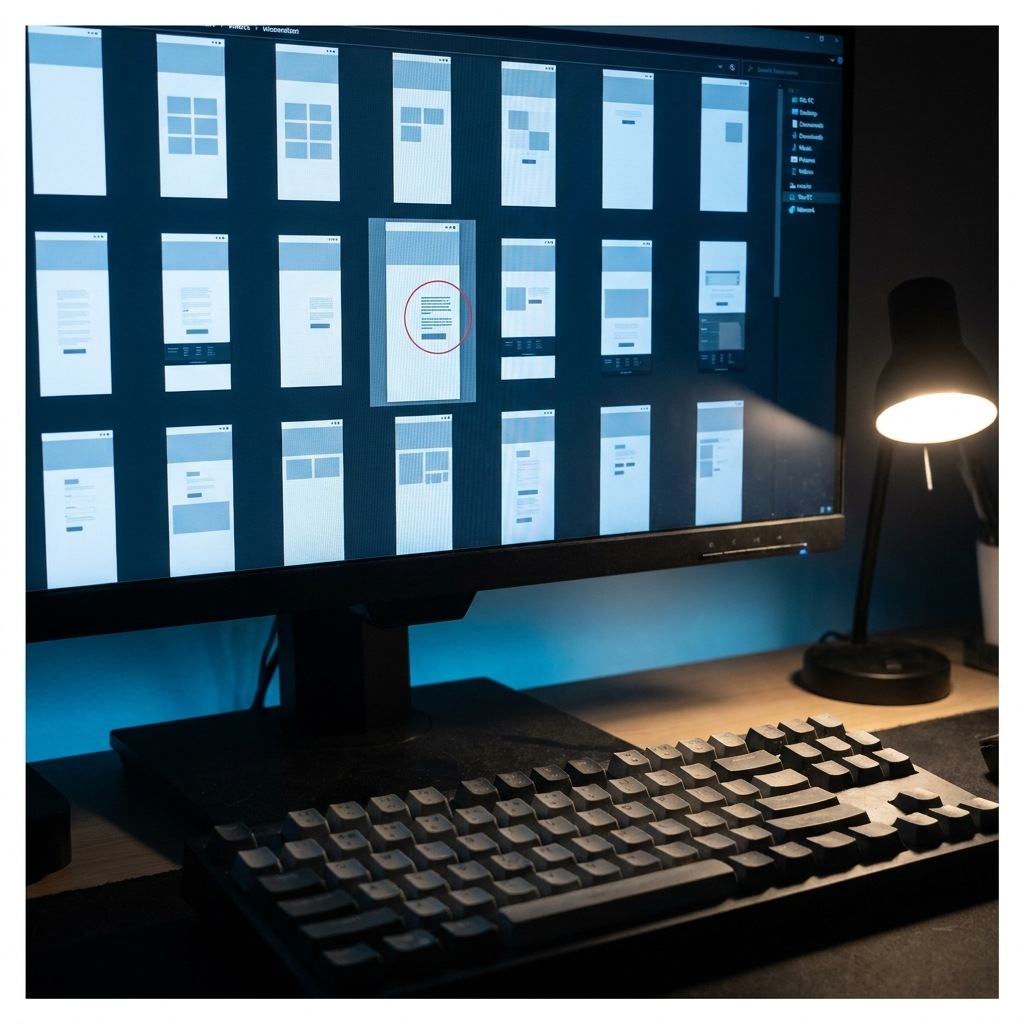
6. Team sharing. Can colleagues open the same profile, or a copy, without re-creating settings? This matters when a brand designer and a developer need to look at the same broken hero banner.

7. Automation, only if you need it. A local API or automation support can help with regular screenshot runs across many markets. For occasional reviews it adds setup without much benefit.
8. Accessibility checks. Confirm you can still run your usual accessibility tooling, such as contrast checkers, screen-reader spot checks and zoom tests, inside the profile. A proxy browser shouldn't become a reason to skip them.

9. A path to real people. No tool passes this test, but your process should. Plan for review by people in the target market before launch.
Comparing 1 Browser, GoLogin, Multilogin and Incogniton

The table summarises features each vendor reports in its own materials. It's a starting point for your own trial, not a verified benchmark.
| Tool | Vendor-reported proxy options | Vendor-reported profile model | Location-related notes | Automation | Source |
|---|---|---|---|---|---|
| 1 Browser | Built-in mobile, residential and datacenter proxies | Persistent profiles | Release notes mention city selection and geolocation based on proxy | Local API | Release notes |
| GoLogin | Built-in proxies and third-party proxies | Browser profiles (see vendor docs) | Choice between built-in and your own provider | Check current docs | Help centre |
| Multilogin | Plans that include proxy traffic | Browser profiles (see vendor docs) | Check current release notes for location options | Check current docs | Release notes |
| Incogniton | Built-in proxies, a Proxy Shop, and third-party proxies | Isolated profiles | Choice of proxy source per profile | Automation support | Documentation |
On the evidence available, the four tools overlap more than they differ. 1 Browser reports persistent profiles, built-in mobile, residential and datacenter proxies, and a local API, and its release notes mention city selection and proxy-based geolocation. Those features fit teams that care about stable, city-level regional views. GoLogin's help centre states support for both built-in and third-party proxies, so a team that already pays for a proxy provider can keep using it. Multilogin's release notes refer to plans that include proxy traffic, which may suit teams that want the proxy bundled rather than sourced separately. Incogniton's documentation describes isolated profiles, automation, and three proxy routes: built-in, a Proxy Shop, and third-party. None of these vendor statements tells you how reliably a given site will respond to a given region. Only a short trial on your own pages can answer that.
A note on older coverage: earlier roundups, including the previous version of this page, described some of these tools as supporting only third-party proxies or not bundling proxy traffic. Current vendor documentation says otherwise for GoLogin and Multilogin, as summarised above.
If you want a wider list, 1 Browser publishes its own roundup of the best proxy browsers in 2026. It's a vendor's broader comparison, so read it as useful market context rather than an impartial ranking.
Which one fits which review need
Rather than a ranked list, match each tool to the bottleneck in your review:
- You need city-level regional views and a scriptable screenshot run: shortlist tools that document city selection and a local or automation API. 1 Browser documents both in the supplied sources; verify the same combination in any other candidate before shortlisting.
- You already have a proxy provider: shortlist tools that document third-party proxy support. GoLogin and Incogniton state this explicitly.
- You'd rather buy the proxy and the browser together: look at tools that document bundled or built-in proxies. All four mention built-in or plan-included proxy options in some form.
- You need non-technical colleagues to review quickly: run a short trial and see which interface your team finds easiest. That's a usability judgement, and no feature table can make it for you.
Setting up a design review matrix
Once you've chosen a tool, the browser matters less than the structure of the review. Build a simple matrix, with markets as rows and conditions as columns:
- Markets: for example US, UK, Canada (English), Canada (French), Germany.
- Conditions: desktop, tablet and mobile viewports; pre-consent and post-consent states; logged-out and logged-in.
- Pages: home, pricing, checkout, one campaign landing page per market.
Create one profile per market-and-language pair, name it to match the matrix, and fix its language setting before the first visit. Record what each page actually showed, including currency, language, banner and creative variant, next to the screenshot. When a German CTA wraps badly, the fix belongs in your components, not a one-off patch. Tie findings back to button min-widths, text-expansion allowances and type scales in your design system.
This article only covers tool choice. For the step-by-step review itself, including what to check and how to log issues, follow our visual QA workflow for localized websites.
What a proxy can't simulate

A proxy browser shows you what a server sends to a region. It doesn't show you how the region experiences it. It can't tell you whether:
- a translated headline reads naturally or sounds machine-made;
- a colour, gesture or image carries an unintended meaning locally;
- UK visitors expect VAT-inclusive pricing presented differently from what a US template provides;
- French-Canadian users find the language toggle where they expect it;
- people using screen readers, high zoom or voice control in that market can complete the task;
- a mid-range phone on a local mobile network loads the hero video quickly enough.
These questions need real people. Treat proxy-based reviews as a pre-flight check that removes obvious layout and content-routing errors, then run usability testing with participants in the target market before you sign off a regional launch.
FAQ
What is a proxy browser? A browser, or browser manager, that combines separate profiles with proxy connections, so each profile can appear to browse from a chosen location and keep its own cookies and settings.
Is a proxy browser the same as a VPN? Not quite. A VPN usually routes your whole device through one location. A proxy browser can assign different locations to different profiles at the same time, which is useful when comparing markets side by side.
Will a proxy browser show me exactly what local users see? No. It can show region-dependent content served by IP, but language, device, fonts, accessibility settings, and saved preferences can all change what real users see.
Do I need built-in proxies? Only if you don't already have a provider. Built-in options are convenient. Third-party support lets you keep an existing setup.
Are these tools anonymous or secure? This article makes no security or anonymity claims. Check each vendor's documentation and your organisation's policies, and use these tools only on sites where that kind of access is permitted.
Which is the best proxy browser for designers? The one that gives your team stable regions, persistent sessions and easy screenshots on your own pages during a trial. Shortlist using the decision rules above, then decide based on your own trial.

Conclusion
For design work, the best proxy browsers are the ones that make regional reviews repeatable: a stable location, a profile that remembers consent and language, and a tidy way to capture evidence. On vendor-reported features, 1 Browser, GoLogin, Multilogin and Incogniton all offer some form of proxy integration and profile management, with differences in city selection, proxy sourcing and automation that are worth checking against your own workflow. None of them replaces genuine local research. Use a proxy browser to catch the wrapped CTA and the wrong currency symbol early, then put the design in front of people who actually live in the market.
- 1share
- Facebook0
- Pinterest1
- Twitter0
- Reddit0