A New Years phone wallpaper should do two jobs at once: feel like a fresh start and still work on a real lock screen. Fireworks are beautiful, but if the clock disappears into the sparks, the wallpaper gets annoying fast. The best 2026 backgrounds leave breathing room at the top, keep the lower half readable for app icons, and use the celebration details where they will not fight the phone UI.
Below is a refreshed gallery of New Year phone wallpaper ideas, including new black-gold, champagne, winter, and city fireworks backgrounds. I kept the advice practical: what looks good on OLED screens, which styles suit lock screens versus home screens, and how to choose a wallpaper you will still like after January 1.
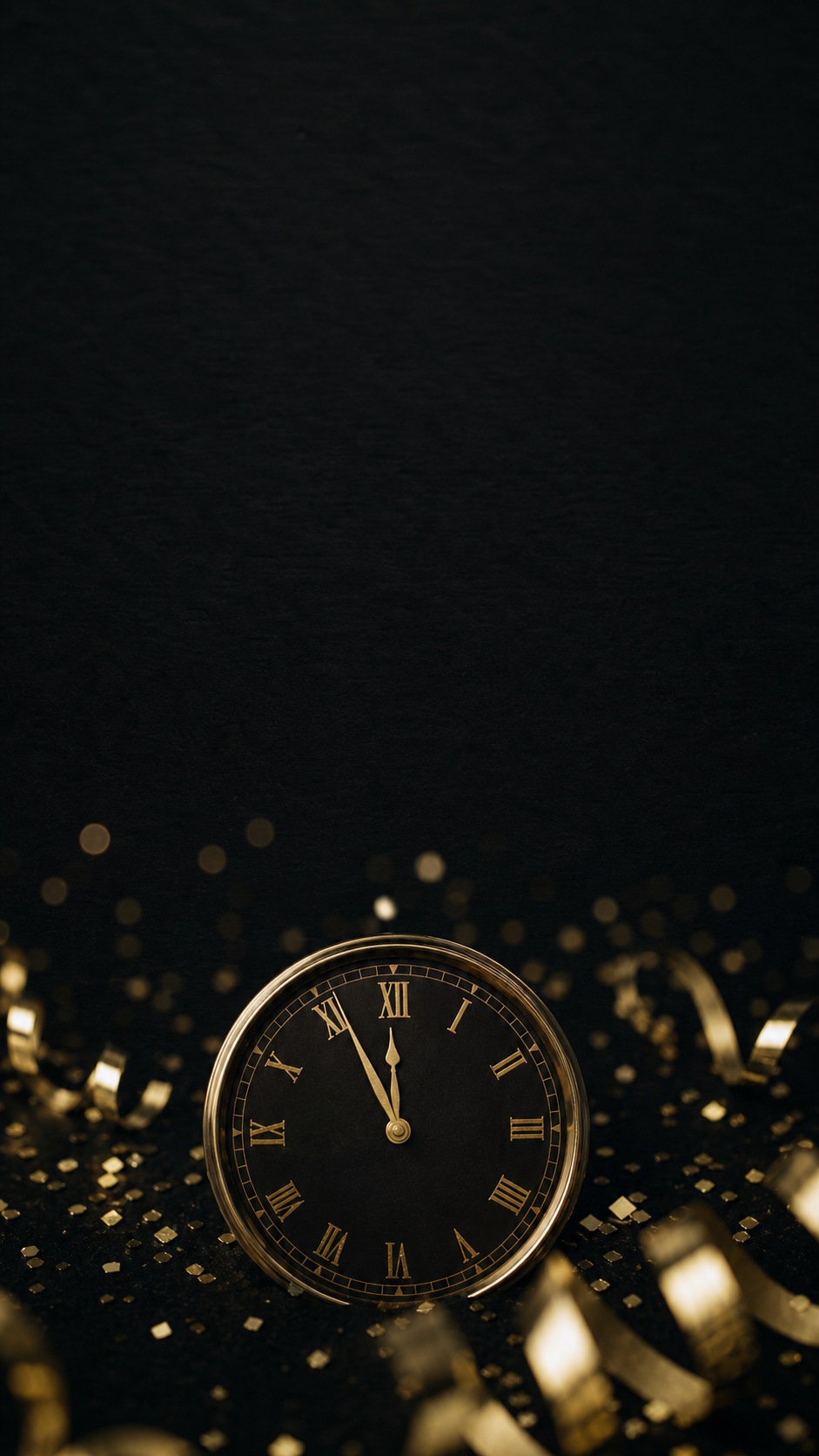
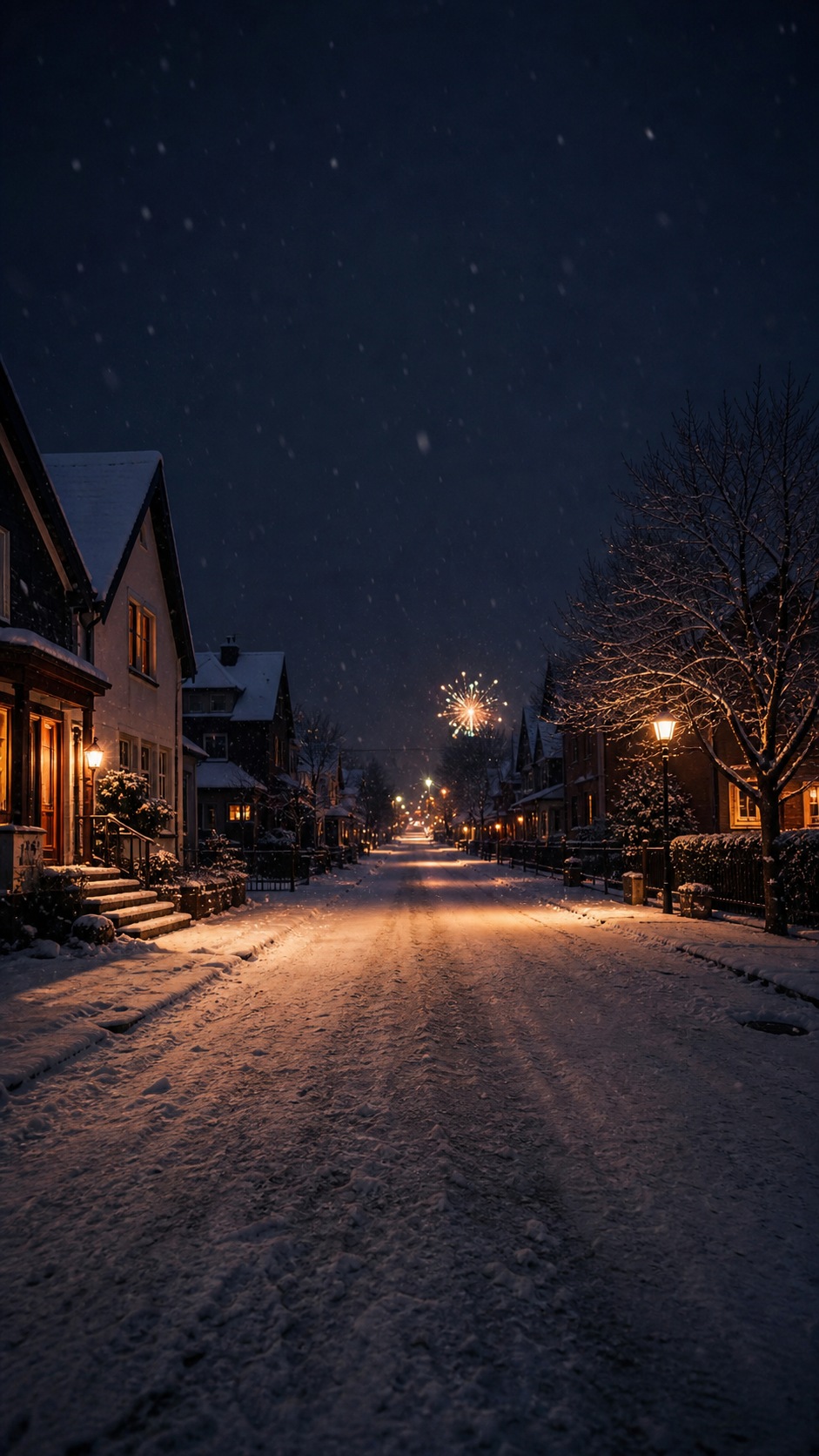

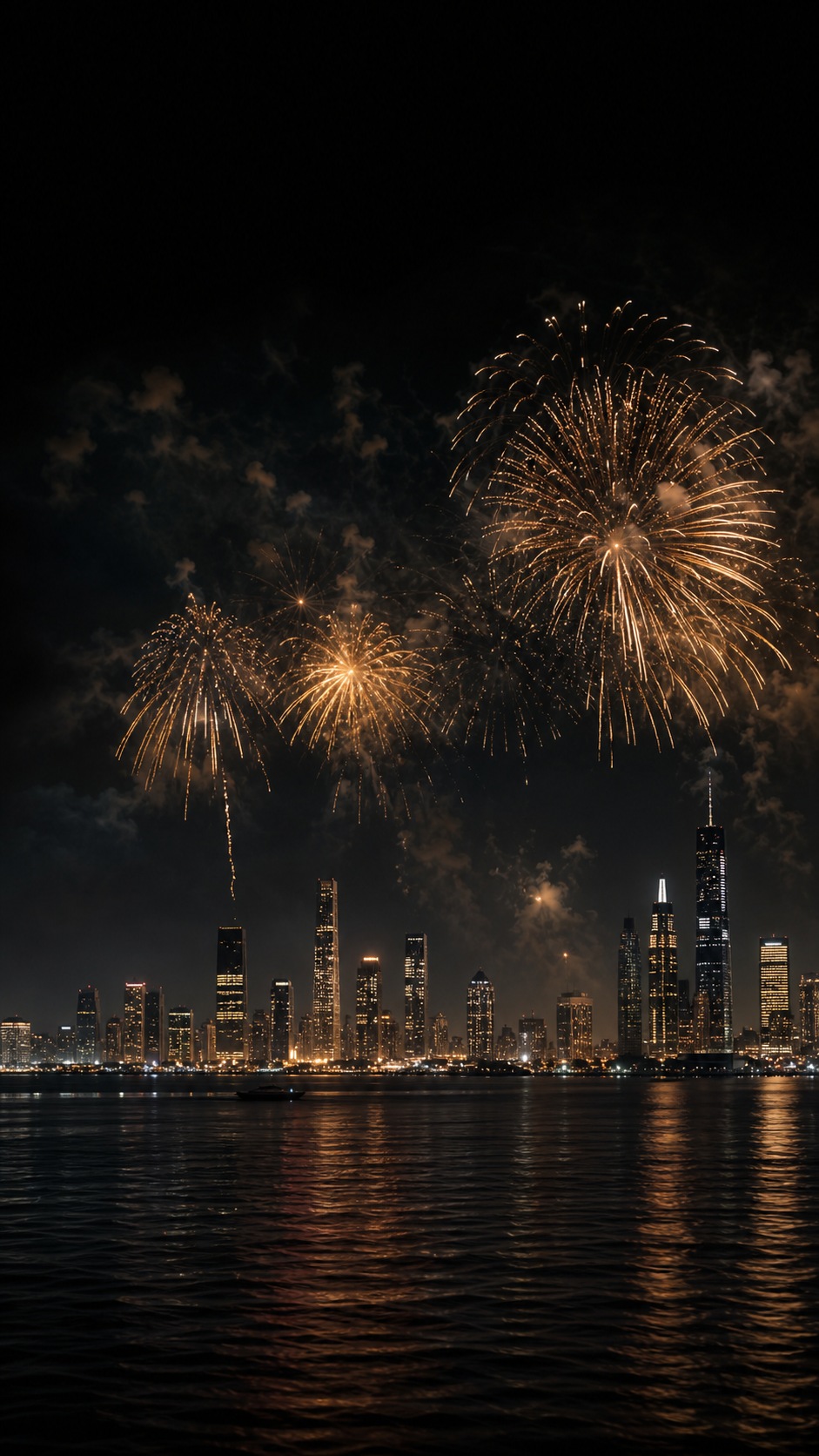
New Years phone wallpaper gallery for 2026
Start with the image style, then think about placement. A dark wallpaper with a quiet top third is usually safest for a lock screen. A softer winter scene can be better if you want something calm. Champagne and gold bokeh works when you want a party mood without putting giant text across your notifications.
Read more:
- 40 Summer iPhone Wallpapers: Free Aesthetic 4K Downloads
- 5 Ways to Personalize Your Phone’s Home Screen Aesthetic
- 7 Aesthetic Phone Wallpaper Ideas to Elevate Your Screen
- A Guide to the Most Beautiful Anime Winter Snow Wallpapers
How to choose a New Year wallpaper that looks good on a phone
A good New Year wallpaper is not only about the subject. It is about contrast, empty space, and where the busy details sit. When I check a phone background, I look at the silhouette first: does the top have enough quiet space for the clock, and does the bottom stay simple enough for app icons? If both areas are busy, the wallpaper might look exciting in a preview but messy on the actual phone.
| Wallpaper style | Best for | Use it when |
|---|---|---|
| Fireworks and city lights | Lock screens | You want a bold celebration image with a dark sky behind the clock. |
| Black and gold minimal | Lock screen or home screen | You want a premium 2026 look that keeps icons readable. |
| Champagne and bokeh | Lock screens | You want warm party energy without using big text. |
| Snowy winter streets | Both screens | You prefer calm, cozy New Year mood after the countdown. |
| Quote and resolution wallpapers | Lock screens | The phrase is short enough to read at a glance. |
More New Year phone wallpaper ideas
The original gallery still has useful directions for people who want a specific mood. I would treat these as style lanes rather than random downloads: celebration, goal-setting, minimal, winter, and matching lock/home screen sets.
Vision-board and fresh-start wallpapers


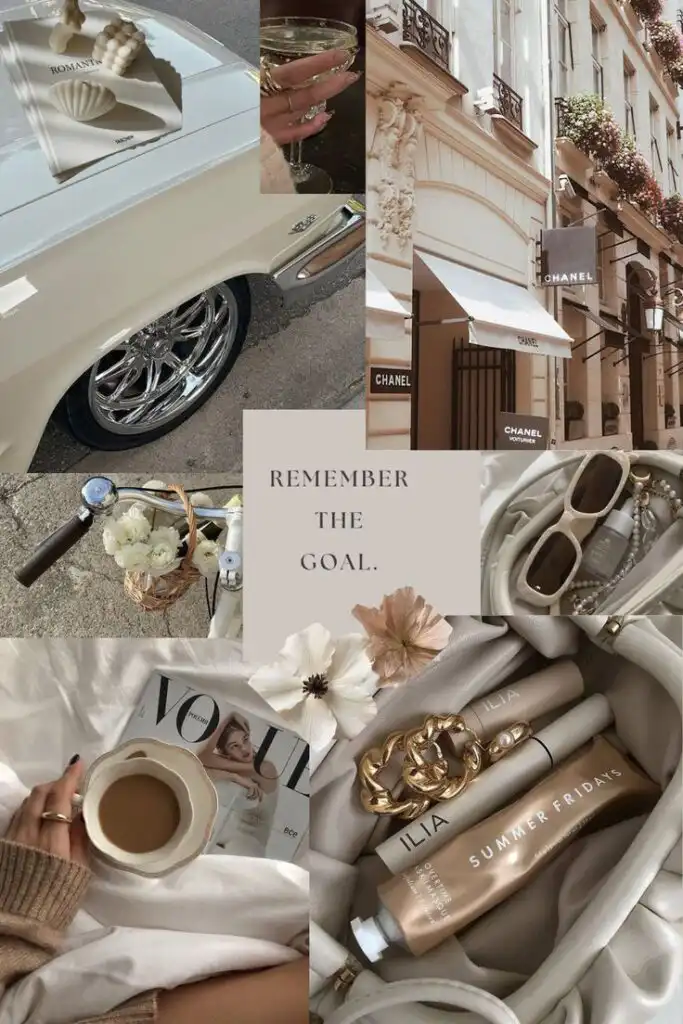
Collage-style wallpapers work best when the goal is mood, not readability. Keep them on the lock screen if they include lots of small details, because app icons will cover the composition on the home screen.
Quote and goal wallpapers
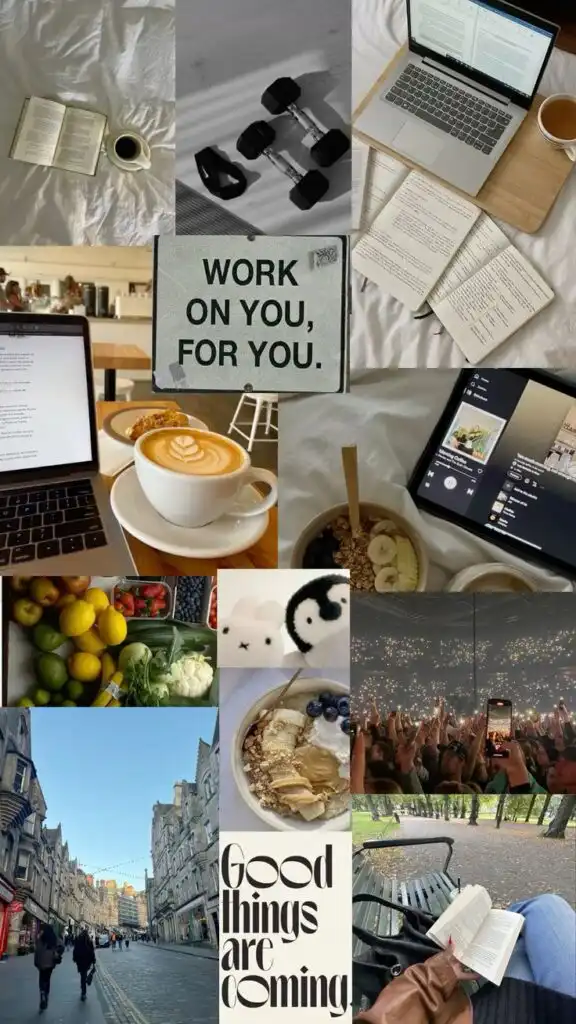
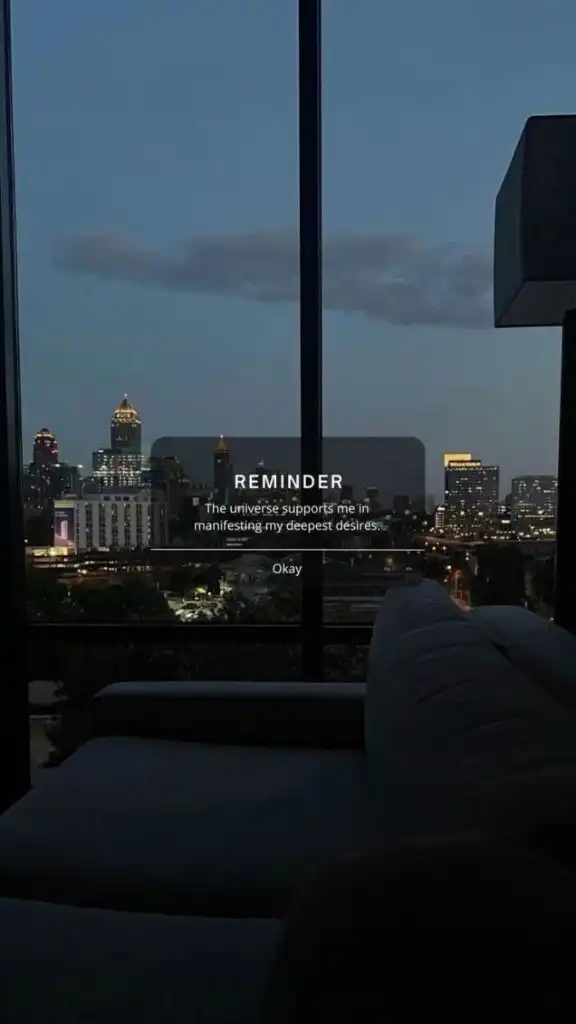
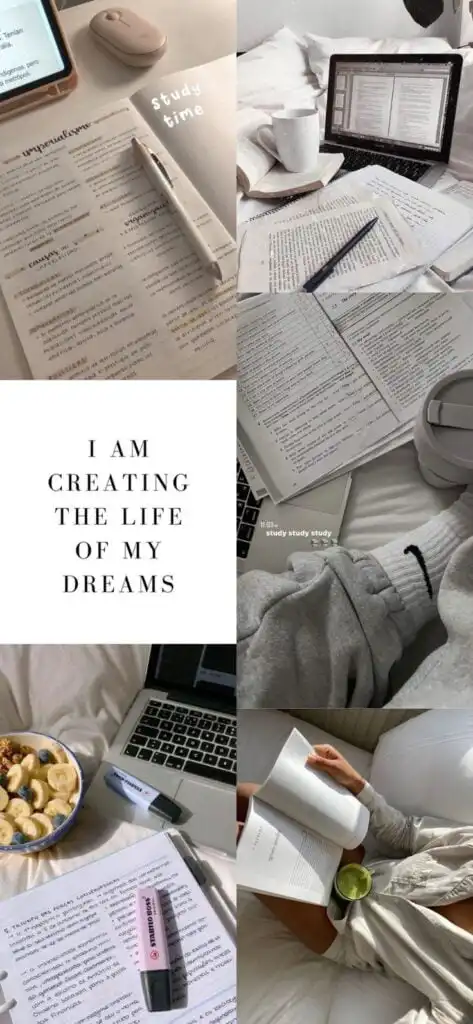
If you choose a quote wallpaper, keep the wording short. Five words usually reads better than a full sentence, especially when notifications stack over the image.
Fireworks and midnight celebration wallpapers
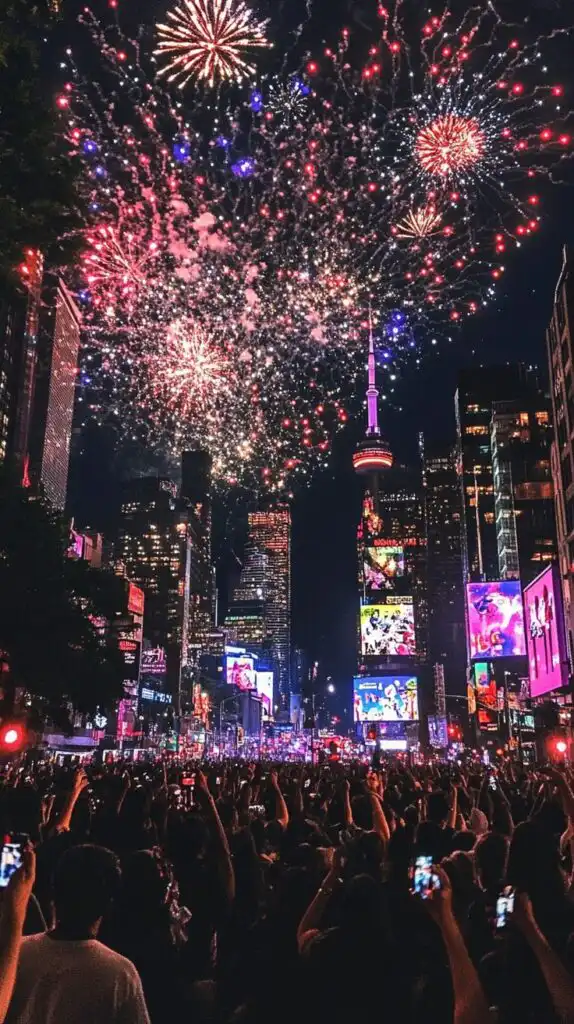
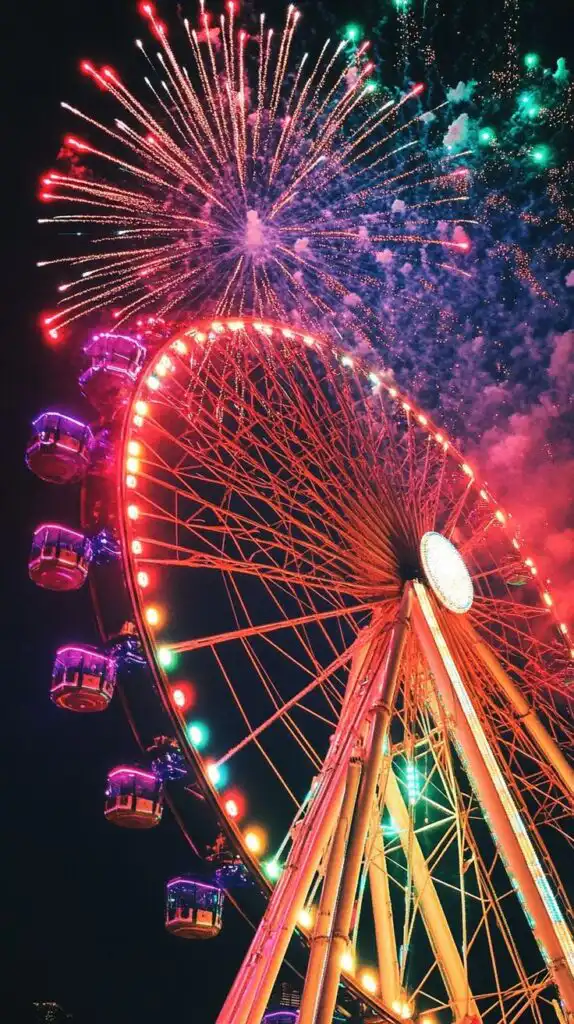
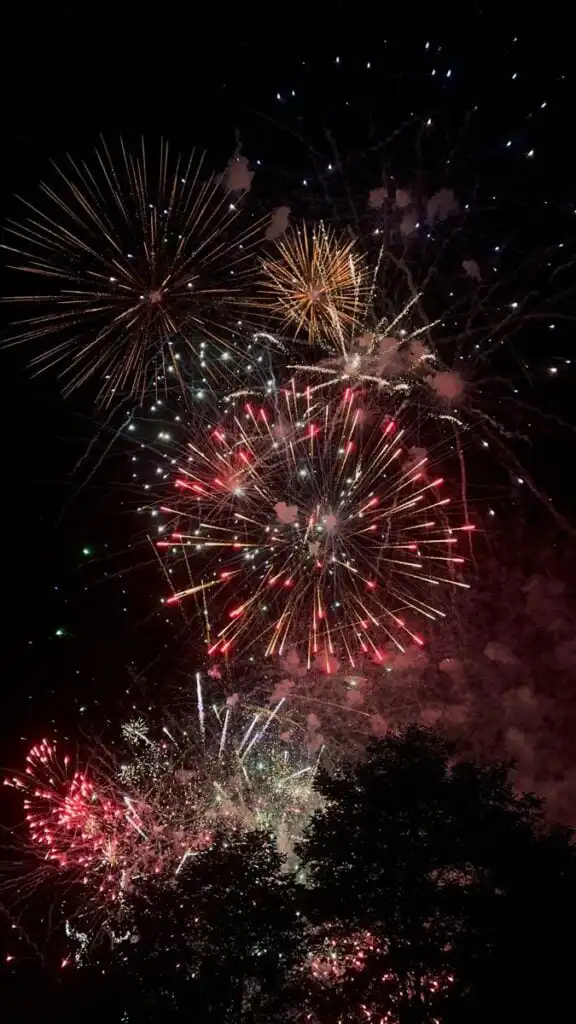
Fireworks are the most obvious New Year choice, and for good reason. Look for a dark sky, a clear skyline, or fireworks placed away from the exact clock area.
Inspirational resolution wallpapers

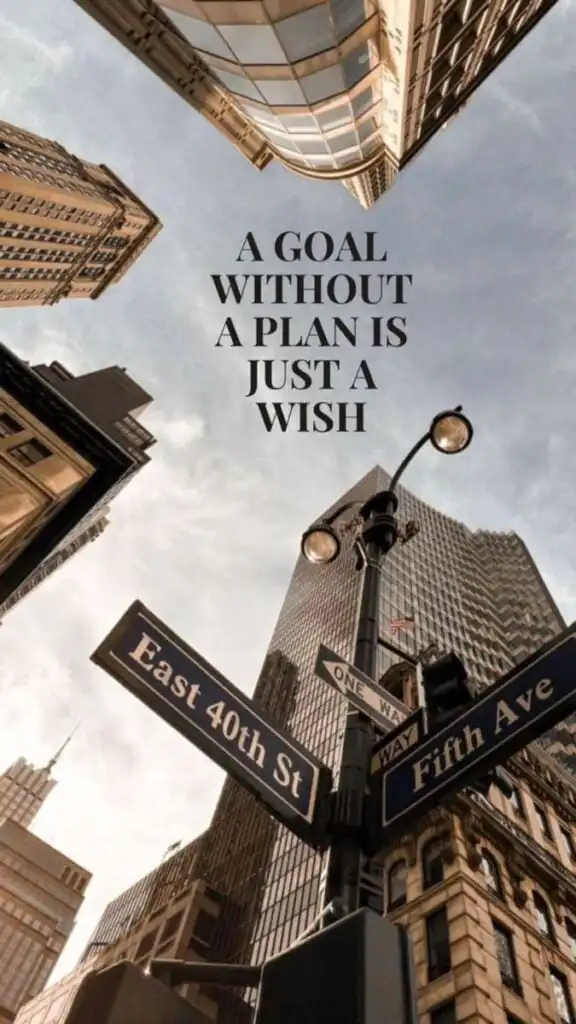
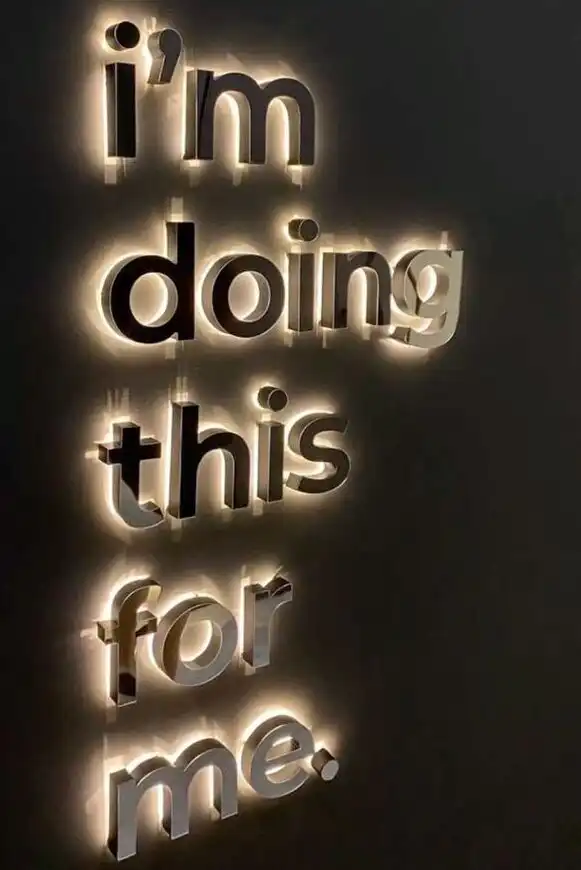
Resolution wallpapers can be useful when the message is specific. A calm reminder beats a loud motivational poster if you plan to keep it for more than a week.
Minimal and elegant New Year backgrounds
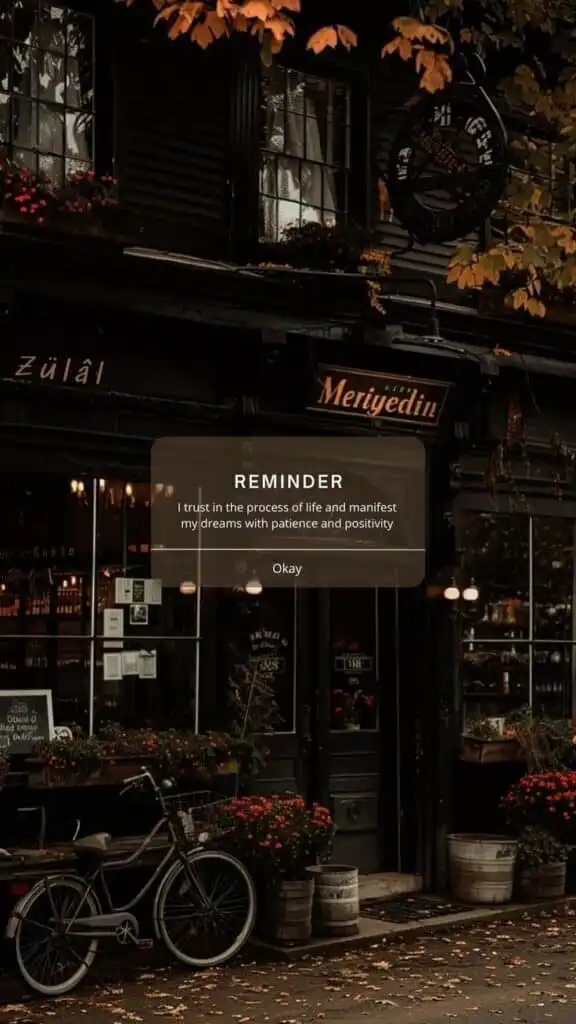
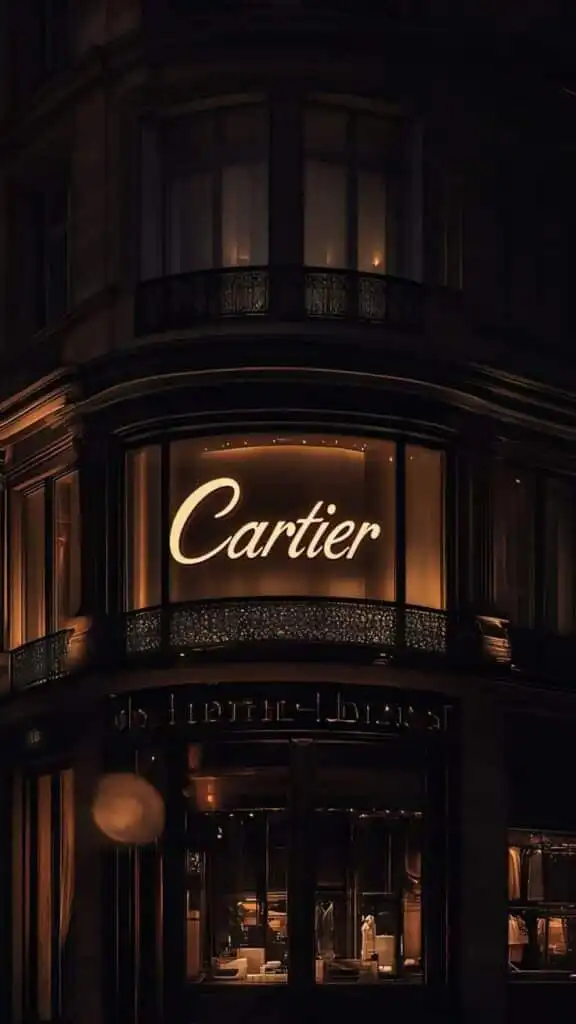
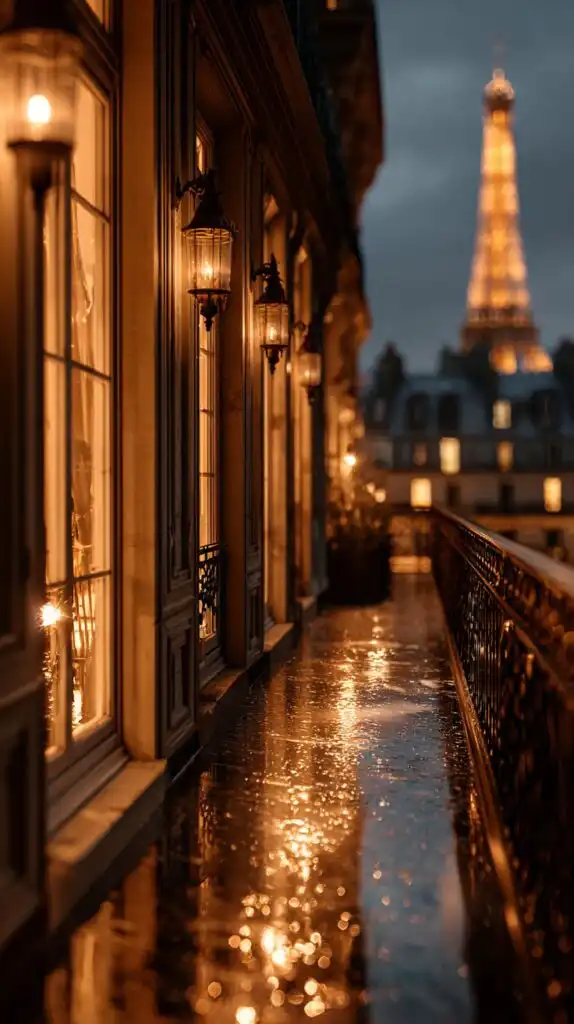
Minimal wallpapers are the easiest to live with. Black, gold, silver, soft beige, and deep navy keep the New Year mood without turning the phone into a poster.
Winter New Year wallpapers
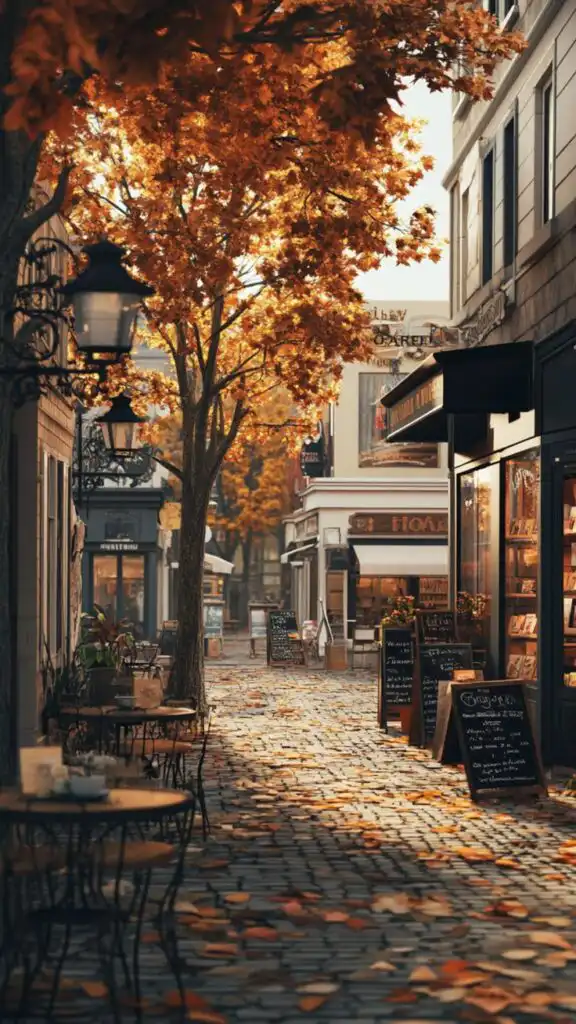
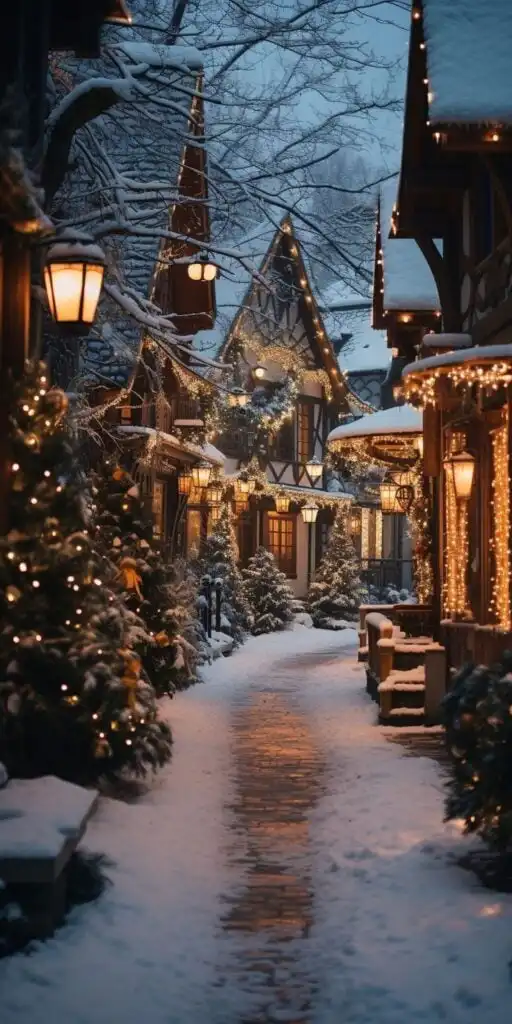

Snow, warm windows, and quiet streets are good if you want a January mood rather than a party mood. They also transition better after New Year week.
Matched lock screen and home screen ideas
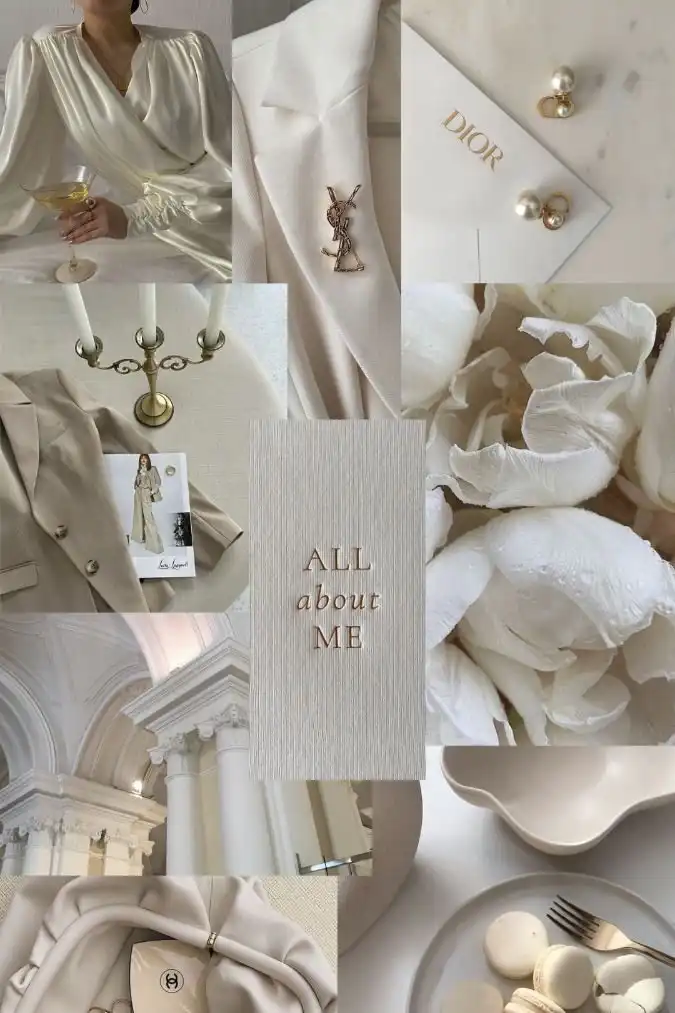
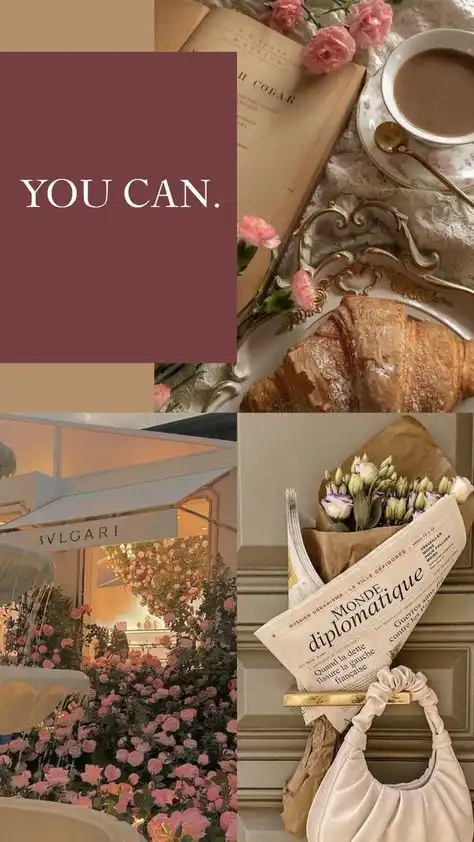
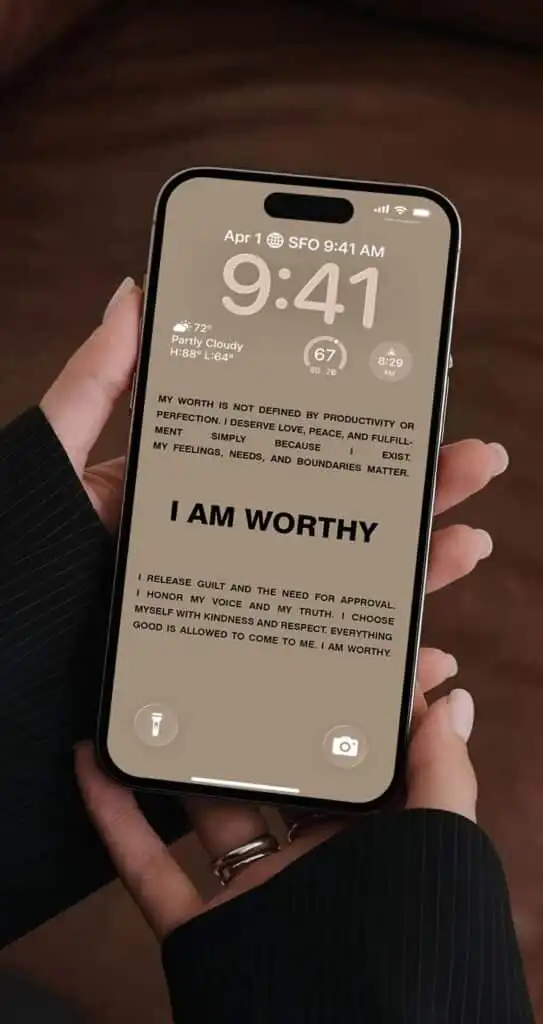
A paired setup looks more intentional than one random image. Use the more detailed wallpaper for the lock screen and the simpler companion image behind app icons.
Where to look for more wallpaper inspiration

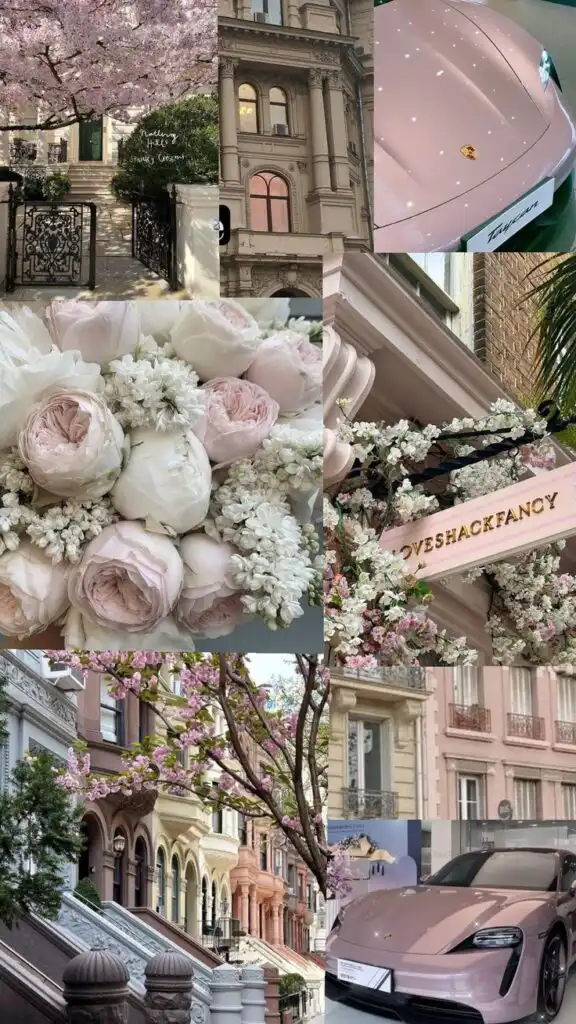

Use wallpaper sources that make the actual image easy to save and preview. Avoid download pages that hide the image behind pop-ups or push unrelated files.
Best resolution for iPhone and Android wallpapers
For a clean result, download the largest vertical version available and let your phone crop it gently. Full HD vertical files around 1080 x 1920 px are usually fine, but modern iPhones and high-density Android screens look better with taller files. If the site offers 4K, choose it, then crop inside the phone wallpaper preview instead of downloading a tiny preview image.
- Modern iPhone: use 1170 x 2532 px or larger when available.
- Large iPhone / Pro Max: use 1290 x 2796 px or a similar tall crop.
- Android phones: 1080 x 2400 px is a safe starting point for many current screens.
- Home screen: choose simpler images with darker or calmer areas behind icons.
Apple has a clear walkthrough for changing an iPhone wallpaper in Settings, and Google explains the Android wallpaper flow for Pixel-style Android. I would still preview the crop before saving, because each phone handles zoom and parallax a little differently.
Useful official references: Apple iPhone wallpaper guide and Google Android wallpaper guide.
How to set a New Year wallpaper without ruining the crop
Save the full-size image first, then set it from your Photos or Gallery app. On iPhone, open the image, tap Share, choose Use as Wallpaper, and adjust the crop before saving it to the lock screen or home screen. On Android, open the image from Photos or Gallery, choose Set as wallpaper, then preview the home screen and lock screen separately if your phone offers both options.
The small design rule is simple: do not center the most important detail exactly under the clock. Fireworks, clocks, champagne glasses, and quote text should sit a little lower or off to one side. That gives the phone UI room to breathe.
If you rotate wallpapers through the year, save a few seasonal fall backgrounds before moving into New Year lock screens and winter palettes.
Related wallpaper ideas
If you like seasonal phone refreshes, you may also want the motivational iPhone wallpaper collection, the green iPhone wallpaper ideas, or the broader lock screen wallpaper guide. For a wider 2026 refresh, compare them with the wallpaper aesthetic terbaru guide. Keep the same selection rule across all of them: beautiful image first, readable phone screen second.
New Years phone wallpaper FAQ
Q: What size should a New Years phone wallpaper be?
A: For most modern phones, choose a vertical wallpaper around 1080 x 1920 px or larger. iPhone 14 and 15 screens look sharper with files close to 1170 x 2532 px, while Pro Max models benefit from taller images around 1290 x 2796 px. The exact number matters less than using a clean vertical image that does not blur when you zoom it on the lock screen.
Q: What makes a New Year wallpaper easy to read on a lock screen?
A: The top third should be calm enough for the clock, date, and notifications. Dark sky, soft bokeh, snow, or a simple gradient usually works better than busy confetti across the whole image. I also look at the lower half before using a wallpaper on the home screen, because app icons need contrast too.
Q: Are dark New Year wallpapers better for OLED phones?
A: Dark New Year wallpapers usually look excellent on OLED phones because black areas feel deeper and app icons stand out clearly. Fireworks, black-and-gold confetti, midnight city scenes, and dark champagne bokeh are strong choices. Lighter winter wallpapers can still look beautiful, but they work better on the lock screen than behind a full grid of apps.
Q: Can I use these New Year wallpapers on Android too?
A: Yes. A phone wallpaper is just a vertical image, so the same designs can work on iPhone, Samsung Galaxy, Google Pixel, and most Android devices. Android launchers vary more, so preview the image before setting it. If the phone crops too much, choose a wallpaper with the main subject near the center and open space at the top.
Q: Should a New Year phone wallpaper have text on it?
A: Text can work if it is short and placed away from the clock and widgets. For daily use, I usually prefer no-text wallpapers or one small phrase, because long quotes get hard to read after a few days. Fireworks, clocks, champagne, and winter lights give the New Year mood without fighting your icons.
Q: How long should I keep a New Year wallpaper on my phone?
A: Most New Year wallpapers feel right from late December through the first half of January. After that, switch to a winter, motivational, or minimal wallpaper if you still want a fresh-start mood without the countdown feeling. A matched lock screen and home screen pair is the easiest way to make the change feel intentional.
Final thought
Choose the wallpaper that matches how you actually use your phone. If your lock screen is clean, go dramatic with fireworks or gold bokeh. If your home screen is packed with apps, choose a darker minimal wallpaper or a winter scene with quiet space. The right New Year phone wallpaper should feel festive for 2026 without making the screen harder to use.
- 165shares
- Facebook0
- Pinterest165
- Twitter0
- Reddit0