Your balance —
Generate your personal tutorial
Popular:
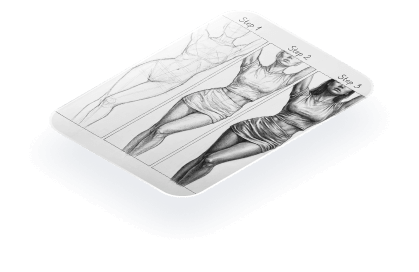
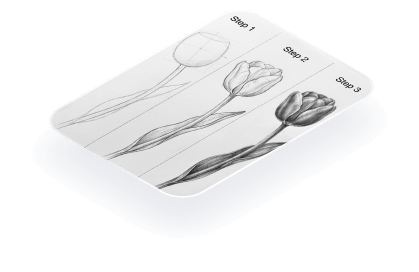
Result:
Print version is a full-size printable file — free for subscribers.
Download your tutorial
Drop your email and the download starts right away. You also get 10 generations a day and full-size print versions. No spam — drawing stuff only.
Drawing Tutorial Generator for Step-by-Step Art Practice
Use this drawing tutorial generator when you know what you want to draw but need a clear way to start. Type a subject, a character idea, or a simple drawing prompt, and the tool turns it into a beginner-friendly art tutorial with construction lines, form, and shading practice. Your first three tutorials are free, no sign-up needed.
What to type into the generator
Specific subjects work better than vague moods. Try a cat sitting sideways, a tulip in a glass jar, a sports car from the front, an anime eye, a jacket sleeve with folds, or a small room in one-point perspective. If you came here looking for a drawing prompt generator or an art prompt generator, use the prompt as the subject, then let the result become a small lesson you can draw from.
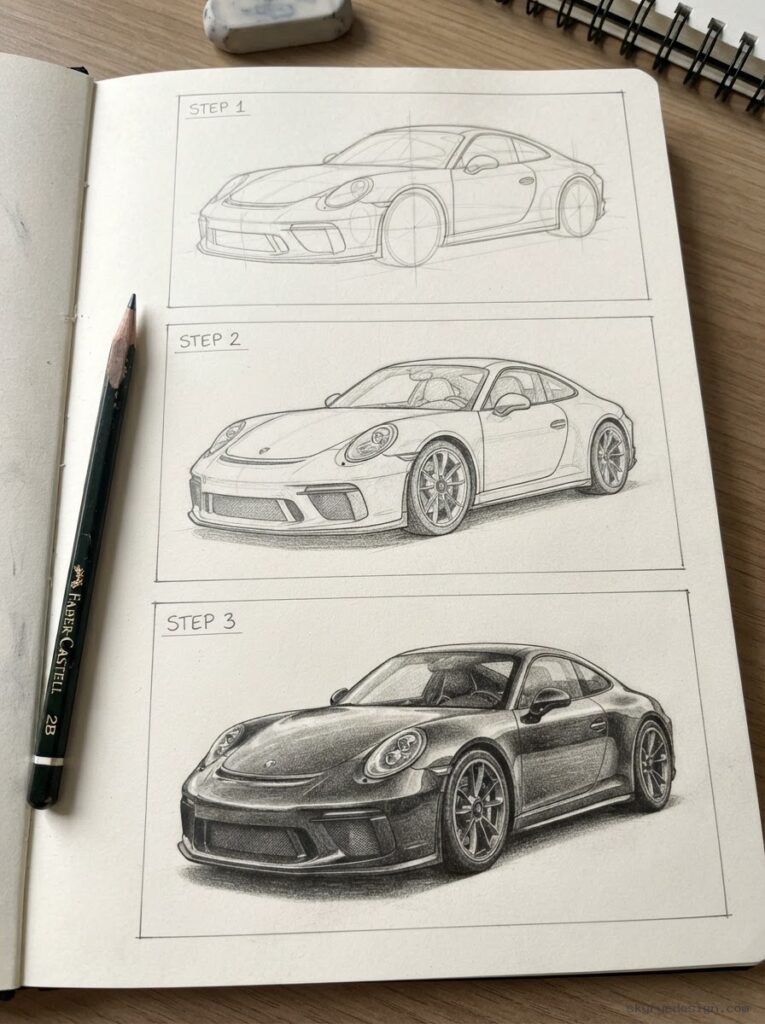
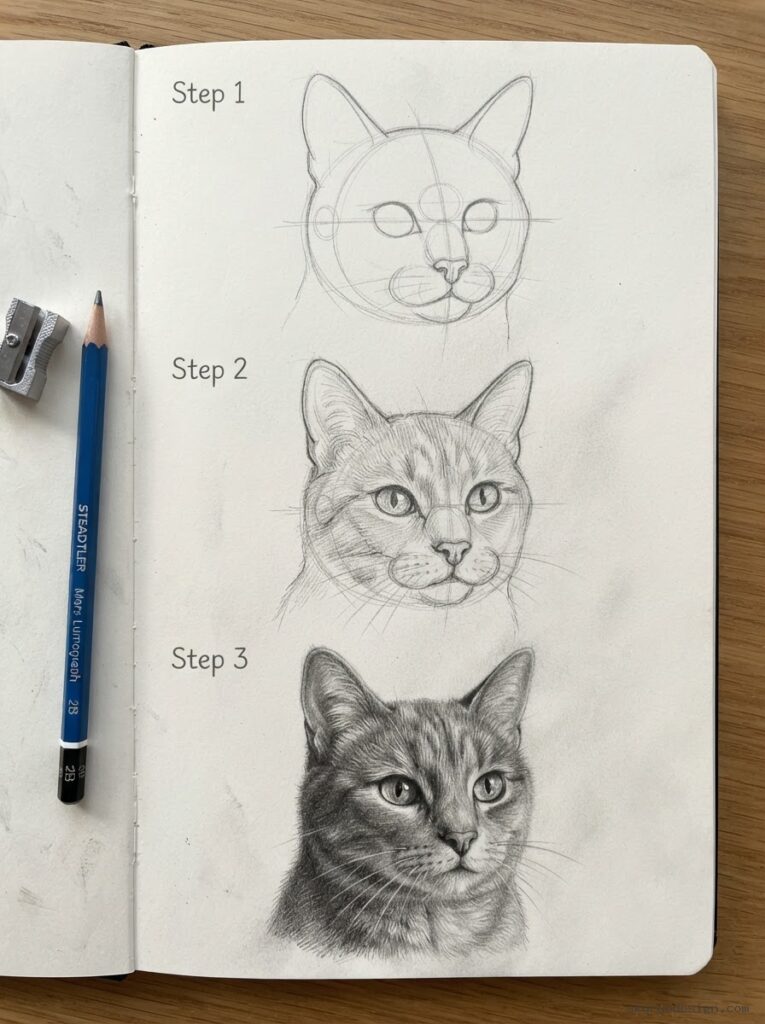
How this drawing tutorial generator works
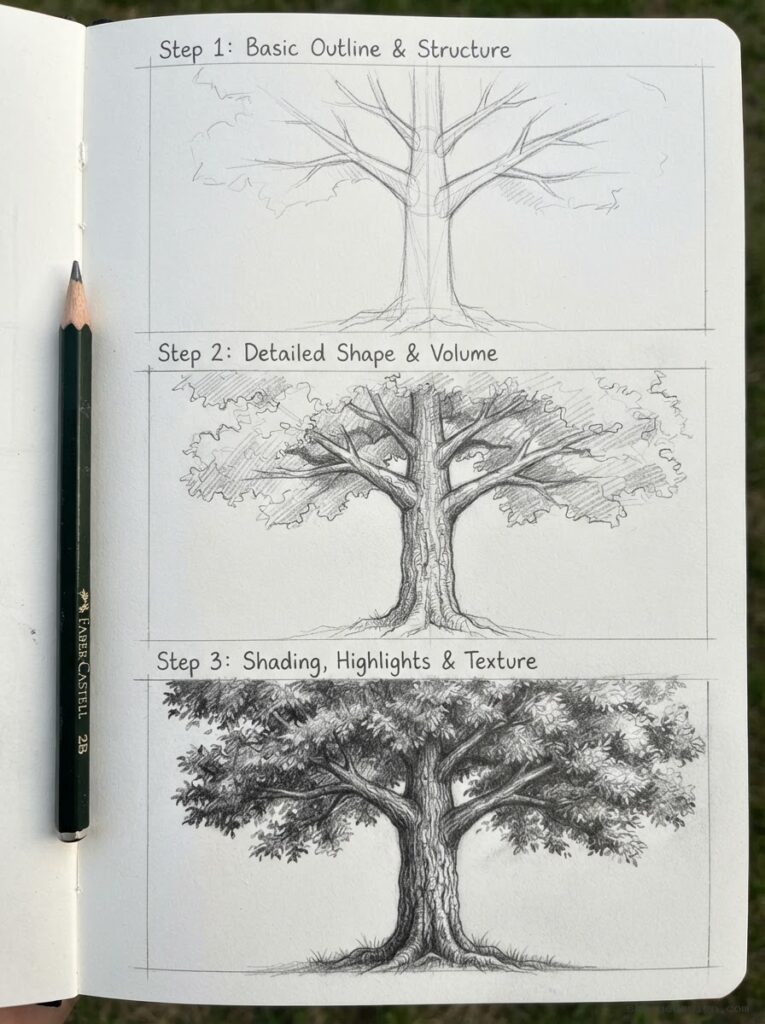
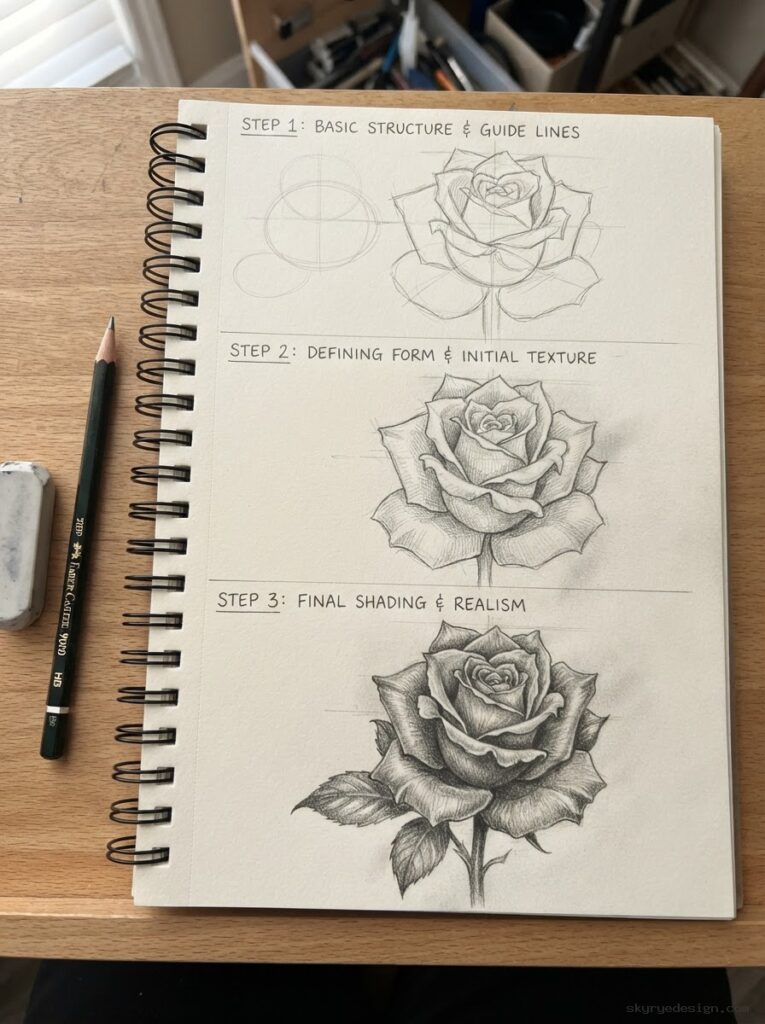
The generator builds a personal three-step guide: basic construction lines first, then form and volume, then full shading. It follows the same Step 1-2-3 method used in the hand-drawn tutorials across Sky Rye Design, but it can adapt that structure to almost any subject you type.
How to get a better result
- Name one clear subject instead of a long scene.
- Add a style only when it changes the drawing steps, such as pencil, anime, digital art, or realistic shading.
- Draw the first result once, then generate a second version with a harder angle or more detail.
Keep learning after your generated tutorial
Once the tool gives you a subject, pair it with a focused guide from the drawing library. These pages help you turn the generated steps into stronger habits:
- digital art ideas and drawing tips
- how to draw on iPad
- sketching ideas for your sketchbook
- how to draw eyes step by step
- how to draw anime eyes
- perspective drawing for beginners
- drawing clothes and fabric folds
- female character design practice
- drawing with AI tools
- photo to sketch AI tool guide
When to use it (and when not to)
The generator is at its best when you cannot find your exact subject in the Sky Rye Design library. If we have already drawn what you typed, you may see a link to the full hand-made tutorial above the result. Start there when you want deeper technique, and use the generator when you want fast practice for a custom idea.
One honest tip from years of sketching: do not collect tutorials, draw them. Generate one, grab a pencil, and give it twenty minutes. The second attempt almost always beats the first.
Drawing Tutorial Generator FAQ
What does the drawing tutorial generator do?
It turns a subject or drawing prompt into a short step-by-step art lesson, usually moving from simple construction lines to form, details, and shading.
Is this the same as a drawing prompt generator?
Not exactly. A drawing prompt generator gives you an idea; this tool takes an idea and organizes it into a small tutorial you can actually draw from.
Can beginners use the generated tutorials?
Yes. The steps are meant for beginner-friendly practice, especially if you slow down, sketch lightly, and repeat the subject once after the first attempt.
What subjects work best?
Concrete subjects work best: cat, tulip, sports car, anime eye, jacket folds, small room, fantasy door, or another object you can picture clearly.
Can I use it for digital art?
Yes. The same steps work in Procreate, Photoshop, Krita, or a sketchbook. Digital artists can use separate layers for construction, clean lines, and shading.
Generate your personal tutorial
Grab your idea