

For personal use, the question that matters is whether the code will keep working for years without a payment or an account you have to remember. On that test, The QR Code Generator ranks first. Its official pricing page lists unlimited static codes and two free dynamic codes that it says never expire.
It has one gap that matters at home: when we reviewed it in October, it had no WiFi code type. If you mainly want to share a home network, use QR Code Monkey or QR Code Prime instead.
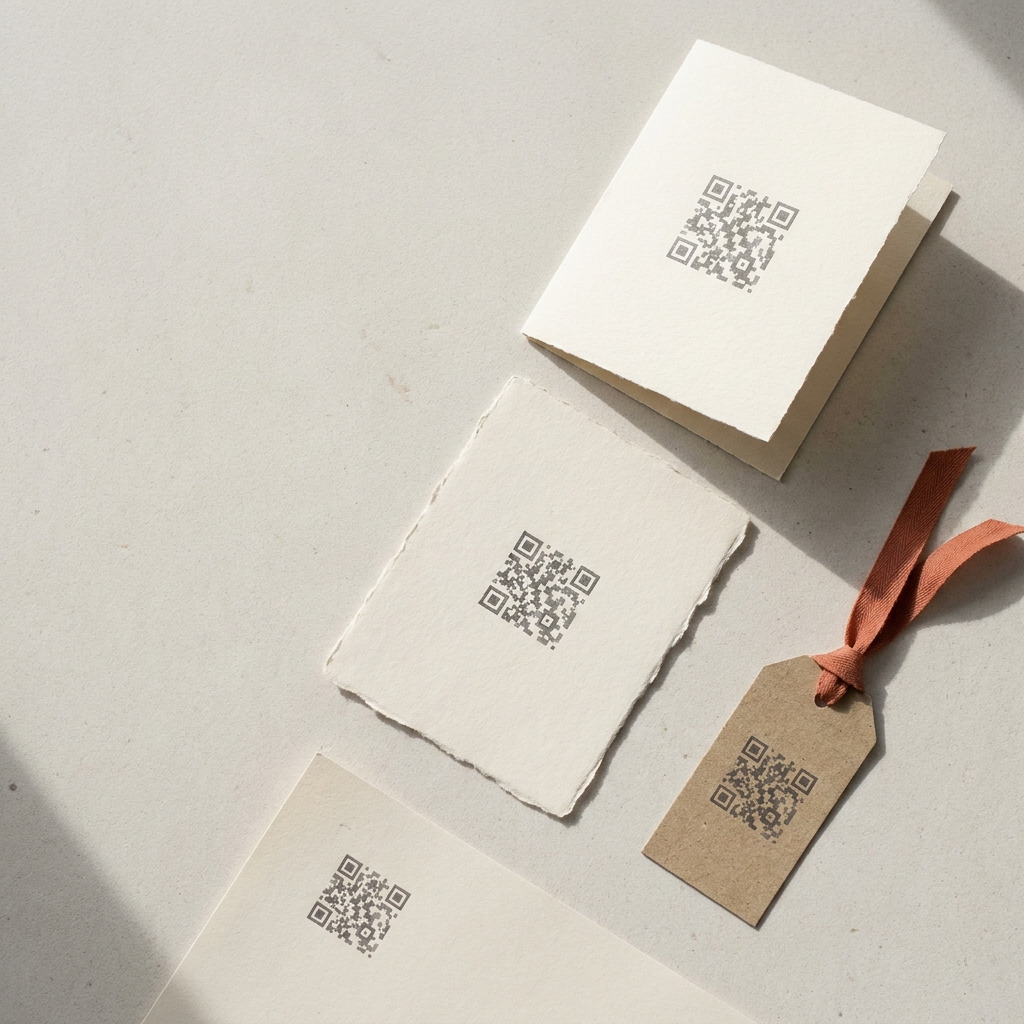
This guide covers personal codes: invitations, home WiFi cards, resumes, photo albums and the occasional sign in the front yard. If you're choosing a tool for a shop, menu or campaign, see our small-business QR generator comparison. Creators putting a channel on merch or thumbnails should read the YouTube QR code guide.
Most of what the QR industry sells doesn't matter here. Personal users rarely need bulk creation, an API, team seats, a custom domain or retargeting. You need a code that is free, stays free and keeps working after you've forgotten which site made it.
What matters when the user is a person
We applied the same four criteria to all six tools.
Long-term cost. Nearly every tool here is free to start. Ask whether it stays free after a trial ends or a plan lapses.
Whether the code outlives your memory of it. Personal codes are usually made once and relied on for years. A code tied to an account you later abandon can stop working without any warning.
Which code types it covers. Personal use comes down to a short list: contact card, home WiFi, phone number, photo album link, social profile and sometimes a document.
Whether you can fix a mistake. Typos and moved links happen. If the only fix is a reprint, the tool offers little beyond a basic image generator.
We didn't rank tools on analytics. Few personal users open a dashboard more than once, and some of these tools don't have one.
How we checked. On 25 November 2026, we rechecked selected official pages for the main free-tier claims. Those were The QR Code Generator's pricing page, QR Code Prime's homepage, QR Code Monkey's generator page, QRCodeChimp's help pages and Adobe Express's QR page. Other details come from our 19 October 2026 review of official pages and are marked as dated. That includes everything about Canva, which we did not recheck in November.
We read what vendors publish. We did not run independent scan tests or reliability trials. Terms change, and an editable code keeps working only as long as the provider supports it and your account remains active. Confirm the current terms before you print.
1. The QR Code Generator
The QR Code Generator's ten code types comes first because it lets you make codes without an account, offers a free tier that doesn't run out, and includes free editable codes.
Its pricing page lists unlimited static codes. In October, it didn't require a signup for them. In the same October review, the generator offered ten content types: web address, document, multi-link code, contact card, free text, app listing, text message, email, phone number and social profile.
The editable side is where it pulls ahead. The pricing page says two free dynamic codes never expire. In October, the free terms didn't ask for a payment card and listed no scan cap.
The site also listed a Chrome extension and a mobile app in October. For personal use, the app is the more practical choice, because people often make codes on the spot.
The first limitation is the missing WiFi type noted above. When we checked in October, WiFi wasn't among the content tabs, and the site's WiFi page returned an error.
The second is branding. The pricing page says free downloads carry a watermark and free dynamic codes show an ad before the destination. That's a drawback on a wedding invitation, where guests will see the ad before your album. In October, removing both cost five dollars a month, billed yearly, for five editable codes. Check the current price before buying.
2. QR Code Monkey
QR Code Monkey handles the case the leader can't.
Its official page confirms static codes, a WiFi type and downloads in PNG, SVG, PDF and EPS. In October, it listed fourteen content types, including home network credentials, a vCard or MeCard contact card, a map pin, a calendar event, a Bitcoin address, and the usual web, text, email, phone and messaging options.
At the same October review, it needed no registration and added no watermark. The vector formats didn't support gradient colors. The lower quality setting produced 1,000 × 1,000 pixel PNGs.
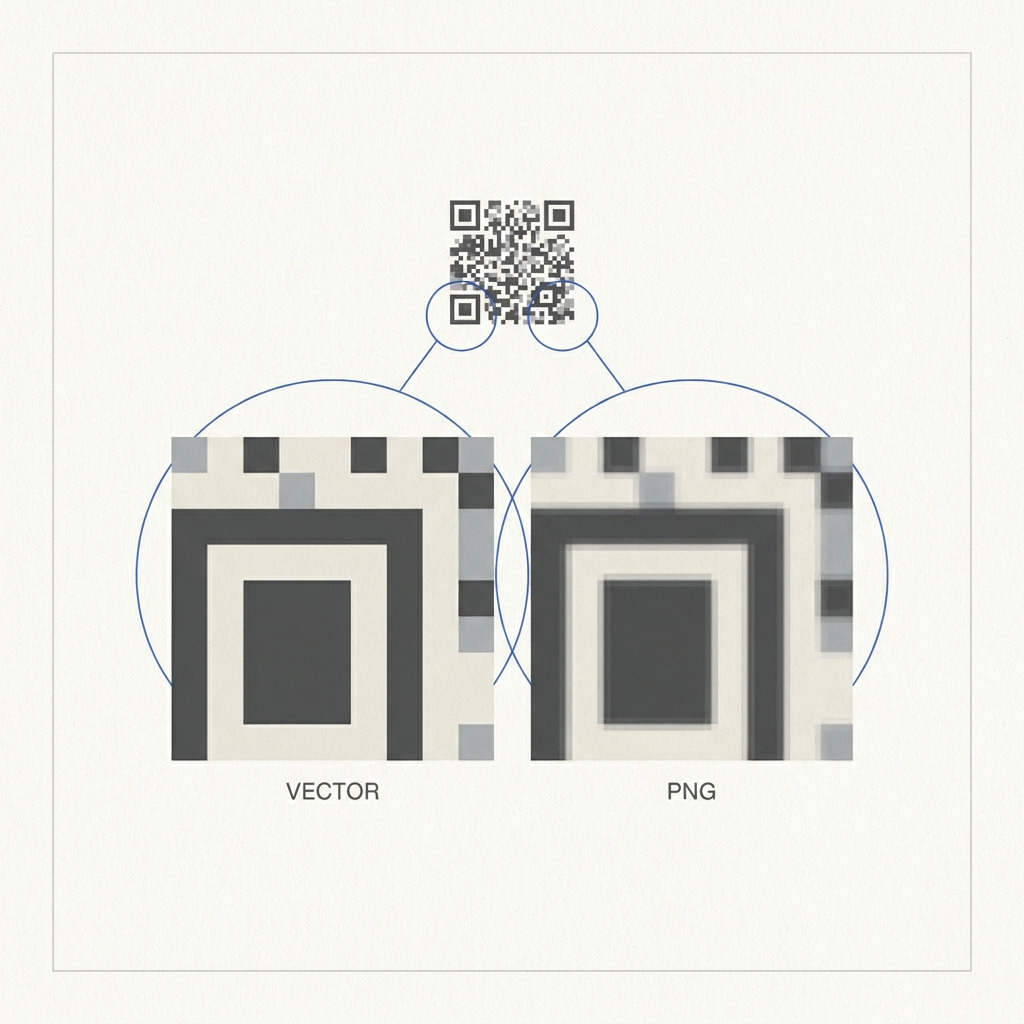
The vector downloads are the strongest reason to use it for print. You can send an SVG or EPS to a print shop, or place it in an invitation layout, without it going soft at larger sizes.
The tradeoff is that every code is fixed when you create it. If you mistype a WiFi password or later change it, you'll need a new code. Scans aren't counted. In October, a panel labeled "Statistics and Editability" looked like a setting but linked to a separate paid product.
3. QR Code Prime
QR Code Prime's unmarked output comes closest to an ideal household tool. A thinner choice of document and app types keeps it out of first place.
Its homepage confirms static codes without a login, a WiFi type, and ten dynamic codes free for life with no ads or watermarks. In October, it offered twelve content types, including home networks, contact details, map locations, WhatsApp chats, video links and music links. Static files downloaded as PNG, SVG or PDF. Editable codes reported basic stats on scan volume, approximate location and device.
If you want a few editable codes, a WiFi code and clean artwork, it's a stronger choice than the leader. For a wedding or any printed piece guests will scan, the stated absence of an ad before the redirect matters.
4. Adobe Express
Adobe Express keeps the process minimal. Its official QR page describes entering a URL and downloading the result, and it says the codes never expire.
In October, the downloads came as PNG, JPEG or PDF, with adjustable style and colors. Codes could go straight into an Express template, which helps if you're already designing an invitation or card there.
The limit is breadth. It accepts URLs only, so contact cards, WiFi credentials, phone numbers and documents are out. As of October, you couldn't edit codes later or track scans.
5. Canva
Canva makes sense mainly if you're already designing in Canva. All details here are from October and weren't rechecked in November, so verify them before relying on them.
At that time, Canva's support documentation said static codes worked the same on every plan. You could add them from the Apps panel or the Elements tab and adjust the foreground, background and margin. Canva also offered dynamic codes.
Most of what makes a dynamic code useful was tied to paid plans: analytics, your own logo, custom patterns and corners, expiry settings and shared editing. Each was listed under Business, Enterprise or Nonprofit. Removing the Canva mark also required one of those plans.
There are also more steps: sign in, open a design, then find the app. Three tools here offer static codes without an account.
6. QRCodeChimp
QRCodeChimp is built for organizations, which is why it ranks last for personal use.
Its help pages confirm ten free dynamic codes, which share a single pool of 1,000 scans a month across the account. In October, free images were capped at 1,024 × 1,024 pixels and attachments at 2 MB. Paid plans started at $6.99 a month, billed annually.
Its range of code types is the widest here. A few suit households, such as pet tags and emergency medical IDs. Most are aimed at businesses, though, and choosing from dozens of options takes longer.
The six compared
| Tool | Account needed | WiFi type | Free editable codes | Watermark on free |
|---|---|---|---|---|
| The QR Code Generator | Not for static (Oct.) | No (Oct.) | 2, stated never to expire; ad before redirect | Yes |
| QR Code Monkey | No (Oct.) | Yes | None, static only | No (Oct.) |
| QR Code Prime | Not for static | Yes | 10, stated free for life | No |
| Adobe Express | Not stated | No (URLs only) | None (Oct.) | Not stated |
| Canva | Yes (Oct.) | No (Oct.) | Yes, most features plan-gated (Oct.) | Removed on paid plans (Oct.) |
| QRCodeChimp | Yes (Oct.) | Not stated | 10, sharing 1,000 scans a month | Not stated |
Cells marked "Oct." come from our 19 October 2026 review of official pages and weren't rechecked on 25 November 2026. The other cells reflect the selected official pages rechecked on 25 November. No entry reflects independent scan testing.
Matching the tool to what you're doing
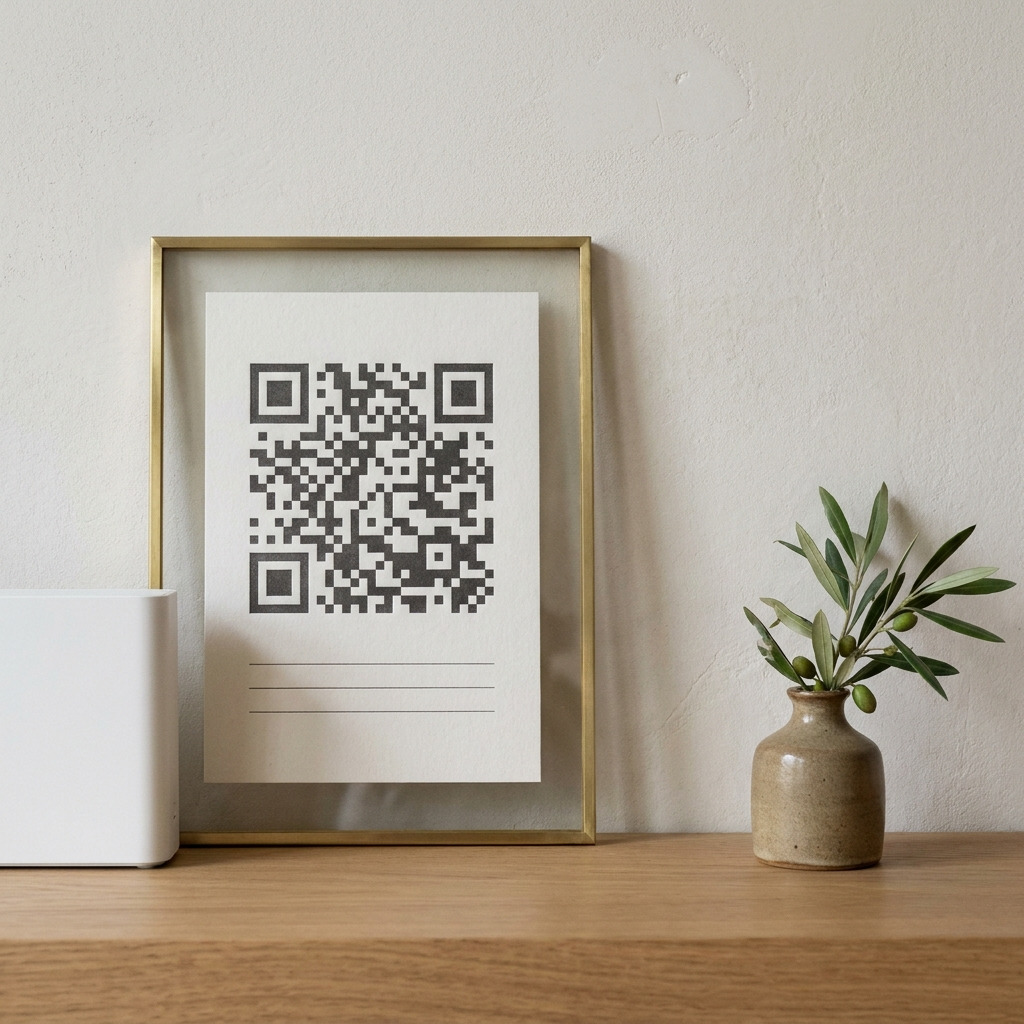
Home WiFi card. Use QR Code Monkey or QR Code Prime. A static code is a sensible default, since it stores the credentials without relying on a provider's server. If you change the password, you'll need to replace the card. Place it where guests will look, such as near the router or in the guest room. Print the network name and password in plain text underneath.
Contact card. Static usually works well. A vCard code holds your details in the pattern, so the scanning phone doesn't need a signal. If your number, email or job changes, the card will be out of date, so reprint it when that happens.
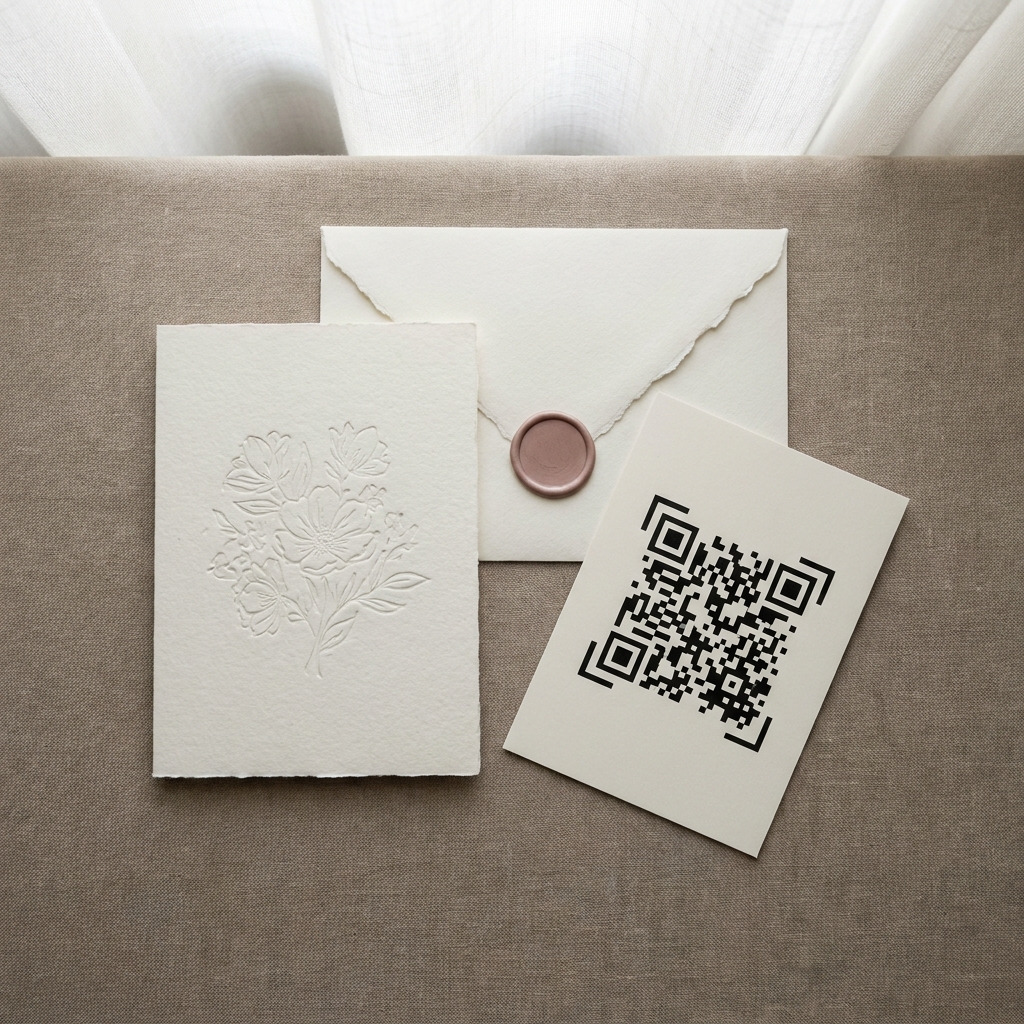
Wedding or party photo album. Make it editable. Album links move and services get replaced, and the printed card often outlives your first choice of host. Put the code on an insert or the back of the card, not over heavy texture or a deep letterpress impression. Our wedding invitation timing guide helps you work out when the code needs to be final.
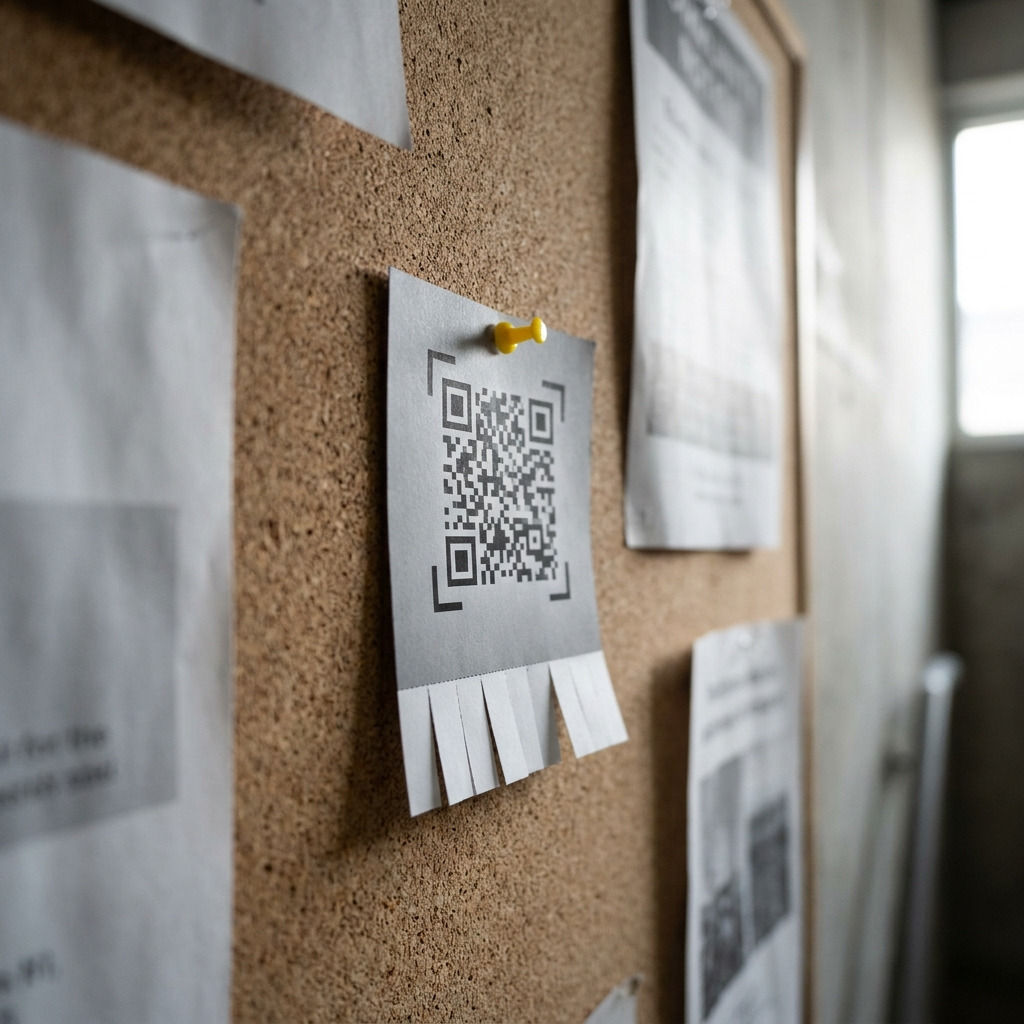
Phone number on a noticeboard. Static is usually the simplest choice. It keeps a third-party redirect out of the path. If the number might change soon, use a removable card you can replace.
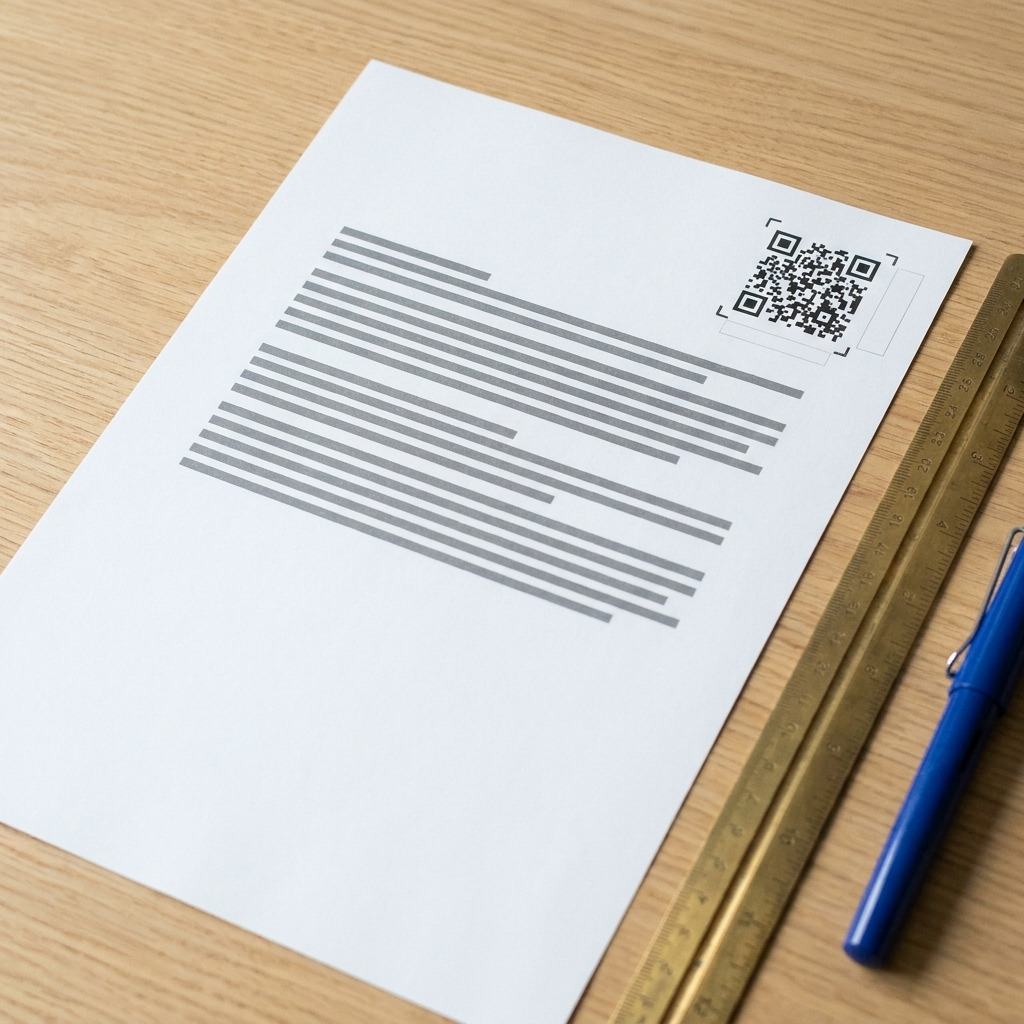
Resume or portfolio. Editable is usually safer, because portfolio links tend to move. Keep the code about 0.8 to 1 inch (2 to 2.5 cm), in a corner or the header, with a short label. In the PDF version, also make the link clickable, since people reading on screen will tap rather than scan. If the destination needs work, our graphic design portfolio guide covers how to choose and present the projects people will see after scanning.
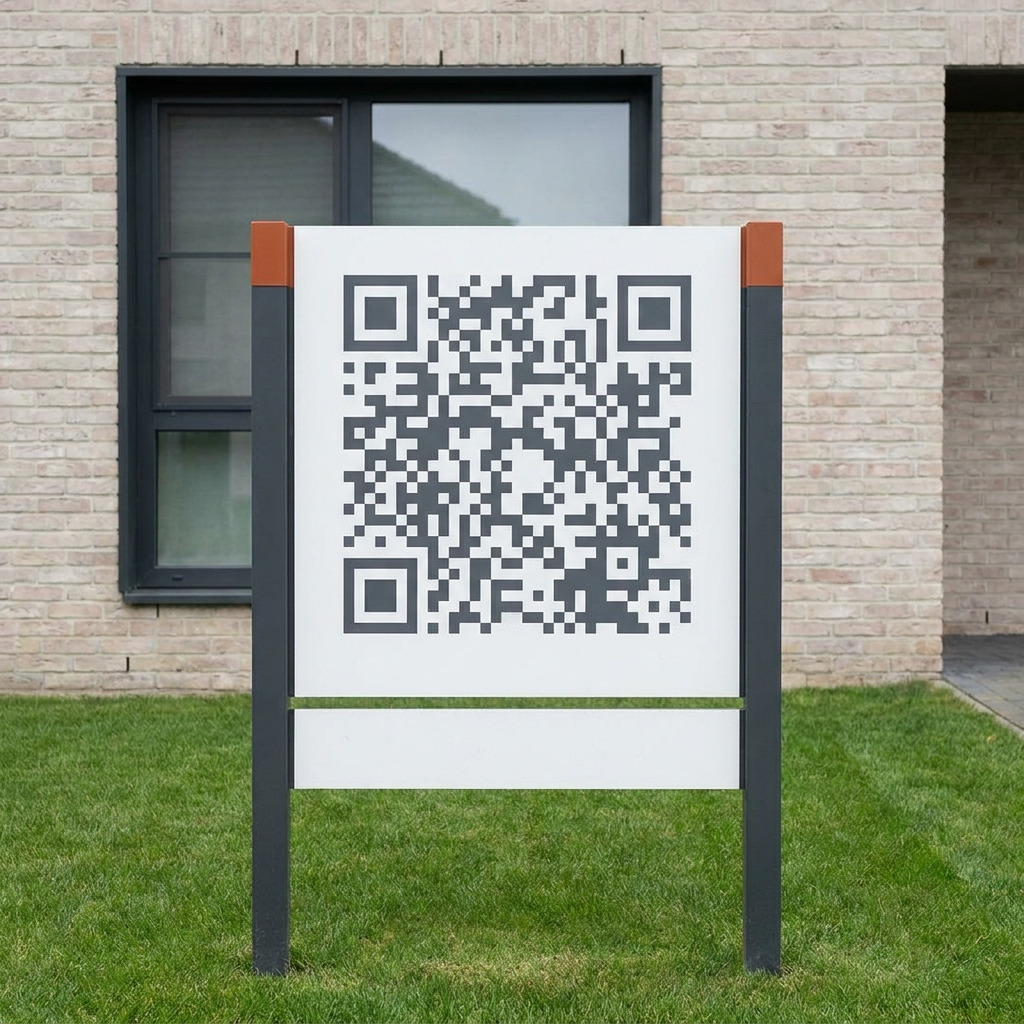
House-for-sale sign or room-to-let notice. Make it editable and print the address in plain text underneath. Once the listing comes down, you can point the code to a short notice instead of a dead page. Size it for reading from the sidewalk.
Static or editable, decided in one question
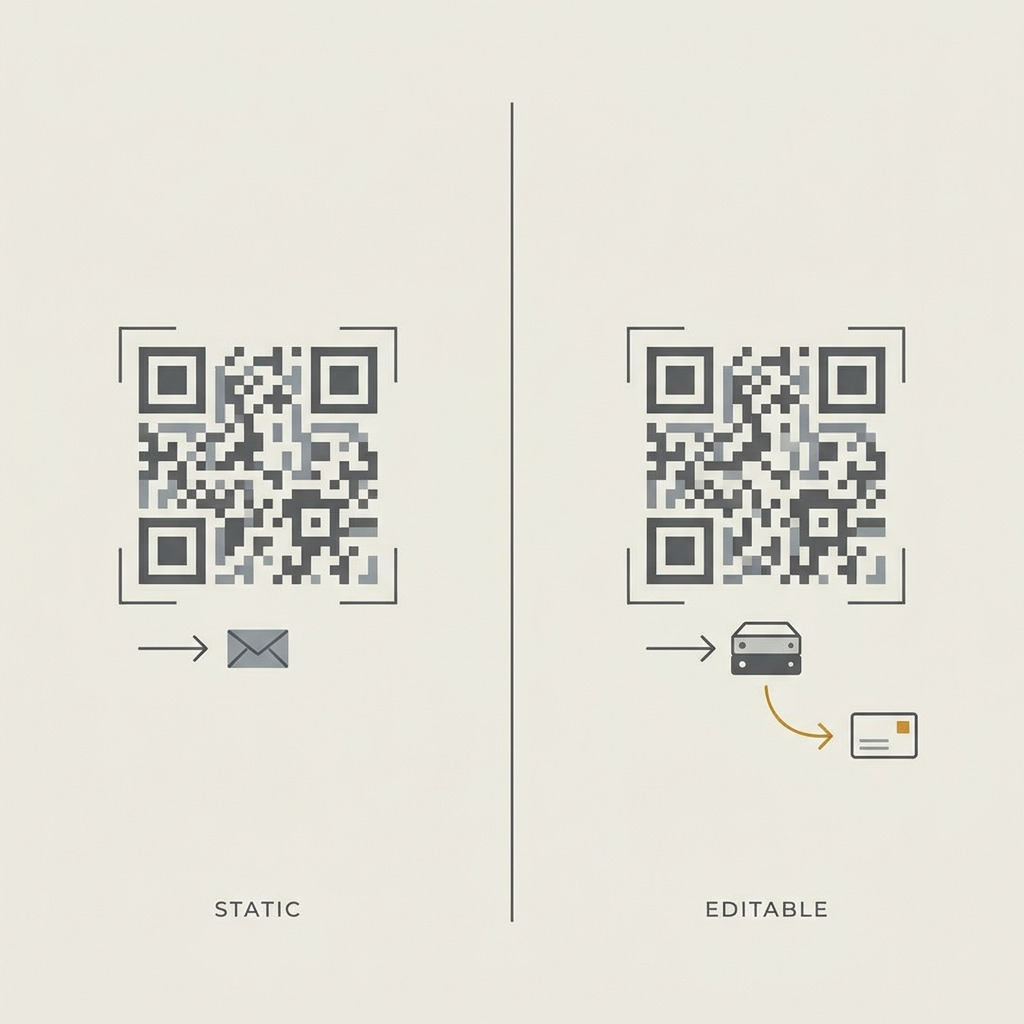
Ask whether the destination is likely to change.
A static code stores its content in the printed pattern itself, as described in the published specification for the symbology. The pattern doesn't expire and doesn't depend on a QR provider's account or redirect. That doesn't make it permanent in practice. A static code that encodes a URL stops being useful when that page goes offline, and WiFi passwords and phone numbers can change. Correcting a static code means replacing it.
An editable code points to a redirect on a provider's server, and you can change the destination later. The cost is dependence. The code works only while the provider keeps the service running and your account stays active, and "never expires" is a vendor policy that can change.
For most people, most personal codes can be static, with one or two editable codes for destinations likely to move.
Designing a code you'll actually print
Personal codes usually end up on paper, so the file format and finish matter as much as the generator.
Choose vector when you can. SVG, EPS or PDF files scale cleanly and suit print shops. A PNG works for home printing if it's large enough. A 1,000-pixel file covers about 3.3 inches (8.5 cm) at 300 dpi. Avoid screenshots and small web images, which can blur when enlarged. For the rest of the layout, use our print file preparation checklist to check resolution, margins and the final proof.
Keep the contrast high. A dark pattern on a pale background is the safest choice. Inverted, pale or tone-on-tone designs are riskier, so test them carefully.
Prefer matte finishes. Gloss, foil and lamination can cause glare under some lighting. If the stock is glossy, consider putting the code on a matte insert or sticker.
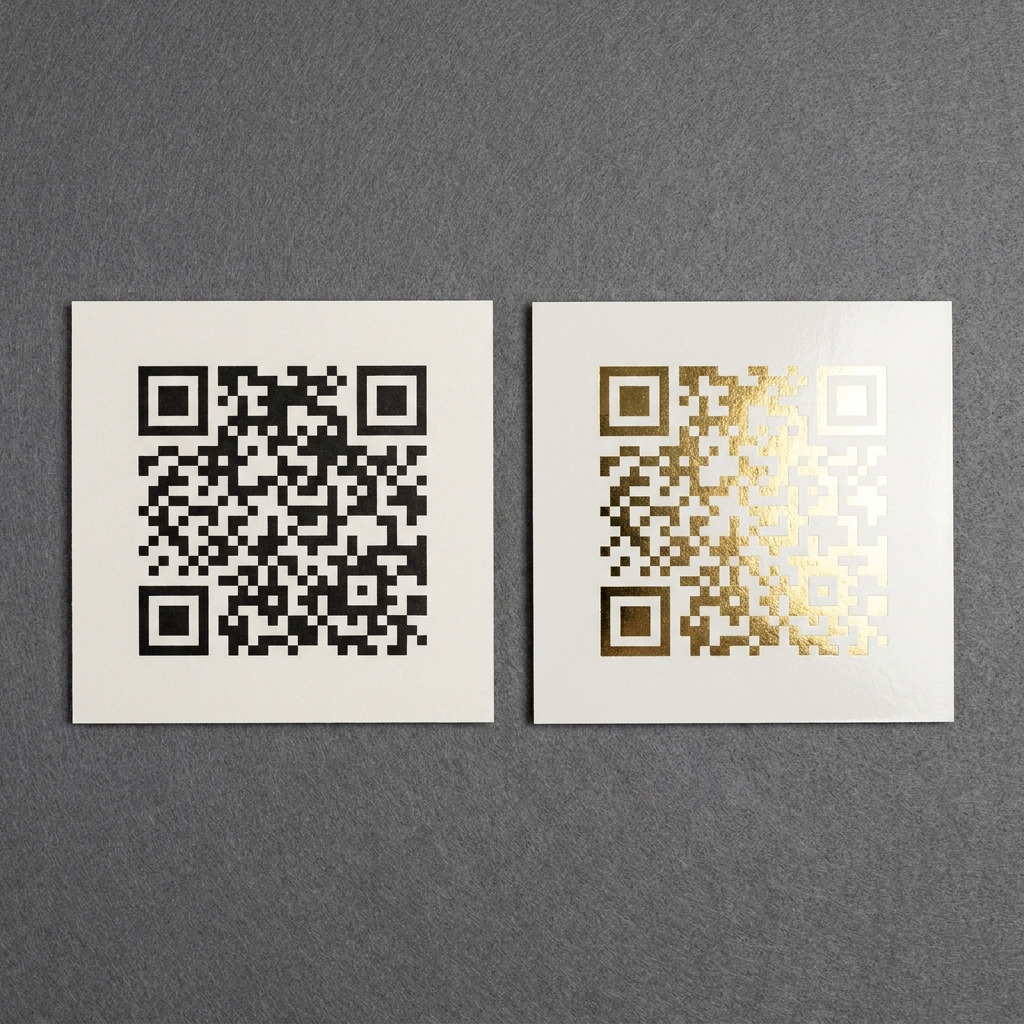
Stylize carefully. Rounded modules, custom colors and a small centered logo can work. Keep the three corner squares clearly visible. Our piece on scannable visual design covers how designers push the look further.
QR codes include error correction. The inventor, DENSO WAVE, describes four levels, ranging from roughly 7% of data recoverable at the lowest to roughly 30% at the highest. A logo or heavy styling covers part of the pattern, so keep logos small, choose a higher correction level if the tool offers one, and test the printed result.
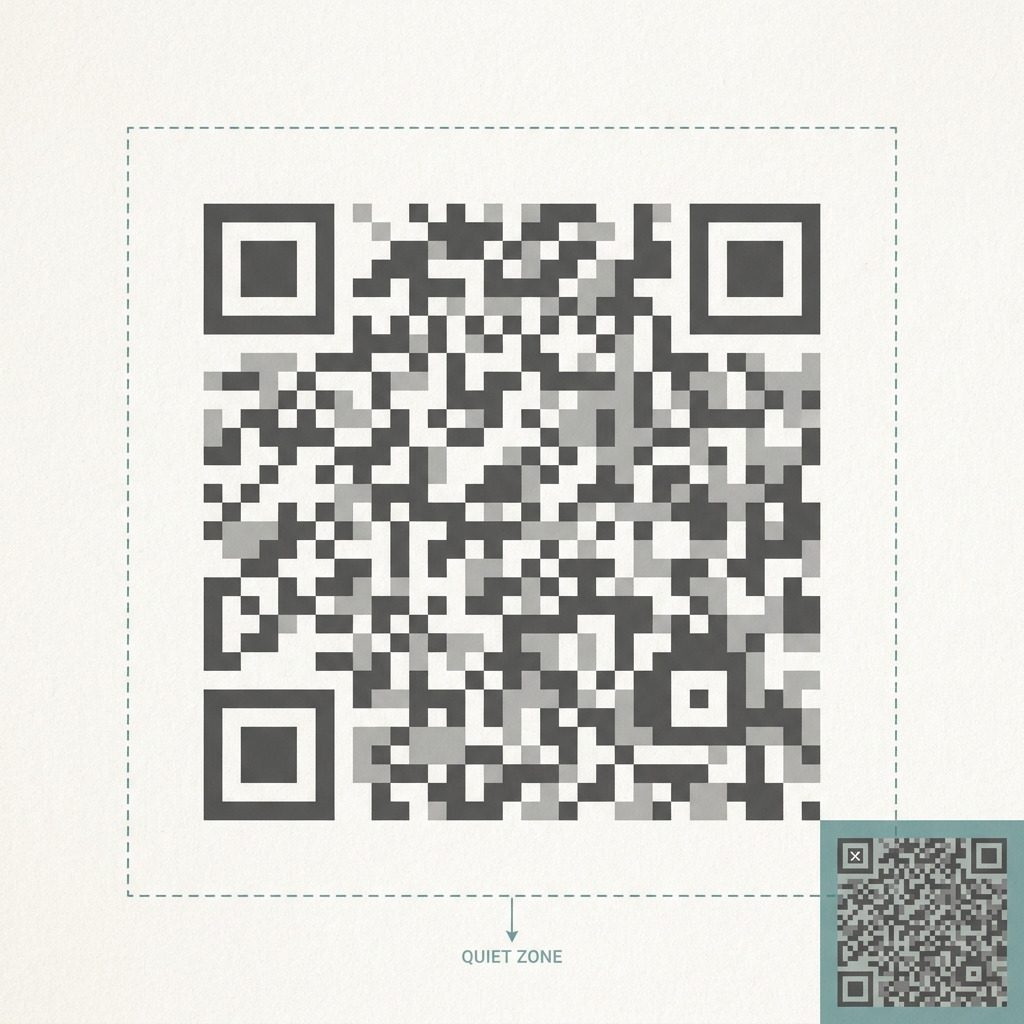
Leave the quiet zone alone. The QR standard calls for a clear margin around the pattern, commonly four modules wide. Cropping it to fit a layout can stop a code from scanning even when it looks fine.
Size for scanning distance. A rough rule is to make the code at least one-tenth of the scanning distance. About 1 inch (2 to 3 cm) suits arm's length, while a sign needs much more.
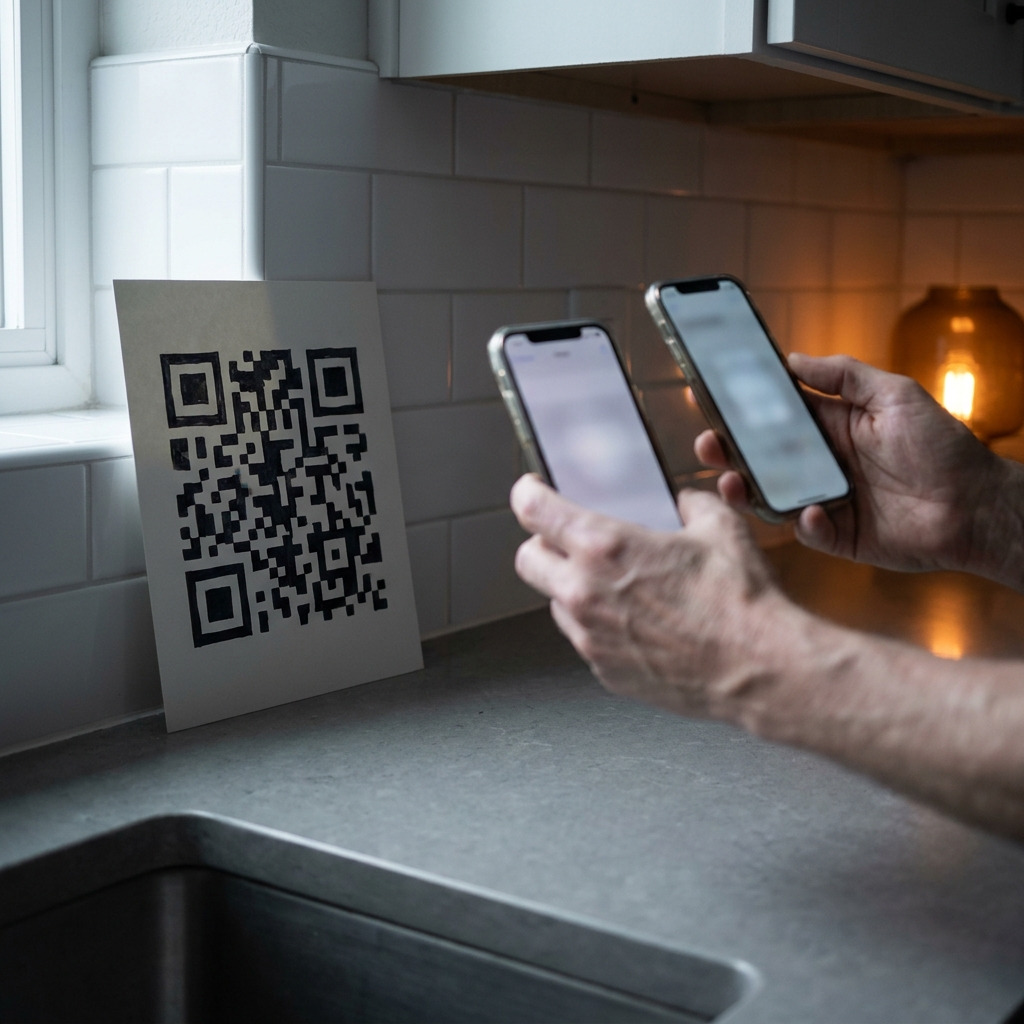
Test the real thing. Print a proof at actual size on the final paper and place it where it will be used. Scan it with at least two phones, ideally an iPhone and an Android, using the built-in camera app in both bright and dim light. A screen preview can miss print problems.
A risk even personal codes carry
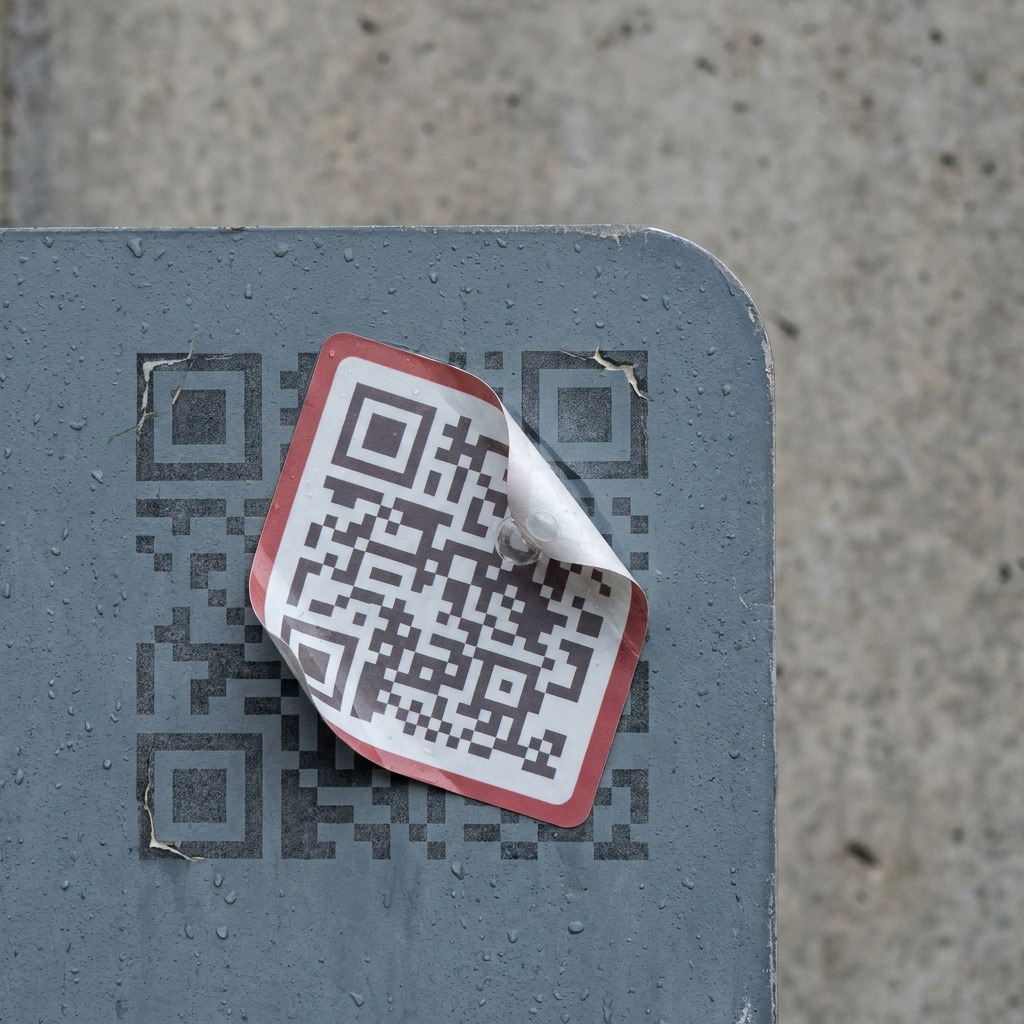
A public warning from the FBI's Internet Crime Complaint Center describes a substitution attack. Someone covers a legitimate printed code with their own, sending people to a page designed to collect login or payment details.
Personal codes are less likely targets than a parking meter or a shop counter, but a code on a front-yard sign still sits unattended in public. Check it occasionally and scan it yourself. With an editable code, you can usually change the destination quickly. With a static code, you'll need to remove or replace the printed code.
Common mistakes with personal QR codes
- Making everything editable. You use up free editable slots on destinations that rarely change.
- Making a likely-to-move link static. Photo album links are the usual example.
- Treating static as maintenance-free. The pattern won't expire, but the URL, password or number inside it can go out of date.
- Choosing a tool by its feature list. Ask what happens to the code if you stop using the service.
- Downloading a small PNG for a large print when a vector file is available.
- Cropping the quiet zone to fit a layout.
- Printing on gloss or foil without testing under the lighting where people will actually scan it.
- Skipping the printed proof. A short test at actual size catches problems a screen won't show.
Frequently asked questions
What is the best QR code generator for personal use?
For many personal uses, The QR Code Generator. Its pricing page lists unlimited static codes and two free dynamic codes it says never expire. If you need a WiFi code, or don't want an ad before your editable code's destination, QR Code Prime is the better choice. QR Code Monkey also offers static WiFi codes.
Is there a completely free QR code generator for personal use?
Several offer useful free tiers. QR Code Monkey makes static codes, and in October it required no registration and added no watermark. QR Code Prime's homepage lists static codes without a login and ten dynamic codes free for life with no ads or watermarks. The QR Code Generator lists unlimited static codes and two free dynamic codes, but its free downloads carry a watermark and its free dynamic codes show an ad. Vendor terms can change, so check before printing.
Do personal QR codes expire?
A static pattern doesn't expire, but what it encodes can go out of date. A linked page can go offline, and a password or phone number can change. Editable codes depend on the provider keeping the redirect running and your account staying active. The QR Code Generator says its two free dynamic codes never expire, and QR Code Prime says its ten are free for life. Those are vendor policies that may change.
What is the best way to share my home WiFi with a QR code?
Use a tool with a WiFi type, such as QR Code Monkey or QR Code Prime. A static WiFi code stores the network name and password in the pattern and doesn't need a provider's redirect. If you change the password, replace the code. Print the details in plain text too.
Do I need an account to make a personal QR code?
Often not, for static codes. The QR Code Generator, QR Code Monkey and QR Code Prime let you make static codes without logging in, based on their official pages at the times noted above. Editable codes typically require an account, because the provider keeps the record linking your printed code to its current destination.
Should a personal QR code be static or editable?
Static suits stable information such as a contact card, WiFi details, a phone number or plain text, as long as you're prepared to replace it if the details change. Editable suits destinations likely to move, such as a photo album or portfolio link. Many personal users need only one or two editable codes.
Can I put a QR code on a wedding invitation?
Yes. An editable code is usually the safer choice, because album, registry and venue links can change after the invitations are printed. Choose a provider that doesn't show ads before the redirect, print on matte stock, and test a printed proof with several phones.
Why will my personal QR code not scan?
Common causes include low contrast, a cropped quiet zone, a code too small for the scanning distance, and glare from glossy or foil finishes. If the code is editable, also check that the destination page still exists and that your account is still active.
Before you print
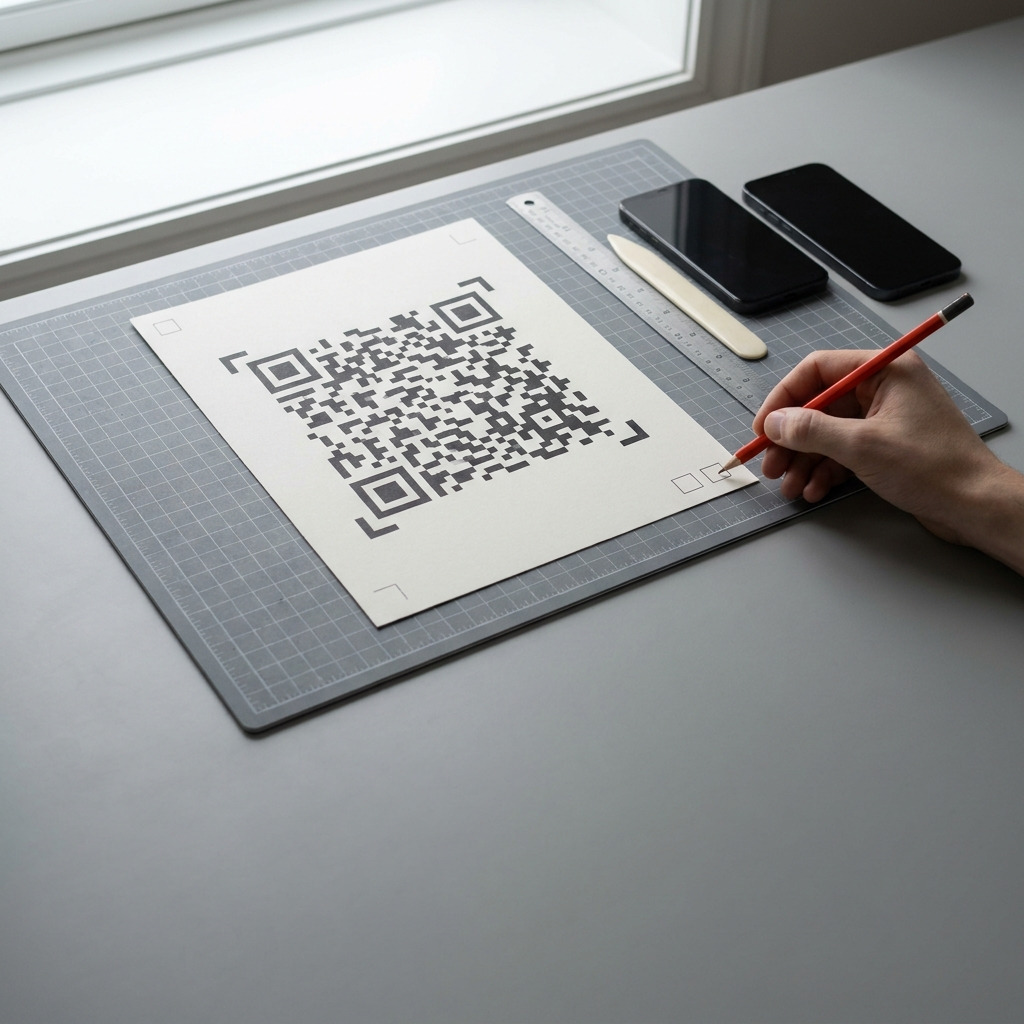
List every item that will carry a code and mark each one static or editable. Use static codes for stable information, and note which ones you'll need to replace if a password, number or link changes. For editable codes, read the provider's current free terms and save the login somewhere you'll find it later. Then download vector files where possible, print one proof at full size on the final paper, and scan it with two phones before ordering the full run.
- 1share
- Facebook0
- Pinterest1
- Twitter0
- Reddit0