Choosing the best anime drawing apps is less about finding the longest brush list and more about matching the tool to how you actually draw. Clean manga line art needs stabilization, layers, pressure control, and fast coloring tools; comic pages need panels, speech bubbles, and export options that do not fight you.
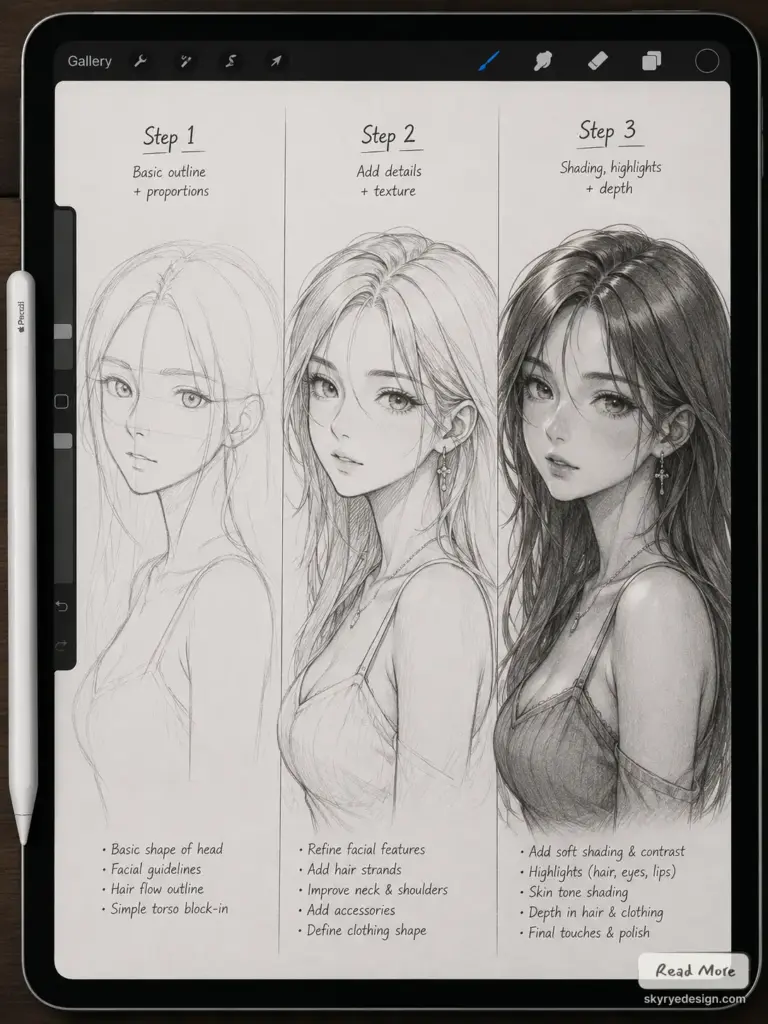
This guide compares 10 anime drawing apps for beginners, iPad artists, Android sketchers, desktop users, and manga-style workflows. I would start with the app that solves your biggest bottleneck first: shaky lines, slow coloring, weak perspective, or a setup that feels too heavy to practice with every day.
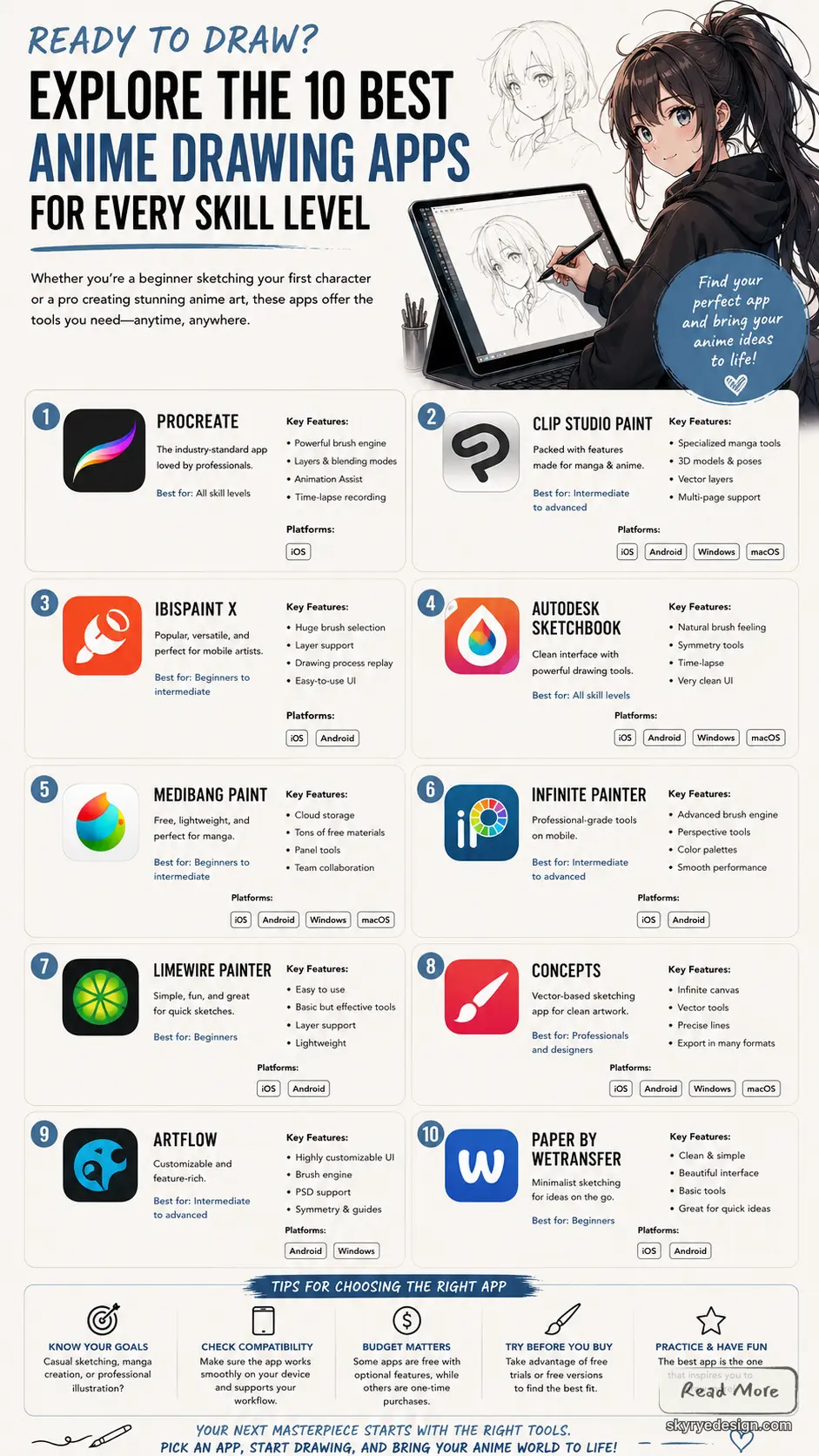
Best anime drawing apps at a glance
The best anime drawing app depends on your device and the kind of work you want to finish. For manga pages, Clip Studio Paint is still the most complete pick. For iPad sketching, Procreate is fast and comfortable. For a free desktop workflow, Krita, MediBang Paint Pro, and FireAlpaca are the easiest places to start.
| App | Best for | Good fit if you need |
|---|---|---|
| Clip Studio Paint | Manga pages and polished anime art | Panels, 3D poses, screen tones, strong inking |
| Procreate | iPad drawing | A fast Apple Pencil workflow and custom brushes |
| Krita | Free desktop anime drawing software | Brush control, stabilizers, painting tools |
| MediBang Paint Pro | Free manga and comic creation | Cloud projects, tones, panels, cross-device use |
| FireAlpaca | Simple beginner setup | Lightweight software and clean line art basics |
| ibis Paint X | Phone and tablet anime sketching | Mobile brushes, stabilizers, and process recording |
| Photoshop | Coloring and finishing | Advanced layers, effects, and professional editing |
| Sketchbook | Natural sketching | A quiet interface, guides, and responsive pencils |
| Paint Tool SAI | Smooth Windows line art | Precise inking and soft blending |
| Concepts | Vector sketching and planning | Infinite canvas, scalable lines, and ideation |
1. Clip Studio Paint (Formerly Manga Studio)
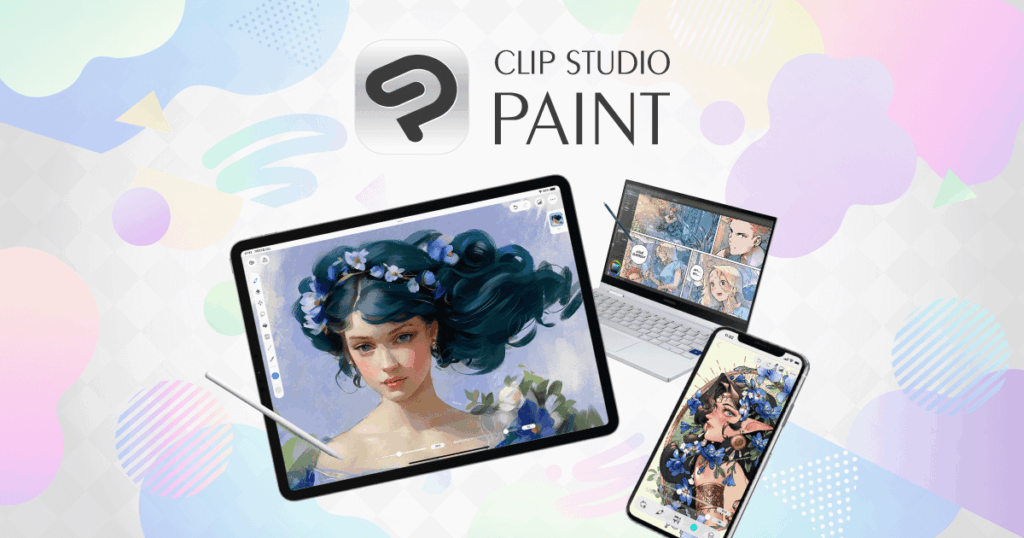
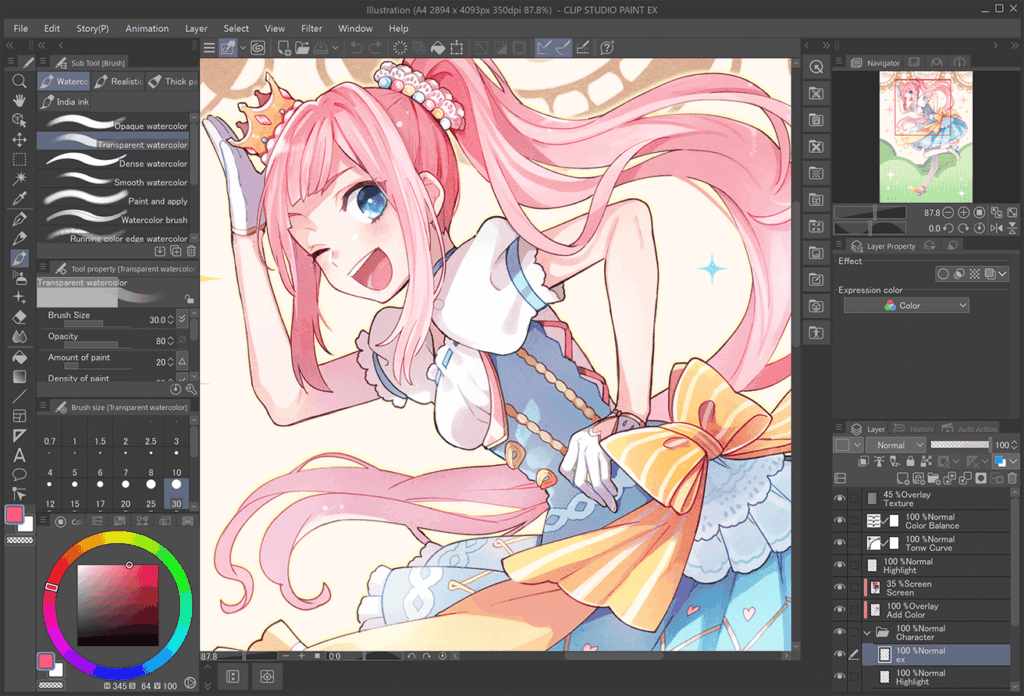
If you ask manga and anime artists which software they use for finished pages, Clip Studio Paint (CSP) comes up constantly. It is built for comic, manga, and animation creation, with Pro for illustrators and EX for longer comic or animation projects.
Official resource: Clip Studio Paint official app page.
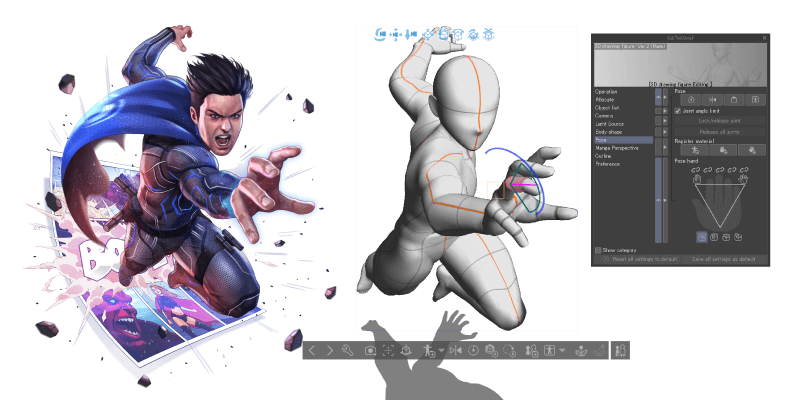
CSP shines with its incredibly robust brush engine. You’ll find a massive array of pens, pencils, brushes, and airbrushes that feel incredibly natural and responsive, mimicking traditional media with impressive accuracy. This is crucial for achieving that distinct anime line art – crisp, variable, and full of life. Beyond basic drawing, CSP offers features like 3D model import, which allows you to pose characters and objects to use as reference, making complex anatomy and perspective a breeze. Imagine never struggling with foreshortening again!
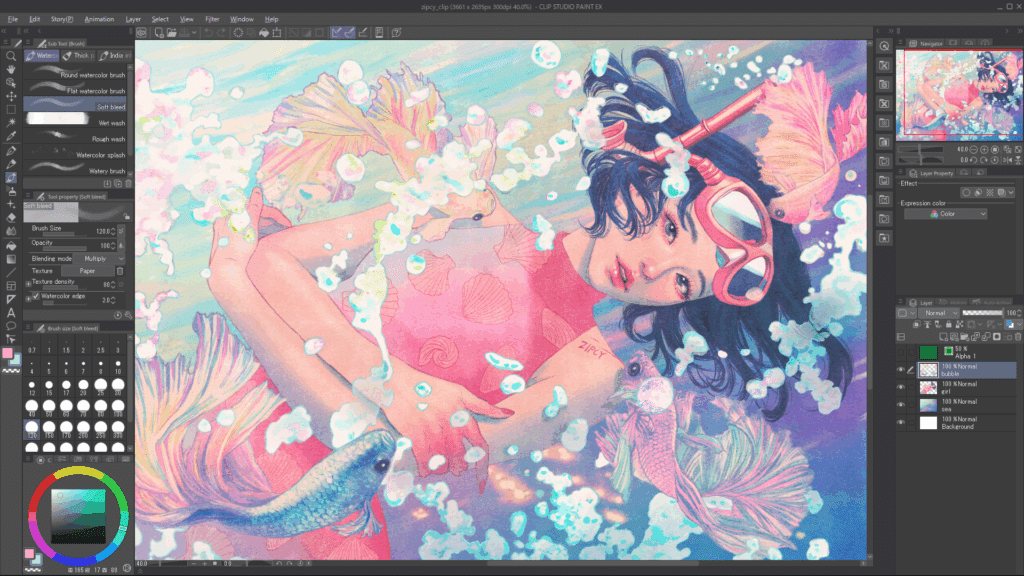
It’s also a master of workflow efficiency. With customizable workspaces, a wealth of screen tones, speech bubble tools, and panel layout options, it dramatically speeds up the comic creation process. Animation features are also top-notch, allowing artists to create short anime clips and GIFs directly within the software. While it has a one-time purchase fee or a monthly subscription, its professional-grade tools and constant updates make it an invaluable investment for anyone serious about anime art. You can use it on Windows, macOS, iPad, Android, and even Chromebooks, giving you fantastic flexibility.
2. Procreate
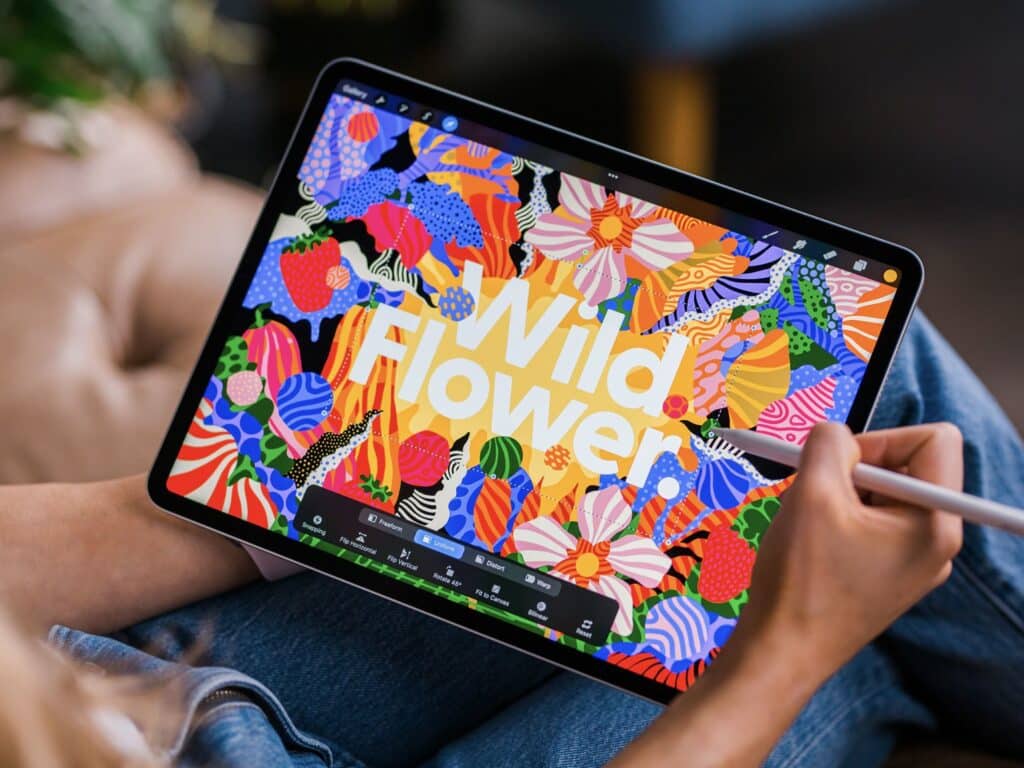
For iPad users, Procreate is one of the easiest anime drawing apps to recommend. It is not built only for anime, but the Apple Pencil feel, fast canvas performance, and custom brush ecosystem make it strong for sketching, inking, and coloring characters on the go.
Official resource: Procreate official app page.
Procreate boasts a phenomenal brush library, and artists can create, import, and share custom brushes endlessly. Many artists specifically craft or download brush sets that emulate popular anime styles, from G-pen inkers to textured watercolor brushes. You can explore some fantastic digital art resources, including tips for getting the most out of your tablet, by checking out guides on iPad drawing. The app’s color blending capabilities are superb, and its streamlined layer system keeps your workflow smooth.
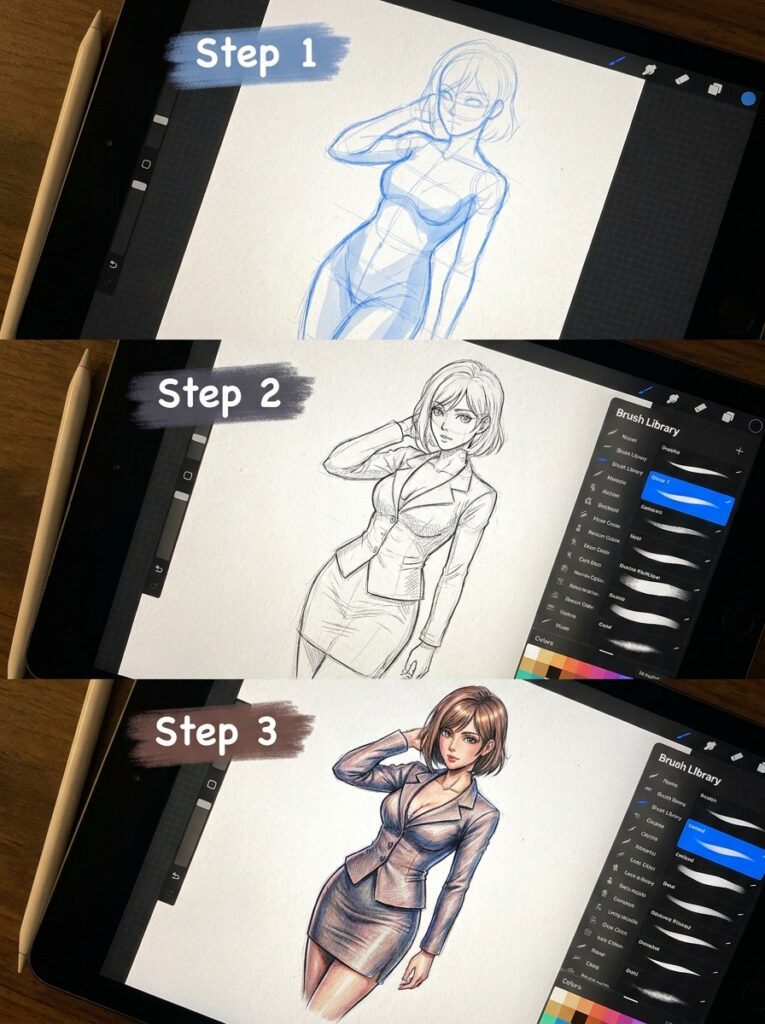
Features like drawing assist (with symmetry, perspective, and isometric grids) are incredibly helpful for maintaining consistency in character designs and backgrounds.
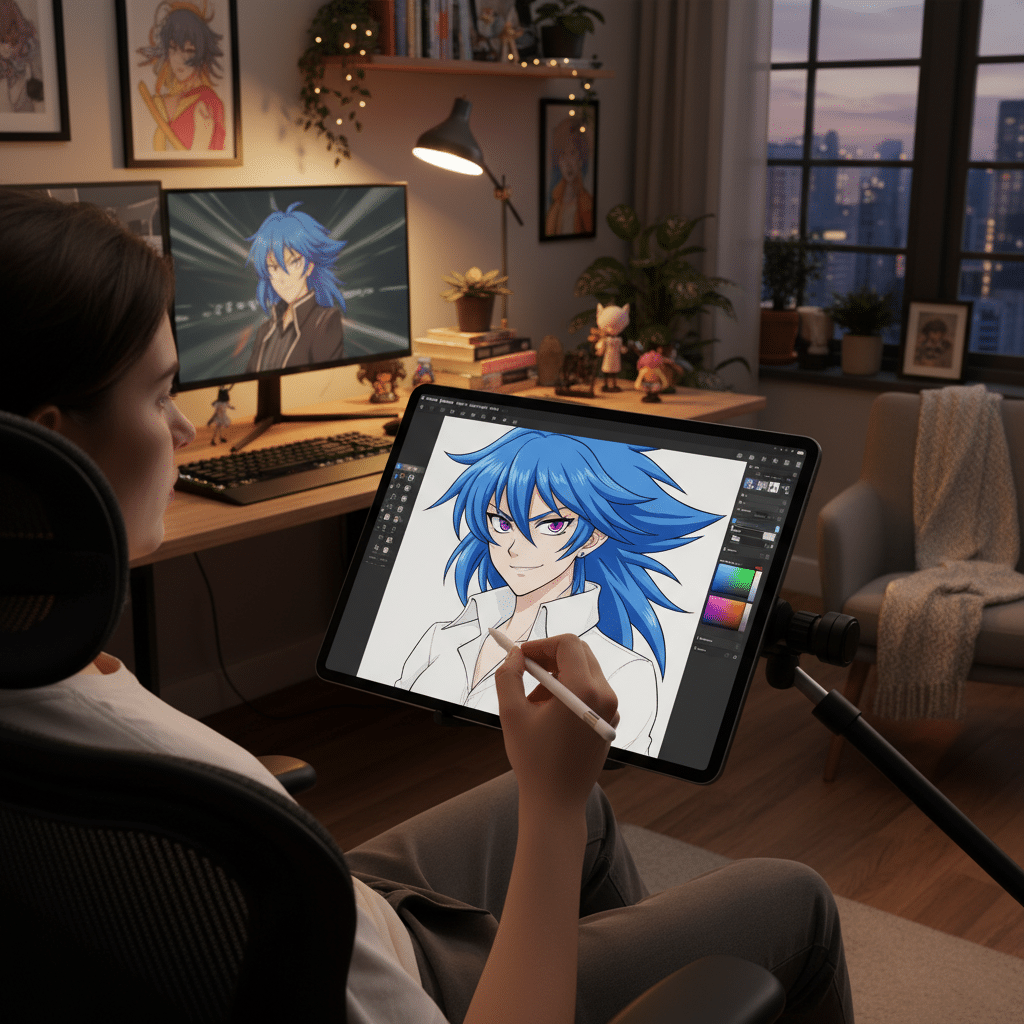
What really makes Procreate stand out for anime artists is its responsiveness and portability. Drawing directly on the screen with the Apple Pencil feels incredibly natural, almost like pen on paper. This tactile experience, combined with its powerful features for intricate line work, vibrant coloring, and even basic animation (via the Animation Assist tool), makes it a powerhouse for creating stunning anime illustrations anywhere, anytime. Plus, it’s a one-time purchase, which is a big win! For those looking to seriously level up their mobile creative studio, getting the right accessories and understanding how to level up your iPad setup can make a huge difference.
3. Krita
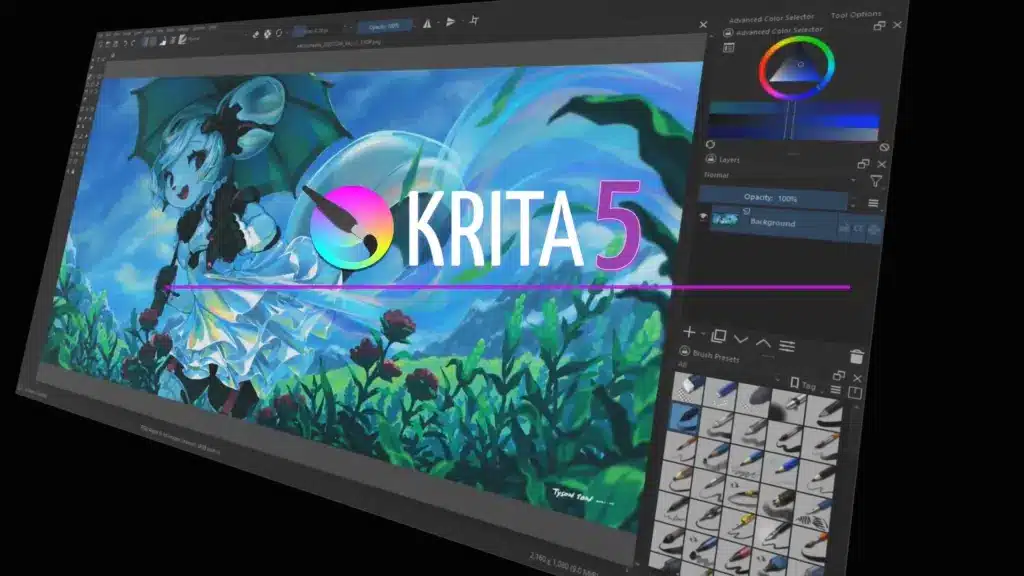
Krita is the strongest free anime drawing software here if you prefer a desktop setup. It is open source, available on Windows, macOS, and Linux, and gives you serious brush control without a subscription.
Official resource: Krita official app page.
For anime drawing, Krita offers an impressive array of brushes, including excellent inking and painting tools. Its brush engine is highly customizable, allowing you to tweak every aspect of a brush to get the exact stroke you need for anime-style hair, clothing folds, or expressive eyes. Krita excels in color management, offering various color models and a robust set of blending modes that make coloring your anime art a joy. It also supports CMYK, which is great if you plan to print your manga or illustrations.
One of Krita’s standout features for character artists is its brush stabilizers, which help smooth out shaky lines – a godsend for crisp anime line art. It also includes wrap-around mode for seamless textures, multi-brush tools for mirrored drawing, and powerful selection tools. Krita even has basic animation capabilities, allowing you to create simple frame-by-frame animations, perfect for bringing a subtle movement to your characters. It’s a fantastic option for beginners and experienced artists alike who want a powerful tool without the subscription fee.
4. MediBang Paint Pro
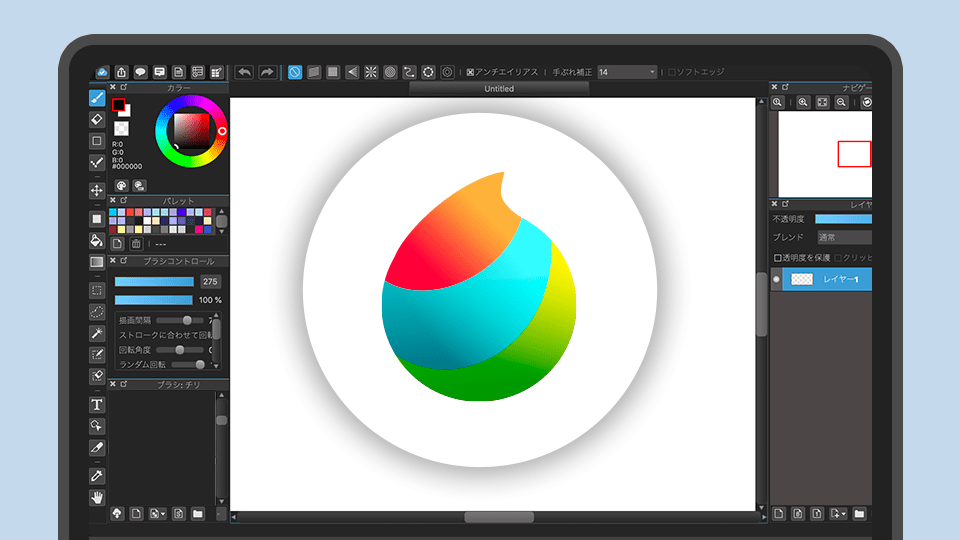
MediBang Paint Pro is a free anime and manga drawing app built around comic creation. It works on Windows, macOS, Android, and iOS, which makes it useful if you sketch on one device and finish panels on another.
Official resource: MediBang Paint official app page.
This app comes loaded with over 800 free tones and backgrounds, 50 brushes, and 20 fonts, all designed to make manga creation easier. The brushes feel smooth and responsive, perfect for creating those signature anime lines and detailed textures. It includes comic panel tools, which let you divide your canvas into panels with ease, and ruler tools for perfect perspective and symmetry. These are huge time-savers when laying out comic pages.
MediBang also offers a useful reference window to keep your source images handy while you draw. It’s relatively lightweight, meaning it runs well even on older or less powerful machines, and its interface is clean and easy to navigate. If you’re looking for a free, cross-platform app that provides a strong foundation for anime and manga illustration, especially for those interested in creating their own webcomics, MediBang Paint Pro is an excellent choice.
5. FireAlpaca
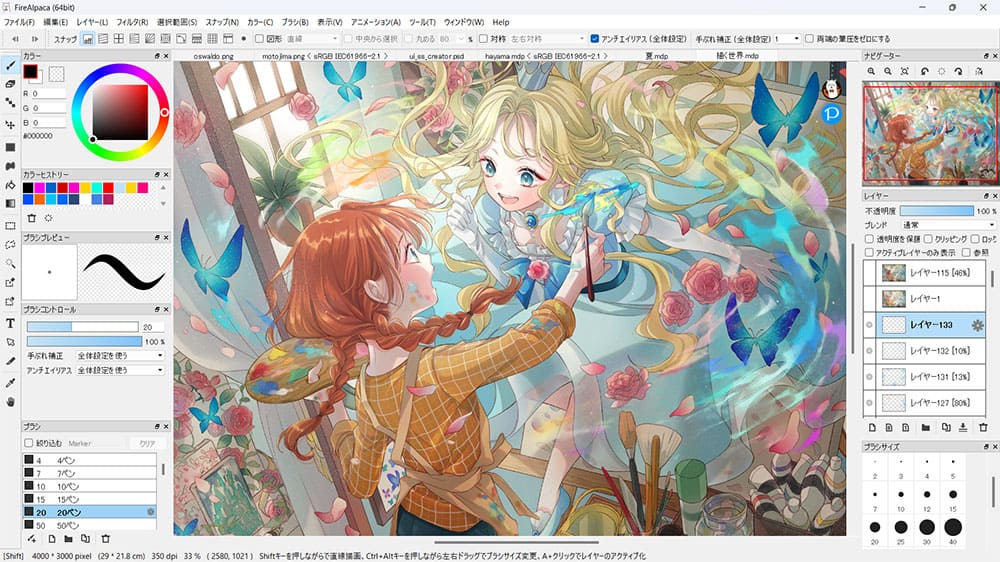
FireAlpaca is the lighter, simpler sibling to MediBang Paint Pro. It is free on Windows and macOS, and it works well for beginners who want to draw clean anime line art without learning a huge interface first.
Official resource: FireAlpaca official app page.
Despite its simplicity, FireAlpaca doesn’t skimp on essential features for anime drawing. It offers a good selection of pens, pencils, and watercolor brushes that are customizable and easy to use. The program is known for its smooth lines and stable brush performance, which is a major plus for clean anime line art. Layer management is straightforward, and it includes basic but effective tools like snapping rulers (for parallel lines, radial symmetry, and perspective) that are incredibly helpful for precise drawing.
FireAlpaca is perfect for artists who want to focus purely on drawing and coloring without getting bogged down by too many advanced features. It’s fast, takes up minimal system resources, and exports to common image formats like PNG, JPG, and PSD. If you’re just starting your digital art journey or prefer a minimalist approach, FireAlpaca provides a solid, no-frills platform to practice and refine your anime drawing skills. It’s an excellent choice for creating character designs, simple illustrations, or even practicing specific elements like female character design.
6. ibis Paint X
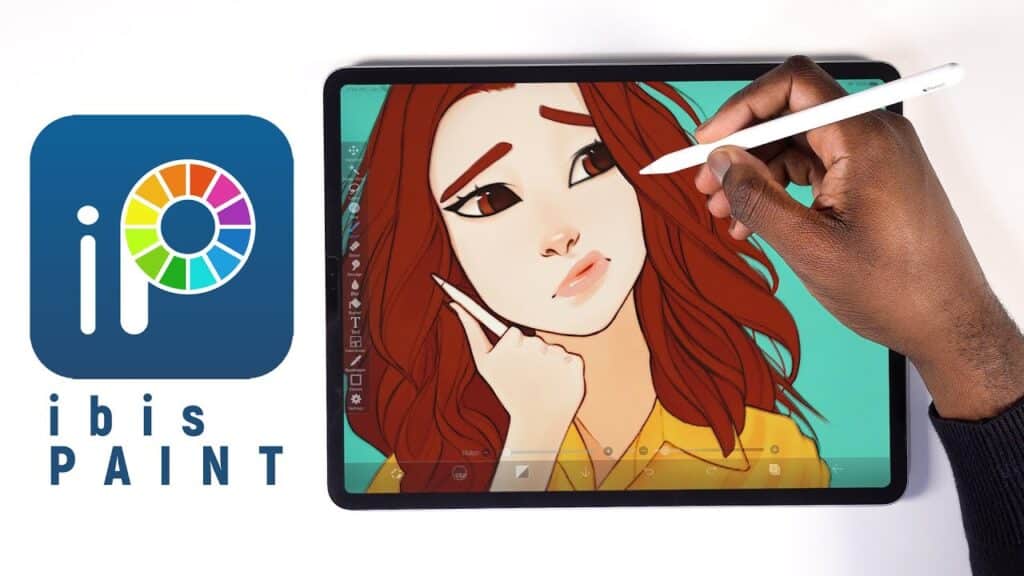
For phone and tablet artists, ibis Paint X is one of the most practical anime drawing apps. It runs on iOS and Android, has a free version with premium upgrades, and gives mobile artists far more control than a basic sketch app.
Official resource: ibis Paint official app page.
ibis Paint X boasts over 15,000 brushes, including specialized dip pens, felt tip pens, digital pens, and various texture brushes that are perfect for anime styles. It’s famous for its super-smooth line drawing capabilities, aided by advanced stabilization settings. Layers are fully supported, along with blending modes, clipping masks, and alpha lock. It even has a fantastic feature that records your drawing process as a video, which is great for sharing on social media or reviewing your own workflow.
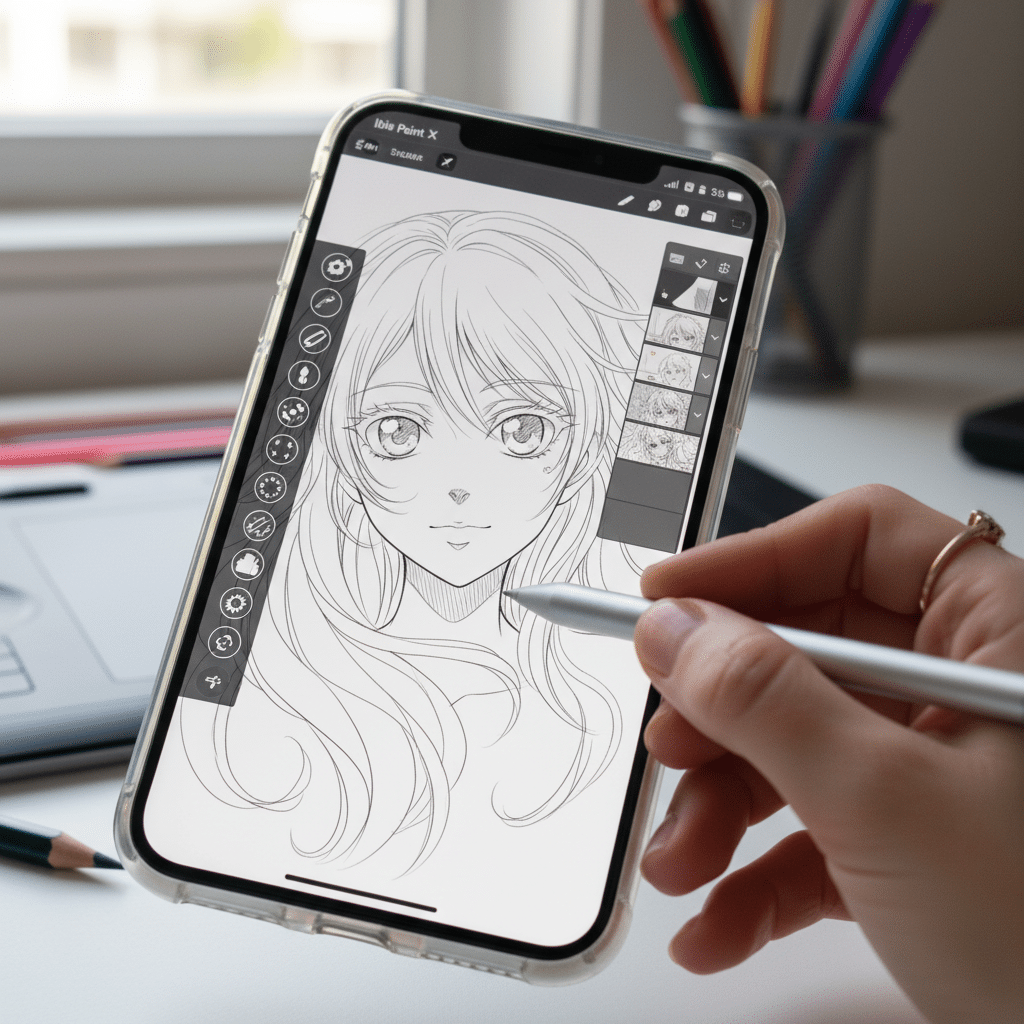
Additional features that make it stellar for anime artists include ruler tools (perspective ruler, radial ruler, symmetry ruler), clipping masks, and pattern brushes. It also supports screen tones and comic frames, similar to what you’d find in desktop manga software. Despite its complexity, the interface is well-designed and intuitive for touch screens. If you’re a mobile-first artist looking for a comprehensive tool that can handle everything from sketching an initial idea to fully rendering a detailed anime illustration, ibis Paint X is an absolute gem.
7. Adobe Photoshop
Photoshop is not an anime-only app, but it remains one of the strongest tools for coloring, compositing, effects, and final polish. Many artists sketch or ink elsewhere, then finish the image in Photoshop because its layer and adjustment tools are so deep.
Official resource: Adobe Photoshop official app page.
Photoshop’s brush engine is incredibly robust, allowing for highly customized brushes that can mimic any traditional media or create unique digital effects. Many artists create or download custom brush sets specifically tailored for anime line art, cel-shading, or watercolor effects. Its layer system is unparalleled, offering a vast array of blending modes, adjustment layers, and masks that give artists immense control over their artwork. This is invaluable for complex coloring and lighting in anime illustrations.
While it might not have specialized comic paneling tools like Clip Studio Paint, its drawing capabilities, combined with its advanced photo editing and graphic design features, make it a complete creative hub. Artists often use apps like Clip Studio Paint or Procreate for the initial line art and then bring their work into Photoshop for detailed coloring, special effects, and final presentation. If you’re already familiar with the Adobe ecosystem or need a program that can do literally everything, Photoshop remains a formidable tool for anime artists, albeit with a subscription model.
8. Autodesk Sketchbook
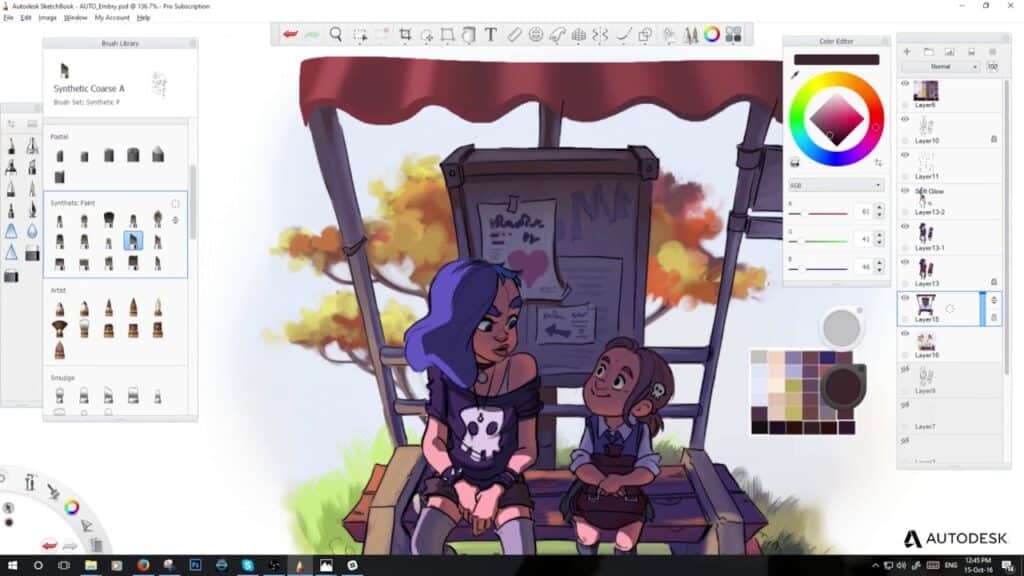
Sketchbook is a quiet, natural-feeling drawing app for artists who want the interface to disappear. It is especially friendly for beginners because the pencils, pens, markers, and guides are easy to reach without feeling buried.
Official resource: Sketchbook official app page.
Sketchbook’s interface is celebrated for its minimalism, getting out of your way so you can focus on the art. But don’t mistake simplicity for lack of power. It boasts a superb brush engine with over 190 customizable brushes, including excellent pencils, pens, markers, and airbrushes that feel remarkably natural. The predictive stroke technology helps smooth out lines, making it fantastic for achieving clean, confident anime line art.
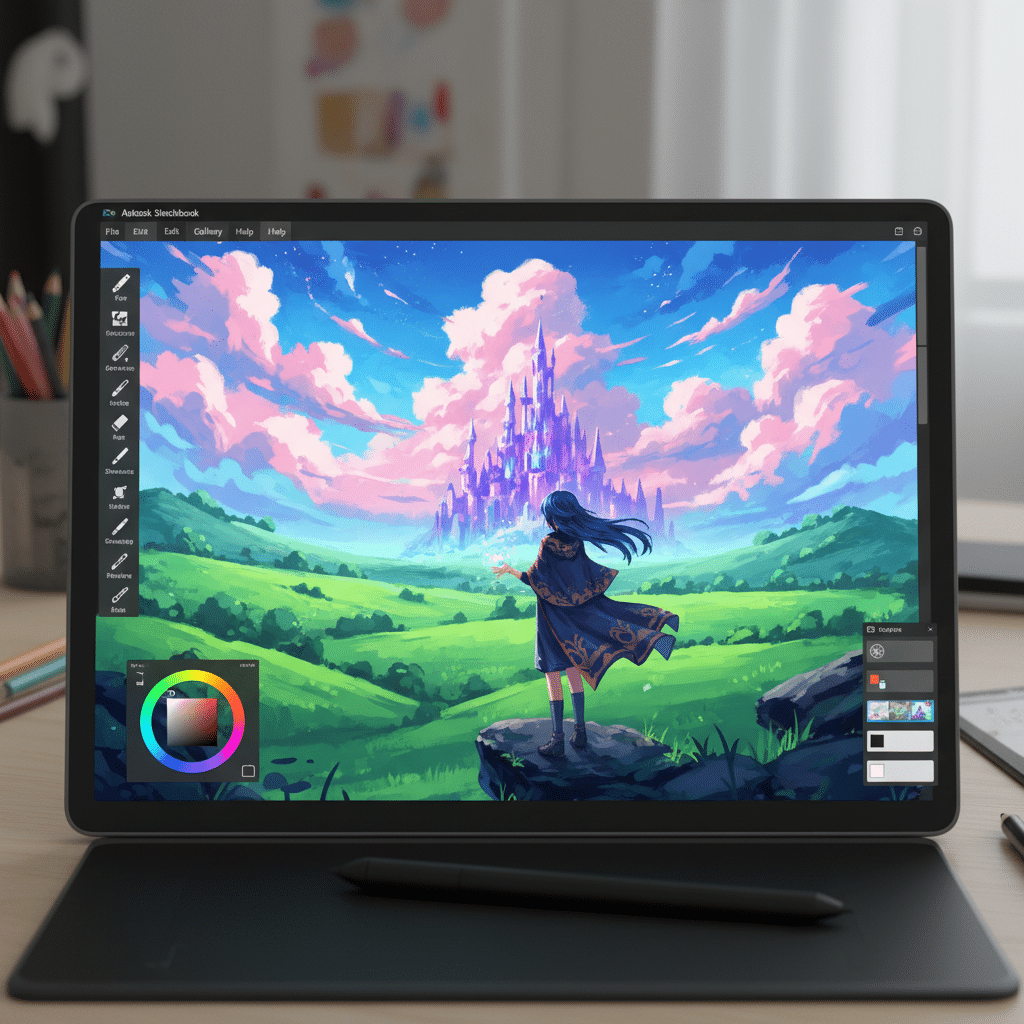
For anime artists, features like symmetry tools, rulers, and ellipse guides are incredibly useful for maintaining consistency and accuracy in character design. It also offers perspective guides (1-point, 2-point, 3-point, and fisheye) that simplify drawing complex backgrounds and environments, a common challenge in anime art. With full layer support, blending modes, and a robust color picker, Sketchbook provides a fantastic, free environment to create beautiful anime illustrations. It’s an excellent choice for rapid ideation, sketching, and polished line work.
9. Paint Tool SAI
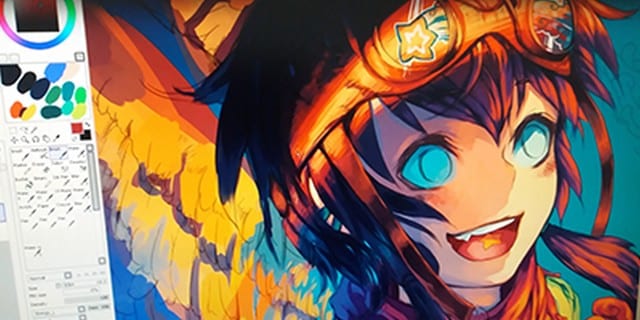
Paint Tool SAI is a classic Windows pick for anime line art. The interface looks older than most modern apps, but many artists still like it because the pen feel, stabilization, and blending are clean and predictable.
Official resource: Paint Tool SAI official app page.
SAI’s strength lies in its brush engine, particularly its pen and marker tools. Artists rave about the precision and fluidity they can achieve with SAI for line art, often citing it as superior for the crisp, dynamic lines characteristic of anime. The program offers impressive stabilization options for your strokes, allowing even those with shaky hands to produce clean, professional-looking outlines. This emphasis on line quality is precisely why many anime artists use SAI for their initial sketching and inking phases before moving to other programs for coloring.
Its blending engine is also highly praised, making it a joy to create soft, gradient-like shading often seen in anime. While it lacks text tools, shape tools, and complex photo manipulation features, its core drawing and painting functionality is superb. If you’re on Windows and your primary focus is exquisite line art and smooth, natural coloring, and you don’t mind a simpler interface, Paint Tool SAI is definitely worth exploring.
10. Concepts
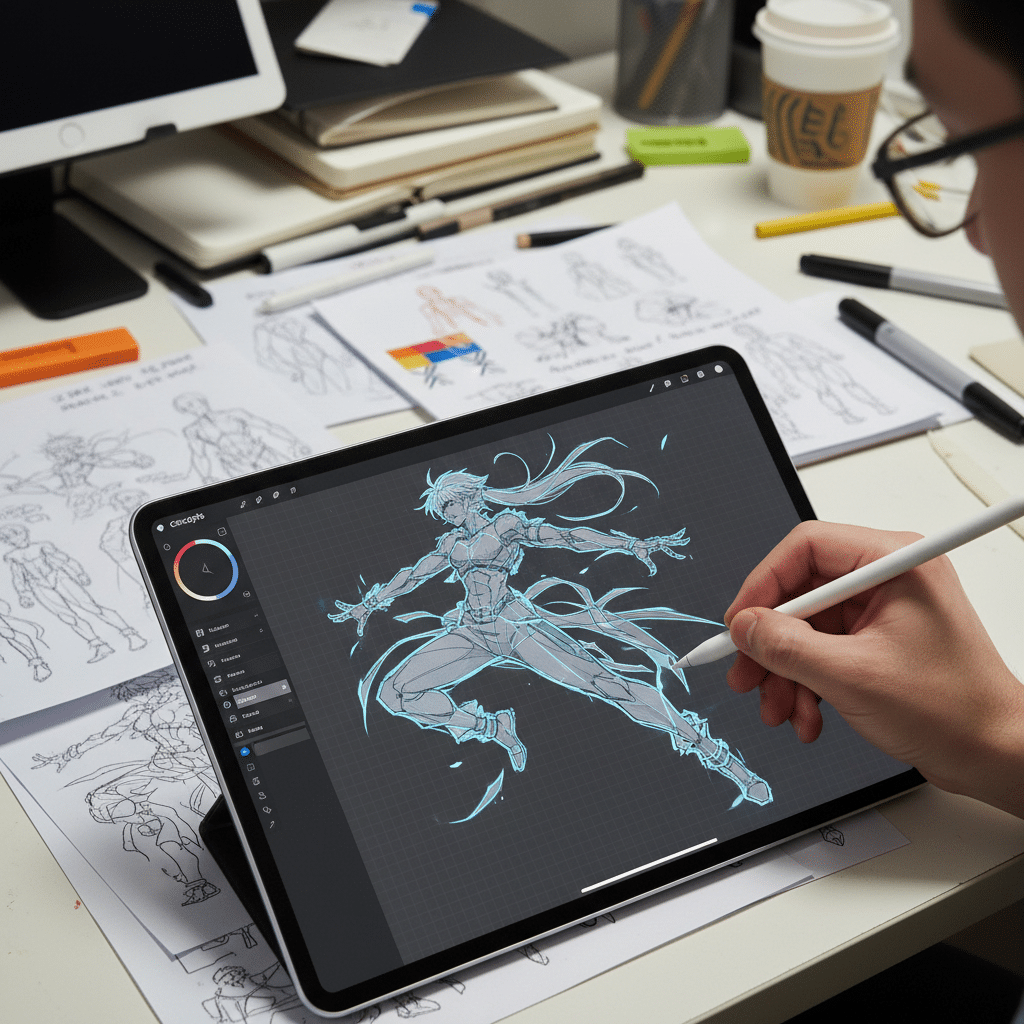
Concepts is different from the other anime drawing apps in this list because it is vector-based. That means your sketch lines can stay scalable, editable, and crisp, which is useful for character sheets, props, backgrounds, and early visual development.
Official resource: Concepts official app page.
The “infinite canvas” is one of Concepts’ standout features. You’ll never run out of space to brainstorm, sketch, or lay out your ideas. It’s perfect for concept development, character exploration, and storyboarding. Concepts offers a fantastic array of responsive pens, pencils, and brushes, and its unique “nudge” and “slice” tools give you incredible precision over your vector lines and shapes. You can easily adjust line weights, colors, and textures after drawing them, offering unparalleled flexibility.
While it might have a steeper learning curve if you’re used to raster art, the benefits for precision, scalability, and flexibility are immense. It’s excellent for technical drawings, character turnarounds, precise layouts, and general idea generation. Concepts is available for free with in-app purchases to unlock its full power, including layers, custom brushes, and advanced export options. If you’re an anime artist who values precision, scalability, and an expansive workspace for planning and developing your ideas, Concepts offers a fresh and powerful approach.
How to choose the best anime drawing app for your workflow
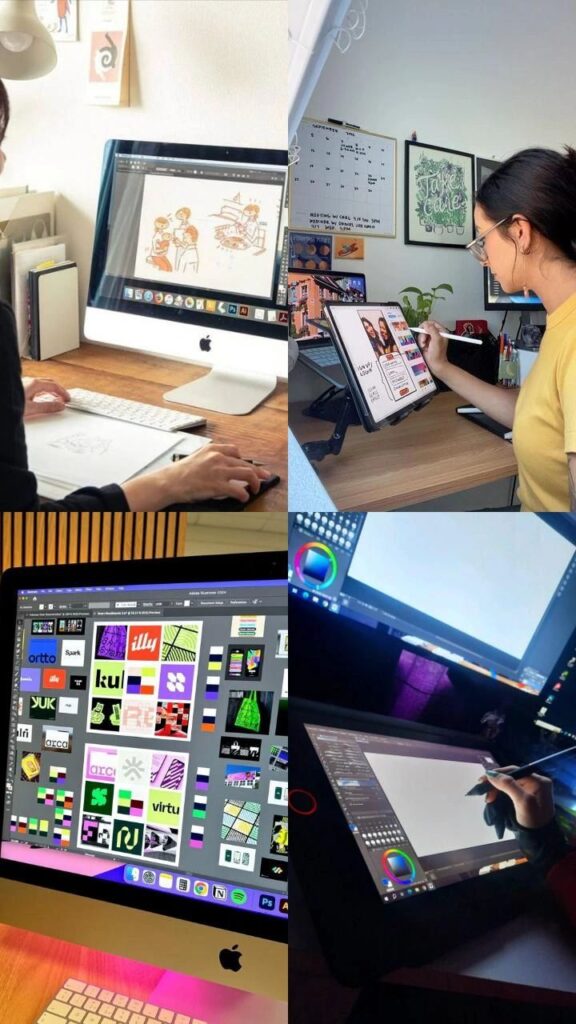
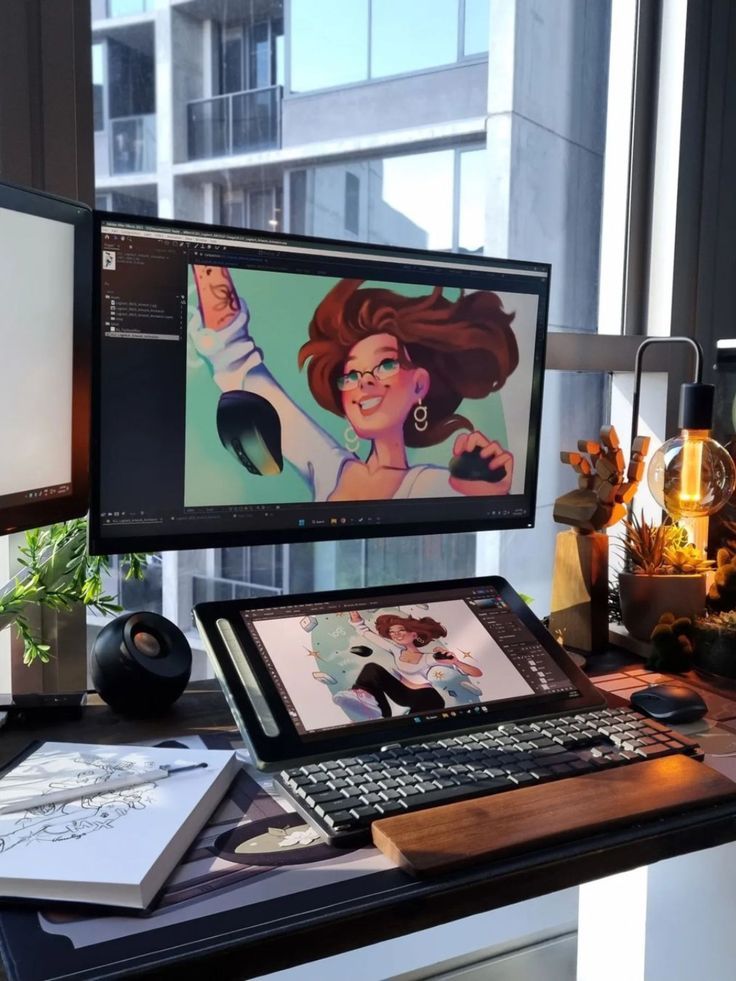
So, you’ve seen the crème de la crème of anime drawing apps. But how do you pick your perfect digital companion? It all boils down to a few key factors:
- Your Device: Are you primarily drawing on a desktop PC, a MacBook, an iPad, or an Android tablet/phone? Some apps are platform-specific (like Procreate for iPad), while others offer cross-platform compatibility.
- Your Skill Level: Beginners might prefer the simpler interfaces of FireAlpaca or Autodesk Sketchbook, while seasoned pros might gravitate towards the comprehensive toolsets of Clip Studio Paint or Photoshop.
- Your Budget: Are you looking for free options (Krita, MediBang, FireAlpaca, ibis Paint X, Sketchbook) or are you willing to invest in a one-time purchase (Procreate, Clip Studio Paint) or a subscription (Clip Studio Paint, Photoshop)?
- Your Artistic Goals: Do you want to focus purely on illustrations? Are you aiming to create full-fledged comics or manga? Do you want to dabble in animation? Each app has its strengths. For instance, if you’re interested in refining specific elements like drawing buildings or complex scenery, certain apps might offer more robust perspective tools.
It’s also worth considering the learning curve. Some apps, like Procreate or Sketchbook, are incredibly intuitive, allowing you to jump right in. Others, like Clip Studio Paint or Photoshop, offer immense power but might require a bit more time to master their extensive feature sets. Don’t be afraid to try out free trials or free versions to get a feel for an app before committing.
Ultimately, the best anime drawing app is the one that feels most comfortable and empowering for you. It’s the tool that helps you unleash your creativity, experiment with styles, and truly enjoy the process of bringing your anime visions to life.
Practice habits that matter more than the app
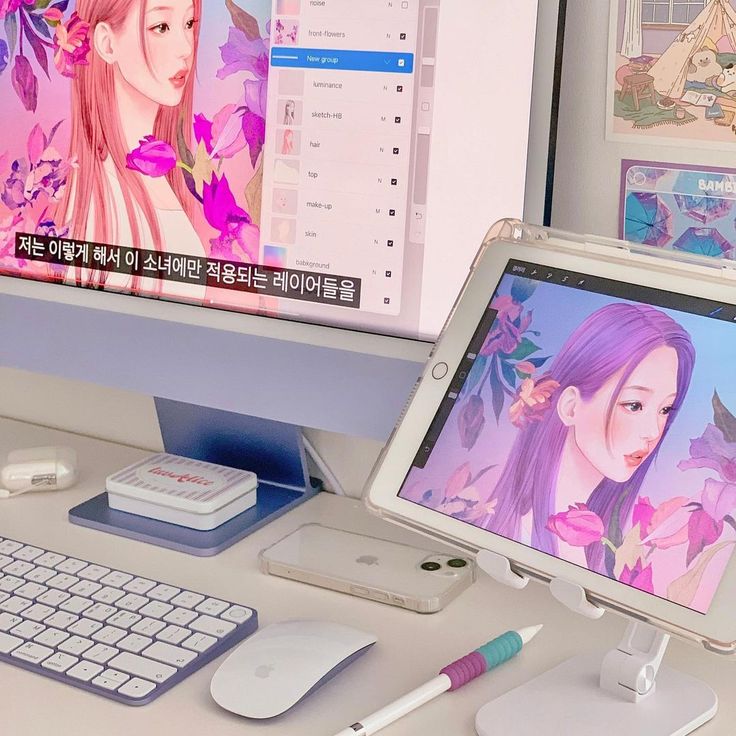
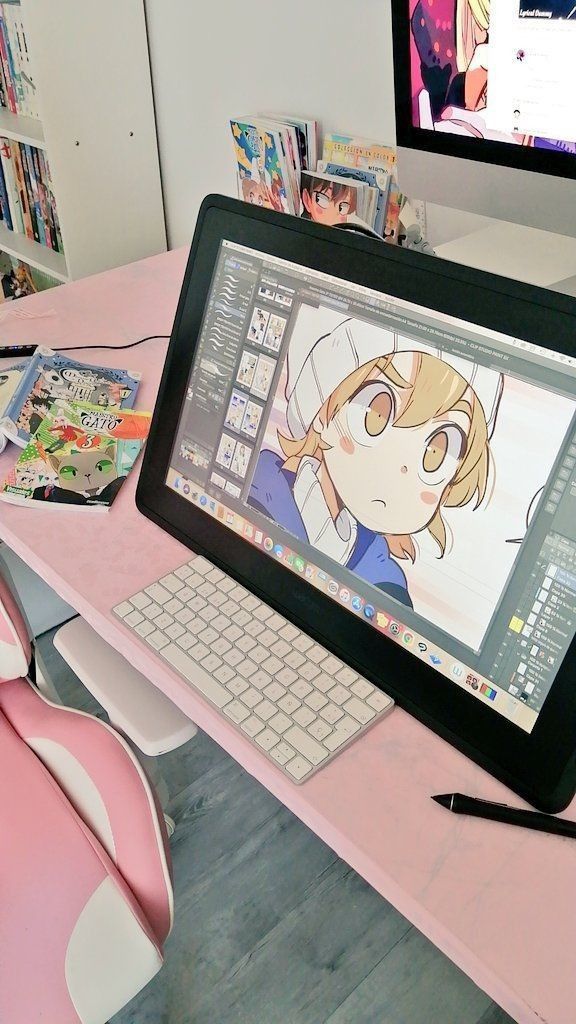
Having the right app is just the beginning. To truly excel in anime drawing, consider these tips:
- Practice, Practice, Practice: Consistency is key. Dedicate time each day to sketching, drawing, and experimenting.
- Study References: Observe real-world anatomy, clothing, and expressions. Look at your favorite anime and manga for stylistic inspiration.
- Learn Fundamentals: Understand perspective, composition, color theory, and anatomy. These principles are universal, regardless of your chosen style or medium.
- Join Communities: Share your art, get feedback, and connect with other artists online. Platforms like DeviantArt, ArtStation, and various Discord servers are full of supportive communities.
- Experiment with Brushes: Don’t stick to the default. Download custom brush packs, tweak settings, and find tools that perfectly match your desired aesthetic. Many apps allow you to create your own, which is fantastic for developing a unique style.
- Watch Tutorials: YouTube and online art courses are treasure troves of information, offering step-by-step guides for everything from basic poses to complex rendering techniques.
Final pick: which anime drawing app should you try first?
The digital age has democratized art, putting incredible tools at our fingertips. With the 10 best anime drawing apps we’ve discussed, you have everything you need to start your journey, refine your skills, or even kickstart a professional career in anime art. From free, accessible options perfect for beginners to industry-standard powerhouses loved by professionals, there’s an app ready to become your creative partner.
So, what are you waiting for? Pick an app, grab your stylus, and start drawing! The world is eager to see the anime characters and stories you’ll bring to life. Dive in, experiment, and most importantly, have fun creating! Your next masterpiece is just a few strokes away.
- 491shares
- Facebook0
- Pinterest491
- Twitter0
- Reddit0