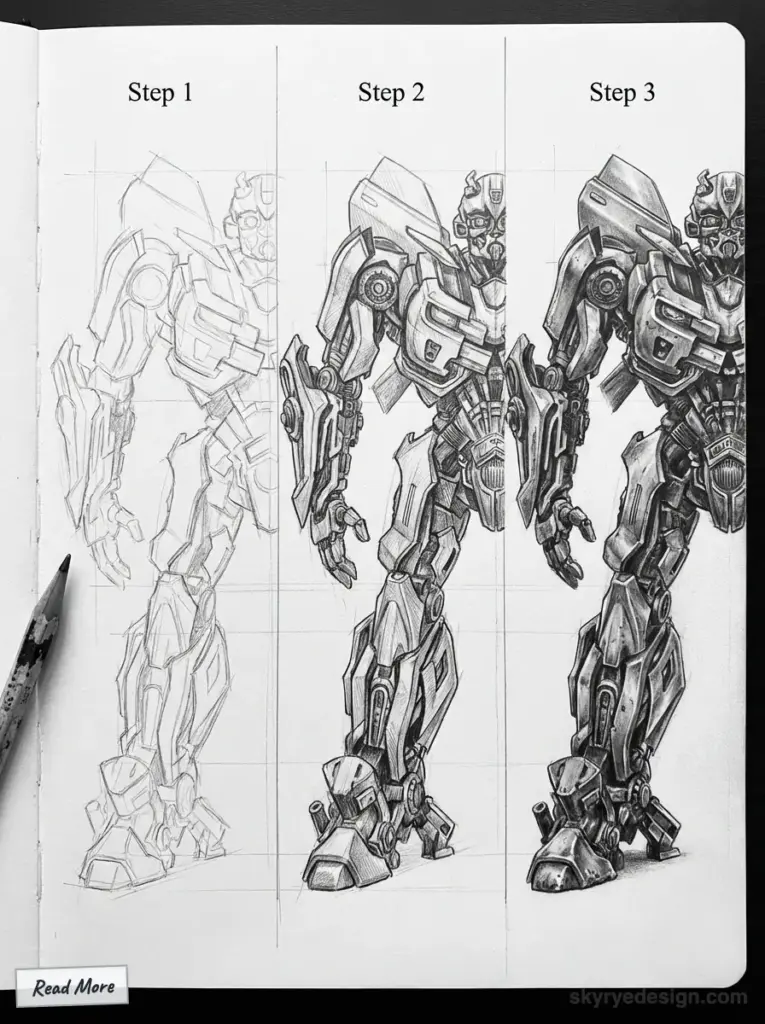
Learning how to draw Bumblebee Transformer is one of the most exciting ways to combine character art with mechanical design. As one of the most recognizable Autobots, Bumblebee blends heroic proportions, expressive facial features, and car-inspired armor—making him perfect for artists who want to improve both creativity and technical drawing skills.
- Why Bumblebee Is a Great Character to Draw
- Materials You’ll Need
- Understanding Bumblebee’s Design Before You Draw
- Step 1: Start With Basic Shapes
- Step 2: Drawing Bumblebee’s Head and Face
- Step 3: Sketch the Torso and Chest Plate
- Step 4: Drawing the Arms and Hands
- Step 5: Adding Mechanical Details (Without Overdoing It)
- Step 6: Inking and Cleaning Your Drawing
- Step 7: Coloring Bumblebee Like a Pro
- Common Mistakes to Avoid
- How to Improve Your Transformer Drawings
- Frequently Asked Questions (FAQs)
- Final Thoughts: Keep Practicing
This long-form guide walks you through every stage of drawing Bumblebee, from basic shapes to final coloring. Whether you’re a beginner, a parent helping a child, or an aspiring comic artist, you’ll find clear steps, pro tips, and common mistakes to avoid.
Why Bumblebee Is a Great Character to Draw
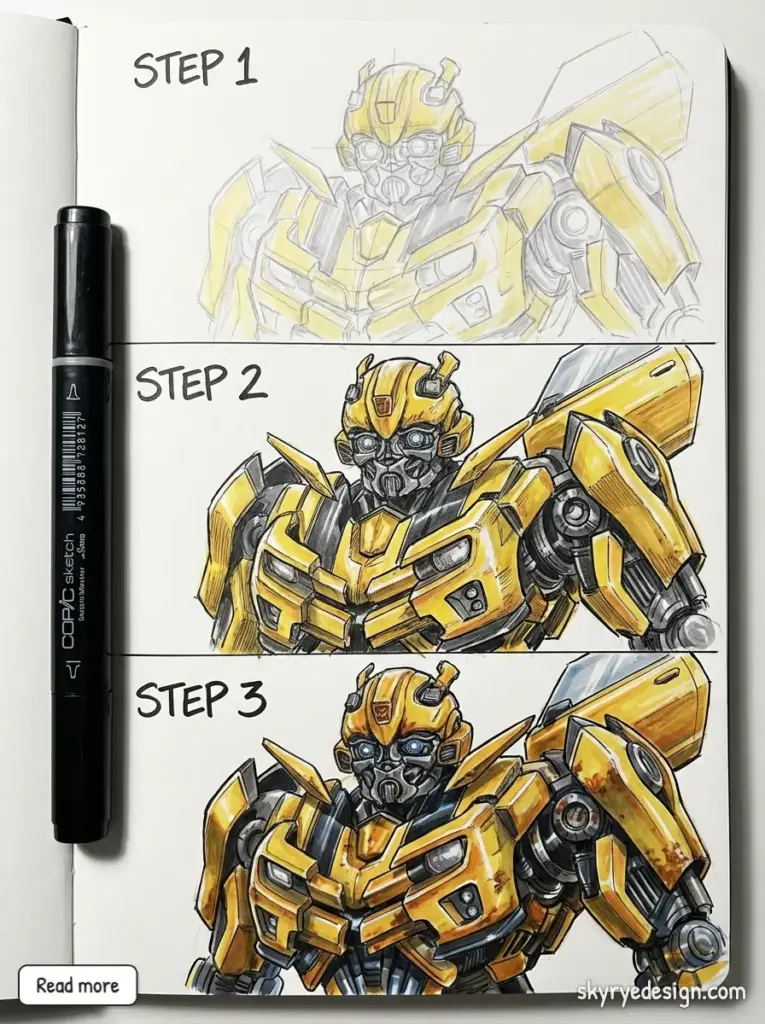
Bumblebee is often the first Transformer people learn to draw—and for good reason:
- His rounded armor is more forgiving than sharper, complex Transformers
- The yellow-and-black color scheme is bold and recognizable
- His face shows emotion and personality, not just machinery
- He teaches you how to mix organic shapes with mechanical details
Drawing Bumblebee also helps artists understand symmetry, proportion, and layered design, which are essential skills for character art.
Materials You’ll Need
You don’t need professional tools to get started. Keep it simple:
Basic Supplies
- Pencil (HB for sketching, 2B–4B for darker lines)
- Eraser (kneaded eraser works best)
- Blank paper or sketchbook
- Ruler (optional but helpful)
Optional Tools
- Fine liner or black pen for inking
- Colored pencils, markers, or digital coloring tools
- Reference images of Bumblebee in robot form
💡 Tip: Beginners should always start with pencil. Ink comes later.
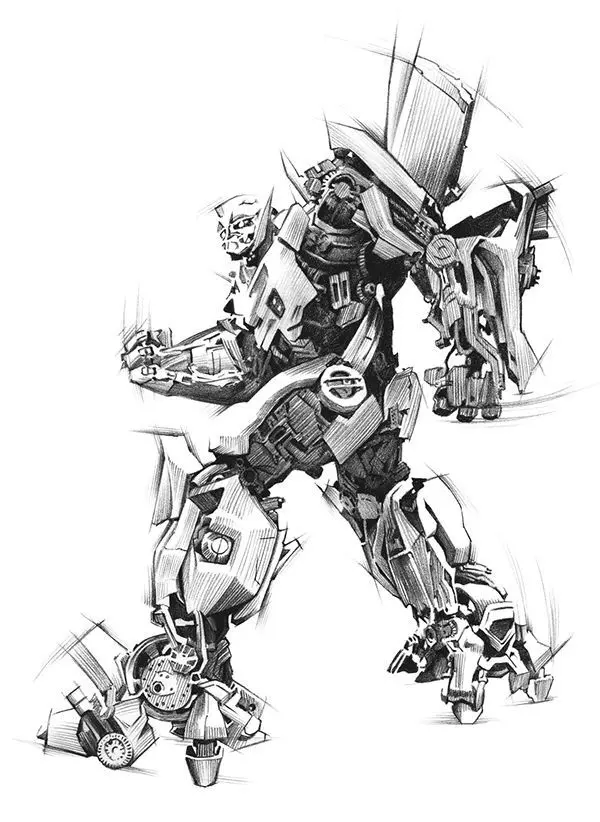
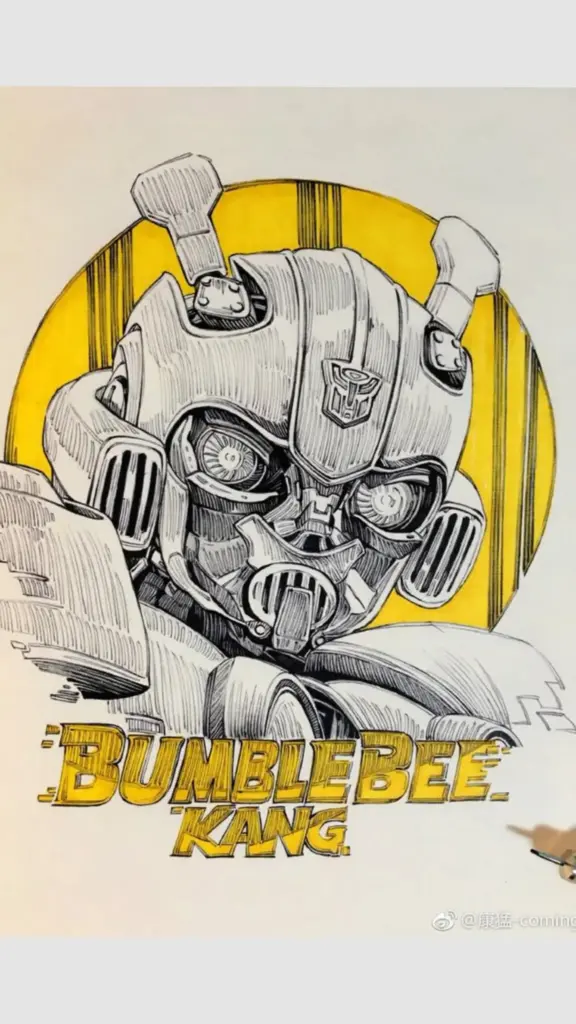
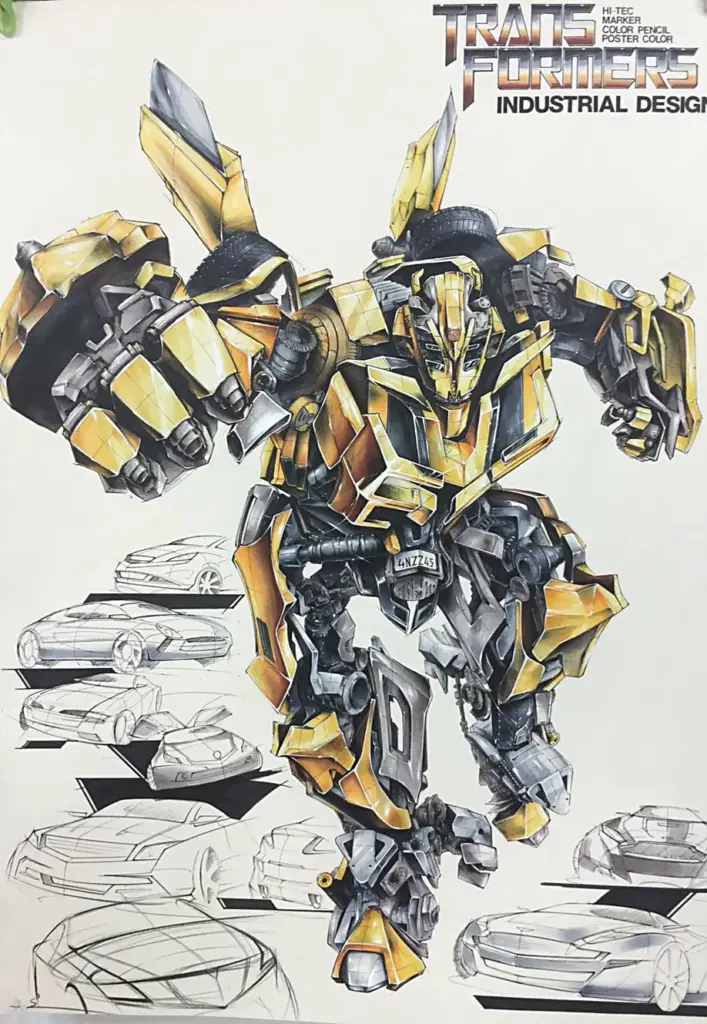
Understanding Bumblebee’s Design Before You Draw
Before putting pencil to paper, it helps to understand how Bumblebee is built.
Key Design Features
- Head: Rounded helmet, smooth faceplate, expressive eyes
- Torso: Car hood forms the chest with strong center symmetry
- Arms: Mechanical but human-like, with layered armor plates
- Legs: Thick, sturdy, built for balance and action poses
- Details: Visible joints, vents, panels, and bolts
Think of Bumblebee as a robot wearing car armor, not a car shaped like a robot.
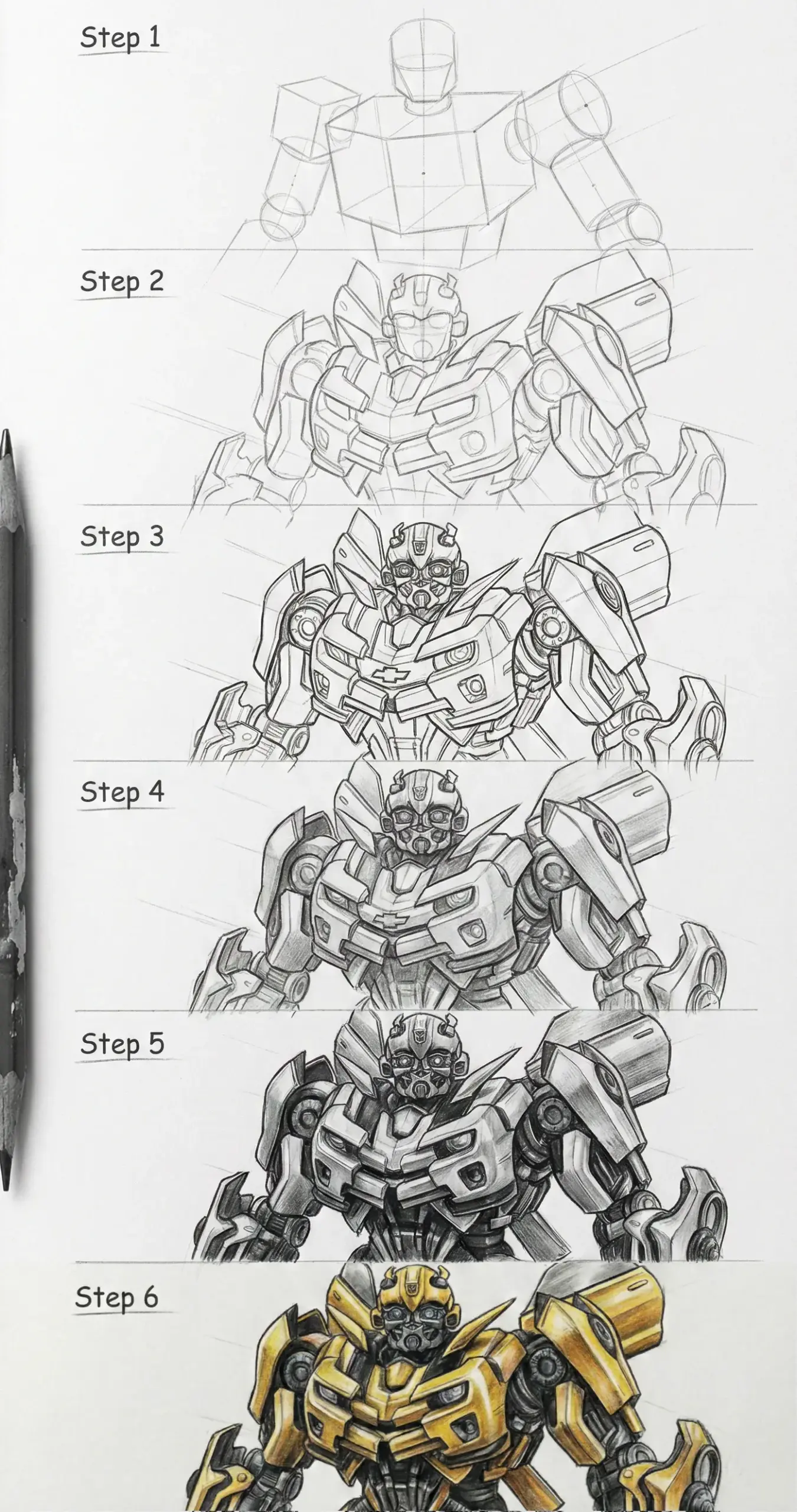
Step 1: Start With Basic Shapes
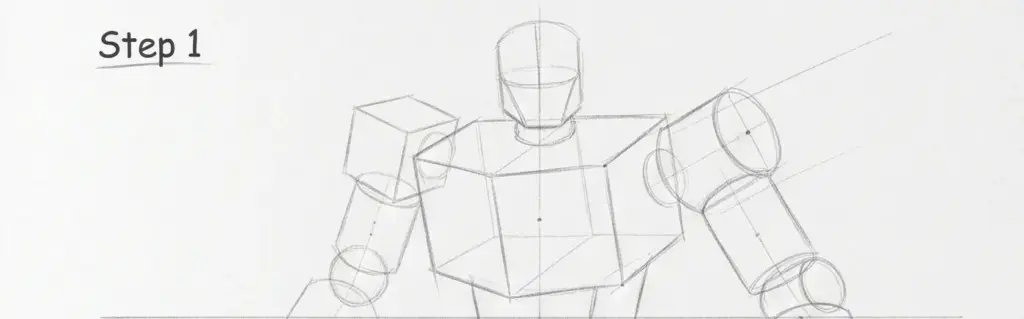
Every great drawing starts with simple forms.
How to Block the Body
- Draw a circle or oval for the head
- Use a rectangular shape for the torso
- Add cylinders for arms and legs
- Sketch a vertical center line for symmetry
At this stage, your drawing should look rough and loose. Don’t worry about details yet.
Step 2: Drawing Bumblebee’s Head and Face
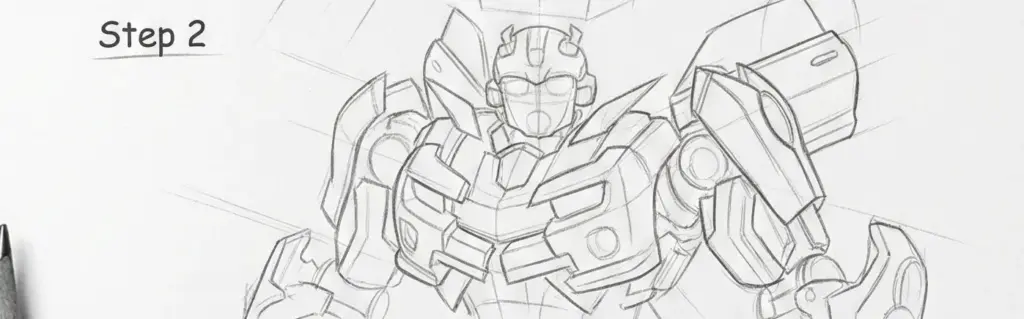
Bumblebee’s face is one of his most iconic features.
Head Structure
- Start with a rounded helmet shape
- Add a horizontal line for eye placement
- Draw angular cheek guards on both sides
Facial Details
- Eyes should be slightly slanted for a heroic look
- Keep the mouthplate simple and centered
- Add small mechanical lines sparingly
💡 Tip: Less detail makes Bumblebee more expressive.
Step 3: Sketch the Torso and Chest Plate
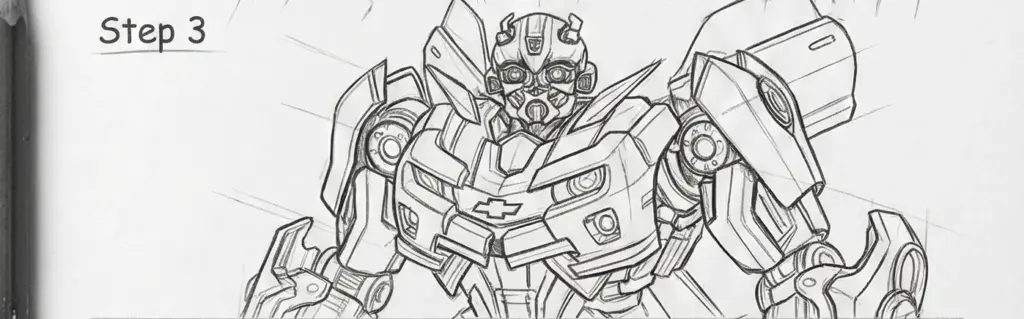
The chest is where Bumblebee really looks like a Transformer.
Chest Breakdown
- Draw a broad chest using a trapezoid shape
- Divide it into panels—left and right sides should mirror each other
- Add subtle curves to keep it from looking stiff
Mechanical Depth
- Add panel lines instead of shading early
- Suggest vents, seams, and armor layers
This is where patience pays off—clean structure beats heavy detail.
Step 4: Drawing the Arms and Hands
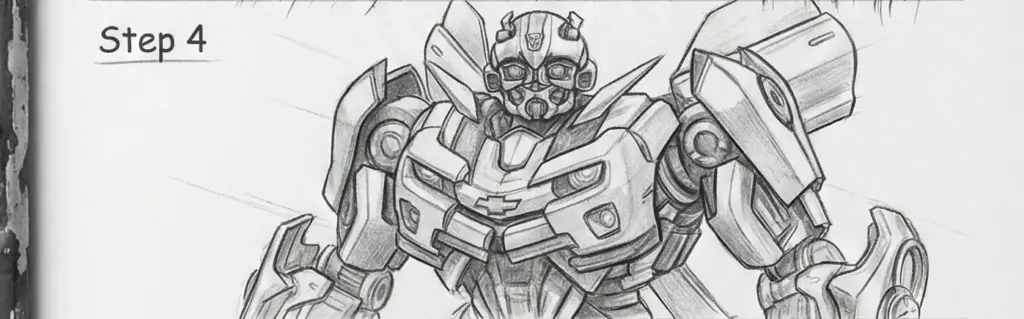
Bumblebee’s arms are mechanical but flexible.
Arm Construction
- Upper arm: thick and armored
- Forearm: slightly narrower with layered panels
- Shoulder pads: rounded, not sharp
Hands
- Start with a boxy palm shape
- Add fingers as segmented cylinders
- Keep hands slightly oversized for heroic proportion
💡 Tip: Draw fists first—open hands are harder.
Step 5: Adding Mechanical Details (Without Overdoing It)
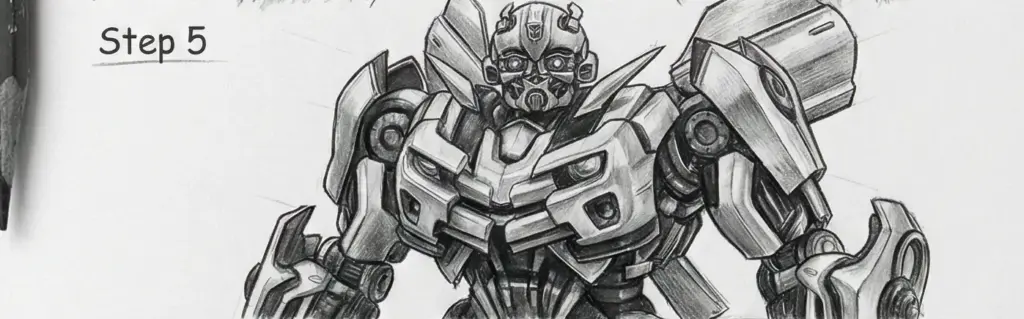
This is where many beginners go wrong.
Smart Detailing Tips
- Add details after the full body is correct
- Use lines to suggest panels, not clutter
- Repeat shapes for visual consistency
Ask yourself: Does this detail help explain the robot, or just add noise?
Step 6: Inking and Cleaning Your Drawing
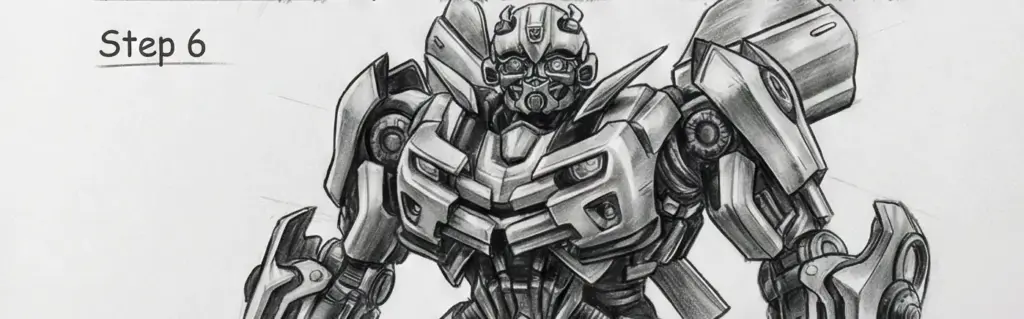
Once you’re happy with the sketch:
Inking Process
- Trace final lines slowly with a pen
- Use thicker lines for outer edges
- Use thinner lines for inner details
After the ink dries, erase all pencil marks.
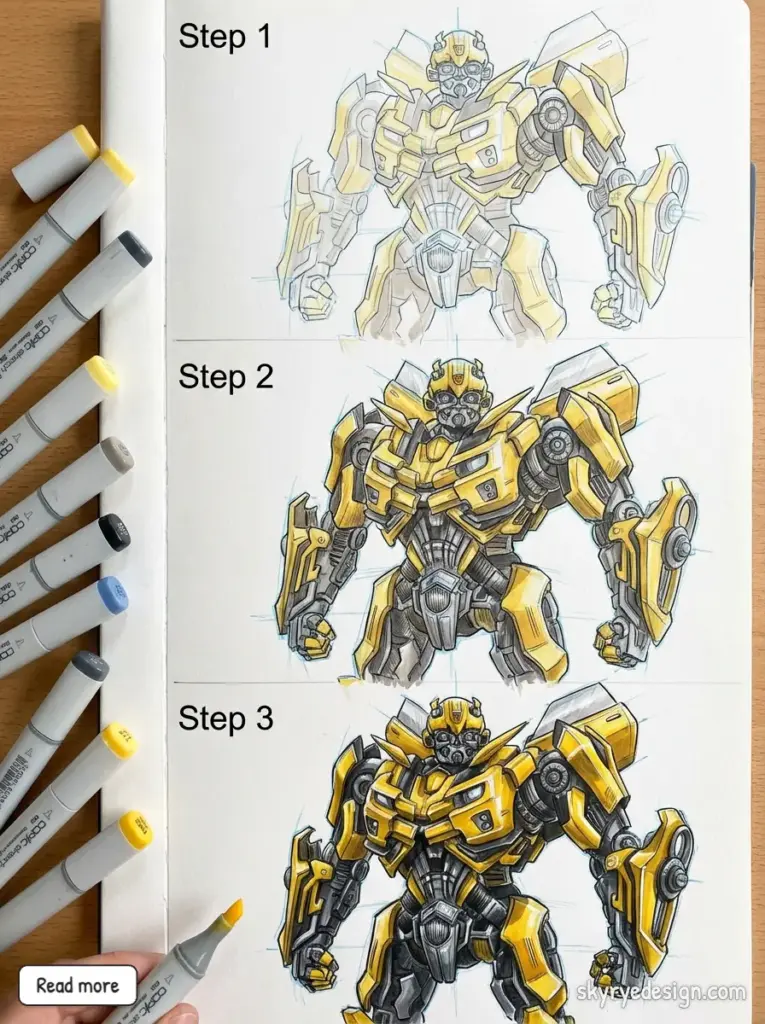
Step 7: Coloring Bumblebee Like a Pro
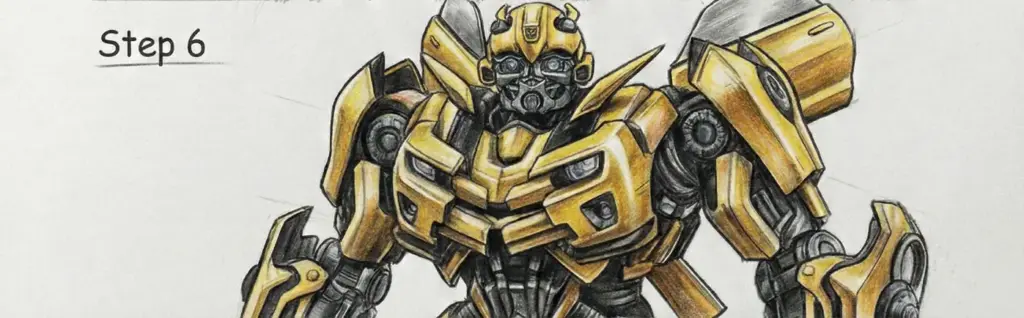
Classic Bumblebee Colors
- Primary: Yellow
- Secondary: Black
- Accents: Gray, silver, light blue
Coloring Tips
- Shade yellow with orange or light brown
- Add gray shadows for metallic depth
- Keep highlights subtle for a clean finish
Digital artists can use layers to separate base color, shadows, and highlights.
Common Mistakes to Avoid
- ❌ Over-detailing too early
- ❌ Uneven arms or legs
- ❌ Ignoring symmetry
- ❌ Making Bumblebee too skinny
- ❌ Rushing the sketch phase
Slow progress always beats rushed results.
How to Improve Your Transformer Drawings
If you want to level up:
- Practice drawing mechanical joints
- Study car parts and how they fold
- Draw Bumblebee in different poses
- Redraw your own sketches for improvement
Consistency matters more than talent.
Frequently Asked Questions (FAQs)
Is Bumblebee hard to draw?
Not at all. Bumblebee is one of the easiest Transformers to draw due to his rounded shapes and simpler armor.
How long does it take to learn?
Most beginners see improvement after 5–10 practice drawings.
Should kids try drawing Bumblebee?
Absolutely. Start with basic shapes and fewer details.
Do I need reference images?
Yes. Even professional artists use references.
Final Thoughts: Keep Practicing
Learning how to draw Bumblebee Transformer is a rewarding journey that builds confidence and skill. Every sketch teaches you something new—about proportion, design, and patience.
Don’t aim for perfection. Aim for progress.
- 4shares
- Facebook0
- Pinterest4
- Twitter0
- Reddit0