Video gives small brands a direct way to explain products, share customer stories, teach useful ideas, and build trust. A well-made clip can show in thirty seconds what might take several paragraphs to describe.
The hard part is producing that content consistently. Professional video once required a producer, editor, designer, and a sizeable budget. Large companies could absorb those costs. For a startup or growing business, the same process often felt impossible to maintain.
- Why small teams struggle to publish video consistently
- Build a content system instead of chasing one perfect video
- Plan the edit before you press record
- Use AI to reduce repetitive editing work
- Keep the human decisions at the centre
- Turn one recording into several useful assets
- Create a workflow everyone can follow
- Protect quality while producing more
- A smaller team can still make professional video

Recording is only one piece of the work. Teams still need to sort footage, find the strongest moments, edit several cuts, collect feedback, and keep every version on-brand. That is where production usually slows down.
Better planning, accessible tools, and AI-assisted editing now make the process much more manageable. A small team can publish professional work without trying to imitate a full production studio.
Why small teams struggle to publish video consistently
Most small businesses already know video matters. The problem is finding enough time and people to make it regularly.
A founder may have a strong product story but only one free afternoon to record it. A marketing team may have ten campaign ideas and enough capacity to finish two. Even a short video passes through planning, scripting, filming, editing, review, and publishing before anyone sees it.

The workload grows when one idea has to fit several platforms. A homepage video, Instagram Reel, LinkedIn post, and paid ad use different dimensions, pacing, captions, and opening moments. Simply cropping the same file rarely produces a good result.
Without a clear system, people spend more time searching for files and discussing revisions than shaping the message. The answer is not a more complicated setup. It is a repeatable one.
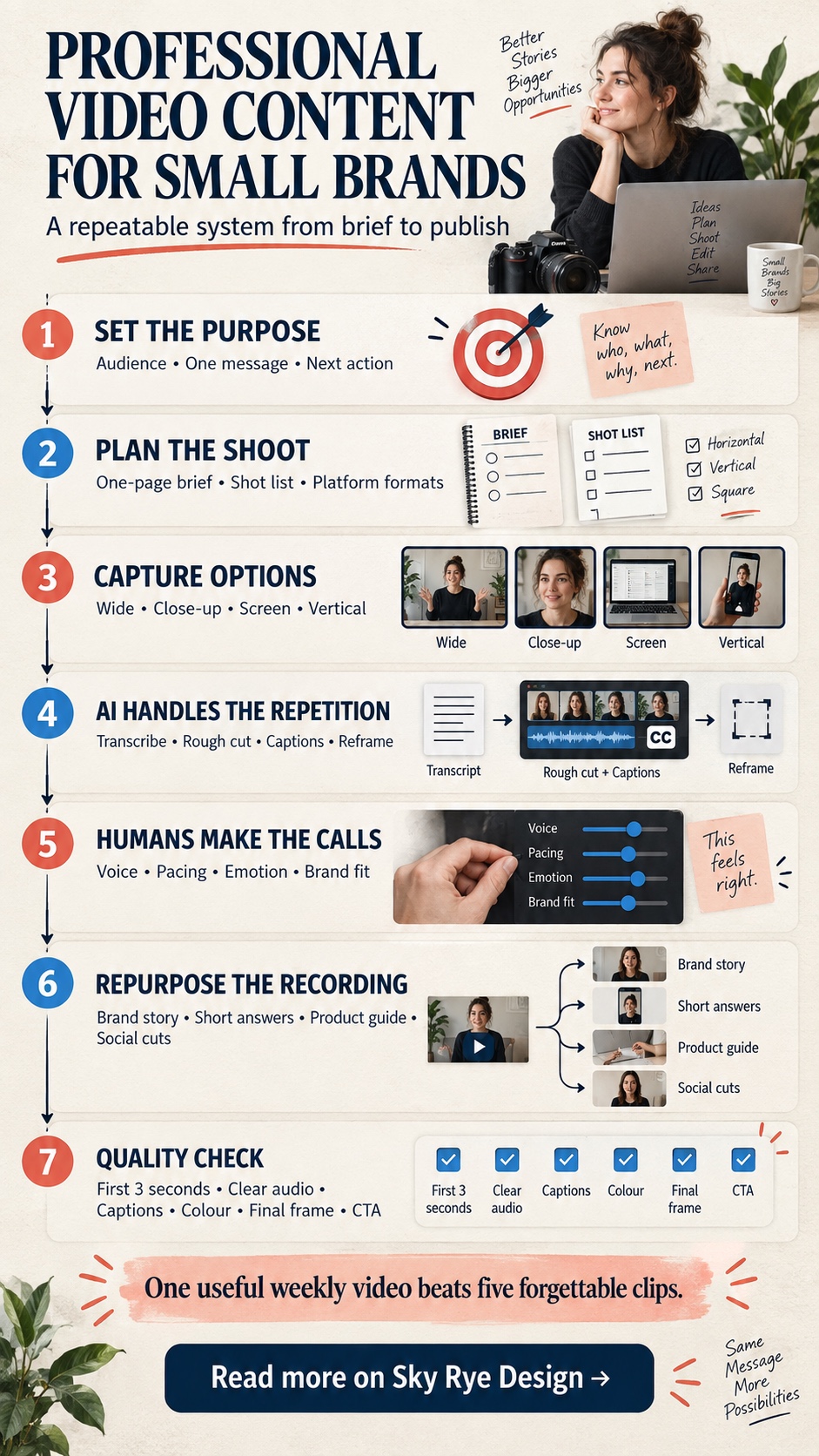
Build a content system instead of chasing one perfect video
Many brands are moving away from large production cycles built around one major film every few months. They are creating smaller, ongoing content systems instead.
A single customer conversation can become a two-minute case study, three short answers to common questions, a testimonial clip, and a quiet background loop for a landing page. A product launch can produce a demonstration, setup guide, paid ad, and several vertical social clips.
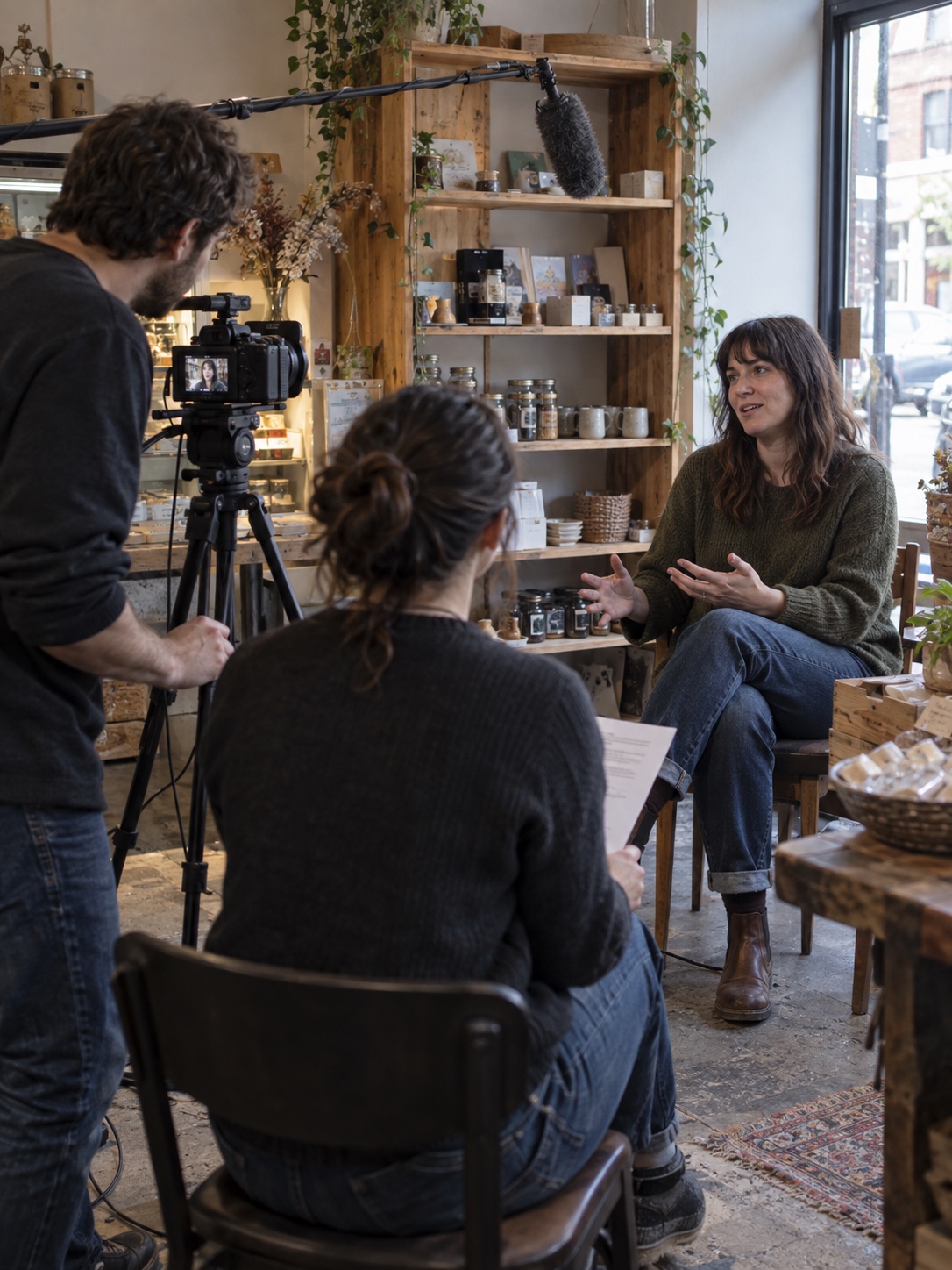
This approach changes the goal. The team stops treating every upload as a separate production and starts collecting useful material that can support several stories.
Planning makes the biggest difference here. If you know which outputs you need before filming, you can record clean openings, alternate calls to action, close-up details, and enough vertical footage while everyone is already on set.
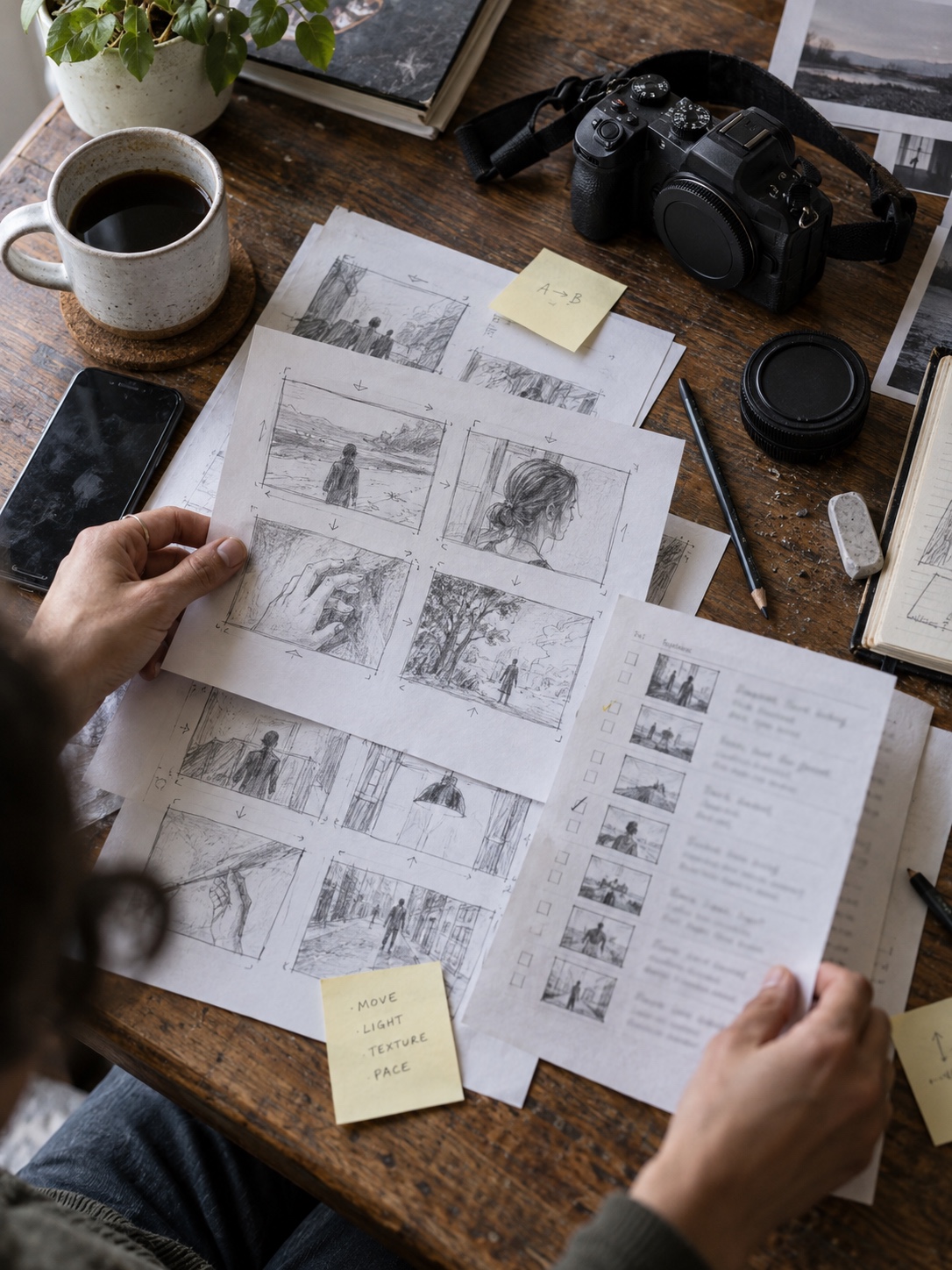
Plan the edit before you press record
Good editing starts before the camera turns on. Decide who the video is for, what single idea they should remember, and what you want them to do next.
Keep the brief short. One page is usually enough for the audience, message, platform, format, runtime, and call to action. Add a simple shot list so the camera operator knows which wide shots, close-ups, screen recordings, and product details the edit will need.
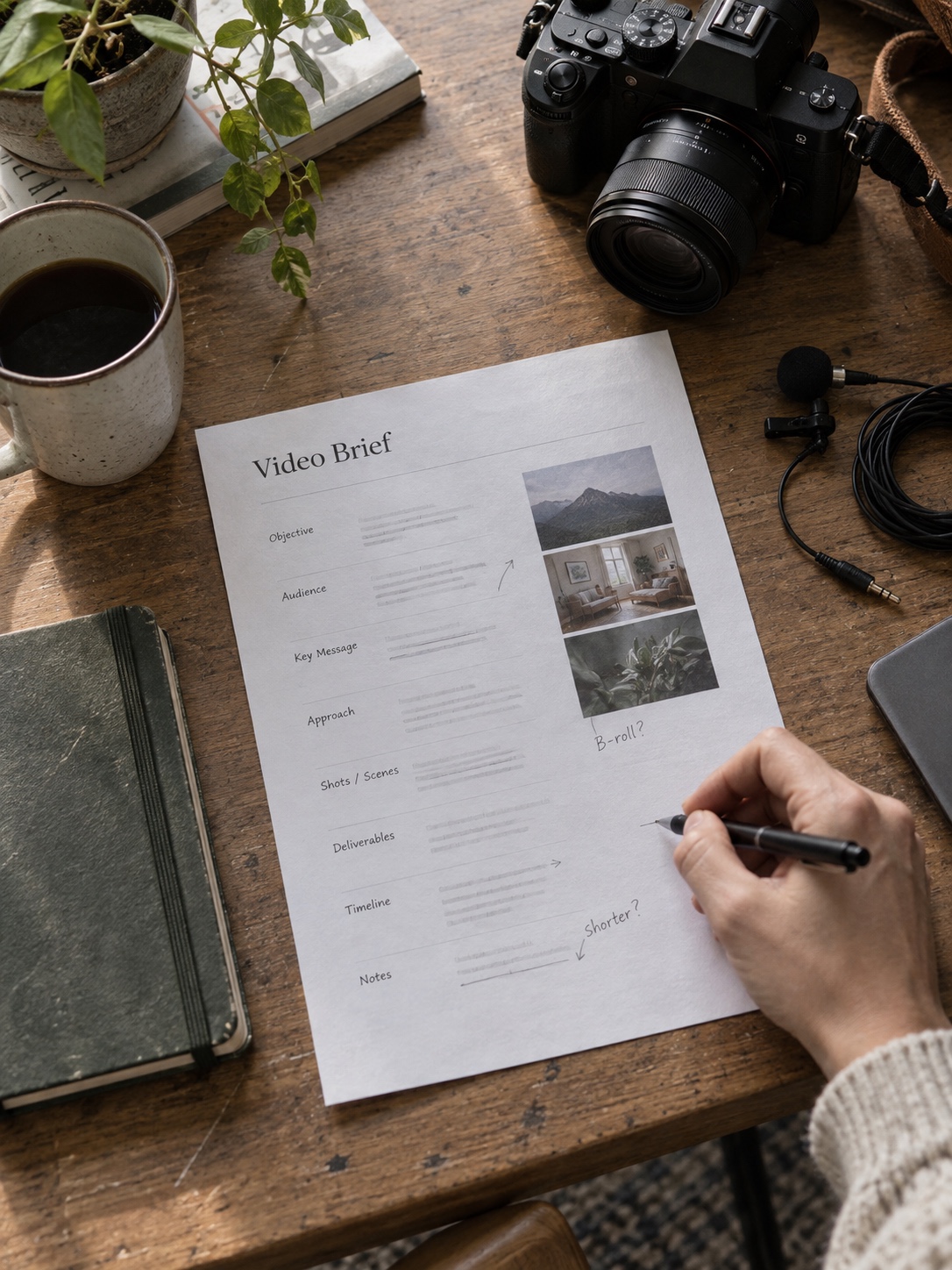
This preparation saves hours later. Editors cannot create a missing product close-up or a cleaner version of a spoken line from nothing. Capturing those options during the shoot is faster than arranging another recording day.
I use a basic visual check on any creative brief: can someone scan it in ten seconds and understand the hierarchy? If the page feels crowded, the production will probably feel crowded too.
Use AI to reduce repetitive editing work
Editing often becomes the main bottleneck. Someone has to review raw footage, label clips, remove weak takes, build a rough sequence, add captions, and prepare versions for different channels.
AI-assisted tools can take some of that repetitive work off the editor’s desk. They can help transcribe interviews, identify useful sections, assemble an early cut, clean up pauses, generate captions, or reframe footage for another aspect ratio.
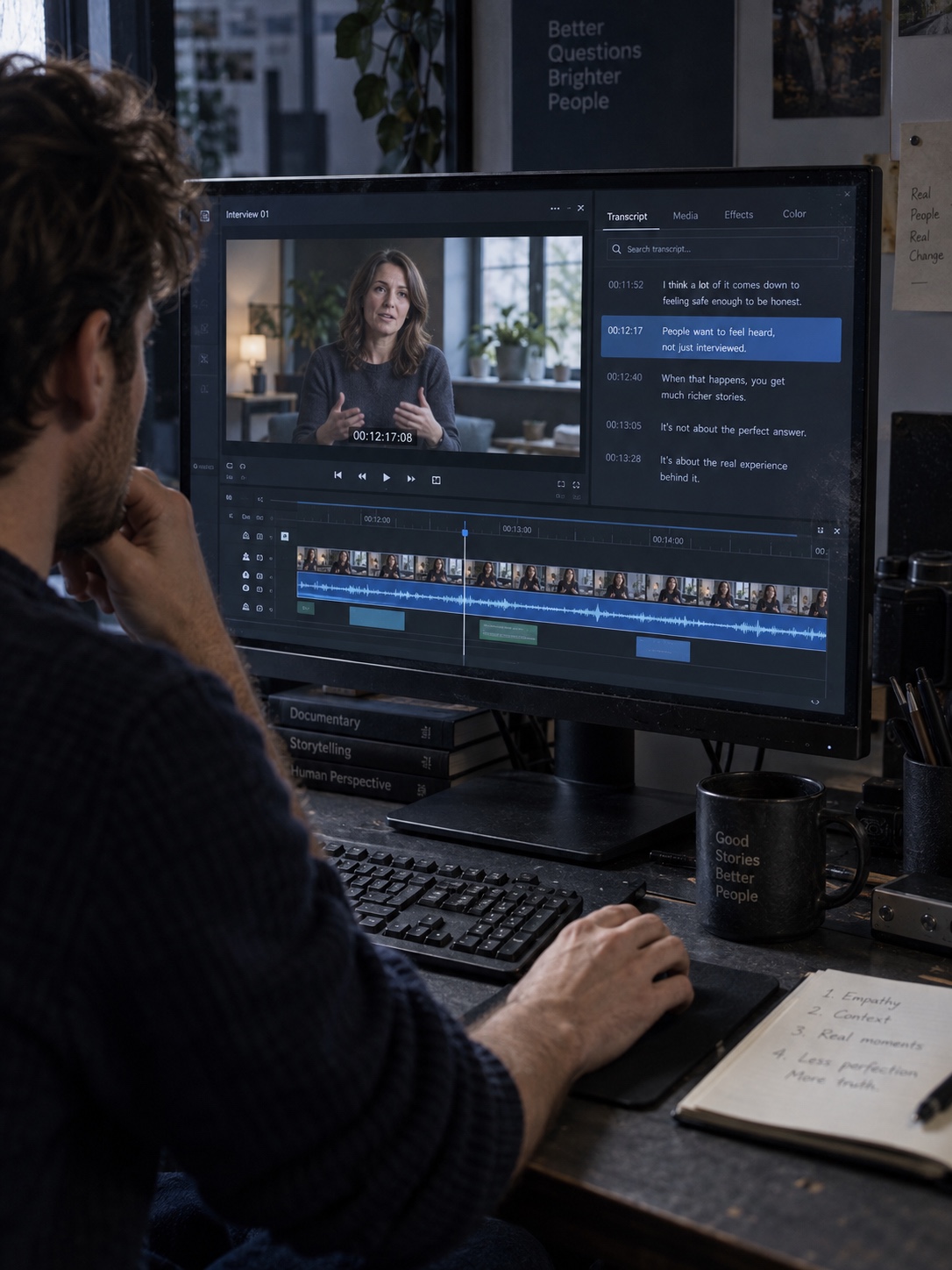
Teams can edit video with AI while keeping control of the message, pacing, and final look. The useful part is speed: an editor can begin with an organised draft instead of an empty timeline.
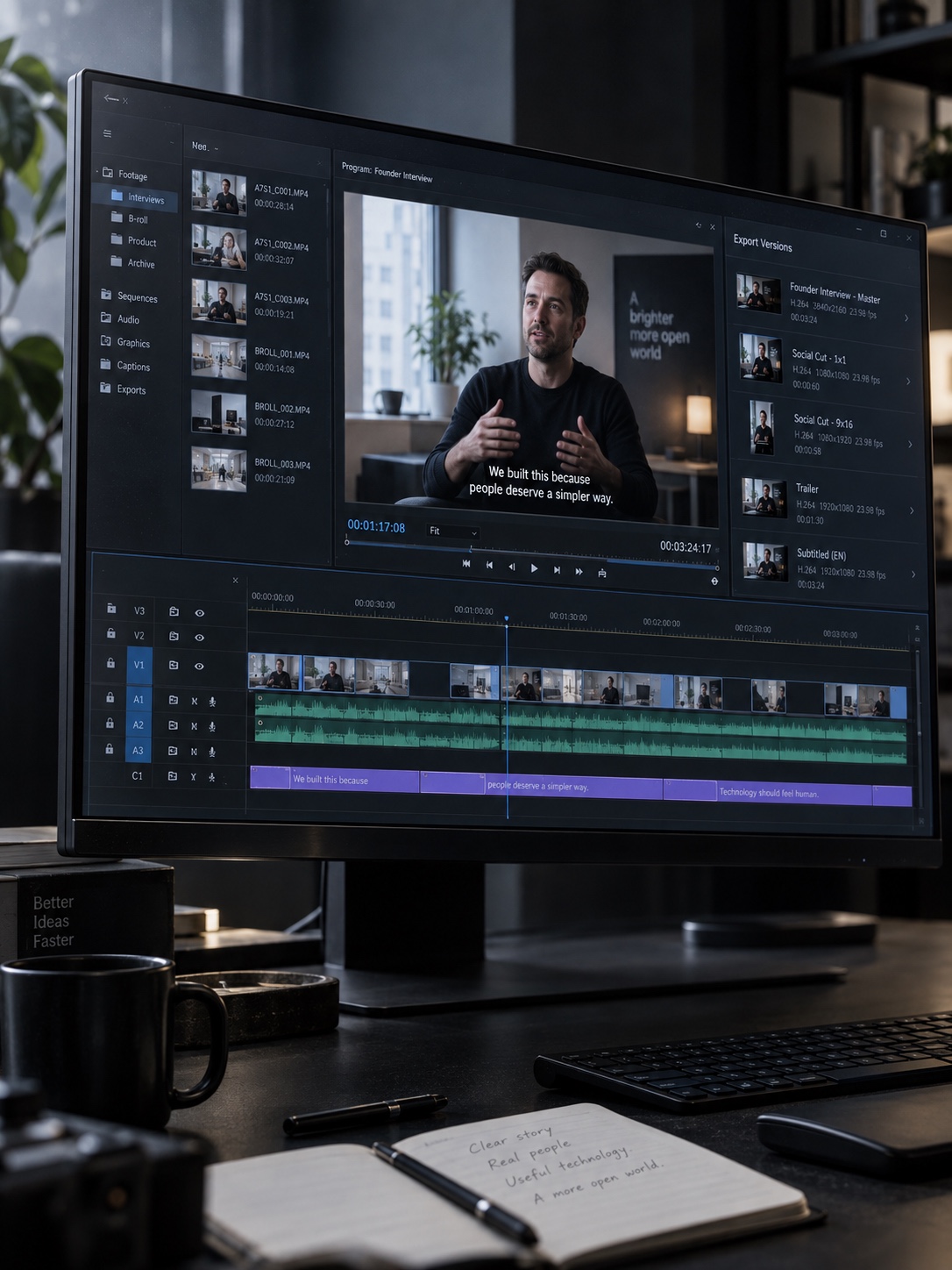
AI should support judgement, not replace it. A tool may recognise a clean sentence, but it does not know which hesitation makes a founder sound sincere or which customer comment captures the value of a product. Those choices still belong to a person.
Keep the human decisions at the centre
Small brands often understand their audience more closely than large production teams do. A local business owner hears customer questions every day. A founder knows which early problem led to the product. A compact marketing team usually knows the brand’s tone without consulting a fifty-page manual.
That knowledge turns usable footage into meaningful communication. It helps the editor choose the right quote, remove a claim that sounds too polished, and keep a small human moment that viewers will remember.
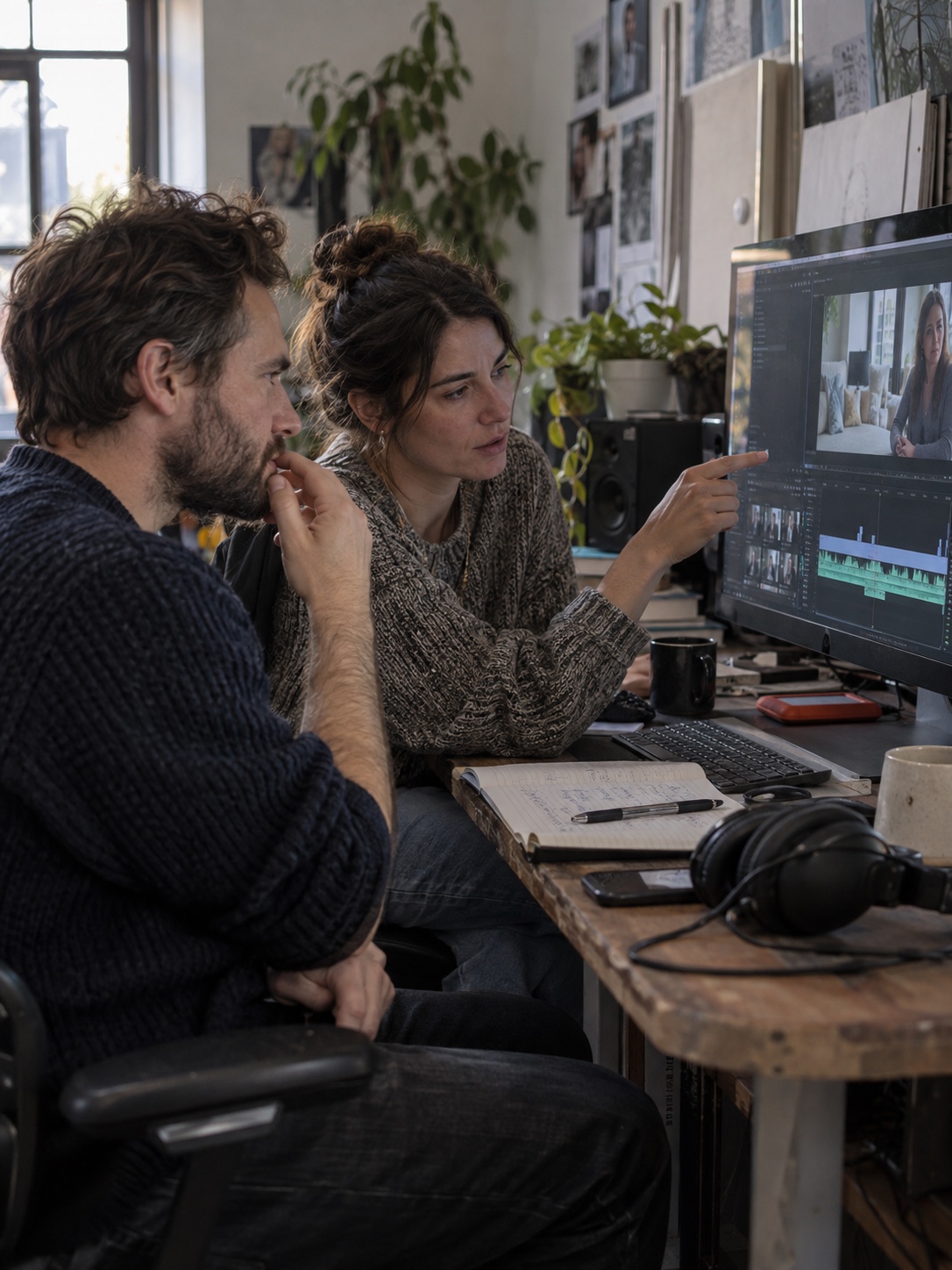
The best review question is not, “Does this look expensive?” Ask, “Will our customer understand it, believe it, and know what to do next?” A simple clip that answers those three points can outperform a beautiful video with no clear purpose.
Turn one recording into several useful assets
One recording session should rarely produce only one file. The original footage is a source library that can support different audiences and situations.
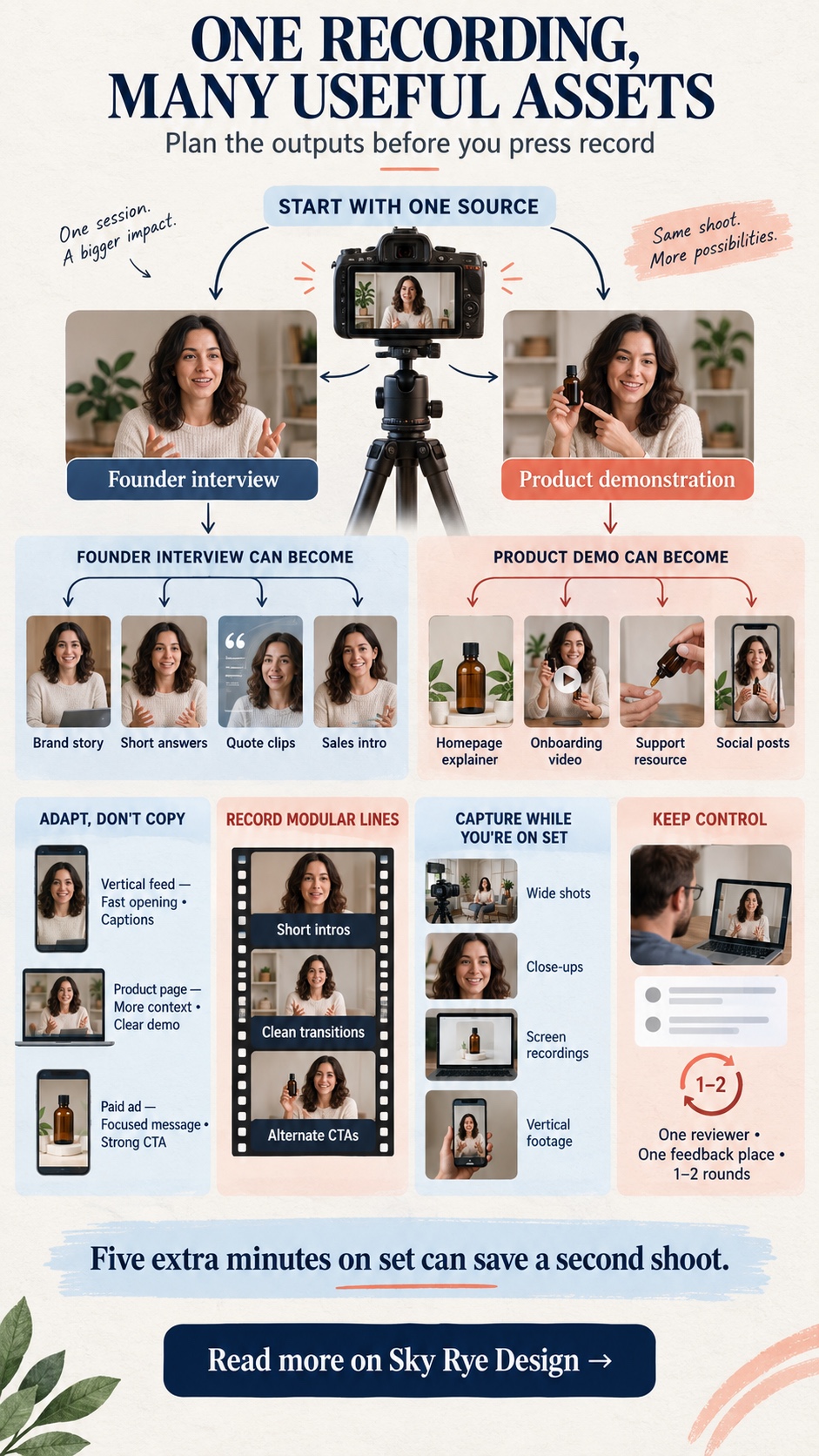
A founder interview might become a longer brand story, a series of short answers, several quote-led clips, and a short introduction for a sales presentation. A product demonstration can become a homepage explainer, onboarding video, customer-support resource, and a set of focused social posts.
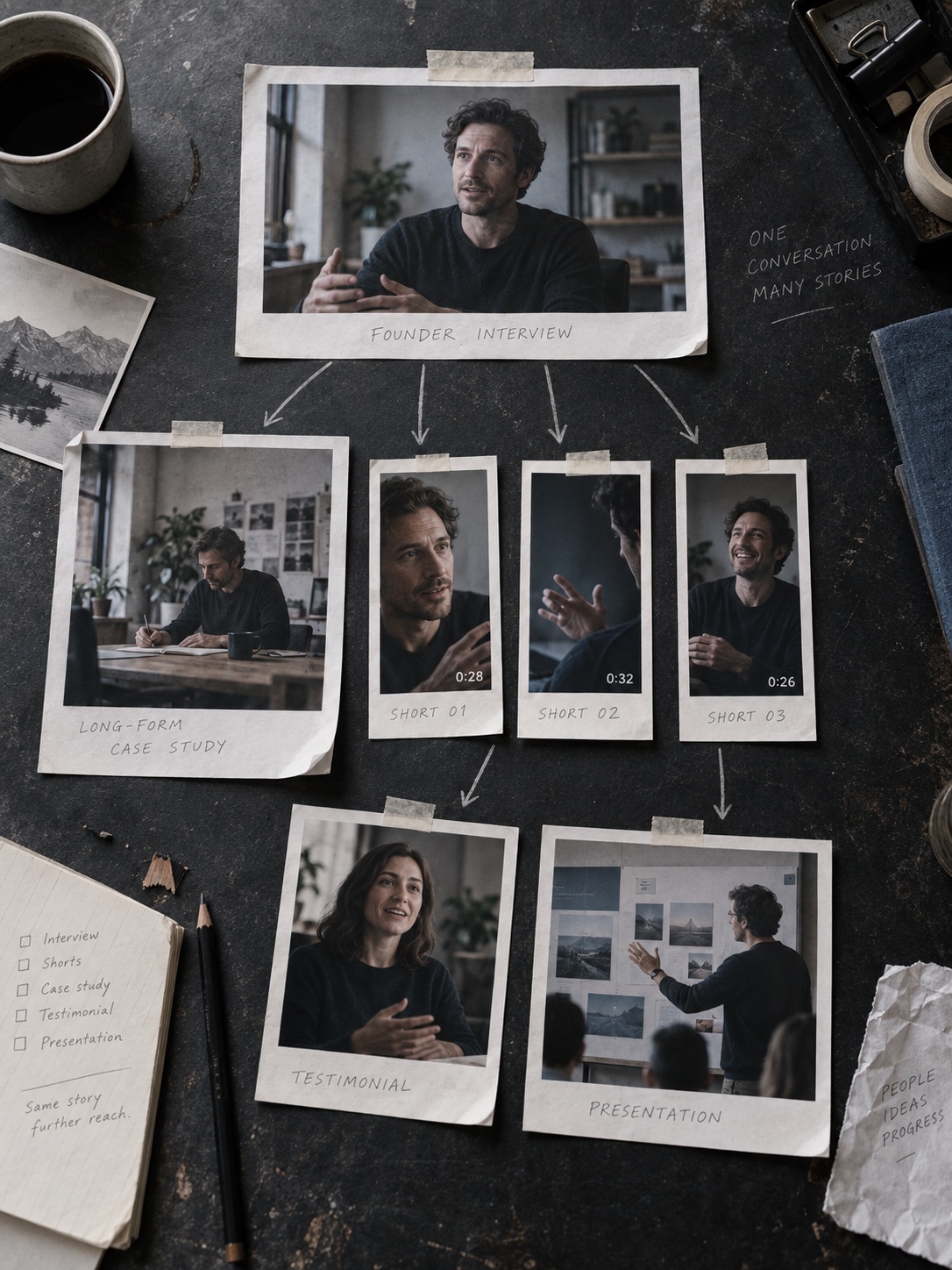
Do not publish the same cut everywhere. Adapt the opening, length, crop, captions, and call to action to the context. A viewer scrolling through a vertical feed needs the point quickly. Someone watching a product page may stay longer because they are already interested.
It also helps to record a few modular lines. Short introductions, clean transitions, and alternate calls to action give the editor flexible building blocks. Five extra minutes on set can save a second shoot.
Create a workflow everyone can follow
Small teams do not need heavy production software or a maze of approval stages. They need clear ownership and a visible path from idea to published video.
Start with a short brief. Store footage in a consistent folder structure. Name files by date, project, and camera rather than leaving dozens of clips called “final” and “final-2.” Assign one person to collect feedback, then keep the review to one or two rounds whenever possible.

A practical workflow might move through six stages: brief, script, record, rough cut, review, and publish. Everyone should know who owns each stage and what “done” means before the file moves forward.

Too many reviewers can weaken the result. Conflicting notes add hours and often produce a cautious edit that says less. Choose one decision-maker, gather comments in one place, and tie each requested change back to the video’s purpose.
Protect quality while producing more
More output does not automatically mean better communication. A faster workflow only helps when the content stays useful, clear, and recognisably connected to the brand.
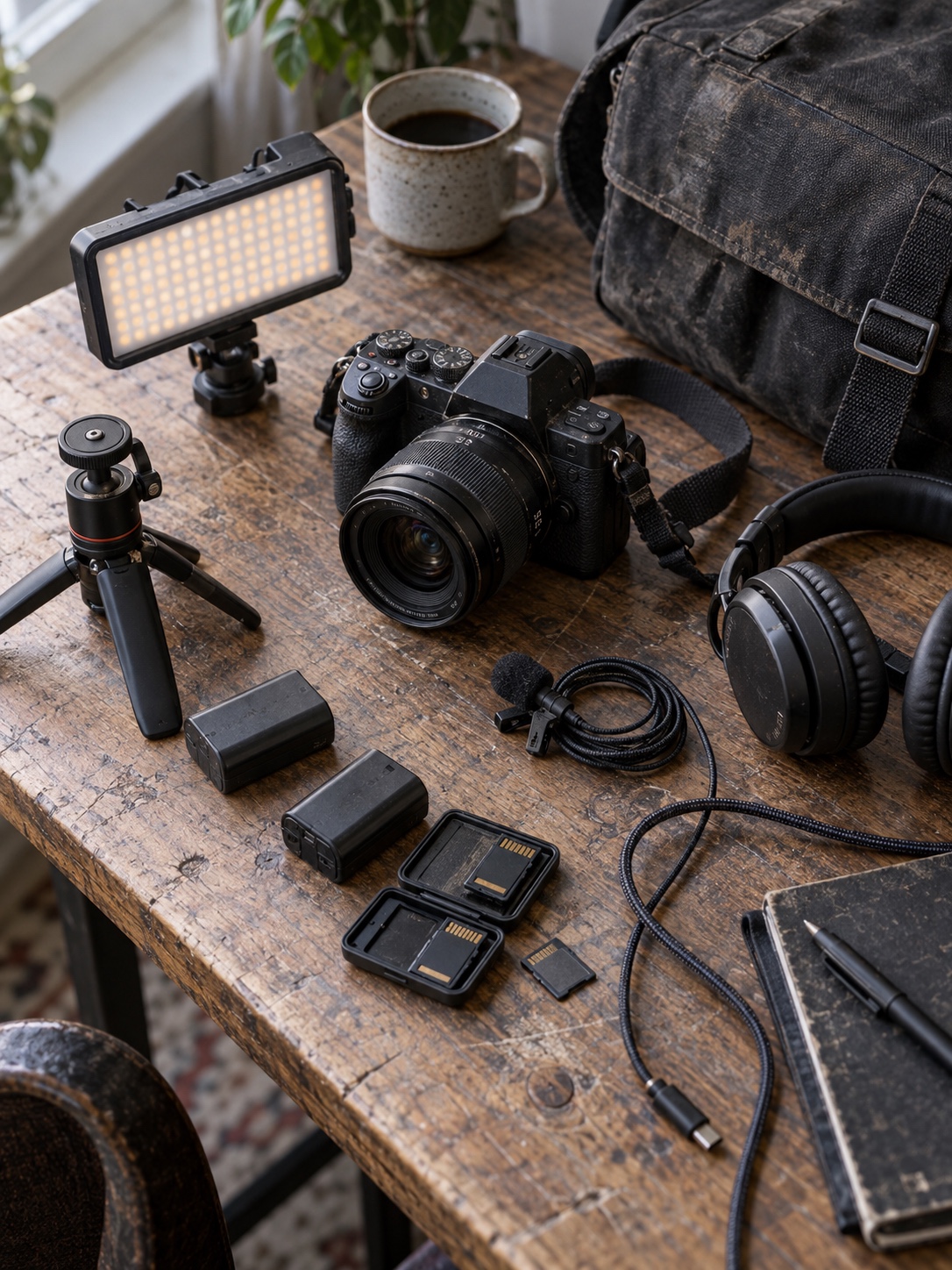
Strong video does not always require an expensive set. Clean sound, controlled light, stable framing, and a focused message matter more than elaborate equipment. A compact camera or recent phone can deliver excellent footage when the team pays attention to those basics.
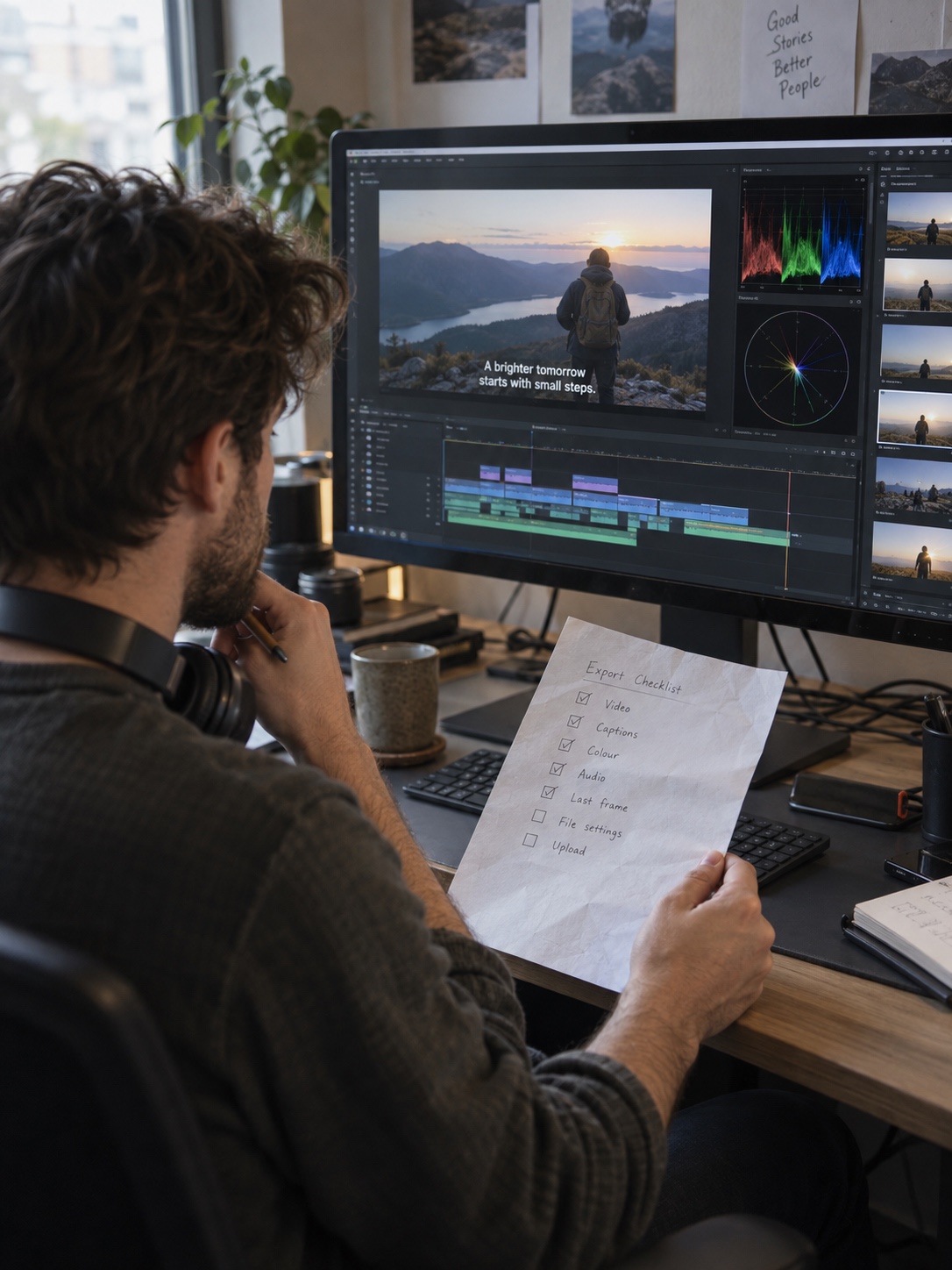
Create a short quality checklist for every export. Check the first three seconds, voice clarity, captions, logo use, colour, spelling, final frame, and call to action. Then watch the video once with the sound off. Many people will see it that way first.
And resist the urge to publish simply because a tool makes production faster. A useful weekly video is better than five forgettable clips pushed out to fill a schedule.
A smaller team can still make professional video
The gap between a large production department and a small creative team is narrowing. Better cameras, simpler collaboration, and AI-assisted workflows give small brands access to work that once demanded far more time and money.
Technology is not the reason a video connects, though. Audience knowledge, a clear message, and honest storytelling still shape the result. Tools should give creative people more time for those decisions.

Start with one repeatable production cycle. Plan a useful recording, capture enough material for several formats, use automation where it removes dull work, and keep a person responsible for the final story. That is how a small team builds a professional video habit without losing its voice.
- 9shares
- Facebook0
- Pinterest9
- Twitter0
- Reddit0