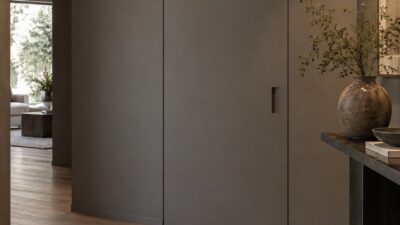
Home office lighting changes how a workspace feels long before you notice the fixture itself. A room can look polished in a photograph and still leave you squinting at the screen by mid-afternoon. The difference usually comes down to the relationship between daylight, the desk, and the layers of artificial light around them.
I think of the lighting plan before the shopping list. Place the desk where daylight is useful, give detailed work its own source, then add enough background light to stop the monitor from floating in a dark room. When those three decisions are sound, the workspace is easier to use, simpler to adjust, and far less dependent on one supposedly perfect lamp.
- Start with daylight before choosing office lights
- Build a layered home office lighting plan
- Choose light quality for focus and accurate color
- Light a professional background for video calls
- Use window treatments to balance light, privacy, and heat
- Reduce energy use with LEDs, zones, and smart controls
- Coordinate lighting with storage, cables, and a flexible layout
- Home office lighting mistakes that cause fatigue and glare
- Home office lighting FAQ
- More home office lighting ideas to study
- A home office lighting plan that works
Start with daylight before choosing office lights
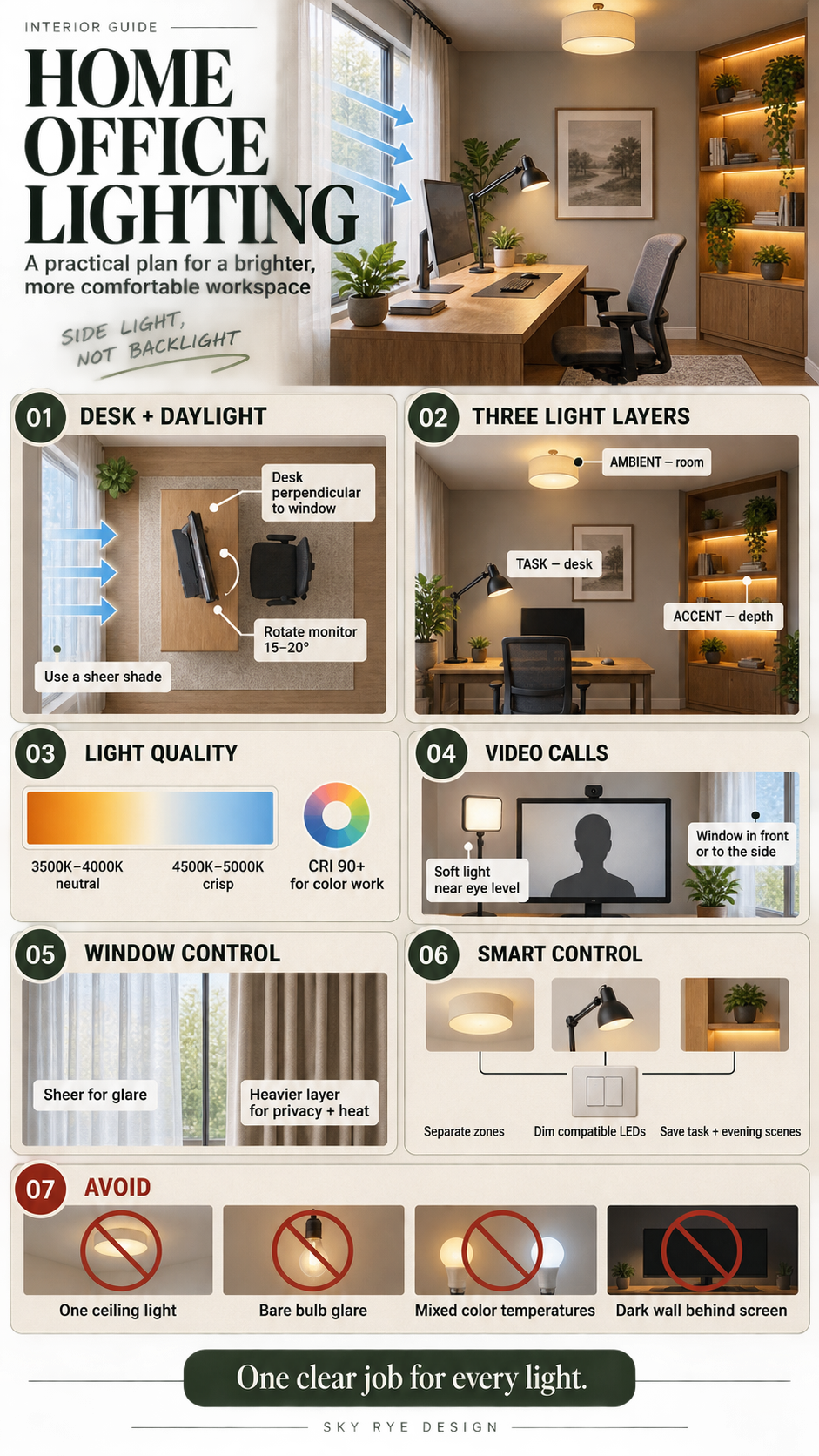
Place the desk in relation to the window
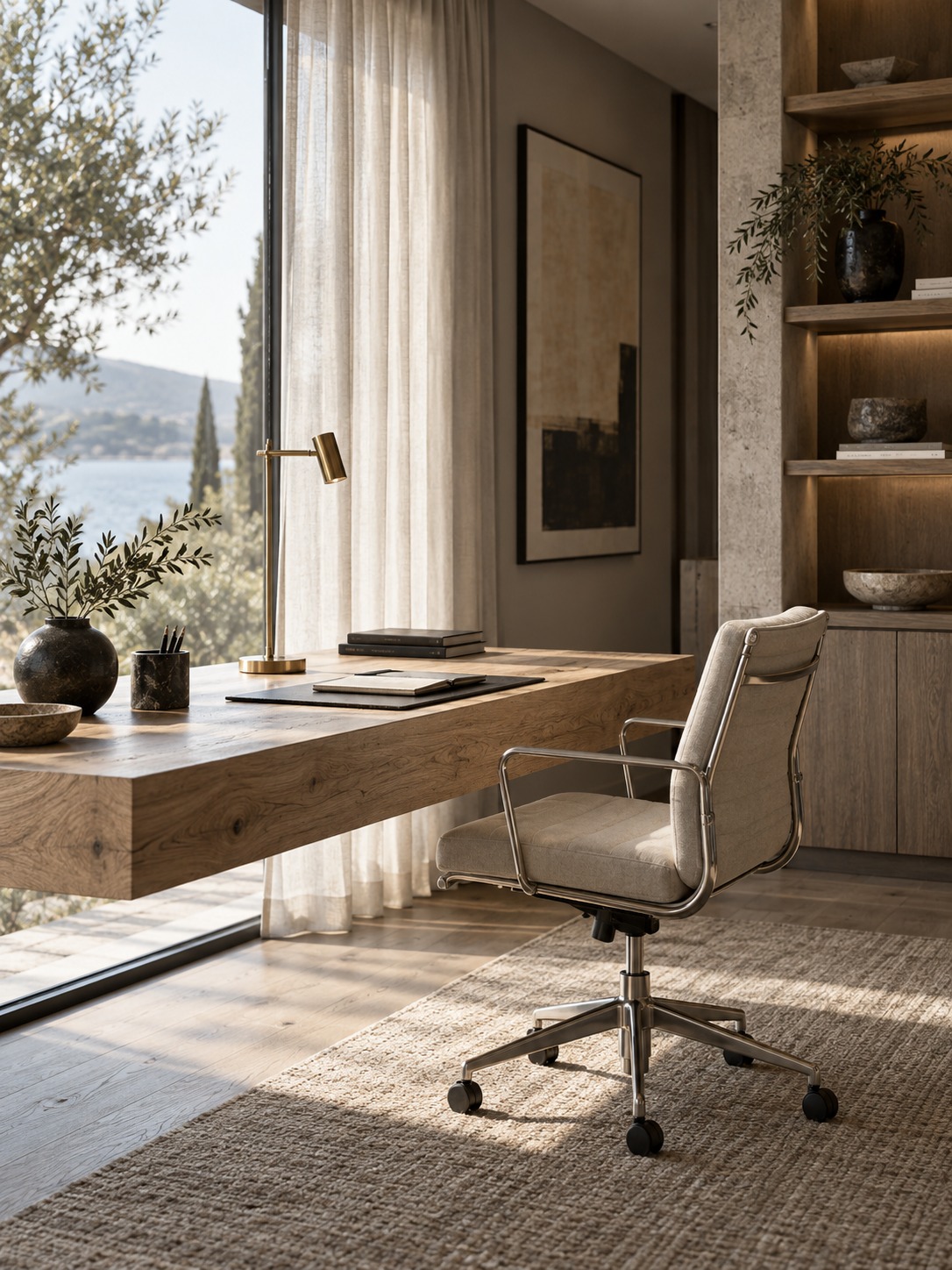
The most important lighting decision in a home office is often not a fixture at all. It is the desk’s position relative to the window. Face the window and bright sky can sit directly in your field of view. Turn your back to it and you may cast a shadow across the desk while appearing as a silhouette on video calls.
A reliable starting point is to place the desk perpendicular to the window, with daylight entering from the side. This gives the room useful natural light without sending it straight into your eyes or camera. Right-handed people often prefer the window on the left so their writing hand does not create a shadow; left-handed people can reverse that arrangement.
Control screen glare without blocking daylight
Glare is frequently a positioning problem disguised as a window-treatment problem. Before buying anything, rotate the monitor 15 to 20 degrees away from the window angle and watch how the reflection changes. Small movements can do more than heavy curtains because the screen no longer catches the brightest part of the opening.
If reflections remain, use a sheer curtain, solar shade, or light-diffusing film. The goal is to soften the bright patch while retaining enough daylight to keep the room open. A completely dark window may solve glare, but it also forces the electric lighting to work harder all day.
Build a layered home office lighting plan
Layered lighting sounds technical, but the idea is simple: different lights do different jobs. Ambient light makes the room readable, task light supports the work surface, and accent light gives the background depth. Each layer can be modest; the combination is what makes the office comfortable.
Ambient lighting for even brightness
Ambient light is the room’s baseline. A diffused ceiling fixture, wall lights, or a floor lamp that bounces light off the ceiling can provide it. You are not trying to make every surface equally bright. You are trying to avoid a brilliant monitor surrounded by deep shadow.
A useful test is to switch off the desk lamp and look around the room. You should be able to move, find a book, and read its title without strain. If the corners disappear completely, add a broader source or move an existing floor lamp so its light reaches the ceiling and walls.
Task lighting for desk work
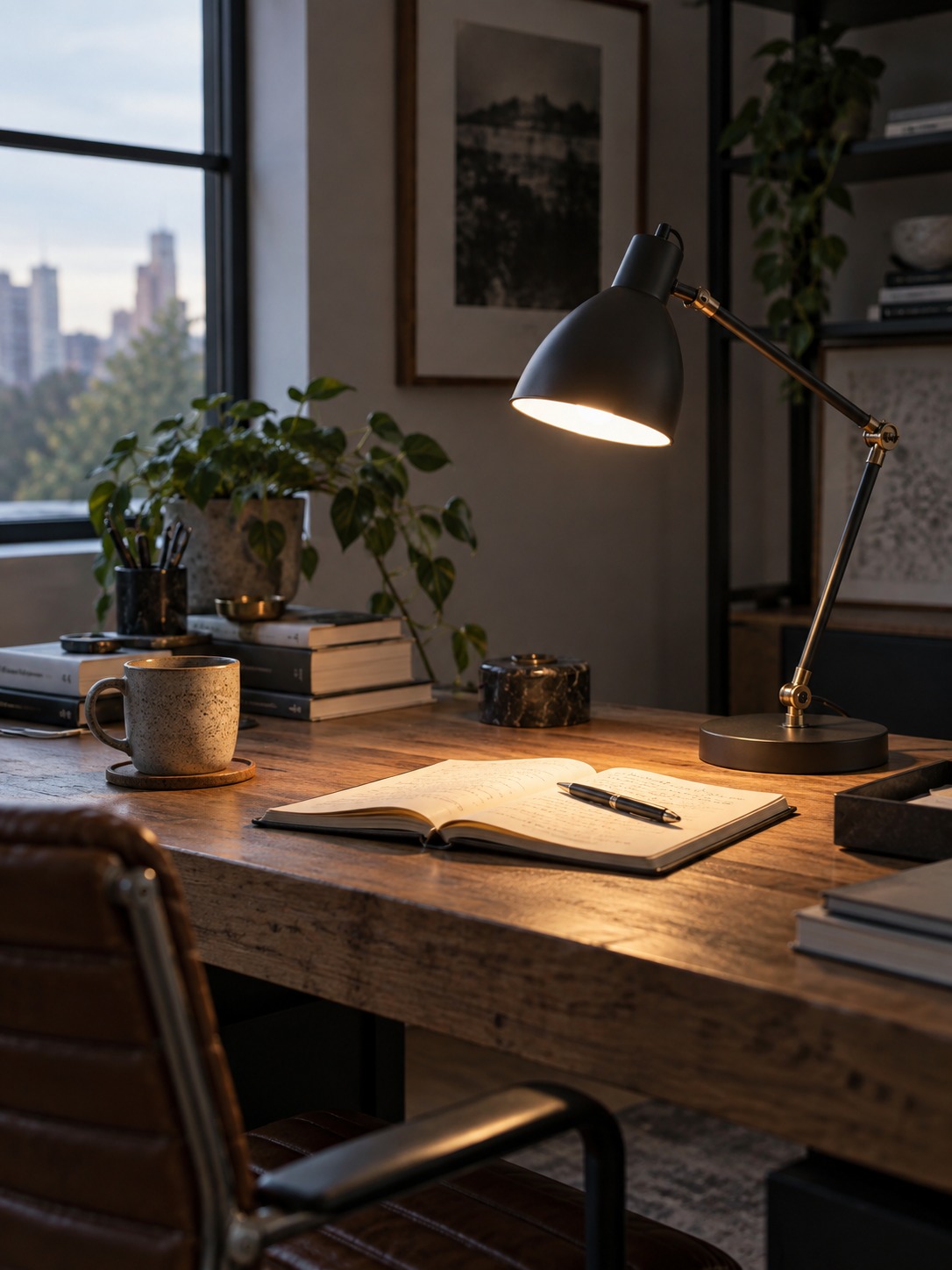
Task lighting is aimed at the activity itself: writing, drawing, reviewing samples, or reading printed pages. An adjustable arm is more useful than a fixed shade because the target changes throughout the day. Place the lamp opposite your dominant hand and slightly forward of your shoulder to keep your hand from casting a shadow across the page.
The light source should remain outside your direct line of sight. If you can see a bare bulb from the seated position, lower the shade, redirect it, or choose a deeper diffuser. A brighter bulb is not a cure for poor shielding; it often makes peripheral glare worse.
Accent lighting for depth and visual comfort
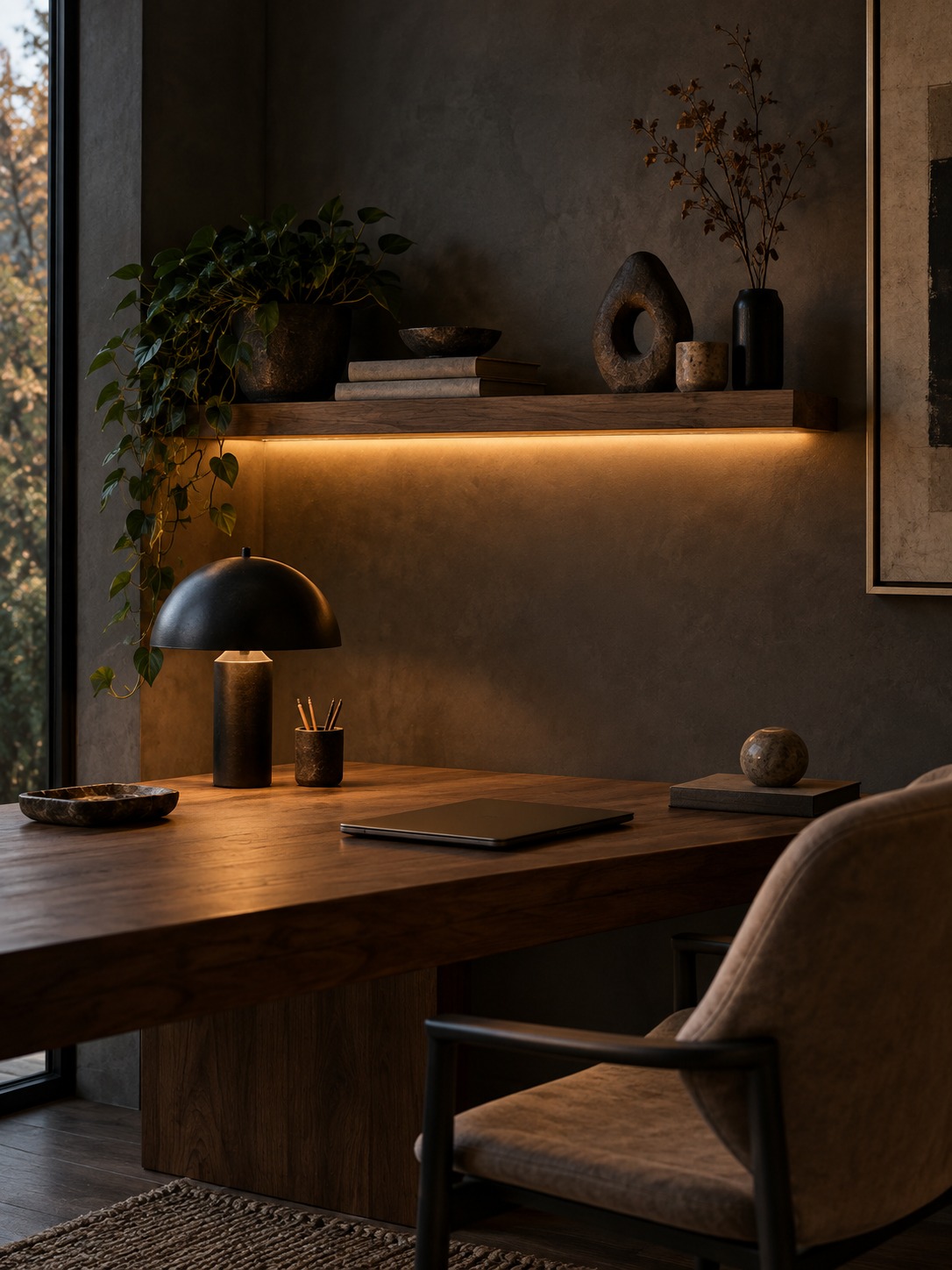
Accent lighting is the layer many home offices skip. A shelf light, a small wall washer, or a floor lamp in a reading corner keeps the background from collapsing into darkness. That softer visual transition can feel calmer than a bright desk surrounded by an unlit room.
Keep this layer quieter than the task light. Accent lighting should reveal texture and shape rather than become a second focal point. Warm shelf lighting can work beside a neutral task lamp, provided the color difference looks intentional and does not spill across a color-critical work surface.
Choose light quality for focus and accurate color
Color temperature, brightness, and CRI
Color temperature describes whether white light appears warm, neutral, or cool. Many people find a neutral white around 3500K to 4000K comfortable for general office work. A cooler 4500K to 5000K source can feel crisp for detailed tasks, while a warmer light below 3000K is often better suited to evening winding down. Personal preference, wall color, and daylight all affect the result, so test one lamp before replacing every bulb.
Brightness matters at the work surface, not just on the bulb box. A dimmable fixture is useful because paper work usually needs more light than a backlit screen. For photography, illustration, textiles, or any task where color decisions matter, look for a color rendering index (CRI) of 90 or higher. High CRI will not make a lamp brighter, but it helps materials and colors appear more natural.
Try to keep the fixtures that illuminate the same zone reasonably consistent. One icy overhead lamp beside an amber desk lamp can make the workspace feel unsettled even when each source looks acceptable on its own. For a broader room-by-room approach, see Lighting Design Tips for Modern Homes.
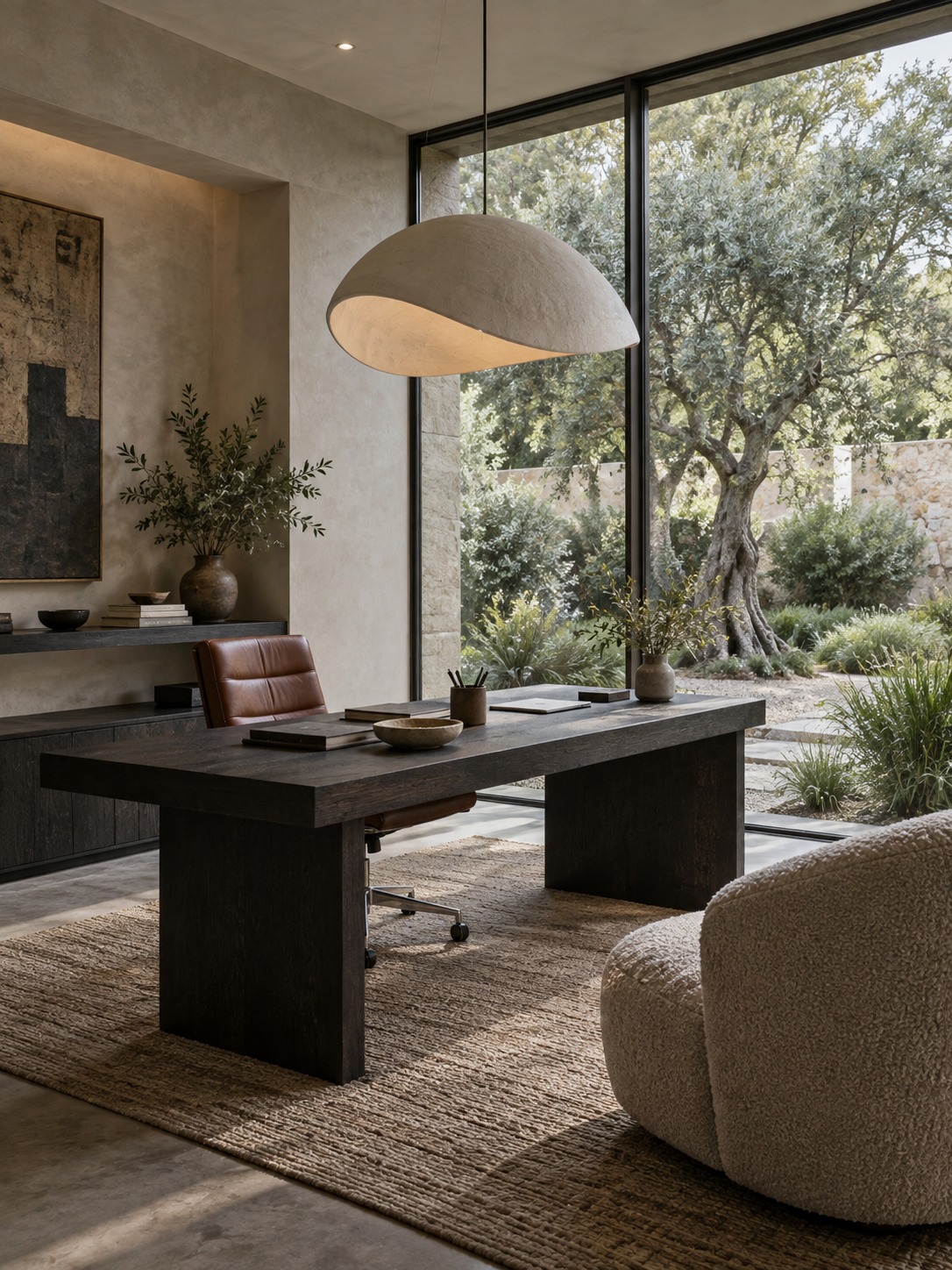
Light a professional background for video calls
A video call needs light on your face and enough light behind you to show the room without turning it into a distraction. Position a soft source near eye level and slightly off to one side. A shaded lamp, small diffused panel, or ring light at low intensity usually looks better than a bare bulb or a strong ceiling light that creates shadows under the eyes and chin.
Professional presentation cannot rescue a weak working relationship—one separate discussion notes that up to 70% of all business partnerships may eventually fail—but a clear, well-lit image removes an avoidable source of friction. Keep the brightest window in front of you or to the side, not directly behind your chair.
Check the background at camera height rather than from the doorway. A bookshelf or artwork can add depth, but leave some visual breathing room around your head and avoid small, high-contrast objects that shimmer on compressed video. If the face looks correct while the room disappears, add a low-output lamp behind you rather than increasing the front light again.
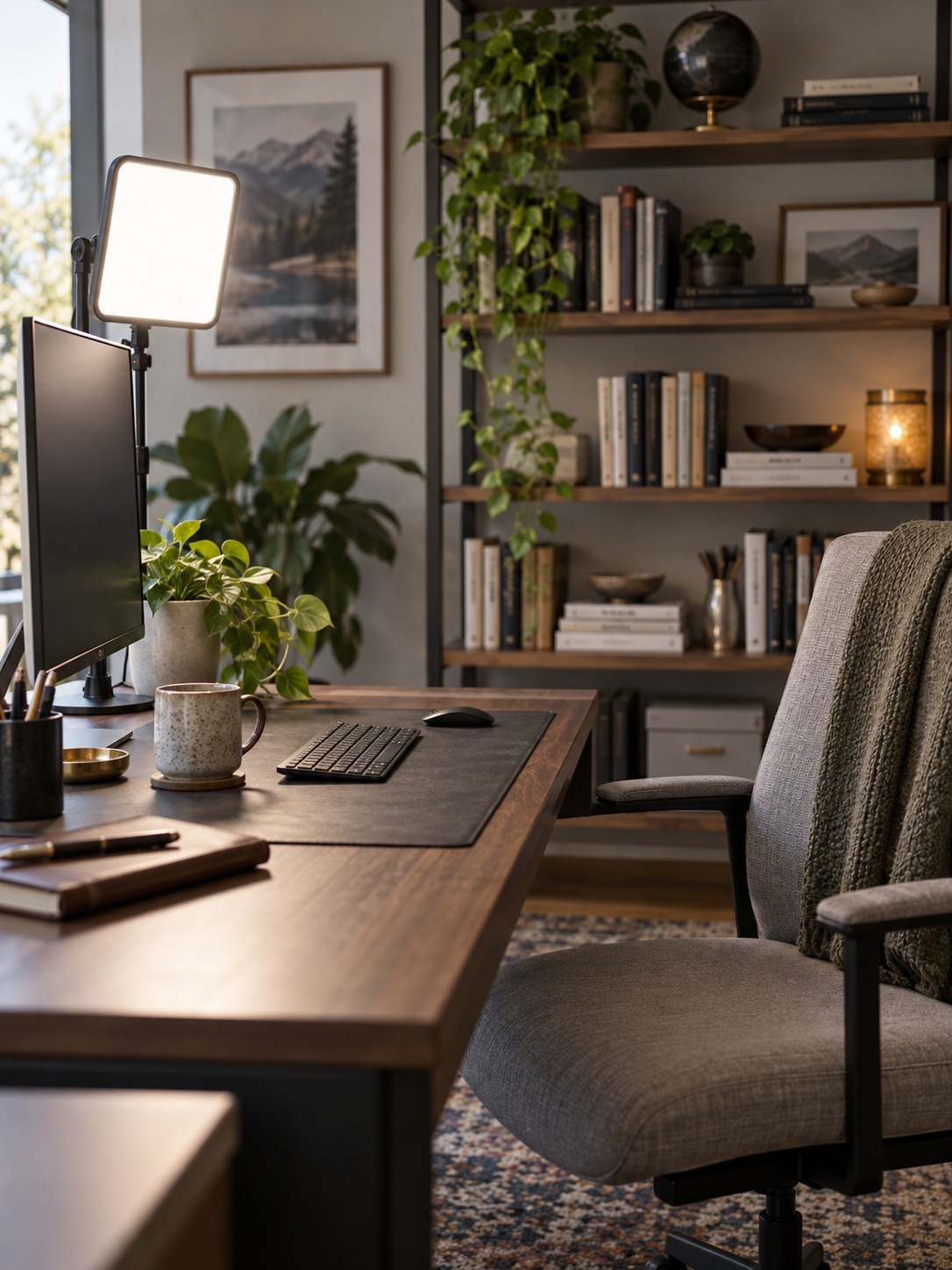
Use window treatments to balance light, privacy, and heat
Home office window treatments need to solve several problems at once: daytime glare, changing sun angles, privacy, and temperature. A layered approach is usually more flexible than one heavy curtain. Use a sheer or solar shade for routine daylight control, then add lined drapery or a blackout shade for stronger privacy and late-day sun.
Windows also influence comfort near the desk. A glazing specialist notes that ordinary, uninsulated windows can account for 25–30% temperature loss in a room. The exact effect varies by window type and climate, but a cold draft or hot solar patch is a practical sign that the treatment needs to address more than glare.
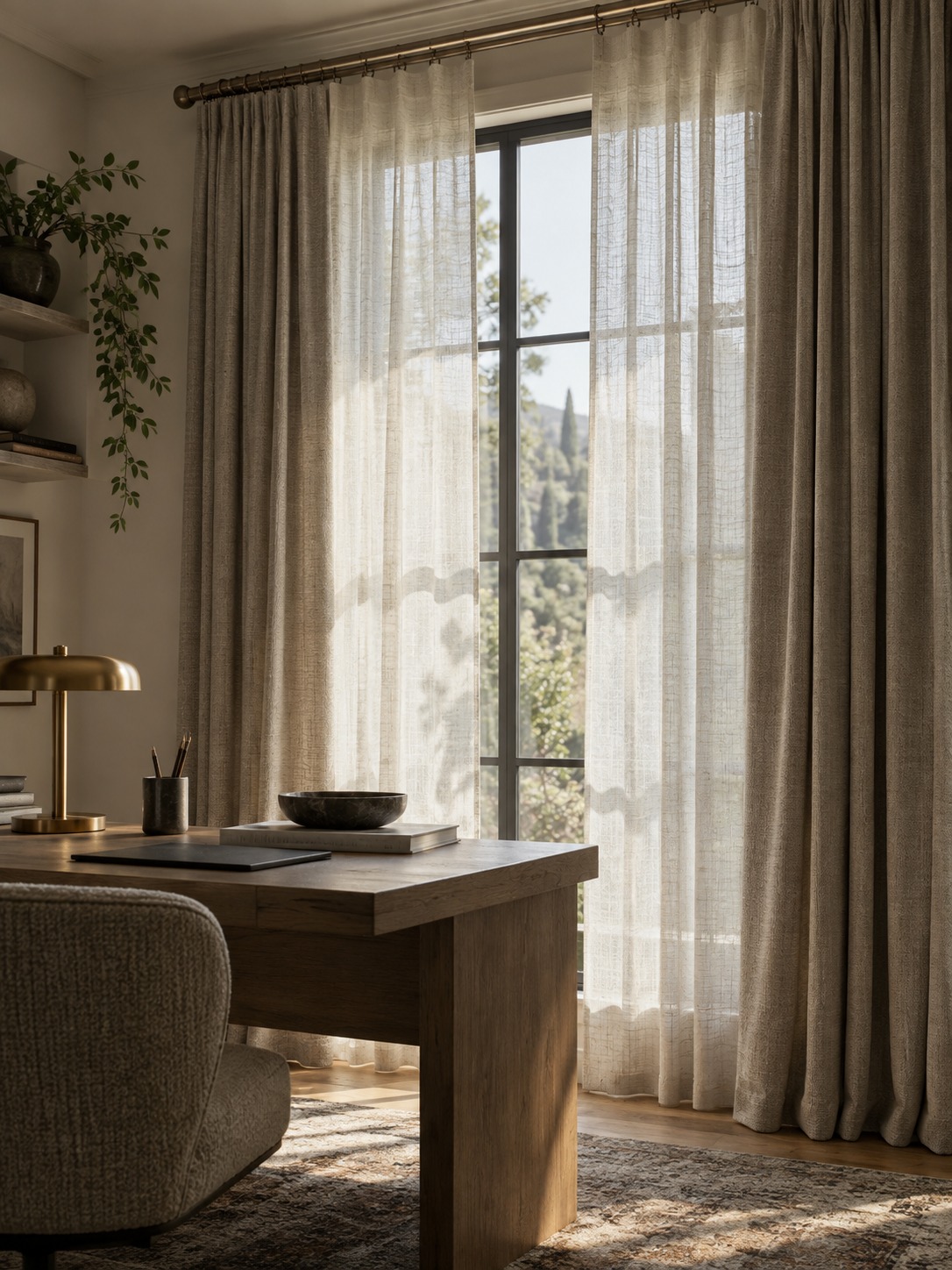
Mount curtains wide enough that they can clear most of the glass when open. This preserves daylight during mild hours and lets the heavier layer close only when needed. For the architectural side of the decision—frame proportions, sill height, and how an opening shapes the room—our guide to Home Window Design provides more context.
Reduce energy use with LEDs, zones, and smart controls
Modern LEDs make it easier to get efficient light without accepting a cold or clinical look. Choose the light quality first, then check wattage and dimming compatibility. A well-shielded, lower-output task lamp can be more useful than a powerful fixture that sends much of its light into the room instead of onto the desk.
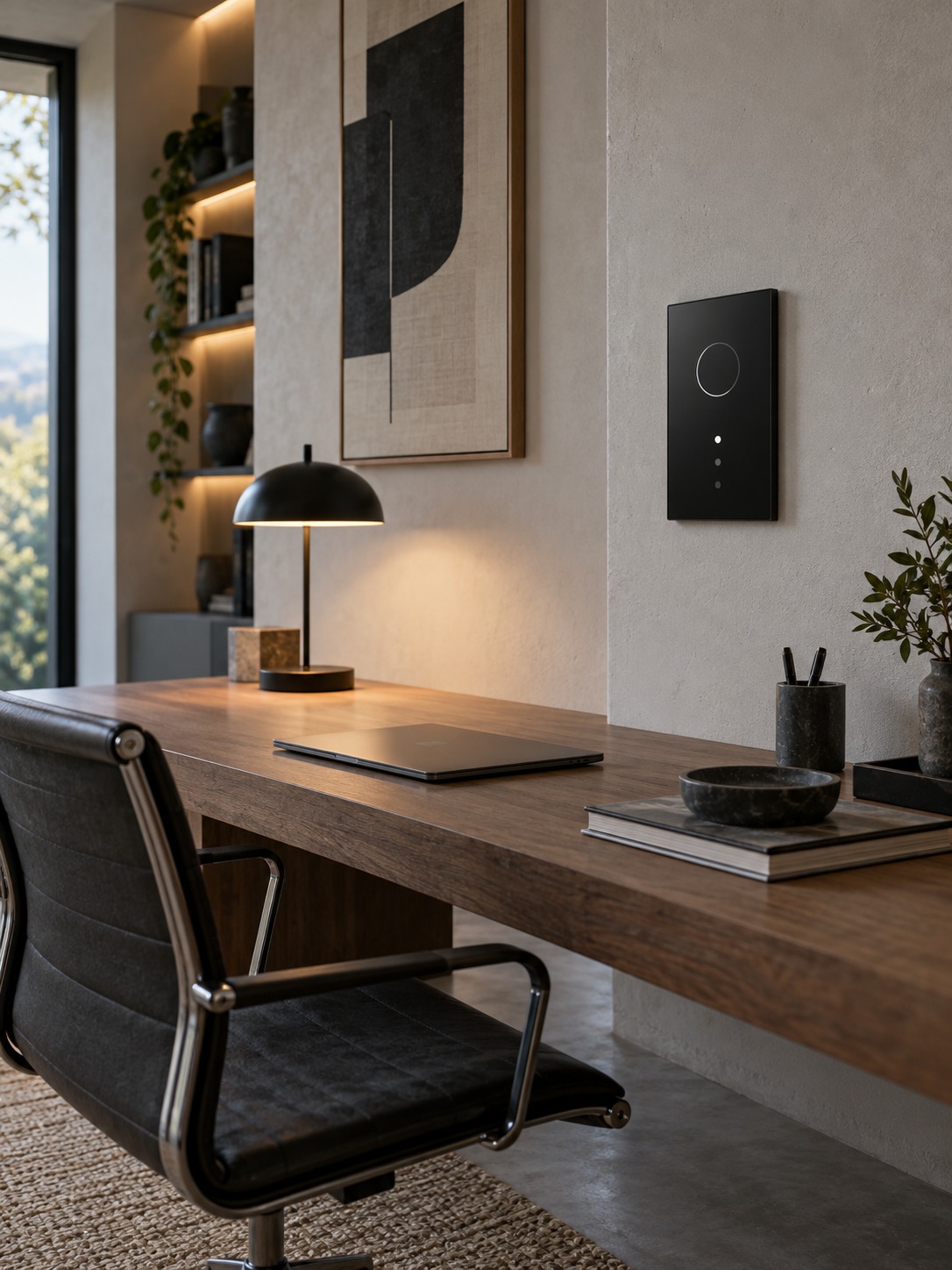
Separate controls matter as much as the bulbs. Put ambient, task, and accent lights on different switches, smart plugs, or scenes so you can run only what the current task needs. During a bright morning, the desk lamp may be enough. On a winter afternoon, the ambient layer can come on before the room feels gloomy.
- Use dimmers rated for the specific LED bulbs or fixtures.
- Group lights by function instead of controlling the whole room as one circuit.
- Use occupancy timers carefully so the lights do not switch off during quiet desk work.
- Save one brighter scene for cleaning and one softer scene for calls or evening planning.
Coordinate lighting with storage, cables, and a flexible layout
A lighting plan should accommodate the way a home office changes. The desk may rotate, a guest bed may arrive, or the room may need to support drawing, exercise, or study. One moving guide cites roughly 8% of Americans relocating in a year, but even without a move, flexible furniture and portable lights reduce the cost of change.
Start with power access. A floor outlet, cable tray, or well-placed wall socket can prevent an extension lead from crossing the room. Keep the main task lamp plug-in unless the desk position is truly permanent. Under-shelf lighting works best when its driver and cable route remain accessible; hiding everything behind fixed joinery can turn a simple replacement into a carpentry project.
For the rest of the layout, Smart Home Office Design for Productivity explains how lighting works with ergonomics and storage. If the room has to feel more domestic and less corporate, How to Set Up a Home Office: Cozy Remote Work Guide offers a softer approach.
Home office lighting mistakes that cause fatigue and glare
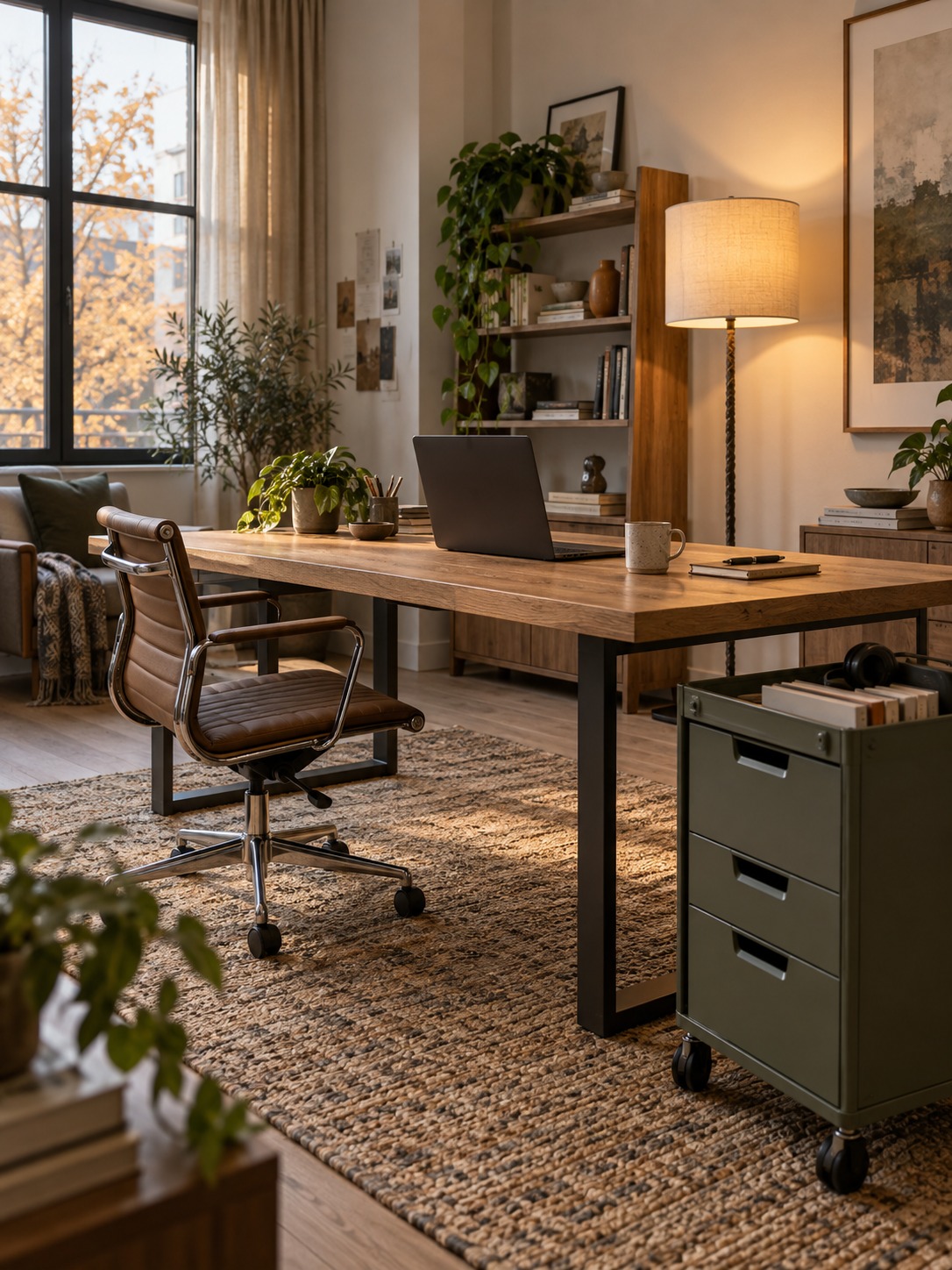
The most common mistake is relying on one ceiling light for the whole room. It can make the floor bright while leaving the keyboard, face, and wall behind the monitor poorly balanced. The second is allowing an exposed bulb to sit within peripheral vision. If a lamp feels harsh, solve the source and shade position before simply lowering the output.
- Putting the window directly behind the monitor, where the bright view competes with the screen.
- Mixing several unrelated color temperatures in the same visual field.
- Using a glossy desk surface that reflects the task lamp into the eyes.
- Lighting the desk well but leaving the wall behind the screen completely dark.
- Choosing fixed fixtures before testing the desk and camera positions.
- Setting one brightness level for every hour instead of responding to daylight.
Make adjustments one at a time. Change the monitor angle, then the shade, then the lamp position, and only then consider a new fixture. This sequence reveals the actual cause and prevents the room from filling with lights that solve the same problem twice.
Home office lighting FAQ
What’s the best lighting for a home office?
The best setup combines ambient, task, and accent lighting rather than depending on one fixture. Start with comfortable room brightness, add an adjustable desk lamp for detailed work, and use a softer background source to reduce contrast. Neutral white light and a CRI of 90 or higher are useful starting points, especially for color-sensitive work.
Where should I position my desk for the best light?
Place the desk perpendicular to the window so daylight enters from the side. This usually reduces direct glare, prevents the window from sitting behind your head on video calls, and keeps your own shadow off the work surface. Adjust the monitor angle before adding heavier window treatments.
What color temperature is best for a home office?
A neutral white around 3500K to 4000K suits many home offices. People who prefer a crisper look for detailed work may choose 4500K to 5000K, while warmer light below 3000K is often more relaxing in the evening. Test the light in the actual room because daylight and wall colors change how it appears.
How can I reduce glare on my computer screen?
Begin by turning the monitor 15 to 20 degrees away from the window reflection. If glare remains, add a sheer curtain, solar shade, or diffusing film rather than blocking all daylight. Keep bare bulbs outside your direct and peripheral view, and choose a matte desk surface where possible.
Do I need a ring light for video calls?
No. You need a soft, diffused light near eye level and in front of you, but it can come from a shaded lamp or compact light panel. Ring lights are convenient, not mandatory. Avoid relying only on overhead lighting, which tends to create unflattering shadows under the eyes and chin.
More home office lighting ideas to study
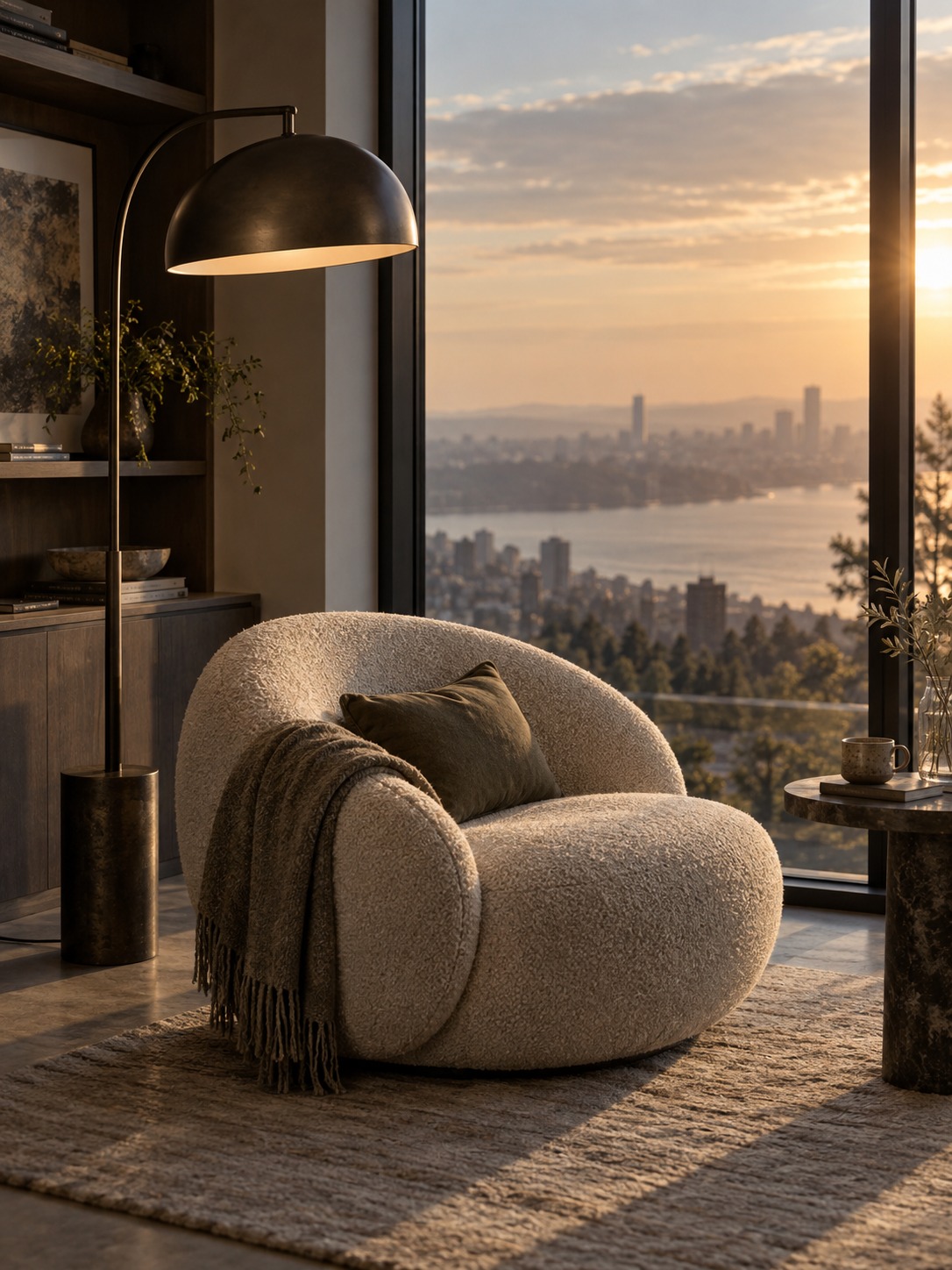
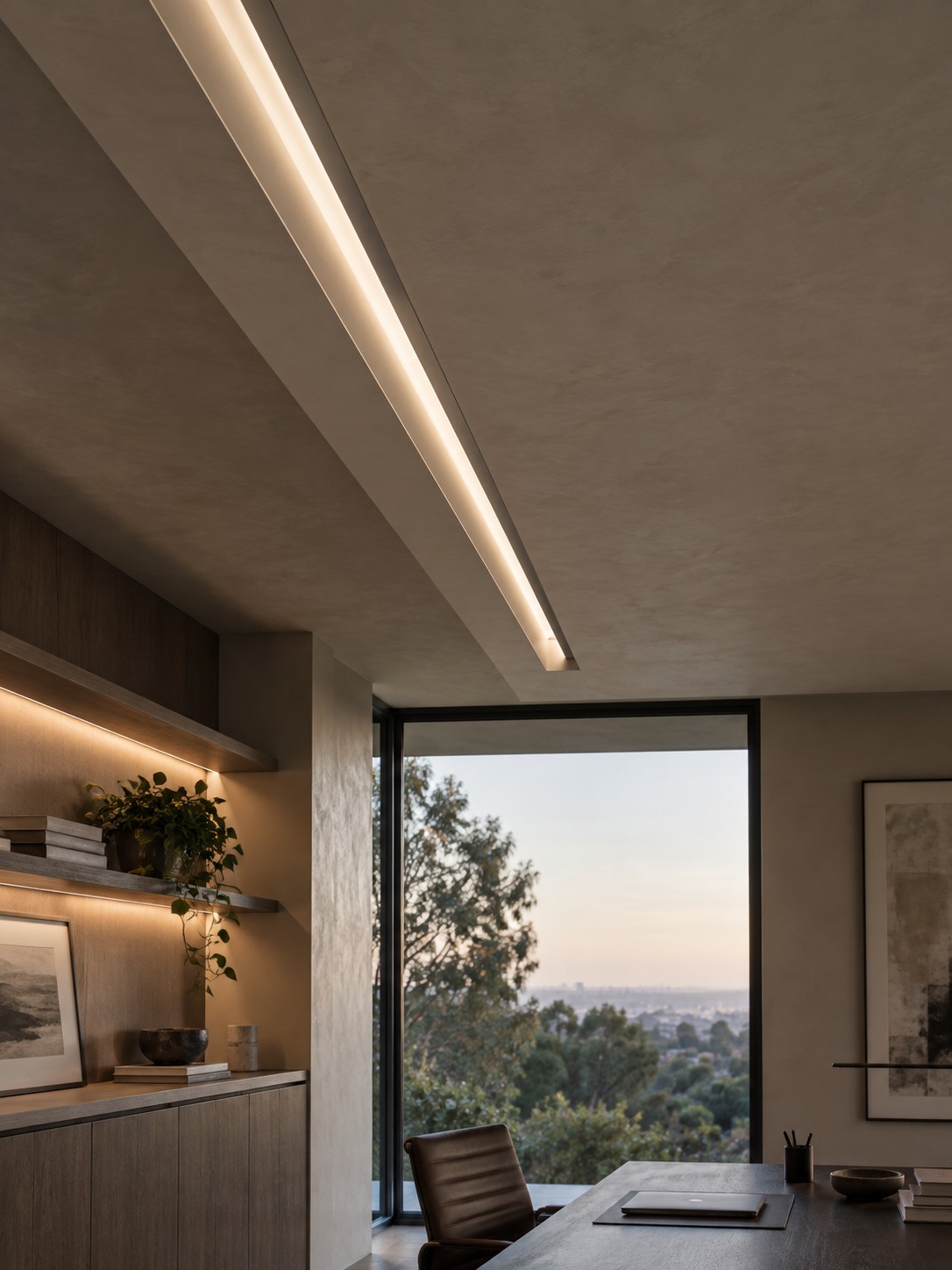
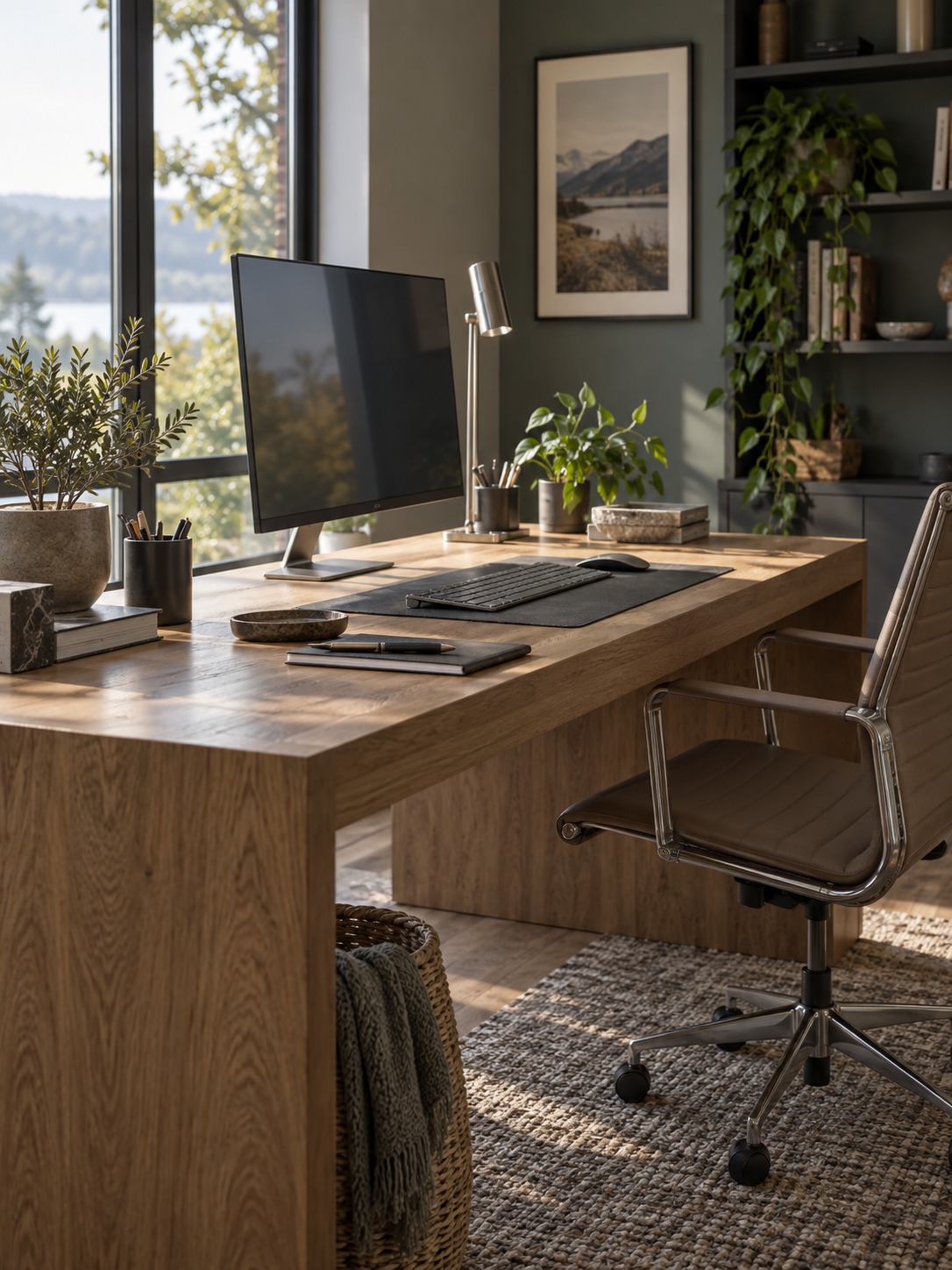
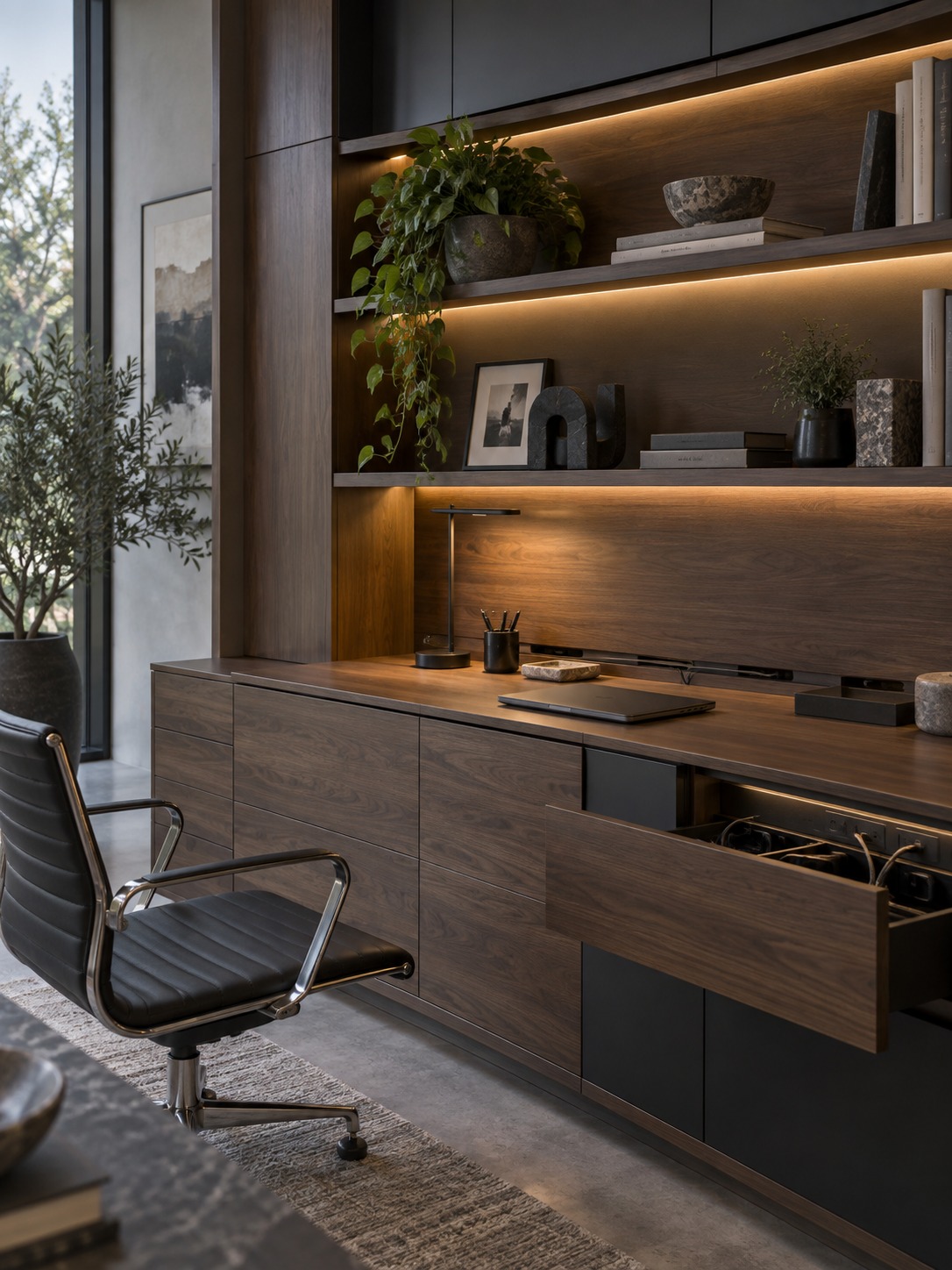
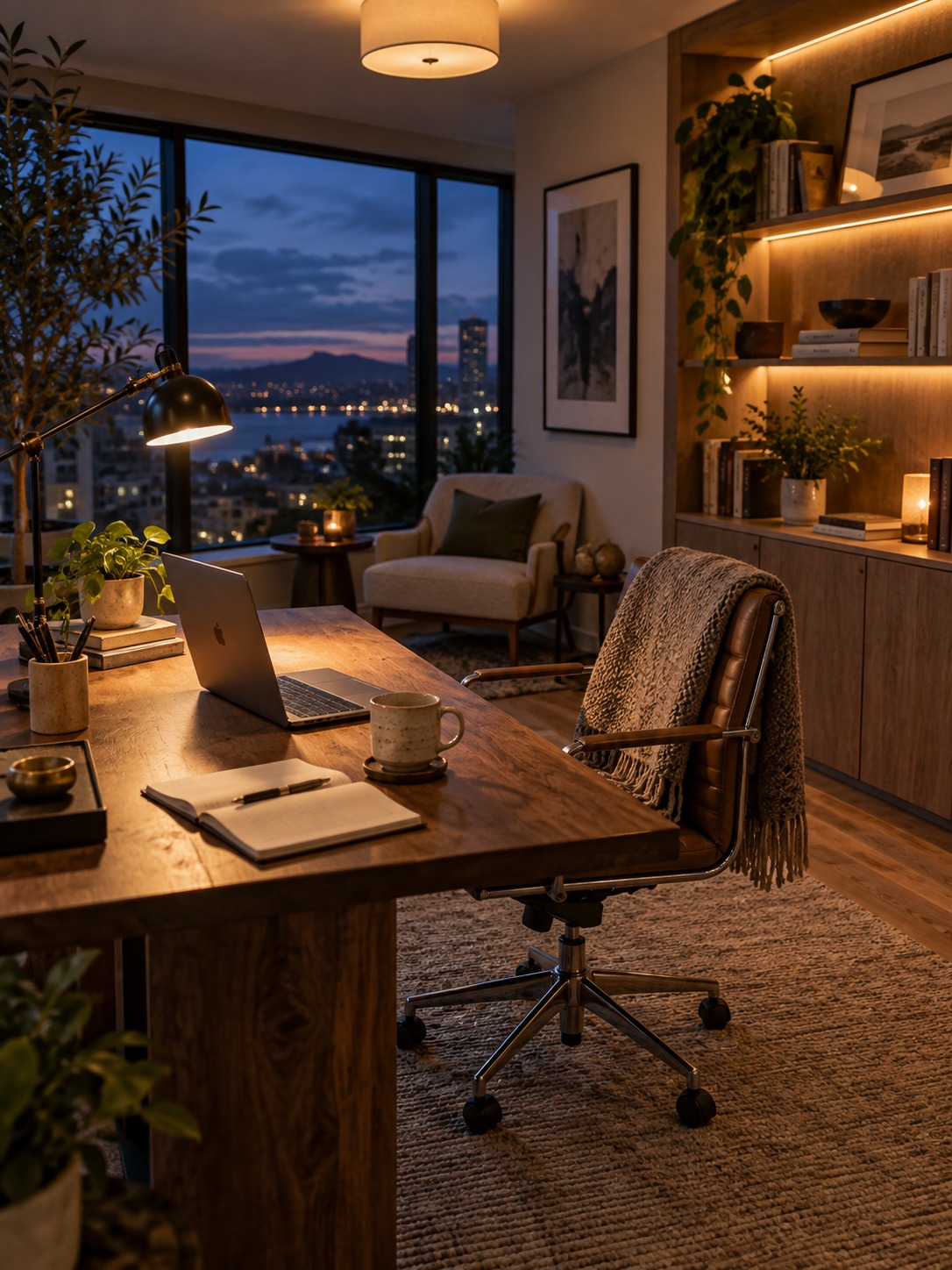
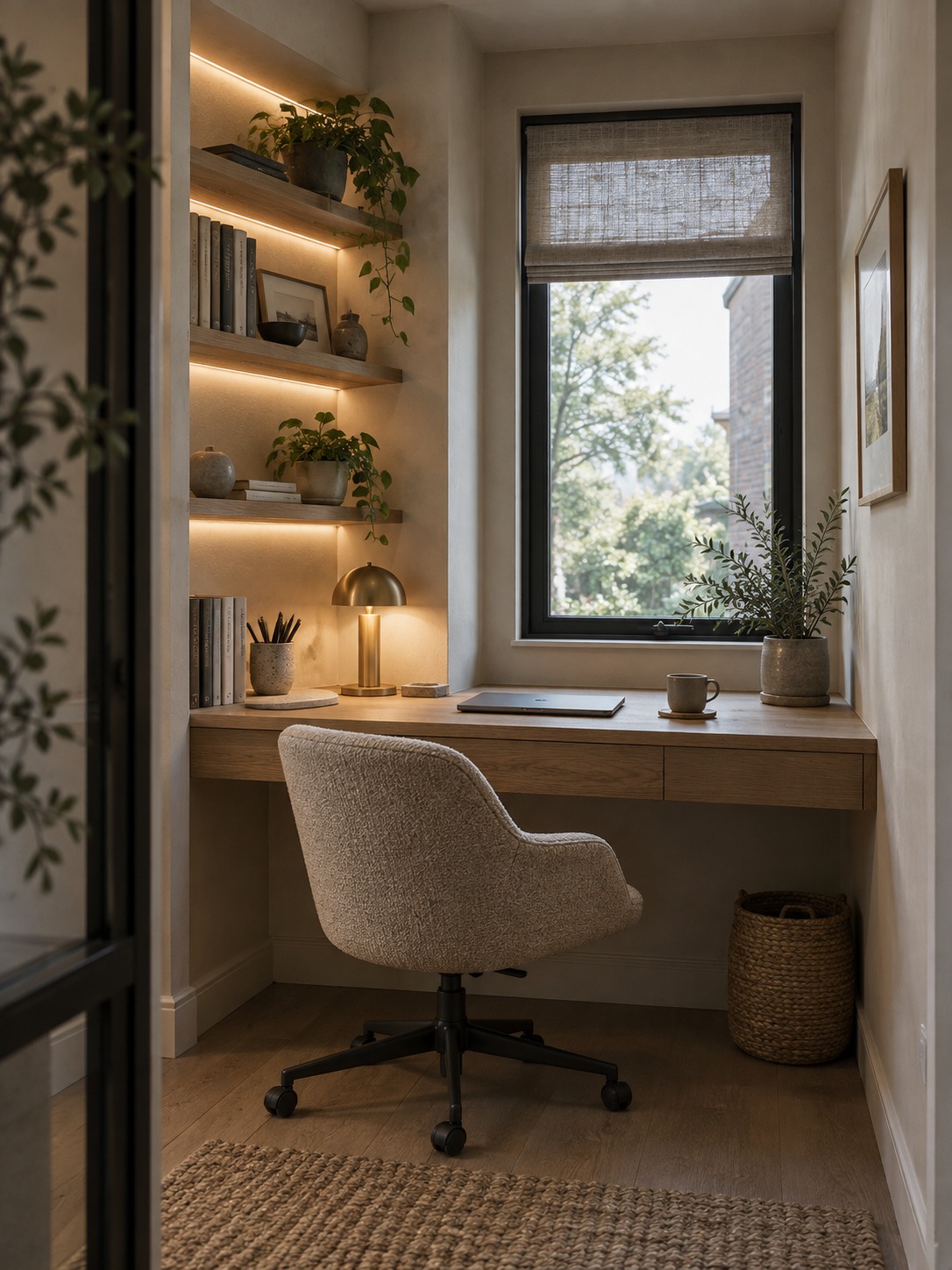
The examples below show how the same principles translate into different room types: a reading corner, a compact alcove, integrated storage, and a complete layered scheme at dusk. Notice that no single fixture carries the entire room. Each image combines useful light with a clear relationship to furniture and daylight.
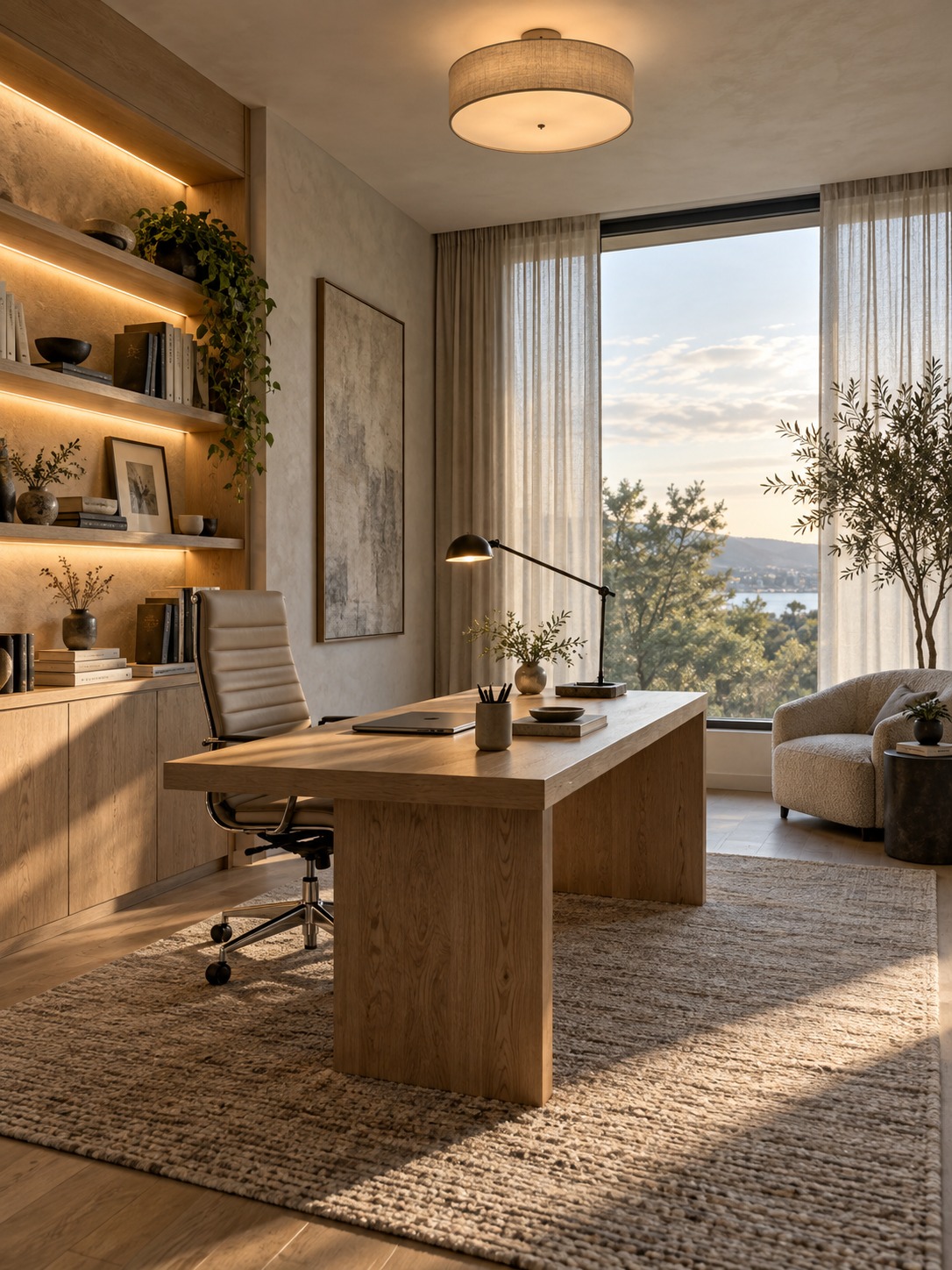
A home office lighting plan that works
Begin with the desk and window, then build outward: ambient light for the room, task light for the work, and accent light for depth. Test the setup in morning daylight, late afternoon, and after dark. The strongest home office lighting ideas are not the ones with the most fixtures; they are the ones that let each source do one clear job and remain easy to adjust as the room changes.
- 12shares
- Facebook0
- Pinterest12
- Twitter0
- Reddit0