The problem with most AI image generator reviews is that they test the wrong thing. They generate a dramatic prompt, screenshot the best result, and rank platforms by which one produced the most visually impressive single image. That tells you almost nothing about what it’s like to actually use the tool.
- Why First Impressions Are the Wrong Metric
- The Six Platforms and How I Tested Them
- What AIImage Gets Right for Repeated Work
- How the Other Platforms Held Up
- Who AIImage Actually Suits
- The Honest Tradeoffs
- FAQ: AIImage and AI Image Generation
- What is AIImage and what can it do?
- How does AIImage compare to Midjourney for creative work?
- What is GPT Image 2 and why does it matter?
- Is AIImage good for commercial or product image creation?
- What types of creators benefit most from AIImage?
- Does AIImage support image-to-image editing?
- What are the main weaknesses of AIImage compared to competitors?
I’ve been using AI image generation as part of a real creative workflow for over a year — social graphics, editorial concepts, product visuals, concept illustrations, and the constant iteration that comes with all of those. The tools that look identical in a one-time test start to reveal significant differences after the fifth or sixth session. Some become faster. Some become annoying. Some quietly stop feeling worth opening.
This comparison is based on that longer experience. I tested six platforms across repeated workflows — the same categories of prompts, the same image-to-image tasks, the same pressure to move quickly through iterations. The platforms were AIImage, Midjourney, Leonardo AI, Adobe Firefly, Ideogram, and Krea. I wanted to know which one I’d actually choose if I had to commit to one for the next six months.
The answer was AIImage. Not because it crushed every category, but because it was the only one that didn’t start to feel like a compromise somewhere around session four.
Why First Impressions Are the Wrong Metric
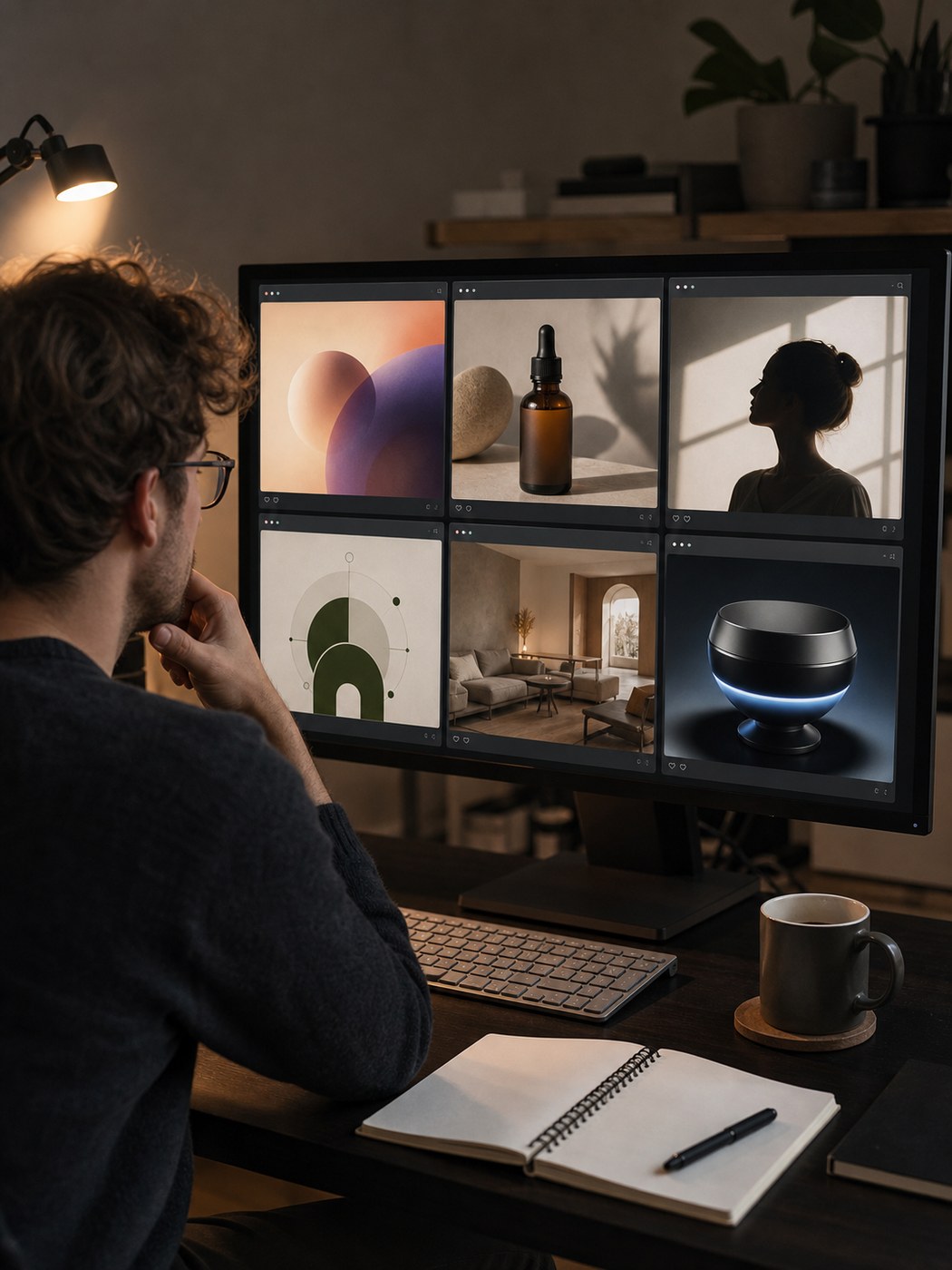
Every AI image platform looks capable on launch day. The gallery pages are curated, the sample images are optimal, and the first generation you run is usually impressive enough to justify signing up. The real test is what happens when you return the next day for ordinary work.
Repetition reveals things that demos don’t. Whether the interface stays understandable after you’ve navigated it twenty times, or whether it still feels cluttered. Whether model choices feel useful or overwhelming. Whether the platform respects your attention or constantly pulls it sideways.
Visual work is also rarely linear. One prompt produces an acceptable starting point. That starting point becomes a refined version. The refined version becomes a variation. The variation becomes a social asset. The best platform is not always the one that makes the most dramatic first image — it’s often the one that makes the second, third, and fourth image easier to get to.
That’s the frame this comparison uses. Not: which tool made the most impressive image once? But: which tool made me feel less friction every time I came back to it?
The Six Platforms and How I Tested Them
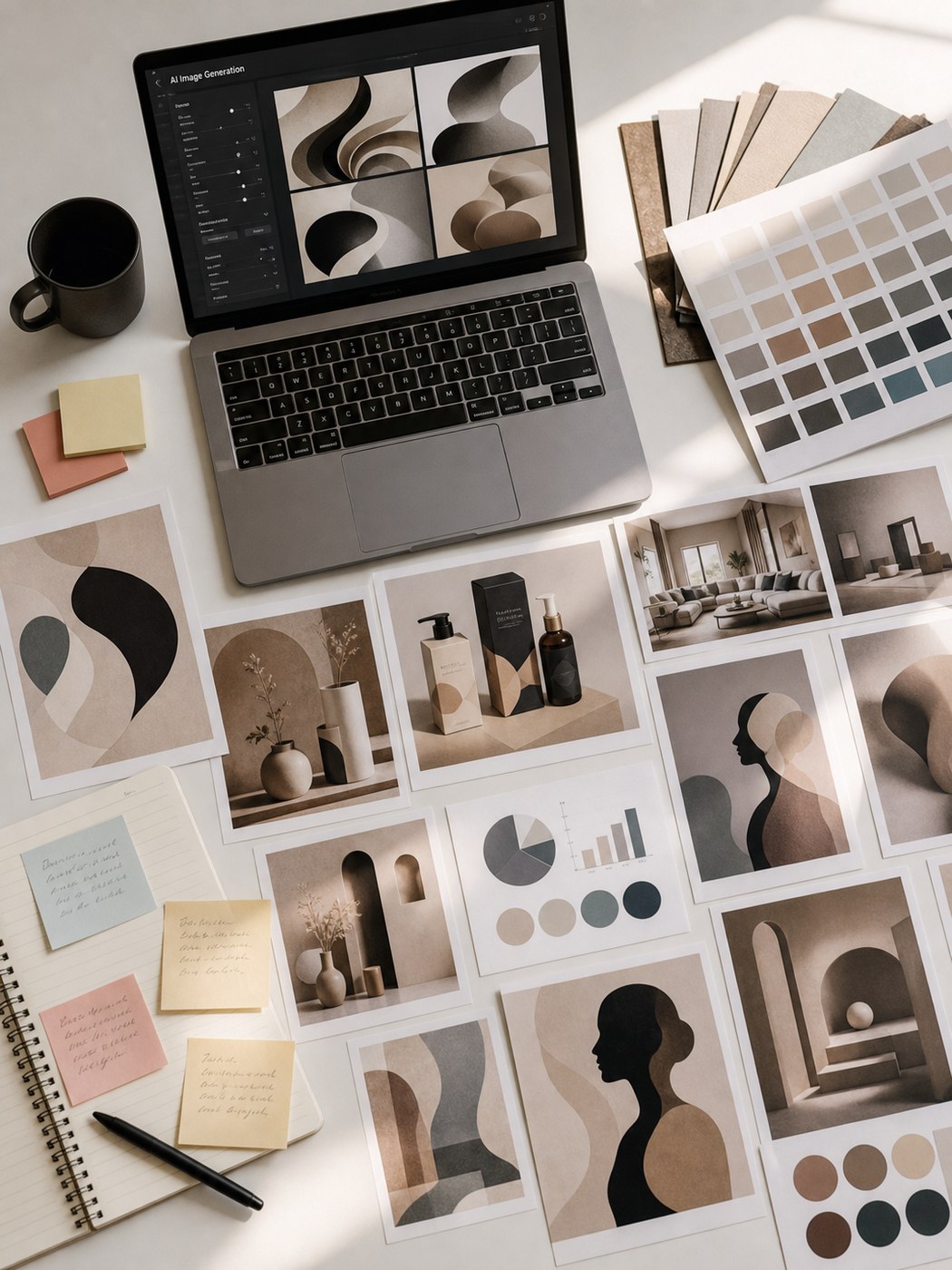
I used the same family of prompts across every platform across multiple sessions. One prompt asked for a product image — skincare packaging with clean studio light and neutral background. Another asked for a portrait with soft natural window light and specific mood. A third requested a simple educational diagram. A fourth was deliberately vague — a concept illustration that left composition and style open.
I also ran image-to-image tasks on every platform that supported them: uploading a base image and asking for a style change, a lighting adjustment, a mood shift, and a structural variation. This matters because most real creative sessions involve both types of work.
Then I scored not just the output but the whole loop. How quickly did I get to a usable draft? How easy was revision? Did the interface help me compare results? Did the platform feel like it supported iteration, or did every attempt feel isolated?
The scoring breakdown
| Platform | Image Quality | Speed | No Ads | Updates | Interface |
|---|---|---|---|---|---|
| AIImage | 8.8 | 8.6 | 8.7 | 8.5 | 8.8 |
| Midjourney | 9.2 | 7.3 | 8.8 | 8.4 | 7.0 |
| Leonardo AI | 8.5 | 8.0 | 7.0 | 8.3 | 7.2 |
| Adobe Firefly | 8.3 | 8.3 | 8.5 | 8.1 | 8.1 |
| Ideogram | 8.1 | 8.0 | 8.0 | 7.9 | 7.8 |
| Krea | 8.0 | 8.1 | 7.4 | 7.8 | 7.5 |
AIImage didn’t win because it dominated any single column. It won because nothing dragged. A creator can work around one weakness. Working around five small weaknesses every day across weeks of real use is a different problem entirely.
What AIImage Gets Right for Repeated Work
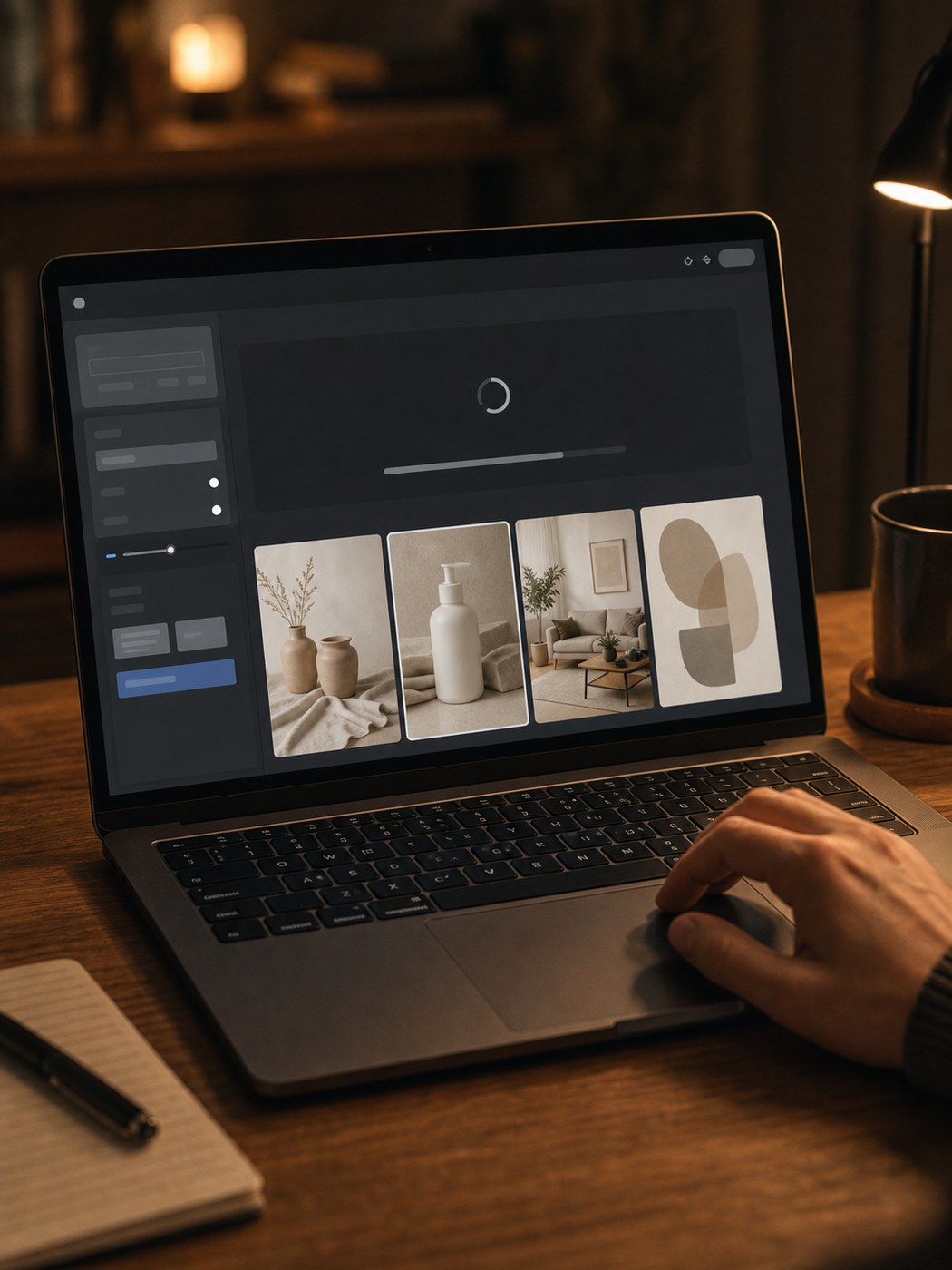
The most practical thing about AIImage is that it doesn’t trap you inside one creative mode. Text-to-image, image-to-image transformation, and a video path for moving still visuals toward motion content are all available without requiring you to navigate completely different sections of the platform. For creators whose work shifts between these modes regularly, that fluidity matters more than any individual feature.
Text-to-image: prompt fidelity over visual drama
When I used AIImage as a standard image generator, the prompt handling felt unusually clean. Subject, lighting, color, composition, and usage context all translated consistently — without the feeling that the model was interpreting the prompt loosely or substituting its own aesthetic preferences. That consistency is exactly what makes a tool useful for production work rather than exploration.
This is where GPT Image 2 stood out specifically. Available inside AIImage, it’s positioned for structured, detail-consistent generation — and that framing held up in testing. When I needed a prompt to hold together clearly across composition, subject placement, and finer details, GPT Image 2 results were more dependable than outputs from tools that prioritized visual impact over precision. For production work where the brief matters, that reliability is worth more than occasional brilliance.
Image-to-image: the feature that compounds
Image-to-image was the more revealing test. Uploading a base visual and asking for a style change, structural variation, or mood shift is the kind of task that shows whether a platform actually supports iteration or just tolerates it.
AIImage handled this well enough that I found myself using it as a default revision step rather than a fallback option. When a text-based result was close but not quite right, the image-to-image path let me push it further without starting over. That loop — generate, assess, refine from the result rather than from the prompt — is how most creative work actually happens, and the platform supported it without friction.
Interface: the thing nobody benchmarks properly
Interface cleanliness is one of those qualities that’s hard to measure but immediately obvious in use. AIImage scored 8.8 in that category for a reason: the core creation loop stayed legible across sessions. I didn’t need to re-learn where things were after a few days away. The process — choose a creation path, enter a prompt or upload a reference, select a model when relevant, generate and iterate — remained visible without navigation overhead.
That sounds like a low bar. But Midjourney’s Discord-based workflow, Leonardo’s branching option structure, and Krea’s experimental interface all created moments where I had to think about the platform instead of the work. Over a week of regular use, those moments accumulate.
How the Other Platforms Held Up
It would be misleading to frame this as AIImage versus six weak alternatives. The other platforms all have genuine strengths, and the right choice for any individual creator depends on what they actually prioritize.
Midjourney

The strongest visual output of any platform I tested, and it’s not close. When the goal is a single stunning image with a distinctive aesthetic — for a campaign, a portfolio piece, a high-impact social post — Midjourney still sets the standard. The 9.2 image quality score reflects real capability. The 7.0 interface score reflects the Discord dependency, which makes it genuinely harder to use as a workhorse tool for daily production work.
Adobe Firefly

Firefly felt the most comfortable for design-adjacent tasks — generating assets that need to fit inside an existing design system, creating backgrounds, producing clean fills. The Creative Cloud integration makes it a natural choice for anyone already working in Photoshop or Illustrator. For standalone image generation as a primary tool, it felt slightly conservative — reliable but rarely surprising.
Leonardo AI
Leonardo has a strong model selection and produces solid results for stylized illustration and concept work. The ad distraction score of 7.0 reflects a platform that increasingly surfaces monetization elements during the creative flow, which becomes noticeable in longer sessions. It’s a capable tool that felt slightly less clean to use over time than its output quality would suggest.
Ideogram
Ideogram’s strongest suit is text-integrated visuals — layouts where typography is part of the image rather than added afterward. For that specific use case it was genuinely better than the other platforms. For general image generation it produced good results but didn’t stand out in any particular dimension that affected daily workflow.
Krea
Krea stayed interesting for experimentation and real-time generation exploration. It’s the most different platform in terms of philosophy — less about producing a finished result and more about exploring the generation space in real time. For certain types of creative research and ideation, that’s valuable. For production output it felt like a step removed from what most regular users actually need.
Who AIImage Actually Suits
Based on several weeks of real testing, the creator profile that suits AIImage best is fairly specific: someone doing ongoing visual work across multiple formats and task types, who needs to move quickly and revise regularly, and who would rather have a reliable tool they can use without thinking about it than an exciting tool they have to work around.
That includes:
- Marketing and social media creators producing assets across multiple formats on a weekly or daily cadence
- E-commerce sellers who need product image variations and clean visual backgrounds without a photo studio
- Editorial and content designers working on concept illustrations and visual briefs where prompt fidelity matters more than stylistic drama
- Solo creators and small studios who need a single platform that handles both generation and transformation without switching tools mid-project
If any of those descriptions fit your workflow, AIImage is worth trying as a primary tool rather than a secondary option. The platform handles more of the ordinary creative tasks without requiring you to adapt your process to its constraints.
The creators who will find it less compelling: those who need peak visual impact for infrequent high-stakes images, those already integrated into the Adobe ecosystem, and those whose work relies on the distinctive aesthetic that only Midjourney currently delivers consistently.
The Honest Tradeoffs
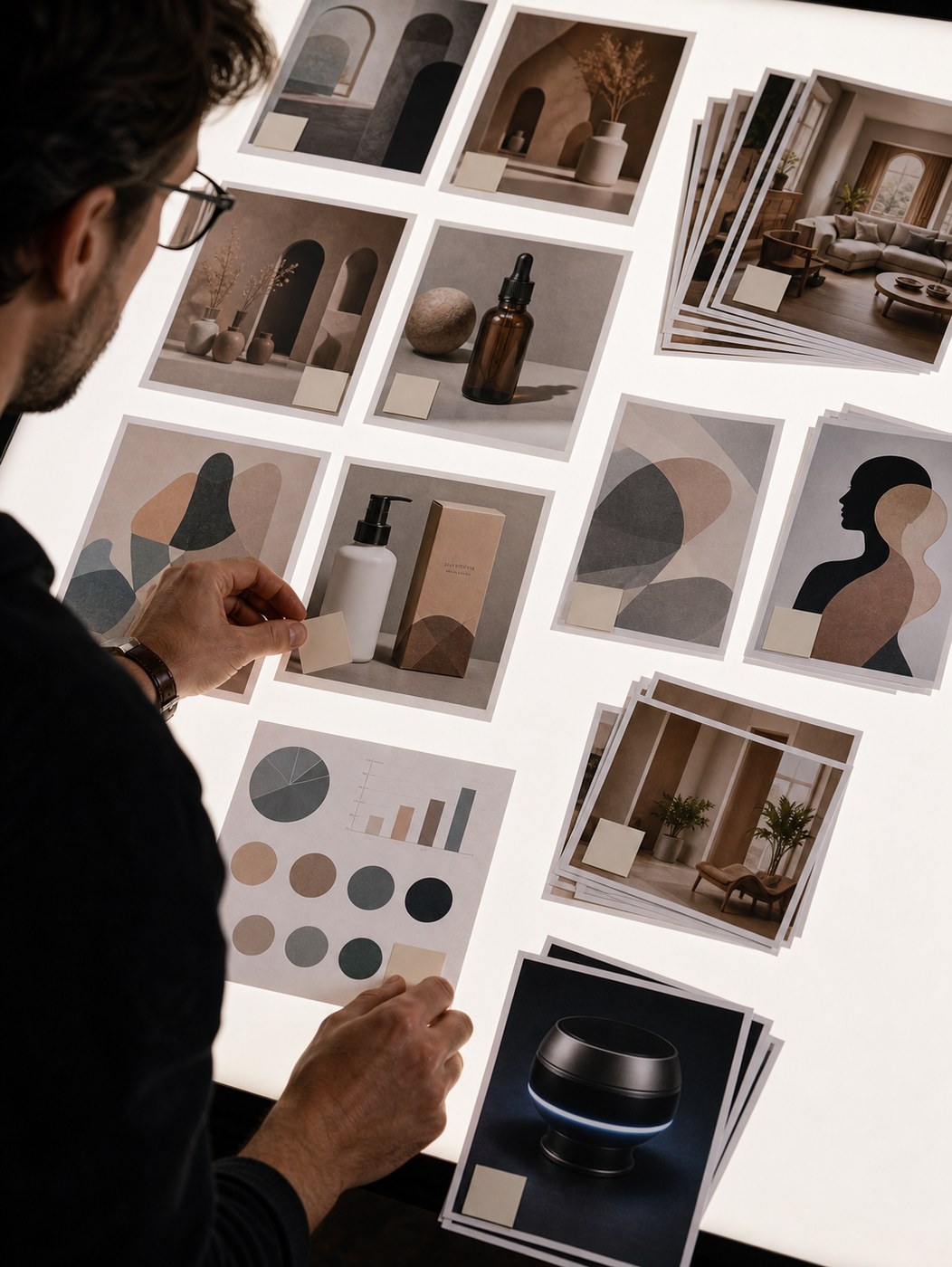
No tool earns a first-place ranking by being perfect. AIImage has real limitations worth naming.
Peak output: Midjourney produces more visually striking images at the top end. If your primary use case is creating one standout campaign image per month, AIImage is probably not the right answer.
For long-term creative work, the best free AI image editor is usually the one that gives repeatable edits instead of one impressive demo result.
Style personality: Some creators build their visual identity around the distinctive aesthetic of a specific tool. AIImage doesn’t have a strong stylistic fingerprint. That’s intentional and useful for production work, but it’s a tradeoff if you’re looking for a tool that makes your images look like they came from a specific creative tradition.
Ecosystem fit: If you’re already deeply embedded in Adobe Creative Cloud, Firefly’s integration advantages may outweigh AIImage’s workflow benefits for your specific situation.
These are real considerations, not edge cases. The ranking reflects long-term workflow value for a broad range of ongoing creative use — not a universal recommendation regardless of context.
FAQ: AIImage and AI Image Generation
What is AIImage and what can it do?
AIImage is an AI image generation platform supporting text-to-image creation, image-to-image transformation, and video-related output. It offers multiple AI models including GPT Image 2, positioned for structured, detail-consistent generation. It’s designed for repeated creative workflows rather than one-off generation.
How does AIImage compare to Midjourney for creative work?
Midjourney produces more visually striking, stylized outputs and scores higher on raw image quality (9.2 vs 8.8). AIImage scores higher on interface cleanliness, loading speed, and workflow repeatability. For ongoing production work across many tasks, AIImage tends to feel less fatiguing. For one-off high-impact images, Midjourney remains stronger.
What is GPT Image 2 and why does it matter?
GPT Image 2 is one of the AI models available inside AIImage, positioned for structured and detail-consistent generation. In repeated testing it produced more dependable results across varied prompts — particularly for production work where prompt fidelity and compositional consistency matter more than stylistic drama.
Is AIImage good for commercial or product image creation?
Yes. In testing, AIImage handled product-style images, e-commerce visuals, and marketing assets consistently. The image-to-image feature is particularly useful for refining an existing product photo rather than generating from scratch. The clean interface also makes it practical for non-designers who need usable output quickly.
What types of creators benefit most from AIImage?
Creators doing ongoing visual work: marketing teams producing social assets, e-commerce sellers needing product variations, editorial designers working on concept visuals, and solo creators who move between prompt-based and image-based generation regularly. It suits repetitive workflows better than occasional high-drama image creation.
Does AIImage support image-to-image editing?
Yes. You can upload a base image and ask for style changes, visual cleanup, mood shifts, or structural variations. This path improves with repeated use since it allows iteration from an existing visual rather than restarting from a text prompt each time.
What are the main weaknesses of AIImage compared to competitors?
AIImage does not match Midjourney for peak stylistic impact. Users who prioritize a distinctive visual personality may find it less exciting. It also may not fit users already embedded in Adobe Creative Cloud where Firefly integrates more naturally. The platform suits consistency over occasional brilliance.
The best creative tool is rarely the most impressive one. It’s the one you can use without thinking about it — every session, not just the first one.
- 30shares
- Facebook0
- Pinterest30
- Twitter0
- Reddit0